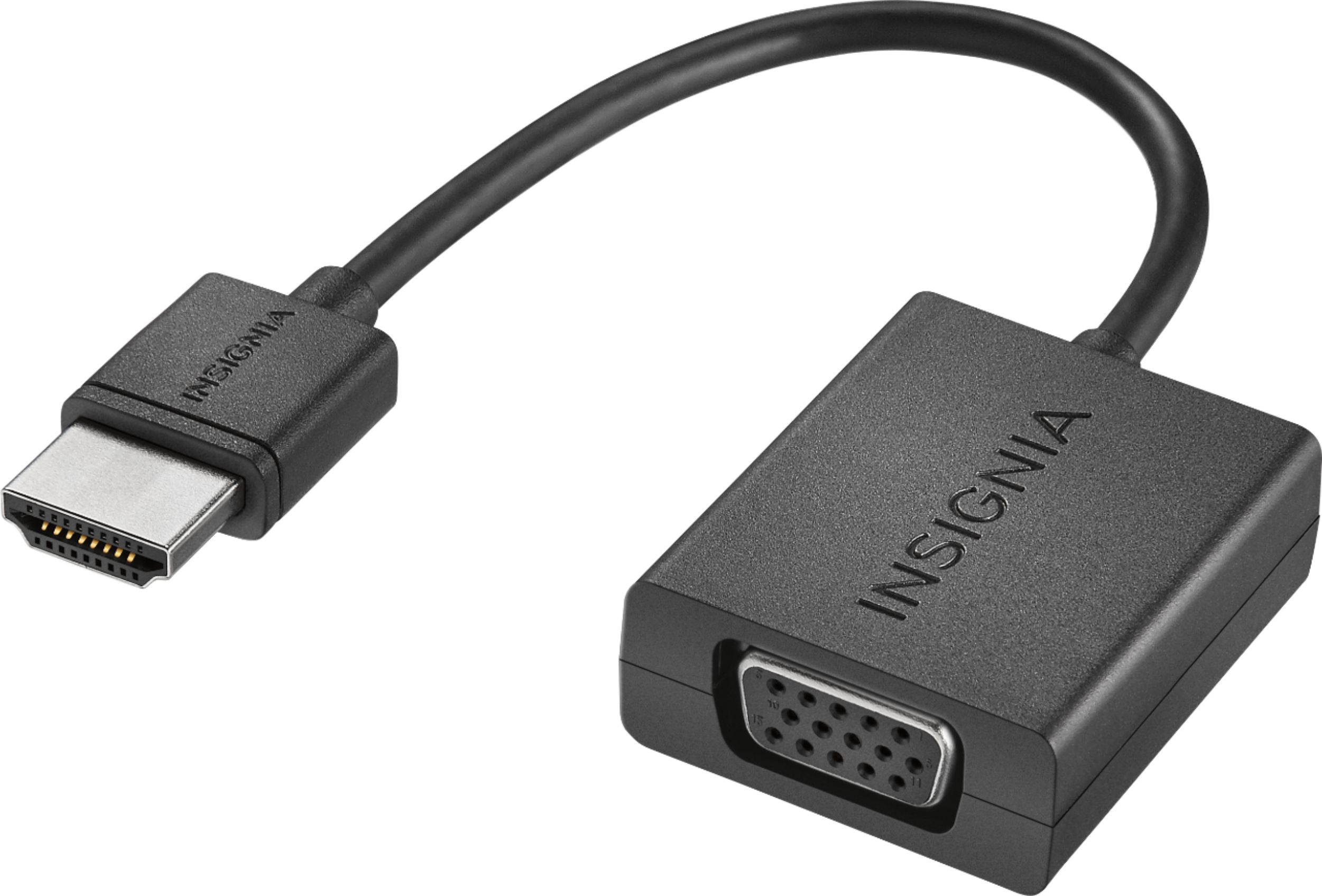
A:AnswerAbout 2 to 3 inches. It's just. Enough to plug into the HDMI port. You need a vga cord to get (longer the better) if you need any type of distance. I don't think it is long enough to even connect directly to any thing.
Hope this helps
A:AnswerI needed no power cord to make this work. I love this adapter it just works. It can only hook up to and HDMI output to a VGA input though not the other way around.
A:AnswerAs i understand it these connectors only go one way so if its meant to convert vga to hdmi it wont convert hdmi to vga i know seems strange but i had same issue and got help from associate he explained the diffrence and it seemed to work.
A:AnswerTry adjusting your screen resolution and or refresh rate. The card can do up to 60fps while the monitor will probably handle around 30, other than that maybe faulty adapter or monitor.
A:AnswerTake your PS3 into the Geek Squad and have them check if another (new) adapter works (i.e. yours burned out for some reason) or if plugging to a different monitor makes a difference (VGA cables get flakey over time).
A:AnswerThere is a cord from your router to the computer ... that cord is connected to the wrong computer inlet.
Just try another another inlet next to the one it is presently conneected .. that should solve the video problem.
A:AnswerOn mine it actually maxed out at 1024x768 (although my monitor goes up to 1600x1050) and did center it, but didn't expand to the sides. I do go through an old KVM so that may be the issue on mine.
A:AnswerYou have a windows 98 computer that has hdmi? I'd be surprised if you did. If you do then yes it will work. Does. It go from vga to hdmi, only converts from hdmi to vga
A:AnswerAbsolutely. This device simply converts the HDMI to VGA giving you 2 VGA ports. The OS does the rest to allow you to control the info sent to each display.