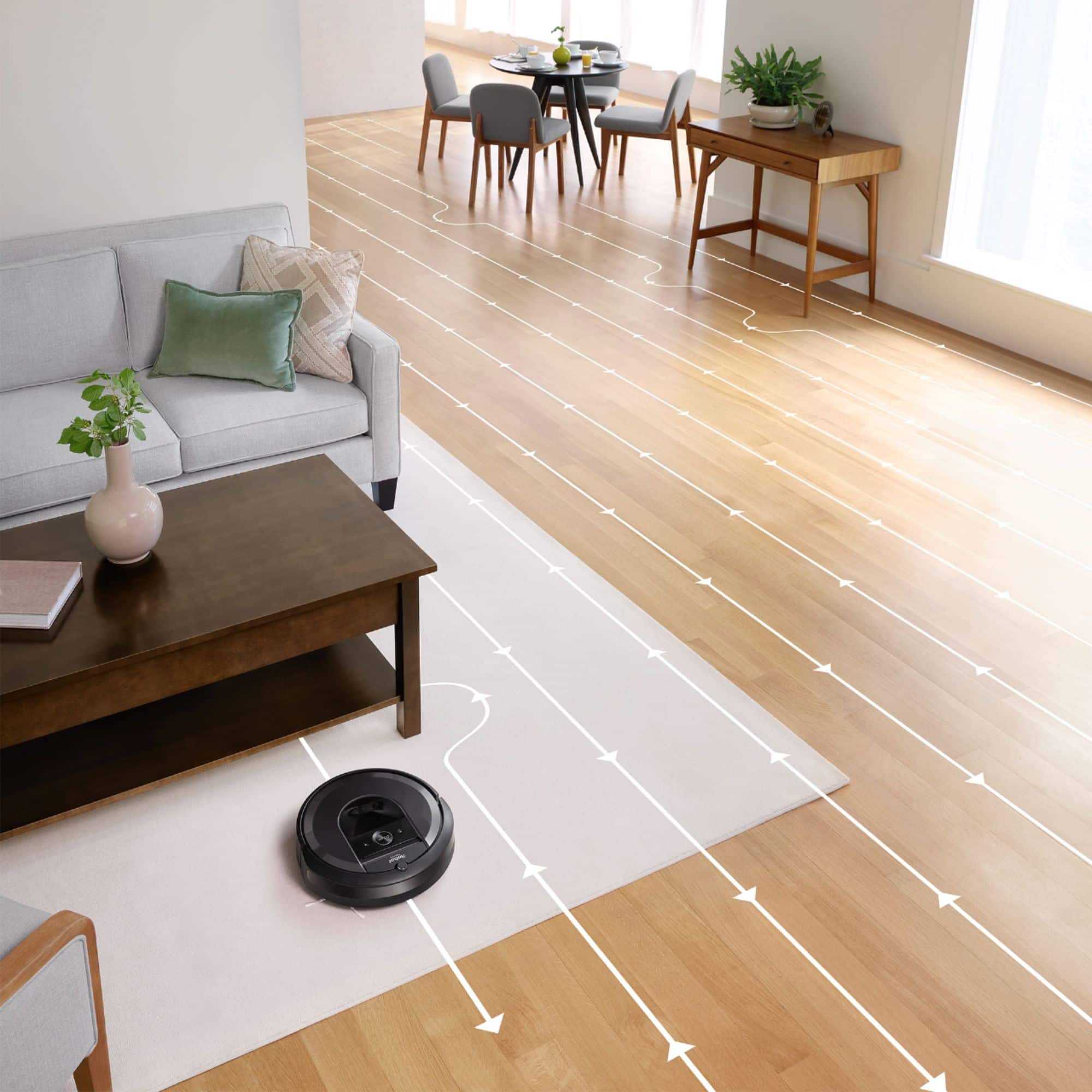
A:AnswerYes it does. There is a training mapping mode that you can put it in where it just travels and does not clean to expedite the mapping. Then it finalizes it in the next 5 - 7 cleanings.
A:AnswerOnce I discovered the training mode, it seemed to do a better job of staying in one place. Until it builds out the smart map, it is not very "smart". In my case, it would need to recharge during cleaning and every time it came off the charger, it would start in the same area and "waste" time there before going further. I have a fairly large space and so I only have it clean selected rooms and have not had it clean everything since it was mapped out so don't know if it would still go back and forth in that case. If you clean selected areas, it definitely does not wander around.
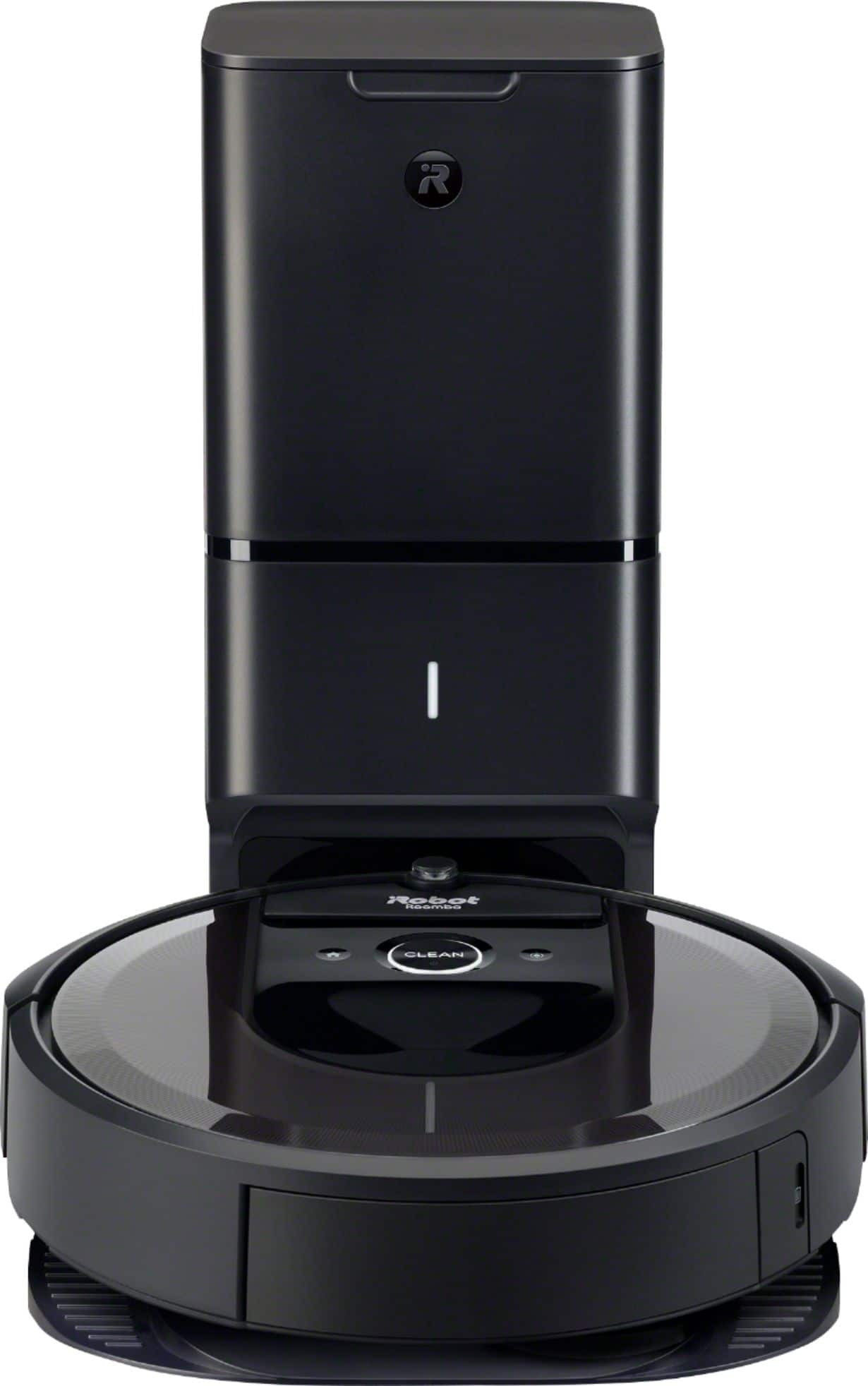
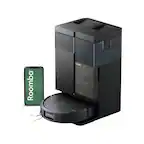
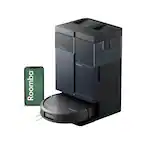
A:AnswerThis is my 3rd Roomba and I would say yes. However the auto dirt disposal is louder than I expected. Yet this does not bother me.
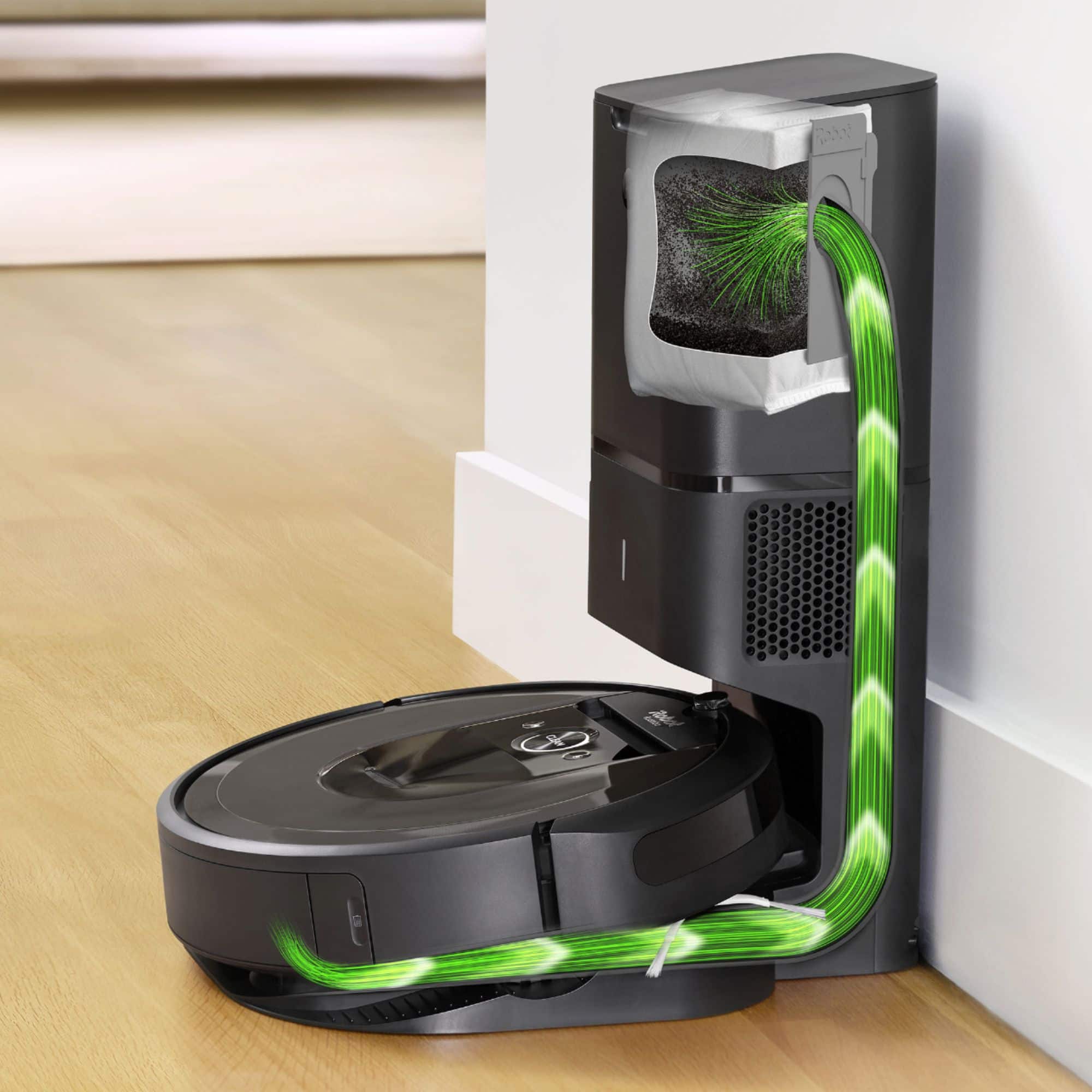
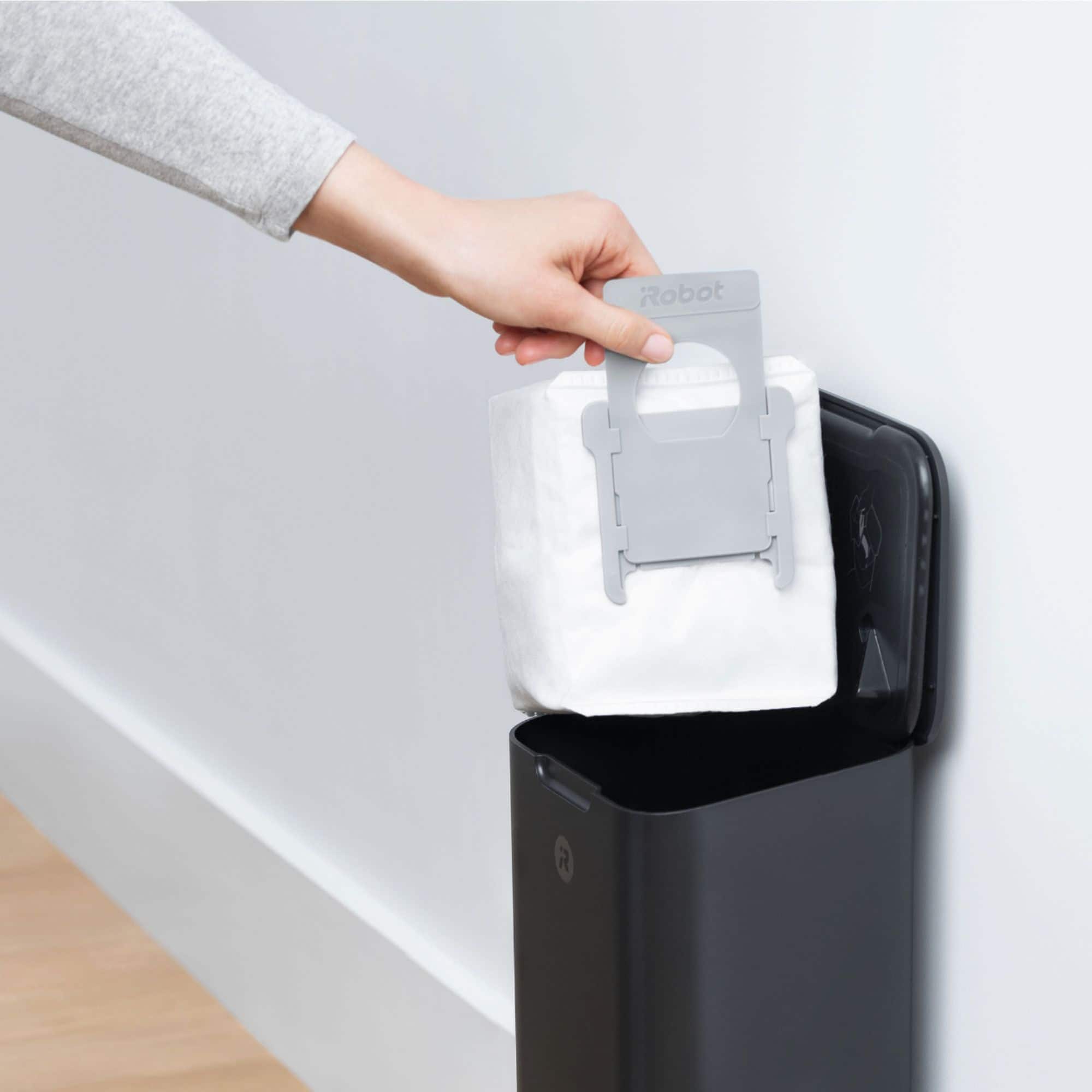
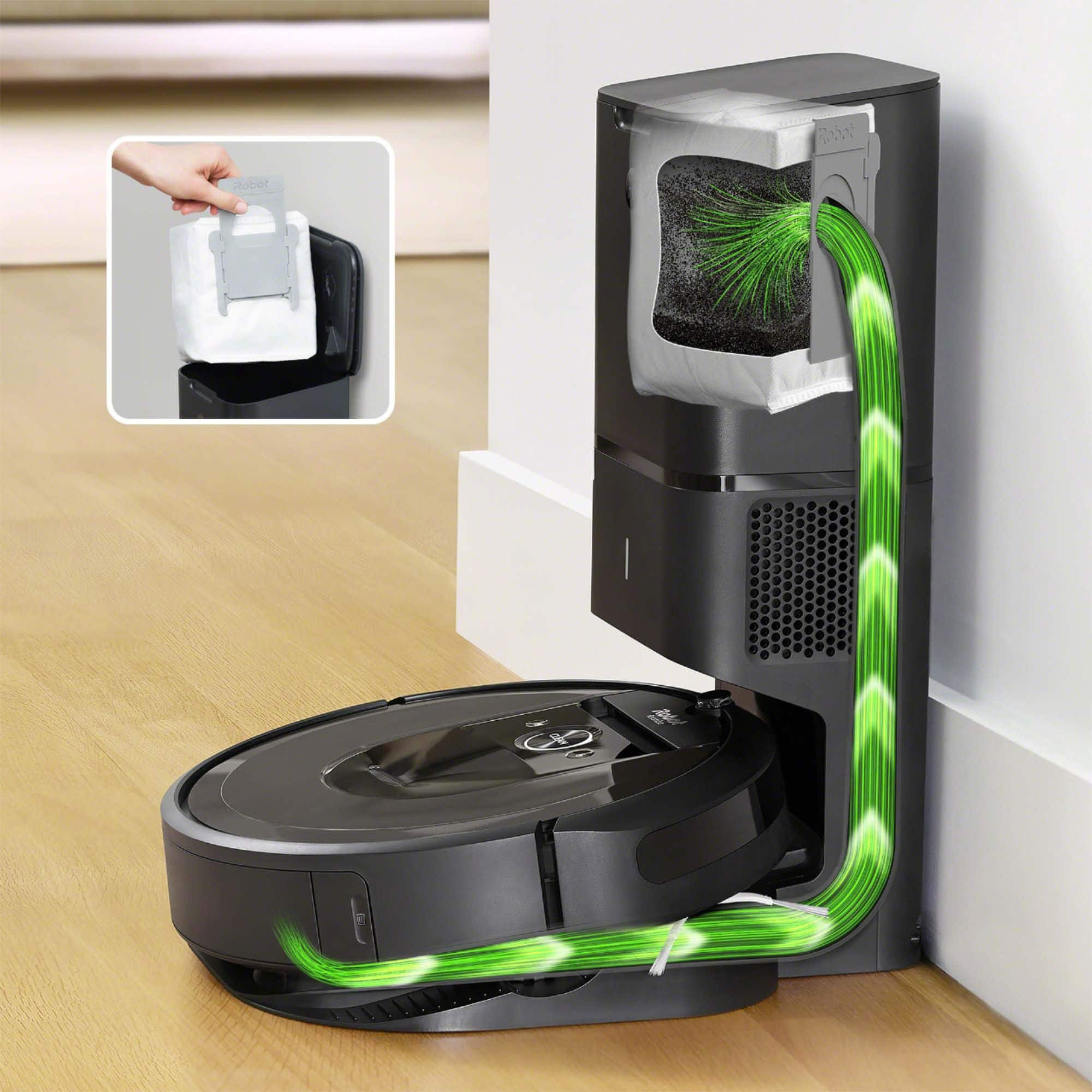
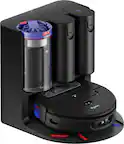
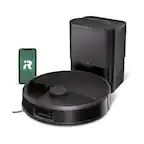
The reason I love this new feature is because it empties directly when it’s done cleaning and when it re- docks itself to the docking station. This new features eliminates the need to dump your iroomba manually which generates the dirt into the air and sometimes all over the place while dumping it.
I would recommend if your going to spend the money for one of the I7 or I9 models, spend the additional to get Auto vacuum feature.
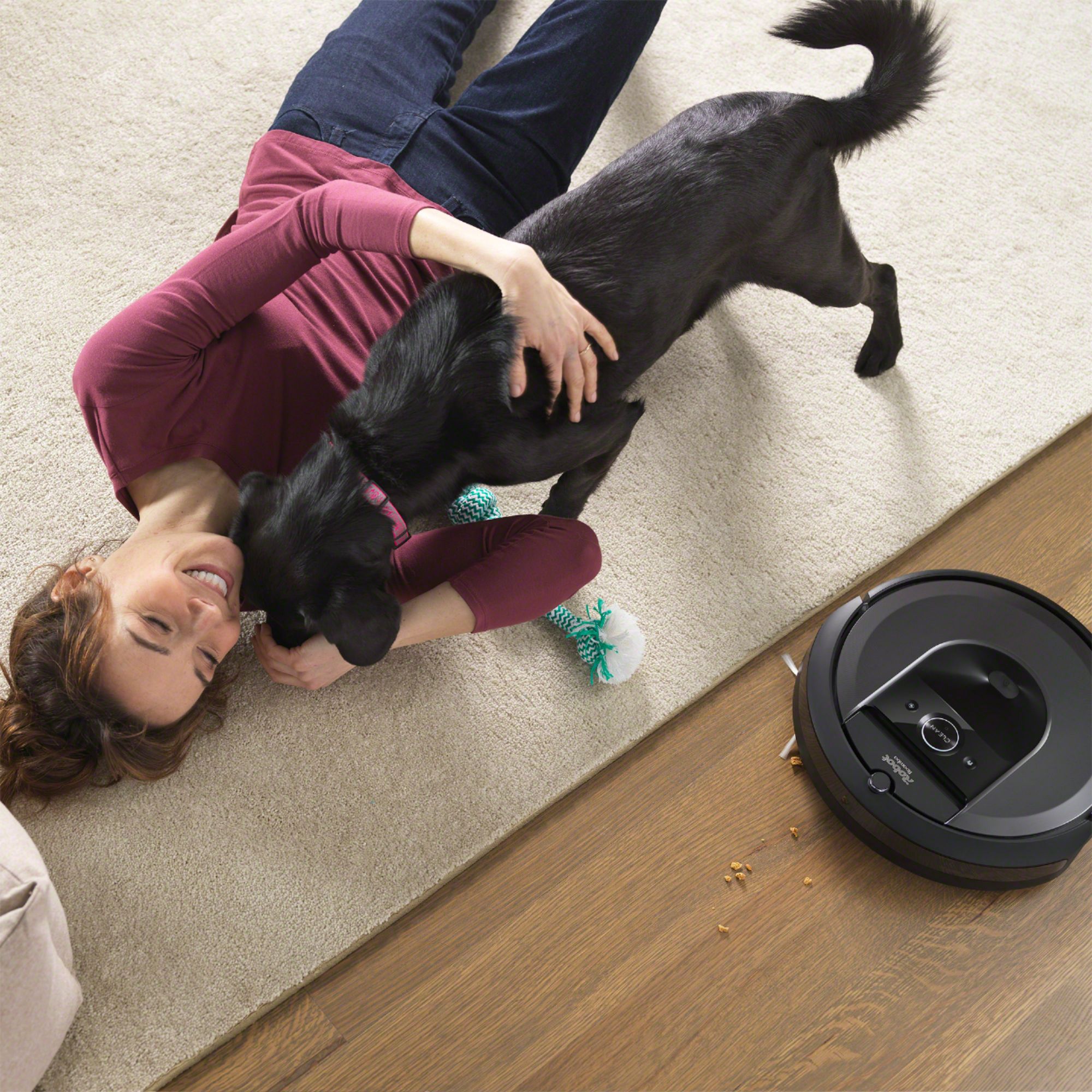
A:AnswerLike a traditional vacuum, Roomba is designed to pick up debris of various sizes. Small animal pellets shouldn’t be a problem, nor should hay - although the length of the pieces would matter if they're longer than the length of a vacuum cleaning head.
A:AnswerMy home is 4100 sqft. and the robot pretty much cleans my house every day in some areas and every other day in other rooms or areas. It will continuously recharge itself and empty its bin as many times as it takes to finish its job.. It will amaze you at just how quick and thorough it can be! I would definitely not worry too much about the size...
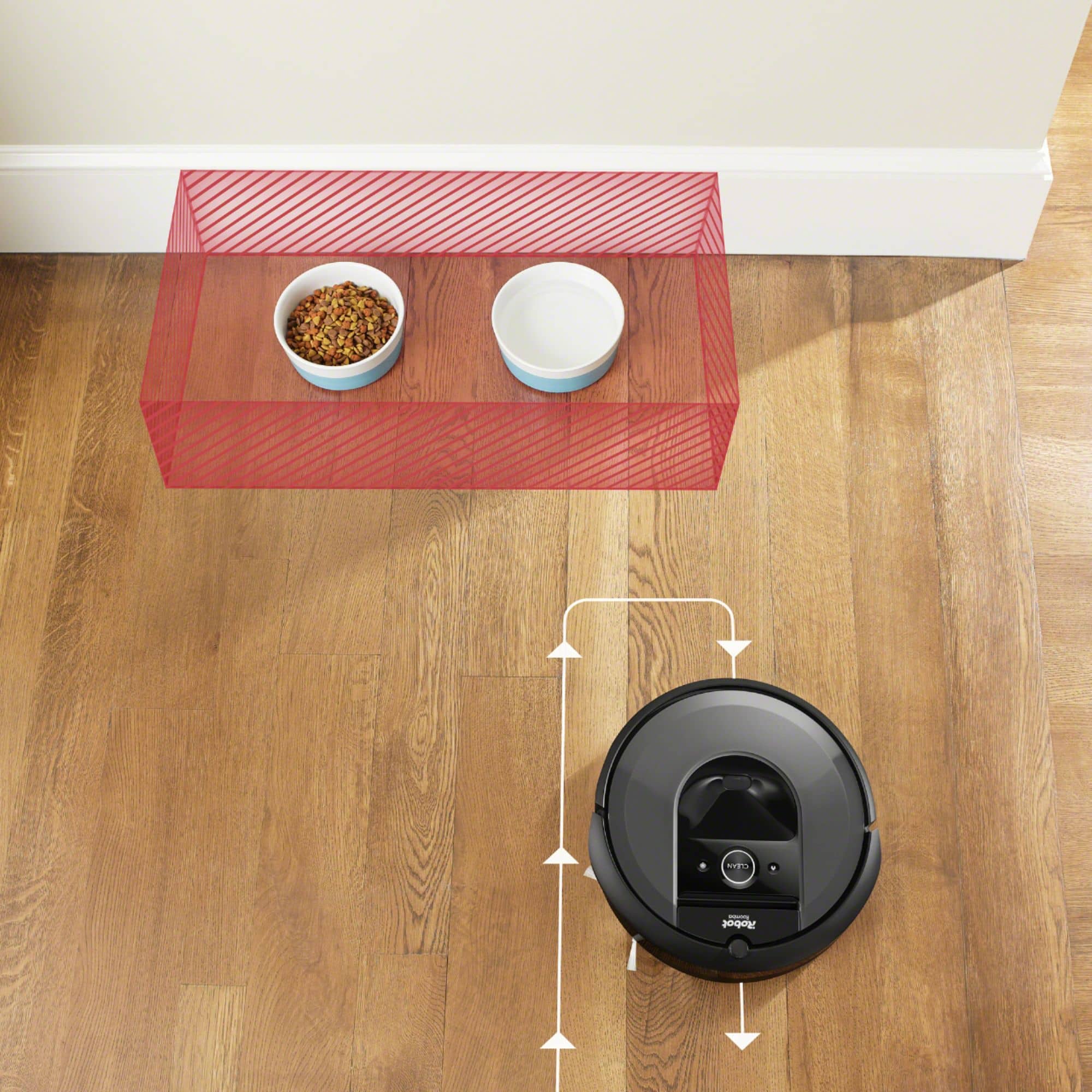
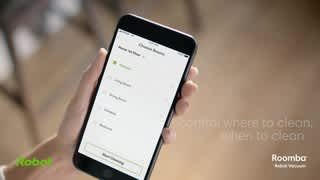
A:AnswerYour Roomba does have a handle for easy transport. You can also control where it does or doesn't vacuum easily, through lines/room designations drawn in the app, or with the use of a virtual wall.
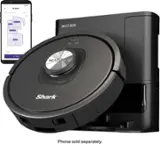
A:AnswerAll current Roombas (including your i7+) are compatible with Android and IOS systems. You can also start or stop your Roomba with a voice command using either Amazon Alexa or Google Assistant.
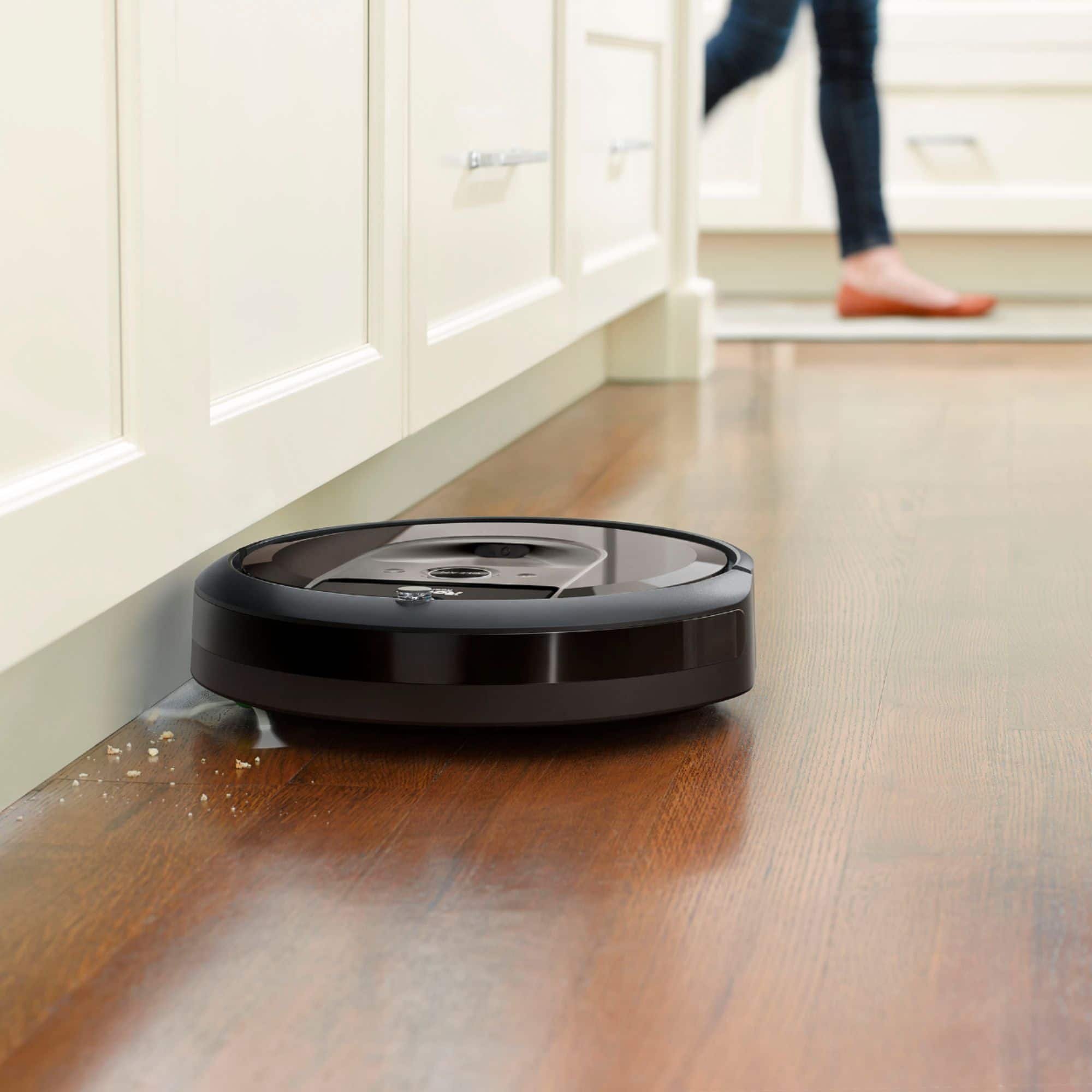
A:AnswerIt does a fantastic job on tile and carpets! Automatically empties dust, dirt and dog hair in the bag when it's full. If it isn't finished doing the vacuuming, and loses the charge, it will automatically go to the charging station and charge itself and go back and finish the job. Alerts you on the phone when the job is complete! Amazing little robot!
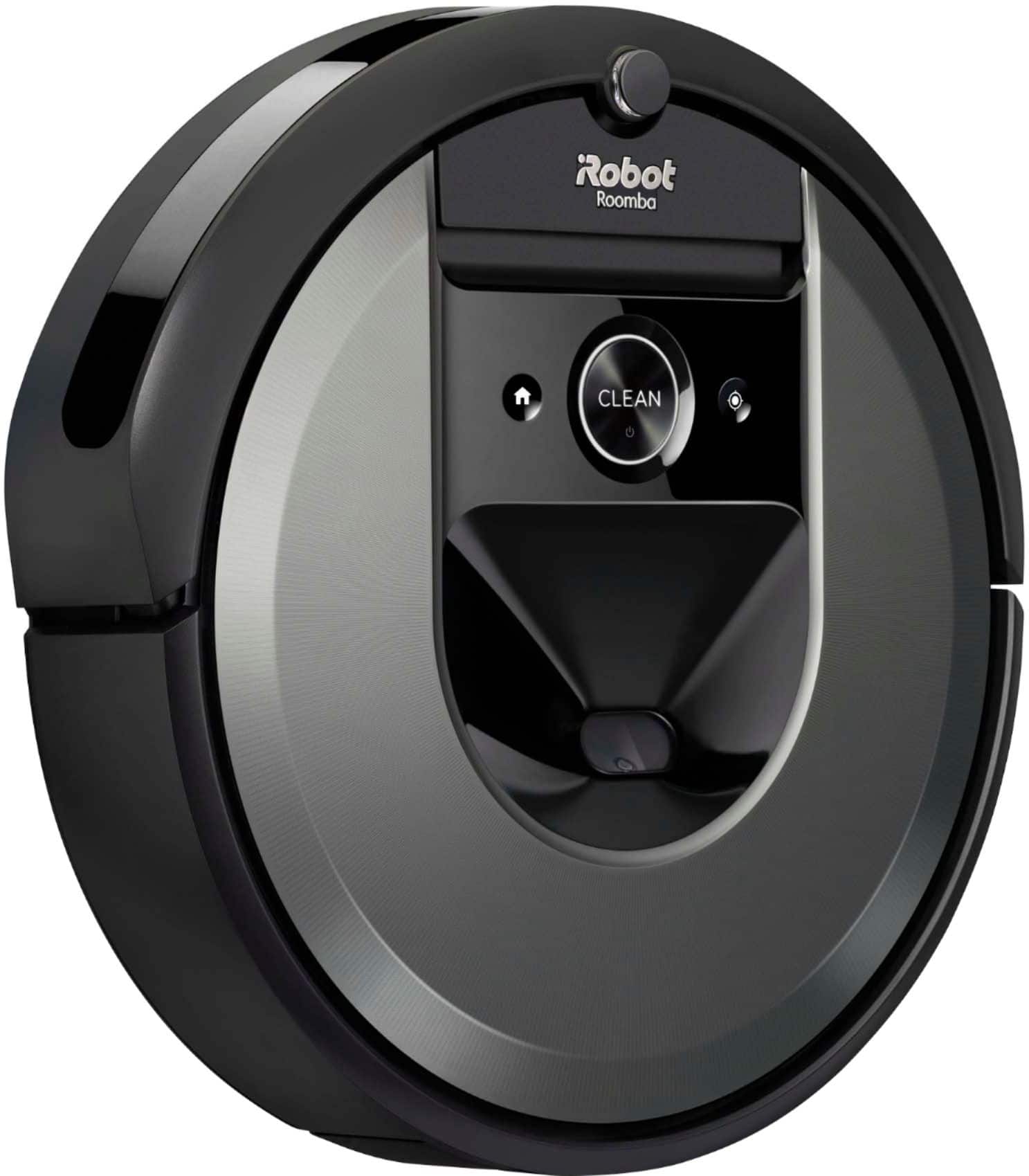
A:AnswerYes you can use it without a phone but you will be unable to map what room you want to clean. Easy manually. Press the clean button and it starts. Press the home button and it docks itself. You can also press the clean button to stop it while it is vacuuming.
A:AnswerThis i7 was able to handle area rugs where the 940 was not.
The 940 was able to go on oriental rugs that have a fairly thin border. Our area rugs are thinker and i7 was fine.