Winter SaleEnds 1/19. Limited quantities. No rainchecks.Shop now

Main Content

Questions & Answers

Winter Sale Deal
Your price for this item is $299.99
The comparable value price is $349.99
Page Showing 21-40 of 67 questions
  • QuestionCan this monitor be used as a computer?

    Asked by Anonymous.

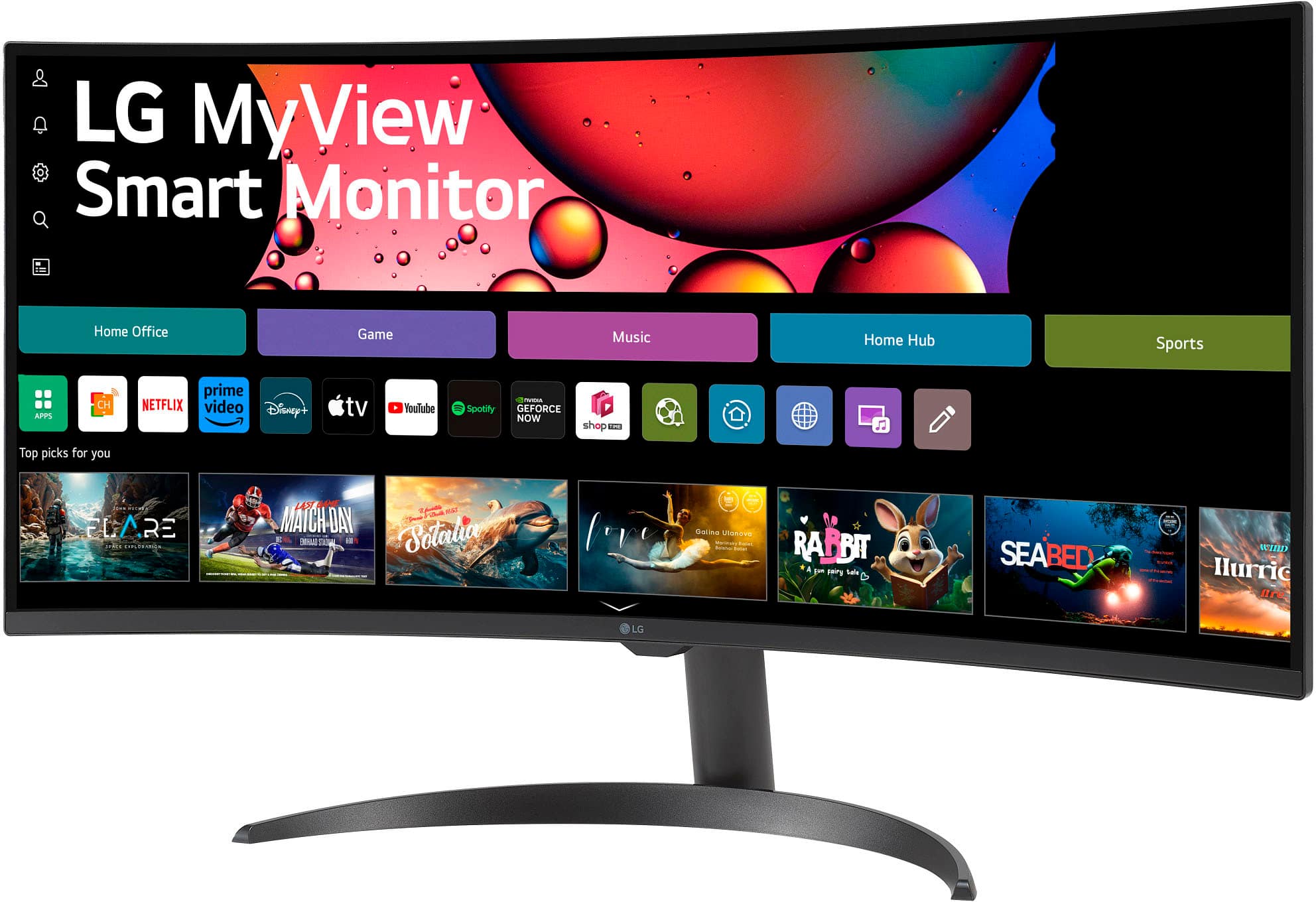
    • Answer Hello there. We understand your inquiry about using the 34SR60QC-B monitor as a computer. We want to clarify the capabilities of this unit. The LG 34SR60QC-B is a Smart Monitor, which means it has built-in smart features and an operating system (webOS 23) that allows it to function similarly to a Smart TV or an all-in-one entertainment hub. While it is not a traditional computer (it does not contain a CPU, RAM, and storage to run desktop operating systems like Windows or macOS on its own), it can perform several computer-like functions independently: Remote Desktop: It supports a Remote Desktop feature, allowing you to connect to a separate computer for work. Web Browsing: It has a built-in web browser for accessing the internet. Streaming/Apps: It runs apps (like Netflix, YouTube, etc.) via webOS and supports AirPlay and Screen Share. USB Media Player: You can connect USB storage devices to view photos or videos. To perform traditional computing tasks, such as creating documents or running advanced software, you would still need to connect it to a separate computer (desktop or laptop) via the HDMI ports, where the monitor acts as the display. https://www.bestbuy.com/product/lg-34-wqhd-100hz-5ms-smart-monitor-with-hdr10-hdmi-usb-a-black/JJ8VPZHZVY If you have any further questions about the Smart features or connectivity of your 34SR60QC-B, please contact us on [email protected], and our team will be more than happy to assist you. —Renzo

      Answered by LG Digital Customer Care

  • QuestionAm I able to cast a tv show directly to the monitor using my phone?

    Asked by Anonymous.

    • Answer Yes but it is a smart monitor so u can just use the monitor

      Answered by JamieC

  • QuestionCan this monitor be used for gaming

    Asked by Hol.

    • Answer The LG 34-inch Smart Monitor WQHD 1440P Curved Screen 100Hz with webOS, Model # 34SR60QC-B, doesn't have gaming features, but is designed for multitasking while you work, play and watch. and it can be connected to a gaming console for games or games, or stream from Netflix, Prime Video, the Apple TV app, Disney+, HBO Max and get instant access to over 300+ free LG Channels with the built-in LG webOS Platform...^Ivan.

      Answered by LG Digital Customer Care

  • QuestionDose this need a pc to work from home

    Asked by Dime.

    • Answer So what you are going to connect to,use it like a Tv. Yes you can install netflix and other apps in this and can be used like a Tv also,do not need PC.

      Answered by RaviK

  • QuestionIs this compatible with apple mac mini?if so then which generation. Thank you .

    Asked by Anonymous.

    • Answer Hello there. Thank you for sharing your inquiry with us. We understand you're asking about the compatibility of the 34SR60QC-B monitor with an Apple Mac Mini. This monitor has HDMI 2.0 and supports AirPlay, which makes it compatible with most modern Mac Mini generations that also support these connections. However, for the best experience, we recommend checking the specific ports and software compatibility of your Mac Mini generation against the monitor's specifications. https://www.bestbuy.com/product/lg-34-wqhd-100hz-5ms-smart-monitor-with-hdr10-hdmi-usb-a-black/JJ8VPZHZVY If you have any further questions about its features, please send us a private message on Social Media @LGUSSupport, and our team will be more than happy to assist you. —Renzo

      Answered by LG Digital Customer Care

  • QuestionCan this monitor work with an Xbox?

    Asked by Chuck.

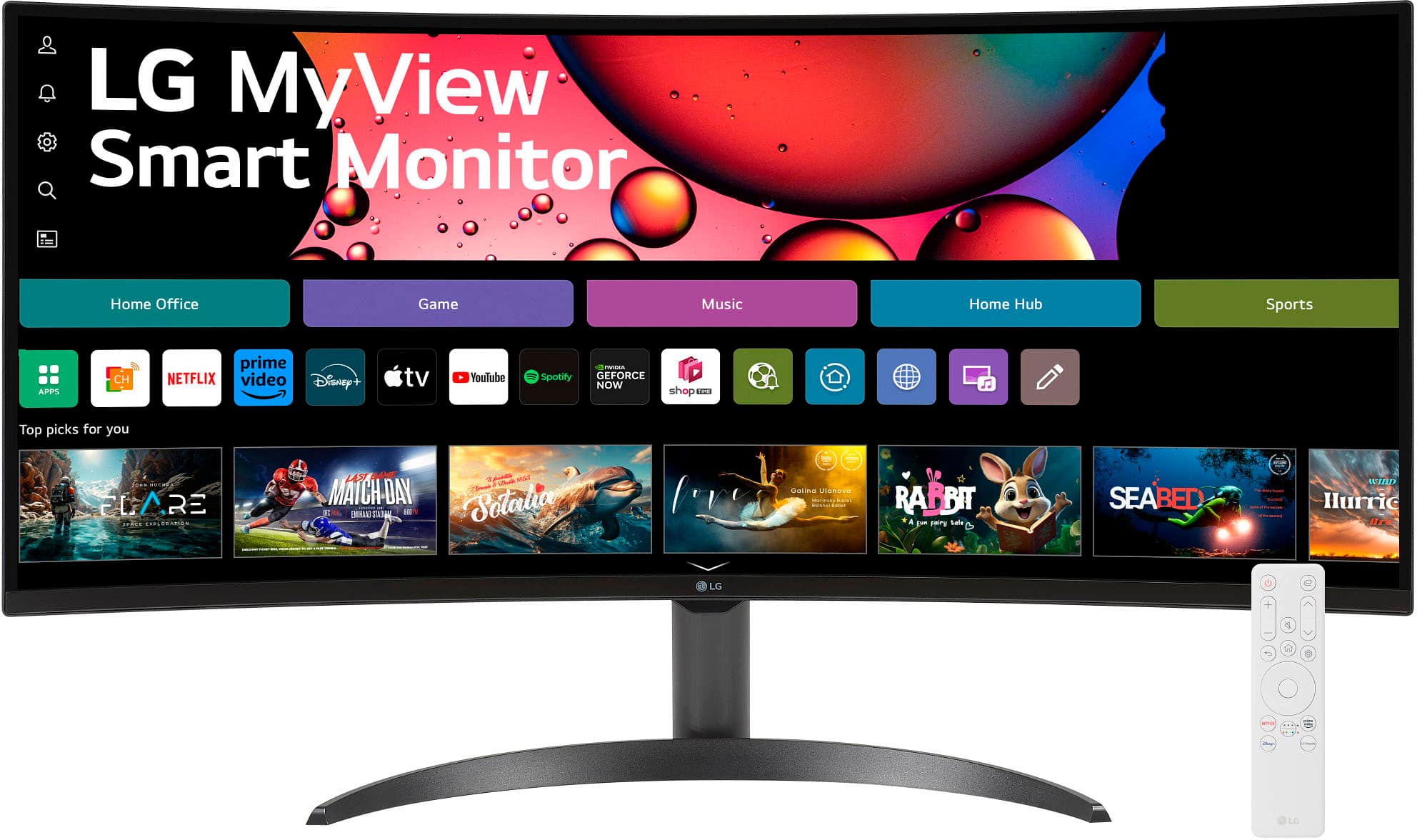
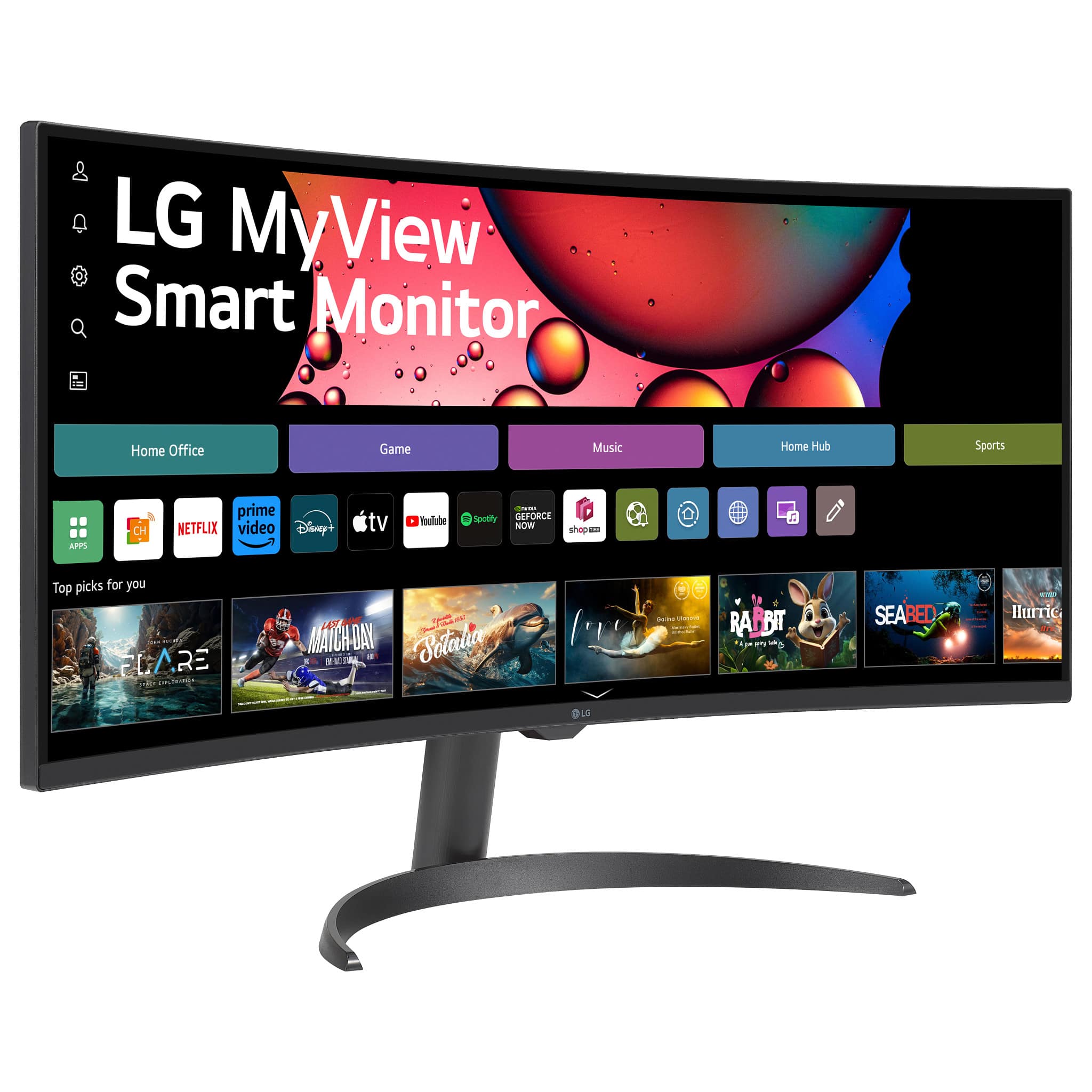
    • Answer The LG 34-inch Smart Monitor WQHD 1440P Curved Screen 100Hz with webOS, Model # 34SR60QC-B, has a native WQHD (3440 x 1440) resolution, which is a 21:9 Aspect Ratio resolution (commonly referred to as UltraWide Quad HD (UWQHD) or 1440p UltraWide, offering a 21:9 aspect ratio). Both the Xbox One and Xbox Series consoles can output this resolution through compatible TVs and monitors. However, they do not natively support Ultrawide Aspect Ratios, which means you will see black bars on the sides of the display when using an Ultrawide monitor, like this monitor. When connecting to monitors or TVs that support a high aspect ratio like 21:9, your Xbox device might stretch the display content due to this fundamental incompatibility between wide-format resolutions and typical screen hardware configurations. Xbox supports multiview, single, or dynamic stretch, modes while on various formats; while multiview enhances both video formats 3 different viewings options – dynamic stretches your full image up...^Ivan.
      Answered by LG Digital Customer Care

  • QuestionCan my son use this with his PlayStation 5?

    Asked by Mike.

    • Answer Yes you can cause I use this with my ps5 as well

      Answered by OliverC

  • Questioncan I use this with a iMac computer as a second monitor

    Asked by Brandon.

    • Answer Hello there, Brandon. We understand you are inquiring if your LG Monitor, model 34SR60QC-B, can be used with an iMac computer. Yes, you can use this monitor as a second screen for your iMac. You can connect it using an HDMI cable. This monitor also supports AirPlay for a wireless connection. https://www.bestbuy.com/product/lg-34-wqhd-100hz-5ms-smart-monitor-with-hdr10-hdmi-usb-a-black/JJ8VPZHZVY If you have any further questions about its features, please send us a private message on Social Media @LGUSSupport, and our team will be more than happy to assist you. —Renzo

      Answered by LG Digital Customer Care

  • QuestionDoes this monitor connect to the internet for web browsing, without needing an external desktop or PU?

    Asked by Jack.

    • Answer With the built-in LG webOS 23, you can watch favorite shows from your favorite streaming apps on the LG 34-inch Smart Monitor WQHD 1440P Curved Screen 100Hz with webOS, Model # 34SR60QC-B, and Internet connection and subscriptions to streaming services are required. The monitor has a web browser. Yu can access cloud PC services such as Microsoft 365 and Google applications all without a PC from webOS 23. Home Office services support only Microsoft 10 and 11 or higher. Microsoft 365 and Google registration and subscriptions may be required. Separate services may require payment for subscription, and supported service may vary by country...^Ivan.
      Answered by LG Digital Customer Care

  • QuestionDoes this monitor have a web cam

    Asked by Anonymous.

    • Answer No web cam.

      Answered by RogerS

  • QuestionAre these monitors able to be wall mounted?

    Asked by Ivan.

    • Answer Yes

      Answered by CoryW

  • QuestionXbox compatible

    Asked by Lil.

    • Answer Which Xbox do you have? The LG 34" WQHD 100Hz 5ms Smart Monitor with HDR10 (HDMI, USB-A) - Black, Model # 34SR60QC-B, has a native WQHD (3440 x 1440) resolution, and Xbox supports 3440 x 1440 resolution, but with some limitations. The Xbox Series X and Series S can output 1440p at 120Hz, but it may not fully utilize the ultrawide aspect ratio, resulting in black bars on the sides. While the console supports 3440 x 1440, it does not natively support Ultrawide resolutions like 21:9, which means you will see black bars when using this Ultrawide monitor...^Ivan.

      Answered by LG Digital Customer Care

  • QuestionCan I use this moniter for my CCTV security camera system that is 4K+

    Asked by Zohan.

    • Answer AS indicated in its header, the LG 34" WQHD 100Hz 5ms Smart Monitor with HDR10 (HDMI, USB-A) - Black, Model # 34SR60QC-B, has a native WQHD (3440x1440) resolution. It does support 4K (3840 x 2160) @ 60 Hz (actual frequency is 59.997 Hz) over HDMI...^Ivan.

      Answered by LG Digital Customer Care

  • QuestionIs the touchscreen working?

    Asked by Gech.

    • Answer The LG 34" WQHD 100Hz 5ms Smart Monitor with HDR10 (HDMI, USB-A) - Black, Model # 34SR60QC-B, does not have a touchscreen...^Ivan.

      Answered by LG Digital Customer Care

  • QuestionDoes this monitor have picture by picture?

    Asked by Bonnev659.

    • Answer The LG 34-inch Smart Monitor WQHD 1440P Curved Screen 100Hz with webOS, Model # 34SR60QC-B, does not support PBP (Picture-by-Picture)...^Ivan.

      Answered by LG Digital Customer Care

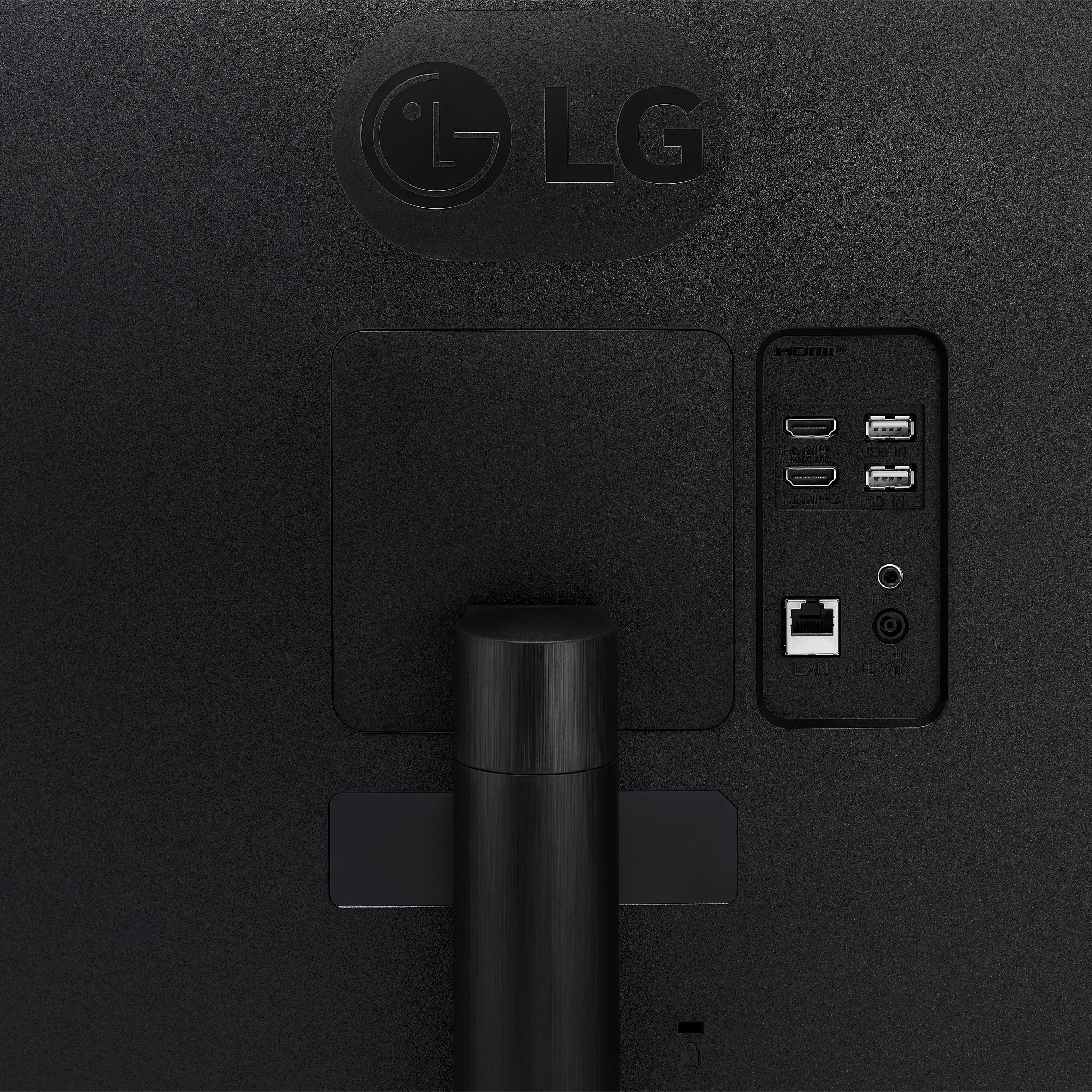
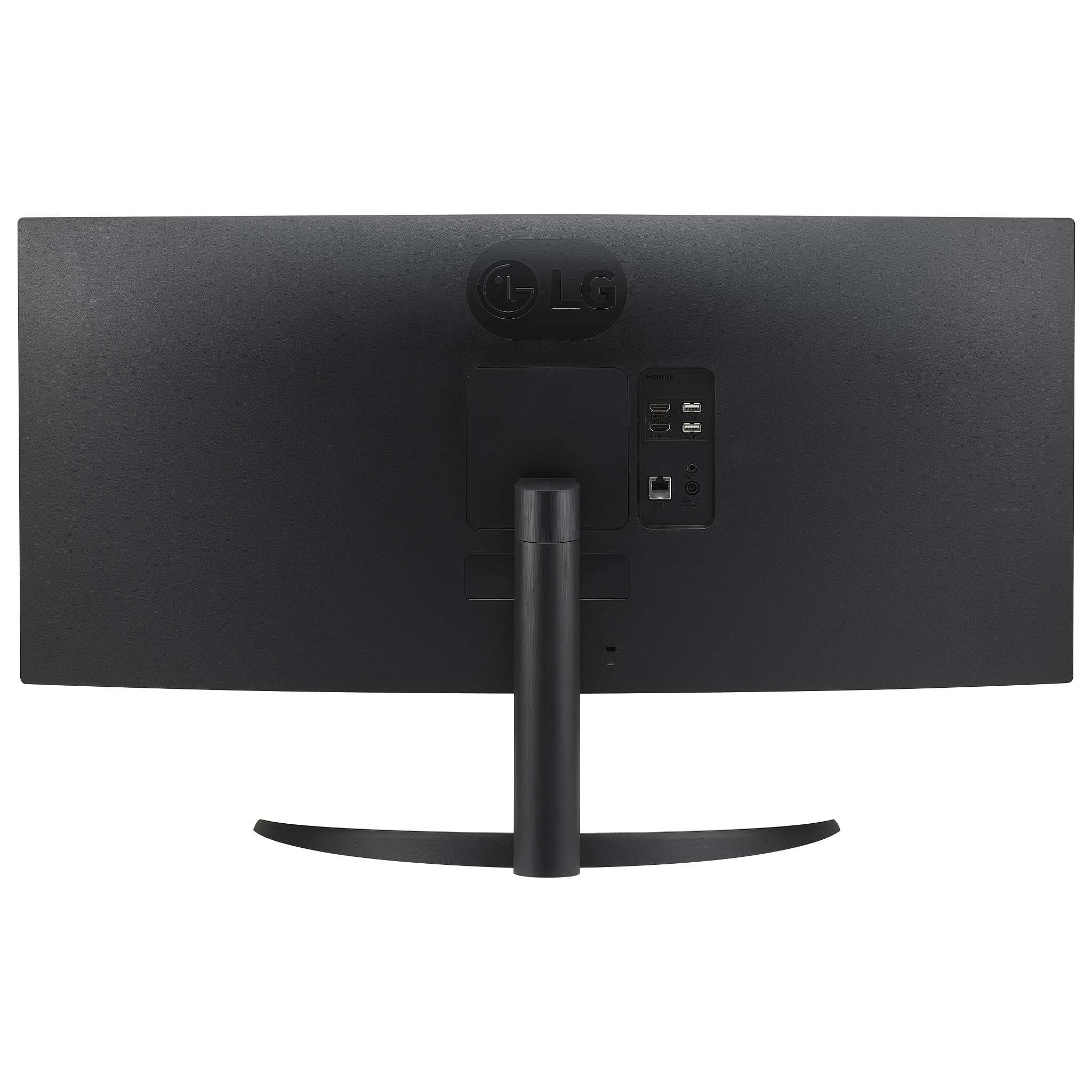
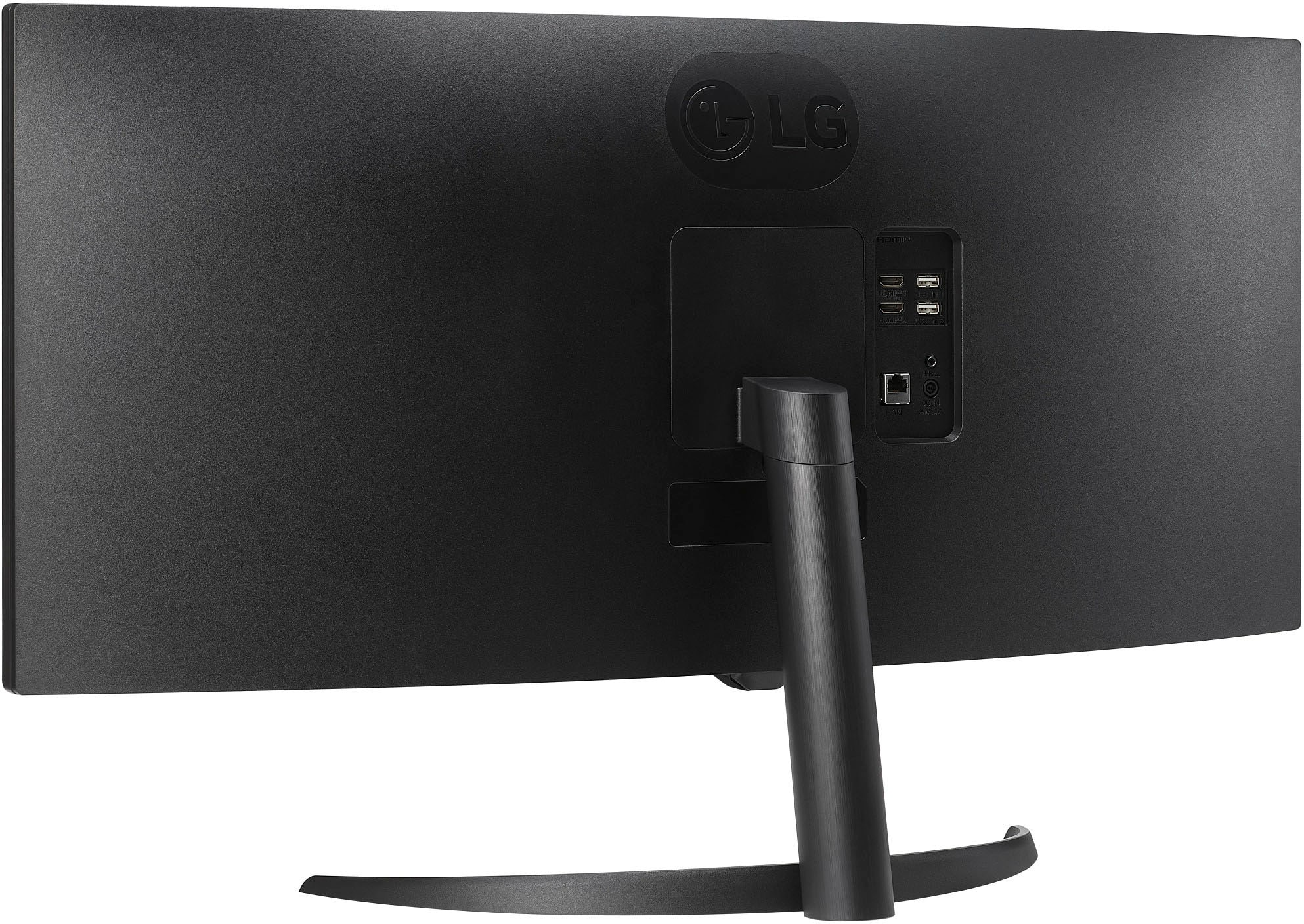
  • QuestionI am viewing the photos of the back of the monitor. I dont see where you can attach arm mount, but I see previously answered questions that it can be mounted. Is it truly compatible with arm mount? Expected to see 4 screw holes in the back

    Asked by TVJJ36.

    • Answer Hello there. Thank you for sharing your experience with the 34SR60QC-B monitor. We understand your inquiry about its compatibility with an arm mount. The monitor is designed to be wall mountable and supports the VESA Wall Mount Standard of 100mm x 100mm. If you require further assistance or would like us to provide you with additional information, please send us a private message on Social Media @LGUSSupport and our team will be more than happy to explore possible solutions. https://www.bestbuy.com/site/lg-myview-34-wqhd-100hz-5ms-smart-monitor-with-hdr10-black/6595424.p?skuId=6595424 We appreciate your patience. —Renzo

      Answered by LG Digital Customer Care

  • QuestionDoes this monitor have a built in webcam

    Asked by Anonymous.

    • Answer No web cam.

      Answered by RogerS

  • QuestionCan this monitor stretch normal TV or app streaming to fill screen or it's still going to show black bars on sides

    Asked by Snake307.

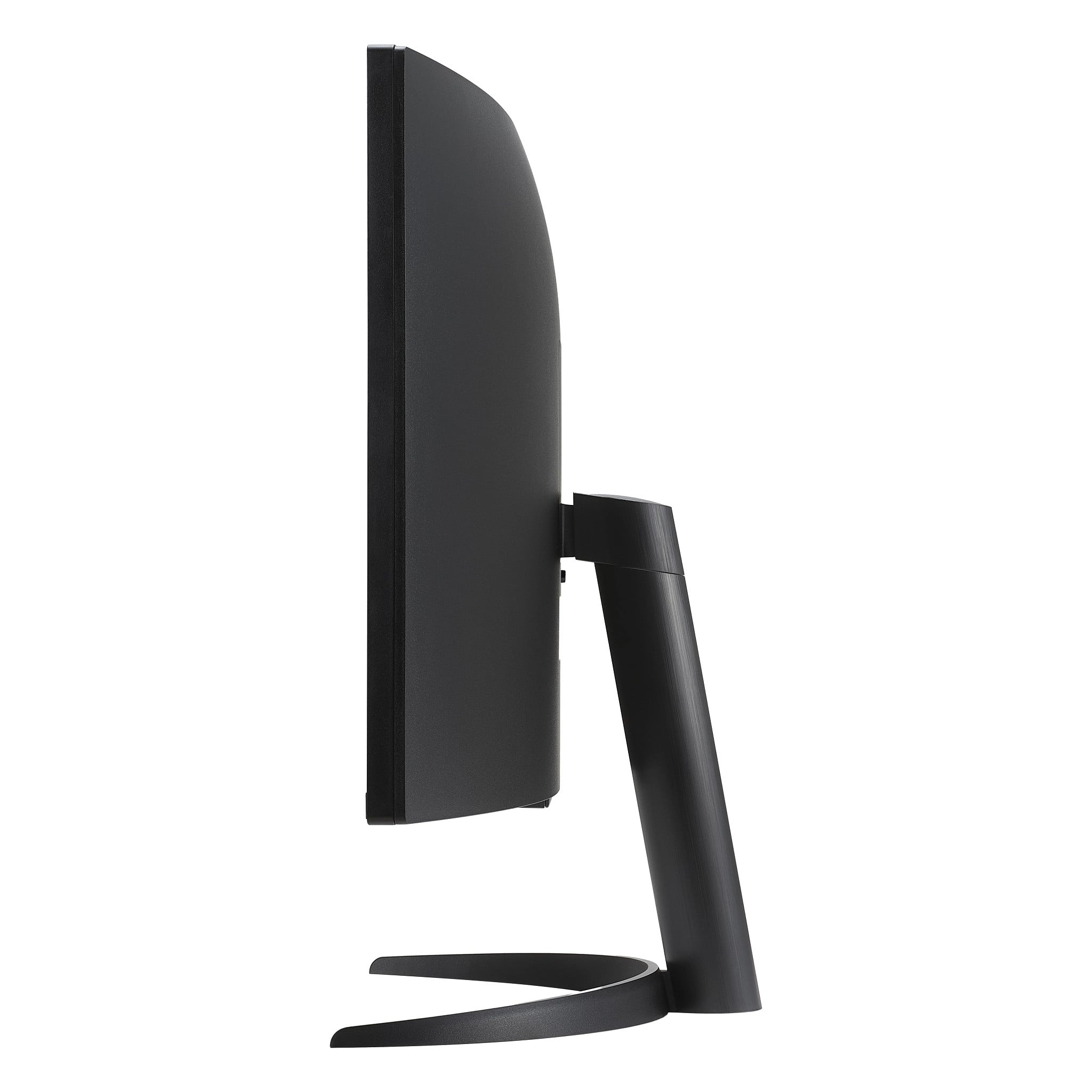
    • Answer Hi there. We understand your inquiry about the LG MyView 34" WQHD Smart Monitor (34SR60QC-B) and how it handles different aspect ratios. This monitor has a 21:9 aspect ratio, which is ideal for content created in that format, such as cinematic movies. When streaming content that has a different aspect ratio, such as 16:9, there may be black bars on the sides of the screen. Please send us a private message on Social Media @LGUSSupport and our team will be more than happy to explore possible solutions. https://www.bestbuy.com/site/lg-myview-34-wqhd-100hz-5ms-smart-monitor-with-hdr10-black/6595424.p?skuId=6595424 We appreciate your patience. —Renzo

      Answered by LG Digital Customer Care

  • QuestionCan I remove the included stand after I’ve attached it and switch to a monitor arm?

    Asked by Anonymous.

    • Answer You can always take the stand off the LG MyView 34-inch Smart Monitor WQHD 1440P Curved Screen 100Hz with webOS, and HDR10, Model # 34SR60QC-B, after attaching it. The monitor is VESA-Compliant display with a 100 x 100 mm VESA Mount Pattern that can be used to mount the monitor on a VESA-compliant Wall Mount or a VESA-Compliant monitor arm that supports that pattern...^Ivan.

      Answered by LG Digital Customer Care

  • QuestionIs this monitor comparable with apple iMac m3 processor

    Asked by GHJ.

    • Answer What connectivity does your iMac M3 processor have, and what resolutions does its graphics card support? The LG 34-inch Smart Monitor WQHD 1440P Curved Screen 100Hz with webOS, Model # 34SR60QC-B, supports Plug and Play, which is a feature that enables a PC to recognize devices attached by the user without device configuration or user intervention when powering up. Connectivity for the monitor includes two HDMI inputs and two USB Down-stream ports. The monitor has a native WQHD (3440 x 1440) resolution, so it is compatible with any PC or laptop that has a graphics card that supports its native resolution and one that can be connected to the monitor's ports...^Ivan.

      Answered by LG Digital Customer Care