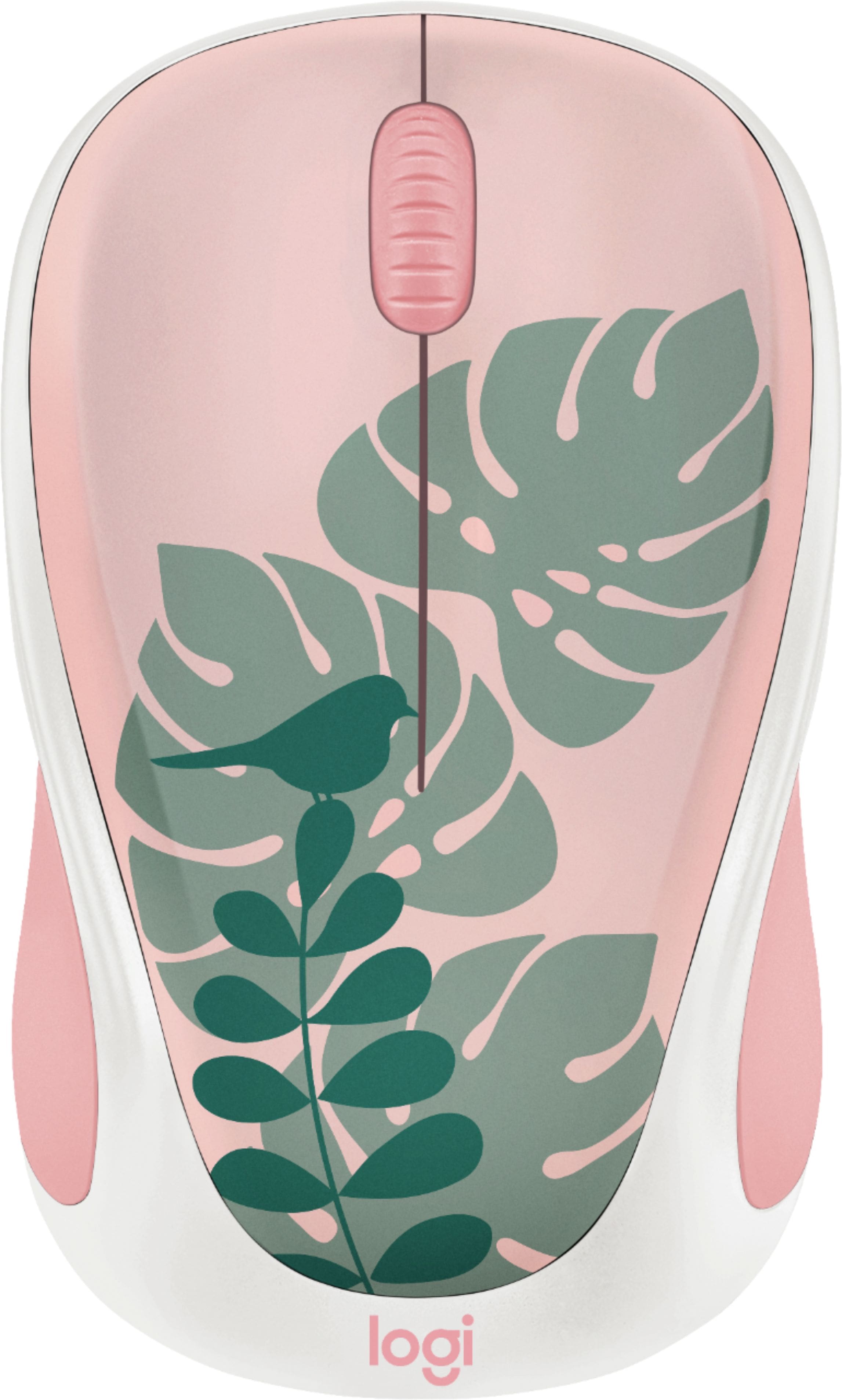
A:AnswerBuy a USB dongle with a type C plug (for the MacBook Air) and a USB type A jack (for the Logitech Unifying receiver.) Some dongles have USB-PD (Power Distribution) pass-through capability: plug your charger into the proper jack on the dongle, and the dongle into the MacBook Air.
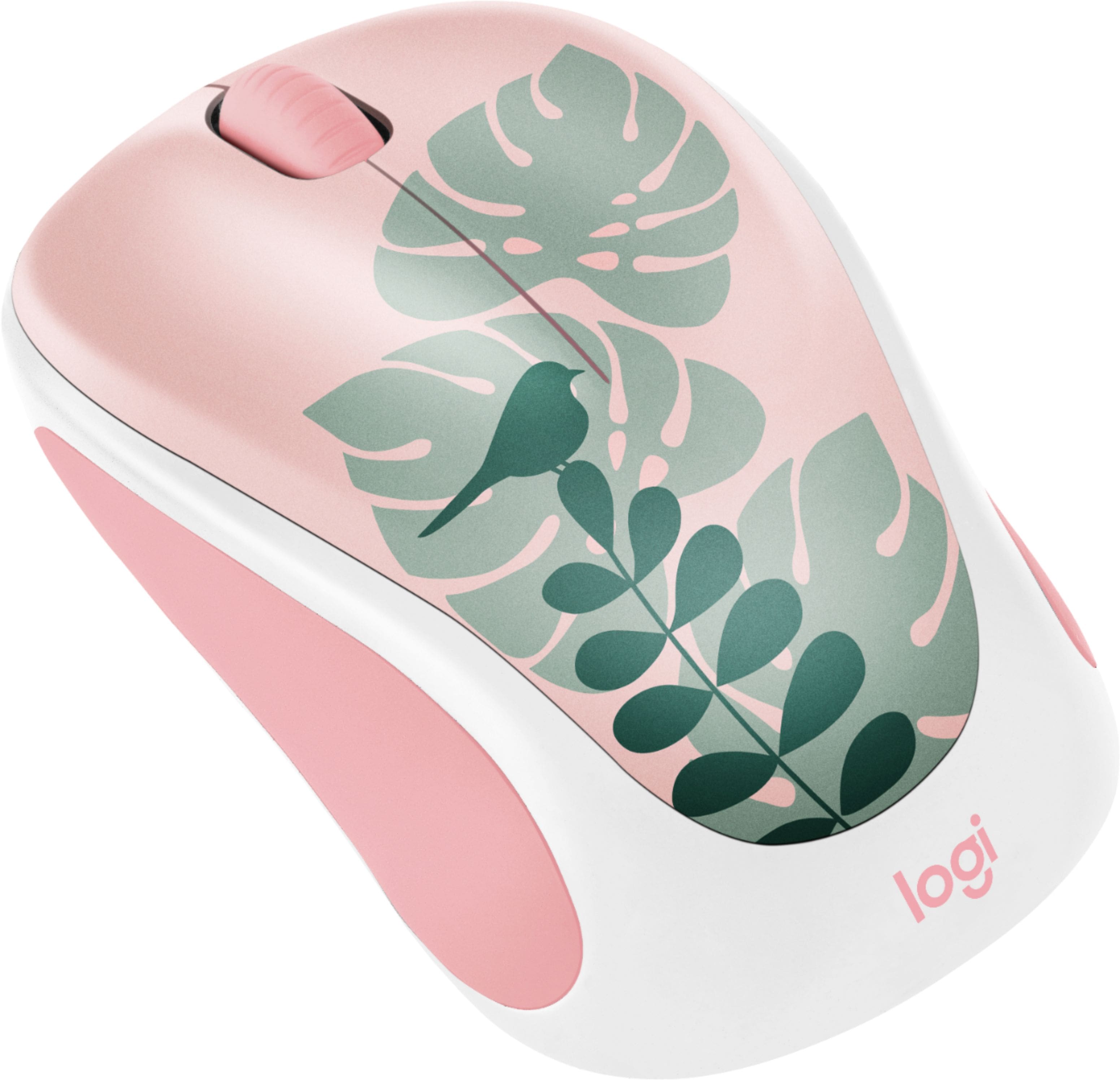
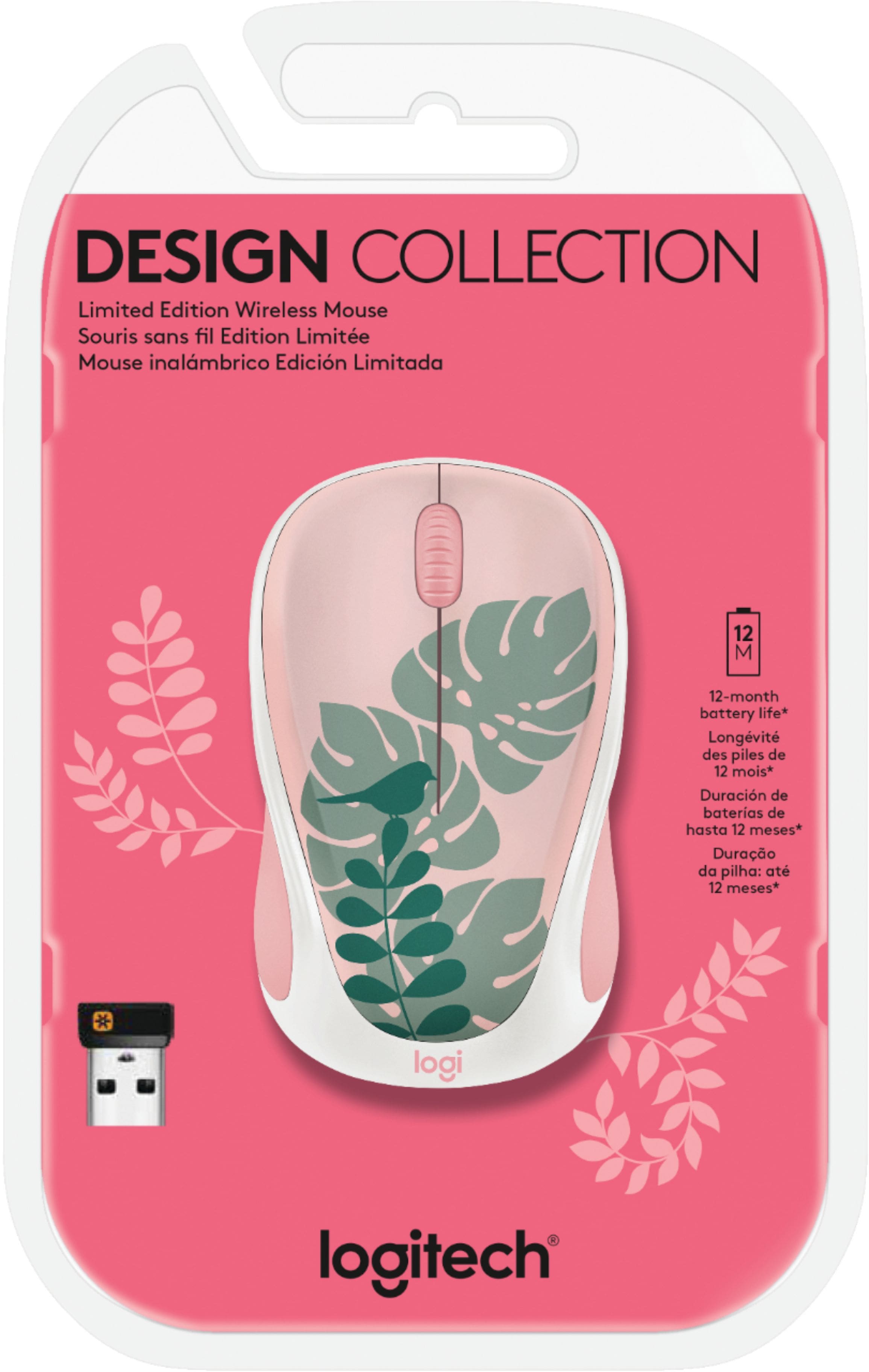
A:AnswerThe mice offered for sale were manufactured less than one year ago. The design of the physical and electrical components is some 3 to 7 years old. The visible artwork is about one year old.
A:AnswerThe Logitech Unifying receiver requires a USB type A jack, which is readily available on the tablet/laptop/computer itself, or via a USB dongle adapter.
A:AnswerHello Gabby.
I think I answered this already. Yes, it works with WIN 10, and no, you do not need a battery. It initially comes with one.
Hope this helps.
CaLady