Questions & Answers
- Model:
- 910-004800
- |
- SKU:
- 11296169
Q: QuestionDoes this mouse work with a seventh generation IPad?
Asked by JCR.
- A:Answer If the IPad has a usb connector, don't see why not
Answered by JoseRene
Q: QuestionIs this a bluetooth mouse or wireless?
Asked by Randy.
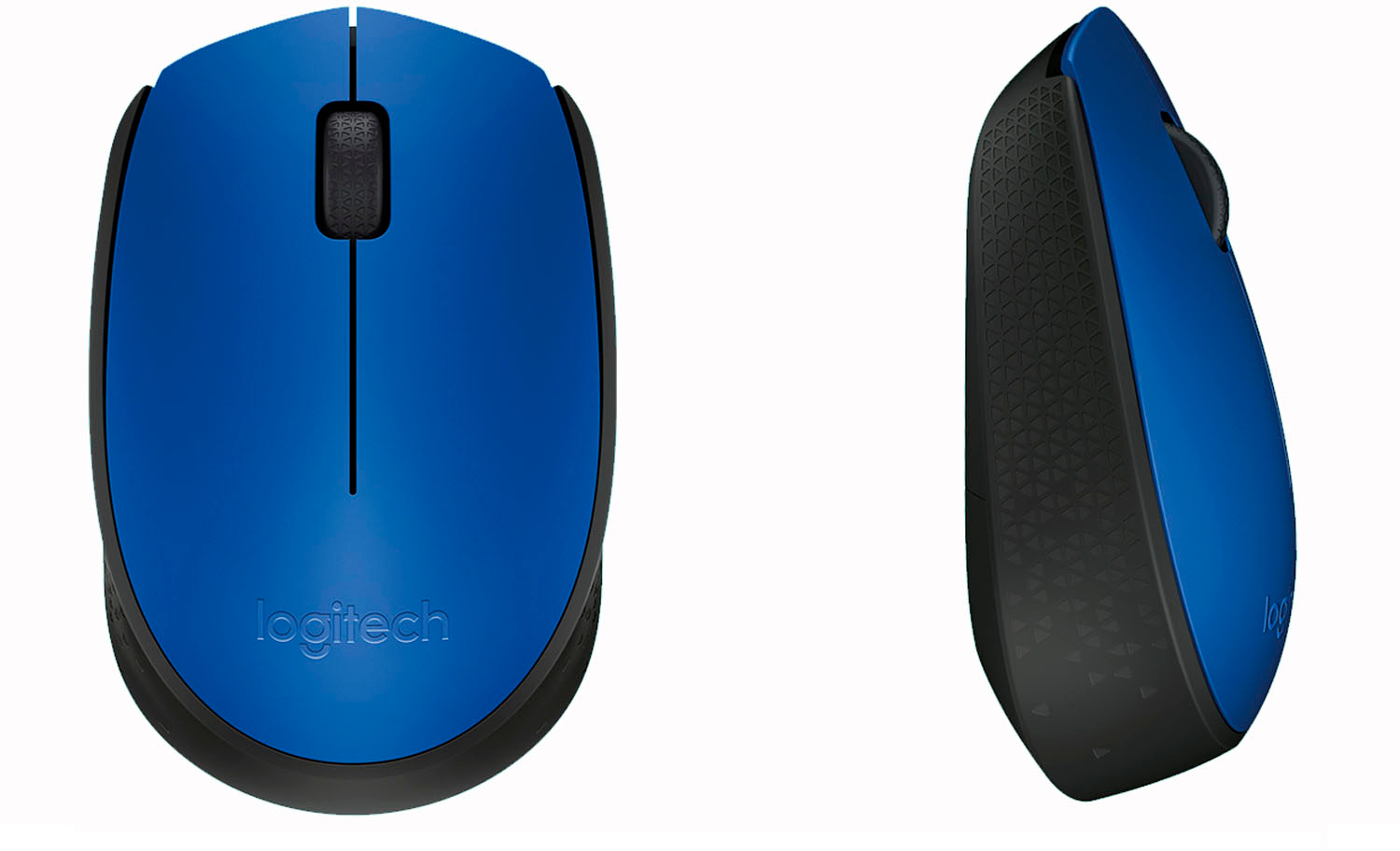
This question was asked about the related product: Logitech - M170 Wireless Compact Optical Ambidextrous Mouse - Red
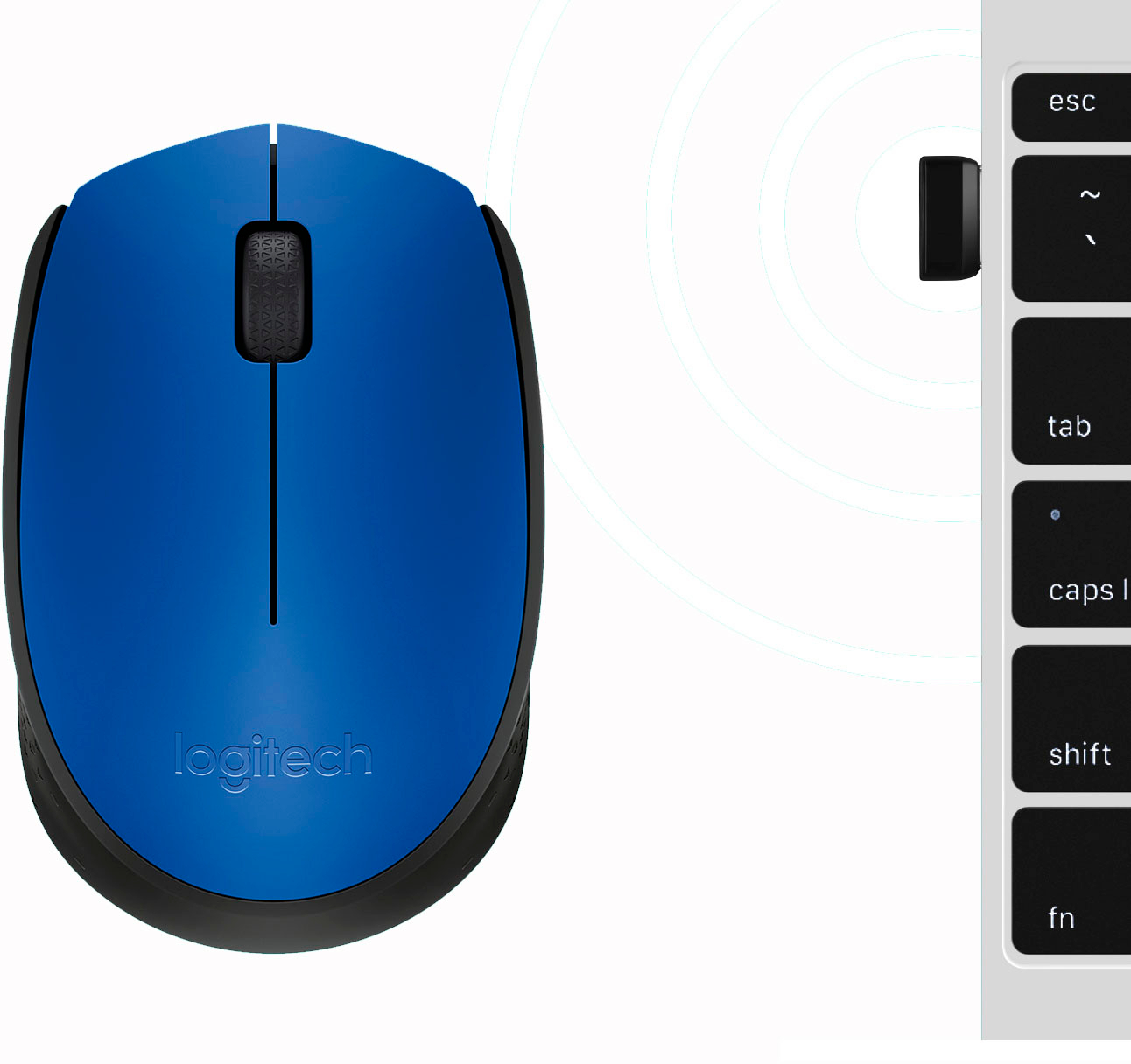
- A:Answer It is wireless but is not bluetooth. It is an optical mouse and communicates with my MacBook Air via a very small USB receiver.
Answered by Joey
Q: QuestionIs compatible with an acer laptop running windows 10?
Asked by Jo.
This question was asked about the related product: Logitech - M170 Wireless Compact Optical Ambidextrous Mouse - Wireless - Blue
- A:Answer Yes.
Answered by luhommoformiga
Q: QuestionWould do this work with a Macbook pro?
Asked by Justaskingquestions.
- A:Answer yes
Answered by greatproduct
Q: QuestionIs the mouse waterproof?
Asked by Sara.
- A:Answer No, I don't think it's waterproof...not for that price. I suppose if you're looking for a mouse that's waterproof, you could type that into the search engine and see what comes up.
Answered by GoldensForEver
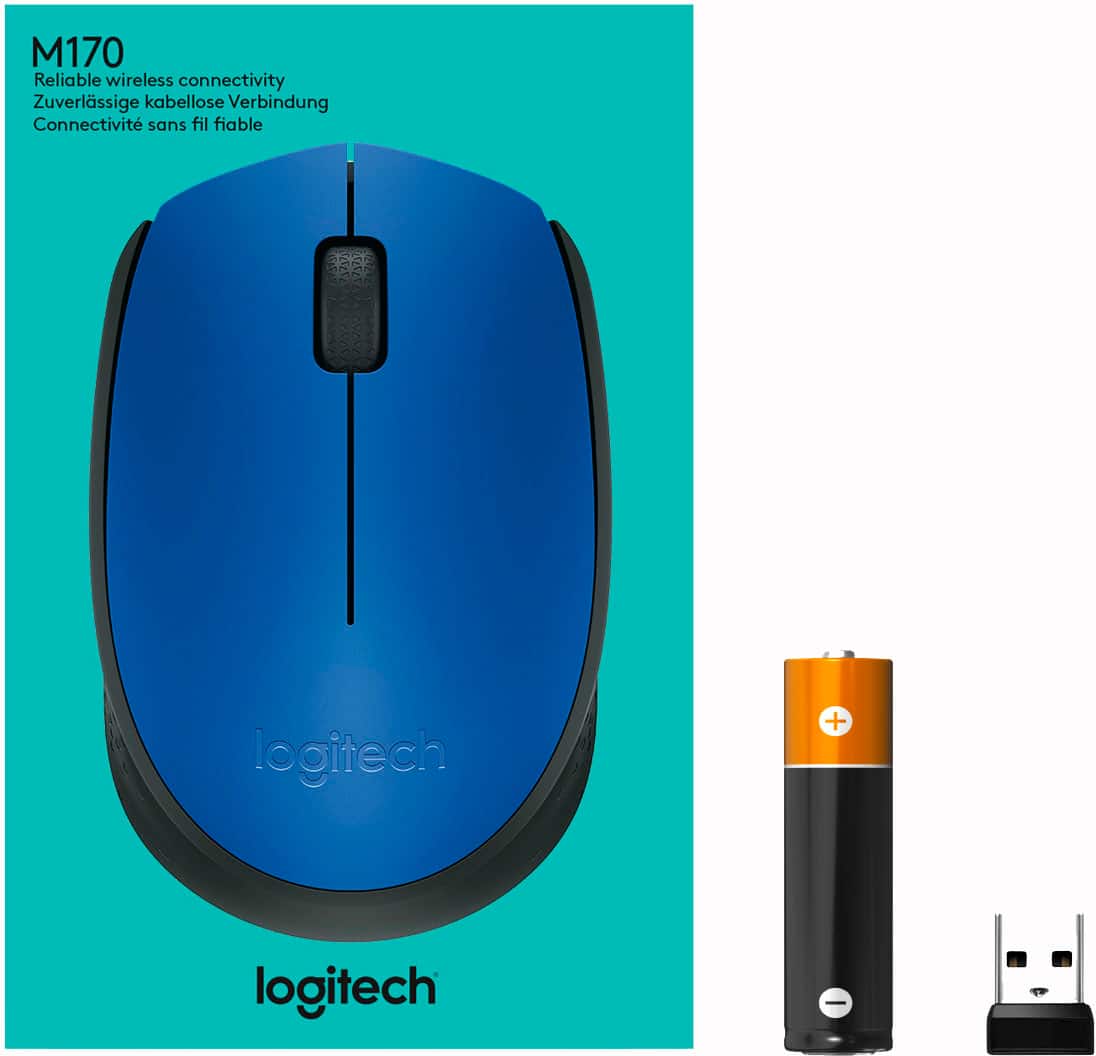
Q: QuestionDoes the USB fit into this mouse? and Does it use batteries? if so what kind of batteries?
Asked by Anonymous.
This question was asked about the related product: Logitech - M170 Wireless Compact Optical Ambidextrous Mouse - Wireless - Blue
- A:Answer The included USB receiver does fit inside the mouse, under the battery door. You'll find the USB receiver here when you first open the packaging. It uses a single AA-battery.
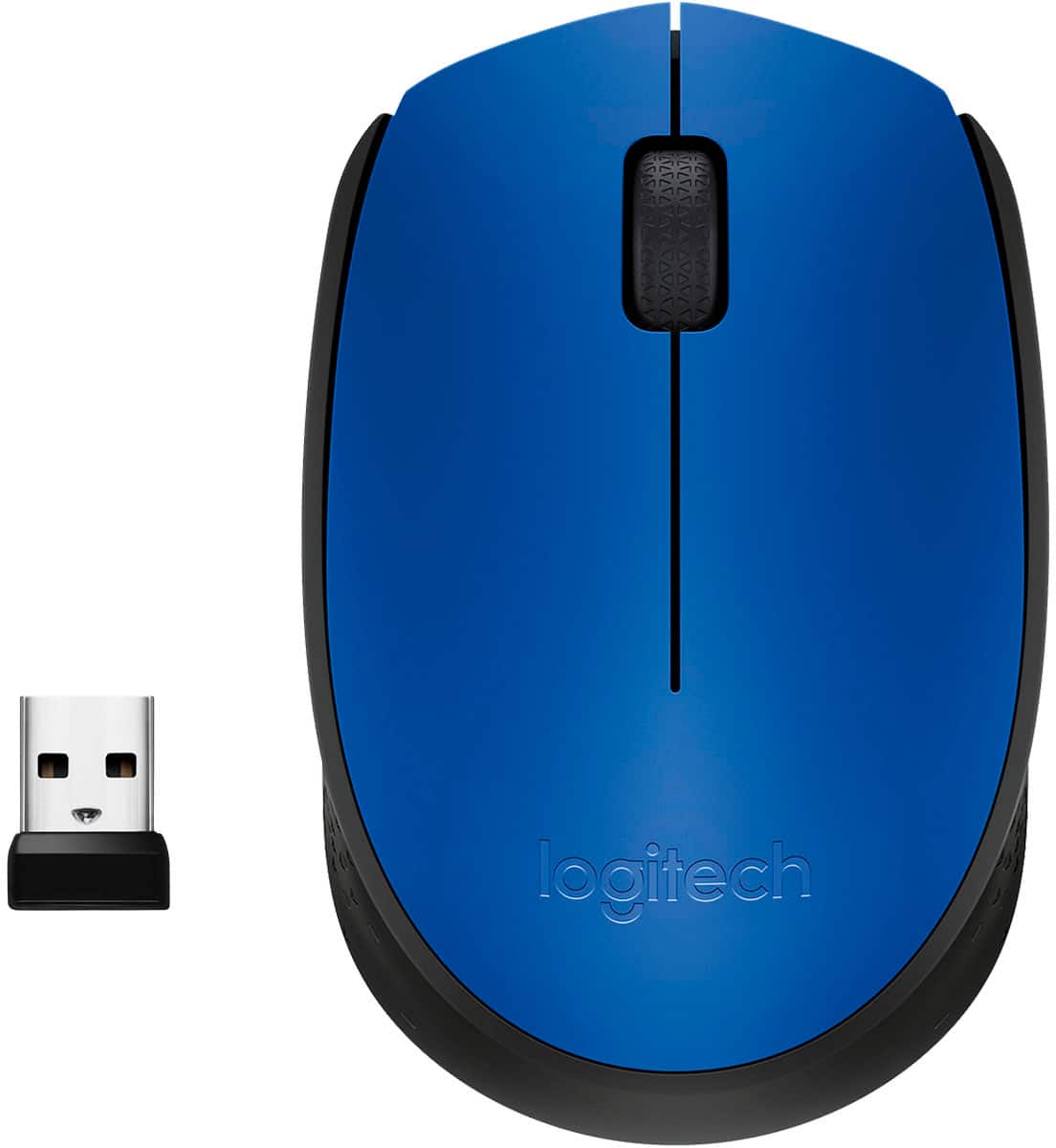
Answered by Logitech
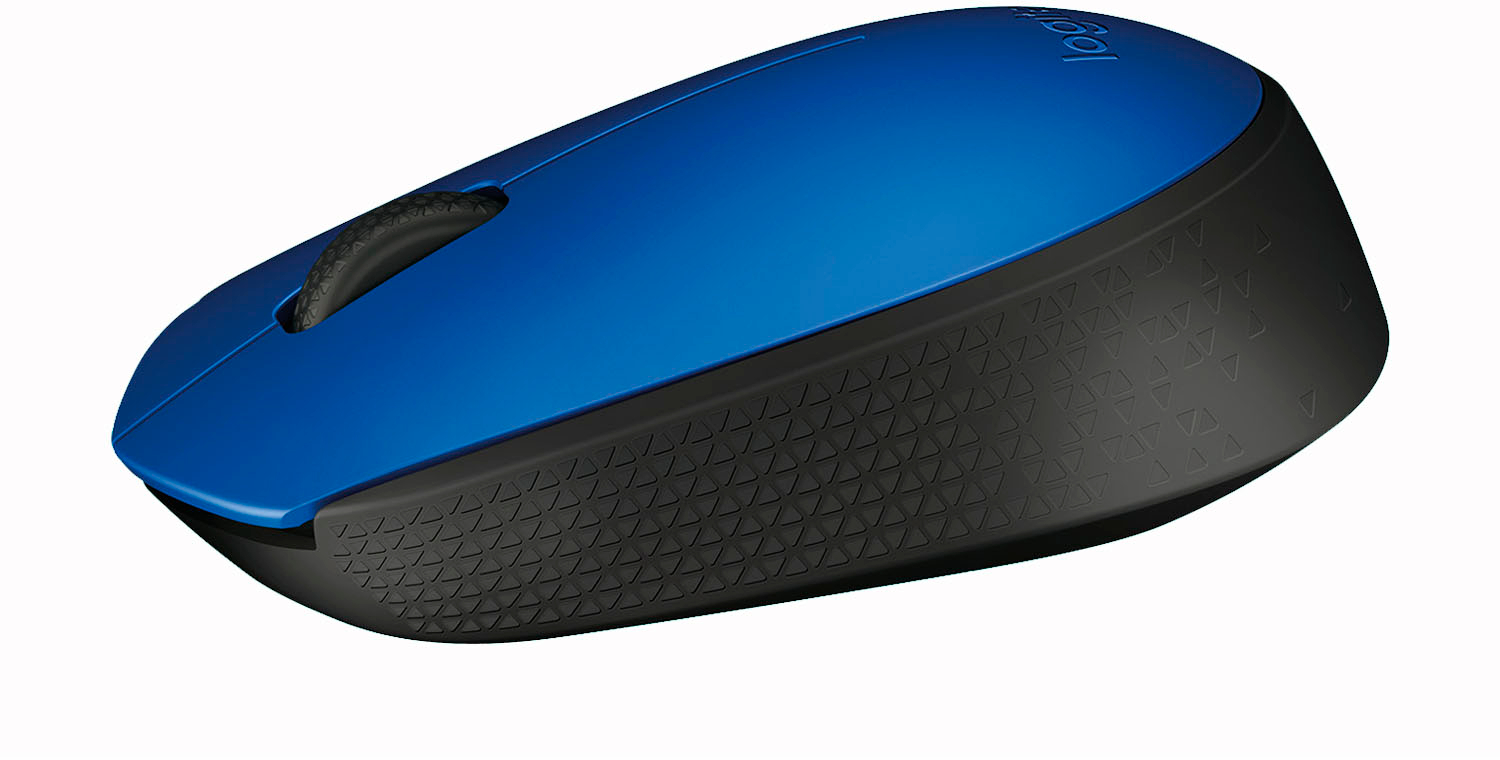
Q: QuestionIs this mouse 3 button? left & right click & scroll wheel?
Asked by Anonymous.
- A:Answer Yes.
Answered by VLLL
Q: QuestionTo save battery power, does it automatically turn off when not being used?
Asked by starfish.
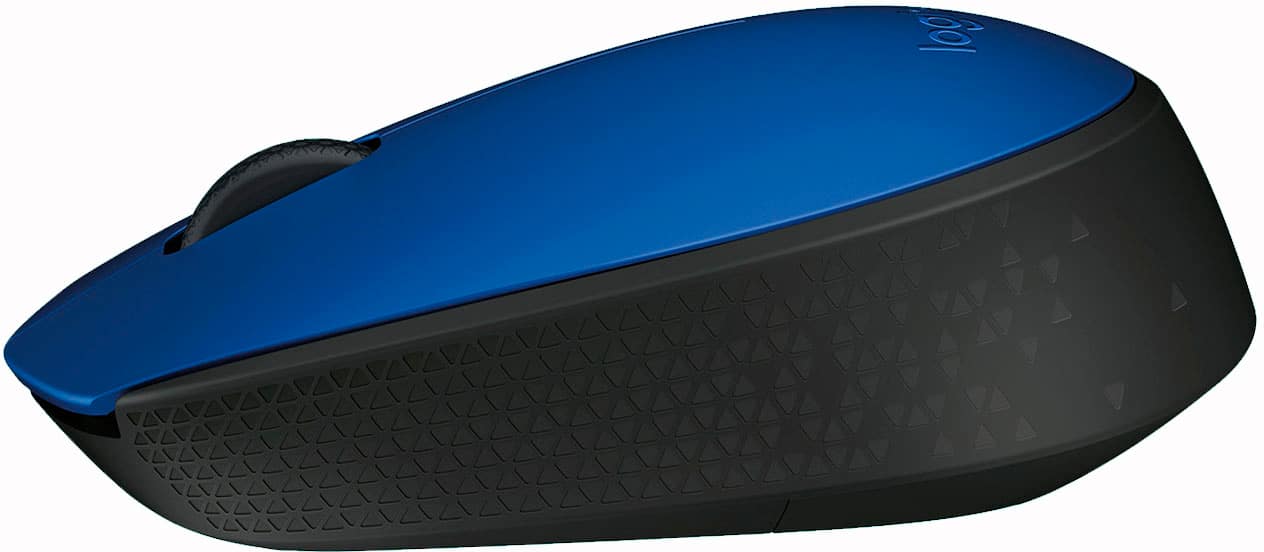
- A:Answer Not that I know of. There is a tiny button to manually turn the mouse off on the underside.
Answered by VLLL
Q: QuestionDoes this mouse need a mouse pad?
Asked by AJ.
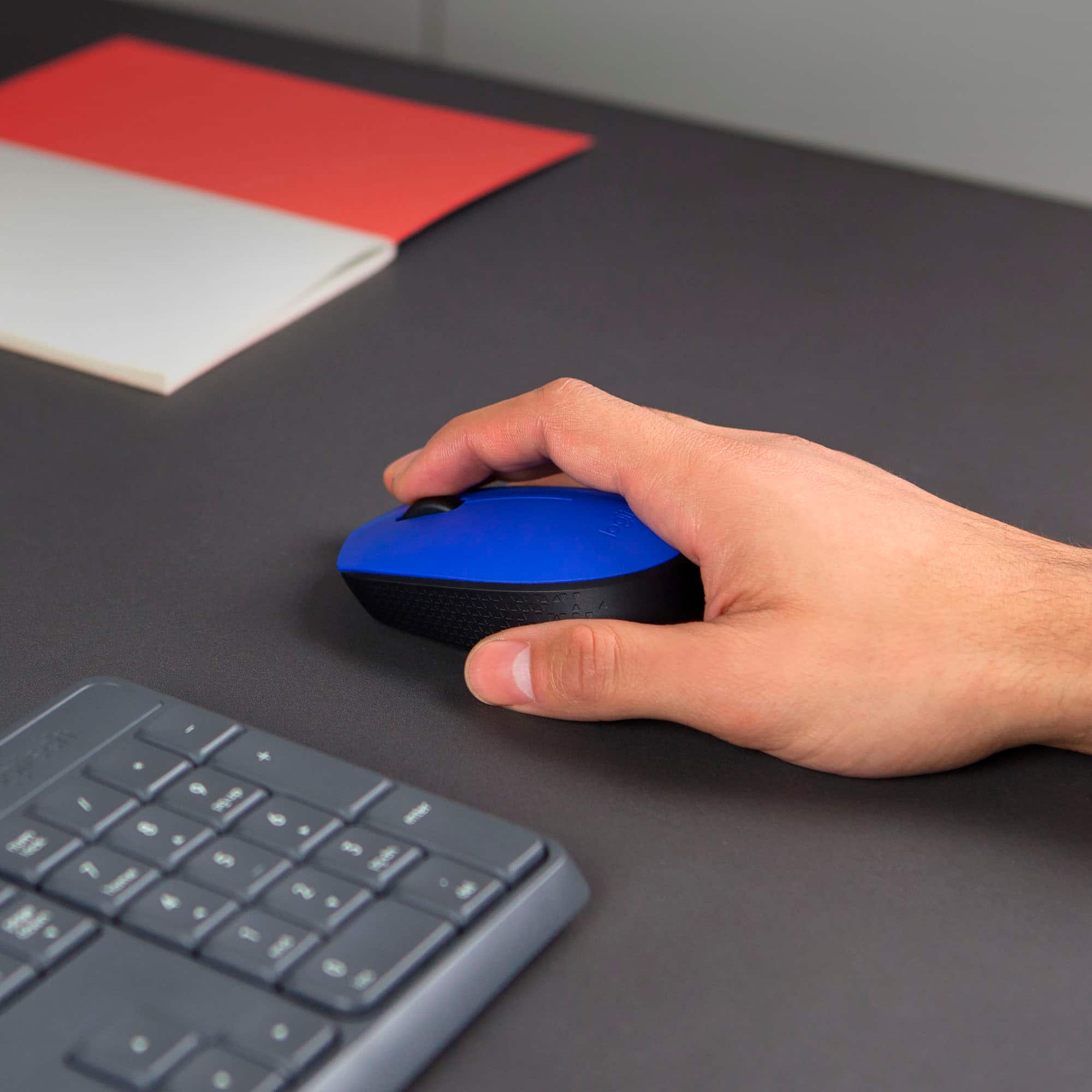
- A:Answer No. I use it on my computer desk and do not have a mouse pad. Slides nicely.
Answered by GoldensForEver
Q: QuestionDoes this mouse work on a Dell Inspiron computer?
Asked by Tango.
- A:Answer yes
Answered by rac1
Q: Questionwill it work on a microsoft surface go? the surface go has a type c usb. thanks, chris
Asked by ubertraderchris.
This question was asked about the related product: Logitech - M170 Wireless Compact Optical Ambidextrous Mouse - Red
- A:Answer No just a usb
Answered by Redchrome
Q: QuestionWill it work on a Lenova Think Pad E490
Asked by Anonymous.
- A:Answer Yes it’s compatible.
Answered by SweetC
Q: QuestionDoes this mouse work with iPad 7th generation?
Asked by Kai.
- A:Answer Yes, with a lighting to USB adapter.
Answered by Coyote
Q: QuestionDo i have to charge it or something?
Asked by Void.
- A:Answer It uses batteries, so if you have rechargeable batteries you'd have to (re)charge those. But the mouse itself cannot be charged.
Answered by VLLL
Q: QuestionI was wondering if this will work on the ipad pro 12.9
Asked by ChuckG.
- A:Answer Not sure. Check with Google.
Answered by RedRidinfHood
Q: QuestionDoes it have a spelling help position
Asked by Anonymous.
- A:Answer no it does not
Answered by greatproduct
Q: QuestionThis mouse work for window Xp?
Asked by Anonymous.
This question was asked about the related product: Logitech - M170 Wireless Compact Optical Ambidextrous Mouse - Wireless - Blue
- A:Answer Yes
Answered by BPat
Q: QuestionHow large is the USB receiver that plugs into your computer?
Asked by CC.
This question was asked about the related product: Logitech - M170 Wireless Compact Optical Ambidextrous Mouse - Wireless - Blue
- A:Answer Very small. Thumbnail size.
Answered by Scott
Q: QuestionDoes the connector work with USB 3.0? The last mouse we tried didn’t specify and wouldn’t fit.
Asked by Chris.
This question was asked about the related product: Logitech - M170 Wireless Compact Optical Ambidextrous Mouse - Red
- A:Answer Yes
Answered by Paratrooper
Best-selling wireless and Bluetooth mice
- $18.99$18.99The price was $22.99
- $109.99$109.99The price was $119.99