Questions & Answers
- Model:
- 910-001822
- |
- SKU:
- 12352299
Q: Questionlogitech m510 showing a keyboard icon ps4
Asked by hhiihihihihihihih.
- A:Answer N/A
Answered by VernonS
Q: Questionwhat is the range on this mice
Asked by drew.
This question was asked about the related product: Logitech - M510 Wireless Optical Ambidextrous Mouse - Wireless - Silver/Black
- A:Answer I just tried it at well over 30 feet with an unobstructed view. It worked fine without any problems. I do not know the max range
Answered by ThaThrill
Q: QuestionWill this work with Samsung Chromebook with USB type C?
Asked by Lee.
This question was asked about the related product: Logitech - M510 Wireless Optical Ambidextrous Mouse - Red
- A:Answer Hello, the M510 utilizes a USB Type A connection, for USB C you would need an adapter.
Answered by Logitech
Q: QuestionI have an HP Chromebook. Will this mouse work with Android?
Asked by Emma.
This question was asked about the related product: Logitech - M510 Wireless Optical Ambidextrous Mouse - Wireless - Silver/Black
- A:Answer It will work as a basic plug and play mouse, perhaps not with the use of the additional side buttons. The Logitech software won't be installable on Chrome OS but it functions without additional software, simply without the ability to reprogram buttons.
Answered by Darren
Q: QuestionWhat the range of this mouse?
Asked by Anonymous.
This question was asked about the related product: Logitech - M510 Wireless Optical Ambidextrous Mouse - Wireless - Silver/Black
- A:Answer I have had a couple M510s over the years. It depends on where the USB device is plugged in. I have a steel desk with a tower computer on the floor. If I plug the USB device in the back of my computer, the mouse operation is intermittent. I used a USB extender cable to put the device at the edge of my desk and it worked flawlessly. A couple of years ago, I got a monitor arm for my display and it had USB connectors in it. I plugged the USB device into it and just walked as far as I could from the monitor (22ft) and the mouse still worked fine. So, it depends on how clear of a path the USB device has with the mouse.
Answered by LongTimeUser
Q: QuestionWhat is the range on this mouse? How far away can it be from the computer to still function?
Asked by Wade.
This question was asked about the related product: Logitech - M510 Wireless Optical Ambidextrous Mouse - Wireless - Silver/Black
- A:Answer At least 4 feet--that's as far as I could back away from the computer to check
Answered by marilyn
Q: QuestionWill this mouse work with a Lenovo Ideapad Flex SR81?
Asked by Sher.
This question was asked about the related product: Logitech - M510 Wireless Optical Ambidextrous Mouse - Wireless - Silver/Black
- A:Answer Yes it will
Answered by Feta
Q: QuestionWill the m510 work with macbook air ?
Asked by Anonymous.
This question was asked about the related product: Logitech - M510 Wireless Optical Ambidextrous Mouse - Wireless - Silver/Black
- A:Answer Yes used it on mine
Answered by Anonymous
Q: QuestionDoes this work with any laptops?
Asked by Dee.
This question was asked about the related product: Logitech - M510 Wireless Optical Ambidextrous Mouse - Red
- A:Answer As long as you have a USB port it will work.
Answered by EastTexasVet
Q: QuestionI know that some mouses have editable buttons and don't work with chromebook can I edit buttons with a chromebook?
Asked by tdrhhhtr.
This question was asked about the related product: Logitech - M510 Wireless Optical Ambidextrous Mouse - Wireless - Silver/Black
- A:Answer With software suite from Logitech.com.
Answered by DevisedPlijr
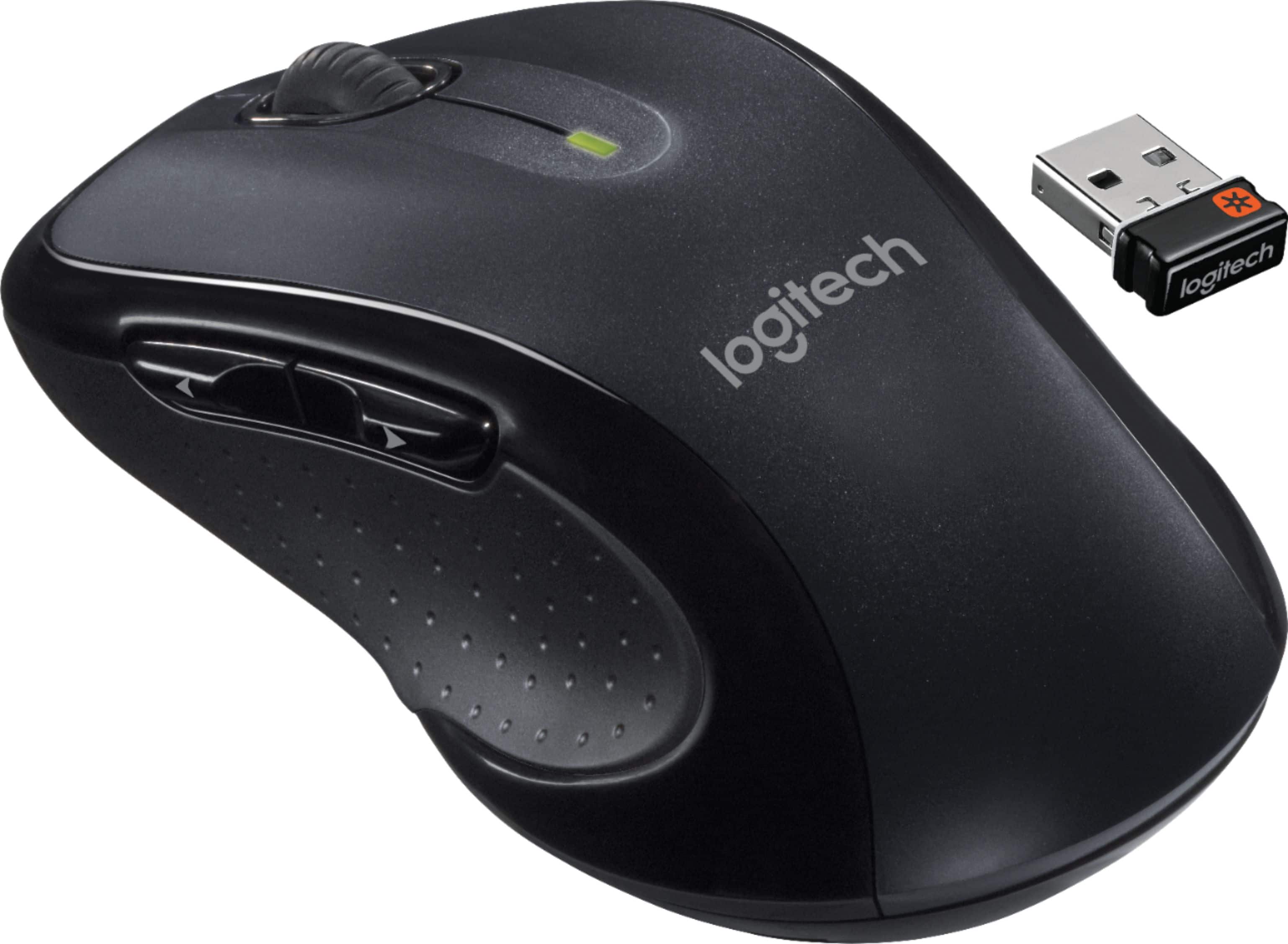
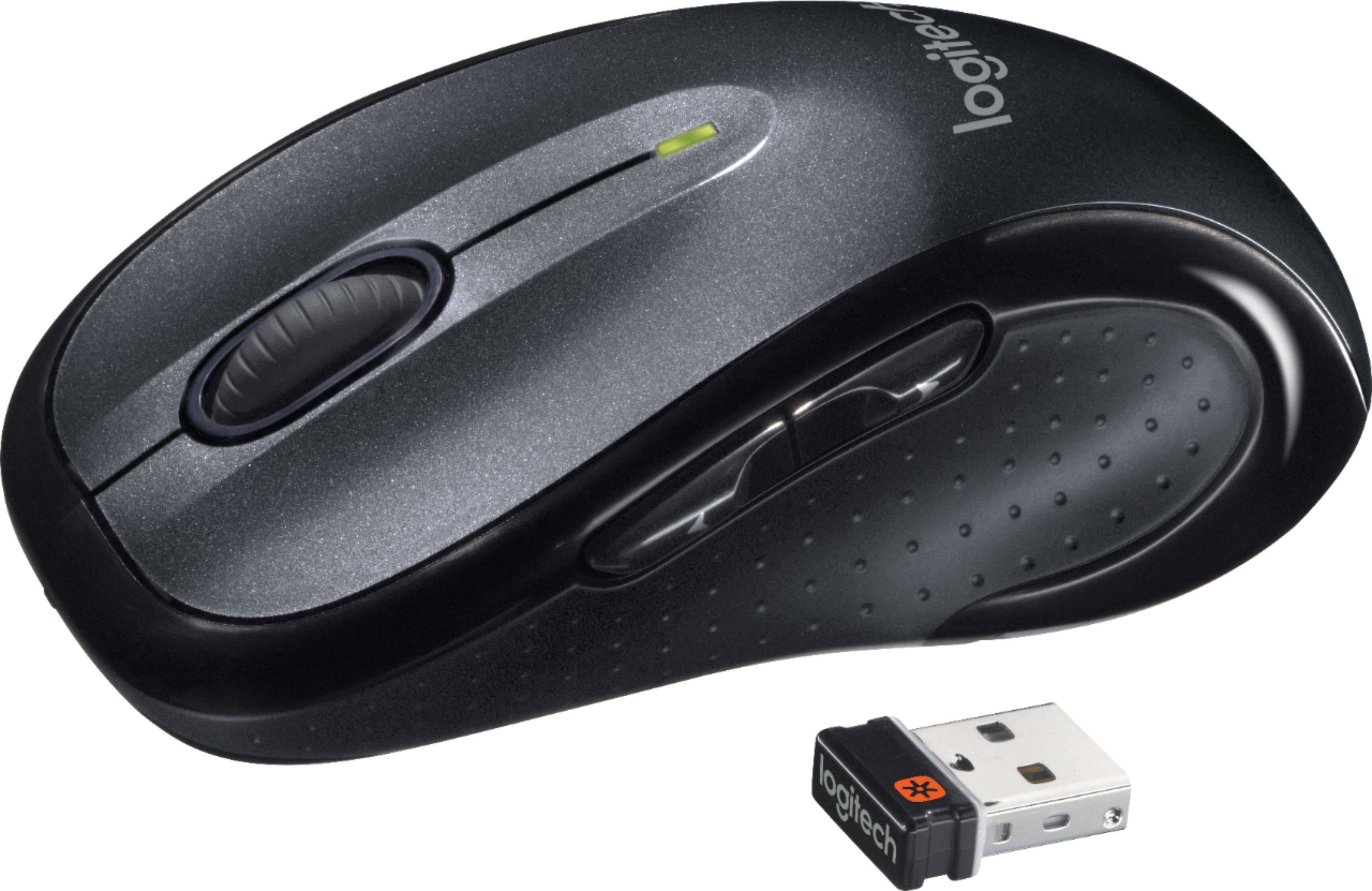
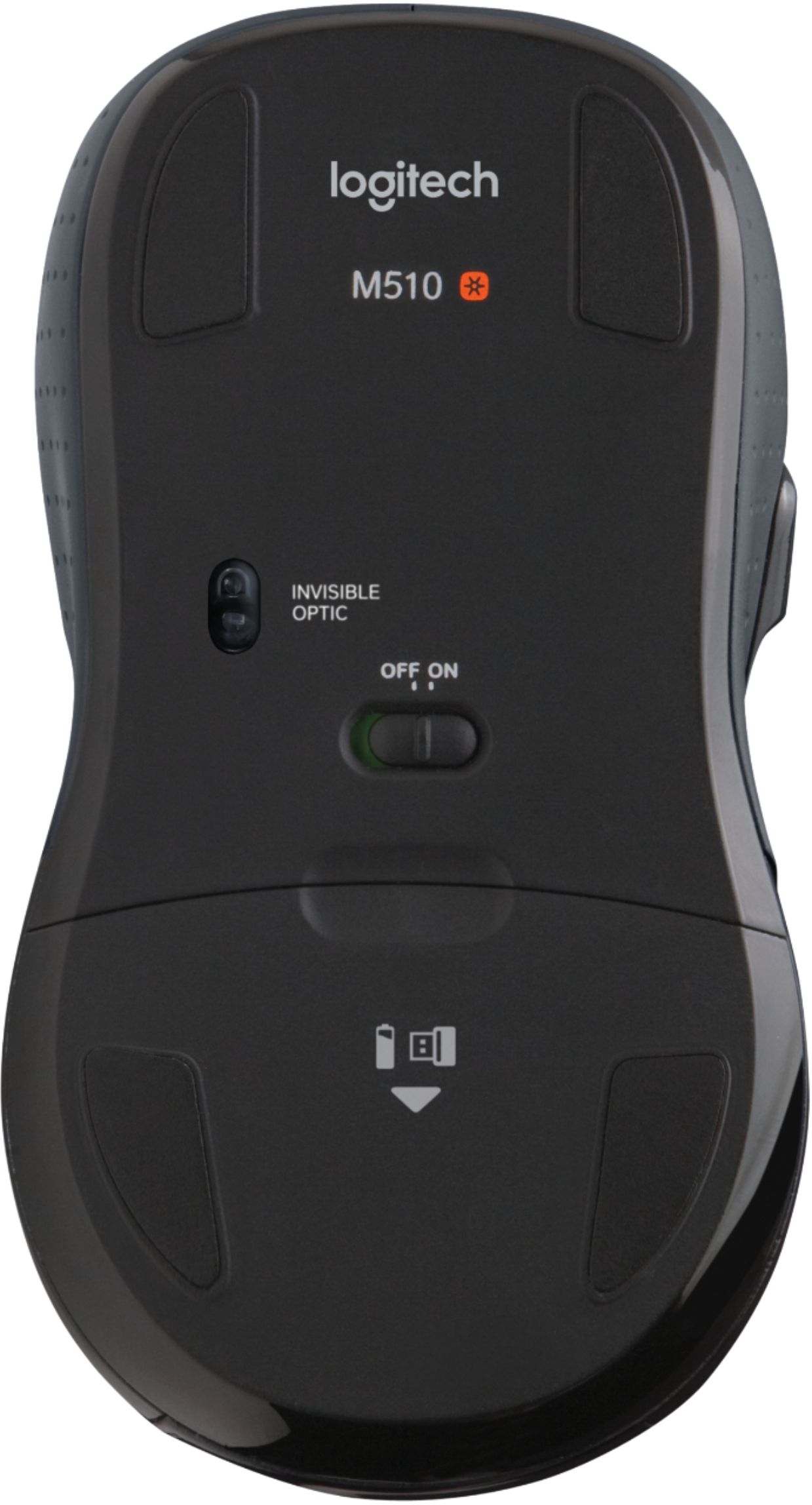
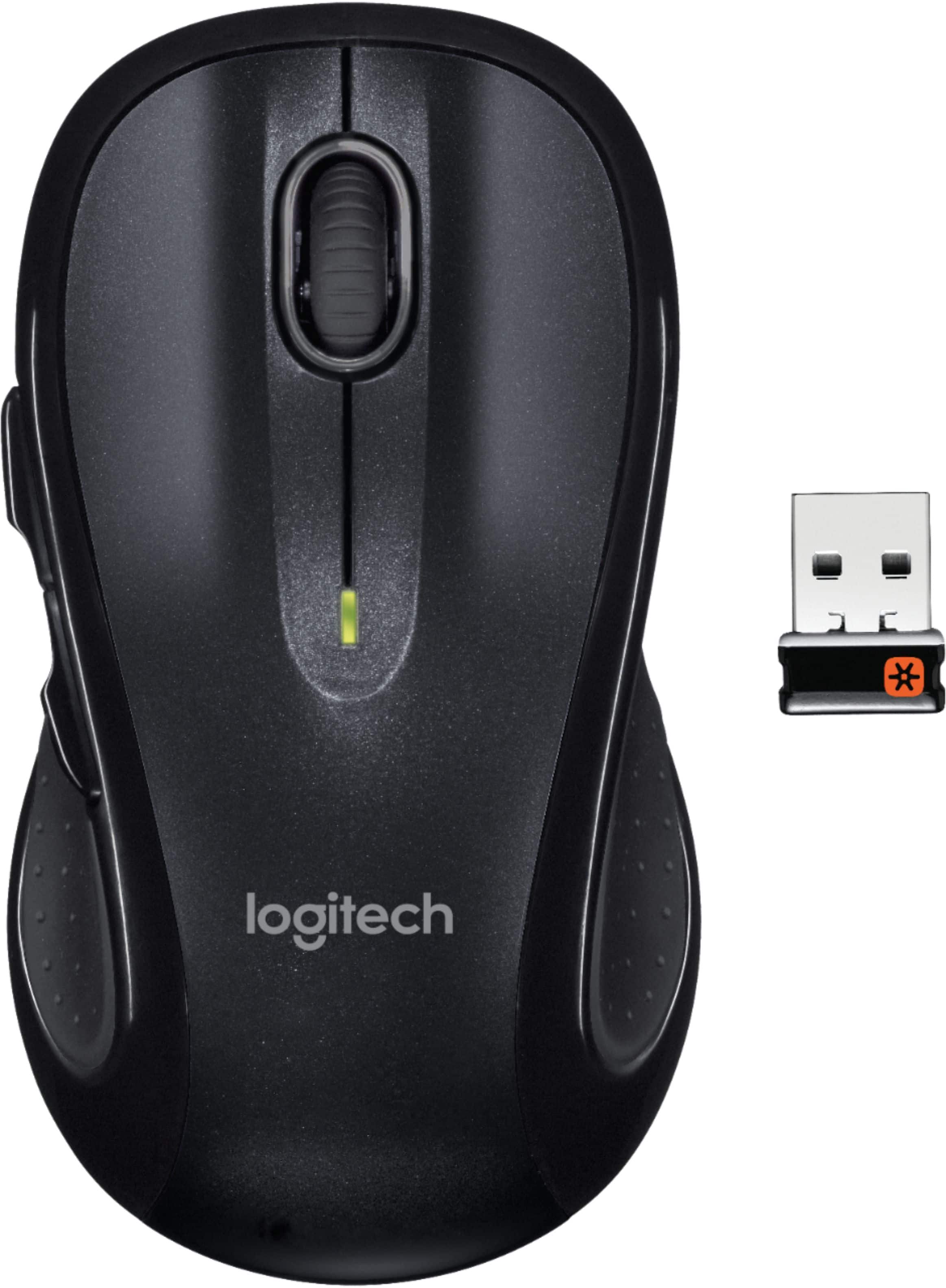
Q: QuestionDoes the USB connector nest in the mouse?
Asked by Mitchellcoaching.
This question was asked about the related product: Logitech - M510 Wireless Optical Ambidextrous Mouse - Red
- A:Answer Yes, inside the battery compartment.
Answered by Mike1818
Q: QuestionWhy do you send a m510 mouse with out the usb wireless chip
Asked by Bob.
- A:Answer The wireless mouse has a USB chip. It is located where the battery is . Open battery cover and pull it out and install in your computer in the regular USB port.
Answered by Skidaddy
Q: QuestionIs it at all possible to drag click with this mouse?
Asked by Cheesy.
This question was asked about the related product: Logitech - M510 Wireless Optical Ambidextrous Mouse - Wireless - Silver/Black
- A:Answer Hello Cheesy! You won't be able to drag click with the M510 Wireless Laser Mouse no, as it is designed to do precise and accurate clicking.
Answered by Logitech
Q: QuestionWould this mouse work well with my Lenovo legion Y540 15 laptop?
Asked by Chelle.
This question was asked about the related product: Logitech - M510 Wireless Optical Ambidextrous Mouse - Wireless - Silver/Black
- A:Answer Yes
Answered by DevisedPlijr
Q: QuestionIs this mouse ambidextrous? I recently purchased the M720 and had to return it becuase it is only for a right-hander.
Asked by mk.
This question was asked about the related product: Logitech - M510 Wireless Optical Ambidextrous Mouse - Wireless - Silver/Black
- A:Answer Although I'm right handed, I would say yes. It has an indentation on both sides for your thumb. The left/right buttons can be programmed 'backwards' if that's the way you're used to doing it. The 2 extra buttons are on the left side for a right hander's thumb. I would think you could click them all right with your ring finger.
Answered by AZBobcat
Q: QuestionCan the middle scroll button also be pushed downward (to select an programmable option)? I know it can be moved left or right (to be programmed to select an option.)
Asked by Anonymous.
- A:Answer Yes it can. I use it to close programs.
Answered by DoIHaveTo
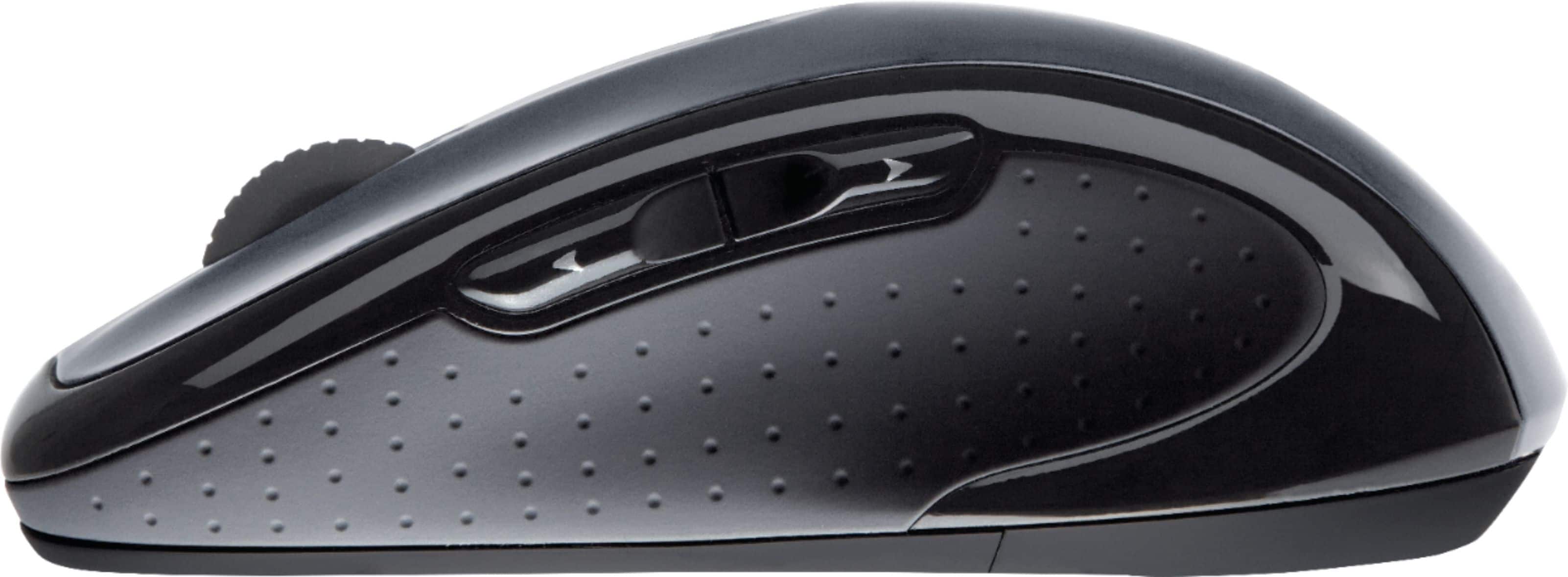
Q: QuestionDoes this mouse have buttons on the side if so how many
Asked by Logan.
- A:Answer YES THE LASER MOUSE HAD BUTTON ON THE SIDE
Answered by NENE
Q: QuestionWhich M510 model is this mouse? Original OR Version 2? What type of Laser is used in this model you have for sale??
Asked by dude.
This question was asked about the related product: Logitech - M510 Wireless Optical Ambidextrous Mouse - Red
- A:Answer Never knew there were two editions. However, common sense would dictate they sell the newer Version 2. Both of mine (2015,2020) have black Lasers.
Answered by Mike1818
Q: QuestionPurchased Logitech Marathon M705 wireless mouse , was a USB supposed to be in the package by the batteries?
Asked by Anonymous.
This question was asked about the related product: Logitech - M510 Wireless Optical Ambidextrous Mouse - Wireless - Silver/Black
- A:Answer The usb is located inside the mouse to the right of where you insert the batteries
Answered by Lari
Q: QuestionNew to this, but do I need to purchase a USB for this mouse to work? And if so, what do I buy?
Asked by Anonymous.
This question was asked about the related product: Logitech - M510 Wireless Optical Ambidextrous Mouse - Wireless - Silver/Black
- A:Answer No, it comes with the "dongle" that you plug into a USB port on your computer. It is located inside the mouse near the battery compartment.
Answered by LouieLouie