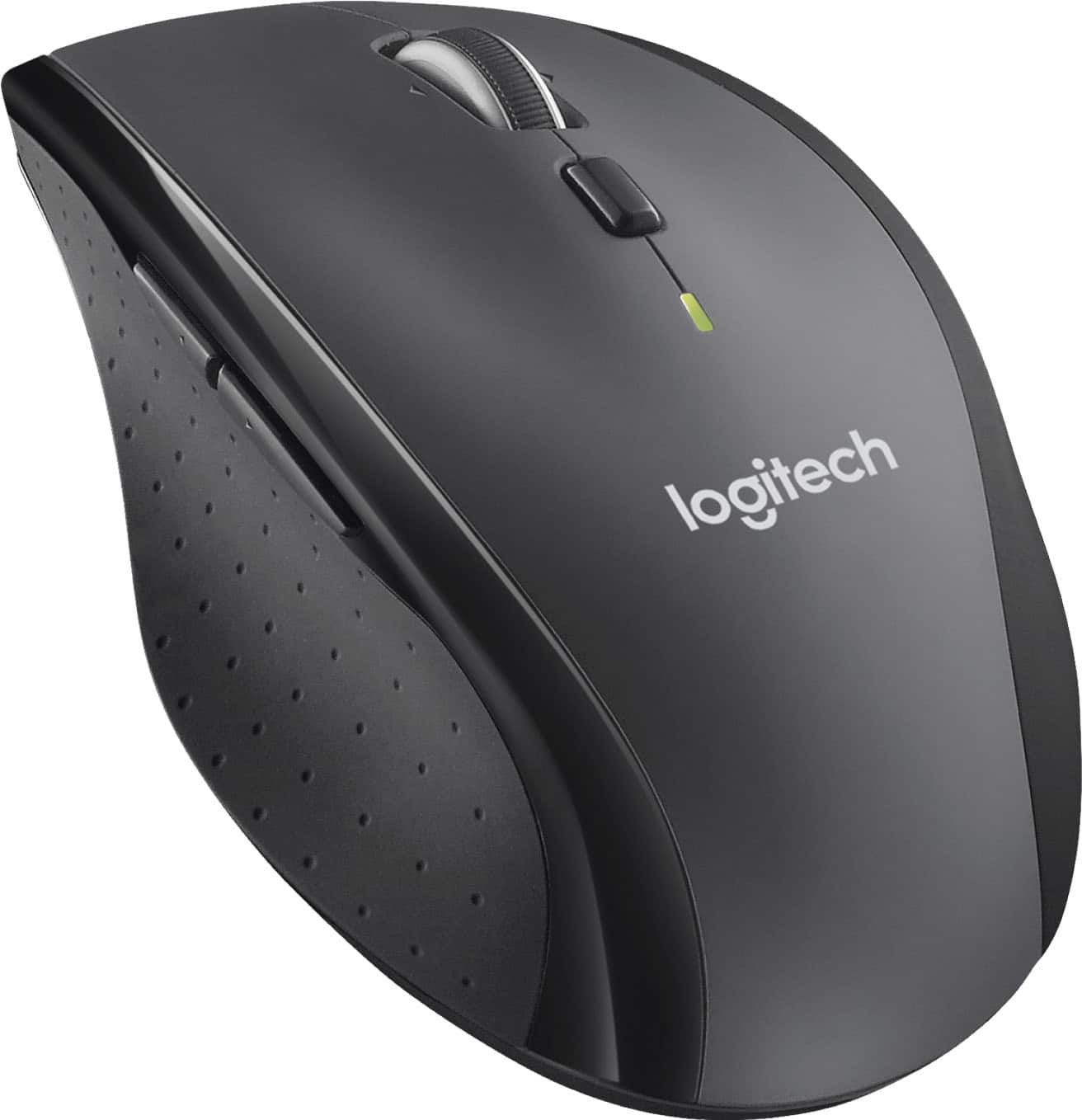
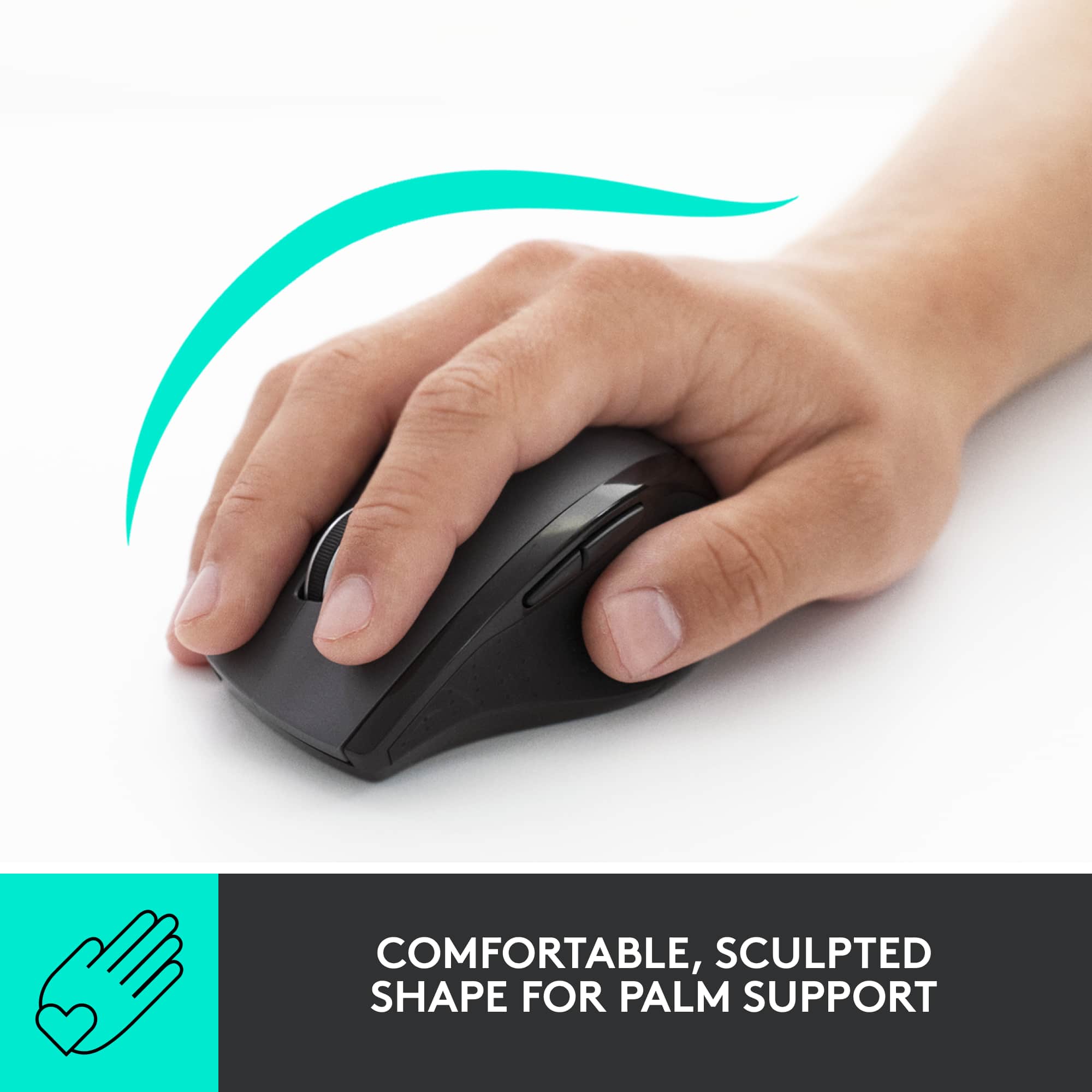
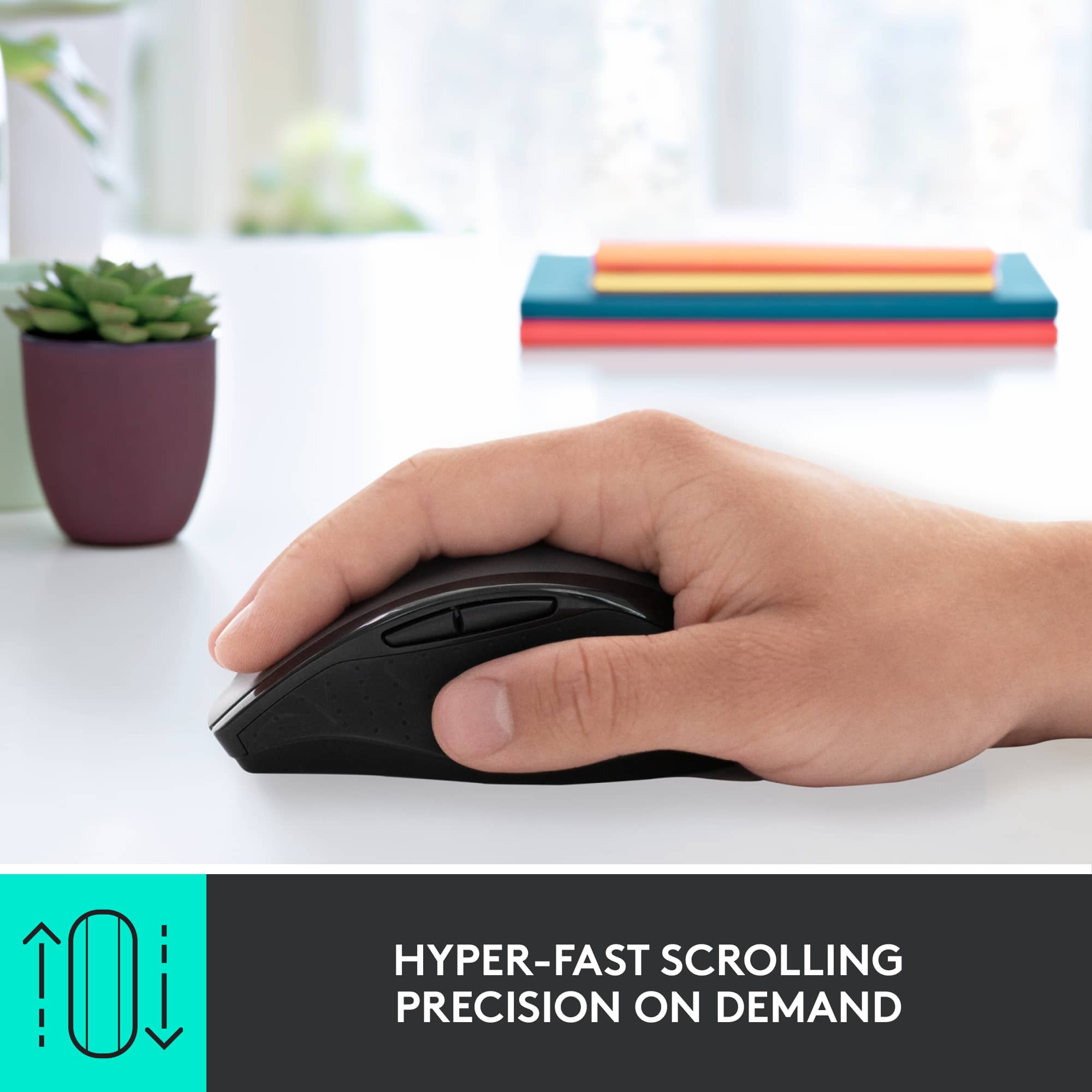
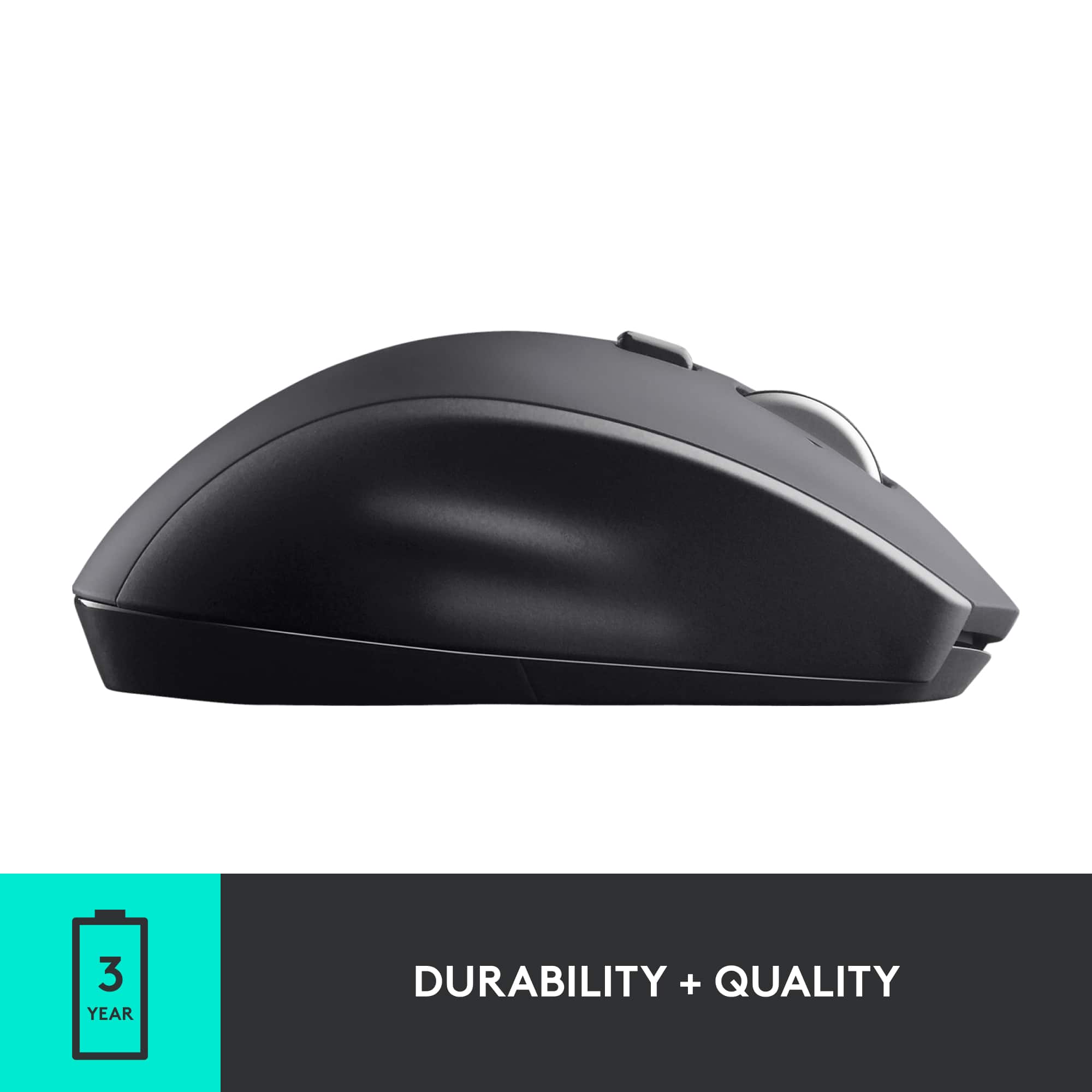
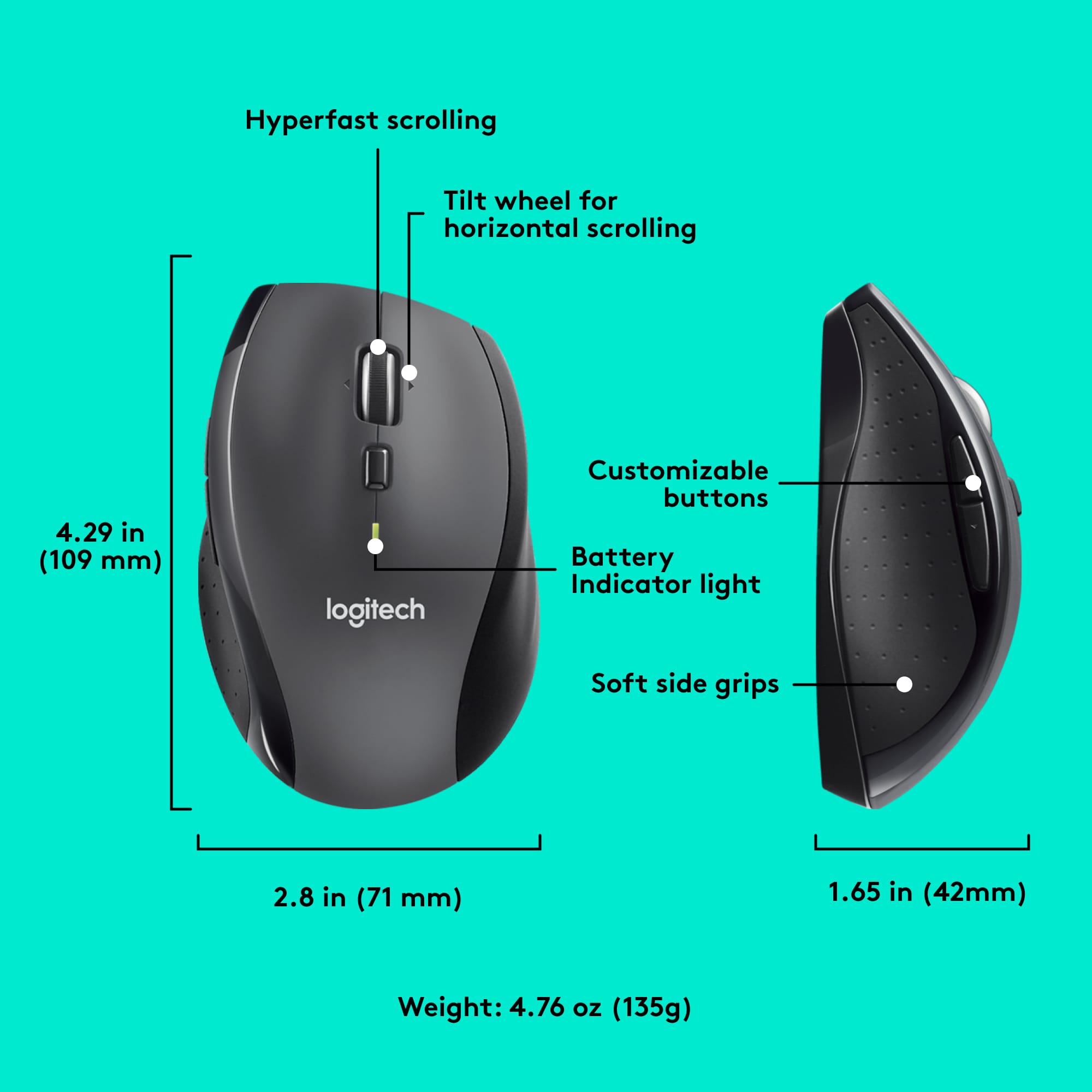
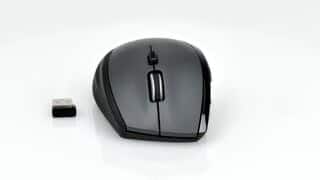
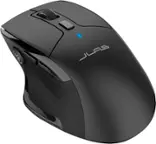
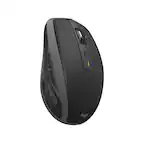
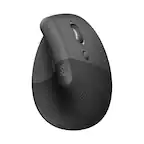
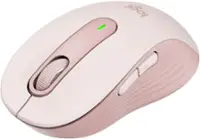
A:AnswerIt's not technically ergonomic but it's the easiest mouse for me to use. It raise your hand up higher off the desk because of the shape. Also on the left side there is a slight lip for you thumb to rest on. All of my fingers are dislocated from arthritis that's why I keep buying it when the old one's die.
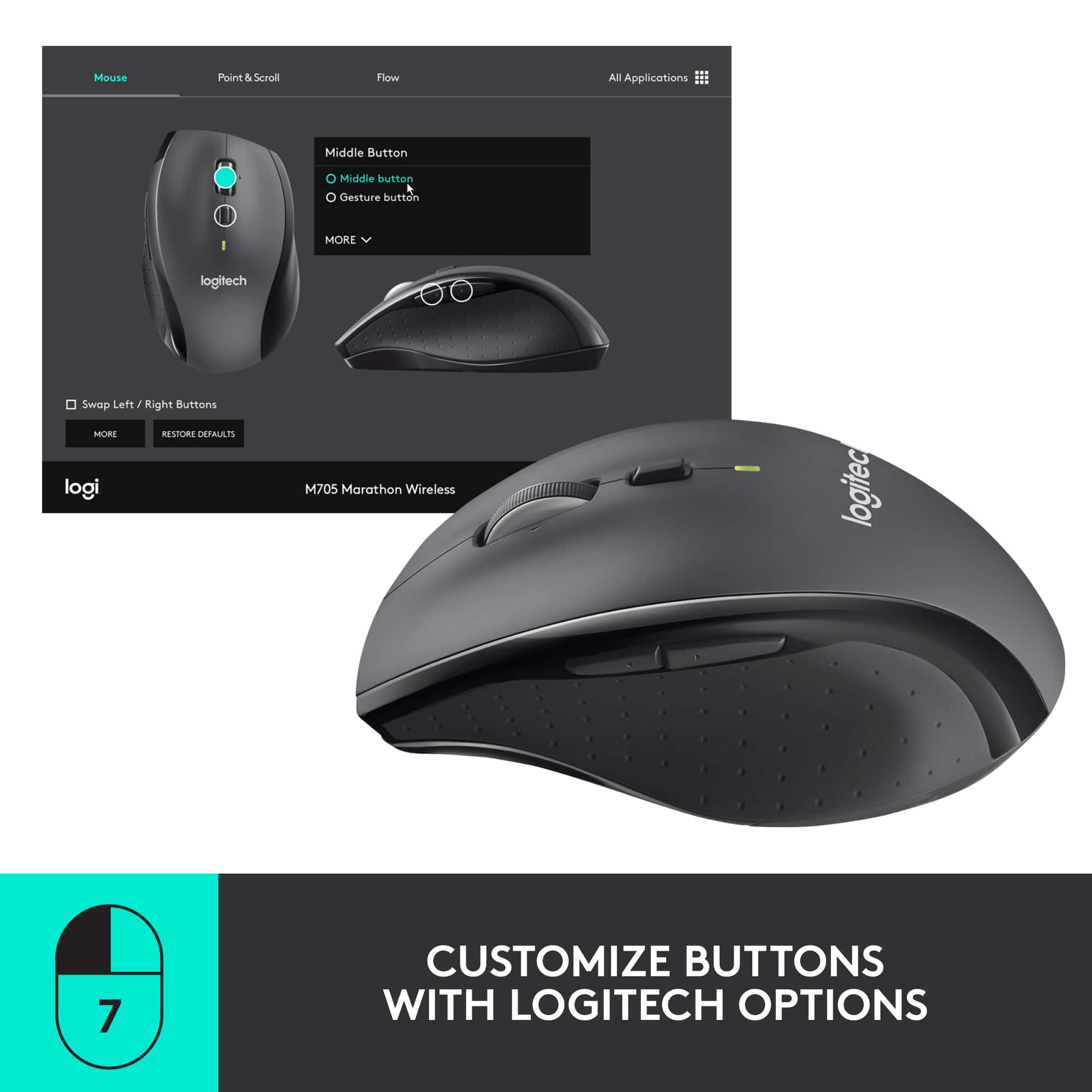
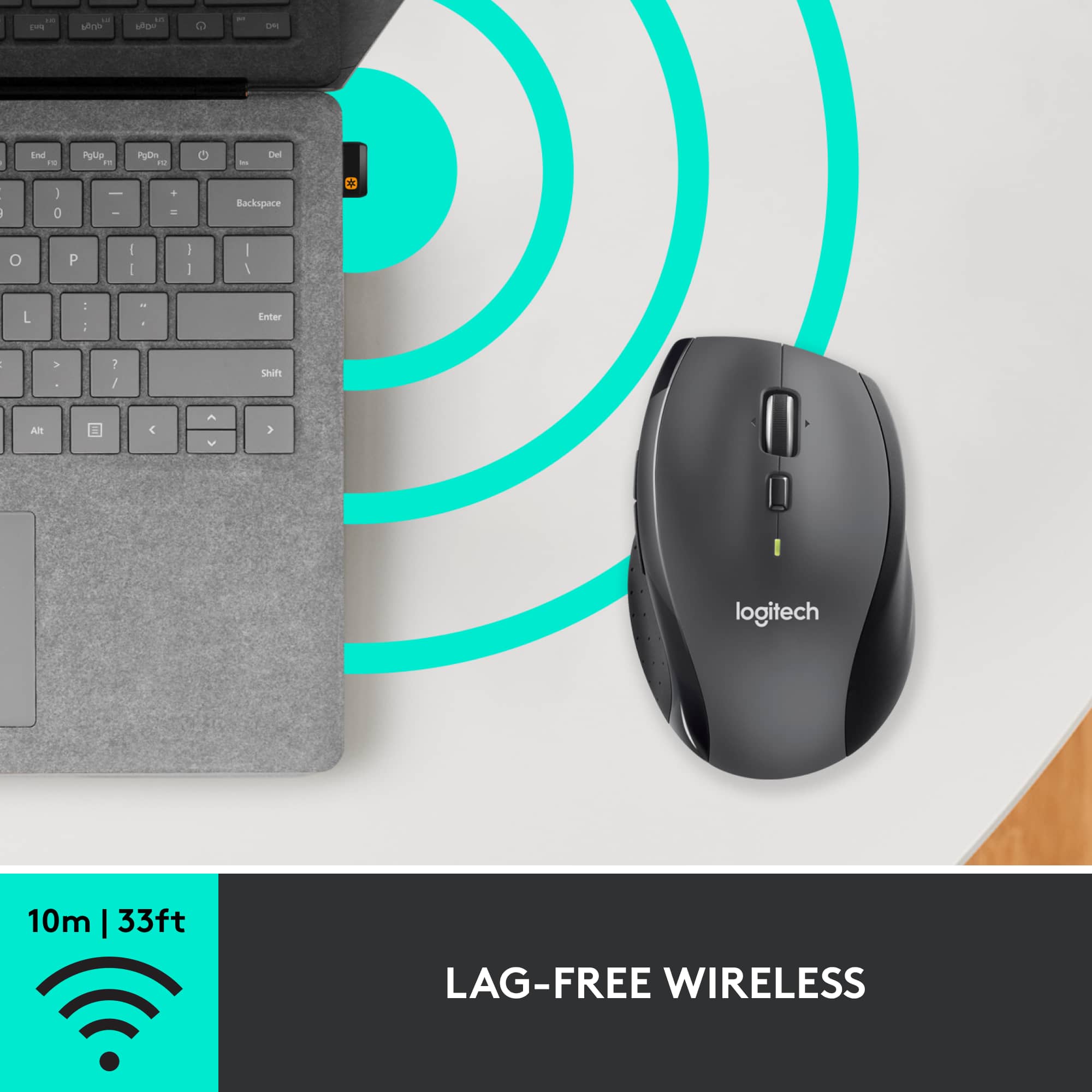
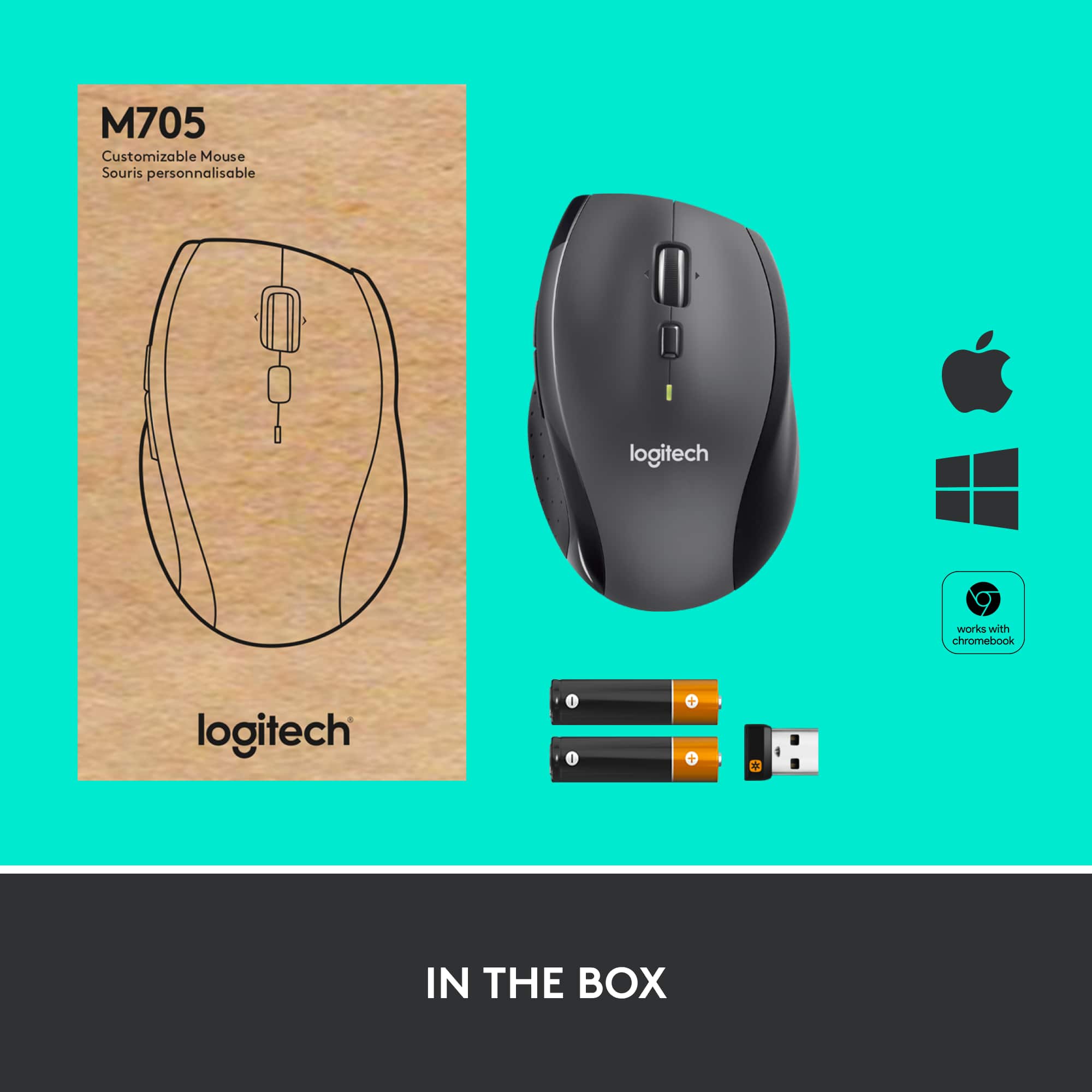
A:AnswerBoth the K570 and M705 utilize our Unifying Receiver, which can support up to 6 Logitech devices. All you'll need to do is download our free Unifying Software to pair your new M705 mouse to the Receiver you are currently using for your K570. You can find that free software here https://support.logi.com/hc/en-us/articles/360025297913
A:AnswerDid you download the logitech unifying 250.exe program?
You must use this program to make unifying the mouse and keyboard to the computer. It may allow you to unify multiple items at the same time.