Questions & Answers
- Model:
- 910-006569
- |
- SKU:
- 6516285
Highly rated by customers for: Ergonomics, Battery Life, Scroll Wheel
$94.98Your price for this item is $94.98
Comp. Value: $119.99
The comparable value price is $119.99
Page Showing 1-18 of 18 questions
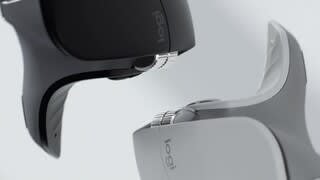
Q: QuestionWhat is the difference btwn this mouse (MX Master 3S for Mac) and the standard MX Master 3S (Model 910-006556)? Are there features / functions on the Mac version that are not available on the standard version? If so, what are they?
Asked by Smitty.
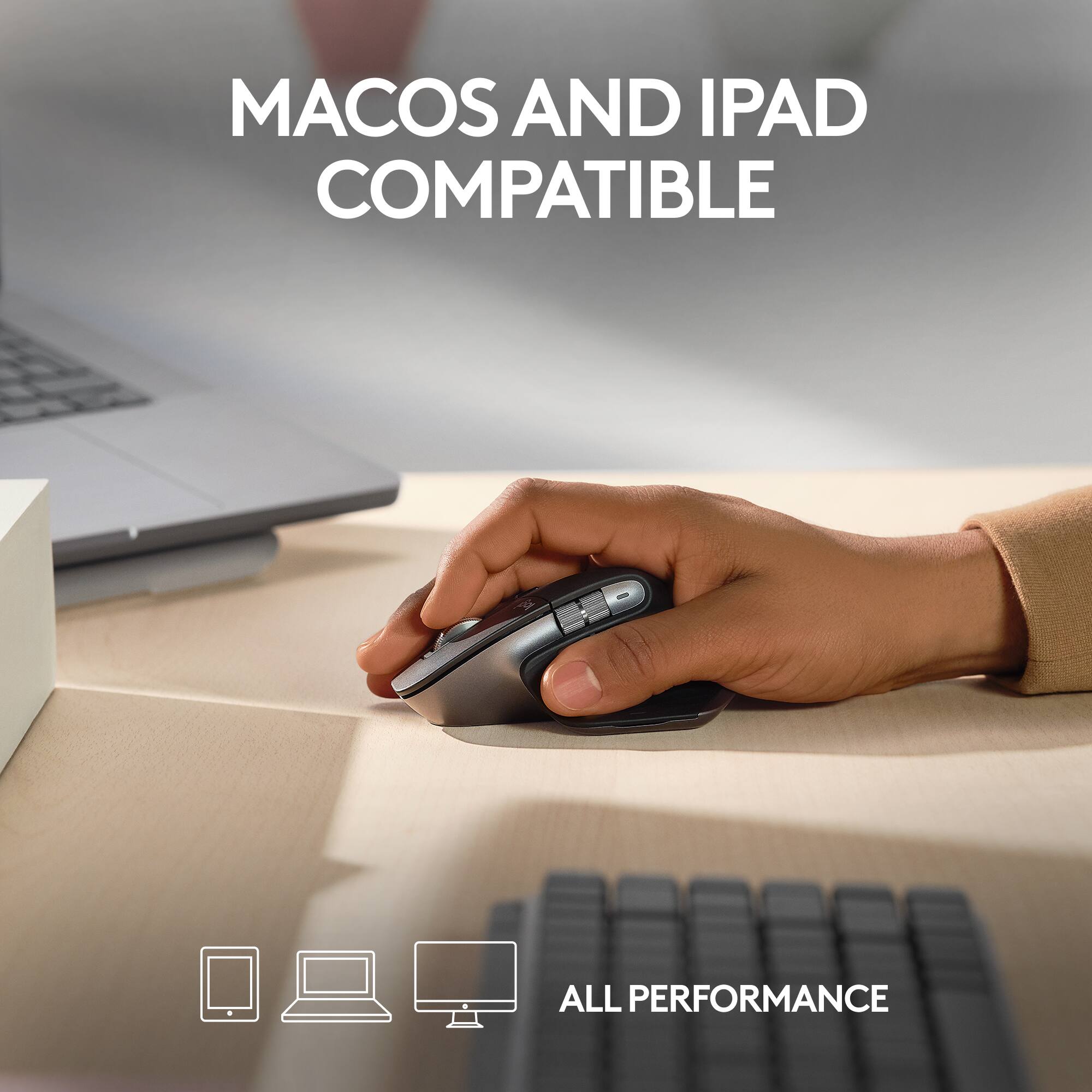
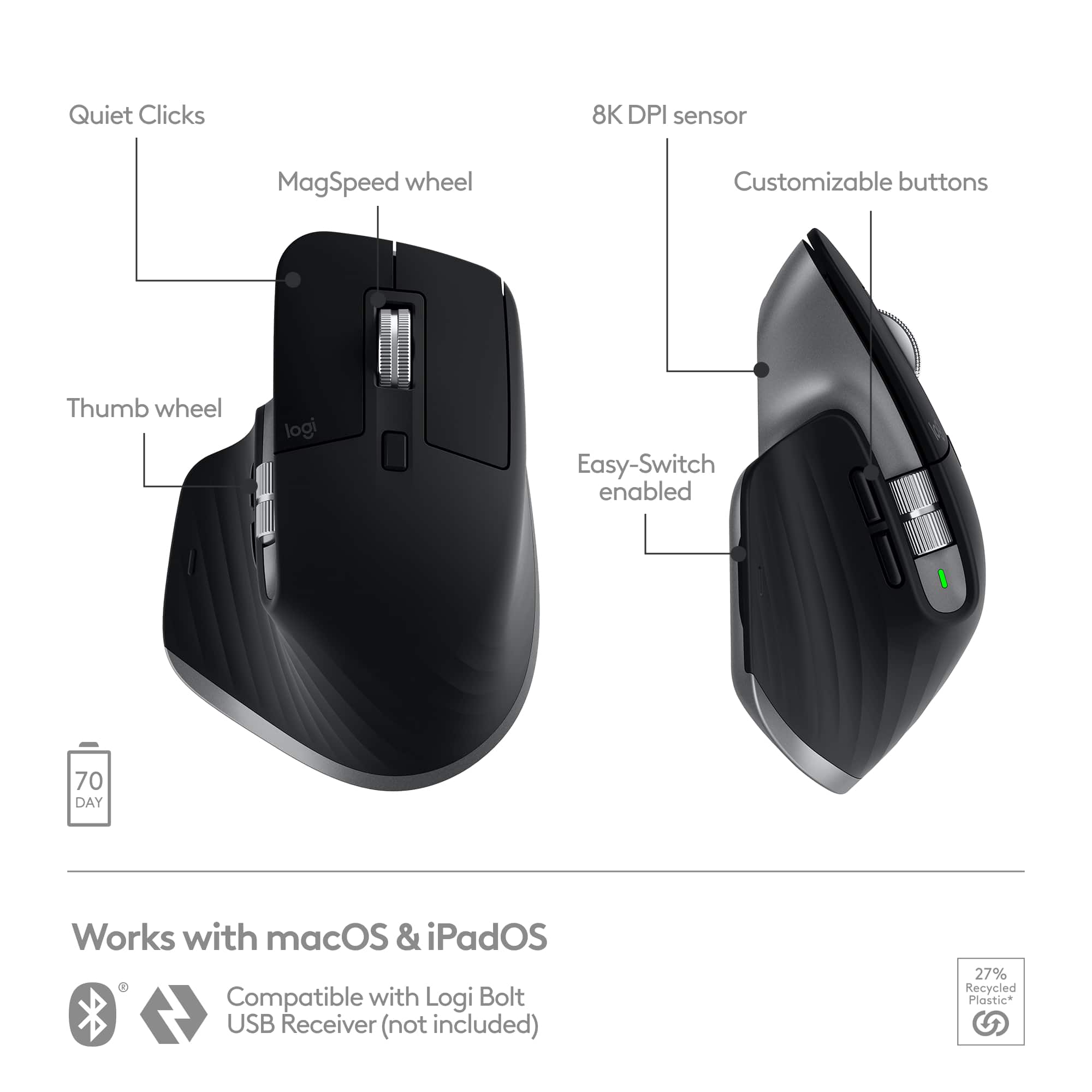
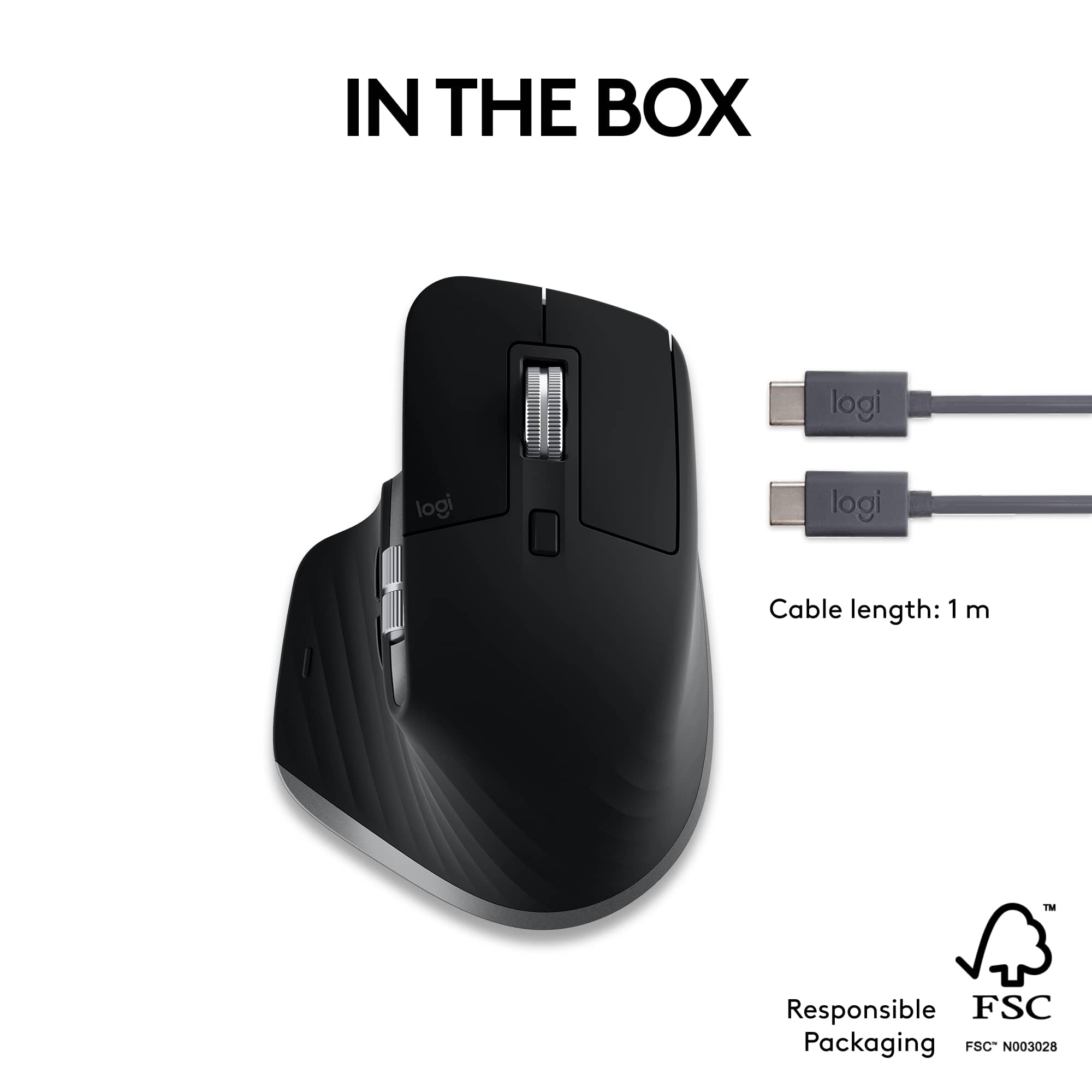
- A:Answer Hey! The differences between MX Master 3S and MX Master 3S for Mac is that the standard MX Master 3S comes with USB-C charging cable (USB-A to USB-C) while MX Master 3S for Mac uses USB-C charging cable (USB-C to USB-C). Also, MX Master 3S is compatible with Windows, macOS, iOS, ChromeOS, Android and the most popular Linux distributions while MX Master 3S for Mac is optimized for macOS and iPadOS. Apart from the color scheme, MX Master 3S has Logi Bolt USB Receiver on the package contents which the Mac version lacks. It doesn't include the USB receiver since most of the Mac devices doesn't have USB ports. The features remain the same.
Answered by Logitech
Q: QuestionCan you swipe left or right? How do you do that?
Asked by Tj.
- A:Answer Yes, the programmable button on the side can be used for the swipe feature.
Answered by TXTony99
Q: QuestionI know it is optimized for Mac but does it also work with windows??
Asked by Harry.
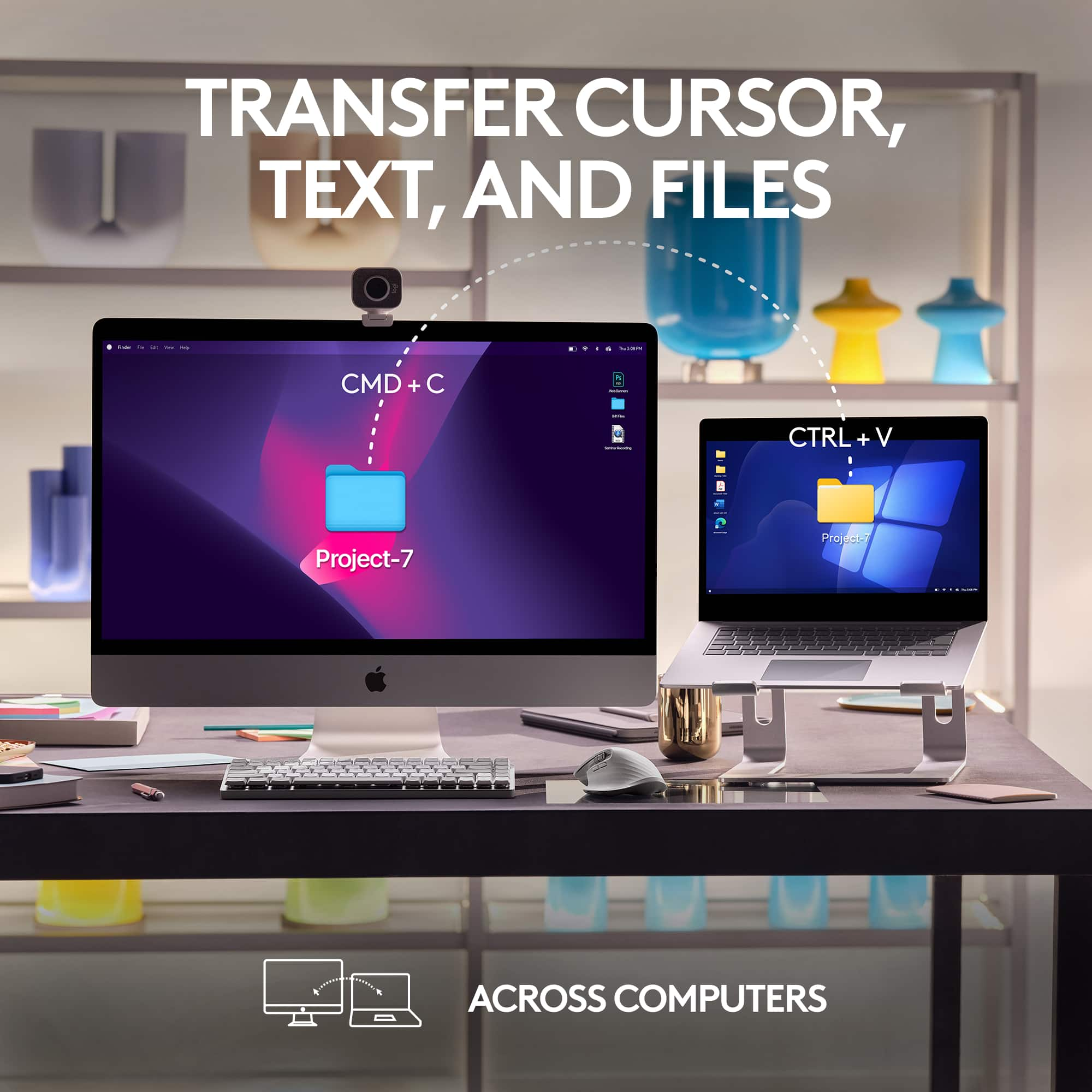
- A:Answer Yes, while the MX Master 3S for Mac is optimized for macOS, it will still function with Windows. However, it will operate as a basic mouse, and the special function keys and some of the advanced features designed for macOS might not work as intended.
Answered by Logitech
Q: QuestionDoes it come with the logi bolt dongle? Can I switch between MacBook and windows laptop?
Asked by zach.
- A:Answer This is a bluetooth device so a dongle isn't needed. There are three channels to connect with 3 computers (even worked on my Samsung S23 cell phone). Once paired, switching between computers is made via the button under the mouse. Not as convenient as my older Logitech mouse, but less likely to be accidentally bumped and switched to another device connection.
Answered by Pauly1
Q: QuestionDoes this work for a left handed person?
Asked by Karen.
- A:Answer I am afraid not it maybe that you can train yourself to do it but it would not be ergonomically friendly and can be a chore to learn the left-handed use of a right-handed person.
Answered by AwaisA
Q: QuestionDoes it work with the Raspberry Pi 5
Asked by MasterBrewer.
- A:Answer Hey! No, it works onli via Bluetooth Low Energy Technology MAC 10.15 or later iPadOS 14 or later and Logi Bolt USB receiver.
Answered by Logitech
Q: QuestionWill this mouse work with the logi universal USB dongle if I don't want to connect it to Bluetooth?
Asked by SMAS.
- A:Answer The Logitech MX Master 3S for Mac is compatible with the Logi Bolt receiver. However, please note that the Logi Bolt receiver is not included in the box and would need to be purchased separately if you prefer not to use Bluetooth connectivity.
Answered by Logitech
Q: QuestionWill it work for an Ipad?
Asked by watermedic.
- A:Answer Yes, it is a bluetooth mouse that will work on any device that supports that, as the iPad does. You can actually pair this mouse with up to three different devices via bluetooth, and just use a button on the bottom to switch between connected devices.
Answered by AlanS
Q: QuestionWill this mouse work with the Apple Mac Mini??
Asked by MacMini.
- A:Answer Yes
Answered by Bueller
Q: QuestionHow do I check the battery re-charge level? The 1 on the bottom side keeps flashing, but neither the 2 nor the 3 ever light up. How do I check remaining power level? Thank you in anticipation of your detailed response!
Asked by Anonymous.
- A:Answer You open up the logi app and the battery level is there.
Answered by JFLY
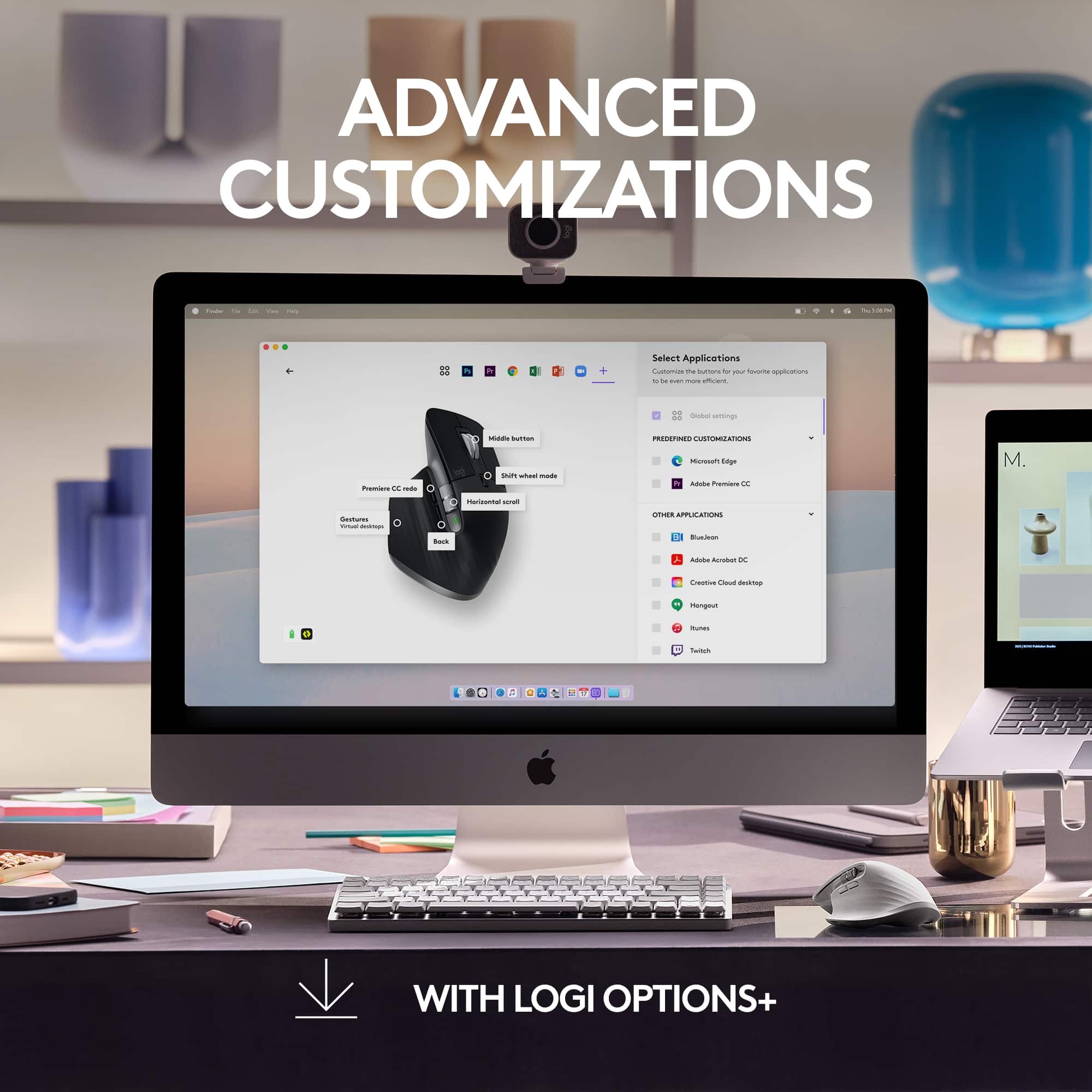
Q: QuestionDoes this require the use of the application it shows in the images?
Asked by Evan.
- A:Answer The app is NOT required for basic mouse functions. It will work as a normal mouse with a standard bluetooth connection.
Answered by AlanS
Q: QuestionWill it work with my Macbook which only has USB C ports? Without adapters, please.
Asked by Mari.
- A:Answer It's Bluetooth-connected, you just need to charge it with a type c but the battery life is excellent.
Answered by AwaisA
Q: QuestionDoes it works within 60'?
Asked by Shardar.
- A:Answer This is a Bluetooth mouse, which means that it can reach a device up to 30 feet away, which is the normal limitation for most Bluetooth-enable items.
Answered by PhotoJoe
Q: QuestionWhy when I do a page scroll in one app and switch to another app does the scrolling continue?
Asked by Andr.
- A:Answer Yes. This is somewhat annoying at times but you get used to it.
Answered by SawyerB
Q: QuestionDoes this mouse require a dongle?
Asked by Anton.
- A:Answer Nope. It's wireless and a pretty good one. Very easy to use.
Answered by AwaisA
Q: QuestionWhat kind of batteries does this use?
Asked by JayJay.
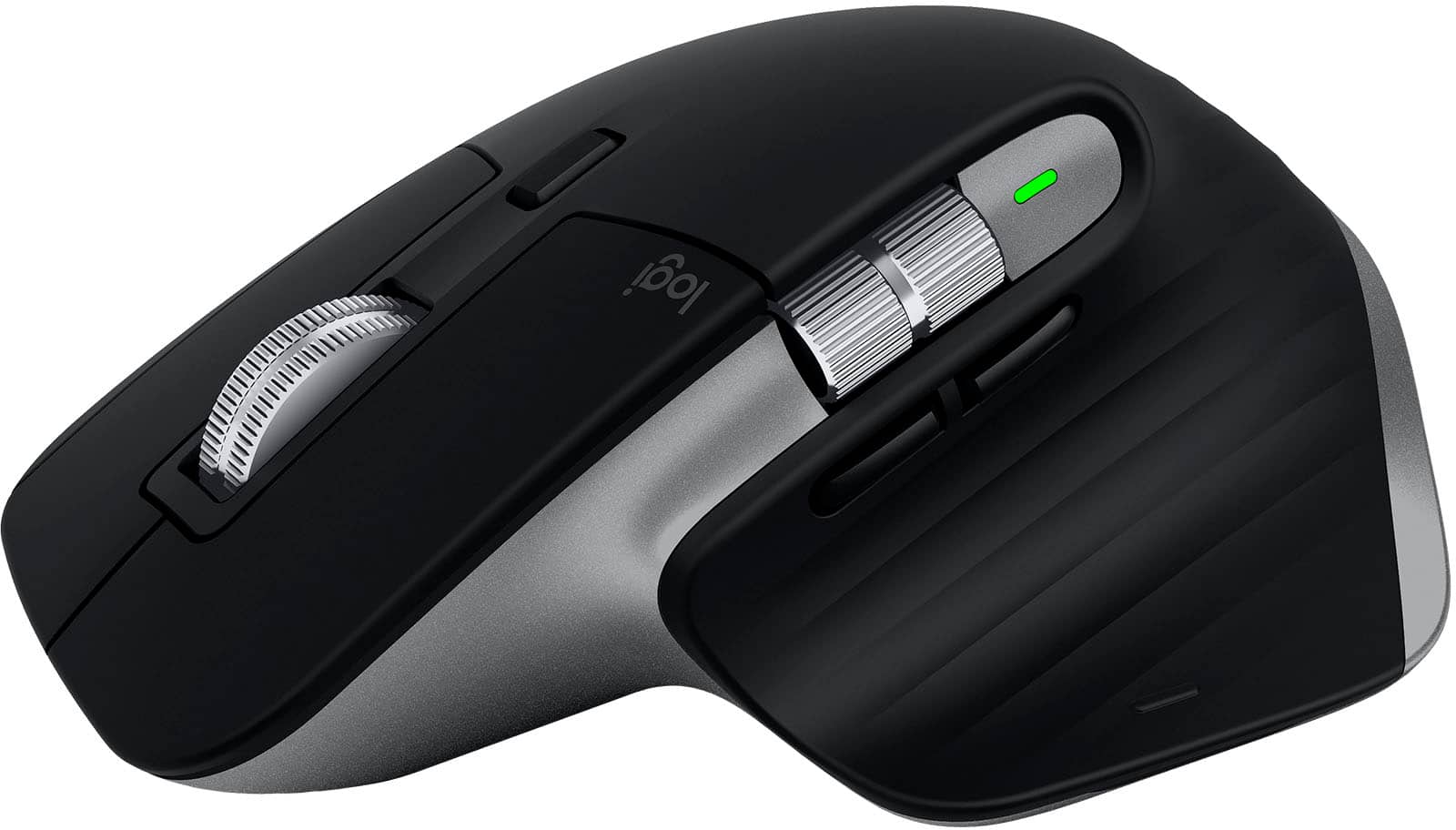
- A:Answer It doesn't use batteries. It is rechargeable. You plug a cable in to the front of it for a while, it charges up. If you look at settings in the Bluetooth section, it will tell you what percentage charge it is at currently. I just checked mine, it is now down to 20%, so I need to plug in the cable. I can still use the mouse while it is charging. The same cable will also plug into the keyboard to recharge that. My wife has an Apple computer, with a rechargeable mouse. She gets annoyed with it, because the recharge connection is on the bottom of the mouse, not the front end like the Logitech mouse.
Answered by Anonymous
Q: Questionwill this work with a PC too?
Asked by js.
- A:Answer I use mine with my pc.
Answered by Anonymous
Page 1, Showing 1-18 of 18 questions
Top Rated
- $119.99Your price for this item is $119.99
- Black Friday Deal$79.99Your price for this item is $79.99
- $79.99Your price for this item is $79.99
- $119.99Your price for this item is $119.99
- Black Friday Deal$99.99Your price for this item is $99.99
- $119.99Your price for this item is $119.99$129.99The comparable value for this item is $129.99
- $119.99Your price for this item is $119.99
- Black Friday Deal$19.99Your price for this item is $19.99
- Black Friday Deal$99.99Your price for this item is $99.99
- Black Friday Deal$39.99Your price for this item is $39.99
- Black Friday Deal$9.99Your price for this item is $9.99
- Black Friday Deal$71.99Your price for this item is $71.99
- $79.99Your price for this item is $79.99
- Black Friday Deal$9.99Your price for this item is $9.99
- $36.08Your price for this item is $36.08$44.99The comparable value for this item is $44.99
- $31.99Your price for this item is $31.99$39.99The comparable value for this item is $39.99
- Black Friday Deal$12.99Your price for this item is $12.99
- Black Friday Deal$74.99Your price for this item is $74.99
- $39.99Your price for this item is $39.99
- $59.49Your price for this item is $59.49$69.99The comparable value for this item is $69.99