Questions & Answers
- Model:
- 910-006251
- |
- SKU:
- 10840202
Q: QuestionI would like to buy this for my grandson but I want to ensure that it will work with his new MacBook Air
Asked by Yycgrandma.
- A:Answer It works with my Apple Air computer.
Answered by JPOB
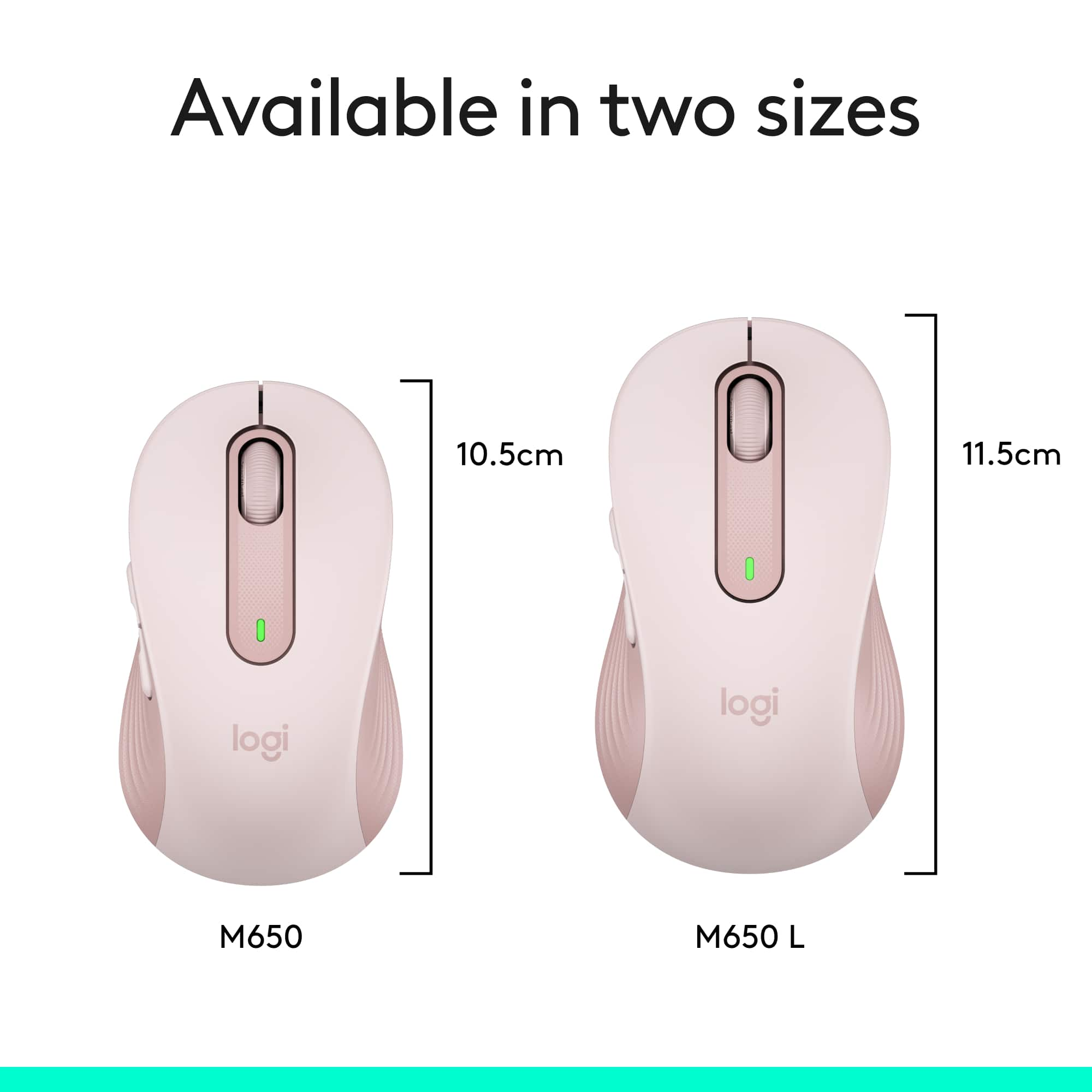
Q: Questionthe manufacturer says it comes in two sizes. How do you know what size this is?
Asked by psjohn.
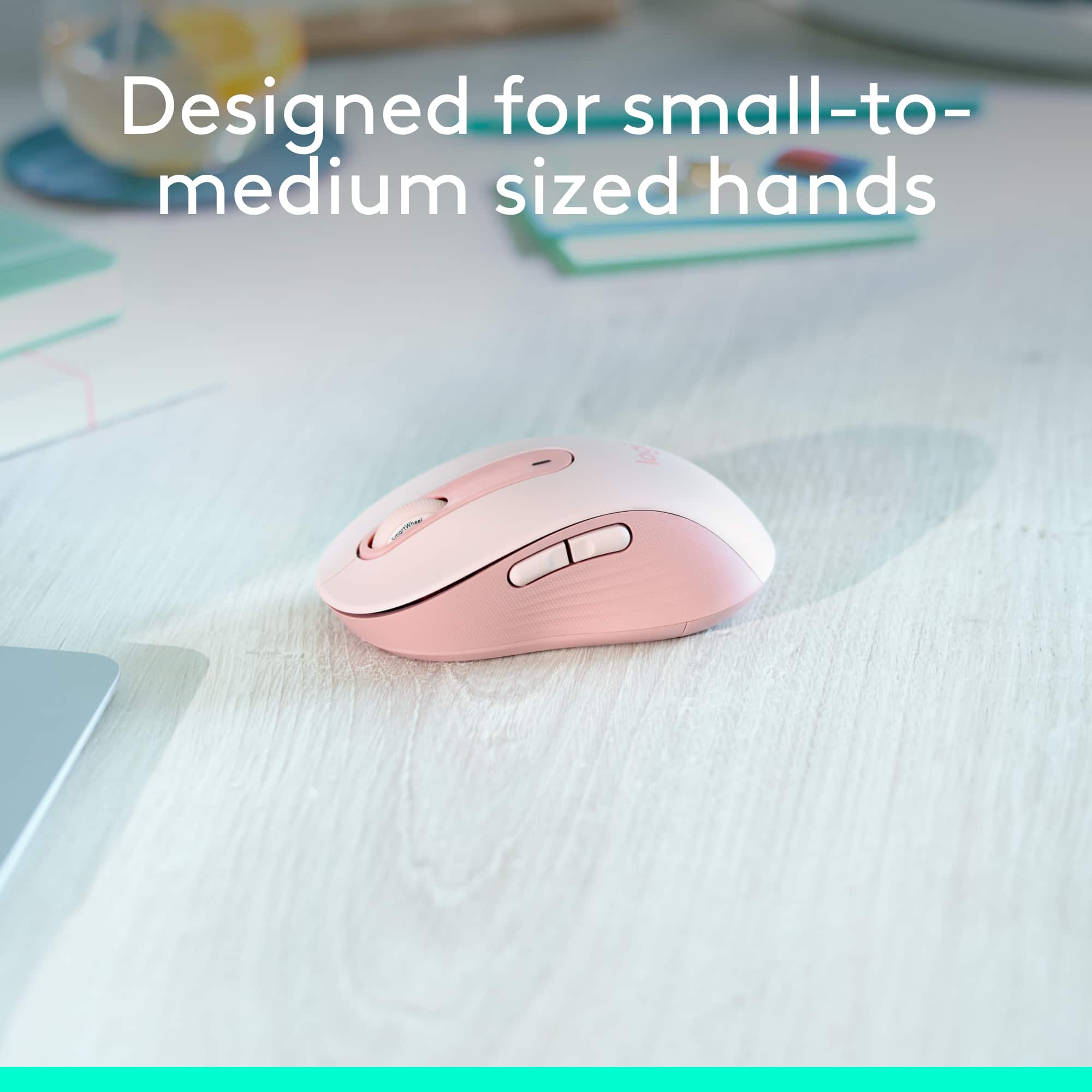
- A:Answer The 650 L is the one for Bigfoots. So look for it ..or not when ordering.
Answered by Mohammad
Q: QuestionDoes this mouse work on a MacBook Air M2? Type C connector?
Asked by Libby.
- A:Answer Hello, Libby! Yes, you can pair your M650 to your Macbook Air using Bluetooth. - Maggie from Logitech
Answered by Logitech
Q: QuestionDoes this mouse work on a 2024 MacBook Air M3?
Asked by Momof2.
- A:Answer Yes, the Logitech Signature M650 mouse is compatible with a 2024 MacBook Air M3.
Answered by Logitech
Q: QuestionDoes the wheel have a tactile click like the Anywhere mouse?
Asked by goodblackdogs.
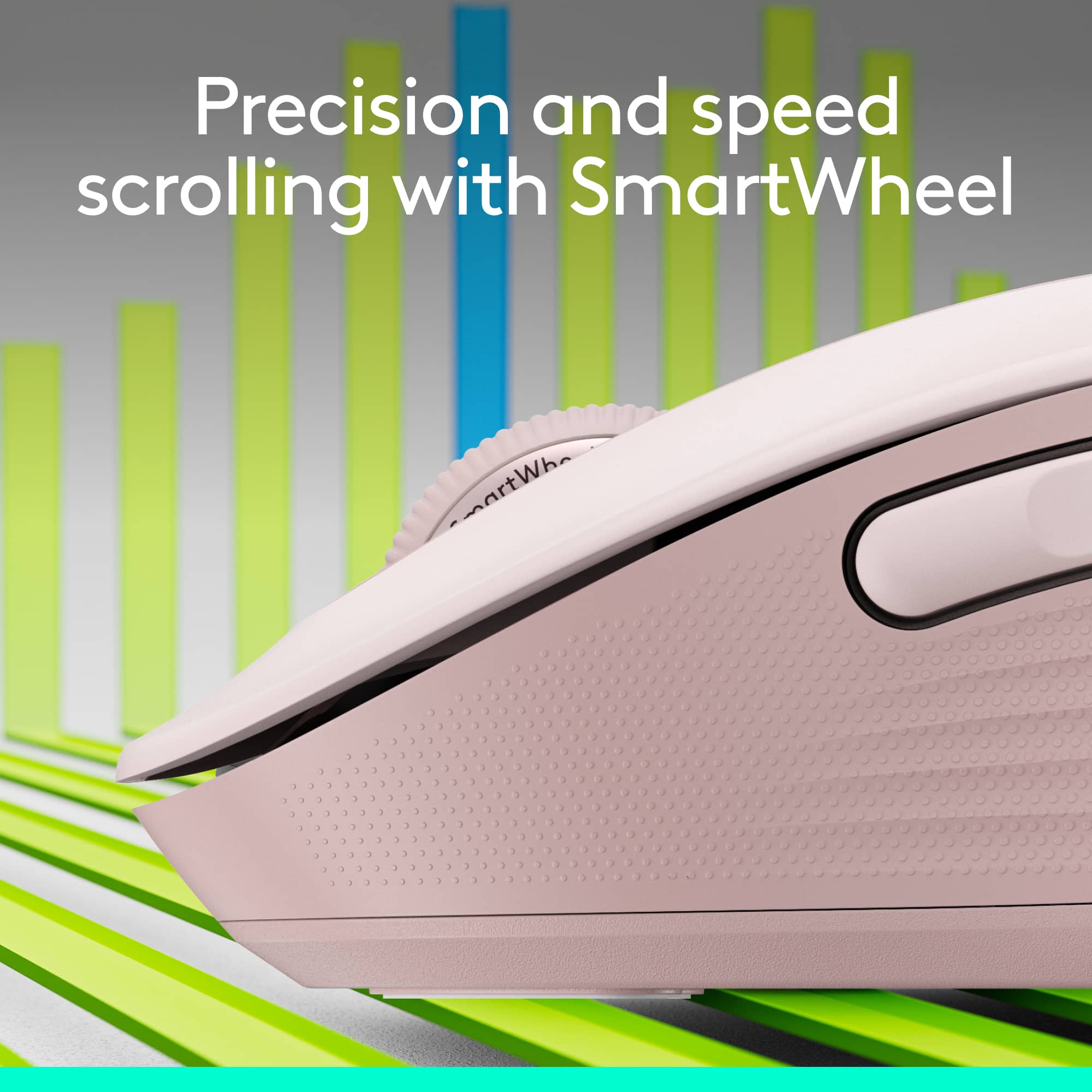
- A:Answer Hello goodblackdogs! Yes, the Signature M650 Wireless Scroll Mouse with Silent Clicks does have a scroll wheel click with a tactile feedback.
Answered by Logitech
Q: QuestionIs this mouse USB-C compatible?
Asked by USBc.
This question was asked about the related product: Logitech - Signature M650 Wireless Optical Mouse with Silent Clicks - Wireless - Off-White
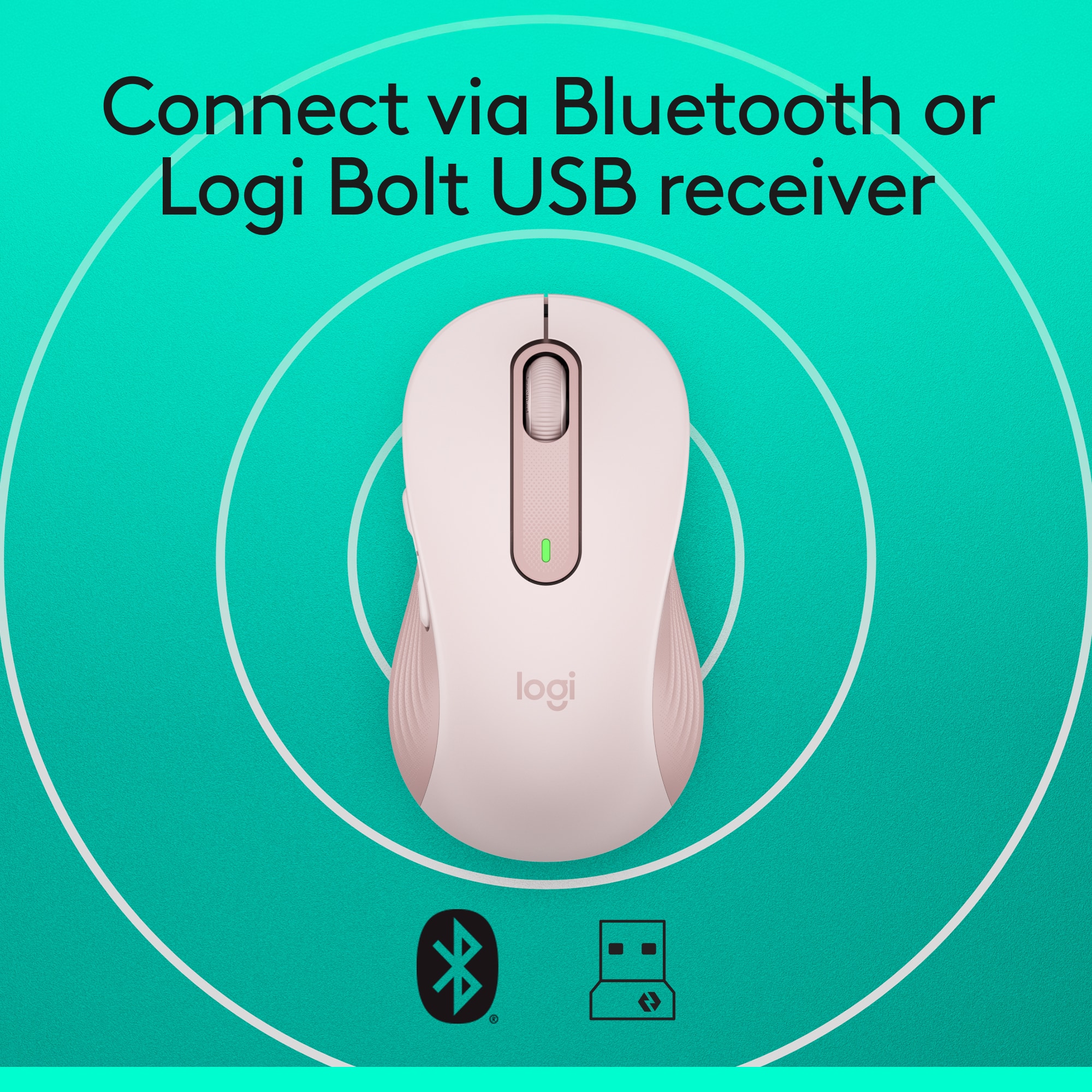
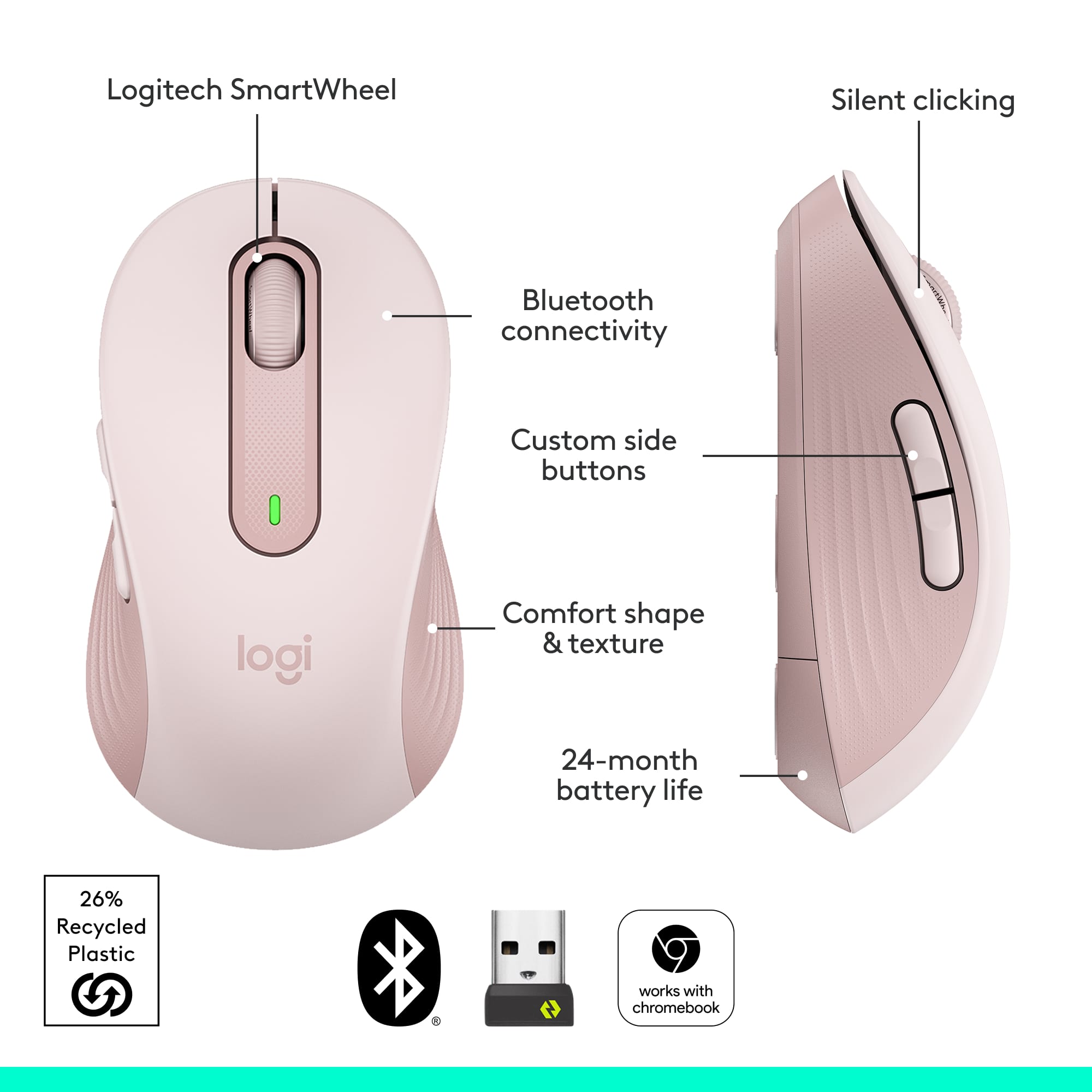
- A:Answer The Logitech Signature M650 connects wirelessly via Bluetooth Low Energy or with the included Logi Bolt USB receiver. It does not use USB-C. It connects via a standard USB-A port.
Answered by Logitech
Q: QuestionDoes this work with the MacBook m2 pro
Asked by Shelly.
- A:Answer Hey! Yes, the Signature M650 mouse is compatible with MacBook M2 Pro.
Answered by Logitech
Q: QuestionCan you right click with this mouse?
Asked by Happy.
- A:Answer Hey! Yes, you can right click with the Signature M650 mouse.
Answered by Logitech
Q: QuestionWill this work on MacBook Pro?
Asked by Vanessa.
This question was asked about the related product: Logitech - Signature M650 Wireless Optical Mouse with Silent Clicks - Wireless - Rose
- A:Answer Hey! Yes, the Signature M650 is compatible with macOS 10.10 or later.
Answered by Logitech
Q: QuestionWill this work with Samsung S7 plus tablet?
Asked by Bren.
- A:Answer Hello, Unscented! The M650 mouse will work with any tablet that has Bluetooth capabilities. - Maggie from Logitech
Answered by Logitech
Q: Questionwill Logitech M650 mouse work on an iMac (model 14.4, OS Big Sur 11.6.7)
Asked by Harley.
This question was asked about the related product: Logitech - Signature M650 Wireless Optical Mouse with Silent Clicks - Wireless - Off-White
- A:Answer Hey there Harley. As long as the device has a USB A port, you should have no problem with compatibility. -Weston from Logitech
Answered by Logitech
Q: QuestionWill this mouse work on a clear glass desktop? I'd prefer NOT to use a mousepad or put a film on the desktop.
Asked by Randy.
- A:Answer Hey there Randy! Unfortunately the M650 may not work on glass, as it does not use our Darkfield sensor. -Weston from Logitech
Answered by Logitech
Q: Questionis this bluetooth or is it just the usb connector?
Asked by ray.
- A:Answer You can connect either way.
Answered by BrianLow
Q: QuestionDo i need to buy a dongle separately?
Asked by Anonymous.
- A:Answer no. it comes with it
Answered by AmnaK
Q: QuestionDoes it written with a surface pro 11 edition
Asked by Anonymous.
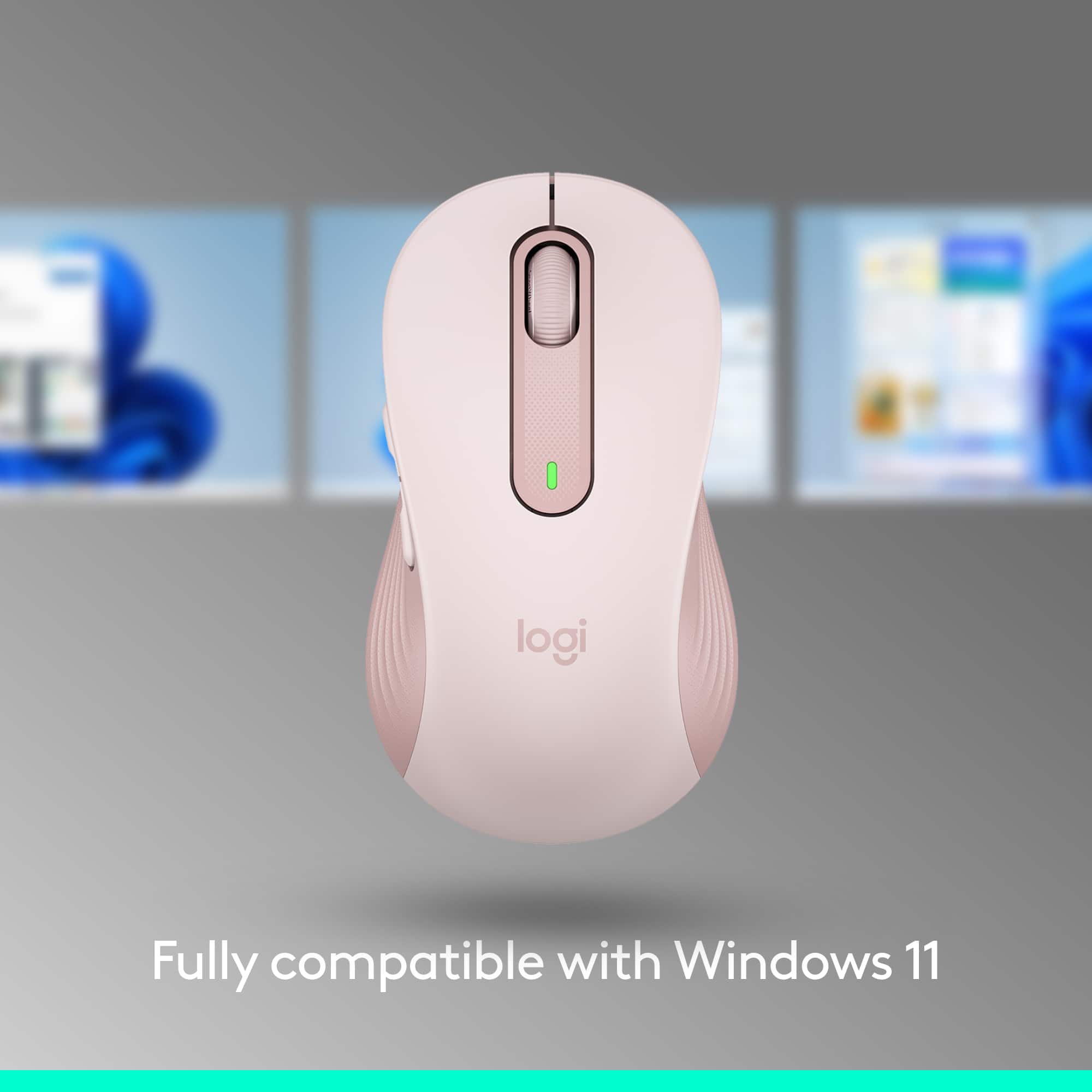
- A:Answer The Logitech Signature M650 is compatible with Windows 10, 11 or later. While the Surface Pro 11 Edition is expected to run a compatible version of Windows, it's recommended to check the specific operating system version on your device to ensure full compatibility.
Answered by Logitech
Q: QuestionIs this able to be used on multiple devices?
Asked by cleo90.
This question was asked about the related product: Logitech - Signature M650 Wireless Optical Mouse with Silent Clicks - Wireless - Off-White
- A:Answer Yes
Answered by Davicas
Q: QuestionI lost USB receiver for this mouse & I know that I can use the Bluetooth to connect but I got the LOGI BOLT USB RECEIVER and it is NOT pairing with the mouse. how can I get that to work? the mouse advertisement says it connects with LOGI BOLT USB RECEIVER
Asked by Louise.
This question was asked about the related product: Logitech - Signature M650 Wireless Optical Mouse with Silent Clicks - Wireless - Off-White
- A:Answer N/A
Answered by Davicas
Q: QuestionIs this mouse compatible with a Dell Latitude 5400 laptop?
Asked by Nono.
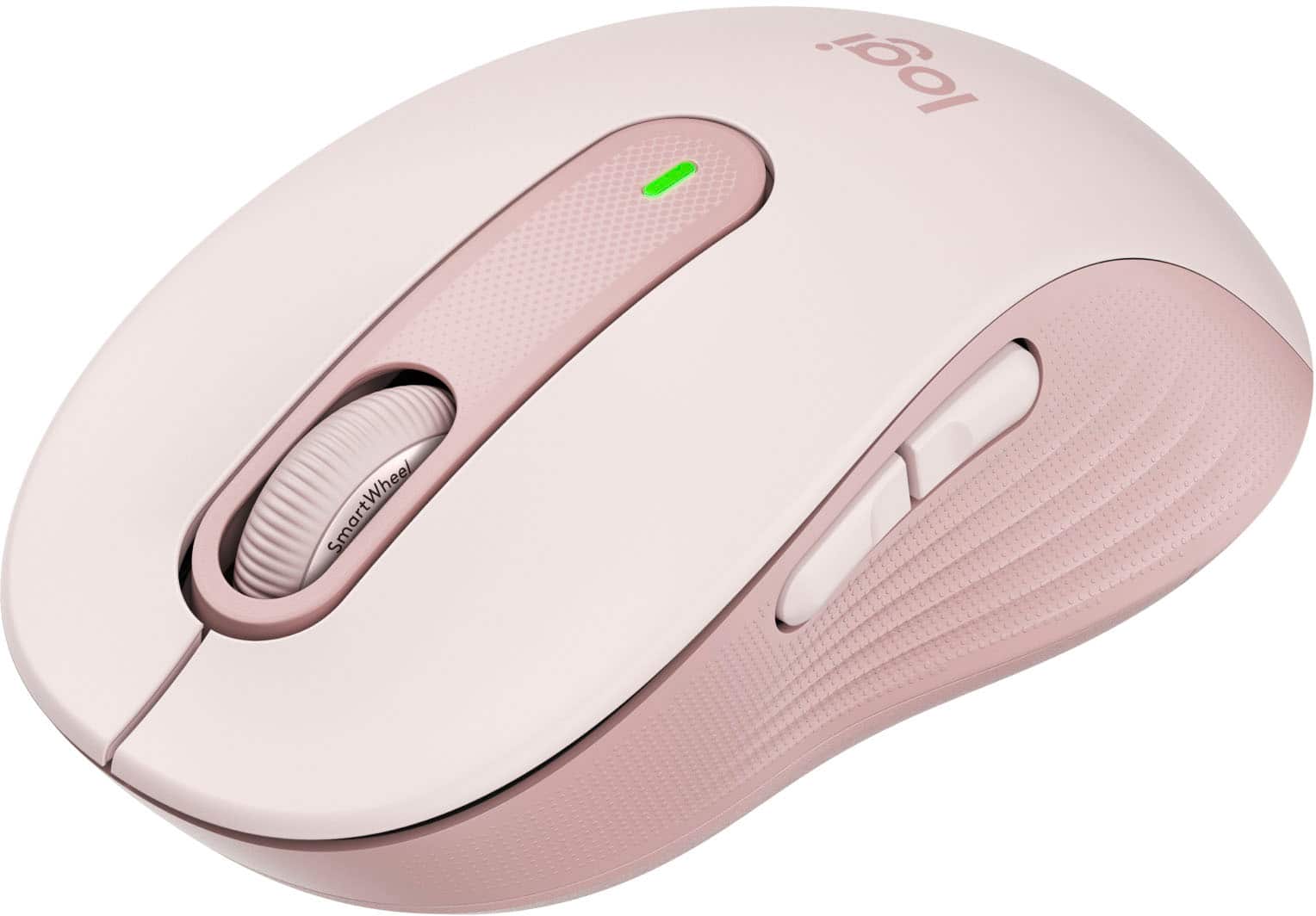
- A:Answer Yes, the Logitech Signature M650 is compatible with a Dell Latitude 5400 laptop. It requires: - Windows 10, 11 or later - macOS 10.10 or later - Linux - ChromeOS Since the Dell Latitude 5400 has USB ports and runs on Windows, it meets the compatibility requirements.
Answered by Logitech
Best-selling mice
- $79.99Your price for this item is $79.99
- Black Friday Deal$12.99Your price for this item is $12.99
- Black Friday Deal$19.99Your price for this item is $19.99
- $12.99Your price for this item is $12.99$16.99The comparable value for this item is $16.99
- Black Friday Deal$79.99Your price for this item is $79.99
- Black Friday Deal$9.99Your price for this item is $9.99
- $39.99Your price for this item is $39.99
- $9.99Your price for this item is $9.99
- $31.99Your price for this item is $31.99$39.99The comparable value for this item is $39.99
- $9.99Your price for this item is $9.99$22.99The comparable value for this item is $22.99
- Black Friday Deal$39.99Your price for this item is $39.99
- $36.08Your price for this item is $36.08$44.99The comparable value for this item is $44.99
- Black Friday Deal$29.99Your price for this item is $29.99
- $12.99Your price for this item is $12.99$22.99The comparable value for this item is $22.99
- Black Friday Deal$19.99Your price for this item is $19.99
- $19.99Your price for this item is $19.99$24.99The comparable value for this item is $24.99
- Black Friday Deal$9.99Your price for this item is $9.99
- Black Friday Deal$27.99Your price for this item is $27.99