A:Answer Input resolutions, output resolutions, visual resolutions are all different. It comes down to compatibility. If the source is 4K and the receiver only does 1080, then you tell the source to send a 1080 signal. If the source is 1080 and the TV/projector is 4k, it will show it 1080, but sometimes, the TV will adjust the source feed and upscale it to a variant of 4k. It will be a 1080 shown in 4K, it will look better than 1080, but it won't be a real 4K.
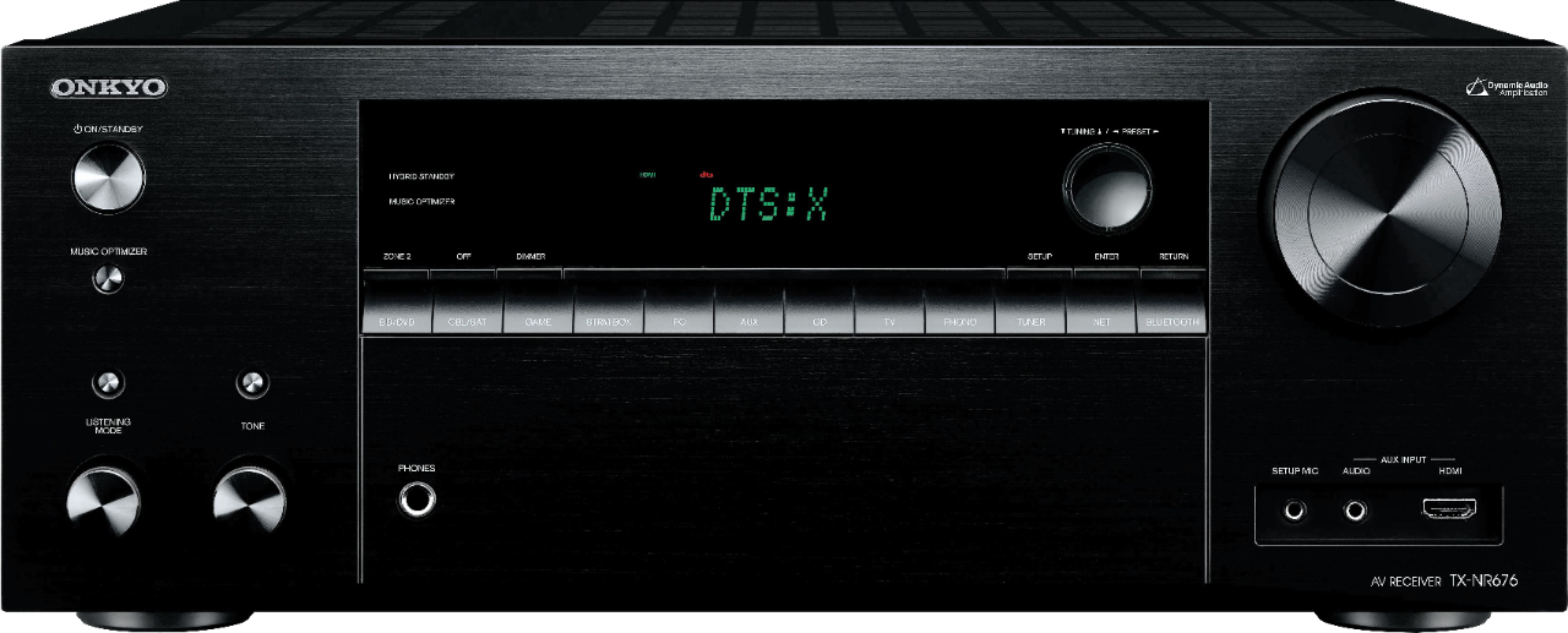
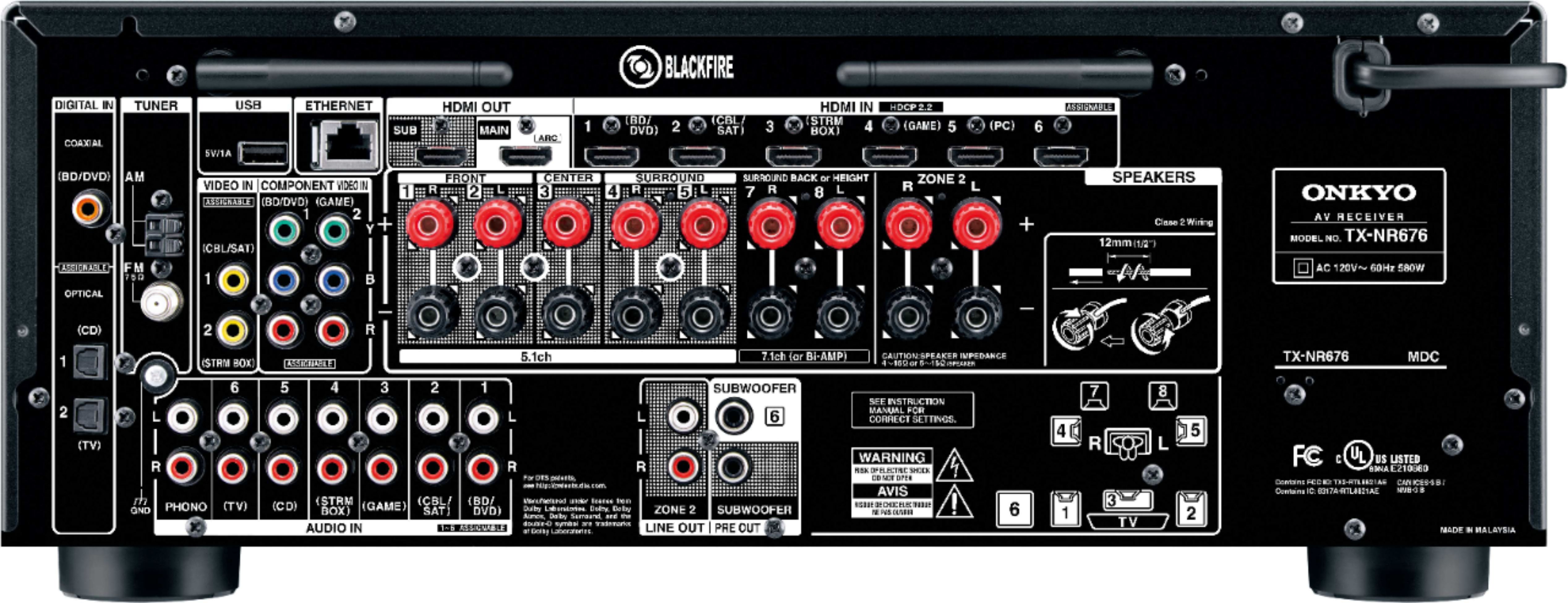
So for your question. Apple TV is 4K. Receiver understands receiving at 4K so it brings it in. The receiver then sends out the 4K and the 1080 projector has no idea what to do with it. You need to work your way backwards and tell the Apple TV to do 1080 (or whatever the max resolution is for the project AND is compatible with the receiver. The receiver will typically not downgrade an input, some will upscale. Once the video feed gets to the final destination (TV/Projector), it cannot be more than it's max supported. It has to come in as one of the supported so 480, 720, 1080i, 1080p.
And BTW, I did the opposite, I upgraded to the ViewSonic PX747 4K projector. I mostly have multiple 1080p sources that are then upscaled and it is an amazing difference. I do have one 4K source and I do notice a little bit of a different (better than an upscaled 1080).