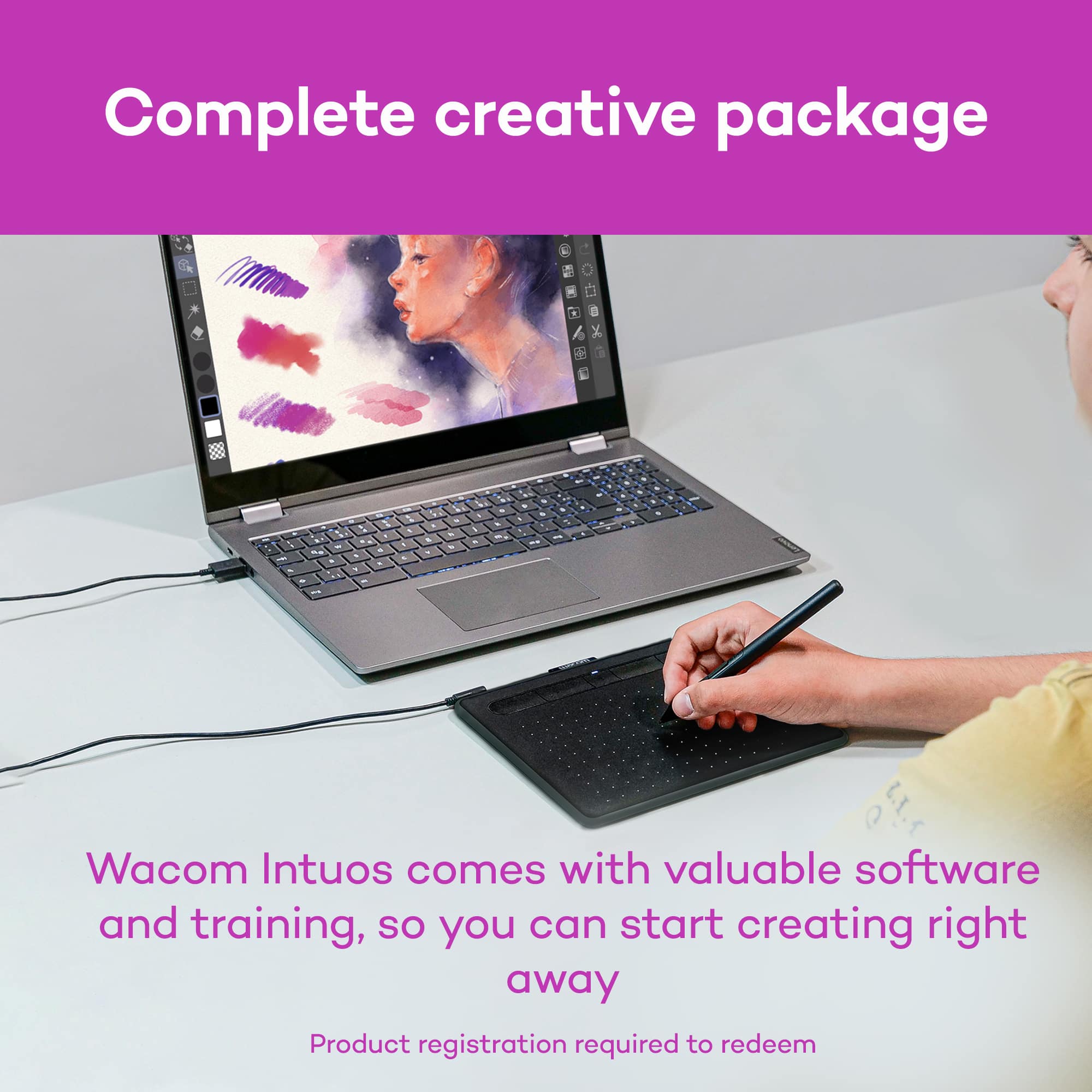
A:AnswerSoftware is free so you won't have to pay for anything additional.
If you do choose to fully pay for the software you will be given a license number. Just keep a record of that number and when/ if you use a new computer just input that license number and you'll be good to go.
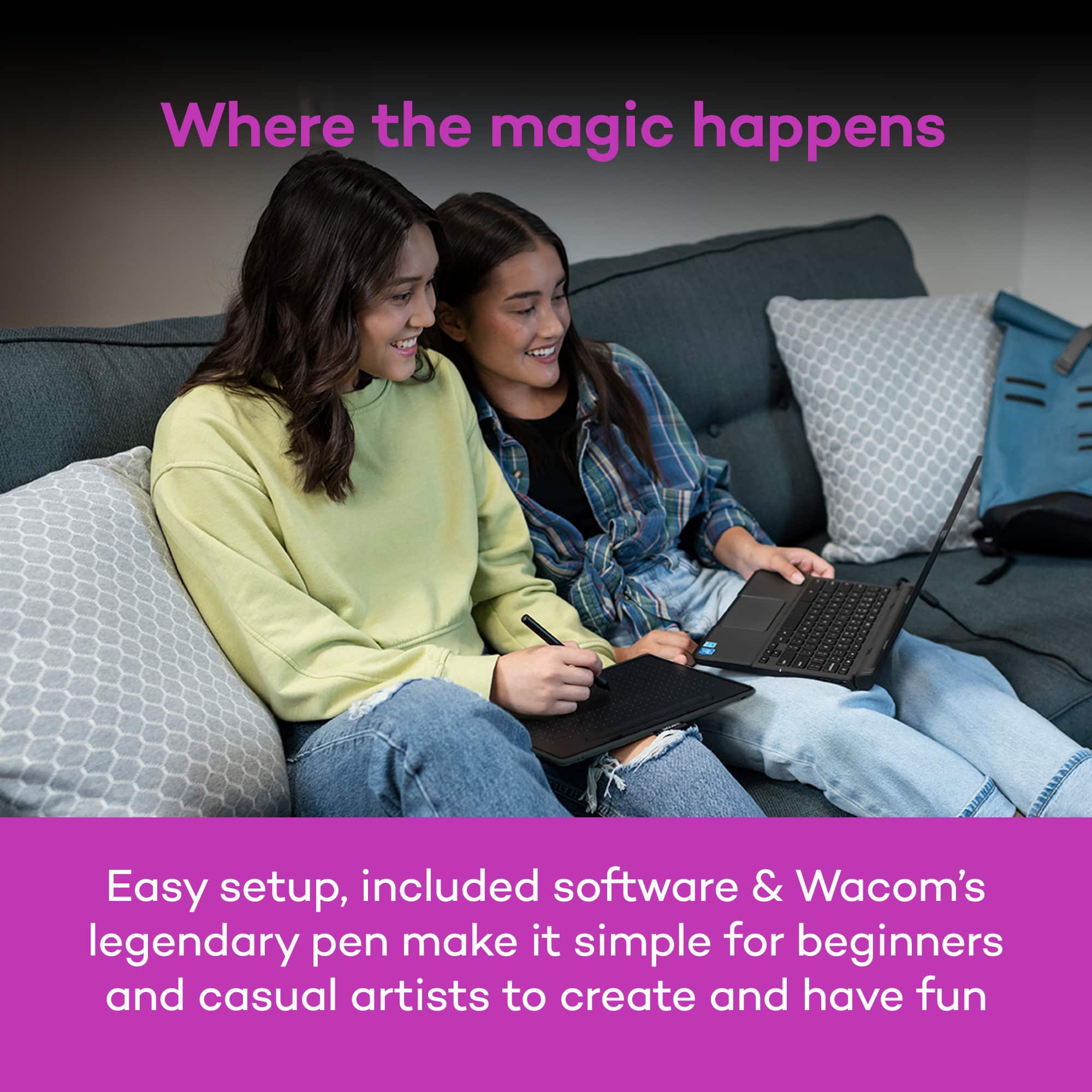
A:AnswerNo, you look at your screen. My son is 11 years old and at the beginning it took him time to adjust, but then he loved it. He actually likes it better than a tablet. Yes, you cannot probably draw on the go like a tablet and jot down ideas quickly without your laptop, but he likes how he doesn’t have to look down at a tablet all the time, it hurts his neck.
I hope that helps.
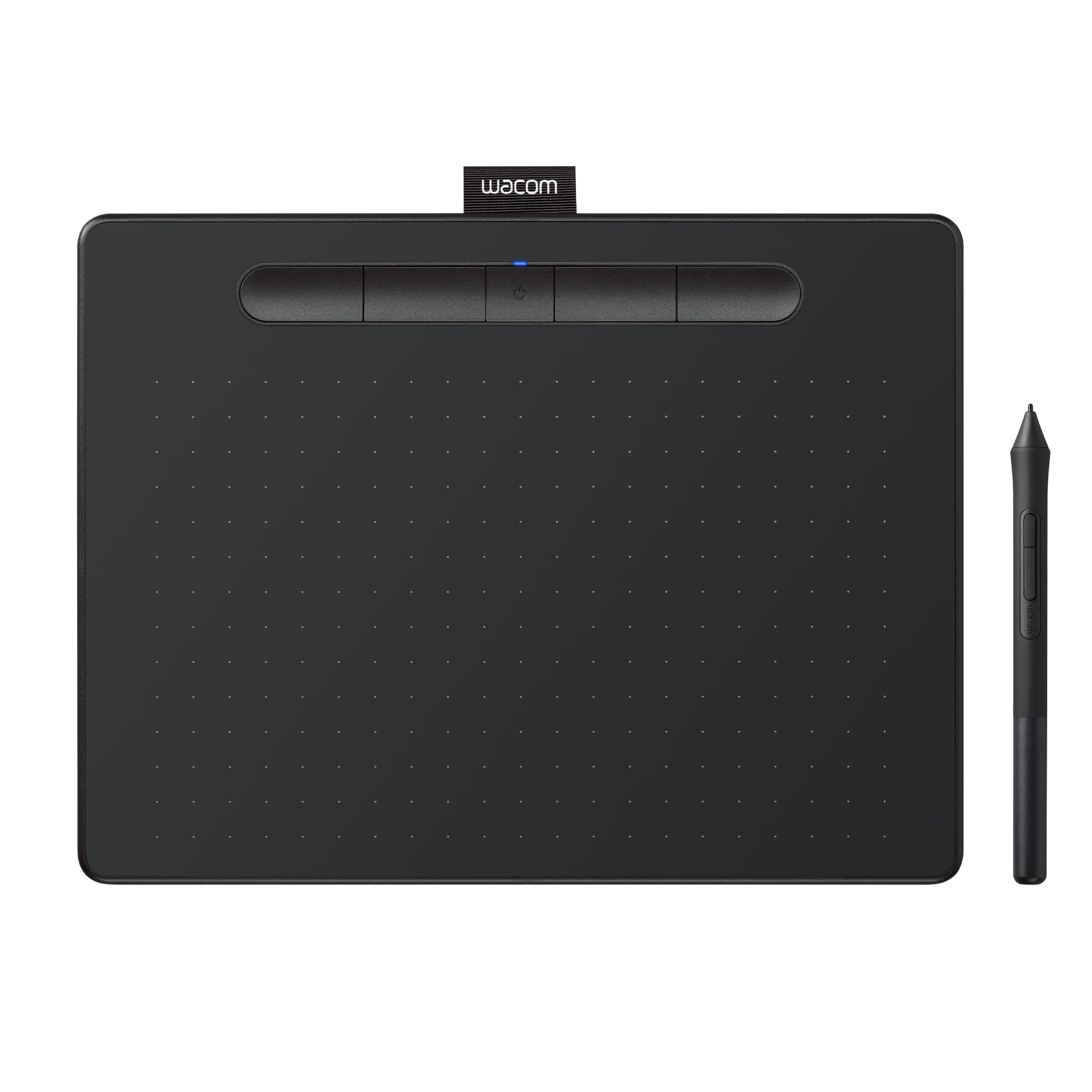
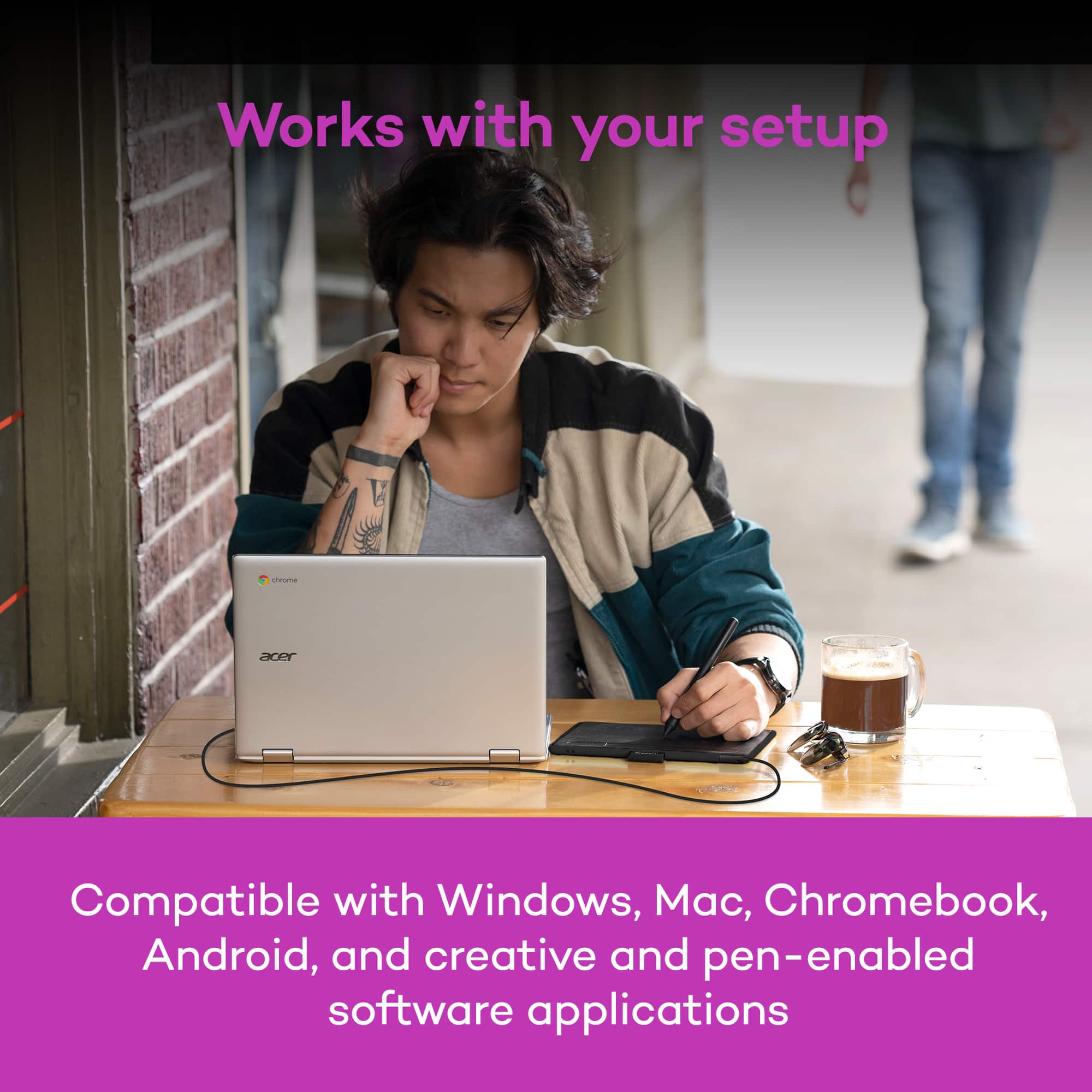
A:AnswerIt does not. Only with Windows or Mac based computers. You will want to look for Bamboo Fineline or Bamboo Sketch styluses instead. Hope that helps. Best.
A:AnswerJust the monitor, but it is very easy to get use to. I was worried about that part when purchasing, but after a couple minutes your mind is able to make the connections easily.
A:AnswerI had difficulty with the software simply because the latest driver did not work for my daughters Mac book. She had already upgraded to the OS Catalina and the newest driver did not work. We had to download an older driver for the tablet and pen to work. But, it works and we are happy now. Done over the weekend so we couldn’t contact support for assistance. I figured it out on my own after spending all day installing and uninstalling and following a gob of instructions from YouTube and elsewhere. Good luck!