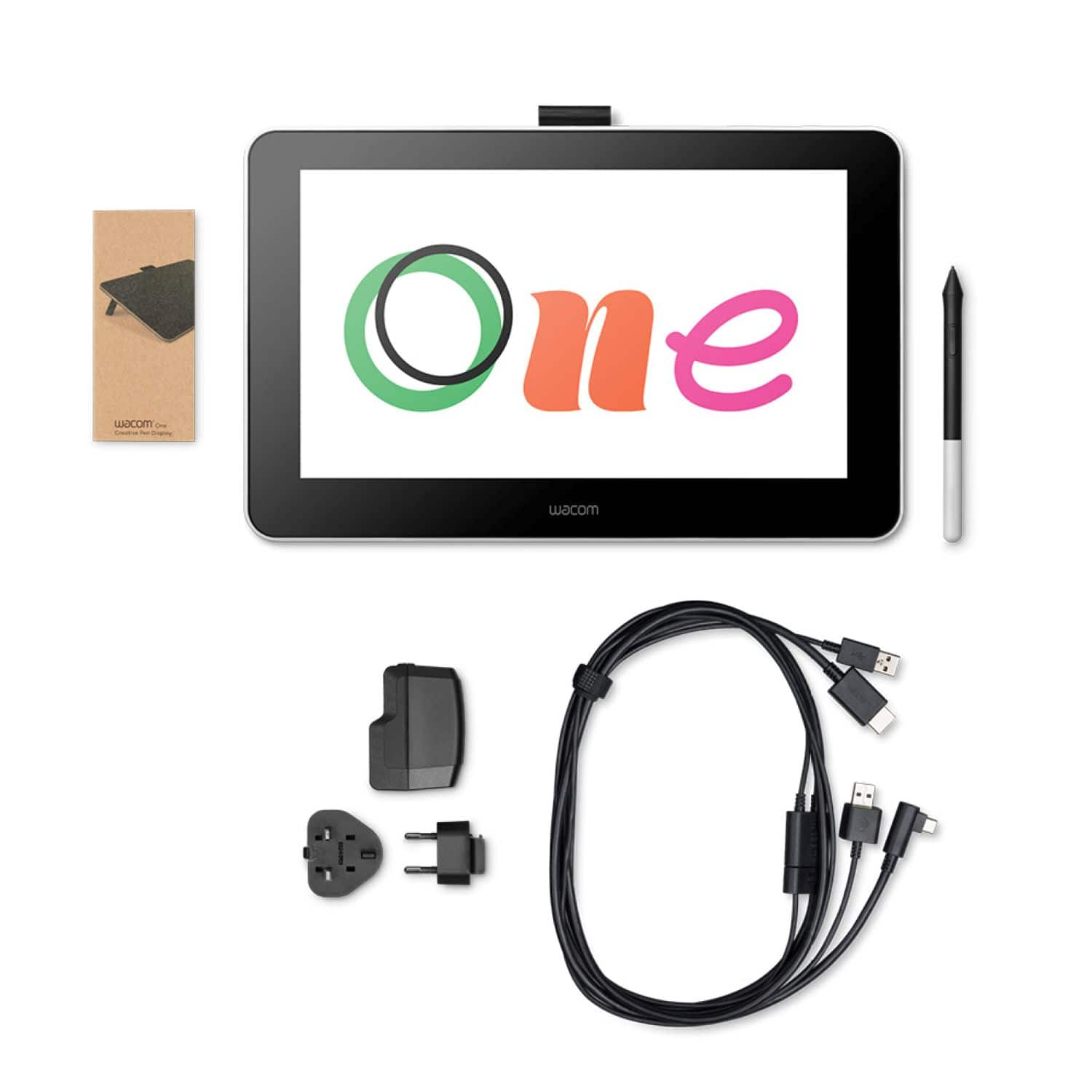
A:AnswerYou do need the HDMI cable connected to the Wacom tablet, that's what transfers the video display from your PC to the tablet. However, if you do not have an HDMI output on your PC you could get an adapter that converts the HDMI to a VGA or whatever connection you do have.
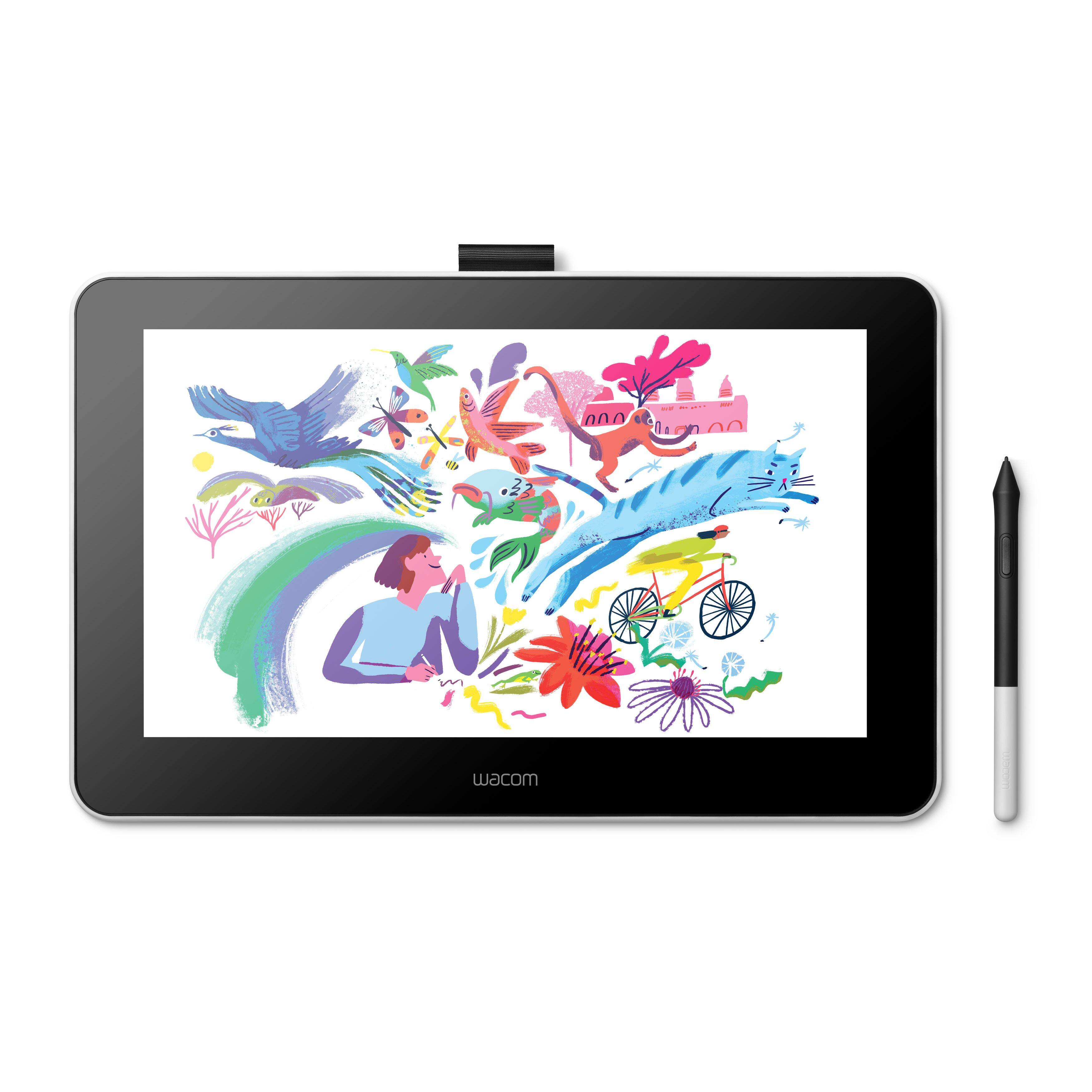
A:AnswerAll this is is a secondary monitor. So if your laptop/pc can run thise programs then you are fine. This is not a standalone product, just a monitor that you can basically write on.
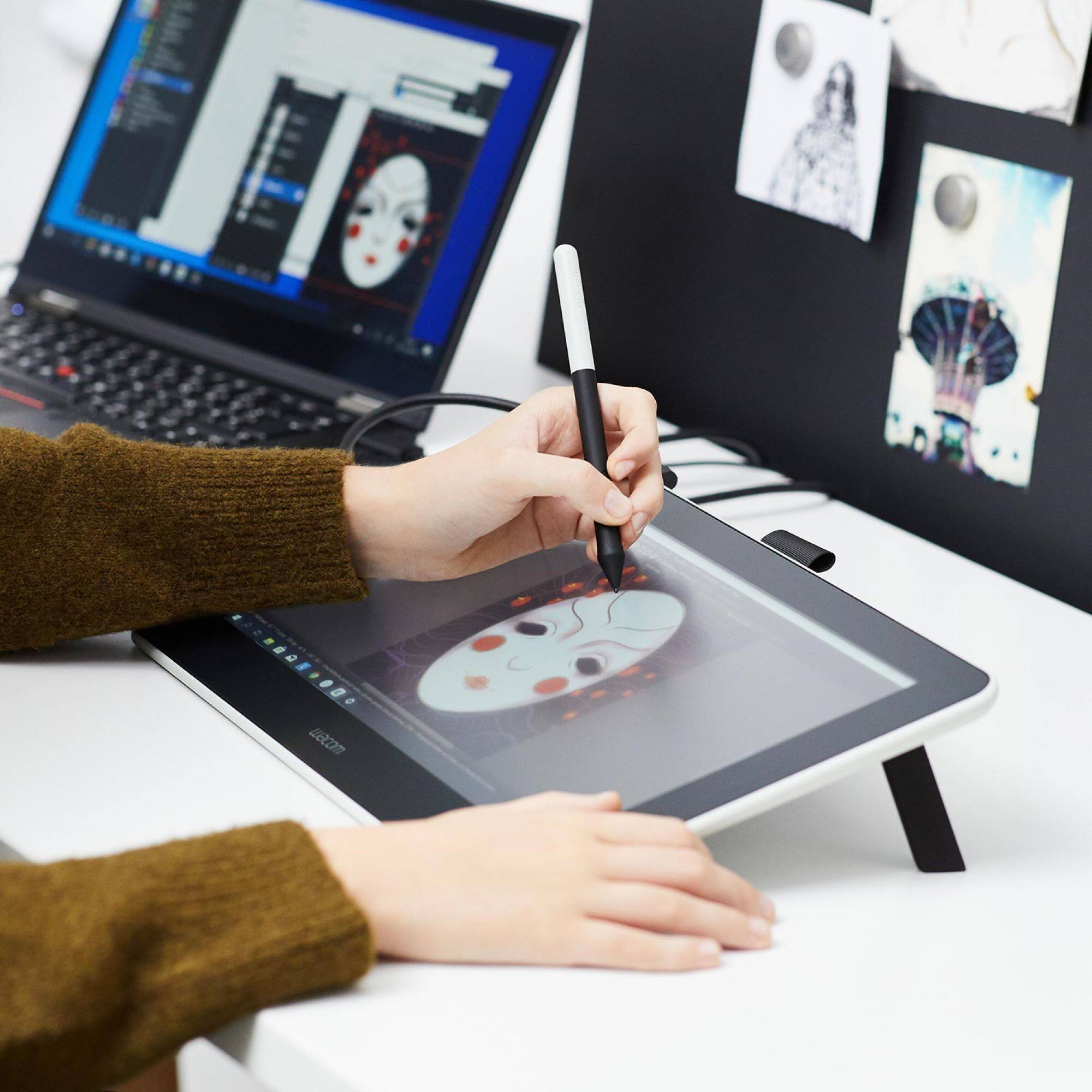
A:AnswerYou can definitely use this tablet to help you achieve that, however you would still need a graphic design program (photoshop) to do that. The tablet simply makes the drawing aspscts of those programs significantly easier, it is not a design program however. It is essentially a secondary monitor that you can write on
A:AnswerYes. But you have to watch the connections. I mistakenly thought the wite with the lightening sticker on it went to the Mac. It is meant to be plugged in directly to the power supply.
A:AnswerThe wacom tablet is essentially a second monitor. When connecting a second screen to your computer you can set you computer settings to either extend the display, or murror the display.
A:AnswerThank you for the question. As this is diving into troubleshooting, I would like to invite you to reach out to us on weekdays between 6 am and 6 pm PST to 1 (855) 699-2266. As working with you directly will help resolve your questions about the Mac Book M1 Computer and the multiple monitors you have. Regards
A:AnswerThank you for the question. There are many Android based devices that the Wacom One will work with with the correct adapters. That said, I'd like to invite you to reach out to us on weekdays between 6 am and 6 pm PST to 855-MY-WACOM to better help with your question. Best
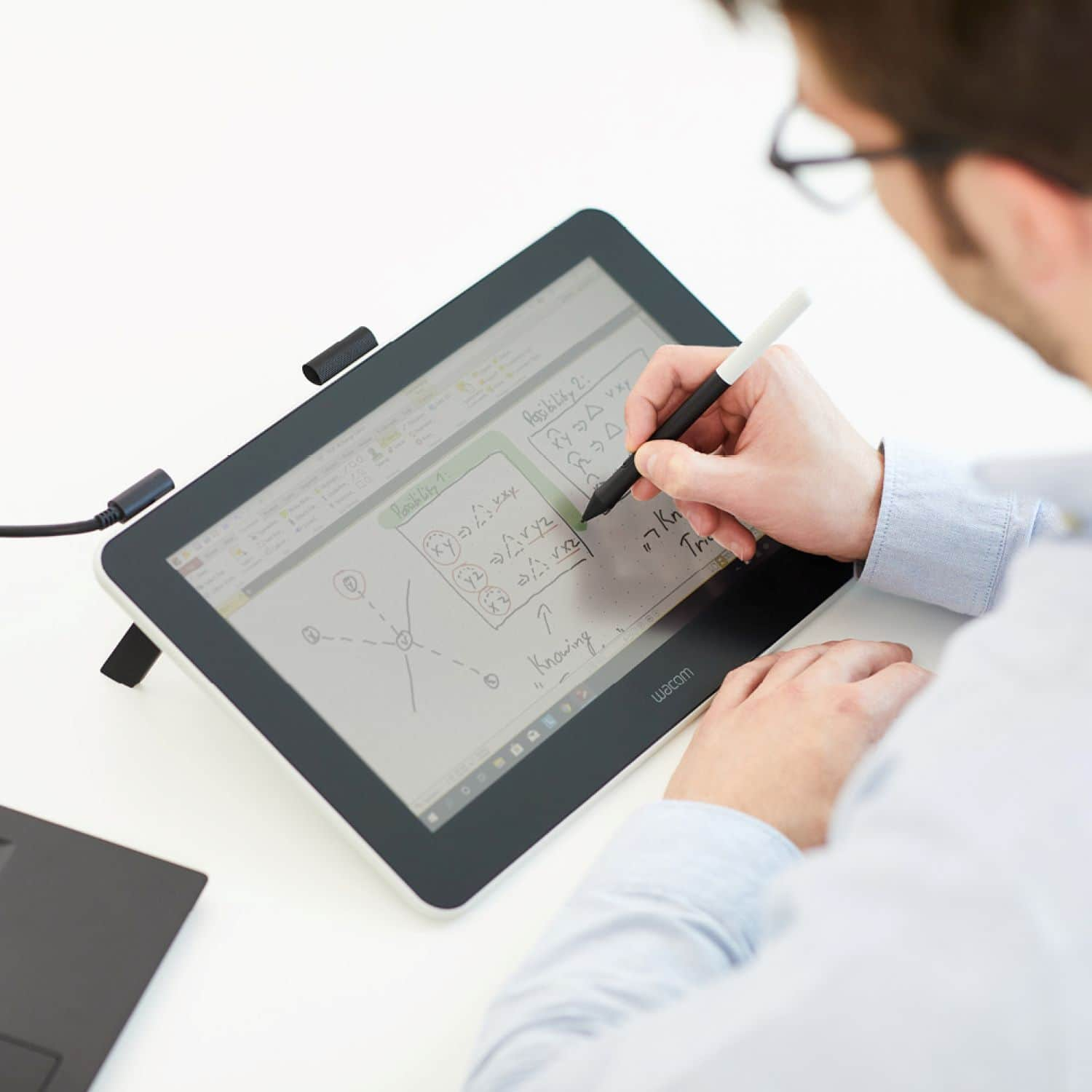
A:AnswerThank you for the question about editing text on software with the Wacom One mirrored on your laptop. Yes, you will be able to do mirror the Wacom One with your laptop so you can demonstrate how to correctly annotate within text based software.
A:AnswerHello and thank you for the question about the Wacom One able to work with drafting software such as AutoCAD and Fusion. Yes, major software as pointed out and many others will work just fine with the Wacom One tablet. Regards
A:AnswerThank you for your question. We have not tested our Wacom One with the Moto G6, so we cannot verify compatibility. Additionally, our Wacom One comes with replacement nibs, so there's no need to replace the pen, simply replace the nib. Hope that helps
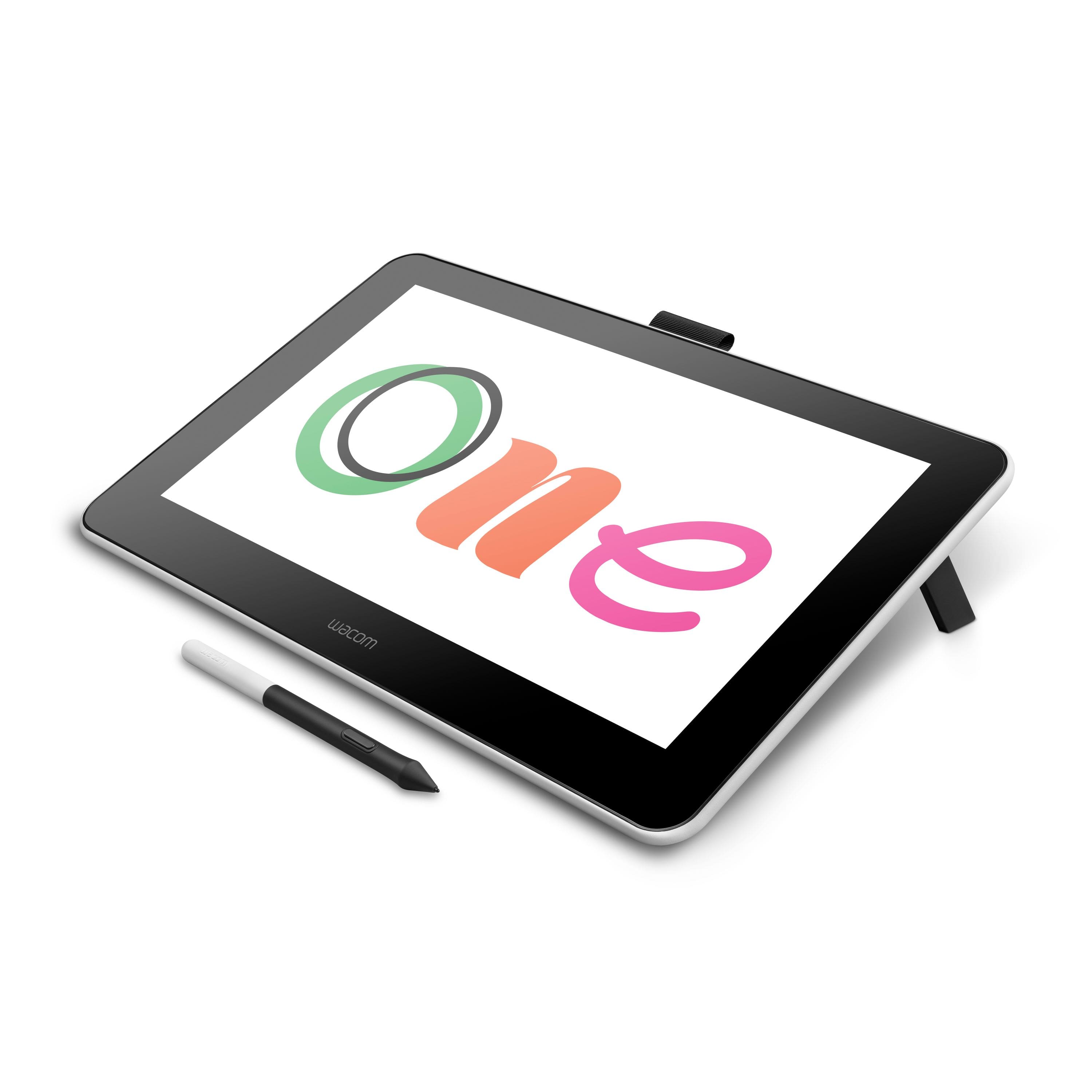
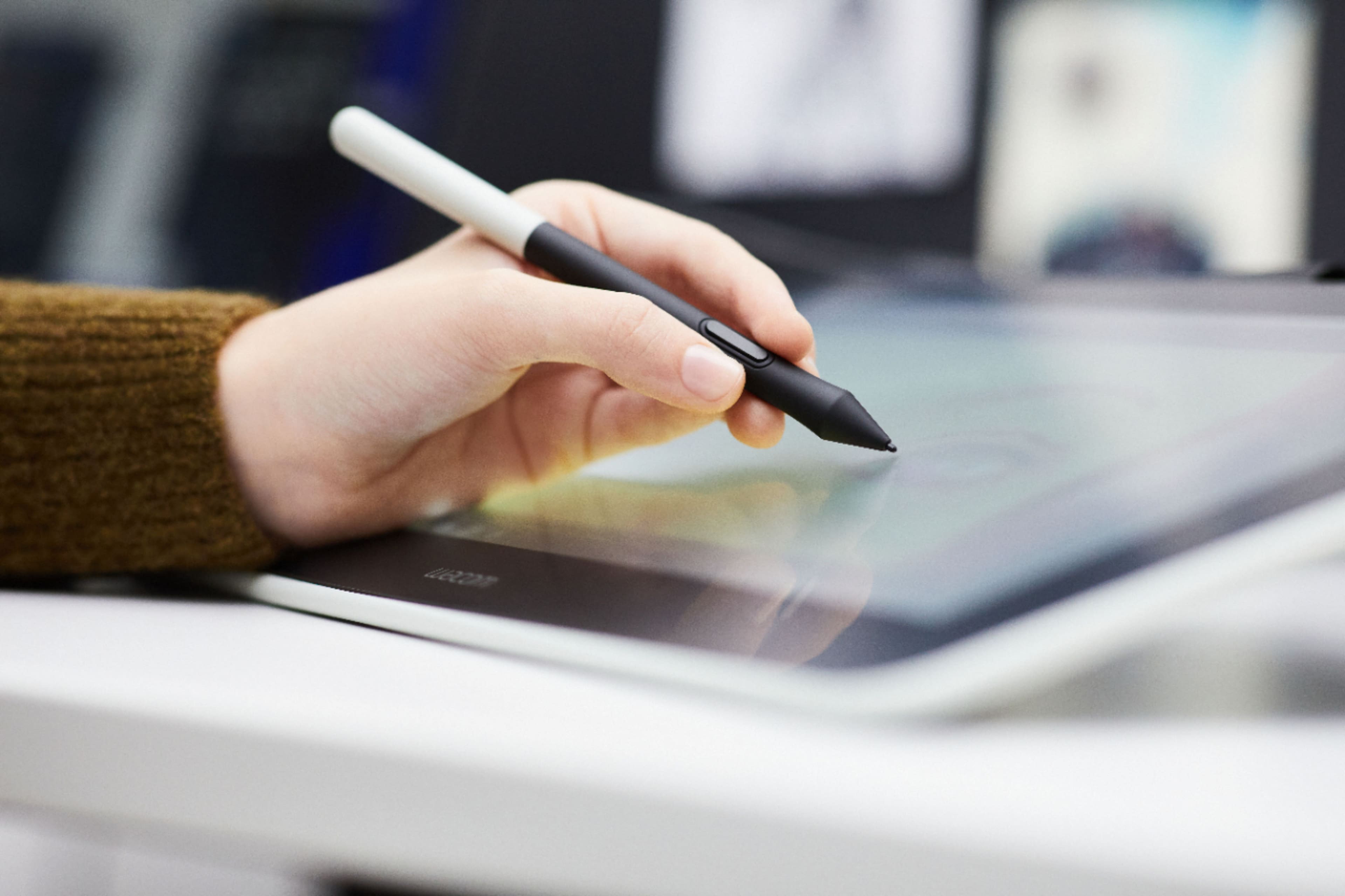
A:AnswerThank you for your questions. You can set the pen button functions through our Wacom Driver to an "undo" action and this tablet doesn't have a preset orientation, so it shouldn't have any compatibility issues with left-handed artists. Hope that helps
A:AnswerI think you should, I use mine with GIMP which is the GNU copy of PS.
Took a second to find out where the settings were but that’s just a think that’s just gimp