Customer Ratings & Reviews
- Model:
- MFCJ6560DW
- SKU:
- 12314234
to a friend

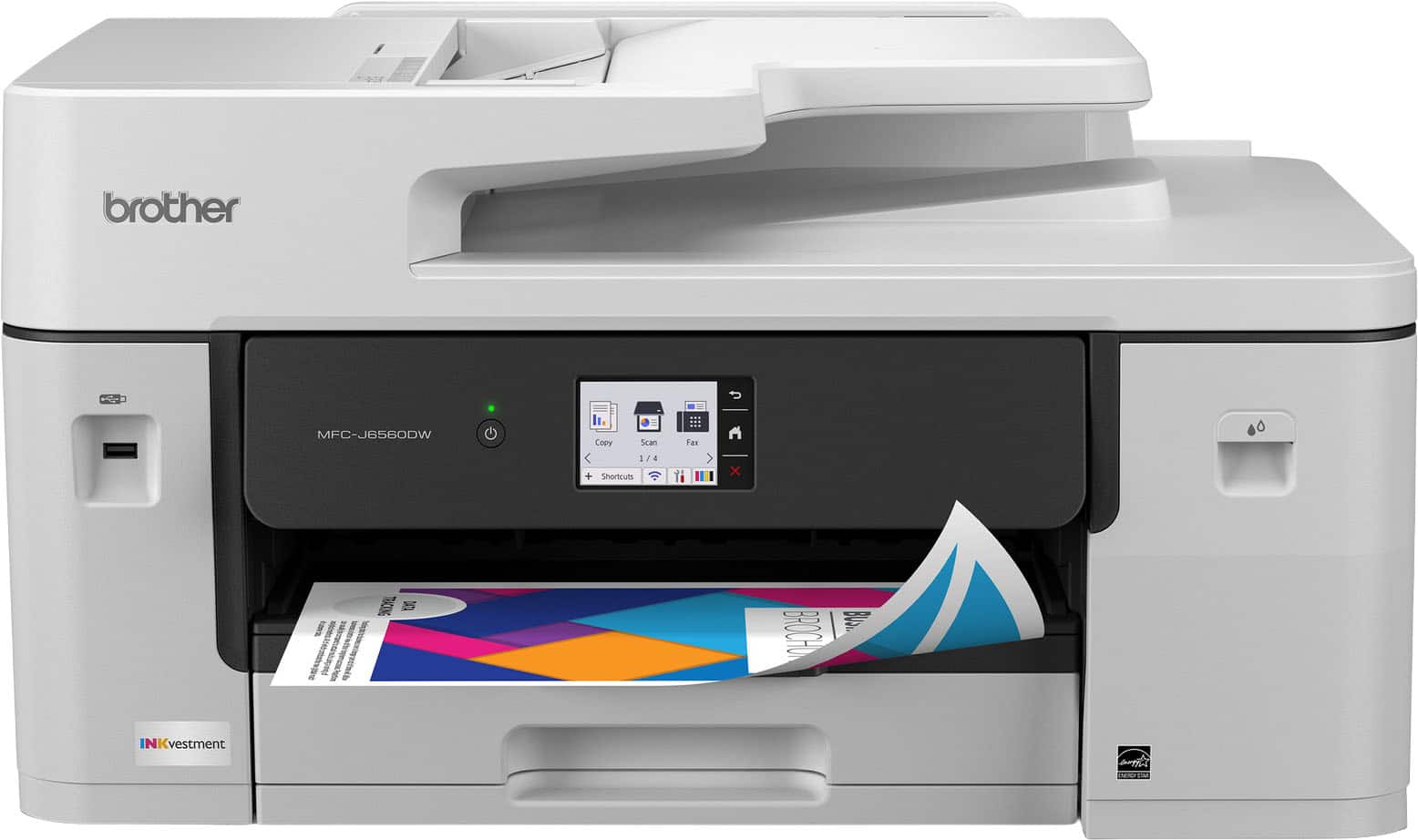
Brother Color Inkjet All-In-One MF-J6560DW
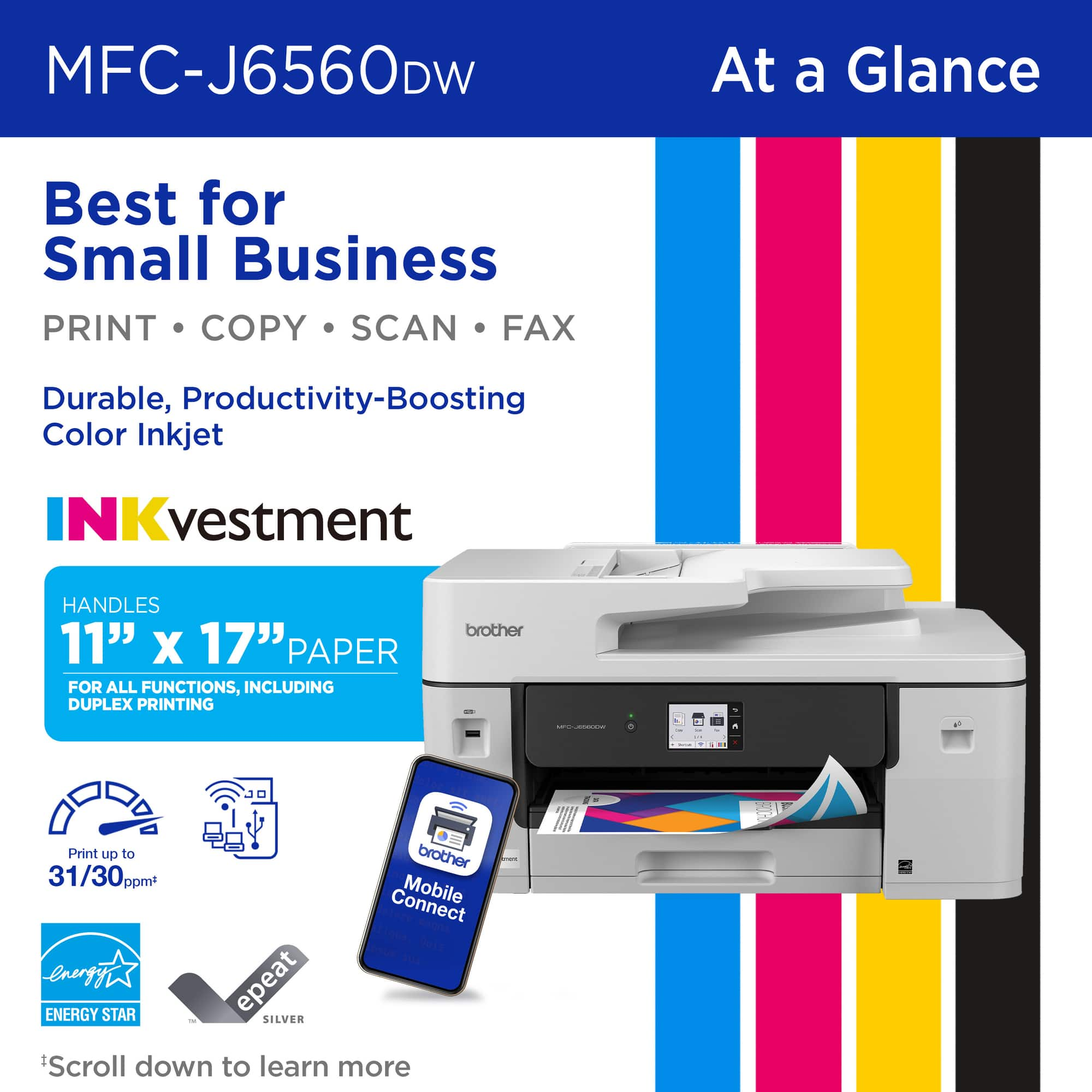
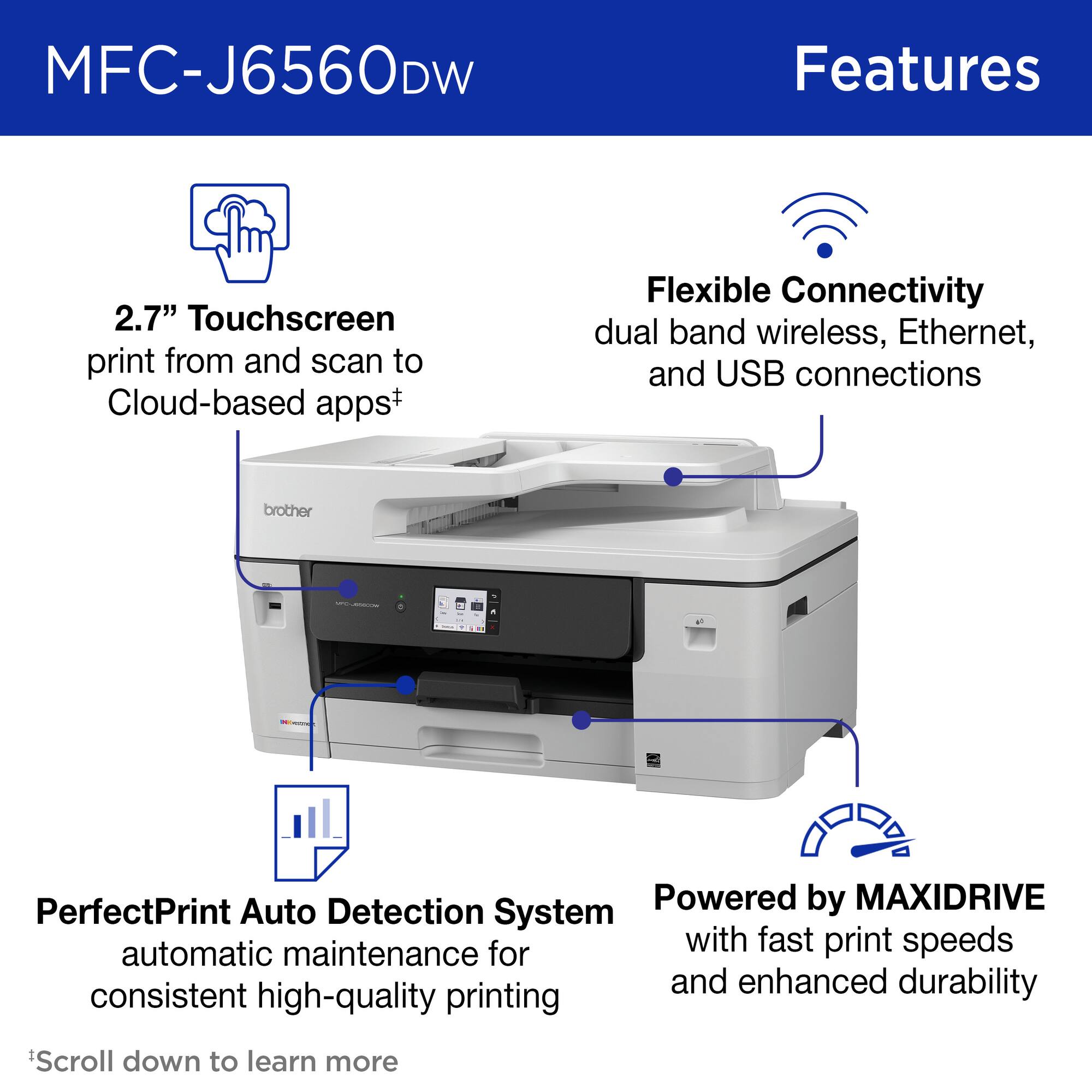
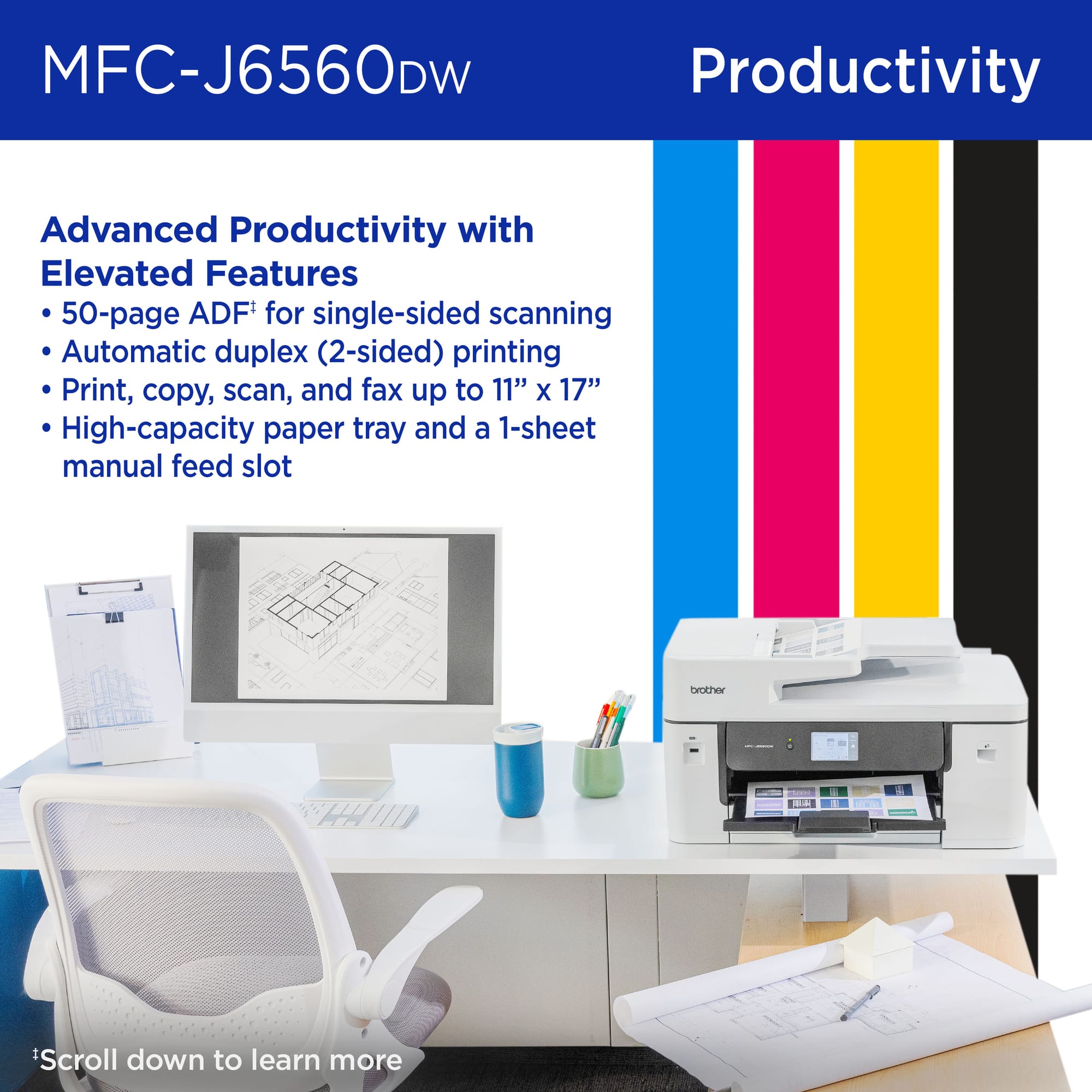
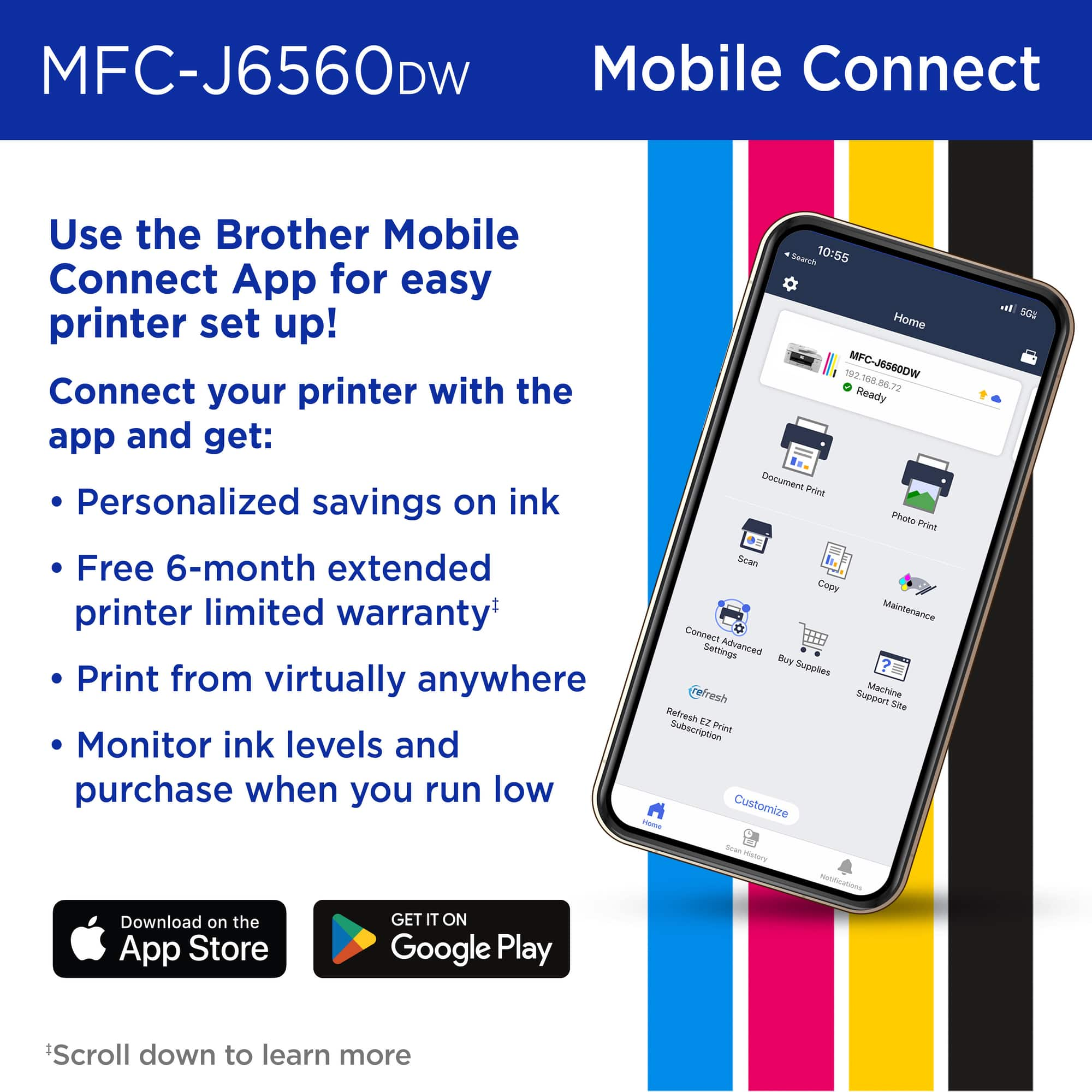
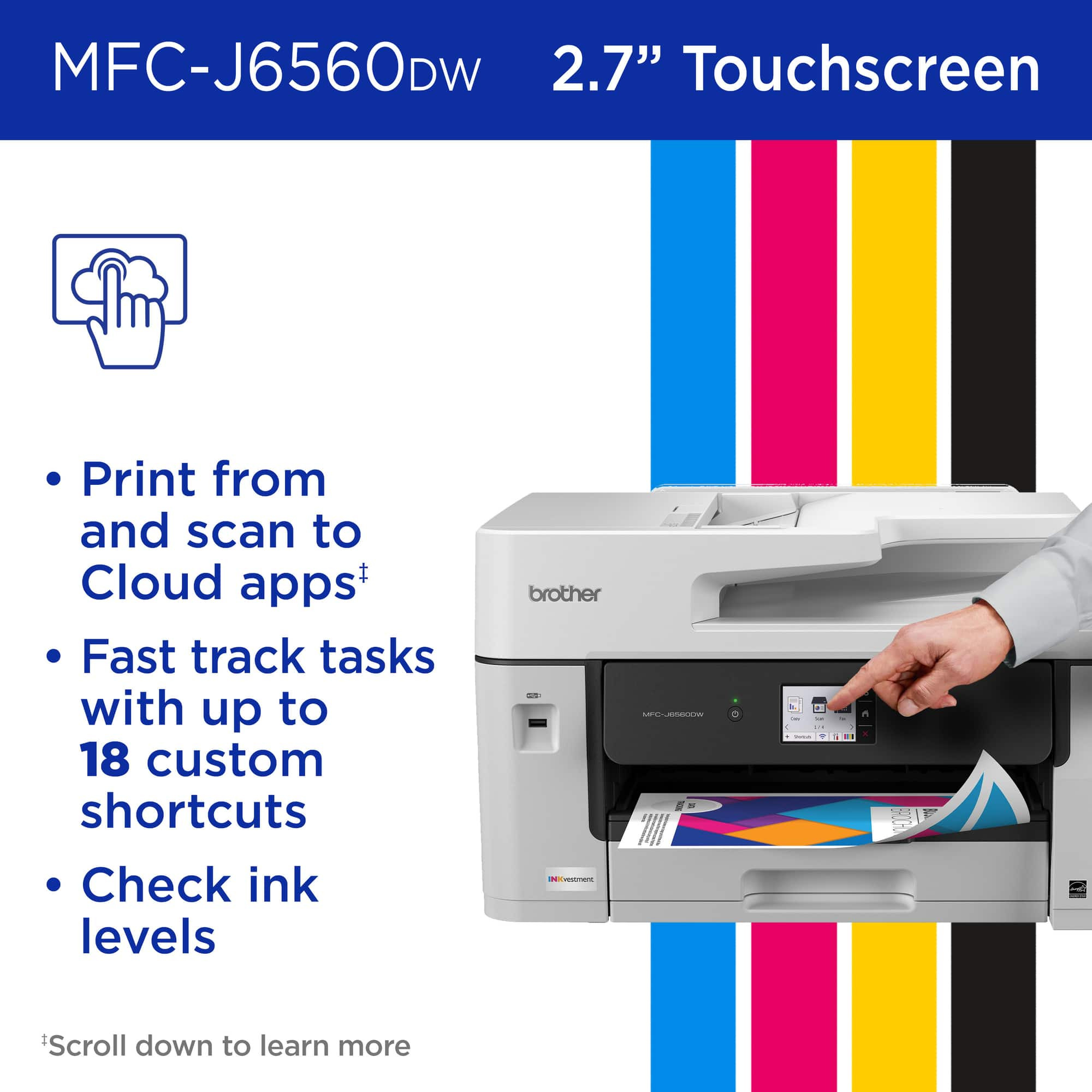
|Posted .This reviewer received promo considerations or sweepstakes entry for writing a review.Wow, this thing is a workhorse! First, it is large but then again it does accommodate 11x17 paper. The first thing you notice after unboxing is how this is constructed. This is a solidly built unit for sure. Now, it does have the plastic casing but underneath, you can tell this is not your average Color Inkjet printer. Initial setup was easy; I used the nice 2.7inch touchscreen. You can also perform from your mobile device or on each computer using the setup.brother.com site. I wanted to set up locally from the device first as that establishes the network, gets the cartridges installed and tests of the coloring and alignment. I really like that this device is dual band for network. Too many devices still rely on the older 2.4ghz Wi-Fi and sometimes it’s difficult to get setup. Having 5ghz is nice and makes the setup and visibility on my network happen quickly. This printer has a long list of great features, beyond Print, Scan, Copy and Fax. It’s 11x17 seamless support along with automatic duplex 2-sided printing. The 250-sheet paper tray and 50-page automatic feeder gives this printer the features it needs to be a strong small business printer. Its print speeds are around 31 pages per minute using black while still a strong 30 page per minute using color. I was very impressed with the quality of the output. In my attached pictures, I used a test picture from a site that really stresses the printers’ color capabilities. This was beautiful! I really like the mobile app as well. It’s very convenient to be able to get docs via email on my phone and just go ahead and print them without having to bring them up on my PC, download and then print. The app is very well done; you can even buy supplies or interface with your Refresh EZ Print Subscription. I have not signed up yet, they do have good deals on automated ink replacements, but I want to see how my usage is going to go first. Overall, I am very pleased with this printer. I am replacing an older Black and White laser that was incompatible with Windows 11, since it was so old. This is a welcome, high powered and quality replacement. I especially enjoy the copy and scan features. I frequently scan documents and have to send them back out. This makes this process much easier. I would recommend this product and especially not just for serious/advanced home users but also for small businesses. The price point of this device is great for all potential customers.
I would recommend this to a friendOh Brother
|Posted .This reviewer received promo considerations or sweepstakes entry for writing a review.Buying a home office printer can be a bit overwhelming with all the offerings that can be found on the market, while each manufacturer has solid offerings with various pros and cons I found that I was looking for a printer for my home office with faxing capabilities. While it may sound odd it was not as easy as I had hoped to come across one until I came across the brother line of printers. I am not familiar with the brand as I usually like to stick with the brands that I know. I decided to give it the inkvestment 6560 a shot and it has grown on me. I must be upfront about the fact that this is a hefty device and not only that it is on the larger side of any printer that I have ever owned. It took me a little bit of time to figure out why and it is because it offers wide format printing and scanning particularly (11x17) to be exact. The inkvestment is designed as a high yield ink printer that would mean less trips to the store to buy ink. I have not had this long enough to tell you whether that claim is true because while the cartridges are large it would vary with each individual and their printing frequency. Setup was easy, I set up the device on mac, windows and IOS. There are apps that make printing a breeze and setup did not take long. There is a touchscreen and it is wide and easy to read. The only thing I have not had the time to figure out is the faxing setup due to the fact that I have a home phone that runs off of VOIP. So, my phone service isn’t just plug and play, I might have to pay extra for the ability or change my phone plan. Overall, my findings are this was easy to setup, easy to use regardless of whatever device or operating system, prints are clean and fast, scanning is clear and fast as can be, the only thing that remains to be seen is whether I will get close to the number of prints advertised for this device. While no fault of Brother I do have a complaint about UPS they delivered my printer and never bothered bringing it to my front door and the box was in rough condition and a side panel of mine is out of place and I can’t seem to pop it back in place it looks like the tab is cracked. A slight grievance but again no fault of the manufacturer despite all the padding and cardboard protection it still wasn’t enough to arrive in pristine condition.
I would recommend this to a friendOne Beast of a Deskjet Printer
|Posted .This reviewer received promo considerations or sweepstakes entry for writing a review.Brother MFC-J6560 Deskjet Printer I submitted and received this Deskjet printer from Best Buy for evaluation. My wife and I do our share of printing, and it is always a good idea to have a backup when possible. My primary use would be print, but my wife would also use the scanner much more than I would. The manufacturer states that the printer prints at a rate of 30 ppm in black and white or color. It also is capable of print The Print, Copy and Scan functions were tested but the Fax function was not. The printing function was impressive and both color and black and white produced pages reasonably quiet and the manufacturer claim the print speed would be 30 pages per minute. It also prints on 11 X 17 paper. The copy function worked well but it did not work in duplex mode. My wife was pleased with the scanning function, as well. Perhaps you question my title for this review: One Beast of a Deskjet Printer. That is because that is what it is. Let me explain. On the outside of the box Brother described the unit like this: Print Scan Copy Fax in a Compact Printer....This is not the compact printer I had in mind! All the functions I tried worked very well and the output was impressive. It is an exceptional printer but it is not compact. The weight of the unit is 44 pounds, and it is the biggest inkjet printer I have ever seen. But, if you have the space, you might want to consider purchasing it.
I would recommend this to a friendGreat Large Format Printer
|Posted .This reviewer received promo considerations or sweepstakes entry for writing a review.This Brother printer/scanner/copier is a vast improvement over the HP OfficeJet that it would eventually replace. The initial setup was fast and easy (although the USB cable connection was a little unusual but no big deal) since it gave me the choice to use a USB or wireless connection. I chose the wireless connection, since I did not have a usb cable that was long enough given I placed the printer on the opposite side of the room from my pc.. This model will scan and print to 11x17 paper size, which is an absolute must for me. Scans are fast, and give me the choice of color or black & white. Printing and copying are surprisingly fast. My old HP spent minutes going through its self-checks and tests, which was always annoying. I can feed in a stack of documents in the feeder tray on top, or place one sheet on the scanner glass for scanning or copying. The touch screen works well and the iPrint & Scan app that I downloaded works well also, but I do have to admit that I liked other brands applications better than Brother's. That is minor however, and not enough to deduct a star from my review. The tank-like ink cartridges were easy to install, and look like they should last awhile. If I had it to do over I would prefer to have the 6960 which has a 2nd paper tray so that you can keep standard size & tabloid paper installed in the machine. In conclusion I love this printer... except that I would really love to have the 2 tray model but thats my fault. Overall a great machine!
I would recommend this to a friendGREAT bang for your buck!
||Posted .This reviewer received promo considerations or sweepstakes entry for writing a review.Really enjoyed this upgrade! Big fan of Brother products & this meets all our needs for an apartment complex office.
I would recommend this to a friendBest Printer Owned
||Posted . Owned for 3 weeks when reviewed.This reviewer received promo considerations or sweepstakes entry for writing a review.Amazingly fast in printing with precise color and high resolution. Almost feel like a commercial printer.
I would recommend this to a friendA workhorse of a printer that's perfect for home
|Posted .This reviewer received promo considerations or sweepstakes entry for writing a review.After using various HP printers throughout the years, we decided to try out a Brother printer. HPs have been fine in general but having to get another printer every four or so years was getting tiresome. I've always heard great things about Brother printers but have never given them a chance until now. This is a beast of a printer. As soon as I set it up and programmed everything, I was impressed by the quality and heft of this machine. In comparison to our previous HP models, the Brother printer offers faster printing speeds and fewer operational delays. It hasn't jammed up yet, even though we have a few younger ones who sometimes load and print themselves, which would normally jam the HP. This Brother model prints immediately without having me constantly adjust the paper in the tray. It comes with XL ink cartridges; the largest Brother offers. No starter cartridges, unlike most other companies, which add them to their boxed printers. Setting up the Brother printer on my Windows 11 computer was straightforward, and the software for my Pixel phone installed without any problems. However, when I attempted to print with my phone, I had to connect directly to the printer, rather than my network. This may be a router issue for now, so I'll continue to dig and see about troubleshooting steps. I don't mind the extra step as long as I can print. We print many coloring pages for the kids, so it's crucial that printing from my phone works well. In terms of scanning, the Brother printer performs efficiently. It consumes much less ink than HP models, resulting in cartridges that last longer. Although the initial purchase price of the Brother printer is higher, the savings on ink costs make it a worthwhile investment. Regarding faxing, we don't use it (who does these days?), but I imagine it works just as well as scanning does. I've never really printed photos using our home printers, so I'm not the best judge of their quality. However, when I printed a test photo, the results were no better than what I've experienced with most of our previous printers. It's worth noting that I didn't use glossy photo paper for this print. While this printer is noticeably louder than several models I've used in the past, the noise is a minor inconvenience. Its performance more than compensates for the sound, as it operates like a true workhorse. The printer consistently produces high-quality prints at impressive speeds. Whether I'm working on detailed prints or crisp text documents, the results are always sharp. A major feature of this printer is its ability to print large documents. It works well for CAD line drawings and for scanning large-format documents. It is reasonably fast at both tasks. Anyone who has experience with inkjet printers knows that many of these machines perform an automatic cleaning cycle to prevent the print heads from drying out. While this feature helps maintain print quality, it can be quite frustrating when it interrupts your printing job. For instance, HP printers often initiate this cleaning process at the least expected times, causing delays of several minutes while you wait for your document to print. Additionally, this cleaning mechanism tends to consume a significant amount of ink, leading to higher costs as you need to buy replacement cartridges more frequently than anticipated. This Brother printer offers a more efficient solution. It executes a rapid one-second cleaning process that occurs almost seamlessly before resuming printing, often going unnoticed. This solution not only minimizes interruptions but also helps conserve ink, making it a more economical choice for users who need to print regularly without the hassle of frequent maintenance interruptions. At its asking price, this printer offers great value. While you can opt for a more expensive model if you have specific needs, for $300, you’re getting a reliable workhorse that performs well for home printing.
I would recommend this to a friendQuality printer from Brother
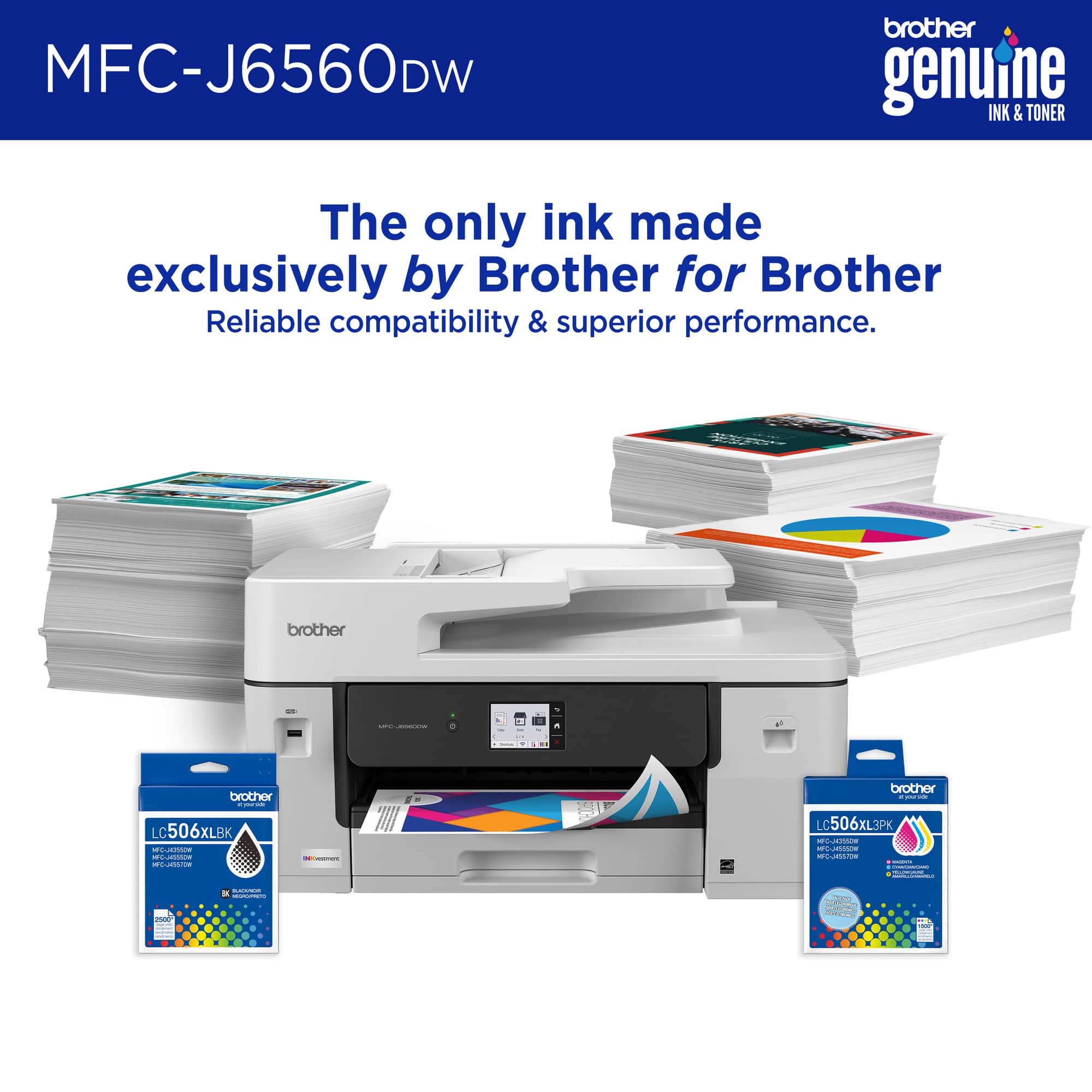
|Posted .This reviewer received promo considerations or sweepstakes entry for writing a review.The first thing to say about the Brother INKvestment 6560 Wireless Color All-in-One Inkjet Printer with 11”x17” capabilities (MFCJ6560DW) is that it is HUGE! It is super big especially for a home and probably even for a home office. But I would say that is largely due to its ability to print, copy, scan and fax and in addition, it can handle up to 11"x17" paper. If that is something you need, then you likely won't mind the large footprint. For setup - everything was a breeze. I scanned the QR code and I was led through the Brother app step by step. Easily connected on first try and has not disconnected since. I would guess the dual band wireless helped with that. I connected wirelessly, but there are other options available. This printer can take care of the normal things that an all-in-one printer would be expected to do. Of course it prints - up to 30 pages per minute in color and just about the same in black. It is very fast, and the print quality is excellent - crisp and clear, both in color and black. When printing, I find this to be quite noisy. Not only from the printhead on the sheet but also there is a "clickity clickity" noise at the back of the printer that I actually have found to happen with other printers over the years. I don't know what to do about that. This is also capable of auto 2 sided printing. This is also a copier of course. I erroneously thought due to the auto document feeder, that this would do auto 2 sided copying - it doesn't. You can of course do it manually, as you can on almost any printer. I believe the next printer up in this line is capable of auto 2 sided copying. It is important to me, but not for everyone. The fax isn't something I will use as I don't have a landline. Email seems to work for me in that regard. The scanner is really nice too and has a large surface area and does a great job. You are able to scan to email, thumb drive, PC, etc. There are a lot of nice features to this: there is a 250 sheet paper tray, a slot in the back for using that one odd sheet you want printed on different paper, a 2.7" color touchscreen that I do wish was larger, but still I am happy for a touch screen at all. The ink is great - the ink cartridges are different than anything I've ever seen - plastic transparent containers for each of the 4 colors. You actually can see the ink as you shake it around before inserting them. Easy to do and absolutely no mess, no leakage. That is a great feature.The Brother app helps by showing ink levels, and handles the device management. You can print, scan, etc. directly from your phone. Brother recommends using only their ink (LC506), but they don't lock you in as some other printer brands do. And it is Energy Star certified! Overall, I would recommend this printer to anyone looking for a printer that can handle the printing, copying, faxing and scanning that would need to get done. With caveats: it has a LARGE footprint, but can handle those 11"x17" sheets without issue; it will not do auto 2 sided copying (but it will do auto 2 sided printing). Otherwise, it is fast, ink changes are simple and it does everything very well.
I would recommend this to a friendFast setup, excellent print quality
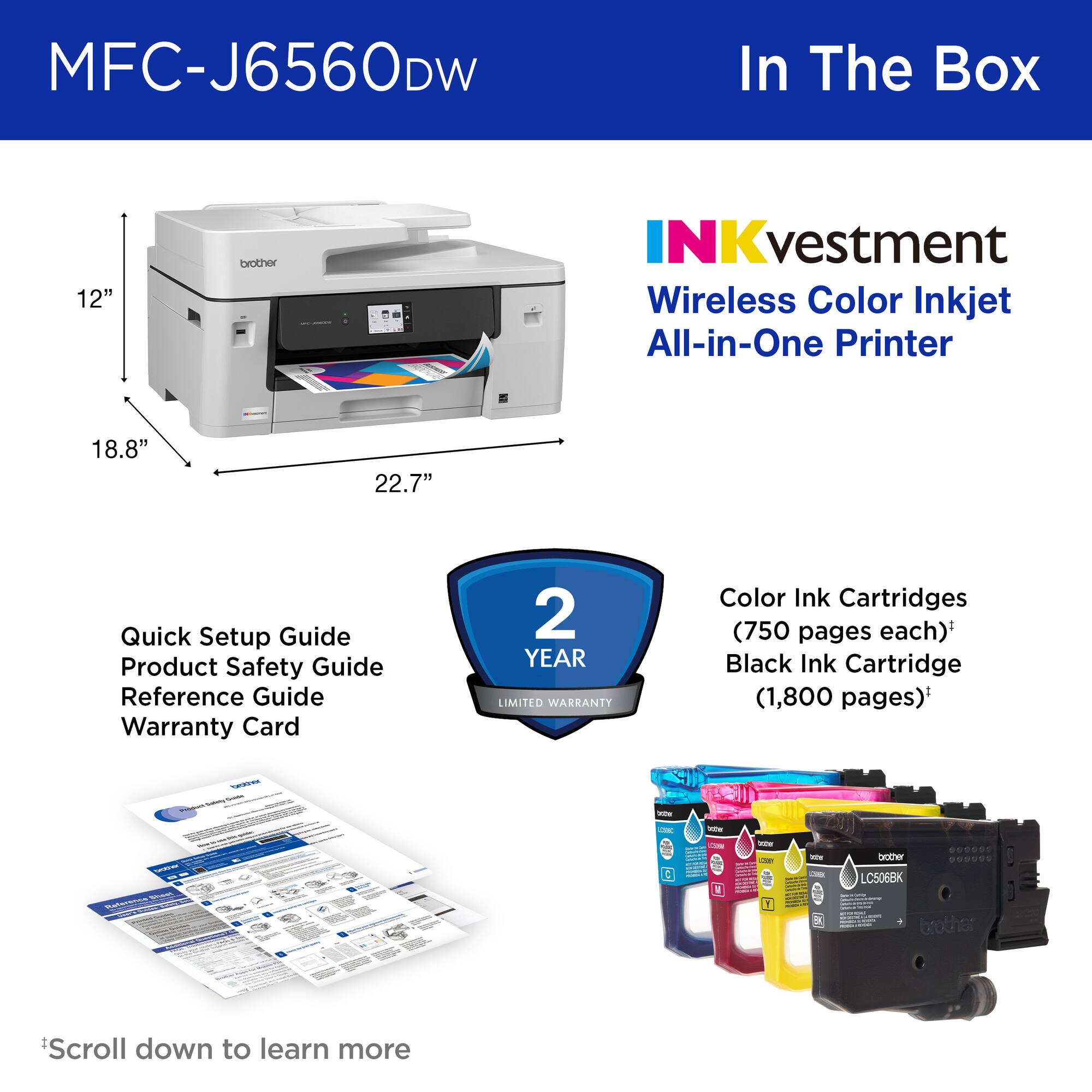
|Posted .This reviewer received promo considerations or sweepstakes entry for writing a review.Two things to note right off the bat about this Brother printer. First, it is BIG (and heavy). Its footprint is about 17 inches by 23 inches, so it will take up a good chunk of any table or desktop. Second, there is no way to make a hard connection to this printer. The only cord attached to it is the power cord. Setup and connection to your network and any computers is done entire wirelessly. There is a USB port on the front of the machine where you can insert a flash drive with a document on it that you want to print and print it directly at the machine. There are three ways to perform the setup. The first, which is the way Brother prefers you to do it, is to download their app to your phone and set it up through your phone, which will also require you to use the printer’s touchscreen. The second is to set it up entirely by using the touch screen. The third is to download to your computer from the Brother website the setup software and set it up through your computer. I did it the first way. Setup went quickly and smoothly. Like other wireless devices I’ve set up in recent years, this one temporarily disables your phone’s connection to your regular network and instead has your phone broadcast a temporary network that the printer connects to. All of this happens quickly and without much intervention by you, and before you know it you’re connecting the printer to your regular network. The setup process takes you through the steps involved in installing the included “starter” ink cartridges, which took no time at all, and then the checking of the print nozzles and ink jet alignment. All was good as arrived with my printer, so I was up and printing in, I’d say, ten minutes from unloading the box to printing my first actual document, which turned out to be an 8.5 x 11 photo of my grandchildren my wife wanted. I thought it would be the perfect thing to try with this new printer, and it did a great job. One of the main reasons I wanted this printer is that it has a large, 11 x 17 scanner platen. I don’t often have items that large to scan, but I do often enough, and it’s great to be able to scan them whole rather than scanning them in pieces on a smaller scanner and they trying to piece the parts together using some kind of software. Like other printers and manufacturers I’ve dealt with in recent years, Brother strongly encourages you to enroll in their automatic ink supply service which Brother calls “Inkvestment.” You can choose an expected number of pages per month that you’ll be printing and selecting a resupply frequency that more or less matches your needs. The printer communicates with Brother to let it know when ink is needed. I chose the lowest-cost, $2.99 per month, “occasional” resupply service, and we’ll see how it goes. You can change the service level any time in the app. So time will tell over the long term with this printer. I’ve had Brother printers before, both laser and inkjet, and I’ve been happy with them. I expect the same with this one.
I would recommend this to a friendInk cartridges last quite some time and 11x17
|Posted .This reviewer received promo considerations or sweepstakes entry for writing a review.This isn’t a printer you are going to throw in your guest room that happens to be an office, unless it happens to be an office that happens to have a guest bed in it. Not saying this is a bad thing and overall, I like the printer, just saying that if space is your number one requirement, this is the large size for a printer, the main trade off being the 11x17 printing. If you need 11x17 printing then this is a pretty small printer considering that, so it is all relative I suppose. In the box the color cartridges are rated for 750 pages and the black cartridge for 1800 so there is plenty of printing before you need to refill. I will note that this is higher than normal on the print cartridge rating creating a much better value for ink than average. I also really like that the print cartridges have their own door on the front instead of opening the lid of the entire printer, where I like to store my printer I could open the top for scanning on my old printer but I’d have to scoot the printer away from the wall to open it for new ink which was annoying, with this, that wont be an issue at all. The scanner is really simple to use, at least in windows 11, I just right click on the printer icon and select scan, it then sends an image to my pictures in a date folder if you can’t have the specific software installed on your computer. My home computer was as simple as adding the printer after it found it when I selected find printer and it worked perfectly. My work computer I had to download the driver from the brother website for it to work properly. I blame my work profile for this completely, but also the ability to download the driver like an old school printer was extremely nice. I can print directly from my phone and the brother app allows me to scan, order ink, and other generally manage the printer. Overall, my phone is my main device I interact with these days and being able to quickly print directly from the phone is awesome. Pros: Large number of pages per printer cartridge 11x17 printing Scanning, printing, copy, fax Cartridges are easy to load Cons: On the larger size
I would recommend this to a friend