Customer Ratings & Reviews
- Model:
- MFC-T980DW
- SKU:
- 6643745
to a friend
Customers are saying
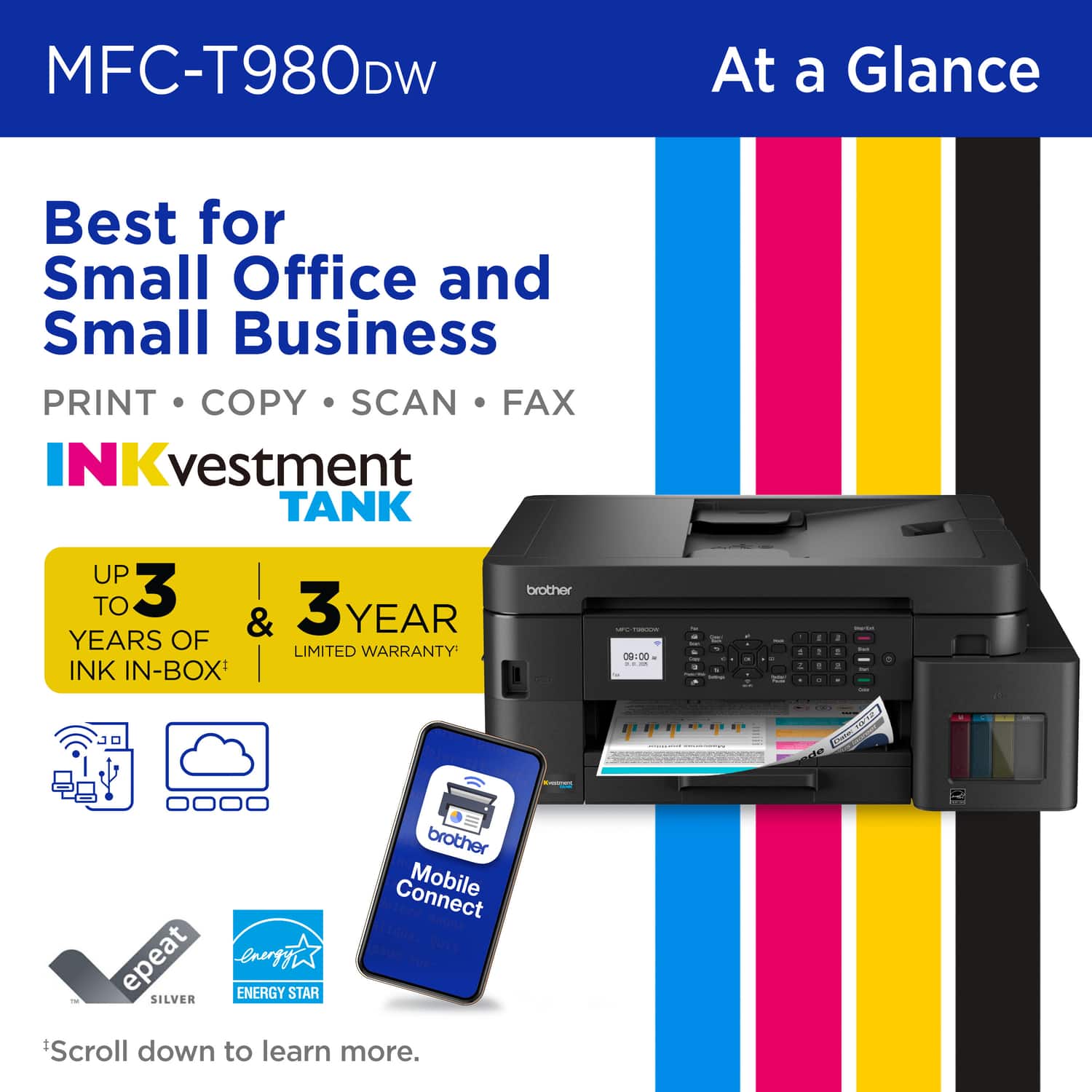
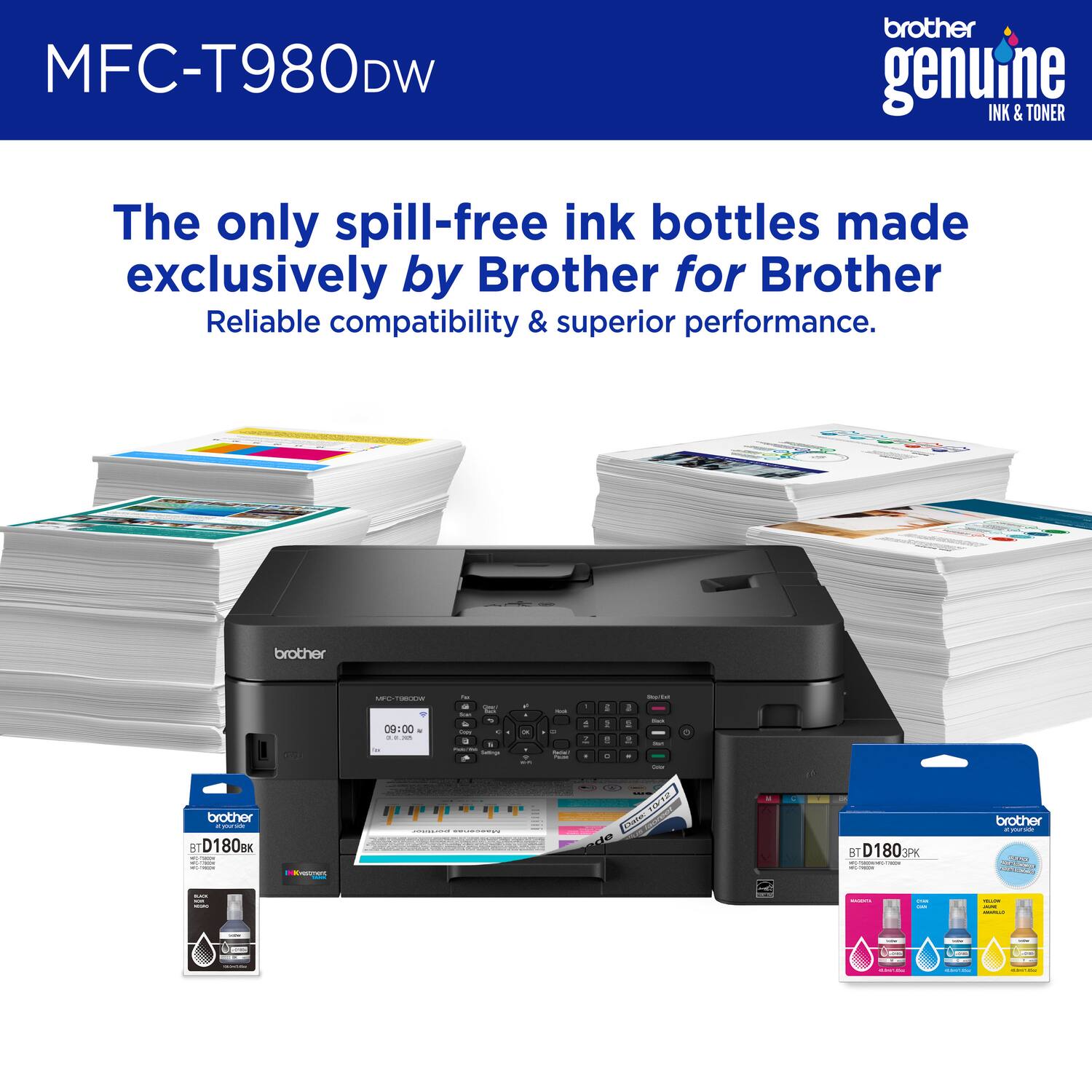
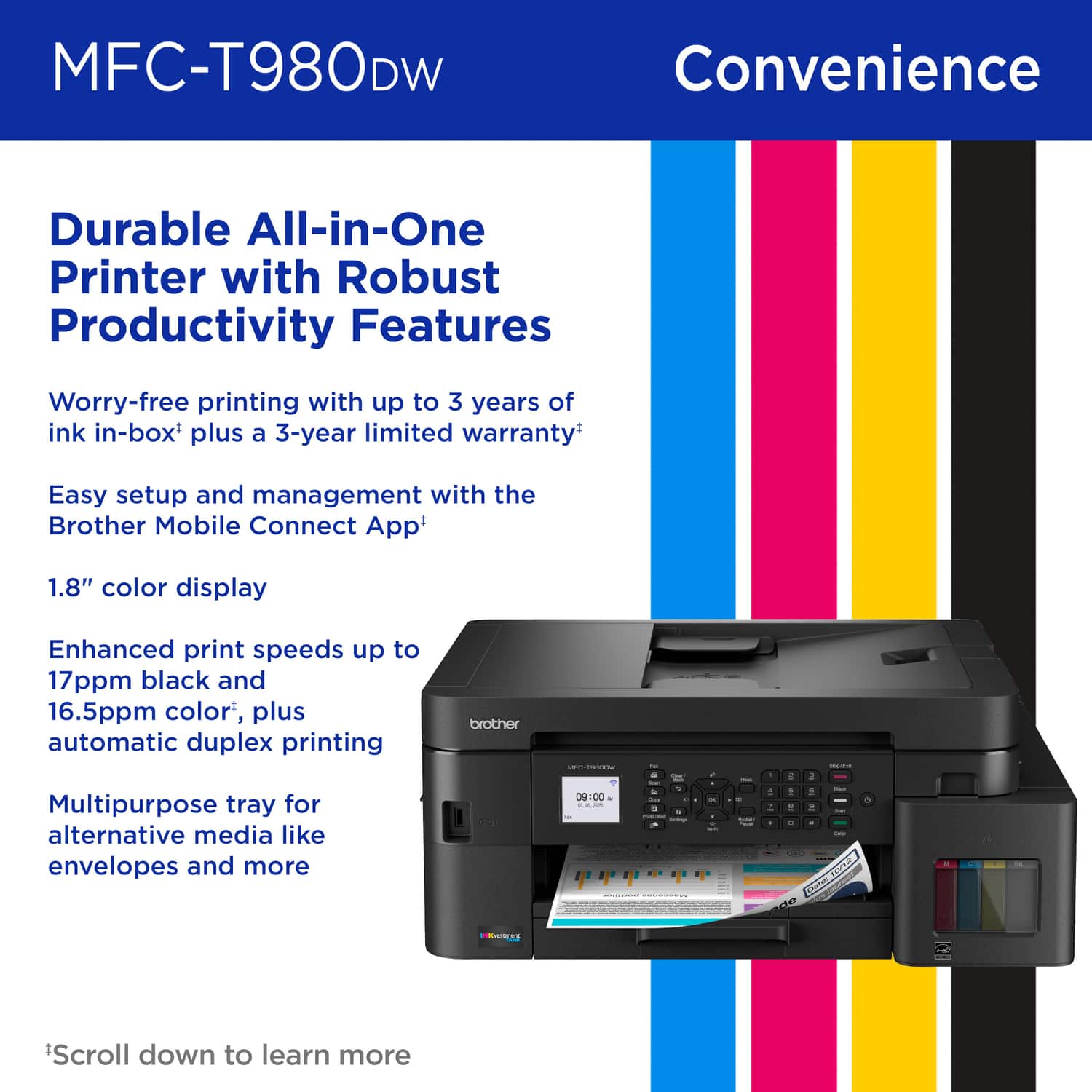
Customers are delighted by the excellent print quality, versatile connectivity, and ease of use of the INKvestment Tank 980 Wireless All-in-One printer. Many users find the setup process to be fast and easy. However, some customers have noted that the printer can be a bit noisy.
This summary was generated by AI based on customer reviews.
- Pros mentioned:Connectivity, Print quality

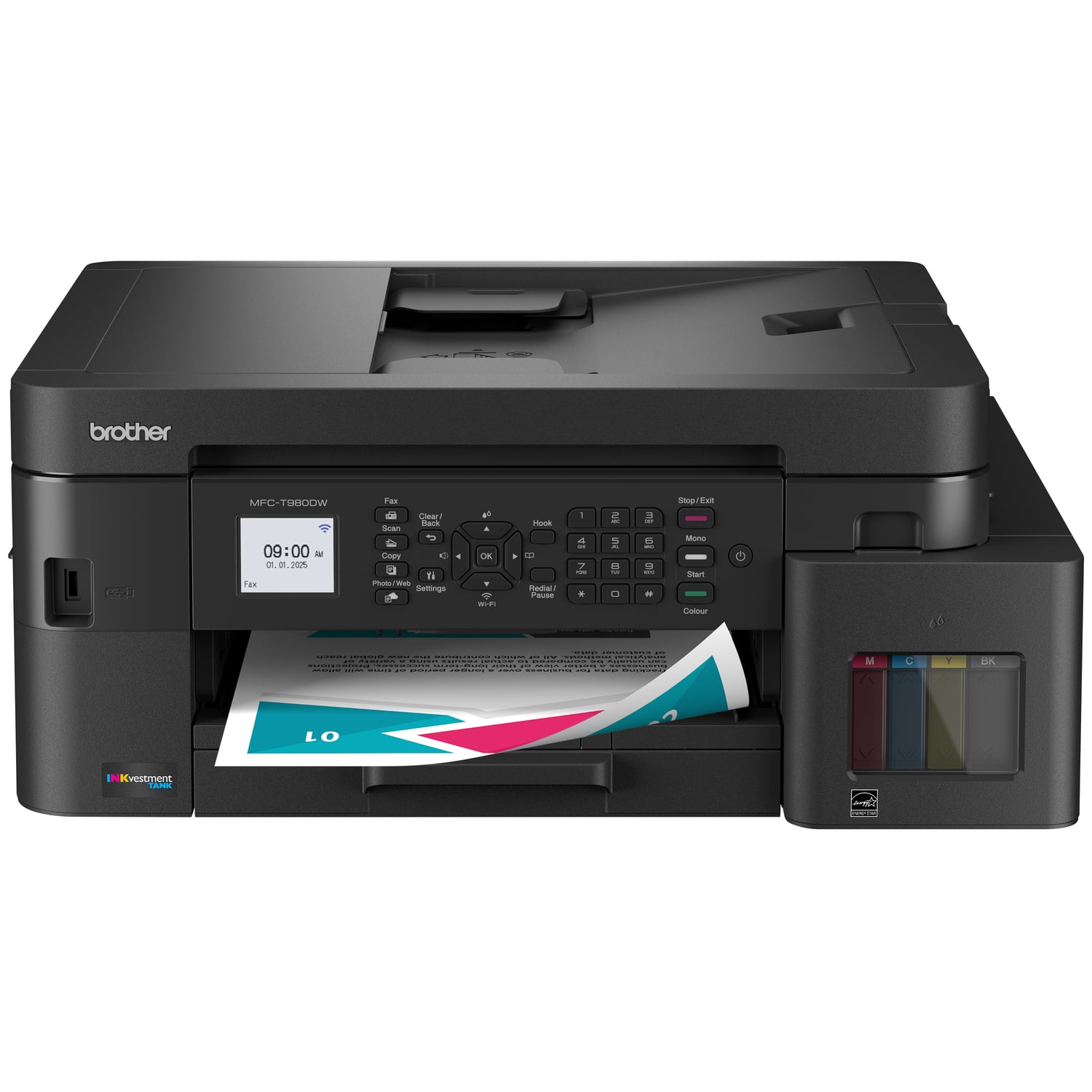
Brother. INKvestment Tank 980 All-in-1 printer
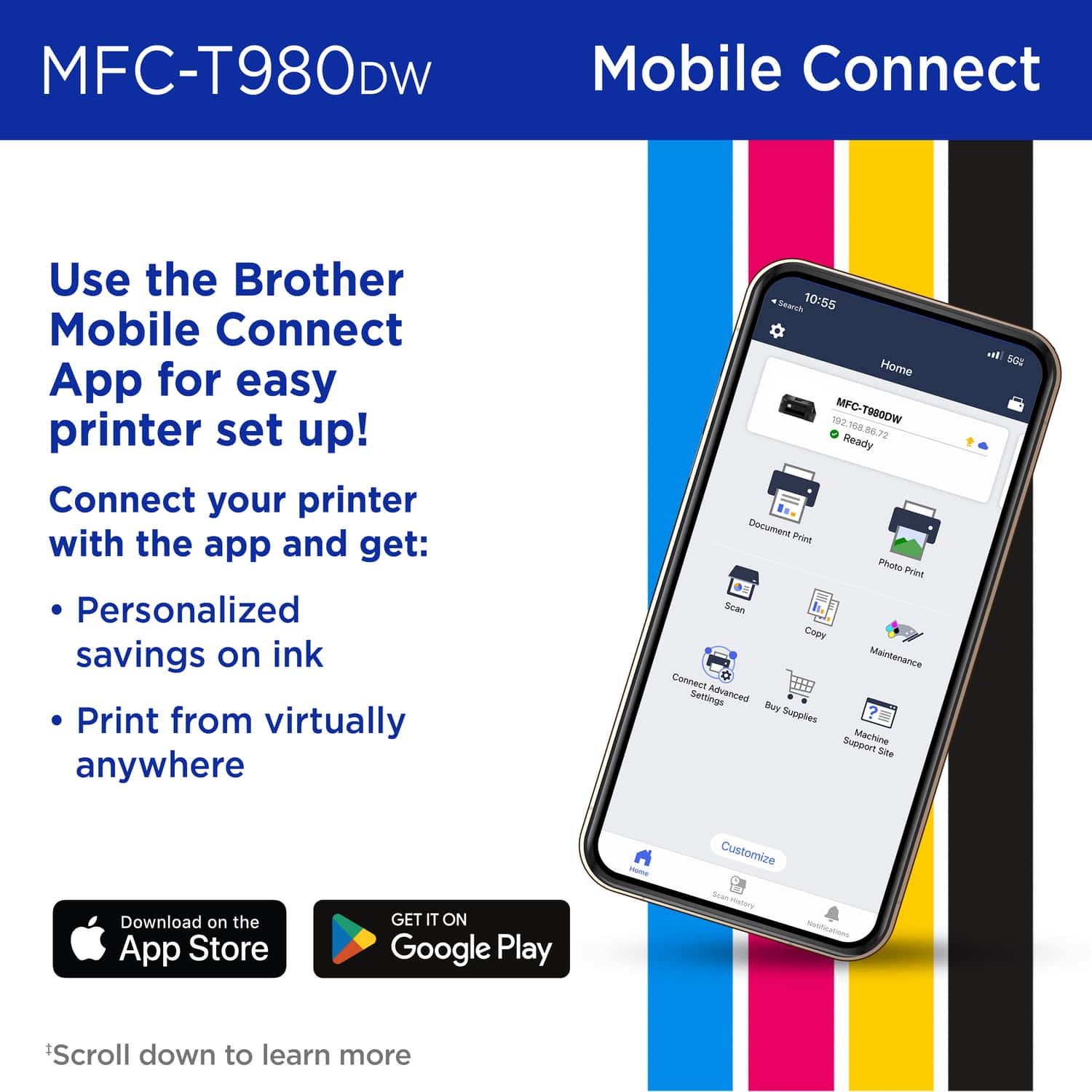
|Posted .This reviewer received promo considerations or sweepstakes entry for writing a review.Brother. INKvestment Tank 980 All-in-One SuperTank printer is a pretty good device. Packaging/boxing. Came with biodegrable cardboard enhanced to protect the printer with spacious dividers to keep it away from the sides of the box. Printer itself was wrapped in a pretty heavy duty almost wax paper like wrapping. Printer materials - very durable and easy to control from the front panel of the printer. Printer functionality - Have used all the printer functionality except the fax machine aspect. The copy, scan and print funtions are very fast and loading the paper for printing is easy. Scanning using the Brother app is easy as well and gives alot of options. Brother App - works and was easy to download, easy to check the status and try to figure out any aspect of the printer without having to look at the printer if in another room. Selecting the printer from a computer or a phone is a snap and able to print quickly. Filling the ink is very unique from my experience and was easy with no spilling due to the technology behind the tanks and the refill ink bottles themselves. States it won’t need ink for 3 years and looking at how much ink came with this thing, I would be surprised if I need to fill any of the ink tanks before 3 years.
I would recommend this to a friend - Pros mentioned:Ease of use, Print quality
Great Printer for Home or Small Office!
|Posted .This reviewer received promo considerations or sweepstakes entry for writing a review.I've been loyal to another brand of printers for my entire life, but the most recent one required a subscription for ink and was constantly dropping the Wi-Fi connection and needing to be fully reset. I have always heard great things about Brother and I'm here to tell you, it's all true! This is a fantastic printer for home use or a small office. The setup out of the box was easy and the companion app is very simple to use and intuitive. Loading the ink seems a little daunting at first if you're not used to it, but it's actually very easy. The bottle is sealed until it's connected to the tank, and then you just give it a few squeezes and it empties into the tank. Simple, no mess or drops of ink. Will it last 3yrs like the box says? Time will tell, but I much prefer the ability to refill specific colors rather than replace an entire cartridge just because one of the colors is empty. Printing is fast and high quality. The printer also allows for double sided printing, which comes in handy and saves paper. Overall, I'm very happy with this printer and glad I finally made the switch from the other brand. I highly recommend this printer to anyone looking for a solid all in one solution.
I would recommend this to a friend - Pros mentioned:Connectivity, Ease of use
Great all in one, will see how long the ink lasts.
|Posted .This reviewer received promo considerations or sweepstakes entry for writing a review.Very easy to use all in one printer everything functions easily as it should no issues with startup simply plug in fill with ink connect to hardwire ethernet as well as computer via USB. Download the brother print app, makes it easy to scan print fax copy whatever you need. This is my second brother printer never had a problem with any of them they just work as they should The app and Wi-Fi printing makes it so much easier to do this across your home network or even when you're away from your network. I use this to print and send documents as well as scan and a fax. Also for printing shipping labels Black ink is still at over half full with 20 prints done so far. I definitely recommend the brother Brand for a all-in-one printer scanner copier fax machine. This is a large all-in-one and will definitely take up on some space on your desk or installation area. The roughly 2 in color touch screen as well as scannable phone companion setup makes this a breeze and takes around 5 to 10 minutes depending on whether you're connecting to Wi-Fi or not. All in all I highly recommend this printer to anyone looking for a reliable all-in-one.
I would recommend this to a friend - Pros mentioned:Print quality
Brother MFC- T980DW All-In-One InkJet Printer
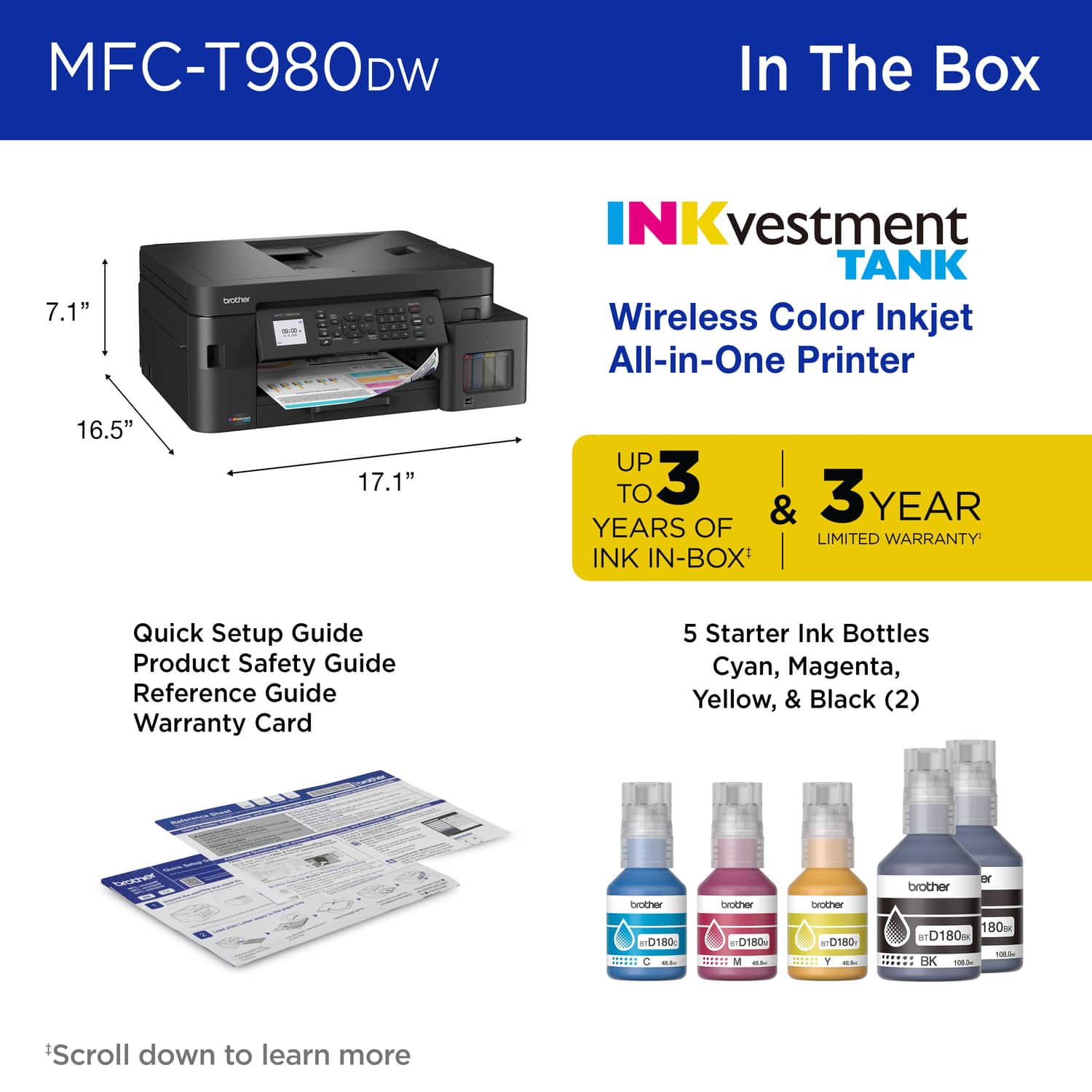
|Posted .This reviewer received promo considerations or sweepstakes entry for writing a review.Ok so I just received my new Brother MFC-T980DW All-In-One InkJet Printer and have been putting it through the paces. First off, I have grown to love many Brother products over the years which is why I decided to snag this printer when it came along. Brother products usually have great build quality for both home and work offices. Although this is an inkjet and I prefer laser jet printers, I decided to give this one a try due to the inclusion of faxing capabilities that my current printer does not offer. Unboxing: * Brother MFC-T980DW All-In-One Inkjet Printer * 2 Bottles of Black Ink * 1 Bottle of Magenta Ink * 1 Bottle of Cyan Ink * 1 Bottle of Yellow Ink * User Documentation One thing, that I love about this printer even before I set it up was the color. Black goes well with any home/work office decor. And as I stated before, the build quality was there. This printer feels solid and does not feel cheap. Though, the user documentation was very and I mean very limited on setup process, I was able to figure it out. On the front right panel of the printer is the ink door. Simply pull down the door and fill each ink well up with the correct corresponding color. Following along with the on screen (which in my opinion for this price point should be a touchscreen but its not), you can connect the printer to your home or office Wifi either on machine or by downloading the Brother app from the App Store for iOS or Google Play Store for Android. Something I did not like was that the setup process was halted and wouldn’t allow me to continue the setup process unless I downloaded the app. I’ve setup cheaper printers that guided you along via the on-screen on the printer. However, I downloaded the app and continued through rest of the setup process. Once everything was setup I started printing a few pages to get a sense of speed and print quality. Though it a little tiresome setting it up the print quality and speed was there. Brother’s claims are that the ink will last up to 3 years, so time will tell. But so far it’s, working as expected.
I would recommend this to a friend - Pros mentioned:Print quality
Great Home Printer not designed for Production Use
|Posted .This reviewer received promo considerations or sweepstakes entry for writing a review.The Brother INKvestment Tank 980 is a solid printer for most at home printing tasks. The printer when it comes to the ink tank design makes loading ink seamless and quick along with on screen directions that avoid the need to improperly drain your ink into the tank or making a mess. The printing speed is quite impressive for most jobs that require you to print documents in color or just black ink. The only drawback I experienced is a lack of 1 to 1 Color matching. When attempting to print things like invitations or programs the color and contrast was off. Now to the naked eye for general printing you'd never notice. However when using this printer for more intense printing tasks one must be careful of the fact it will not match the saturation or color tone perfectly. Trying to print a CMYK export and RGB export proved that it made little difference. However, most users are not using this printer for production level printing. Most of it is general documentation and photos. The photos as mentioned before will not be exact to the original photo data and should be considered before buying this printer. However for a printer in this price range it does exactly as you'd expect it to. The other features such as the scan bed, multipurpose tray, and scan feeder work fantastic and allow for quick scanning and loading of custom paper without much fuss. For a small home office this is a great printer. For a home printer tasked with printing invitations, photo detail where color tone and match matters, and other professional based tasks this is not the printer that I would recommend using. However... keep in mind that is not the design intent of this all in one printer!
I would recommend this to a friend INvestment in the INKvestment Tank 980
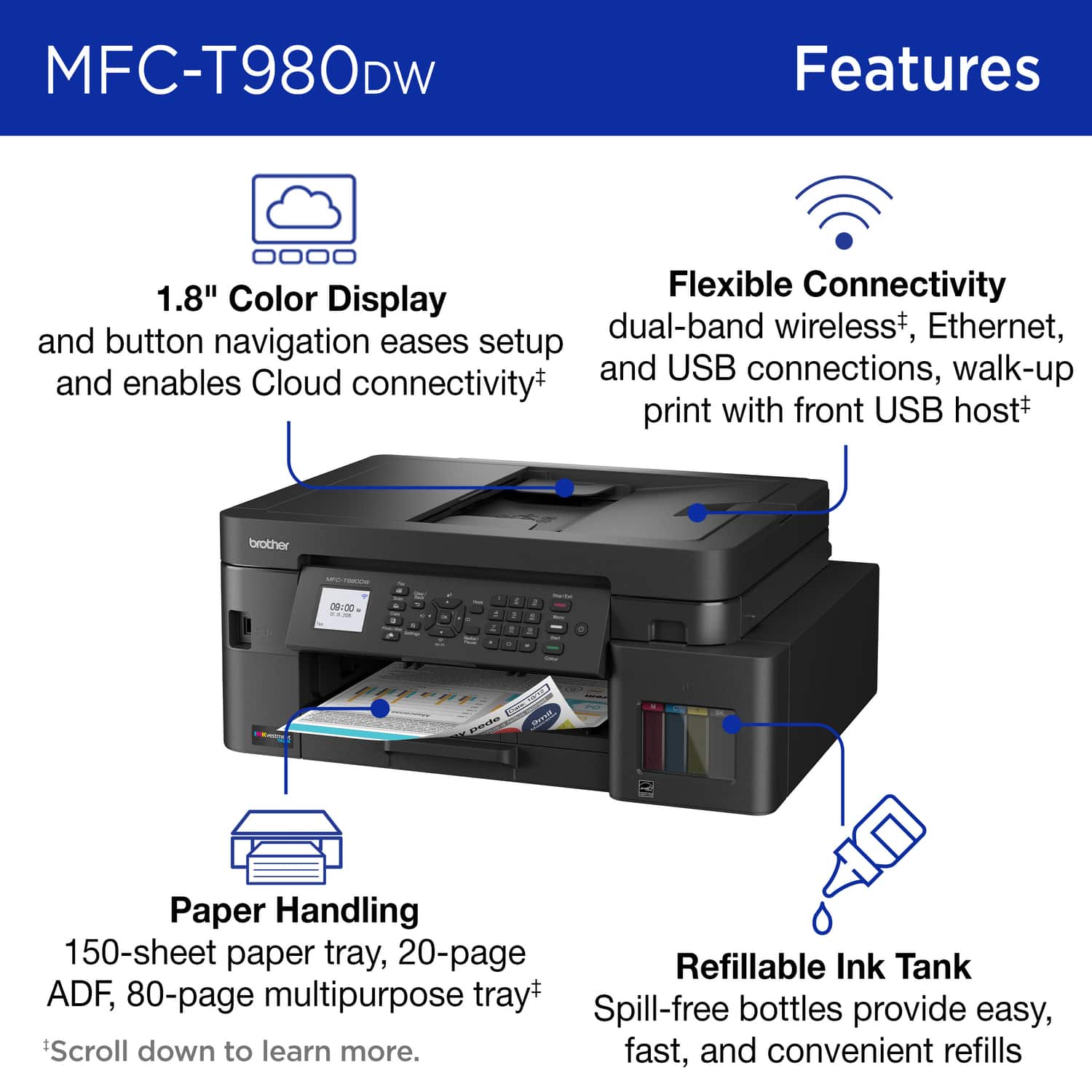
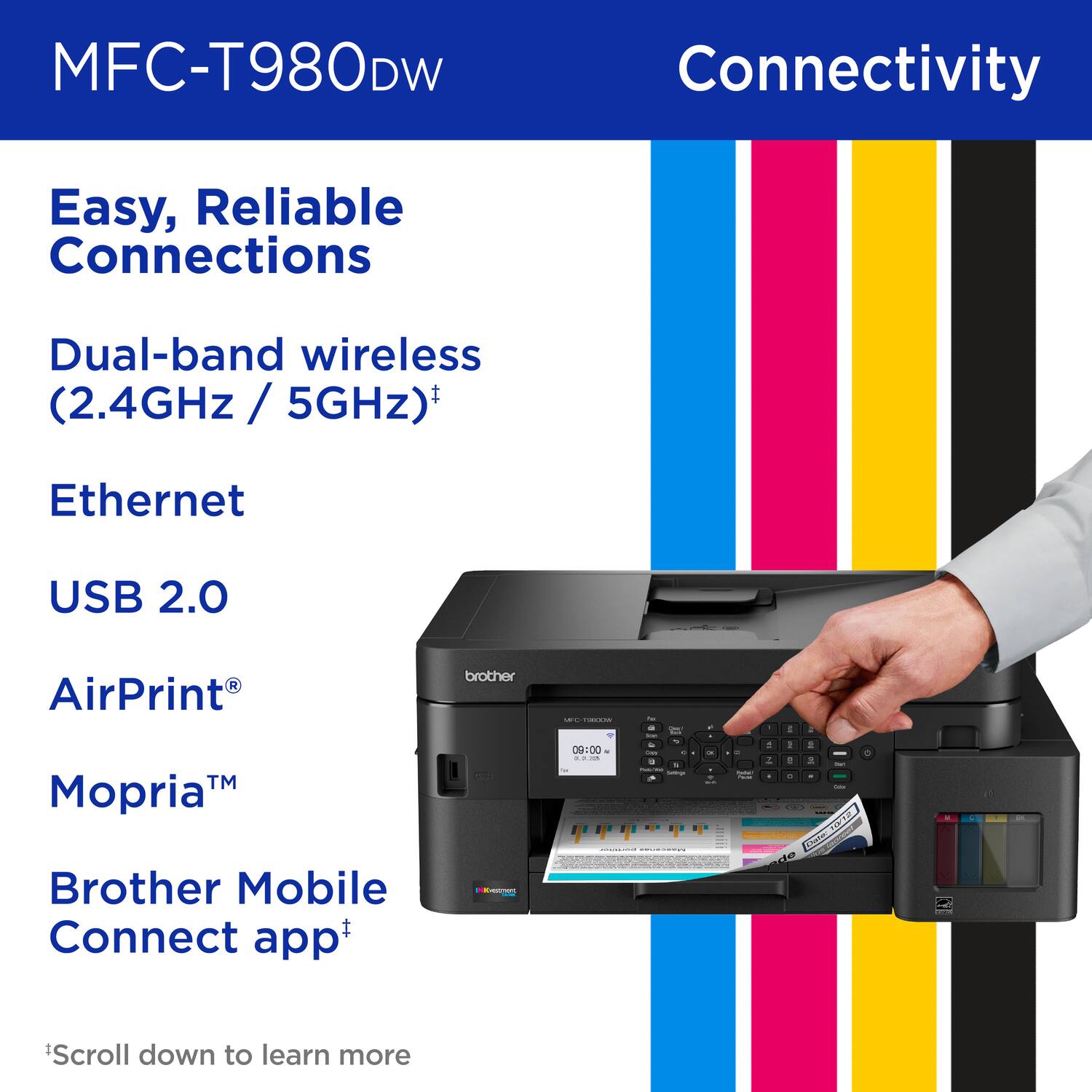
|Posted .This reviewer received promo considerations or sweepstakes entry for writing a review.The INKvestment Tank 980 is a solid printer in the Brother family providing Ink related convenience to the household. The set up was not difficult, with little mess, and I have been printing well since the transition from my old Brother printer. The design is pretty standard for an at home printer. This almost looked and felt identical to my previous printer, slightly larger, which is not bad just does not bring remarkable design to the table (but in all honestly, I look for reliability in a printer more than anything). The printer is black, has a small but easily read LCD screen (buttons to control) and has a peek through display for monitoring ink levels rather than an electronic screen. There is a feeder for copying purposes on top, the lid opens to use the glass for scanning/copying and the bottom tray allows for easy loading of about 150 pages of standard paper. There is also a multipurpose tray to allow for envelopes and other paper types. There is ability for Wifi setup, USB connection and ethernet, which is helpful for my family in that my wife is never one to deal with Wifi printer connections. The INKvestment Tank feature versus standard cartridges is the new aspect for myself. The printer is equipped with tanks and comes with 5 ink bottles (2BK, 1C, 1Y, 1M). The tank area has removable plugs that then you place the bottle into. Filling each took less than 1-minute, I did have a little drip out of the bottles (M and Y) as removed them (although Brother claims these to be drip free). Filling the ink tanks was quick and easy overall, following the provided instructions. It is definitely more mess prone than standard ink cartridges - as those don't really have any chance for mess. The ink itself is claimed to last for 3-years. I do not know what this claim is specifically based on, I guess predicted normal home use; however, it does seem to be lasting longer than standard cartridges thus far. The printer claims to approximate about 5000 pages with provided ink, we will see - I am skeptical but I want to trust the Brother brand. Currently, I have printed over 150 coloring pages for my daughter and continue to have a solid amount of ink available. It appears the ink for this is currently well priced, so when the time comes I can see a value in savings overall, with initial investment of course. Print speed can be up to about 15 pages per minute, just have to adjust quality/print speed on the computer as well. The draft option versus normal print seems to reduce amount of ink used. Our MacBook was printing about 4 pages a minute at first until did some setting adjustment (primarily decreased print quality). The quality of printing appears to be as expected. I have had no significant concern about print quality to date and for normal personal use/office needs I do not expect any hiccups. I have not tested this with photo paper yet, but trial printing does seem solid. There is now a Mobile app for Brother, which will connect to this device. This allows for printing from the phone, which is pretty cool. The PC software, continues to be lackluster in my opinion. I have yet to be a fan of any software for a printer, which I understand, just still is not my favorite. This software allows for scanning to the computer - and does a good job with quality in scanning, which is always nifty to have and helpful to have not too much headache to get uploaded. Overall, I would say this lives up to the expectations of a standard, at home printer - with the biggest aspect being ink tanks instead of cartridges. The Brother quality appears to be present and I have no specific complaints or concerns at this time.
I would recommend this to a friendMy new office print station
|Posted .This reviewer received promo considerations or sweepstakes entry for writing a review.I love this new trend of giving you enough ink in the form of a giant bucket or as they call it, a “tank”. There’s enough ink in this printer to last the average user several years. I still haven’t used up my old printers tank fully. No more cartridges and that is OK with me. I would much rather buy ink this way from now on. You use little squirt bottles of ink where you manually fill your ink reservoir, and it is nearly impossible to make a mess or spill it. The result is less plastic and silicone waste in a landfill and a ton more print capacity - win win. I appreciate the aesthetics of this machine as well. It’s nice to lose the beige aesthetic for a more modern black with the color touchscreen. It really looks good in an office. The prints look fantastic as the black ink is super dark. I can tell inkjet technology has definitely come a long way and while it will never be as crisp as laser, having a separate ink cartridge for black really helps. The color prints look terrific. I printed some photos from some vacations on premium paper and it looks so good that I’m thinking about framing some.
I would recommend this to a friend