Customer Ratings & Reviews


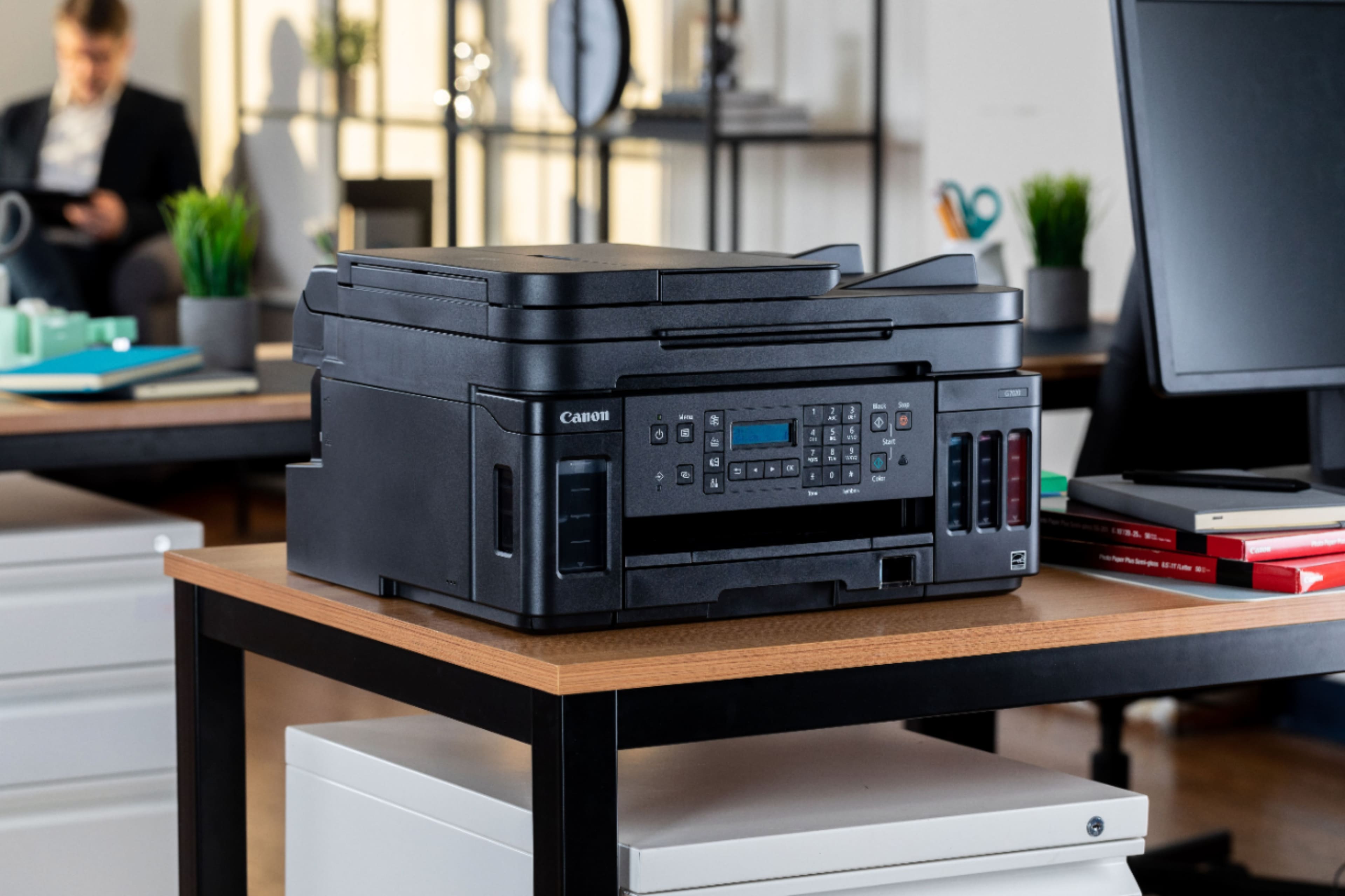
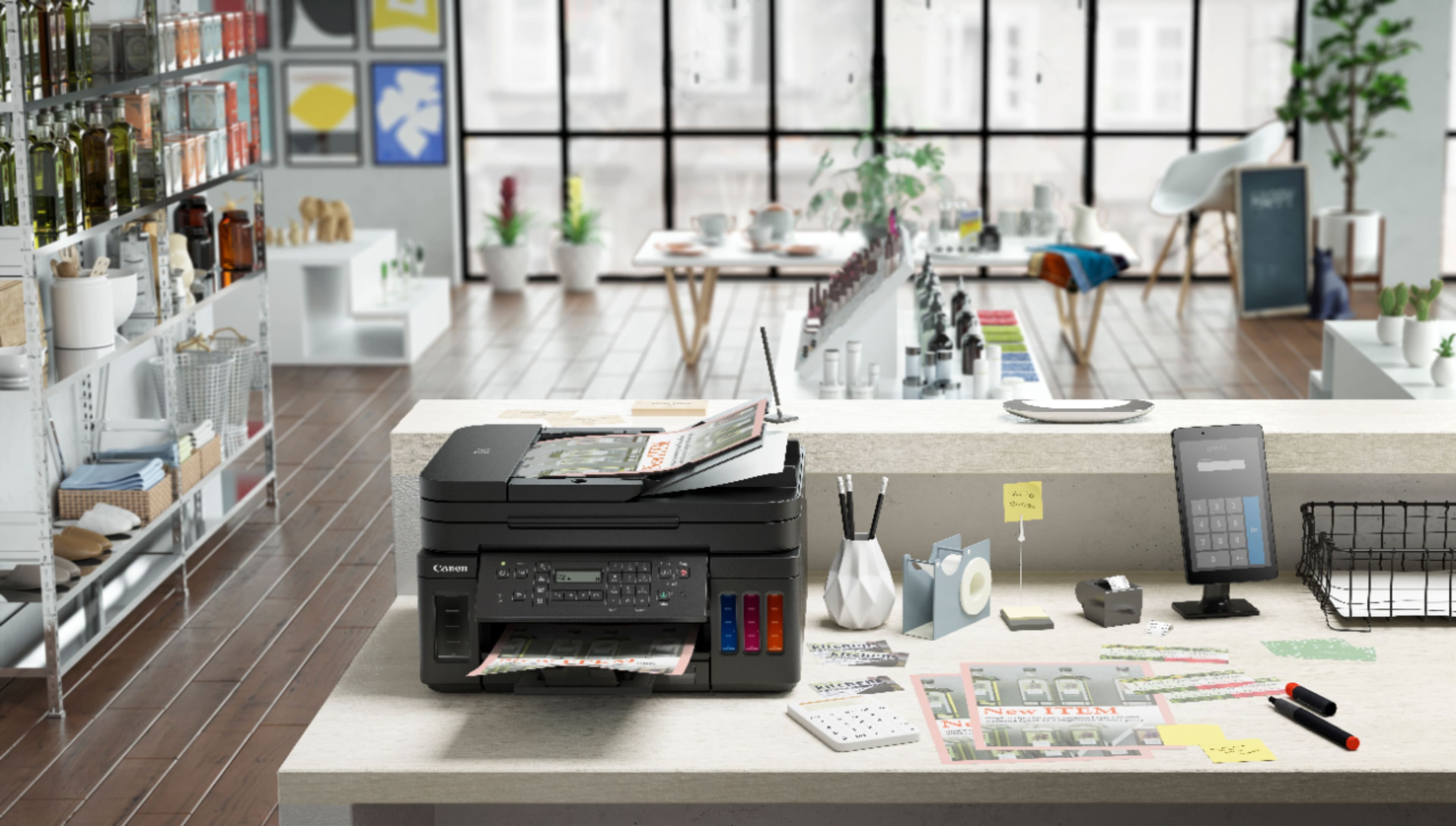
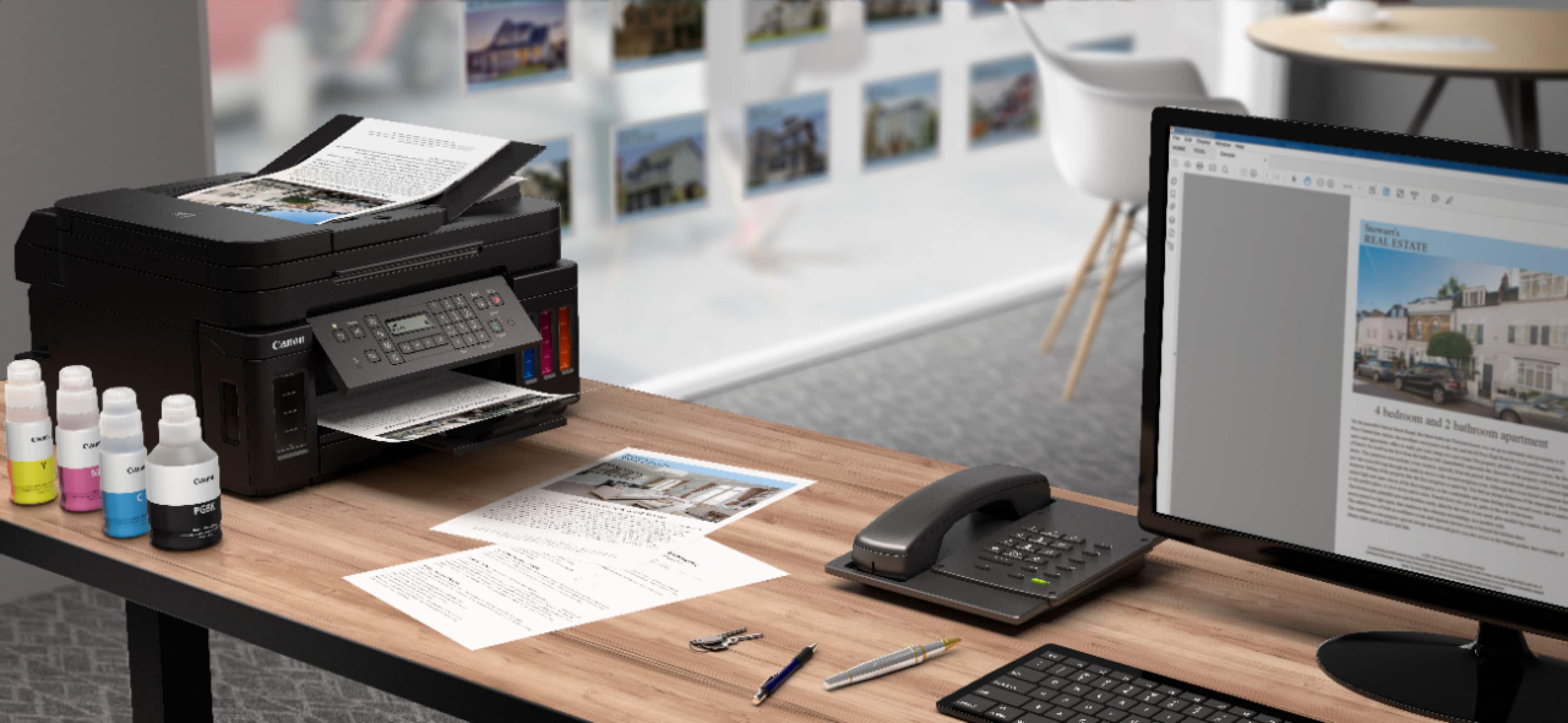
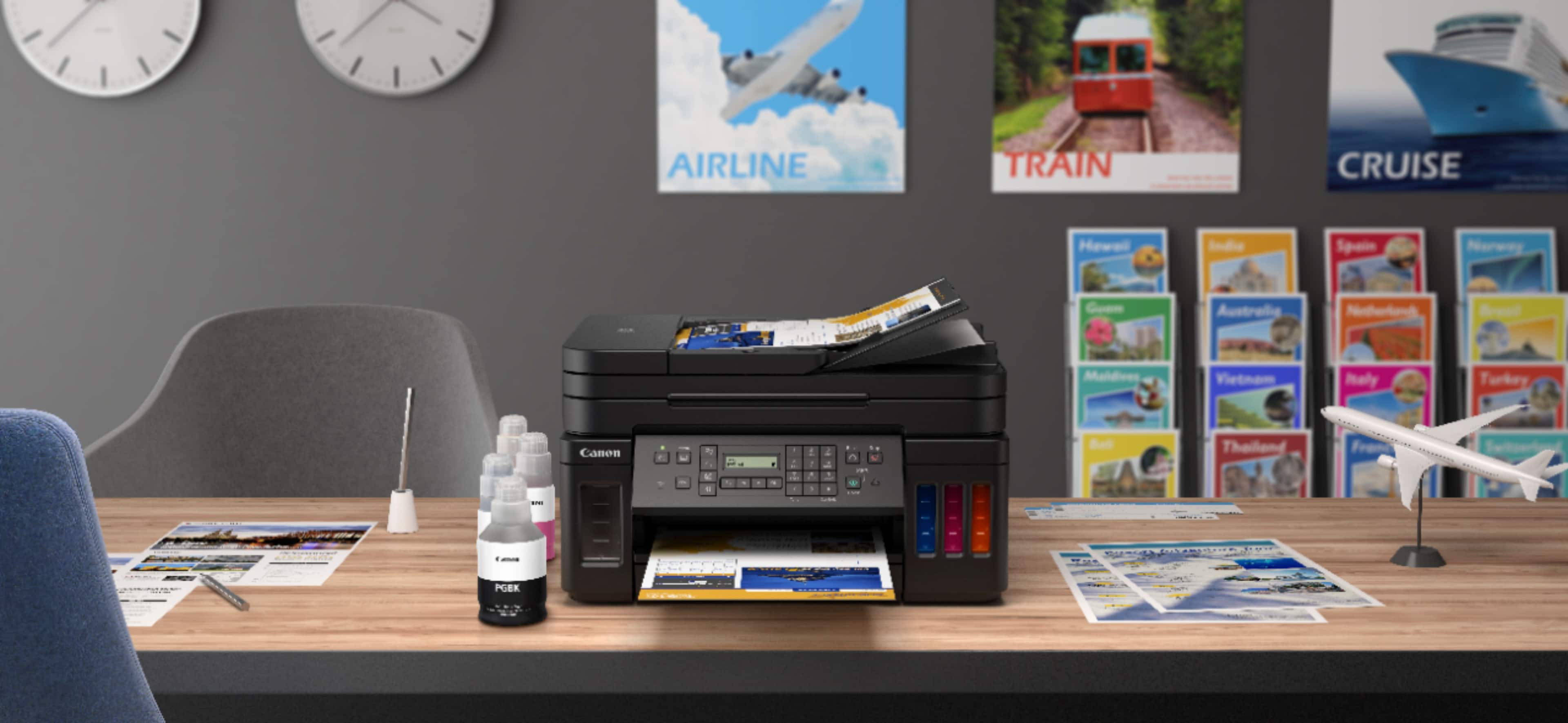
- Model:
- 3114C002
- |
- SKU:
- 6393533
Customer reviews
Rating 4.2 out of 5 stars with 1260 reviews
(1,260 customer reviews)Rating by feature
- Value4.2
Rating 4.2 out of 5 stars
- Quality4.3
Rating 4.3 out of 5 stars
- Ease of Use4.0
Rating 4.0 out of 5 stars
Customers are saying
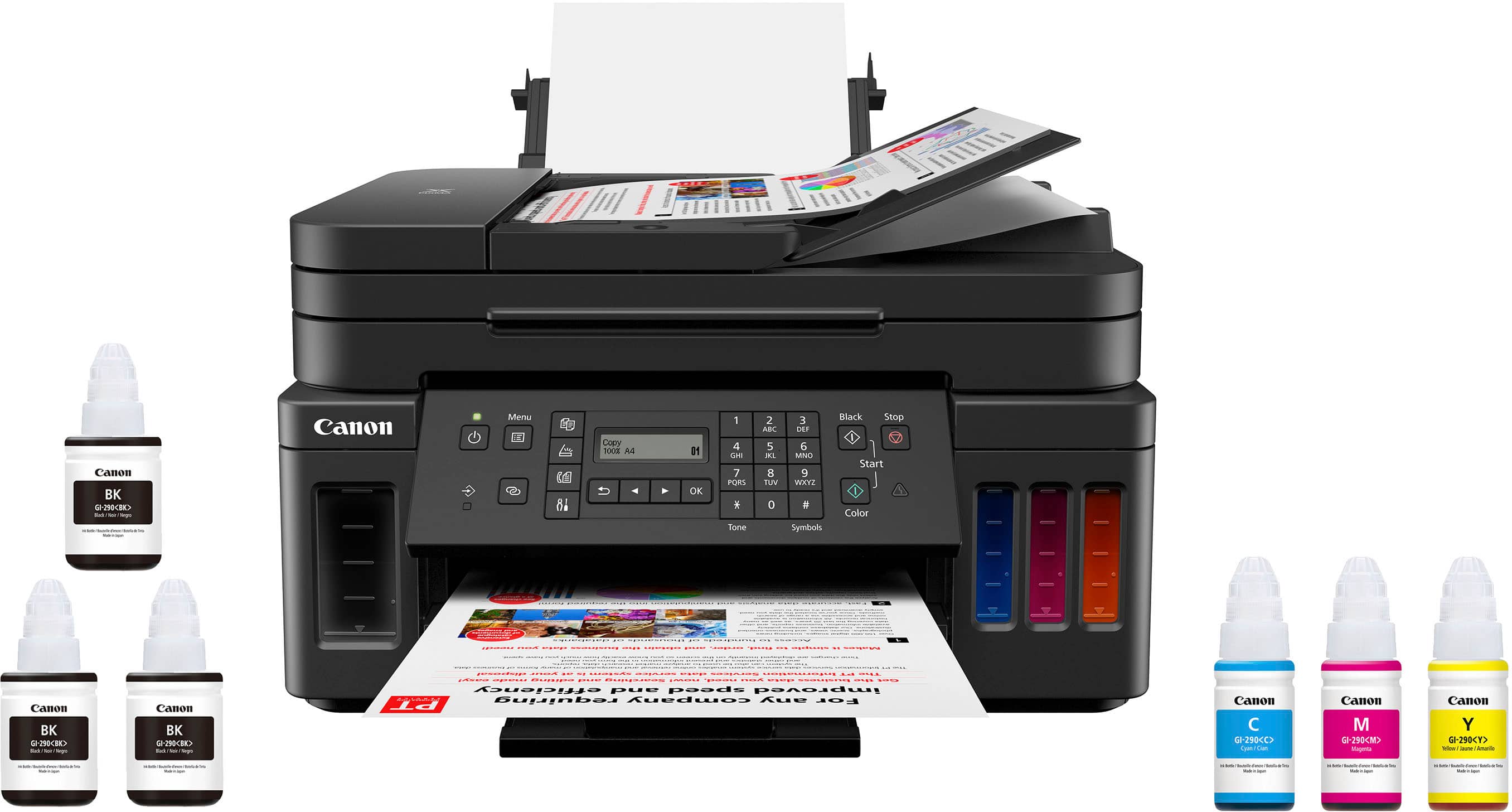
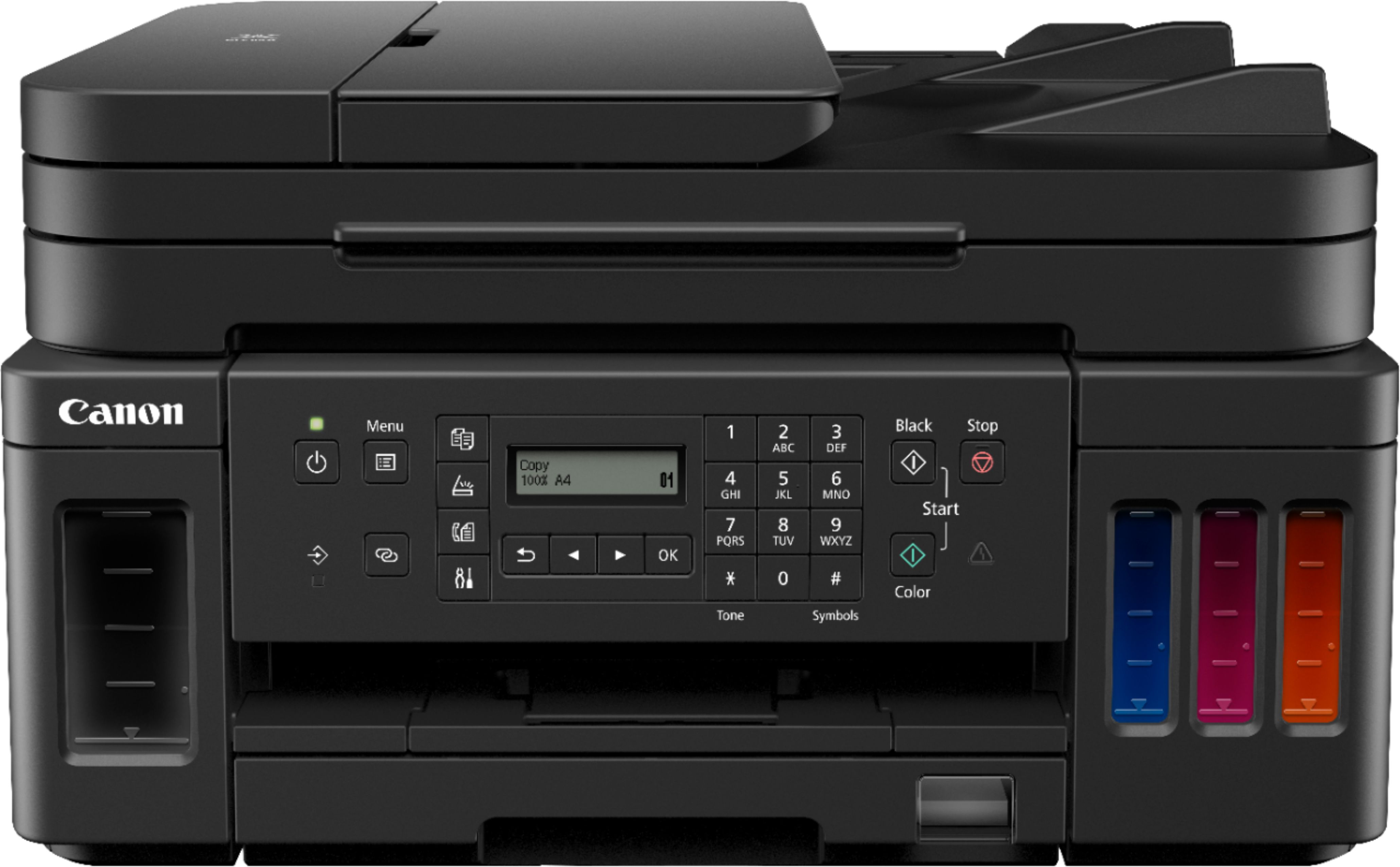
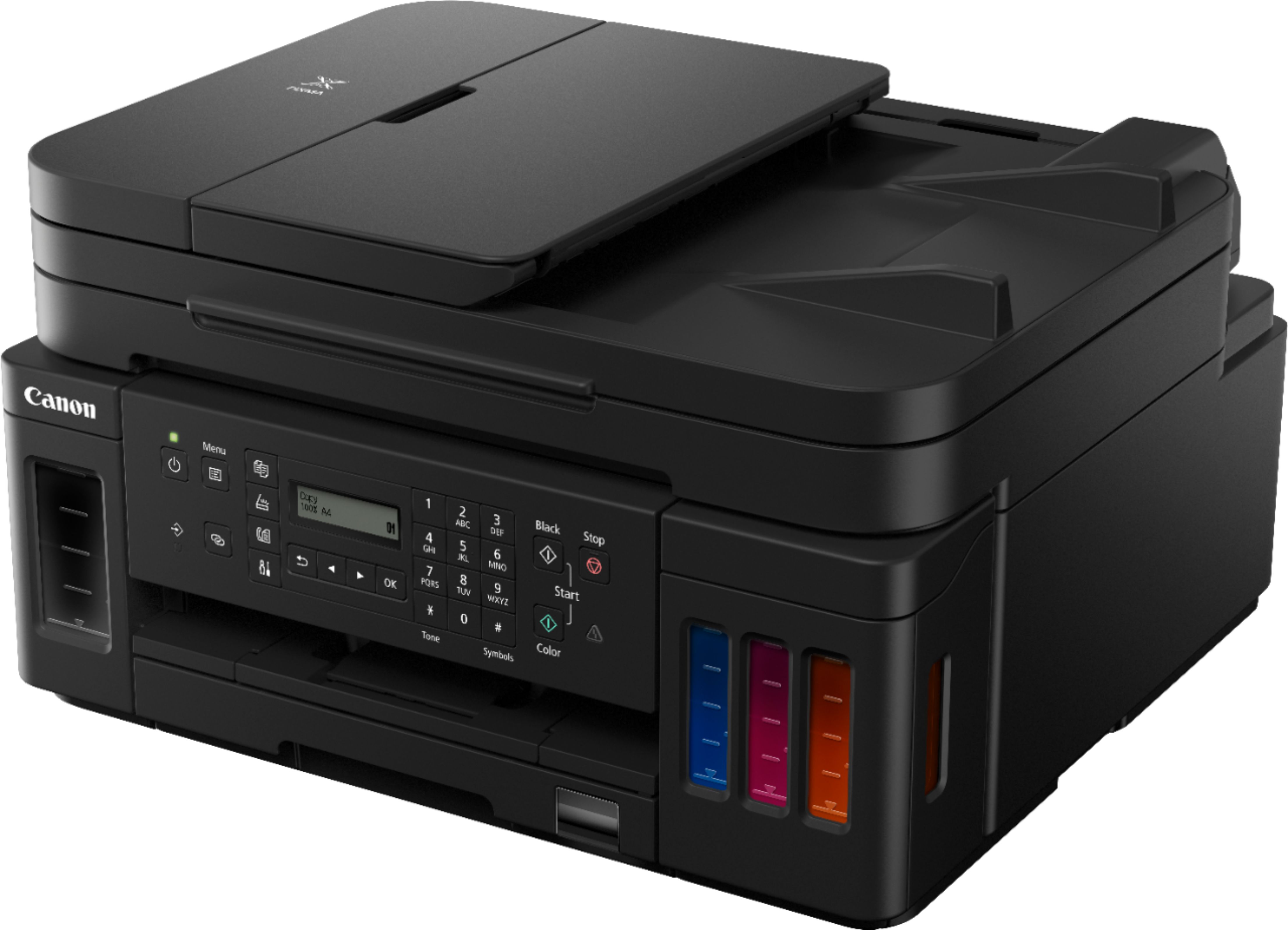
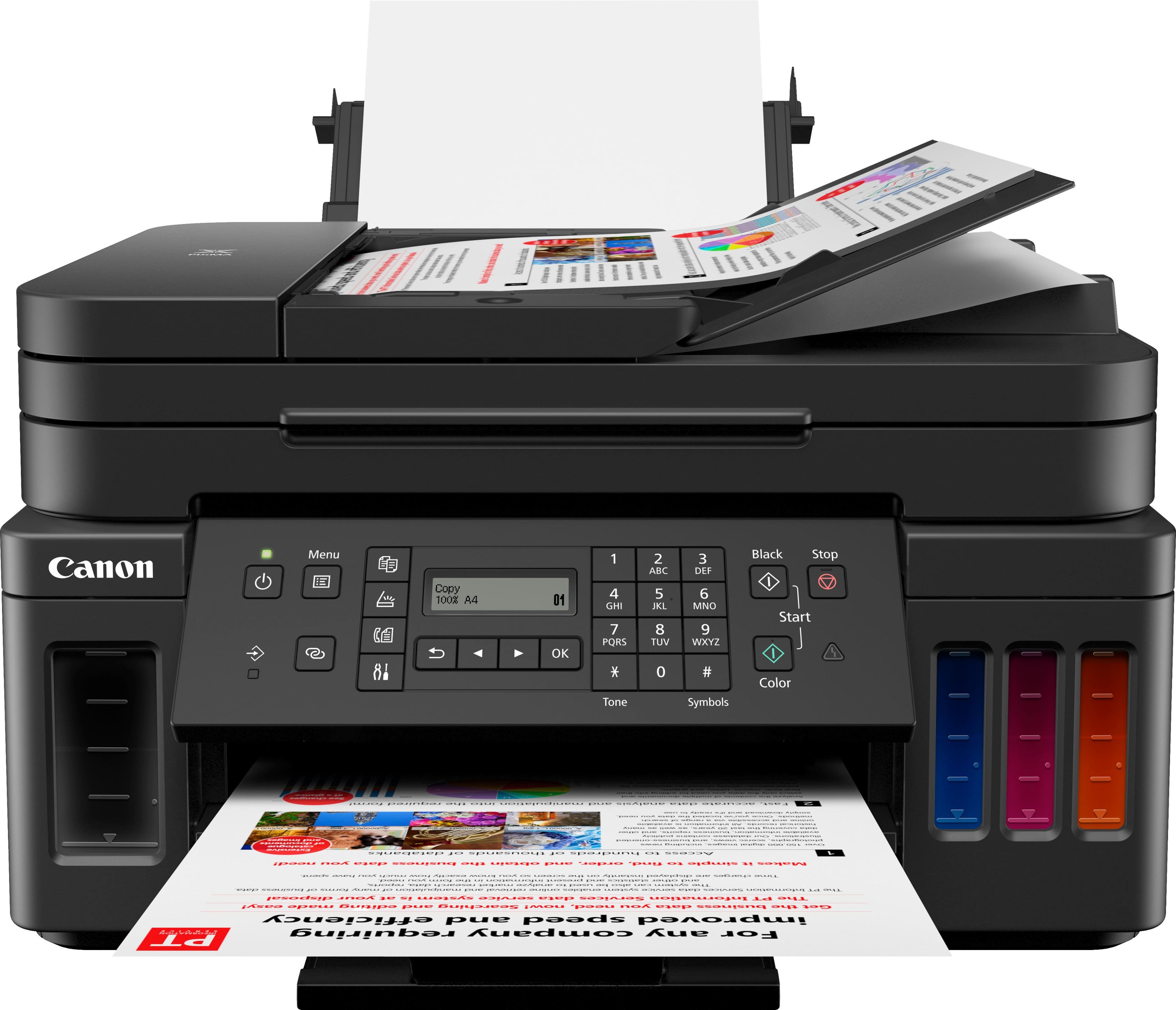
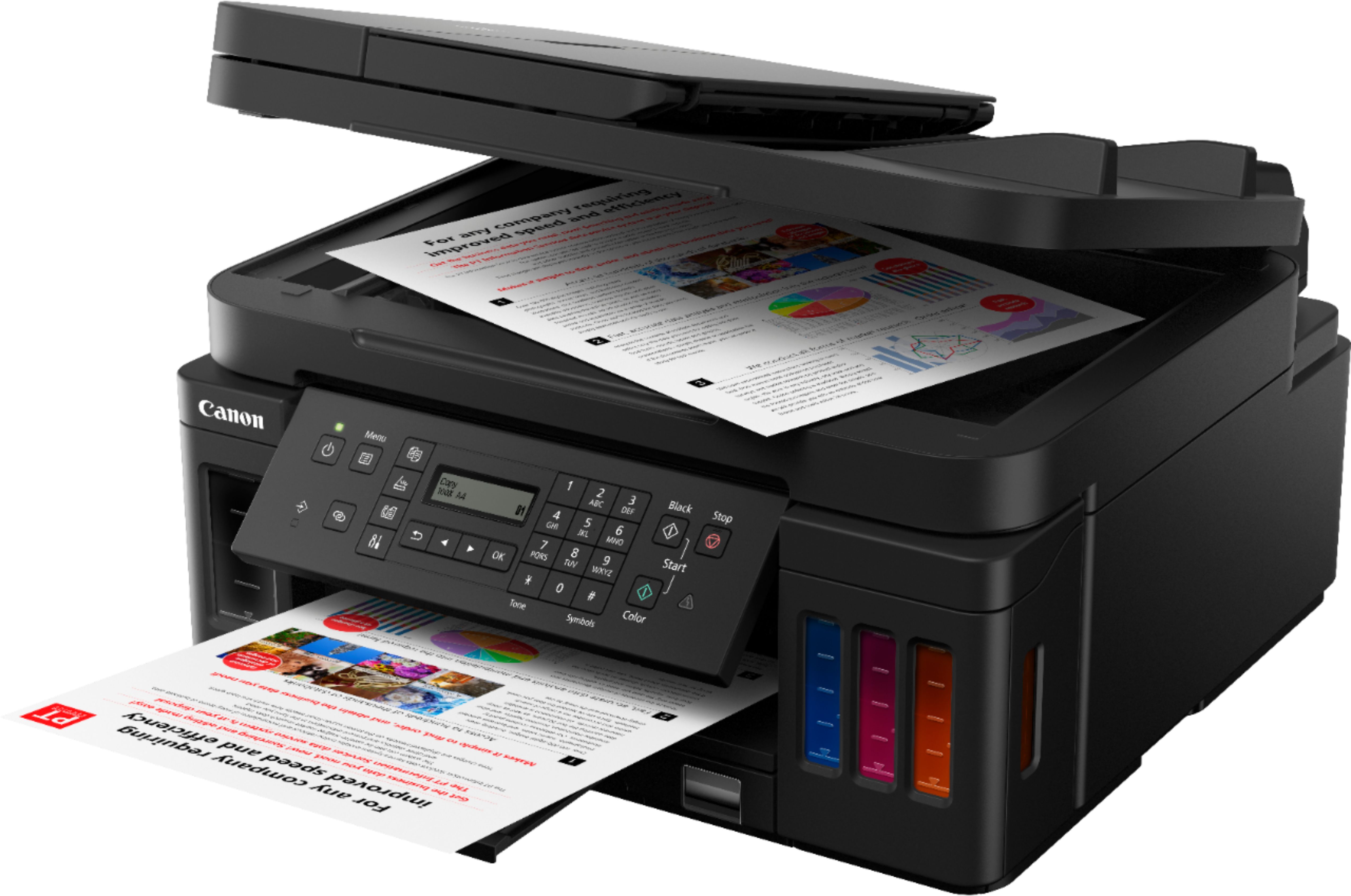
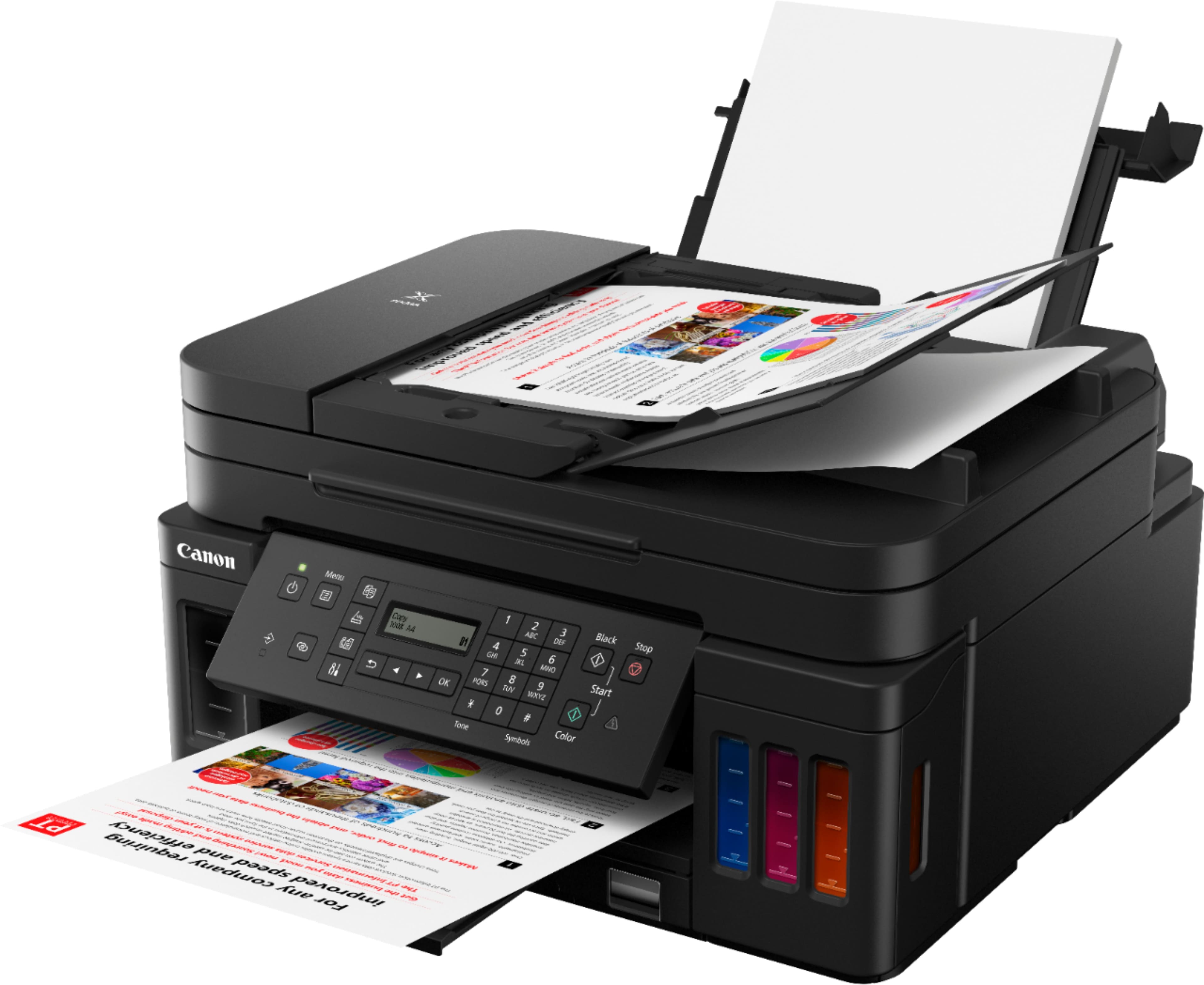
Customers regard the PIXMA MegaTank G7020's print quality and ease of use very favorably, with many praising its sharp prints and straightforward setup. The wireless functionality and compact size are also frequently cited as positive aspects. However, some users find the small, unlit display and control panel challenging to use, and a few note that the printer can be somewhat noisy during operation.
This summary was generated by AI based on customer reviews.
- Pros mentioned:Print quality, Setup
Rated 5 out of 5 stars
Fantastic Printer with Incredible Ink Efficiency!
||Posted . Owned for 1.5 years when reviewed.This reviewer received promo considerations or sweepstakes entry for writing a review.Fantastic Printer with Incredible Ink Efficiency! We've been using the Canon PIXMA MegaTank G7020 for a while now, and it's been an absolute game-changer for our home office. Setup was easy, and the wireless features make it super convenient to print from multiple devices. But what really stands out is the ink efficiency—we haven't had to buy more ink since we got it, and we've done a lot of printing. The included ink tanks go a long way, which saves money and hassle in the long run. Print quality is crisp, whether it’s documents or photos, and the all-in-one functions (scan, copy, fax) work seamlessly. Highly recommend this printer if you want great performance and minimal ink refills!
I would recommend this to a friend - Pros mentioned:Fax
Rated 4 out of 5 stars
Needed a printer during covid
||Posted . Owned for 7 months when reviewed.This reviewer received promo considerations or sweepstakes entry for writing a review.I needed to replace my old Canon printer that was printing in wavey lines. It was during Covid last June. So it was difficult to find printers. I needed an all in one with fax, scanner, and copy capabilities. And this was available. After 10 months and printing frequently since my husband now works from home, there is still plenty of ink. I love that it uses tanks that are much cheaper to replace than cartridges. Set up was not the greatest since I had Canon software already on my PC. But once I figured it out, I was able to complete set up since I was familiar with Canon software. Scanning is a bit slow. The footprint is much smaller than my old Canon. My husbands laptop recognized the printer right away. All in all, I’m happy with this printer.
I would recommend this to a friend - Pros mentioned:Print quality
Rated 5 out of 5 stars
Ink cartridge a thing of the past!
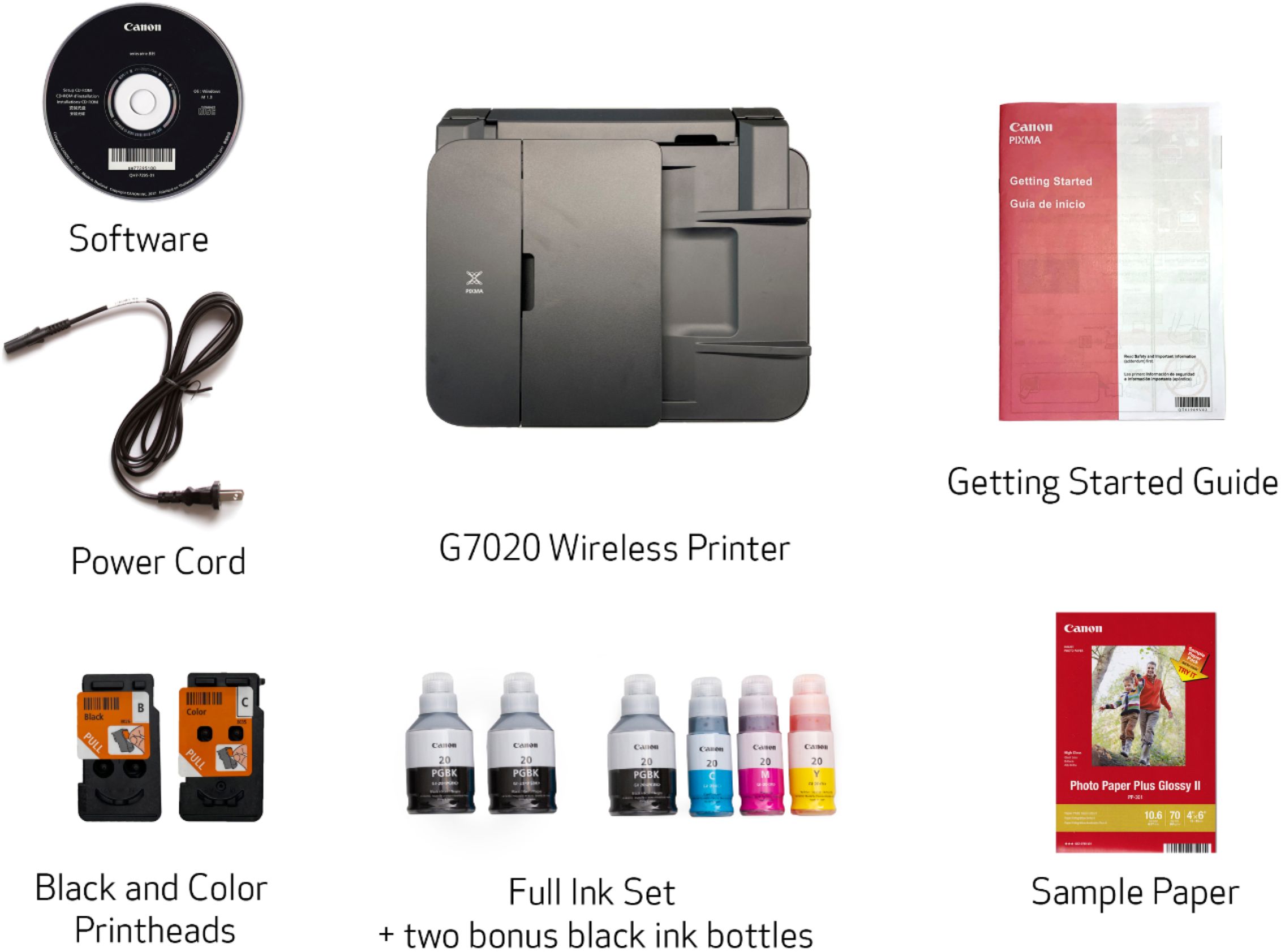
||Posted . Owned for 1 month when reviewed.This reviewer received promo considerations or sweepstakes entry for writing a review.I'm so happy I found a printer with no cartridge type of ink storage. You fill the chambers up with ink from the bottles. Never do you have to deal with faulty cartridges again! This package comes with 3 black ink bottles and 1 bottle each for cyan, magenta, and yellow. Each bottle fills its respective chamber entirely. Printer connects to your computer via WiFi or direct connection. If your printer is close enough to your computer, i recommend you use a usb cable for connection. The WiFi connection seems to disconnect after a few days of inactivity. It's quite annoying. The printer has 2 paper feed options. Back of printer ad cartridge under the printer. This printer also performs dual sided printing. My only advice is that if you are printing many dual sided pages, do it well before you need them. The dual sided feature isn't very fast. The printer prints one side, pauses, takes the paper back in, pauses, then prints the other side of the page. I just tested a dual sided print job of text on paper, black and white, and it took 63 seconds. Another con: the display has no backlight. It is like an old Nokia phone without the green screen. I really don't know how Canon, in 2019 can produce a non-backlit display.
I would recommend this to a friend - Pros mentioned:Print quality
Rated 4 out of 5 stars
Canon for a cannon veteran
||Posted . Owned for 3 weeks when reviewed.This reviewer received promo considerations or sweepstakes entry for writing a review.The setup wet pretty well although the instructions were vauge. Loading the ink went very well, was worried I might have a mess but no issues. 500+ on line manual needs to be reduced. Only issue I have not yet bee able to resolve is I want to hook the printer direct to my computer, NO server. Our net is down to much to rely on that. Can not find how to do that. Prints great, copy works good. Have not tried two sided feature yet.
I would recommend this to a friend - Pros mentioned:Ease of use, Size
Rated 4 out of 5 stars
Carton G7020 printet
||Posted . Owned for 7 months when reviewed.This reviewer received promo considerations or sweepstakes entry for writing a review.This is the best home office printer I’ve ever owned. Easy setup, user friendly, not bulky, economical to use.
I would recommend this to a friend - Pros mentioned:Ease of use, Fax
Rated 5 out of 5 stars
Great printer
||Posted . Owned for 3 weeks when reviewed.This reviewer received promo considerations or sweepstakes entry for writing a review.The Canon Pixma Mega Tank G7020 is great. It's a printer/ copier/scanner/ fax machine that gets the job done. Easy set up, beautiful and does what I need it to do without having to constantly change inks. Perfect!
I would recommend this to a friend Rated 5 out of 5 stars
Excellent printer
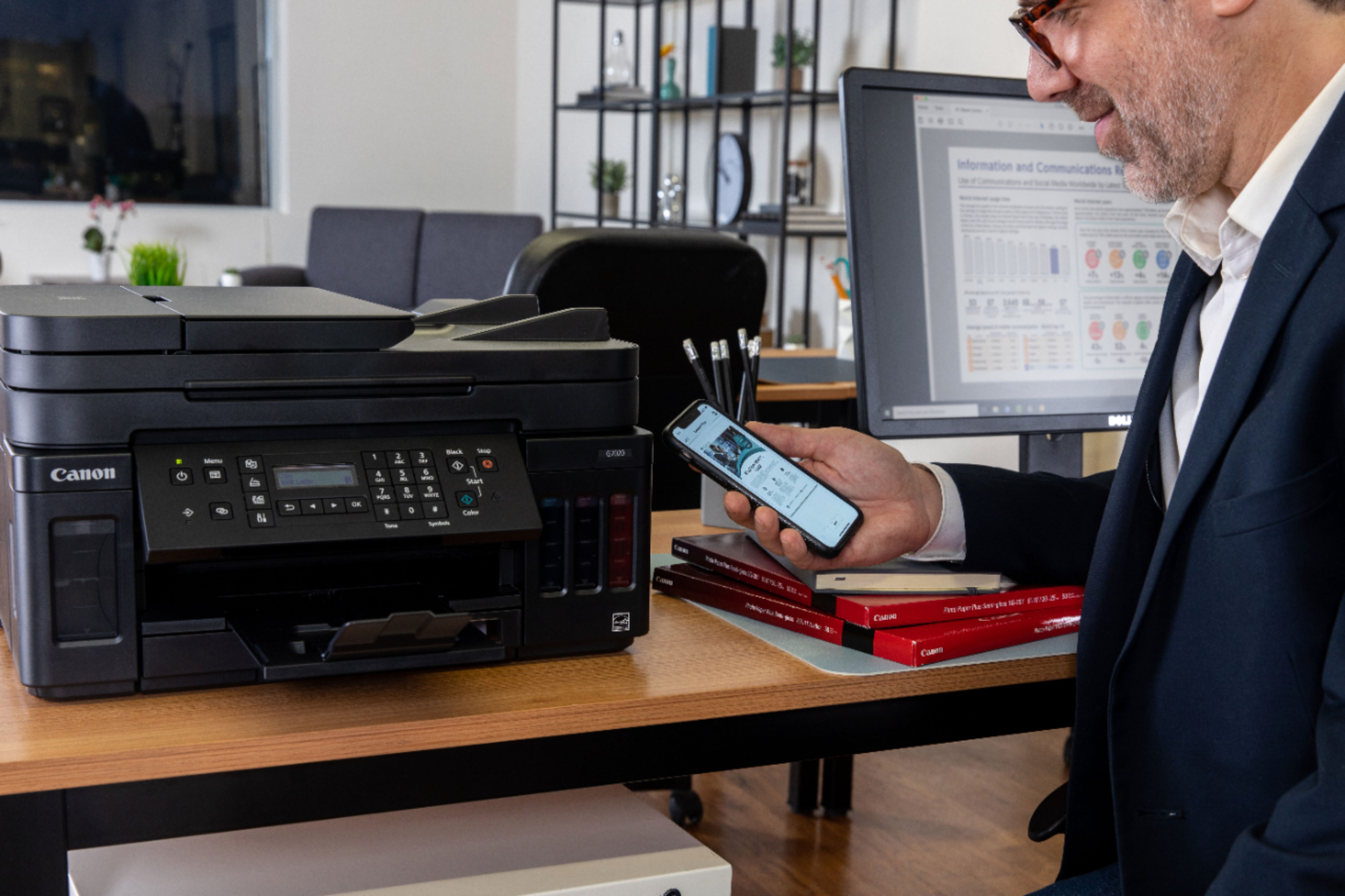
||Posted . Owned for 3 weeks when reviewed.This reviewer received promo considerations or sweepstakes entry for writing a review.I read a lot of reviews and researched many brands before deciding on the Canon 7020. The set up was pretty straight forward. Filling the ink tanks was also pretty easy. I love the fact that I can print virtually anything from my phone and I don’t need to go through the Canon app unless I have to change a setting. I love that this machine has super ink tanks because it helps us save a bit of money. The only negative I have so far is that the panel backlight is very dark. The room has to be well lit in order to see the info on the panel. Canon dropped the ball on this one. I had a Canon MP610 prior to this purchase and the panel was large, bright, and in color. Overall, I find it to be a great printer. I’ve had it for just about a month and have used it several times, no issues at all. Prints great in color and in black and white. Relatively fast.
I would recommend this to a friend- Pros mentioned:Print quality
Rated 3 out of 5 stars
Not the best for printing pictures
||Posted . Owned for 3 weeks when reviewed.This reviewer received promo considerations or sweepstakes entry for writing a review.If you don't print many pictures, this would be a good printer as the ink costs over its life would be a lot better. The pictures are not terrible, but they are subpar compared to the printers with an ink cartridge. I printed the same picture with same paper and same settings on this and the Canon I ended up keeping. You can see the greens are darker and more vibrant, and the black is more of a purple hue with this one and black with the other one. The photo on the right matched closer to the real photo. The screen was also not easy to read.
No, I would not recommend this to a friend - Pros mentioned:Print quality, Setup
Rated 5 out of 5 stars
G7020 Does well
||Posted . Owned for 3 weeks when reviewed.This reviewer received promo considerations or sweepstakes entry for writing a review.Wonderful. has everything you need. Setup was easy too but I like the newer version bottles a little bit more. Great printer though.
I would recommend this to a friend - Pros mentioned:Setup
Rated 5 out of 5 stars
Perfect for at home office or family printing need
||Posted . Owned for 1 month when reviewed.This reviewer received promo considerations or sweepstakes entry for writing a review.The setup was super easy and if you had trouble their website had step by step instructions with videos (super helpful) to assist in the setup. It works perfectly with no issues. Would definitely recommend for price point, convenience, and user friendly characteristics
I would recommend this to a friend - Pros mentioned:Ease of use, Print quality
Rated 5 out of 5 stars
All around printer
||Posted . Owned for 4 months when reviewed.This reviewer received promo considerations or sweepstakes entry for writing a review.This is great all around printer. Does what its suppose to easy to use and ink goes a long way . No expensive ink cartridges
I would recommend this to a friend - Pros mentioned:Print quality
Rated 5 out of 5 stars
Amazing Printing
||Posted . Owned for 6 months when reviewed.This reviewer received promo considerations or sweepstakes entry for writing a review.I purchased this printer because I print so few copies de to our new electronic only world. However, every once in a while I still need to print. Therefore, my previous printer would dry out before I could use the ink. This one has been amazing, I have printer my usual amount of papers and my ink has lasted longer than my previous one. Canon has always been a premium product, I have never been lead wrong with their products. I couldn't be happier with this product.
I would recommend this to a friend - Pros mentioned:Print quality
Rated 5 out of 5 stars
Great printer
||Posted . Owned for 2 weeks when reviewed.This reviewer received promo considerations or sweepstakes entry for writing a review.I have a Canon 620 G620 Canon G7 6020 I’ve had for two years printed over 4000 pages just now I need coloring still have two of the full black inks from the original purchase printer has worked great I would recommend it to anybody the 7020 Has a fax machine it’s big ink on both fantastic printers I have no complaints so far
I would recommend this to a friend - Pros mentioned:Ease of use, Print quality
Rated 5 out of 5 stars
Great printer!
||Posted . Owned for 1 month when reviewed.This reviewer received promo considerations or sweepstakes entry for writing a review.Easy to set up and easy to use. I've had it a couple of months and have not had to change the ink yet. A big improvement over my last printer!
I would recommend this to a friend - Pros mentioned:Ease of use, Print quality
Rated 5 out of 5 stars
Excellent printer
||Posted . Owned for 1 month when reviewed.This reviewer received promo considerations or sweepstakes entry for writing a review.This printer does everything it's supposed to do. Quality is excellent. Easy to set up. Very happy with this purchase. Love that it comes with 2 extra black inks. I recommend to anyone looking for a printer.
I would recommend this to a friend Rated 4 out of 5 stars
Great but...
||Posted . Owned for 1 month when reviewed.This reviewer received promo considerations or sweepstakes entry for writing a review.Excellent printer and I would have given it 5-stars except for the horrible printer display window. It is very hard to read and there is no option to adjust the brightness of the printer information display. Outside of that product issue, the print quality, print speed, and printer ink savings is excellent for home/business use.
I would recommend this to a friend- Pros mentioned:Print quality
Rated 5 out of 5 stars
Great printer!
||Posted . Owned for 3 weeks when reviewed.This reviewer received promo considerations or sweepstakes entry for writing a review.This printer is fantastic! My family recently started homeschooling and the regular cartridge-based inkjet printers kept running out and the cartridges were super expensive. Since switching to this printer it has already payed for itself withing the first month of having it! Highly recommend if you are looking to print a lot of things!
I would recommend this to a friend Rated 4 out of 5 stars
Great printer, love the ink tanks
||Posted . Owned for 1 month when reviewed.This reviewer received promo considerations or sweepstakes entry for writing a review.This is my second one first one quit after a year but the price was so good and I saved so much with it having tanks for ink instead of cartridges and I bought a warranty protection plan and was reimbursed for computers cost so only paid $50 for the warranty and had the computer for a year. Only negative is the display panel is very hard to read need a flashlight to see it better.
I would recommend this to a friend- Pros mentioned:Ease of use, Print quality
Rated 5 out of 5 stars
Fantastic Cannon Printer
||Posted . Owned for 1 month when reviewed.This reviewer received promo considerations or sweepstakes entry for writing a review.Easy install works great. Prints vibrant and love the large ink refill bottles..
I would recommend this to a friend - Pros mentioned:Ease of use, Print quality
Rated 5 out of 5 stars
easy way
||Posted . Owned for 3 weeks when reviewed.This reviewer received promo considerations or sweepstakes entry for writing a review.easy to use ,good produce,recommend this ítem for other buyer
I would recommend this to a friend