Customer Ratings & Reviews

- Model:
- 10GAT9901
- |
- SKU:
- 11121810
Customer reviews
Rating 4.9 out of 5 stars with 771 reviews
(771 customer reviews)Rating by feature
- Value4.6
Rating 4.6 out of 5 stars
- Quality4.9
Rating 4.9 out of 5 stars
- Ease of Use4.7
Rating 4.7 out of 5 stars
Rated 5 out of 5 stars
Indispensable for streamers
||Posted . Owned for 1 month when reviewed.This reviewer received promo considerations or sweepstakes entry for writing a review.I've had this thing for two months now and I cannot get over how great it is. All my commands at my finger tips. No more fiddling around with my phone/tablet to control OBS. This K55 keyboard has the Corsair keys, which were useful for a bit, but there are so many possibilites with the Stream Deck. I got the XL and even though I dont use all the buttons on each setup, everything is spread out nicely and it's made streaming so much better. I dont have to click out of my game and have the audio stop when I need to change source. Boom, this just does it. Also love all the extensions. I have it ingrated with Spotify and Lightroom. BUY IT.
This review is from Elgato - Stream Deck XL Wired Keypad with Back Lighting - Black
I would recommend this to a friendRated 5 out of 5 stars
Super useful. Streamer or not, this is awesome!
||Posted . Owned for 3 weeks when reviewed.This reviewer received promo considerations or sweepstakes entry for writing a review.This is seriously a great product. Very easy to use and configure. Responds quickly. It's range of uses are limited by your imagination. Nesting buttons inside if buttons basically means you can create an infinite number of menus. Do you need a Stream Deck? Yes. Absolutely. Do you need a Stream Deck XL? Maybe. Nesting of buttons means you don't need as many buttons to begin with, but the XL has a ton of real estate. Creating custom icons is a great touch. For sims and apps that require many key bindings, this is a huge time saver. If you're a streamer, seriously just buy one.
This review is from Elgato - Stream Deck XL Wired Keypad with Back Lighting - Black
I would recommend this to a friendRated 5 out of 5 stars
its my second one!
||Posted . Owned for less than 1 week when reviewed.This reviewer received promo considerations or sweepstakes entry for writing a review.I had the 15 button standard elgato stream-deck, saw this came out, and got the xl one as well, found out they just added support for nanoleaf light panels, got them paired up and works perfectly. I'm in love so far! also the 15 button one also works, i just dedicated that one to sound and video controls, while the xl one does other things like launch programs, or change my lights.
This review is from Elgato - Stream Deck XL Wired Keypad with Back Lighting - Black
I would recommend this to a friendRated 4 out of 5 stars
Amazing Customizability and Software!
||Posted . Owned for 3 weeks when reviewed.This reviewer received promo considerations or sweepstakes entry for writing a review.Pros: - VERY customizable - Awesome software support (Elgato is owned by Corsair) - You can make the keys look like nearly anything - You can configure keys to do nearly anything -Sound board shortcuts -Game shortcuts -OBS and similar streaming software integration -Various custom lighting ecosystems integration (I use it with my Philips HUE setup in my house and it is flawless) -Windows 10 integration is nearly flawless and have had few hiccups if any -extremely responsive all around Cons: - Very VERY expensive - Software seems to be locked down by the manufacturer, it not being open source makes me fear longevity of the software and thus the hardware +/- There could be other community led software integration I’m unaware of
This review is from Elgato - Stream Deck XL Wired Keypad with Back Lighting - Black
I would recommend this to a friendRated 5 out of 5 stars
Life Changing!
||Posted . Owned for 1 month when reviewed.This reviewer received promo considerations or sweepstakes entry for writing a review.This is amazing. I was skeptical about the investment since I was using it for business and it's marketed for more streamers and graphic design but man has this made my life easier at work. Definitely recommend!
This review is from Elgato - Stream Deck XL Wired Keypad with Back Lighting - Black
I would recommend this to a friendRated 5 out of 5 stars
Super dope !
||Posted . Owned for 2 weeks when reviewed.This reviewer received promo considerations or sweepstakes entry for writing a review.I was gonna get the small one but this one is like the ultimate edition has everything you need
This review is from Elgato - Stream Deck XL Wired Keypad with Back Lighting - Black
I would recommend this to a friendRated 5 out of 5 stars
Good for Streamers and Computer Nerds!
||Posted . Owned for 1 year when reviewed.This reviewer received promo considerations or sweepstakes entry for writing a review.I do a lot on the computer, and this is nice for easy to remember Macros, I just like having a screen to tell me what I am about to do!
This review is from Elgato - Stream Deck XL Wired Keypad with Back Lighting - Black
I would recommend this to a friendRated 5 out of 5 stars
What more could you want?
||Posted . Owned for 1 month when reviewed.This reviewer received promo considerations or sweepstakes entry for writing a review.I have both the 15 key version as well as this XL version. My 15 key one for work is a great size for my smaller desk. This larger one is maybe unnecessary for my applications, but I have no regrets with grabbing this on sale. The functionality of this is endless with what feels like a never ending amount of keys.
This review is from Elgato - Stream Deck XL Wired Keypad with Back Lighting - Black
I would recommend this to a friendRated 5 out of 5 stars
Exactly what i needed
||Posted . Owned for less than 1 week when reviewed.This reviewer received promo considerations or sweepstakes entry for writing a review.I bought this to produce a show with OBS and after a small learning curve I love everything this can do. Its very powerful and you can do a lot with the multi action button. For example, I wanted to hit play and pause on youtube without going away from OBS for that long and with the multiaction function I was able to go to my web broswer then hit play and then right back to OBS. This product costs a lot but it also does a lot and you can get plugins to do even more.
This review is from Elgato - Stream Deck XL Wired Keypad with Back Lighting - Black
I would recommend this to a friendRated 5 out of 5 stars
Absolutely Awesome piece of equipment! However...
||Posted . Owned for 3 weeks when reviewed.This reviewer received promo considerations or sweepstakes entry for writing a review.I love this piece of equipment. However the first one out of the box was bad! Had to wait for the second which is the one I bought from Best Buy! I do webinars for a living and I use it to bring up slides, clips and audio when I need them. Change screens etc. I can't imagine doing my work without it now!
This review is from Elgato - Stream Deck XL Wired Keypad with Back Lighting - Black
I would recommend this to a friendRated 5 out of 5 stars
Do you stream? Get This!
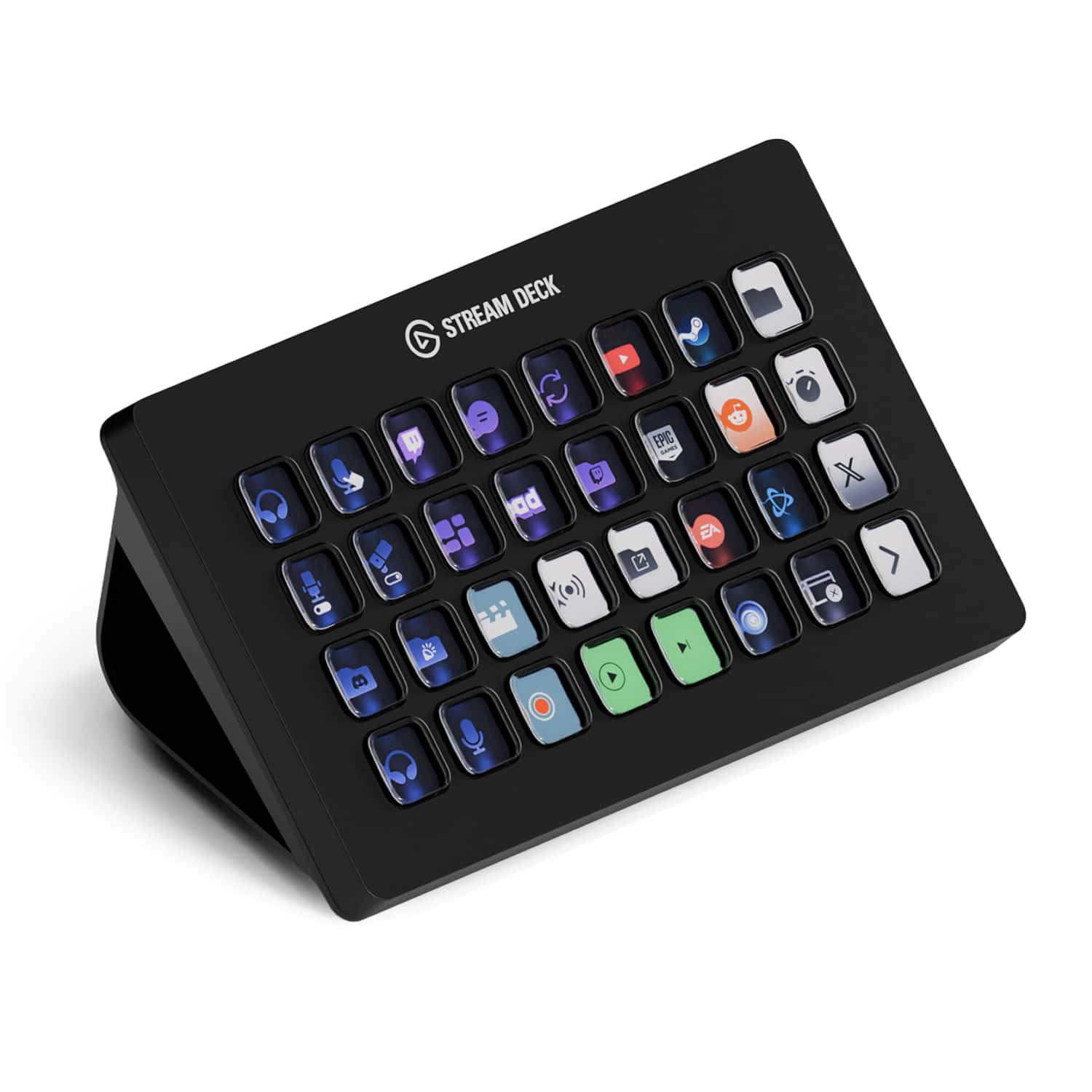
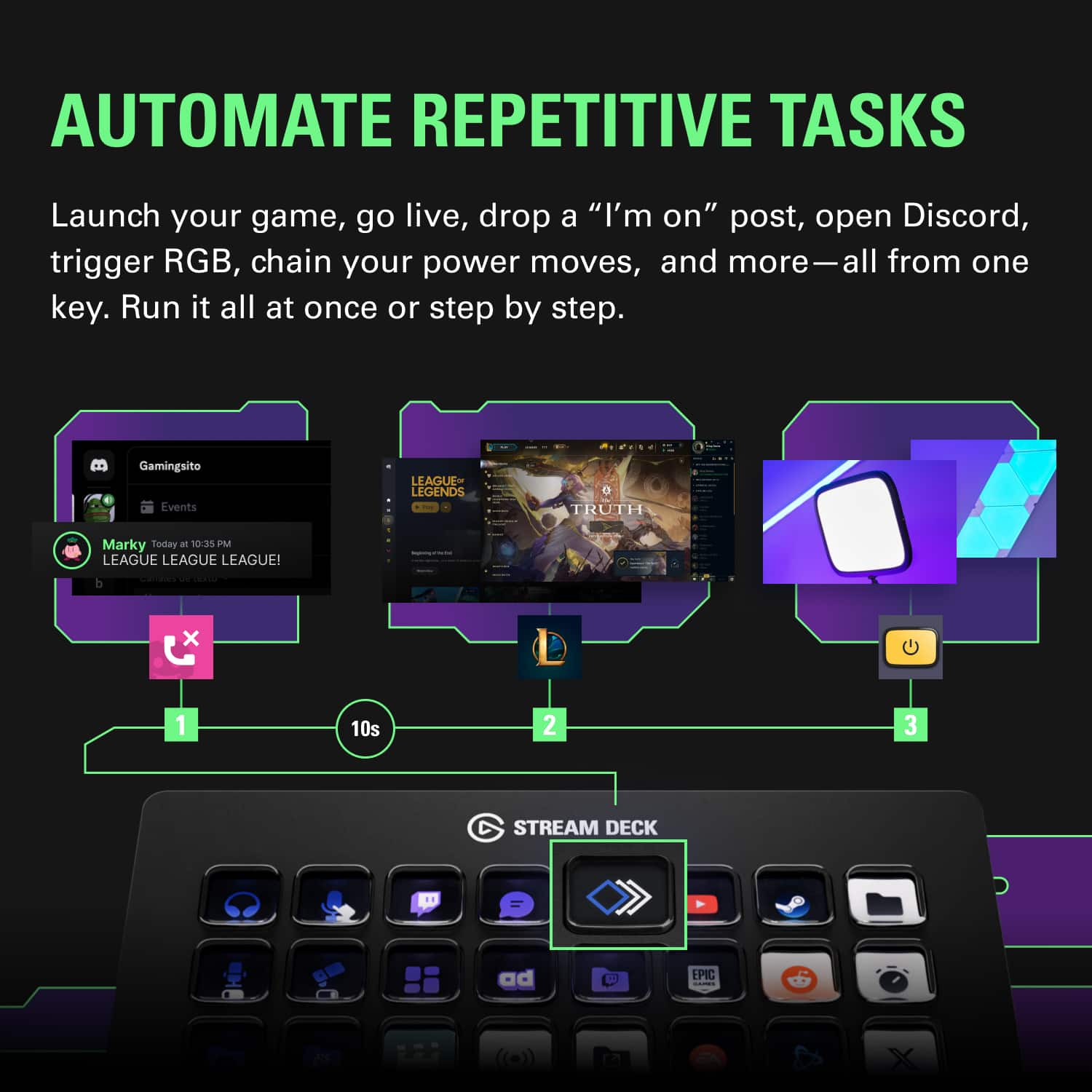
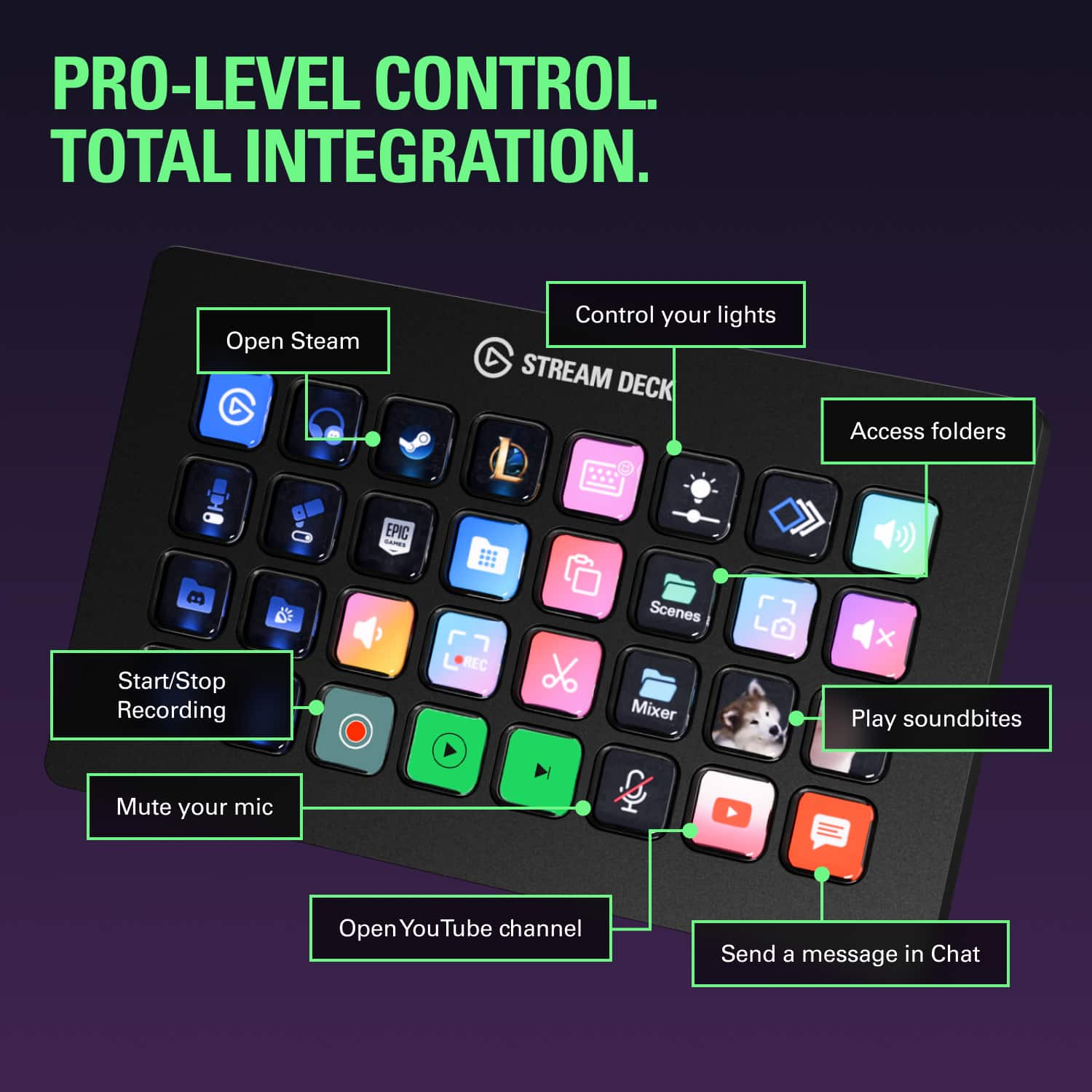
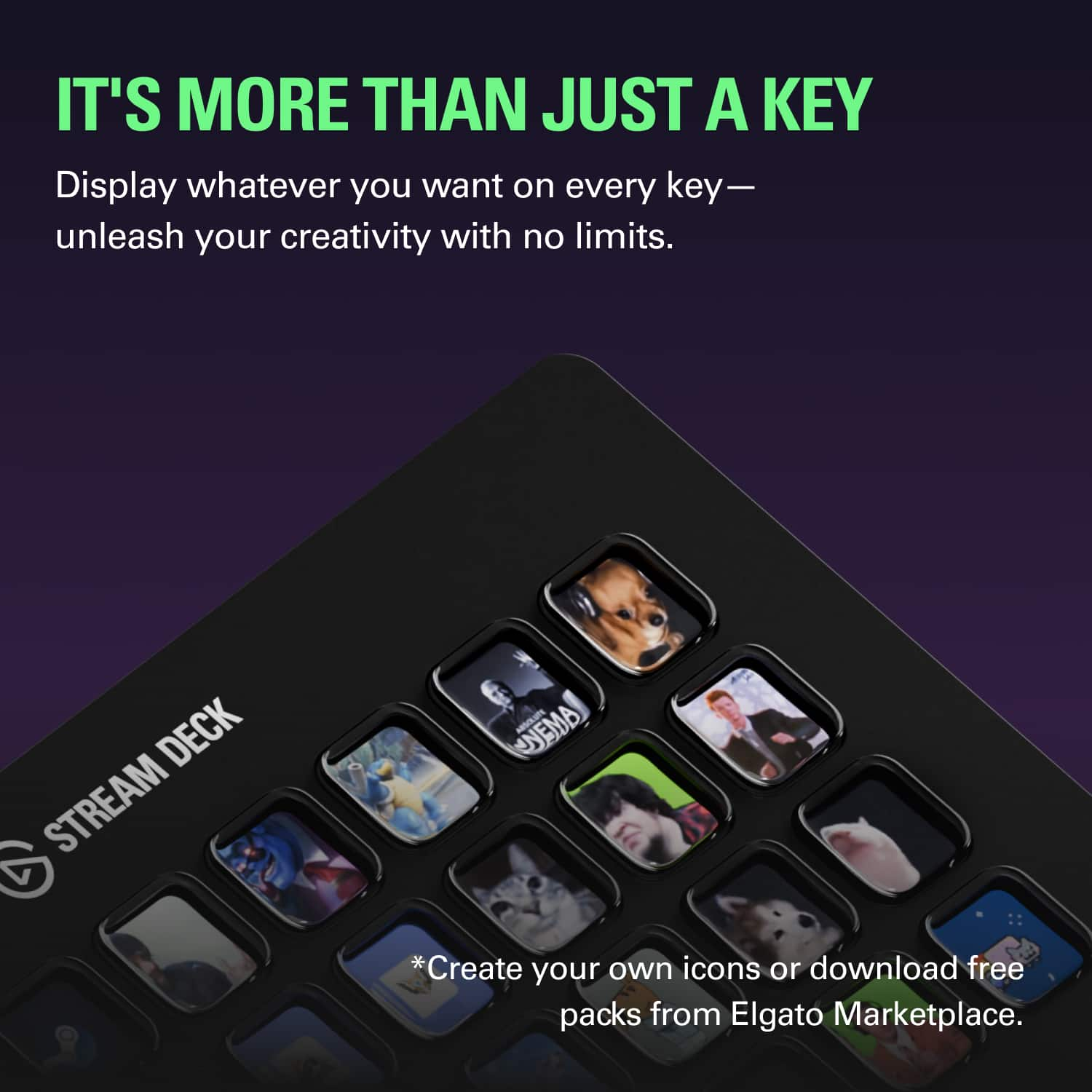
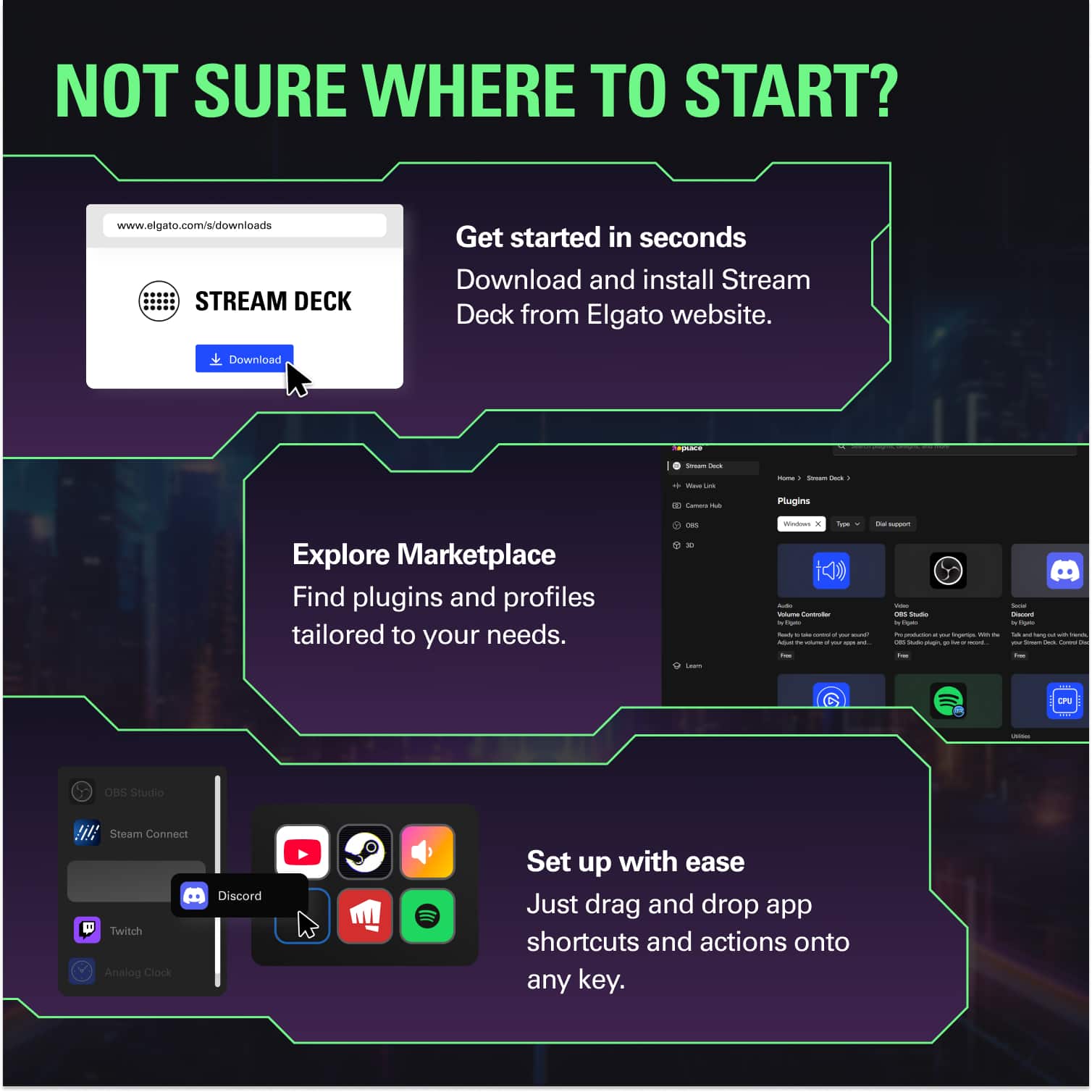
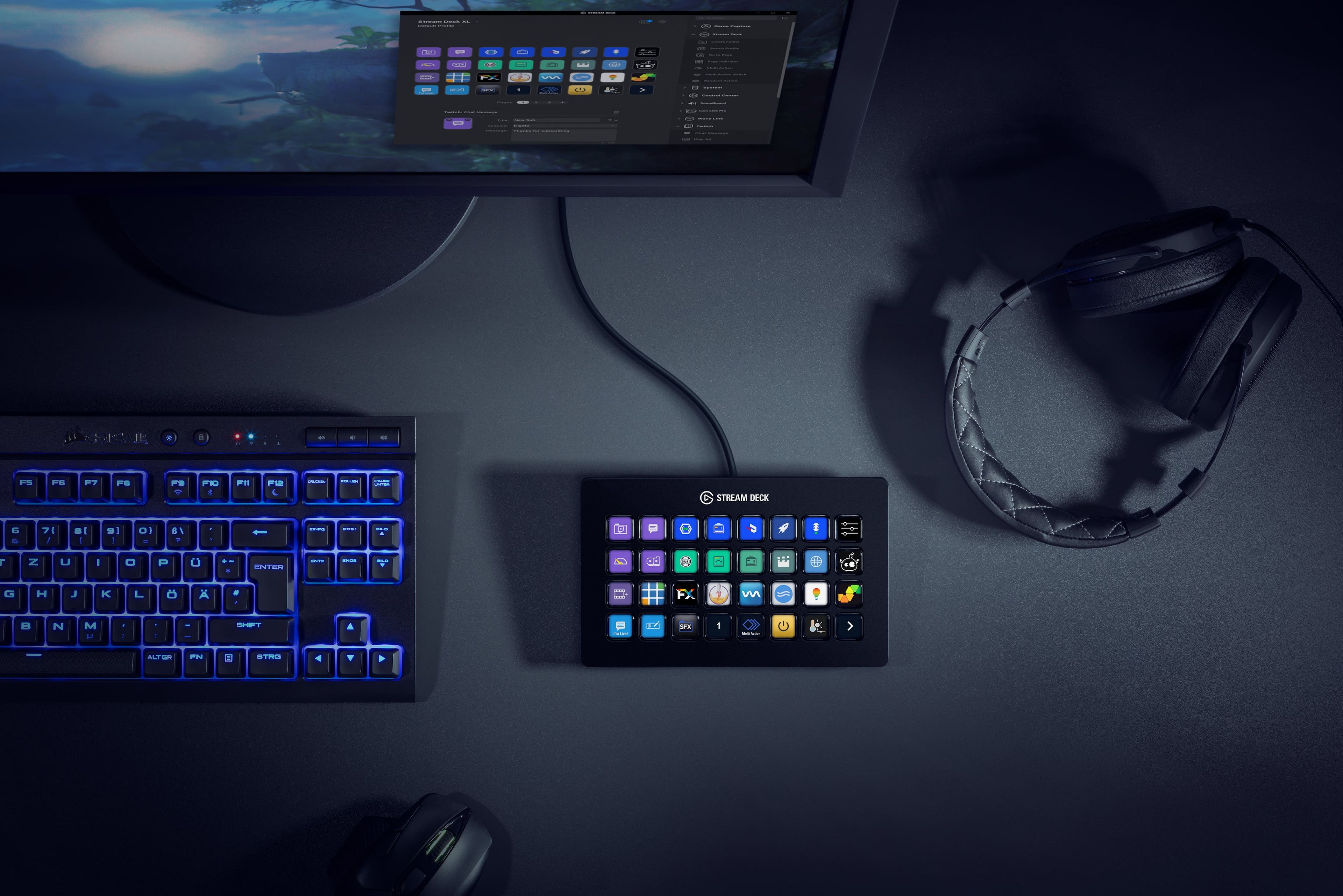
||Posted . Owned for 1 week when reviewed.This reviewer received promo considerations or sweepstakes entry for writing a review.If you stream, or even podcast, I highly recommend picking up this or one of the other versions. (I have 32 button version) Tasks and checklists! Any one who streams can tell you there are a lot of things you have to remember when you start each time, and several tasks that may pop up during the stream. Checking sound levels, making sure to turn on the local recording, muting and un-muting devices at different times, switching scenes, playing transitions and animations. A LOT of things to remember and sometimes forgetting one of them can really mess things up! That is where the Elgato Stream Deck comes in. Sure there is the obvious advantage of pressing a button to switch scenes without taking your mouse out of the current application/game, but that is just the surface level. Each button has the ability to have multiple actions linked to it, like a macro. So when you switch from "Starting Soon" to "Game Time" the button can: Turn off the music source, un-mute your microphone, un-mute your game audio, start your local recording(!), play a intro video, play the transition, and load your gaming scene! All in a single button press that you name and create a icon for that displays on the screen of the Stream Deck. Creating macros like the example above is very easy with a drag and drop interface with each action have different options on what it does. The actions depend on what you are interfacing with, and the Stream Deck comes ready to work with most the major software apps that we need like: OBS, Stream Labs OBX, Xsplit, Twitch, Mixer, You Tube, Twitter, and Voice mod to name a few. Further, several publishers have created interfaces to work with the Stream Deck like Voicemeeter, Spotify, and StreamElements, all easily loadable through the Stream Deck app. If that was not enough for you: It also integrates with Unity and VisualStudio, so you can create your own application controlled by the Stream Deck! The construction is solid! This thing has some heft to it and feels good. The cord is braided and is a USB-C so can be replaced if need be. The deck itself is like a thick tablet with a angle built in so it is easy to see and read when laying on a desk. It magnetically attaches to its stand for a steeper angle making it very easy to read and solidly held in place when mashing those buttons. I did have one temporary issue where the display was upside down and mirrored without the buttons moving. This had happened when I was moving the USB to another port. Something that others had an issue with online as well. In there cases they had to RMA and get a replacement, but in my case it fixed itself after a few days. I am happy to say that I have NOT had the problem since and based on research online it seems really rare! Even with that weird issue I had I HIGHLY recommend this! It certainly takes care of a lot of the minutia for you, allowing you to concentrate on entertaining your audience. (maybe get one of those extended warranties?)
This review is from Elgato - Stream Deck XL Wired Keypad with Back Lighting - Black
I would recommend this to a friendRated 5 out of 5 stars
Recommend Stream Deck
||Posted .This reviewer received promo considerations or sweepstakes entry for writing a review.Works great. Still gets a lot of new updates. Can easily use my normal keyboard for macro shortcuts but I'd much rather see description of the macro shortcut I'm pressing. There are ways to integrate this streamdeck with products from other companies but it's much less headache to stick to elgato products.
This review is from Elgato - Stream Deck XL Wired Keypad with Back Lighting - Black
I would recommend this to a friendRated 5 out of 5 stars
Elgato is the best.
||Posted . Owned for less than 1 week when reviewed.This reviewer received promo considerations or sweepstakes entry for writing a review.Elgato makes the best streaming gear. This Stream Deck XL is no different. The quality of the product and the software that it works with is top notch. My only complaint is the price of the XL. Don't get me wrong, I love the stream deck line, I have a mini and now the XL but I did wait an extra year to pull the trigger just because of the price. If you need hardware buttons for any type of workflow you can't beat Elgato.
This review is from Elgato - Stream Deck XL Wired Keypad with Back Lighting - Black
I would recommend this to a friendRated 5 out of 5 stars
Love it
||Posted . Owned for 1 week when reviewed.This reviewer received promo considerations or sweepstakes entry for writing a review.Only regret i have is not getting it sooner. This makes my setup complete!
This review is from Elgato - Stream Deck XL Wired Keypad with Back Lighting - Black
I would recommend this to a friendRated 5 out of 5 stars
Best Stream Deck in the Lineup
||Posted . Owned for 3 weeks when reviewed.This reviewer received promo considerations or sweepstakes entry for writing a review.I absolutely LOVE the Stream Deck lineup. I have all 3 now after purchasing the XL. I wanted more buttons on the device so I can control the power, dimming, and warmth of my Keylights and have plenty of buttons leftover for launching apps and websites. This device saves me so much time with shortcuts for Adobe CC. I highly recommend the Stream Deck XL. The stand attaches magnetically and the detachable USB-C cable is definitely an upgrade from the Stream Deck.
This review is from Elgato - Stream Deck XL Wired Keypad with Back Lighting - Black
I would recommend this to a friendRated 5 out of 5 stars
Does the job and more!
||Posted . Owned for 3 weeks when reviewed.This reviewer received promo considerations or sweepstakes entry for writing a review.Its honestly improved my whole set up since getting it. I am having a blast utilizing this to its max potential and dedicated about 3 hours to setting it up for what I needed it to do. It covers a wide variety of my essentials from not only streaming, but art, organization, to timing of my tasks through out the day. I use it so exclusively now and can't wait to make it even more customizable in the coming future to be more aesthetically pleasing.
This review is from Elgato - Stream Deck XL Wired Keypad with Back Lighting - Black
I would recommend this to a friendRated 5 out of 5 stars
Best product
||Posted .This reviewer received promo considerations or sweepstakes entry for writing a review.Amazing lovw it very much has helped me alot from streaming
This review is from Elgato - Stream Deck XL Wired Keypad with Back Lighting - Black
I would recommend this to a friendRated 5 out of 5 stars
Not Just For Live Streamers!
||Posted . Owned for 1 month when reviewed.This reviewer received promo considerations or sweepstakes entry for writing a review.This is a great productivity companion once you become acclimated to using it. It's just a giant, easily programmable macro pad with screens on the buttons for easy recognition. The Stream Deck app allows for easy setup and integration with your other apps. You probably won't be using all of the buttons if you've never used something like this before, but just give it time...
This review is from Elgato - Stream Deck XL Wired Keypad with Back Lighting - Black
I would recommend this to a friendRated 5 out of 5 stars
Get one
||Posted . Owned for 1 week when reviewed.This reviewer received promo considerations or sweepstakes entry for writing a review.This is a great product. I use this to automate functions for work, using macros mostly. Its great for productivity, and I use it also just for launching programs and other basic functions. I like gadgets and this is great one to have. Yeah, a touchscreen with icons can do the same thing, but they have an app for that too. I now have 2 of these, one for work, and one at home.
This review is from Elgato - Stream Deck XL Wired Keypad with Back Lighting - Black
I would recommend this to a friendRated 5 out of 5 stars
Excellent Product
||Posted .This reviewer received promo considerations or sweepstakes entry for writing a review.I love this product! I am now using 3 xl stream decks for my workflow.
This review is from Elgato - Stream Deck XL Wired Keypad with Back Lighting - Black
I would recommend this to a friend
People also viewed
- Tech Fest Deal$154.99