Chromebook Dual Monitors
-
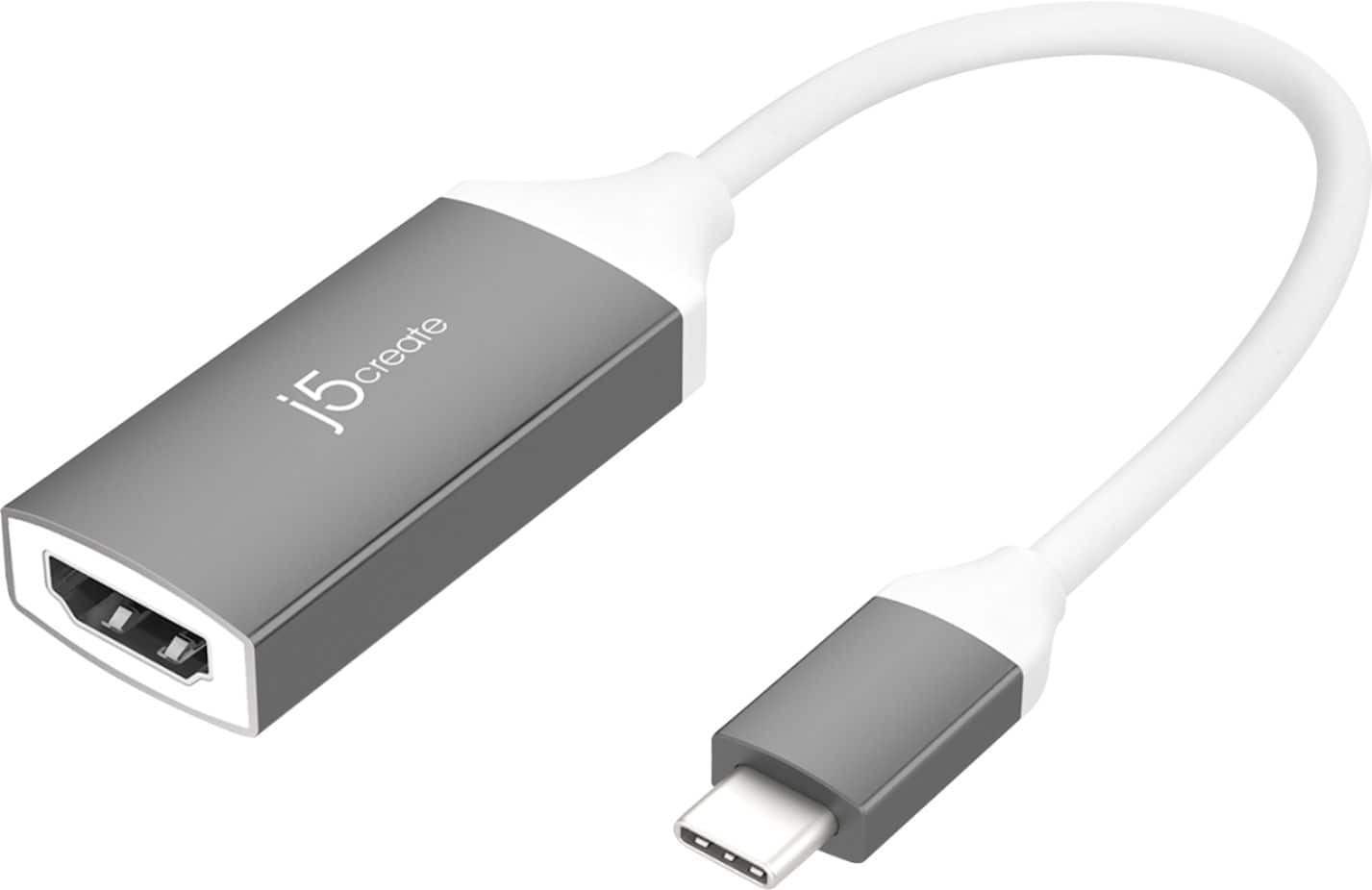
j5create - USB-C to 4K HDMI Adapter - Space Gray/White
SKU: J36445R25CGreat product...I love best buy more than life i would love to work there...Pretty Straightforward and love the item for classes as internet inside buildings can be sketchy at best
See all Monitor & Video CablesProduct Description
A space gray and white adapter that connects USB-C devices to 4K HDMI displays for vivid video output.Your price for this item is $21.99Save $3The previous price was $24.99 -
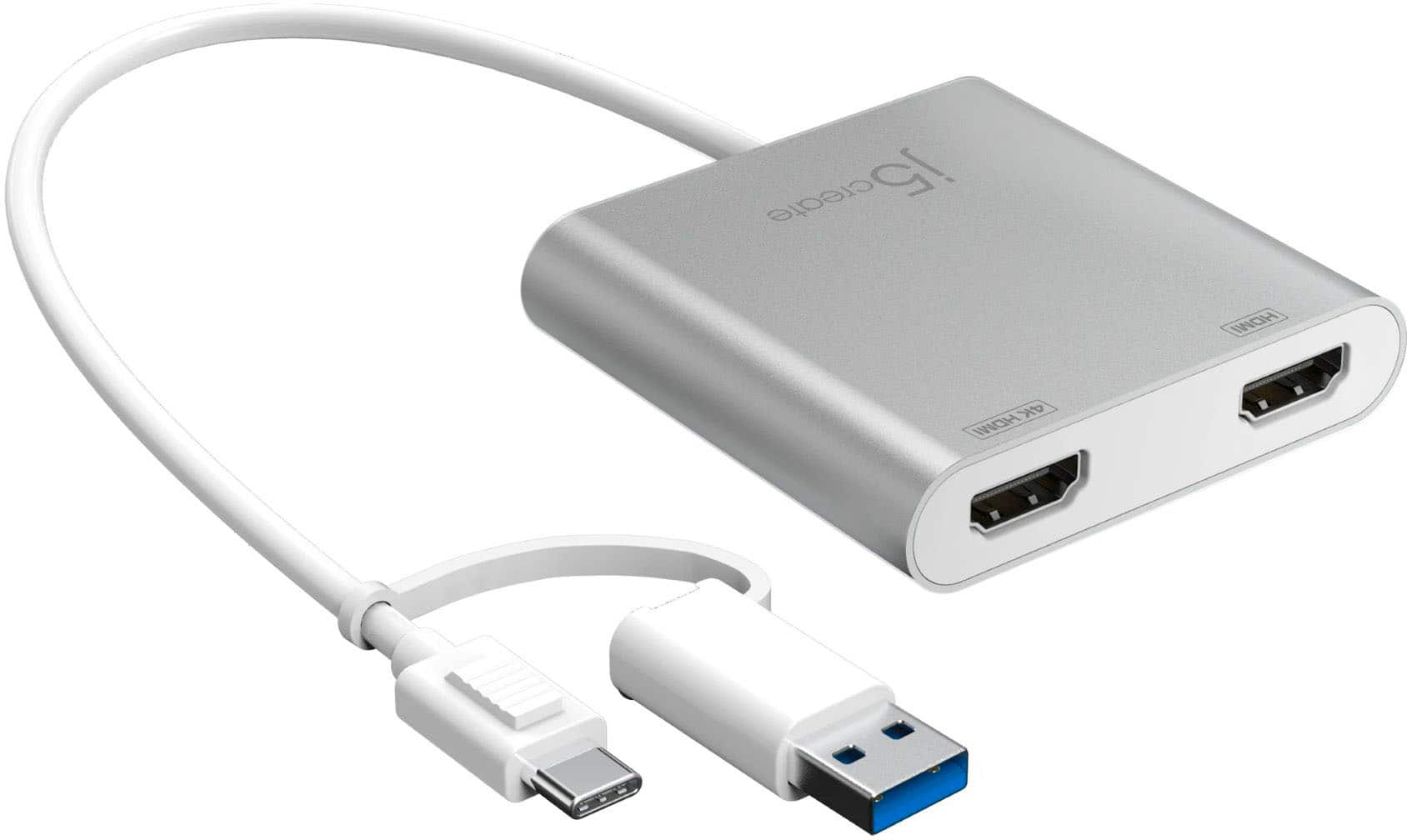
j5create - USB-C to Dual HDMI Multi-Monitor Adapter - Silver
SKU: J36445RYPWSpoke with the Best Buy associate regarding my needs for a multi-monitor device to deliver the best functionality...Great purchase for the value and quality....Great customer service from the Charlottesville,...
See all Monitor & Video CablesProduct Description
A silver USB-C adapter that adds two HDMI displays, supporting up to 4K resolution for enhanced productivity.Your price for this item is $64.99 -
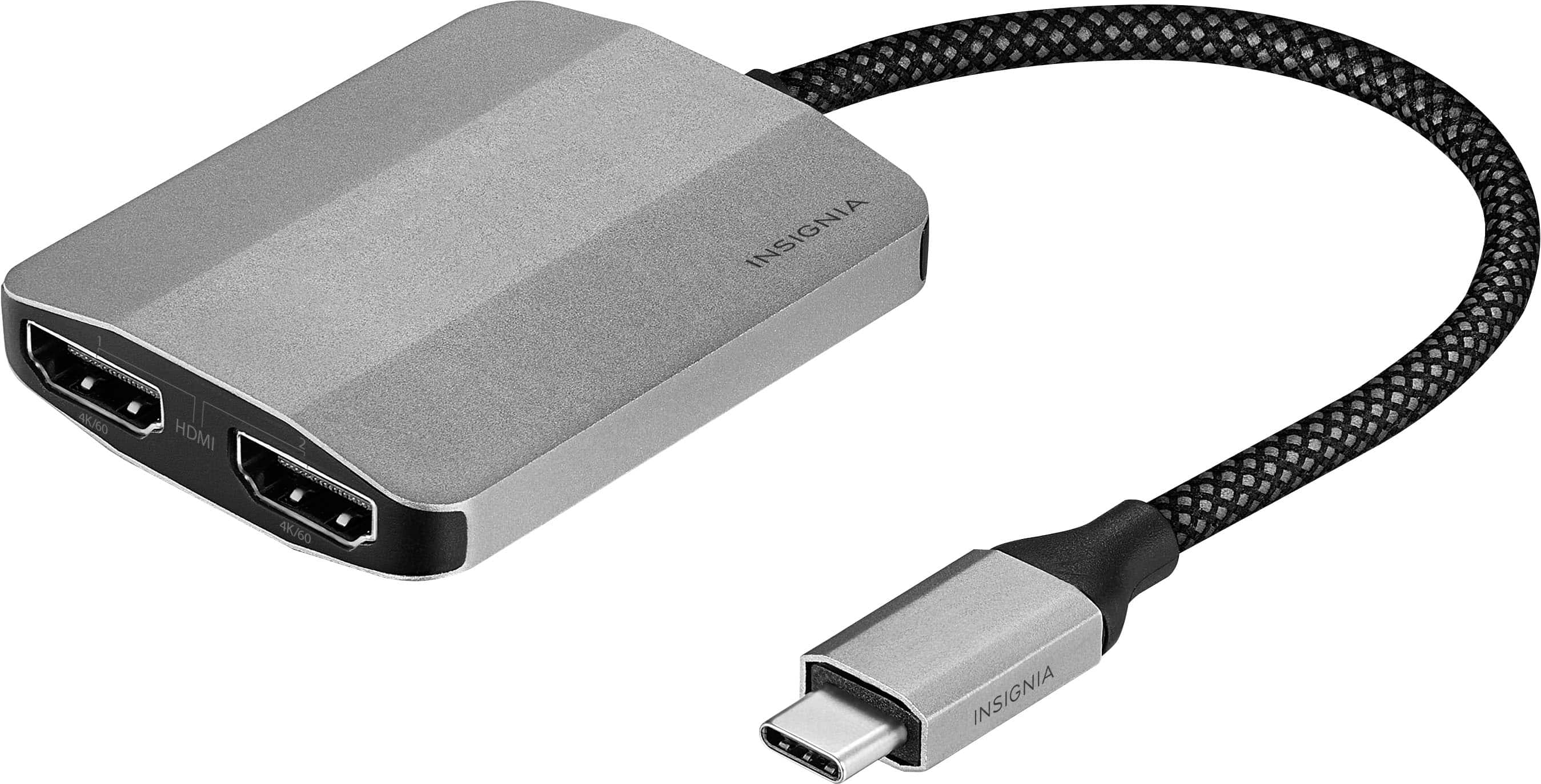
Insignia™ - USB-C to Dual 4K HDMI Adapter - Gray
SKU: J2FPJK9XHXBest Buy is a great place to shop. The adapter works very well....best product , wish it would've been a little cheaper, but overall the product is great .
See all Monitor & Video CablesProduct Description
A gray USB-C adapter that connects two HDMI displays with 4K Ultra HD resolution and braided cable.Your price for this item is $49.99 -
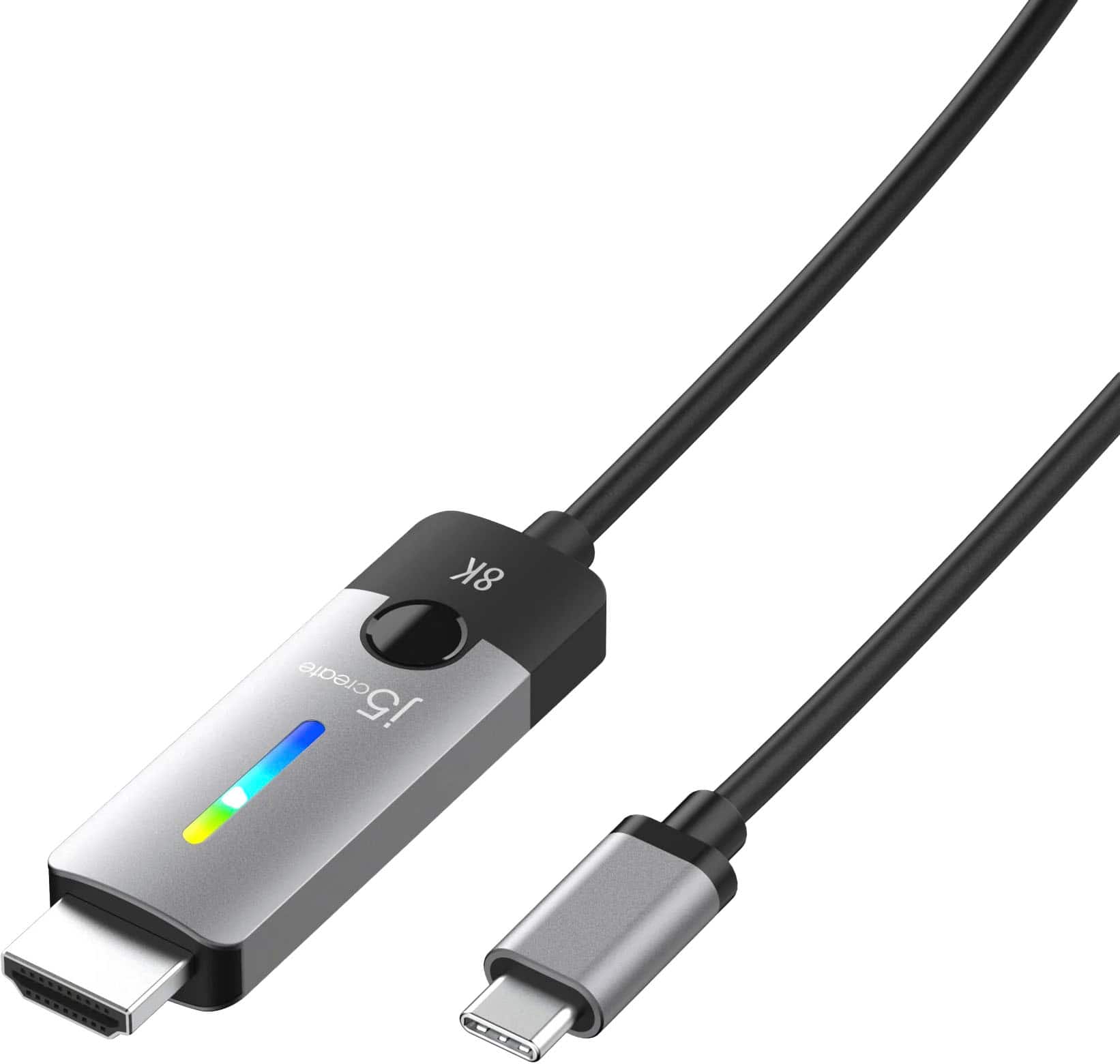
j5create - USB-C to HDMI 2.1 8K - Space Gray/Black
SKU: J36445RYHWGreat Value easy hook up. Best Associate was super helpful...I love it and it works great haven't had any issues...Great value
See all Monitor & Video CablesProduct Description
A space grey and black USB-C to HDMI 2.1 cable enables 8K UHD or 4K 144Hz display connectivity.Your price for this item is $49.99 -
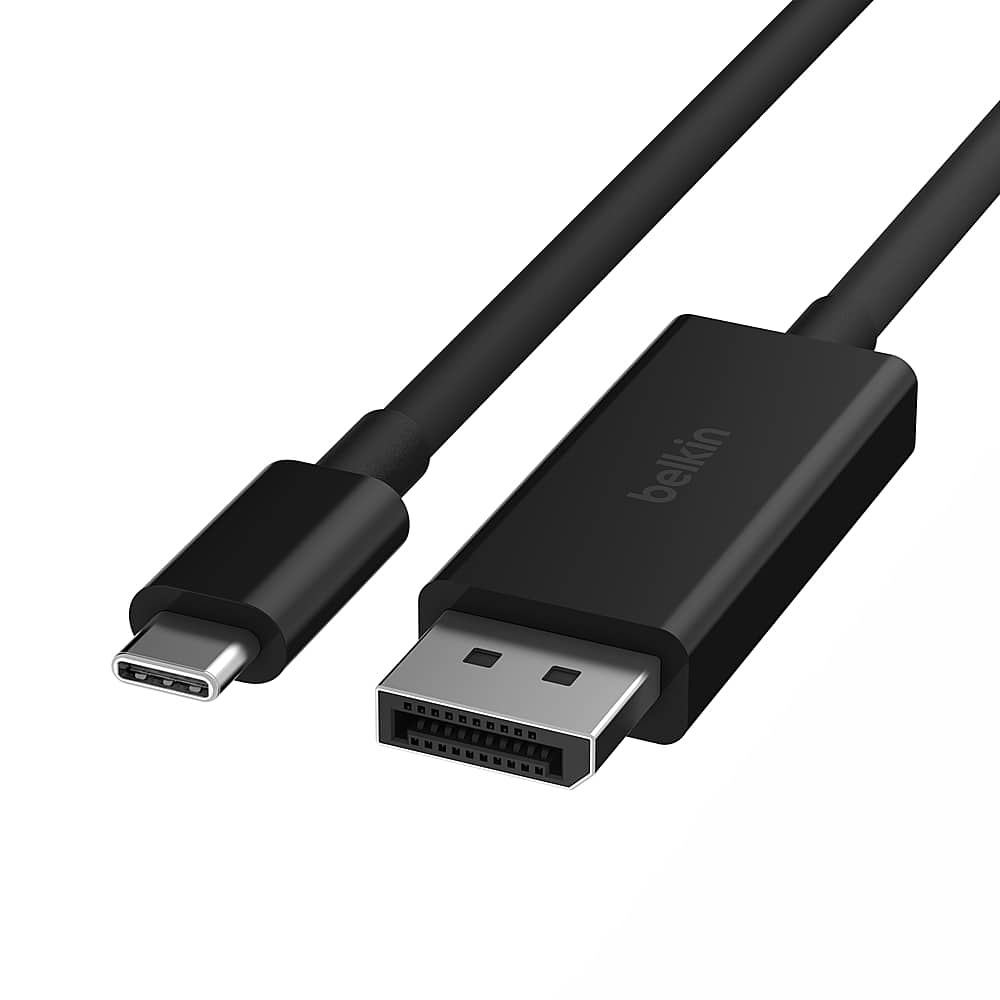
Belkin - USB-C to DisplayPort 1.4 Cable 6.6ft, 8K@60Hz or 4K@144HZ - Black
SKU: JX5329QFFYSee all Monitor & Video CablesProduct Description
A black USB-C to DisplayPort cable delivering 8K at 60Hz or 4K at 144Hz HDR video.Your price for this item is $57.49Save $0The previous price was $57.61 -
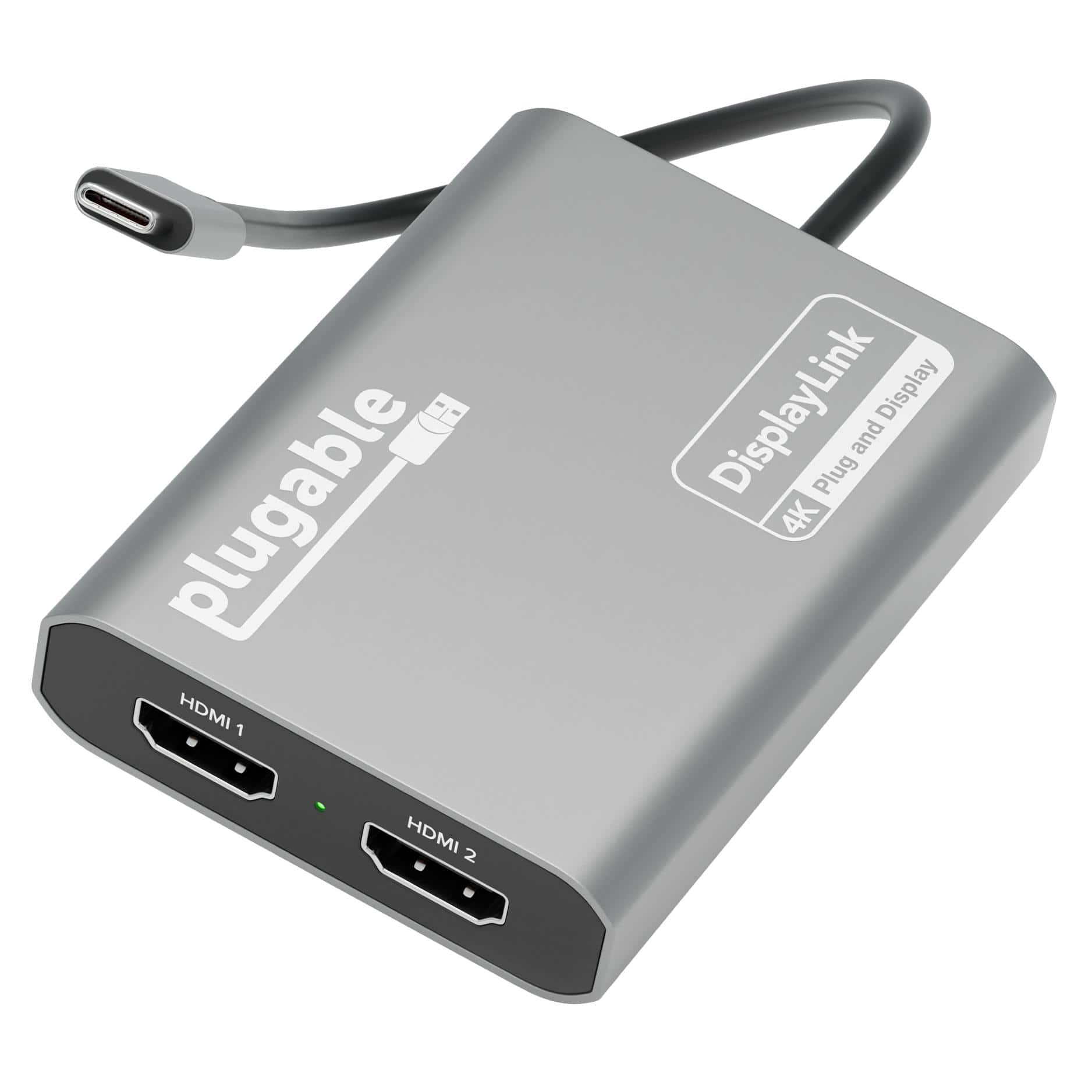
Plugable - USB C to HDMI Adapter, Dual Monitor 4K 60Hz for Apple Mac M1/M2/M3, DisplayLink for Thunderbolt Macbook or iMac - Space Gray
SKU: J3YLP624Y5See all Monitor & Video CablesProduct Description
A space gray USB-C adapter that adds dual 4K 60Hz HDMI monitors to Mac or Windows systems.Your price for this item is $119.99 -
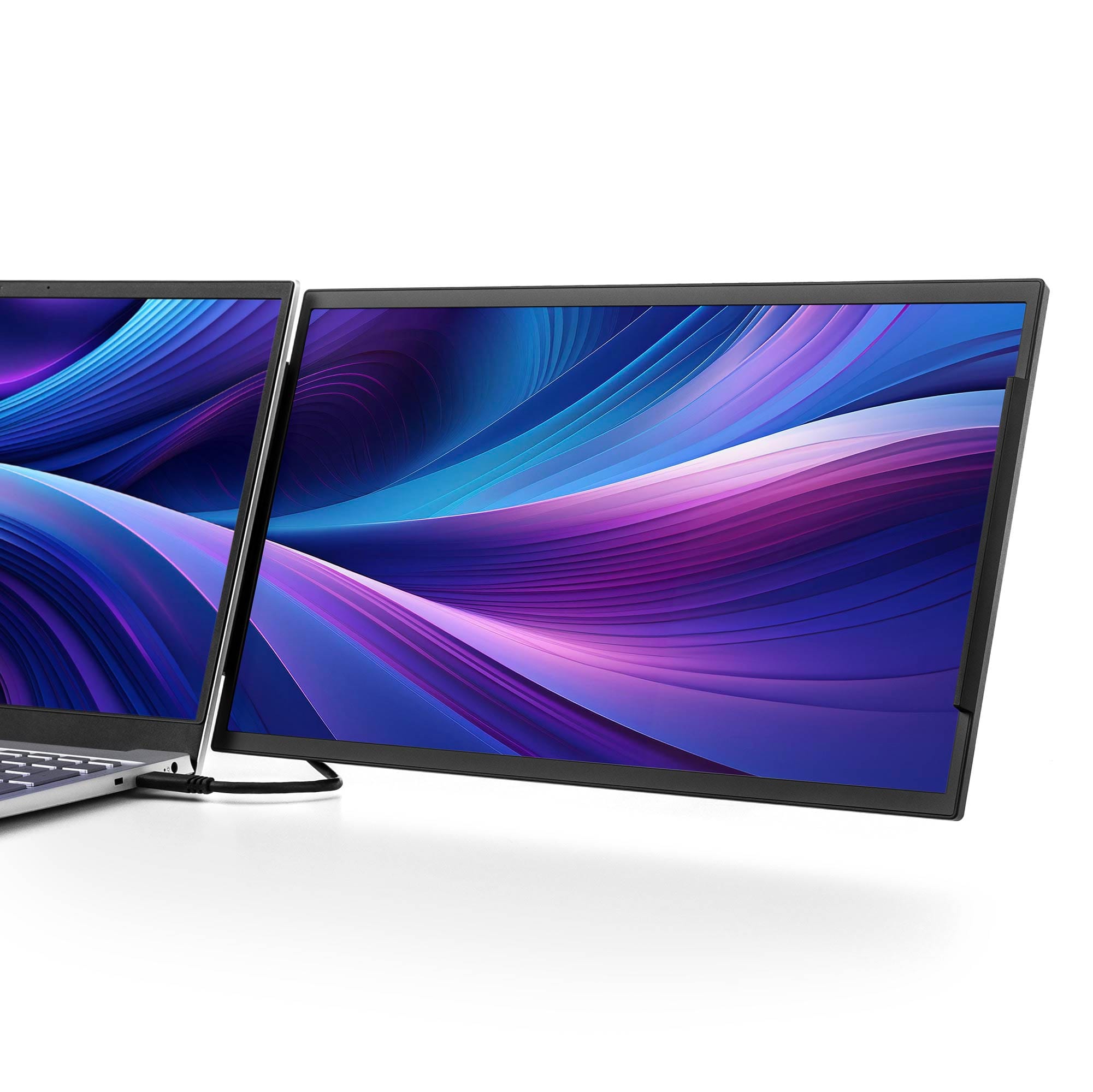
SideTrak - Swivel 15.6" Attachable Portable Monitor – - Black
SKU: J36ZXGTHJLSee all Portable MonitorsProduct Description
A black attachable portable monitor with a 15.6" FHD LCD display, 360° swivel, and USB-C connectivity.Your price for this item is $495.99 -
Plugable - USB-C to Dual HDMI Adapter for M1/M2/M3/M4 macOS Systems, Windows, ChromeOS - Broad Compatibility - Black
SKU: J3YLP62Z3YGreat product, great Plugable Support...Great responsiveness and service. Oh and the adapter works perfectly, just as intented....I absolutely love having this!
See all Monitor & Video CablesProduct Description
A black adapter enabling dual HDMI monitor connections via USB-C, compatible with macOS, Windows, and ChromeOS.Your price for this item is $45.85 -
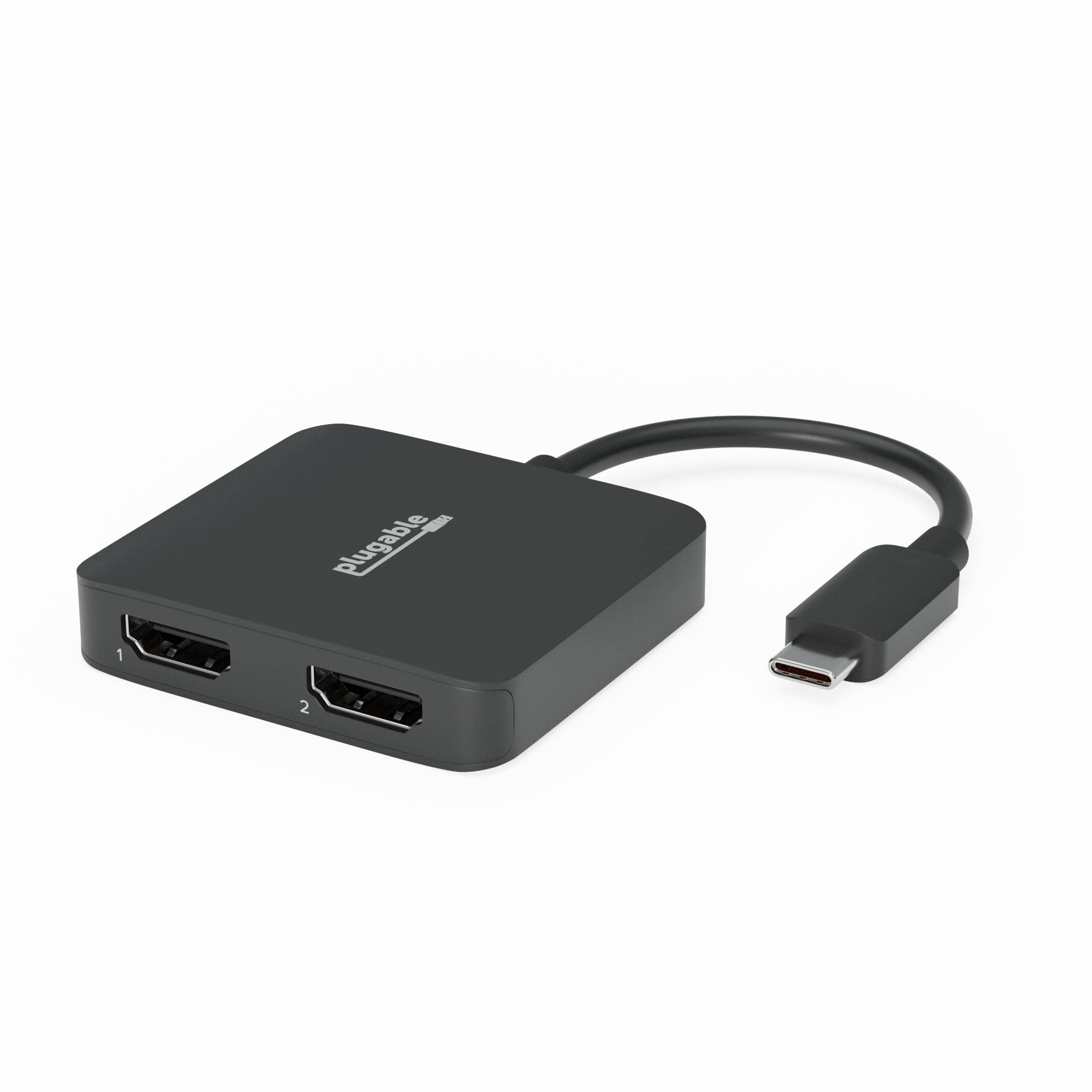
Plugable - USB C to HDMI Adapter for Dual Monitors, 4K 60Hz USB C Hub for Windows and Chromebook, Driverless - Black
SKU: J3YLP62ZHVGreat Adapter
See all Monitor & Video CablesProduct Description
A black USB-C to HDMI adapter enabling dual 4K 60Hz displays on Windows and Chromebook, driverless.Your price for this item is $39.95 -
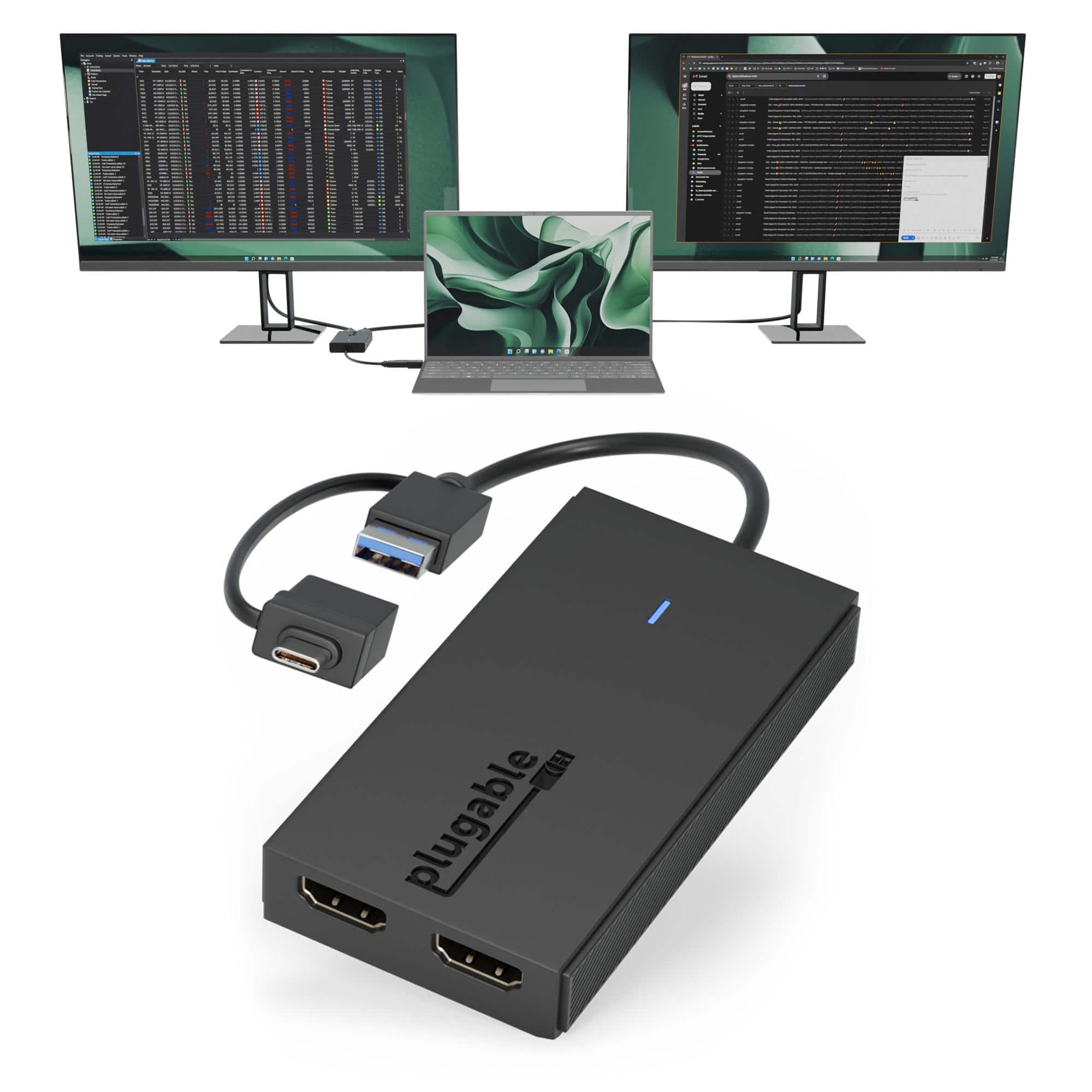
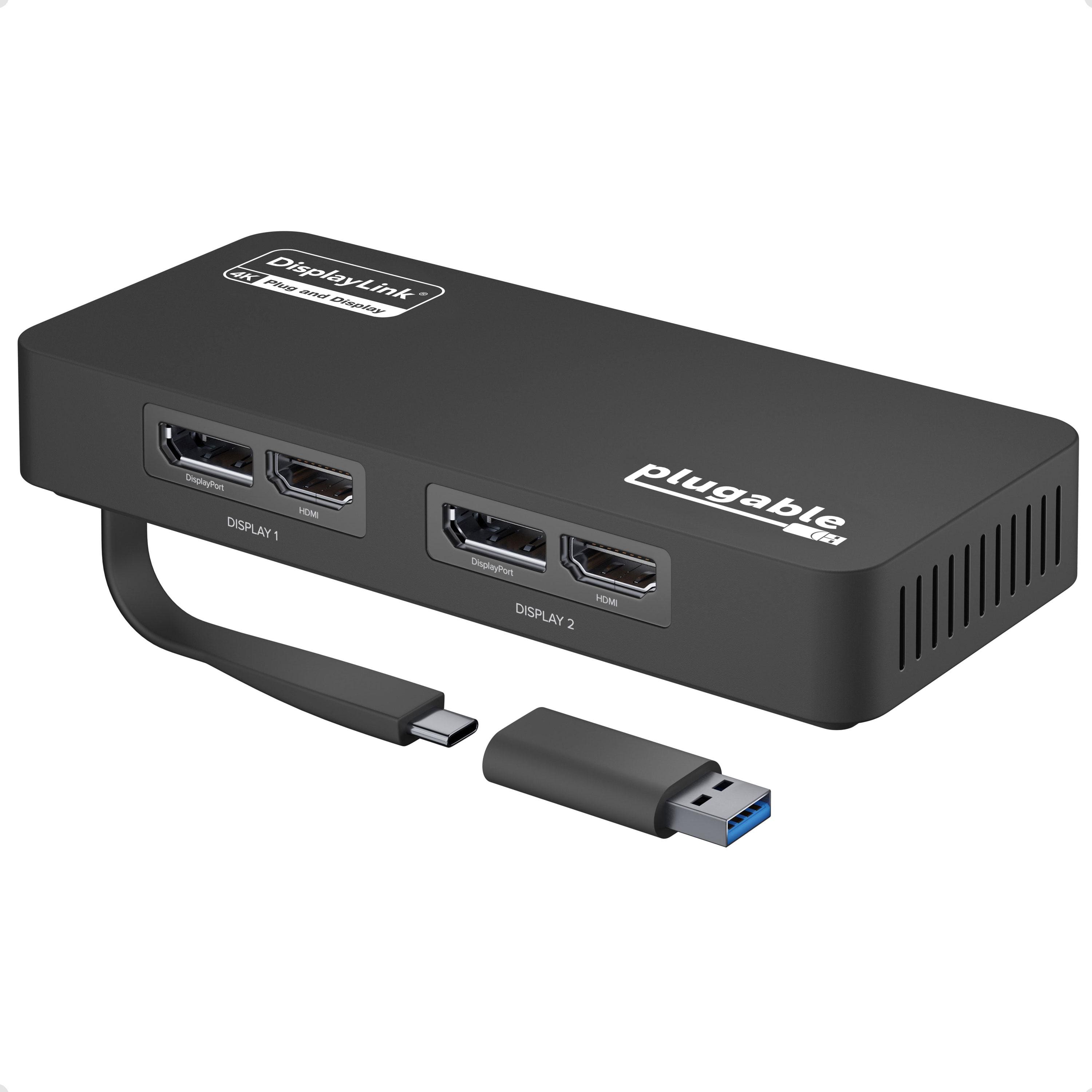
Plugable - 4K DisplayPort and HDMI Dual Monitor Adapter for USB 3.0 and USB-C - Compatible with Windows - Black
SKU: J3YLP62KW9great device to use dual monitors for lapotops with no c port...One of the best features is its wide compatibility with both DisplayPort and HDMI, making it easy to
See all Monitor & Video CablesProduct Description
A black dual monitor adapter supporting 4K HDMI and DisplayPort connections via USB 3.0 or USB-C.Your price for this item is $114.99
Best Sellers


Related Pages





FAQ
Yes, many Chromebooks support dual monitor setups using their USB-C, HDMI, or DisplayPort outputs. However, compatibility depends on your specific Chromebook model and its hardware capabilities.
To connect dual monitors, you may need compatible cables (such as HDMI or USB-C), and possibly a docking station or USB-C hub that supports multiple displays.
Once your monitors are connected, go to your Chromebook's Settings, select 'Device,' then 'Displays.' From there, you can arrange your screens, choose the primary display, and adjust resolution settings.
Some Chromebooks, especially those with Intel Core processors and multiple video outputs, are better suited for dual monitor setups. Check the technical specifications for display support before purchasing.
Yes, Chromebooks generally allow you to use monitors of different brands and resolutions. You can customize each display’s settings individually through the Chromebook’s display settings menu.