Questions & Answers
- Model:
- 15-BS113DX
- |
- SKU:
- 6181603
Q: QuestionDoes this computer have a camera/microphone for video chat?
Asked by Aj.
- A:Answer Does this computer have a webcam and or camera capabilities?
Answered by Chris
Q: QuestionIs the DVD/CD Drive reader or only writer?
Asked by Dindi.
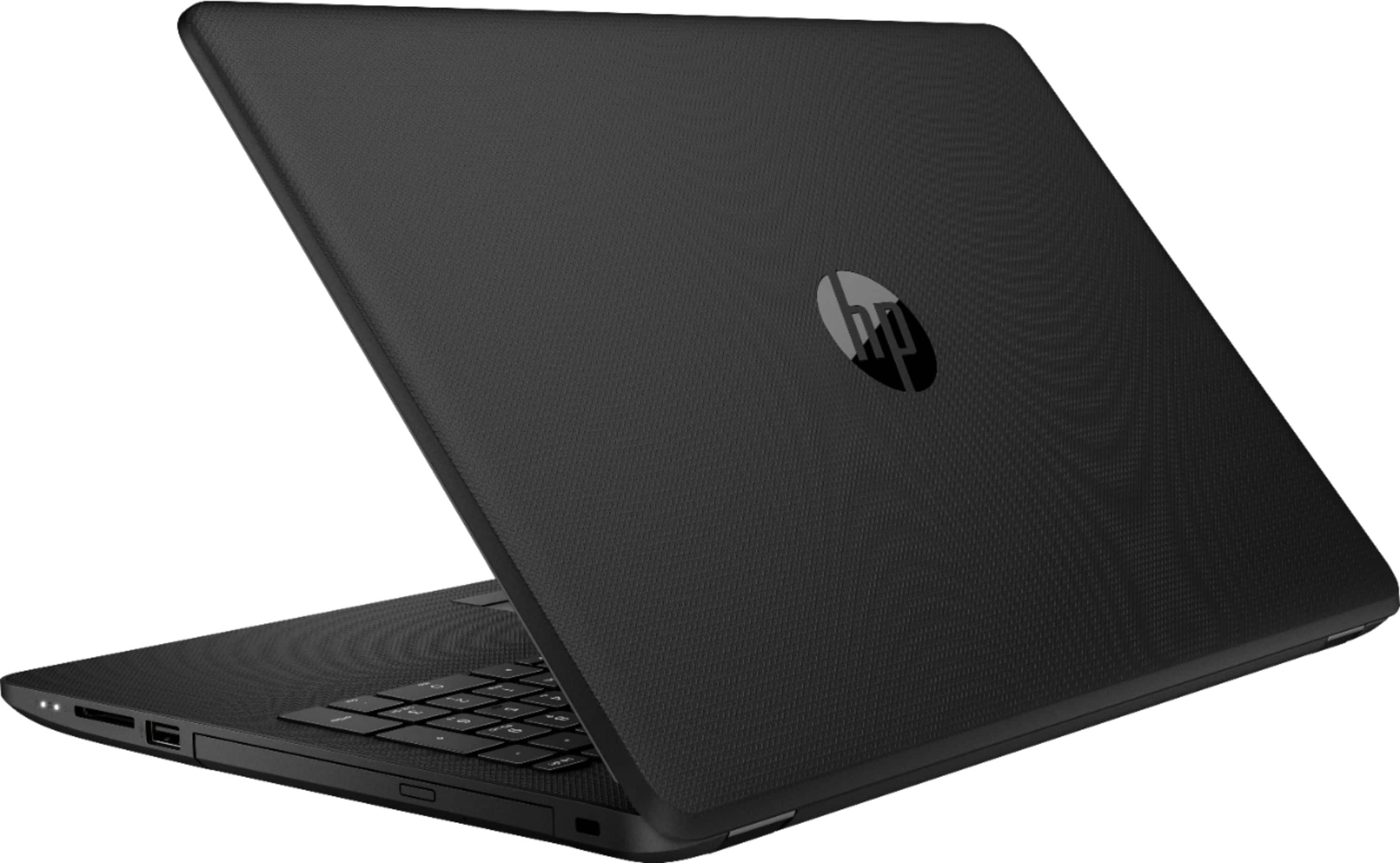
- A:Answer The optical drive is capable of reading and writing.
Answered by CommunityAnswer
Q: QuestionI have never owned a touch screen laptop and am wondering if I have.the option of using the mouse?
Asked by Simone.
- A:Answer Yes, you always have the option of using the mouse or touchpad as with any other laptop. The touch screen is an added convenience that some people like using. I find myself using the mouse a lot, but there are times when the touch screen really comes in handy.
Answered by Ricail
Q: QuestionThe HP laptop includes i3 intel. To take a online course it is recommending i5. Is that necessary , or will the i3 work the same
Asked by Annie.
- A:Answer Thank you for your question! It is likely that even though an i3 is a lower processor than an i5 that they may be recommending an older i5 as the minimum. An older i5, even from a few years ago, would be slower or similar in speed to a newer more efficient i3!
Answered by HP Team

Q: QuestionWhat software comes with this laptop?
Asked by Roger.
- A:Answer Thank you for your question! This computer comes with Windows 10 Home, CyberLink Power Media Player, Netflix, McAfee LiveSafe, HP Audio Switch; HP ePrint; HP Games by WildTangent; HP JumpStart; HP Recovery Manager; HP Support Assistant; HP Connection Optimizer. Like most computers, It does not come with Microsoft Office (Word, Excel, Powerpoint etc...) preinstalled.
Answered by HP Team
Q: QuestionIs this model laptop known for overheating? I had an older hp pavilion laptop same type processor and if I tried to game on it or used it for an hour or so, it would overheat
Asked by Unique1.
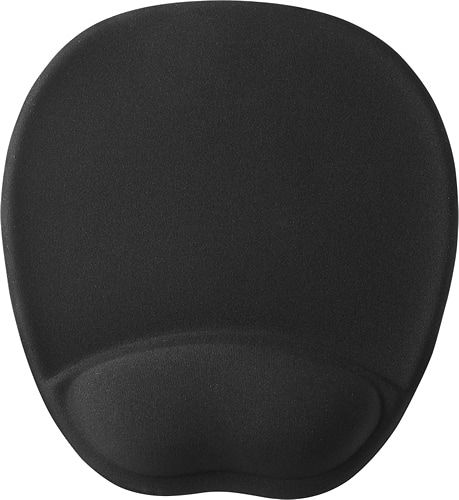
- A:Answer Hello Best Buy customer Unique1 and thank you for asking this question and although you first posted this question on this Best Buy website some four (4) months ago I will attempt to answer it anyway as I am sure that a whole lot of other people who own an expensive electronic device such as a laptop computer will really be helped by my response. I think that, for starters, it is important to recognize that "home use" may be different than "on-the-go use!" When using this or any laptop outside of the home it "may" not be possible to lug around a laptop cooling (a.k.a. "chill") pad; however, whenever I use my laptop at home, I "ALWAYS(!)" incorporate the use of a laptop cooling pad! This is a 15.6" laptop so it is important to get a laptop cooling pad that will accommodate this size or even a 17" laptop--if you have the space. I always purchase laptop cooling pads which have the "duel" fan feature and, of course, incorporate a USB connection as their power source. The laptop cooling pads which I have purchased are "super" quiet--I rarely here them running! In addition, I also make use of a keyboard wrist rest which I place right in front of the laptop and cooling pad as it serves the purpose of proper elevation<>alignment of the hands to the now increased "height" of the laptop's positioning and the keyboard wrist may also lessen the chances of developing tendonitis (numbness, tingling, etc.) of the hands--as does a mouse wrist rest. I've included some photos and product recommendations below Best Buy customer Unique1 for your and others' review and I hope that the information I've provided keeps this laptop and your future laptops running cool--"ALL" of the time!
I would recommend:
Answered by JerseyMike
Q: QuestionHP noted max RAM is 16GB. Another website says that RAM of this laptop isn’t a Customer Self-Repair Part, but an Authorized Service Provider Part, per HP's website. HP-- may I upgrade (if so,what RAM would you recommend) or will that void my warranty?
Asked by SteveJ.
- A:Answer Upgrading your ram will not void your warranty, however any damage done to the system in the process or deemed caused by the upgrade of the ram would not be covered under the warranty. Since the laptops require a lot of disassembly to access the RAM, there is a chance you could damage something internally and it would not be covered under the warranty. This is why it is highly recommended than an HP Authorized Service Technician do the upgrade, but it will not void your warranty.
Answered by HP Team
Q: QuestionWhat is the cost to pre-install office package and is it a one time cost?
Asked by Anonymous.
- A:Answer You were already provided with an answer which addressed your question concerning how to install or download Microsoft Office; however, I personally use the free/no-cost software referred to as Apache OpenOffice 4.1.5. Apache OpenOffice is the leading open-source office software suite for word processing, spreadsheets, presentations, graphics, databases and more. It is available in many languages and works on all common computers. There are also other "free" options which have lots of functionality such as LibreOffice. To download Apache OpenOffice 4.1.5 on Windows 10: Enter www.openoffice.org => click “I want to download Apache OpenOffice” => select your operating system [i.e., Windows (EXE)] => select “English” (i.e., if that's your language of choice) => click “download full installation” => a “new” window will open & the download will begin => click “OPEN” => see “new” window that asks “Do you want to allow the following program to make changes…” => click “yes”=> the next window says “welcome” & click “next” => on the “choose install location” choose “desktop” => click “install” => see “preparing to install” => see “welcome to the installation wizard for OpenOffice 4.1.5” => click “next” => for customizer information page, enter "your brand name of computer" for user name => Finish => see “Installation Wizard completed” => click “finish.” The aforementioned instructions "may" not be all inclusive and always be certain during the installation process that you don't introduce any computer virus and that the "source" of the download you select is from a "genuine" source. I hope that this gives you and others a less expensive opportunity to experience things like typing documents and Excel-type operations, etc. Best Buy customer Anonymous.
I would recommend:
Answered by JerseyMike
Q: QuestionWill this be sufficient for a first year college student
Asked by Anonymous.
- A:Answer Based on my own personal experiences of trying to identify which type of computer processor would best suit my needs in the past and in more recent times, whenever I approached computer sales people who really wanted to provide me with the best answer, I would hear them say => "It depends what you are going to use the PC for!" It is my understanding that those needing a computer for things like graphics and gaming might need a computer which is capable of doing more than just research. To identify an answer for you on my own, I did a GOOGLE search and I entered the search term => "Is an Intel Core i3 computer okay for a college student?" You might want to explore these GOOGLE entries further. The consensus seems to be that an Intel Core i3 processor would be more than adequate; however, some suggest that getting an Intel Core i5 might be better for keeping up with computer related software advances in the future. I have never owned anything but Intel Core i3 laptops and way back in the year 1980 I received my master's degree and I still conduct research for my personal needs on computers of this type and I am more than happy with this Intel Core i3 level of functionality. If it were me, I would try and get a PC with 8 GB memory. Still, if I were you, I would ask as many people as possible who are knowledgeable about computers and tell "them" what types of educational activities you will be using your computer for. Best of luck in your scholarly pursuits!
I would recommend:
Answered by JerseyMike
Q: QuestionIs the wifi in this computer up to date or an older, less functional version? I need a laptop under $500, 14 or 15", that has a fast, strong wifi.
Asked by paca57.
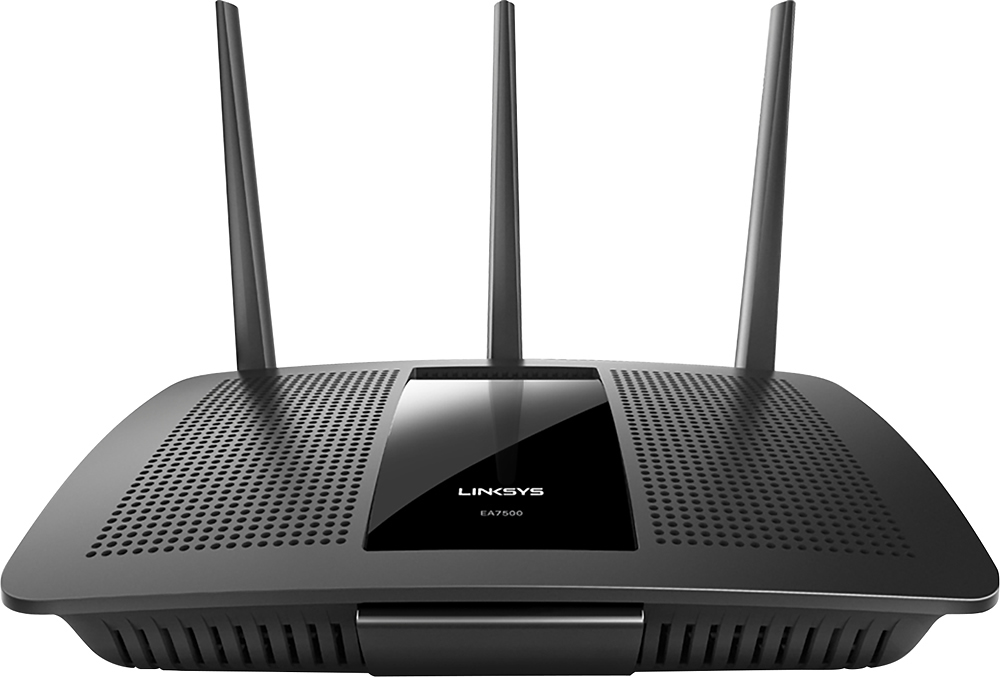
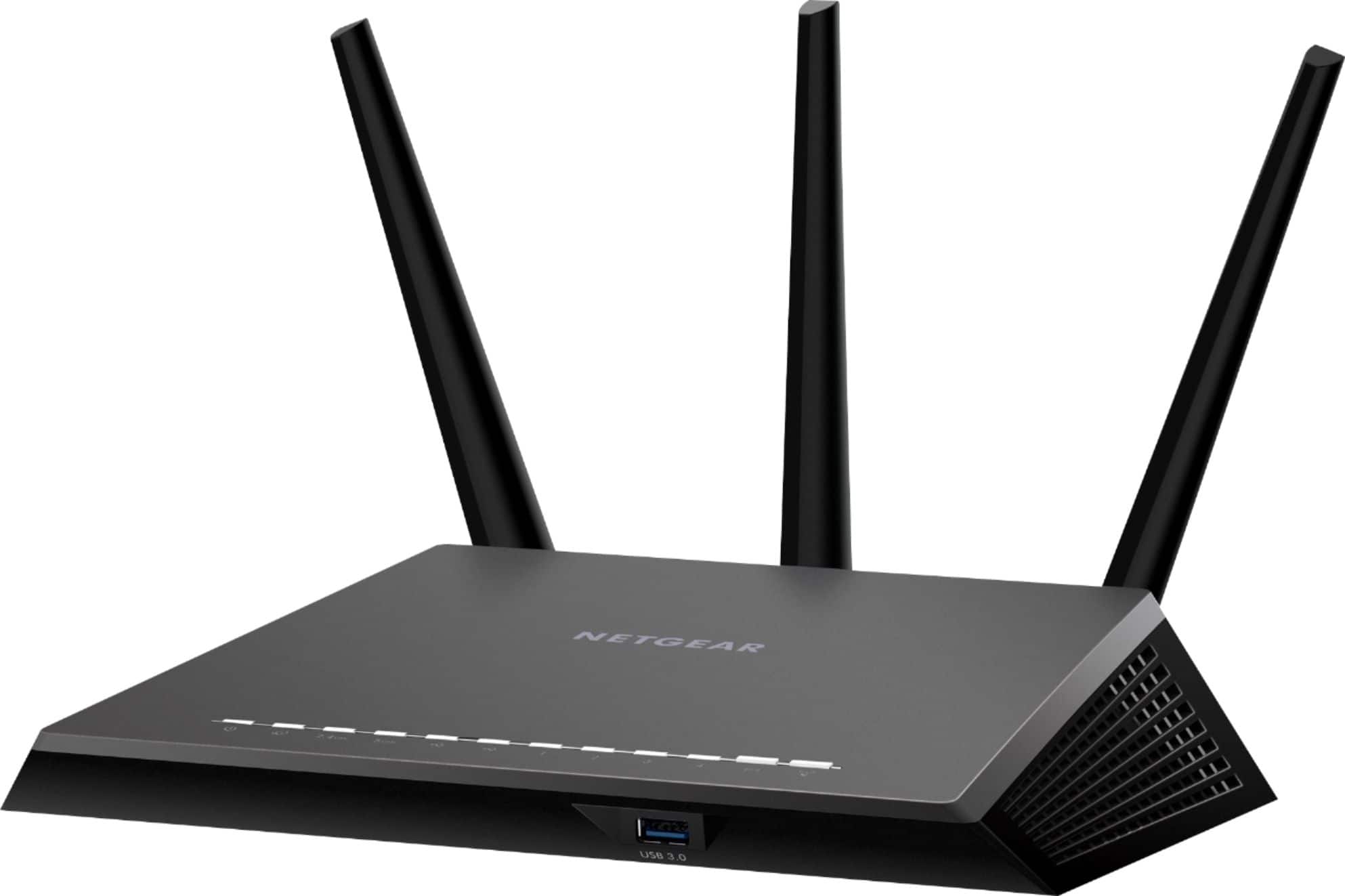
- A:Answer Hello Best Buy customer paca57 and thank you for asking this question as a somewhat detailed "attempt" to answer your question may serve to help you and others who want to improve the functionality of this or any laptop PC by improving<>enhancing their WiFi connection. I am glad that you submitted your question only one (1) hour ago! In the area where I live, I am told that there is a lot of Internet "traffic or congestion" and that this can slow down Internet performance. In the past, I phoned my Internet service provider and the Geek Squad and they both (on different occasions) configured my router settings so that they would "automatically" change settings to less busy networks--as needed. This has helped in a big way! I did some research for you and I found that "the primary differences between the 2.4 GHz and 5 GHz wireless frequencies are range and bandwidth. 5 GHz provides faster data rates at a shorter distance, whereas 2.4 GHz offers coverage for farther distances, but may perform at slower speeds. ... Higher frequencies allow faster transmission of data, also known as bandwidth." It is my belief that this particular model of HP laptop model # 15-BS113DX does NOT have 5 GHz as I have been told that in the past. I've also read answers posted on this website from actual HP product support representatives where they indicate that a dual band router is best; however, I conducted a GOOGLE search for you and other Best Buy customers for the term "routers for best WiFi connection." There a "lots" of entries that one can review; however, it may be worth the effort to, at least, familiarize yourself with some of the common router features which most of the reviewers agree on. I also did a GOOGLE search for the term "how to get 5 GHz WiFi on your laptop!" and some of the entries (including "videos") attempt to explain how to make your computer function with 5 GHz capacity. In the past, I personally tried to obtain 5 GHz for my WiFi by "attempting" to use a USB adapter designed to change a PC's 2.4 GHz to 5 GHz; however, I had no luck in getting things to work right, but I believe that this was due to my not being tech savvy with this type of computer hardware. If you conduct a GOOGLE search for "USB adapters to change 2.4ghz to 5ghz wifi" you can find this type of computer hardware. In closing, I just want to say that even though I am told that I am in a high "traffic" area (i.e., in terms of Internet use!) and even though my download speed is just around "11 Mbps" and my upload is around "1" (and that is on a "GOOD" day!) with this same exact model of HP I am able to "FLY" through all of the search engines like GOOGLE Chrome, Mozilla Firefox, Microsoft Edge, Bing.com, YouTube.com, etc., etc. with very little problems--ever! In fact, when I have my remote repair tune-ups performed with the assistance of Geek Squad Tech Support they will often comment on my S-L-O-W(!) Internet speed (i.e., based on the "numbers"); however, as the remote repair session gets underway the Geek Squad agents will often state how impressed they are with this laptop's performance. I, so very often, see those TV commercials from major Internet service providers which promise 100 and 200 Mbps and this laptop works just great with the extremely low amount of Mbps which I pay for! Again, thanks for asking your question paca57 and I hope that, at least, "some" of the detail which I have presented helps you and other Best Buy customers.
I would recommend:
Answered by JerseyMike
Q: QuestionWould this be sufficient for college?
Asked by College.
- A:Answer Hello Best Buy customer College and thank you for asking this question as I am sure that a lot of other college students and those thinking about attending college in the near future may benefit from an answer to your question. To find a "quick" answer to your question, I did a GOOGLE search using the question => "Is Intel core i3 8th generation with 8 gigabyte and 1 terabyte good for college work?" Respectfully stated, I would encourage you to do the same. Some of the entries seem to suggest that Intel Core i5 or Intel Core i7 would be better; however, I use this very same model HP laptop a lot during the day and I am able to do everything from typing lots of documents (i.e., for E-mails and drafting 8-1/2" X 11" letters for USPS mailings) to conducting detailed research. In addition, I am able to "fly" through search engines like GOOGLE Chrome, Mozilla Firefox, and Microsoft Edge. I also view video tutorials and other forms of Online entertainment on YouTube.com and Bing.com. Please don't discount the latter two (2) as they are great learning tools! As a college student and perhaps other times in one's life sometimes it becomes necessary to save money and to use this laptop and other PC's to draft documents one can make use of the "FREE" resources available--if one wishes to do so. The two (2) that I've come across are Apache OpenOffice & LibreOffice. Of course, prior to downloading any program, make certain that the source is the "actual" organization to avoid introducing a virus or becoming part of a "payment required" process. I use Apache OpenOffice and with that you can have access to what they refer to as "Text Document, Spreadsheet, Presentation, etc." Please take advantage of this great Windows 10 OS (a.k.a. operating system) as it has, among many other assets, a feature called CORTANA and you can place terms into this search bar such as Calculator, File Explorer, Disc Cleanup, the three (3) search engines mentioned above, Control Panel, Optimize & Defrag., Task Manager , Weather, Sticky Notes, Calendar, Synaptics Pointing Device (allows for the control of touch pad functionailty), etc., etc. When you or anyone explores the functionality of each of these functions it will be easy to see how they will enhance your interactive experiences with this and other PC's. Of course you can connect a printer wirelessly to this laptop. I wish you and others the best of luck in your college years and I only wish that I had access to a laptop PC like this one when I attended two (2) colleges and graduate school!
I would recommend:
Answered by JerseyMike
Q: QuestionI see it is touchscreen, but does it also have a touch pad or must you purchase a mouse?
Asked by Jo.
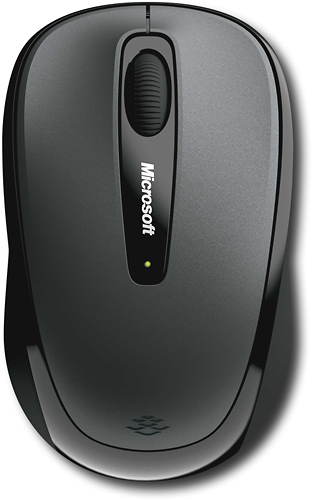
- A:Answer Hello Best Buy customer Jo and thank you for asking this question. On the surface, your question seems to be easy to answer with a yes or no response and I've read a couple of other responses which have done just that--and quite accurately! However, I would like to take the opportunity to provide some "added" insight concerning mouse and touch pad functionality which I believe will really be helpful in the operation of this and possibly other Windows 10 OS PC's. There were times in the past when I would be using my wireless mouse with this and other laptops and while I was engaging in data entry I would "inadvertently" make hand contact with the touch pad and I would depress it and that would result in very LARGE parts of documents being erased--big loss of time & effort! I want to offer a way of addressing that problem. First, go into this laptop's or other Windows 10 OS laptops' "settings" and on the next page under the word "devices" left click on the words "touch pad" and then on the far right under "related settings" left click onto "additional settings." On the following page, you will see a "Mouse Properties" pop up box and "Device Settings" should be highlighted on the top right of that pop up box. Most probably, you will see under devices the word "enabled" and under that "yes" pertaining to Synaptics Touch Pad. If you are using a wireless mouse and If you want to "disable" the touch pad "temporarily" for whatever reason and for however long (i.e., for preventing potential loss of data entry as described above!) left click onto the word "disable" just below that "Devices" box and then click "Apply" and then "OK." Next, under the word "Profiles" located on the mid-left of that pop up box you will see a "tiny" box that you can "check" or highlight which states => "Disable internal pointing device when external USB pointing device is attached." If you check that small box, whenever you plug in a Nano from a wireless mouse, the laptop's touch pad will automacially be disabled. Conversely, if a wirelesss mouse Nano is not occupying a USB port your laptop's touch pad will be enabled. Please keep in mind that you'll want to have an operational mouse nearby in case you need to restore touch pad access/functionality at some point in time. At this time also "bubble" or highlight "Static tray icon in task bar." You will now see that similar red icon on your lower task bar. To finalize your settings, left click "apply" and then "OK." I would strongly recommend that you "pin" that icon PERMANENTLY to your lower task bar for easy access so that you can control your touch pad's functionality. This overabundance of detail is just meant to be a step-by-step guide, but for me it is a great feature to have access to and I hope that it helps you Best Buy customer Jo and others who may review this entry and who believe that they can benefit from it.
I would recommend:
Answered by JerseyMike
Q: QuestionIs the battery removable? And is this laptop good for college for all four years?
Asked by Anonymous.
- A:Answer To best answer your question concerning purchasing a replacement battery and whether or not one is available for this laptop I did a GOOGLE search for the term => "replacement battery for HP 15-BS113DX." I saw one company that currently sells an aftermarket battery which currently trends at around $55.00 with shipping; however, I would think that HP makes the OEM battery available for sale to the public as well. I'd be willing to bet that after this model of laptop sells in greater numbers that there will probably be many more aftermarket sources out there to purchase a replacement battery for this HP laptop from.
Answered by JerseyMike
Q: QuestionIs there a port to accept input from a cd or dv?
Asked by Baba.
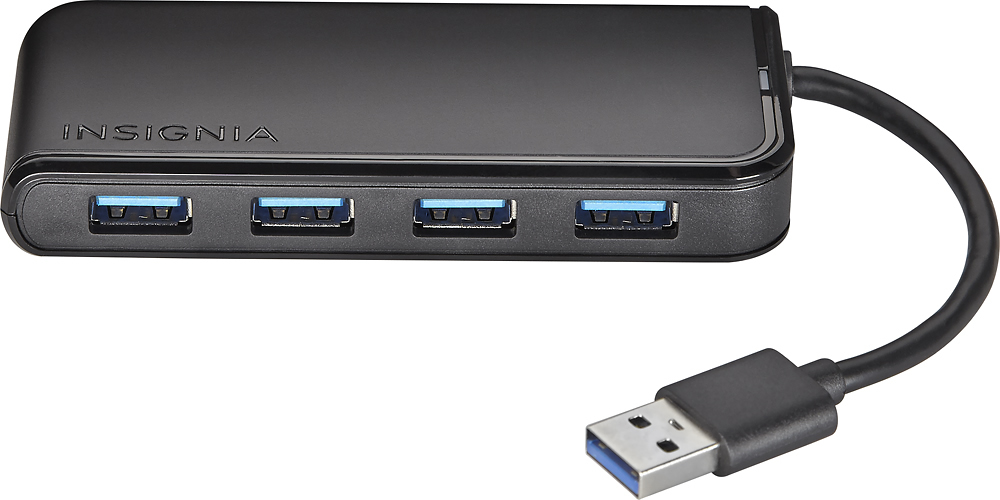
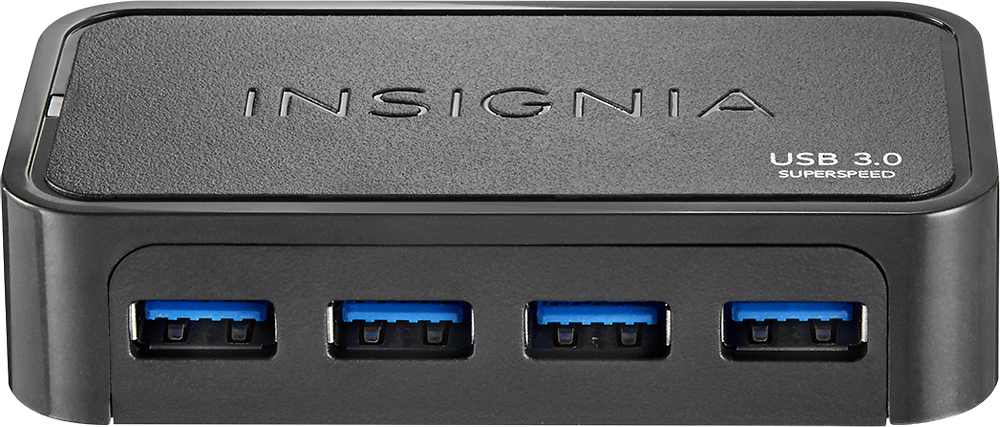
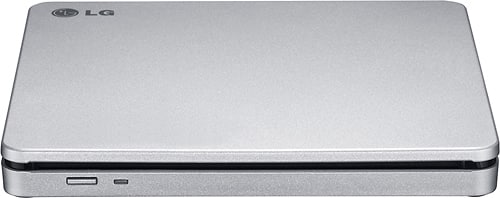
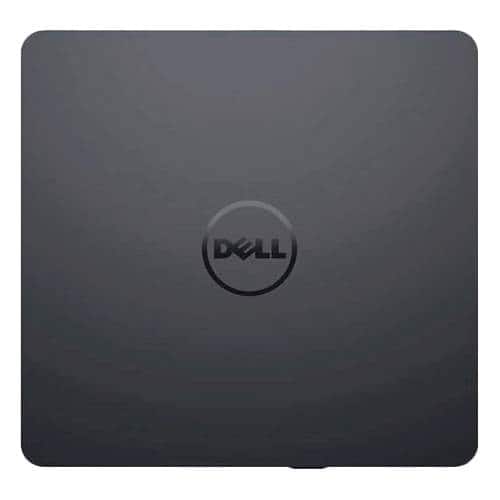
- A:Answer Hello Best Buy customer Baba! Your question has "already" been answered at least a couple of times; however, I wanted to provide an answer which might serve to reflect upon a "different" perspective. Within the body of your question, I focused mostly on the word "port." Yes, of course, as others have indicated this laptop has a built in/factory dvd/cd/optical drive; however, I just thought that you might, at some point in your use of this laptop might want to introduce an "external" dvd/cd/optical drive. I went on Best Buy's website and I entered the search term => "external cd dvd drive." There are lots and lots of this type of product shown on the Best Buy website. On the Best Buy website, you can use search filters so that you can identify this and other items by price (i.e., low to high), popularity based on customers' rates of purchase, ratings, etc. You can plug these external cd/dvd drives into one of your laptop's USB ports--if that particular model which you select indicates that it is an external "USB" cd/dvd drive. You might want to ask someone who is more tech savvy concerning the functionality of this type of product if the USB cd/dvd drive that you are purchasing needs to be plugged "directly" into the laptop for optimal operation/performance or if you can connect it to a multi-outlet USB "hub" to save on the laptop's USB port space.
I would recommend:
Answered by JerseyMike
Q: QuestionCan i use a stylus on the touchscreen? If so which one is the best to use
Asked by Knc882007.
- A:Answer Hello Best Buy customer Knc882007 and thank you for asking this question as people who own this great HP 15.6" laptop computer (i.e., model # 15-BS113DX) were probably attracted to one of its "many" great features<>specifications and that is its touchscreen capability. In addition, people know how using their "fingers" to interact with this touchscreen feature would lead to constant "smudging" of the laptop's screen and the necessity to clean the screen constantly--if one so desired! Late yesterday evening, just hours after you posted your question on this website, I "attempted" to search for answers for you by conducted a GOOGLE search for the search term => The best stylus to use on a Windows 10 OS laptop." Quite honestly, after quite some time I "abandoned" my efforts to answer your question for the following reasons among others (1) I learned that there were different types of stylus pens and (2) I also learned that even among particular brands (such as HP) not "ALL" stylus pens will work with every model of HP--or so HP claims on their website and on other sources. I would not give up and I was able to identify some "avenues" for you and others to pursue. Please open my uploaded images below which I have provided to show options to obtain additional knowledge in this area. In addition, please enter the following search terms in your GOOGLE search bar as I did => "Laptops | HP Official Store - HP.com." Once on that website, you and others can left click on "displays and accessories" which is located toward the top of the page and then you can click on "live help." You will have the option to phone, Email, or CHAT with an HP product support representative--seven (7) days per week. Perhaps, you can give them your model number and ask them which type of stylus pen you could use with this "specific" laptop model--or "others!" Again, there are different "types" of stylus pens! I found another GOOGLE entry which you and others might want to review and the search term for that Internet article is => "How to Use the Pen on Your Windows 10 Laptop - dummies." This Online article seems to offer a whole lot of insight into the use of stylus pens; however, I would still try to obtain "product specific" information from an HP products specialist or, perhaps, even a computer sales representative from Best Buy. I hope that the information I provided serves to place you and others Best Buy customer Knc882007 on the right path toward obtaining the proper stylus pen match for their "particular" model touchscreen laptop.
Answered by JerseyMike
Q: QuestionIs there a port/adaptor where I can use a VGA cable?
Asked by Hawaii808.
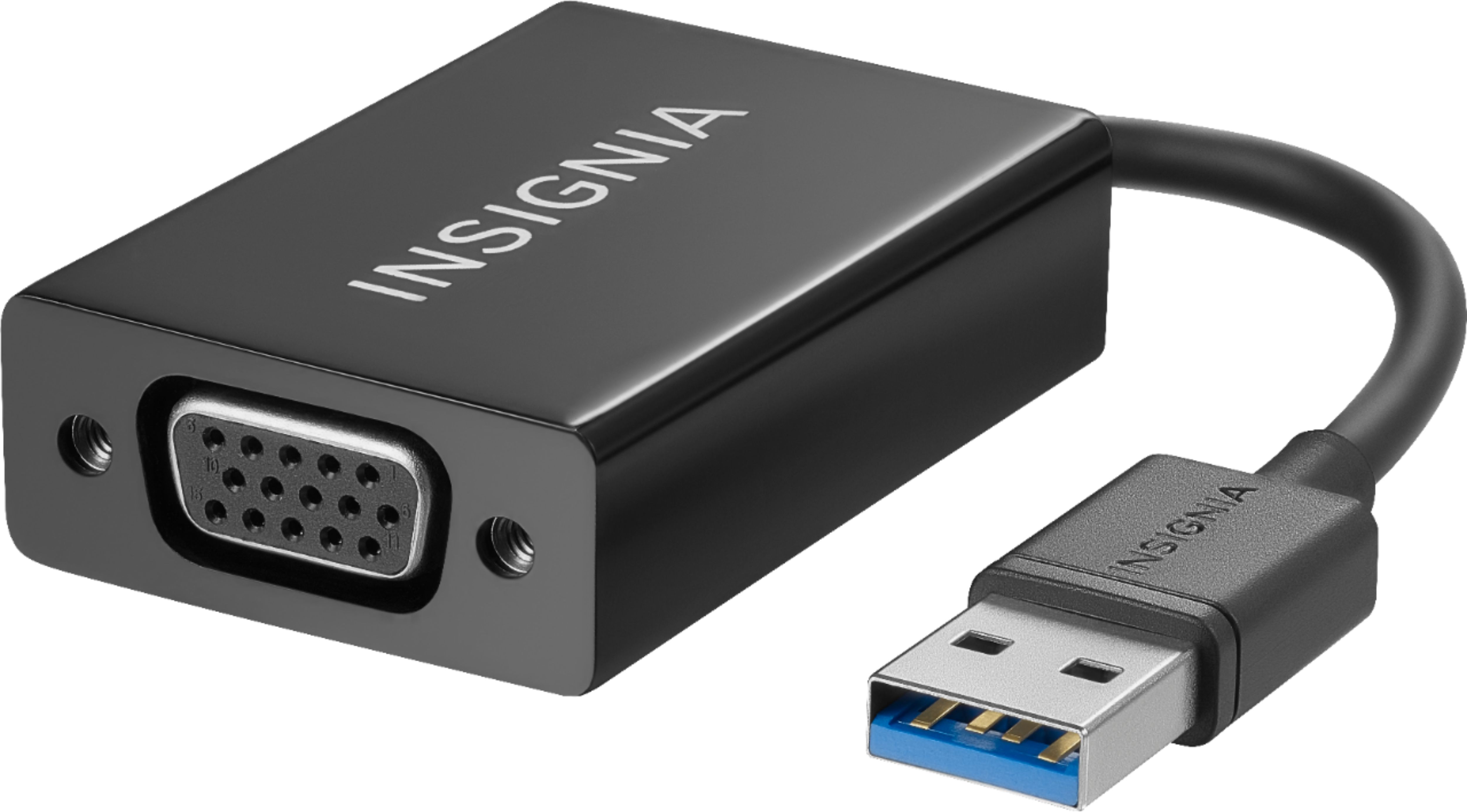
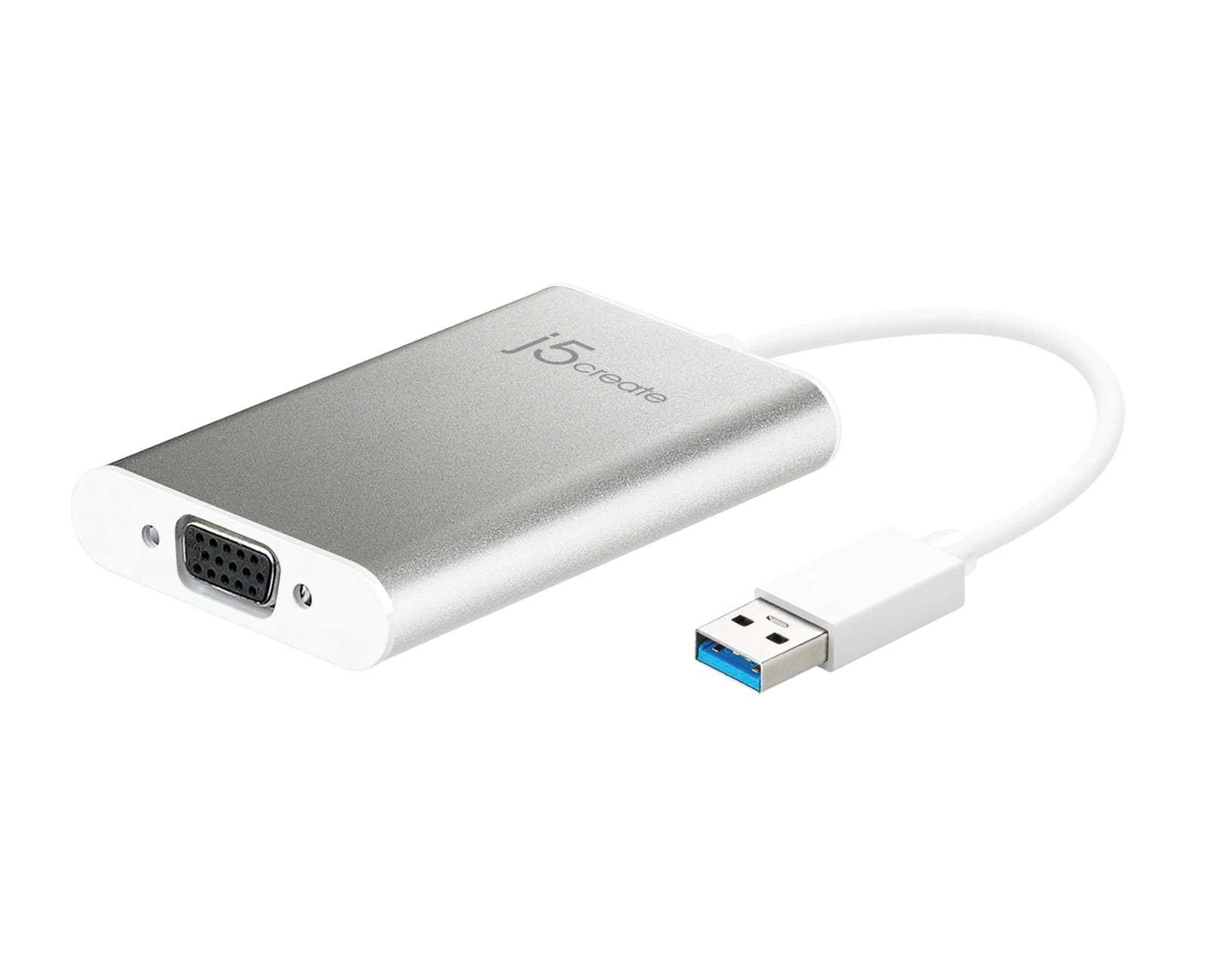
- A:Answer Hello Best Buy customer Hawaii808! In an attempt to answer your question, I did a GOOGLE search and, in addition, I went on Best Buy's website and I entered the search term => "USB to VGA adapter." I have provided two (2) product "recommendations" below; however, prior to making "any" purchase, please consult with a sales or tech support representative and make certain that prior to purchasing any product of this type that it will fit or fulfill your "specific" needs. I realize Best Buy customer Hawaii808 that you did not bring up the following; however, if you or anyone else would like a suggestion regarding how to incorporate a larger "monitor" along with the use of this HP laptop or other brands/types of PC's, I would offer the following. Consider the possibility of using a television set and here is how I have my TV set paired with this HP laptop => On my 32" Insignia TV, I use an "HDMI" cable to connect the laptop to my TV's HDMI "ARC 1" port. Then, go into your computer's display settings and select "112" for display "type" and then under scale and layout select "100% (recommended)" and then for resolution select "1366 X 768 (recommended)" and then for multiple displays select "duplicate these settings. To have it so all of the computer's icons fit on the TV screen which are located on the lower task bar and in the left vertical column of the desktop saver screen click onto the TV's menu button and go into the picture column and then scroll down to "advanced settings" and then set the TV's "OVERSCAN" feature to OFF! If one has a different brand TV there may be a different setting or name for the "OVERSCAN" setting or feature! I hope that my answer helps you and other Best Buy customers Best Buy customer Hawaii808.
I would recommend:
Answered by JerseyMike
Q: QuestionWhat is the sound quality like on this laptop?
Asked by Scuba.
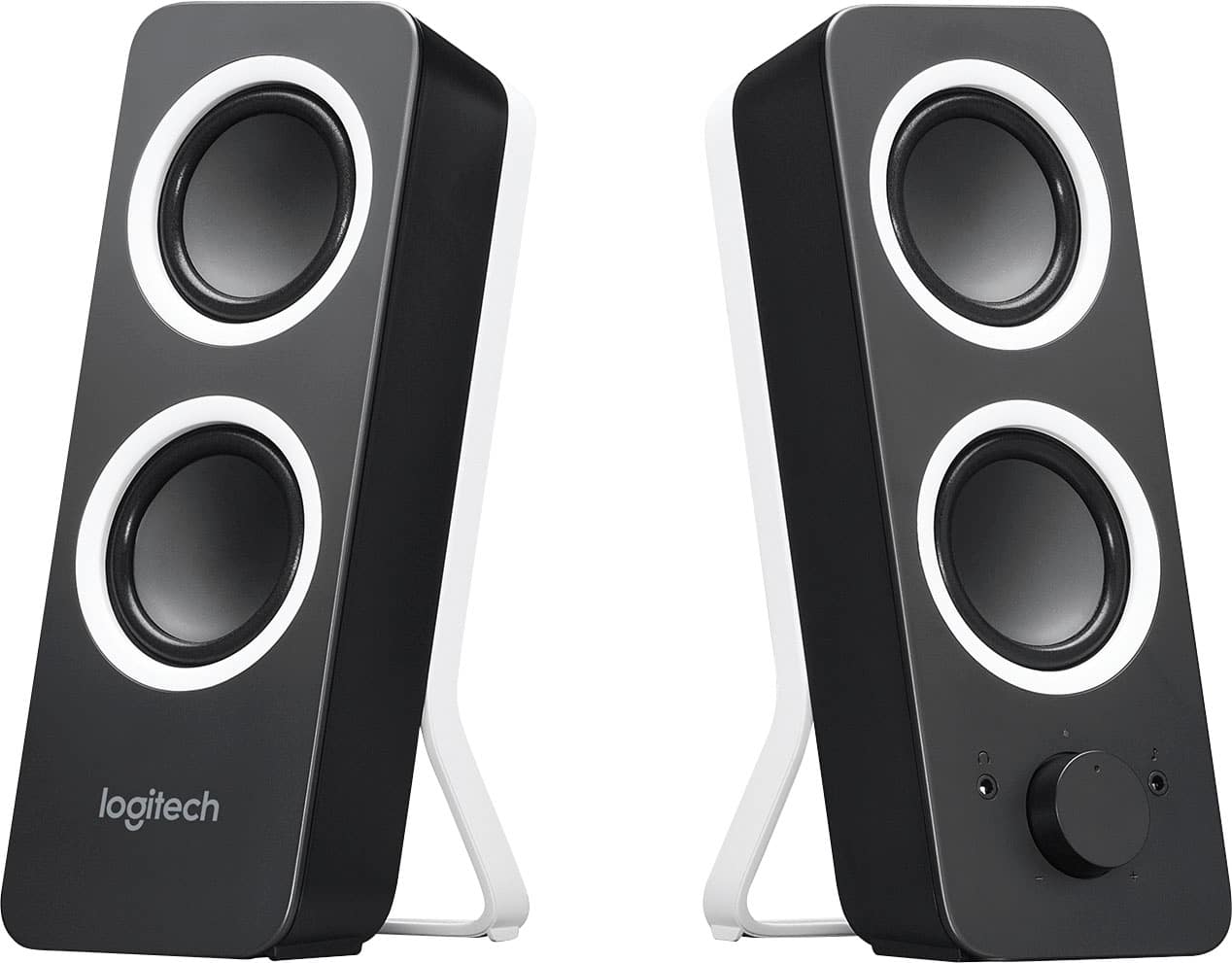
- A:Answer Hello Best Buy customer Scuba and thank you for asking this great question as answers which are provided may help a lot of other owners/users of this laptop--and others also! Answers have already been provided indicating that the sound is good; however, I would like to attempt to describe ways in which I have enhanced the sound quality of my laptops that I've owned in the past in profound ways. My recommendations would apply to home or in situations where the laptop is stationery (i.e., not in portable use situations), but I'll present them anyway. I have this laptop connected to an Insignia Brand 32" 720p TV via an HDMI cable. One end of the HDMI cable is connected to the laptop's HDMI port and the other end is connected to the TV's HDMI ARC1 port. This way I can use my TV's remote control volume button to control both the TV and laptop volume at the same time. I leave the laptop volume set to "100" in this type of set up. Next, go into your computer's display settings and select "112" for display "type" and then under scale and layout select "100% (recommended)" and then for resolution select "1366 X 768 (recommended)" and then for multiple displays select "duplicate these settings. To have it so all of the computer's icons fit on the TV screen which are located on the lower task bar and in the left vertical column of the desktop saver screen click onto the TV's menu button and go into the picture column and then scroll down to "advanced settings" and then set the TV's "OVERSCAN" feature to OFF! If you have a brand of television other than Insignia that "OVERSCAN" function may be referred to by another name! One option is to use the television's speakers as your sound source; however, I also make frequent use of over-the-ear headphones and you (or anyone!) would be amazed at the sound quality. In addition (i.e., if your laptop is stationery at home or elsewhere) you can consider using laptop speakers. In the past, I've used the Logitech brand model Z200 2.0 Multimedia Speakers (2-Piece) (Best Buy SKU: 3001006). They, also, have a nice sound. One of the two (2) speakers has a volume control knob and there is also a 3.5mm female port where you can connect a set of headphones if you would like. On Best Buy's website there are lots of other laptop speakers to choose from; however, the Logitech model which I have cited has been around for years! Please see my recommendation below. I've also sent along a photo of a type of HDMI cable which I use. You may notice what is referred to as the "chokes" near each of the two (2) ends and they are supposed to aid in filtering out nearby electrical interference. The HDMI cable I use is 15 foot in length and I don't really have any performance issues. Thank again for asking your question Best Buy customer Scuba.
I would recommend:
Answered by JerseyMike
Q: Questionis it normal that I can hear the fan. its not that loud but you can hear it in a quiet room
Asked by cindy.
- A:Answer Hello Best Buy customer cindy! Thank you for asking this question. I have been using this exact same model of HP laptop for some four (4) months now and I have never experienced any issues with being able to hear "fan noises" emanating from it. For any laptop I've ever used, I almost "always" incorporate the use of a laptop cooling pad (a.k.a., "chill mat"). My brand of choice for this type of product is Targus; however, there are other brands out there. I have sent along a product recommendation below which I found on the Best Buy website and its SKU number is => 8848387 . I've also included a "photo" attachment of the type of laptop cooling pad which I have been using for many years now. It is also a Targus brand. They both have a USB connection so that they can run off of the power of your laptop and they will accommodate up to a 17" laptop. Of course, if one is mobile, they most probably would not be making use of a cooling (a.k.a., chill) mat, but for home use they are practical and they will help your laptop to run cooler on a "consistent" basis.
I would recommend:
Answered by JerseyMike
Q: QuestionCan you screen shot with this laptop? can you download apps, like GroupMe
Asked by Anonymous.
- A:Answer Hello Best Buy customer Anonymous and thank you for asking this question as an answer will help a lot of other Windows 10 OS users in their efforts to communicate in more enhanced ways via the Internet. To answer your question I did a GOOGLE search for the term => How to download GroupMe app on Windows 10. I came across a couple of entries that got my attention and here are their titles => (1) Get GroupMe-Microsoft Store and (2) You can now install GroupMe on your Windows 10 PC | Windows.... During my brief review of the written description of this Microsoft app I read that GroupMe is referred to as the free and simple way to stay in touch with friends and family, quickly and easily. I took a "screenshot" of the download page and I have posted it below for you. You've also inquired about being able to do screenshots and the way I do it is to hold down the Microsoft "flag" button on the keyboard located near the bottom/left to the right of the "CTL" (i.e., control) button and then click onto the PrtScn (i.e., Print Screen) button. You will most probably be able to go into file explorer (i.e., documents) and find that stored image in the "pictures" category. I hope that the information which I have provided helps you and others in some way Best Buy customer Anonymous.
Answered by JerseyMike
Q: QuestionI am currently a student and i wanted to know if this laptop has Microsoft word and any other helpful things for students
Asked by Miyah.
- A:Answer Hello Best Buy customer Miyah and thank you for asking this question. Most probably, by this point in time (i.e., 6 weeks later!), you've found an option for typing documents, etc.; however, if the answer to your question which I will attempt to provide is "past due" for you, perhaps, it will serve to help others! There are also FREE options out there for typing documents, creating spreadsheets, etc., etc. such as Apache OpenOffice 4.1.5 and LibreOffice. I use Apache OpenOffice 4.1.5 and here are the instructions to download this FREE software. Please keep in mind that all of the detail which I offer, herein, may not be "all" inclusive and always be certain to download "ONLY" software from the actual organization which publishes/owns it. One can also go on YouTube.com and view Online video tutorials to learn how to do so many things!. I will keep the mouse cursor over the PAUSE icon of the Online tutorial videos and take notes as I proceed and if necessary I will go back to previous sections as many times as is necessary! To download Apache OpenOffice 4.1.5 on Windows 10: Enter www.openoffice.org into the GOOGLE search bar. See the entry entitled => "Apache OpenOffice - Official Site - The Free and Open Productivity Suite" => click "DOWNLOAD" just below that => click “I want to download Apache OpenOffice” => select your operating system [i.e., Windows (EXE)] => select “English” => click “download FULL installation” => a “new” window will open & the download will begin => click “OPEN” => see “new” window that asks “Do you want to allow the following program to make changes…” => click “yes”=> the next window says “welcome” & click “next” => on the “choose install location” choose “desktop” => click “install” => see “preparing to install” => see “welcome to the installation wizard for OpenOffice 4.1.5” => click “next” => for customizer information page, enter “HP" for your user name (if that is what you want!) => see “Installation Wizard completed” => click “finish.” You "may" have to minimize the screen to see the progress of the download --or-- you may not need to do that! Most probably, you will see the Apache OpenOffice 4.1.5 icon populate on your laptop's desktop saver screen when you close out of or leave the download process. If you right click on that icon you can pin the Apache OpenOffice 4.1.5 icon on your START menu as well as your lower task bar for quick access. You and any else would be amazed with all that one can accomplish with Apache OpenOffice 4.1.5! Also, this software works very well with Brother wireless printers. You can find the "envelope printing option" under INSERT with this software. You can adjust "page layout" and so very many other things--more than I, personally, would ever attempt to learn! Best of luck in your scholarly pursuits Best Buy customer Miyah!
I would recommend:
Answered by JerseyMike