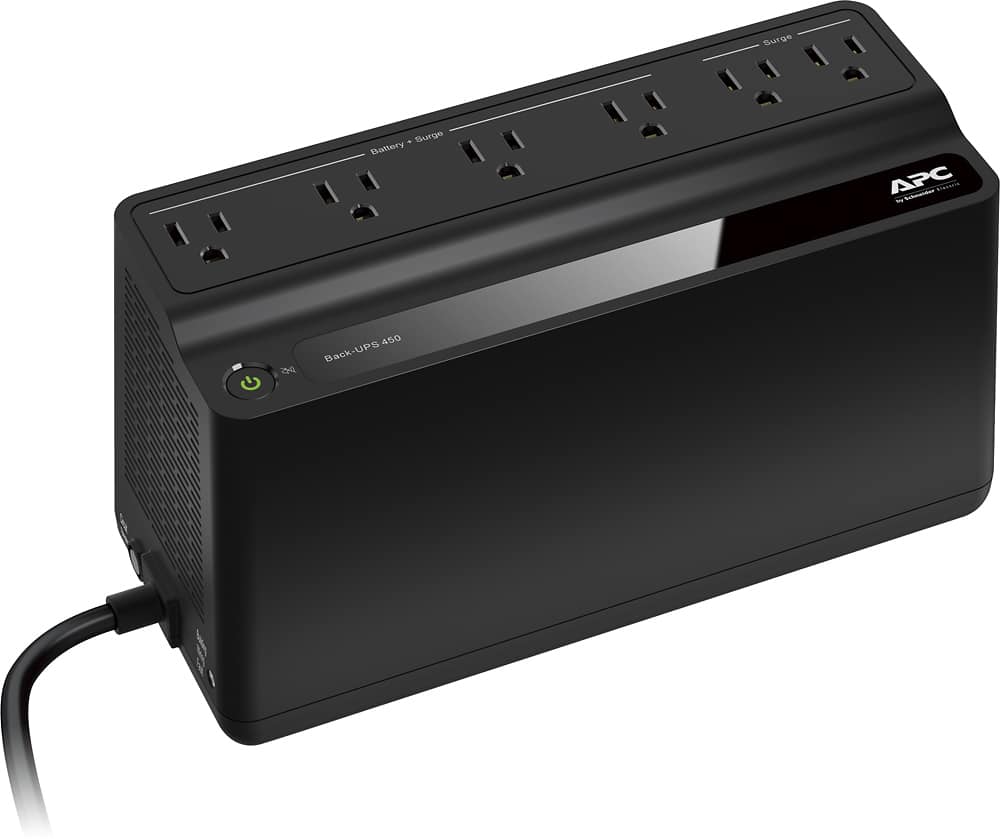
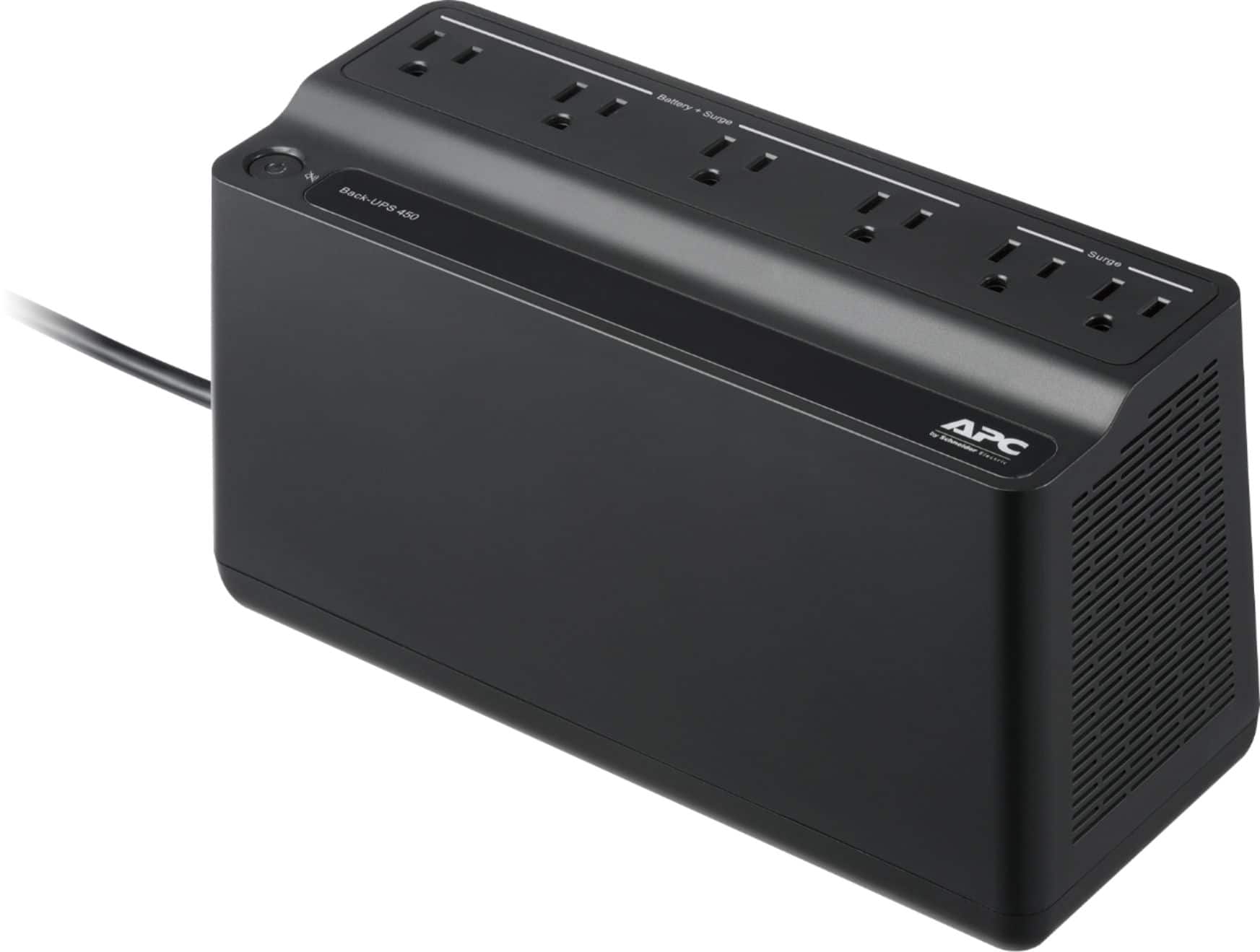

A:AnswerNope. APC says LOTS of things when they are trying to separate you from your money. But when it comes right down to it (try filing a claim) they will ask you to PROVE that your device was plugged into their UPS when it was fried. Then you will have to send photos of all the parts showing how much POWER they use. And you will have to add up all the watts or Volt-Amps and prove that your device did not overpower their junky little UPS. My brand new APC Back-UPS 450 was not capable of powering my tiny little cable box. I am NOT holding my breath for remuneration...
A:AnswerThank you for your inquiry. The amount of runtime available will depend on the size of the load attached. Please refer to the attached brochure for runtime information for typical loads.
http://www.apcmedia.com/salestools/JSIE-AD7S69/JSIE-AD7S69_R0_EN.pdf?sdirect=true
A:AnswerI haven't tried but this is a very small battery. Very very small. There is a good chance it might try to open the garage door only to either burn up the APC or worse your garage door opener due to lack of amperes. When you have a load pulling more amps than a power supply can provide what generally happens is something gets smoked. If you were trying to get a portable way to open a garage door then I would get a large car battery, a 12v. power inverter (to convert the car battery to 120v AC.), and a cheap battery charger to refill the car battery. This will be more expensive but much safer and less chance of screwing up your garage door opener.
Before you spec out and buy your 12v power inverter look on your garage door opener for input current or wattage. If it is displayed in wattage take the number and divide by 110, this will tell you how many amps it pulls out of your wall. It'll probably be arourd 2 to 6 amps or so (I've never messed with a garage door but there are other factors at play that I cannot estimate like how heavy your door is and how much of a counterbalance you have aiding the lift.). Use that amp rating when deciding on a power inverter and make sure your inverter is 30% stronger than necessary to avoid smoking components.
Good luck.
FYI.
I have spent a couple years doing work in electronic prototyping.
A:AnswerThank you for your inquiry. The BN450M will recharge its battery. The normal life of the battery will be anywhere from 3-4 years, depending on battery usage, load percentage and operating environment. The batteries in the BN450M are not user replaceable.
A:AnswerI have my BiPAP plugged into this. Not sure how long it will power the CPAP/BiPAP. Since I have had mine plugged in we've only lost power for a total of 10 minutes while using my BiPAP.
A:AnswerThank you for your inquiry. Unfortunately this unit will not provide a graceful shutdown of your system. It designed primarily to be used with smaller equipment like a modem and router. If you wanted the UPS to trigger a graceful shutdown than you would need to go with our BE600M1 instead. You would then connect the USB cable that comes with the UPS from the Mac to the UPS. You can use the embedded energy saving features of the Mac OS to provide a graceful shutdown of the system.
A:AnswerIn a word, yes. My power recliners have a built in battery pack, you might check to see if yours does and if so do those batteries need replacing, but yes, the ups should provide sufficient power to get you “declined”.
A:AnswerThank you for your interest in our products. I would lean more towards getting a larger UPS because there is a chance that this unit would become overloaded since it only supports 255 watts of equipment attached to it. I would probably look at least towards the BE600M1 or BVN900M1.
A:AnswerI use it for my cable modem to protect it from power glitches and insure it stays on. Any modem or cable box that plugs into a regular wall outlet will work with this. The power draw is low for those boxes so this model is perfect.
A:AnswerThank you for reaching out to us. Unfortunately we don't recommend using our BackUPS units with a motorized load. One potential issue is the inrush current draw for a motor can easily overload a BackUPS unit. BackUPS are ideal for computer equipment and may result in the erratic behavior when connected to a motor. To protect this type of equipment, APC recommends first determining the appropriate size UPS for the motor load in question and ensure the UPS is large enough to handle the start-up inrush current draw of the motor. Secondly, select a UPS which outputs a pure sine wave when on battery, such as a Smart-UPS.
A:AnswerThank you for your inquiry. The BN450M has a quick mute button which allows you to temporarily silence alarm. You can also configure the unit not to alarm at all using the Power button. No software is required. The steps for silencing the alarm are available in the user guide.
http://www.apcmedia.com/salestools/AHUG-A7DC9U/AHUG-A7DC9U_R1_EN.pdf?sdirect=true
A:AnswerThank you for your interest in our products. Unfortunately we don't recommend using extensions cords with our UPS. We recommend plugging the UPS directly into the wall outlet.
A:AnswerThank you for your inquiry. Yes the unit will start back up when power returns. Just note that battery would have to be around 10% before it turns back on. This should only take a few minutes after power returns though.
A:AnswerThank you for your interest in our products. Unfortunately the BN450M wouldn't have the option to shutdown the PC. We do have the option on our BN650M1 which is the next step up. You can connect the BN650M1 via the USB port on the unit to you PC to provide a graceful shutdown. The shutdown would be down by on native energy management or our PowerChute software.
A:AnswerThank you for your inquiry. We recommend either taking the old battery to your local recycling center or you can check out this link to create a prepaid label to send the battery to our recycling center. https://www.apc.com/us/en/who-we-are/sustainability/rbc-recycling-program.jsp
A:AnswerIt will power anything, but this is a small unit and it will probably not last all night. You need to find out how much power your unit uses per minute, guess the number of minutes your electricity will be out and then figure out how big a unit to get.
A:AnswerThe UPS will switch instantly between power-lose of power-power and anything plugged into it will not lose power. The only caveat to the items plugged in to the UPS exceed its power ratings.
A:AnswerThank you for reaching out to us. You can plug your modem and router into one of our UPS or a surge protector. The benefit to using the UPS over a surge protector is if there is small power outage the modem and router will stay on since they would be protected by a battery back up.