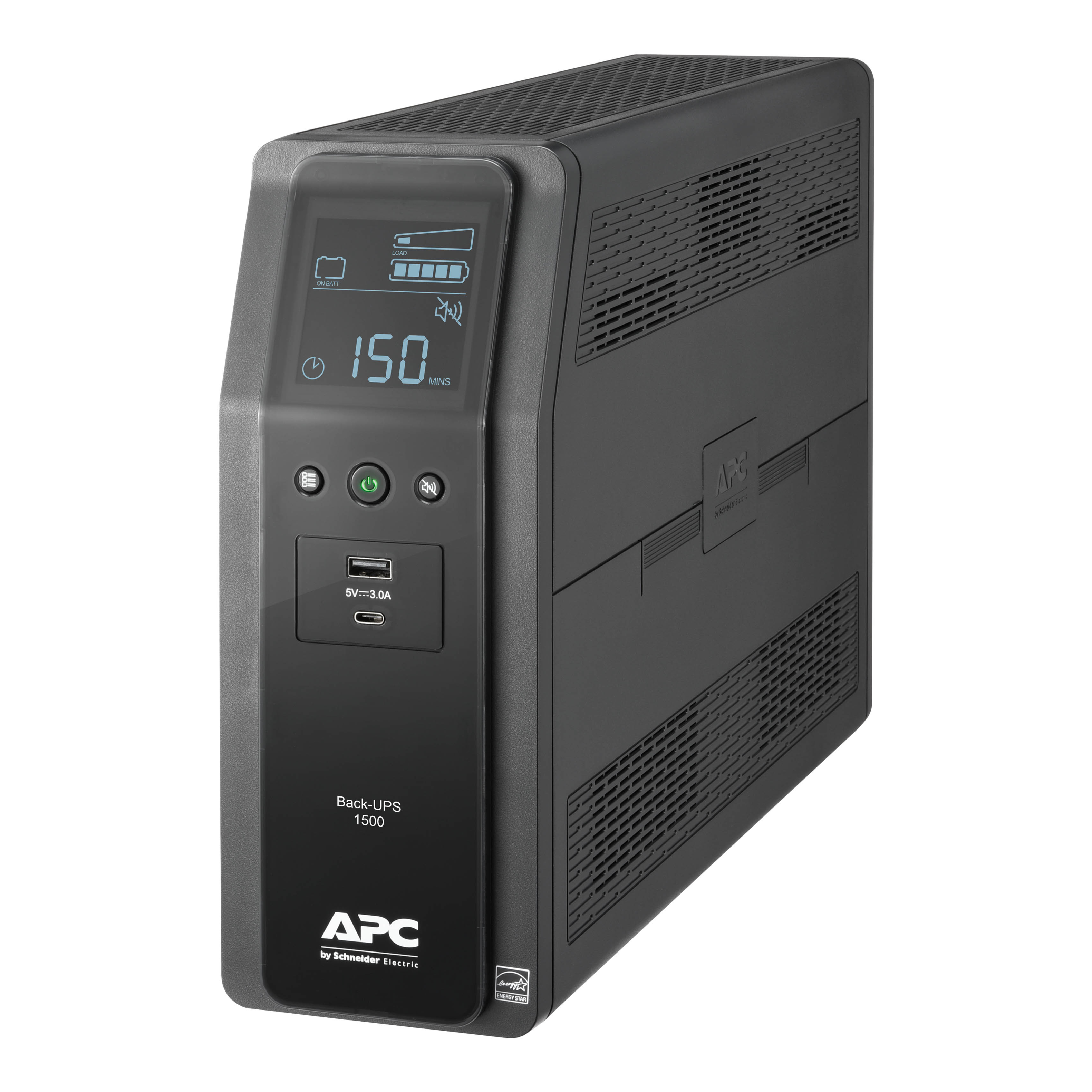
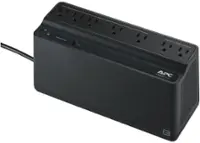
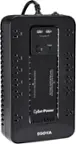
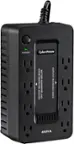
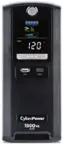
A:AnswerProbably about 15-20 minutes. Should be more than adequate to turn the TV off safely in the event of a significant power outage. If you need to run electronics or appliances for longer periods of time, it would be wise to consider an external back-up generator that could power certain circuits or your entire home.
A:AnswerIf you are talking about a UPS and not a cell phone, then you may not be able to reuse the old batteries. It depends how old they are. You can replace the batteries in the old UPS at either of the two major hardware stores - I just did. There are instructions for ANYTHING on YouTube!
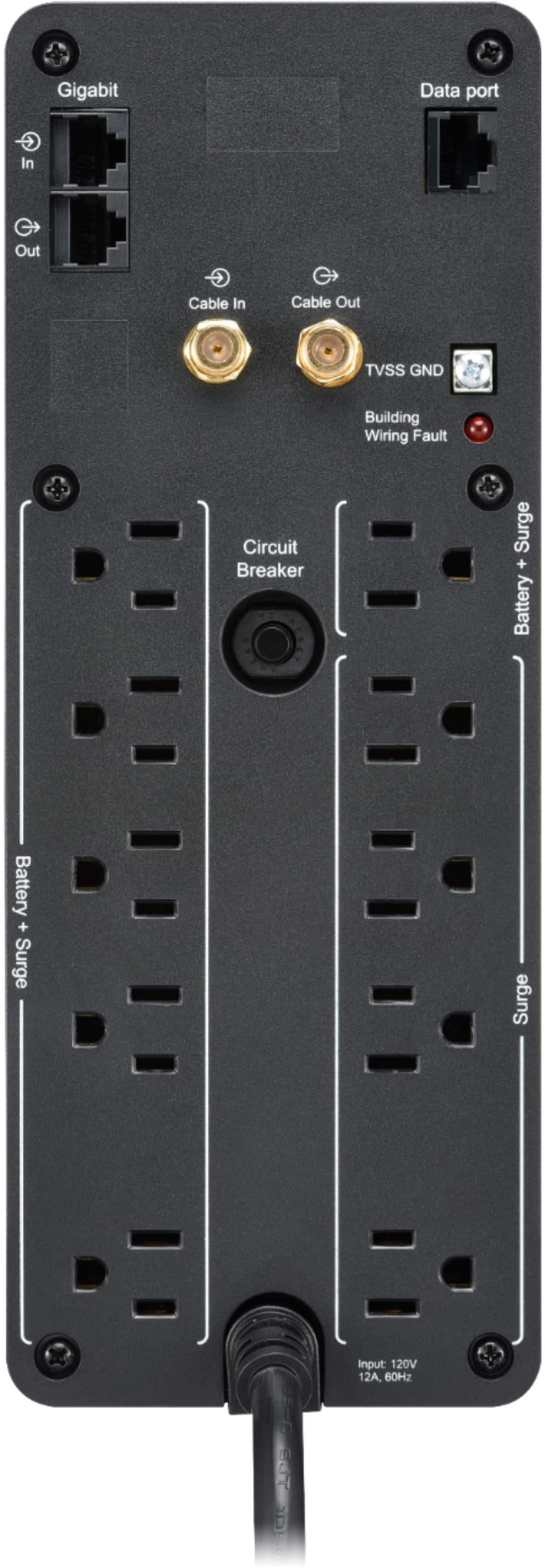
A:AnswerThank you for your interest in our products. Yes the BN1500M2 would come with connections to protect your Ethernet and coax connections. You would just need to run the connection through the UPS.
A:AnswerCheck the power output of your modem and use the calculator on the apc website to get an estimate.
https://www.apc.com/shop/us/en/tools/ups_selector/home/load
A:AnswerCheck the power output of your modem and use the calculator on the apc website to get an estimate.
https://www.apc.com/shop/us/en/tools/ups_selector/home/load
A:AnswerI would say you are correct in your assumption that an additional UPS might be required The wattage you are talking about is your power supply rating I am assuming so highly unlikely you would reach that power consumption at any time. That is just the amount of power it can provide if needed. Never, never plug in a laserjet printer. It will kill your UPS and that is not covered under warranty.
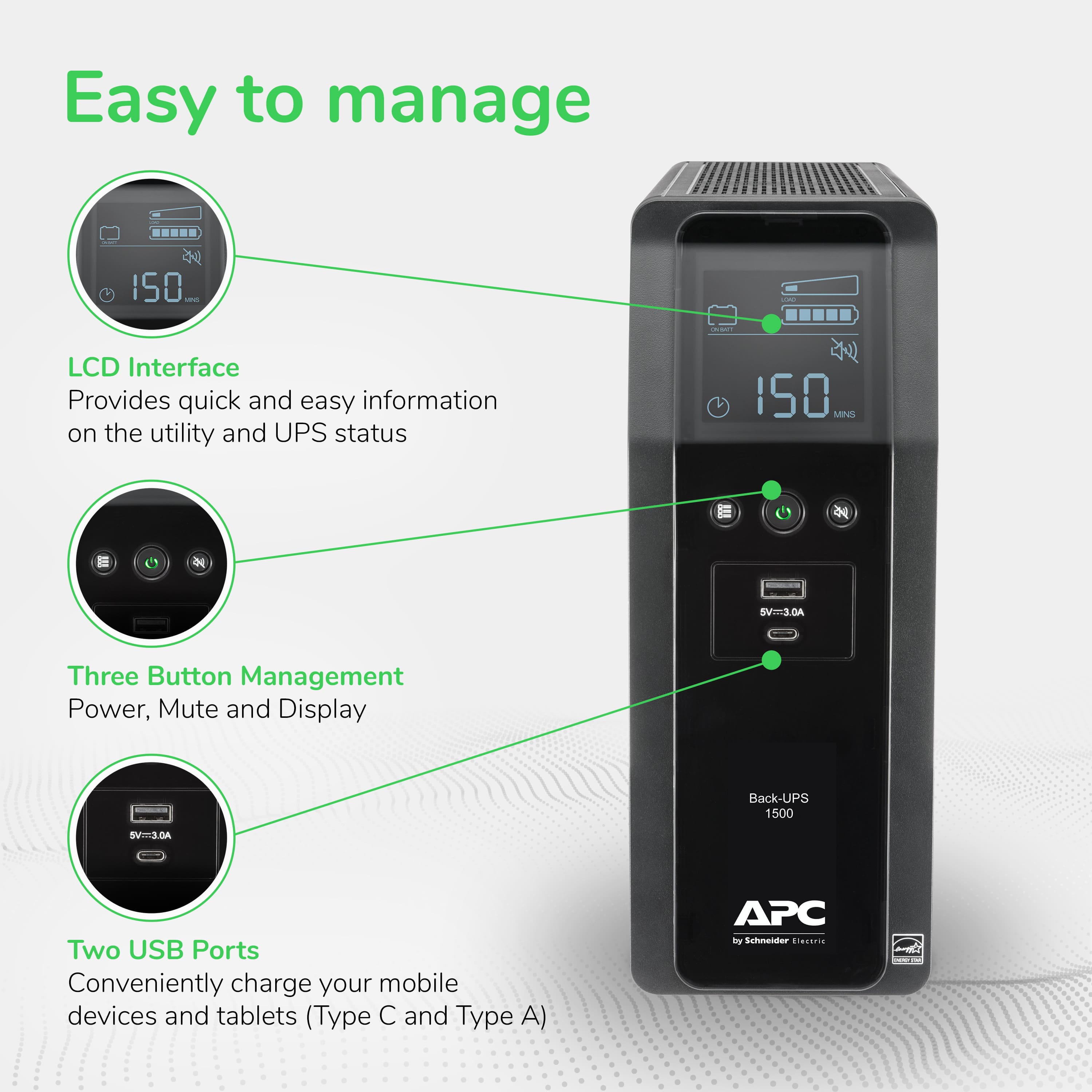
A:AnswerThe alarm can be disabled via the software controller. There are additional options for disabling the alarm when the pc is in hibernation, or you can set the time of day for the alarm to be disabled.