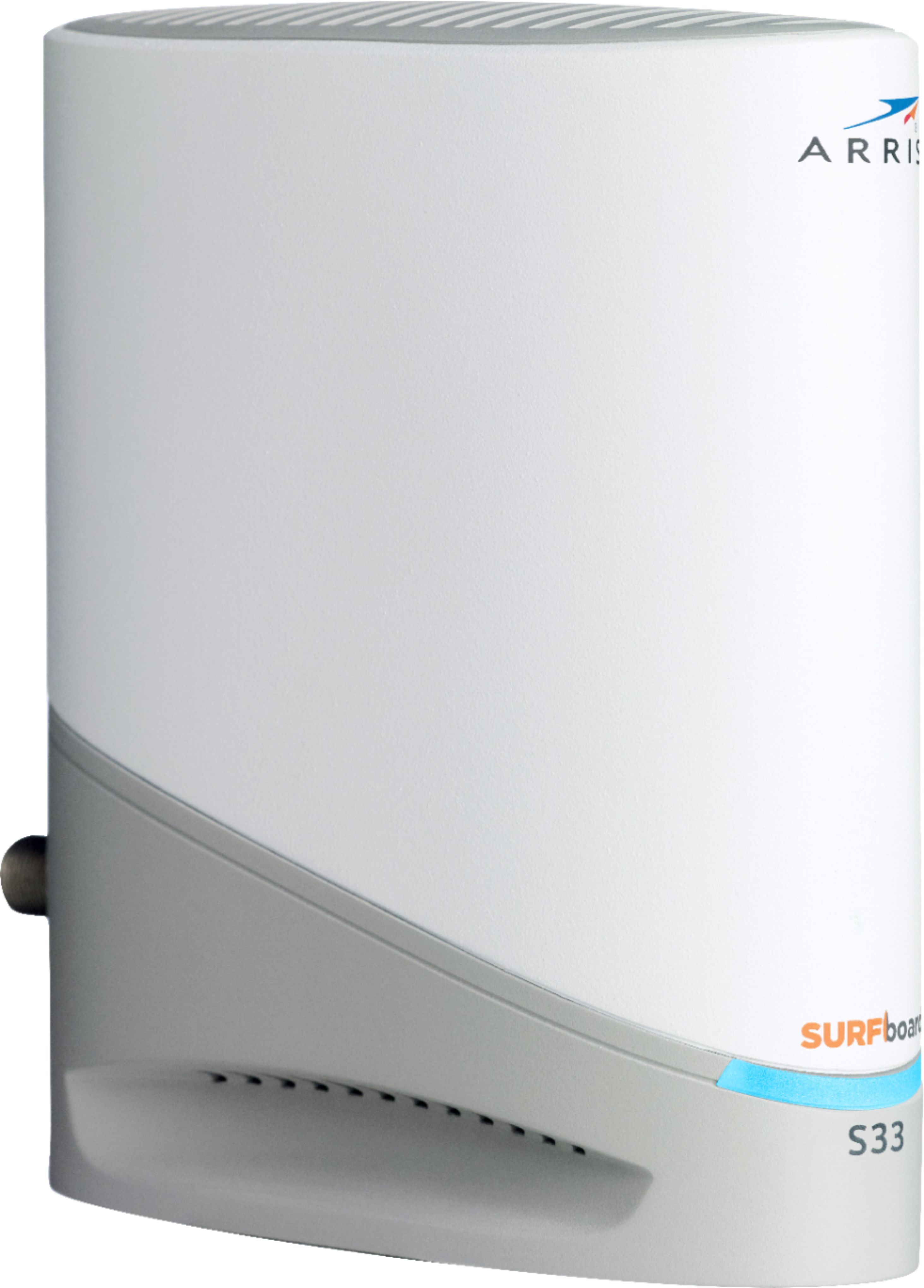
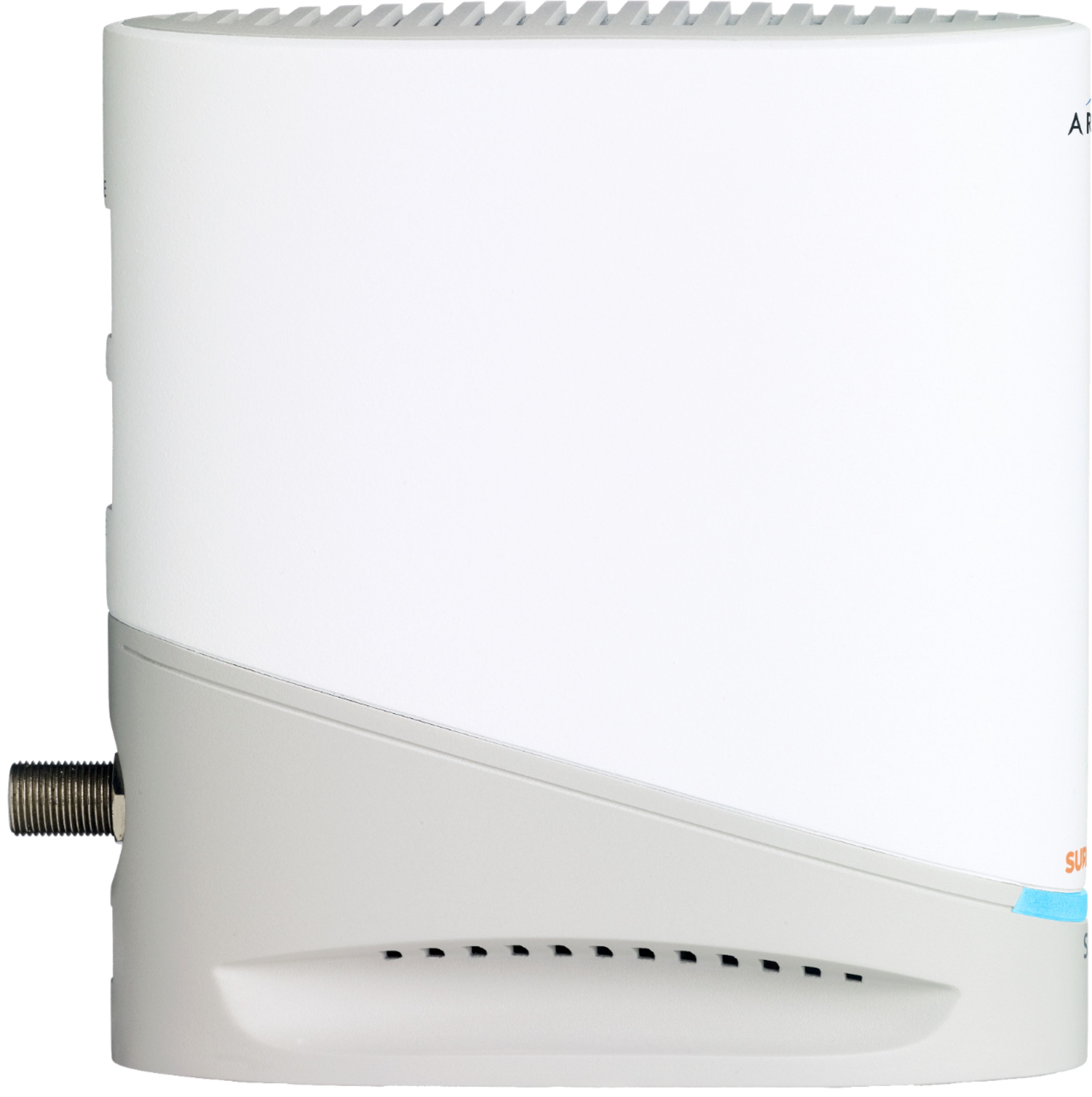
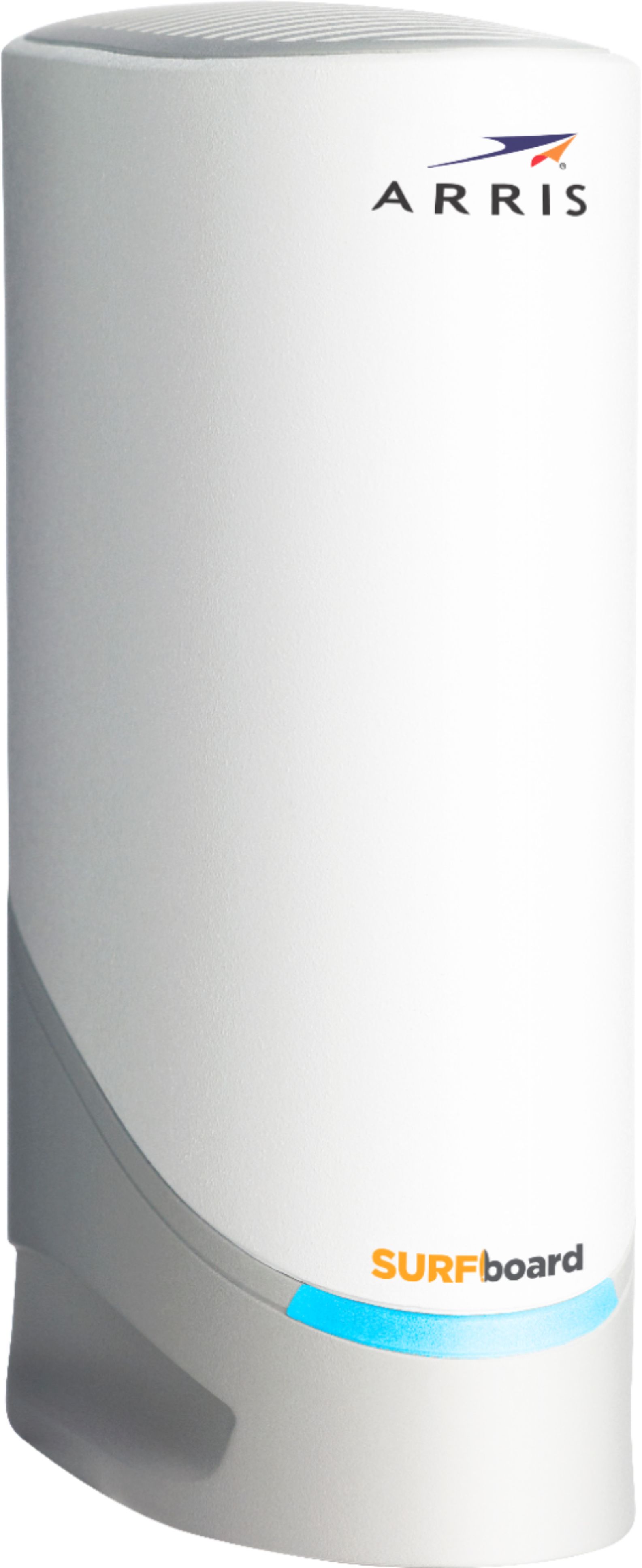
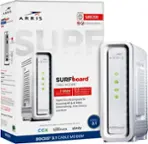
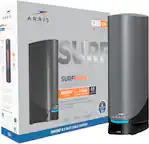
A:AnswerYes. I bought it taking the chance it would work and it worked flawlessly. You can confidently buy it. Most likely if youre experiencing issues, its most likely your ISP though. I got this because my modem seemed to be the weakest link in my home network chain. It didnt immensely improve connection quality. I had an Arris Surfboard before which was still a better option than optimums equipment.
A:AnswerMine gets a little warm but has never gotten hot. I do have it in an open environment though so I can't speak for those who have it inside a console or shelving.
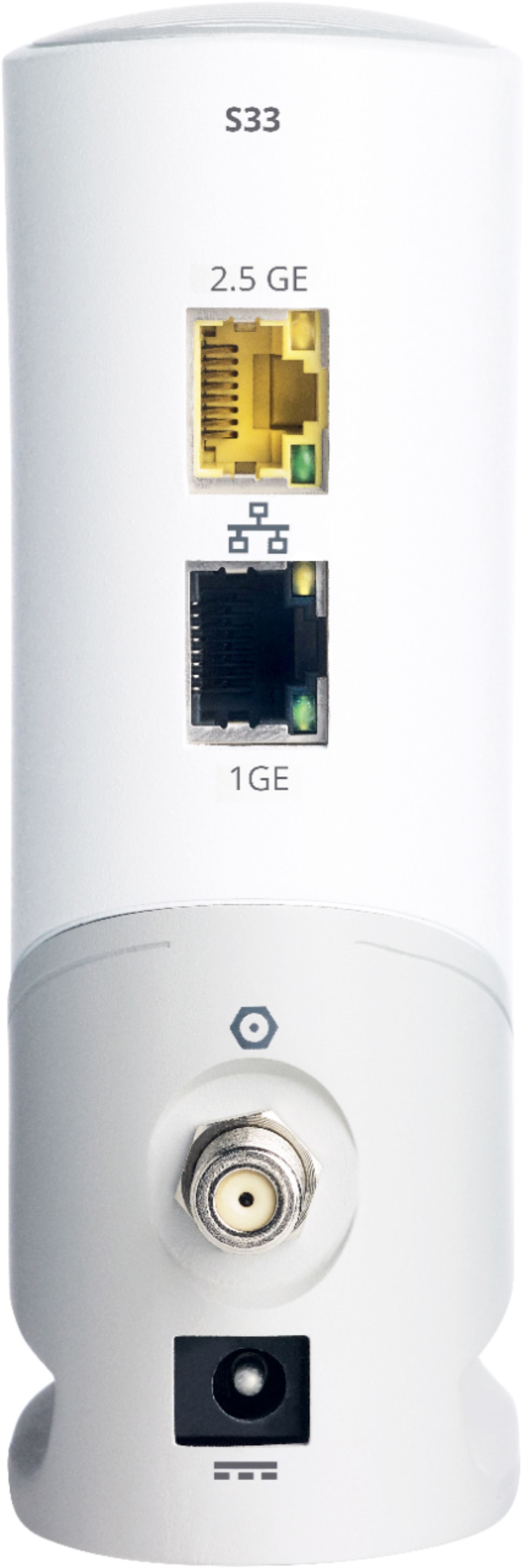
A:AnswerIt supports 5Gb from the internet provider to the modem and then steps that down to 2.5Gb (or slower) to your internal network. If you have money to burn for 2.5Gb switches, good for you, but most PCs and other devices have only 1Gb wired ports.
I am currently only running 1Gb on my internal network for my wired devices. My Wi-Fi is WiFi 6 and it is running at around 500Mb to 750Mb depending on wireless load which is pretty much the fastest you will see unless you have gaming or industrial strength access points. Even then, I have only seen 1Gb on WiFi 6 and 6E.
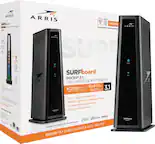
A:AnswerI just purchased the S33 at Best buy in Lynnwood, WA on 6/14/2023, there was no indication on the box of what "Model" it was other than S33, its not until you open the box and look at the Quick Start Guide when you see what "Model" it is, my Model was an S33v2 so yes they do sell the v2. They had a stack of them there at the time of purchase but do not know if they are all v2's or if a mix. According to the feedback here from Arris it sounds like it doesn't matter anyway, but their issue is that there is a new version v2 and we all think that means its improved based on how other products present model #'s, this just adds in the case a bit of confusion.
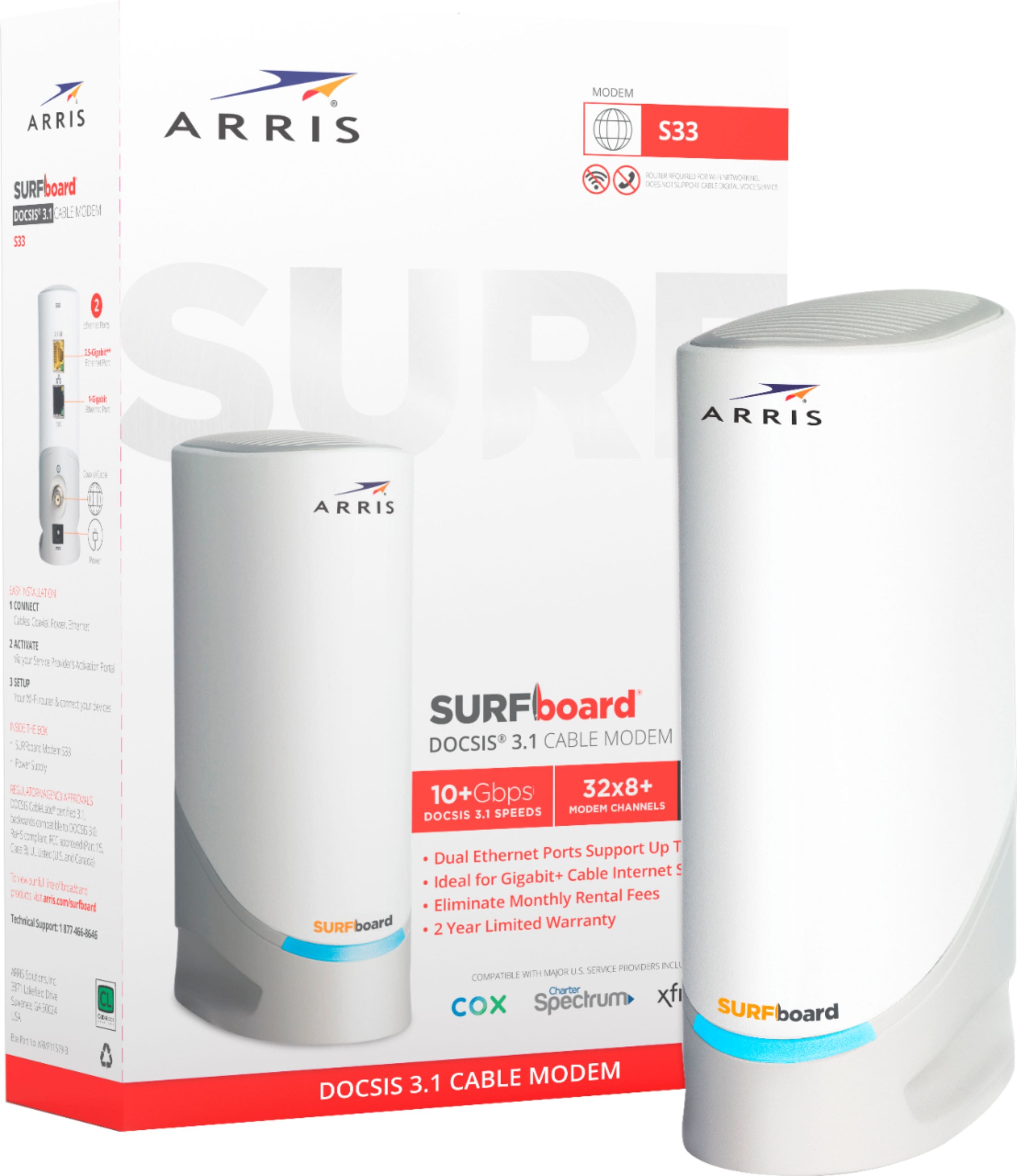
A:AnswerS33 is compatible to work with major cable internet service providers that allow DOCSIS 3.0/DOCSIS 3.1 retail devices to be provisioned on their network. Please contact your internet service provider to verify the compatibility
A:AnswerHi,
It really depends on your ISP, normally they only let you use 1 port on your modem unless they unlock the 2nd port your only going to be able to use one and not the other.... this modem is brand new so future services might unlock more features....
A:AnswerNo. Your ISP will probably allow only one IP address from the modem. Ask if they can provision for both ports. It would be great if it was easy to do as you asked!