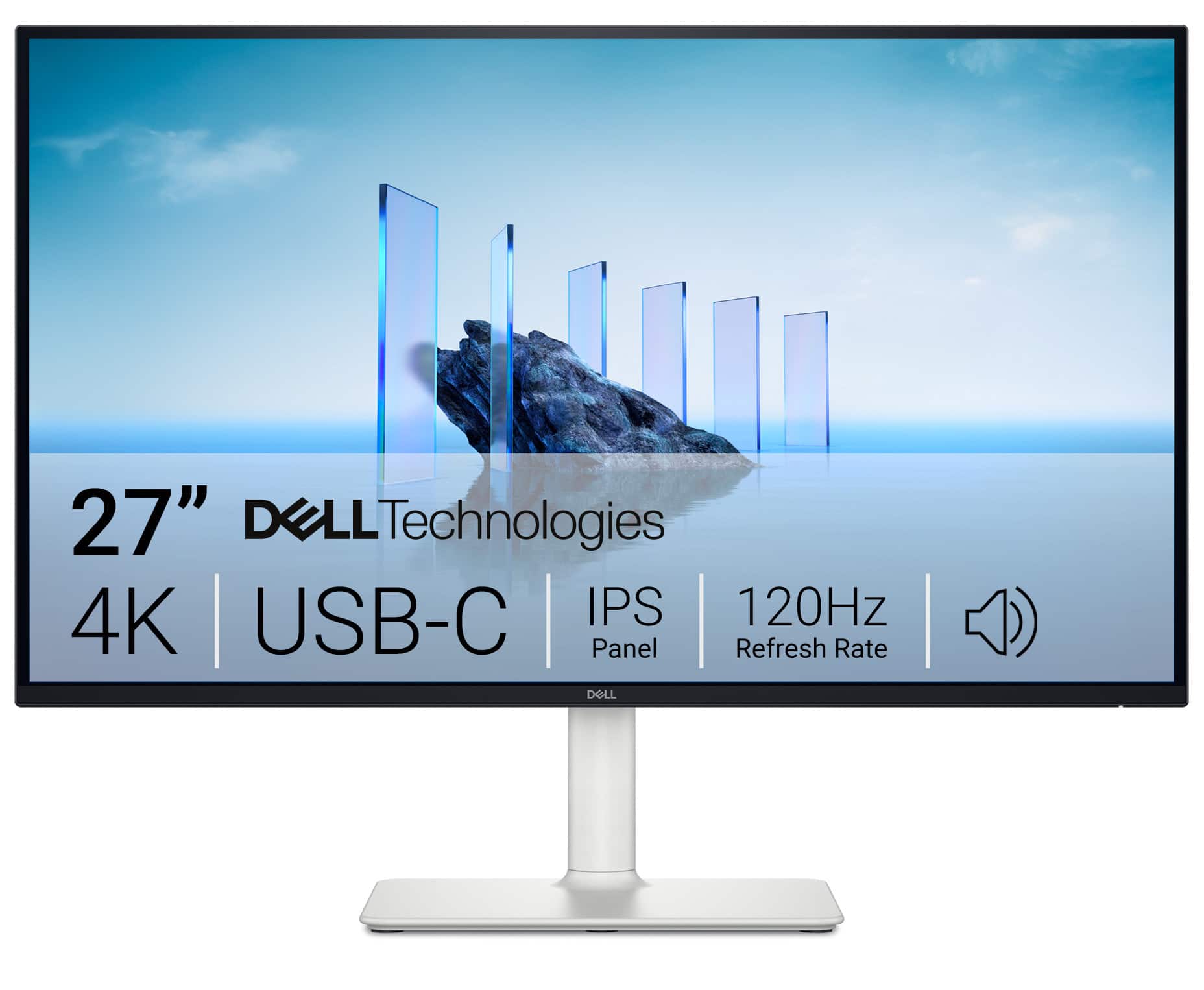
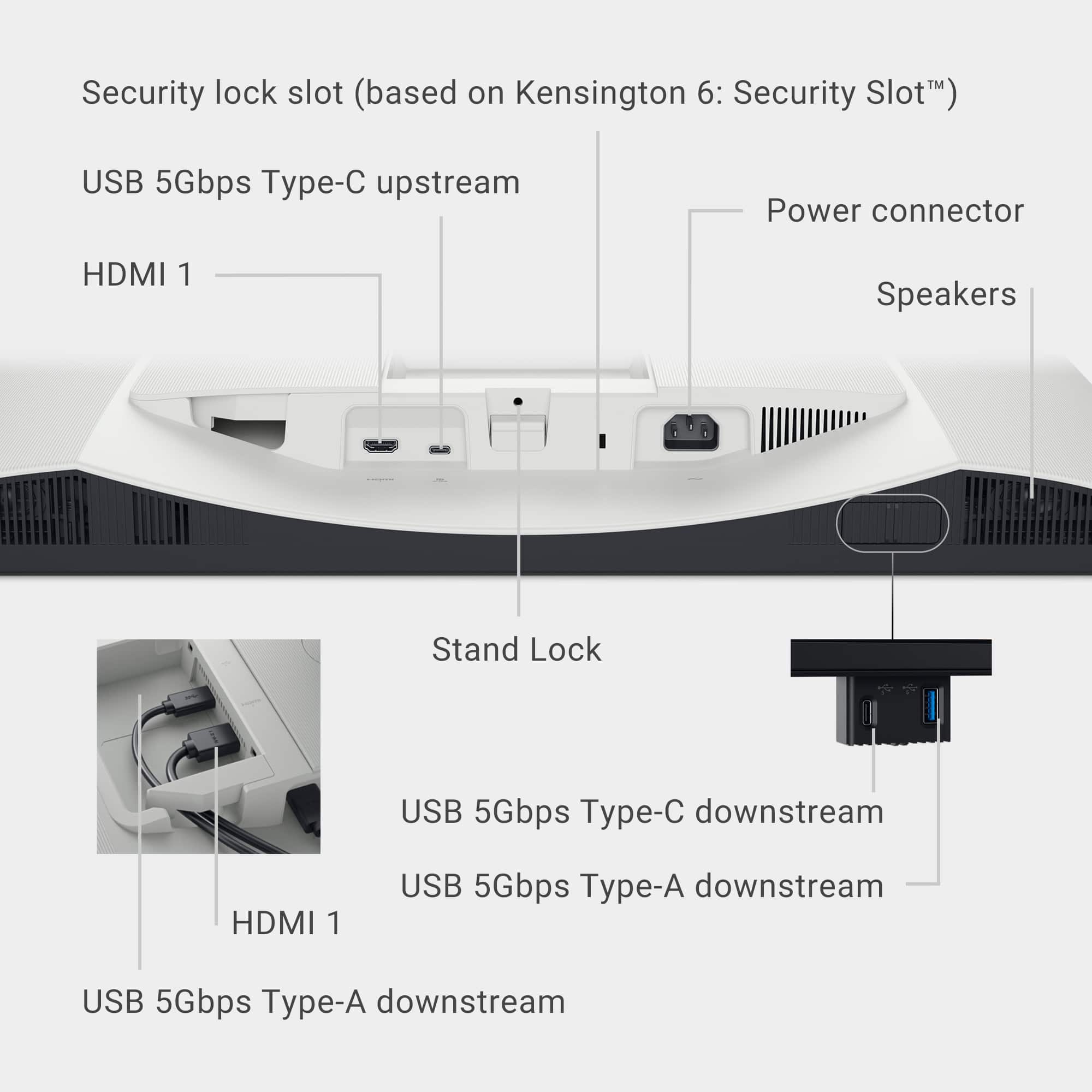
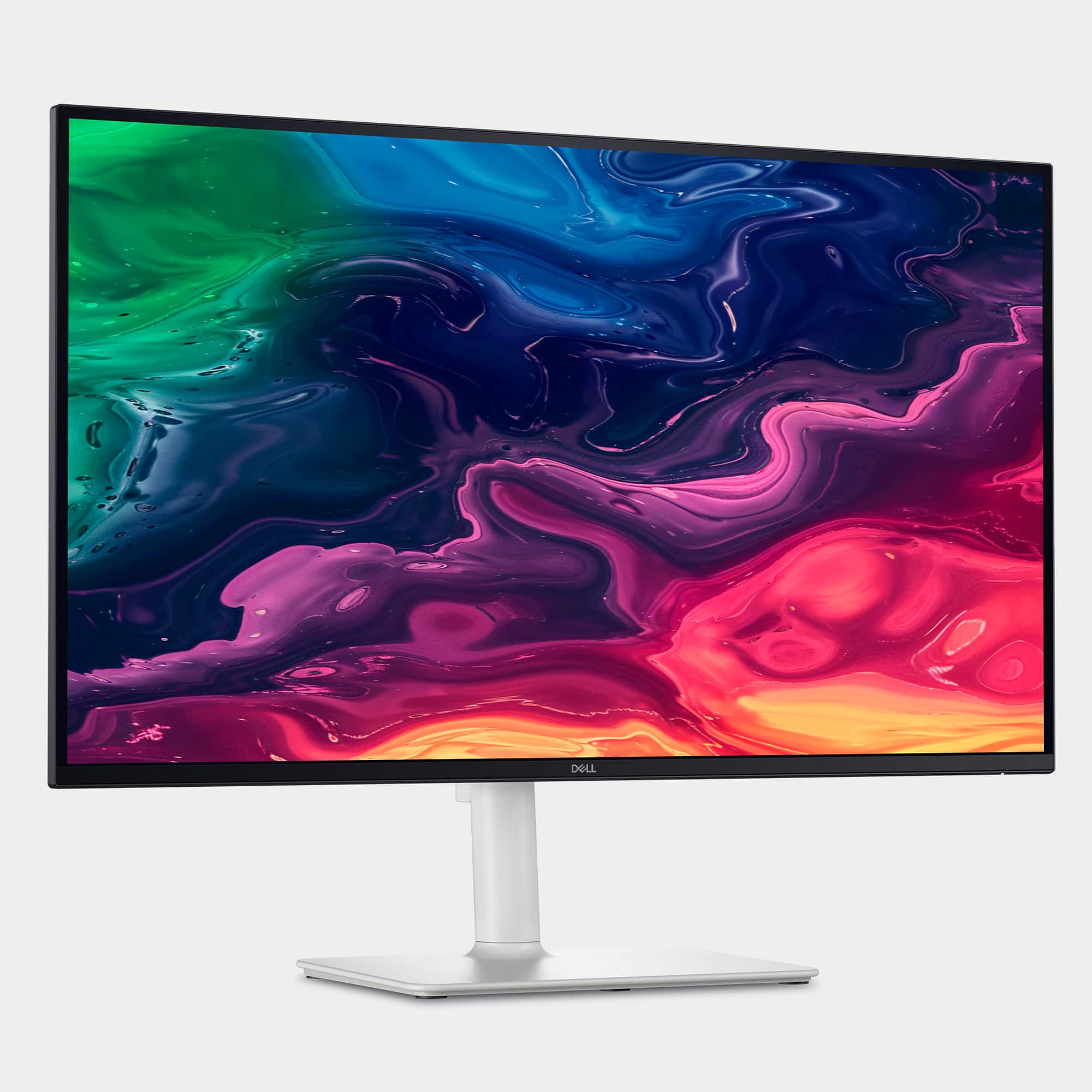
A:Answer The Dell S2725QC monitor does have built-in speakers (2 x 5W), and it can play audio from HDMI sources, including a DVD player. However, if you're not getting sound, here are some things to check:
Checklist to Get Sound from Your DVD Player via HDMI:
Confirm HDMI Audio Output from DVD Player.
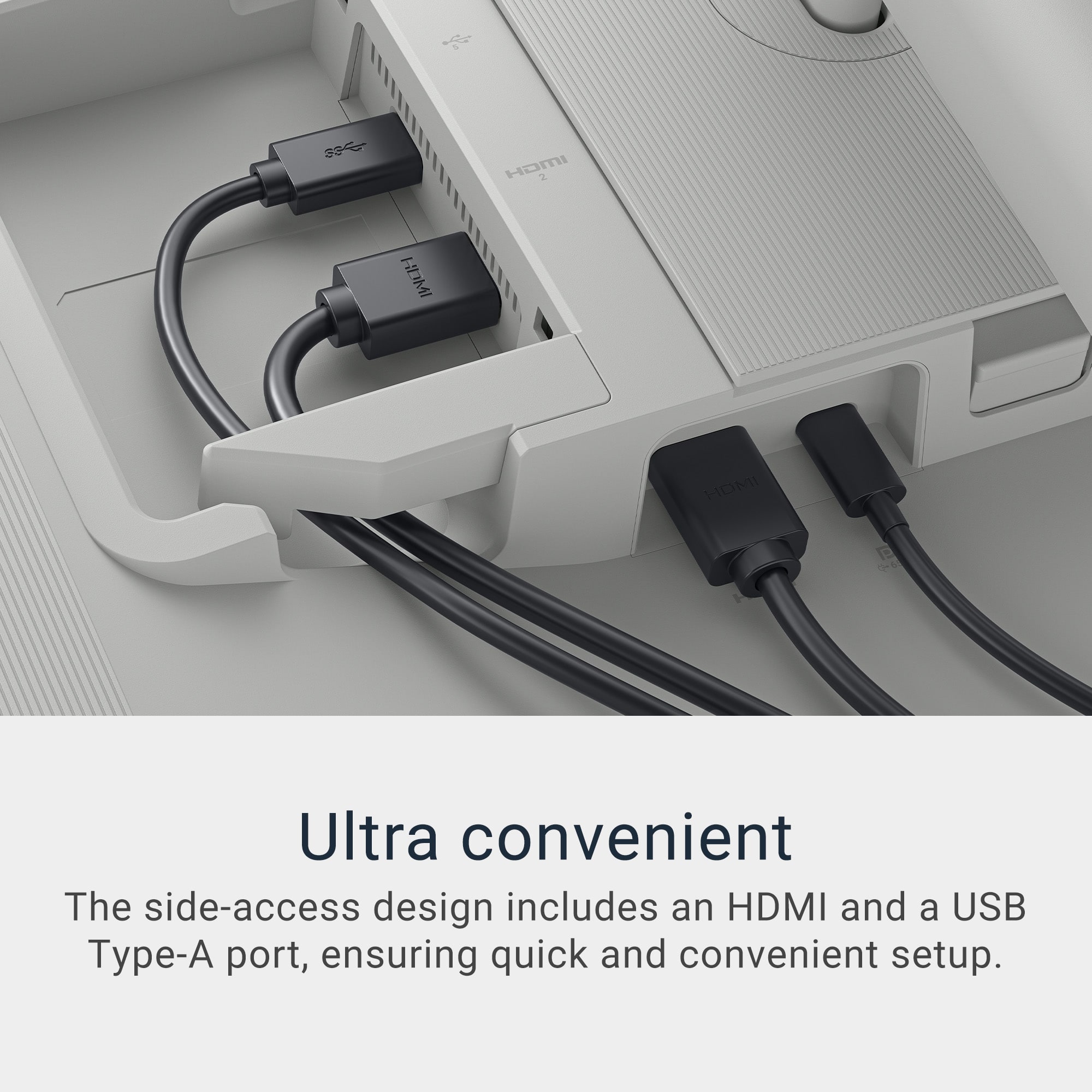
Use the Correct HDMI Port: The S2725QC has two HDMI 2.1 ports. Either should work, but try both to rule out port-specific issues.
Set the Monitor as the Audio Output Device.
Check Monitor Volume.
Try a Different HDMI Cable.
Firmware Update.