A:AnswerThat doesn't sound right. Please send an email to support@ecobee.com with your ecobee serial number and router make and model number. Always happy to help!
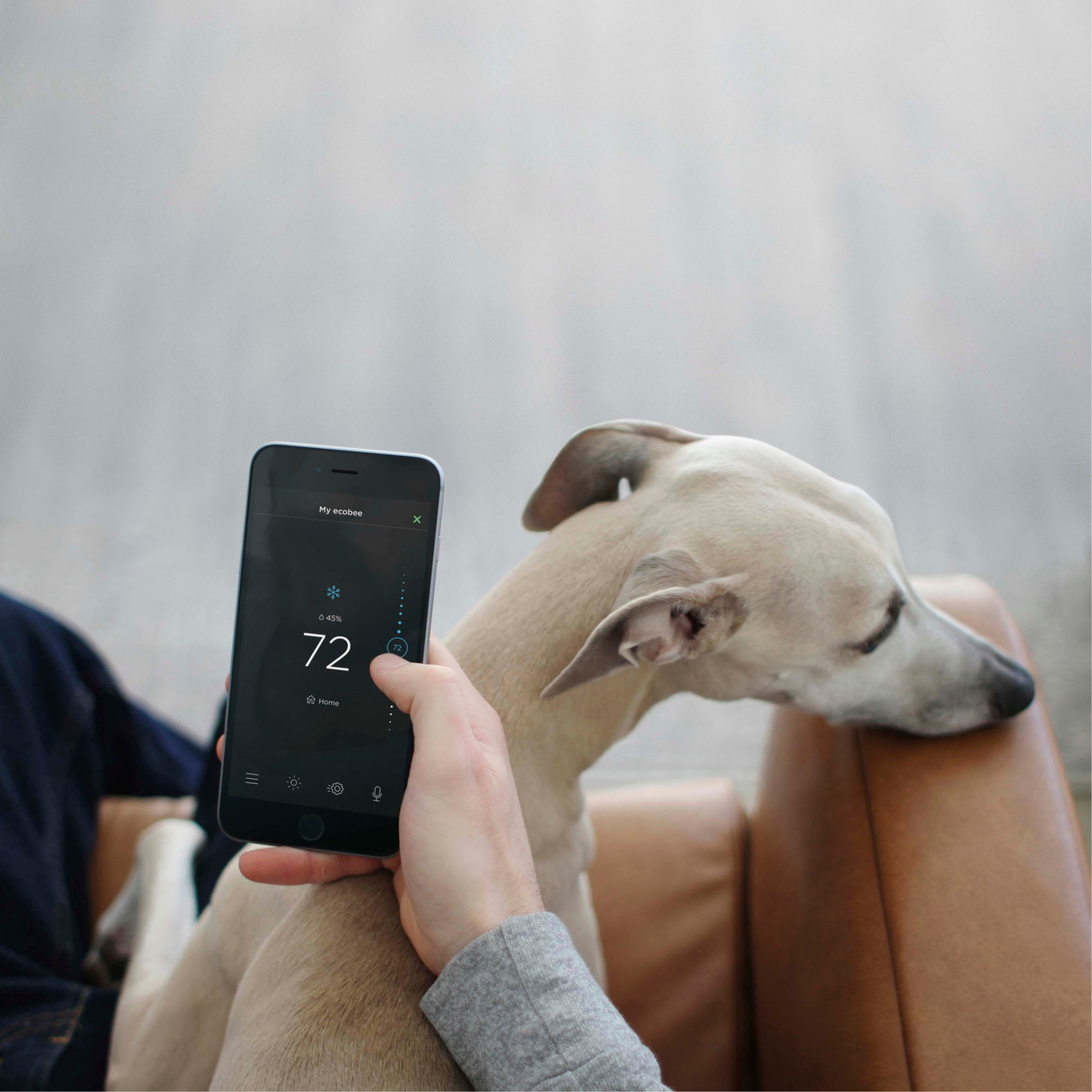
A:AnswerI have not tried to turn off or on my ecobee. I do use Alexa to “set temperature “ to a specific number and Alexa does it every time. With ecobee I am able to use the app, home favorites on iPhone or Alexa. All works great
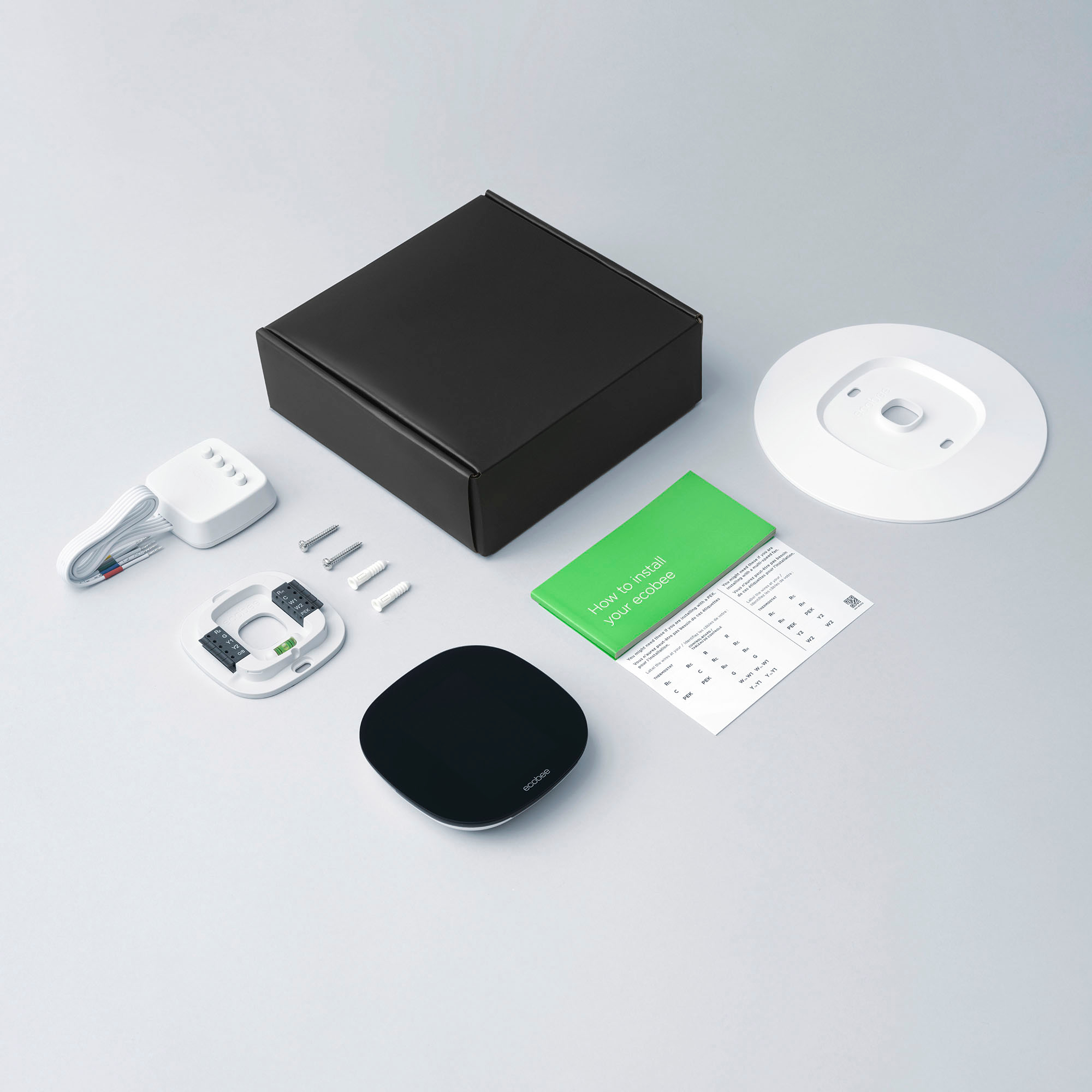
A:AnswerYes. All ecobee smart thermostats require a C wire. If you do not have a C wire you may be able to install with the included Power Extender Kit. Learn more: https://support.ecobee.com/s/articles/Installing-your-ecobee-thermostat-with-the-Power-Extender-Kit-no-C-wire
A:AnswerNo, you will just loose the outside temperature and weather readings plus… if you were using the ecobee app to control the thermostat that will no longer function. If you have a new ISP (Internet service provider) why not assign the new one to your thermostat.
A:AnswerHi Matt! We'll need a little more info in order to determine compatibility. Please send an email to support@ecobee.com with the model # and a photo of your wiring. Always happy to help!
A:AnswerI was able to install the ecobee thermostat on my own. That is because I had the wiring needed. The thermostat needs something called a C-wire. This means that the thermostat will not be powered by batteries but by the ac unit. Check to see if your current thermostat is needs batteries. If you need batteries, you might not have a C-wire. I will call a technician if you need a C-wire. If you have C-wire, be safe and give it a try.
A:AnswerThis should work fine as long as you give each Ecobee its own name. You could even manage each one from the same tablet as long as each one has its own name. Just create your Ecobee account and add each one with a name specific to the area of the home that it is in.
A:AnswerYes we do. Learn more here: https://support.ecobee.com/hc/en-us/articles/115006077367-What-types-of-HVAC-systems-are-ecobee-thermostats-compatible-with-
A:AnswerLet's take a closer look at this together. Please send an email to support@ecobee.com. I also recommend visiting the following link for helpful tips and tricks: https://www.ecobee.com/compatibility/https://support.ecobee.com/hc/en-us/articles/115000279168-How-do-I-enable-Auto-Heat-Cool-on-my-ecobee-thermostat-
A:AnswerYes! Check out this handy support article with all the auto heat/cool change settings.
https://support.ecobee.com/hc/en-us/articles/115000279168-How-do-I-enable-Auto-Heat-Cool-on-my-ecobee-thermostat-#:~:text=Auto%20mode%20on%20your%20ecobee,between%20heating%20and%20cooling%20seasons.&text=The%20cooling%20set%20point%20is,heating%20set%20point%20is%20orange