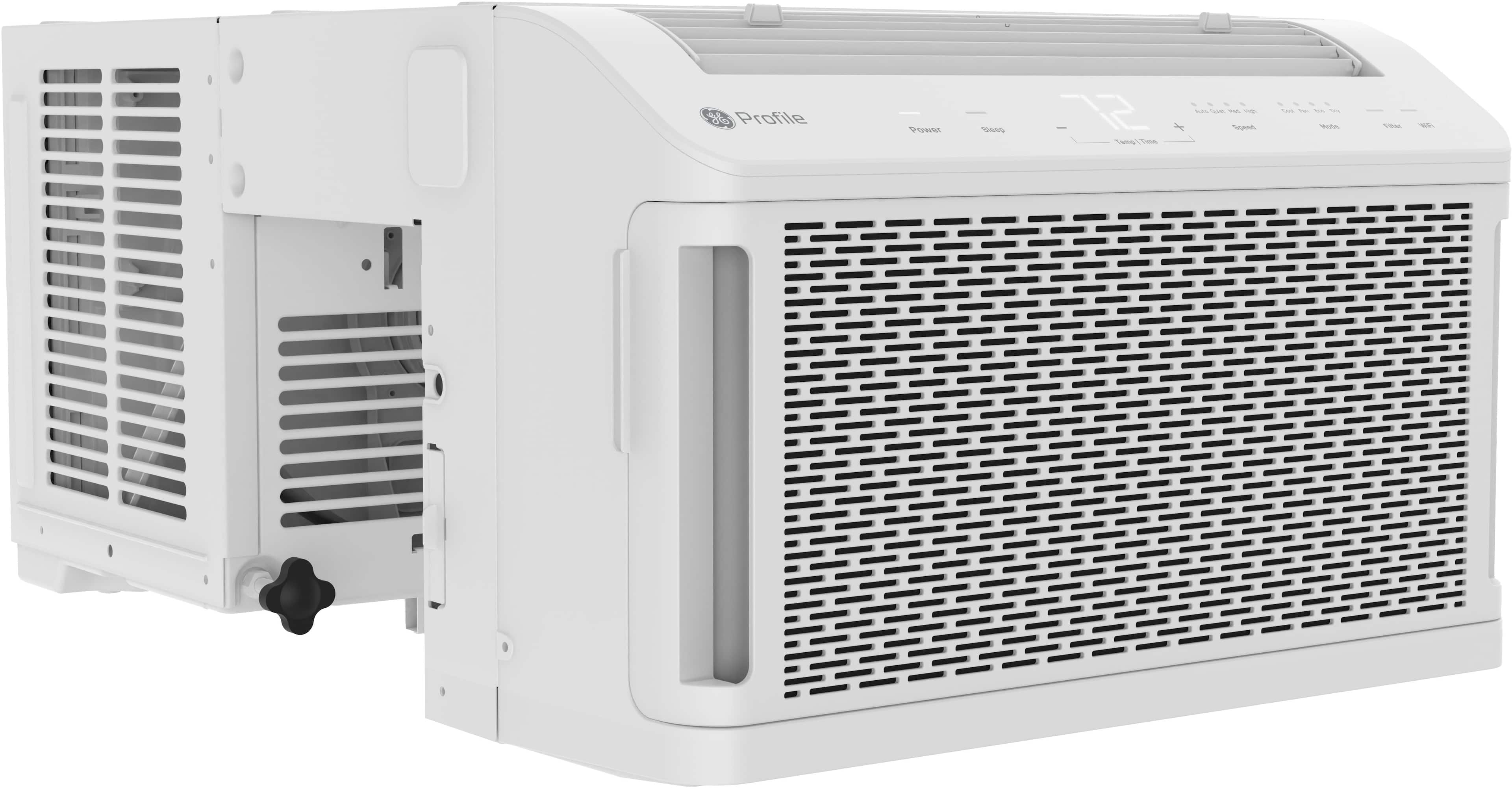
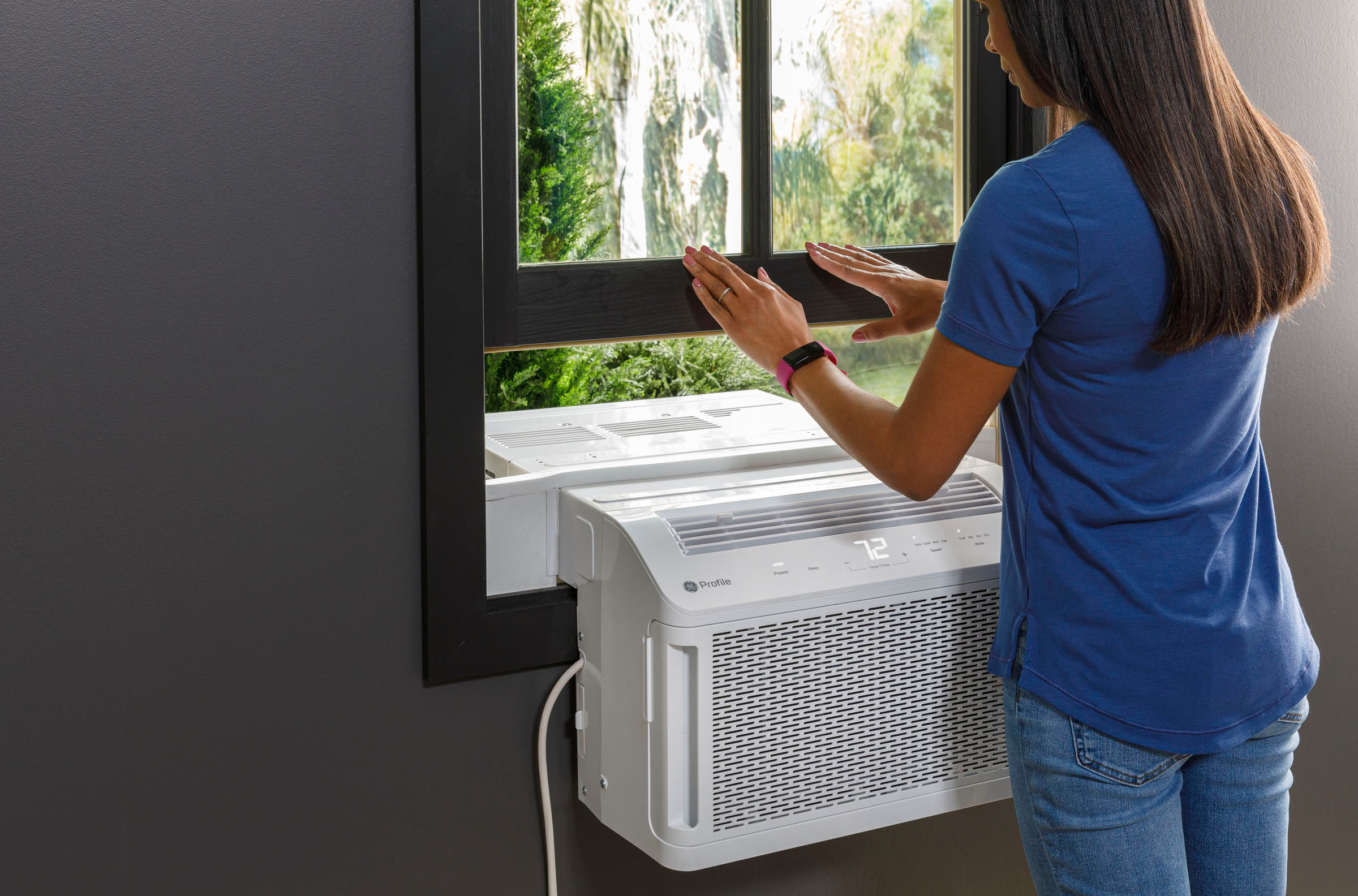
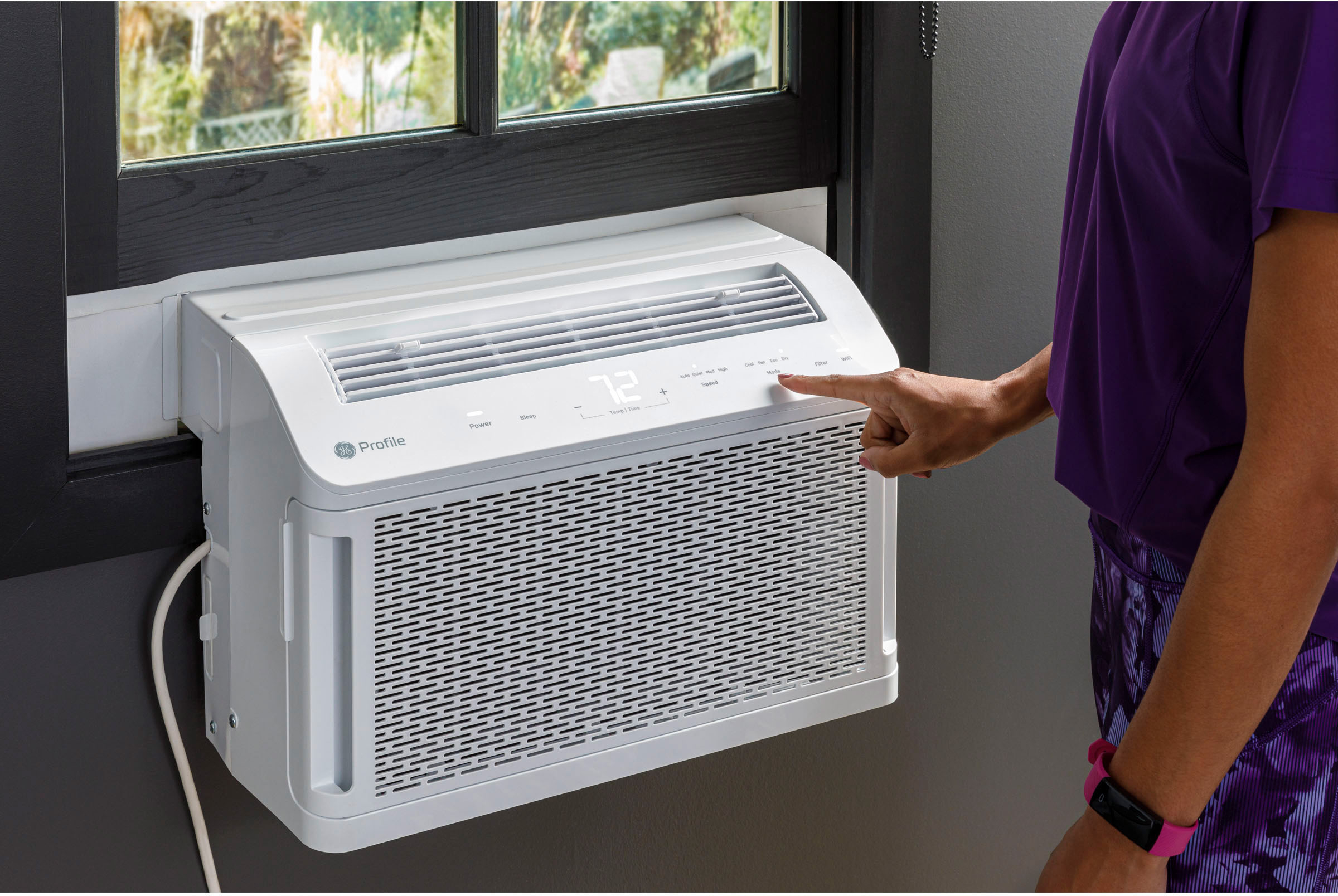
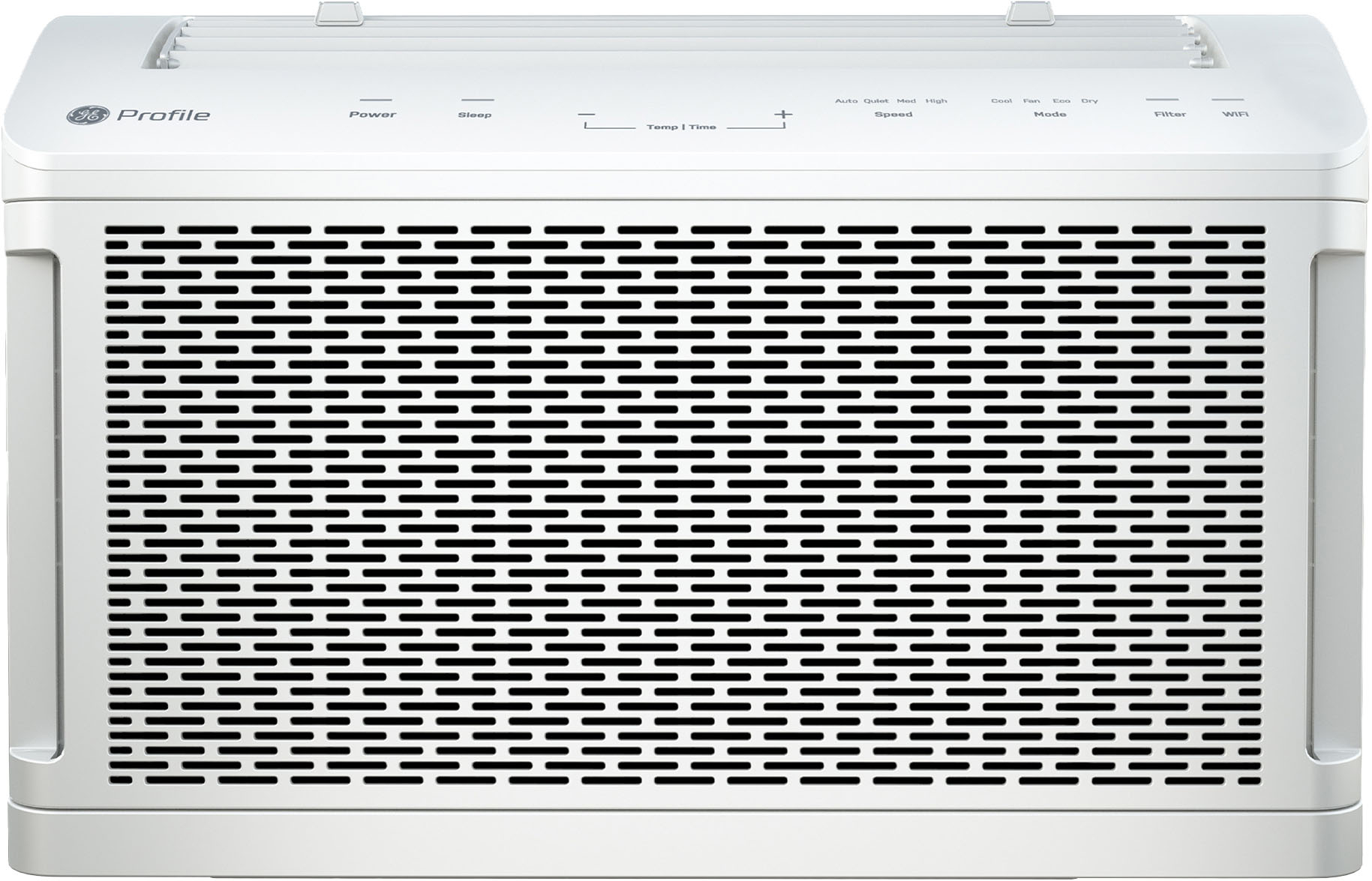
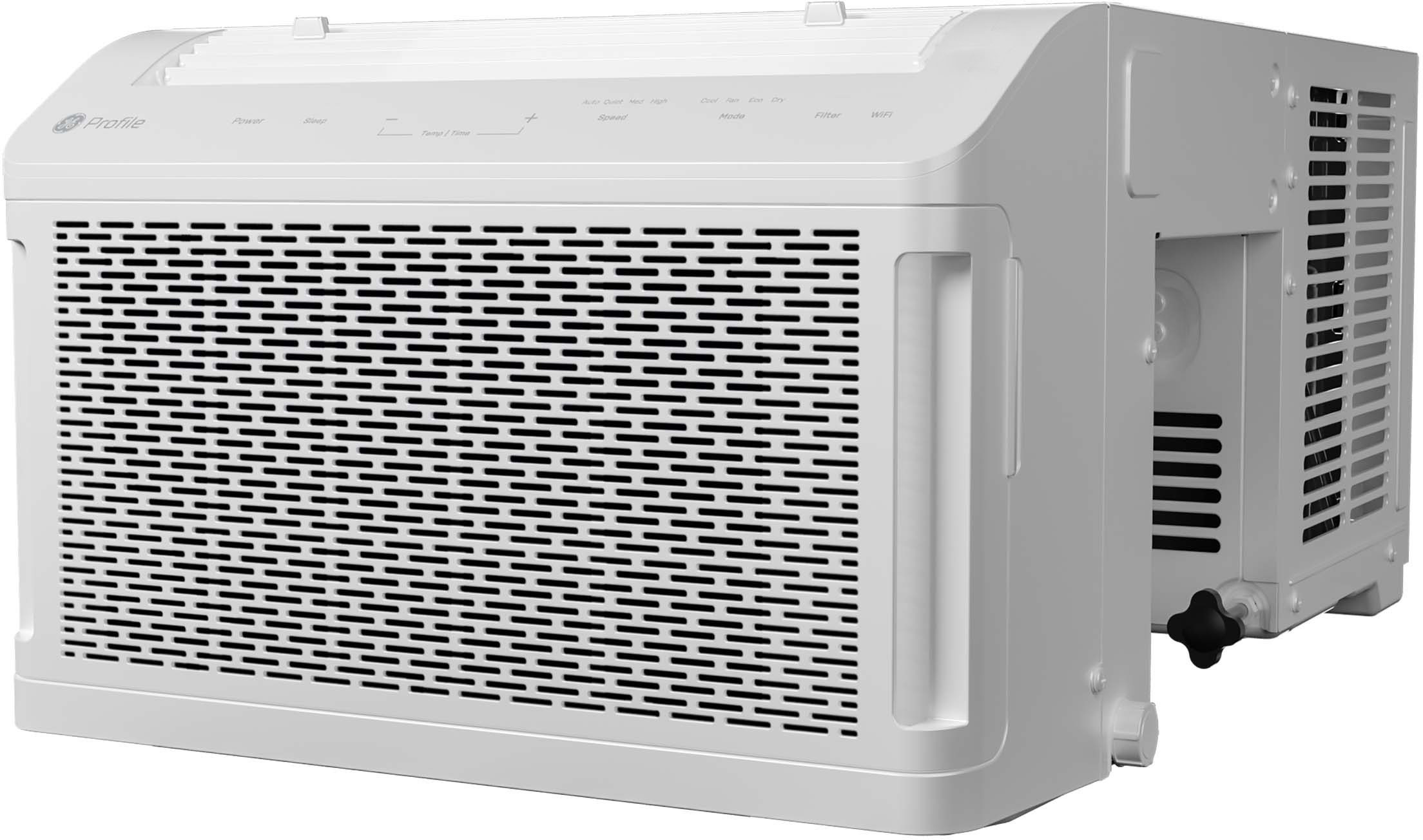
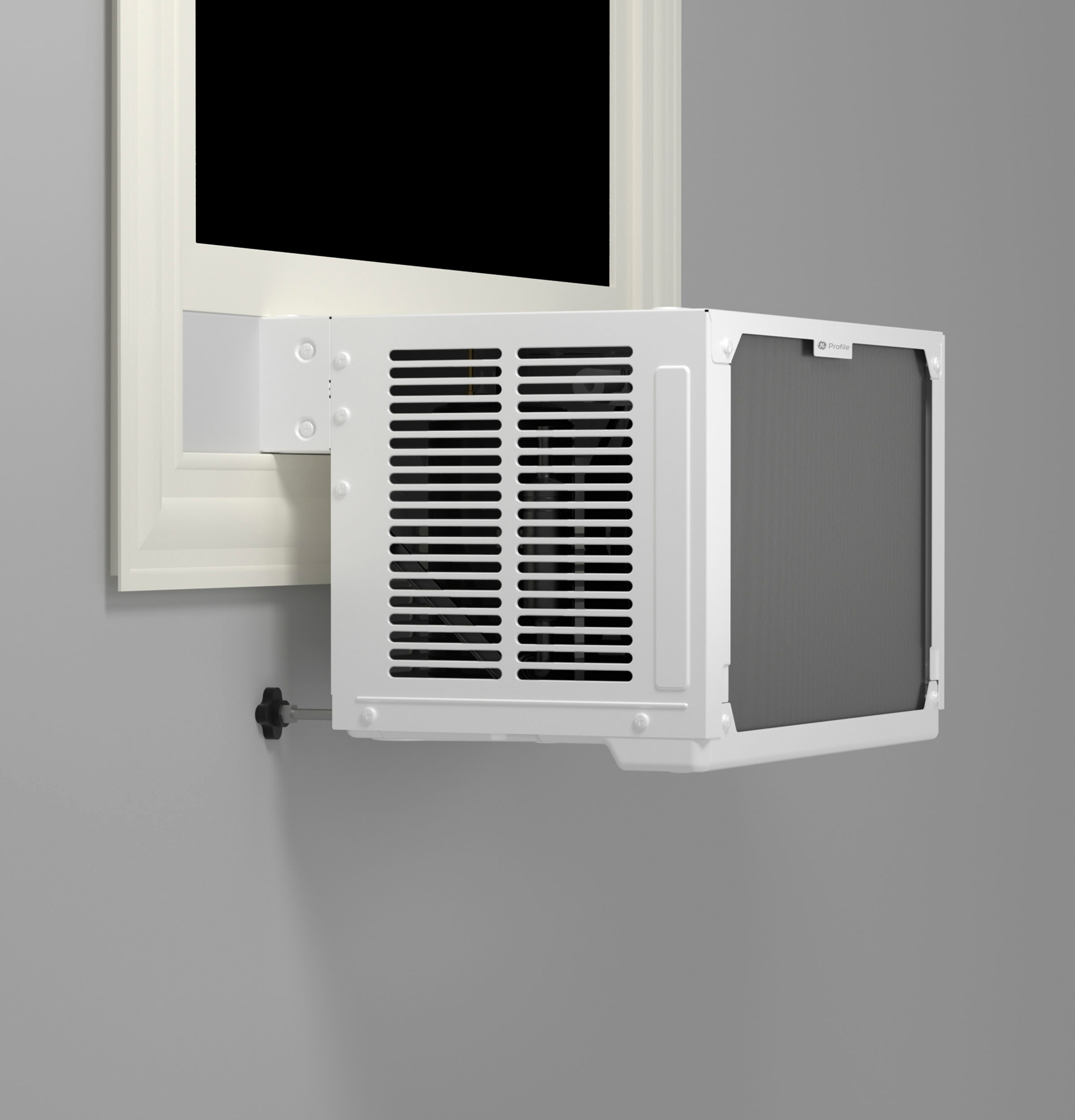
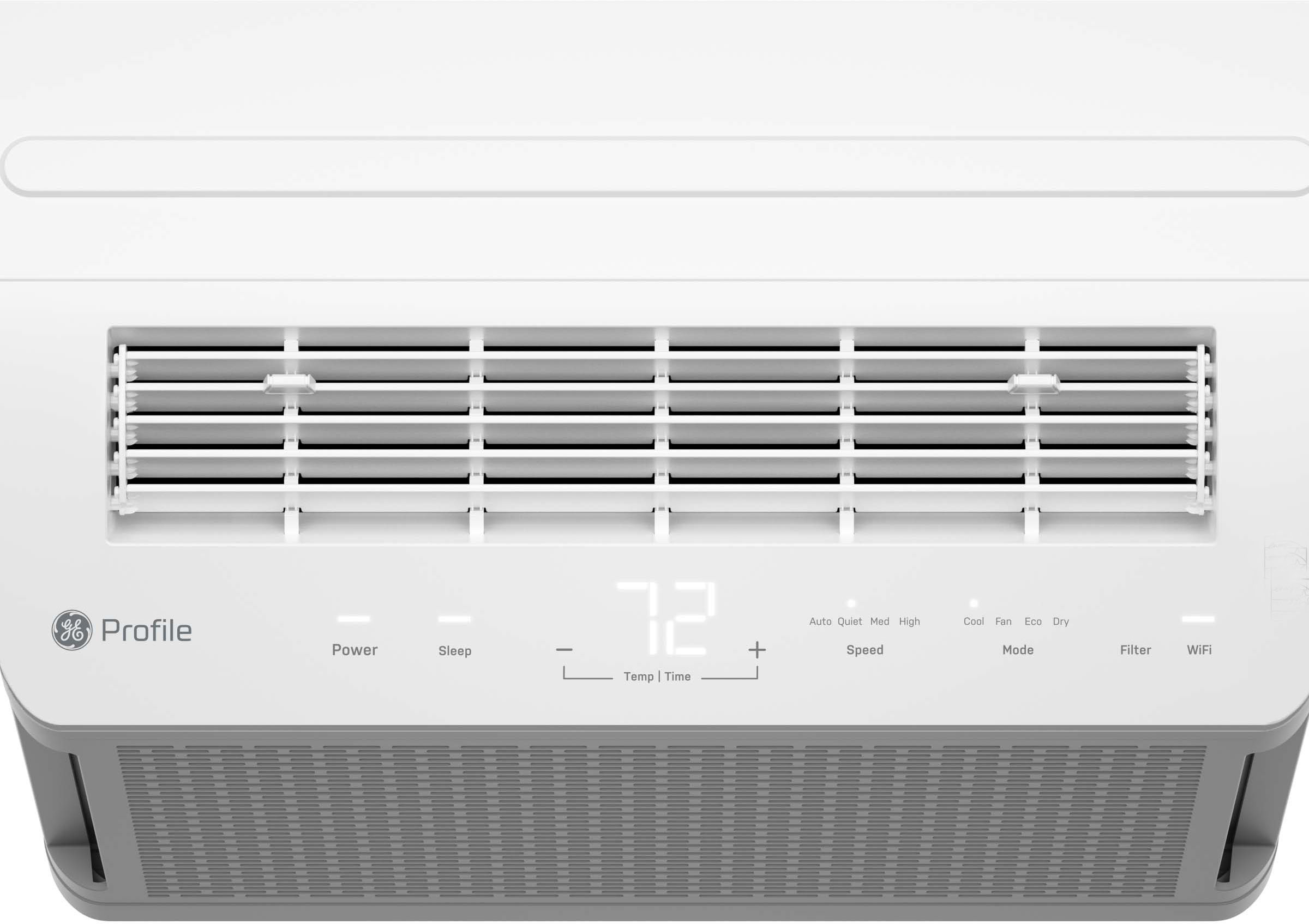
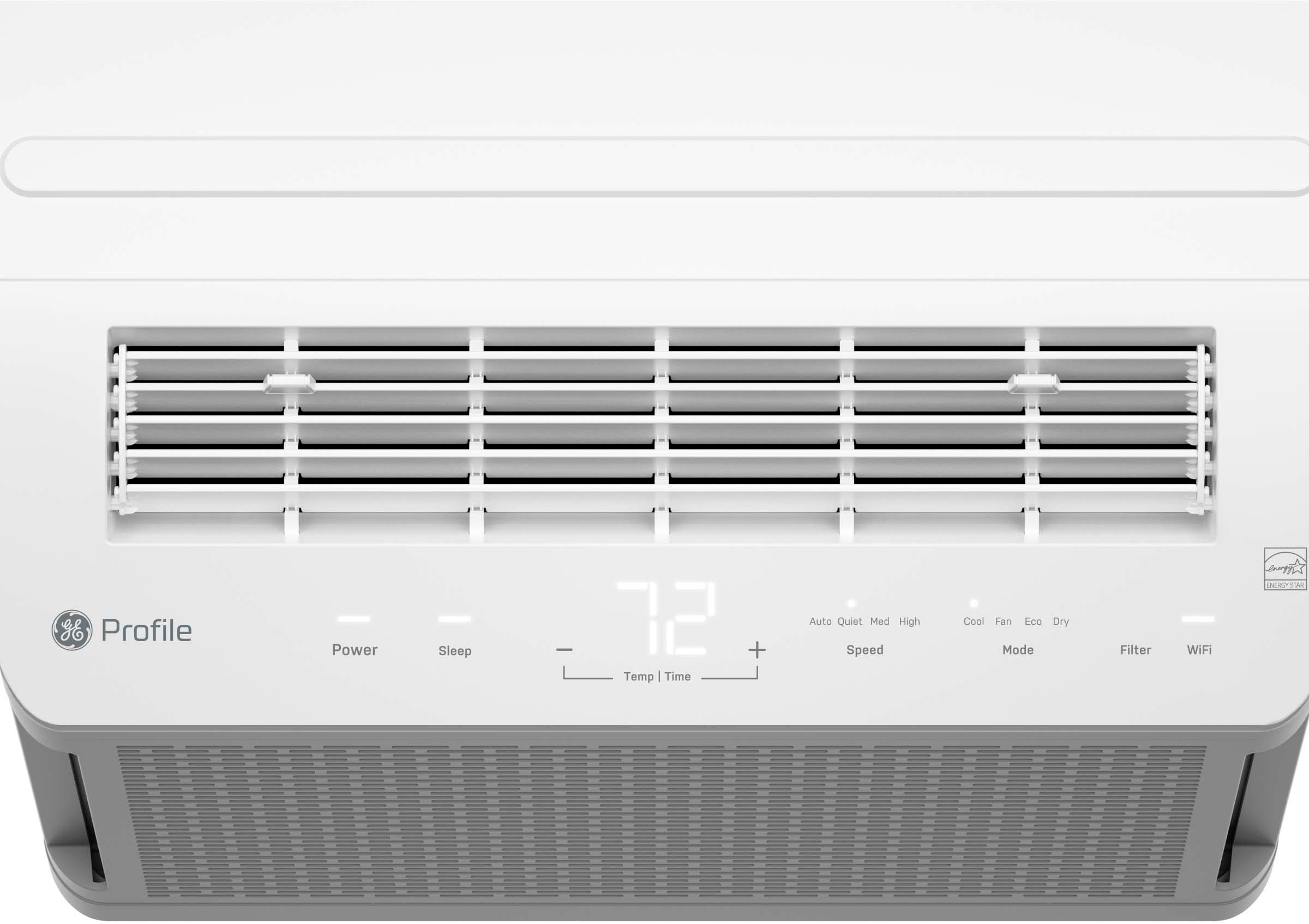
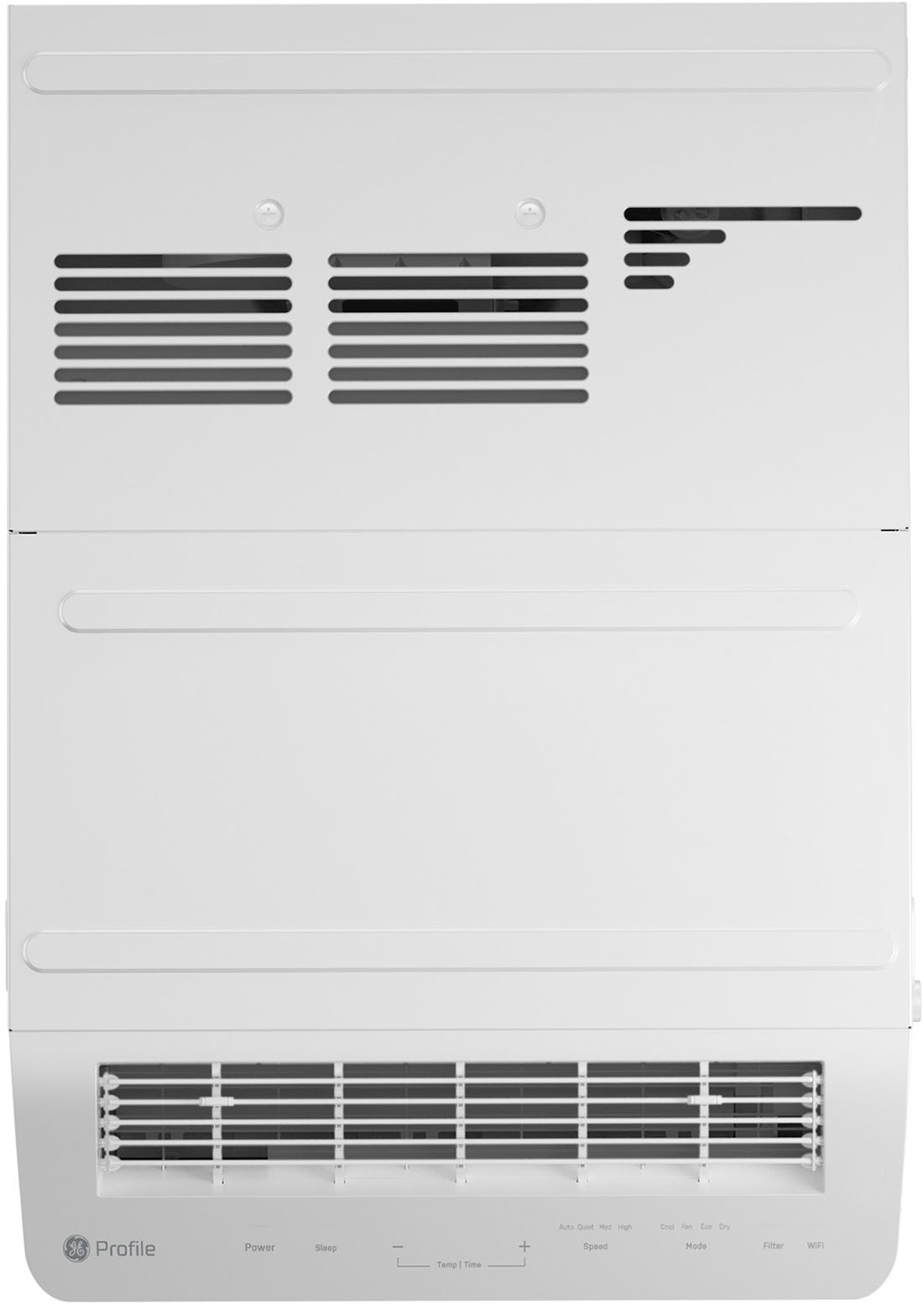
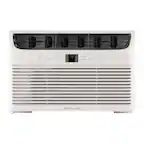
A:Answer Hello - we hate to hear that you’re having issues with your new air conditioner and can certainly understand why you’d like some clarification on that. According to the manual, if your unit is displaying the “P1” code, the pump has had a problem or failed. Drain the indoor side of the unit per instructions in the “Care and Cleaning, Draining the Unit” section. Hold down the SLEEP button for 3 seconds to clear the error message. If the error code persists, the pump will need to be serviced. You can take advantage of your warranty and schedule service online by visiting the GE Appliances website or by calling 1-800-432-2737. We hope this is informative and please feel free to reach out anytime if you have additional questions or concerns. Warm regards. Lauren@GEA