Save up to 50% on 3-Day Sale deals.Ends 12/7.Shop now

Main Content

Questions & Answers

Your price for this item is $439.99
Page Showing 1-10 of 10 questions
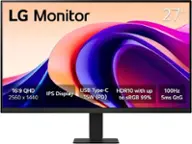
  • QuestionWhat is the maximum resolution of the monitor?

    • Answer The maximum resolution of the monitor is 2560 x 1440.
    This question and answer was generated by AI based on customer and product data.
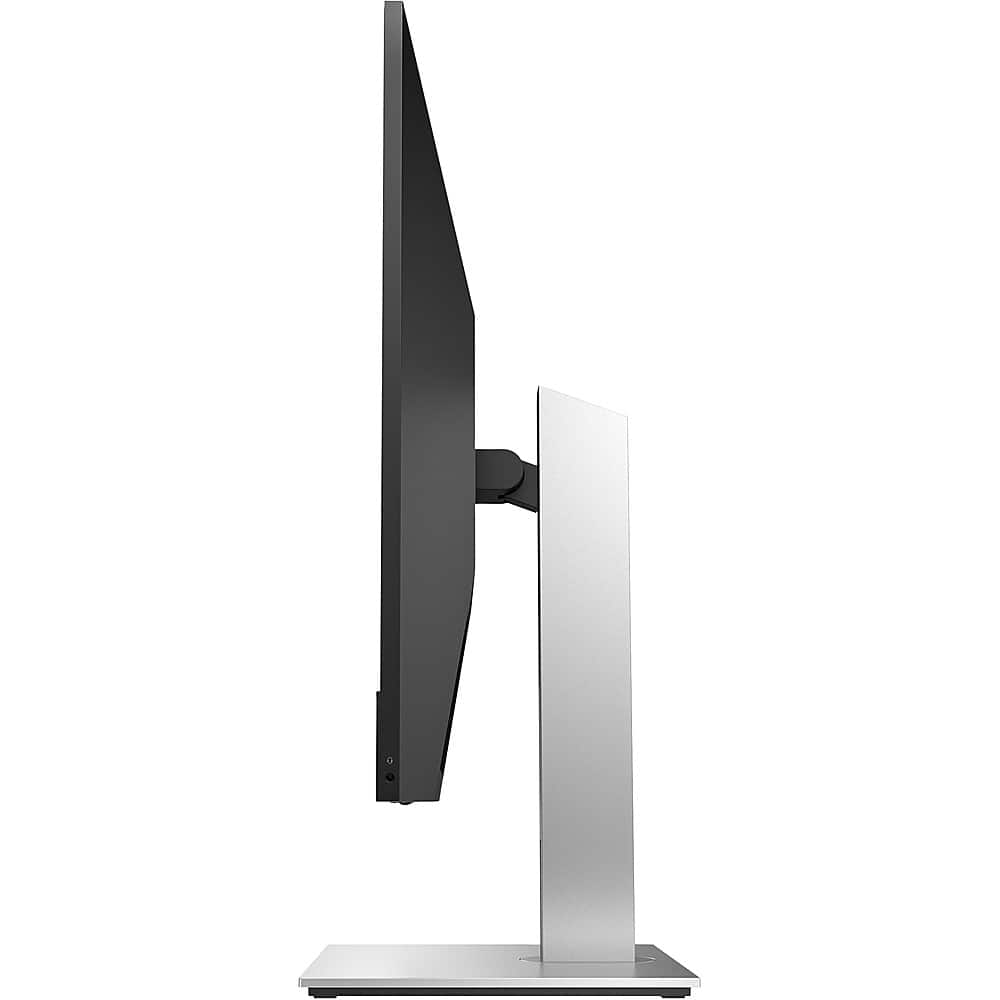
  • QuestionWhat are the monitor's dimensions?

    • Answer The monitor is 24 1/10 inches wide, 15 3/5 inches high without the stand, and 21 69/100 inches high with the stand.
    This question and answer was generated by AI based on customer and product data.

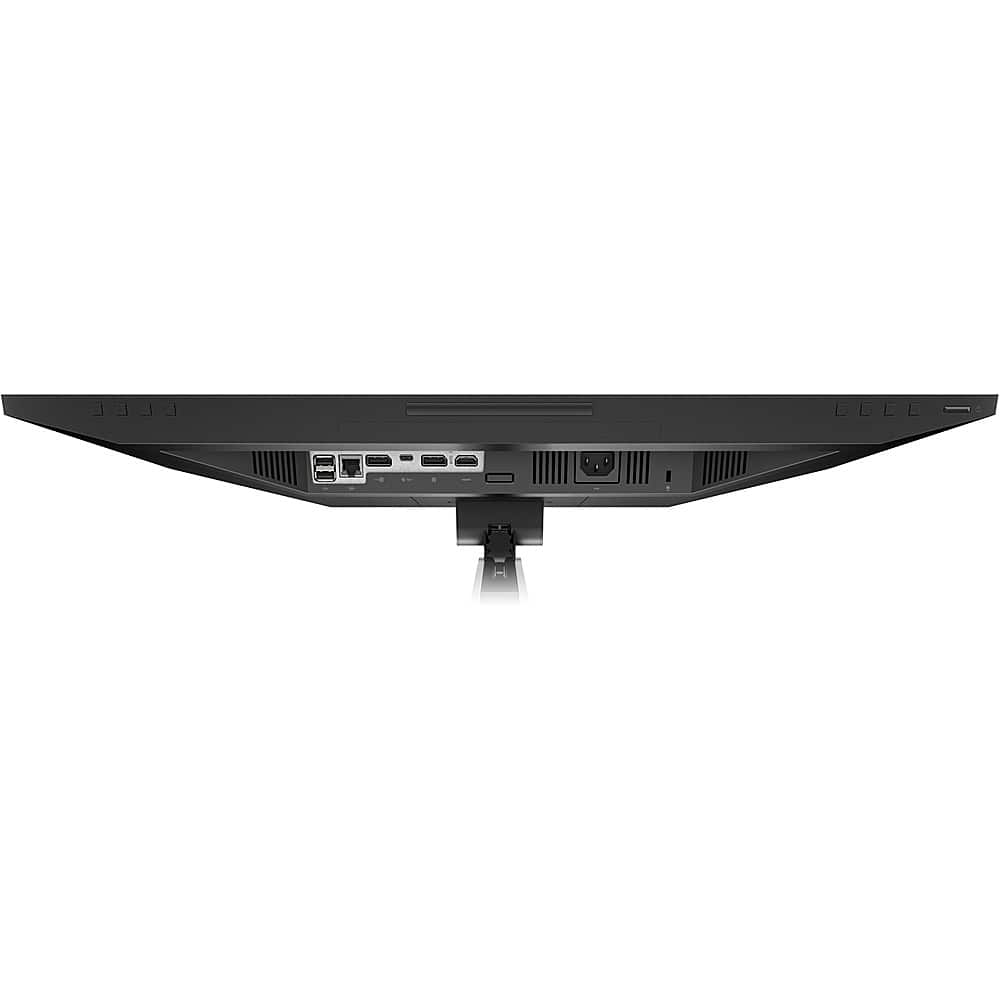
  • QuestionHow many HDMI inputs does the monitor have?

    • Answer This monitor has one HDMI input.
    This question and answer was generated by AI based on customer and product data.

  • QuestionWhat is the response time of the monitor?

    • Answer The response time of this monitor is 5 milliseconds.
    This question and answer was generated by AI based on customer and product data.

  • QuestionIs the monitor wall mountable?

    • Answer This monitor is wall mountable.
    This question and answer was generated by AI based on customer and product data.

  • QuestionWhat is the monitor's weight?

    • Answer The product weight is 18.78 pounds.
    This question and answer was generated by AI based on customer and product data.

  • QuestionCan the monitor be adjusted in height?

    • Answer The monitor stand height is adjustable.
    This question and answer was generated by AI based on customer and product data.

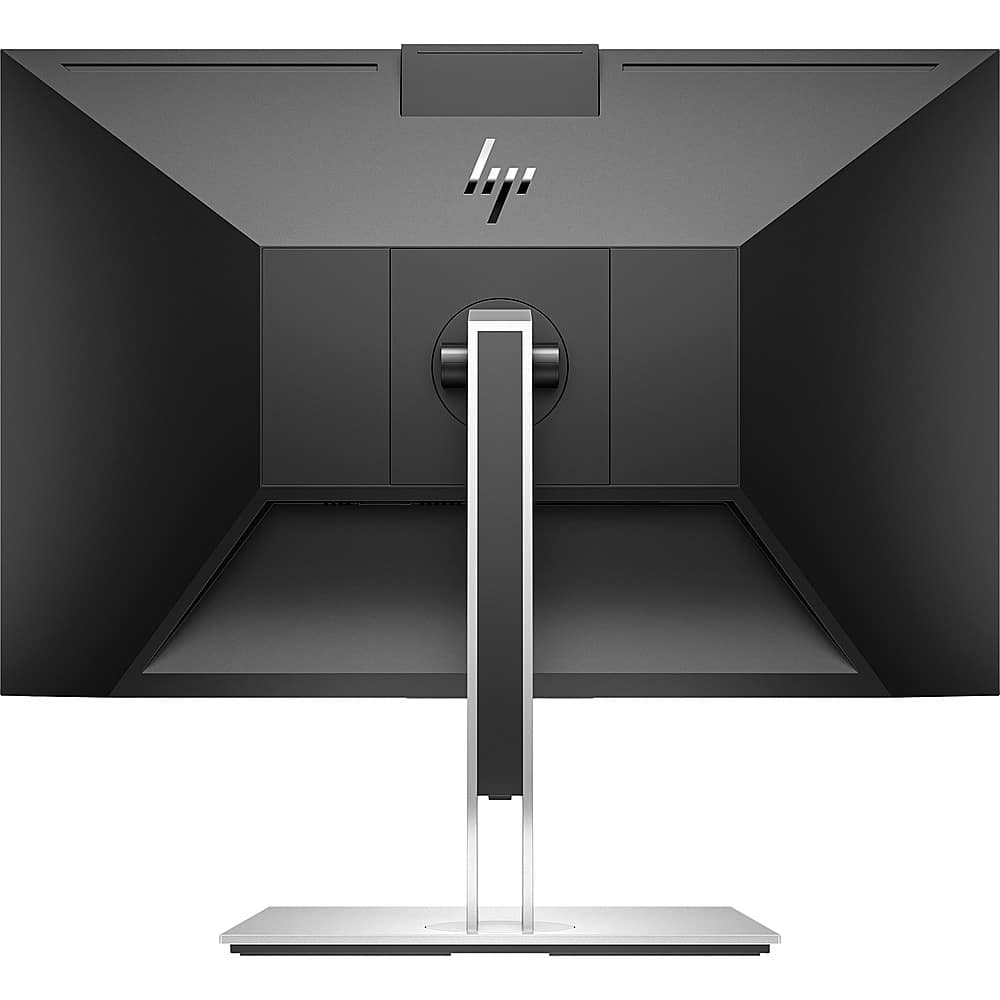
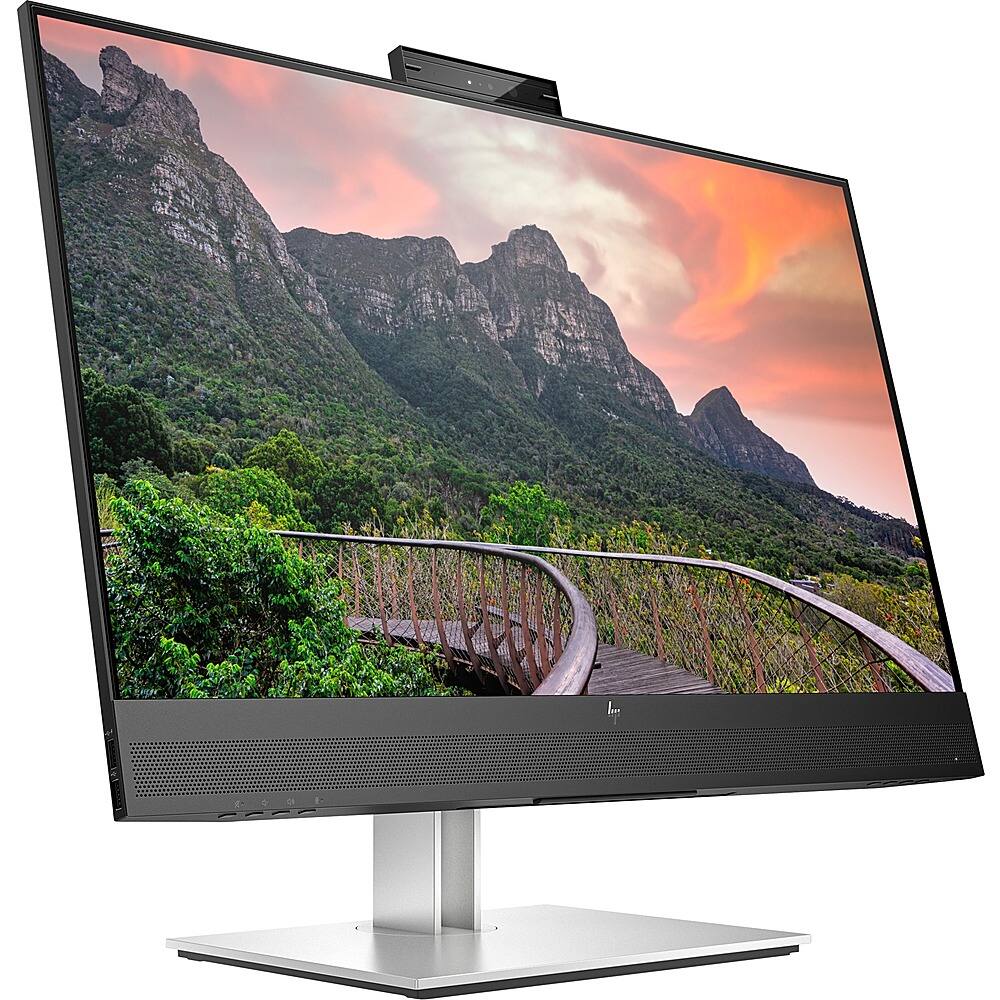
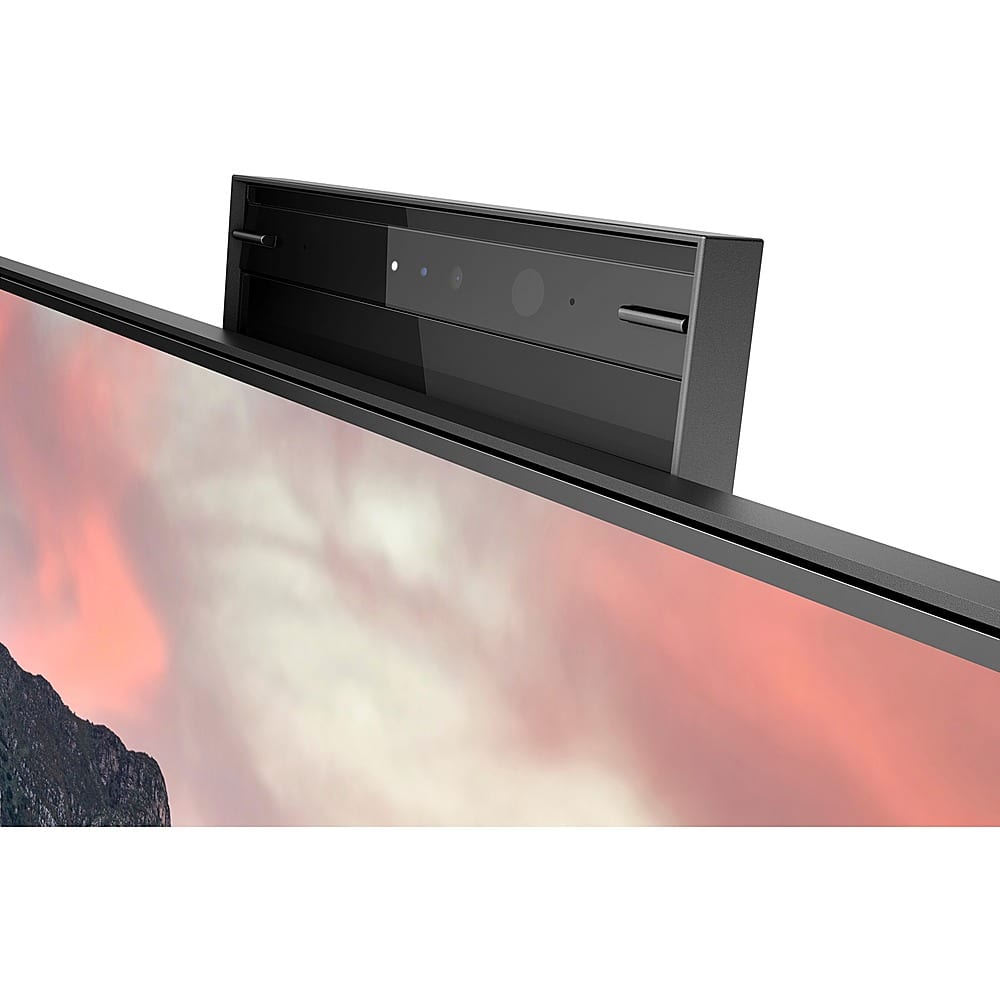
  • QuestionDoes the monitor have a built-in webcam?

    • Answer This monitor does have a built-in webcam.
    This question and answer was generated by AI based on customer and product data.

  • Questionhow to turn on the camera

    Asked by Anonymous.

    • Answer Thank you for the question. Press the power button on the monitor to turn it on. Gently pull up the camera to unlock it by using the grips on the back of the camera. Open the software with which you want to use the camera (Zoom, Teams, etc.). Be sure to set the camera to "on" in the software's settings. You can download the full User Guide for the 27" conferencing monitor from HP Support.

      Answered by HP Team

  • QuestionIs this monitor compatible with HP Spectre 13-3010dx and will the monitor work with Windows 10? Is there an adapter I can use for the USB C connection from the monitor to the Spectre 13-3010dx laptop?

    Asked by DR.

    • Answer Thank you for your question about this HP monitor and its compatibility with your HP Spectre. You will be able to connect your Spectre to this using HDMI and it will display whatever the graphics chipset is showing, even if the computer runs Windows 10. Additionally, the 13-3010dx is a retired product from HP, so HP has no documentation or support informatoin on it. Its successor, the 13-4000 series, lacks USB-C connectors and its documentation dates from January 2015. You may need to replace your Spectre laptop and Best Buy sells those in-store.

      Answered by HP Team