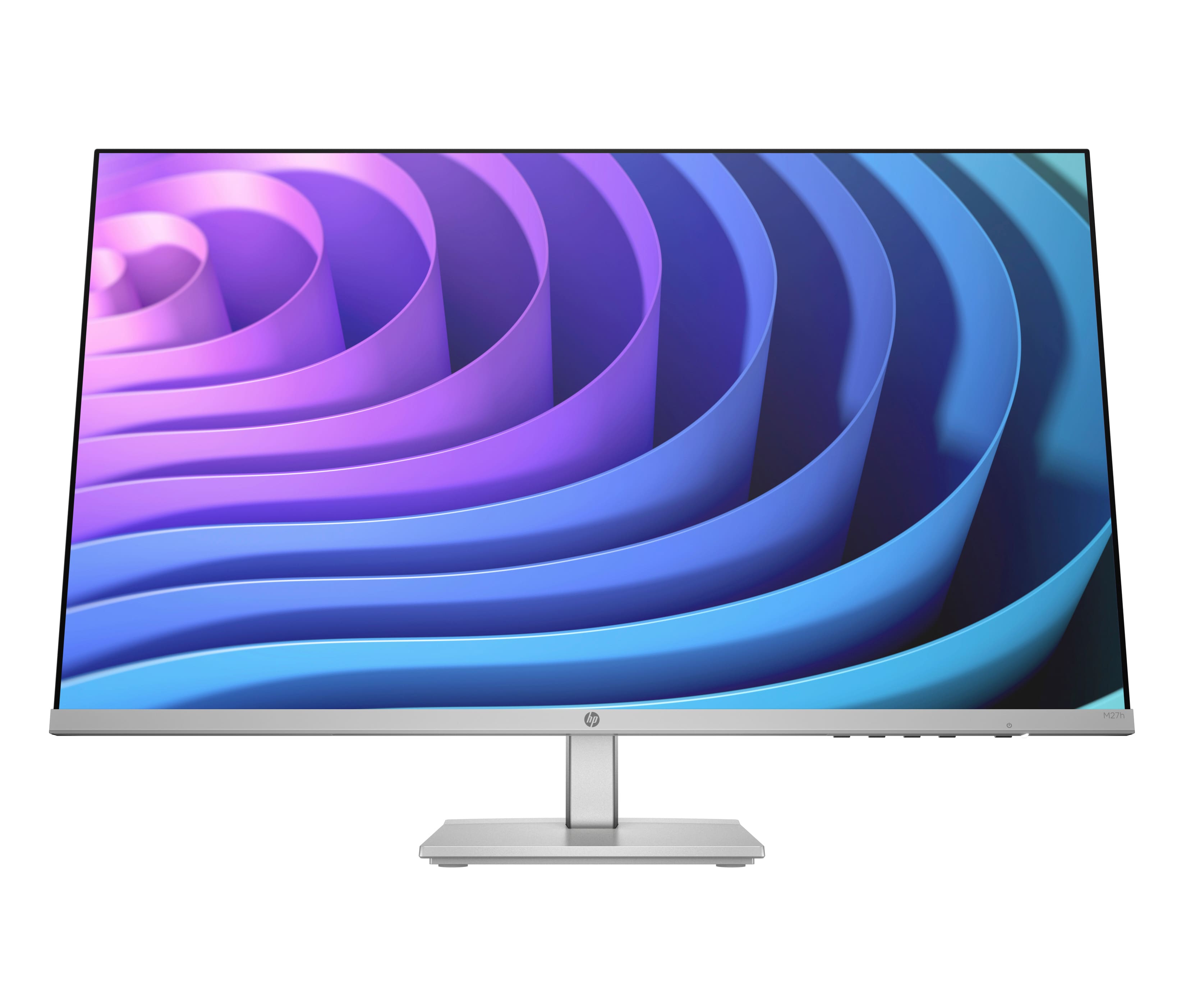
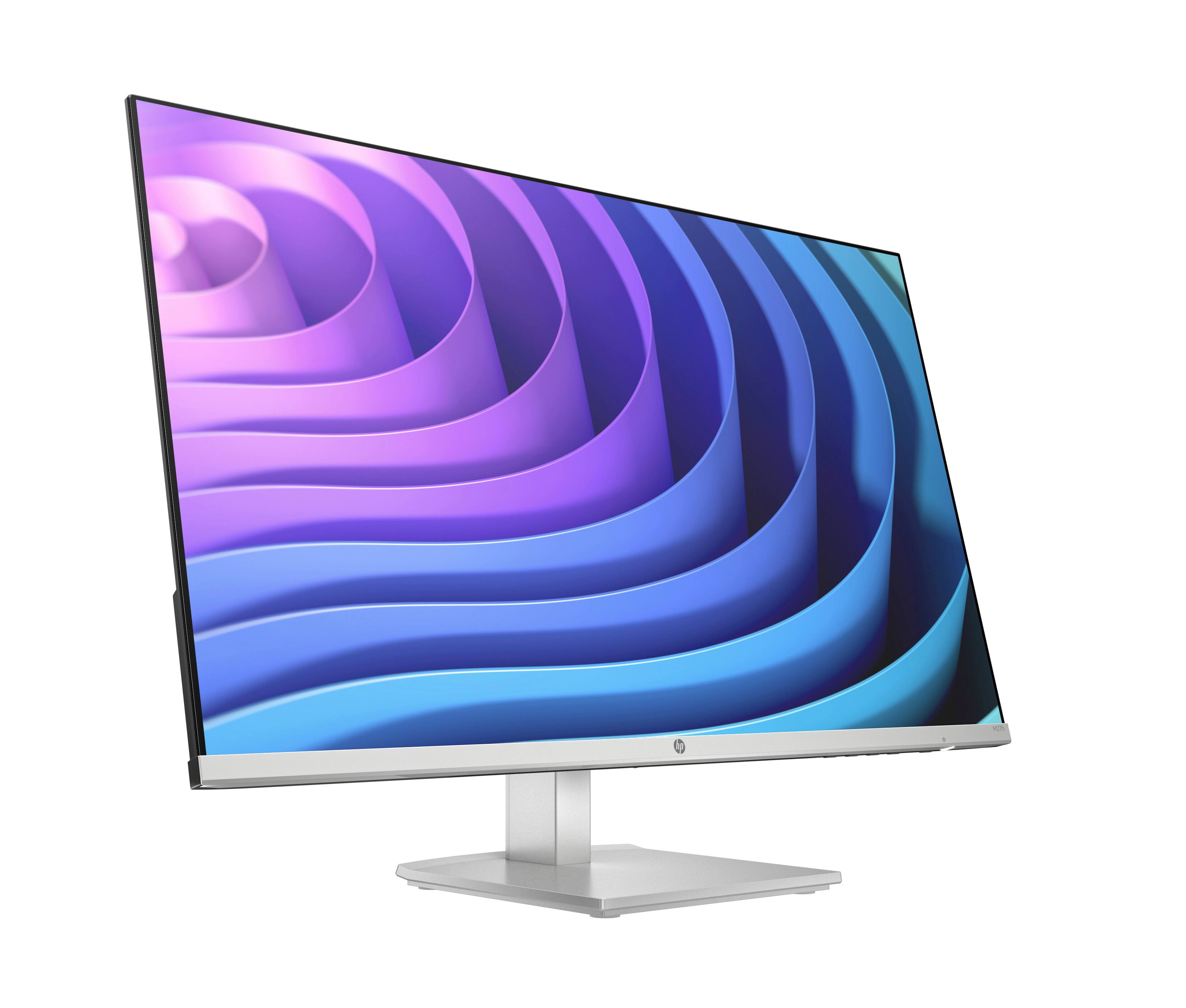
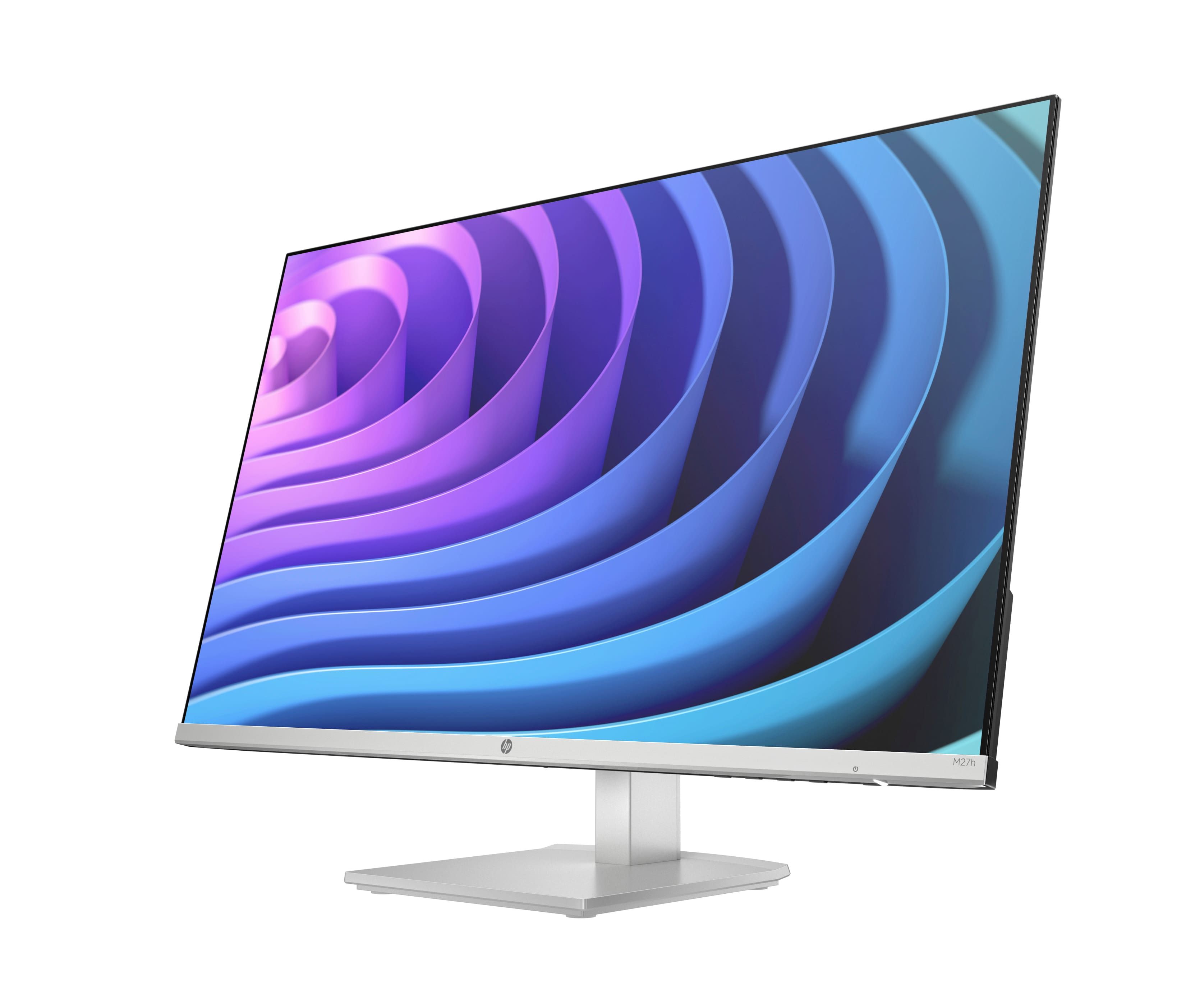
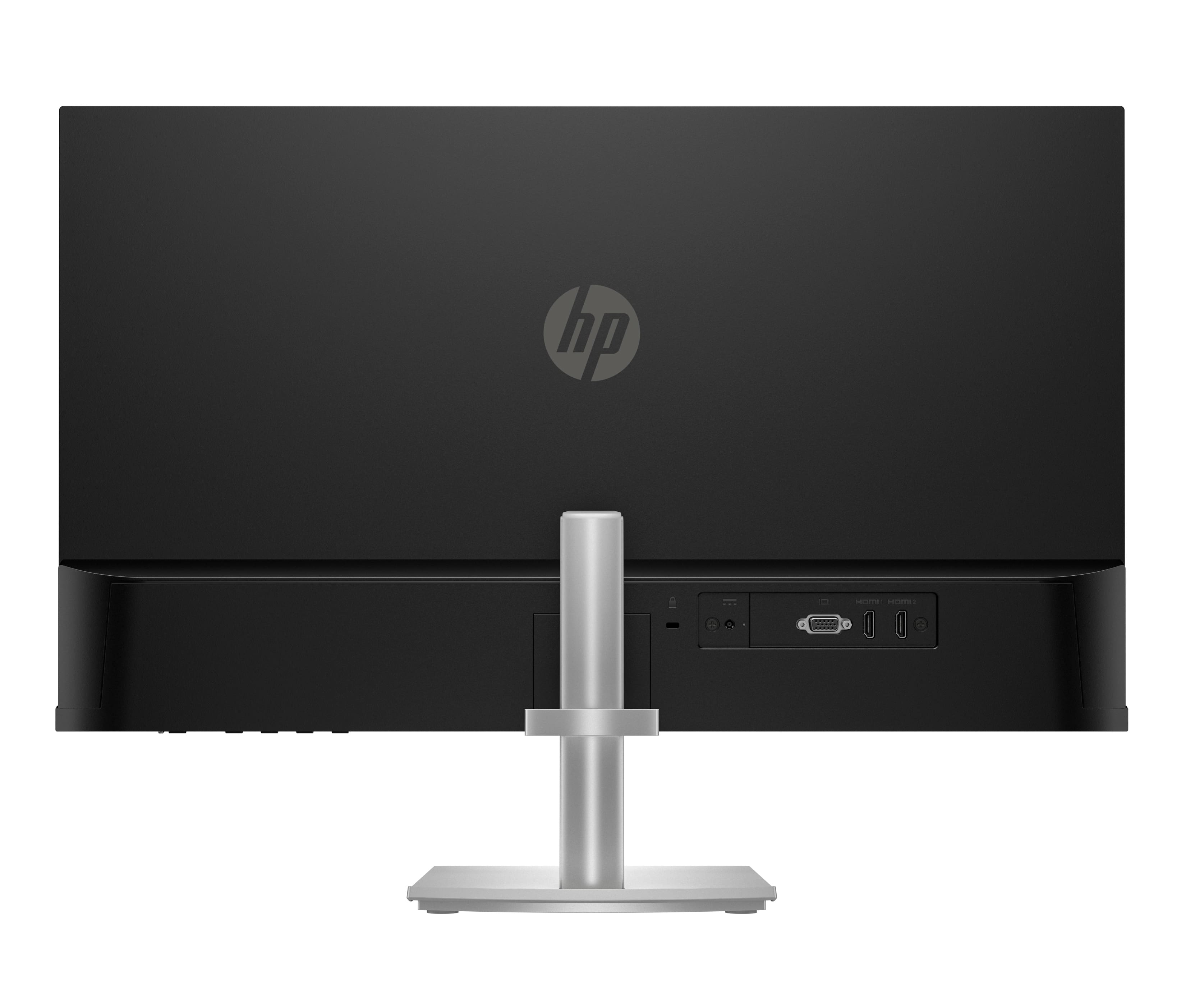
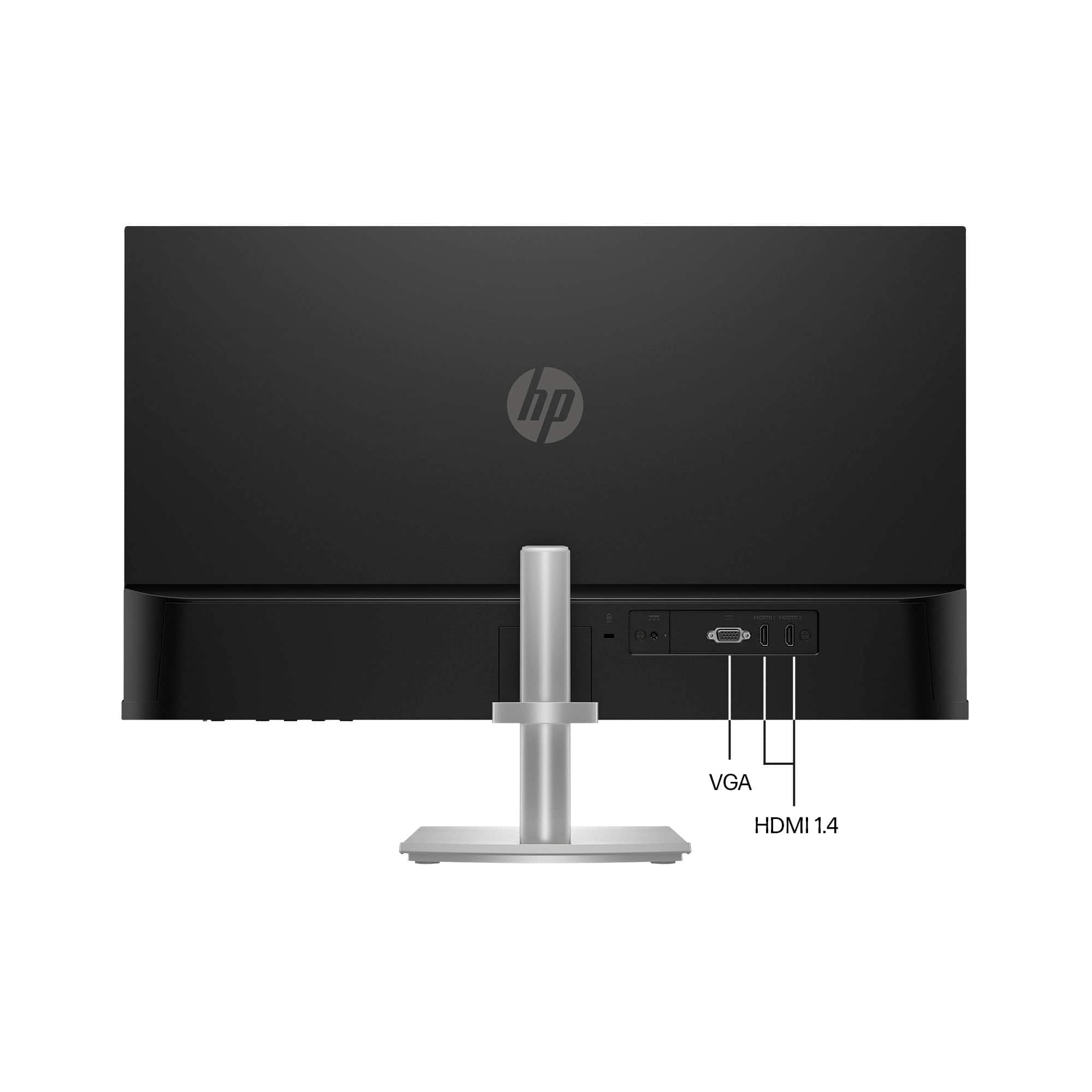
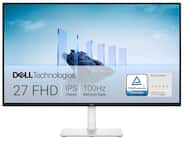
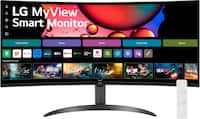
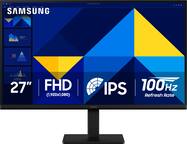
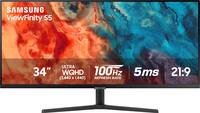
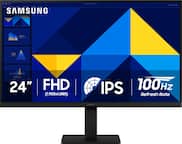
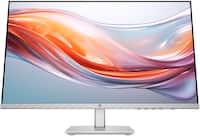
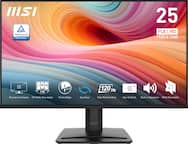
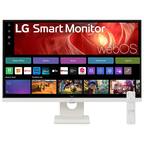
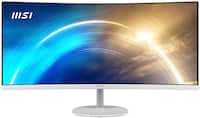
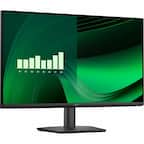
A:Answer You would have to connect this monitor using either HDMI or VGA directly. It does not have built-in Wi-Fi and is not a wireless display. If your Spectre does not have an HDMI port, you can get a USB A, or USB C, adapter to HDMI to connect to this monitor. You can get a wireless display adapter as long as it is compatible with the OS on your Spectre unit. Would be recommended you speak with a Best Buy sales rep directly if you are interested in doing so to find the best option for your needs when it comes to a wireless display adapter as type, range, and resolution output can heavily vary.