A:AnswerIf you go to the display settings and rotate the display from landscape to portrait then the monitor will show properly when rotated 90 degrees to vertical from horizontal. My monitor mounting allows the monitor to rotate and it works great either way.
A:AnswerHello there, Aaden. Thank you for reaching out about your LG 27MS550-B.AUS 27″ LED FHD 100 Hz Monitor. We understand your inquiry regarding whether the monitor can rotate (pivot) into portrait mode.
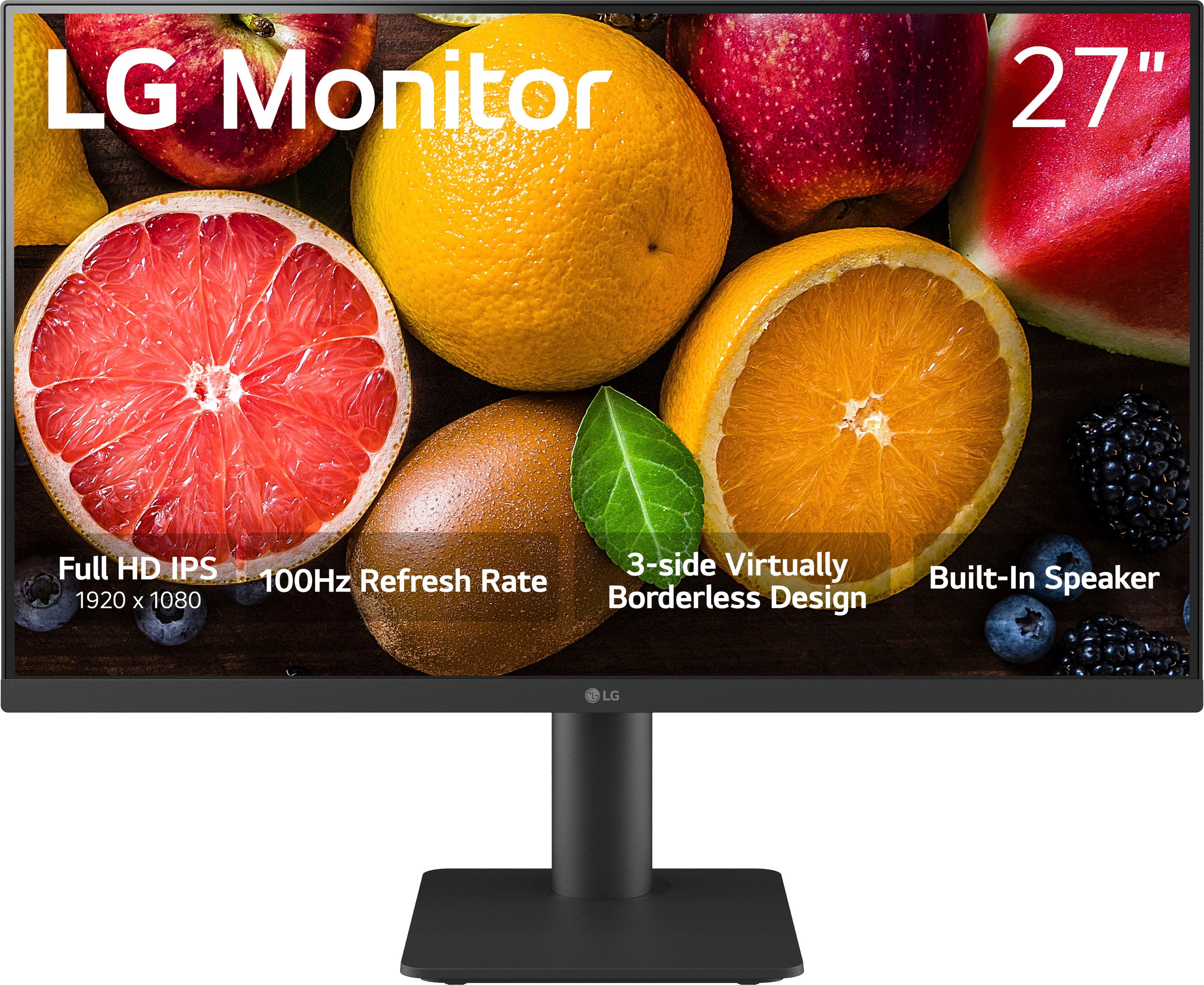
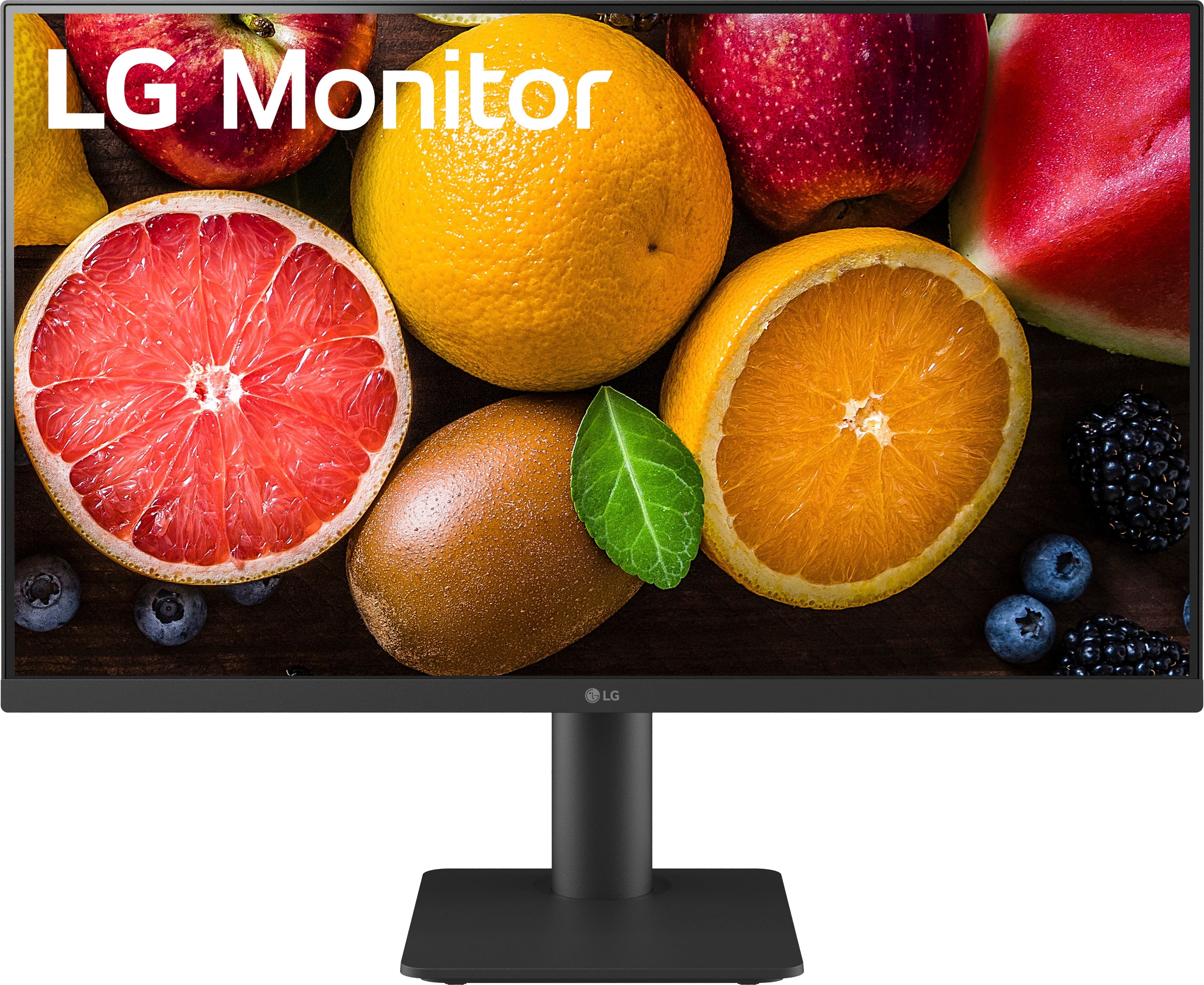
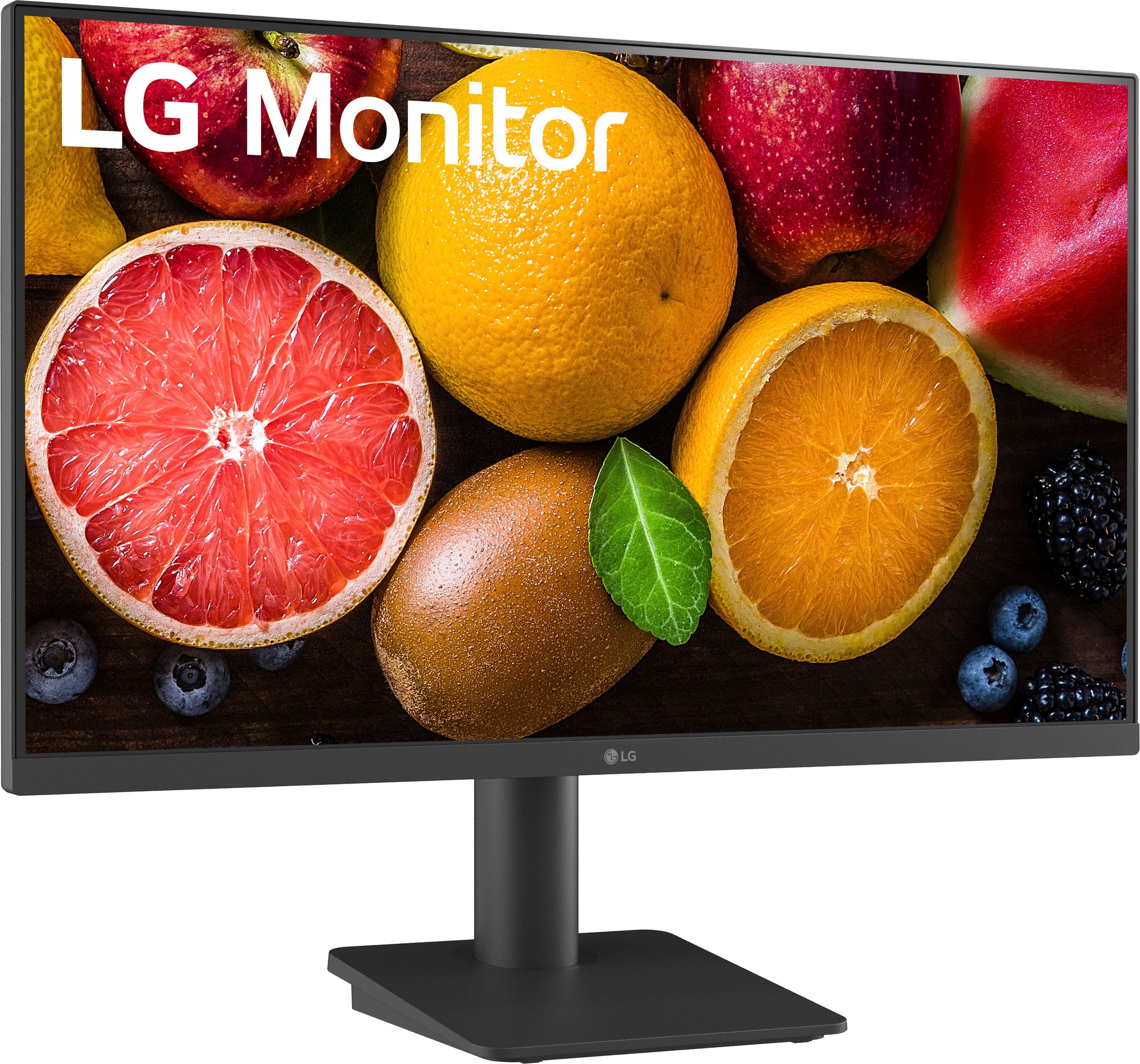
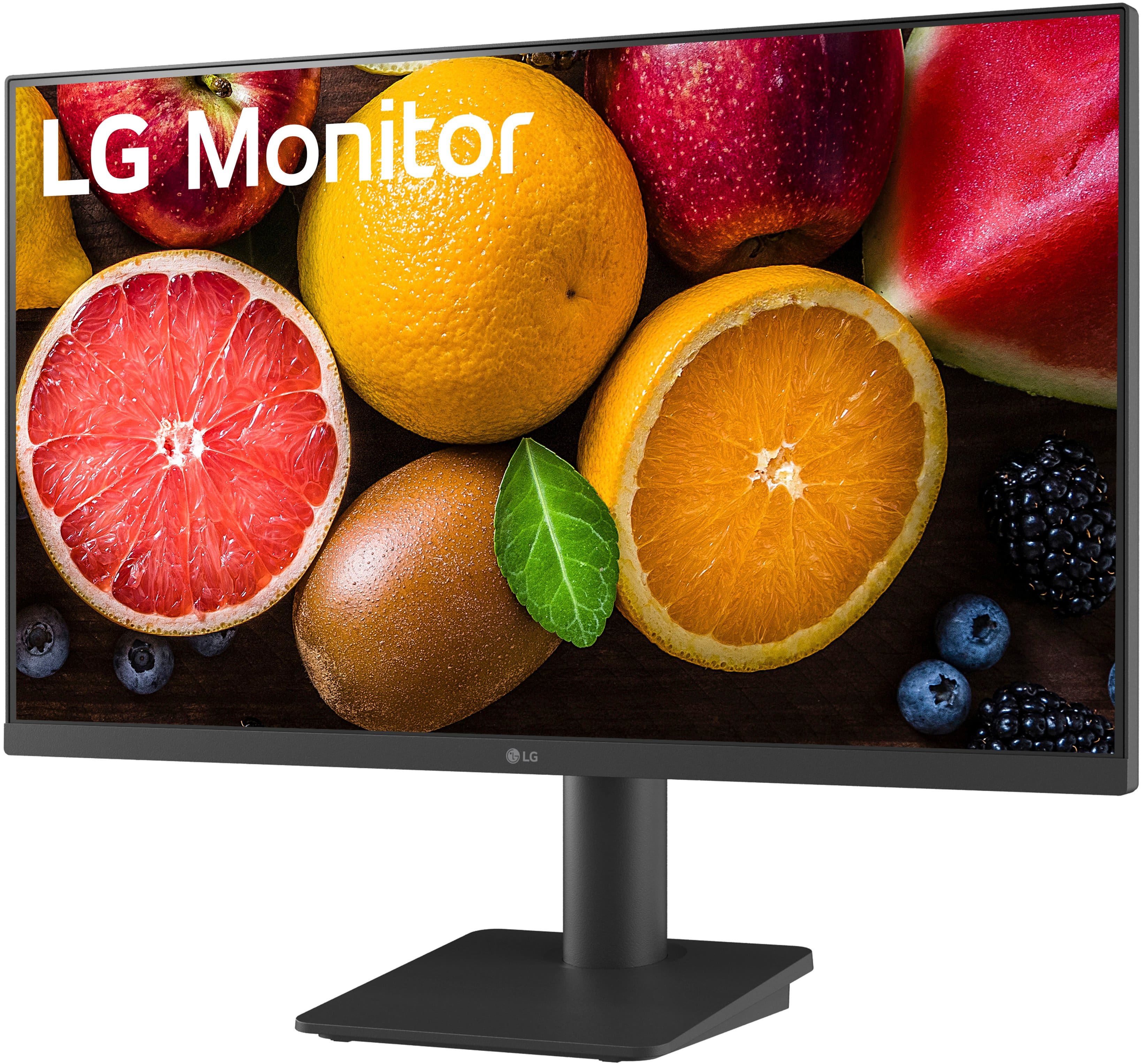
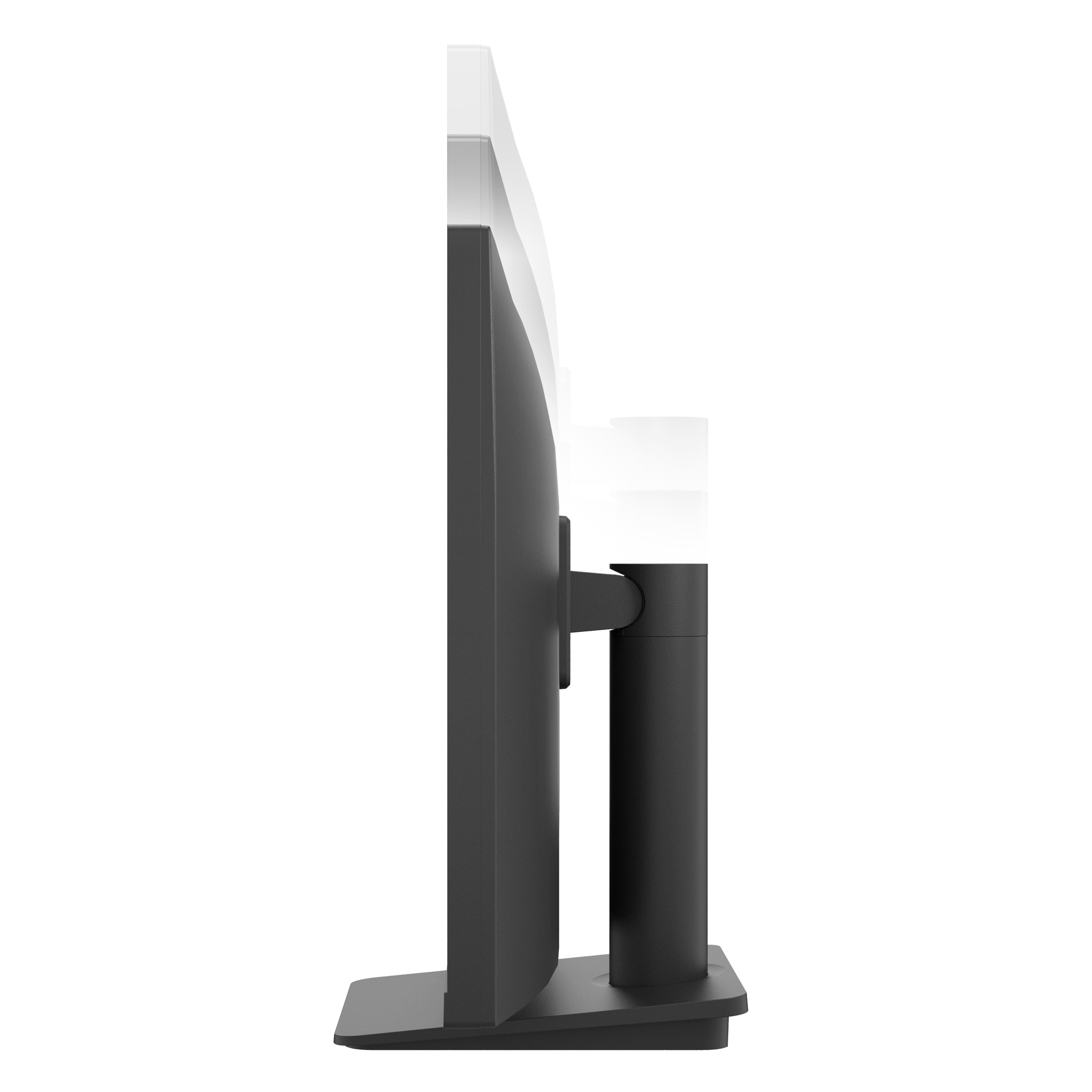
This model’s factory-included stand offers height adjustment and tilt, but it does not support built-in pivot/rotation. However, the monitor is VESA wall-mountable (100 × 100 mm), so you can install it on a compatible VESA arm or mount that provides full swivel and pivot functionality.
https://www.bestbuy.com/site/lg-27-led-fhd-100hz-monitor-black/6577079.p?skuId=6577079
If you’d like recommendations on VESA mounts or further assistance, please send us a private message on social media @LGUSSupport and our team will be more than happy to help. We appreciate your feedback and look forward to ensuring you have the ideal setup with your LG monitor.
—Renzo
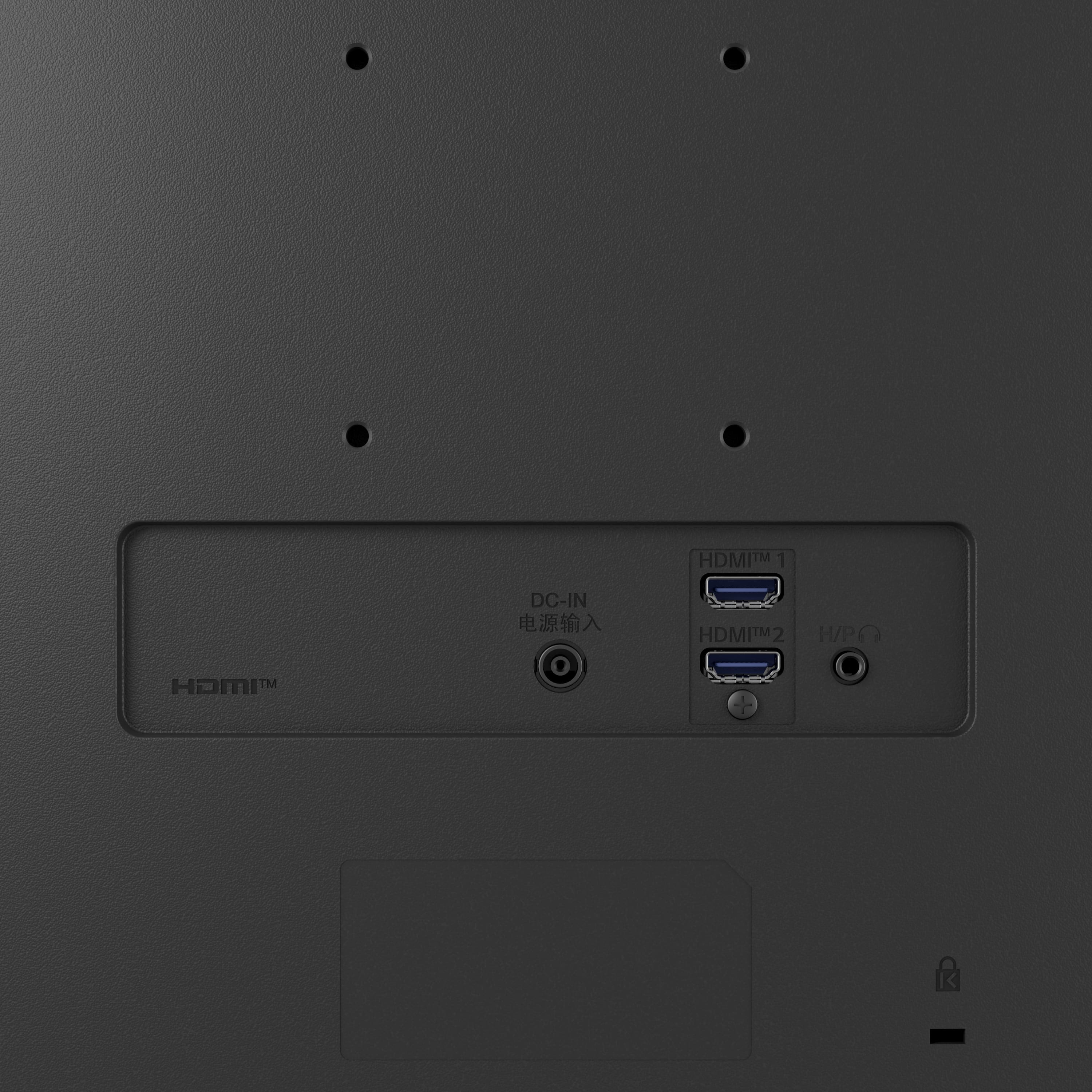
A:AnswerThe LG 27" IPS Full HD 100Hz Monitor with OnScreen Control and Built-In Speakers, Model # 27MS550-B has two HDMI inputs for connectivity.
It does not have a 15 Pin D-Sub connector (i.e. VGA connector)...^Ivan.
A:AnswerHi there, we appreciate your interest on this model. The LG 27MS550-B monitor has a 1920 x 1080 (FHD) resolution, which means it can work with a UHD (4K) graphics card, but it will only display at 1080p resolution. If your UHD graphics card supports downscaling to 1080p, you should have no issues using this monitor.
To ensure compatibility, check your desktop’s HDMI output settings and confirm that it supports 1920 x 1080 at 100Hz (this monitor's maximum refresh rate). If your GPU has only DisplayPort outputs, you may need an active adapter to connect via HDMI.
https://www.lg.com/us/monitors/lg-27ms550-b-fhd-monitor#pdp_specs
For further assistance or any additional questions, please send us a private message on Social Media @LGUSSupport, and our team will be more than happy to explore possible solutions with you. —Renzo
A:AnswerHi there. Thank you for sharing your experience with your 27MS550-B. We understand your situation and appreciate your inquiry about switching between the two DisplayPort inputs on your monitor. This model features an Auto Input Switch that can automatically detect the active input, but you can also manually select your preferred source through the monitor’s OnScreen Control (OSC). As a troubleshooting step, please ensure that both devices connected via DisplayPort are powered on and that the cables are securely connected. This can help the monitor recognize the active source more reliably.
https://www.lg.com/us/monitors/lg-27ms550-b-fhd-monitor#pdp_specs
For further assistance and to explore additional solutions, please send us a private message on Social Media @LGUSSupport. We’re here to help and value your feedback. —Renzo
A:AnswerHi there, Susy, The LG 27MS550-B monitor does not support touchscreen functionality. It is an FHD IPS monitor designed for high-quality visuals and features like a 100Hz refresh rate, Reader Mode, and built-in speakers, but touch input is not included in its specifications.
https://www.lg.com/us/monitors/lg-27ms550-b-fhd-monitor#pdp_specs
If you're looking for a monitor with touch functionality, feel free to reach out to us via private message on social media @LGUSSupport. We're happy to help! —Renzo
A:AnswerHi there, thank you about your question. Yes, the LG 27MS550-B monitor is compatible with the M2 Mac Mini. The monitor supports HDMI input, and the M2 Mac Mini includes an HDMI port, making it easy to connect the two devices using an HDMI cable. You can also use the monitor's built-in speaker or connect external speakers through the headphone out jack if needed.
https://www.lg.com/us/monitors/lg-27ms550-b-fhd-monitor#pdp_specs
If you need more help with setup or connections, feel free to reach out to us on social media @LGUSSupport. We're happy to assist you!
—Renzo
A:AnswerThank you for reaching us regarding LG Monitor. Here’s a simple guide to set up your LG 27MS550-B Monitor:
1. Connect the Monitor to Your PC
• Use One Cable: Connect your monitor to your PC with one signal cable. The preferred order is DisplayPort → HDMI → DVI → RGB. Don’t use multiple cables at the same time to avoid issues.
• Power Connection: Make sure the power cord is firmly connected to both the monitor and the wall outlet to prevent flickering or no display.
2. Check Input Settings
• Select the Right Input: If the screen is blank after turning on, press the joystick at the bottom center of the monitor. Go to [Input] in the menu and choose the correct port you’re using.
3. Troubleshoot Display Issues
• Check the Cable: Look for any damage to the signal cable. If it’s damaged, replace it with a new one.
• Reconnect Your Devices: Unplug and then replug your external device (like your PC) to refresh the connection.
• Reset Settings: If there’s still an issue, reset the monitor to factory settings by going to the main menu with the joystick, selecting [Settings], then [General], and [Reset to Initial Settings].
4. Check Graphics Card Compatibility
• Resolution Settings: Ensure your PC’s graphics card supports the monitor’s resolution (1920 x 1080). Right-click on your desktop, go to display settings, and check if the recommended resolution is available. You may need to update or replace your graphics card if it’s not.
5. Power Cycle the Monitor
• Hard Reset: Disconnect all cables (including the power cable), hold the power button for 10 seconds, then reconnect everything and turn the monitor back on.
You can download its owner's manual through this link for more information: https://www.lg.com/us/support/product/lg-27MS550-B.AUS. For additional assistance, please reach out to us on social media @LGUSSupport so we can help you further. ^Cris
A:AnswerThank you for reaching us regarding LG Monitor. The LG 27MS550-B monitor weighs 8.6 pounds (3.9 kg) with the stand attached. Without the stand, the weight is 6.8 pounds ( 3.1 kg). You can download its owner's manual through this link for more information: https://www.lg.com/us/support/product/lg-27MS550-B.AUS. For additional assistance, please reach out to us on social media @LGUSSupport so we can help you further. ^Cris
A:AnswerThank you for reaching us regarding LG Monitor. Yes, the LG 27MS550-B monitor is compatible with your EVEO single monitor mount, as both support VESA mounting standards of 100x100 mm and 75x75 mm. You can download its owner's manual through this link for more information: https://www.lg.com/us/support/product/lg-27MS550-B.AUS. For additional assistance, please reach out to us on social media @LGUSSupport so we can help you further. ^Cris