Questions & Answers
- Model:
- EP2-32831
- |
- SKU:
- 6625053
Q: QuestionDoes with work with Apple laptops? If it does, is it easy to connect?
Asked by Bosladie.
- A:Answer Yes it works on my Macbook pro 15 inch and it's easy to connect via bluetooth. Down side is it does not have the full trackpad gesture - like if you swipe three fingers up for "mission control" it wouldn't work. Just a basic mouse scrolling/clicking mouse.
Answered by jbaltazar
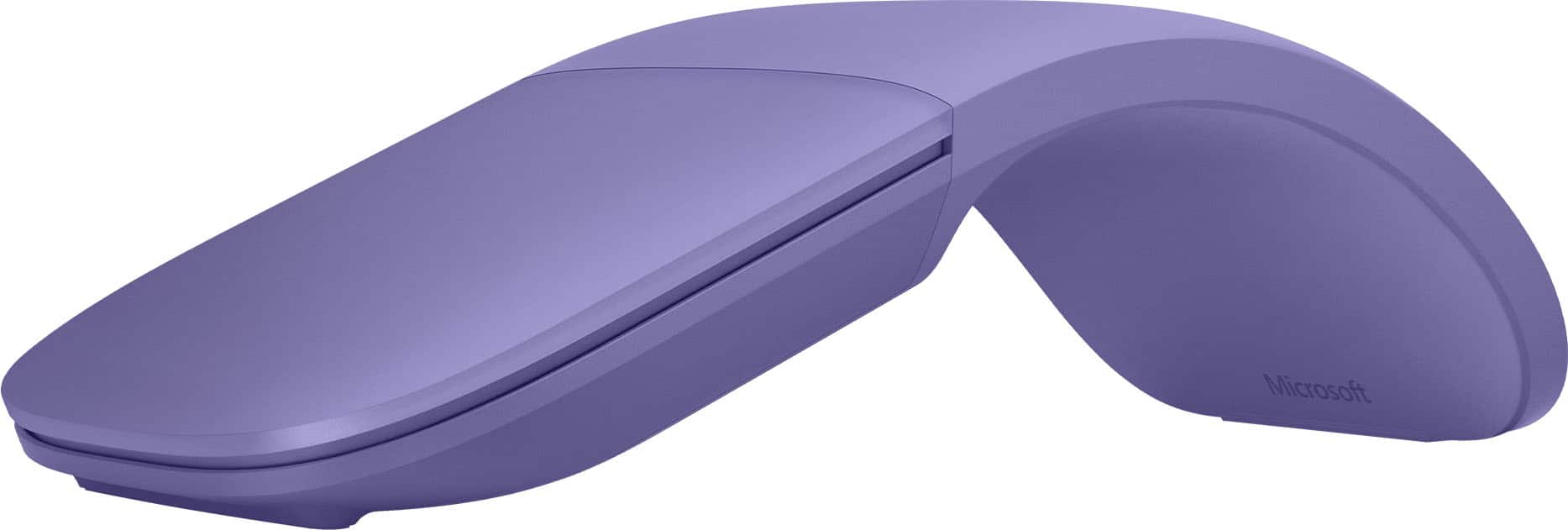
Q: QuestionDoes this mouse work when it's flat or does it only work in "arc" position?
Asked by Anonymous.
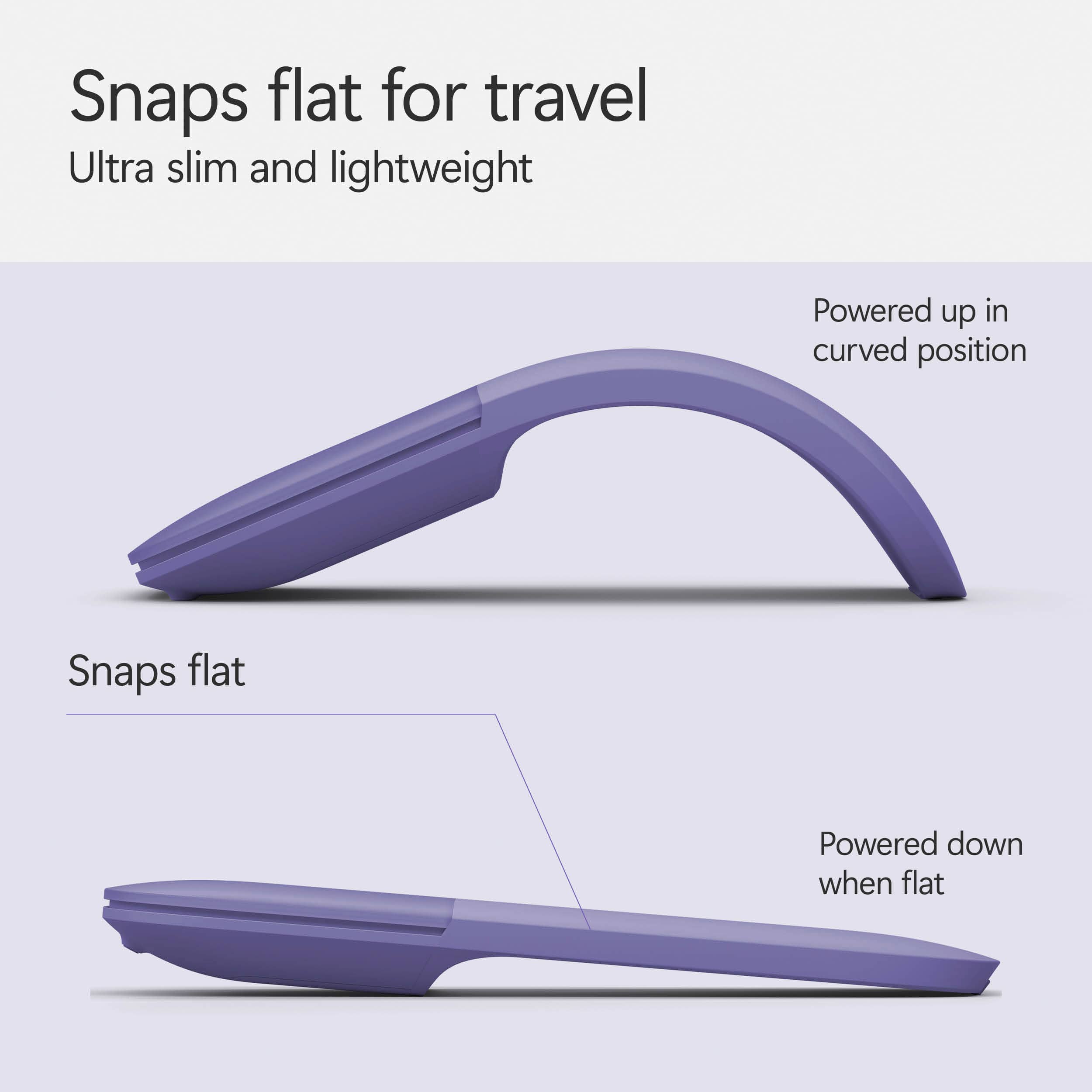
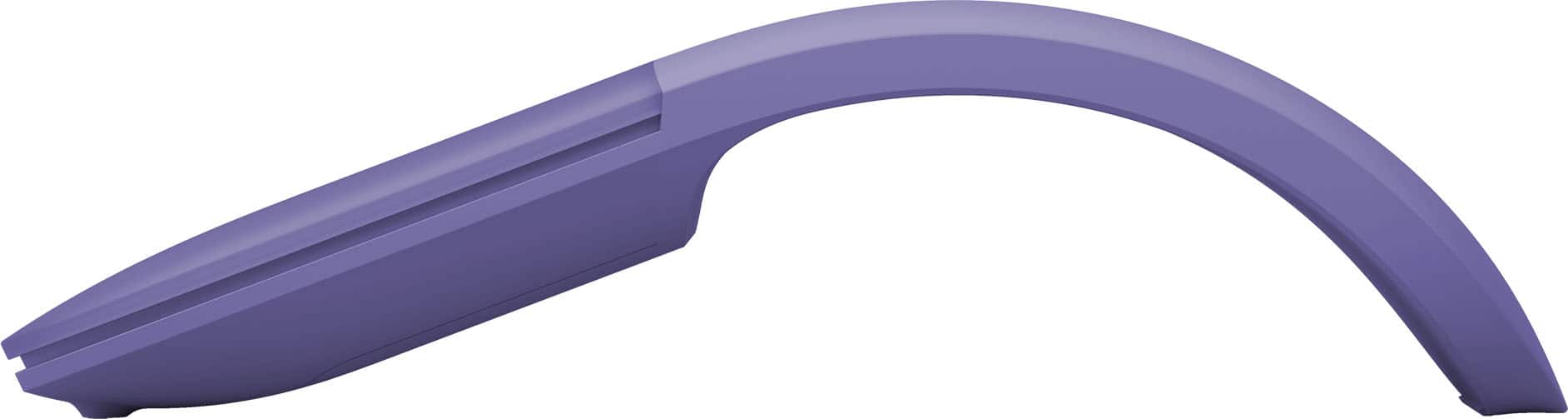
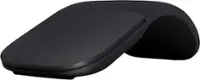
- A:Answer It only works in its arcd position because flattening it is what turns it off.
Answered by Christian
Q: Questionhow do you charge it
Asked by confused.
This question was asked about the related product: Microsoft - Surface Arc Bluetooth BlueTrack Ambidextrous Mouse - Wireless - Light Gray
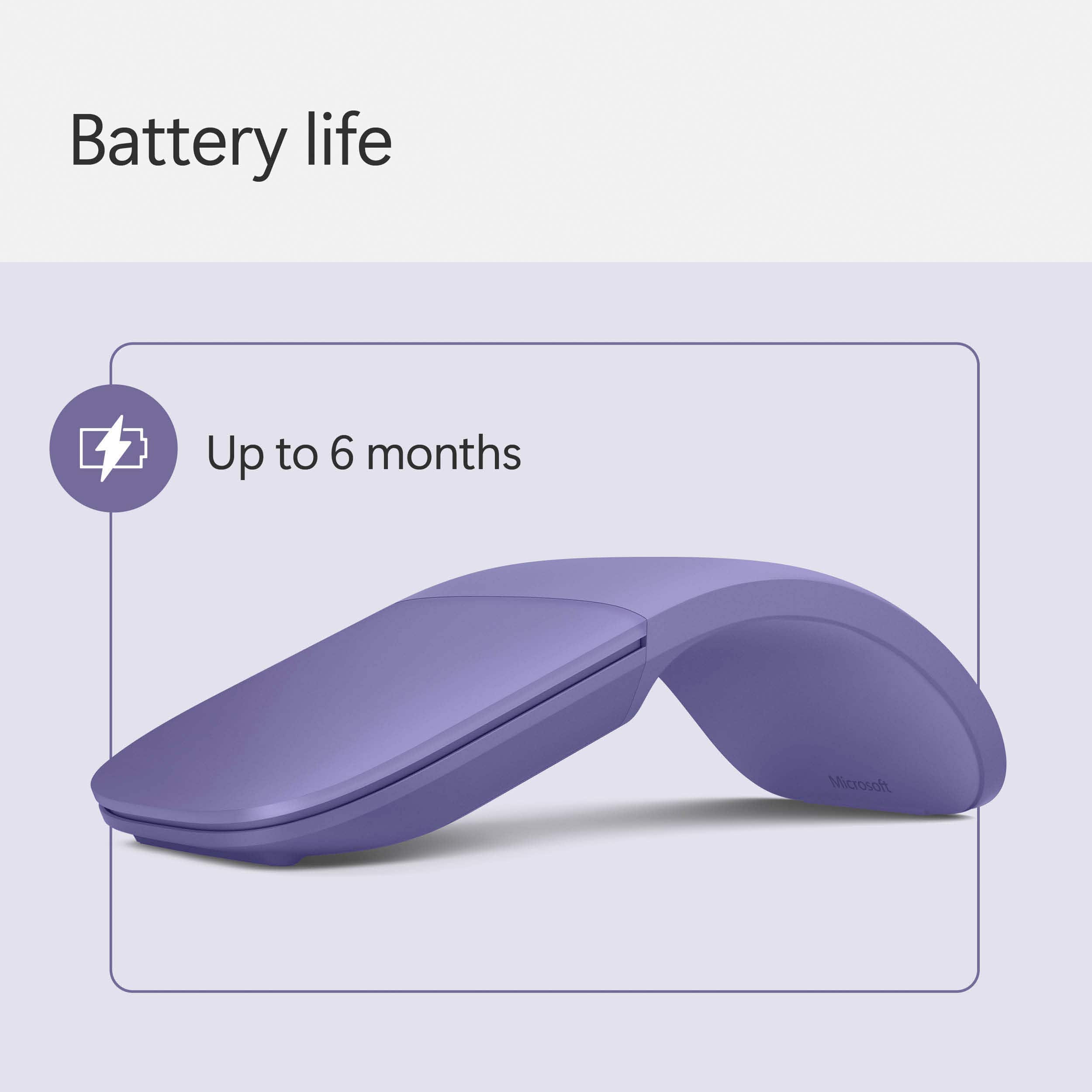
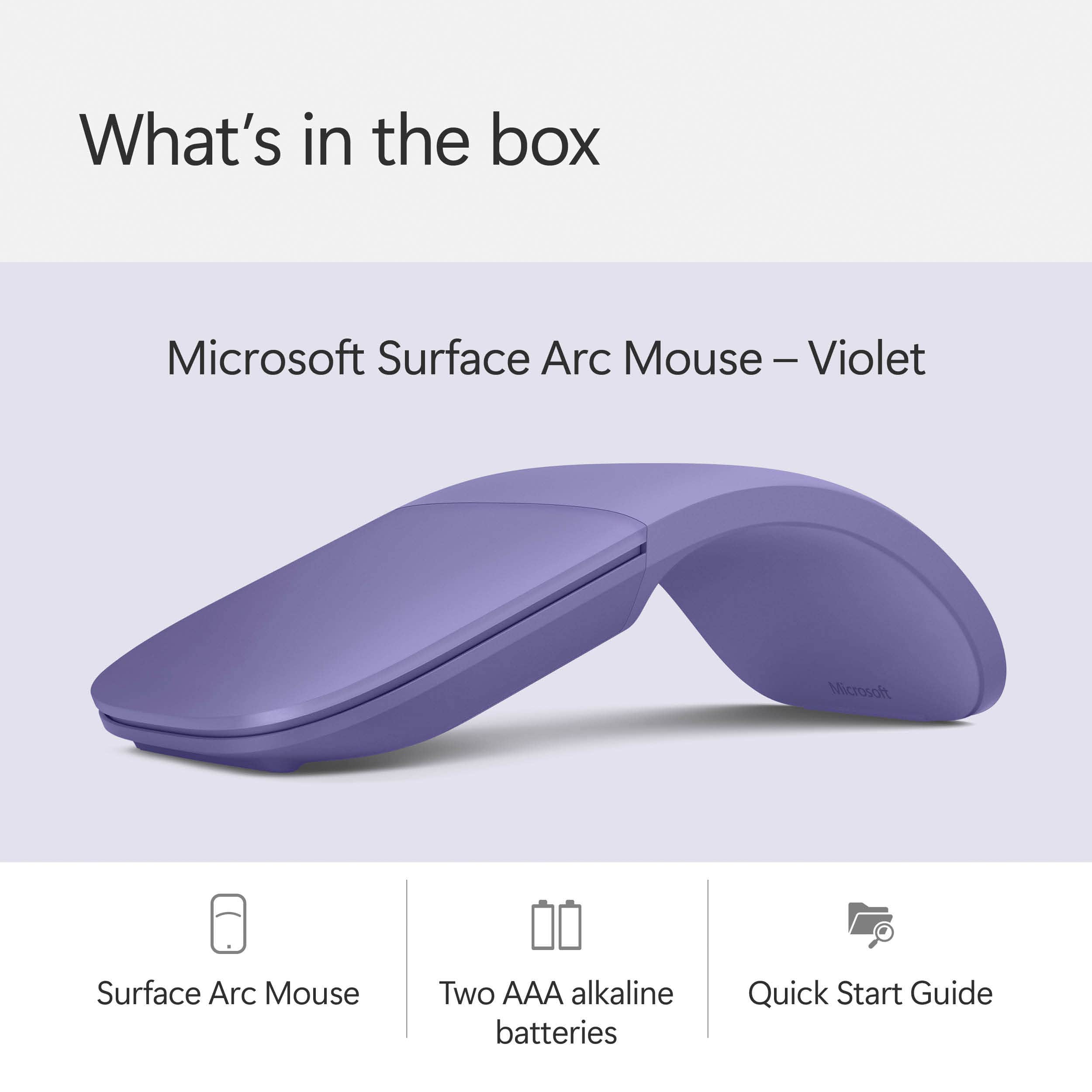
- A:Answer It uses two AAA batteries in a small compartment on the bottom side. Be careful putting batteries in. This is the only device I ever saw where two batteries are inserted in the same orientation. Usually one positive and one negative in each direction. On this one both of each are on the same side. Odd.
Answered by CamelJockey
Q: QuestionDoes this mouse work with hp and Sony notebooks
Asked by Steve.
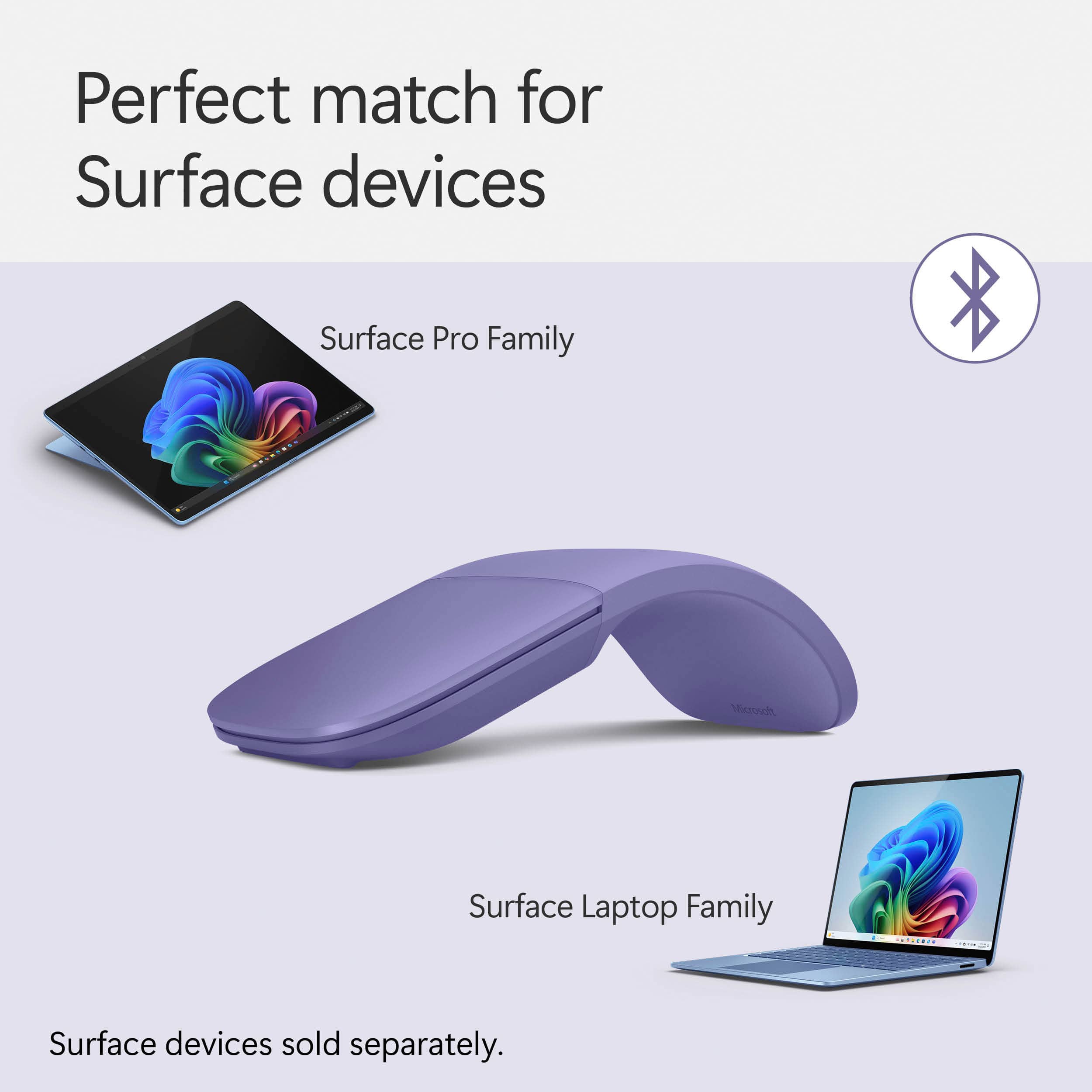
- A:Answer Def does, I purchased to which I use with my Microsoft Surface tablet and my SONY VAIO 14" touch screen and it works flawlessly! As long as you have Bluetooth I don't see any reason why this wouldn't work with an BT device.
Answered by Jimmy
Q: QuestionDoes it Have a Back Button on the Side ? & Does it Work with a PC ?
Asked by Anonymous.
This question was asked about the related product: Microsoft - Surface Arc Bluetooth BlueTrack Ambidextrous Mouse - Wireless - Light Gray
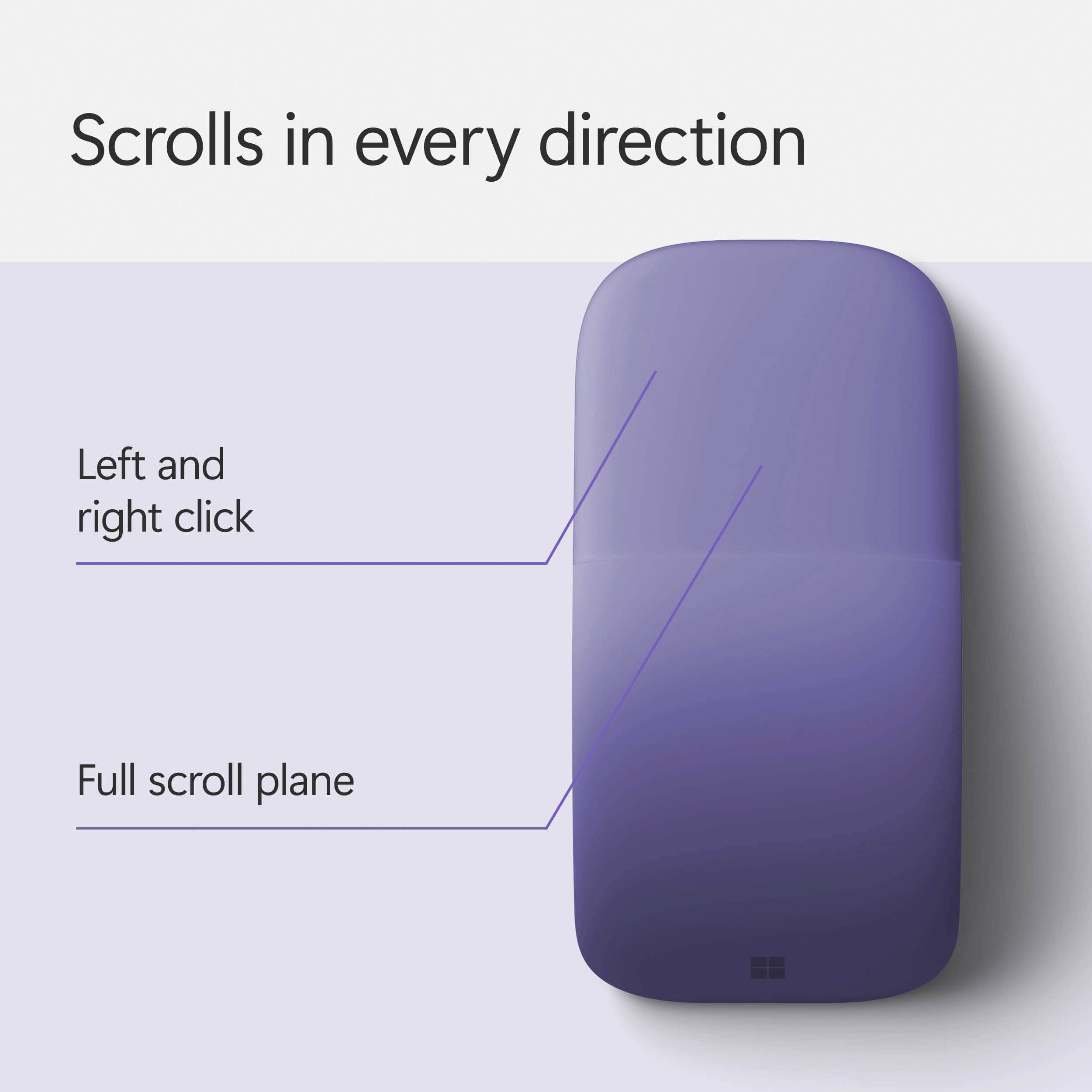
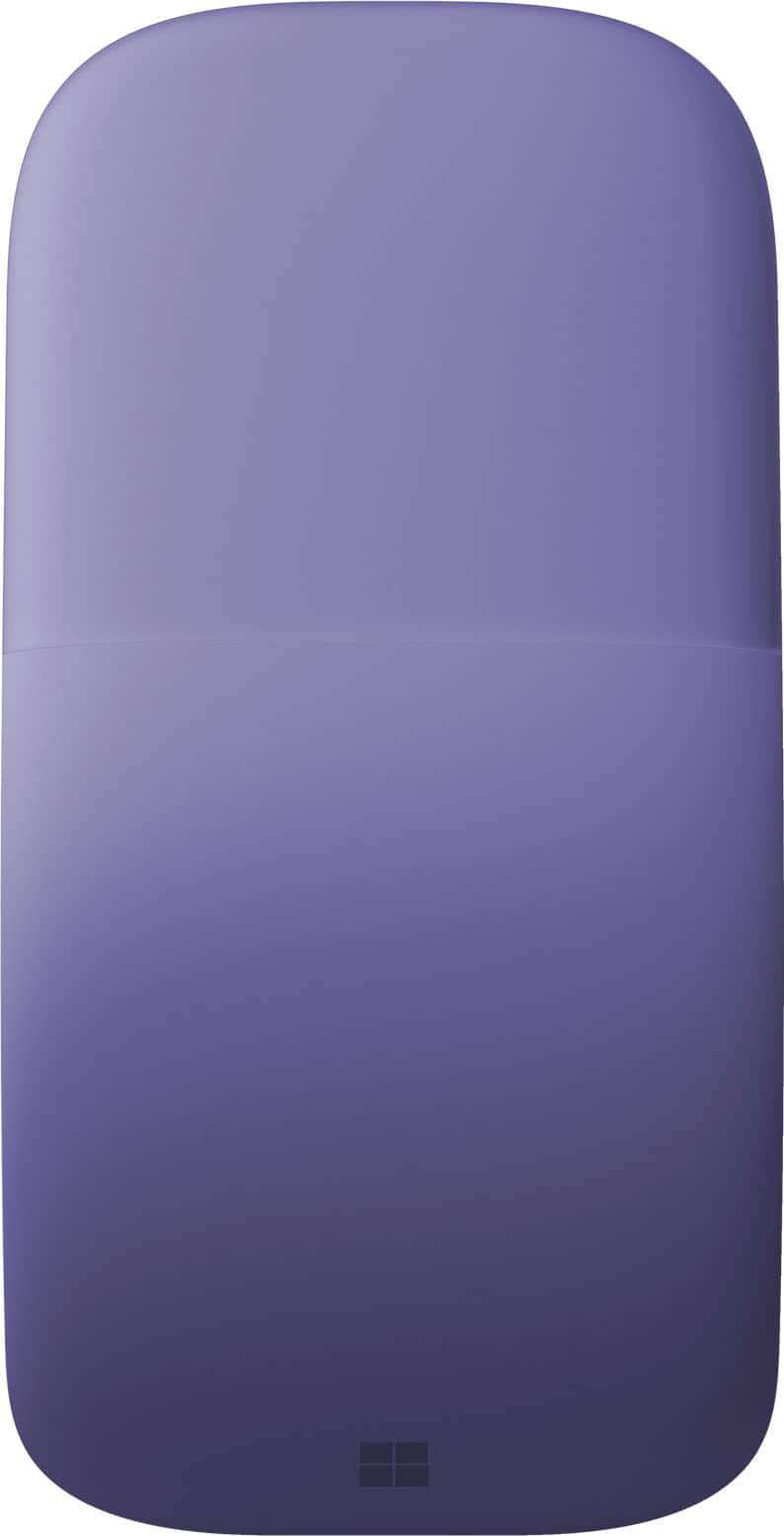
- A:Answer No back button. The only button on this Microsoft mouse is the main button. It does have the standard Left/right button functionality though. No back button, no scroll wheel. You can scroll by sliding your finger up/down the big main button. It is designed for the Surface Pro. Built in Bluetooth, so I suspect it'll work with a Bluetooth-enabled PC.
Answered by Marcus
Q: QuestionDoes it have a middle button option?
Asked by Yahamahog.
- A:Answer No middle button or scroll wheel, but the entire pad of this mouse that covers the left, and right click buttons, functions as a scroll wheel. Simply use two fingers, placed on the pad, and move in any direction to scroll!
Answered by ChrisG
Q: QuestionDoes the touchpad only scroll or can it control the cursor as well?
Asked by Anonymous.
- A:Answer You can both scroll and control the cursor. Mouse has left and roght click functionality as well as scroll.
Answered by Anonymous
Q: QuestionAnyone know if this will work with an Android tablet?
Asked by Fred.
- A:Answer Yes. It is enabled with Bluetooth. However, if you need to change settings like scroll behavior, DPI, and three finger gestures, you will need the Microsoft Mouse and Keyboard Center app for Windows. Some of these settings may be changed in Android settings.
Answered by nicksy
Q: QuestionWill this work with a MacBook Air on current iOS?
Asked by Anonymous.
- A:Answer Yes, I use this with no problem at all on my macbook pro
Answered by AGK11
Q: QuestionWill the Surface Arc Mouse work with the Surface Go?
Asked by anydeal.
This question was asked about the related product: Microsoft - Surface Arc Bluetooth BlueTrack Ambidextrous Mouse - Wireless - Light Gray
- A:Answer Yes
Answered by darblee
Q: QuestionWould this mouse work with a Chromebook made by Acer that runs on Google Chrome, and has Bluetooth?
Asked by Anonymous.
This question was asked about the related product: Microsoft - Surface Arc Bluetooth BlueTrack Ambidextrous Mouse - Wireless - Light Gray
- A:Answer I have an ASUS chromebook with bluetooth and I'm trying to pair my microsoft surface mobile mouse with it. In the bluetooth setting I see 'serching for devices" but the mouse does not show up there. I have no issues using this mouse with my windows 10 laptop, so I think the mouse is not compatible
Answered by elenag
Q: QuestionI have a sculpt mouse keyboard combo with a broken mouse. Could I pair this mouse with the same usb connector I use for my sculpture keyboard?
Asked by Sculpt.
- A:Answer There is no need for USB port usage, this mouse uses bluetooth.
Answered by djsmouse
Q: QuestionWill this mouse control more than one device simultaneously?
Asked by KipCano.
- A:Answer The Bluetooth pairing will connect to a single device.
Answered by Charlie
Q: Questioncan i mouse click by tapping? i am looking for a mouse where i don't have to press to enact a mouse click, like on a trackpad.
Asked by sally.
- A:Answer No
Answered by TroyD
Q: QuestionDoes it work on glass like the Logitech MX Anywhere?
Asked by Arthur.
- A:Answer It uses Microsoft’s BlueTrack tracking technology, utilizing optical and laser sensors. So yes, it works on all surfaces that I’ve tried, including a fuzzy blanket and my leg.
Answered by KATELYNC
Q: QuestionWill this work w/Ipad? If so which ones?
Asked by Pete.
- A:Answer Its pairs with any device that supports Bluetooth 4.0. I’ve used it for my MacBook, HP computer, iPhone 16, Galaxy Z Flip 5. Look up the model of your iPad to see if it supports Bluetooth 4.0. I believe it’s anything after the 3rd generation for iPad, after the 5th generation for iPad mini, after the 3rd generation for iPad Air, and after the 2nd generation for iPad Pro, inclusive.
Answered by KATELYNC
Q: QuestionWill it work with my galaxy chromebook 2?
Asked by Adam.
- A:Answer Yes. It connected to my Galaxy Chromebook 2, but some of the settings were not available.
Answered by Adam
Most-viewed items
- $119.99Your price for this item is $119.99
- Black Friday Deal$79.99Your price for this item is $79.99
- $94.99Your price for this item is $94.99$99.99The comparable value for this item is $99.99
- $119.99Your price for this item is $119.99
- Black Friday Deal$9.99Your price for this item is $9.99
- $119.99Your price for this item is $119.99$129.99The comparable value for this item is $129.99
- Black Friday Deal$19.99Your price for this item is $19.99
- Black Friday Deal$99.99Your price for this item is $99.99
- Black Friday Deal$19.99Your price for this item is $19.99
- Black Friday Deal$9.99Your price for this item is $9.99
- Black Friday Deal$71.99Your price for this item is $71.99
- $79.99Your price for this item is $79.99
- $36.08Your price for this item is $36.08$44.99The comparable value for this item is $44.99
- $39.99Your price for this item is $39.99
- Black Friday Deal$39.99Your price for this item is $39.99
- $74.99Your price for this item is $74.99$89.99The comparable value for this item is $89.99
- $31.99Your price for this item is $31.99$39.99The comparable value for this item is $39.99
- Black Friday Deal$12.99Your price for this item is $12.99
- Black Friday Deal$99.99Your price for this item is $99.99