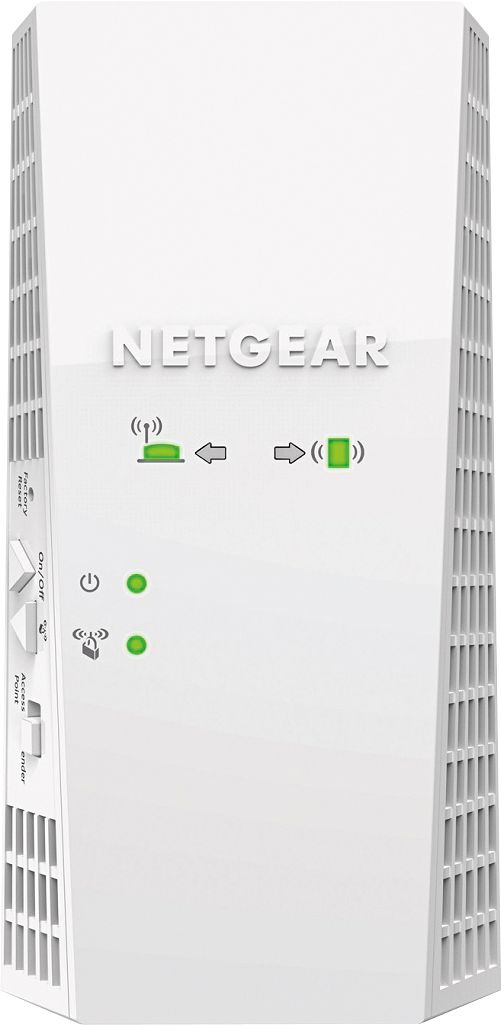
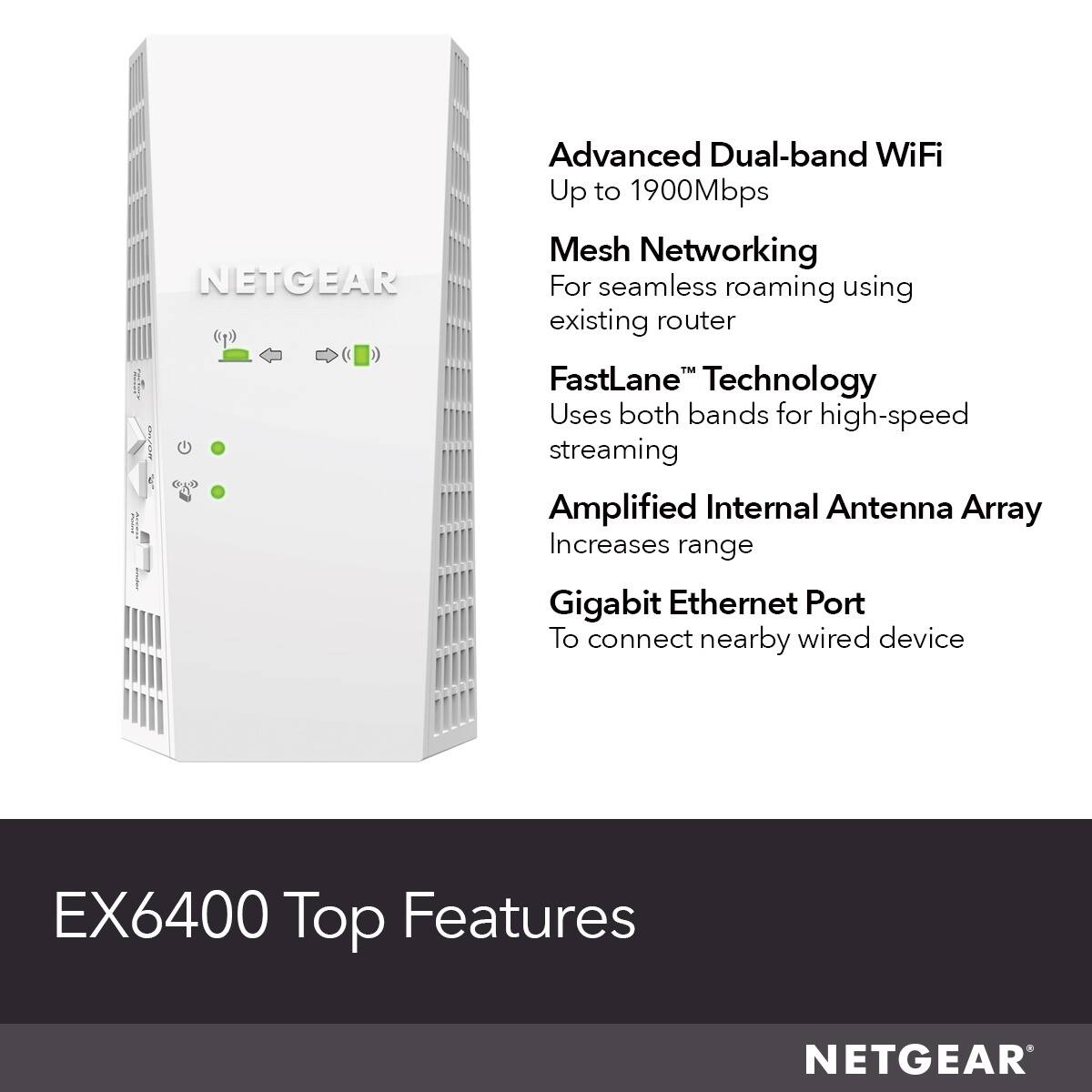
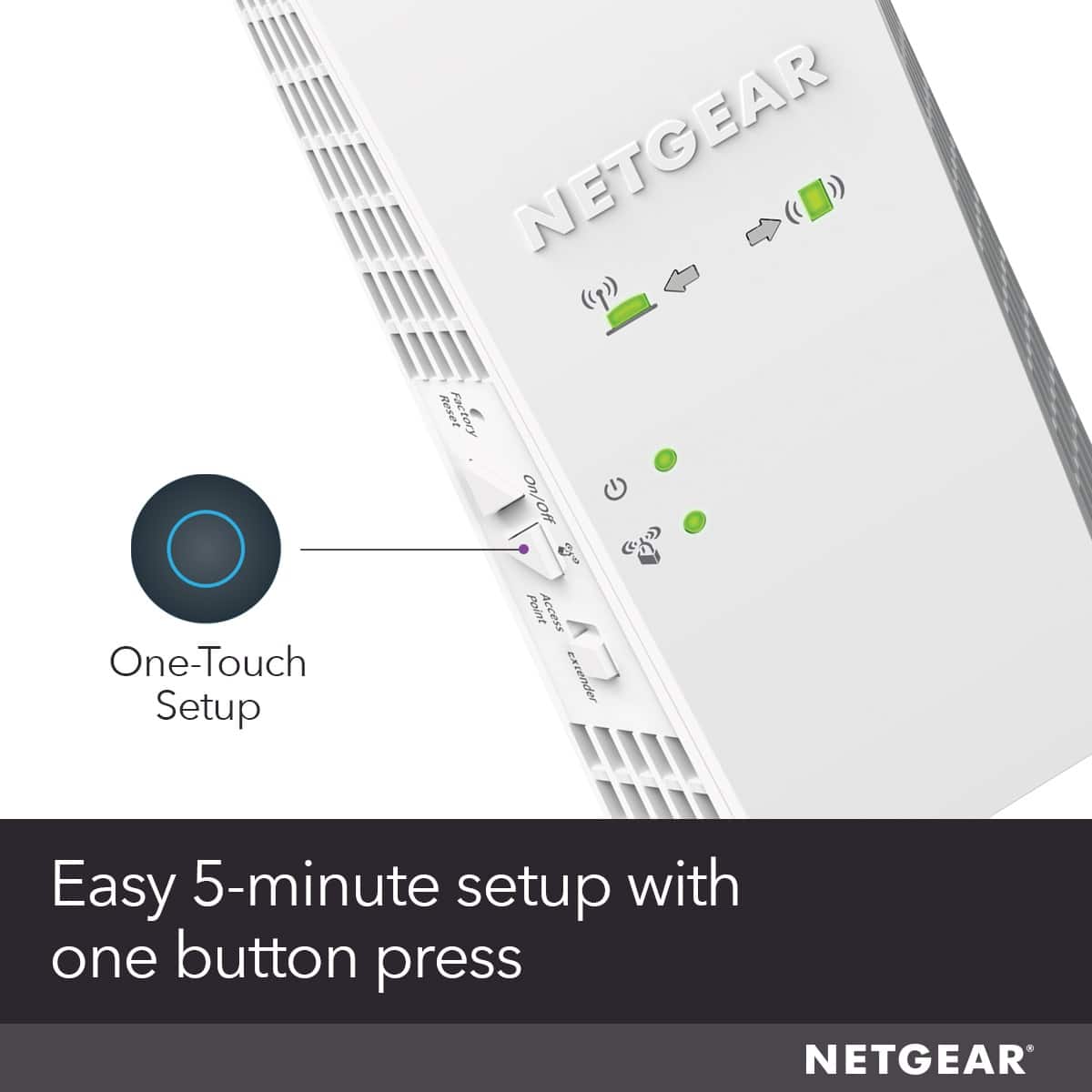
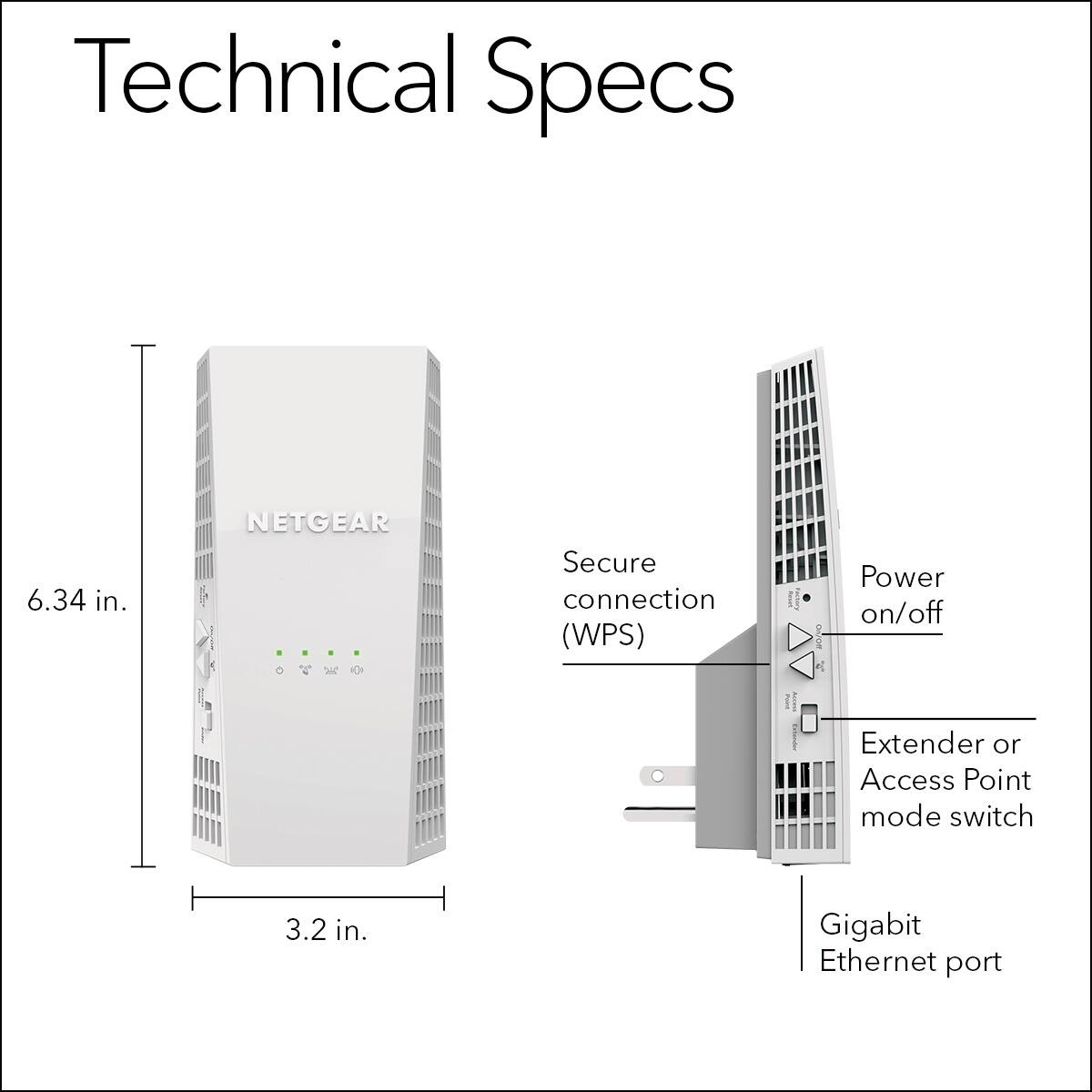
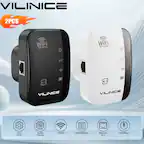
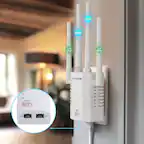
A:AnswerIt is not complicated to install but it is not as simple as just plugging it into an electrical outlet. If the intent of your decision to purchase this product is to extend the range of your primary WiFi network - you will need to know how to connect to your primary WiFi. E.g. SSID (Name of your network) and password. If you know how to connect your phone and other devices to your WiFi, you have the ability to set this extender up.
The instructions will direct you to plug it into an electrical outlet near your current WiFi (usually built into your modem) and direct you to connect either a laptop or phone to the default SSID for the range extender via a URL. From there, you will go through a simple setup process that will connect the extender to your primary WiFi. When you are done, you can unplug the extender and plug it into a outlet that is approximately half the distance from the location you need better coverage in and it should turn on and automatically connect to your primary WiFi if you configured it correctly.
However, while relatively easy to set up and less expensive, I would advise that you consider a mesh extender vs. a range extender like this one. The main reason that I recommend the mesh extender, which is more expensive, is that you do not have to switch back and forth with different SSIDs. For example, if your primary SSID is "ALPHA", this range extender could be configured with an "ALPHA-2GEXT" and a "ALPHA-5GEXT" (or other similar name) but it cannot be the exact same SSID as your primary WiFi. If you travel back and forth in your house with a device like your phone or laptop, you will have to switch to use the WiFi with the best signal in your home. With a mesh extender, the SSID remains the same name and you don't have to switch back and forth with different SSIDs in your home. If you can afford it - go with the mesh extender (also just as easy to set up).
A:AnswerTry unplugging the extender and the modem for a minute and then plug them in and check that he lights on the extender are working. Power fluctuations can cause your problem.
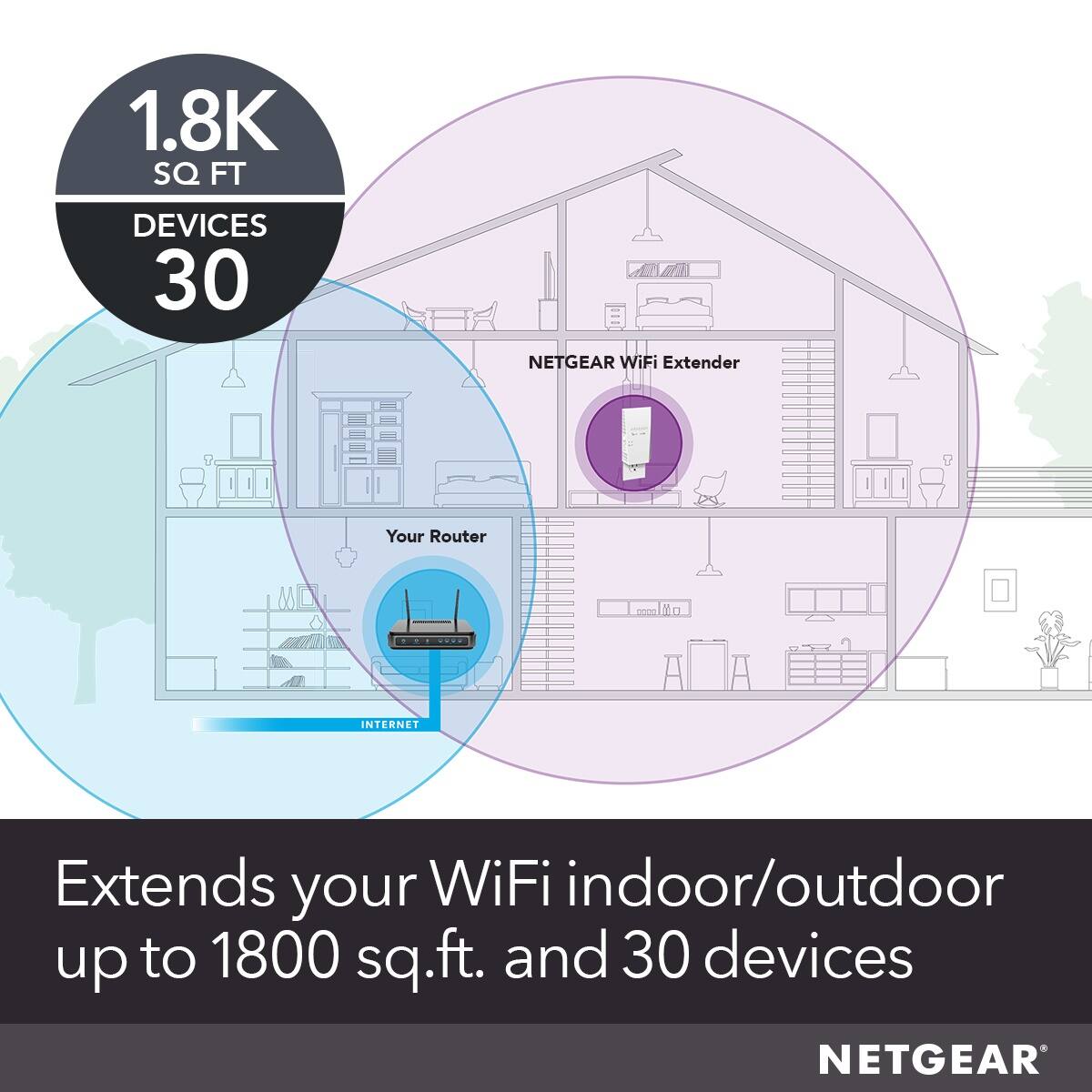
A:AnswerFor large square footage you need a good mash system. Coverage depends on intervening walls and such. The plug-in extenders won’t extend well over 100 feet.
A:AnswerHi Caz,
Yes you can set the password on this unit you may need to log into the extender itself by using its IP address in your web browser while connected to your network.
A:AnswerHi Bobof,
Yes, but you will not get the full functionality of the Orbi Mesh network with this device I would suggest buying an Orbi add-on Satellite.
A:AnswerDepends on what the signal has to go through. My weakest signal is at the corner of my house about 60 feet from the repeater, but that signal has to go through 3 walls and a garage full of stuff. Not sure what an unobstructed distance would be.