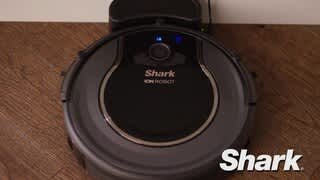
A:AnswerI had this issue and I fixed it! My vacuum would just stop, give his little error message, and the DOCK and SPOT lights would just blink and I would have to go and press clean again.
All i could find online were people saying to clean out the main brush, but we had cleaned it multiple times and it never fixed. Until we took the little piece off the end of the brush (accidentally) and there was a huge wad of fur around the pin!
We cleaned all the hair out of that little spot and we haven't had a problem since
A:Answermy shark ion robot 750 just started doing this a few days ago....I cleaned every possible brush, wheels and it continued....call the manufacturer and was told that it was possible that its caused by a front wheel malfunction...
to the best of my knowledge, there are NO electrical connections to that wheel, it just snaps into place,so,...on a hunch, I took off the battery door {Philips screwdriver required}… unplugged the battery for a few seconds, plugged it back in....it went into dock mode,...I pushed spot mode and it started the process for several minutes and went to normal clean mode....it is currently still cleaning.... seems to be working fine now...wont know for sure until it docks, recharges, and I hit clean again
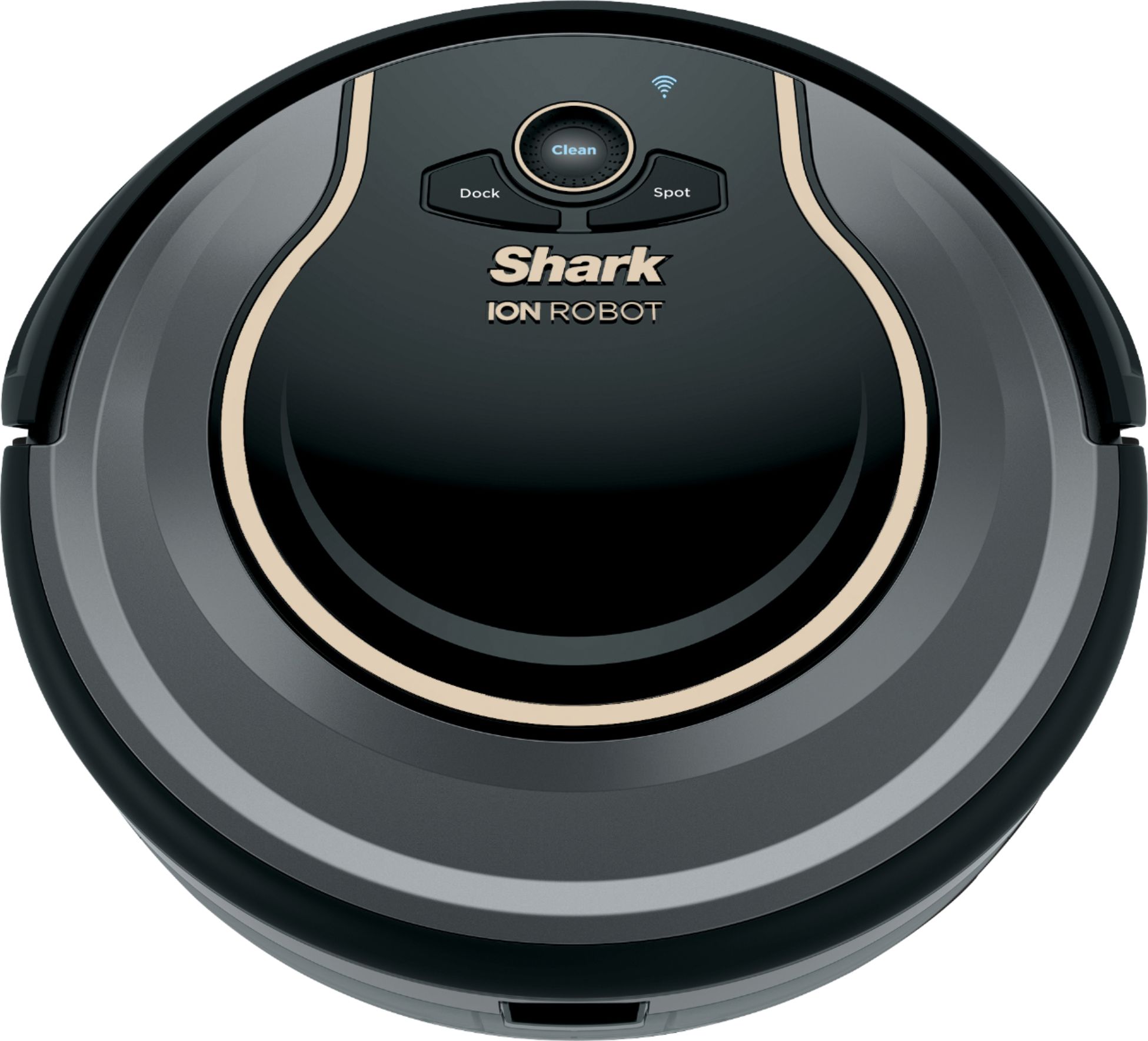
A:AnswerSame with mine, called Shark, they were very nice, walked me through multiple steps to clean all the sensors and now seems to be working fine. Had dog hair stuck under main front wheel blocking sensors. There are 3 sensors located under the small front wheel. Also be careful when taking apart front wheel not to loose the little clear washer on the wheel rod. Instructed me to call back if issue not resolved but so far so good. : )
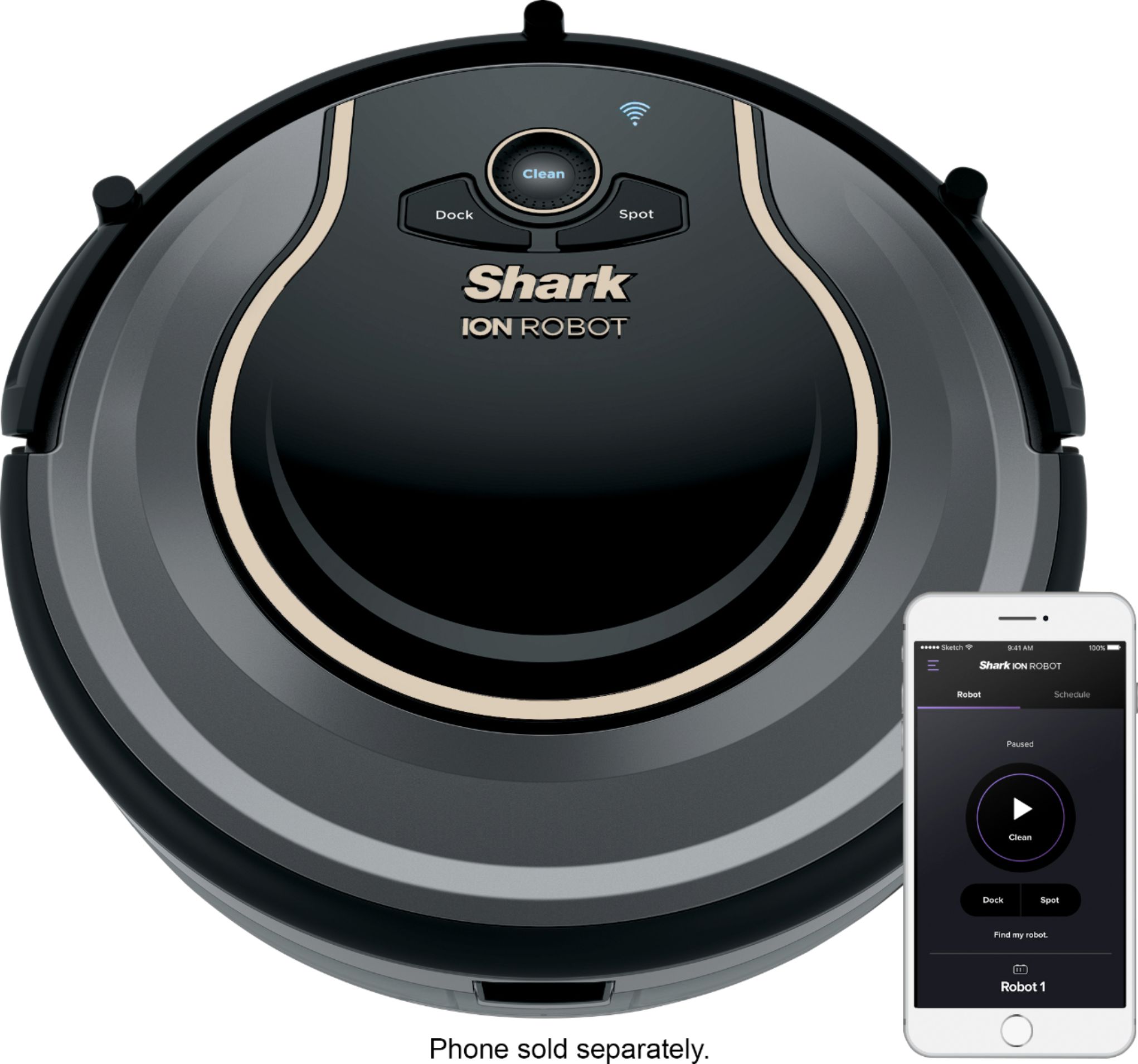
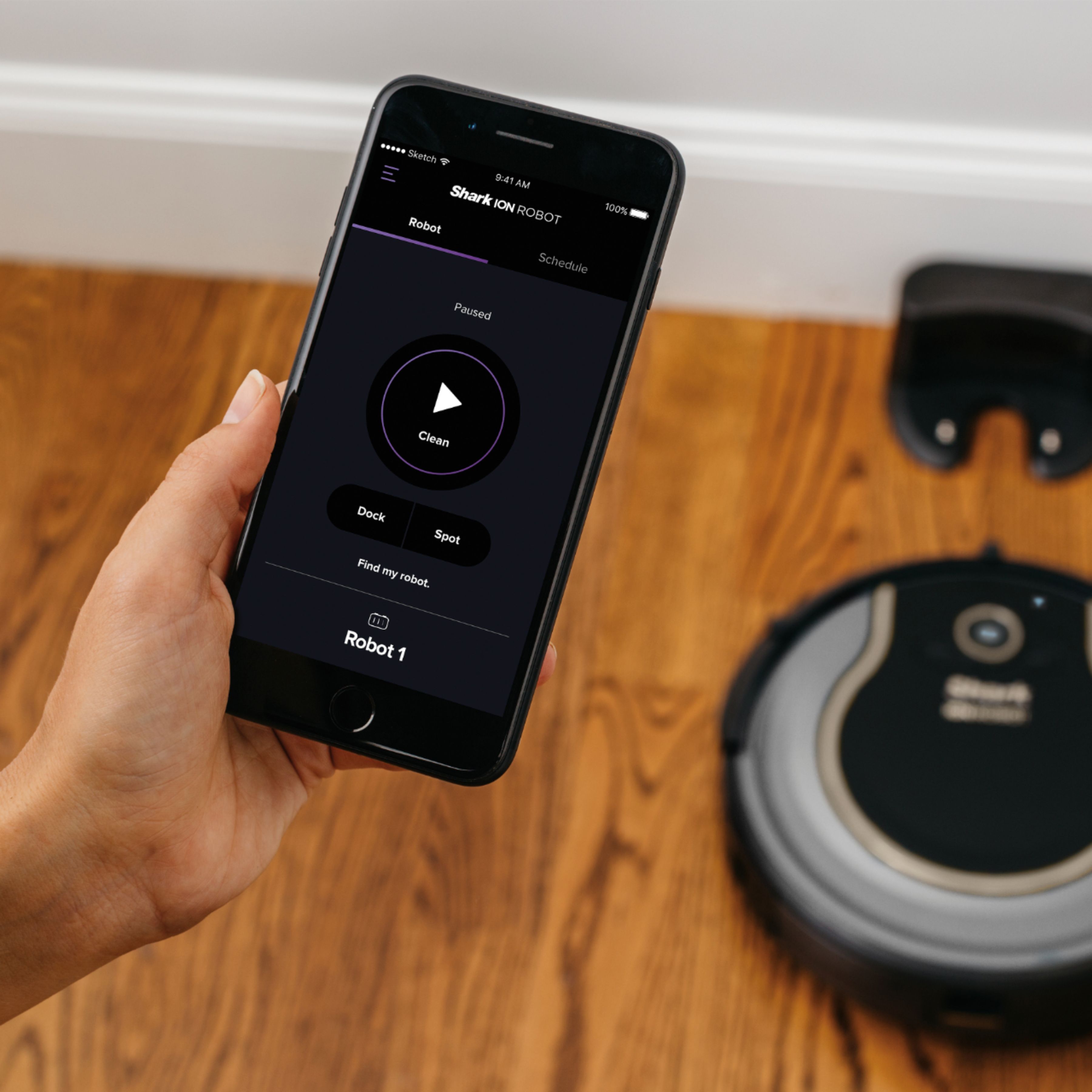
A:AnswerWe use it without an app or smartphone or Alexa. We just set up a schedule (on the vacuum) and it vacuums daily. We can also manually tell it to start vacuuming by pushing a button on the top of the vacuum. The only thing we use the phone for is to get notified if it gets stuck. But this is optional.
A:AnswerNice unit and does the cleaning job very well. Noise level for me on hardwood and tile floor is low. I have to look for it sometimes to see if it is still running unless it gets in a bind or stuck. I personally like and it works well. Only draw back is it randomly cleans and does not learn of where obstacles are or use a pattern to clean. No navigation system like some higher end models. Overall 5 stars as the latter is just personal.
A:AnswerLike the sharks in the Ocean, our Ion Robot has no problem functioning in darkness. It has a few different sensors and uses infrared (like TV remotes) to "see" objects around it. You see this when it comes up to a large obstacle (like a wall), it slows as it approaches and never touches the object. If it encounters a small object (like the leg of a chair), it doesn't "see" it but stops when the "touch" sensors come into contact with the leg. It has infrared sensors that "see" when it's coming to a ledge and reverses directions. It also has magnetic sensors to stop it from going across any magnetic boundary strips.
A:AnswerHello Vicki,
We are happy to confirm that you can pick up the vacuum and use it in a different room. When you put it in the room you can press the Clean button on the vacuum to start it. This will not affect its cleaning on another floor.
We hope this information helps.
The Customer Support Team
A:AnswerHello Julie,
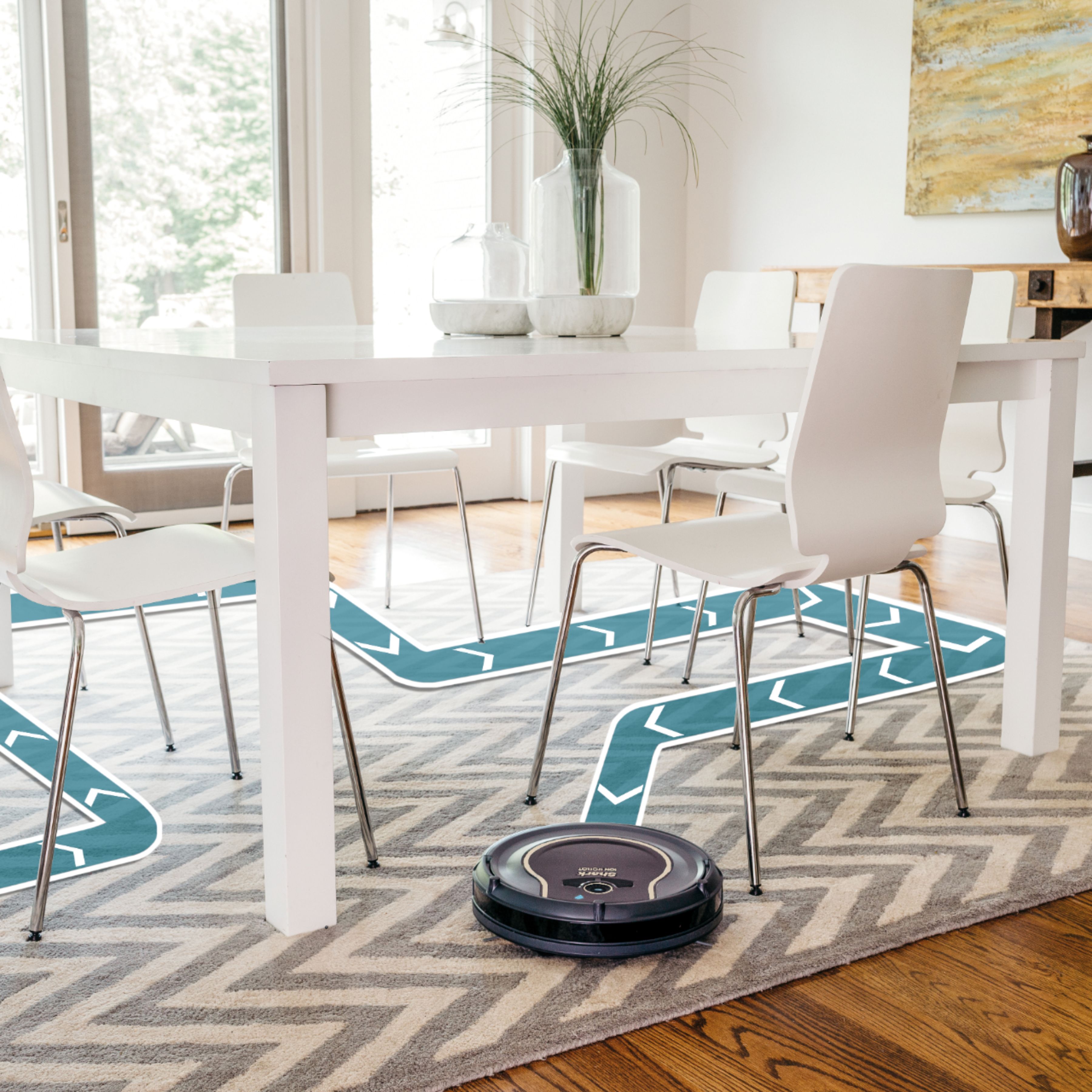
We are happy to inform you that the Shark - ION™ 750 App-Controlled Robot Vacuum is designed with Smart Sensor Technology so it can navigate around obstructions as it cleans your floor. By using an array of sensors, the Shark ION™ Robot will steer itself around your home, using walls and objects as its guide and gently bumping them. This method allows the robot to travel in and out of rooms and around obstacles. If your Shark ION™ Robot appears to be spending a lot of time in one spot, don't worry-over time, its programming will help it cover the full area. The Shark ION™ Robot might not hit every area in one cleaning, but by scheduling daily cleaning, you'll notice its cleaning path will differ with each run to ensure it is maintaining your floors.
We hope this information help.
The Customer Support Team
A:AnswerHello Docking,
We would like you to know that you can certainly have more than one dock for the Shark ION™ Robot. When the vacuum needs to dock to charge or is told to dock, it will go to the first dock it finds.
We hope this information helps.
The Customer Support Team
A:AnswerHello LG,
We are happy to assist you with your inquiry about the Shark - ION™ 750 App-Controlled Robot Vacuum. The MAX mode provides 3X more suction power. When you start the robot in a room and close the door, it will continue to clean until you stop it or the battery runs down.
We hope this information helps.
The Customer Support Team
A:AnswerThe robot is designed to be docked and on always. This is so you can set programs for it to run when you are away or in the middle of the night. However, it is your choice and if you feel most comfortable turning it off at night out of the dock, then do so.
A:AnswerHello AMW,
We would like you to know that you can use the Shark ION™ 750 App-Controlled Robot Vacuum without a smart phone or voice commands. You start the vacuum by using the on-board control buttons.
We hope this information helps.
The Customer Support Team
A:AnswerOur main floor is hardwood with a few area rugs but it does a great job in our fully carpeted bedrooms. The carpet is a "plush" type and the unit has no problems.
A:AnswerI don't know what is wrong but mine is doing it too. It's less than a week old and is going back. Biggest waste of money ever. It has gotten stuck on everything from my rugs to a pile of dirty clothes in my laundry room. It hasn't been able to complete a single run without trouble. Worst shark item ever.
A:AnswerHello,
We are happy to confirm that you can run two Shark - ION™ 750 App-Controlled Robot Vacuums at the same time.
We hope this information helps.
The Customer Support Team