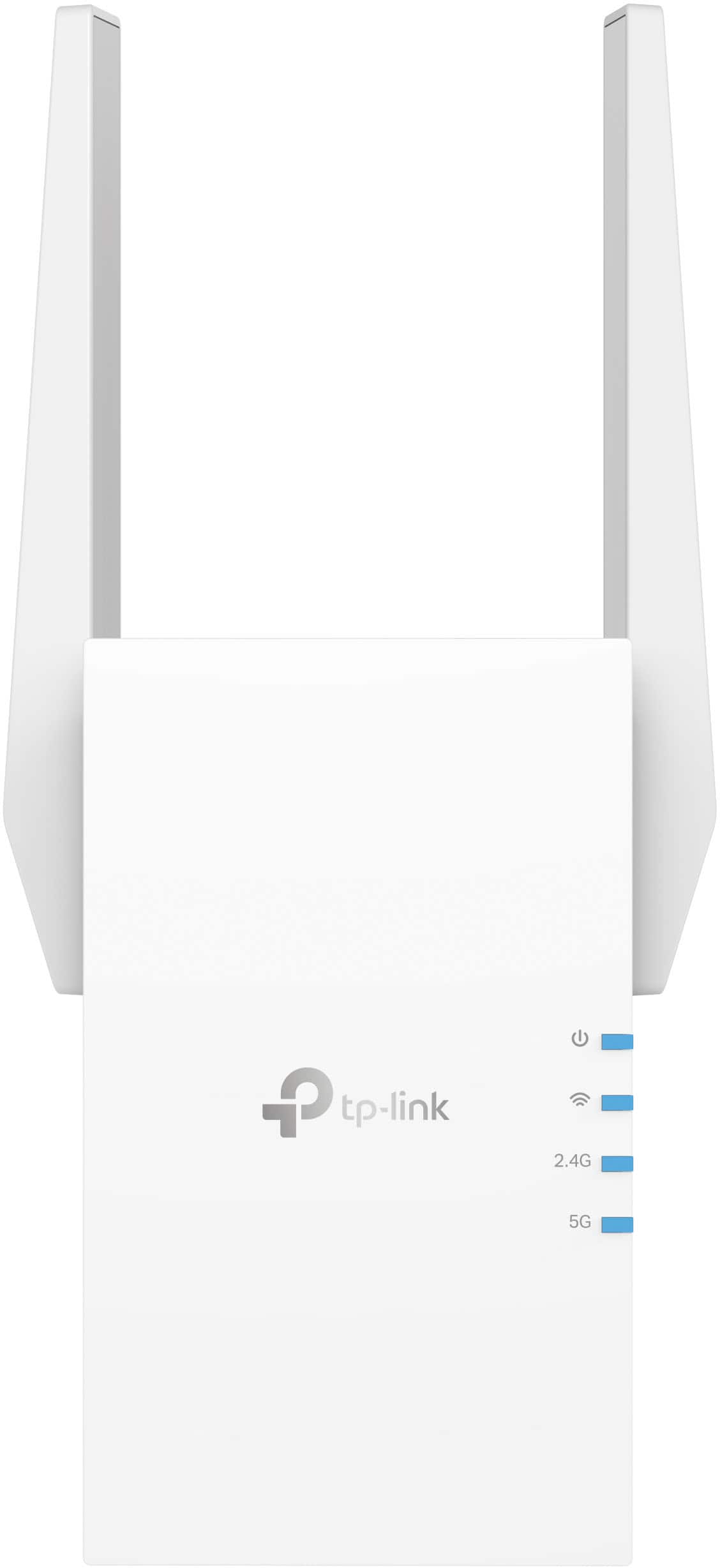
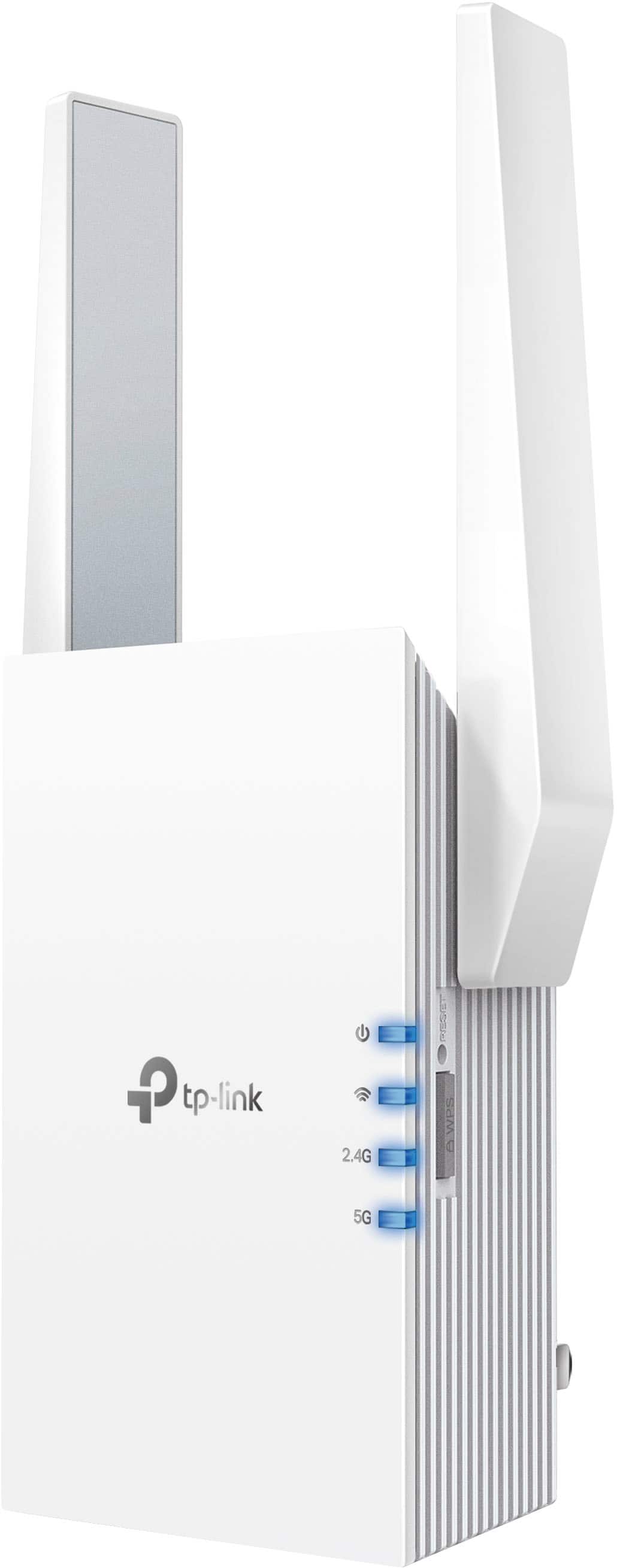
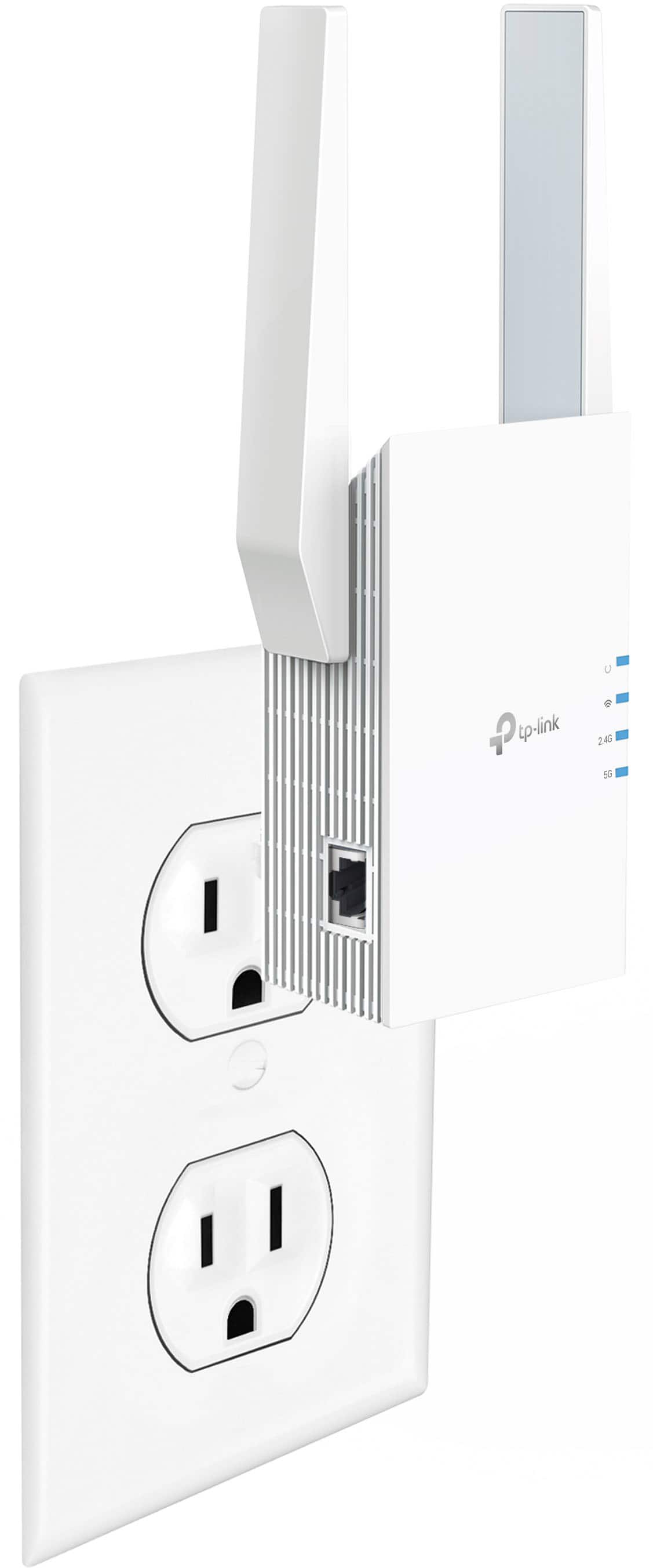
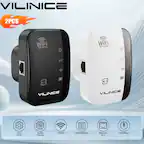
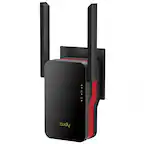
A:AnswerYes it will. I use an Android App named WiFi Analyzer to identify hot spots and weak spots in the house. It is available free of charge in the Play Store. Place the Extender in the hot spot nearest the problem area.
A:AnswerYou can keep the same network names if before you save the name it creates click on it and erase the ext on the end and then save . It will route one 2.4 network and one 5.0. So no guest network. We have had no issues with our security cameras dropping out, or streaming HD quality movies.
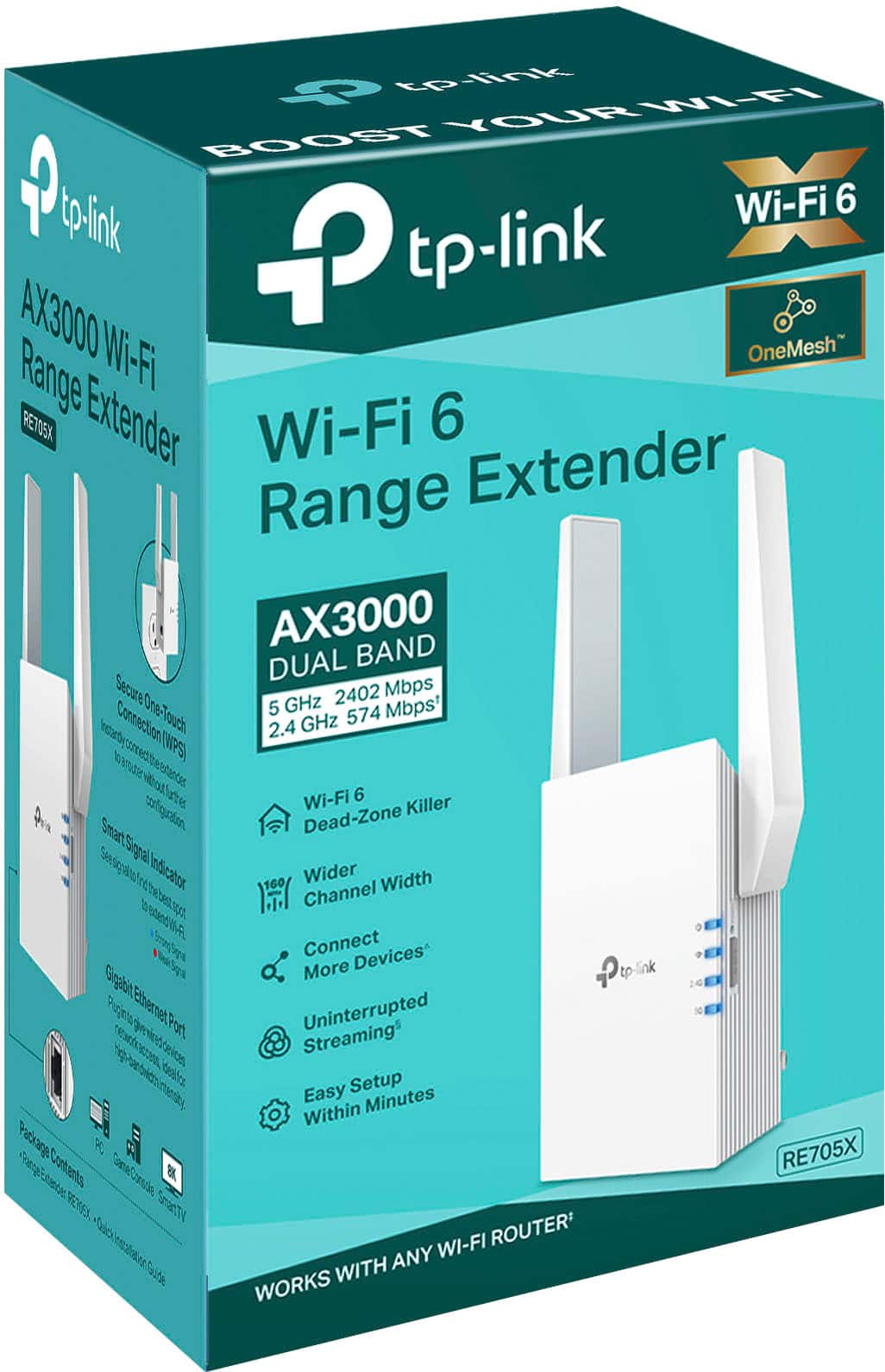
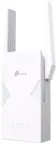
A:AnswerHi! The RE705X supports TP-Link OneMesh technology. For more information about TP-Link OneMesh, please visit our official website here: https://www.tp-link.com/us/onemesh/
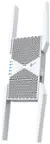
A:AnswerThat number varies based on numerous variables. My recommendation for any range concern would be RE605X with its external antennas you would have the best possible outcome for range.