Customer Ratings & Reviews

- Model:
- 10GAT9901
- |
- SKU:
- 11121810
Customer reviews
Rating 4.9 out of 5 stars with 772 reviews
(772 customer reviews)Rating by feature
- Value4.6
Rating 4.6 out of 5 stars
- Quality4.9
Rating 4.9 out of 5 stars
- Ease of Use4.7
Rating 4.7 out of 5 stars
Rated 5 out of 5 stars
Loved it
Posted .This reviewer received promo considerations or sweepstakes entry for writing a review.This was the perfect Father’s Day gift for my husband!
This review is from Elgato - Stream Deck XL Wired Keypad with Back Lighting - Black
I would recommend this to a friendRated 5 out of 5 stars
Perfect product even for daily usage
||Posted . Owned for 3 weeks when reviewed.This reviewer received promo considerations or sweepstakes entry for writing a review.It works perfectly on MacOS and improves the efficiency.
This review is from Elgato - Stream Deck XL Wired Keypad with Back Lighting - Black
I would recommend this to a friendRated 5 out of 5 stars
Great item everyone needs it
||Posted . Owned for 1 week when reviewed.This reviewer received promo considerations or sweepstakes entry for writing a review.Love it! Wish we had gotten the big ones from the beginning instead of the medium 15 button one. It is amazing, works great, easy to set up and very user friendly. I’d recommend this to anyone doing anything streaming or production work. Makes life so easy!
This review is from Elgato - Stream Deck XL Wired Keypad with Back Lighting - Black
I would recommend this to a friendRated 5 out of 5 stars
For streaming.
||Posted .This reviewer received promo considerations or sweepstakes entry for writing a review.Awesome device, way cooler than I thought, does everything for streaming.
This review is from Elgato - Stream Deck XL Wired Keypad with Back Lighting - Black
I would recommend this to a friendRated 5 out of 5 stars
Wow awesome!!
||Posted . Owned for 1 week when reviewed.This reviewer received promo considerations or sweepstakes entry for writing a review.I have the smaller version of this, and being that it’s so useful, I just had to buy the more robust version. The amount of things they keep adding to this unit is unbelievable. Definitely worth it.
This review is from Elgato - Stream Deck XL Wired Keypad with Back Lighting - Black
I would recommend this to a friendRated 5 out of 5 stars
Super Handy Tool
||Posted . Owned for more than 2 years when reviewed.This reviewer received promo considerations or sweepstakes entry for writing a review.The Stream Deck is incredibly useful and has saved me many hours by providing a brilliant way to work much more efficiently! Highly recommend!!
This review is from Elgato - Stream Deck XL Wired Keypad with Back Lighting - Black
I would recommend this to a friendRated 5 out of 5 stars
My Best Purchase of 2020
||Posted . Owned for 2 weeks when reviewed.This reviewer received promo considerations or sweepstakes entry for writing a review.I am so incredibly happy with my Elgato - Stream Deck XL. It is one of the best things I have purchased all year! If you are deciding between the regular stream deck or the XL, I highly recommend the XL. The Keys fill up fast ...I personally like having an empty key every other one. You won’t be disappointed, I promise!
This review is from Elgato - Stream Deck XL Wired Keypad with Back Lighting - Black
I would recommend this to a friendRated 5 out of 5 stars
Serious Live Stream piece of gear
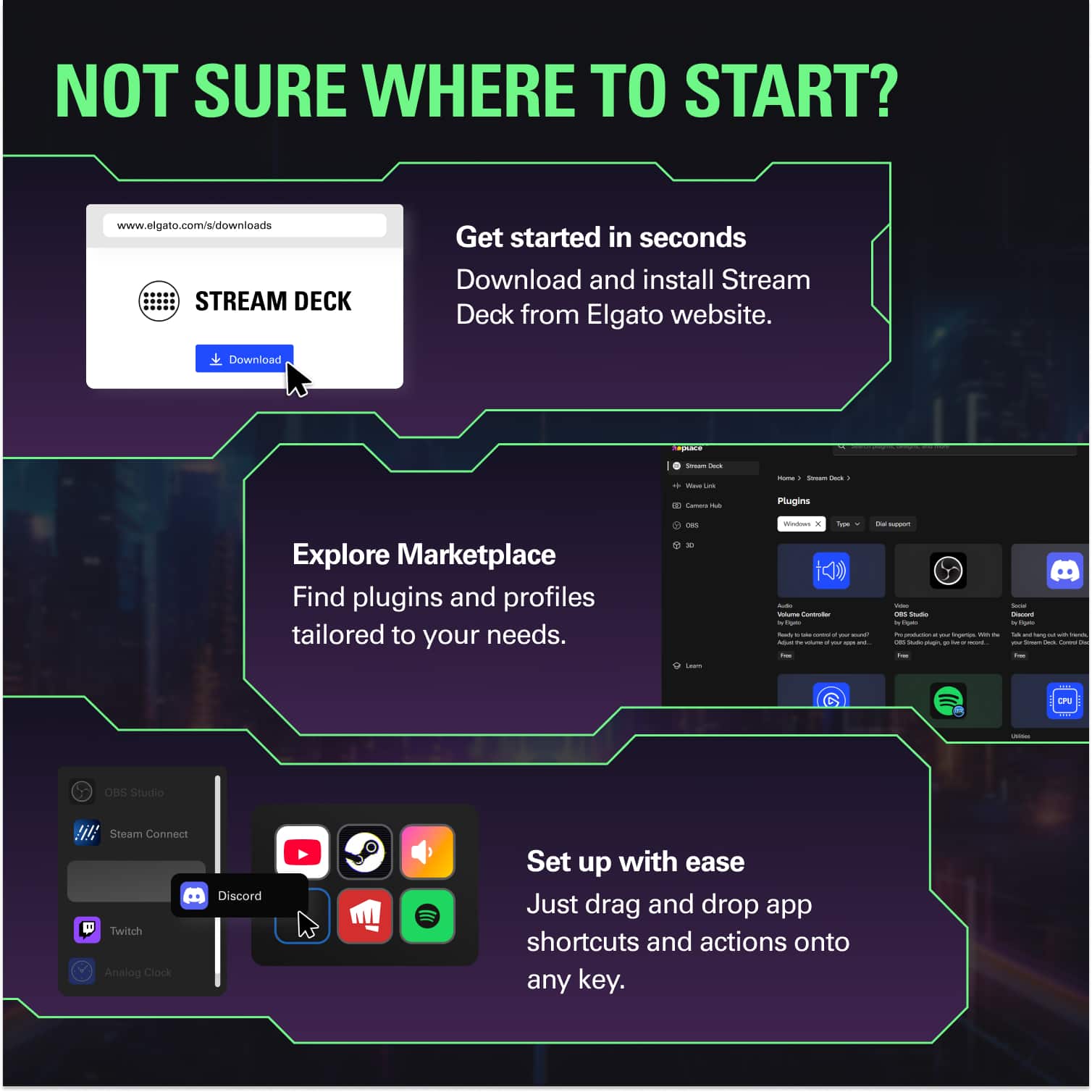
||Posted . Owned for 2 months when reviewed.This reviewer received promo considerations or sweepstakes entry for writing a review.This is a needful tool for any serious live stream creator. The updates are wonderful and keep things moving forward. Very straightforward interface easy to use, it sets itself up and you just drag and drop from there. I love it. I'm so glad I forked out the extra $ to get the XL. I wish they had an XXXXL.
This review is from Elgato - Stream Deck XL Wired Keypad with Back Lighting - Black
I would recommend this to a friendRated 5 out of 5 stars
Great, fun item.
||Posted . Owned for 1 year when reviewed.This reviewer received promo considerations or sweepstakes entry for writing a review.This thing I love! I have absolutely no need for it, but I thought it was cool and I had seen it used by streamers for lights and many other things. I have it for the novelty of it and mostly just to have one click access to websites and streaming apps, but if you actually would need it for function, I think you would love it too.
This review is from Elgato - Stream Deck XL Wired Keypad with Back Lighting - Black
I would recommend this to a friendRated 5 out of 5 stars
This is a game changer!
||Posted . Owned for 1.5 years when reviewed.This reviewer received promo considerations or sweepstakes entry for writing a review.One of the best investments I have EVER made in technology. I run the AV for an organization that does seminars around Texas. I use this to quickly launch graphics, presentations, music, pictures, etc during these events. It save me an amazing amount of time. Much better than I ever thought. I look like a mind reader when a speaker asks for something on the fly and I can get it on the screen within seconds in most cases. Can't recommend this product enough.
This review is from Elgato - Stream Deck XL Wired Keypad with Back Lighting - Black
I would recommend this to a friendRated 5 out of 5 stars
Love it
||Posted . Owned for 1 year when reviewed.This reviewer received promo considerations or sweepstakes entry for writing a review.best elgota product on the market. so many ways to add anything you want to the buttons.
This review is from Elgato - Stream Deck XL Wired Keypad with Back Lighting - Black
I would recommend this to a friendRated 5 out of 5 stars
Amazing Product
||Posted . Owned for 1 week when reviewed.This reviewer received promo considerations or sweepstakes entry for writing a review.This is an amazing product for anyone who broadcasts. I originally bought the smaller version but loved it so much, I went back for the larger version. The software is ridiculously easy to use. This is as plug and play as it gets. I already can’t imagine my home PC experience without one.
This review is from Elgato - Stream Deck XL Wired Keypad with Back Lighting - Black
I would recommend this to a friendRated 5 out of 5 stars
Stream deck awesome!
||Posted . Owned for 1 week when reviewed.This reviewer received promo considerations or sweepstakes entry for writing a review.It is a great piece of hardware to make interacting with Windows/other software easier and faster.
This review is from Elgato - Stream Deck XL Wired Keypad with Back Lighting - Black
I would recommend this to a friendRated 5 out of 5 stars
Watch my stream Dakay5280
||Posted . Owned for 3 weeks when reviewed.This reviewer received promo considerations or sweepstakes entry for writing a review.I love my streamdeck! It’s something I use everyday for streaming and for graphic design. I have 3 profiles I use on the stream deck 1. With obs 2. With photoshop and after effects. 3. With my wave3 microphone. I would recommend buying one and playing with it. Watch my stream DaKay5280 on fb
This review is from Elgato - Stream Deck XL Wired Keypad with Back Lighting - Black
I would recommend this to a friendRated 5 out of 5 stars
Very easy to use
||Posted . Owned for 1 year when reviewed.This reviewer received promo considerations or sweepstakes entry for writing a review.I stream a lot of online gaming between my pc and ps5 great tool to help you when your streaming video games
This review is from Elgato - Stream Deck XL Wired Keypad with Back Lighting - Black
I would recommend this to a friendRated 5 out of 5 stars
Easy to setup and go
||Posted . Owned for 4 months when reviewed.This reviewer received promo considerations or sweepstakes entry for writing a review.Was using the mobile app for a while and finally broke down and upgraded to a real stream deck. Has made managing my stream a lot easier and now they added the second page feature so you get twice the amount of buttons. Super simple to set up and get going
This review is from Elgato - Stream Deck XL Wired Keypad with Back Lighting - Black
I would recommend this to a friendRated 5 out of 5 stars
Immensely versatile outside of streaming
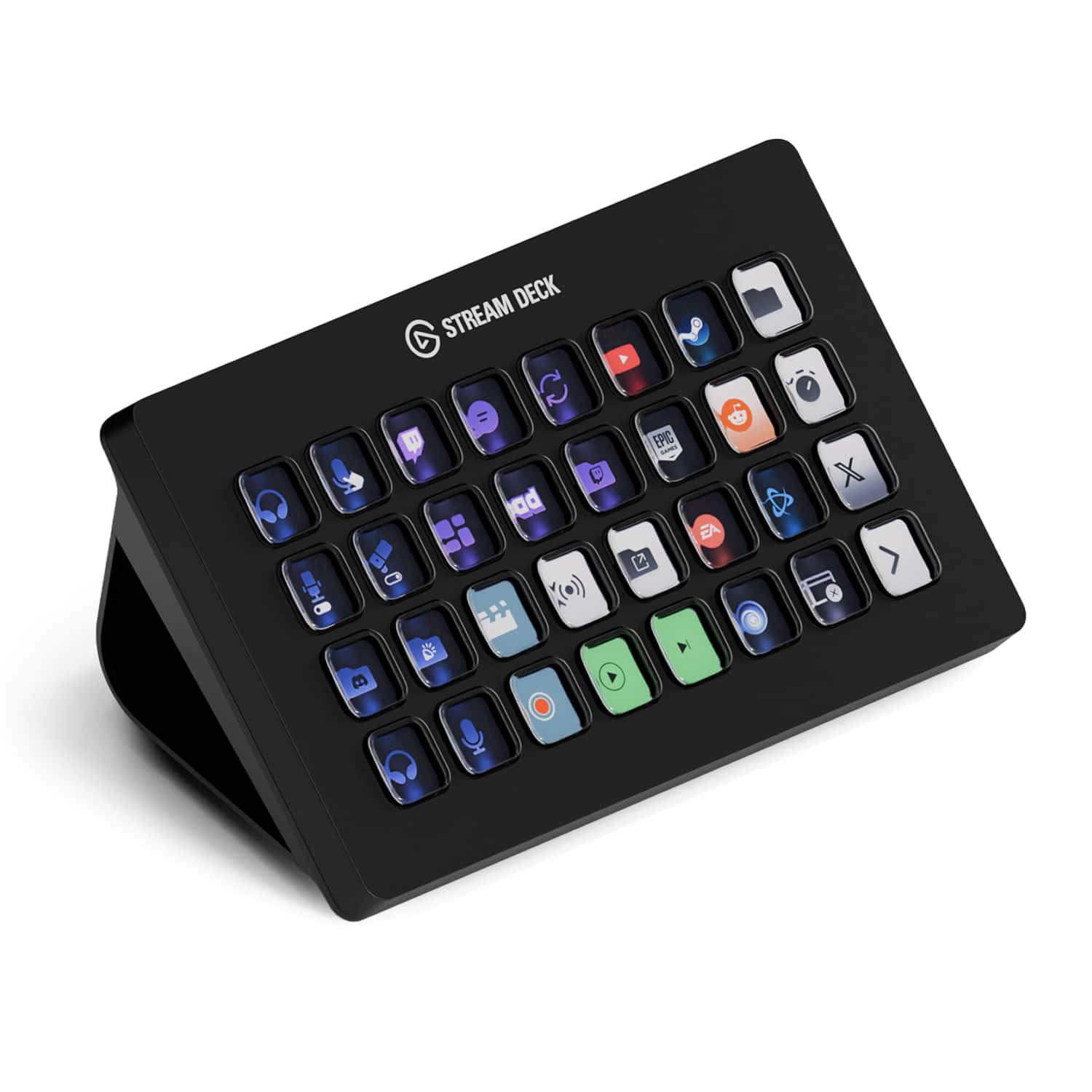
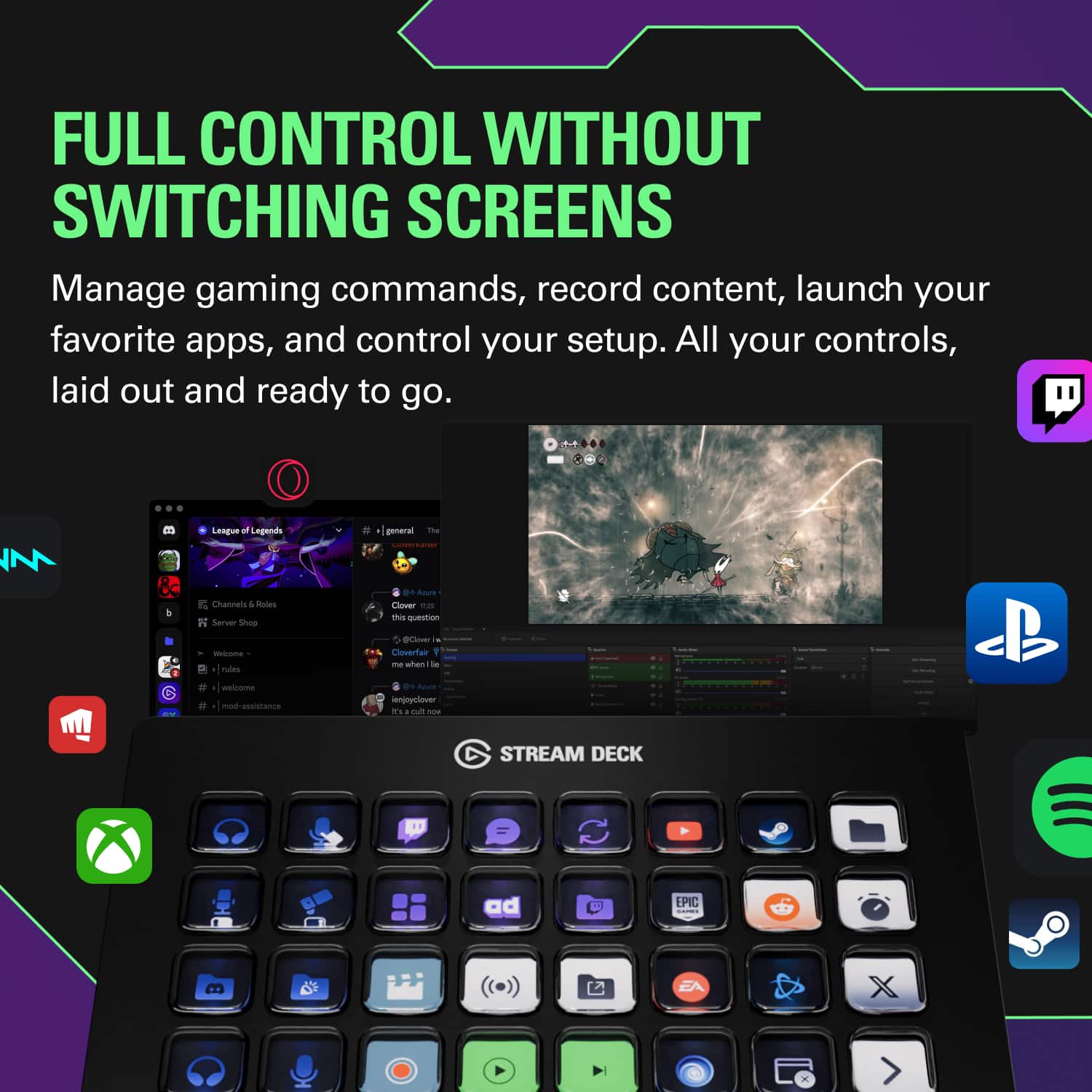
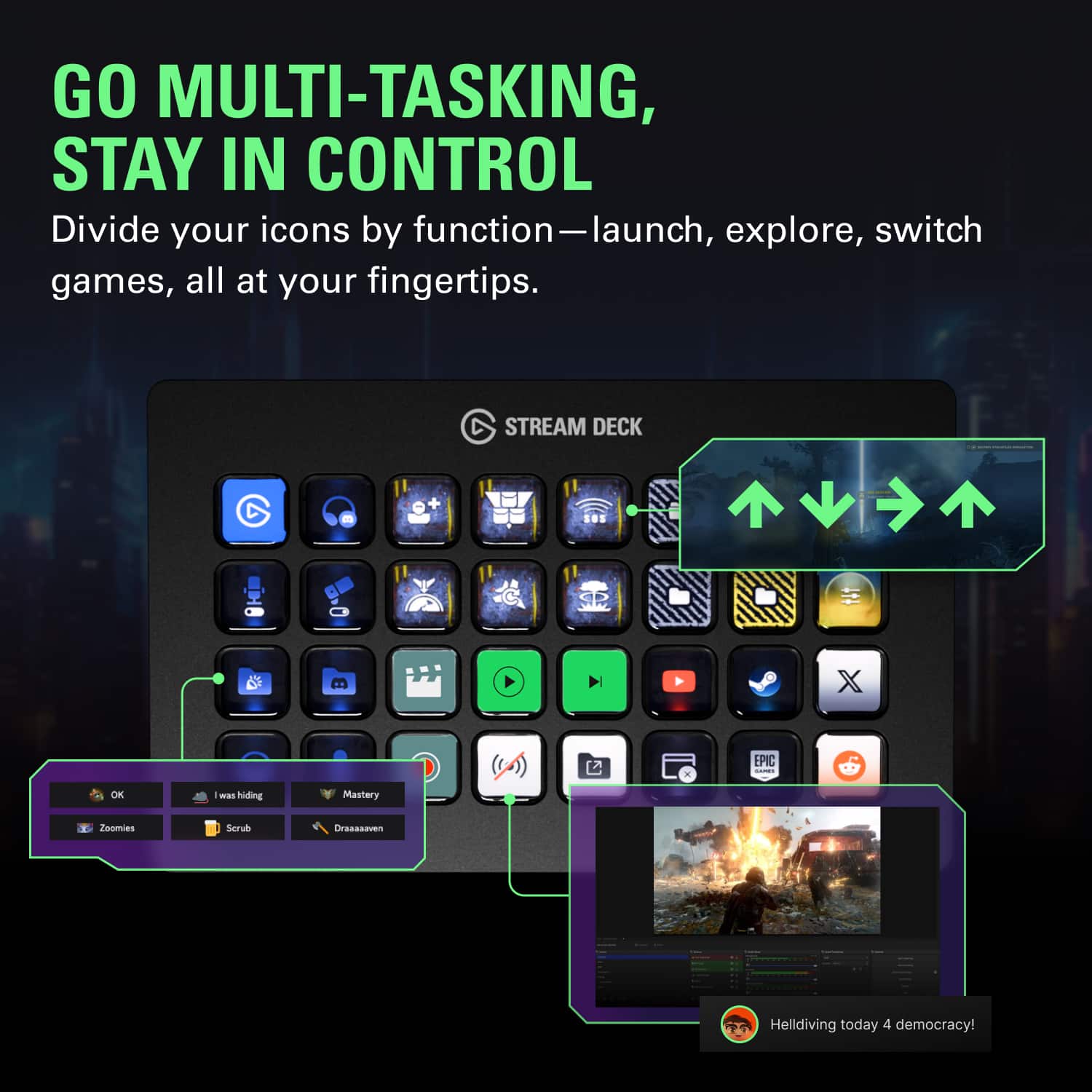
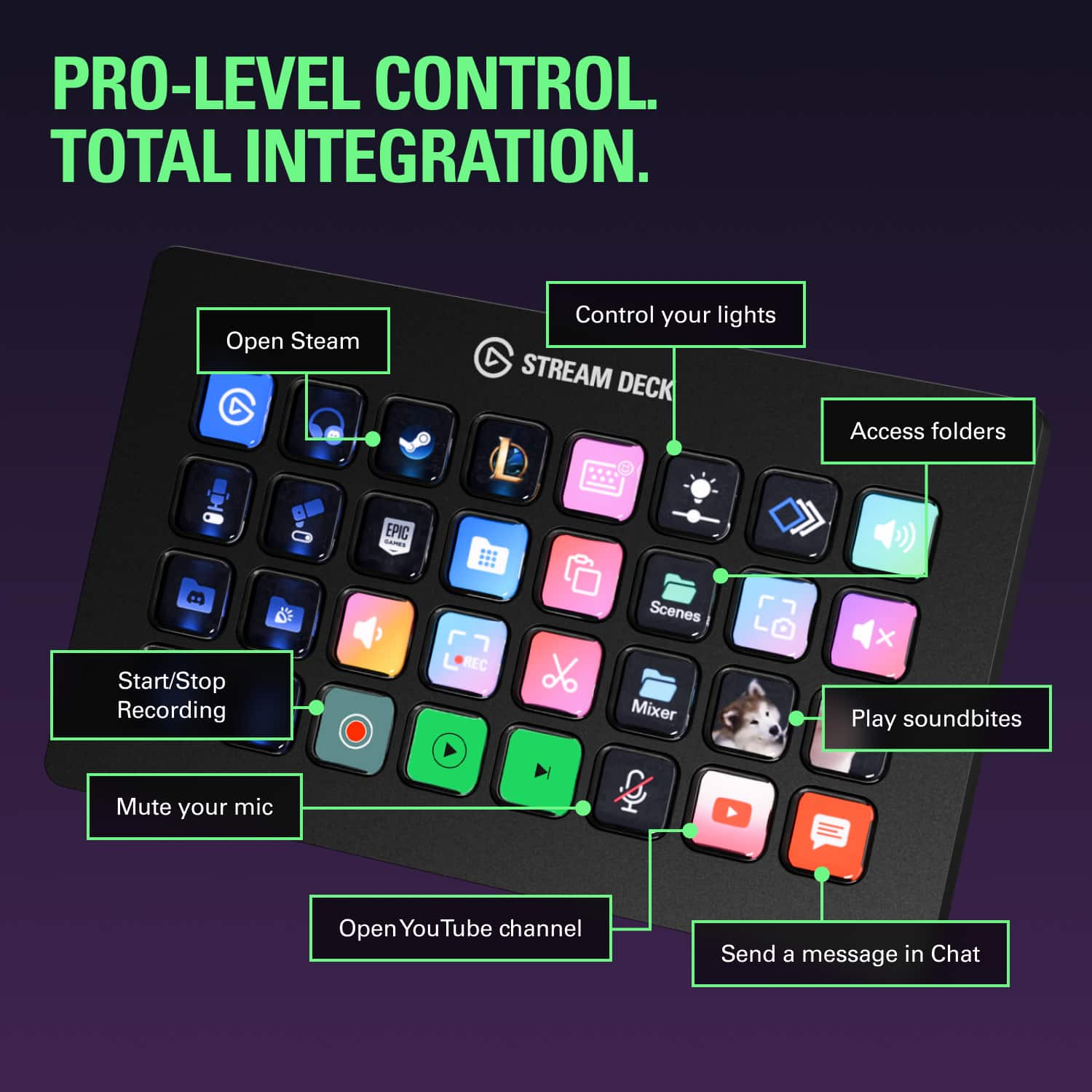
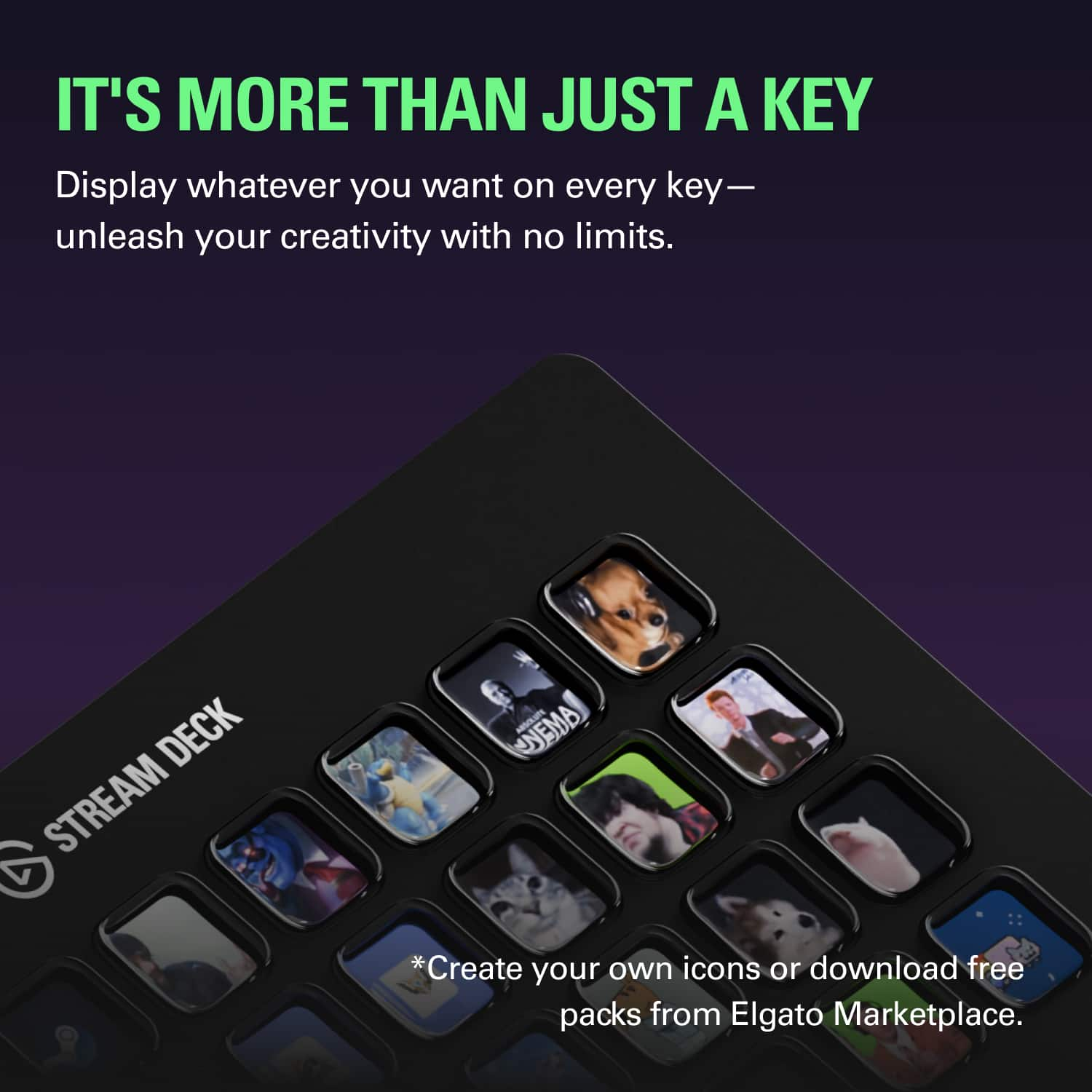
||Posted . Owned for 1 month when reviewed.This reviewer received promo considerations or sweepstakes entry for writing a review.**I am using the stream deck on Windows, so I’m not positive how different these features may be on Mac.** The most attractive feature I found about the stream deck is its ability to setup hotkeys, folder-paths, and profiles settings for literally anything and everything on the PC. Additionally, you can customize the deck to open programs (like Chrome, Photoshop, etc.) and even folder-shortcuts; great at decluttering the desktop/taskbar if you have a large folder archives to browse through. Once you download the stream deck software you’re good-to-go. There some great tutorials on setting up more in-depth features than what’s mentioned above. Build quality is surprisingly premium feeling, and the deck was much heavier than it looks. The buttons feel solid with no plastic scraping and have a nice satisfying soft-click. Each button, too, is basically a small LCD screen so customizable button faces have very few limitations other than you’re imagination.
This review is from Elgato - Stream Deck XL Wired Keypad with Back Lighting - Black
I would recommend this to a friendRated 5 out of 5 stars
Best Stream Deck to get
||Posted . Owned for 1 month when reviewed.This reviewer received promo considerations or sweepstakes entry for writing a review.I love the Xl stream deck. I have the mark one 25 key and have just got the Xl for my racing sim rig.
This review is from Elgato - Stream Deck XL Wired Keypad with Back Lighting - Black
I would recommend this to a friendRated 5 out of 5 stars
Excellent quality and perfect for my workflow
||Posted . Owned for 1 week when reviewed.This reviewer received promo considerations or sweepstakes entry for writing a review.This is an amazing product that does what it is intended to do with ease! Quality build too! Highly recommend and happy I went with the XL!
This review is from Elgato - Stream Deck XL Wired Keypad with Back Lighting - Black
I would recommend this to a friendRated 5 out of 5 stars
An excellent replacement for macro keypads
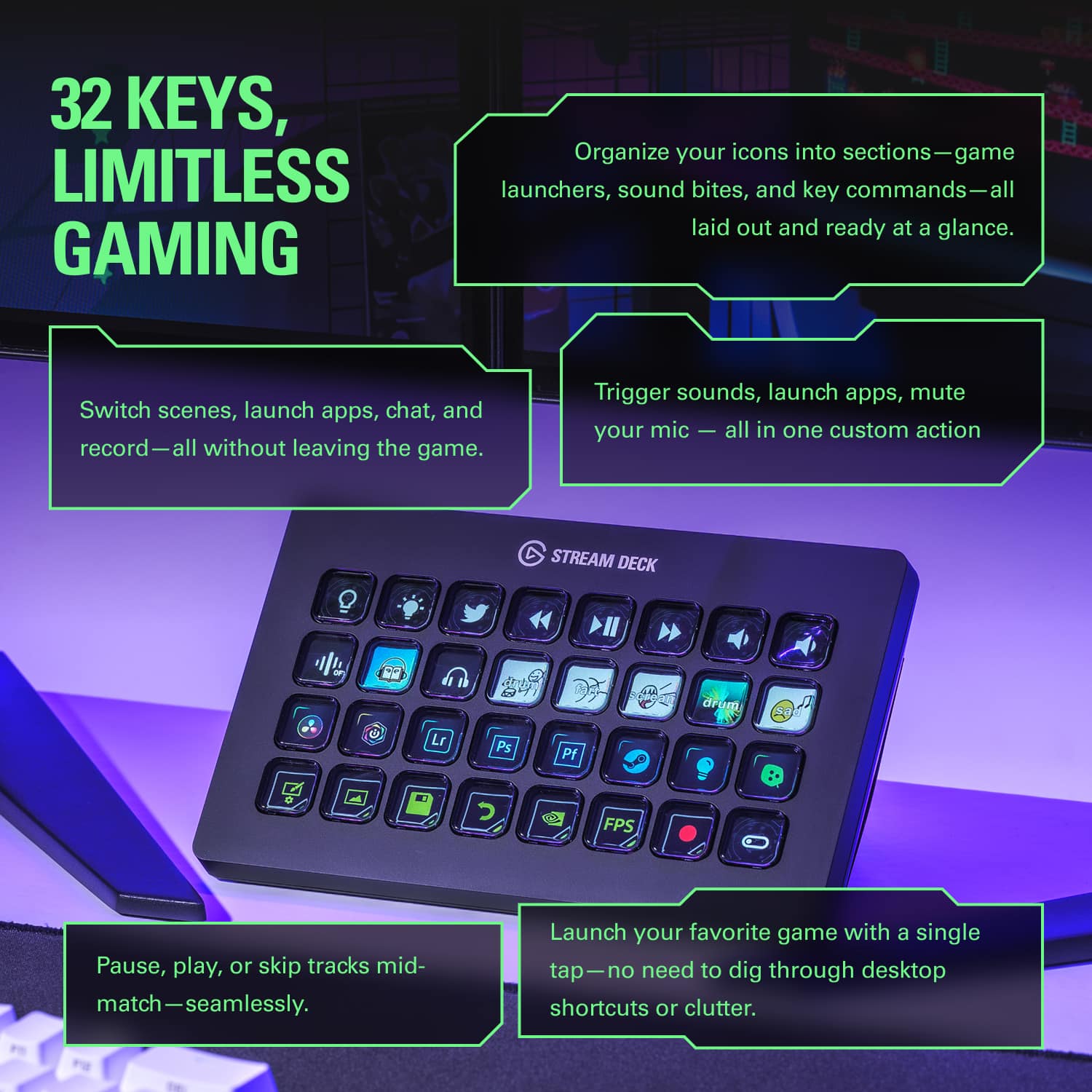
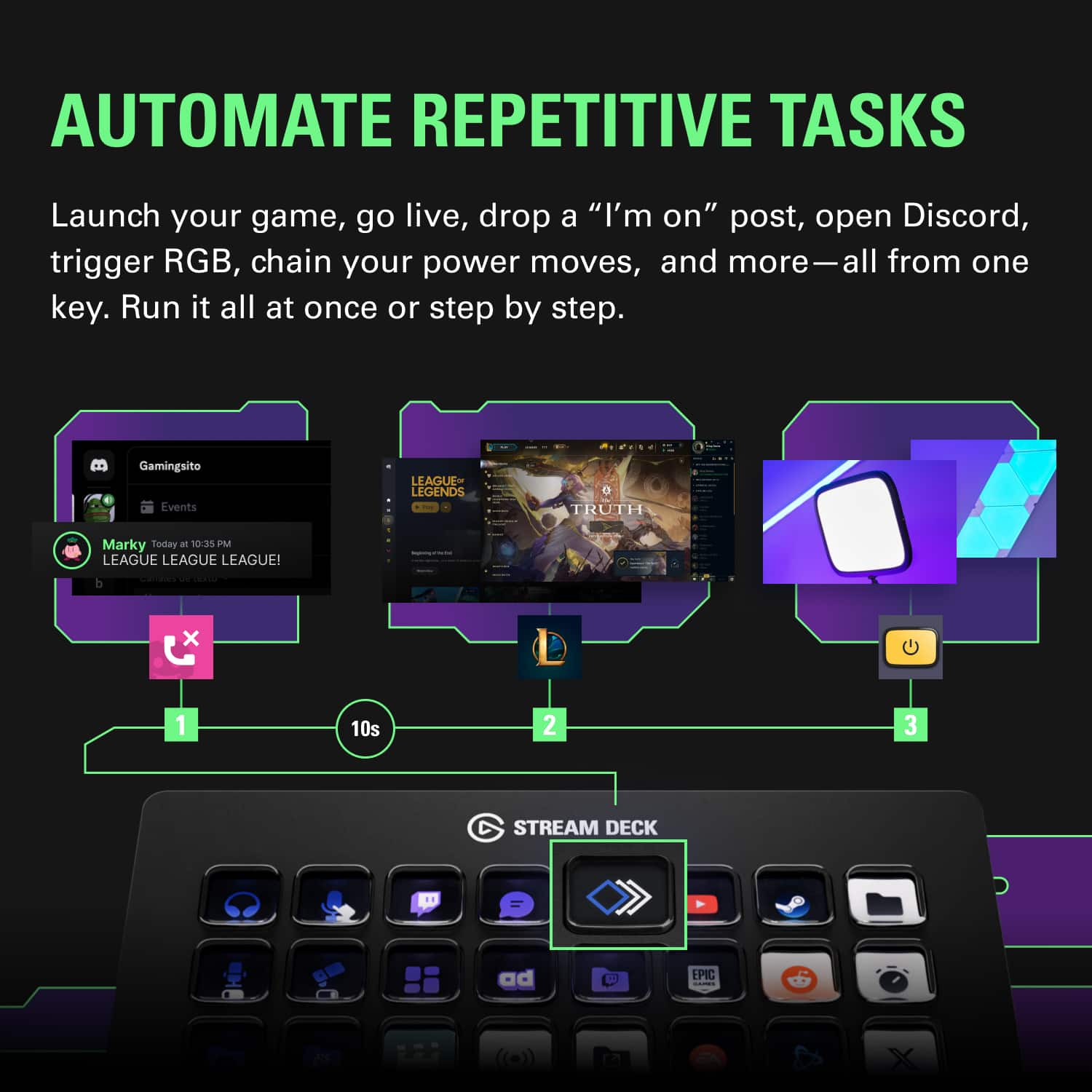
||Posted . Owned for 1 month when reviewed.This reviewer received promo considerations or sweepstakes entry for writing a review.Back in the day, I used a Logitech G13 macro keypad, the backlight what was dim and the macro keys not logically laid out, but the language was strong for making quick macros using everything from Mouse events to keyboard Strokes When I saw this pad, not only could I address each button with Graphics that I created or pre-made ones, but it did everything that my keypad could do and a whole lot more. Now that Logitech no longer supports the G13 and has dropped it from its latest line Hub software to program it, I was forced to either use older versions of their software that aren't supported anymore, or use the pre-made 12 macro keys on their latest RGB keyboard. With the 32 macro keys, programmable video buttons that support animation, and the fact that it has support by the manufacturer with API plugins to allow others to write script to make the buttons work with other devices such as automated light bulbs, iot devices, and Hardware monitoring devices.
This review is from Elgato - Stream Deck XL Wired Keypad with Back Lighting - Black
I would recommend this to a friend