Customer Ratings & Reviews
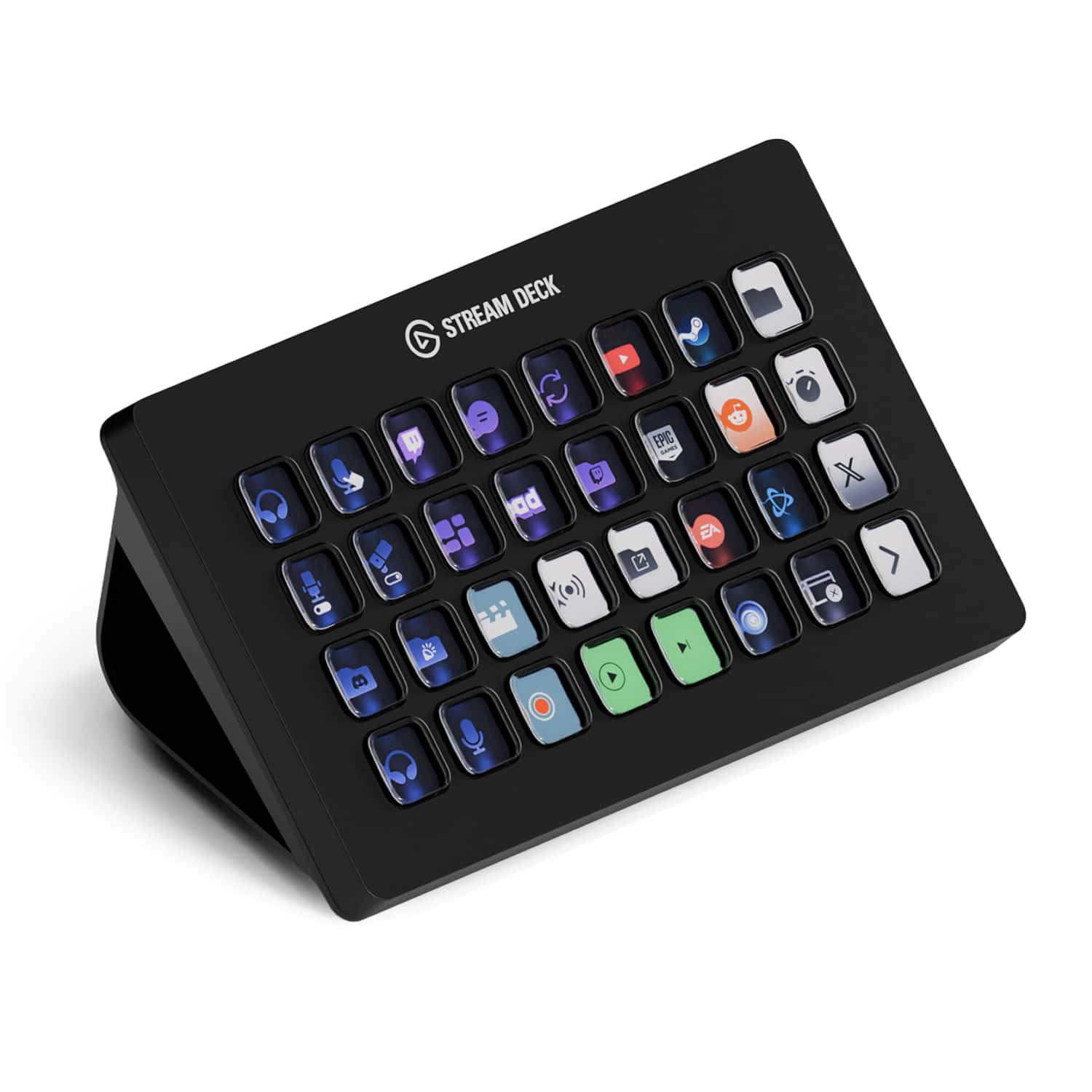
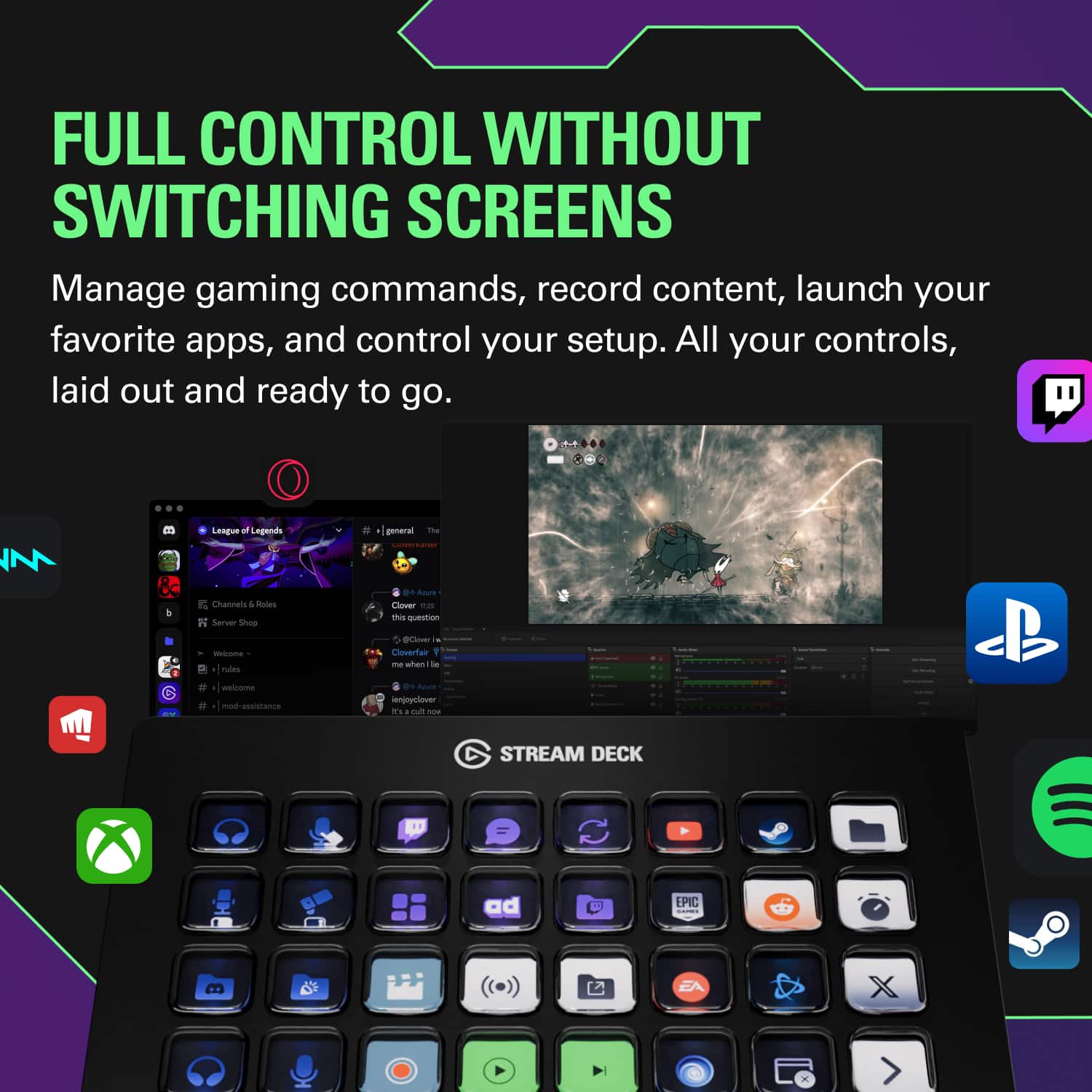
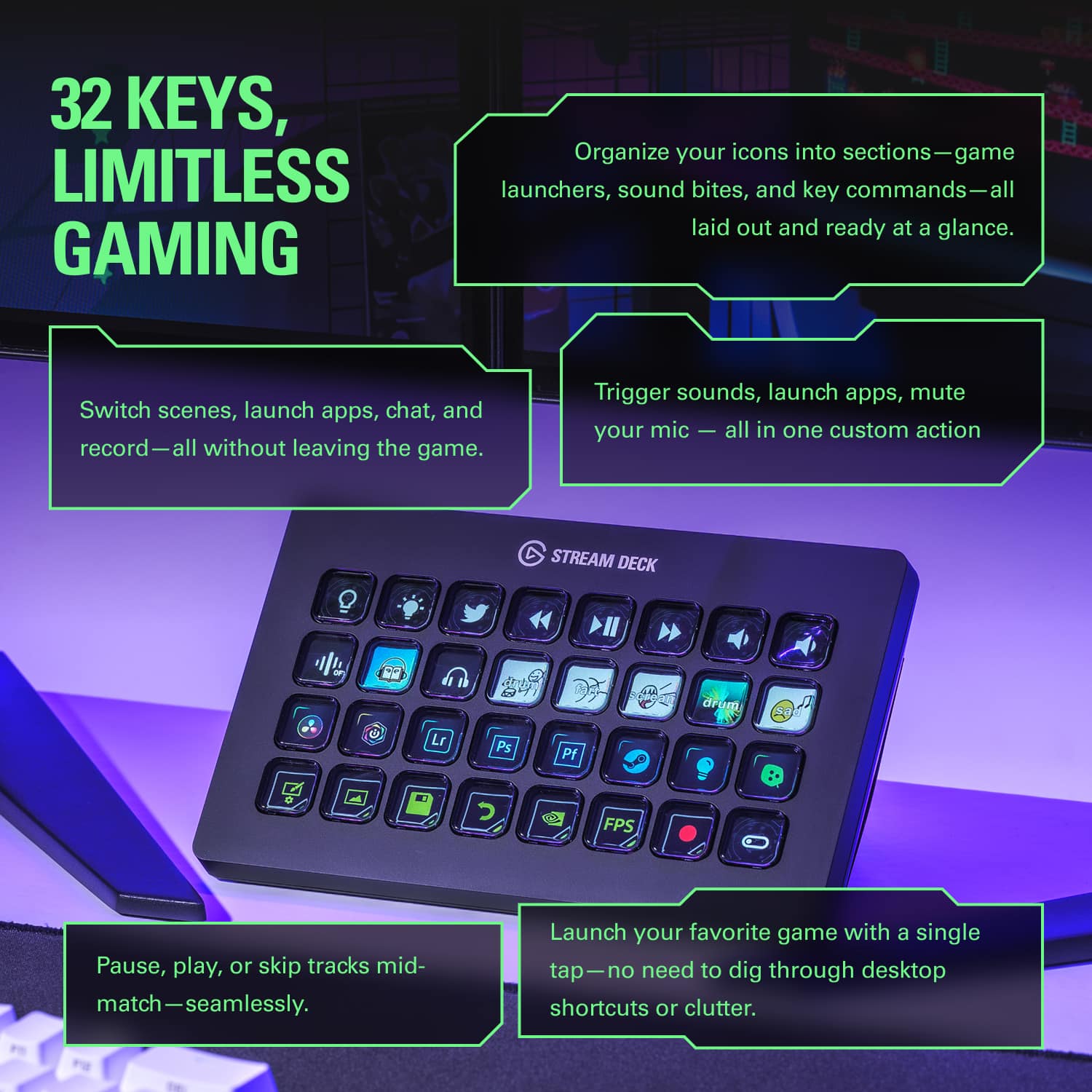
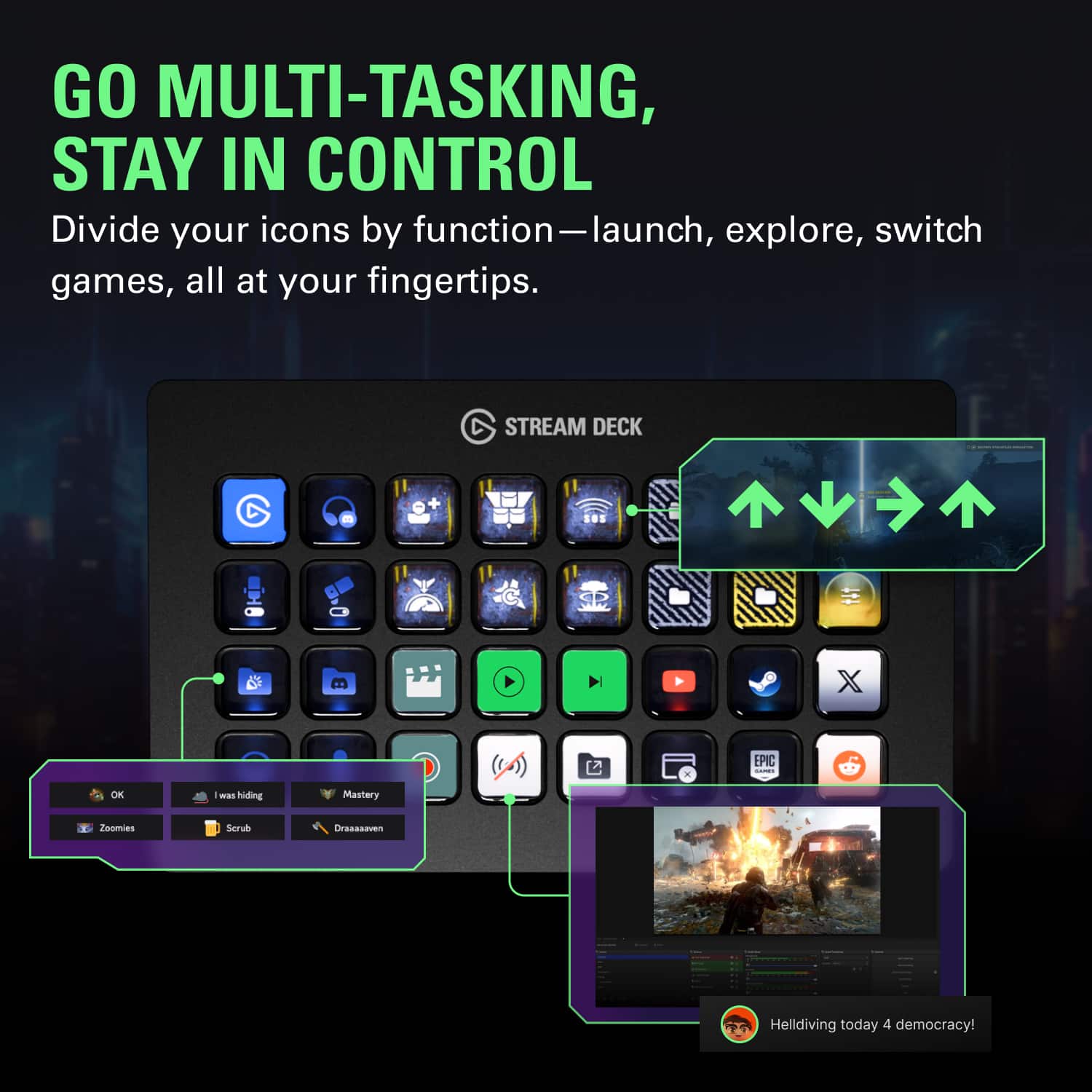

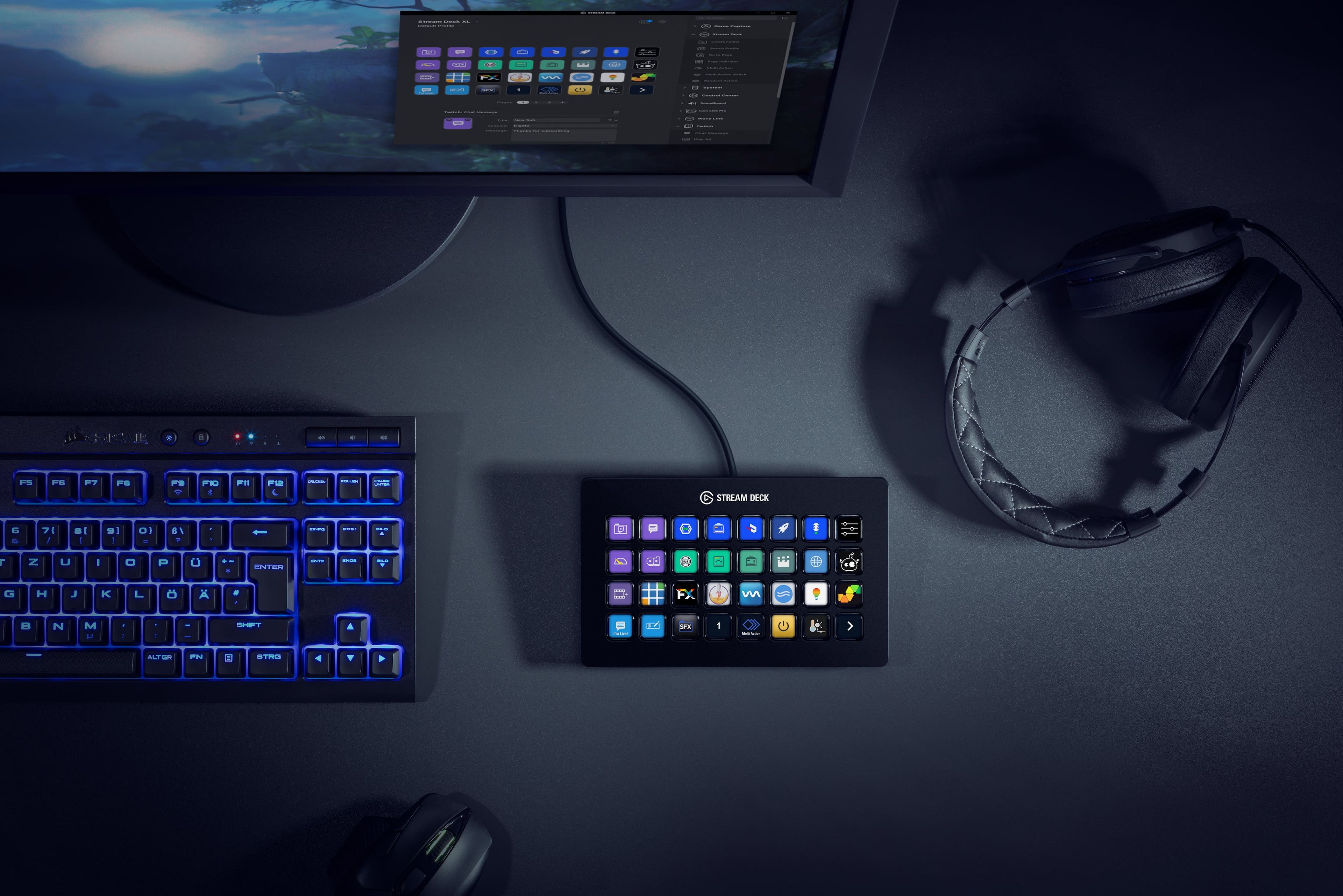
- Model:
- 10GAT9901
- |
- SKU:
- 11121810
Customer reviews
Rating 4.9 out of 5 stars with 772 reviews
(772 customer reviews)Rating by feature
- Value4.6
Rating 4.6 out of 5 stars
- Quality4.9
Rating 4.9 out of 5 stars
- Ease of Use4.7
Rating 4.7 out of 5 stars
Rated 5 out of 5 stars
Essential Device for Livestreaming
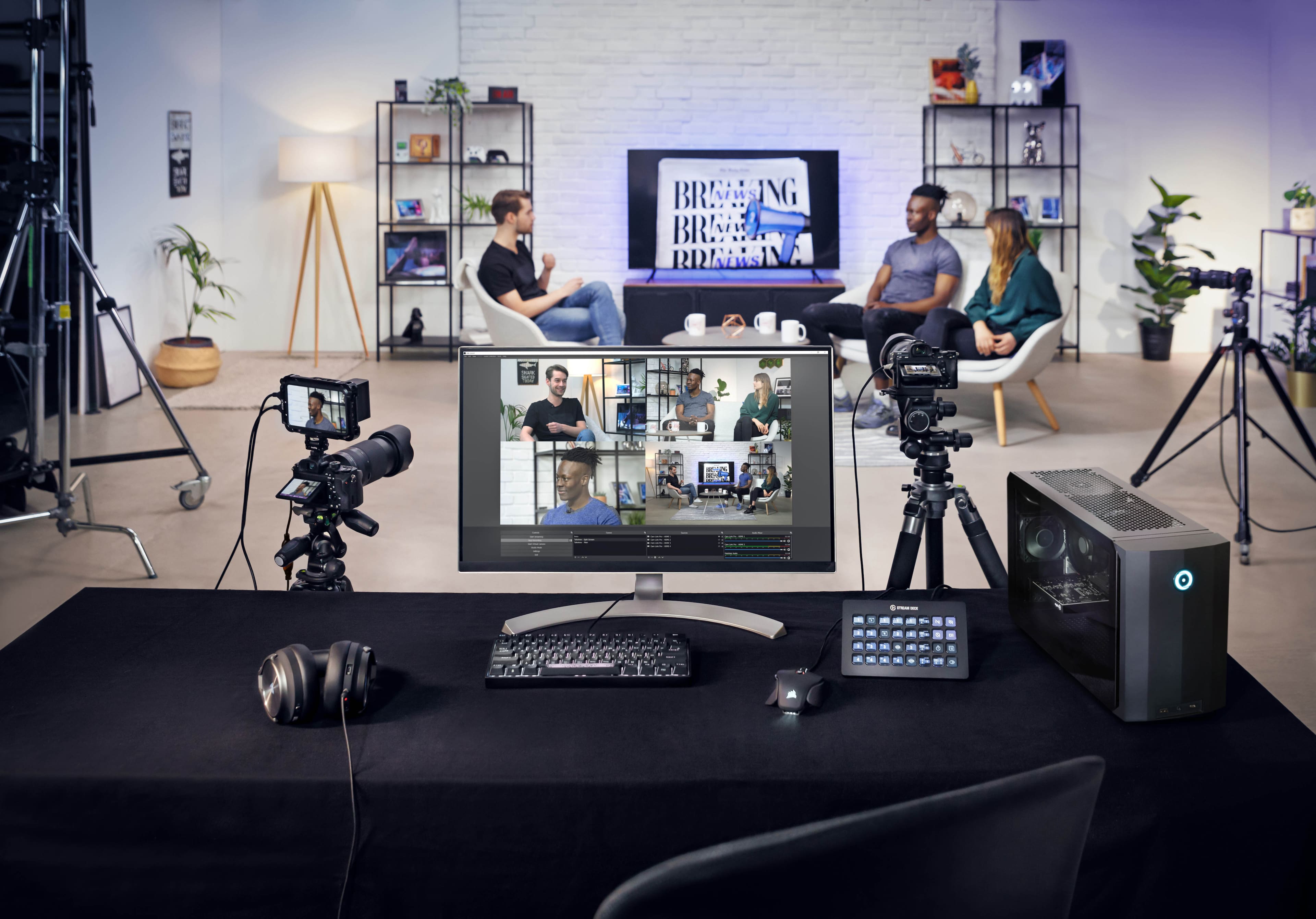
||Posted . Owned for 3 weeks when reviewed.This reviewer received promo considerations or sweepstakes entry for writing a review.I used Elgato 15 keys before but I upgraded to XL for more keys I needed for livestreaming. I used vMix and makes my live easier. Highly recommended.
This review is from Elgato - Stream Deck XL Wired Keypad with Back Lighting - Black
I would recommend this to a friendRated 5 out of 5 stars
A great addition for multitaskers or streamers
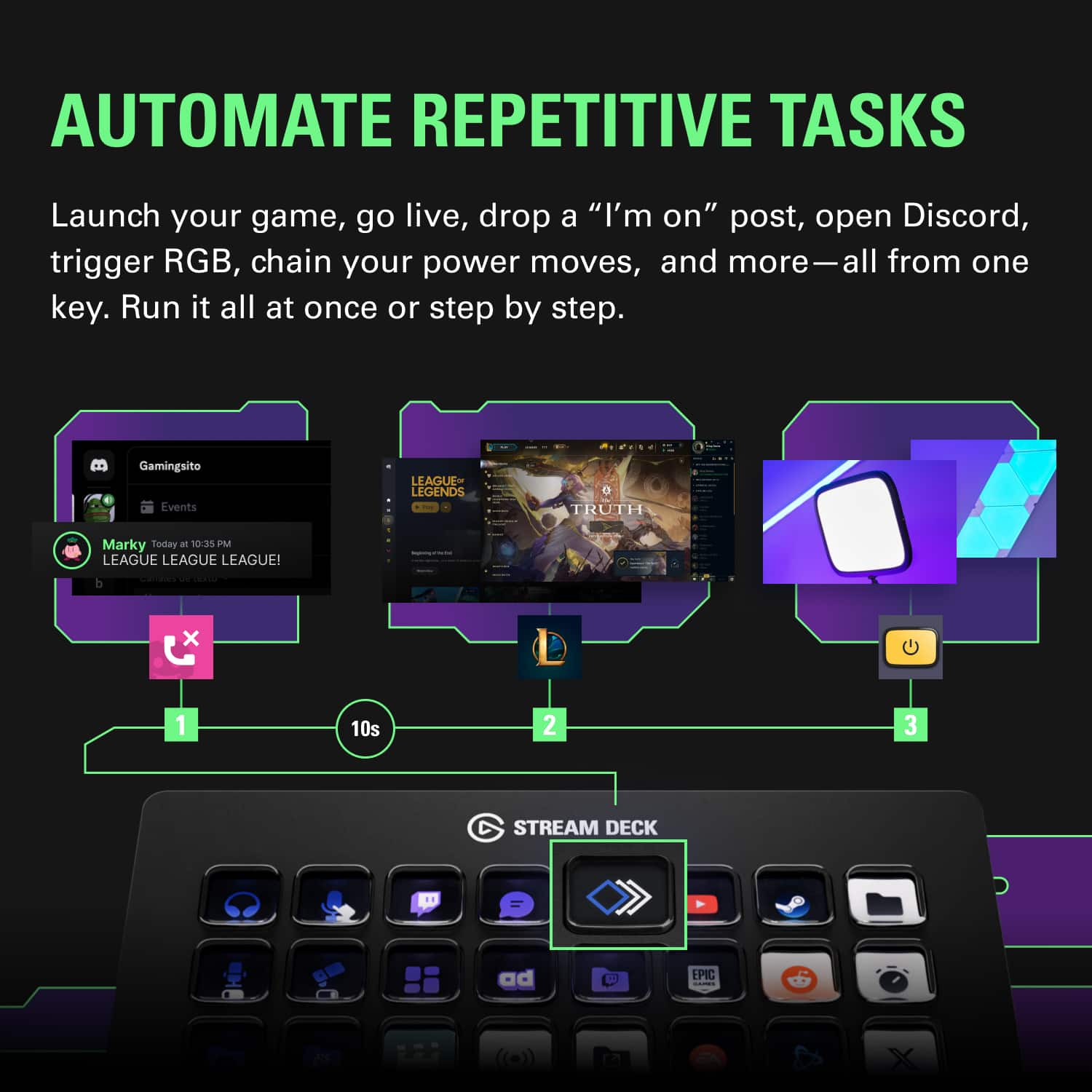
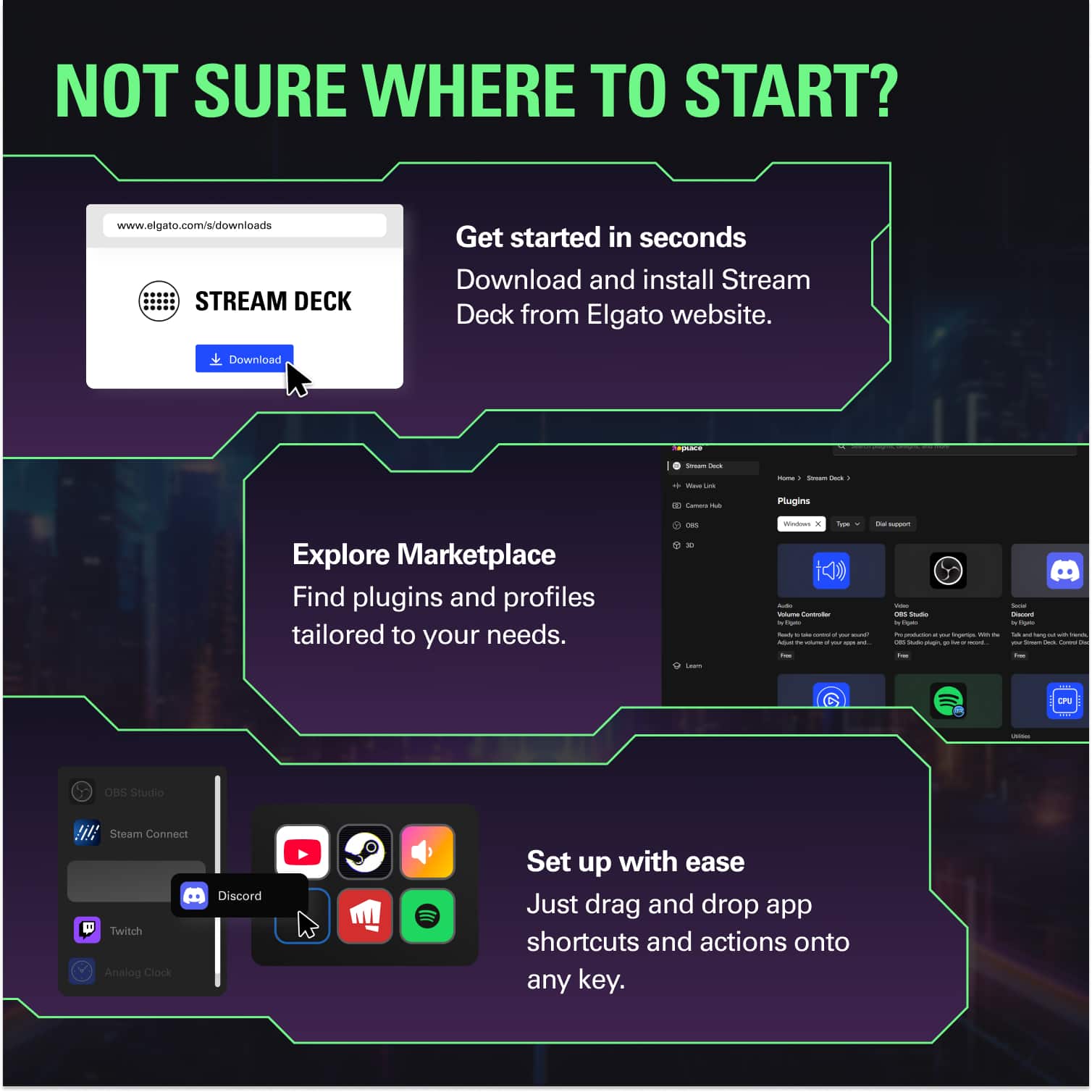
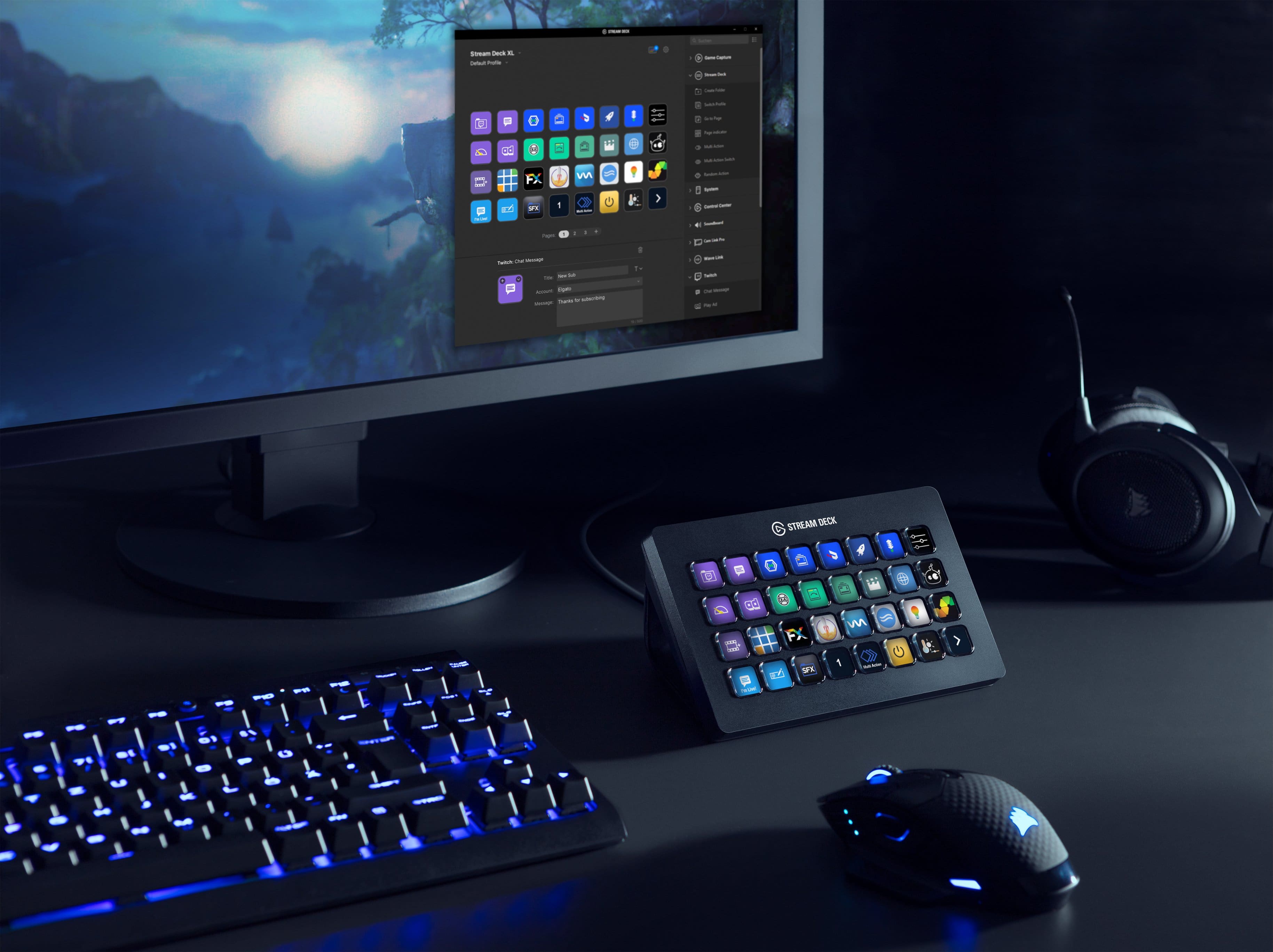
||Posted . Owned for 1 month when reviewed.This reviewer received promo considerations or sweepstakes entry for writing a review.The Streamdeck XL was originally built as a switchboard for people controlling live streams. But it al functions as a really great addition for anyone that keeps a lot of multiple apps open on their computer while working. It can help you streamline switching or create macros to automate certain tasks at the touch of a button. You can create individual profile pages that launch when you use a certain application and have a default profile for other situations. This does require configuration so expect to spend a fair amount of time setting up your profile, figuring out how to create macros, getting icons (elegato provides a web based icon creator), etc. Thankfully basic configuration is fairly easy and can get more complex if you add third party software like Keyboard Maestro on MacOS. Then you can trigger more powerful macros from other programs. But remember this isn't plug and play. You have to build the profiles yourself. There are smaller versions which have the same functionality just less buttons. Highly recommended.
This review is from Elgato - Stream Deck XL Wired Keypad with Back Lighting - Black
I would recommend this to a friendRated 5 out of 5 stars
Great for streaming control
||Posted . Owned for 3 weeks when reviewed.This reviewer received promo considerations or sweepstakes entry for writing a review.Adds quick macro functions for controlling streaming system for our church's live stream. Makes the process simple for fast training and low technical skill help. Great for gamers and computer users that have the need for lots of macros.
This review is from Elgato - Stream Deck XL Wired Keypad with Back Lighting - Black
I would recommend this to a friendRated 5 out of 5 stars
Great addition for live streaming
||Posted . Owned for 2 weeks when reviewed.This reviewer received promo considerations or sweepstakes entry for writing a review.Using this to live stream with two PTZ cameras and vMix software. Really make my life easier. Ability to color and label the buttons (and have it change button color based on camera status) is really a lifesaver. I would recommend using Bitfocus' Companion software to make this even more useful.
This review is from Elgato - Stream Deck XL Wired Keypad with Back Lighting - Black
I would recommend this to a friendRated 5 out of 5 stars
Great Product
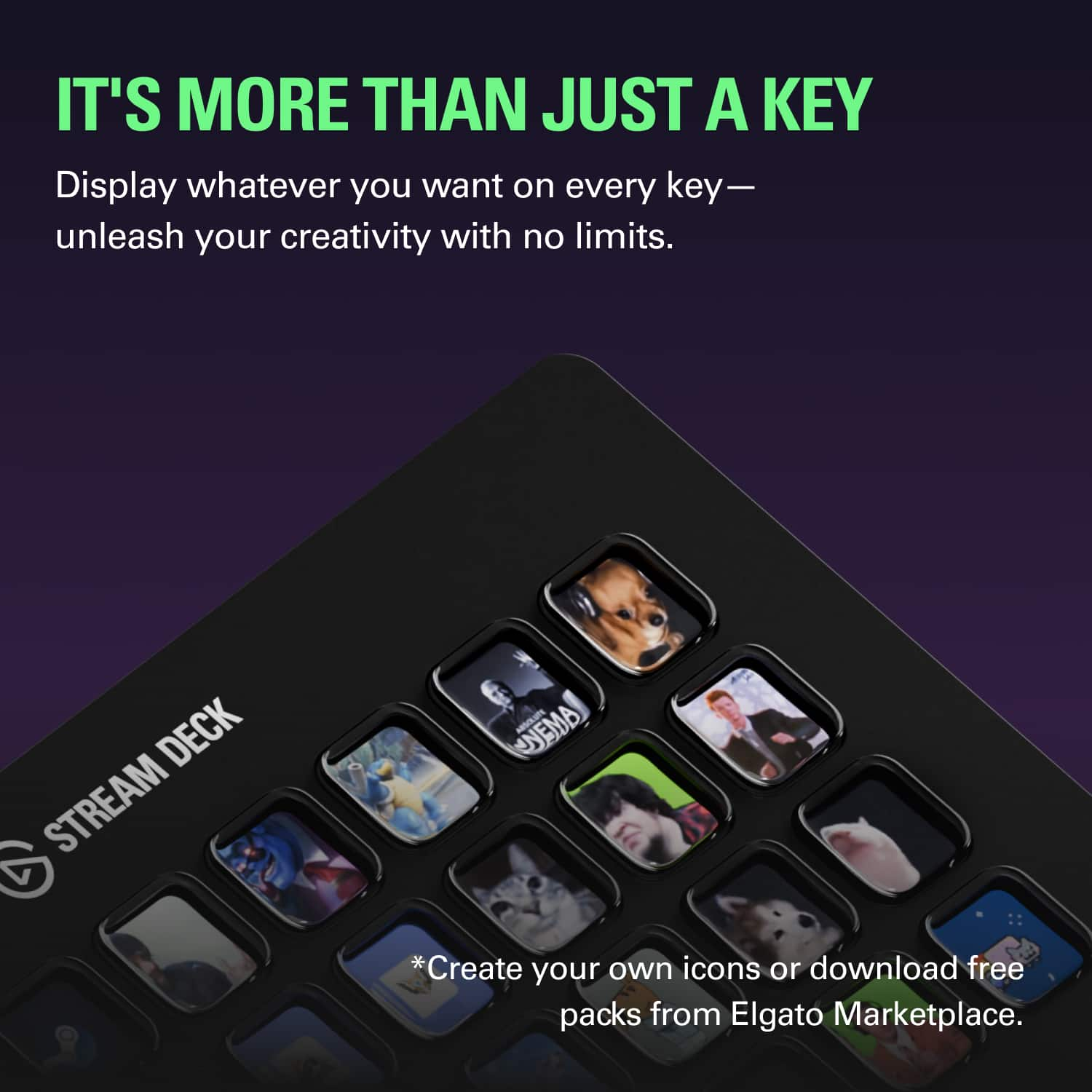
||Posted . Owned for 1 week when reviewed.This reviewer received promo considerations or sweepstakes entry for writing a review.Great item for making shortcuts and helping out with everything computing. Software is very user friendly. Total customization of all buttons in what images are on them to what they do.
This review is from Elgato - Stream Deck XL Wired Keypad with Back Lighting - Black
I would recommend this to a friendRated 5 out of 5 stars
Great Product
||Posted . Owned for 1 year when reviewed.This reviewer received promo considerations or sweepstakes entry for writing a review.Great product. Very user friendly and easy to install (pretty much plugin/play, install the software and you're good to go). You can also have multiple profiles on the device (meaning, you're not restricted to 32 buttons).
This review is from Elgato - Stream Deck XL Wired Keypad with Back Lighting - Black
I would recommend this to a friendRated 5 out of 5 stars
Great for Streamers
||Posted . Owned for 1 week when reviewed.This reviewer received promo considerations or sweepstakes entry for writing a review.I’m very new to streaming and this product -Streamdeck XL - was recommended by several of my streamer friends. They all have the 15 button, but for me I wanted to have more as I will be playing a lot of different games and wanted for buttons for all the different games. I’ve been playing around with how to use it. I did a lot of research (watching videos) before I ordered it so I knew some of the functions before hand. You can created folders within folders with more functions to make it easier while you stream. One of the streamers I follow didn’t know that. If you are unsure of purchasing this product before hand, like not wanting to spend the money, or don’t think it will be worth it, check out the app version first, it is cheaper for those who won’t be doing a lot of streaming. If you plan to stream a lot, then this is the perfect product. I’ve had it for a week and streaming will now be so much easier for me with this in my life. I can’t wait to continue using it on a daily basis.
This review is from Elgato - Stream Deck XL Wired Keypad with Back Lighting - Black
I would recommend this to a friendRated 5 out of 5 stars
Stream Deck XL is top notch
||Posted . Owned for 9 months when reviewed.This reviewer received promo considerations or sweepstakes entry for writing a review.What is there to say? This is a very welcomed addition to the arsenal. I use it this way: As an app opens, the profile I created for that app opens Stream Deck. And voila! I have a minimum of 28 shortcuts I’ve created to do tasks in the app. Great device!
This review is from Elgato - Stream Deck XL Wired Keypad with Back Lighting - Black
I would recommend this to a friendRated 5 out of 5 stars
Well worth it
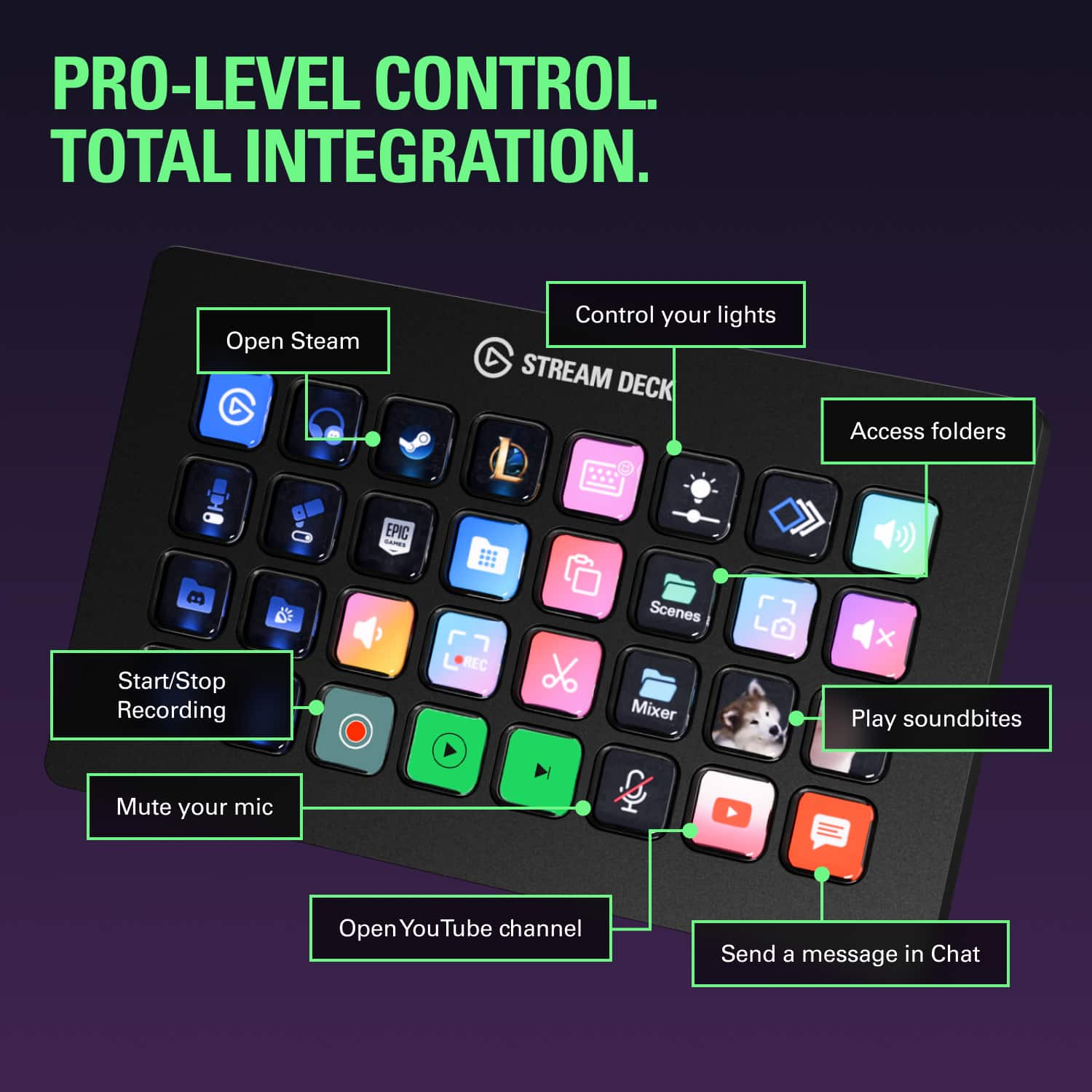
||Posted . Owned for 3 weeks when reviewed.This reviewer received promo considerations or sweepstakes entry for writing a review.Well worth it. Can use it to make it easy to open any programs, set up macros for non streamers, and most streamer programs have integrations to control everything and with 32 buttons you can put most of what you need on a single page
This review is from Elgato - Stream Deck XL Wired Keypad with Back Lighting - Black
I would recommend this to a friendRated 4 out of 5 stars
Recommend the Smaller Version
||Posted . Owned for 2 weeks when reviewed.This reviewer received promo considerations or sweepstakes entry for writing a review.Would recommend the MK2 standard Elgato stream deck, unless you absolutely have to have 30 buttons available at all times. You can make folders in the MK2 and have as many buttons as you need. Works just like the MK2 just obviously double the buttons. No problems, good product.
This review is from Elgato - Stream Deck XL Wired Keypad with Back Lighting - Black
I would recommend this to a friendRated 5 out of 5 stars
Works Great for DCS
||Posted . Owned for 1 week when reviewed.This reviewer received promo considerations or sweepstakes entry for writing a review.Works great for DCS although takes some practice and additional plugins to work but once set up it's money abit expensive though
This review is from Elgato - Stream Deck XL Wired Keypad with Back Lighting - Black
I would recommend this to a friendRated 5 out of 5 stars
Everything you need from a button box
||Posted .This reviewer received promo considerations or sweepstakes entry for writing a review.Amazing tinker toy. Great for macros, streaming functions, and general custom button box. I use for my racing and flight simulation, one touch access to deep functions that don't work well while gaming. Custom animated iconsis a bonus.
This review is from Elgato - Stream Deck XL Wired Keypad with Back Lighting - Black
I would recommend this to a friendRated 4 out of 5 stars
Convenient
||Posted . Owned for 1 month when reviewed.This reviewer received promo considerations or sweepstakes entry for writing a review.The stream deck xl is very versatile and easy to use. When used to software like bitfocus companion, it can become even more useful for all sorts of home automation tasks. My only complaint is the steep price, so I would only buy it on a discount.
This review is from Elgato - Stream Deck XL Wired Keypad with Back Lighting - Black
I would recommend this to a friendRated 5 out of 5 stars
Perfect Streaming Enhancement
||Posted . Owned for 1 week when reviewed.This reviewer received promo considerations or sweepstakes entry for writing a review.This device has made streaming so much more fun. The customizability makes it different for every user. I love the interface, options, and size.
This review is from Elgato - Stream Deck XL Wired Keypad with Back Lighting - Black
I would recommend this to a friendRated 5 out of 5 stars
Great gadget for content creators
||Posted . Owned for 1 week when reviewed.This reviewer received promo considerations or sweepstakes entry for writing a review.After using this for a little over a week it's been amazing. It takes an hour to fully set up and get used to but it's worth it. Makes streaming and content creation easier and more convenient. The software is easy to use and allows for custom buttons too.
This review is from Elgato - Stream Deck XL Wired Keypad with Back Lighting - Black
I would recommend this to a friendRated 5 out of 5 stars
Great product and store
||Posted . Owned for 1.5 years when reviewed.This reviewer received promo considerations or sweepstakes entry for writing a review.Great product my son used all the time this best buy location met my expectations
This review is from Elgato - Stream Deck XL Wired Keypad with Back Lighting - Black
I would recommend this to a friendRated 5 out of 5 stars
My favorite investment
||Posted . Owned for 1 month when reviewed.This reviewer received promo considerations or sweepstakes entry for writing a review.Perfect condition, easy to set up, and makes my day so much easier. I use this for work functions and shortcuts as well as for my side hustle, video editing and streaming. Cant recommend enough!
This review is from Elgato - Stream Deck XL Wired Keypad with Back Lighting - Black
I would recommend this to a friendRated 5 out of 5 stars
Best for Flight Sim!!
||Posted .This reviewer received promo considerations or sweepstakes entry for writing a review.I usually use the stream deck for my flight simulation and it of course took my sim experience to next level
This review is from Elgato - Stream Deck XL Wired Keypad with Back Lighting - Black
I would recommend this to a friendRated 5 out of 5 stars
For everyone
||Posted . Owned for 2 months when reviewed.This reviewer received promo considerations or sweepstakes entry for writing a review.Much more uses than streaming, think of it as a macro pad with a screen that has a really good program that allows you to customize every key, this means you can use it for stocks, photo editing, word, and even smart devices.
This review is from Elgato - Stream Deck XL Wired Keypad with Back Lighting - Black
I would recommend this to a friendRated 5 out of 5 stars
very useful
||Posted .This reviewer received promo considerations or sweepstakes entry for writing a review.i didnt think i would need the extra keys but they came in handy, highly recommend even if your not streaming, you can create a lot of hotkeys for regular work as well.
This review is from Elgato - Stream Deck XL Wired Keypad with Back Lighting - Black
I would recommend this to a friend