Customer Ratings & Reviews

- Model:
- 10GAT9901
- |
- SKU:
- 11121810
Customer reviews
Rating 4.9 out of 5 stars with 772 reviews
(772 customer reviews)Rating by feature
- Value4.6
Rating 4.6 out of 5 stars
- Quality4.9
Rating 4.9 out of 5 stars
- Ease of Use4.7
Rating 4.7 out of 5 stars
Rated 5 out of 5 stars
very useful
||Posted .This reviewer received promo considerations or sweepstakes entry for writing a review.i didnt think i would need the extra keys but they came in handy, highly recommend even if your not streaming, you can create a lot of hotkeys for regular work as well.
This review is from Elgato - Stream Deck XL Wired Keypad with Back Lighting - Black
I would recommend this to a friendRated 5 out of 5 stars
Amazing for none-streamers too
||Posted .This reviewer received promo considerations or sweepstakes entry for writing a review.I'm not a streamer but I've never loved a device so much. I use it for shortcuts along with BetterTouchTool ( for Mac ) to save loads of time in launching apps or getting stuff done within them. No need to remember a bunch of shortcuts anymore. It makes my computer feel a 100 times snappier. I do dislike the way the buttons feel. They're way too soft and go way too deep. I wish they were closer to the feel of my mechanical keyboard.
This review is from Elgato - Stream Deck XL Wired Keypad with Back Lighting - Black
I would recommend this to a friendRated 5 out of 5 stars
Pretty good
||Posted . Owned for 1 week when reviewed.This reviewer received promo considerations or sweepstakes entry for writing a review.Setting it up was a breeze, thanks to its user-friendly software. I could customize buttons to do whatever I needed - switching scenes, adjusting audio, even sending messages to my viewers - all with a tap. The build quality is solid, with keys that feel great to press. But the best part? It's made streaming more fun and creative. I can organize my shortcuts and add custom icons, making my setup unique to me.
This review is from Elgato - Stream Deck XL Wired Keypad with Back Lighting - Black
I would recommend this to a friendRated 5 out of 5 stars
Awesome
||Posted . Owned for 3 weeks when reviewed.This reviewer received promo considerations or sweepstakes entry for writing a review.Amazing little device. Very useful. There are profiles available for most programs (ie Davinci Resolve, Photoshop, premier etc..) and you can easily create your own custom profiles.
This review is from Elgato - Stream Deck XL Wired Keypad with Back Lighting - Black
I would recommend this to a friendRated 5 out of 5 stars
Didn't know how much i needed this!
||Posted . Owned for 2 weeks when reviewed.This reviewer received promo considerations or sweepstakes entry for writing a review.The buttons are amazing, its super easy to customize and extremely helpful with making it easy to record gameplay, change system settings and stream.
This review is from Elgato - Stream Deck XL Wired Keypad with Back Lighting - Black
I would recommend this to a friendRated 4 out of 5 stars
Great product for running virtual live productions
||Posted . Owned for 1 week when reviewed.This reviewer received promo considerations or sweepstakes entry for writing a review.The stream deck is the perfect macro wing for using in live event streaming situation. Easy to use and create macro keys for everything that needs to be switched or operated for the stream audience. The XL was the better choice as I downloaded the PowerPoint and Zoom templates and modified them but easily created keys for Playback Pro and Music player. A must for the virtual event director.
This review is from Elgato - Stream Deck XL Wired Keypad with Back Lighting - Black
I would recommend this to a friendRated 5 out of 5 stars
Just buy it!
||Posted . Owned for 1 week when reviewed.This reviewer received promo considerations or sweepstakes entry for writing a review.This thing is amazing. Pre-set Macros, assign your own custom pictures to the buttons, launch applications, you need a hot button, the elgato can do it and look good at the same time. Buy it.
This review is from Elgato - Stream Deck XL Wired Keypad with Back Lighting - Black
I would recommend this to a friendRated 5 out of 5 stars
MUST HAVE
||Posted . Owned for 1 month when reviewed.This reviewer received promo considerations or sweepstakes entry for writing a review.Easy to program and set up. Great for streaming and video production. The XL is the way to go.
This review is from Elgato - Stream Deck XL Wired Keypad with Back Lighting - Black
I would recommend this to a friendRated 5 out of 5 stars
Love it
||Posted . Owned for 3 weeks when reviewed.This reviewer received promo considerations or sweepstakes entry for writing a review.Great customization and easy to set up. Ive been having a lot of fun using this on discord.
This review is from Elgato - Stream Deck XL Wired Keypad with Back Lighting - Black
I would recommend this to a friendRated 5 out of 5 stars
iRacing Must Have
||Posted . Owned for 1 week when reviewed.This reviewer received promo considerations or sweepstakes entry for writing a review.iRacing must have. Customize all your pages and screens for all of your iRacing needs. Easy to set up and looks great too
This review is from Elgato - Stream Deck XL Wired Keypad with Back Lighting - Black
I would recommend this to a friendRated 5 out of 5 stars
amazing hot key button setup
||Posted . Owned for 1 month when reviewed.This reviewer received promo considerations or sweepstakes entry for writing a review.definitely worth getting the big one versus the other helps a lot in zoom calls controlling Spotify controlling camera switching and sound effects playback. would strongly recommend this to any one in the livestream game.
This review is from Elgato - Stream Deck XL Wired Keypad with Back Lighting - Black
I would recommend this to a friendRated 5 out of 5 stars
Great hotkey device
||Posted . Owned for 2 weeks when reviewed.This reviewer received promo considerations or sweepstakes entry for writing a review.I had the original version but upgraded to the bigger one love it great hotkey device helps make my life easier on video production & workflow.
This review is from Elgato - Stream Deck XL Wired Keypad with Back Lighting - Black
I would recommend this to a friendRated 5 out of 5 stars
Must have for streamers
||Posted . Owned for 2 weeks when reviewed.This reviewer received promo considerations or sweepstakes entry for writing a review.Excellent for streaming and easy to setup and price was fairly decent for everything it's capable of doing
This review is from Elgato - Stream Deck XL Wired Keypad with Back Lighting - Black
I would recommend this to a friendRated 5 out of 5 stars
Product of the year, and years to come.
||Posted . Owned for 1 week when reviewed.This reviewer received promo considerations or sweepstakes entry for writing a review.I’ve never had something work so seamlessly. If you have a lot of applications and different things you need to add on your screen, I could not recommend this product more. At first it’s a little tricky to understand how to use, but once you get the hang of it it is the best thing to have incorporated into your set up. I couldn’t recommend it more.
This review is from Elgato - Stream Deck XL Wired Keypad with Back Lighting - Black
I would recommend this to a friendRated 5 out of 5 stars
Amazing product
||Posted . Owned for 1 year when reviewed.This reviewer received promo considerations or sweepstakes entry for writing a review.Saw a lot of people talking about this product so I decided to get one for myself and I have to say it made streaming so much easier. I can go live on Twitch in just one push of a button.
This review is from Elgato - Stream Deck XL Wired Keypad with Back Lighting - Black
I would recommend this to a friendRated 5 out of 5 stars
Amazing
||Posted . Owned for 4 months when reviewed.This reviewer received promo considerations or sweepstakes entry for writing a review.It’s a great and very simple to easy product. You can customize each button to look how you want. You can assign lots of actions to the stream deck. Makes streaming and even working on other stuff much easier
This review is from Elgato - Stream Deck XL Wired Keypad with Back Lighting - Black
I would recommend this to a friendRated 5 out of 5 stars
The Best Accessory
||Posted . Owned for 3 weeks when reviewed.This reviewer received promo considerations or sweepstakes entry for writing a review.Purchased this to use along with other pieces of equipment and I couldn’t be more happier with how seamlessly it works with My gaming and streaming computers and how easy it is to add commands to and initiate them.
This review is from Elgato - Stream Deck XL Wired Keypad with Back Lighting - Black
I would recommend this to a friendRated 5 out of 5 stars
Exceeds expectations
||Posted .This reviewer received promo considerations or sweepstakes entry for writing a review.Easy to order, got here quickly, and product exceeds expectations. Thanks much BestBuy and Elagato!
This review is from Elgato - Stream Deck XL Wired Keypad with Back Lighting - Black
I would recommend this to a friendRated 5 out of 5 stars
Making shortcuts and macros fun.
||Posted . Owned for 1 month when reviewed.This reviewer received promo considerations or sweepstakes entry for writing a review.Great for automating streaming stuff, desktop stuff, editing stuff, opening/saving docs, connecting to websites, all kinds of things. The basic/raw functionality of this (making macros that fire from a keyboard/device) are available in lots of other form factors, and with lots of other software, but the selling point on the Elgatos is that the tasks (and task chains, and group switching) are simplified, and made more enjoyable, more colorful, more fun (which in turn, makes them more likely to be set up, and more likely to be used).
This review is from Elgato - Stream Deck XL Wired Keypad with Back Lighting - Black
I would recommend this to a friendRated 4 out of 5 stars
Flawless and Fantastic
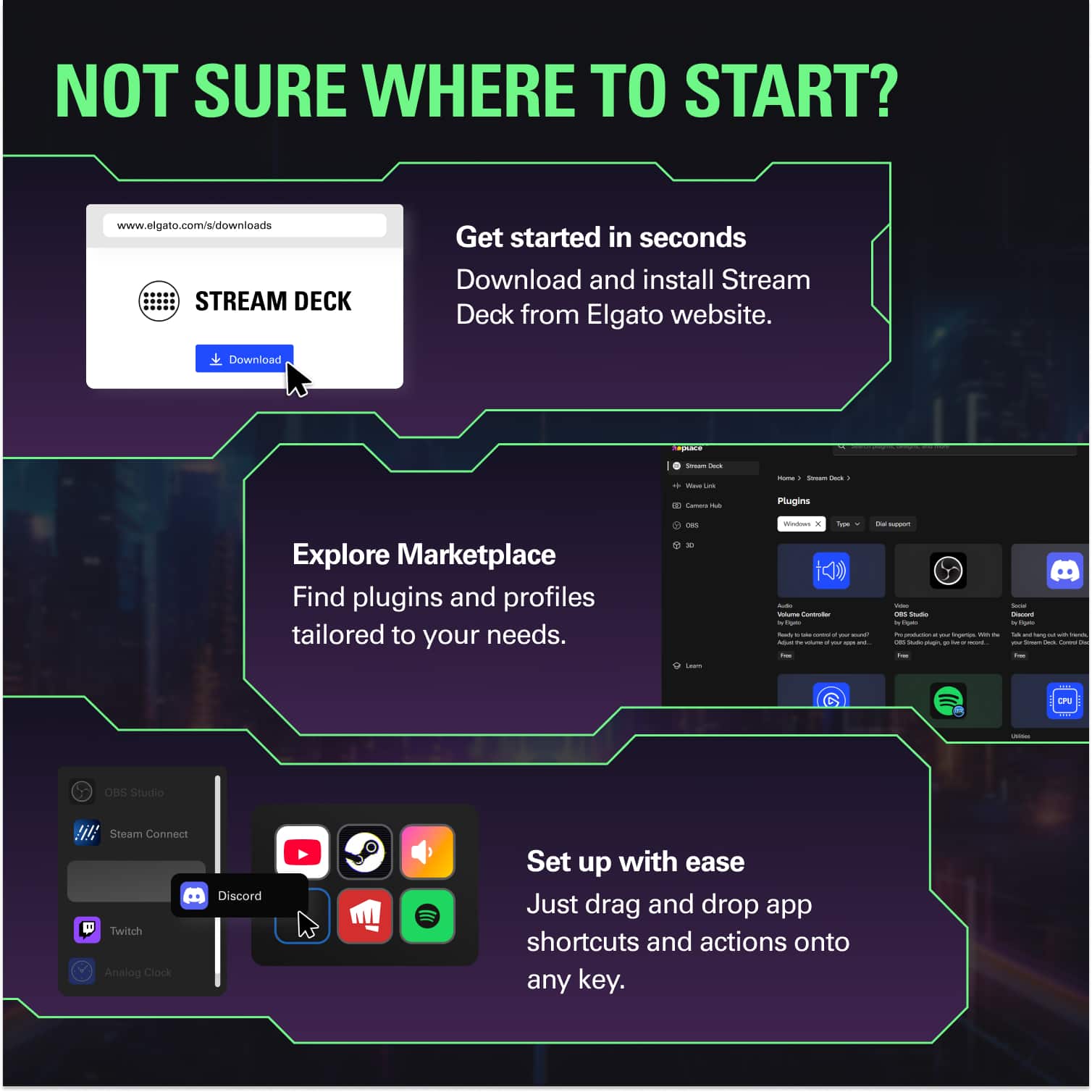
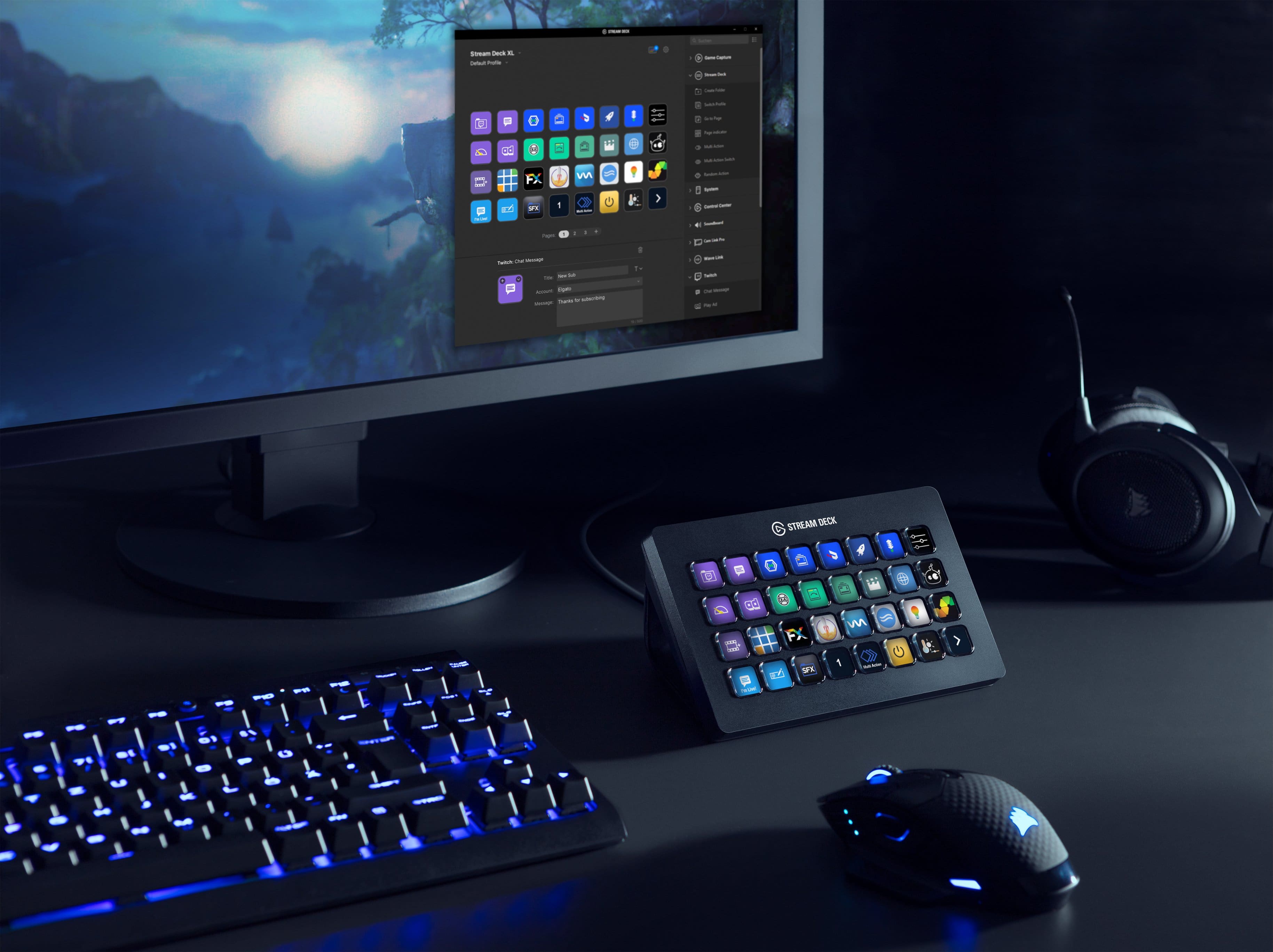
||Posted . Owned for 3 weeks when reviewed.This reviewer received promo considerations or sweepstakes entry for writing a review.The unit itself works flawless and the software makes programming a breeze. You literally drag, drop and name each buttons action. There is a free online button designer too that makes button appearance exactly what you want. Its built very well and in no way feels like a cheap unit. The ONLY downside of this is I personally find it to he slightly too expensive, but I took the leap anyway so maybe I'm wrong. lol
This review is from Elgato - Stream Deck XL Wired Keypad with Back Lighting - Black
I would recommend this to a friend