Customer Ratings & Reviews

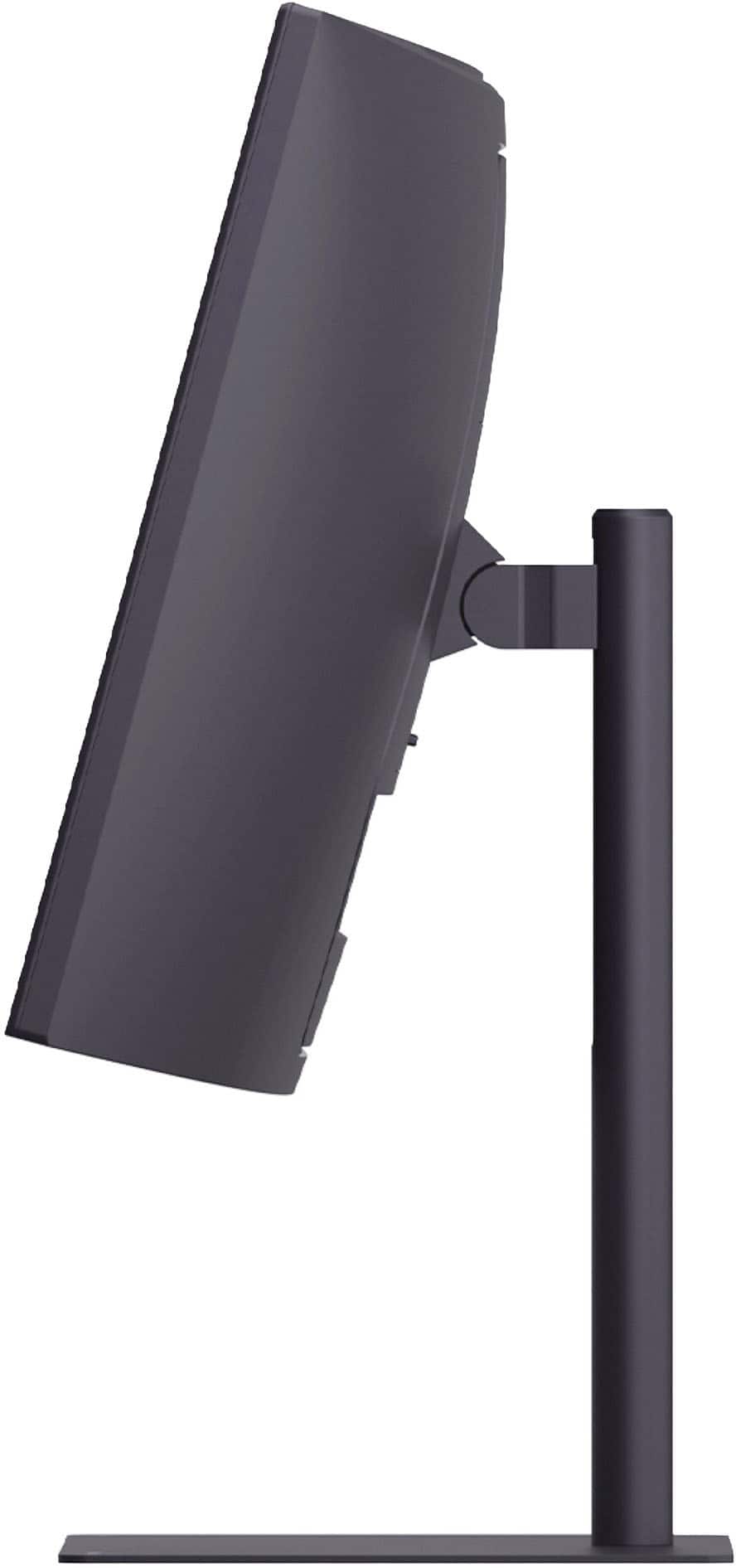
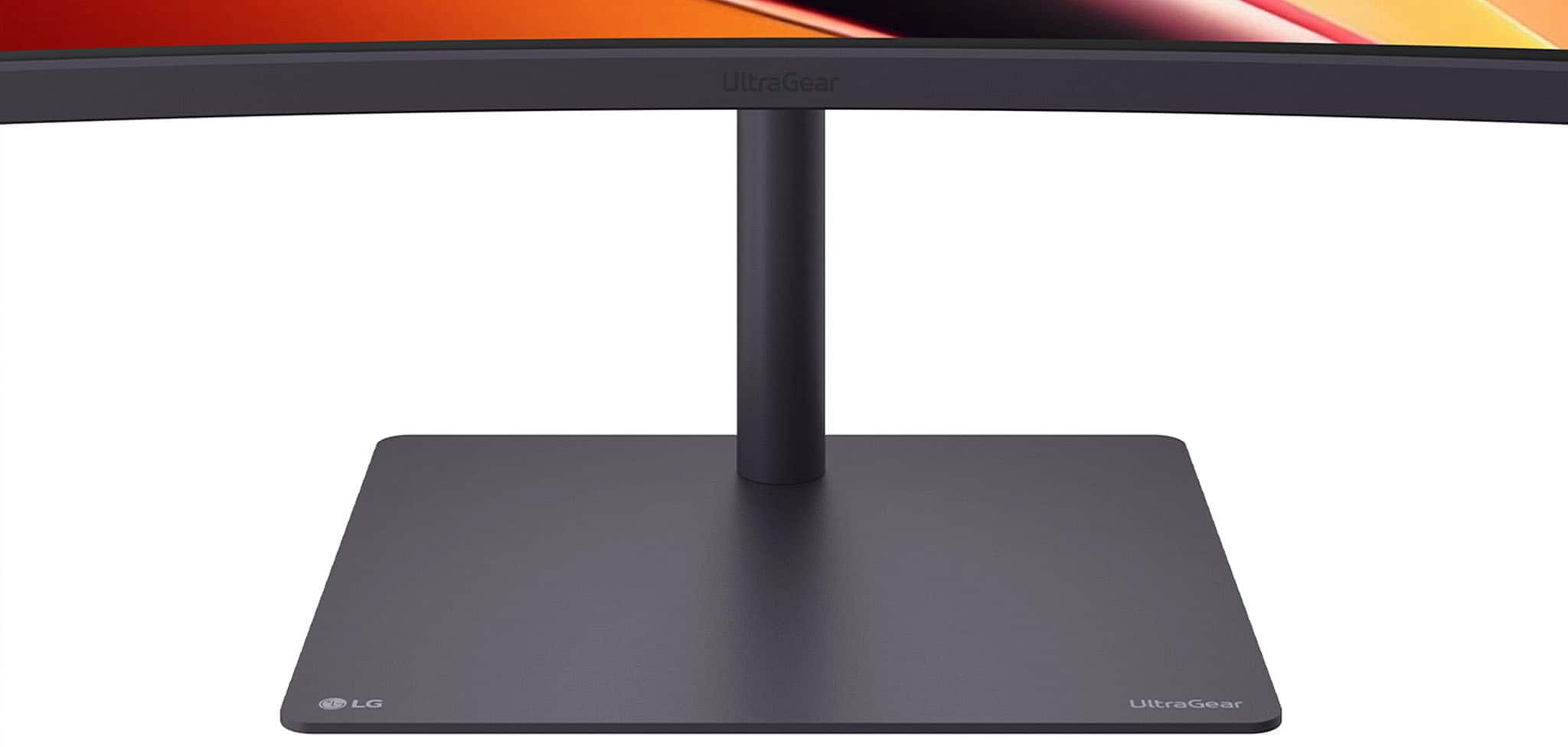
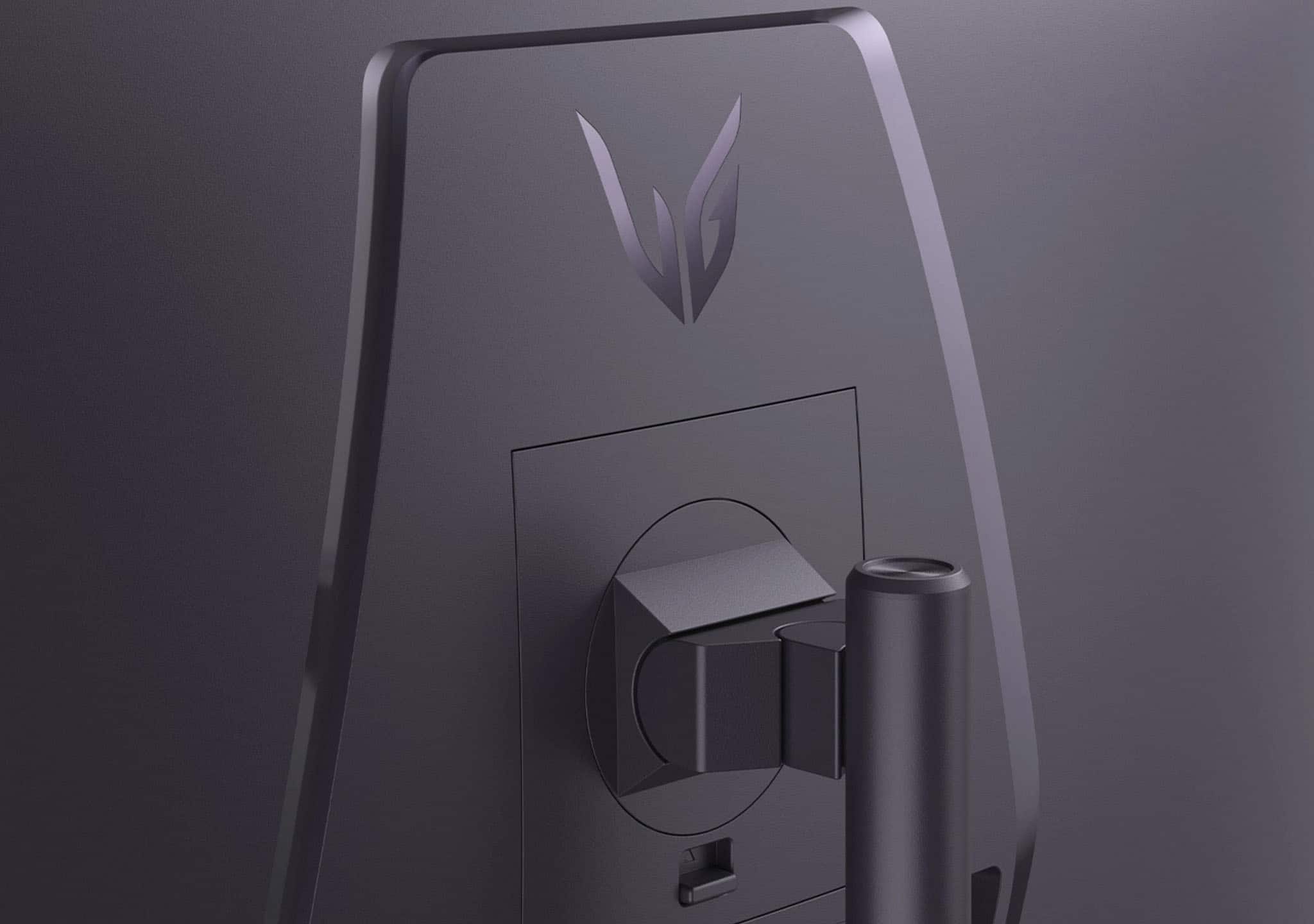
- Model:
- 34G630A-B
- SKU:
- 6638893
Rating by feature
- Display Quality
Rating 4.7 out of 5 stars
- Ease of Use
Rating 4.8 out of 5 stars
- Features
Rating 4.7 out of 5 stars
Customers are saying
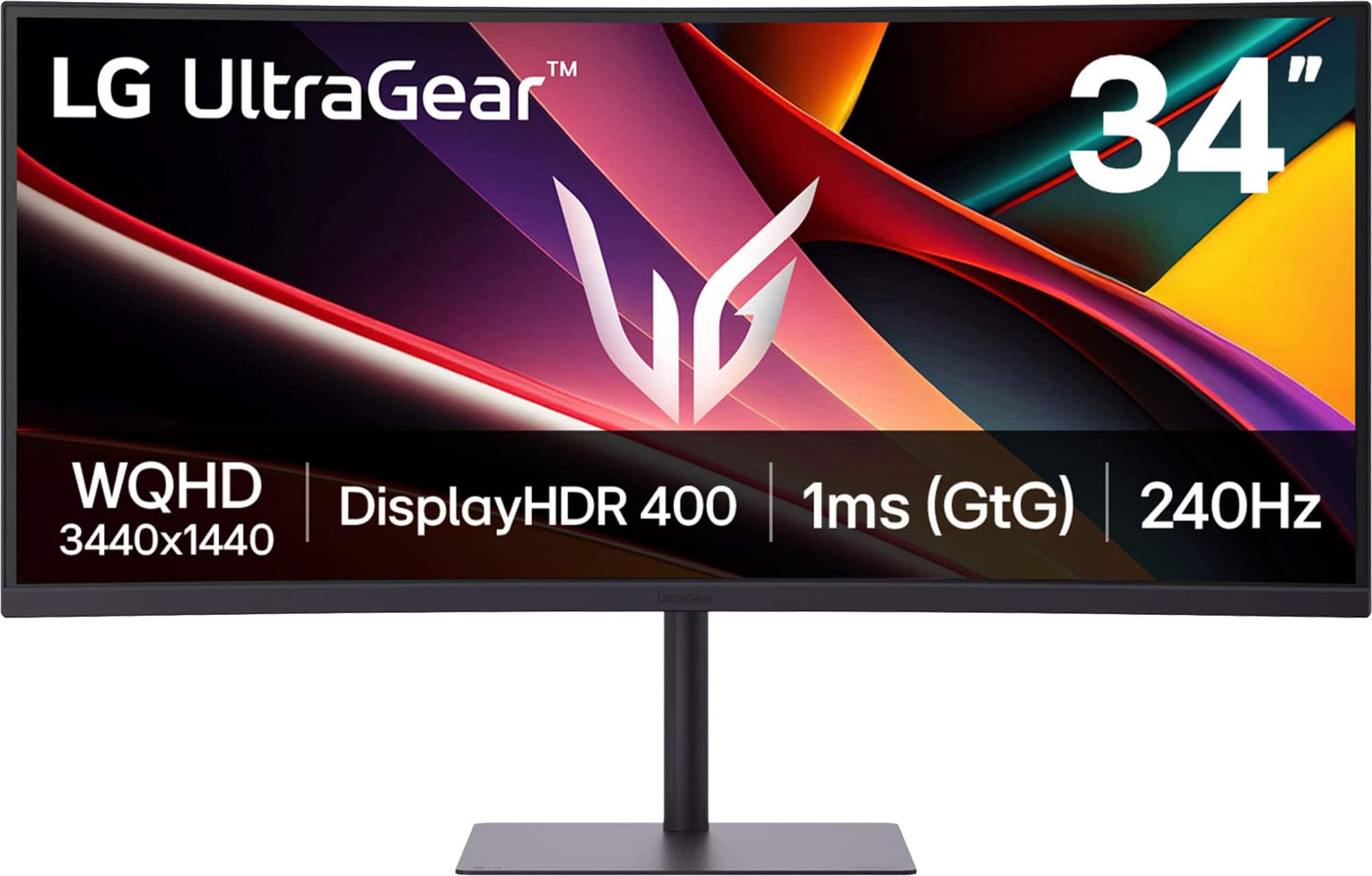
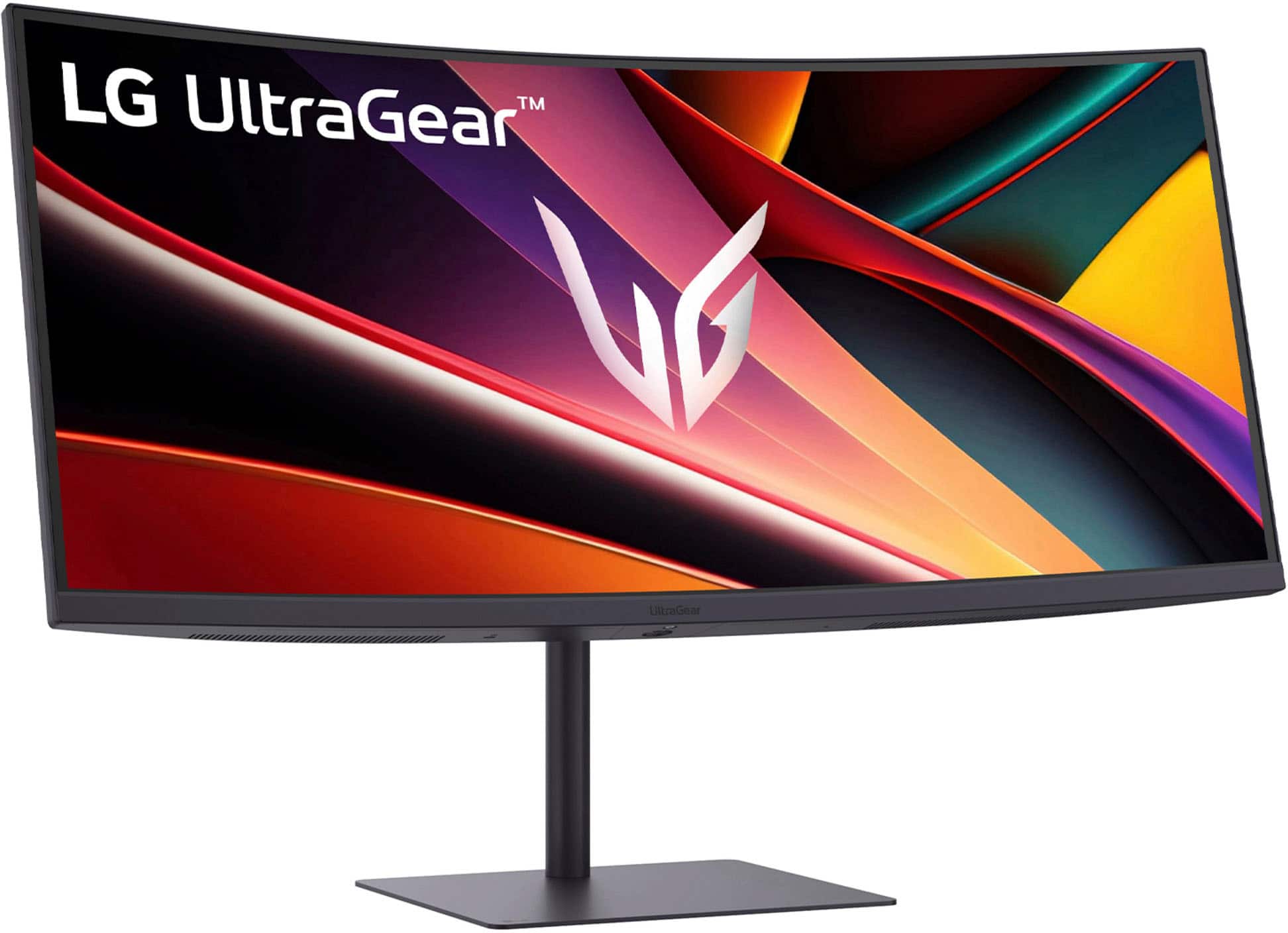
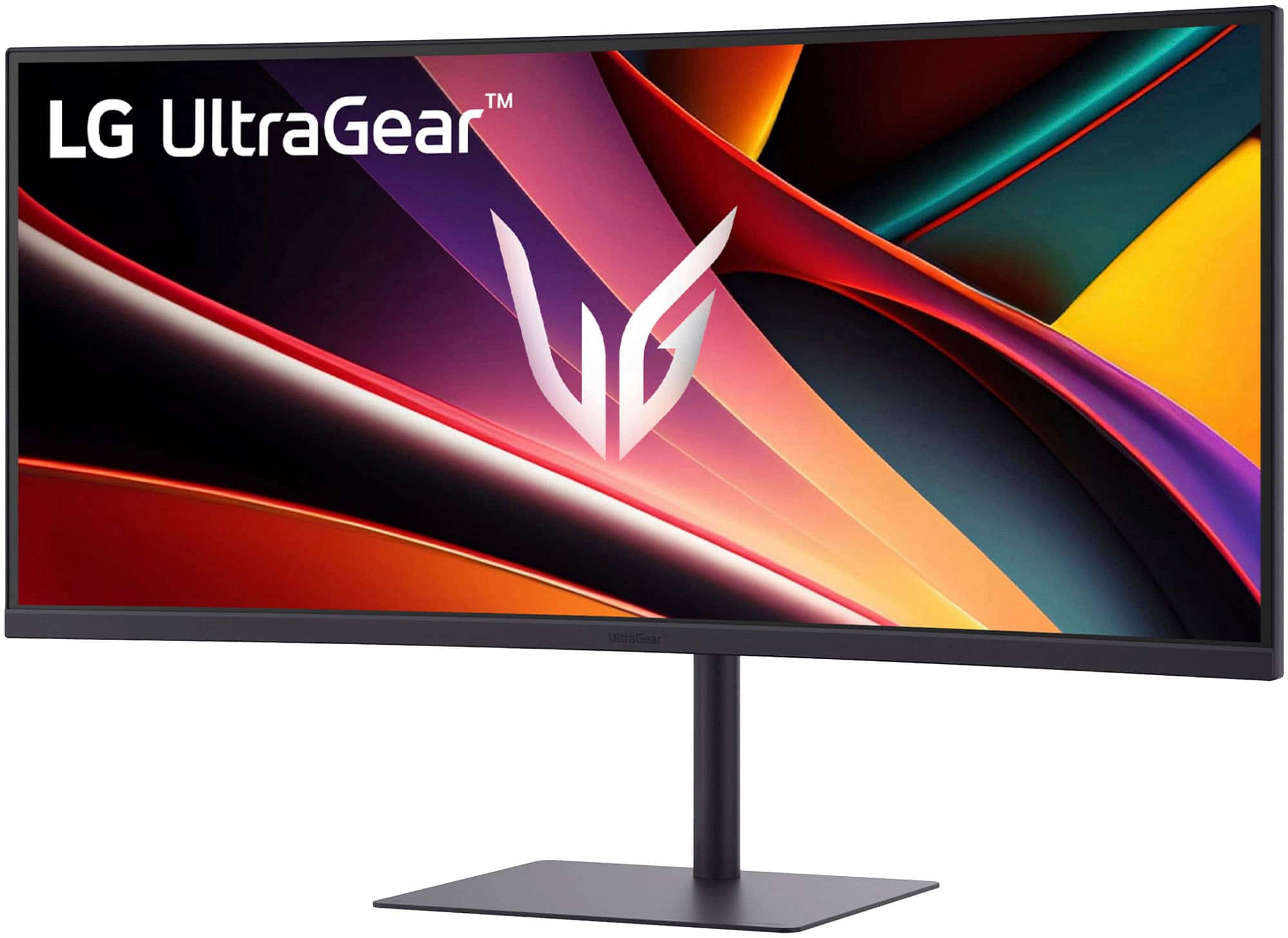
Customers are delighted by the UltraGear 34" WQHD gaming monitor, highlighting its excellent image quality. The monitor's build quality appears to be a strong selling point for users. There are no cons mentioned for this product.
This summary was generated by AI based on customer reviews.
New Monitor
||Posted . Owned for 2 weeks when reviewed.This reviewer received promo considerations or sweepstakes entry for writing a review.Works excellent so far. I’m really pleased with it.
I would recommend this to a friendDefinite yes
||Posted .This reviewer received promo considerations or sweepstakes entry for writing a review.Got this for my son's gaming PC and he absolutely loves it
I would recommend this to a friendNice gaming monitor
||Posted . Owned for 2 weeks when reviewed.This reviewer received promo considerations or sweepstakes entry for writing a review.Great monitor as my son likes playing games with it
I would recommend this to a friendGreat monitor
||Posted .This reviewer received promo considerations or sweepstakes entry for writing a review.Does the job can’t complain Easy connect and nice display
I would recommend this to a friendPretty good
||Posted . Owned for 3 weeks when reviewed.This reviewer received promo considerations or sweepstakes entry for writing a review.Works very well, fixed my issue with games constantly tearing.
I would recommend this to a friendMonitor
||Posted .This reviewer received promo considerations or sweepstakes entry for writing a review.Looks great, Work great and a great price!!!!!!!!!
I would recommend this to a friendA solid option
||Posted . Owned for 1 week when reviewed.This reviewer received promo considerations or sweepstakes entry for writing a review.Works as advertised. It gives a great picture with a small form factor and wide display.
I would recommend this to a friend- Pros mentioned:Size
LG 32 Monitor
||Posted . Owned for 1 month when reviewed.This reviewer received promo considerations or sweepstakes entry for writing a review.LG 34 inch monitor. Great product. Looks clear. Nice size
I would recommend this to a friendBrand response from LG Digital Customer Care
Posted .Hello there! Thank you for sharing your experience with the LG - UltraGear 34" WQHD 240Hz 1ms FreeSync Premium Gaming Monitor. We understand your inquiry and are glad to hear you are enjoying the clear picture and size of your unit.
https://www.bestbuy.com/product/lg-ultragear-34-wqhd-240hz-1ms-freesync-premium-gaming-monitor-with-displayhdr-400-hdmi-displayport-usb-c-black/JJ8VPZKPY3
For further assistance and any specific concerns you may have, please contact us on [email protected]. We appreciate your patience. —Renzo
Great monitor
||Posted .This reviewer received promo considerations or sweepstakes entry for writing a review.Amazing quality love the monitor! Holds up well for gaming
I would recommend this to a friendCurved gaming monitor
||Posted .This reviewer received promo considerations or sweepstakes entry for writing a review.Very good graphics & takes up most of my computer desk.
I would recommend this to a friendNo complaints
||Posted . Owned for 3 weeks when reviewed.This reviewer received promo considerations or sweepstakes entry for writing a review.I use it for work with gaming and I have no complaints so far
I would recommend this to a friendNot for laptop PD USBC monitor
||Posted . Owned for 2 months when reviewed.This reviewer received promo considerations or sweepstakes entry for writing a review.Would not recommend to anyone who wants a USB C monitor for PD. This only has 15W PD and it is not enough for a laptop.
No, I would not recommend this to a friendKinda mid
||Posted . Owned for 3 weeks when reviewed.This reviewer received promo considerations or sweepstakes entry for writing a review.Its ok for my first curved ultra wide. I wish I would have saved up a little for the oled.
No, I would not recommend this to a friendBrand response from LG Digital Customer Care
Posted .Hello there. Thank you for sharing your experience with us. We understand your inquiry regarding the display features of your LG UltraGear 34" WQHD Gaming Monitor. We want to ensure you are satisfied with your first ultrawide experience and would like to provide any information you may need regarding your unit's performance or our OLED options.
https://www.bestbuy.com/product/lg-ultragear-34-wqhd-240hz-1ms-freesync-premium-gaming-monitor-with-displayhdr-400-hdmi-displayport-usb-c-black/JJ8VPZKPY3
For further assistance and any specific concerns you may have, please contact us on [email protected]. —Renzo
- Pros mentioned:Design, Hdr performance, Refresh rate

Impressive Mid Range Value!
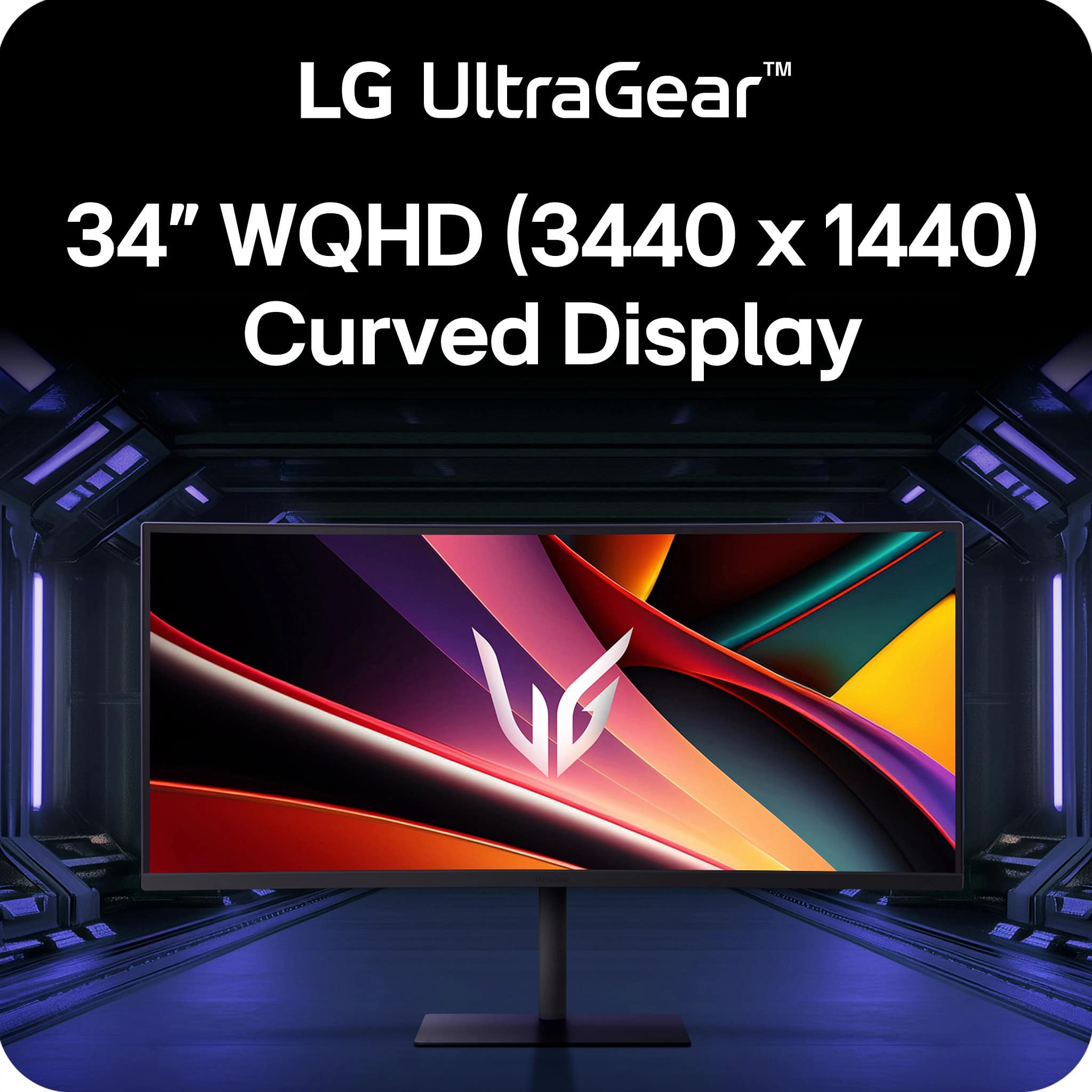
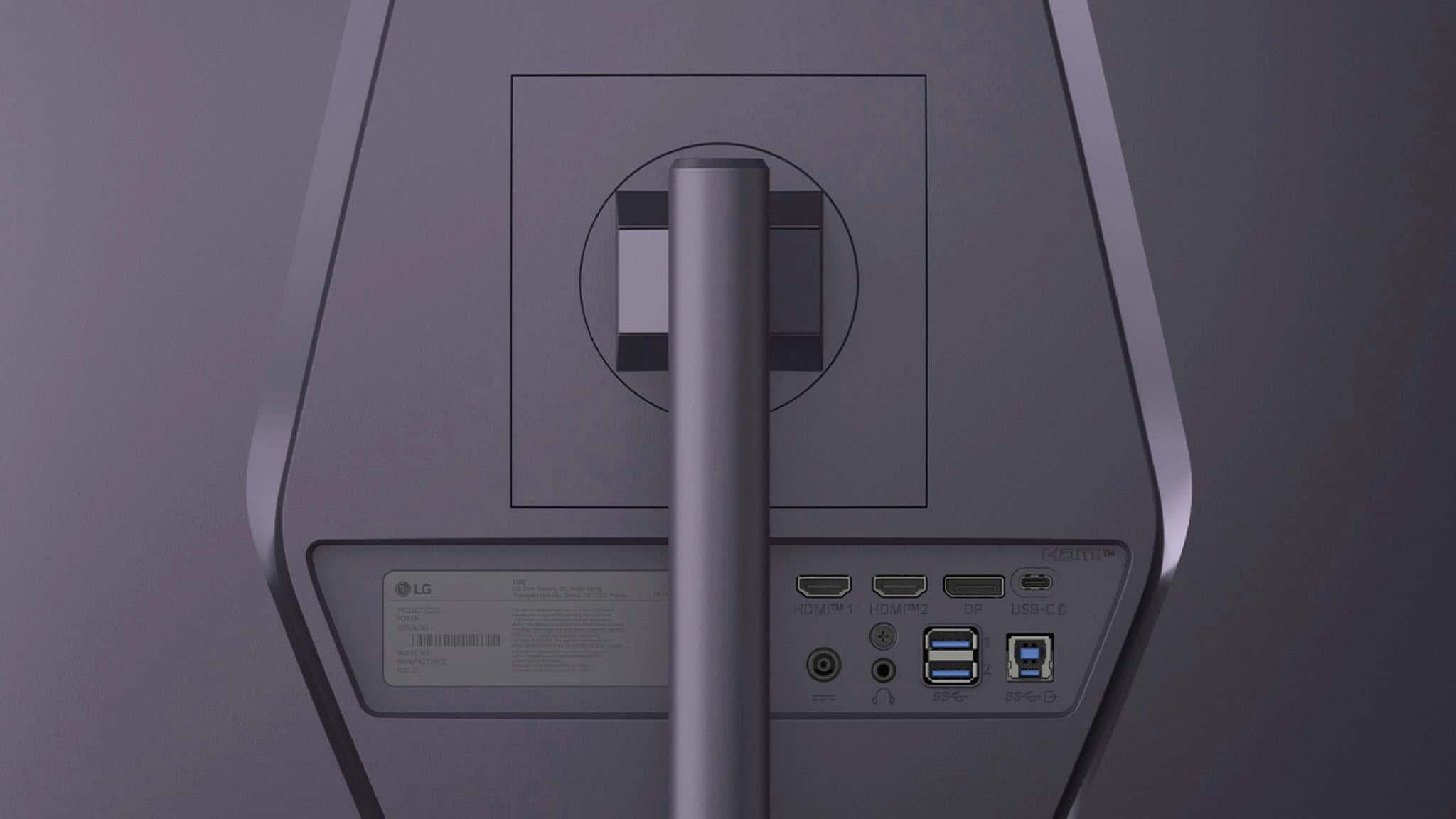
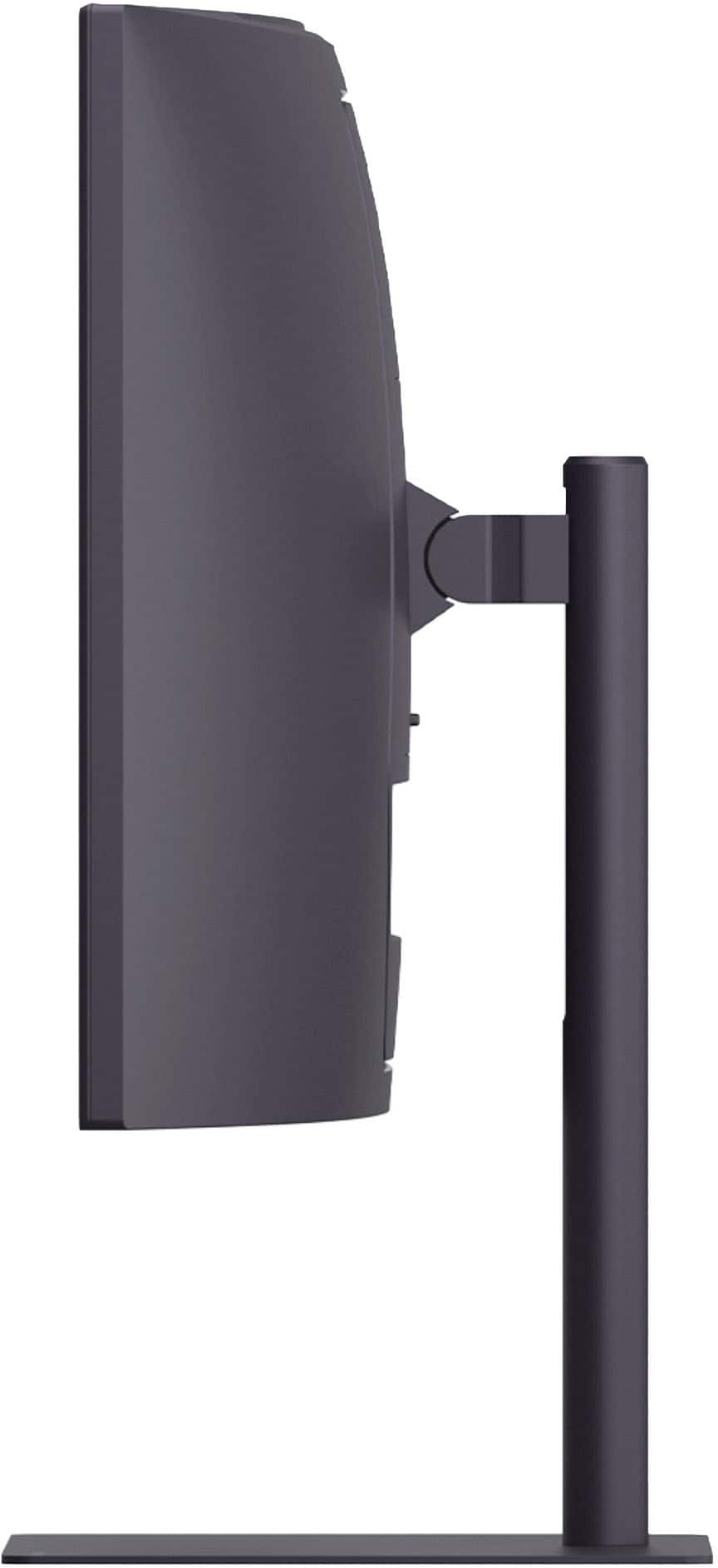
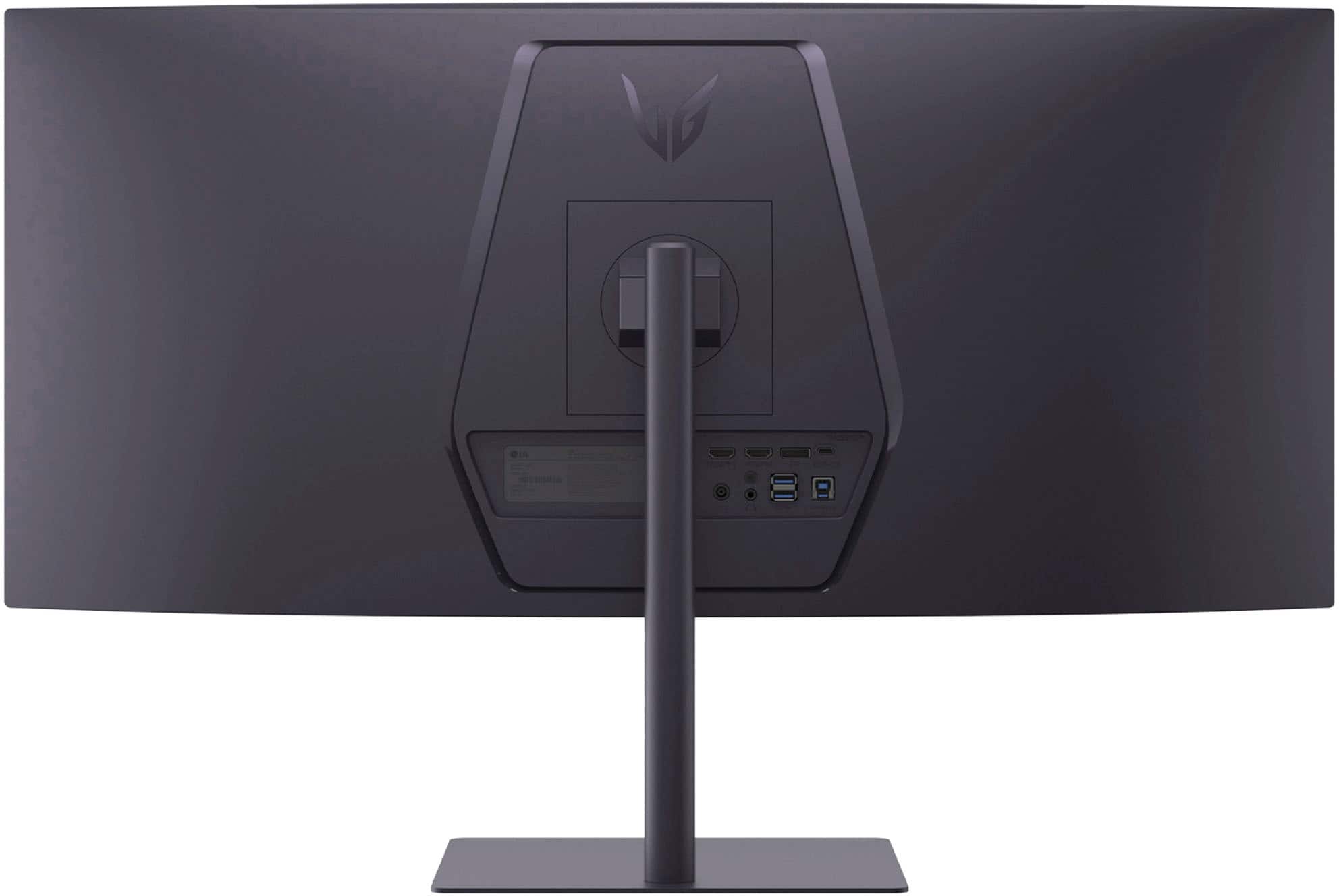
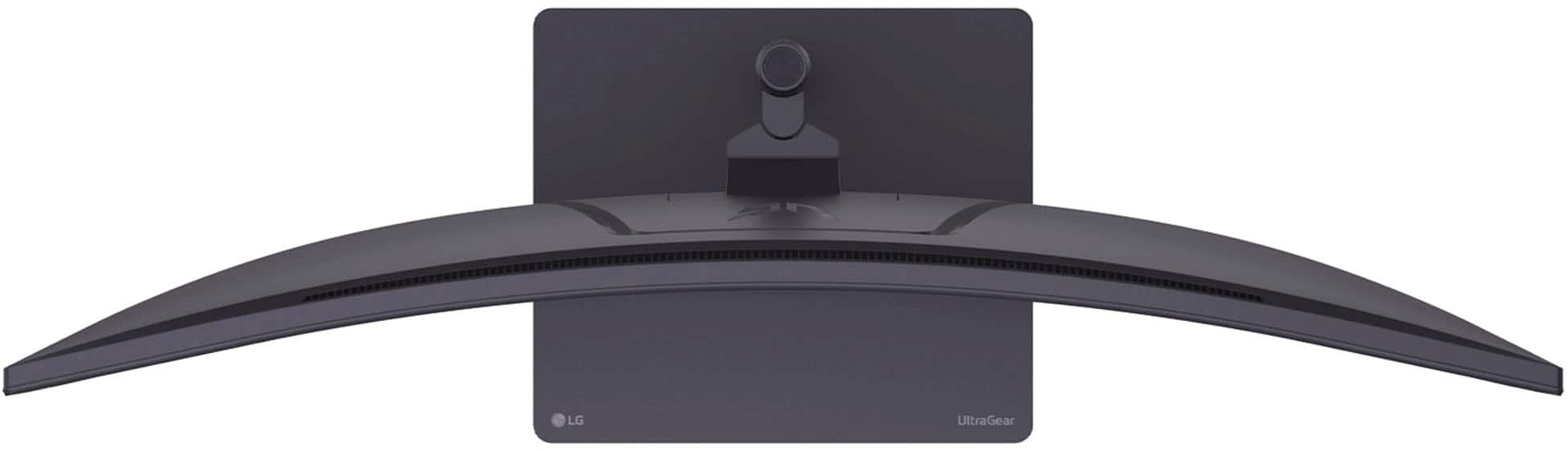
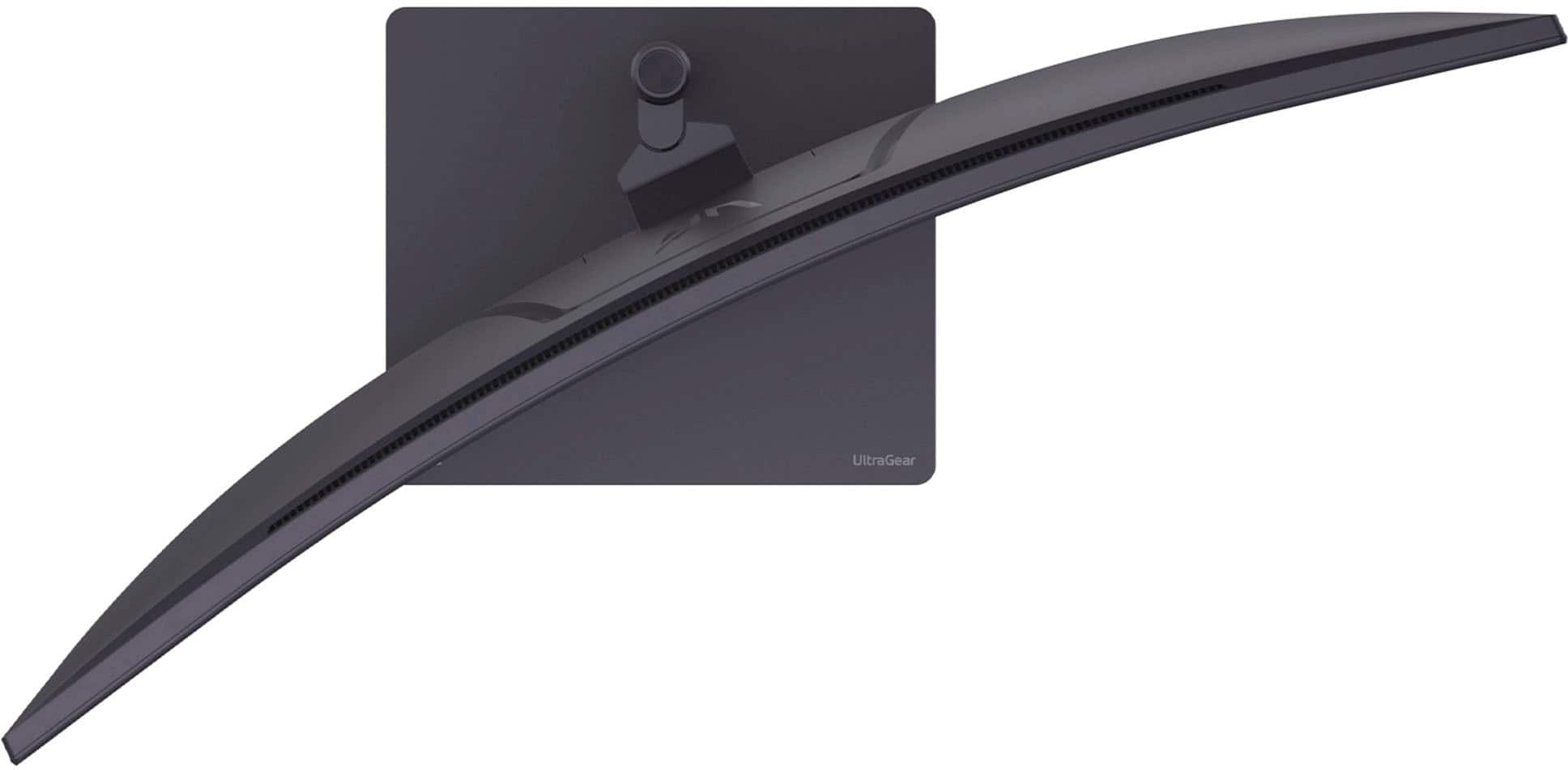
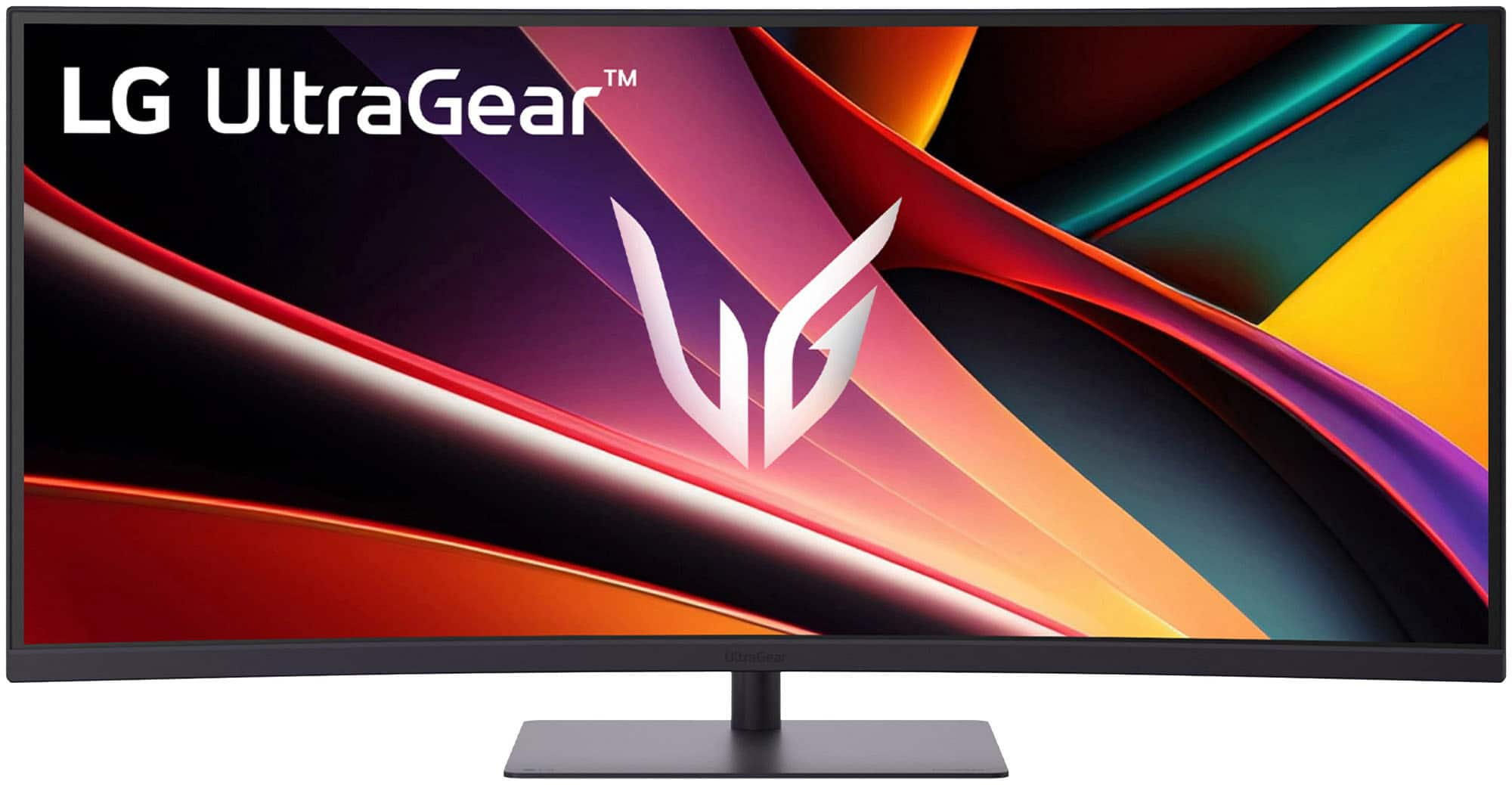
|Posted .This reviewer received promo considerations or sweepstakes entry for writing a review.The LG-UltraGear 34” WQHD 240HZ Panel has a 1ms response time, FreeSync Capabilities and is an HDR10, HDR400 display, which is great because I will be building a new AMD gaming rig in the near future. I am extremely happy to have acquired this LG Gaming monitor, as I have been wanting to try a large curved monitor for a couple of years now. Naturally, I was eyeing an OLED one initially. However, after more research, I found that this VA panel reviewed very well. Being my first experience with a VA panel, I was not exactly sure what to expect, but this particular panel is very nice. I am used to using IPS panels and I have an OLED TV. There are upsides and downsides to each technology, but I feel like the upsides outweigh the downsides on this VA panel. The incredible contrast along with a fast response time and a high 240Hz panel, make this monitor with its immersive curved screen an absolute joy for gaming of any kind. I love racing simulators and man, this screen makes driving games awesome. I am thinking of trying a flight simulator on it next and I am sure it will be amazing as well. For Hardware, I feel like LG did a good job. I really like the sleek, minimalistic look to the stand and the screen housing and they complement each other very well. Additionally, I am pleased with the port selection. With two HDMI ports a USB-C port and a Display port you are covered for input options. Then you have two USB-Type A outputs and a headphone jack, which covers all of my needs for sure. Remember, if you use USB-C from a laptop for your image output to the monitor, it will also power and charge your laptop, eliminating the need for your power block and cord that comes with your laptop. I am really happy with this monitor so far as I do not see the need for 4K nor the budget in computer hardware to drive it. This 2K looks great and I have tried 4K monitors before but went back to 2K. The question now is will I be getting a second 34” curved LG G6 to match this one? We will see! This LG monitor is at a great price point for what it is, especially if you catch it on sale.
I would recommend this to a friend Garbage
||Posted . Owned for 1 month when reviewed.This reviewer received promo considerations or sweepstakes entry for writing a review.Within a week the display stopped working and only had audio. I swapped everything on the other end, device and cable. Alos tried secondary port. Headed out of town on vacation and when I got back found out that Best Buy had a 15 day return policy on the item. I won't be back Best Buy.
No, I would not recommend this to a friendBrand response from LG Digital Customer Care
Posted .Hi, Sean. Thank you for reaching out, and we understand the importance of having your LG Monitor (34G630A‑B) model work reliably. When a display goes dark but audio continues, it often points to an internal panel or backlight issue, especially since you’ve already tested different devices, cables, and ports. One helpful step you can still try is a power reset: unplug the monitor, hold the power button for 10 seconds, then reconnect and power it back on. This can help clear any temporary internal faults that may affect the display. For more guidance, visit https://www.lg.com/us/support/help-library/lg-monitor-troubleshooting-a-blank-screen--20153188064348 and https://www.lg.com/us/support/product/lg-34G630A-B.AUSQ. We’d be glad to take a closer look into your case and assist further. Please send us an email at [email protected]. We're here to help. ^Juvy
- Pros mentioned:Hdr performance, Image quality, Refresh rate
Nice Ultrawide
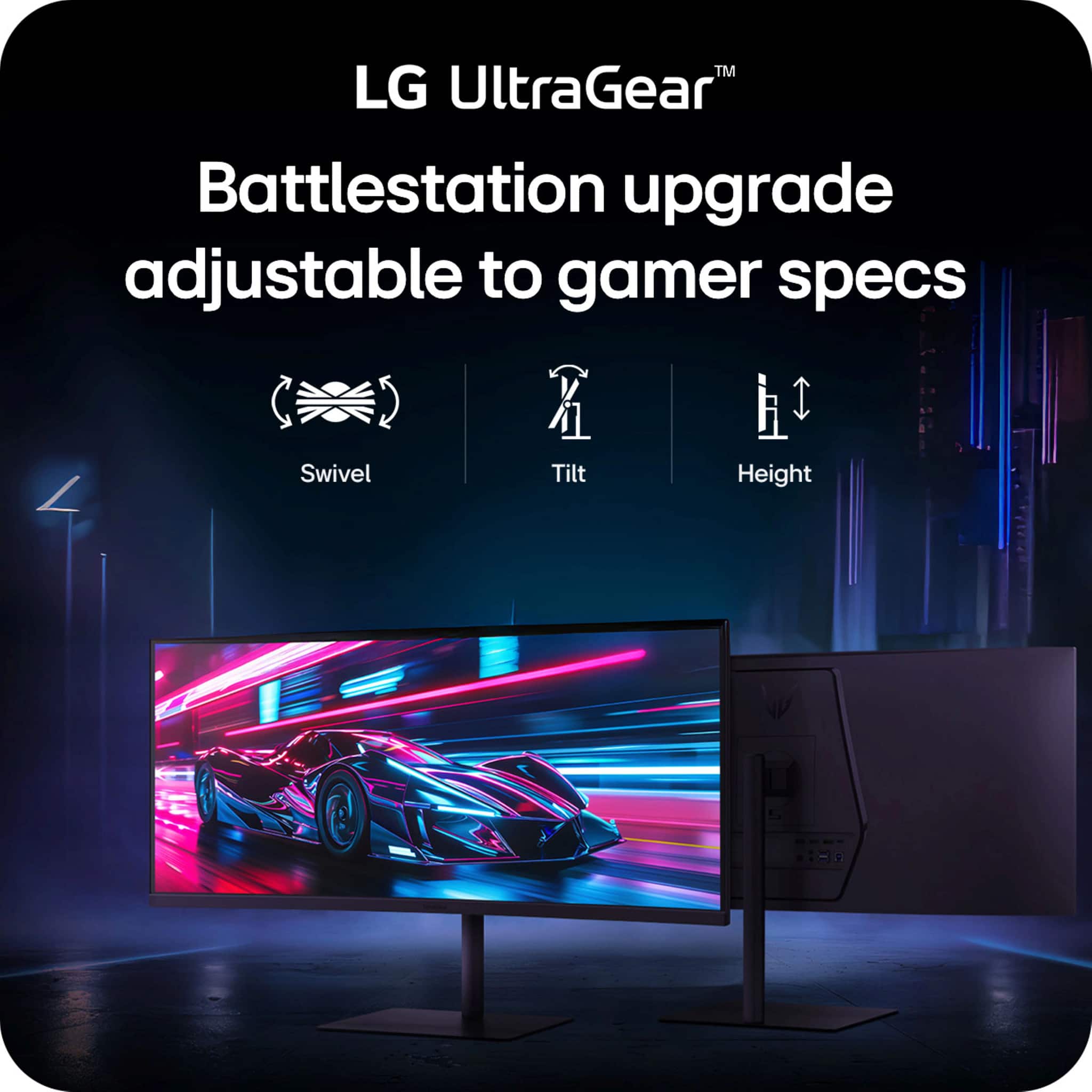
|Posted .This reviewer received promo considerations or sweepstakes entry for writing a review.Wide screens are definitely awesome, I do like the extended real-estate this offers, especially since I have this mounted an arm allowing me to use it in portrait mode for developing and then swinging it back to normal for watching movies or playing games. While this isn't a true HDR like most TV's now a days, it still does a great job as a monitor for watching media and games its great with the high refresh rate it allows for everything to just look smooth and again having it be slightly ultrawide allows for a large field of view when gaming on it making it feel a bit more immersive. Or since it is wider I can play a game 2K on most the screen and still have some space for discord/youtube/walkthrough open on the side giving me options that I enjoy. Also for productivity as I said, having it on a arm allowing me to change to portrait or having wider screen for having multiple applications open is great and a game changer, I also enjoy the fact since this is 4K, the pixels for my older eyes aren't tiny having to result in me losing the space by increasing the size of everything. This seems to be the perfect balance with an awesome picture and for me the perfect gaming/producitivity monitor with great color and refresh.
I would recommend this to a friend Gaming Monitor
Posted .This reviewer received promo considerations or sweepstakes entry for writing a review.Picture quality is very good, and 240Hz helps while playing games. Do not delay too much.
I would recommend this to a friend