
Save up to 50% on 3-Day Sale deals.Ends 12/14.Shop now

Skip to content
Main Content

Monitors

OLED monitors

OLED monitors

Portable monitors
Only at Best Buy
Sponsored
My Best Buy PlusTM and My Best Buy TotalTM Get exclusive deals with a Plus or Total membership Exclusions, terms and conditions apply. Learn more
Sponsored
Explore items in Monitors
(2163 products)
Buying a monitor for your computer
Choosing a computer monitor
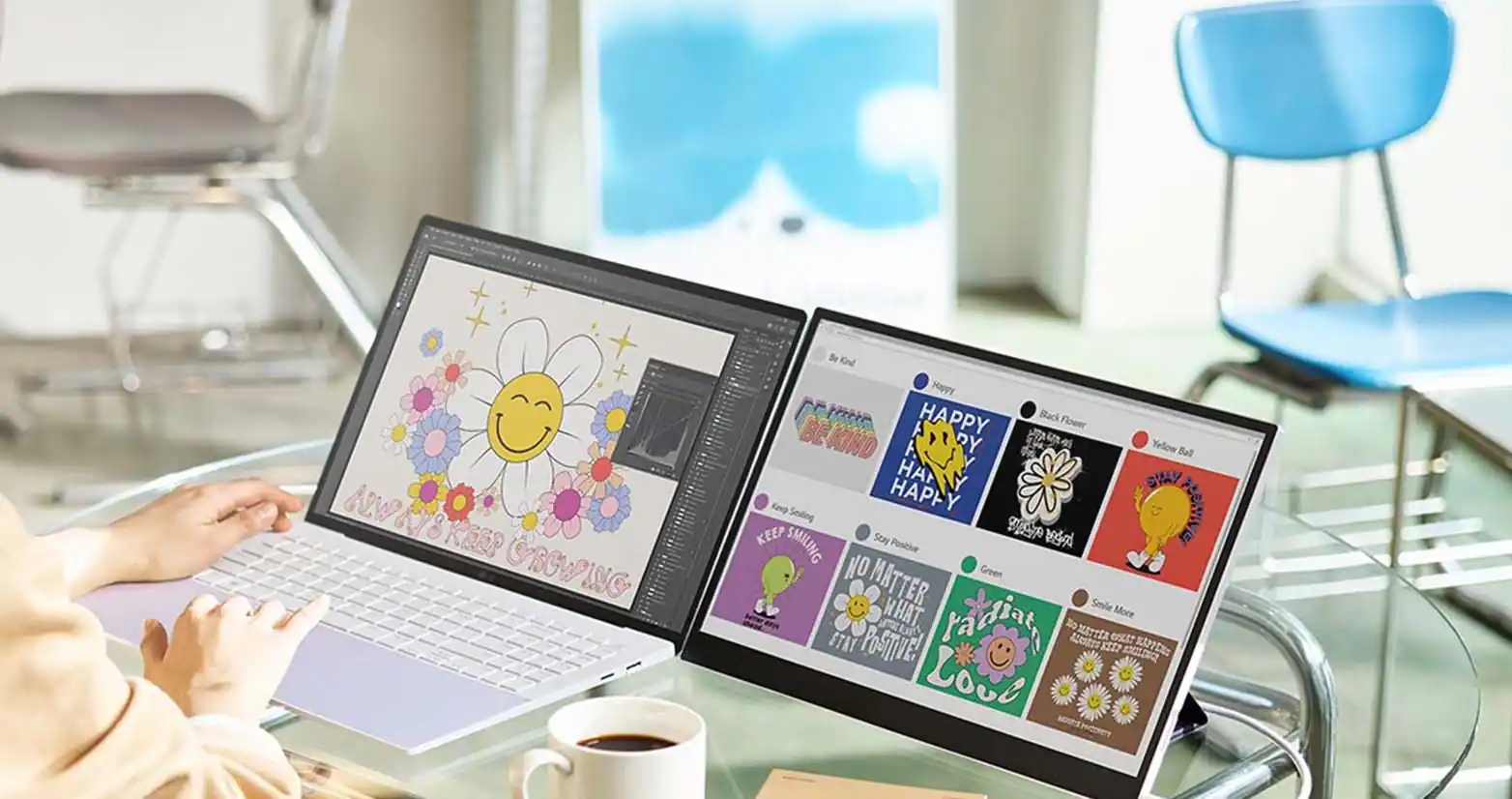
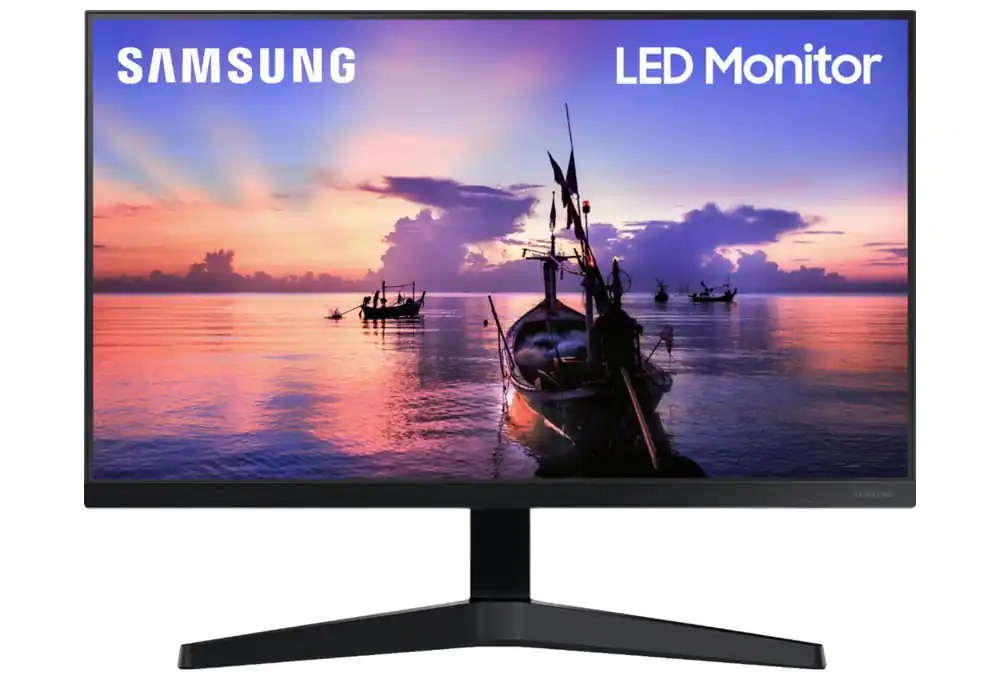
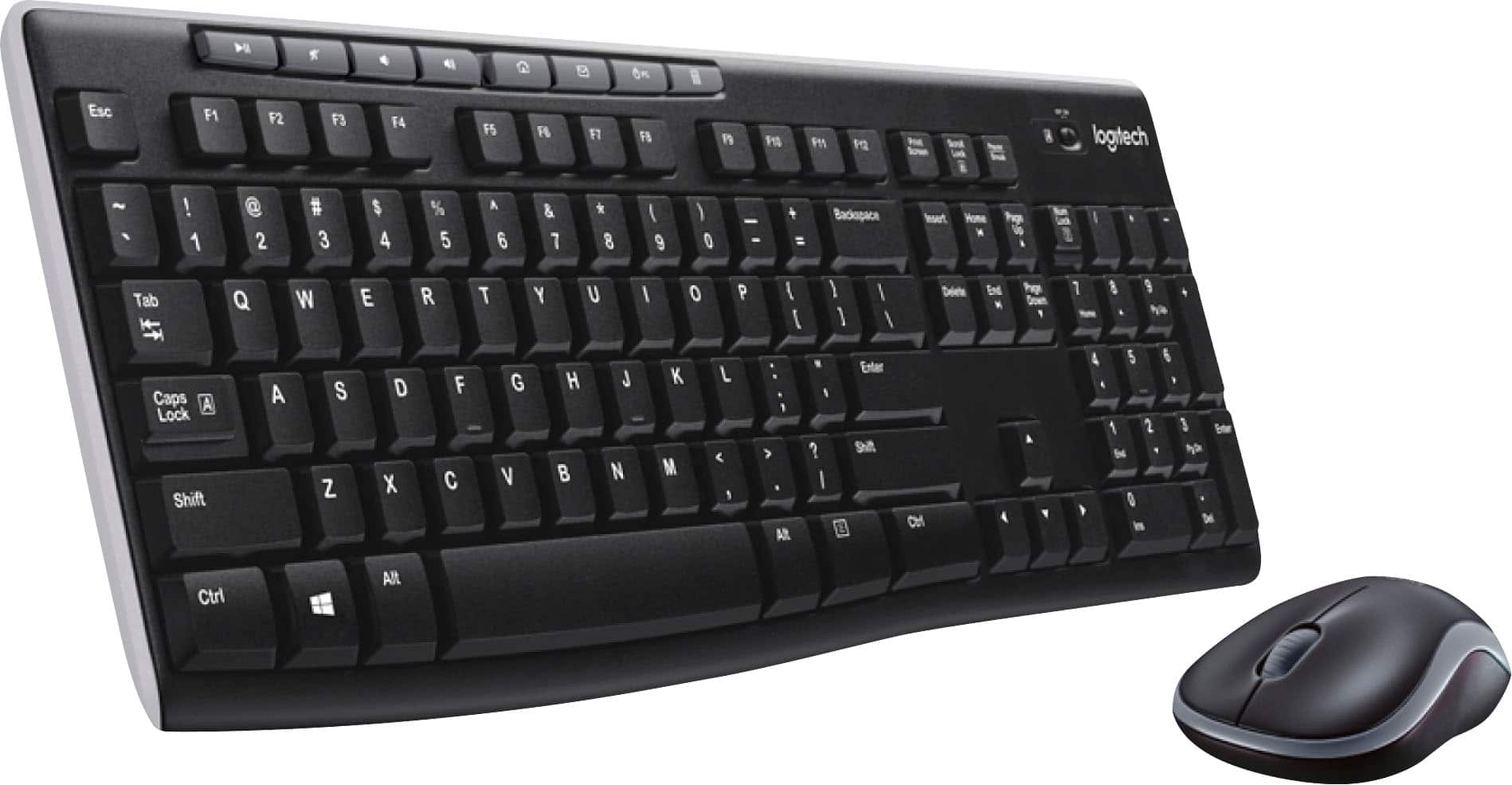
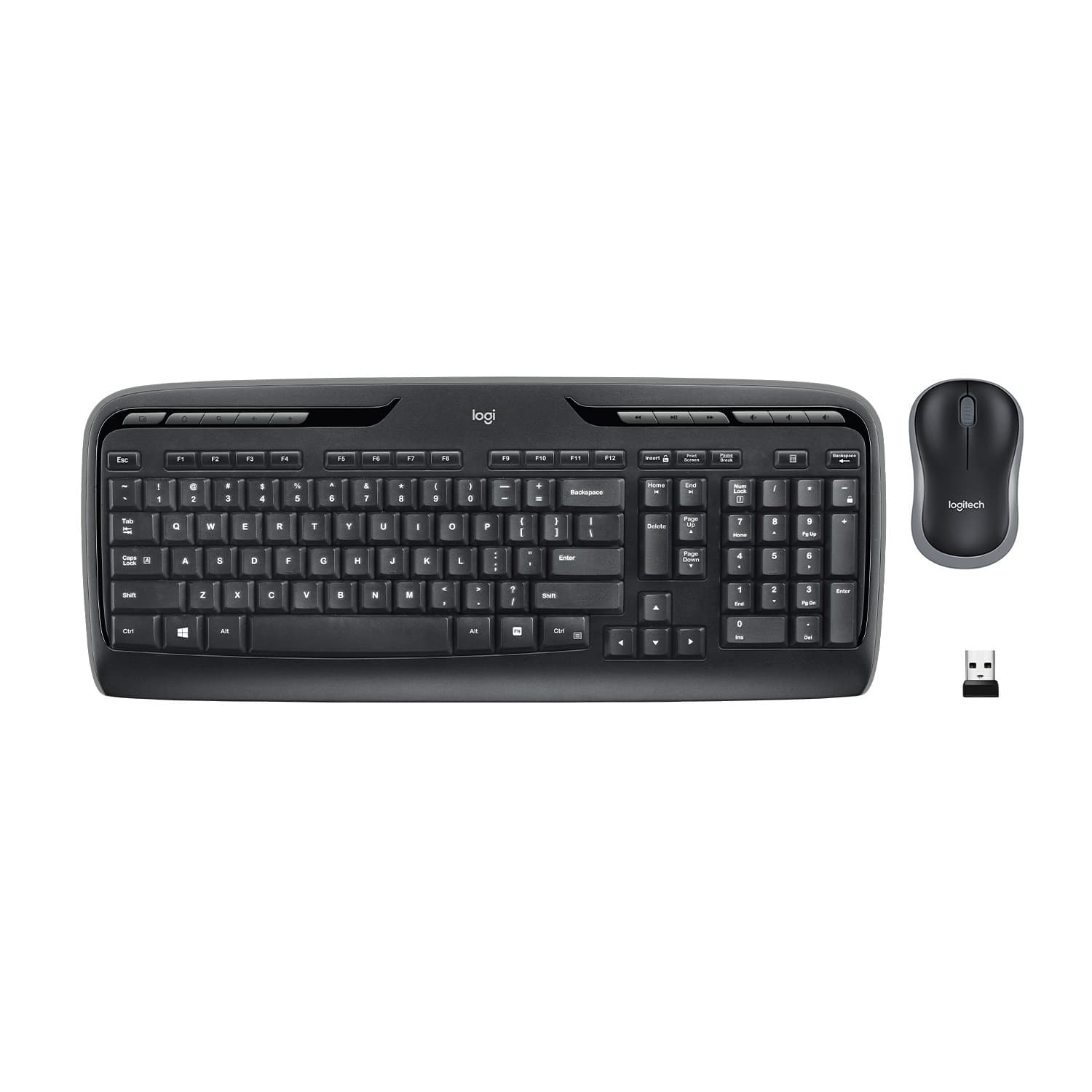
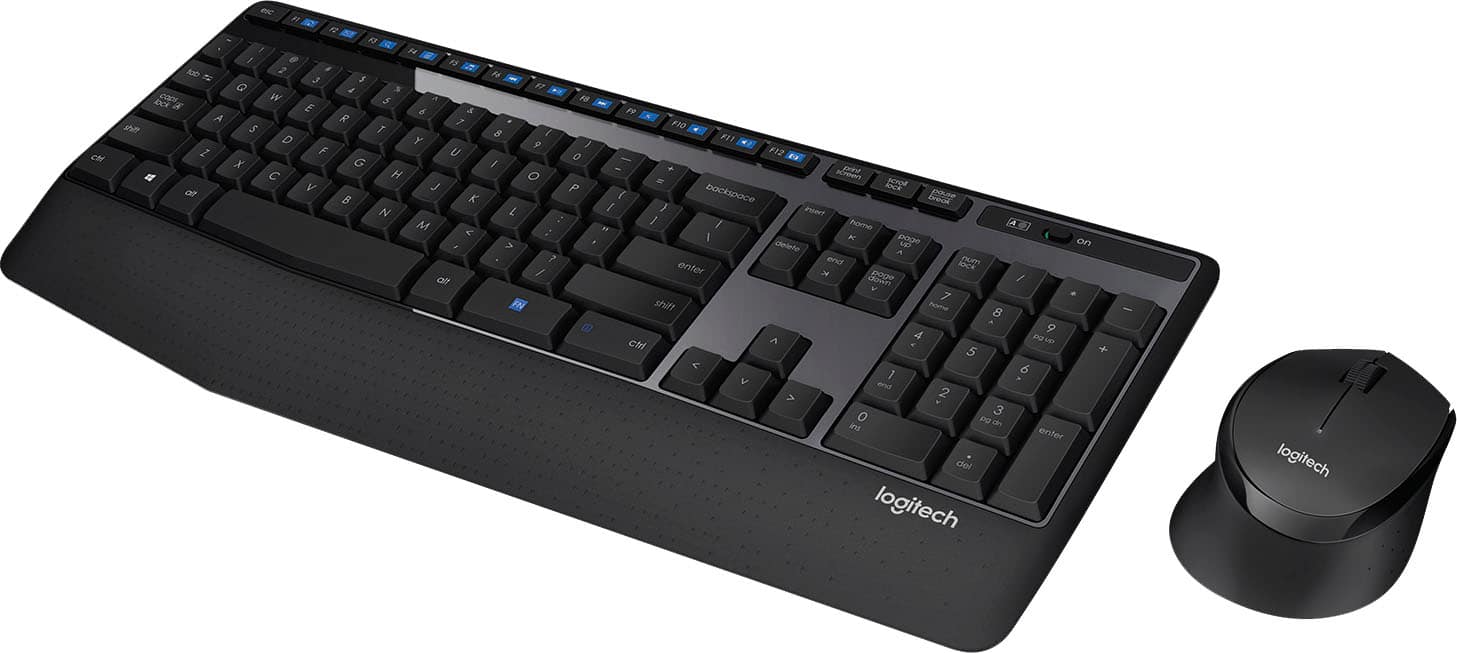
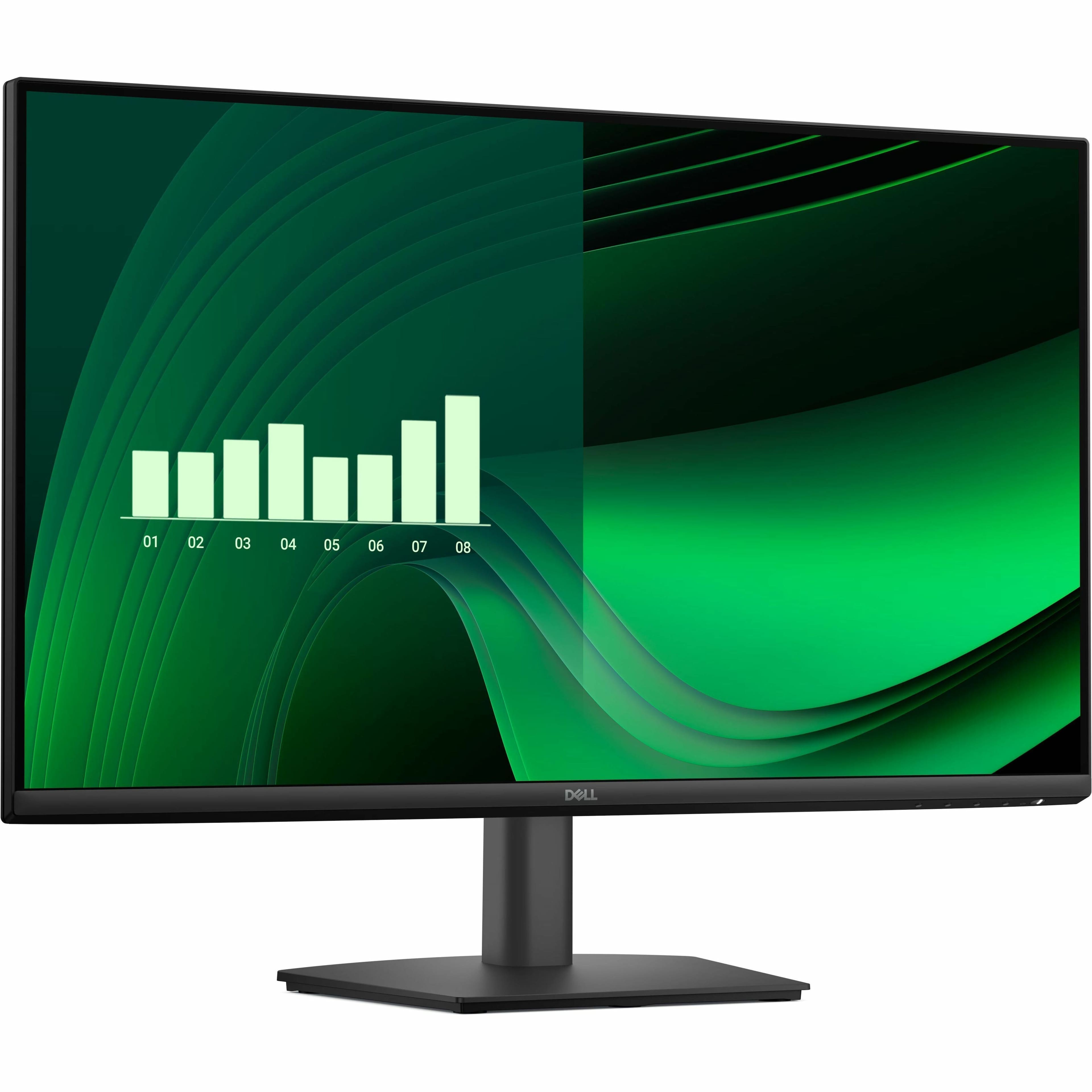
Whether it’s a PC monitor, portable computer monitor or larger screens like a 27-inch monitor or 32-inch monitor, getting a monitor for your computer is crucial for enhancing your computing experience. Choosing a computer monitor involves more than just pairing it with your desktop computer tower ; it's about maximizing display space for multitasking and efficiency. Even with an all-in-one computer , adding a secondary display can significantly boost productivity. For laptop users who often work at a desk , setting up a laptop docking station with a larger touch-screen monitor and accessories like a keyboard and mouse can streamline your setup. This setup not only enhances productivity but also provides a more comfortable and ergonomic workstation experience. When it comes to choosing the best computer monitor for your setup, consider size, resolution and display type. In terms of display type, there are LCD monitors , LED monitors and OLED monitors as well as the sub-type IPS monitors designed to preserve color accuracy. If you are using two monitors together, picking the same display type and resolution can help your visuals blend seamlessly. 
Setting up a monitor
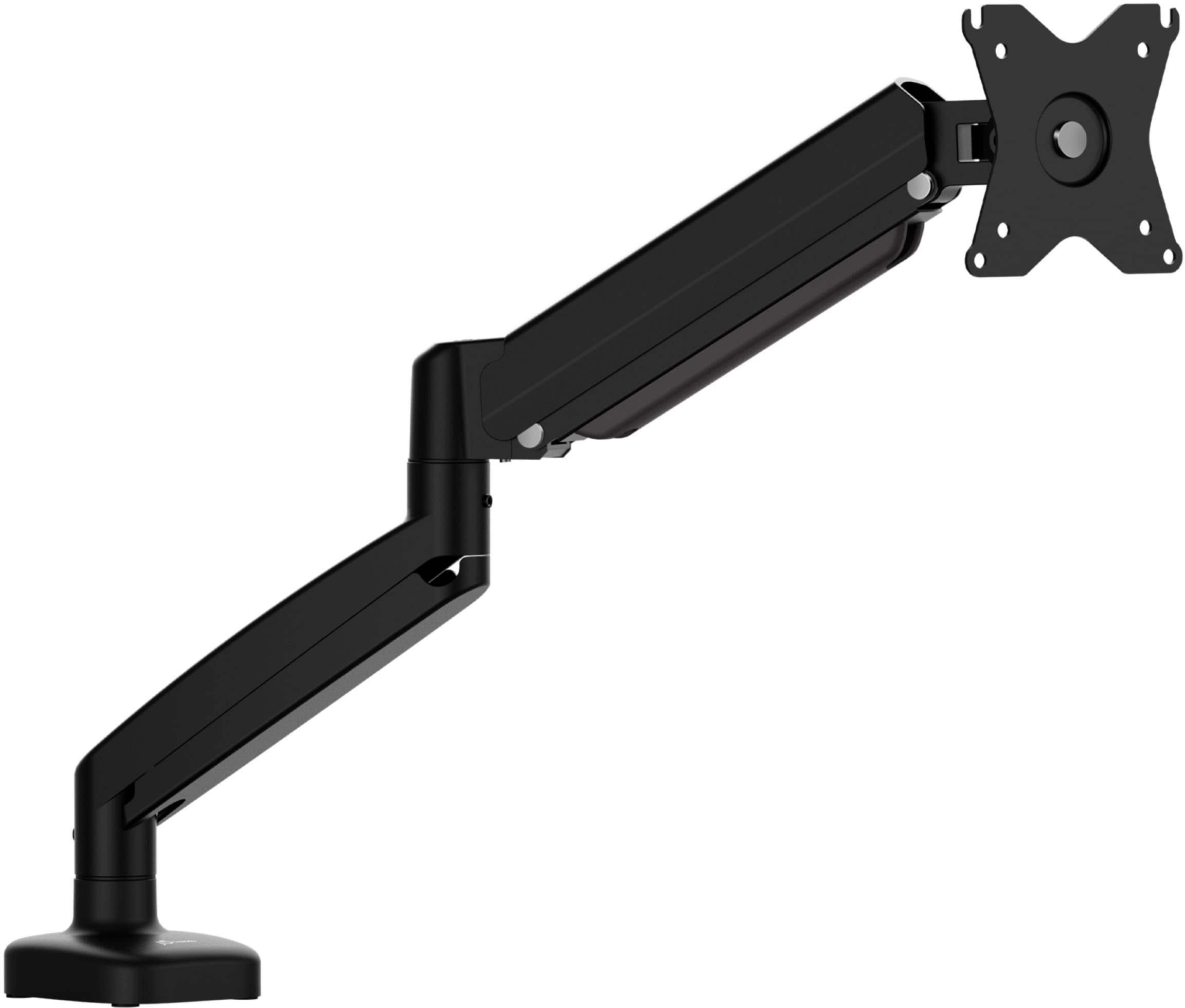
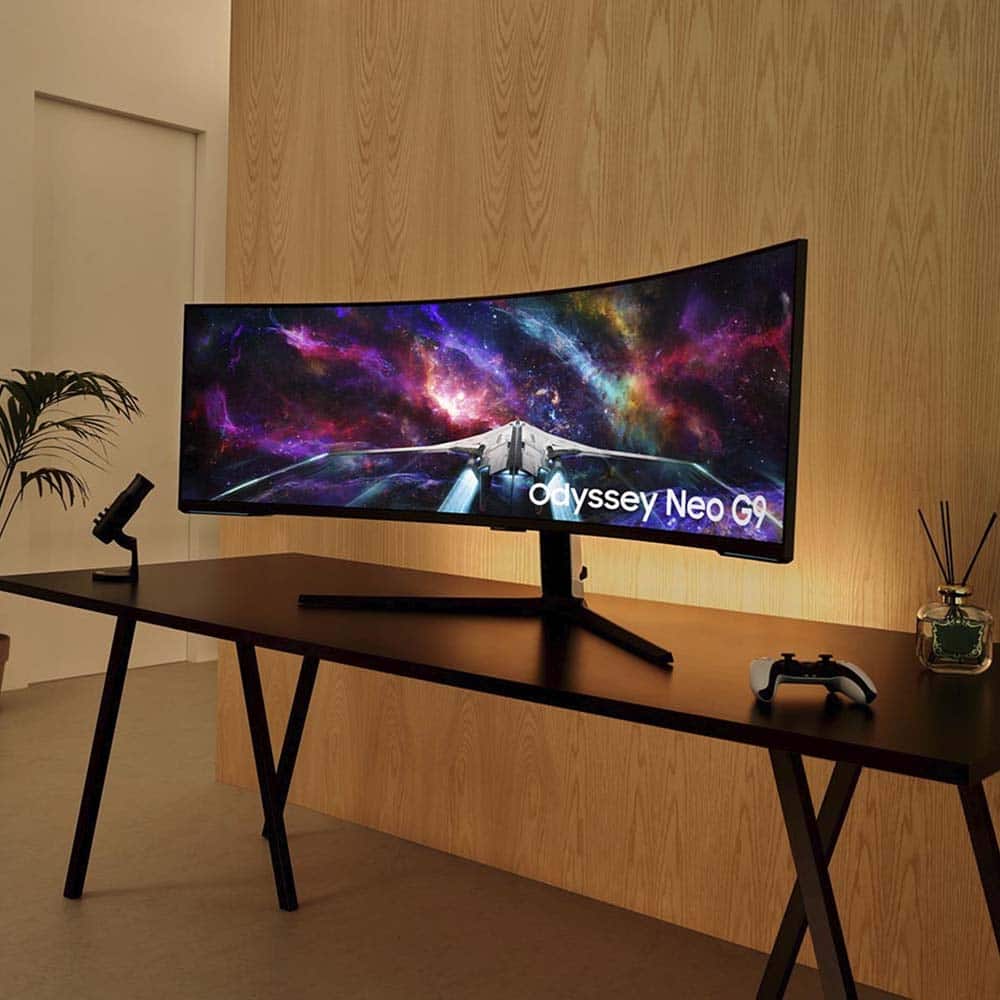
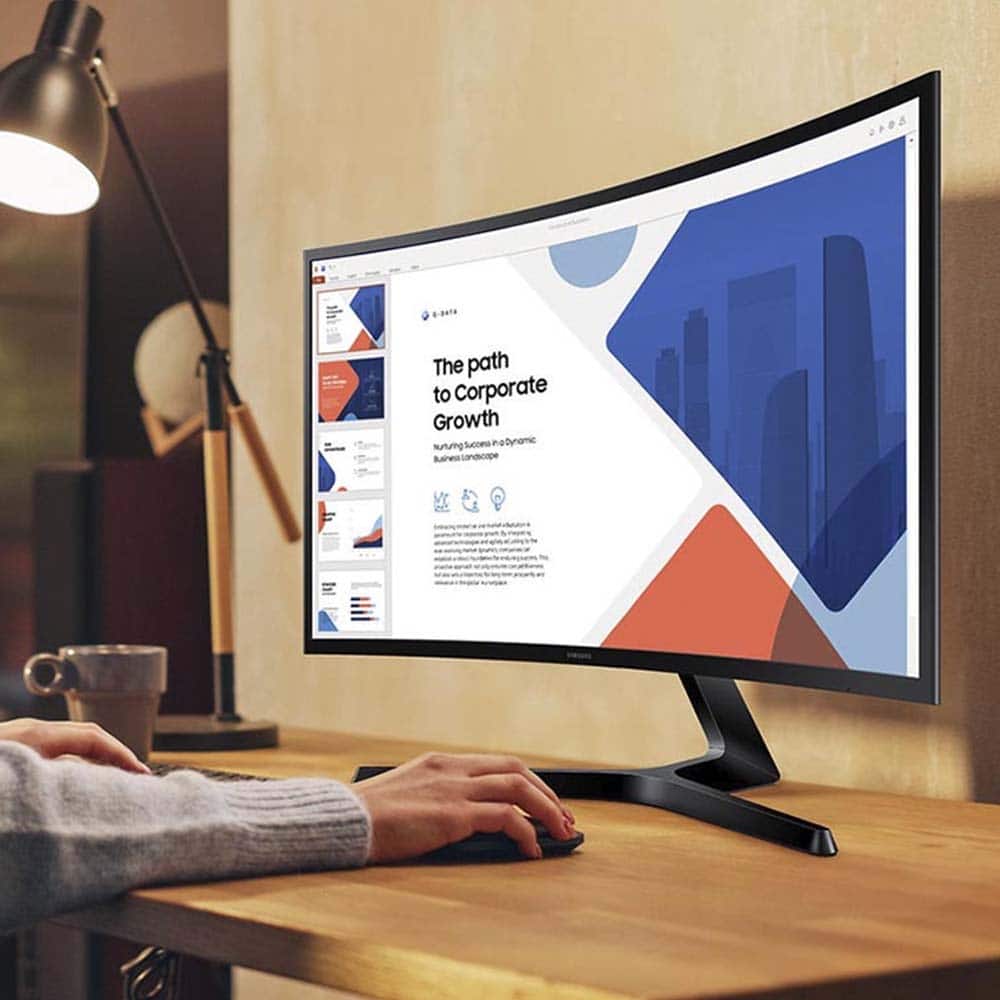
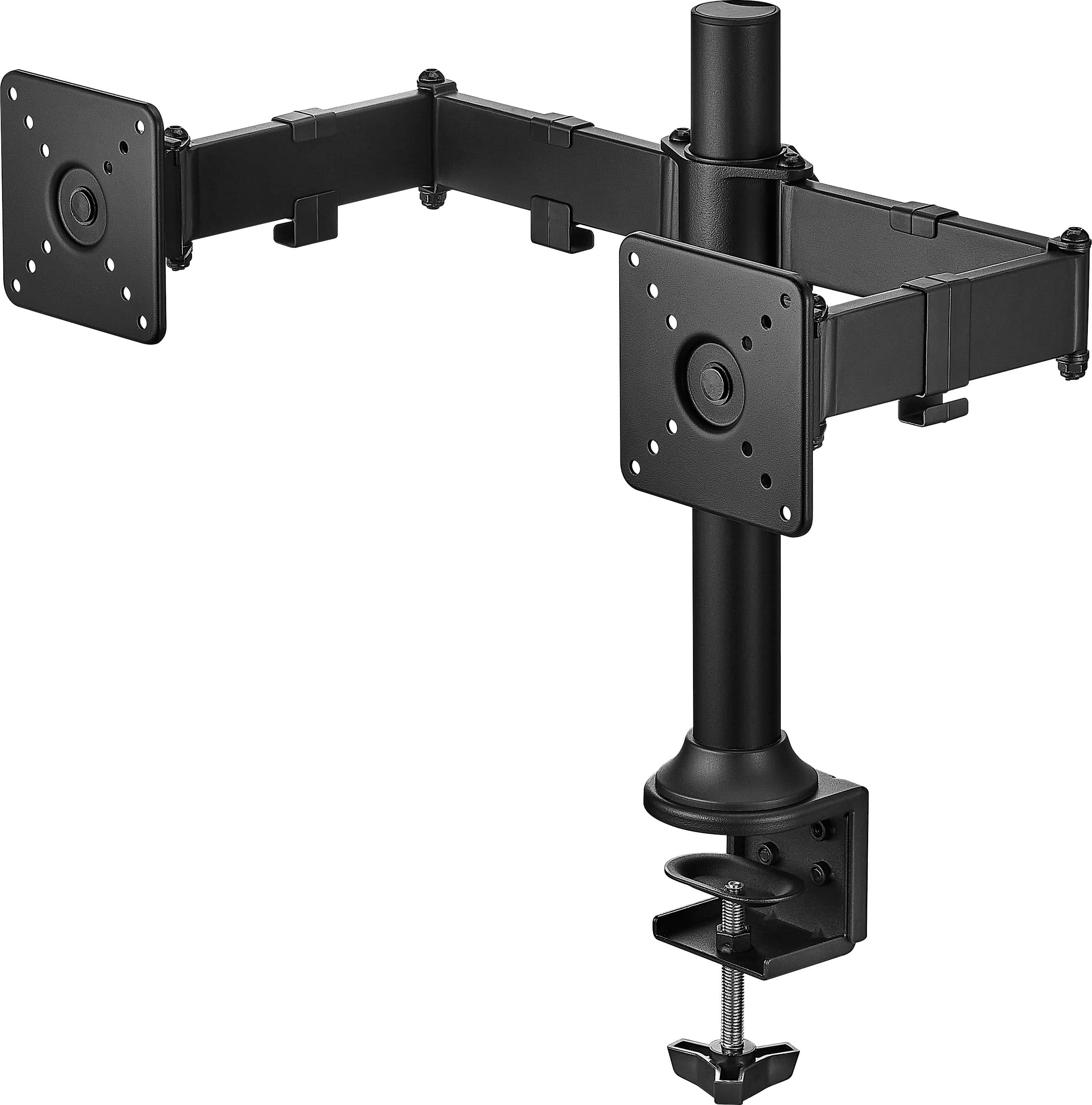
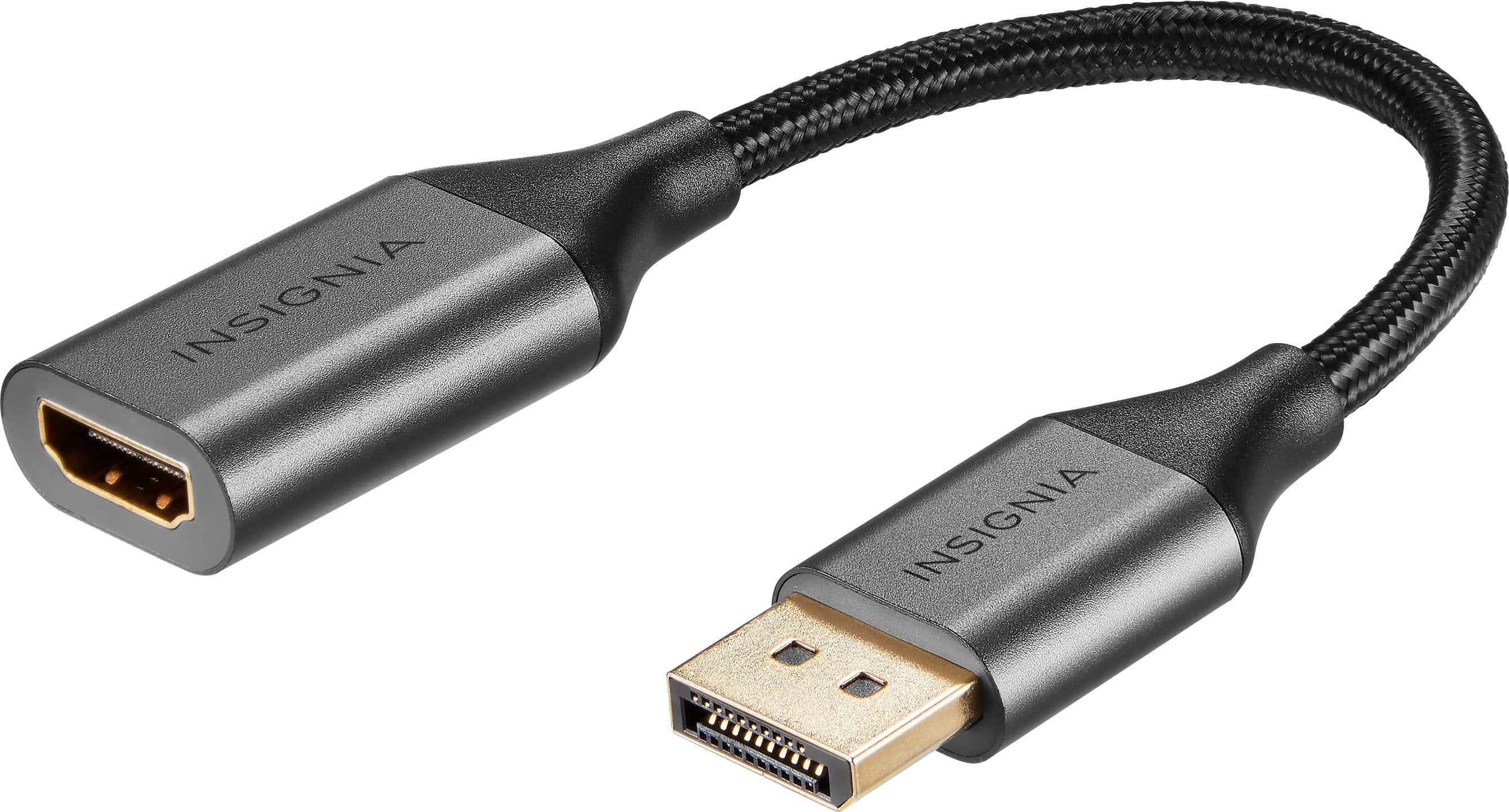
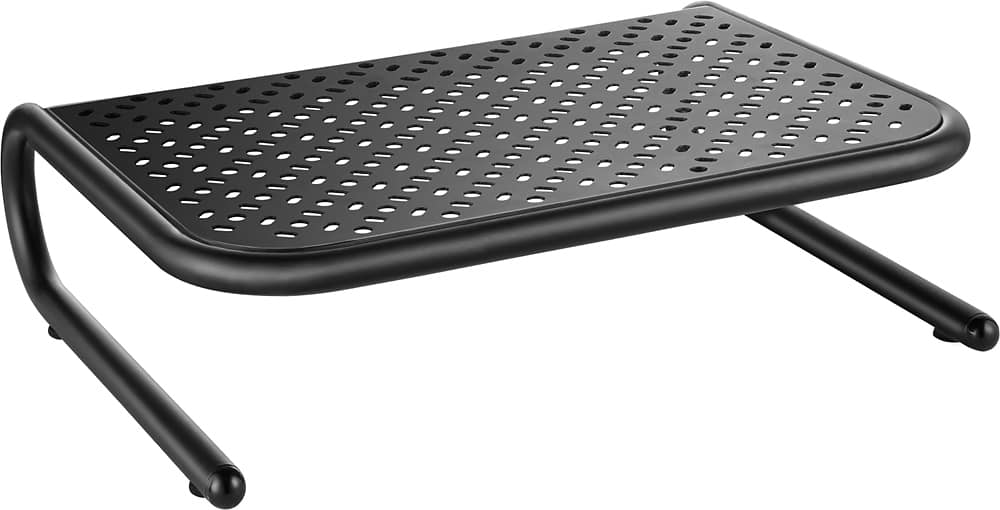
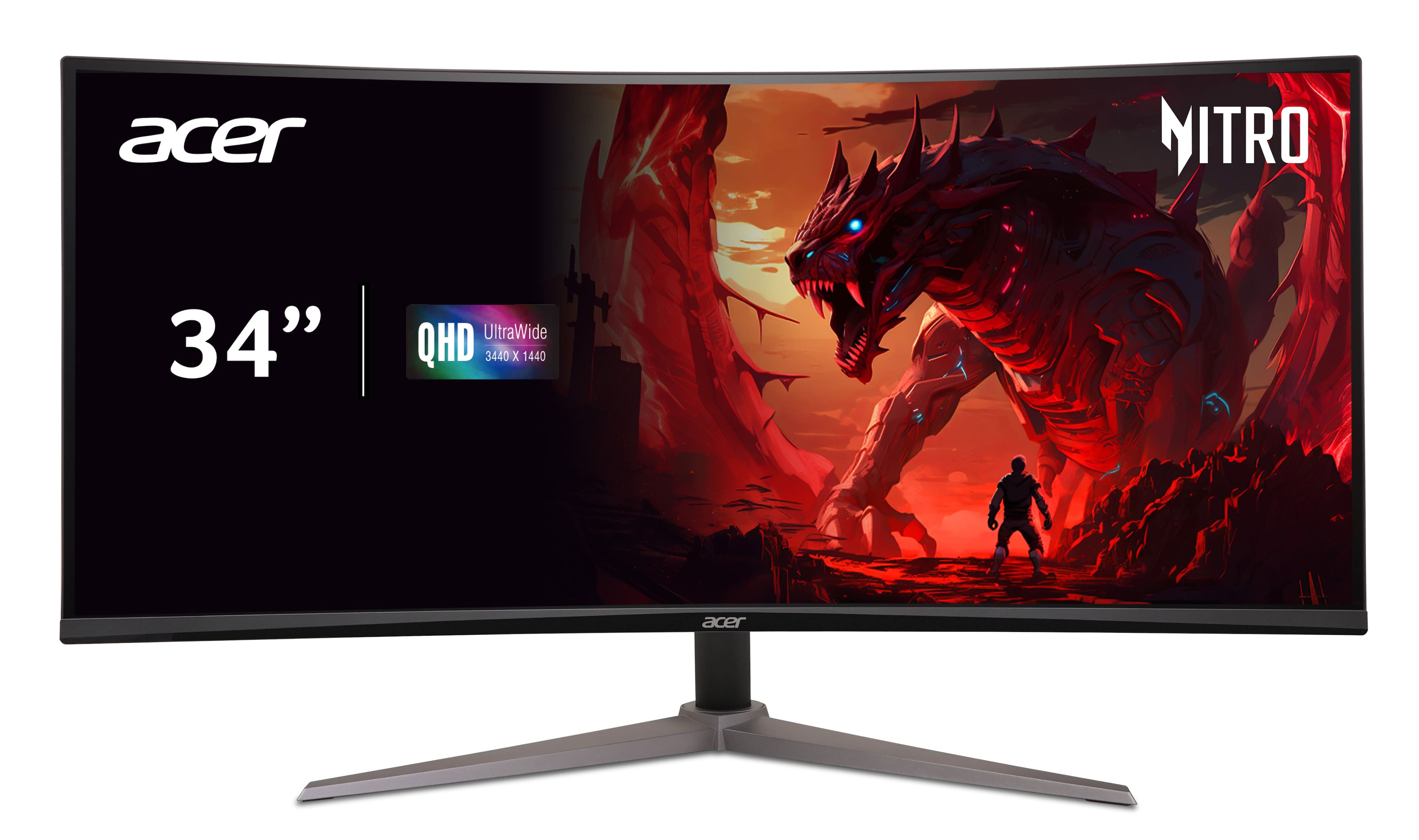
Setting up a computer monitor is generally simple. Make sure you have the appropriate cables for your computer and computer screen. If you are mounting your monitor, your monitor mount or stand should have mounting instructions as well as guidelines for the maximum weight and size it can support. It can be more complicated to mount an ultrawide monitor or a curved monitor ; however, curved monitors offer several advantages that make the effort worthwhile. Once you have your monitor in place, ensure you have the settings the way you prefer them. Monitors may have multiple resolution, refresh rate and aspect ratio settings. So, even if you bought a 4K monitor , you could have the option of using a lower resolution to save power when you want to do so. If you bought a gaming monitor , the best resolution should match your graphics card’s capabilities to ensure smooth performance. Finally, if you work in a shared setting, a monitor privacy screen can provide some extra peace of mind. It’s also smart to keep a microfiber screen cleaner nearby to keep your display clear and smudge-free.