A:AnswerThat's right. You need the last OS to run this stupid thing to scroll. Why would Apple release this without it being able to work with older Mac's unless they want you to purchase a newer Mac for a stupid mouse! Unbelievable....but that's Apple for you.
A:AnswerI’ve been using this mouse without a mousepad since I purchased it. It works fine. I’ve used it on Starbucks tables as well as stone tables in McDonald’s.
A:AnswerI PREFER using *all* APPLE products because they are designed to work so well together. I recently upgraded to a brand new M4 in November 2024 when they were first released (trading in my M2 - which I purchased "refurbished"). I've always used the Apple Trackpad with my all 3 Mac desktops I've owned. The M4 is the 3rd one I've purchased in the past 10 years of using Mac Minis.
In March 2025 I purchased a second brand new baseline M4 (my 4th) to use in another location where I spend a LOT of time daily so that I can also work easily in the second place.
With that second location I purchased a Magic Mouse for the first time.
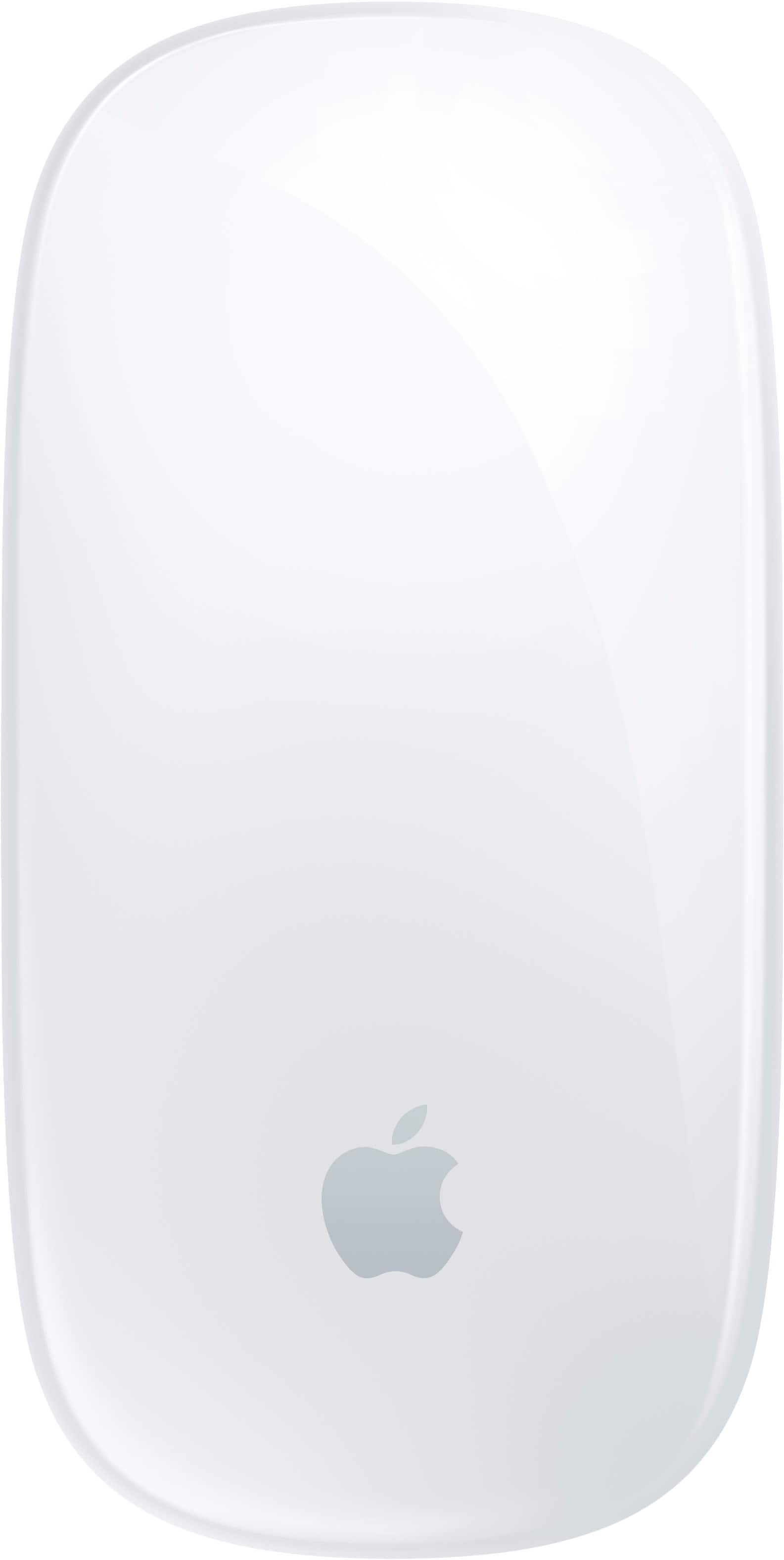
It's small, very sleek. A perfect fit in my hand. The design is smooth and symetrical so it would work well for left or right handed people... but if you have VERY large hands you should go to a store IN PERSON to see if it's going to work for you.
I was pleasantly surprised to see that the surface is a "mini trackpad" as you can use your finger to navigate your screen in a similar way that a trackpad works.
Funny that when I purchased my first trackpad, I missed using a mouse... but after about 10 years now of using a trackpad, I prefer it to the mouse... even though the Magic Mouse is really terrific with the Multi-Touch surface. I assume that as I use the Magic Mouse more it will become second nature also.
I ALSO USE an Apple Keyboard. I recently upgraded my old Apple Keyboard to one with a TOUCH ID button.
Passwords make me WEARY but we're in a world where they are needed. The TOUCH ID is really helpful. I STRONGLY recommend it if you are also "password weary". It doesn't cover every single password but most. REALLY great.
Since I purchased a second M4 for another location where I spend time, I haven't YET upgraded to the touch ID keyboard and am using my old keyboard. I will... soon... just as soon as I have more room in my budget.
I just changed ISP's at home so I expect a Visa Gift card that will more than cover the cost of the touch ID keyboard upgrade.
As an aside, I have never used APPLE screens for a desktop. In my home office I have 2 Acer screens - side by side - on a standing desk. I OFTEN need 2 screens as I work. They're also great for taking online classes as you can have one screen for doing the work in class and the other for paying attention in class.
For the second "away from my home office" new Mac Mini, I'm using 2 "monitors" that are older TV's I already owned and was about to discard (or sell). I am using an Insignia 24 inch Fire TV for the main monitor and an Insignia 19 inch "dumb TV" mounted above the other in a storage cabinet in the second location.
I debated buying monitors but since both older TV's have HDMI ports I can use a splitter (just as I have done with the monitors) to make them work as dual screens.
Another helpful tip, is that there are small hubs that fit M4 and can house SSD memory. I just purchased 2TB of additional memory for ~ $100 from Best Buy and installed it, via an expansion hub for the Mac Mini M4.
I got help putting it together from the GEEK SQUAD in person at the store. They are A GREAT HELP!! Much better than watching "youtube university" videos!
A:AnswerYes. A USB-C to USB-C cord is included. A USB-C port is on the underside of the mouse for charging. If you need to charge, plan to do it when you do not need to use the mouse. Many have complained about not being able to use it while charging. It's a wireless mouse intended to be used wirelessly so it's a non-issue in my mind.
You can plug the cord into a USB-C port on a computer or use a USB-C power adapter from a phone or other device to charge.
I have the black version and love it. It replaced an old magic mouse that used AA batteries.
A:AnswerIt’s customizable. I have right and left clicks set on mine. It’s just one smooth surface but you still click in the same place, left or right, and you can swipe too.