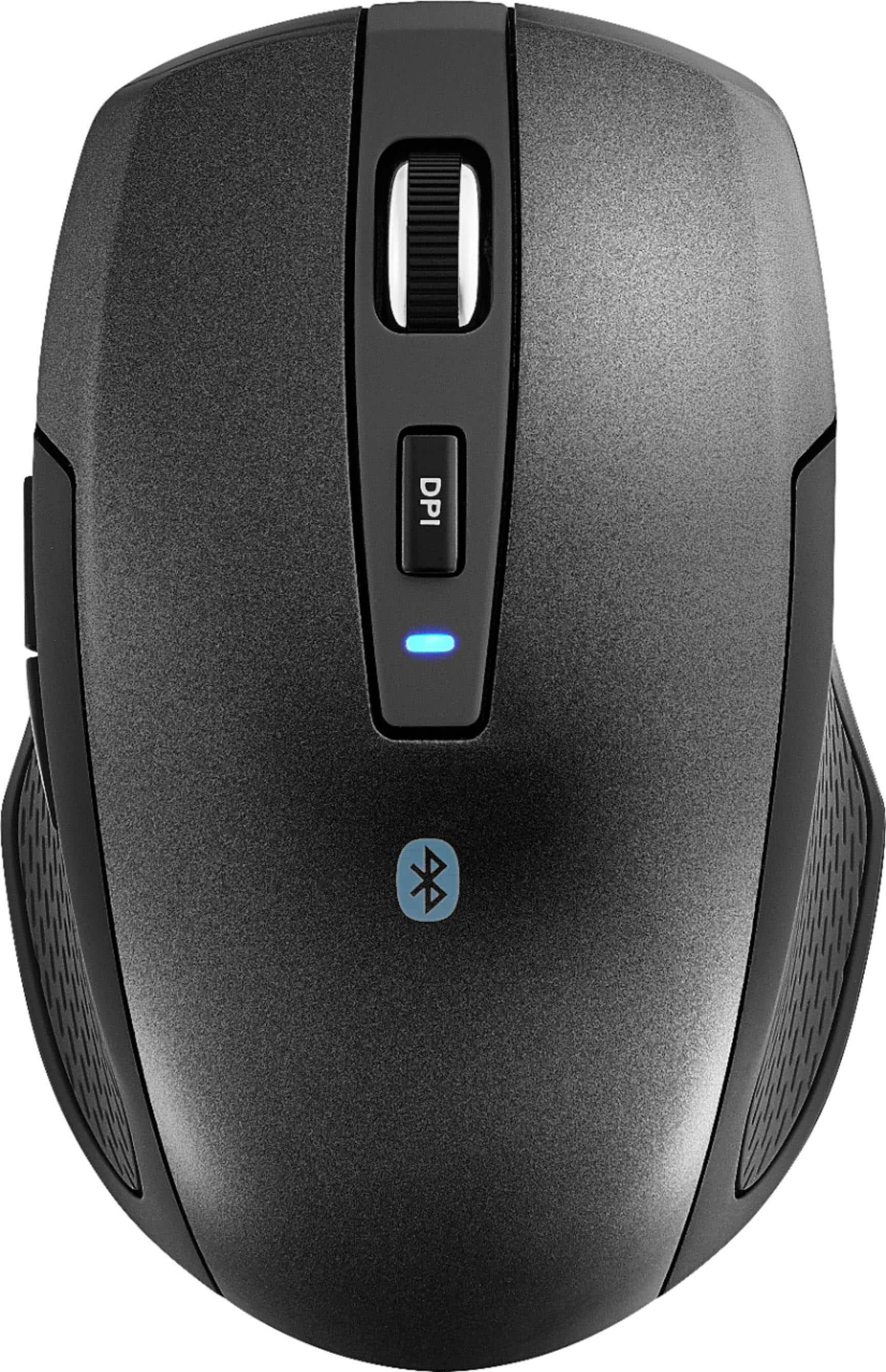
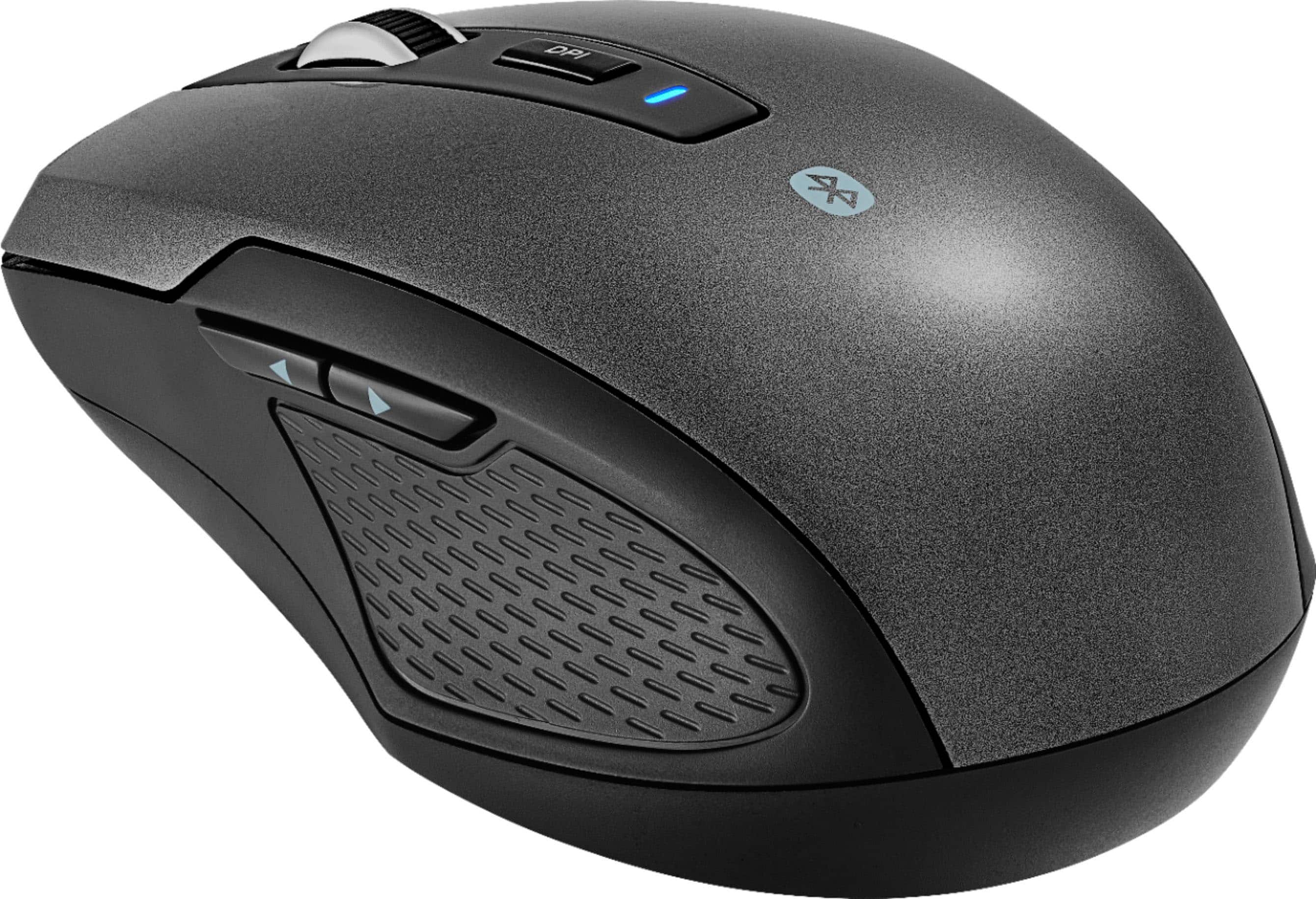
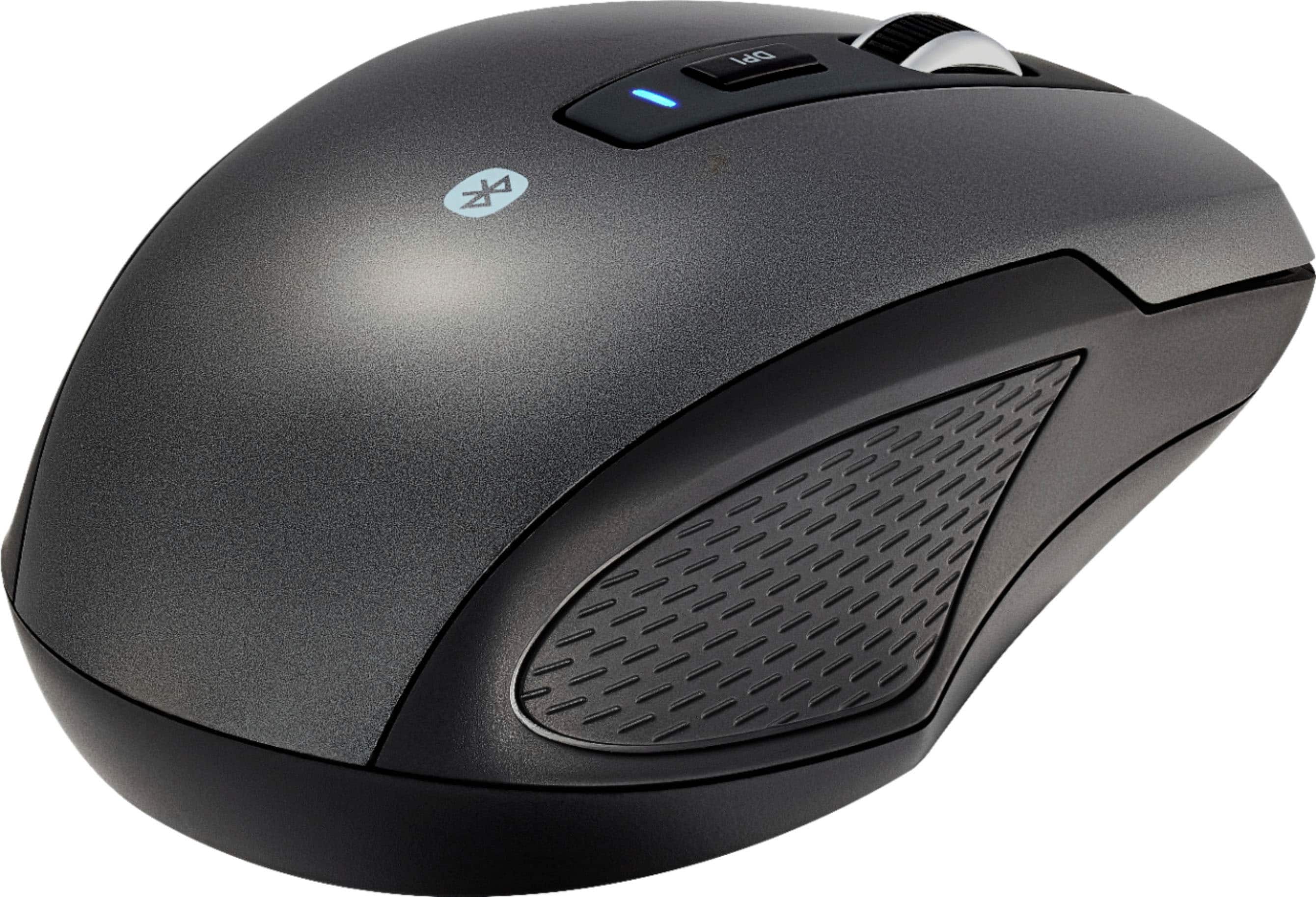
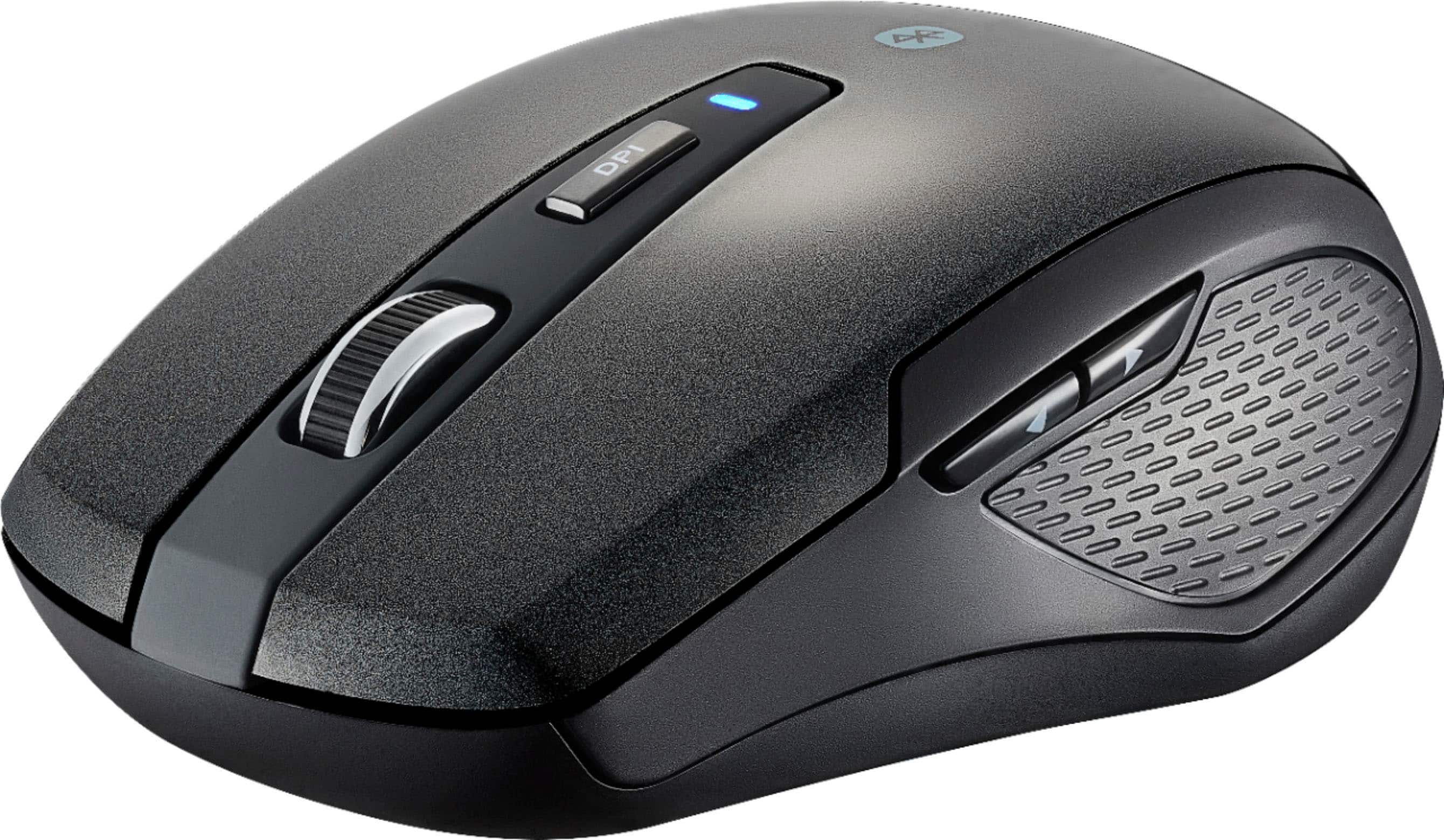
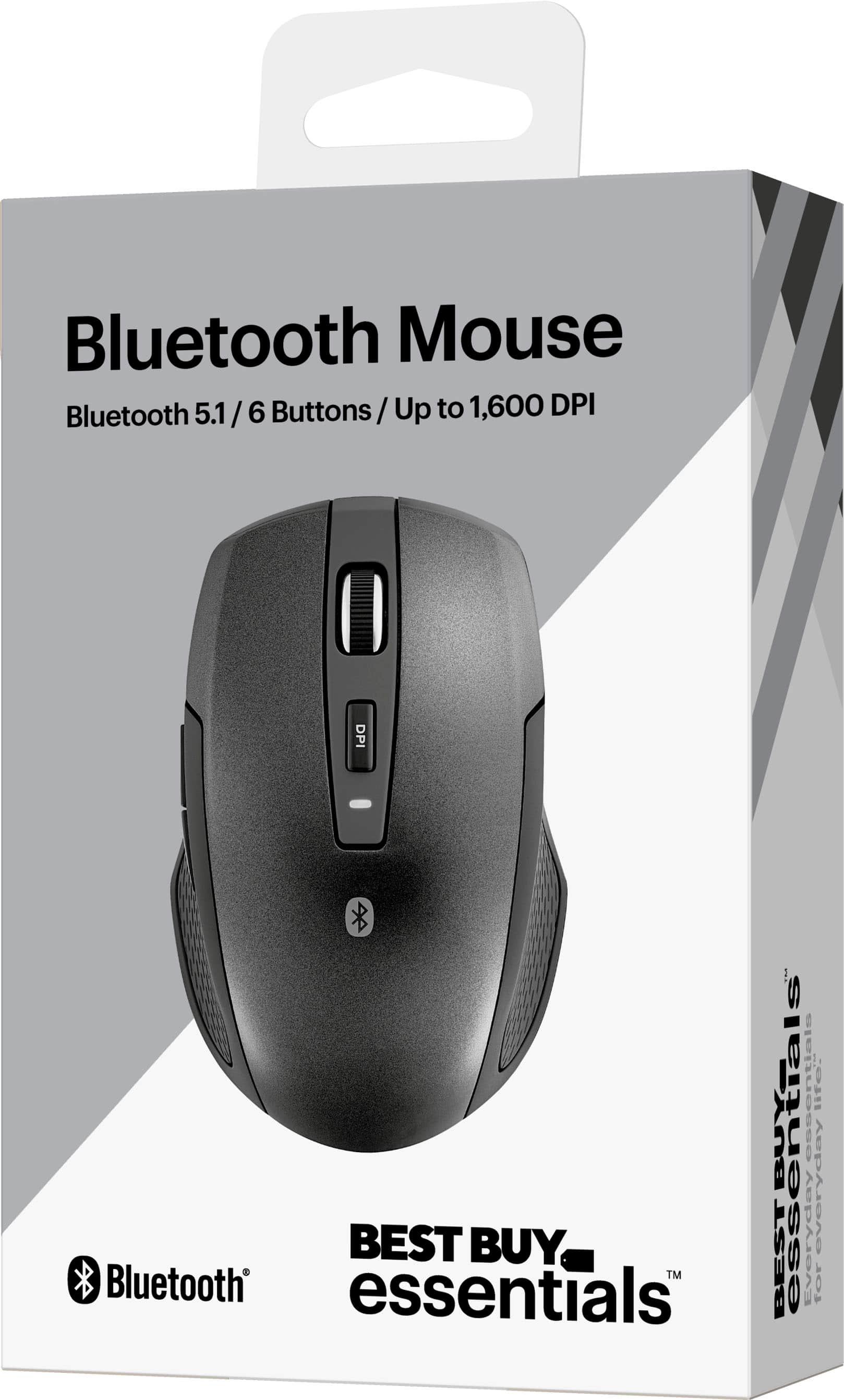
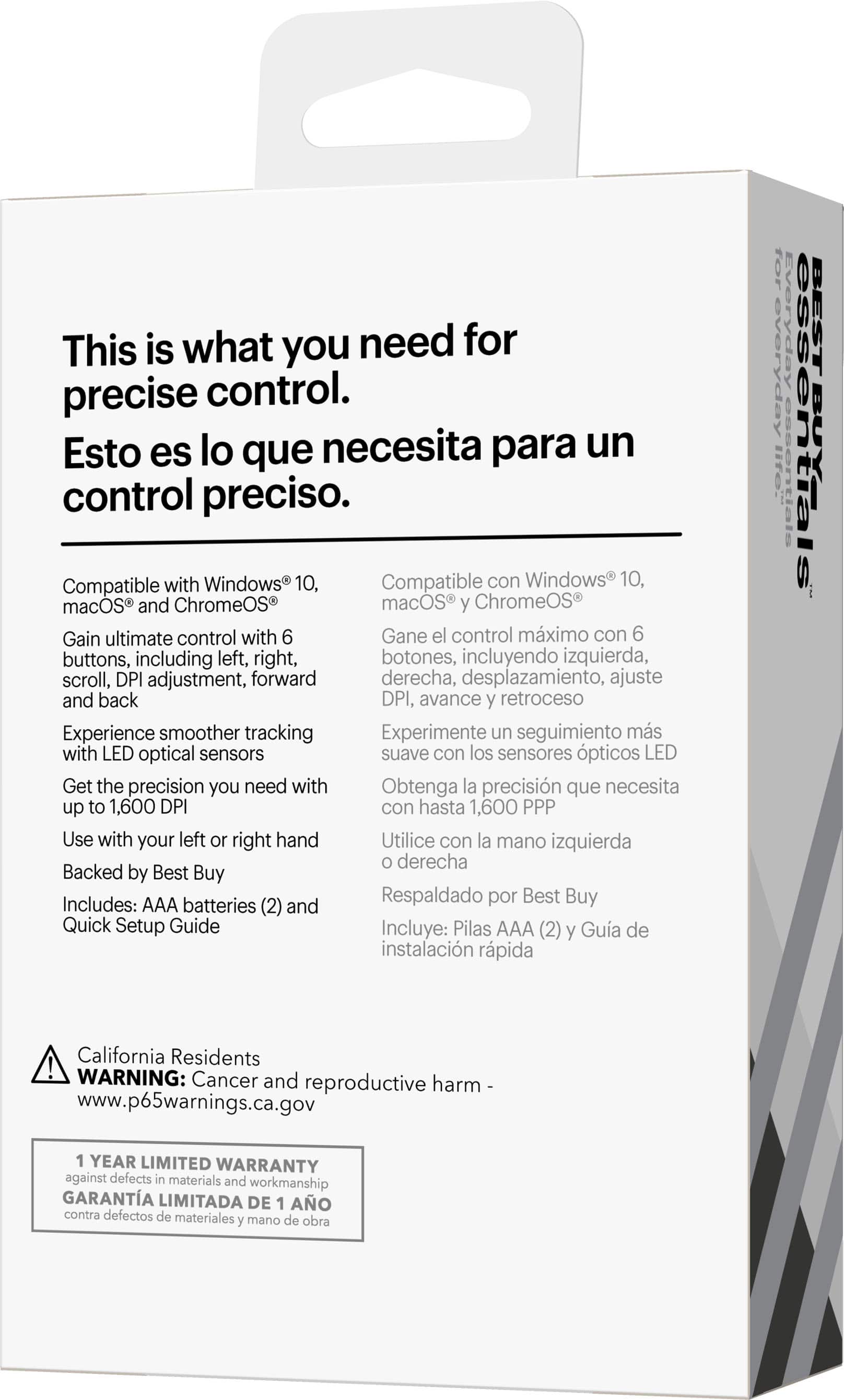
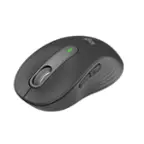
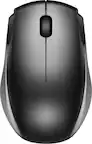
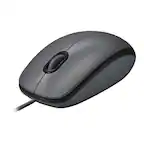
A:Answer Hi Avocado, yes, Lightweight Bluetooth Optical Standard Ambidextrous Mouse with 6-Button is compatible with Ipad 9.0. All you need to do is connect it via Bluetooth. For more information, kindly click the link posted. Check features and specifications. Have a great day! Gly | Best Buy Essentials Support | https://www.bestbuy.com/site/best-buy-essentials-lightweight-bluetooth-optical-standard-ambidextrous-mouse-with-6-button-black/6453629.p?skuId=6453629