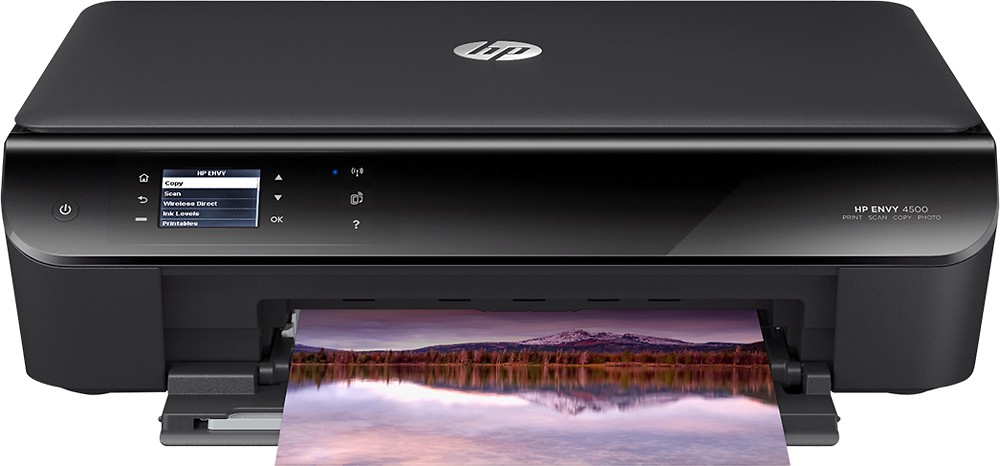
A:AnswerThis HP Printer supports Single-cartridge mode, To use the single-cartridge mode to operate the HP ENVY 4500 series with only one ink cartridge. The single-cartridge mode is initiated when an ink cartridge is removed from the ink cartridge carriage.
To exit single-cartridge mode Install both the black and tri-color cartridges in the HP ENVY 4500 series to exit single-cartridge mode.
A:Answerre-establishing the connection is pretty simple go to your control panel, click on printers and devices, right click on your printer and click on trouble shoot (let it do its thing) and your connection will be restored (make sure the printer is already on when you do the troubleshooting)
A:AnswerI have the 4500 and it connected to my computer which also has windows 8.1. Yours may connect easier since both products are HP. My computer is an Acer Aspire and it took some time to get it to recognize the printer.
A:AnswerIf you sign up for the monthly delivery program then yes, however you can adjust deliveries based on ink usage so if you don't use all the ink in a month you can choose every 2 months, 3 months, 2 weeks etc.
A:AnswerSo far, every HP wireless printer I've owned has included HP Print, which means you will have an email address dedicated to the printer. Anything you email automatically prints. As far as non-email printing, I do not have a tablet, so I can't speak directly to that, but I do use it to print from both my laptop and my iPhone.