A:AnswerI'm not sure what you mean by "camera" -- there is no camera. Yes one of the devices will need to be plugged into your router via ethernet. But yes, this will allow you to also extend your internet into a room that isn't getting a strong signal. Please read below for more explanation.
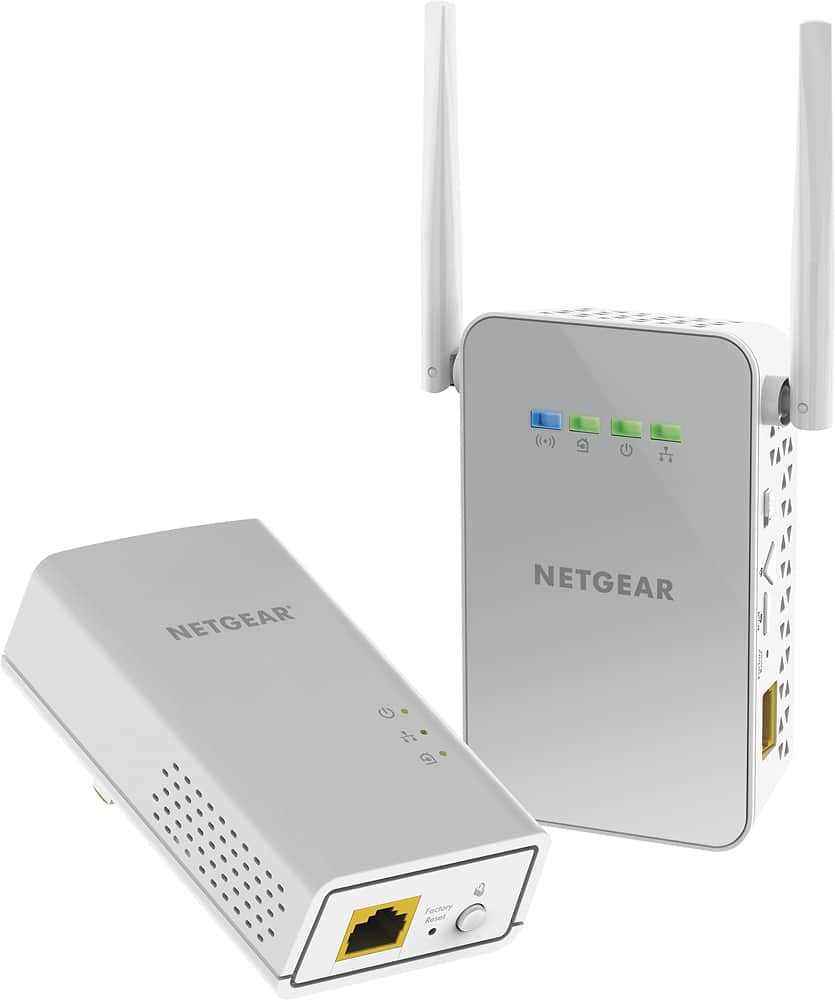
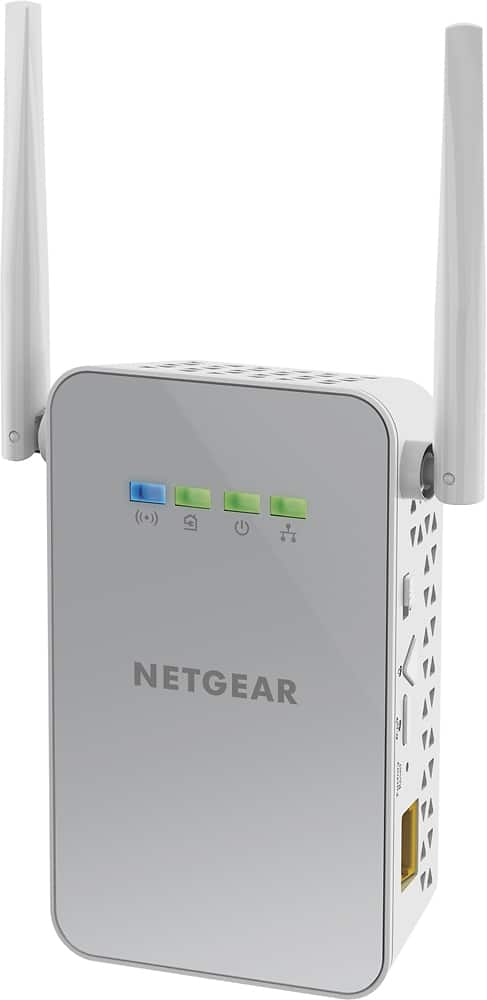
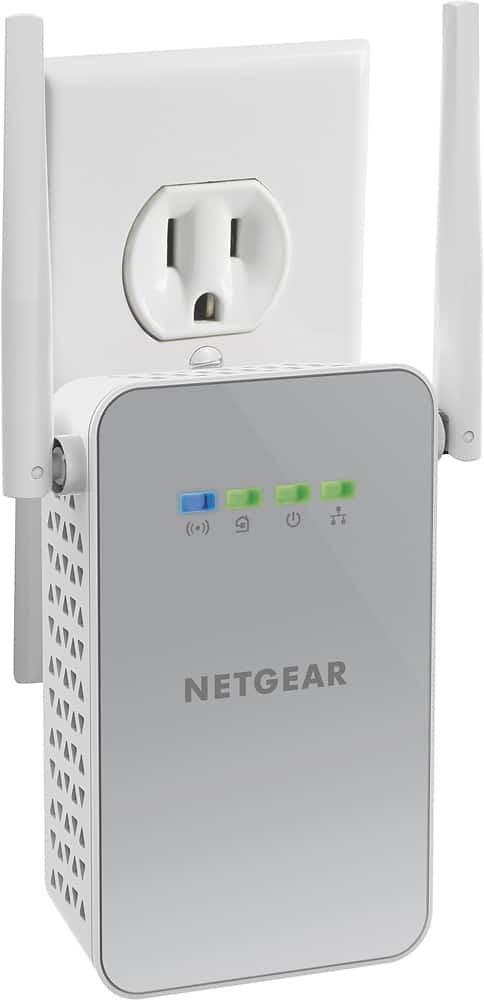
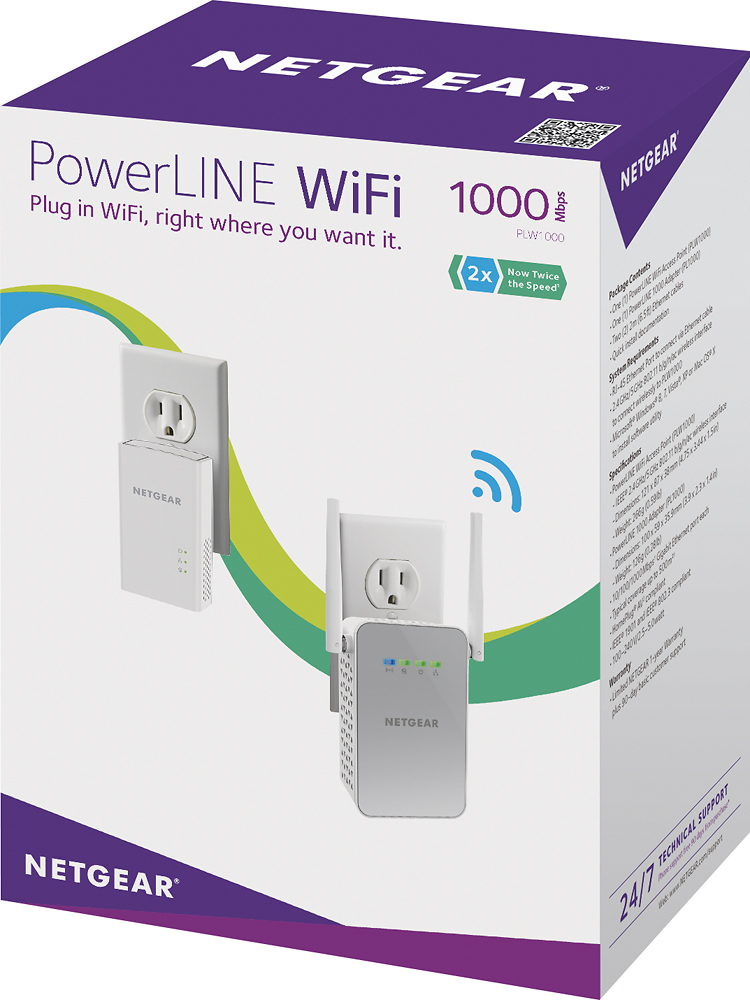
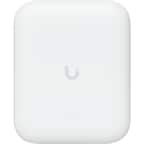
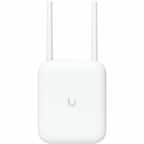
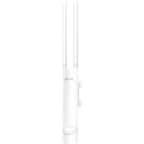
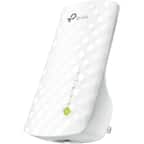
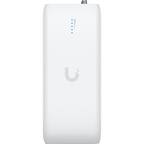
There are two devices in this kit. One which will get the internet signal from your router and send it into your home's electrical wiring, let's call this Device Zero. The other device (which has the antenna sticking out of it) is a receiver device, that can take that internet signal that's in the electrical wiring and convert it back into ethernet or wifi (both, actually), and we'll call this Device Alpha.
So wherever your internet is coming in, let's say you have a cable modem, and then your router plugs into the modem to get internet and then send it out to your home over wifi. You can plug Device Zero into your router's available ethernet port. Your router will give Device Zero the internet signal, then Device Zero is plugged into the wall, so it ends this internet signal it's getting from the router into your electrical walls.
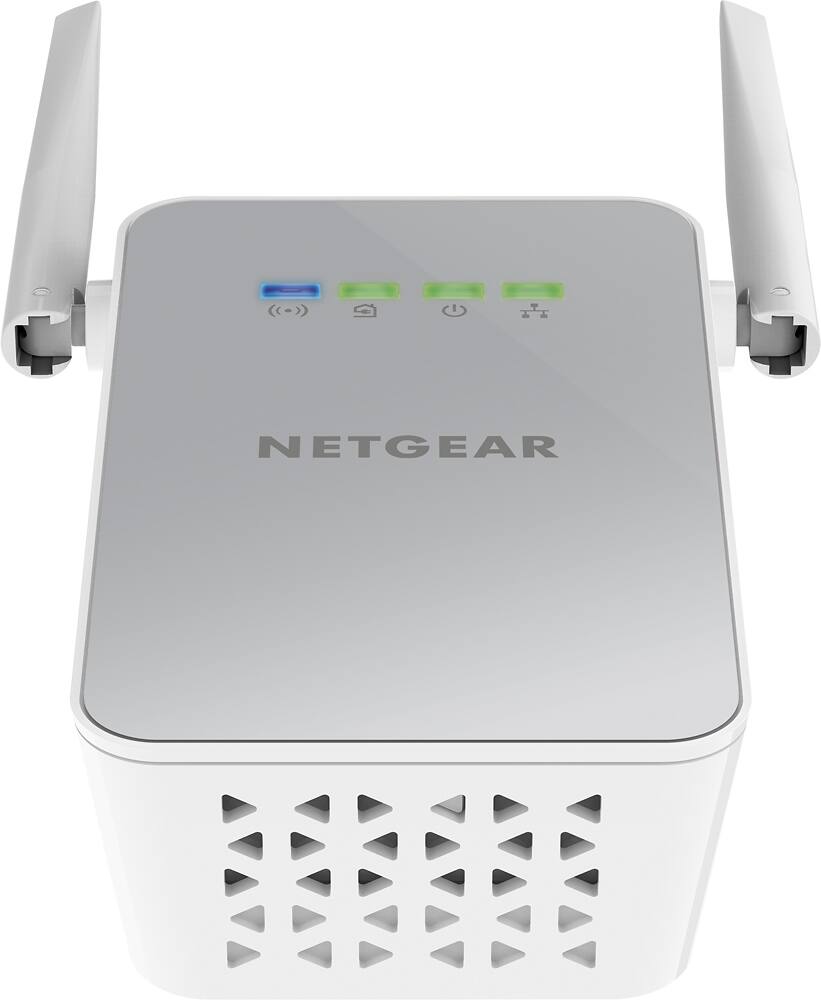
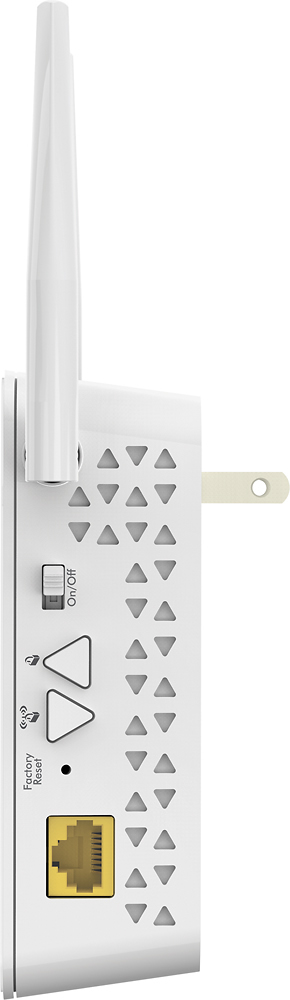
Then you plug Device Alpha into a location where you have a free plug and don't get a good internet wifi signal. Device Alpha will broadcast a wifi signal in that room (it also has an ethernet port if you want to plug a device in directly).
Let's say there's another location where you aren't getting a good signal, you just need to get one more device that's like Alpha, and plug that in. In fact you can plug in 10 more in addition to these two throughout the house to bring internet in other rooms/location.
Here are some visual diagrams explaining it all:
https://www.google.com/search?q=home+powerline+setup&safe=off&source=lnms&tbm=isch&sa=X&ved=0ahUKEwjm0ZyC46_OAhXK8YMKHeeAC0AQ_AUICigD&biw=1492&bih=1104
A:AnswerMy house has 4 separate breaker boxes - 1 main and 2 additions to house and 1 for shop. I plugged the AC adapter to main breaker portion of house and am using the wifi adapter on a circuit that is on additional breaker box inside the house. It works excellent. I had not tried it out in my shop until I read the question. So, I took the wifi adapter out to my shop which isnt quiet 100' from house (more like 60') and tried it out. It worked flawlessly...
A:AnswerBy default it has a different SSID than your router, if you use the WPS button setup it will clone your router.
You also have the option to connect to the access point and set it up to be anything you would like including being the same as your router.
A:AnswerThe default factory password for both the 2.4 and 5 Ghz ssid are printed in very small text on the back of the Wi-Fi extender, the unit with the antenna. The user name and password to get into the unit to see or change that password are admin and password. You can plug the extender directly into a computer or laptop using the ethernet port and go to http://mywifiext.net with a browser, then enter the user name: admin and password: password and then you can see the default Wi-Fi password or change the ssid and password.
A:AnswerI set one of these up at my in-laws house and it sounds very similar. They have a carriage house about 75' away from the main house. This worked like a charm. They get great coverage and performance.
A:AnswerPersonally I would buy an extra one, but would not buy 3. You wouldn't want the connections to intervene with one another rather just strengthen. You will be fine with two
A:AnswerThis product is not outdoor rated. Best Buy warned me about heat/cold other weather conditions affecting the device when I was considering placing it on my covered porch. You might want to look for a range extender or power extender that is outdoor rated. If you do use it provide it some protection at least from precipitation. But I don't know what you could do about hot and cold whether, except find a device built for the outdoors.
A:AnswerNo. The instructions are specific. You do need a direct outlet connection - no power strip/surge protectors. You may have to get a longer Ethernet cable. I had to use a longer cable, I hid it behind some furniture, to get to an outlet that was available.
A:Answeryou plug the router into the base unit Then plug extender into the electric socket of your choice. You can try several different locations to give yourself the strongest signal. There is a light on the unit that tells you the strength of the signal it is receiving
A:AnswerI believe I have this correct, but the powerline WiFi extenders do transmit "data" over the electric lines. So, even in a house, that data"may" be going outside your house on the incoming power lines....BUT, the data is encrypted, so there's really no way that I can see where someone could intercept the date over power.
The NetGear extender does have a light on it that says that the remote plug is a "good" one versus a "bad" one....So, if the two devices are not on the same side of your house 220V wiring (in USA), it may not get good transmission....Beyond that, outside your apartment, I don't know.
The bigger risk is not the powerline data but the actual wiFi signal being hacked into....Be sure to setup a strong password on any WiFi devices.