Questions & Answers
- Model:
- LS32BM702UNXGO
- |
- SKU:
- 6504337
Highly rated by customers for: Picture Quality, USB-C, Ease of use
$319.99Your price for this item is $319.99
Clearance
Comp. Value: $399.99
The comparable value price is $399.99
Page Showing 1-20 of 75 questions
Q: QuestionCan I connect a DVD player to watch movies or a blu ray to watch movies? Thank you ;)
Asked by Bblover.
- A:Answer Yes!
Answered by SteveV
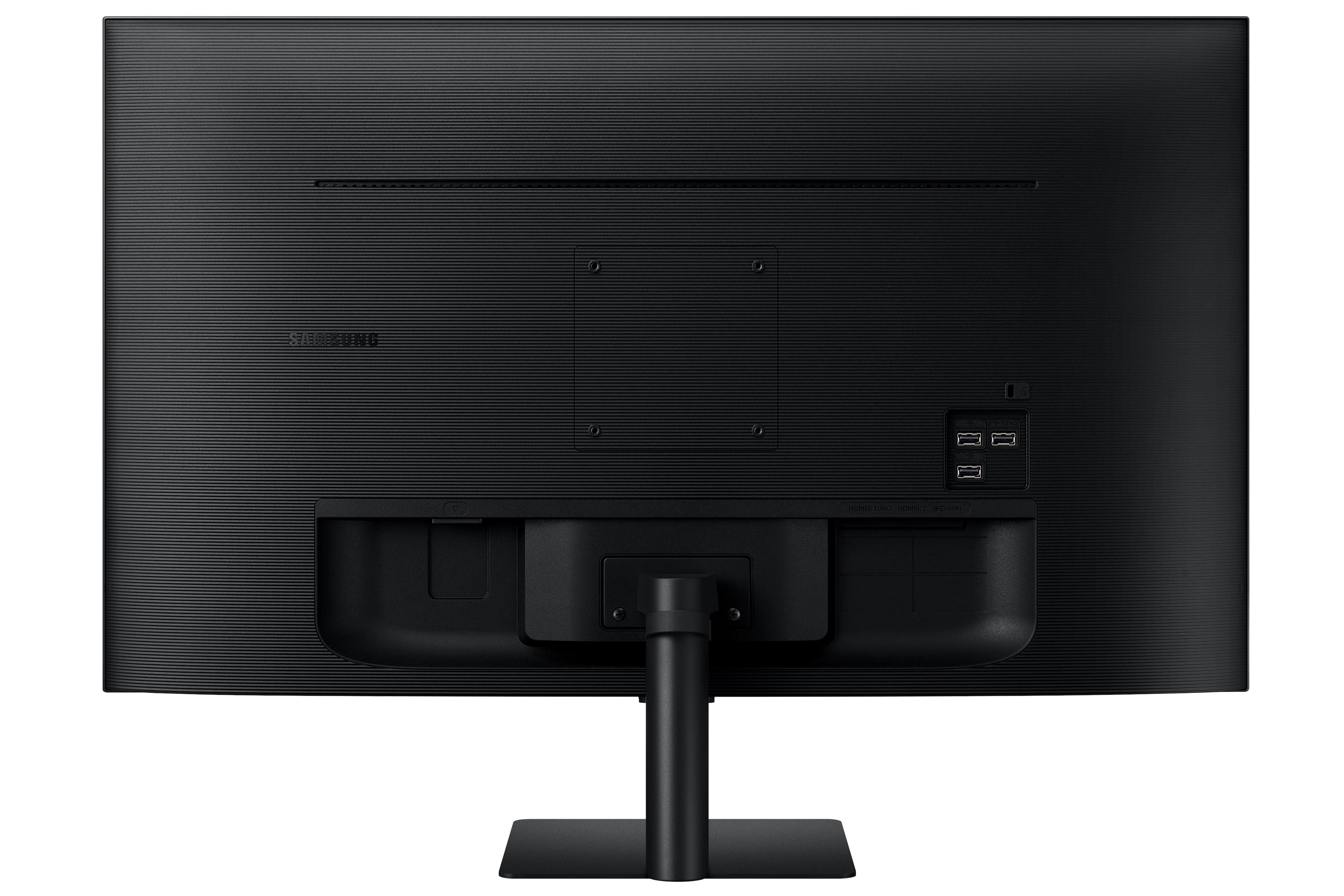
Q: QuestionCan I use a USB C - USB C to connect to laptops or tablets?
Asked by SusmithaT.
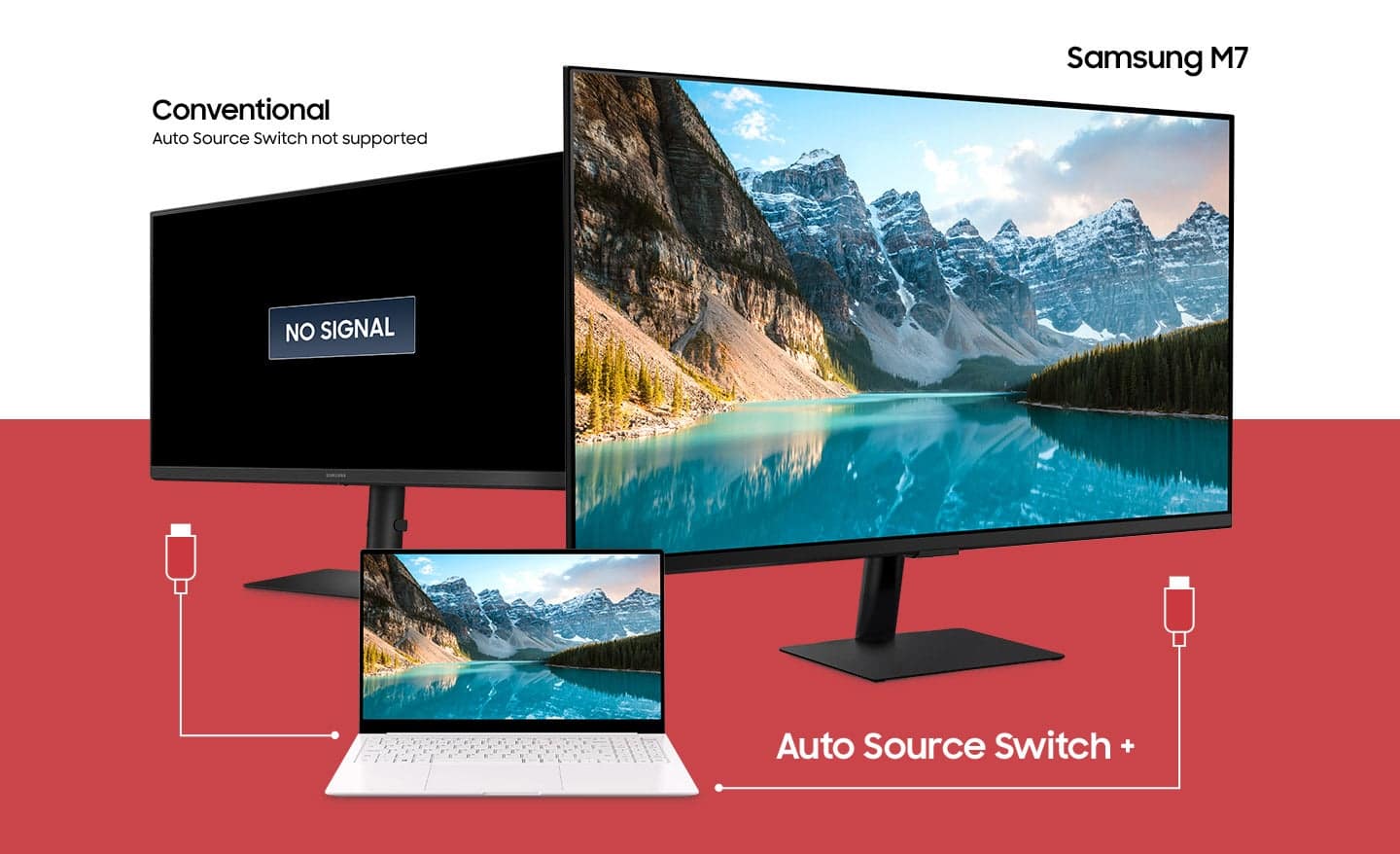
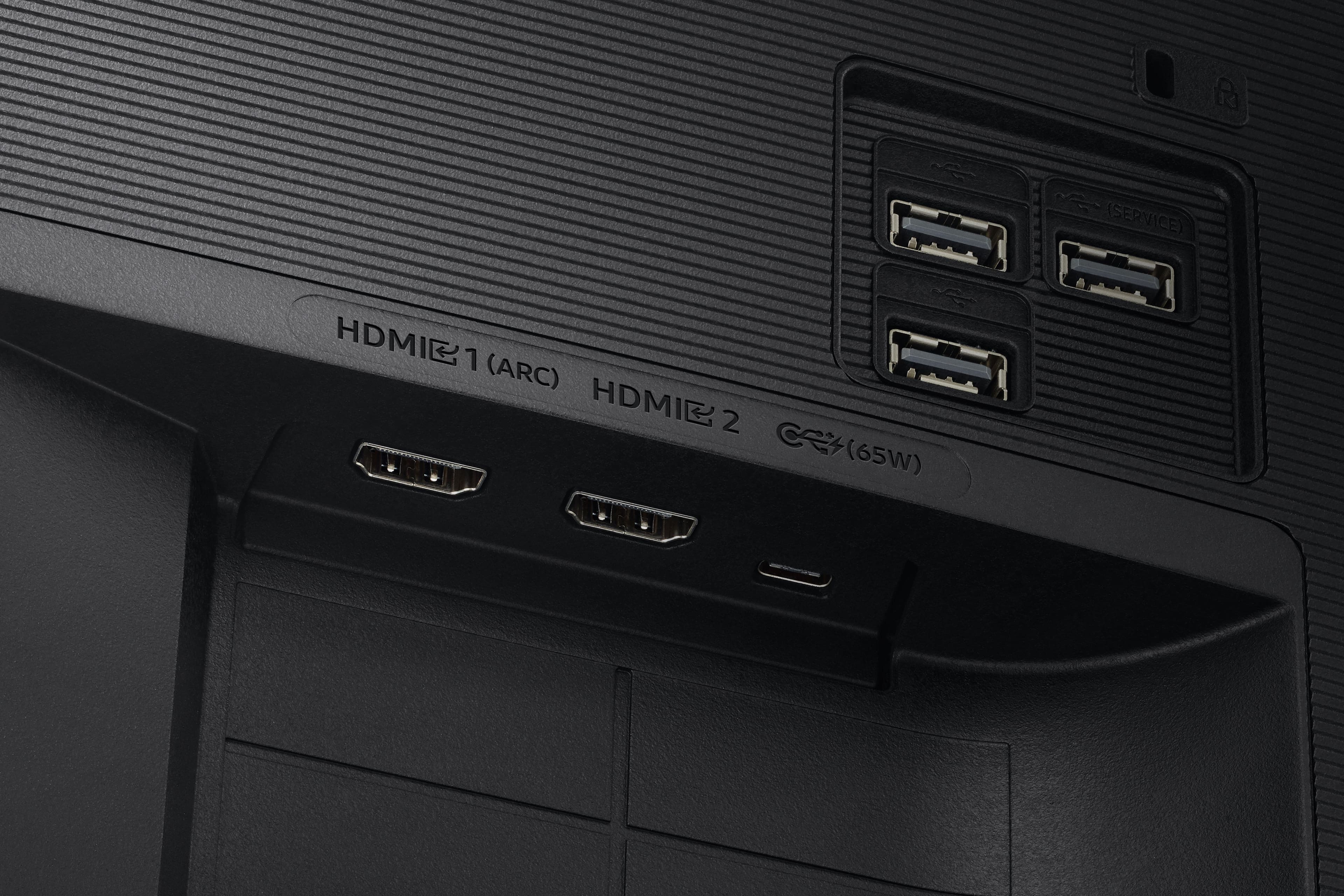
- A:Answer Yes I am using a usbc to usbc connection between this monitor and my mac M2. The usb carries both signal and power.
Answered by user605411
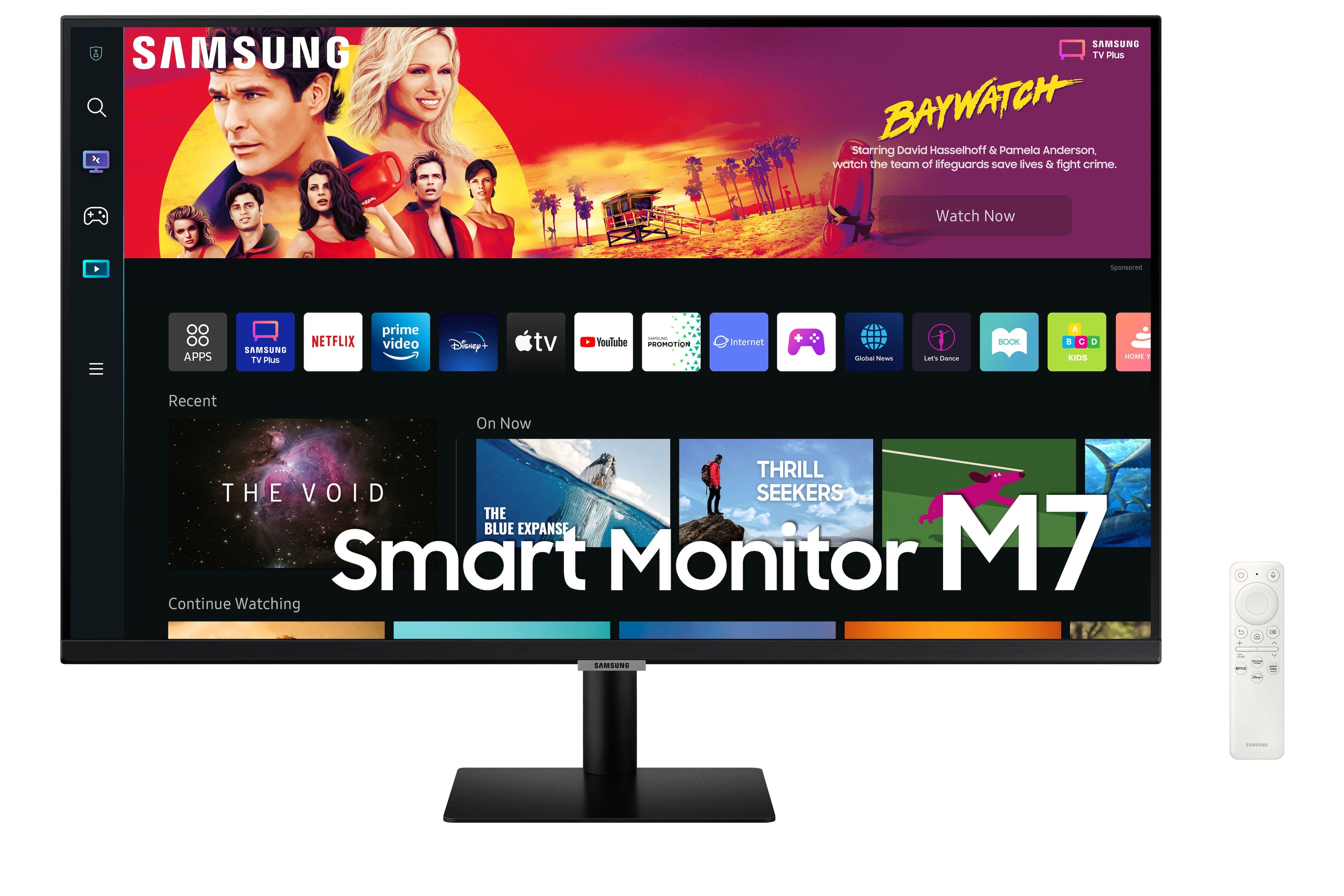
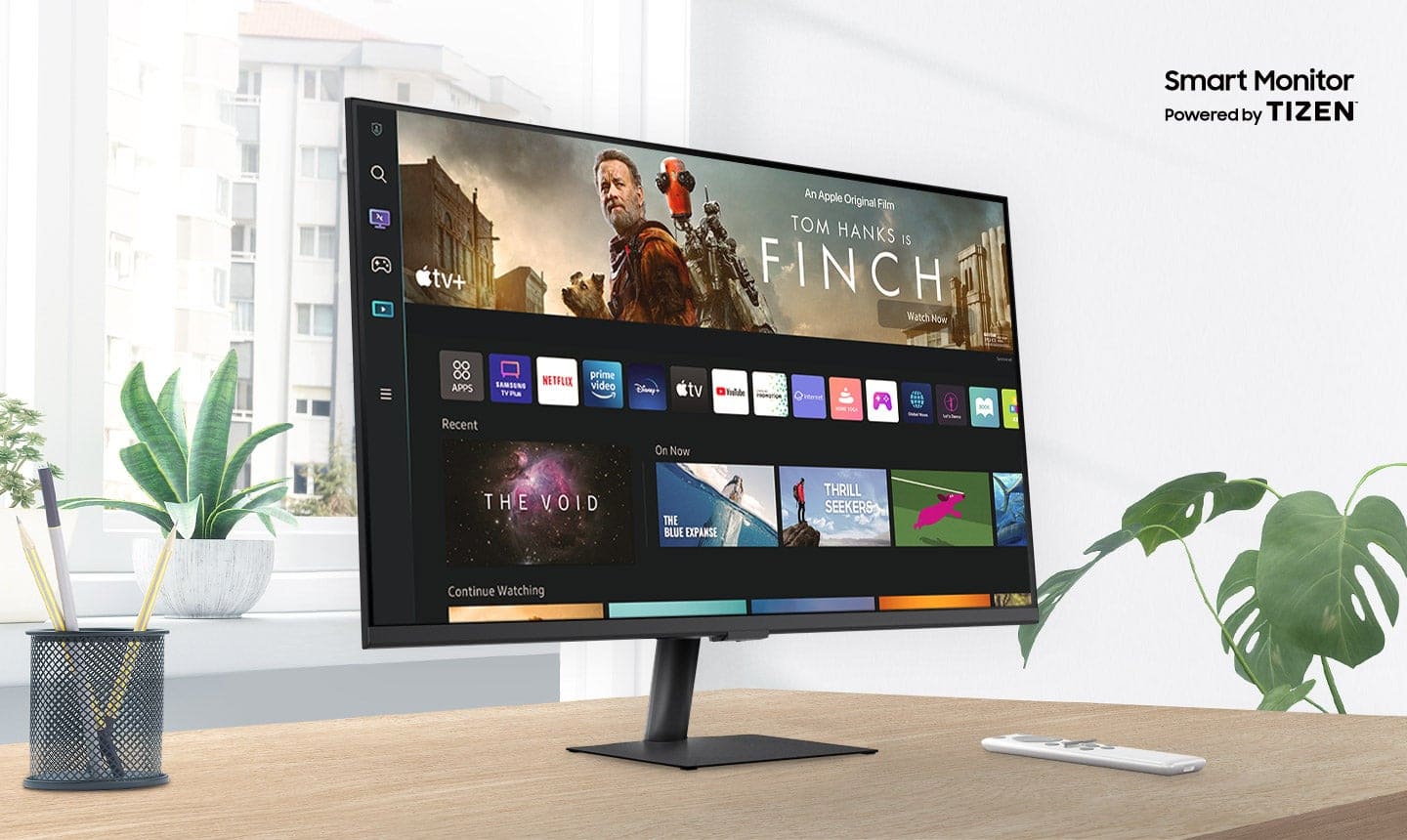
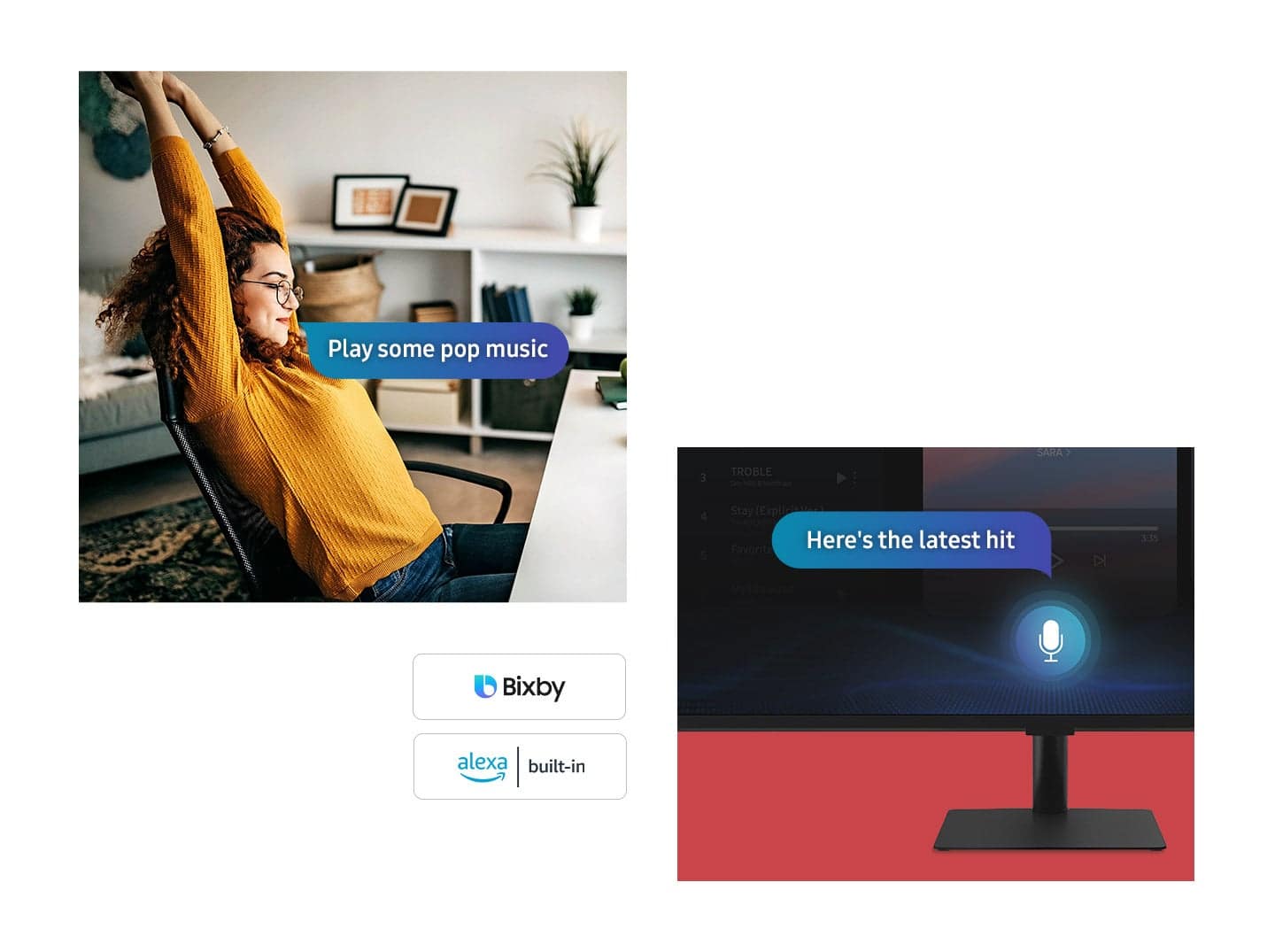
Q: QuestionSince I don't need a pc or anything, can I browse the internet and use Google Docs to my daily leisure, whenever? I plan on using it for that and streaming apps only.
Asked by PrincessQua1.
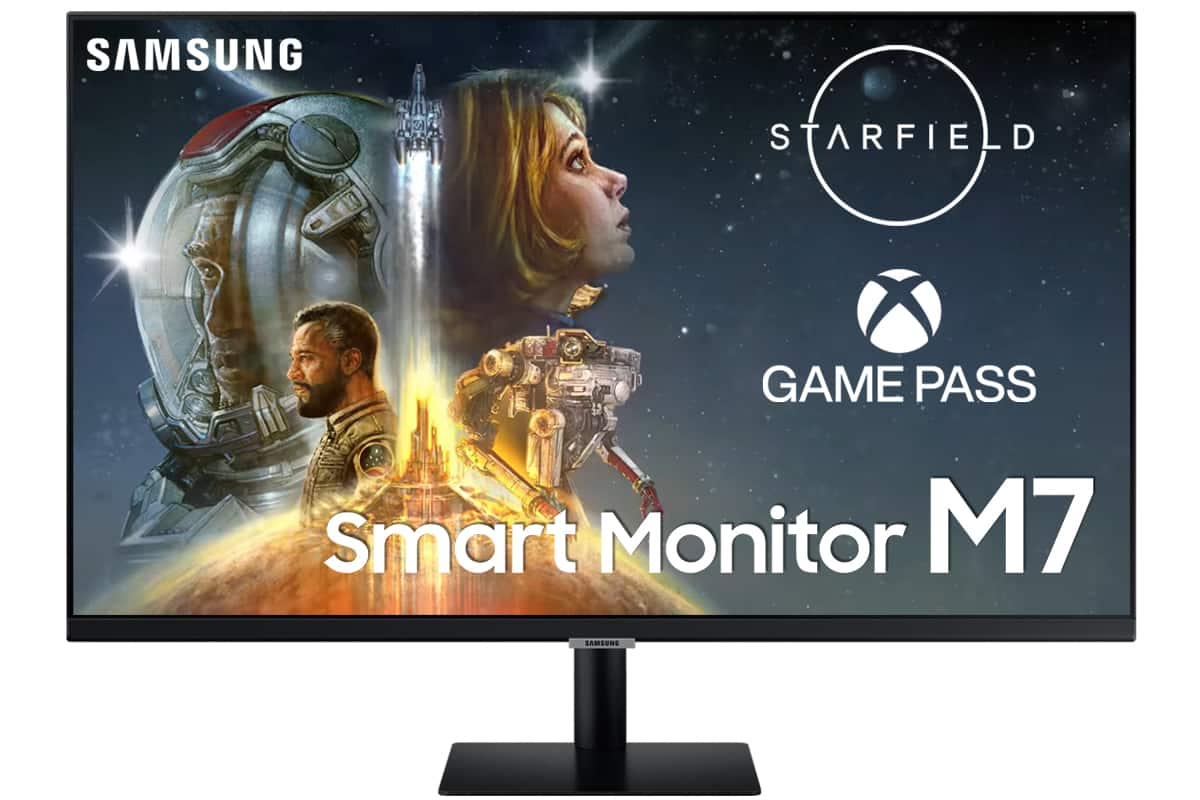
- A:Answer Yes, you can browse the internet and use Google Docs on the Samsung M7 Series 32 Tizen 4K with built-in speakers, even without a PC. The TV has a built-in web browser and a Google Docs app. To browse the internet, simply open the web browser app and enter the URL of the website you want to visit. To use Google Docs, open the Google Docs app and sign in with your Google account. You can then create new documents, edit existing documents, and collaborate with others on documents. However, it is important to note that the on-screen keyboard on the TV can be difficult to use for typing long documents. If you plan on using Google Docs regularly, you may want to consider connecting a wireless keyboard to the TV. Here are some tips for browsing the internet and using Google Docs on the Samsung M7 Series 32 Tizen 4K with built-in speakers: Use a wireless keyboard to make typing easier. Use the voice control feature to search for websites and content on Google Docs. Connect the TV to your Wi-Fi network for the best internet experience. Use a VPN to protect your privacy and security when browsing the internet. Overall, the Samsung M7 Series 32 Tizen 4K with built-in speakers is a good option for browsing the internet and using Google Docs for basic tasks. However, it is important to note that the on-screen keyboard can be difficult to use for typing long documents.
Answered by NicoR
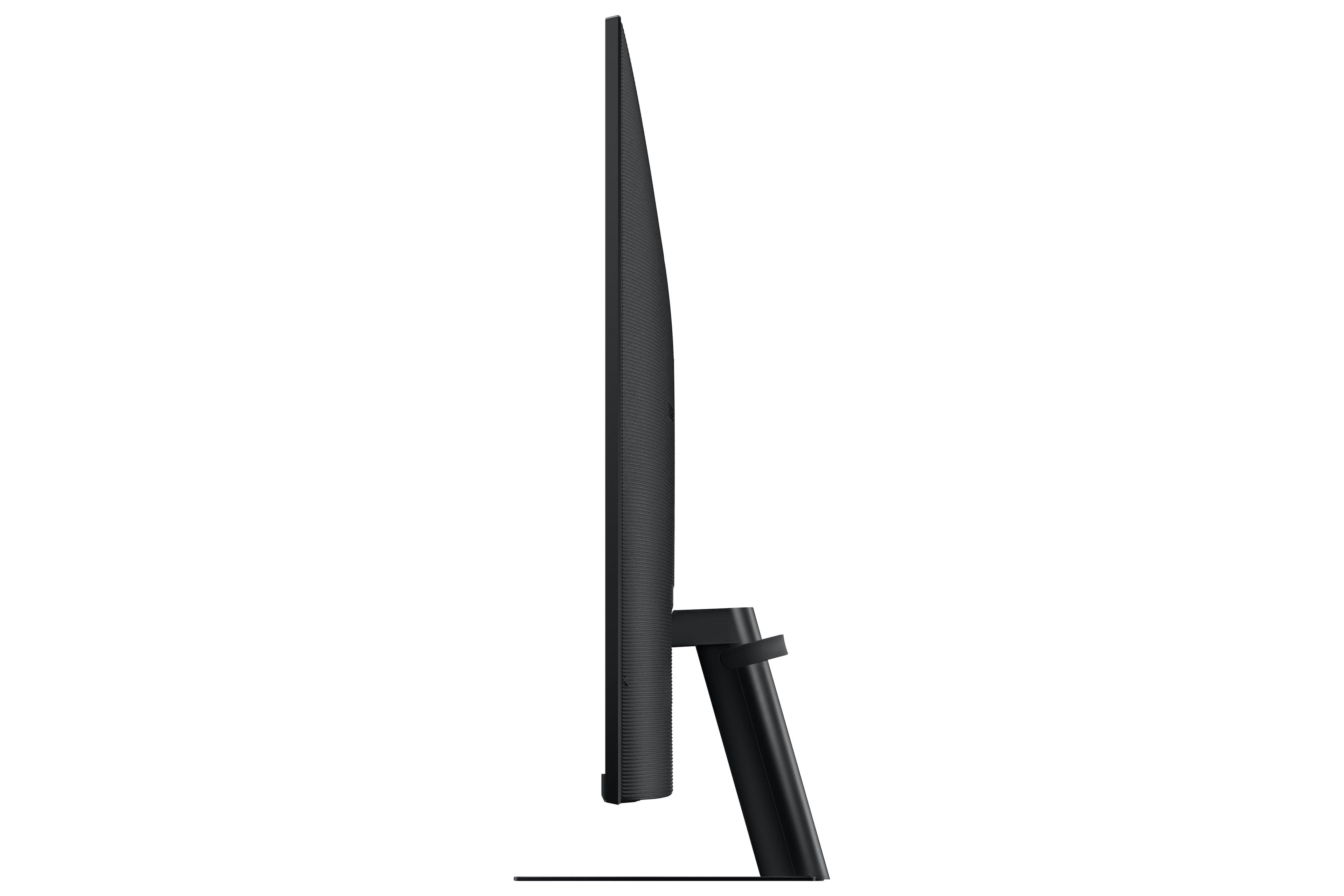
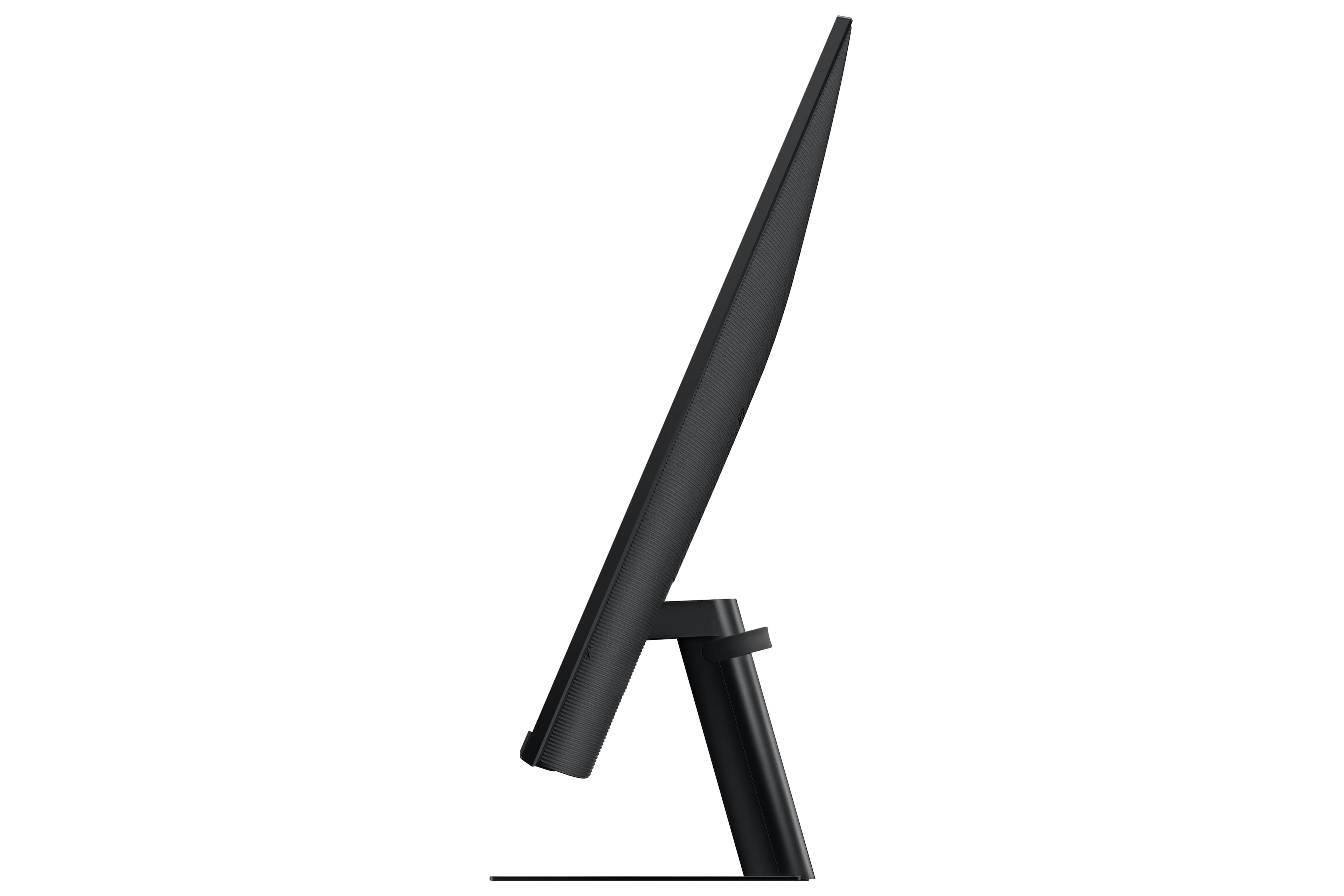
Q: Questionwhat are the dimensions of this monltor?
Asked by Anonymous.

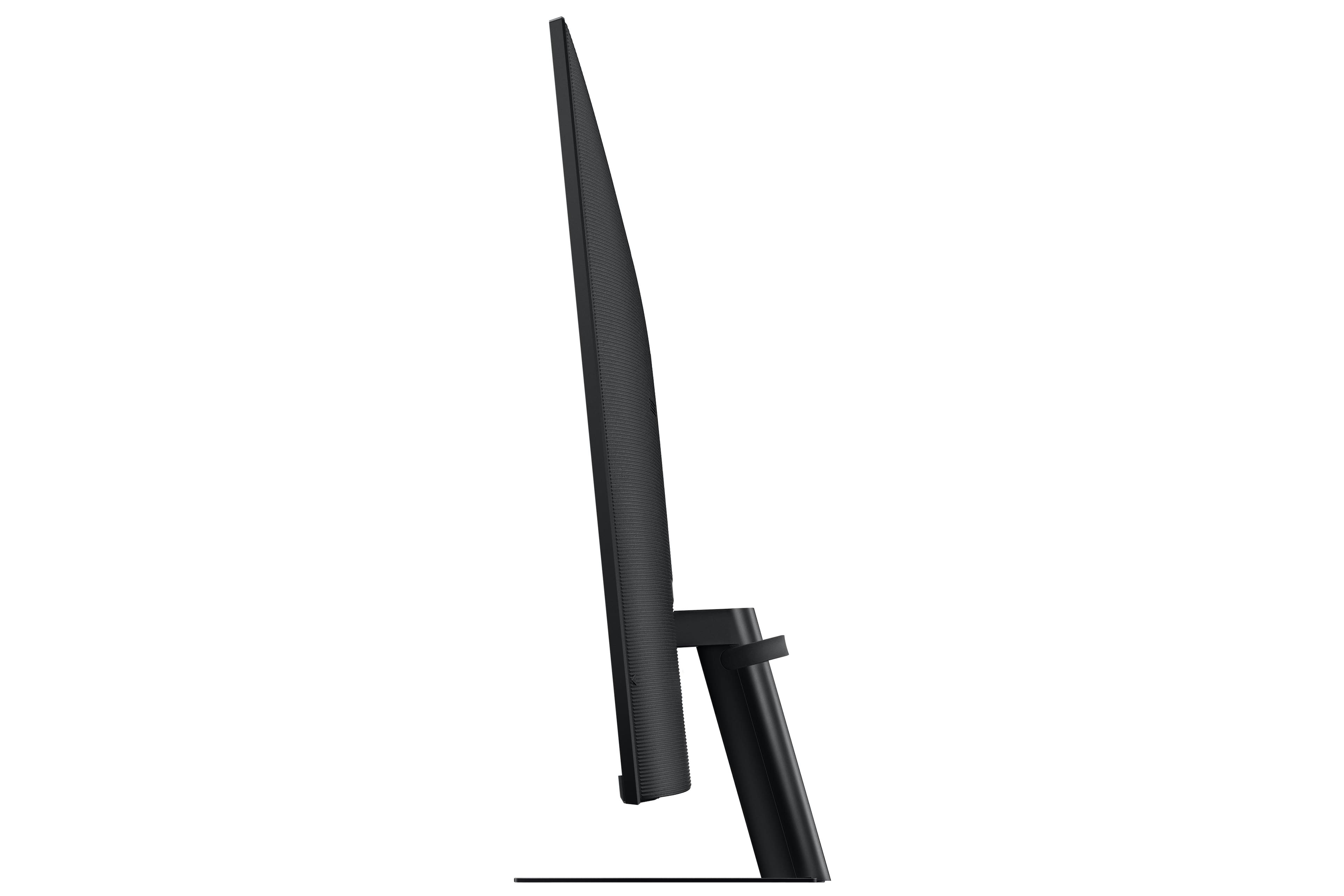
- A:Answer 16.7" (h) x 28.2" (w) without the stand. It is 20.4" tall with the stand. 32" flat display with 16:9 aspect ratio. It is 1.6" in depth without stand and 7.6" depth with the stand.

Answered by Jeffa
Q: QuestionCan you hookup a soundbar.? Also,can you stream just by hooking up via Wi-Fi without a computer?
Asked by Joe.
- A:Answer You can hook up speakers via Bluetooth. And yes, you can stream directly from the TV without a computer. I use it like a normal TV.
Answered by RA925
Q: QuestionWhat size screw are used on the VESA mount area?
Asked by Vesamount.
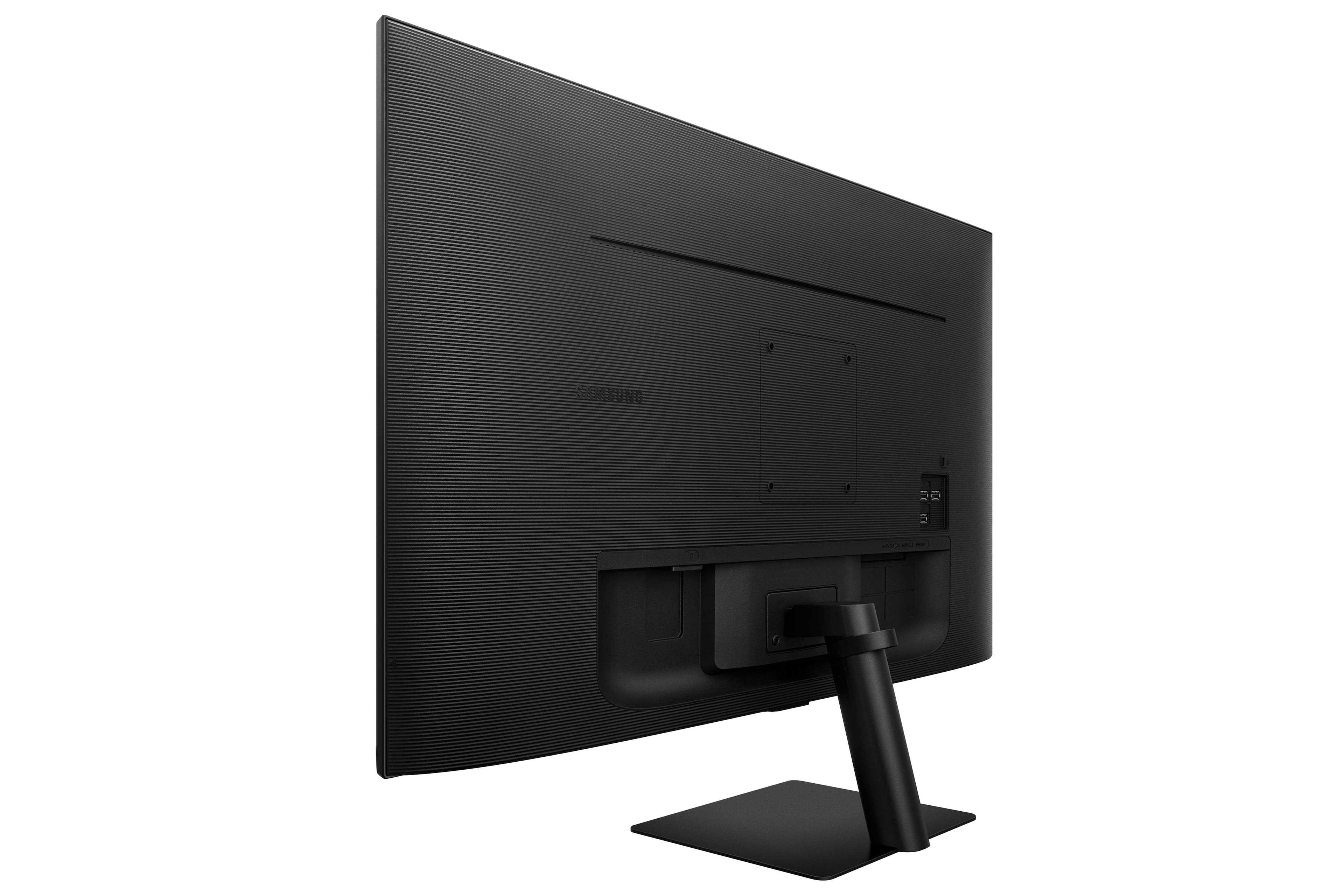
- A:Answer he Samsung M7 Series 32 Tizen 4K with built-in speakers uses M4 screws for the VESA mount area. VESA screws are used to mount a TV or monitor to a wall mount or other mounting bracket. The VESA screw size is determined by the VESA mount pattern of the TV or monitor. The VESA mount pattern is a set of four holes on the back of the TV or monitor that are used to attach the mounting bracket. To mount the Samsung M7 Series 32 Tizen 4K with built-in speakers to a wall mount, you will need four M4 screws. The screws should be at least 20mm long. You may also need to use washers and spacers, depending on the wall mount you are using. Here are some tips for mounting your TV or monitor to a wall: Make sure that the wall mount is rated to support the weight of your TV or monitor. Use a level to make sure that the wall mount is level before you attach it to the wall. Use the correct screw size and length for the VESA mount pattern of your TV or monitor. Be careful not to overtighten the screws, as this could damage the TV or monitor.
Answered by NicoR
Q: QuestionCan i plug an Amazon firestick 4k into it?
Asked by BillinTexas.
- A:Answer Yes you can the same like you use with TV.
Answered by MyAirpod
Q: QuestionIs there a camera and speakers built in?
Asked by Stefan.
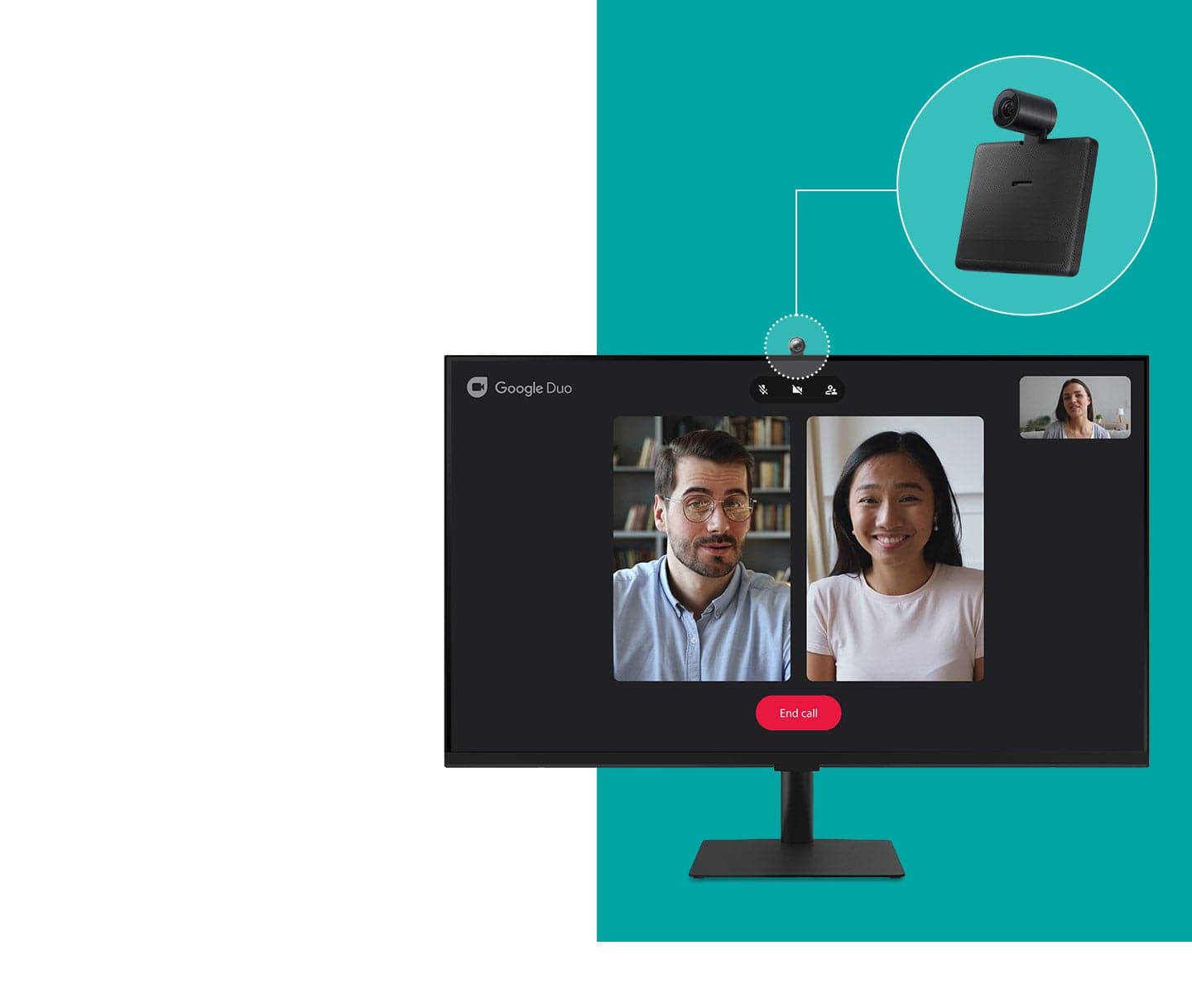
- A:Answer Speakers yes camera no
Answered by Anonymous
Q: Questioncan you connect your laptop via bluetooth ?
Asked by jmbb.
- A:Answer Yes it did work via Bluetooth but picture is better via hdmi
Answered by Ech88
Q: QuestionHow many watts per speaker? I do have 3rd party premium desk speakers but don't want to use them to save space. I do have 2 headsets but using them for long periods of time hurts my head. So 4w or greater is good for me!
Asked by JoelBeBadd.
- A:Answer According to the official Samsung website, the speakers on the Samsung M7 Series 32 Tizen 4K with built-in speakers have 5 watts per speaker. This is a good amount of power for small speakers, and it should be enough to fill a small room with sound. However, if you are looking for louder speakers, you may want to consider using your 3rd party premium desk speakers. These speakers will likely be able to produce more sound than the built-in speakers on the TV. If you don't want to use your desk speakers, you could also consider using a soundbar. Soundbars are designed to provide better sound quality than the built-in speakers on TVs. They are also relatively slim and compact, so they won't take up too much space. Ultimately, the best way to decide which speakers are right for you is to listen to them in person. This will allow you to compare the sound quality of the different speakers and choose the ones that you like the best.
Answered by NicoR
Q: QuestionCan I use with Bluetooth headphones?
Asked by Miacarol.
- A:Answer Yes you can, go to the setting and select Bluetooth headphones.
Answered by Shibu
Q: QuestionIs this touch screen?(and do I need a keyboard?
Asked by Connie.
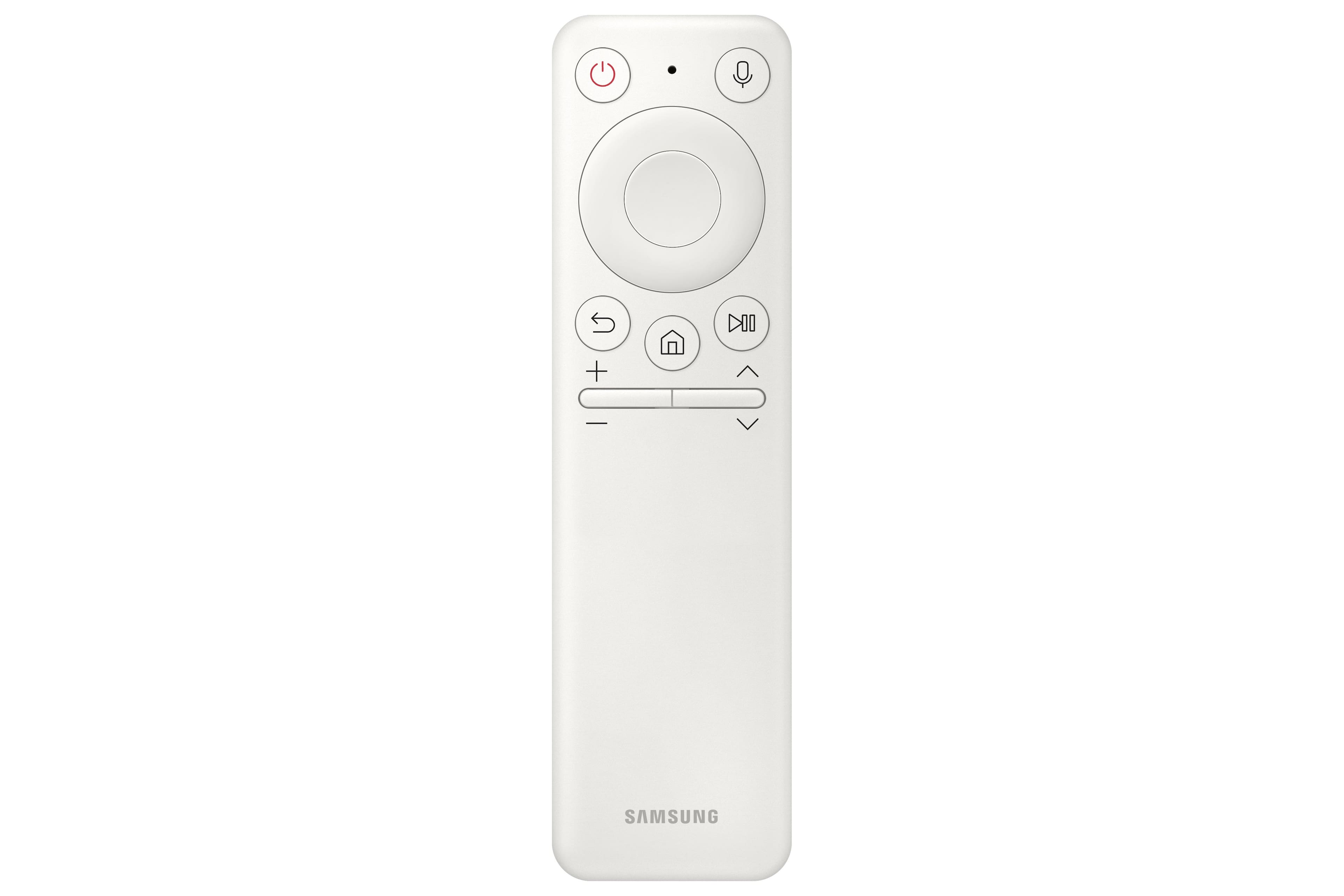
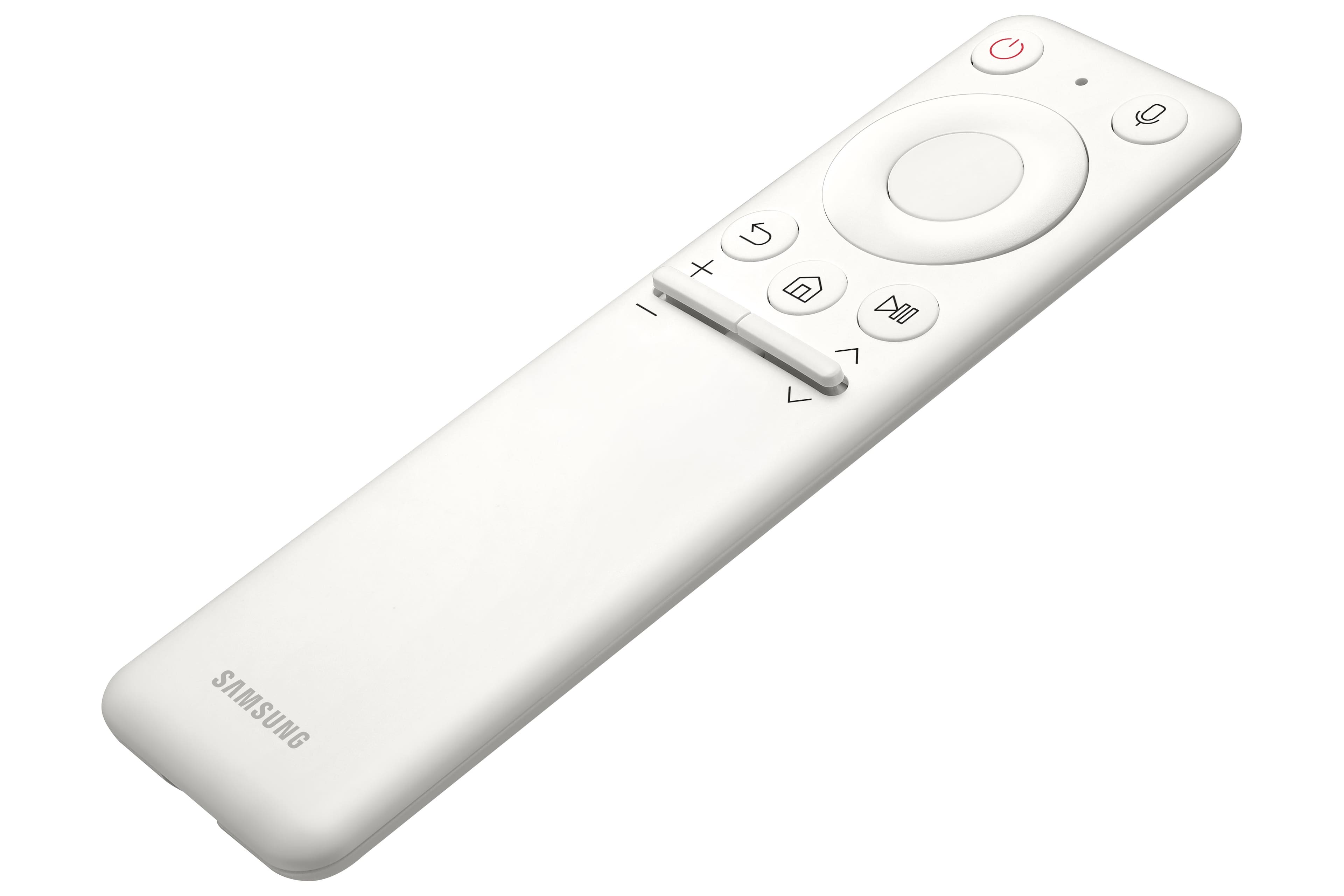
- A:Answer Not touch screen and as far as a keyboard, this isn't a computer so if you plan on using it as a monitor, I would assume the computer would need a keyboard. If you purely want to use it as a TV, it comes with a remote so technically you could use it just for that without a computer/keyboard but I suspect you'd be overpaying if that's all you need.
Answered by kickshots
Q: QuestionWilll my iPad connect to this tv so I can watch things off of it
Asked by Justin.
- A:Answer I have used usb-c cable to my ipad pro 12.9 and my galaxy s22 ultra as well to connect to this monitor. I believe it will over wifi also but i havent really tried
Answered by ATSP
Top Rated
- Black Friday Deal$279.99Your price for this item is $279.99
- Black Friday Deal$104.99Your price for this item is $104.99
- Black Friday Deal$99.99Your price for this item is $99.99
- Black Friday Deal$86.99Your price for this item is $86.99
- Black Friday Deal$219.99Your price for this item is $219.99
- Black Friday Deal$179.99Your price for this item is $179.99
- Black Friday Deal$149.99Your price for this item is $149.99
- Black Friday Deal$259.99Your price for this item is $259.99
- Black Friday Deal$79.99Your price for this item is $79.99
- Black Friday Deal$209.99Your price for this item is $209.99
- Black Friday Deal$114.99Your price for this item is $114.99
- $69.99Your price for this item is $69.99$159.99The comparable value for this item is $159.99
- $179.99Your price for this item is $179.99$389.99The comparable value for this item is $389.99
- $279.99Your price for this item is $279.99$499.99The comparable value for this item is $499.99
- $169.99Your price for this item is $169.99
- Black Friday Deal$99.99Your price for this item is $99.99
- $1,499.00Your price for this item is $1,499.00$1,599.99The comparable value for this item is $1,599.99
- Black Friday Deal$149.99Your price for this item is $149.99
- Black Friday Deal$89.99Your price for this item is $89.99
- Black Friday Deal$129.99Your price for this item is $129.99