Customer Ratings & Reviews
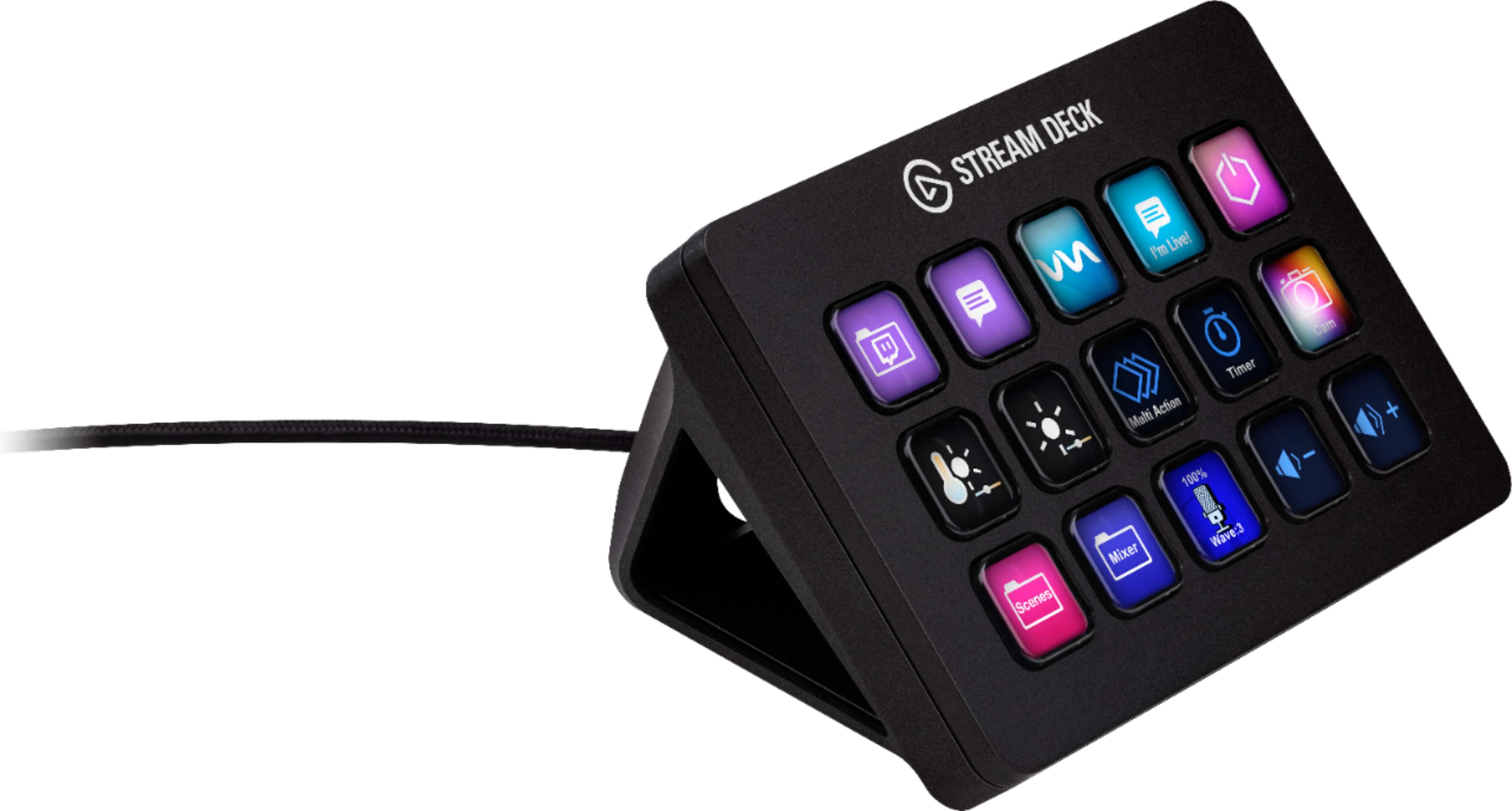
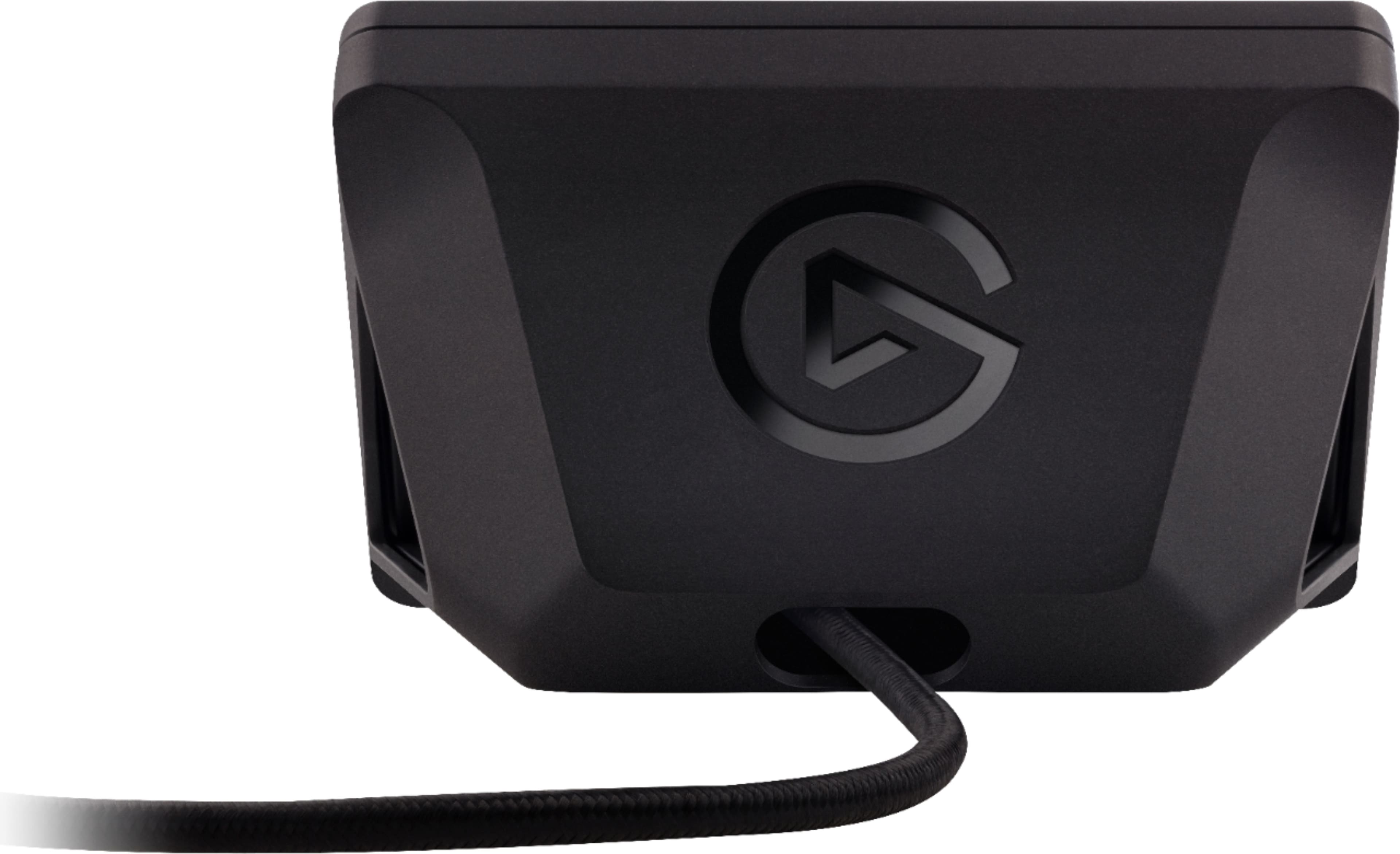
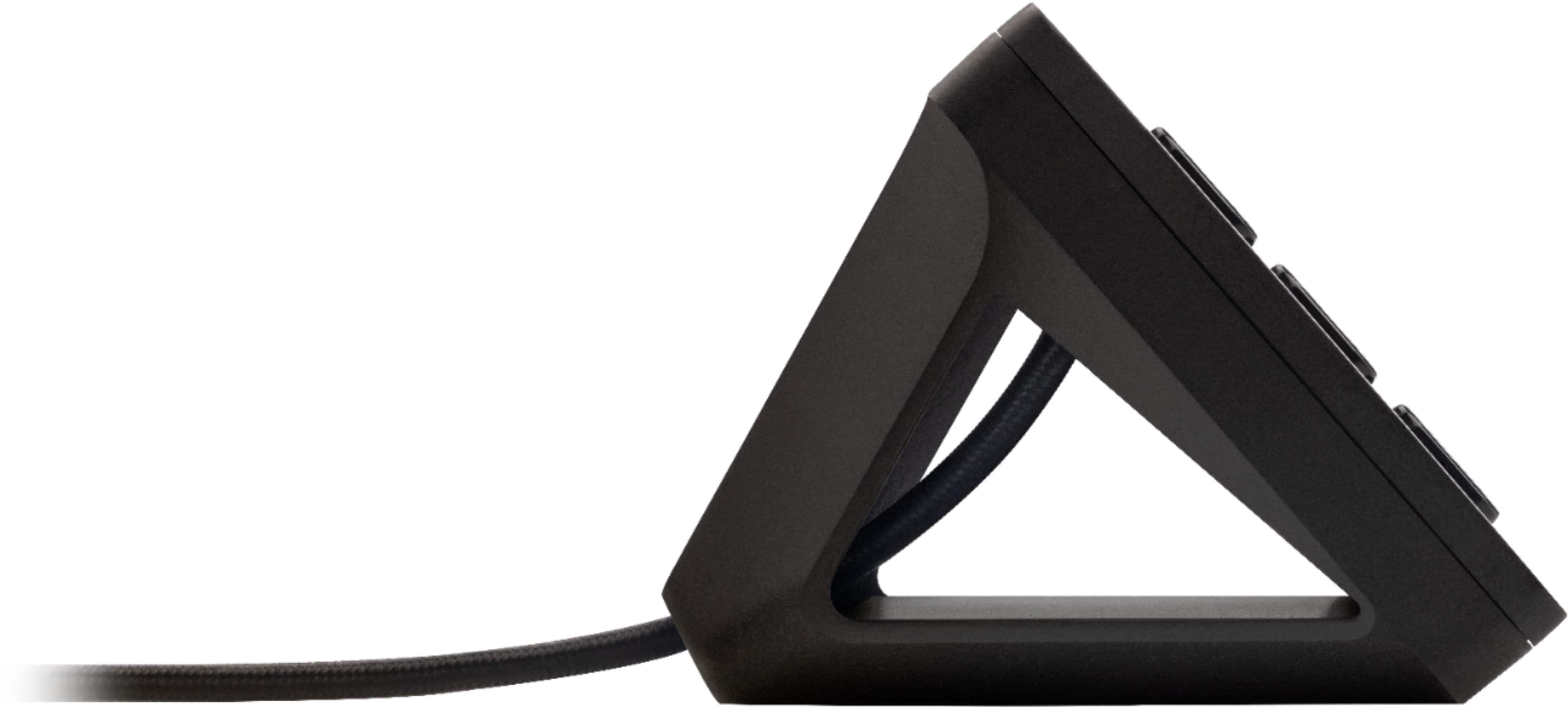
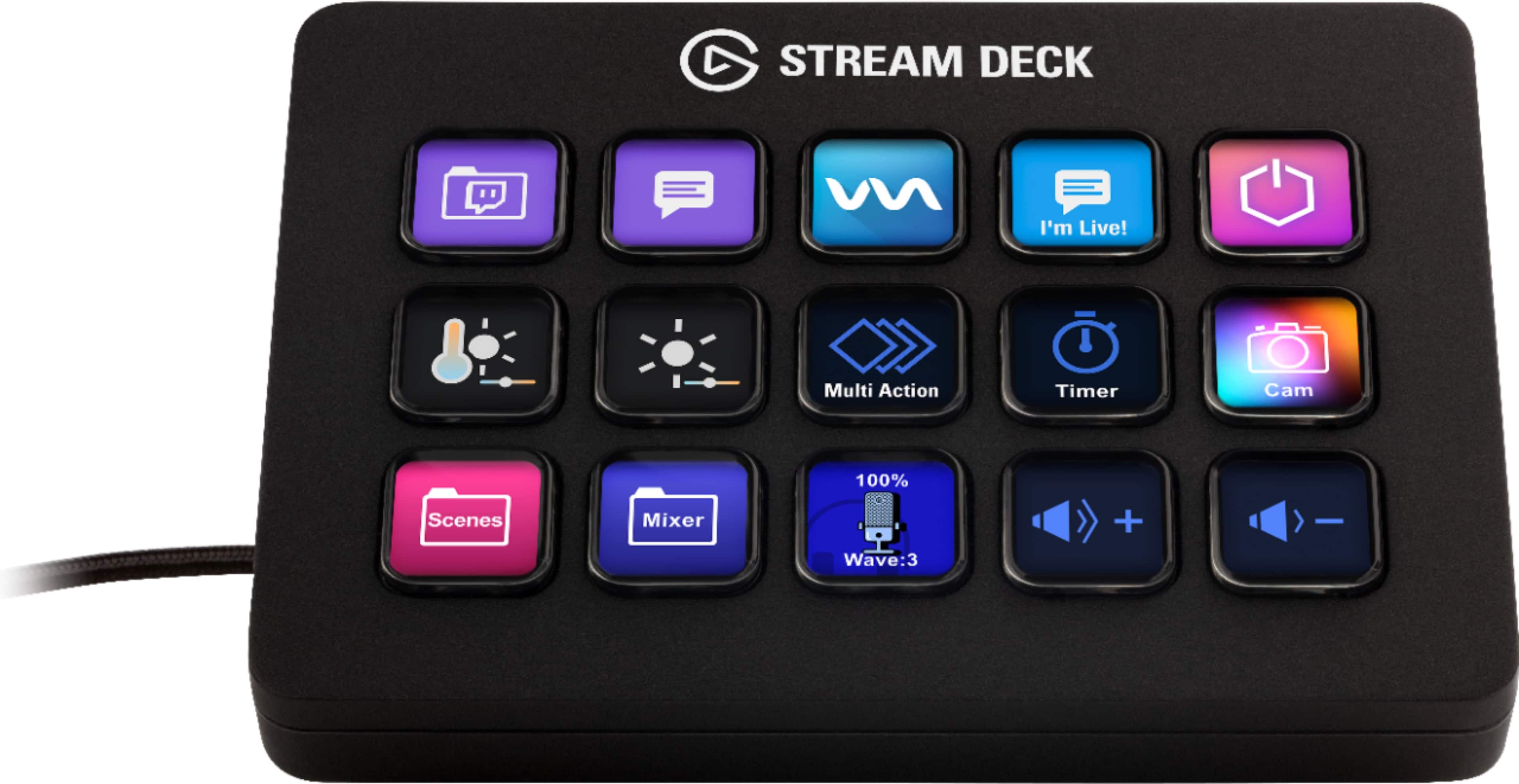

- Model:
- 10GBA9901
- |
- SKU:
- 6470492
Customer reviews
Rating 4.9 out of 5 stars with 921 reviews
(921 customer reviews)Rating by feature
- Value4.7
Rating 4.7 out of 5 stars
- Quality4.9
Rating 4.9 out of 5 stars
- Ease of Use4.8
Rating 4.8 out of 5 stars
Customers are saying
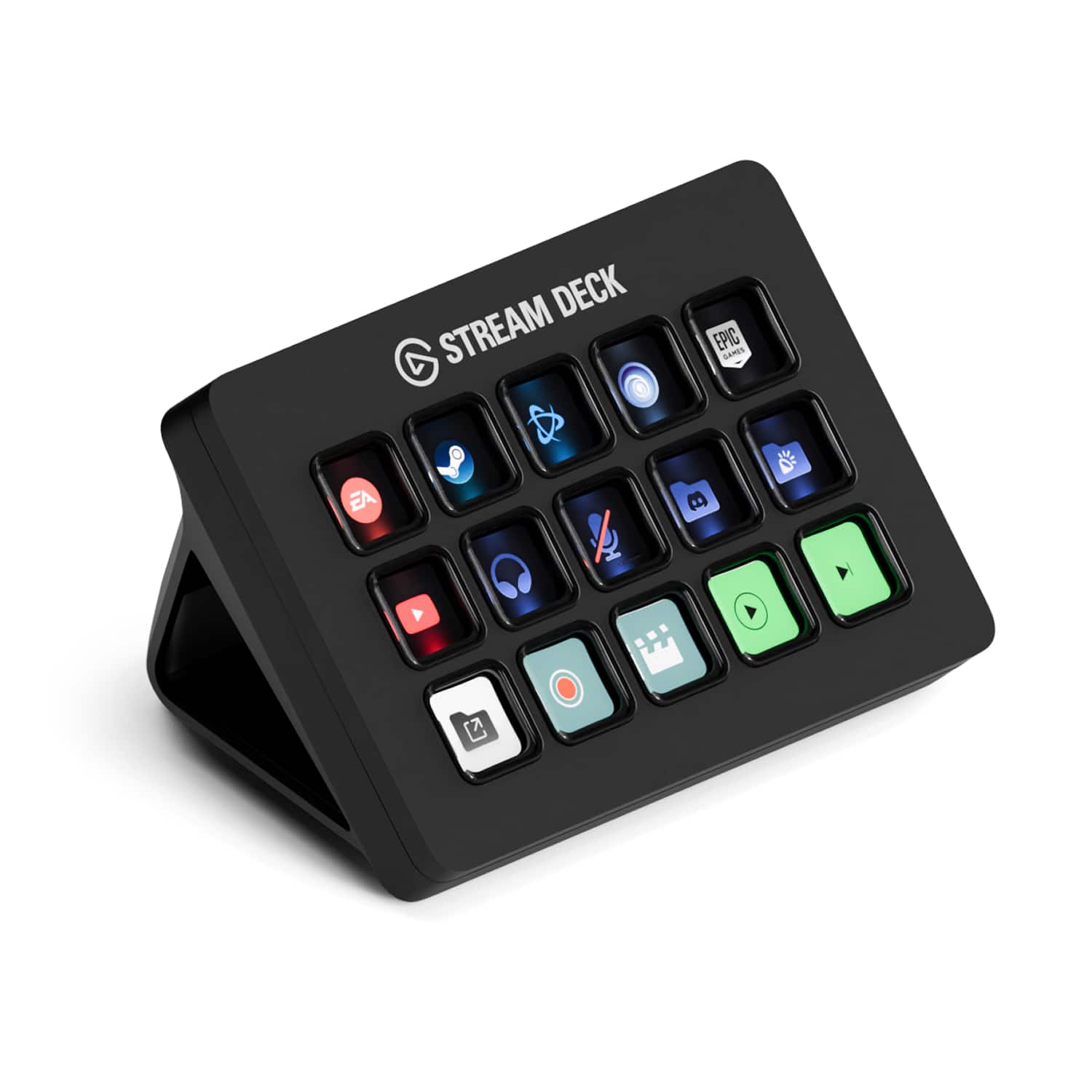
Customers value the Stream Deck MK.2 for its ease of use and overall performance. Users appreciate the customizable LCD keys and the extensive customization options available through its intuitive software. While the price is a concern for some, and there are a few comments about the button quality and stand, the positive aspects of the device appear to outweigh these drawbacks. Many customers find it enhances their streaming experience.
This summary was generated by AI based on customer reviews.
- Pros mentioned:Ease of use, Software
Rated 5 out of 5 stars
Amazing
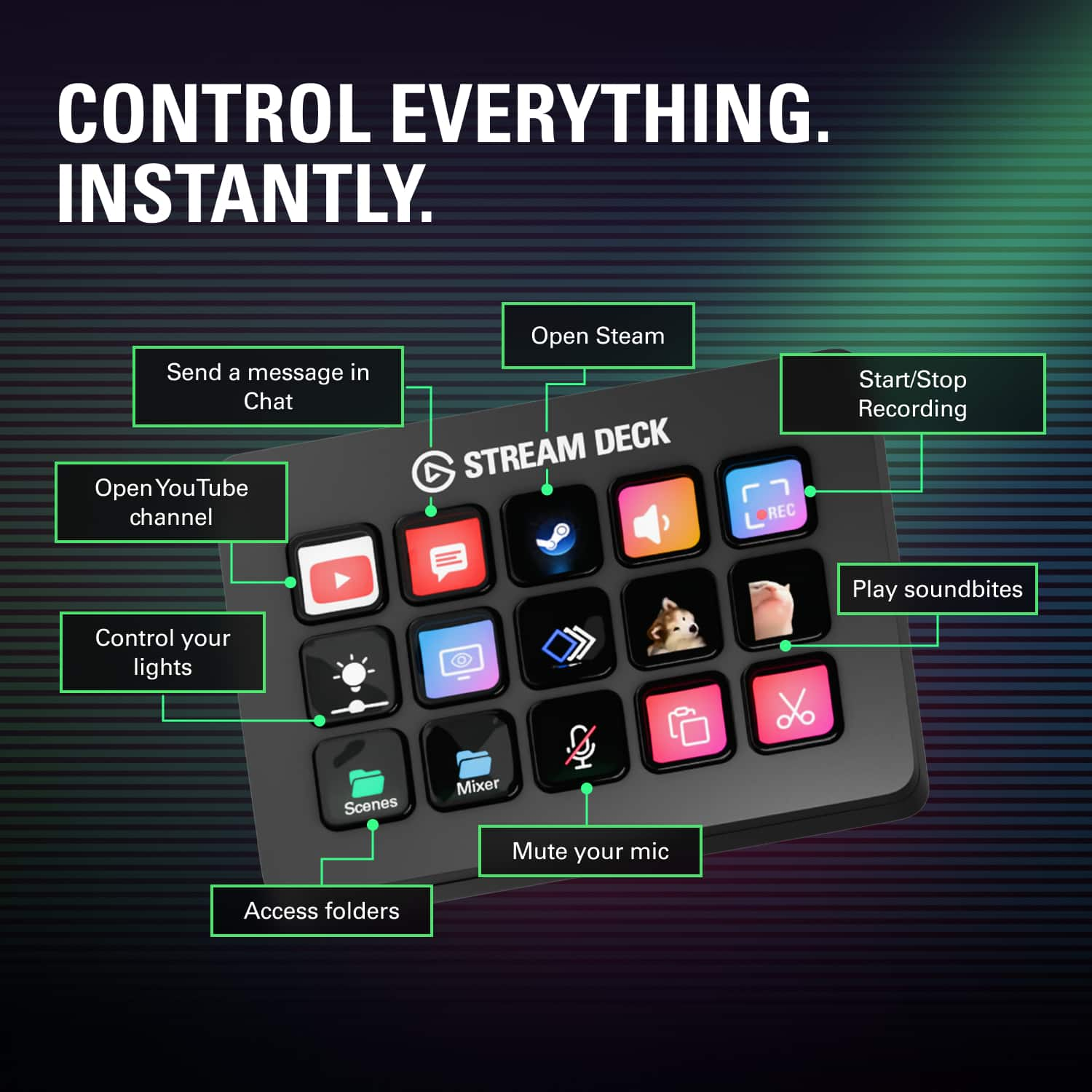
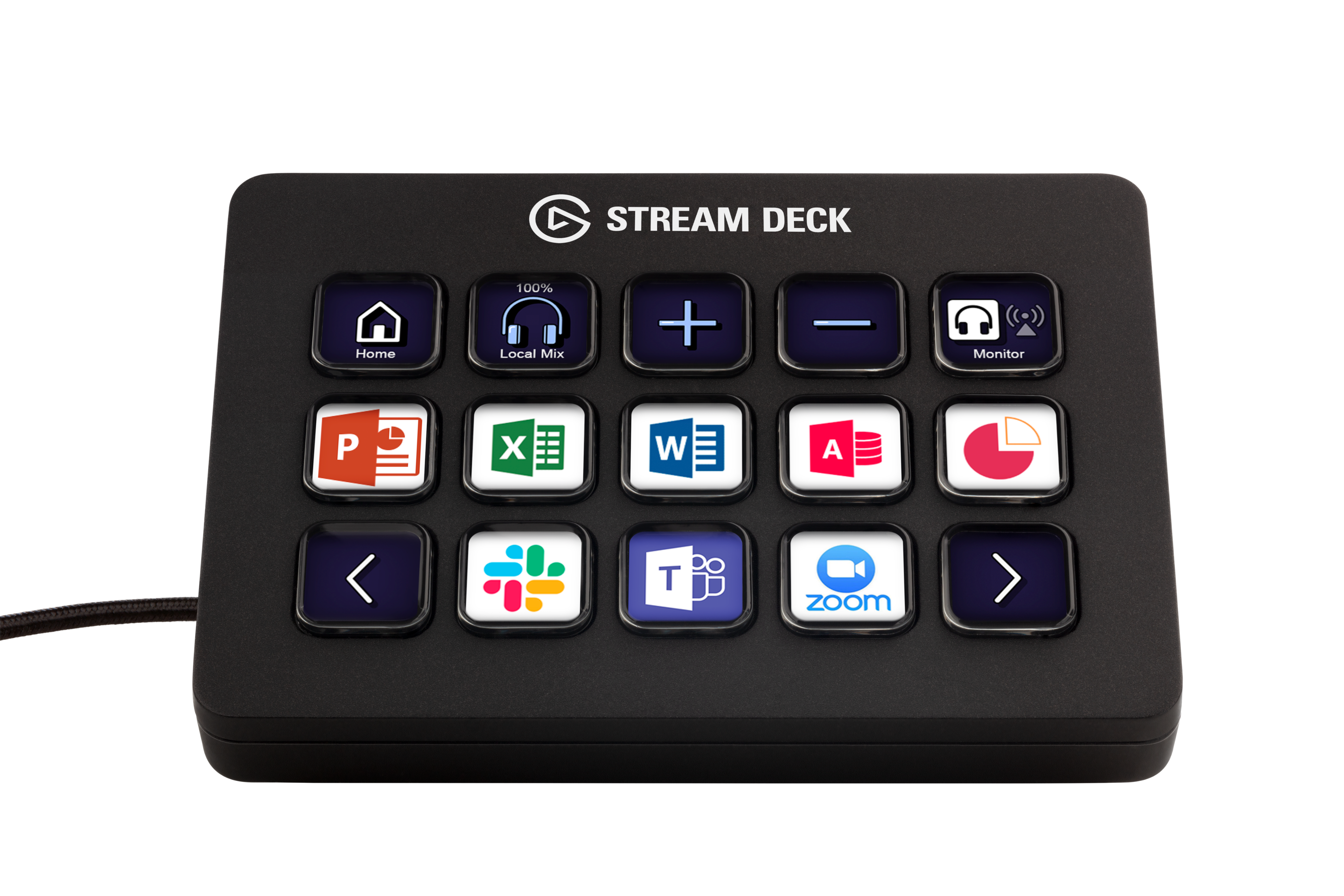
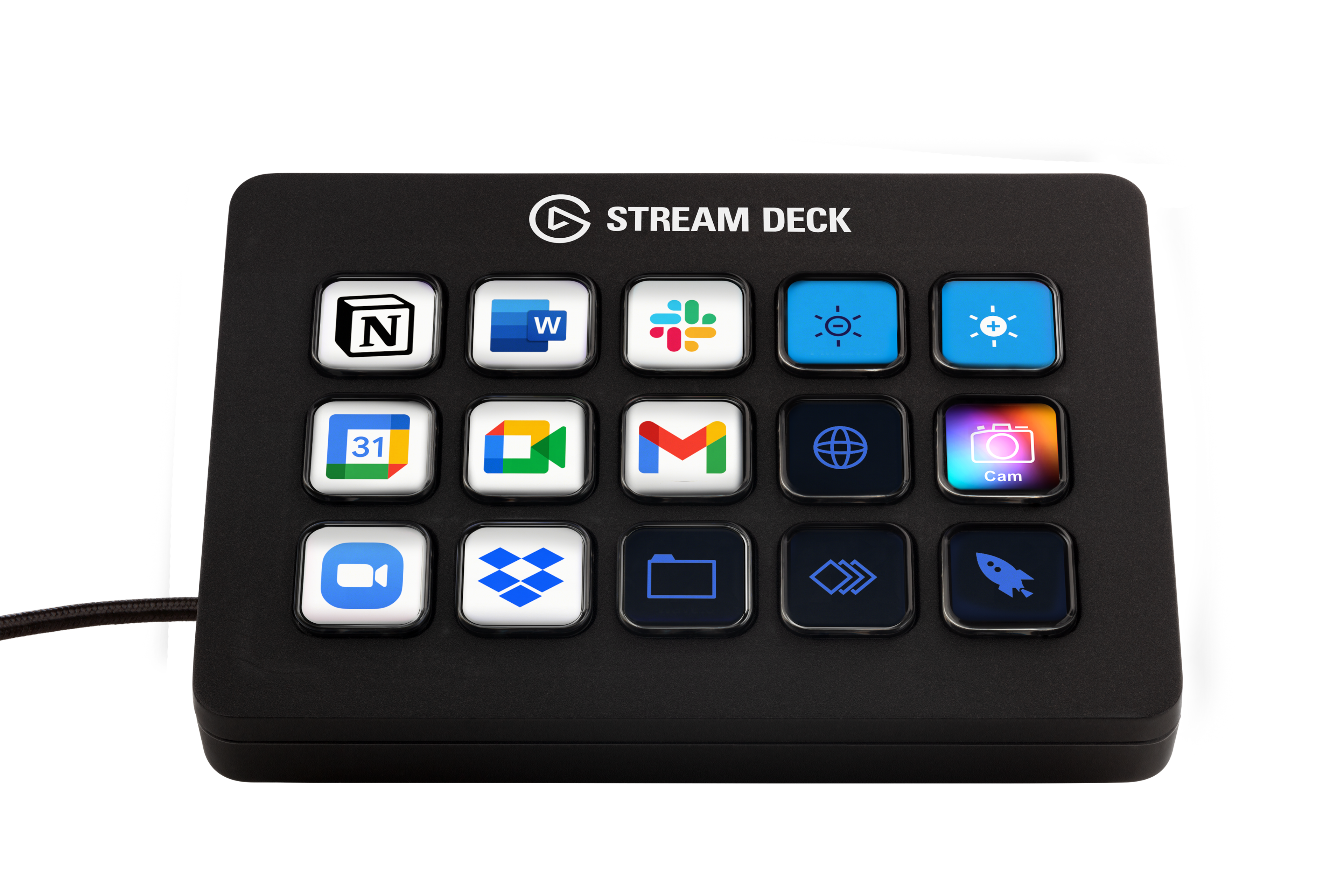
||Posted . Owned for 8 months when reviewed.This reviewer received promo considerations or sweepstakes entry for writing a review.can't even begin to tell you just how much I use this in my day-to-day. Well, actually I can, this is a review, it's kind of the point. But most people see "STREAM" deck and think "oh, this is for streaming". No, my mistaken friend, this is a multitool that is only limited to your imagination. Got a wireless keyboard? That's cool. What happens when it runs out of battery and you need to charge it? Make a folder on the Stream Deck specifically for shortcuts like Ctrl +, Ctrl X, Shift, Alt Tab, and more, and you've got all your non-typing needs met through it. Need some control in your life? This has plugins available through the program's built-in library for things like light control. As an example, I use Govee lights. From my Stream Deck, I can control which lights are on, what their brightness is, what their color is, and more! I also do game development on the side. Having to type out "\n<\n[3]>" to insert the name of the third character into text can get a little annoying every time you need to say their name. So I've got a system text button that types out fourteen different character names with a press of a button (the button in question has their face on them, too, did I mention image button customization?), as well as thirteen color codes to change the text's color mid-sentence. Of course, you can also use this to LAUNCH programs as well. If you're like me and you have hundreds of programs and you don't have your desktop icons turned on, going into your folders or scrolling through your program bar can be a hassle. Add buttons for it! You can even set up folders to hold game series (KH or FF anyone?), a folder for emulators, you can even put in Steam games. Forget the games for a bit, literally every single "exe" file can be executed with a single press of a button. And of course, lastly, YES I use mine for streaming too. Switching between scenes, opening up a dynamic text file to change the weekly shout-out, turning on/off my microphone, instant clips, alerts, chat commands...heck, I even have three clocks on here to show me the times of other viewers' time zones so I can stream a game THEY like when they're actually awake. And the multi-action tool allows me to create a button that does five or six different things in a row, which is perfect for if you need to put your streams into a lockdown for something serious. All in all, I haven't found a single thing this Stream deck CAN'T do. And if there IS something, the additional add-on plugins easily fix that. 10/10 would recommend for any streamer, but also any computer user to make life so much simpler and easier.
This review is from Elgato - Stream Deck MK.2 Full-size Wired USB Keypad with 15 Customizable LCD keys and Interchangeable Faceplate - White
I would recommend this to a friend - Pros mentioned:Customization, Lcd keys
Rated 5 out of 5 stars
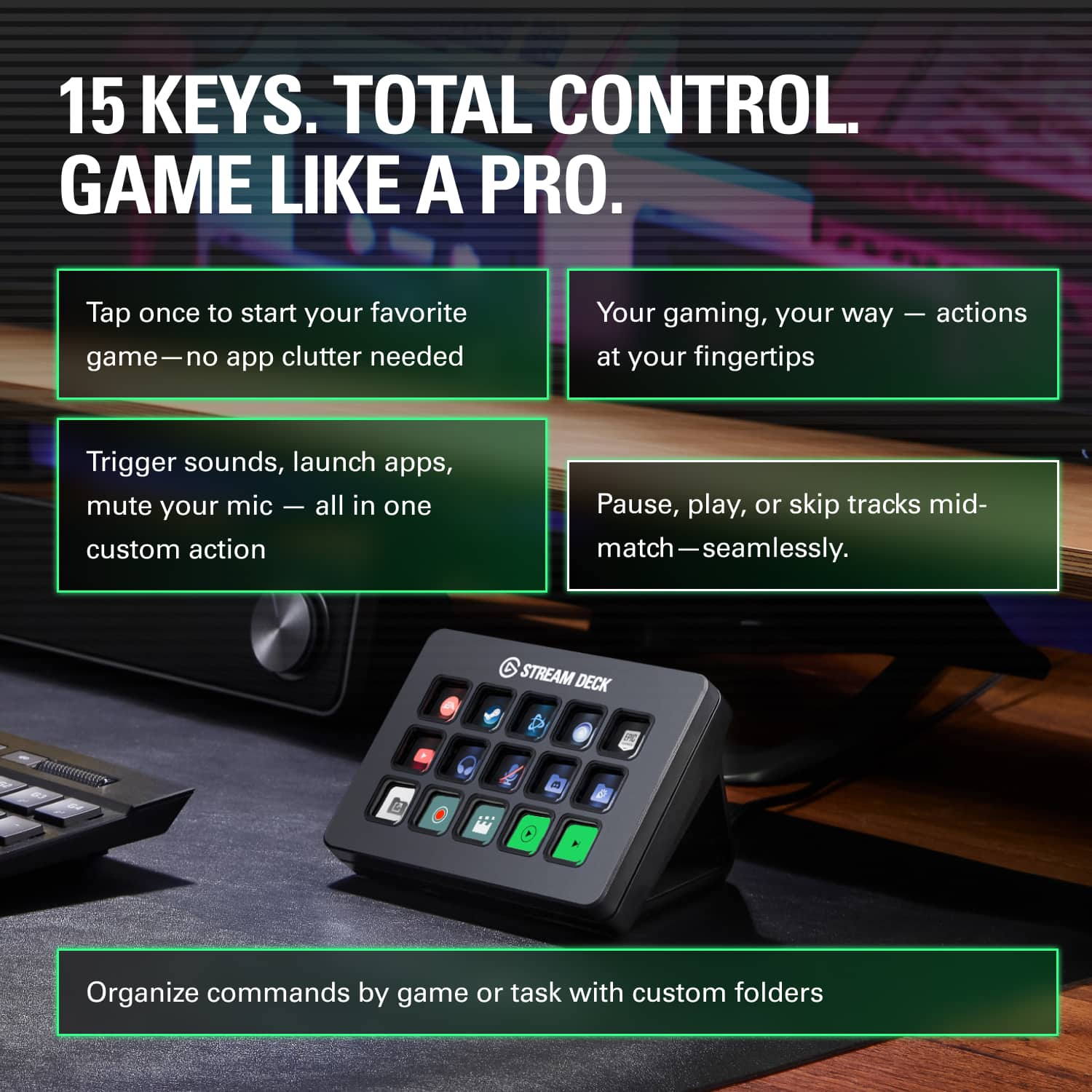
15 macro keys per page, 10 pages, highly customiza
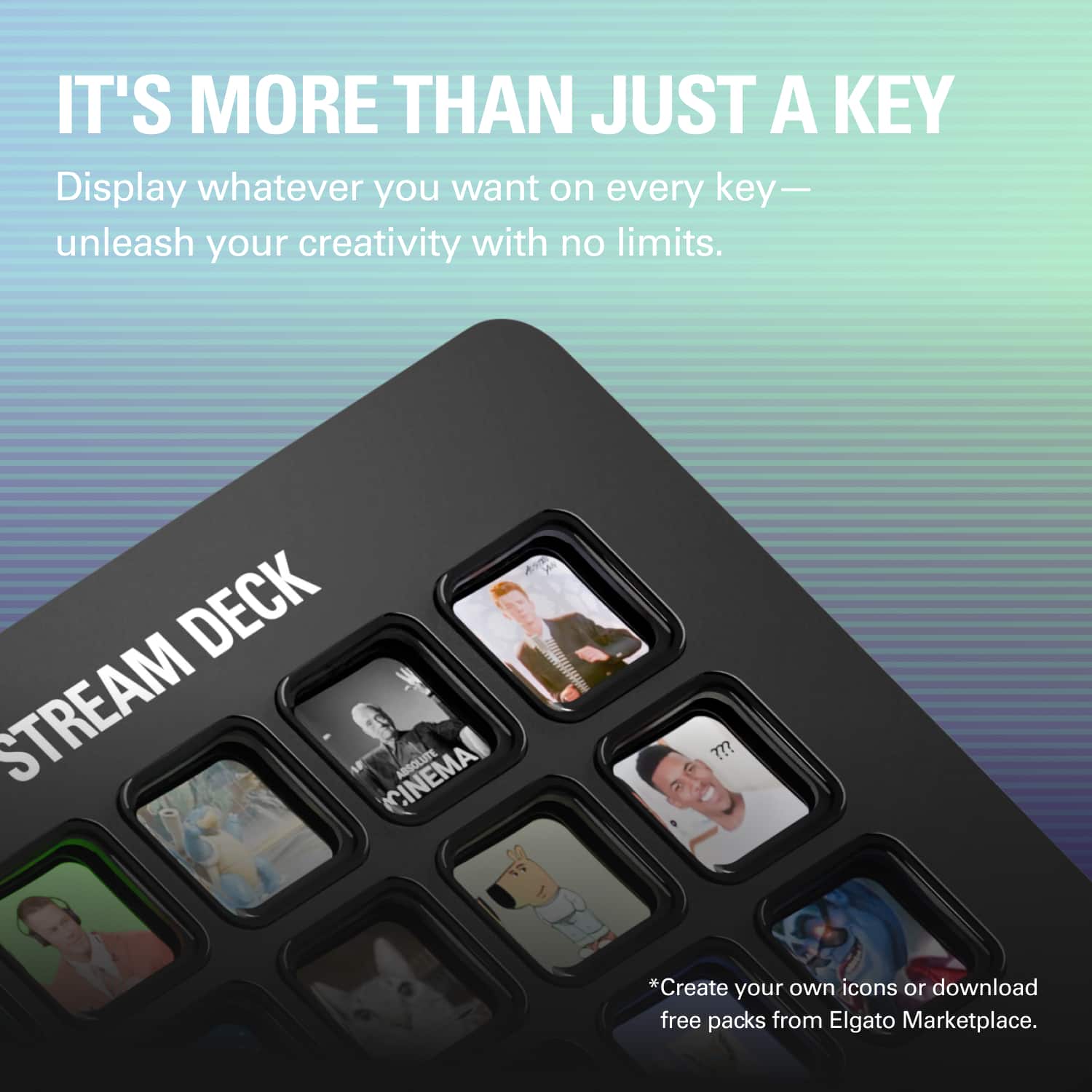
||Posted .This reviewer received promo considerations or sweepstakes entry for writing a review.I am not a streamer. Heck, I don't even game much anymore. But I had to give up my gaming keyboard and return to using an ergonomic keyboard to avoid repetitive stress injury. While I admit that I miss the frivolous flashing light show, what I really miss was the macro keys, which I used for trivial things like special characters. Now I have rapid access to frequently-used special characters, media controls, single-button access to my NAS, router, etc. The keys have little screens on them. The automatic images are generally descriptive enough and highly customizable, and you can also create 72 pixel squared custom images for individual keys for further customization. The only minor complaint that I have is that if you want to open an app, you have to have a path. Apps installed from the Microsoft store and certain utilities built into Windows may not have a path that the user can easily get to. Thus, for Notepad and MS Paint, I had to create a batch file and and create a custom image of a screenshot of the start menu to have an icon.
I would recommend this to a friend - Pros mentioned:Customization
Rated 5 out of 5 stars
PHENOMENAL (not a gamer/streamer)
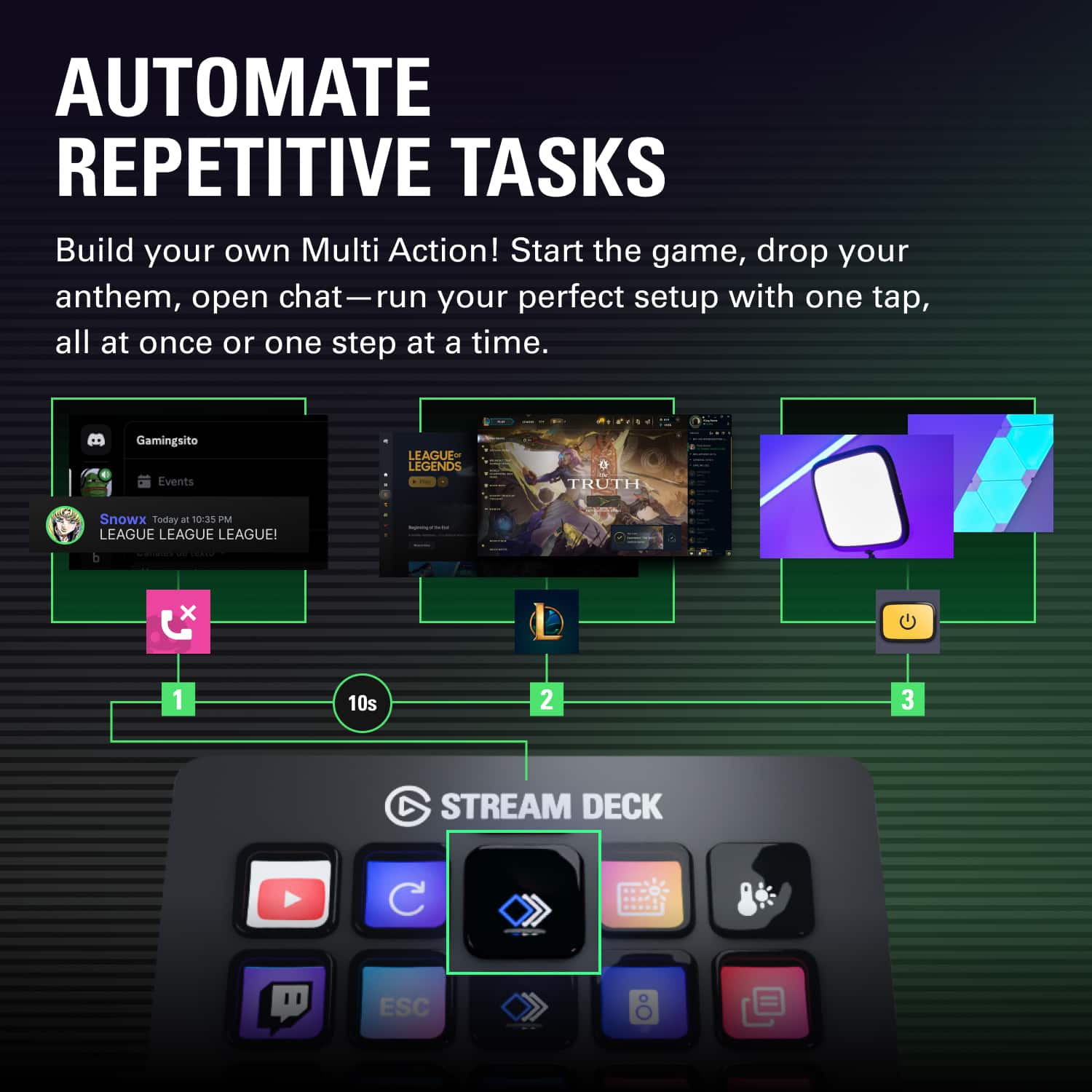
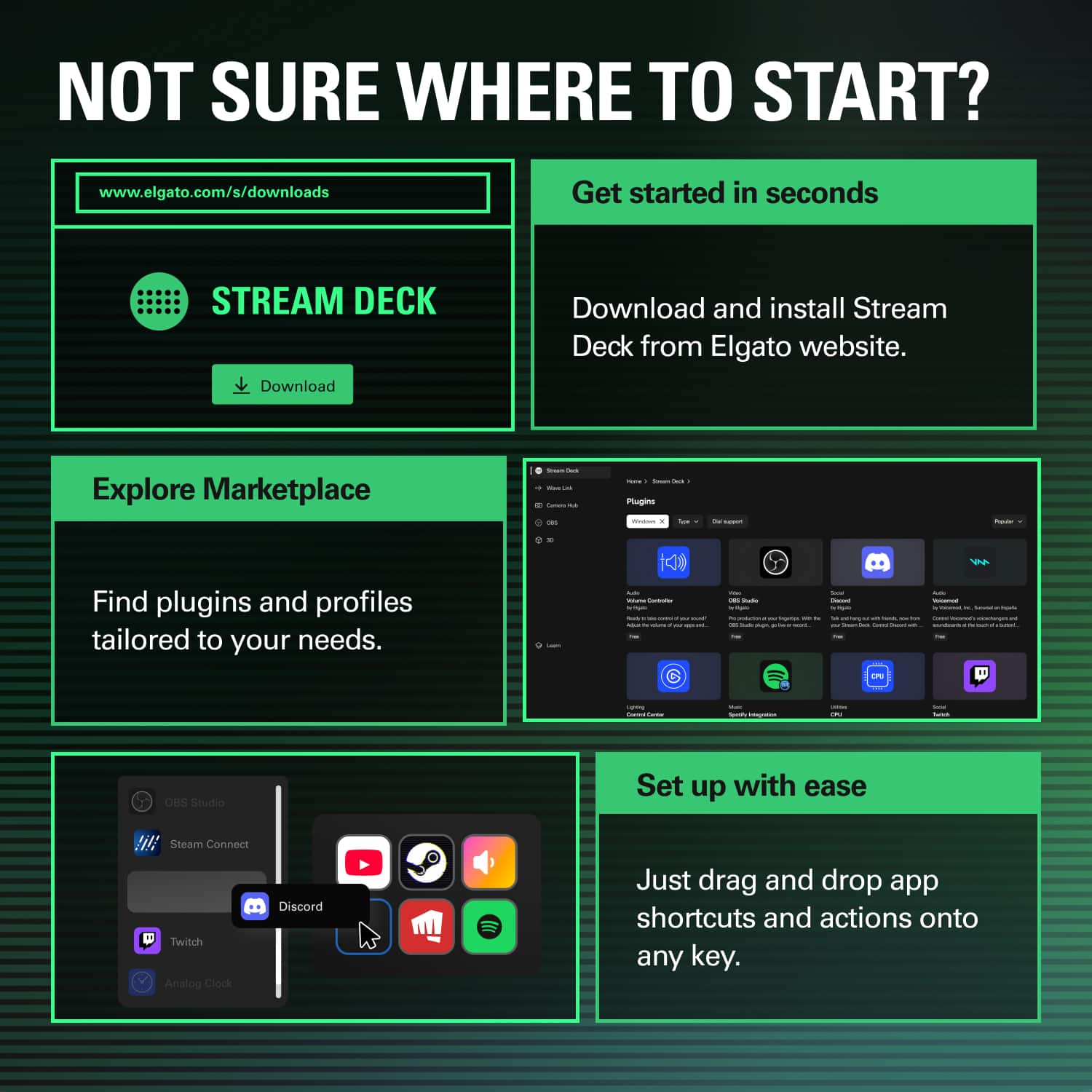
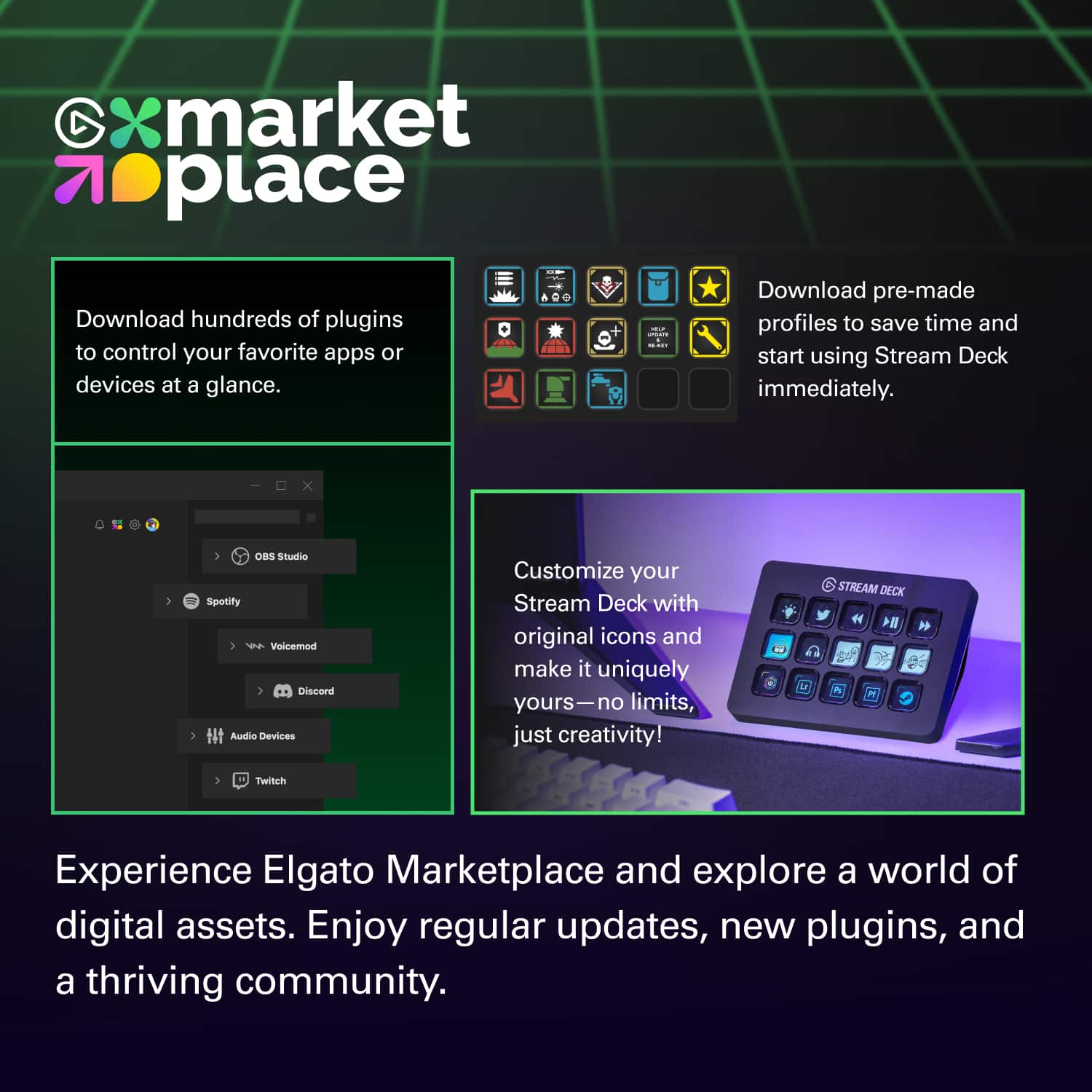
||Posted . Owned for 3 months when reviewed.This reviewer received promo considerations or sweepstakes entry for writing a review.It's hard to overstate how much of a game changer this has been! My workflows include extensive work via web browser, music notation, document creation/editing, and light editing of audio and video. I've been able to set up profiles and workflows that have streamlined ALL OF THIS using this device. One crazy cool button type is the Multi-Action—in which, true to the name, you can create chains of events as complicated as you want to make them, even down to creating time delays between one action and the next if needed. Wow. My work with the Stream Deck is further optimized by combinations with other elements. As a Mac user, I use Keyboard Maestro which plays super well with the SD. I also have a second Stream Deck (a Neo) and have created profiles that let the two devices work in tandem. Using a Stream Deck does require a bit of tinkering when setting up buttons, folders, and profiles—and some logical puzzling along with trial-and-error to figure out just how you want things set up. Once it is though, it's golden! Icons—You can apply custom icons to the buttons you create. There are a decent number of free icons (Elgato's and others'), as well as third party icon packs for purchase. If you're like me, though, and REALLY want to customize, that process can be time-consuming if you're not already a whiz at visual design. Sometimes it's worth it; others I just grab icons off-the-shelf or leave the generic icons that come with different button types. Some folks complain about the lack of "grippiness" on the bottom of the unit. On my glass desk, this does indeed slip around. But I've gotten used to it and the functionality more than makes up for the fairly minor annoyance. Anyway, can't say enough good things about this. I definitely recommend—especially if you can pick it up on sale!
This review is from Elgato - Stream Deck MK.2 Full-size Wired USB Keypad with 15 Customizable LCD keys and Interchangeable Faceplate - White
I would recommend this to a friend - Pros mentioned:Ease of use, Lcd keys
Rated 5 out of 5 stars
Very helpful while streaming
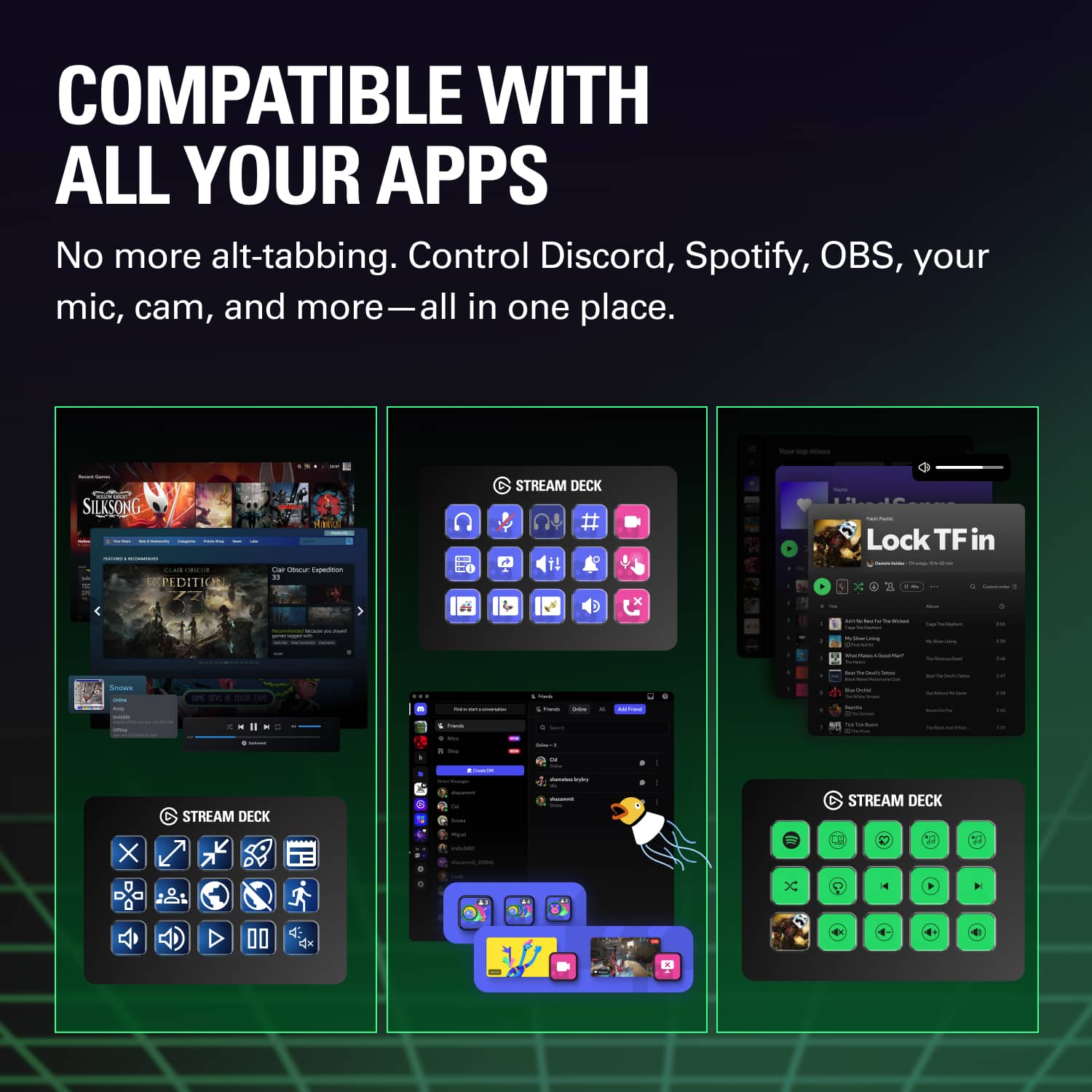
||Posted . Owned for 2 months when reviewed.This reviewer received promo considerations or sweepstakes entry for writing a review.The Stream Deck helps me so much when streaming since I can’t always tab out to change my OBS scene or change the song on Spotify, thanks to the plugins I can change them with the push of a button. The Stream Deck has helped me a lot since I got it.
This review is from Elgato - Stream Deck MK.2 Full-size Wired USB Keypad with 15 Customizable LCD keys and Interchangeable Faceplate - White
I would recommend this to a friend - Pros mentioned:Overall performance, Software
Rated 5 out of 5 stars
a great investment
||Posted . Owned for 1 week when reviewed.This reviewer received promo considerations or sweepstakes entry for writing a review.Immediately loaded and was easy to sync to by computer. The programming is easy and customizable. Love the overall feel, look and performance
I would recommend this to a friend - Pros mentioned:Ease of use
Rated 5 out of 5 stars
The BEST gadget I have purchased in years
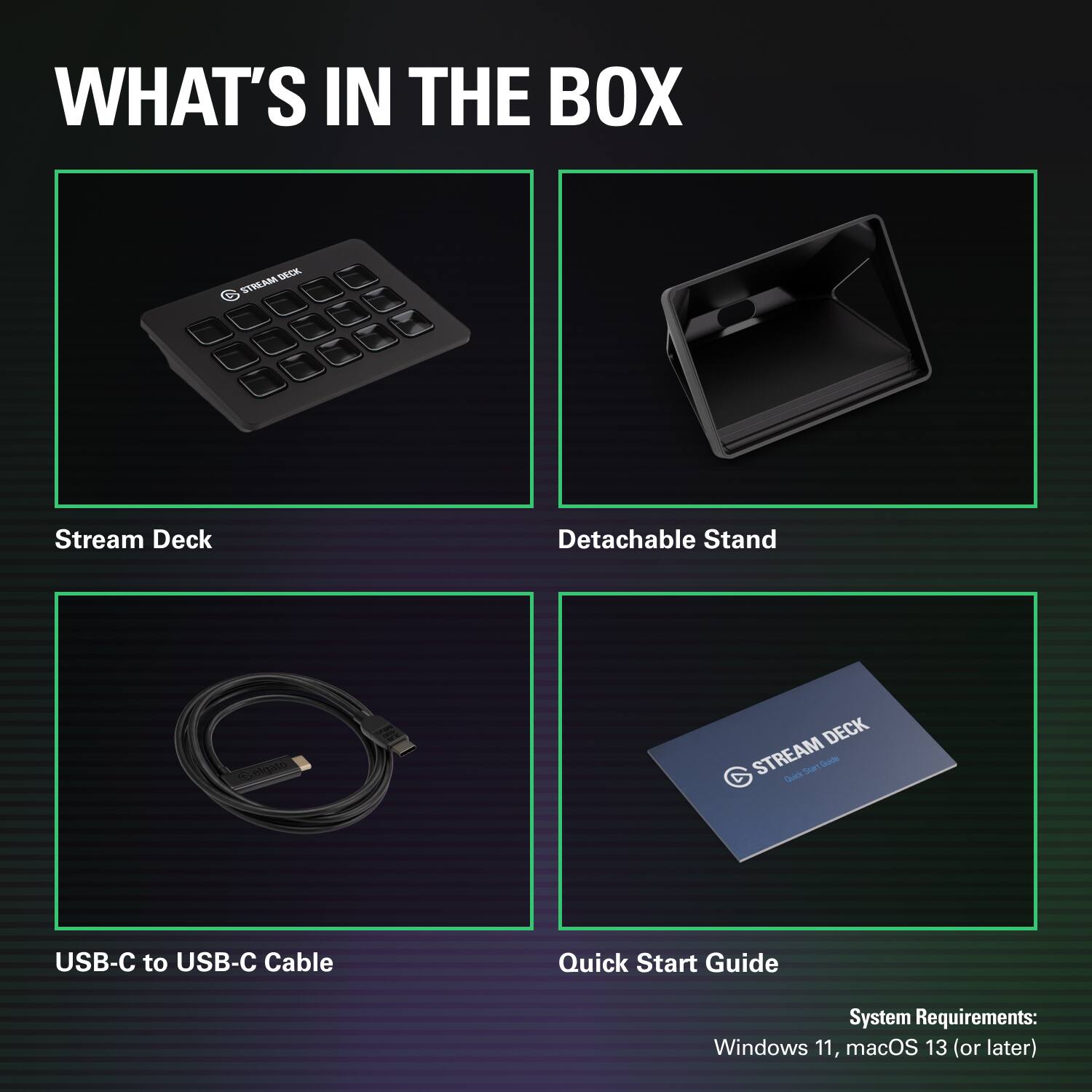
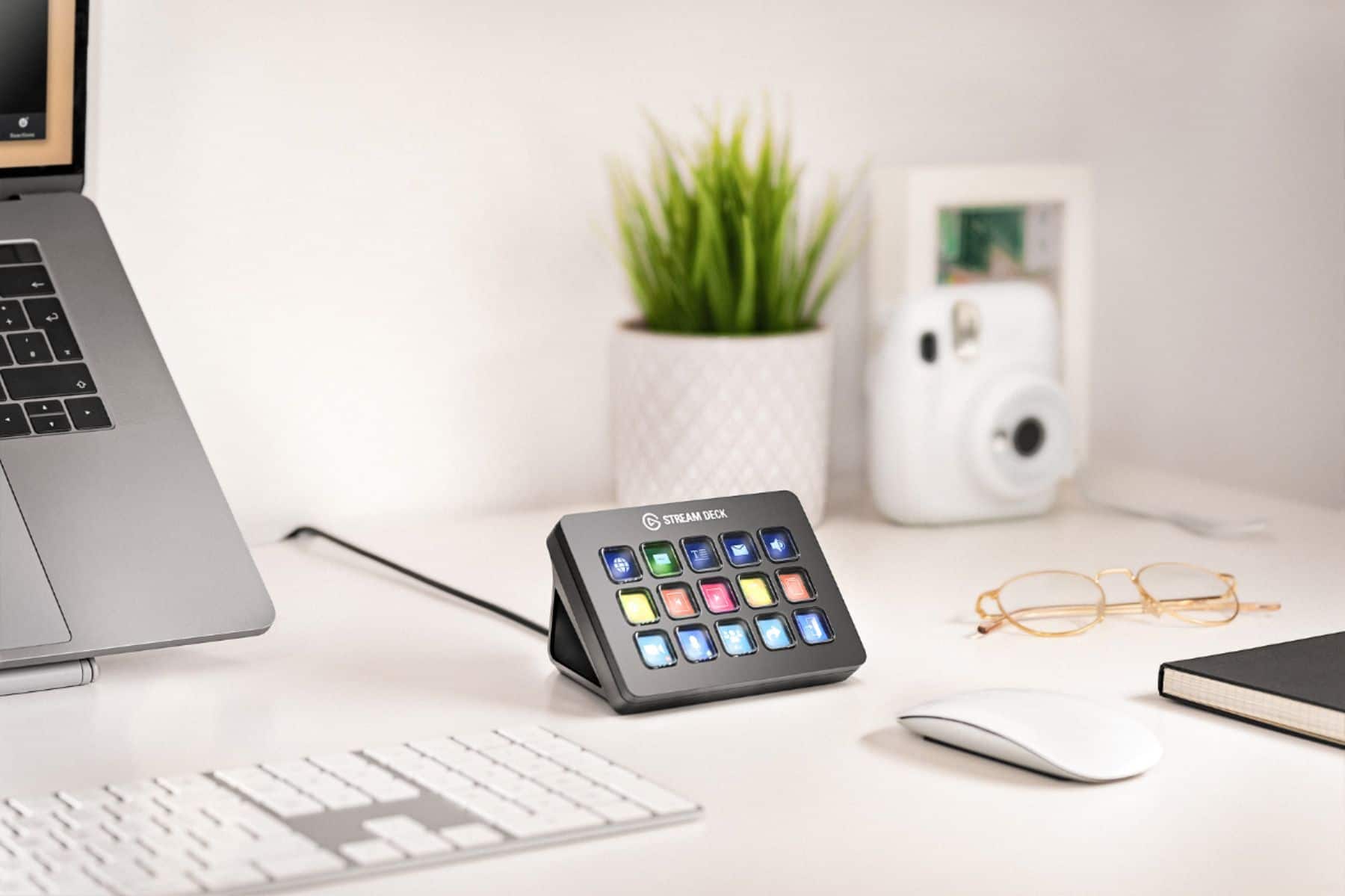
||Posted . Owned for less than 1 week when reviewed.This reviewer received promo considerations or sweepstakes entry for writing a review.First, this device is very easy to set up. I bought it to help with scene transitions for OBS. It turn out it can be used for all the programs I use: OBS, Photoshop and Final Cut Pro. You can program it to launch your program and then assign keys to the commands you use the most. You can label each of the keys and have the text either on the bottom, middle, or top of the icon. Although there are 15 keys you can add additional pages of keys, so 15 isn't exactly true. I have one page for OBS, one for Photoshop and one for Final Cut Pro. Everyday I find new uses for it. I'm getting one of these for all my friends for Christmas. I wished I'd had this years ago; it would have saved me so much time. The only thing I do not like is the face plate is not flat. If you take it out of the triangulat stand and set it flat on your desk it is tilted to one side. It's merits outweigh that one issue and I give it 5 stars.
This review is from Elgato - Stream Deck MK.2 Full-size Wired USB Keypad with 15 Customizable LCD keys and Interchangeable Faceplate - White
I would recommend this to a friend - Pros mentioned:Overall performance
Rated 5 out of 5 stars
Speeds up your workflow
||Posted .This reviewer received promo considerations or sweepstakes entry for writing a review.Works very good for speeding up my workflow, makes it nice and easy to change camera angles, or mute a mic, adjust app volume, and all that fun stuff. At first, I thought it was a bit pricey but after using it for a while, it is definitely worth the investment
I would recommend this to a friend - Pros mentioned:Ease of use
Rated 5 out of 5 stars
Productivity & Streaming Super Lazy Mode
||Posted . Owned for 1 week when reviewed.This reviewer received promo considerations or sweepstakes entry for writing a review.This thing is great. For streaming, it allows for you to quickly and easily open up apps, move apps to the desired screen and location, adjust OBS settings on the fly, and make the streaming process easier. Productivity enhancements from this little macros machine makes adding scrpts, opening up specific folders and parts of apps quick and efficient. Basically you can use this to make your every day life easier, lazier, and more efficient. The store allows for easy installation of new free features that boost the value of the Stream Deck. YouTube helps you to learn how to boost all of these features. I honestly just thiught this would be a fun toy to play with, but it has made a lot more of my life in front of the PC that much more efficient, that in turns saves me time. I highly recommend the Stream Deck
I would recommend this to a friend - Pros mentioned:Overall performance
Rated 5 out of 5 stars
Best Streamer/Content creator device!
||Posted . Owned for more than 2 years when reviewed.This reviewer received promo considerations or sweepstakes entry for writing a review.Best streamer device out there, would buy another for sure! Never had any problems with all my 5 or 6 Elgato products
I would recommend this to a friend - Pros mentioned:Ease of use
Rated 5 out of 5 stars
Top product for our mastering studio
||Posted . Owned for 2 weeks when reviewed.This reviewer received promo considerations or sweepstakes entry for writing a review.We have made the decision to install the Elgato Stream Deck in our music mastering rooms. This addition will significantly streamline our workflow by reducing the number of keystrokes and simplifying the execution of various functions while working on our clients’ albums. These have allowed our interns to do some of the session setup which free the mastering engineers to keep the main rooms busy. Now that they are in place we are starting to incorporate them into our online streaming as well as the daily workflows around the main office. These are a great investment for any musician and a must for streamers.
I would recommend this to a friend - Pros mentioned:Lcd keys
Rated 5 out of 5 stars
Can't go wrong with a StreamDeck
||Posted . Owned for 1 week when reviewed.This reviewer received promo considerations or sweepstakes entry for writing a review.Purchased this for my church do to us adding a 3rd camera. I had the mini and for what we were doing it was good. Now I have plenty of buttons on 1 page instead of 2 pages. Highly recommend this if you don't want to have the knobs of the plus (I have this one personally and it's great too!) Can't go wrong with a stream deck,if you're reading this review then this is your sign to buy it.
I would recommend this to a friend - Pros mentioned:Overall performance
Rated 5 out of 5 stars
Great for streaming or gaming.
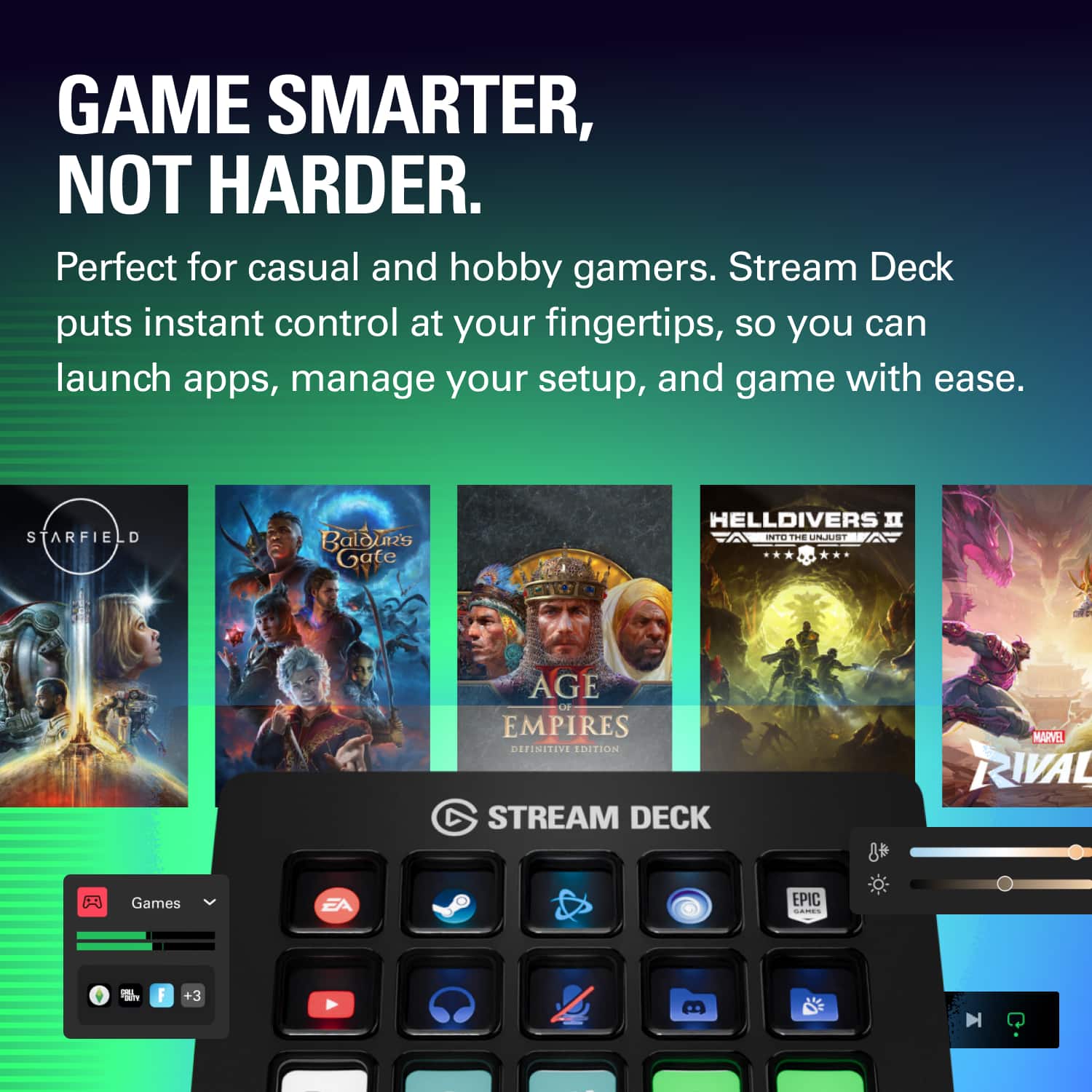
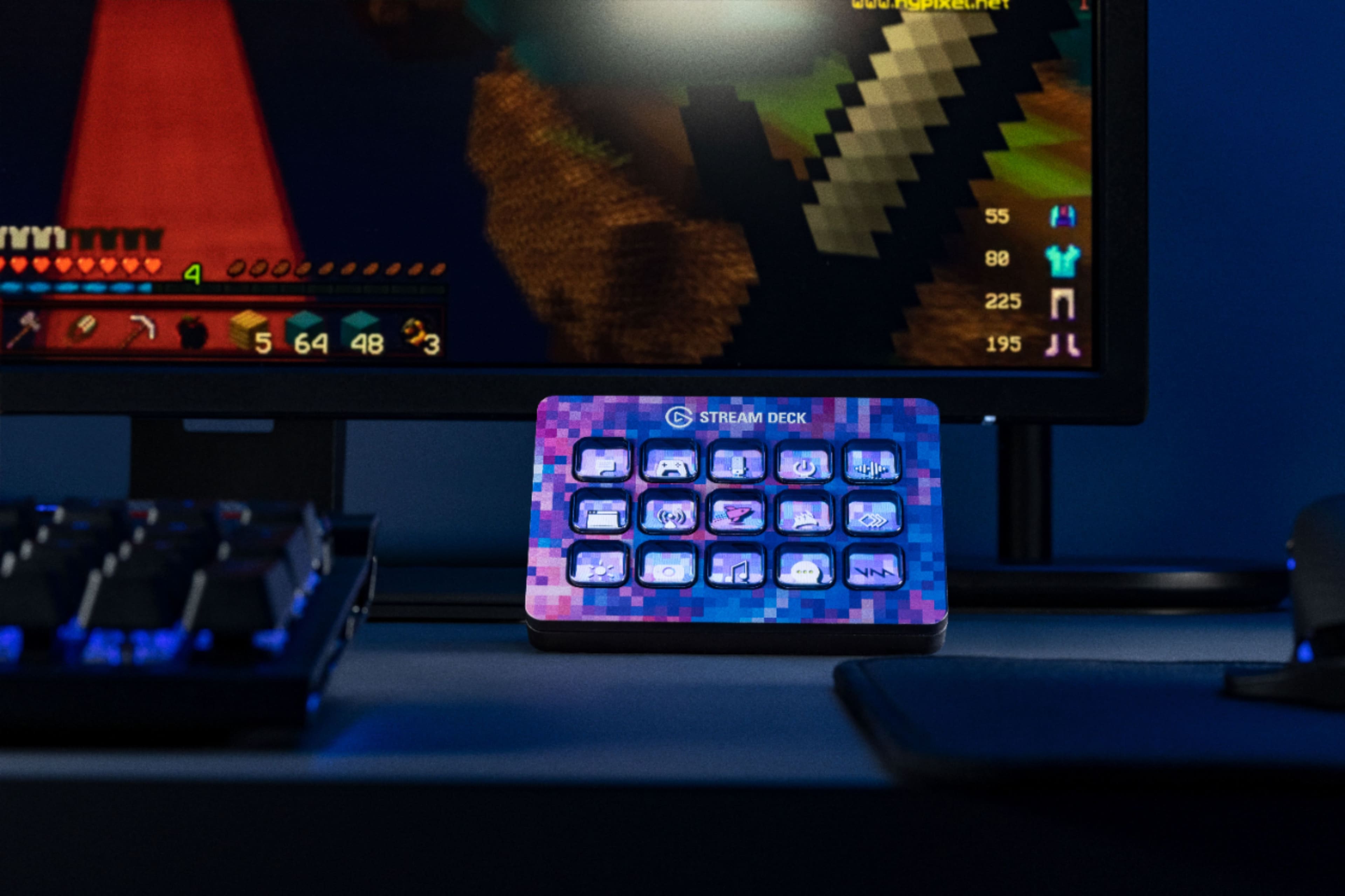
||Posted . Owned for 2 weeks when reviewed.This reviewer received promo considerations or sweepstakes entry for writing a review.I love this gadget it helps when I'm streaming or gaming. If you are someone that games regularly and uses multiple software this is ideal.
I would recommend this to a friend - Pros mentioned:Customization
Rated 5 out of 5 stars
Streamdeck... Not just for Streamers
||Posted . Owned for 1 month when reviewed.This reviewer received promo considerations or sweepstakes entry for writing a review.I bought one of these after speaking with a friend who has one and he was telling me how deep the customization was. I have yet to scratch the surface of mine but I can tell you what i do use it for currently! I have a very small Corsair keyboard so in order to use and additional keys that aren't QWERTY I must press the 'FN' key for things such as F1 key (etc), Scroll Lock, Volume, Mute and more. I have mine set for Windows Volume Up, Volume Down, Mic Mute/Unmute, Audio Mute, Discord Launch, Discord Mic Mute, Discord Audio Mute, Steam Launch, OBS Launch, OBS Arm Replay Buffer, OBS Save Replay, Streamdeck Launch, Philips Hue Light Control and a Clock Widget! This makes so many tasks so much easier for me now. While not a necessary device it becomes one once you buy one!
This review is from Elgato - Stream Deck MK.2 Full-size Wired USB Keypad with 15 Customizable LCD keys and Interchangeable Faceplate - White
I would recommend this to a friend - Pros mentioned:Ease of use
Rated 5 out of 5 stars
Streamlining content creation effortlessly
||Posted . Owned for 1 week when reviewed.This reviewer received promo considerations or sweepstakes entry for writing a review.I absolutely love my Elgato Stream Deck! It has completely revolutionized the way I manage my streams and content creation. The customizable buttons are incredibly convenient and make it easy to switch scenes, control audio levels, launch programs, and so much more with just a press of a button. The build quality is excellent and the software is intuitive and easy to use. I've found that it has significantly improved the quality of my streams and made my workflow much more efficient. If you're a content creator or streamer looking to take your production to the next level, I highly recommend the Elgato Stream Deck.
This review is from Elgato - Stream Deck MK.2 Full-size Wired USB Keypad with 15 Customizable LCD keys and Interchangeable Faceplate - White
I would recommend this to a friend - Pros mentioned:Ease of use, Lcd keys
Rated 4 out of 5 stars
Zero Complaints
||Posted . Owned for 9 months when reviewed.This reviewer received promo considerations or sweepstakes entry for writing a review.This has been working flawlessly; no issues, no bugs. I setup the desktop app and just started doing my thing. I'd wish there was an extra column just for the page buttons, but otherwise I'm satisfied.
I would recommend this to a friend - Pros mentioned:Customization, Ease of use
Rated 5 out of 5 stars
Shortcut Master
||Posted . Owned for 1 month when reviewed.This reviewer received promo considerations or sweepstakes entry for writing a review.Awesome device. Instead of having to memorize shortcuts, I now have single buttons with icons/labels for visual reminder of what the button is programed to do. Well worth the money!
I would recommend this to a friend Rated 5 out of 5 stars
Review
||Posted . Owned for 1 month when reviewed.This reviewer received promo considerations or sweepstakes entry for writing a review.Nice buy- having fun with ease of access with the hot keys
I would recommend this to a friend- Pros mentioned:Customization, Ease of use
Rated 5 out of 5 stars
Streaming ready
||Posted . Owned for 2 weeks when reviewed.This reviewer received promo considerations or sweepstakes entry for writing a review.The Elgato stream deck is an essential tool for any streamer. The ease of use and customization of it are amazing. 10/10
This review is from Elgato - Stream Deck MK.2 Full-size Wired USB Keypad with 15 Customizable LCD keys and Interchangeable Faceplate - White
I would recommend this to a friend - Pros mentioned:Overall performance
Rated 5 out of 5 stars
Awesome Gadget!
||Posted . Owned for less than 1 week when reviewed.This reviewer received promo considerations or sweepstakes entry for writing a review.Using to monitor thermals with HWInfo64, amazing addition to a desk setup for any use. A little pricey but worth it.
I would recommend this to a friend - Pros mentioned:Ease of use
Rated 5 out of 5 stars
Stream Deck
||Posted . Owned for 1 month when reviewed.This reviewer received promo considerations or sweepstakes entry for writing a review.Easy to use. Size to fit any place. You can customize it to any game needed
I would recommend this to a friend