A:AnswerIn the Preference Settings there is a Hold Action Duration setting of
* 2 hours
* 4 hours
* Until the next scheduled activity
* Until you change it (default value)
* Decide at time of change
Not really a timer, but if you set this Hold Action Duration to 2 hours, then when you manually set a temperature it will be on hold for 2 hours, after which the normal programming takes over.
A:AnswerThat's not the experience we want you to have, Larry. Please send an email to [email protected] with your ecobee serial number and a description of any troubleshooting steps you've tried. Always happy to help!
A:AnswerAll ecobee smart thermostats are designed to work with 24 VAC HVAC systems. Check if you're compatible, here: https://www.ecobee.com/compatibility/
A:AnswerThe app allows you to control multiple ecobees so I would assume so. Install is easy took less than 20mins for my Hvac(no C wire either) used the included add in C wire harness. Just read the directions.
And yes you can set the temp to w.e you want remotely. Locking them like so no one else can change it if thats what you are asking not sure, but you can set it so it alerts you when someone changes it to you phone if that helps. Family always changing it, i just set it back without them knowing at work. Lol
For the wifi question, each device has its own mac address and ID to your wifi, so no issues there either.
Check you electric supplier for discounts, buying 3 will set you back, comed gives 100 credit per unit, i think it has a cap of 2 per 6month or year though.
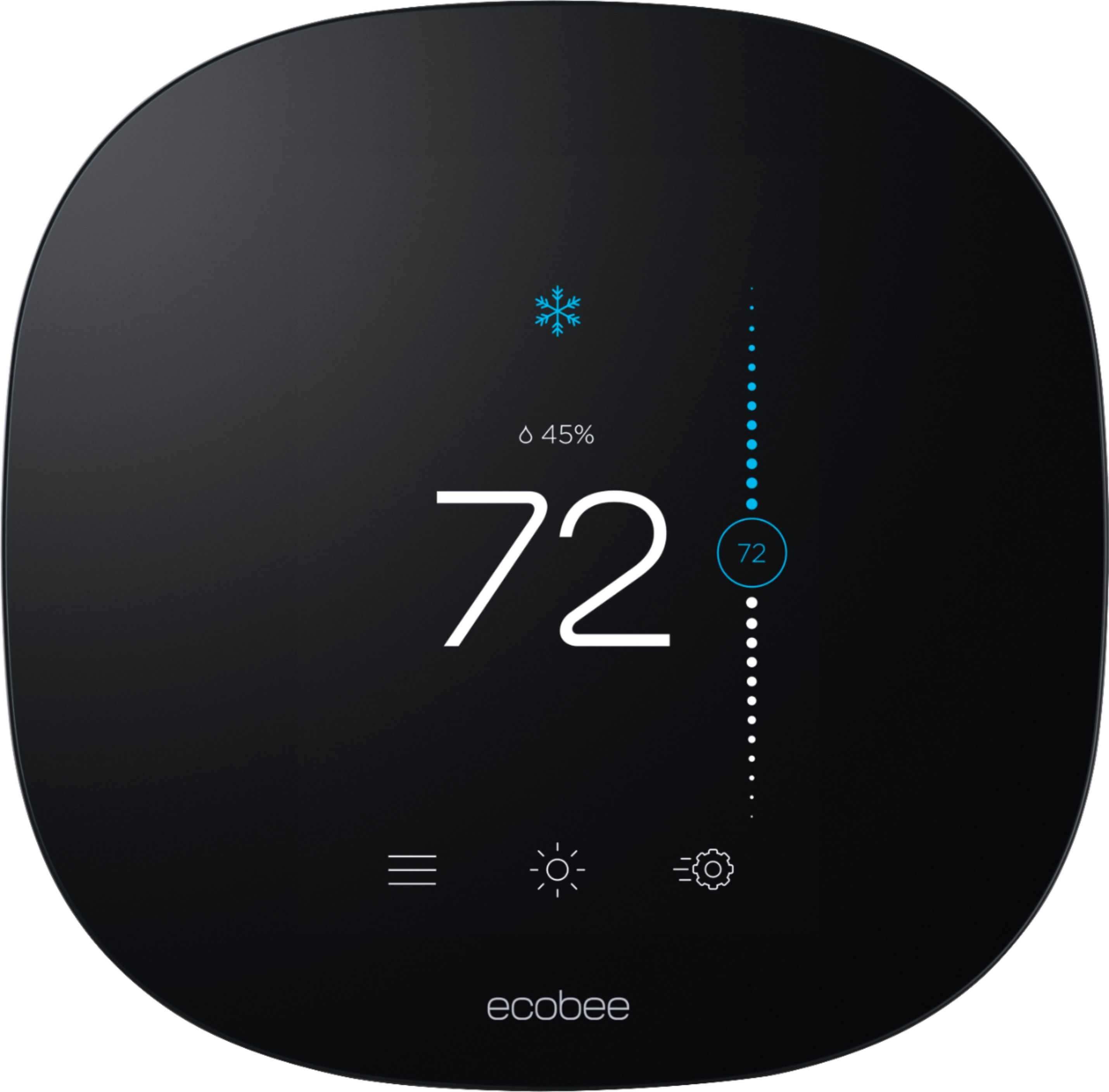
A:AnswerThere are a few different ways to control your HVAC fan with ecobee. Learn more: https://support.ecobee.com/hc/en-us/articles/360004798951-How-to-control-your-HVAC-system-s-fan-with-your-ecobee-thermostat