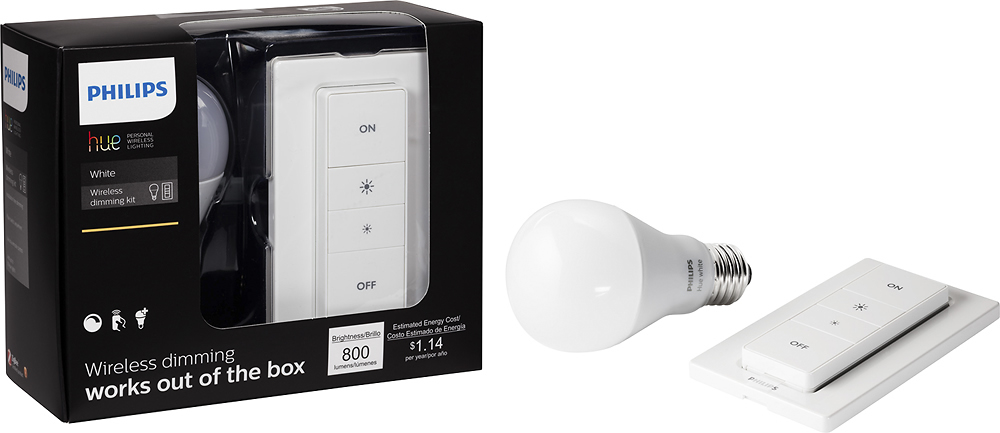
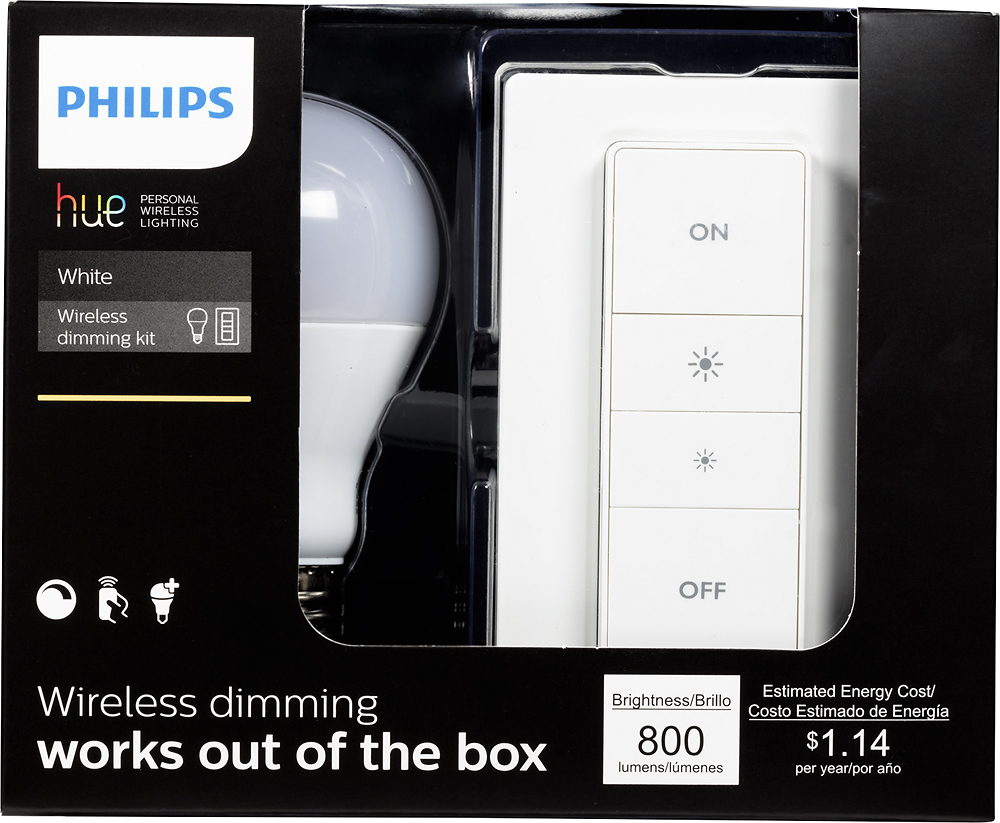
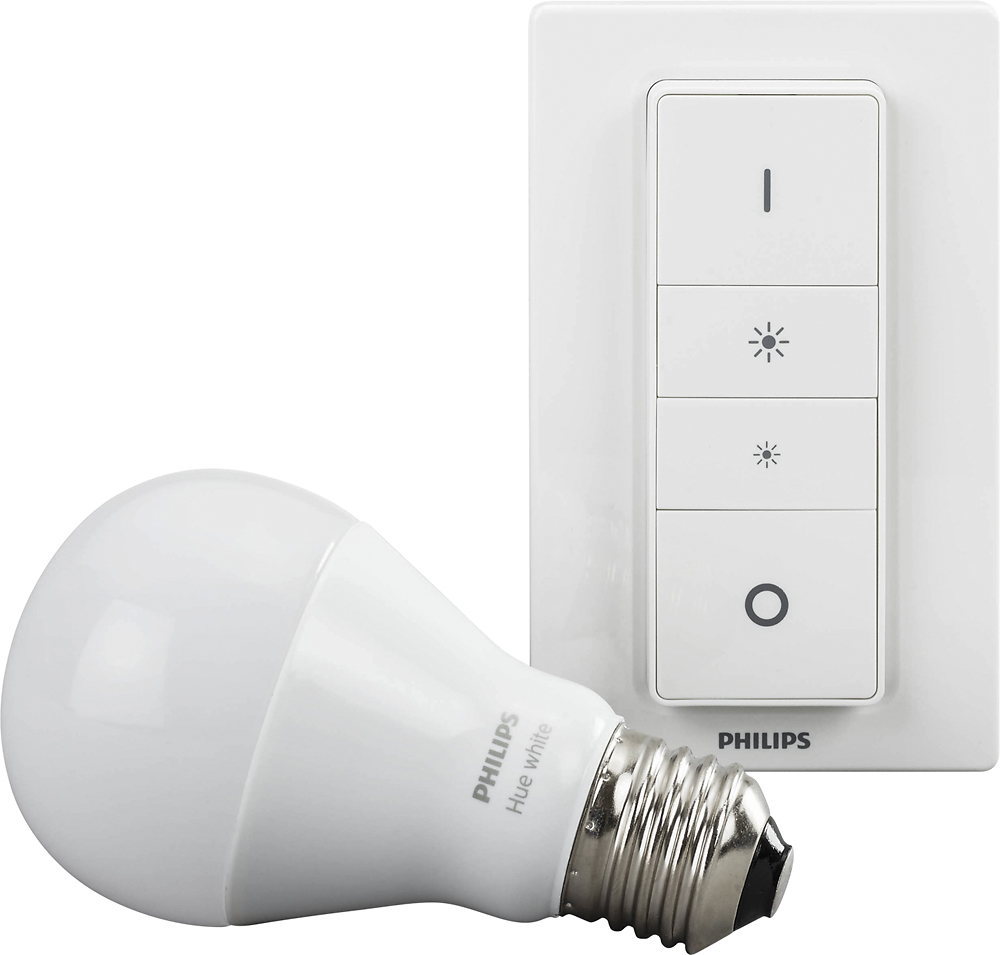
A:AnswerYou can pair remotes! There's a short video demonstrating this on the Hue website. If the dimmer came from a set, you need to reset it by using a paperclip or pin to hold down the reset button until the indicator LED flashes green and red. If it's a new remote, pull out the plastic tab in the battery compartment. Then put the remotes nose to nose and hold both on buttons until the indicator light on both remotes turn green, then pair the new remote with the existing bulbs.
A:AnswerThis bulb can simply be inserted into a light and be controlled by the dimmer switch. However, if you do want to set up multiple rooms and lights, you just need to have the Philips Hue Bridge.
A:AnswerNo you cannot replace your existing dimmers with this, but you can keep your existing bulbs and instead get z-wave wall switches like a leviton in combination with a samsung smartthings hub.
Note that the in wall switches basically require the neutral wire. The in wall switches that do not require a neutral wire don't work as well (e.g. incandescent bulbs only, *NO* LED/CFL).
A:AnswerShort answer is no they should not control both. These kits come preprogrammed together. If you wanted to change that though you just need to go into your hue app on your smart phone and reprogram the remotes.
A:AnswerWhat is great about the kit is that the bulb is paired to the switch so it can be used without a hub, but making the bulb work with a smart home speaker will require a Hue bridge (hub).
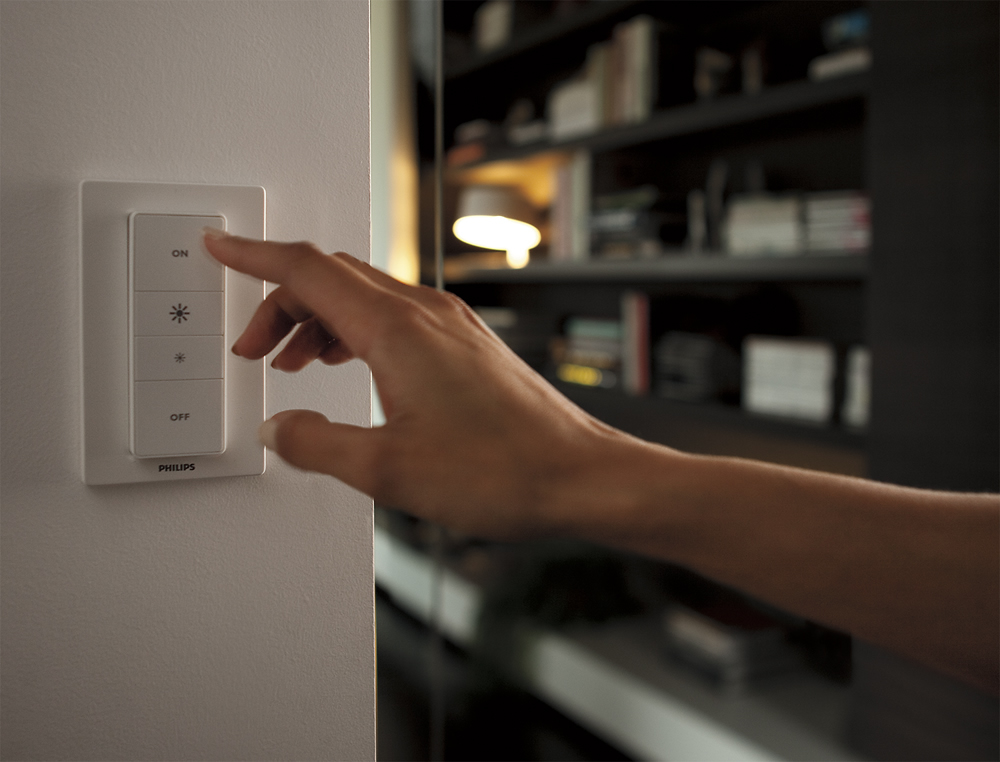
A:AnswerYes. They come 'tied' together, but you can reset the Hue switch with the 'reset' recessed button on the back of the dimmer remote and with the Hue App. Then you can 'assign' the dimmer switch to any light bulb, or set of lights you wish.
A:AnswerYour challenge is to figure out why the bulbs don't connect to the bridge. That's essential for all advanced features. And yes, through the bridge you can use both the remote and Alexa, and Google Home, and Nest, and...
A:Answeri use it to control two color Hue light bulbs. The dimmer switch kit I purchased came with a white bulb, but i use the switch to control two color bulbs.
A:AnswerSure thing! All you need is to purchase the Hue Hub and 2 bulbs. I believe there is a starter kit that has exactly those items in it. You may also want to pick up a switch that will control both bulbs from a single point, although you can use just your smart phone. This would be an excellent solution to your problem!
A:AnswerYes you can control them with the Switch. It would just turn on and off or dim what ever the last color state they where. Now, if you buy the iControl app for your iphone, you can also program colors into the switch!!!