Customer Ratings & Reviews
- Model:
- 10GAI9901
- SKU:
- 10751399
Rating by feature
- Value
Rating 4.7 out of 5 stars
- Quality
Rating 4.7 out of 5 stars
- Ease of Use
Rating 4.6 out of 5 stars

Two-Fifths the Keys, Five-Fifths the Features
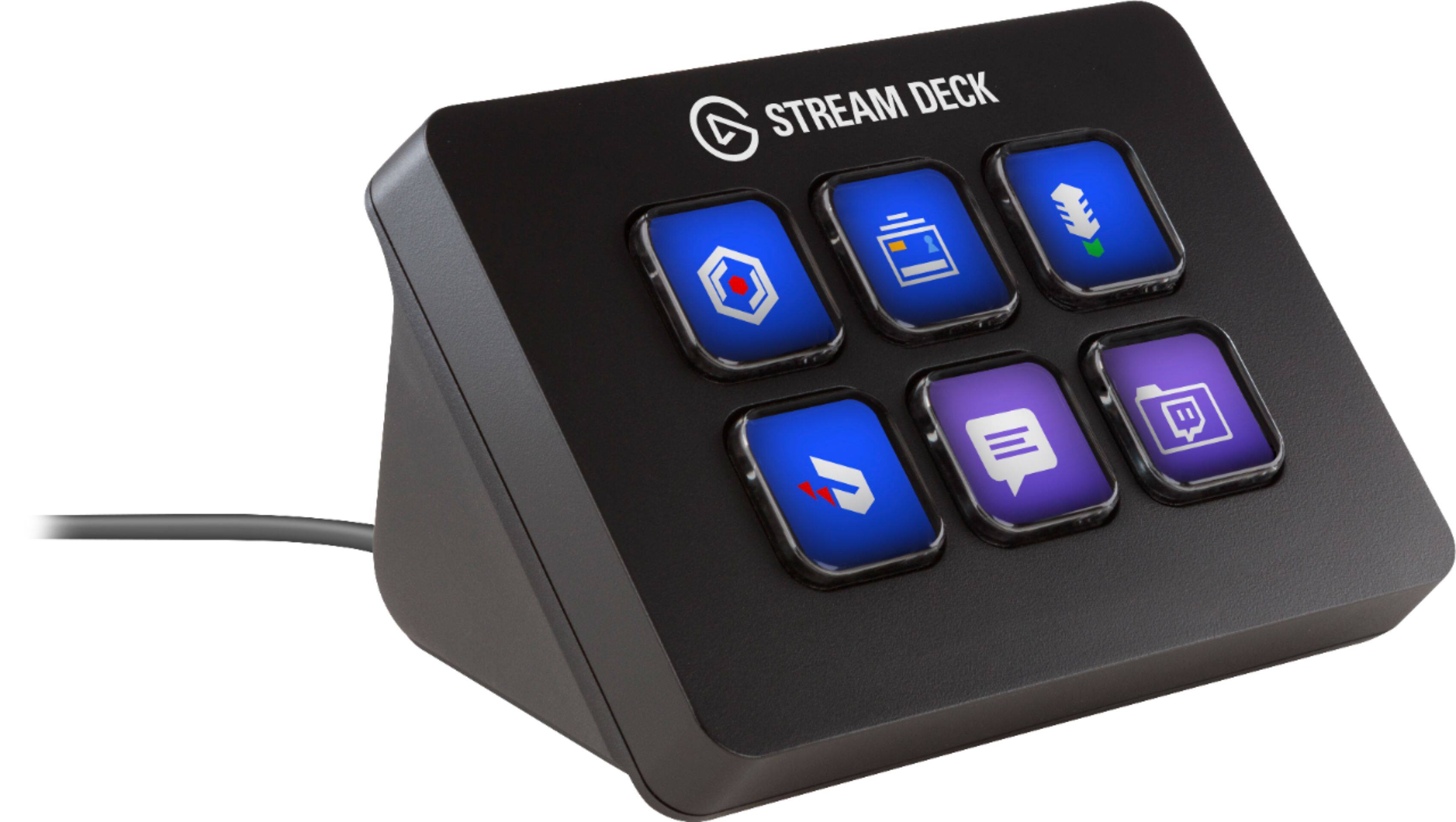
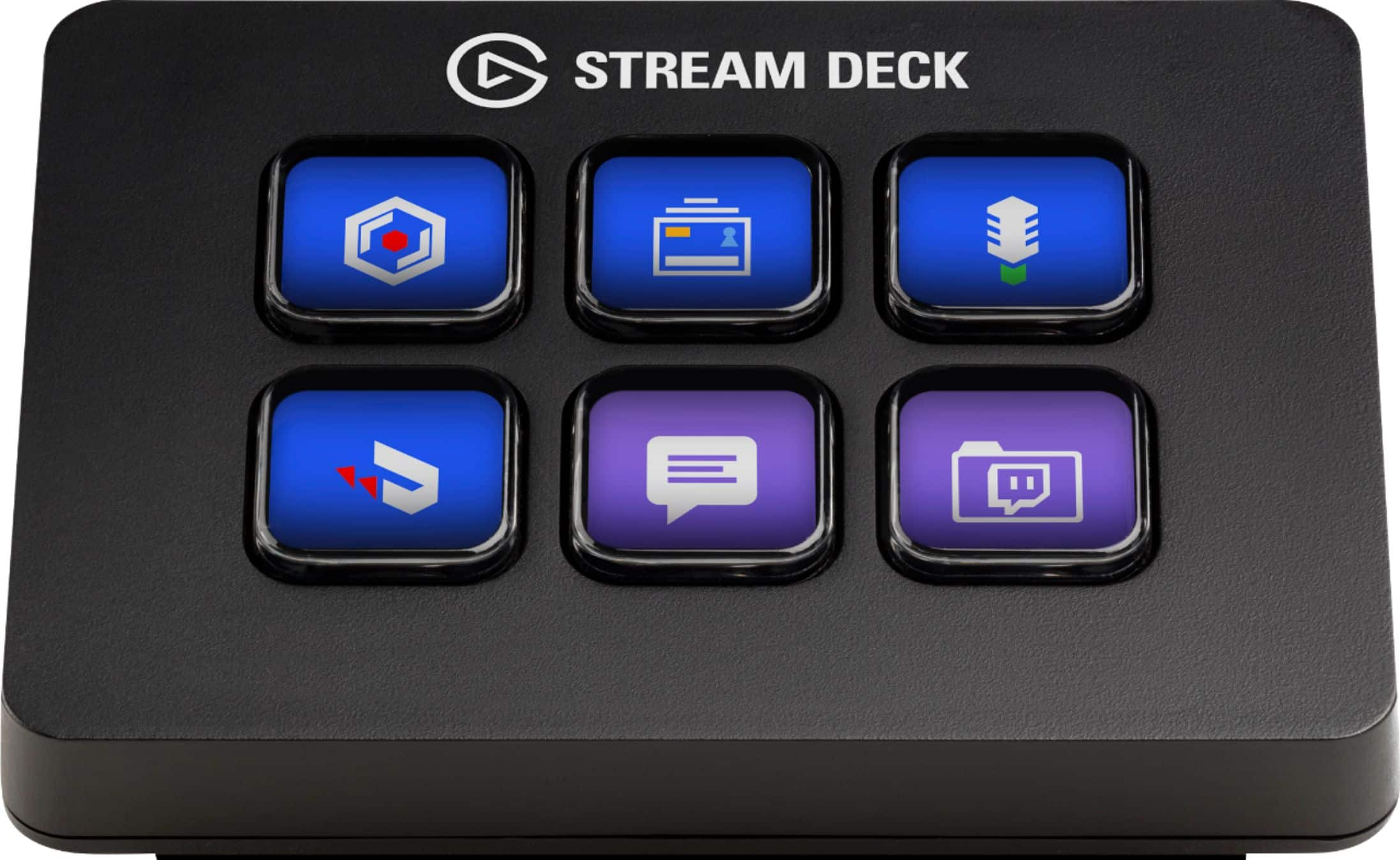
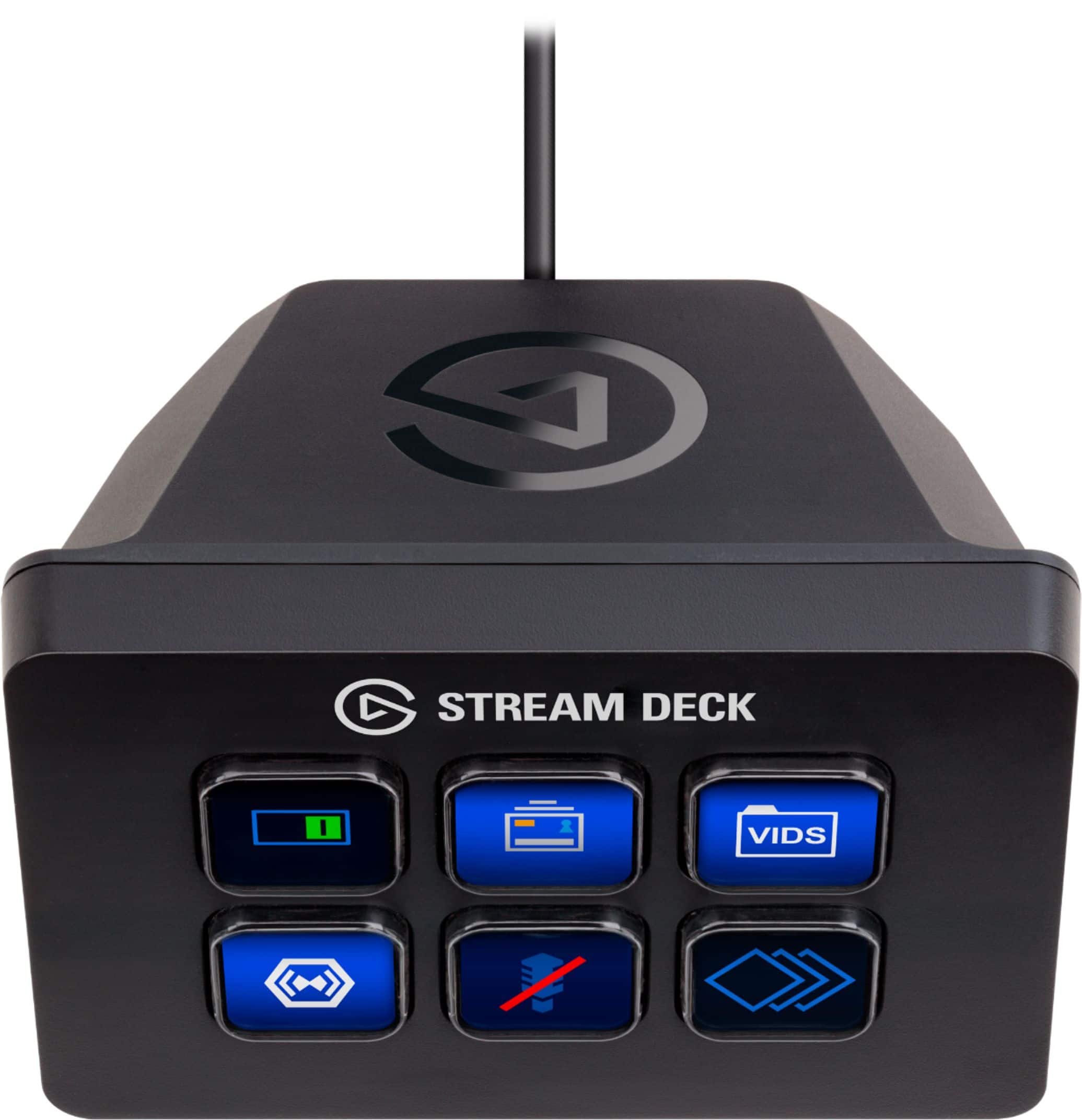
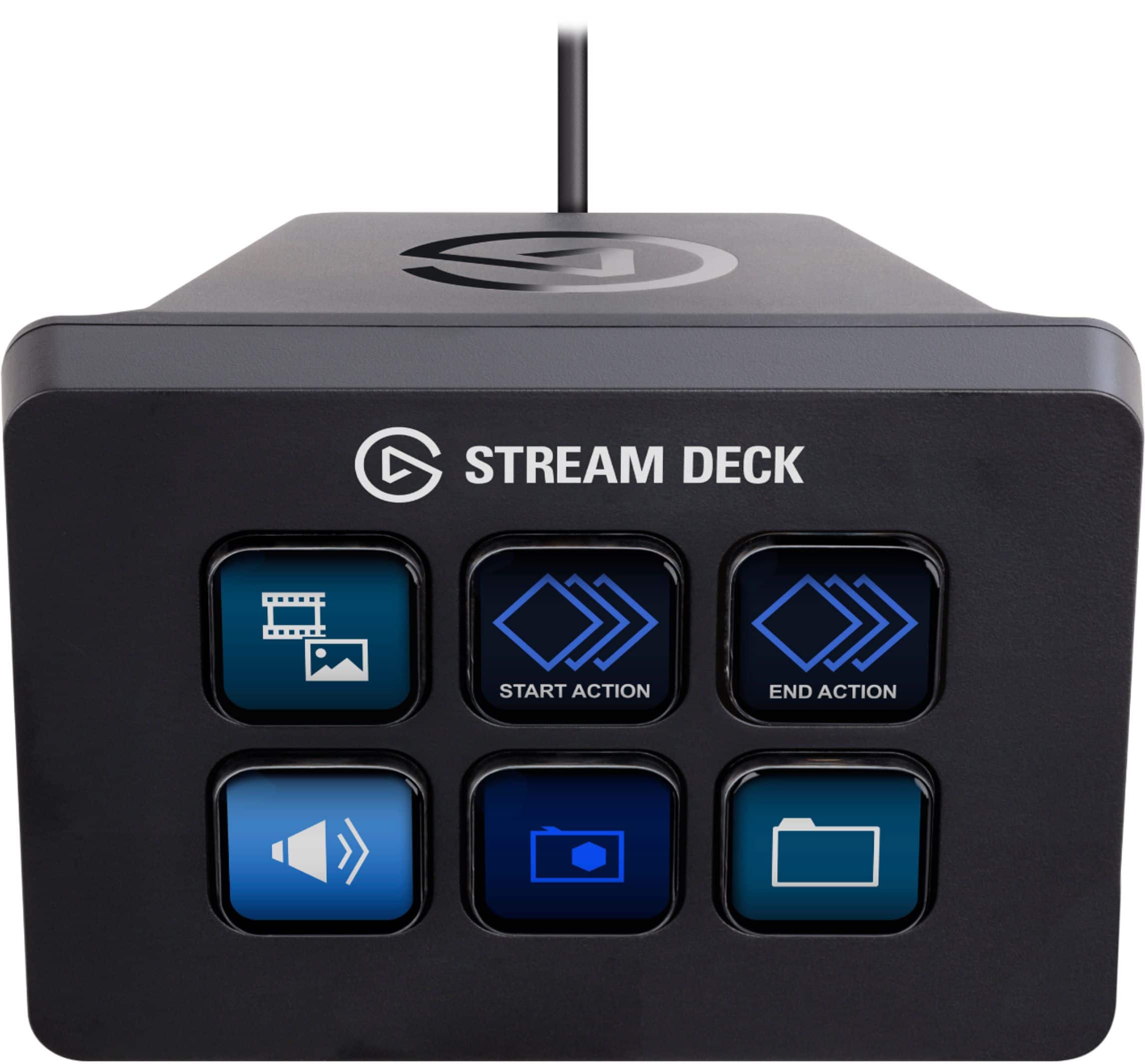
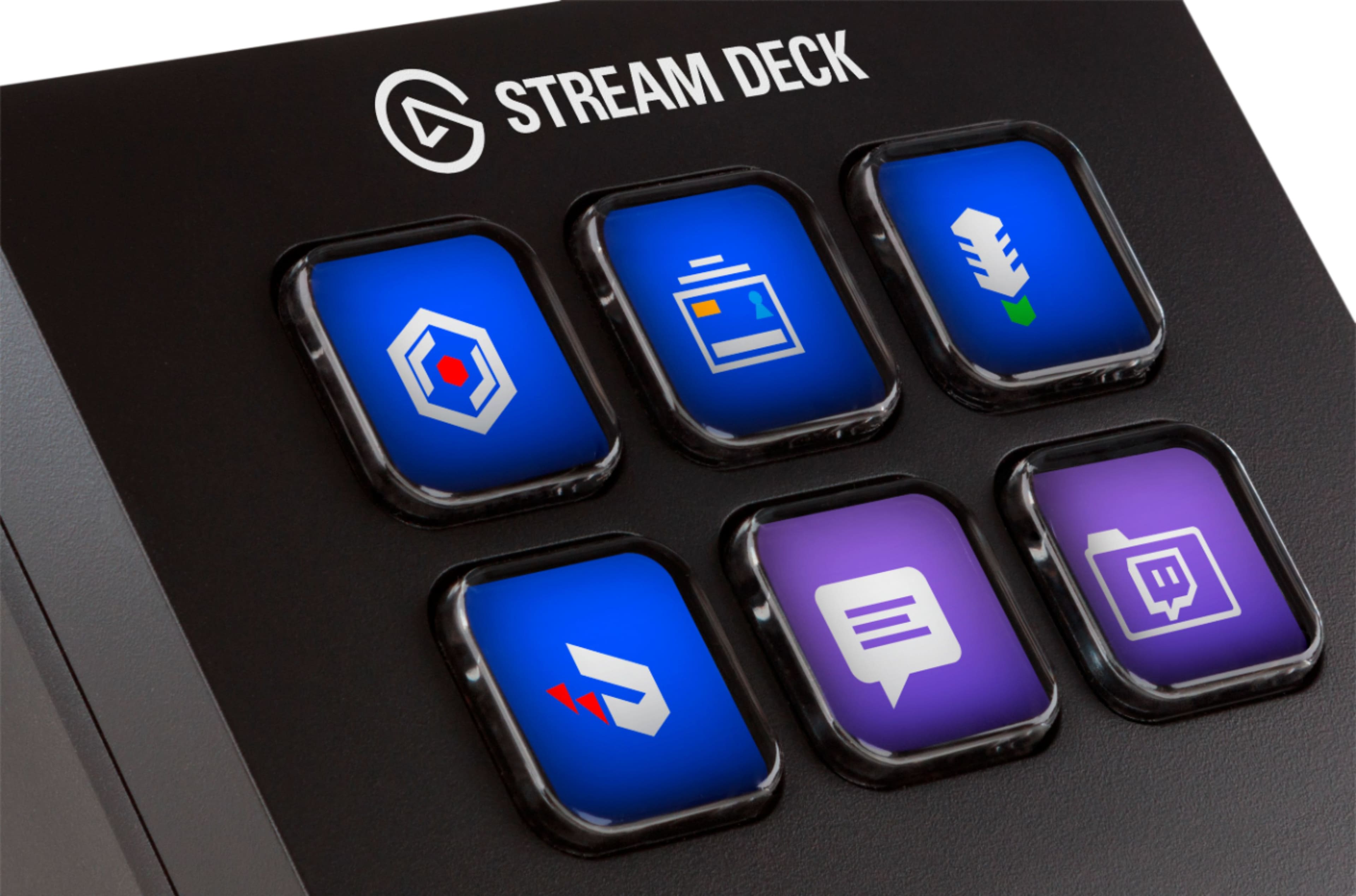
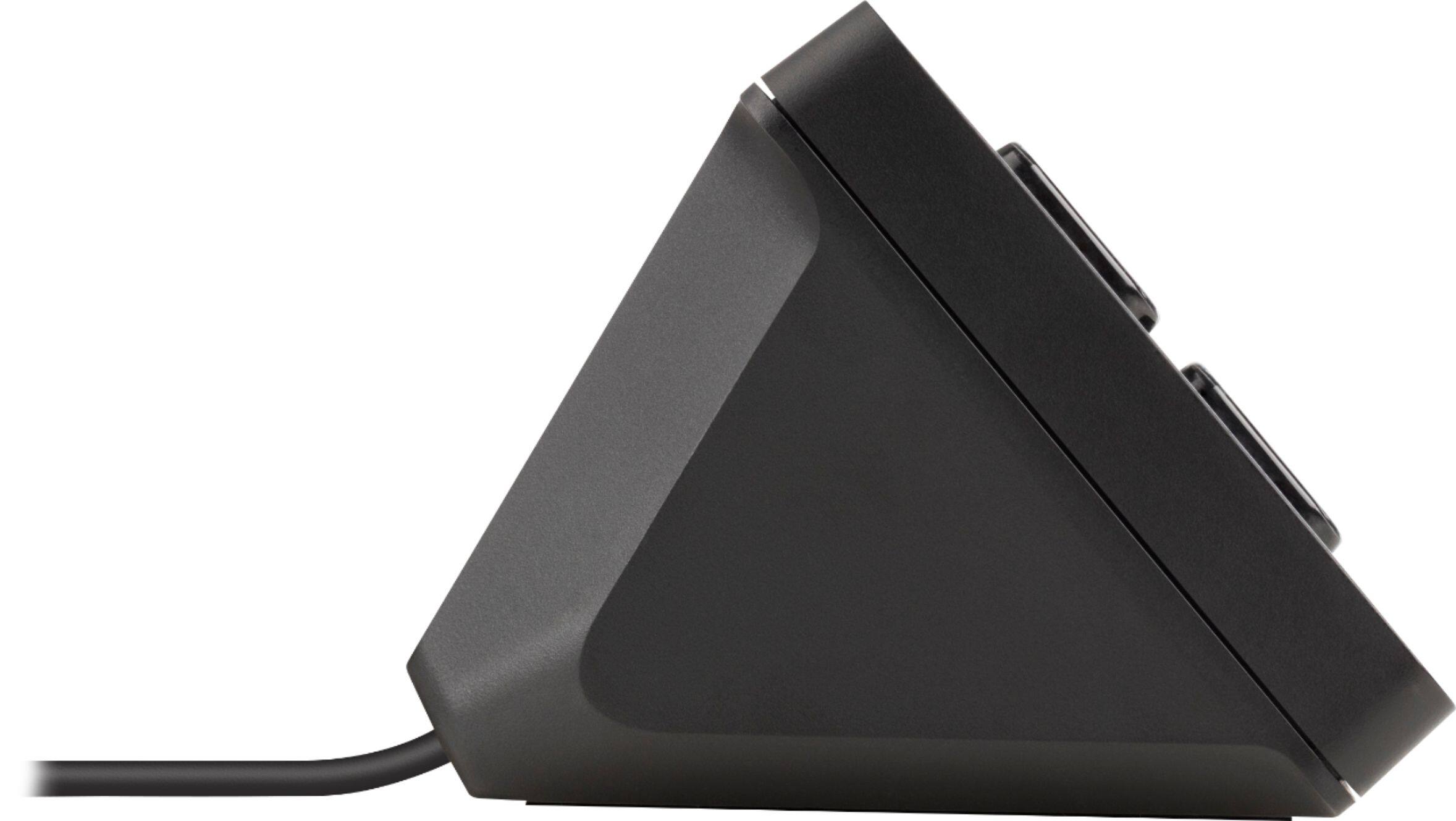
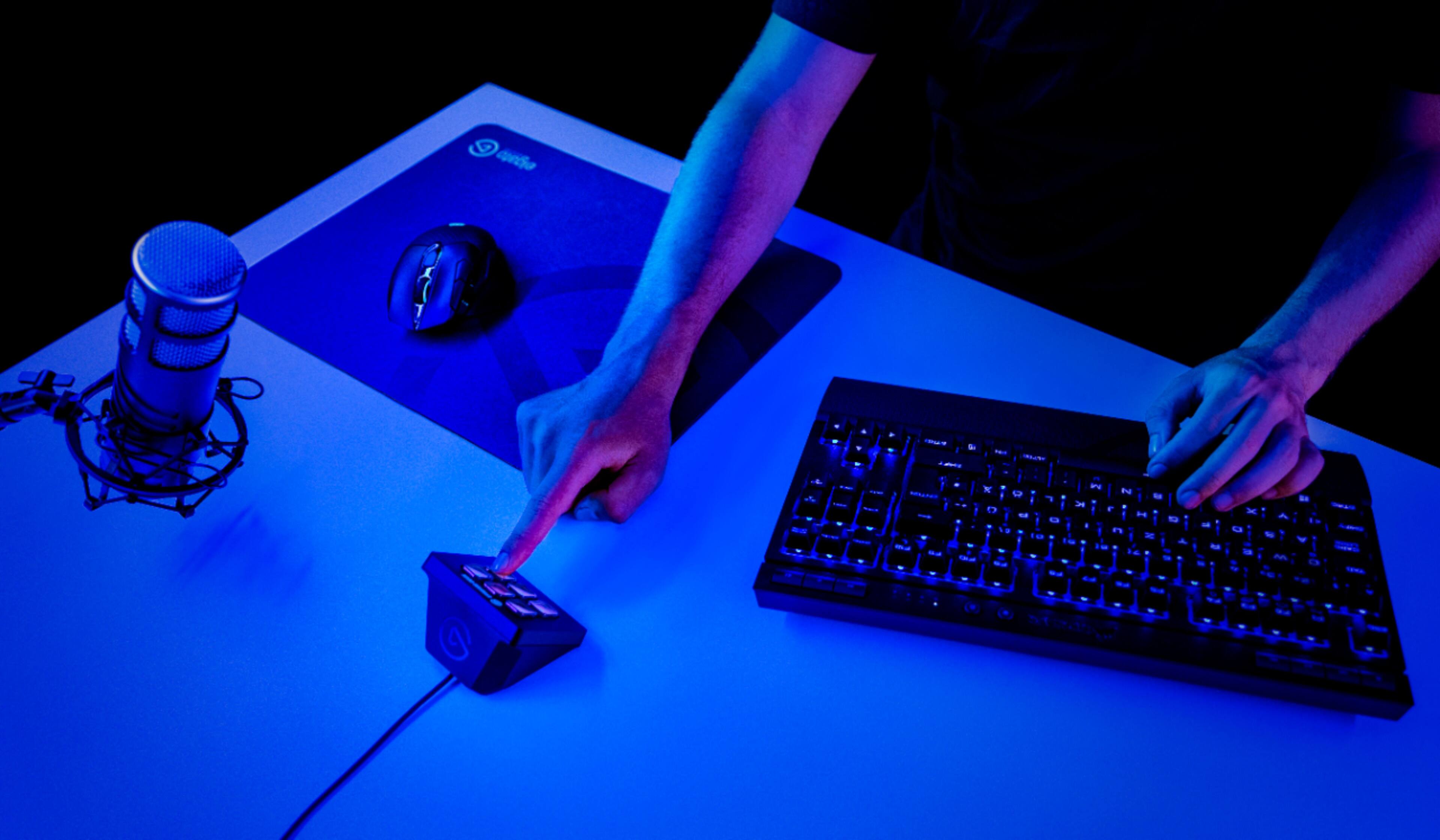
|Posted .This reviewer received promo considerations or sweepstakes entry for writing a review.Video game streaming’s meteoric rise from a handful of live streams spread about the internet to a global phenomenon with prime time spots on ESPN has spawned countless specialty products intended to make streaming more accessible, convenient, and high-quality for amateurs and professionals alike. The popularity of Elgato’s full-size Stream Deck is unmistakable, giving streamers a large slate of versatile shortcuts without sacrificing any valuable keyboard keys. The Stream Deck Mini aims to provide the same experience in a portable form factor, and very little was lost in the transition down to the smaller size, making this a great companion for streamers, content creators, gamers, and pretty much anyone who could use an extra set of highly customizable function keys. - Setup and Software My first impressions were quite positive. The Stream Deck Mini was smaller than I had anticipated, but the unit feels solidly built, decently weighted, and has a rubberized anti-skid base that keeps it firmly in place on most surfaces. Setup was very easy as the quickstart guide not only shows where to download the Stream Deck software, but walks through basic configuration, key customization, and profile management within the software itself. It’s a small touch but one that’s very welcome, as there was no guesswork needed to get up and running. The Stream Deck Mini uses the same software suite as its larger brethren, so existing Stream Deck users will have no trouble getting the smaller device configured for their needs. Speaking as a first-time user, the Stream Deck software itself is very intuitive. Any key on the Stream Deck Mini can be set to execute a command with a simple click-and-drag approach, and “Multi Action” macros can be programmed for a key as well. Stream Deck has built-in functions for users of Elgato’s Game Capture devices, internal Stream Deck commands (such as wait, switch profile, change brightness), and application hooks for many of the most popular software packages used by streamers, listed below. Of course, there are also plenty of system-level commands available, such as hotkey mapping, multimedia playback, text input, and file open instructions. There’s also a built-in soundboard should you wish to meme-blast your viewers. Supported software packages and social media as of the time of this review are: Mixer, OBS Studio, Streamlabs (and Streamlabs OBS), TipeeeStream, Twitch, Twitter, XSplit, and YouTube. I would have liked to see more integration with chat apps that streamers commonly use, such as Discord, but the software is in constant development and more apps should be added in the future. See Elgato’s website for more information on supported software. - Customization All of the above features are useful in and of themselves, but would be difficult to remember if the function keys had static labels. The 72x72 pixel screens that lie under each key make the Stream Deck Mini an invaluable tool, as every individual function can have its own image or animated GIF displayed to represent the action(s) the key will perform. Text can also be displayed in lieu of an image, and I found that the screens were crisp and clear enough to read the text at about two feet away, though you’re limited to about 8 to 10 characters per line. The two most important features that allow a smaller Stream Deck to work as well as the full-size device are folders and profiles, both fully integrated into the software package. The folders allow a single key on the Stream Deck Mini to load up five further functions (with the top left key being reserved for a “Back” button to exit the folder), letting the user group their commands as they see fit. Folders can nest several layers deep as well, letting creative streamers have a plethora of commands at their fingertips or letting a content creator have all of their creative suite shortcuts at hand. While one could separate a specific application’s commands into a single folder as I have, the Stream Deck software not only allows for profile switching with the press of a button, but also load specific profiles automatically when a specified application is launched. This function exists in the drivers of many gaming peripherals, and I’m glad to see the same user-centric approach taken by Elgato. - In Use This immense versatility prompted me to use the Stream Deck Mini outside its intended use for a streamer or content creator, and use it as a gaming peripheral. In my case the device became a “button box,” a control panel attached to a driving simulator cockpit for non-operating controls (such as brake bias adjustment, pit speed limiter, etc). Once I set my folders up with hotkey binds and a few multi-action commands for timed inputs, I had a dynamic device that adapted seamlessly from game to game. I did not encounter any noticeable input delay or dropped commands after logging many hours on it, and the keys were all large enough to display a graphic representing each control that was clearly visible from a distance. The Stream Deck Mini helped eliminate the need to reach for a keyboard in the middle of a session, and freed up other buttons on my racing wheel for more useful commands. I did find some limitations to the device after a couple hours. The biggest issue I had is that the key spacing appears closer together than on the full-size Stream Deck, which led to the occasional wrong keypress. I would’ve liked to have seen them spaced a bit further apart. Additionally, as the keys are common “membrane” style switches, they sometimes tend to depress at an angle or in a way where they feel like they could get stuck. Fortunately the keystroke recognition is very light and sensitive so this is a minor complaint all things considered. The only other shortcoming I found is that the Stream Deck software must be running at all times for the device to function. While I understand the reasoning behind that with all the macros that are possible to assign, onboard storage for a single common profile would have been a great feature for those who switch between computers regularly and want to bring their workflows with them without the need to install the software and copy their profiles multiple times. The software also does not currently allow for Stream Deck devices to act as joystick inputs, limiting its functionality for non-streaming purposes, but as this is outside its intended use I cannot count this against the review score. - Bottom Line That the Stream Deck Mini shares all its versatility and customization with the larger device means it does something refreshingly honest: it cuts down both size and price without cutting the functionality. I have barely scratched the surface of how this device could be used to improve work and streaming experiences alike, and it works very well as a supplemental input for games. All told, the niche nature of this product justifies the asking price, and I would suggest this to streamers looking to step up to the next level and optimize their workflow without committing to shelling out for the larger device. Recommended!
I would recommend this to a friendNot just for gamers, but a gamers best friend
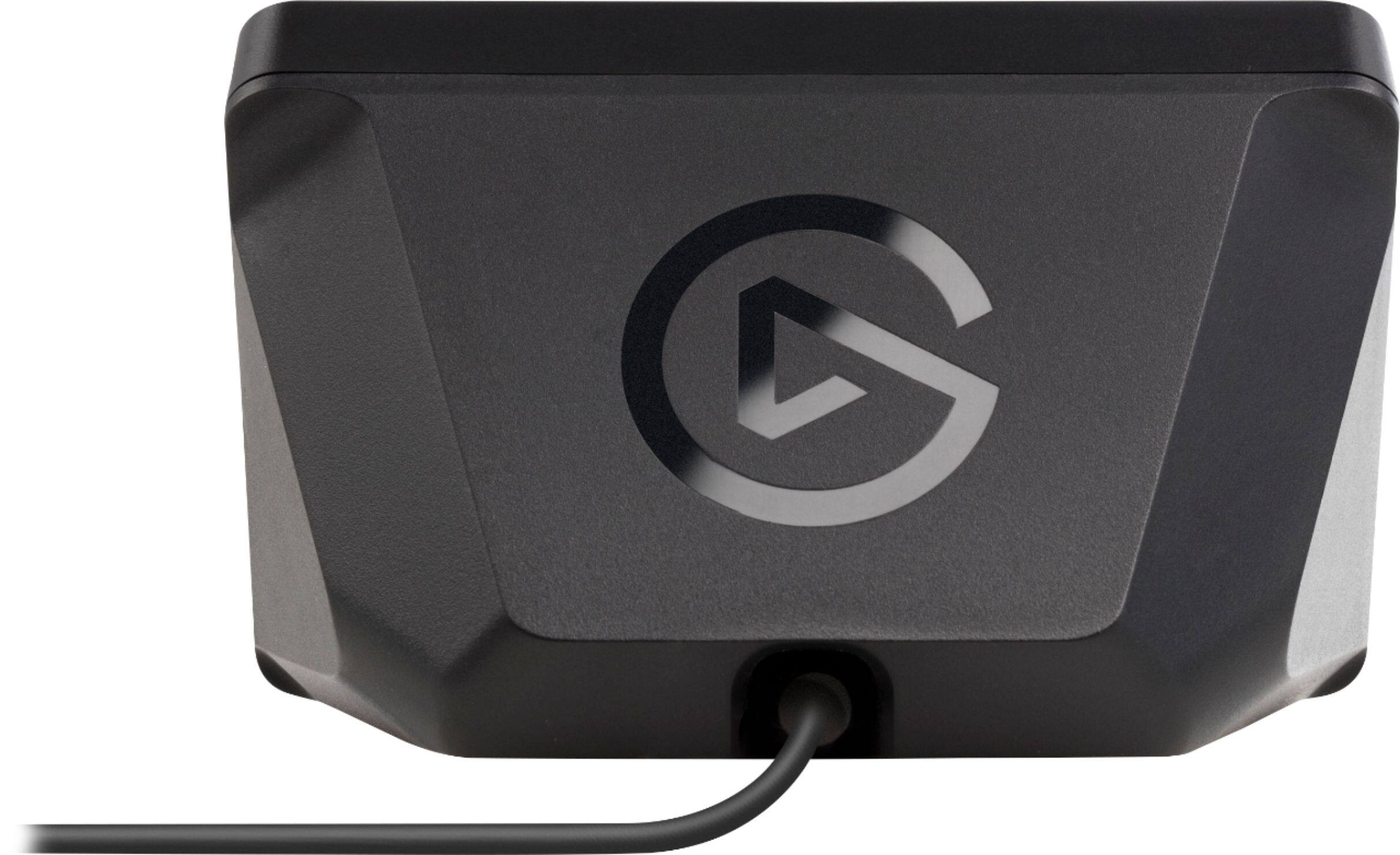
|Posted .This reviewer received promo considerations or sweepstakes entry for writing a review.I’m always trying to find ways to make my workflow more functional. Not too long ago, Elgato introduced the Stream Deck programmable broadcasting tool. It’s a panel of buttons that are completely customizable. The full-size Stream Deck has 15 buttons on it, which was a bit much for my set-up. I like to keep things on the minimal size to conserve desk space. Fortunately for me, Elgato released the Stream Deck Mini recently which is perfect for my set-up. I have a love—hate relationship with the packaging for the Stream Deck Mini. First, it is branded well and you can easily see what the product is supposed to be. There is quite a bit of information includes on the box so many questions will be answered right from the writing on the box. That said, it’s a lot of box for such a little device. The box is about 10 inches tall and the Stream Deck Mini device is only 3.3 x 2.4 x 2.3 inches in size. The only items in the box are the Stream Deck Mini with its attached cable and a quick start guide. Even though I’m not what I would consider an ‘environmentalist’, I do appreciate packing that is minimal and not wasteful. I would love to see Elgato rethink their packaging for this product. Moving on, the Stream Deck Mini is an incredible little device. The first step to its set-up process is to download the Stream Deck app for your operating system. For me, it is for Mac and it appears as a menu bar utility. After you’ve downloaded the app, you can connect the Stream Deck Mini to your computer using the attached USB cable. At this point, you can launch the app and start customizing the buttons. To get started, you simply drag actions from the panel on the right side of the screen to the desired keys on the left. The LCD within the buttons can be programmed in any way you wish. You can choose to create your own icons or configure graphics using Elgato’s web interface. One thing I was a little concerned about was the amount of customization I could achieve with this smaller interface. As it turns out, there are limitless possibilities with the Stream Deck Mini since you can create folders for keys. You can literally nest folders inside folders and have a huge library of commands on the tiny deck of buttons. So far, the Stream Deck Mini has performed flawlessly. I love being able to tap a single button and have these locations open with no other interaction. The only downside is that the programming is tied to the computer it’s connected to. If I move the Stream Deck to a different machine, I will have to reprogram it there. I do wish that the deck had onboard storage to accommodate for saved preferences, but that is really the only issue I have with the device. I absolutely love having the Stream Deck Mini be apart of my work ecosystem. It’s a magical little device that makes my life a lot easier. I’m looking forward to using it more and more as time goes on and can’t wait to see what it does for my productivity. I can recommend it to anyone looking to make their workflow more concise or for broadcasters who want a simple way to add a switcher to their system. It is well worth the cost in my opinion.
I would recommend this to a friendGreat tool for small production
||Posted .This reviewer received promo considerations or sweepstakes entry for writing a review.I bought this to help with producing shows with OBS,great switching between sides and cameras videos. The thing I like is the ability to switch between desktop app. "Sweet".
I would recommend this to a friendInfinitely Useful
||Posted . Owned for 1 month when reviewed.This reviewer received promo considerations or sweepstakes entry for writing a review.There are so many reviews giving this product a near perfect rating and there's nothing negative I can say about it, so I will likewise give it the same perfect rating. You can do anything you want with this device, it becomes your own personal control center on your computer. If you can think of a button you need, or any input you'd like, or a series of them... it's all available with this unit. It would be great just with the software and buttons, but then you can add custom images (icons, GIFs, etc.) to each button because each one is an independent display. Years ago I came across a keyboard that had a similar technology as this (some Russian guy made it) but it was around $1500 if I remember correctly, this is much more affordable and for what you get I feel like it's a bargain. If you do any creative work, video editing, streaming, audio... anything... or maybe you just want some quick hotkeys or a nice looking program launcher... whatever you want, this is can be that for you. I love mine!
I would recommend this to a friendBetter than you might expect
||Posted . Owned for 3 weeks when reviewed.This reviewer received promo considerations or sweepstakes entry for writing a review.First the negatives, The device is too light and has no rubber feet so when you press a button, it'll likely skid. I put some double sided tape under it and it feels much nicer. There's no button to turn it off/standby mode. I think you can make one of the buttons do this but, given you have only 6 buttons to work with that's costly. I think the non-discounted price of 100 is too much, I got mine for 50 and I'd say that's about right. Okay so, positives: Some may think "Why bother with this, I have keyboard shortcuts that will do the same thing!" Wrong, you can set up each button (which is a little screen) to have it's own image and/or text so you know what your pressing and you can set up a lot of functions you can't with a shortcut thanks to the software. With 1 button press I have it to set OBS to a specific scene, it changes what category & title on twitch, hits stream & record and sends out a tweet. That's one button press. Buttons will also change so you can know that if it's activated or not. Another nice function is you can make your own images on their site or photoshop or whatever. Even animated images. The limited buttons are kind of a negative since you can only do so much but you can set up profiles & a button to change profiles- which act like pages. Or, you can set up folders. One folder I have my software (art, music, obs,etc), another is the type of art I'm going to stream (fanart, original etc) for category then stream and record buttons Buttons can open software, open webpages, change songs, play sounds and so on. The software is easy to use and should be quick for anyone to use. It's not just for streaming so if you think this could be handy for some random bit of software that you'd like to have the options more obvious? Might not hurt. Heck this could even be useful for someone trying to set up simple to use interfacing for someone else who doesn't get technology.
I would recommend this to a friendNot just for streamers!
||Posted .This reviewer received promo considerations or sweepstakes entry for writing a review.First of all, you're not limited to only 6 buttons. Using the included software, you can actually make multiple folders within folders, within....well, you get it. I haven't done any streaming, but I use this for my AV editing, gaming, and just basic use. I'm able to keep my AV programs in one folder, and can access them without having to exit from other programs. I also have other folders for gaming, with a few macros and icons to start Steam, Origin, bring up my Logitech Gaming software, etc (sure, you can do it just from the desktop, much it's not as much fun!). It's perfect for my G19s gaming keyboard, as I can now have my macros labeled and brightly lit! Finally, I have the YouTube, Facebook, and AOL sites set to some of the buttons. I can access them with just a press. The software is easy to use, and gives you full access to what you want. Don't like the picture provided? You can just download a new one and set it to that! You're not limited to just a few settings! It's not exactly essential for everyday use, as I can do everything with it that I could normally do from the desktop, but it's fairly inexpensive and worth every penny.
I would recommend this to a friendNot just for streamers
||Posted .This reviewer received promo considerations or sweepstakes entry for writing a review.This is easily the best device you never knew you needed. Being able to map multiple actions to a single key with a customizable image is useful for so much more than just streaming. Enthusiasts and gamers can set one key overclocking, professionals can monitor stocks and bind monitors with website groups to one key, Mac users can do... whatever It is that they do (i guess make macros to talk about how great apple products are? I just know it works on mac os). Don't worry about only having six keys, as you can create folders, and folders of folders inside of other folders of folders. Folders. If you do anything productivity or gaming based, this is worth your time, and at under 100$, well worth your money.
I would recommend this to a friendExcellent
||Posted . Owned for 7 months when reviewed.This reviewer received promo considerations or sweepstakes entry for writing a review.I love using this to save my recordings through OBS or Shadowplay. I can easily open programs with it or mute my microphone without worrying about remembering hotkeys for each software I use. The customizability with it is fantastic. I don't stream so the mini is a good size for me but if you stream or really like your macros I would recommend getting the larger models. I bought this unit on sale for ~$50 and I would easily have payed ~$80 with how much use I've gotten from it.
I would recommend this to a friendGreat for all around use/productivity
||Posted . Owned for 1 week when reviewed.This reviewer received promo considerations or sweepstakes entry for writing a review.I was able to eliminate all desktop icons with this peripheral. Each button can be customized to fit any need. You can set multiple profiles and assign each for when a specific application is in the foreground (or set a button to be a profile switcher and switch between profiles manually). You can have folders within folders for an infinite amount of buttons. I bought this when it was on sale so the price to quality ratio was great.
I would recommend this to a friendOutstanding
||Posted . Owned for 3 months when reviewed.This reviewer received promo considerations or sweepstakes entry for writing a review.I needed a stream deck and this mini came along, it is perfect for my needs. It is small and compact, you can edit whatever icon you want to display for which ever key. I use this for streaming and photo editing, my only con would be that the usb is not detachable to the unit. Besides that, the software is, I currently use is for regular pc task, OBS, Sony Vegas and much more.
I would recommend this to a friendPerfect fit for my desk
||Posted . Owned for 3 months when reviewed.This reviewer received promo considerations or sweepstakes entry for writing a review.I hate having clutter, but this adds a nice techy feel to my desk. This small little device provides so much benefit, with having multiple layers for each button, there's almost no need for the large streamdeck. I am able to launch apps, control my shadowplay for recording, my hue lighting, and control my music. This was one of my best addons to my PC.
I would recommend this to a friendWorks as expected
||Posted .This reviewer received promo considerations or sweepstakes entry for writing a review.Works as expected. My son has been wanting this for awhile and is happy with the purchase!
I would recommend this to a friendGreat Addition for Streaming Setup
||Posted . Owned for 3 weeks when reviewed.This reviewer received promo considerations or sweepstakes entry for writing a review.Bought this when it was on sale and added it to my gaming setup for streaming. Able to control microphone, screen changes and many other functions. By being able to create a single key to manage multiple keystrokes makes my system more integrated and transitions more smoothly. Great product and customization.
I would recommend this to a friendNot Just For Gaming!
||Posted .This reviewer received promo considerations or sweepstakes entry for writing a review.I stream on Twitch/Mixer... I edit video... I work on music... This peripheral is astounding at helping me speed up all of these tasks. Folders are the biggest reason this is worth every penny. I will say, if you can afford the extra $50, get the full version instead. (At least I think it's only $50...)
I would recommend this to a friendAwesome Product, but opted for the Stream Deck
||Posted .This reviewer received promo considerations or sweepstakes entry for writing a review.This is a great product, love the simplicity! However, I ended up returning it because I went for the standard stream deck with 15 keys instead of the 6 the mini has. I use more commands than probably most, so it had me creating folders in folders in folders to make it work for me.
I would recommend this to a friendAWESOME
||Posted . Owned for 1 month when reviewed.This reviewer received promo considerations or sweepstakes entry for writing a review.wish I had bought 2! this little device is just awesome!! Great addition to a command center for visuals and easy shortcut sto get to where you want and fast! Changing the icons is a bonus! Endless possibilities..
I would recommend this to a friendSmall but mighty!
||Posted . Owned for less than 1 week when reviewed.This reviewer received promo considerations or sweepstakes entry for writing a review.My wife and I purchased this to use during our streams. It was so easy to get started out if the box. Downloaded the software and begin programming it with our custom links. We still have two buttons that we are not using but I have no doubt something will be there soon. The software comes with a firmware update. Do not do it. We did the firmware update on one of ours and it caused it to flicker and the elgato screen would come up. My pc also did not recognize it. We were able to correct this issue by switching stream decks with each other. If you do not have someone to switch with I would suggest deleting the software and re-install. If that does not work contact Corsair/elgato customer service. MrandMrsEvans on Mixer
I would recommend this to a friendEasy setup and easy to use
||Posted . Owned for 7 months when reviewed.This reviewer received promo considerations or sweepstakes entry for writing a review.Was very easy to setup and is easy to use. Even though this is the mini version with only 6 buttons you can use the buttons as folders and have more inside them. Works great.
I would recommend this to a friendWow!
||Posted .This reviewer received promo considerations or sweepstakes entry for writing a review.This thing is fantastic! Fully customizable and makes streaming almost a must have item. I’m in love with this Stream Deck!
I would recommend this to a friendGreat little hub for whatever you need.
||Posted . Owned for 1 month when reviewed.This reviewer received promo considerations or sweepstakes entry for writing a review.I was looking for something to fire off some home automation and this baby was the key. Typically used for streaming this little device can control my hue lights, play sound, play media, and can integrate with IFTTT so it can control my Wemo bulbs too. Amazing device. Easy learning curve. For what I needed it for amazing. Recommend for anyone wanting to macro some commands to it.
I would recommend this to a friend