First Home Essentials
New keys. Fresh start. Make your space feel like home with kitchen helpers, cleaning essentials and tech for staying connected. Whether you’re settling into your first apartment or your first house, start with what you’ll use every day and build from there.
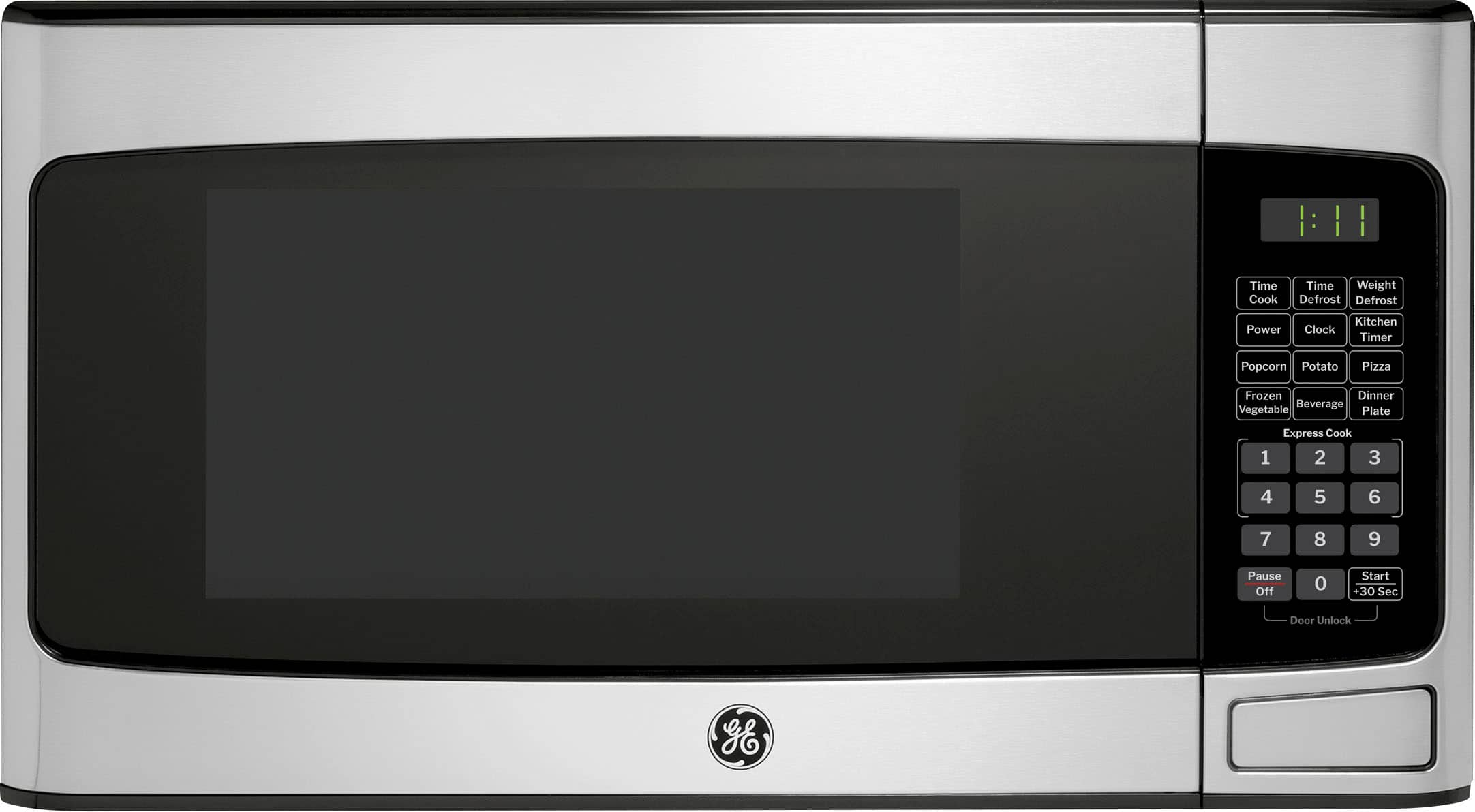
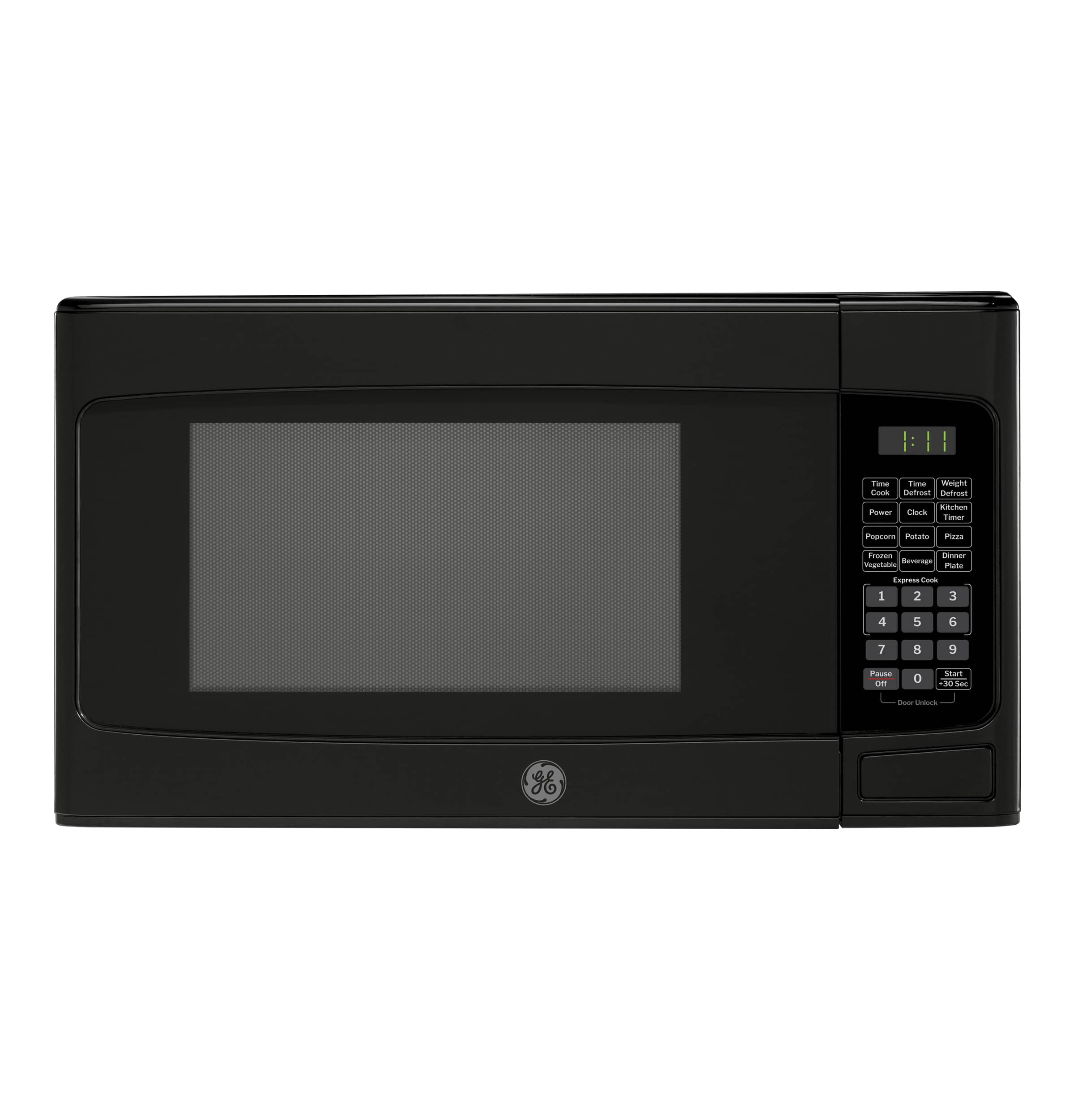
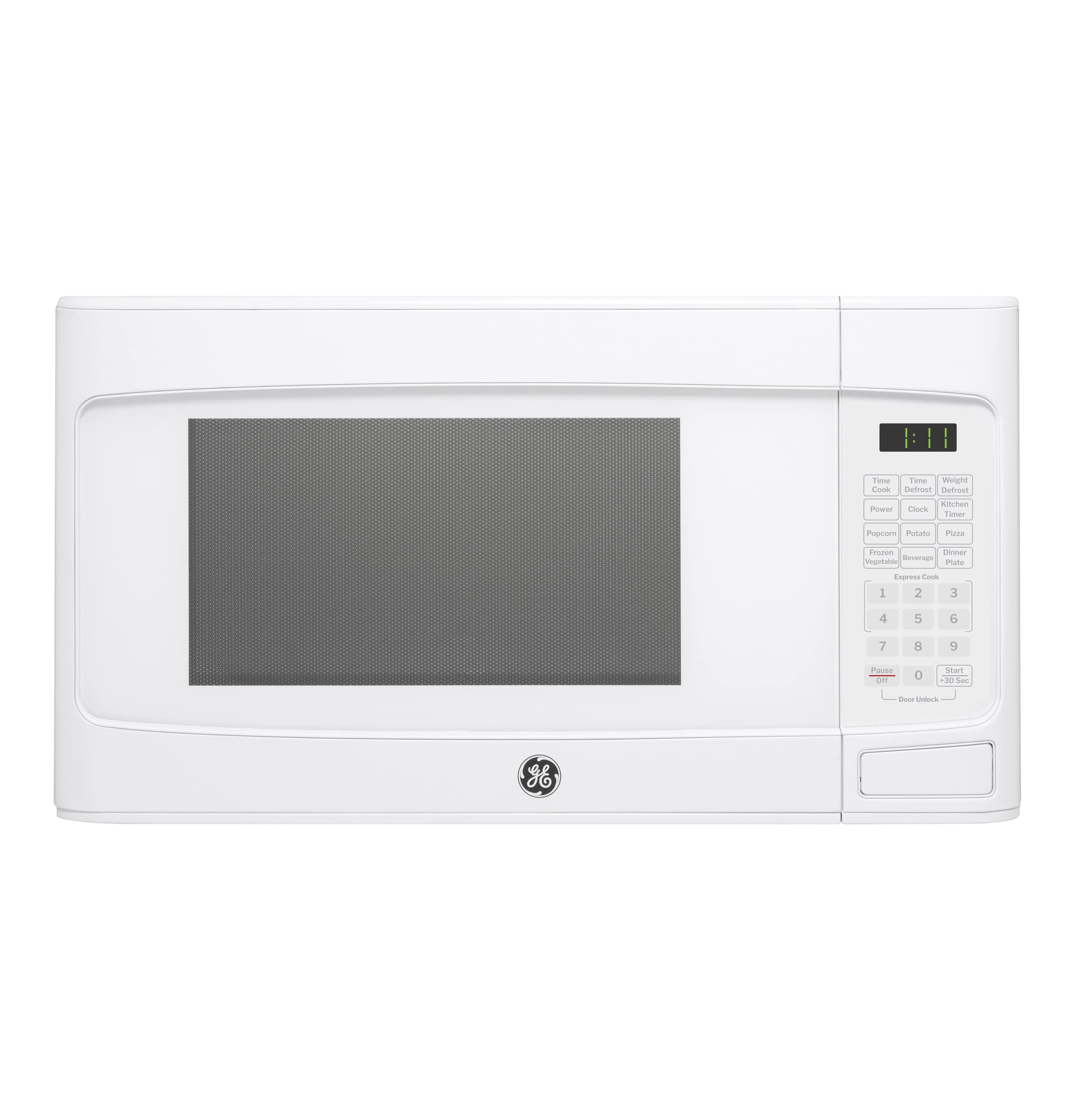
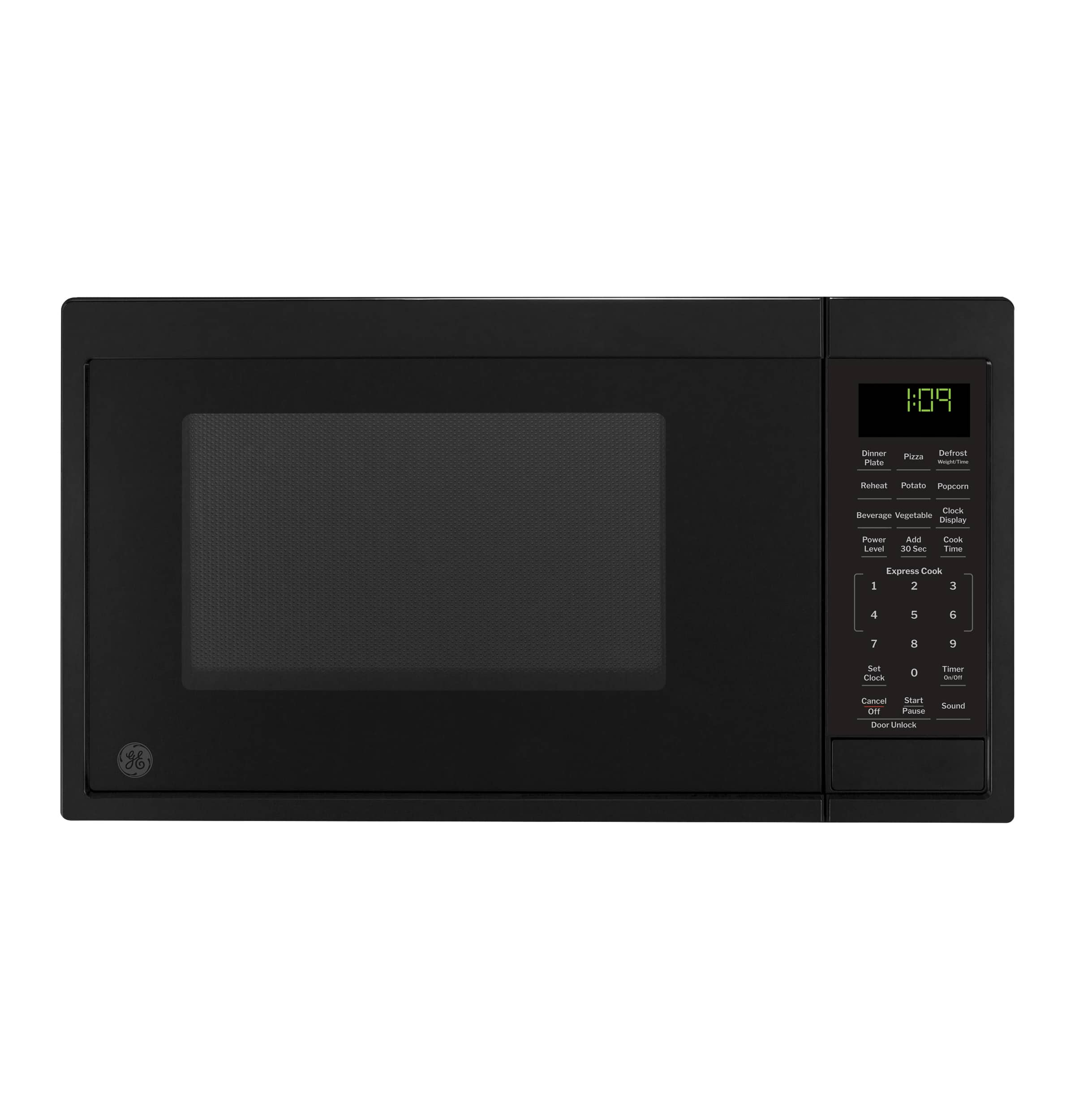
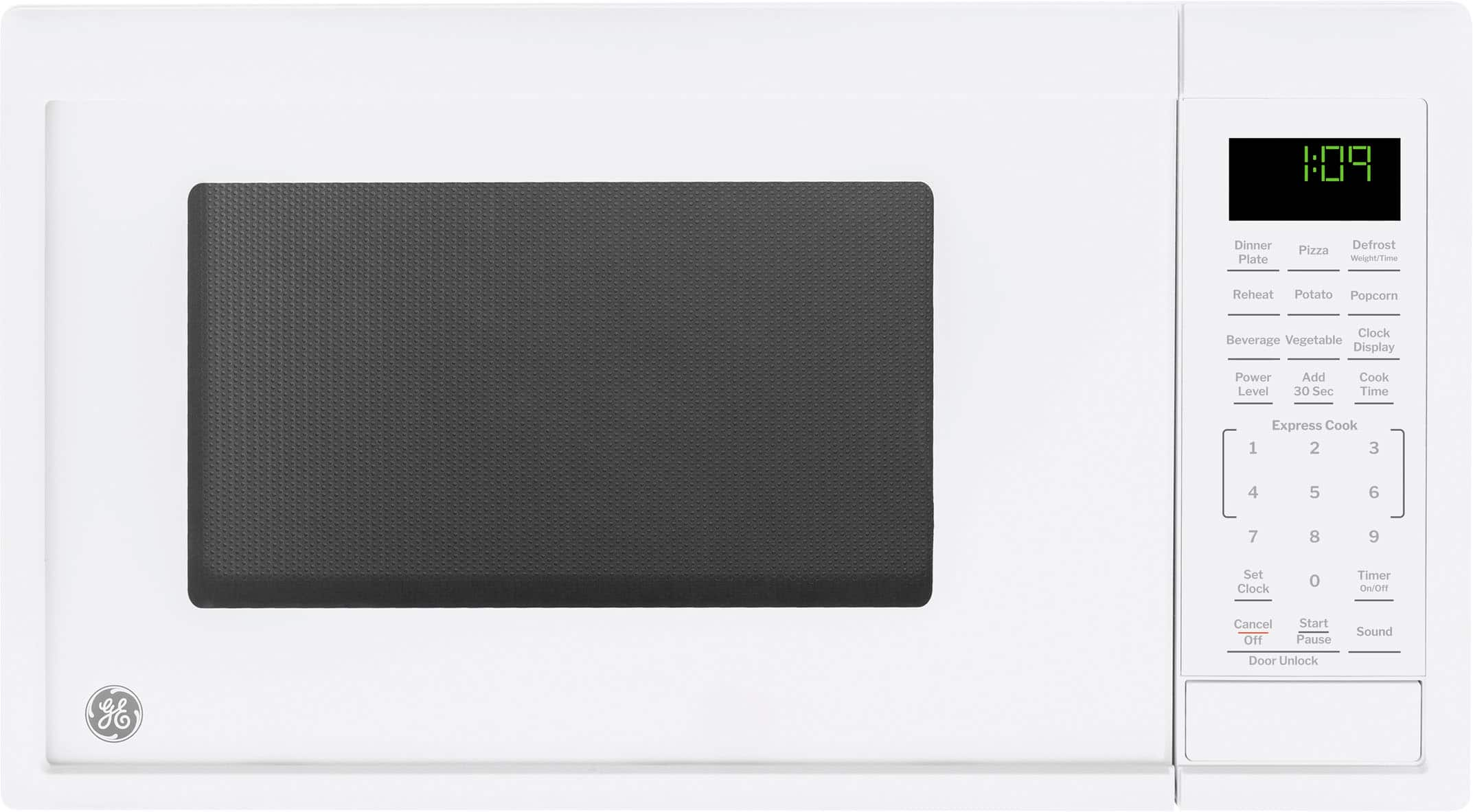
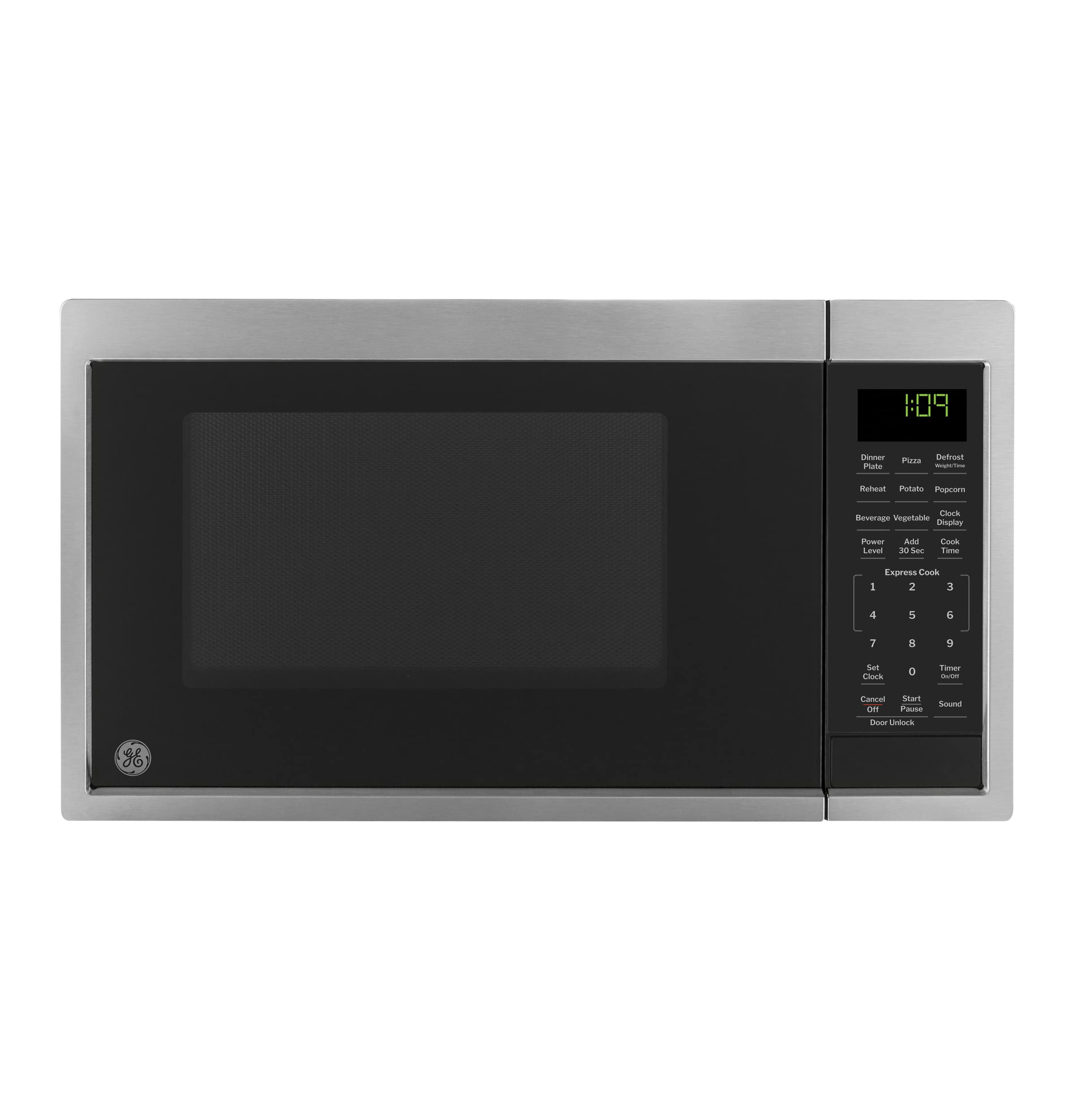
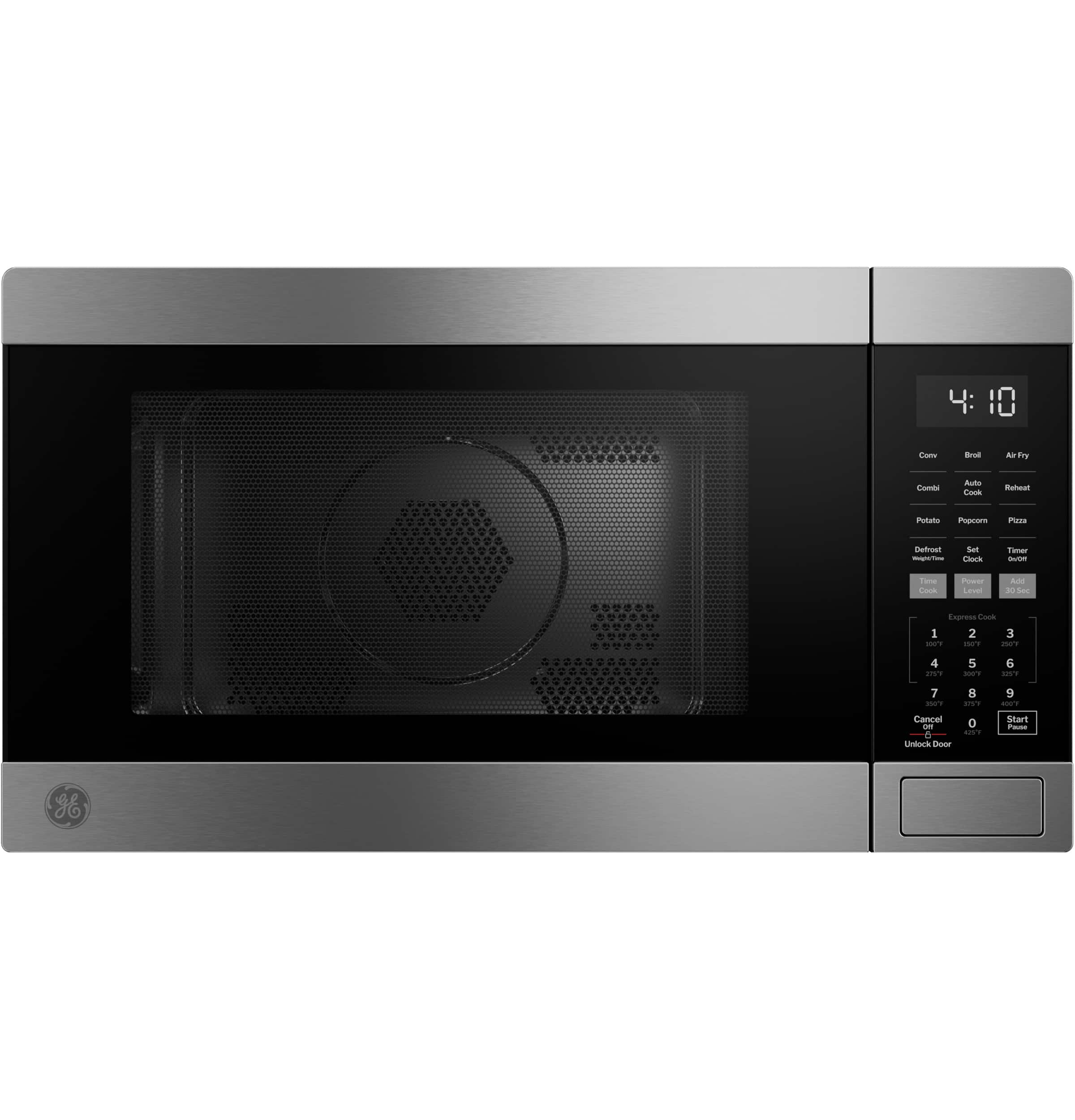
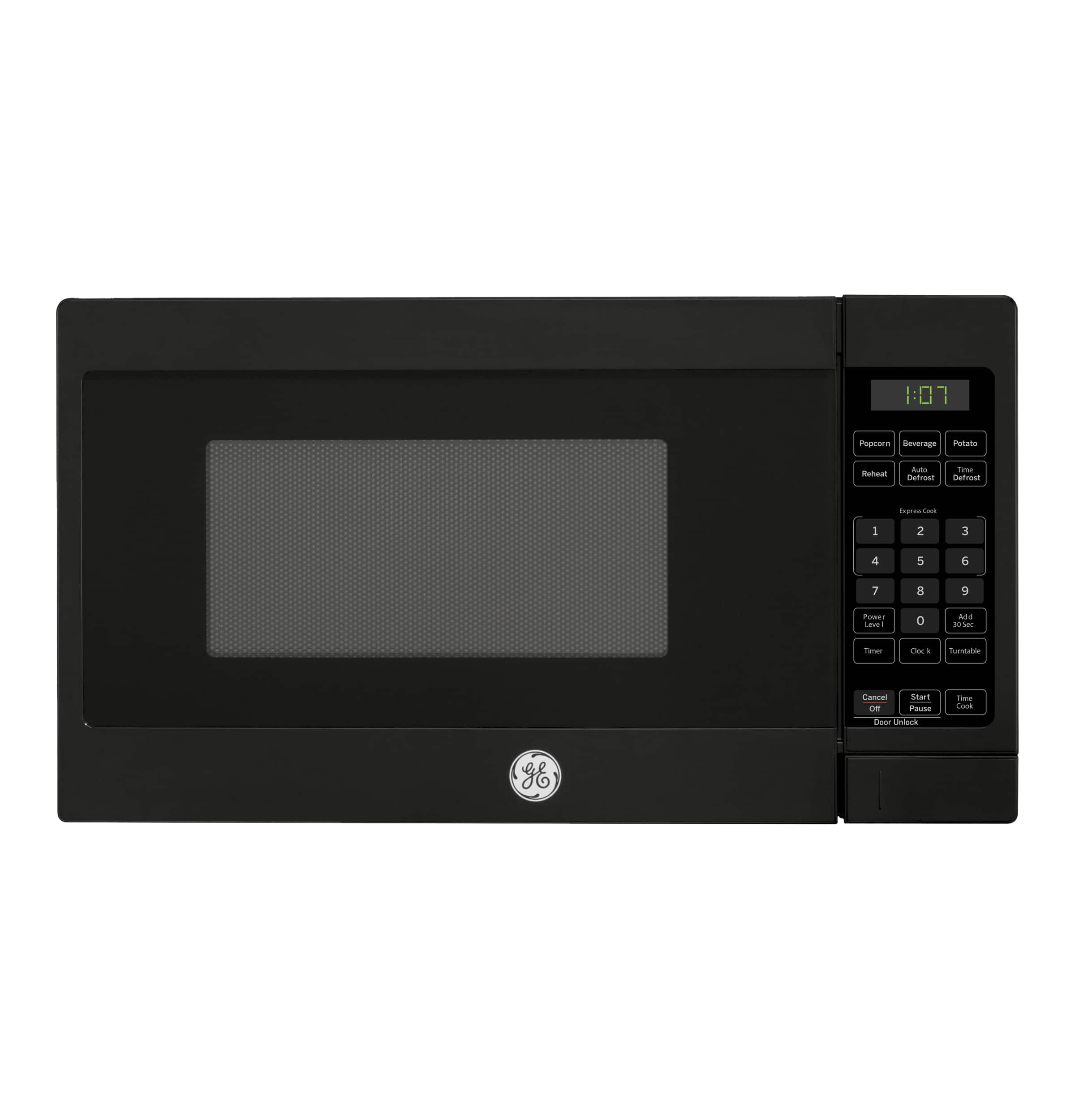
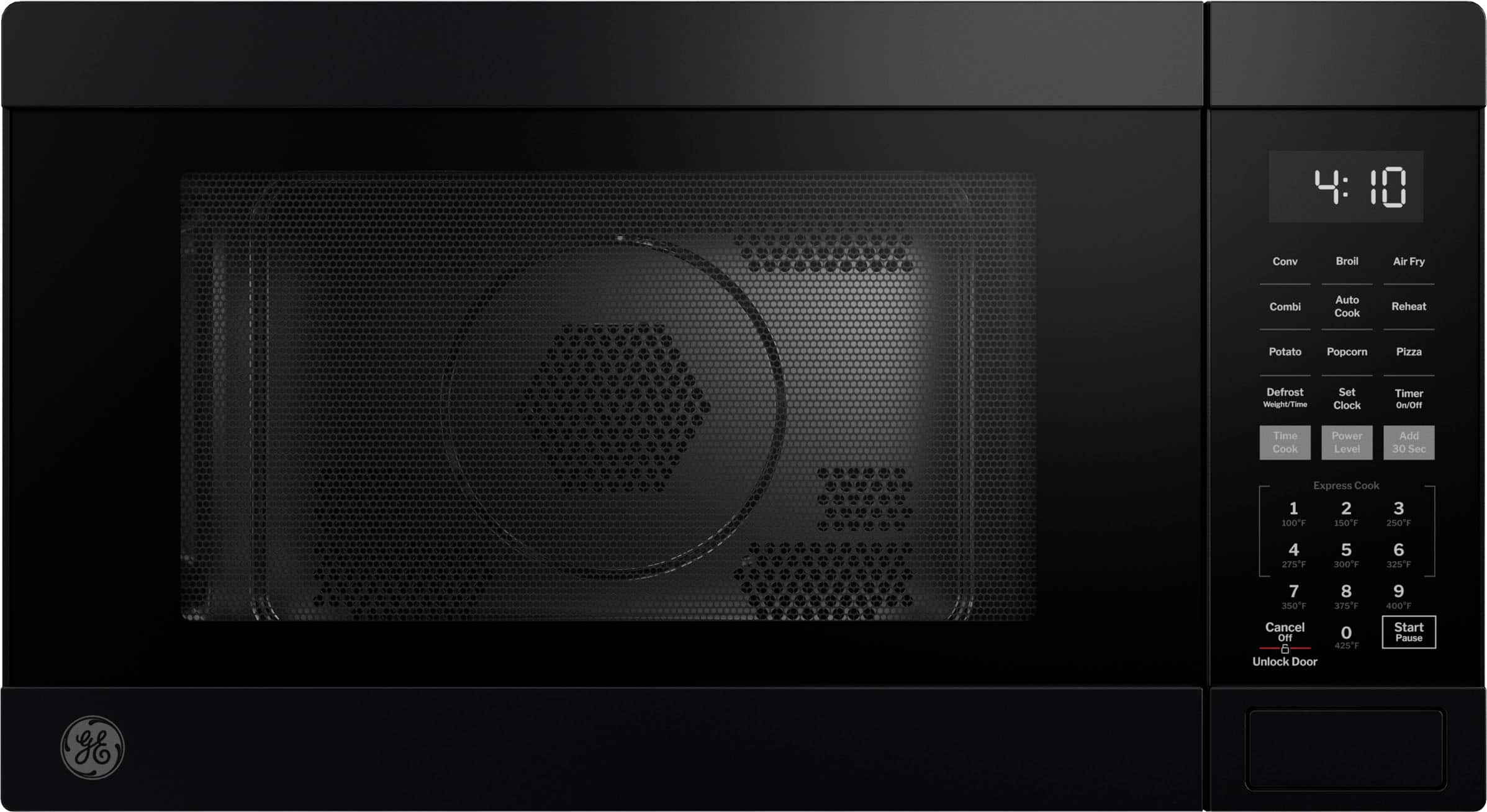
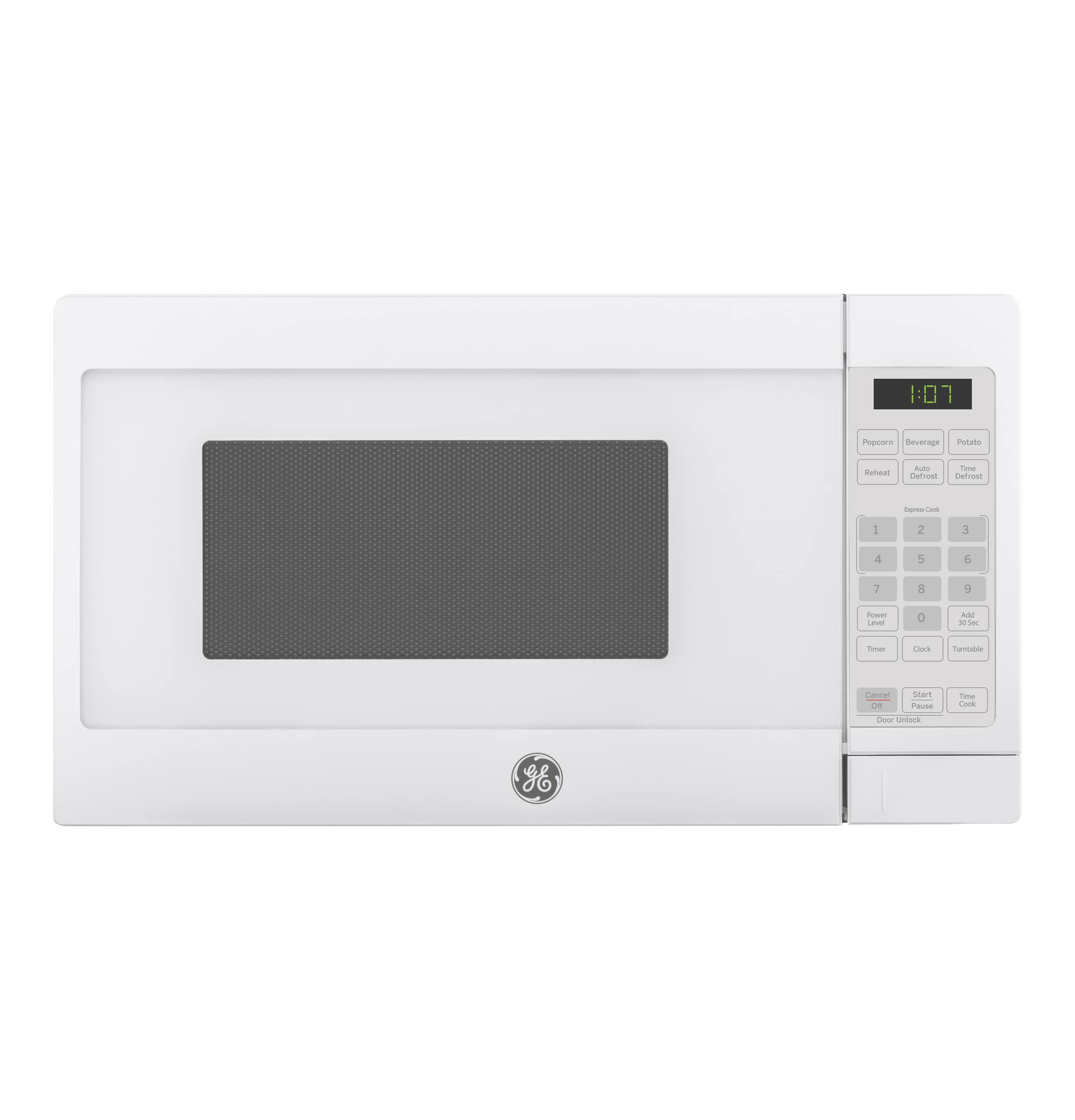
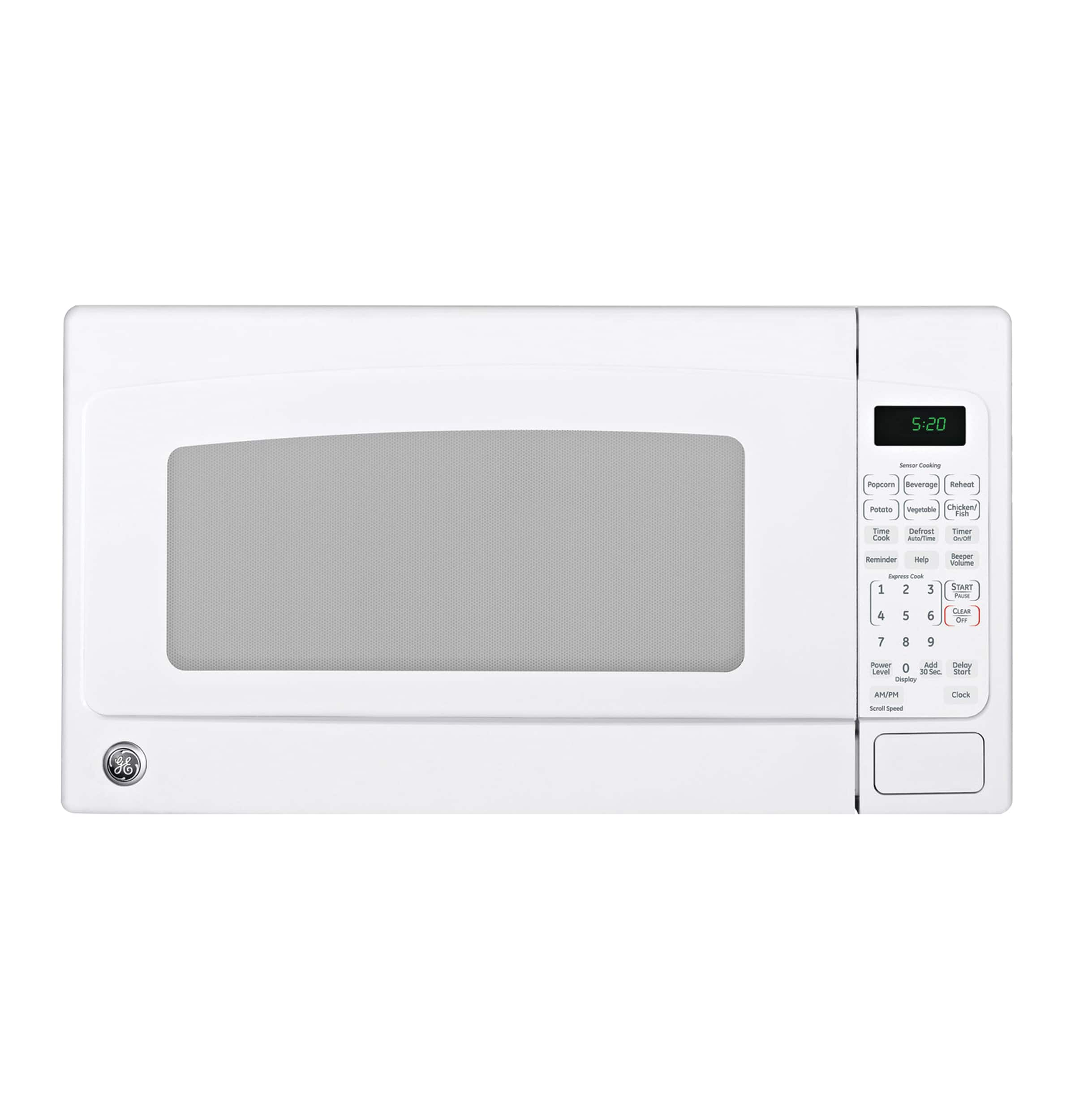
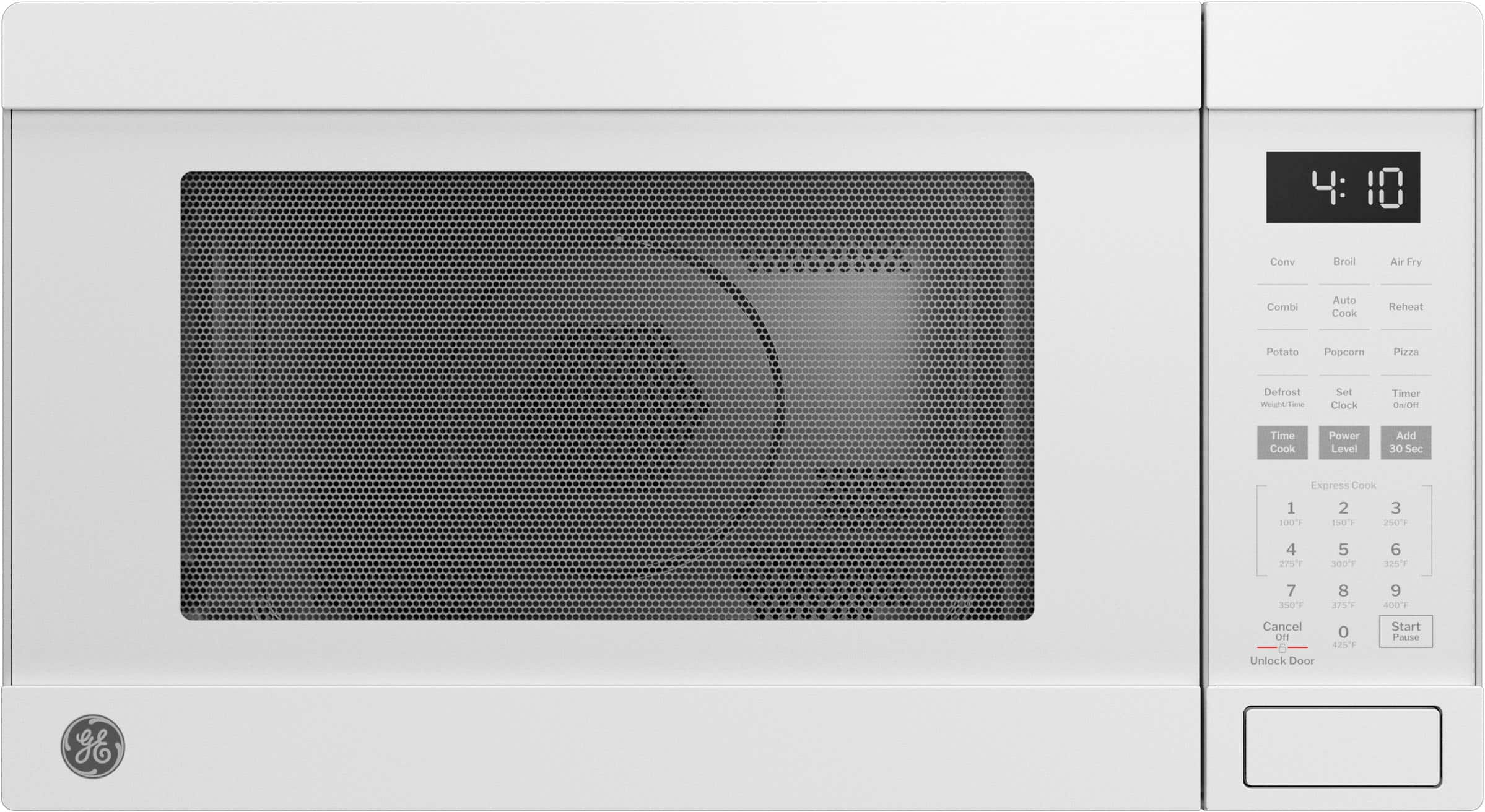
Countertop Microwaves

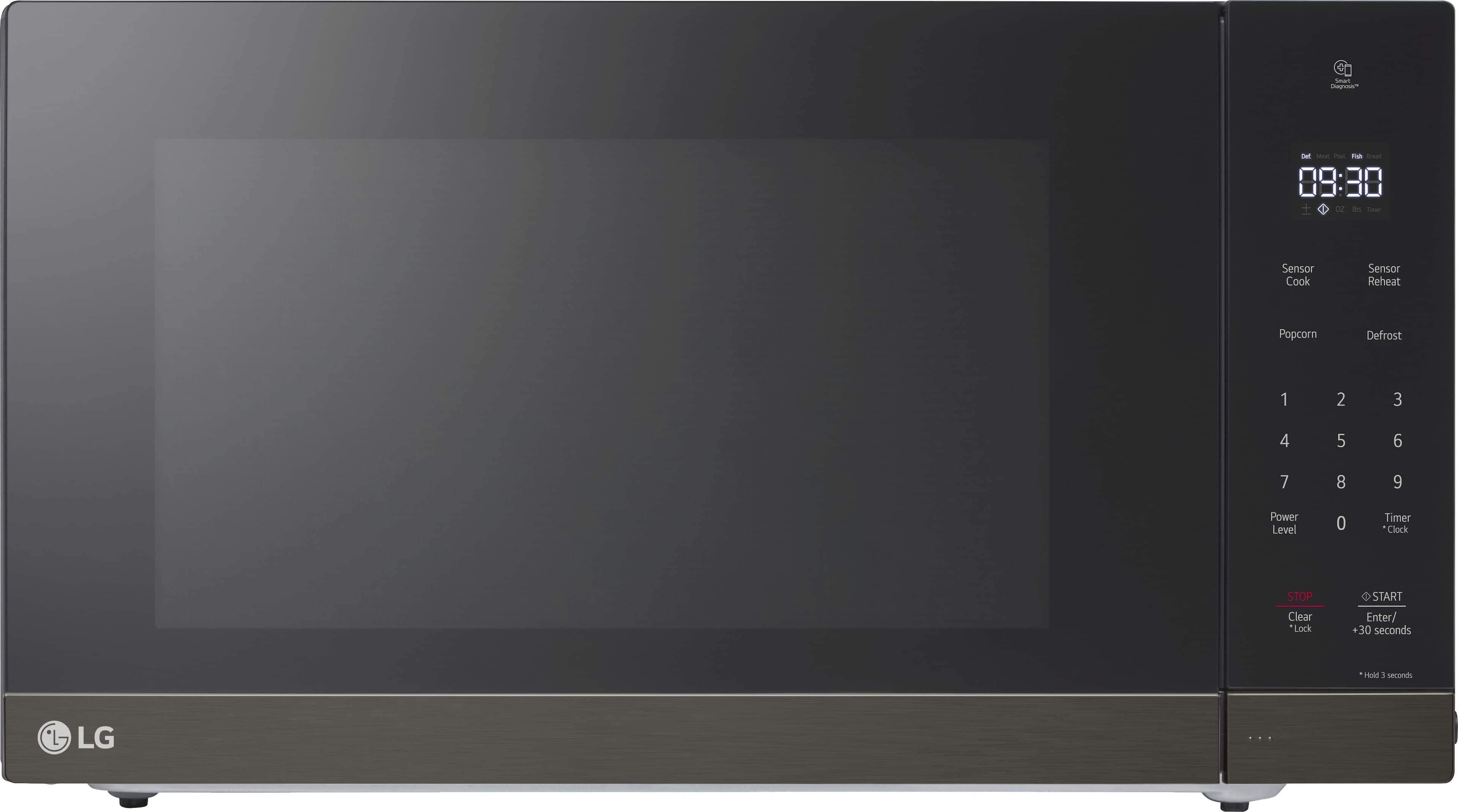
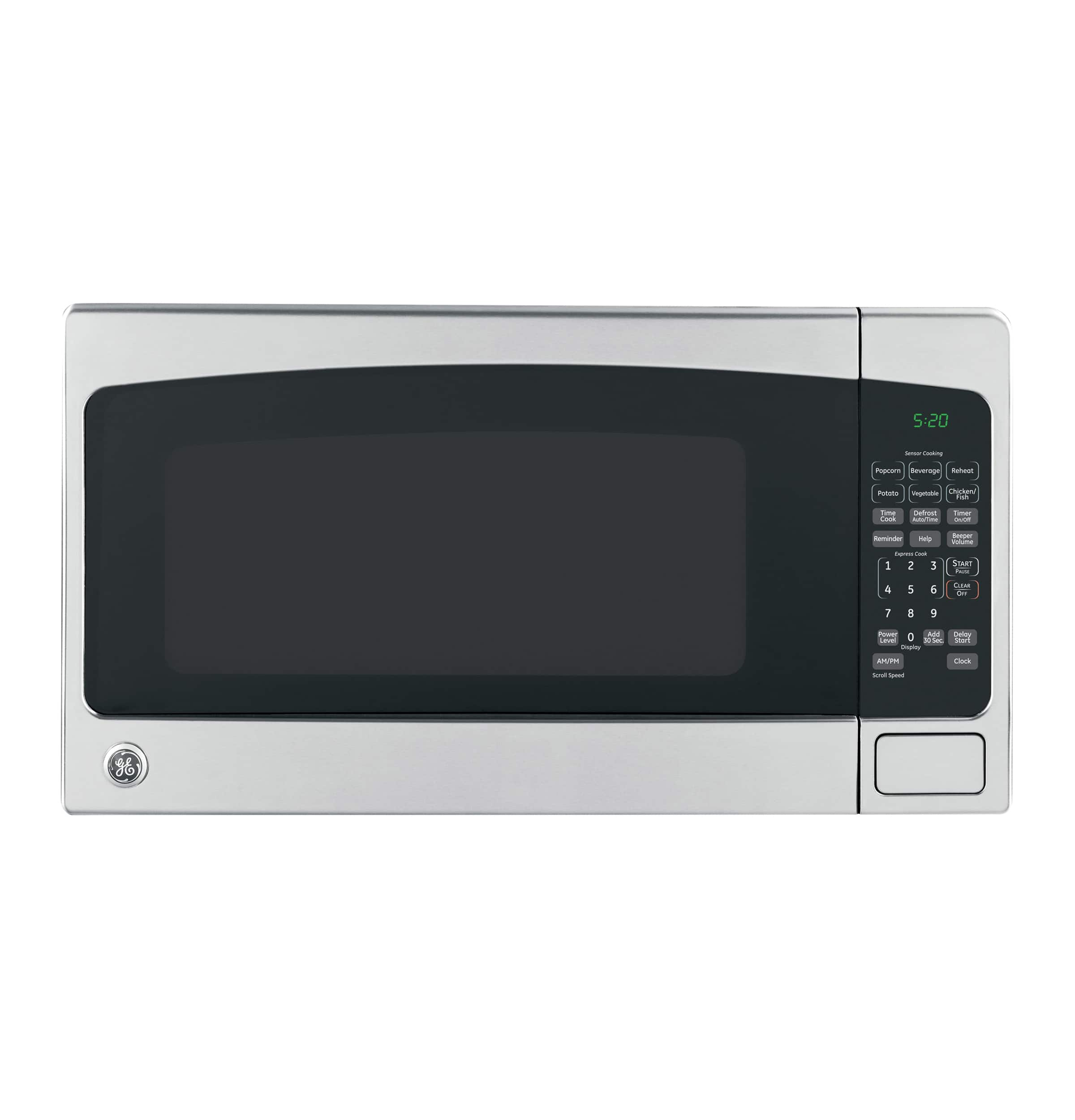
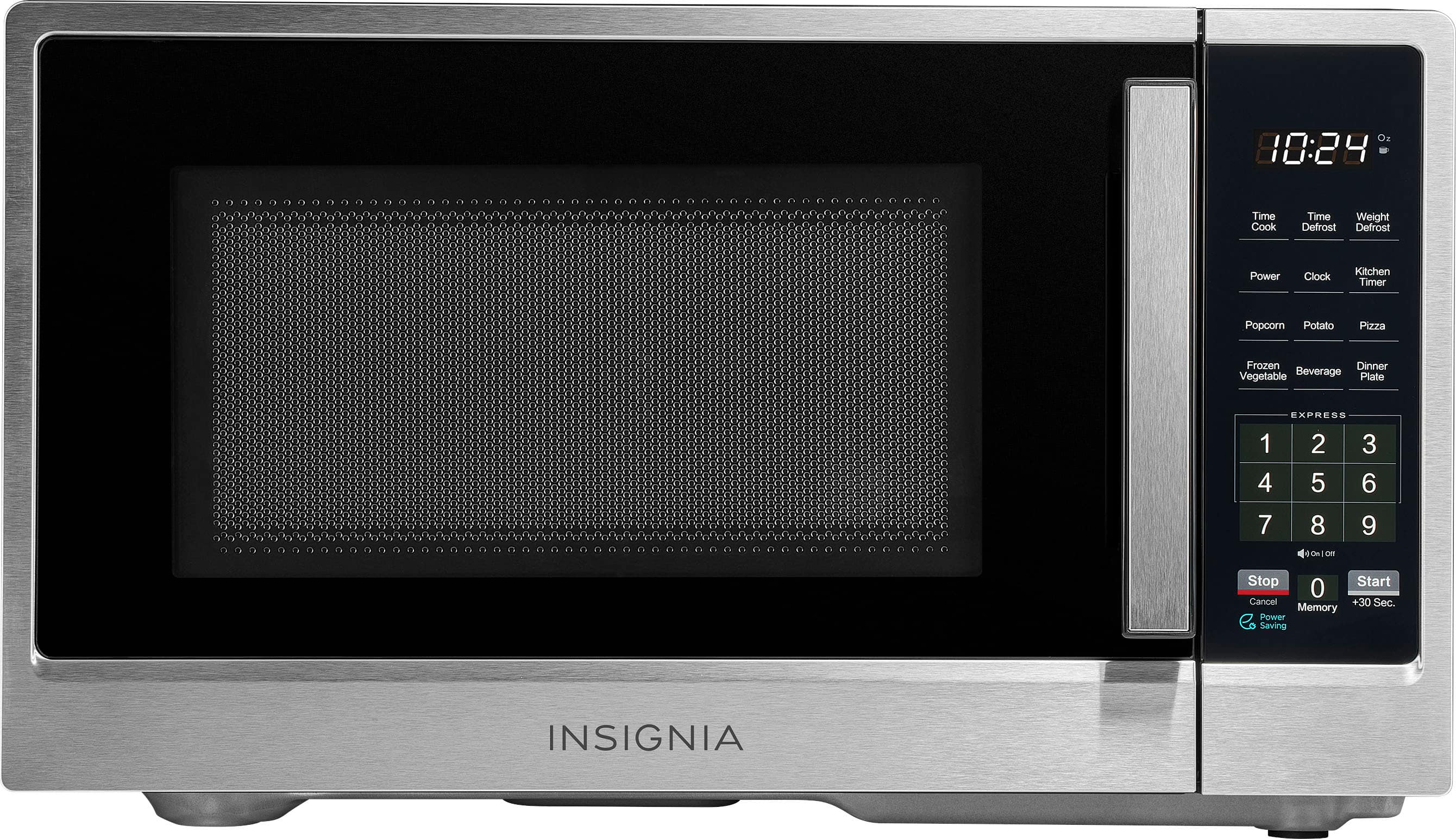
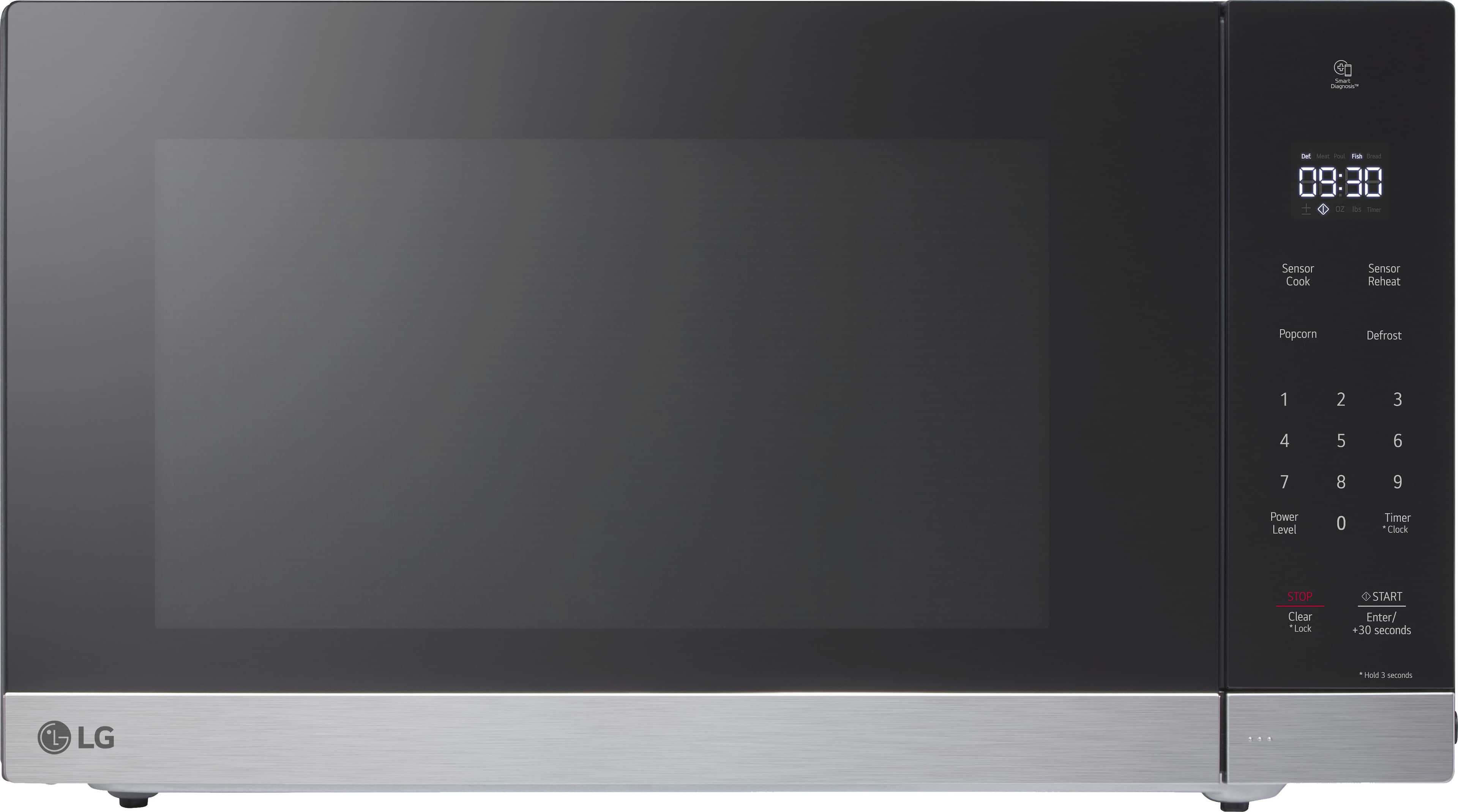
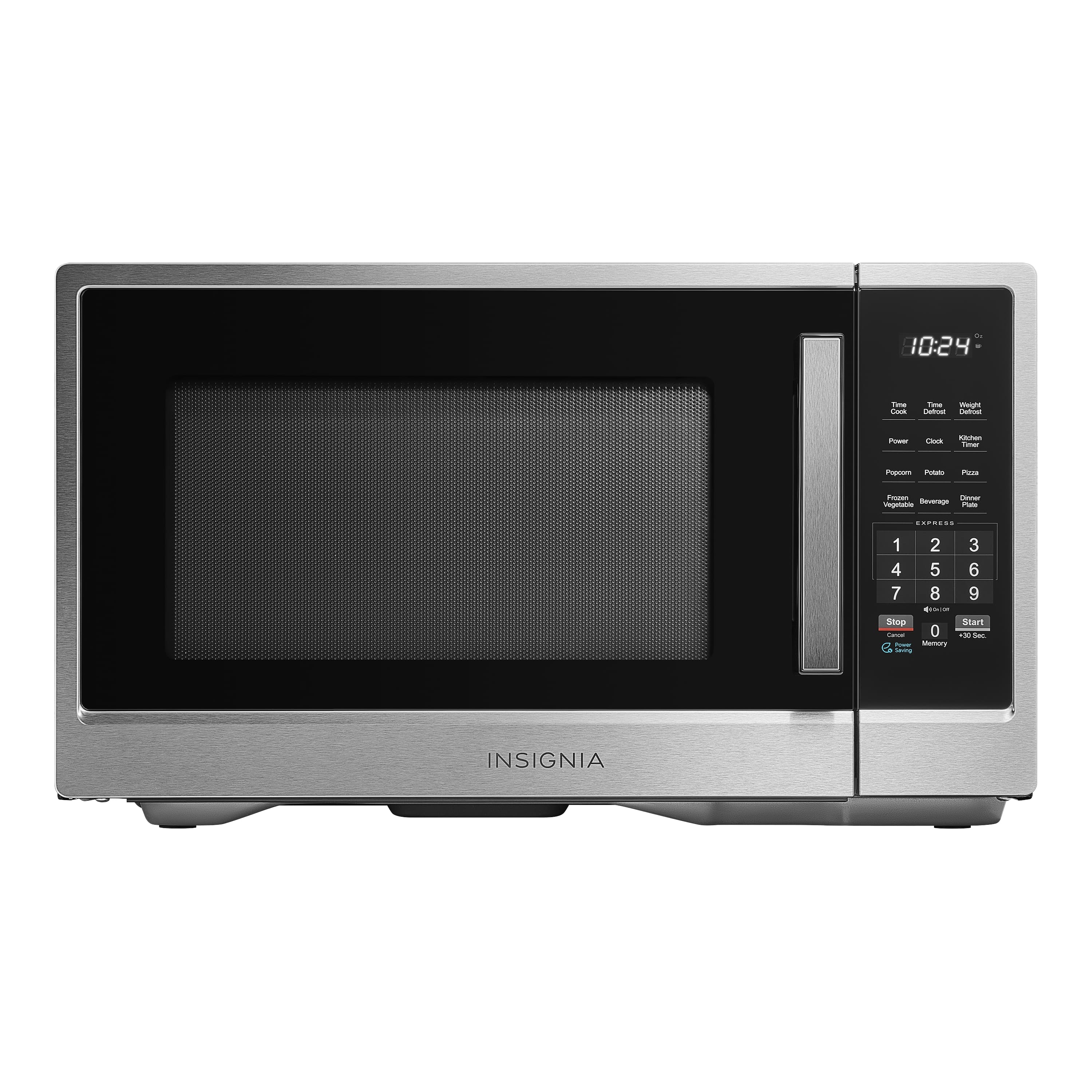
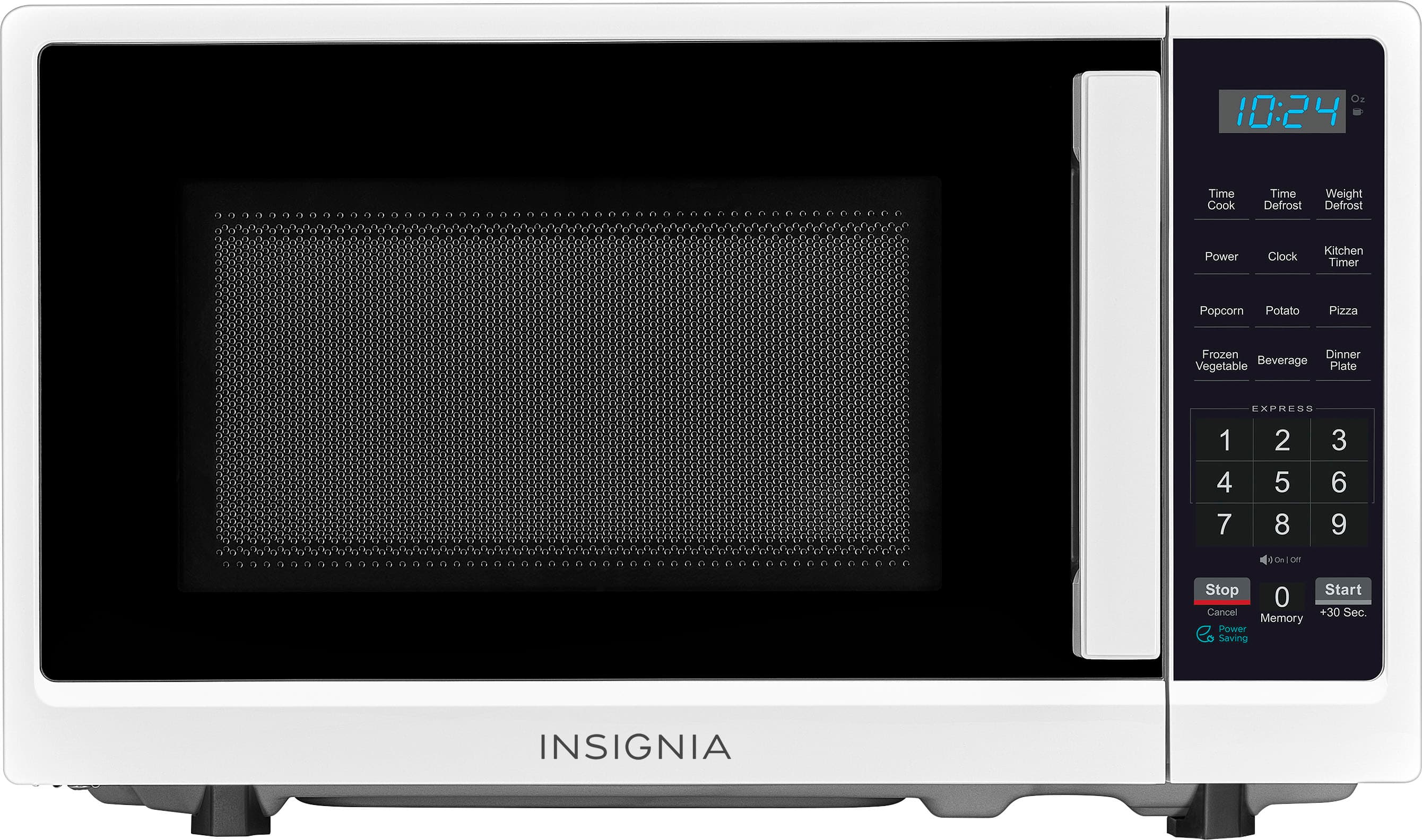

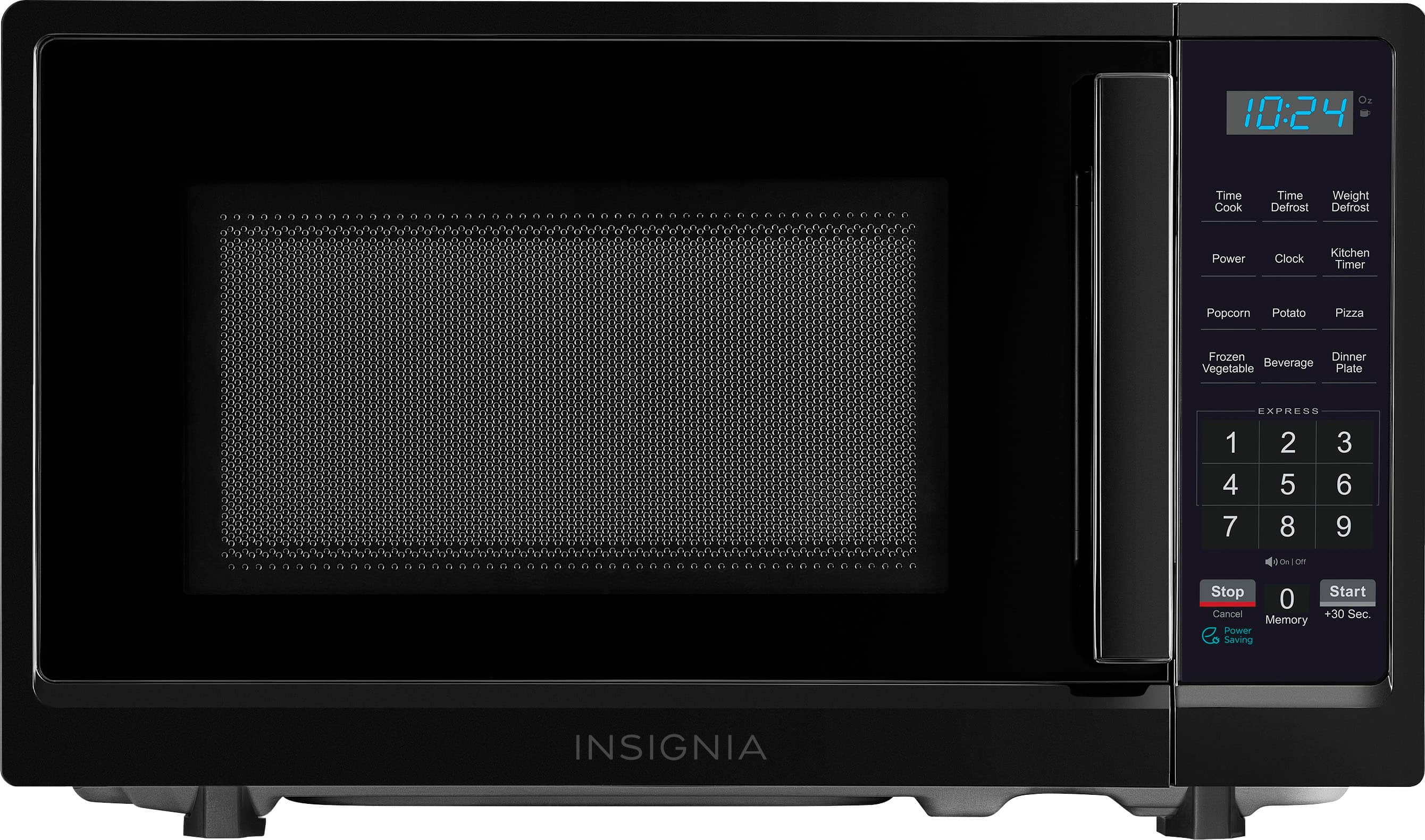
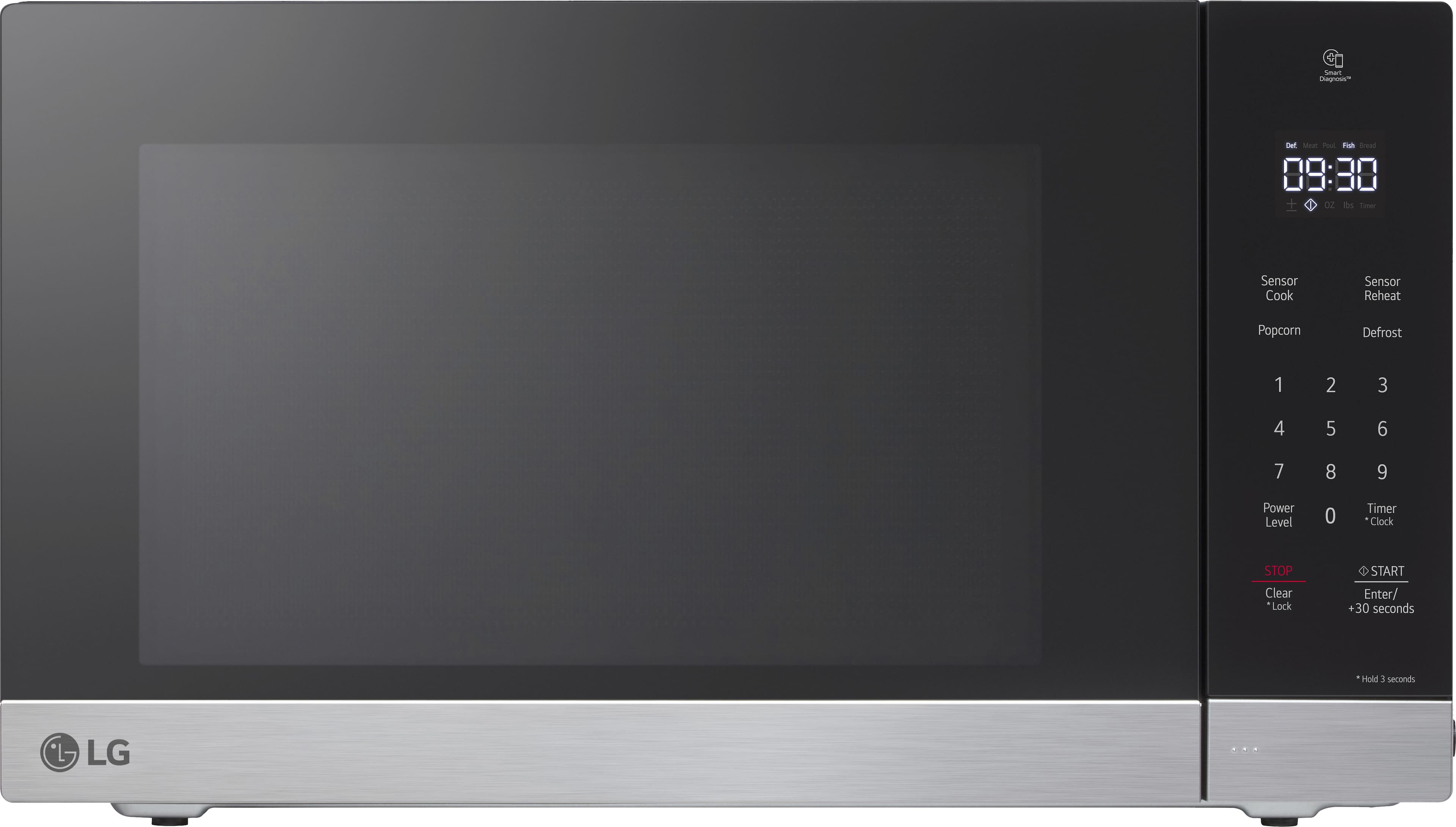
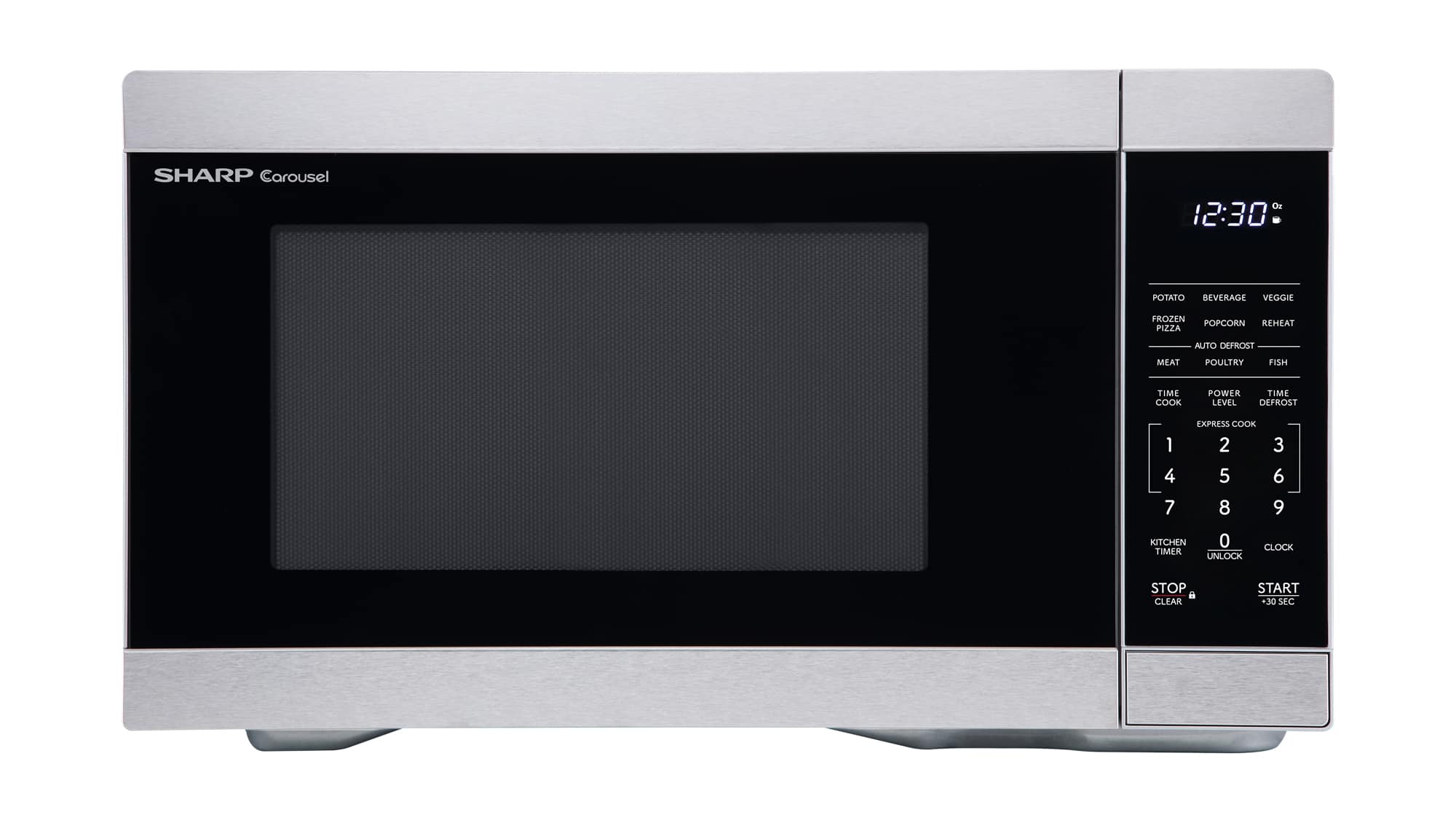

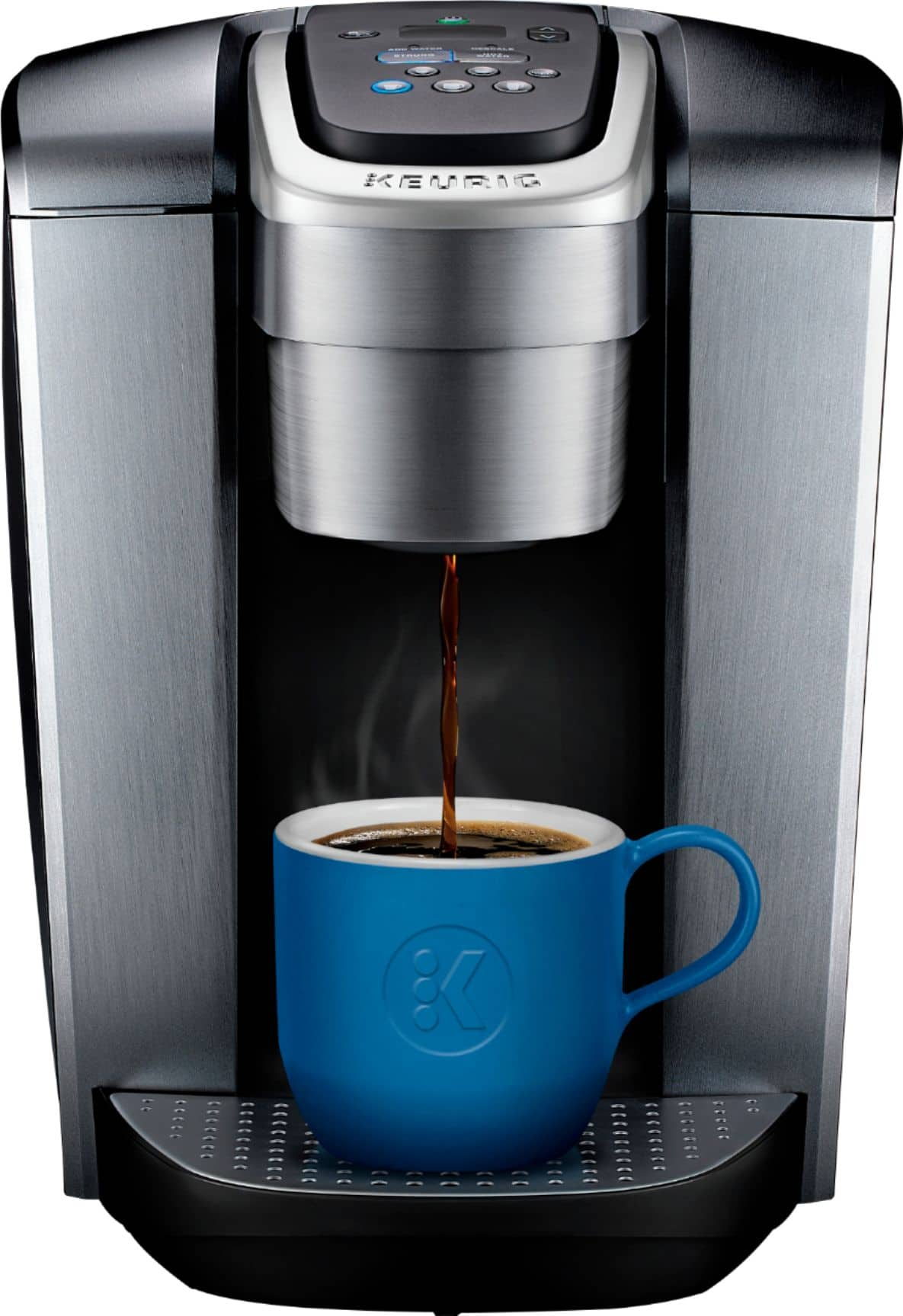
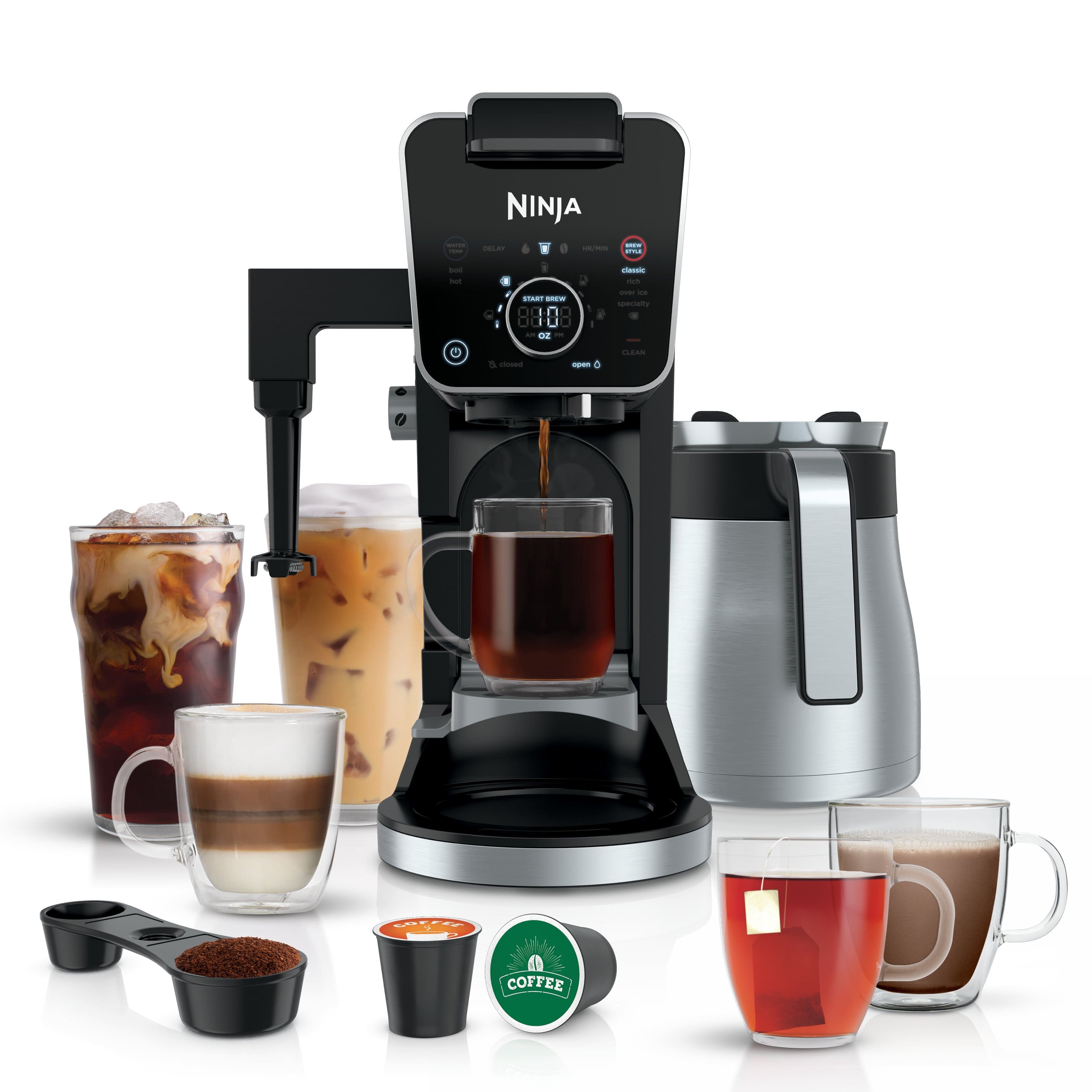
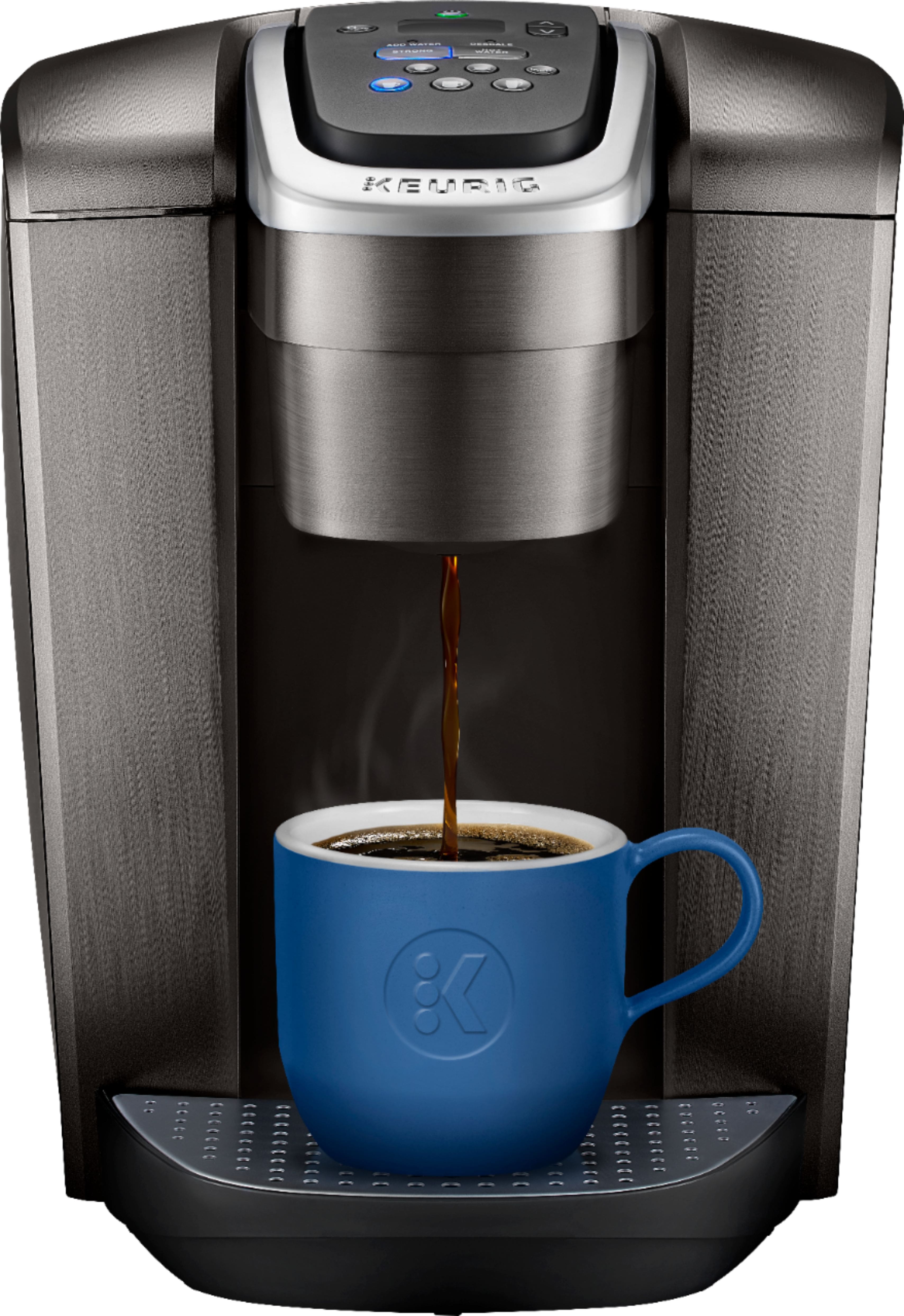
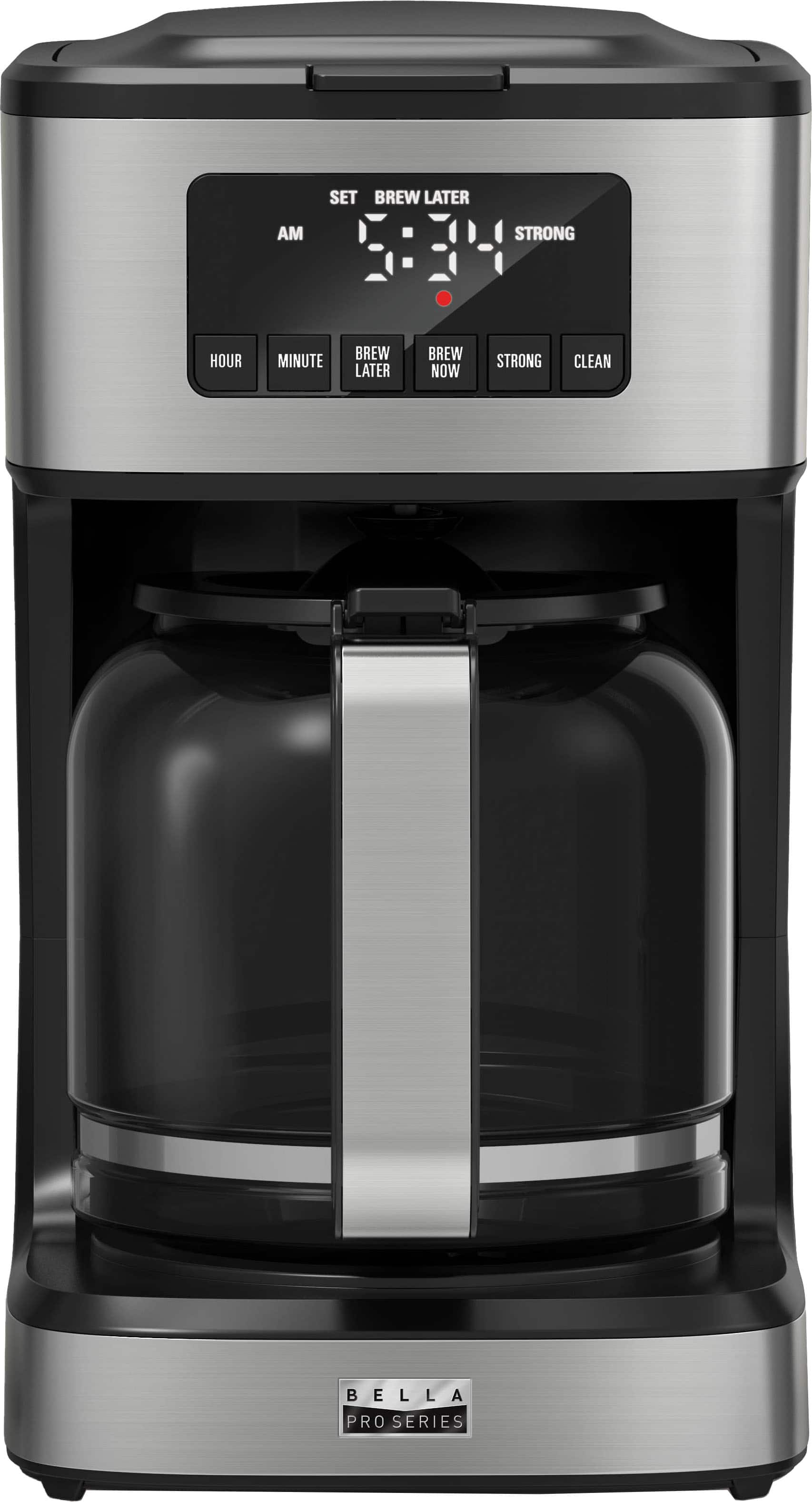
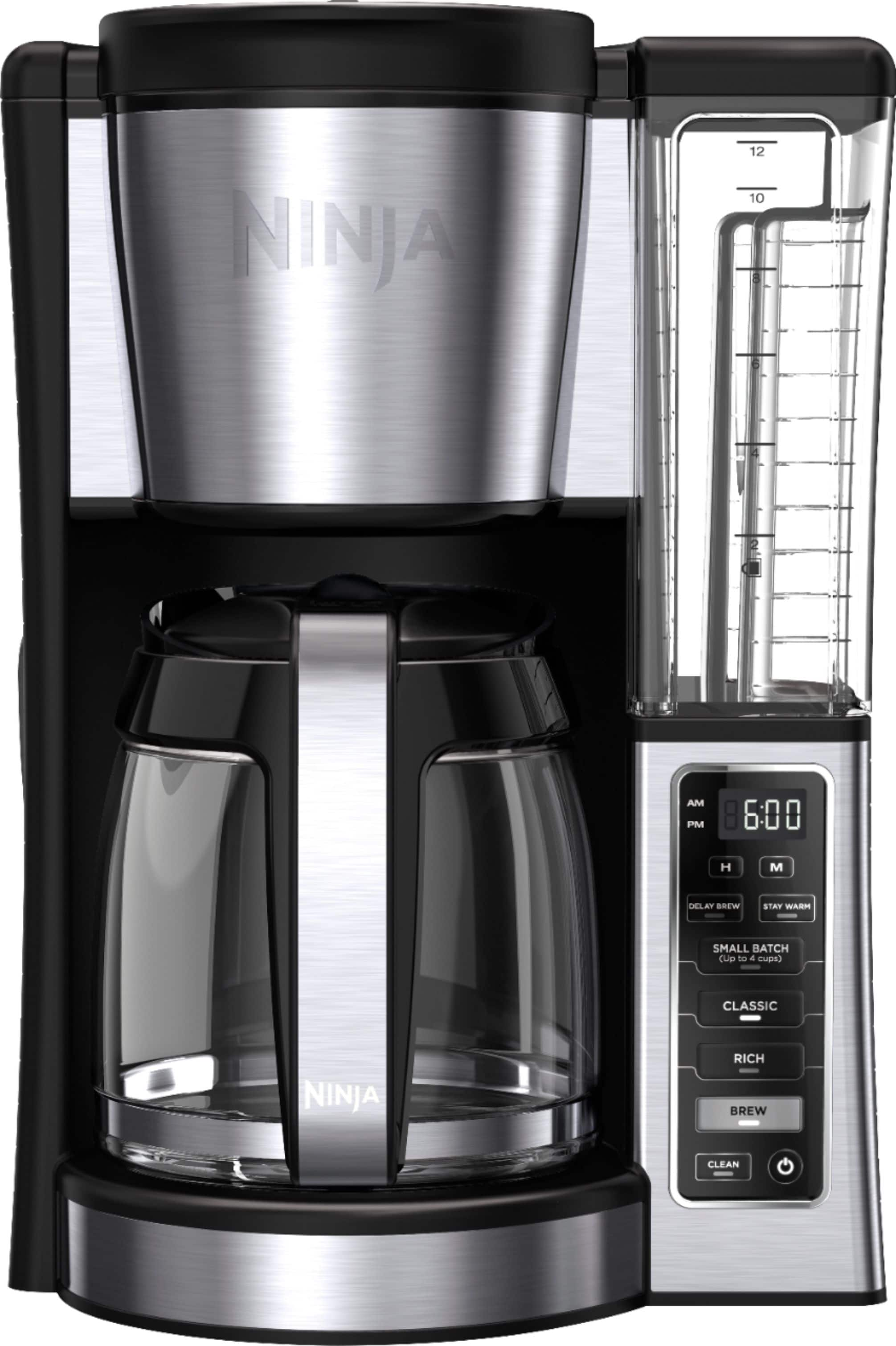
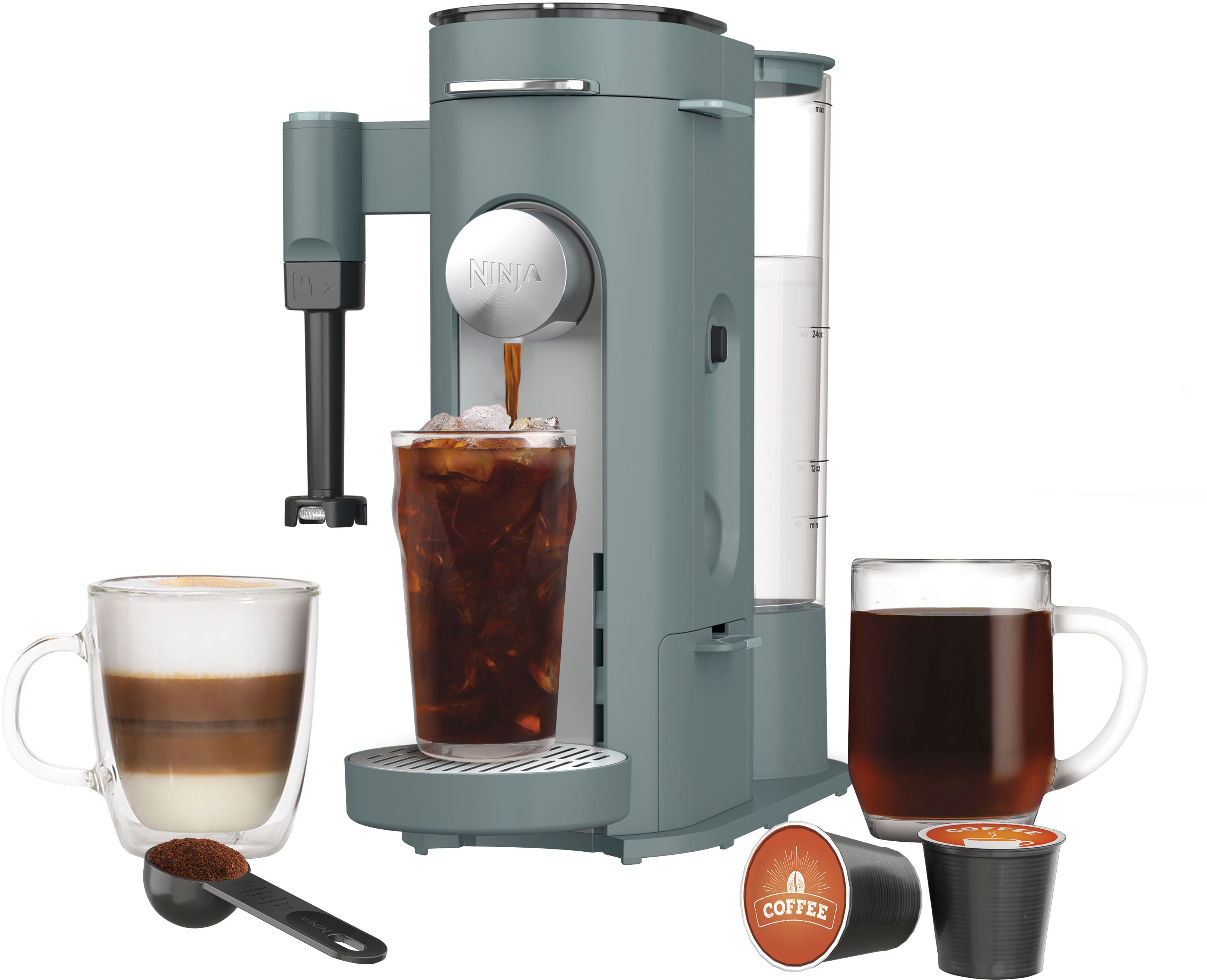
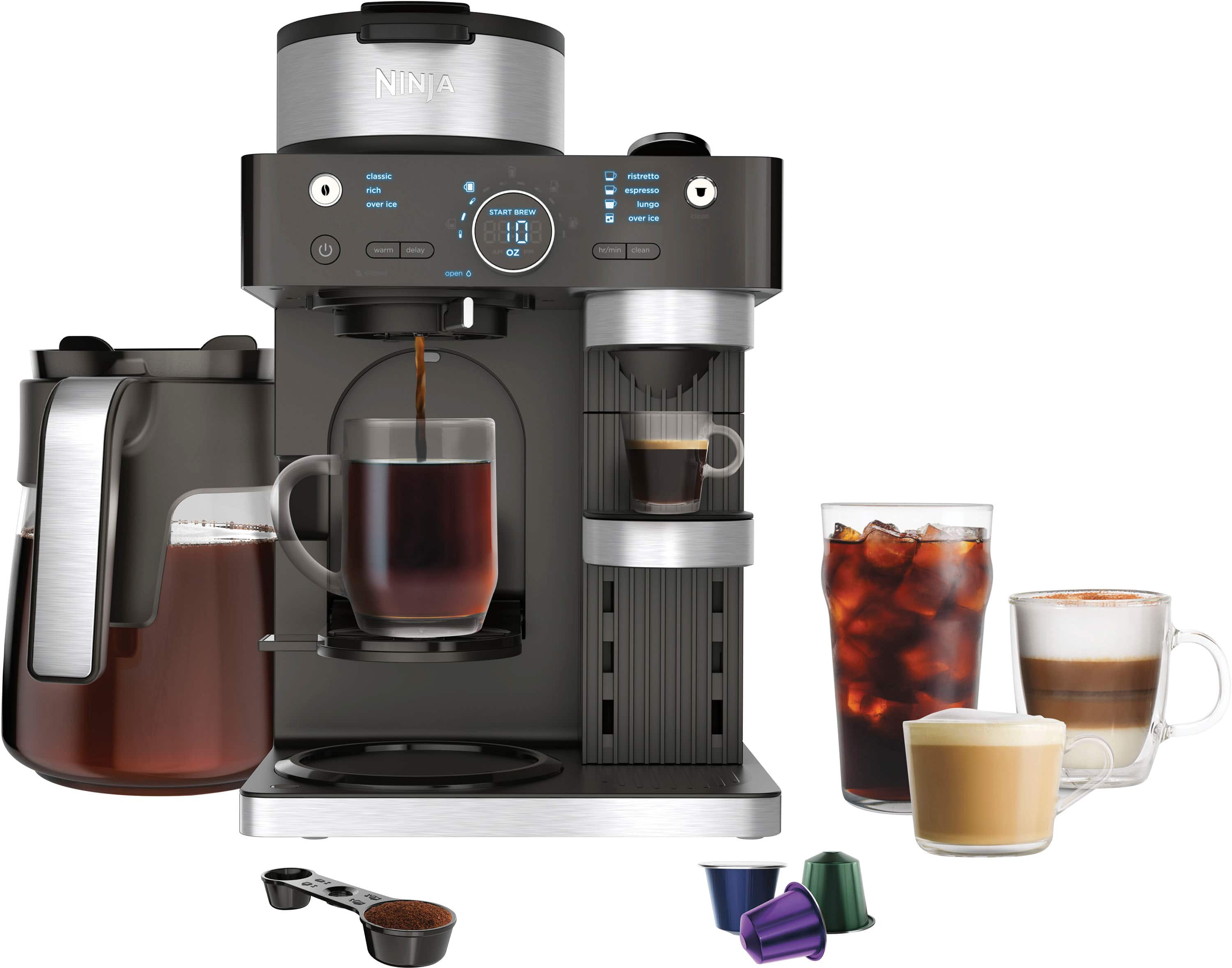
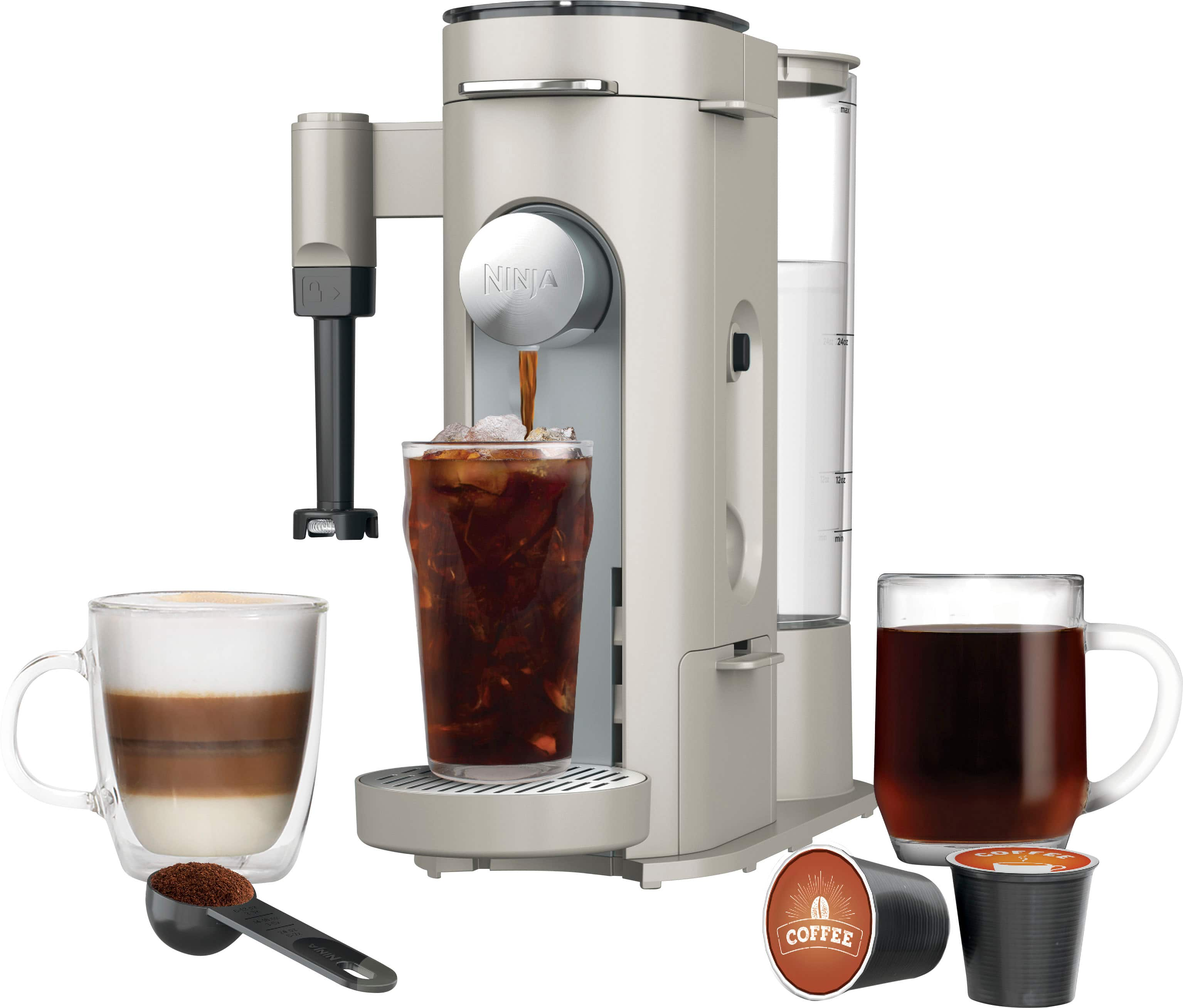
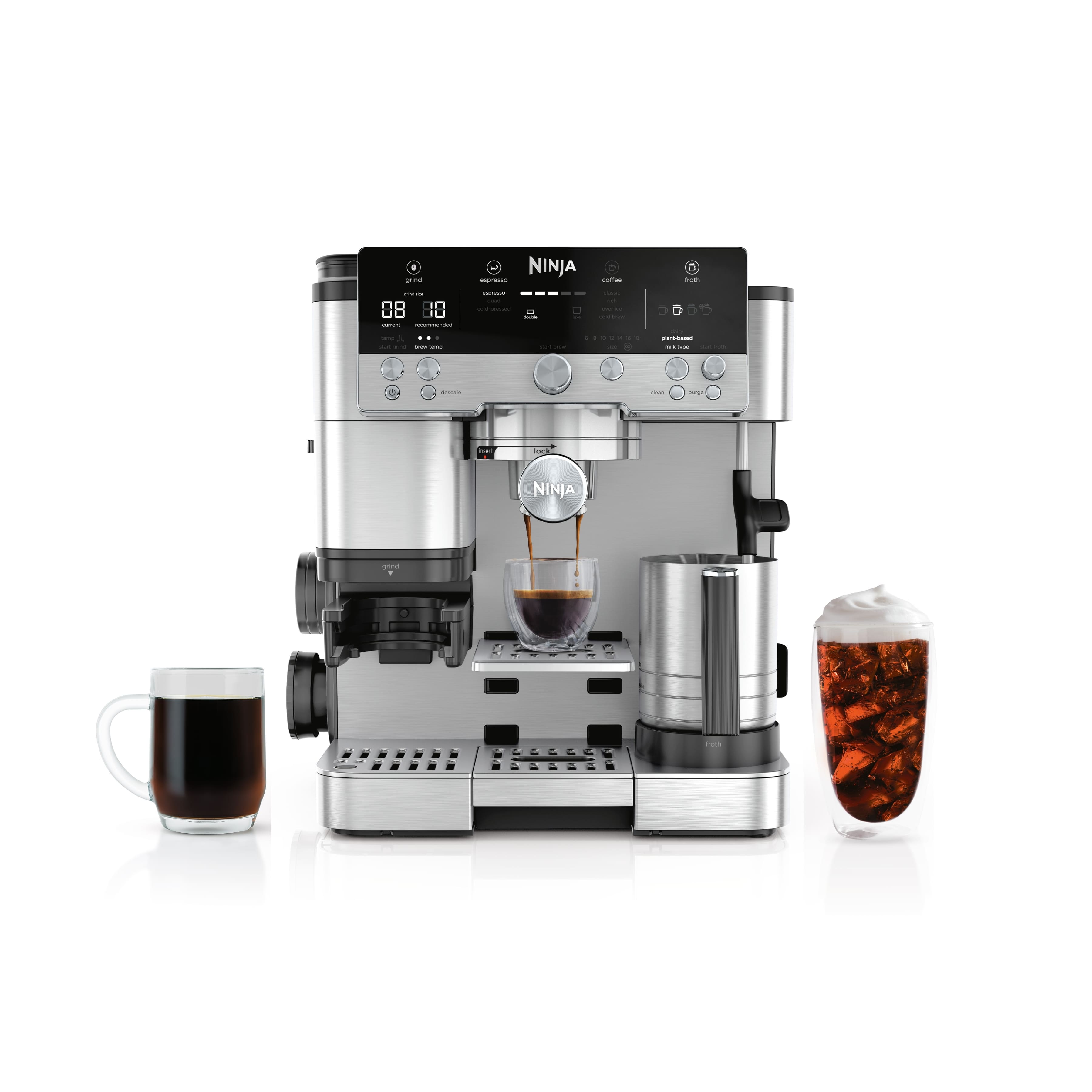
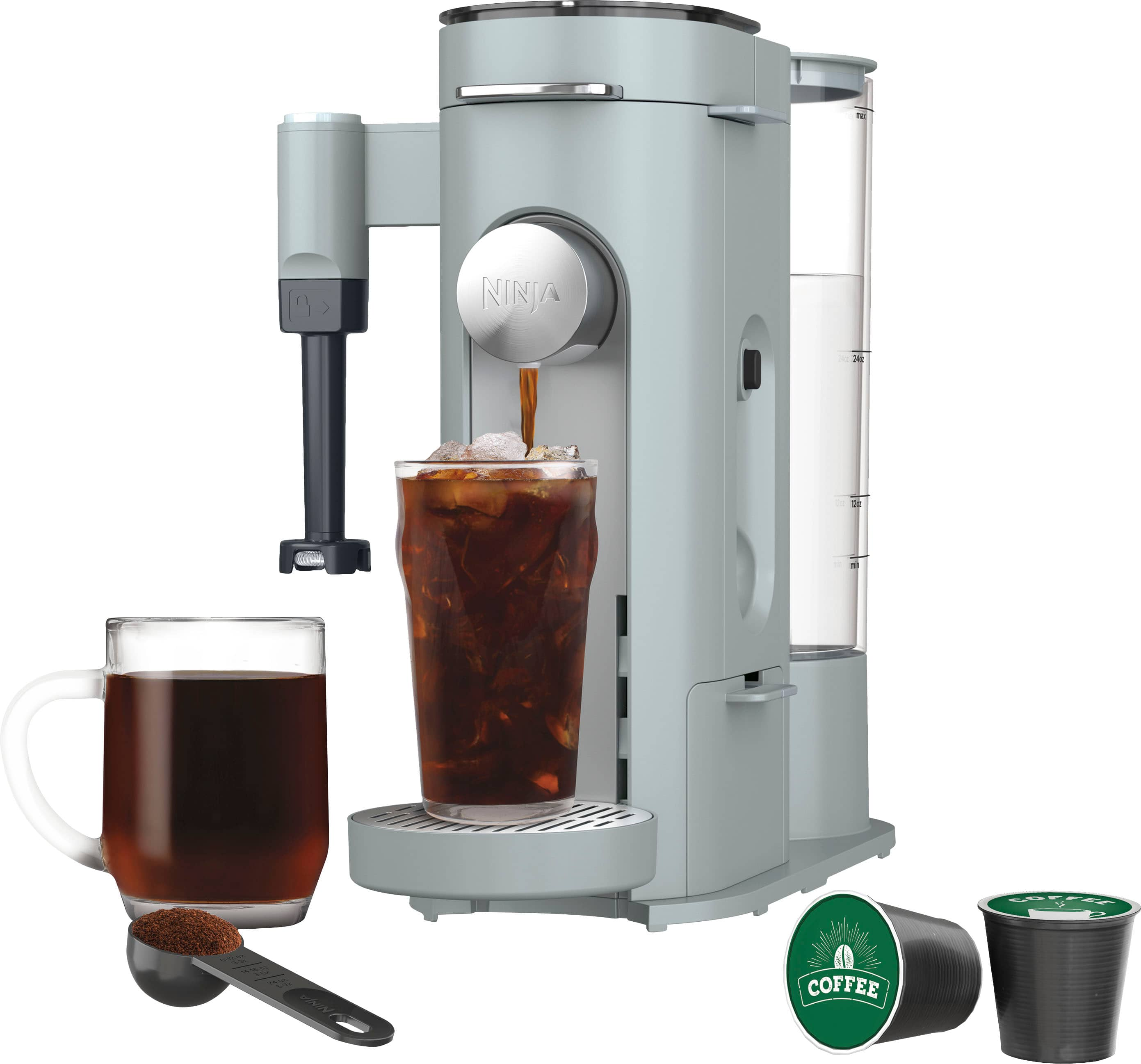
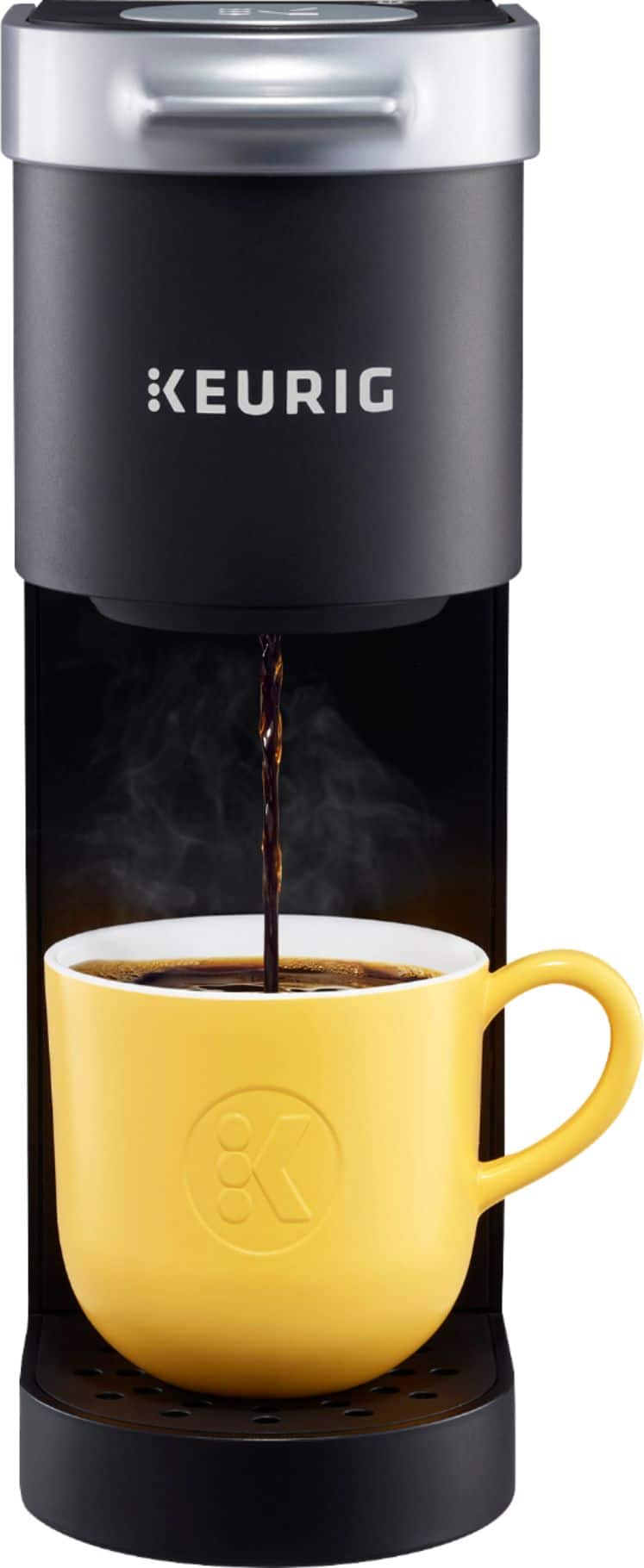
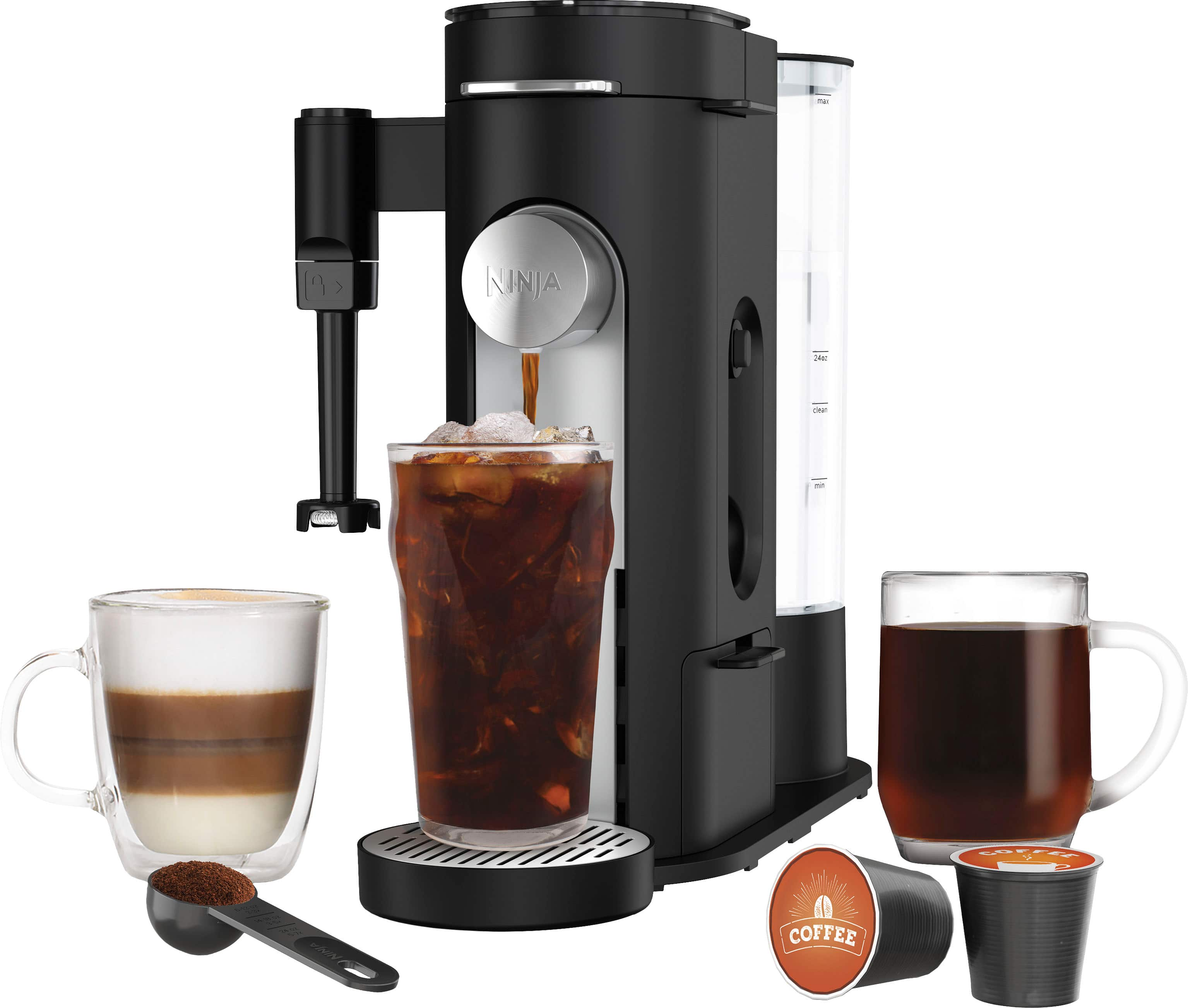
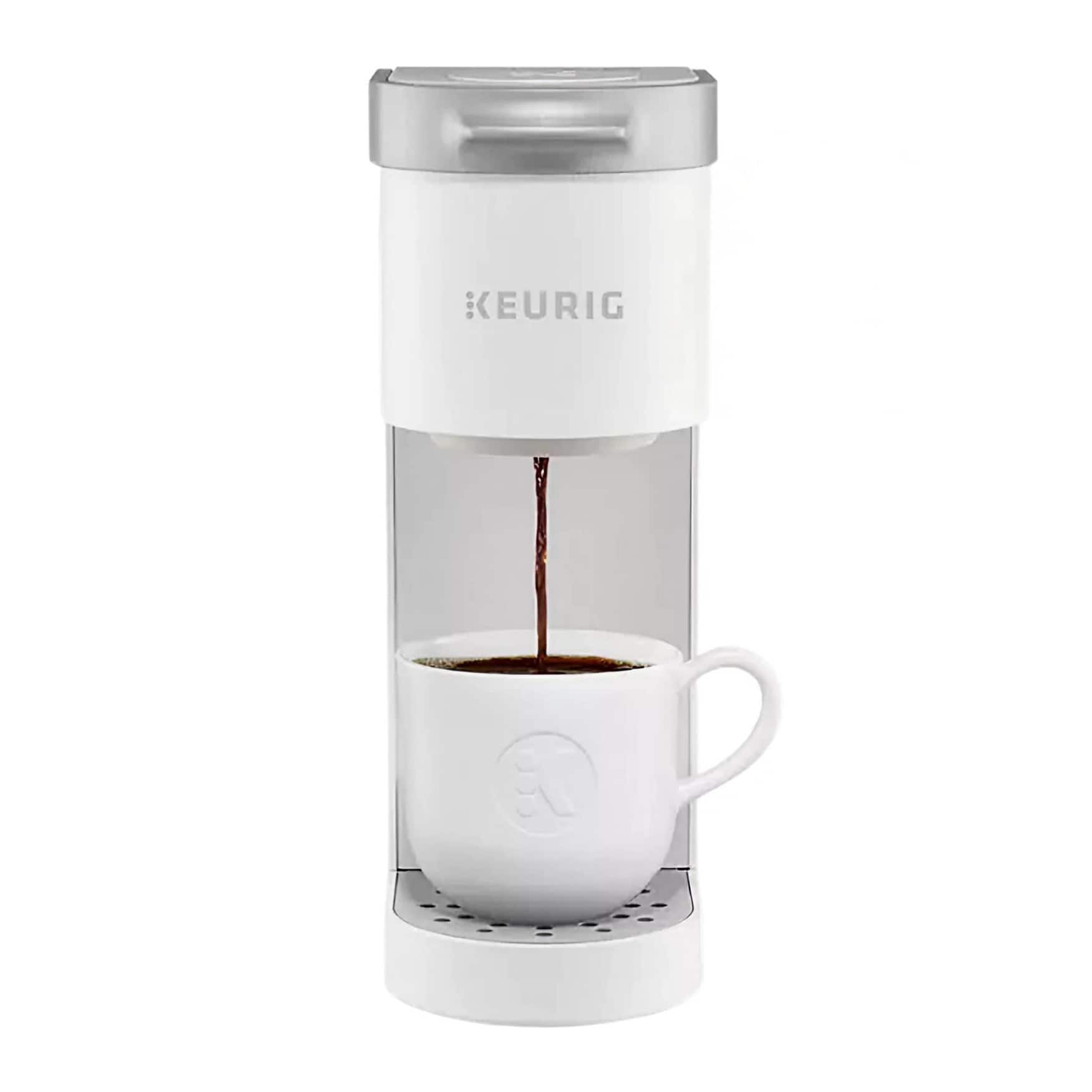
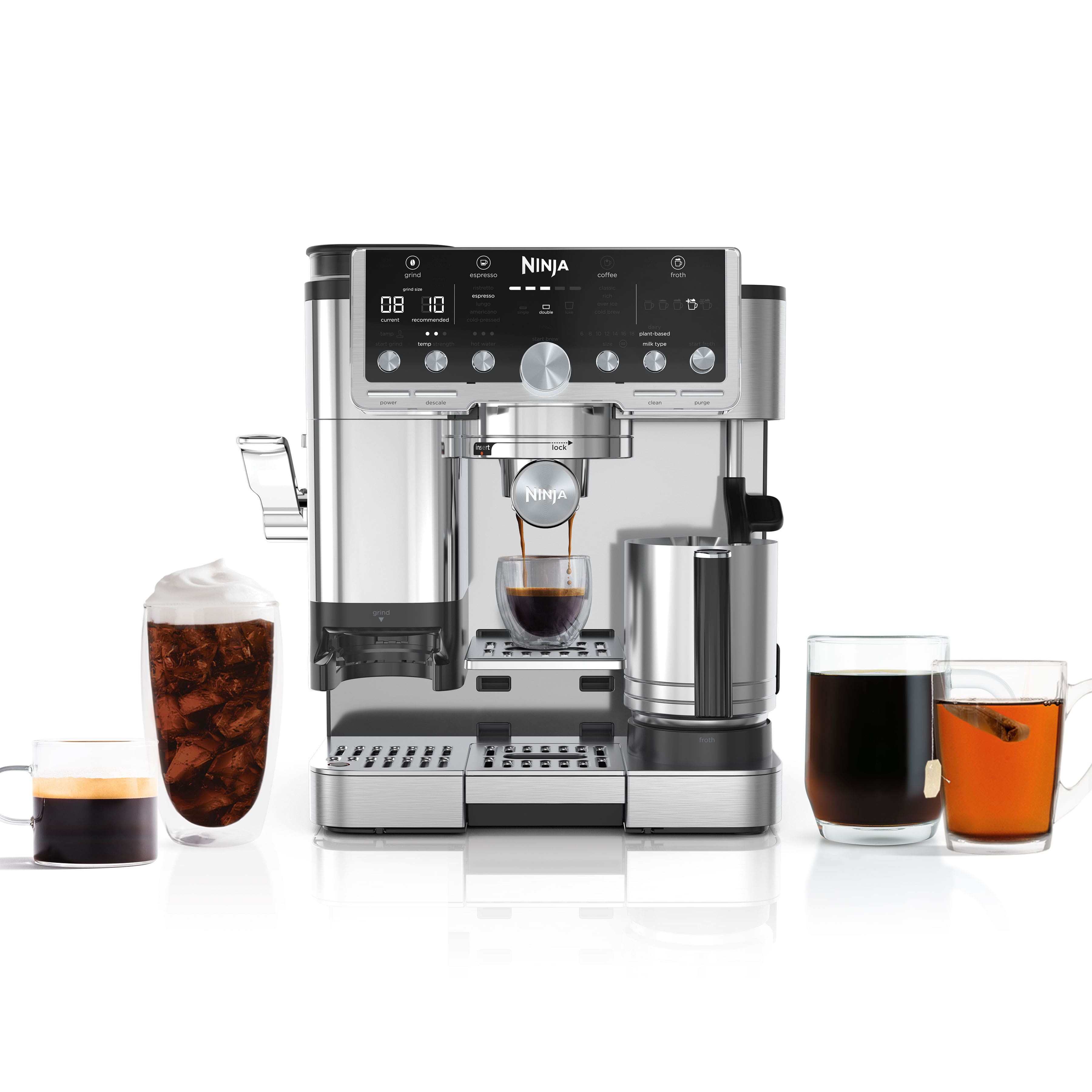
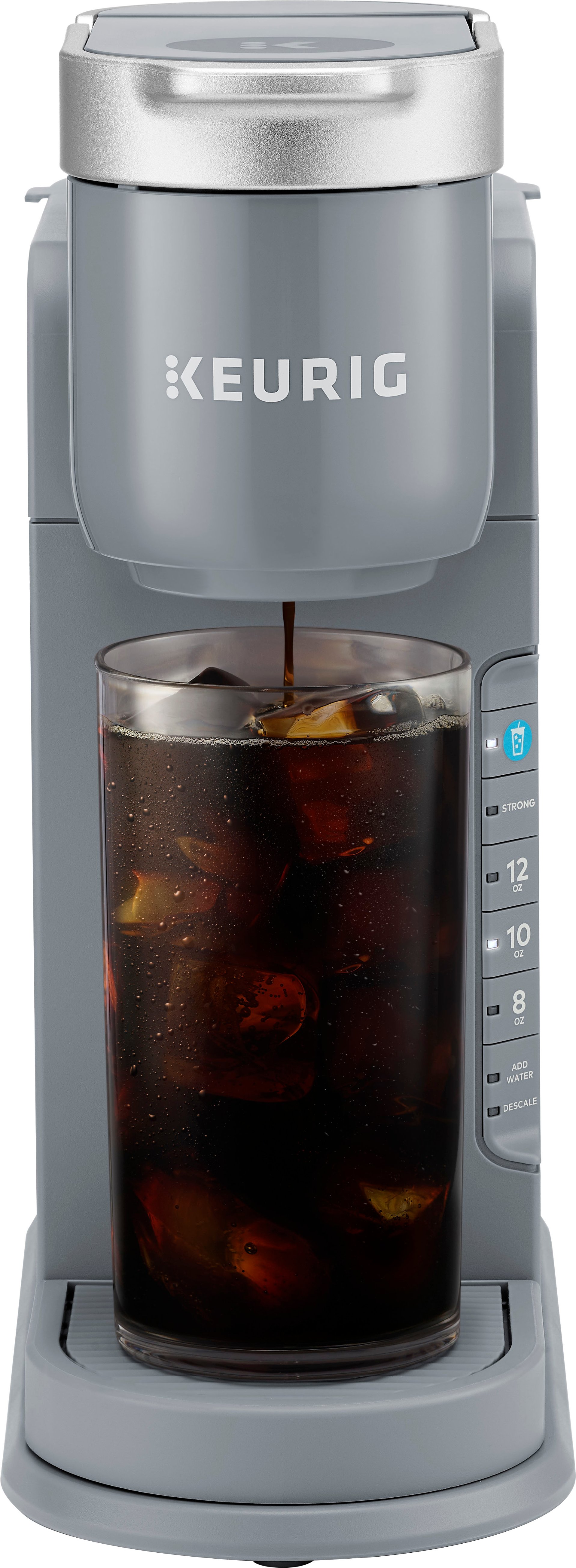
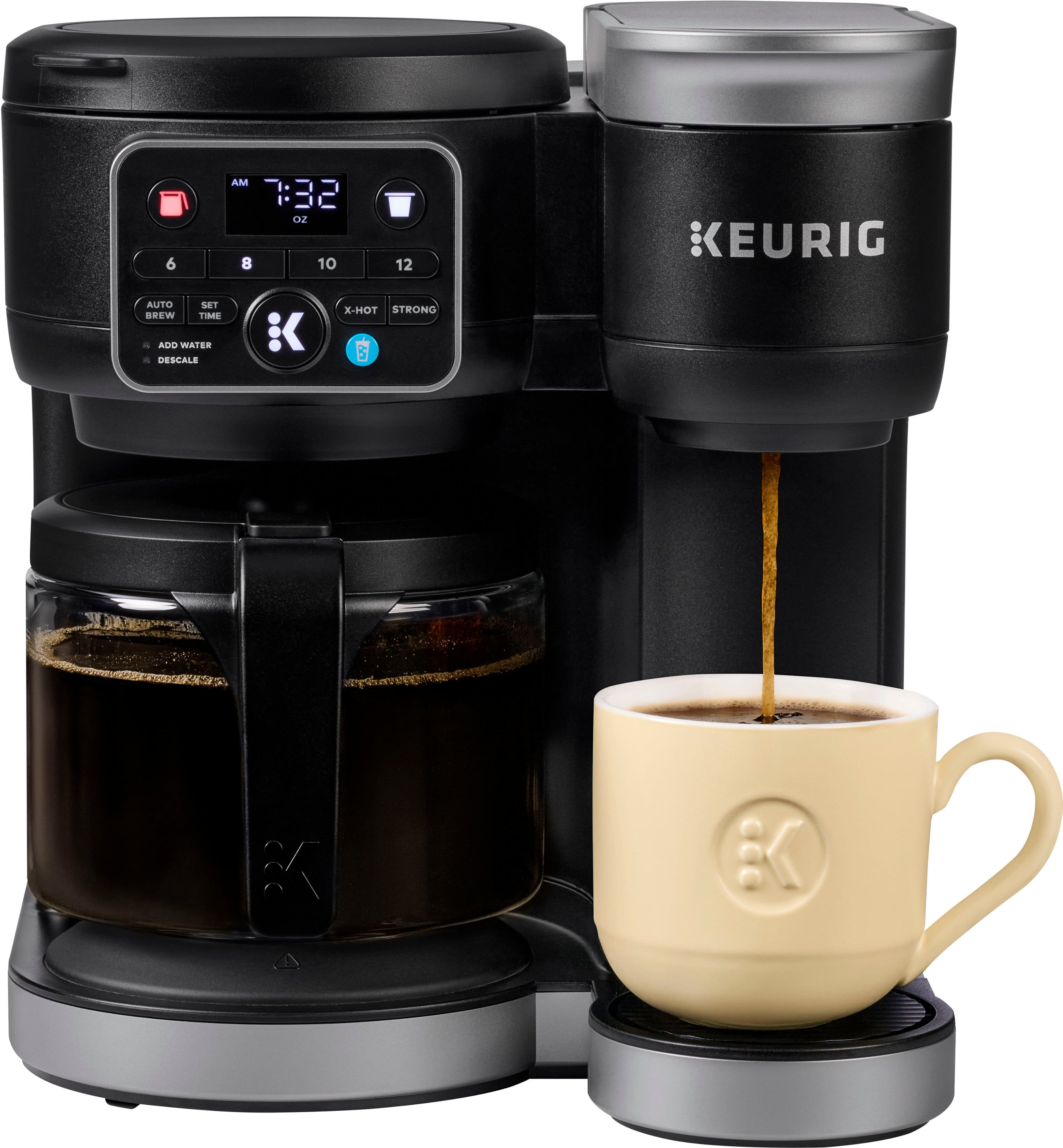
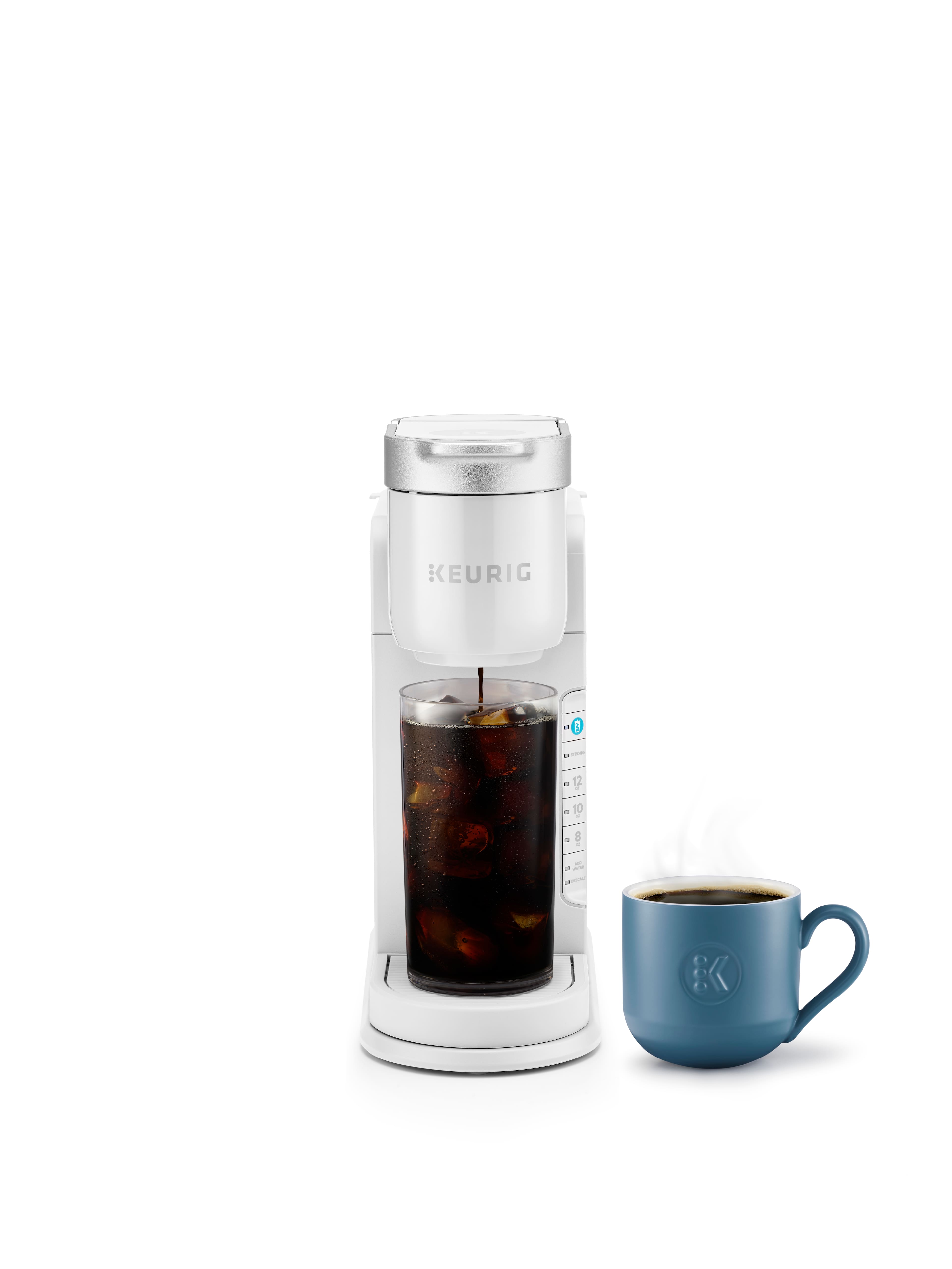
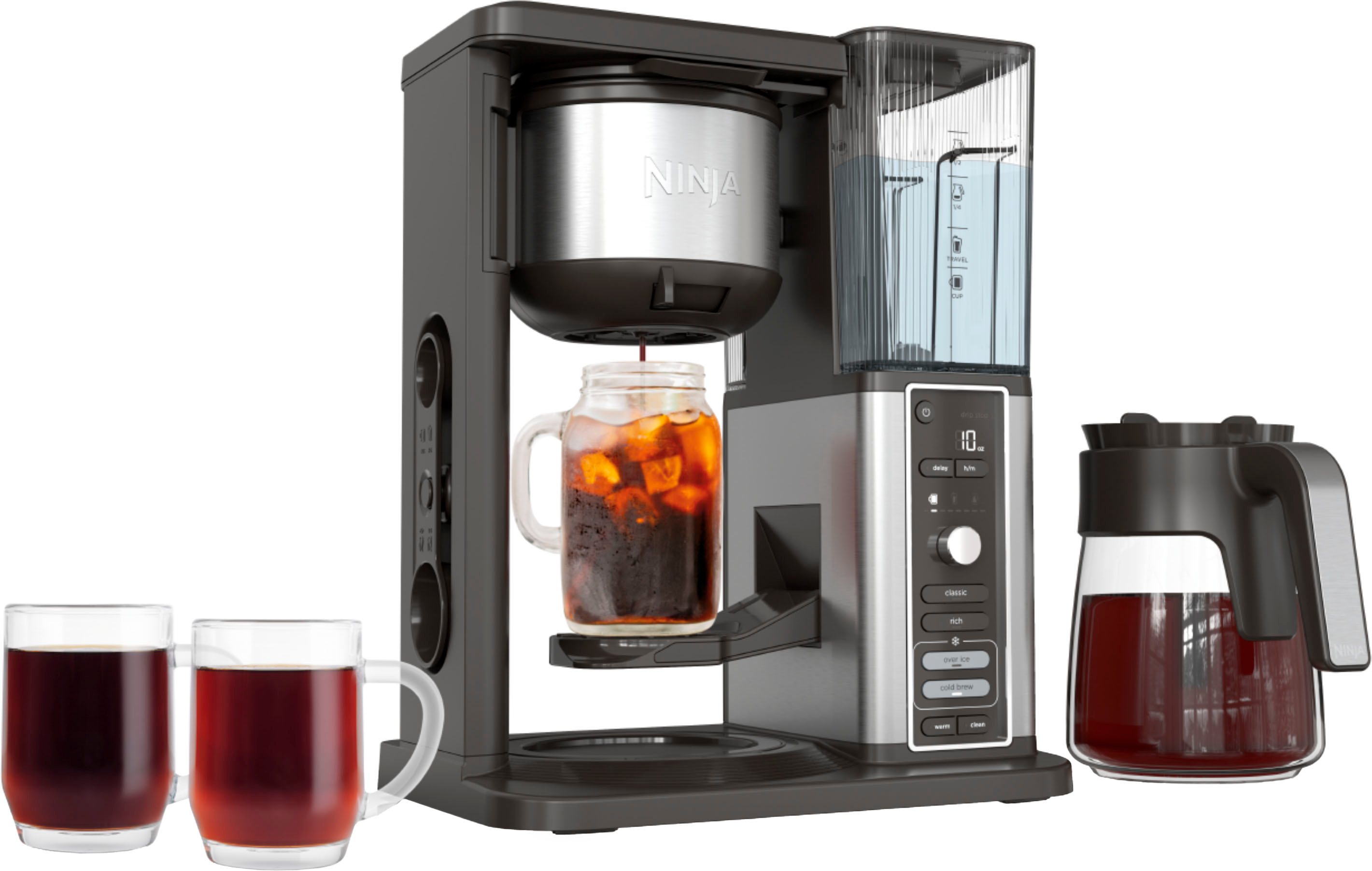
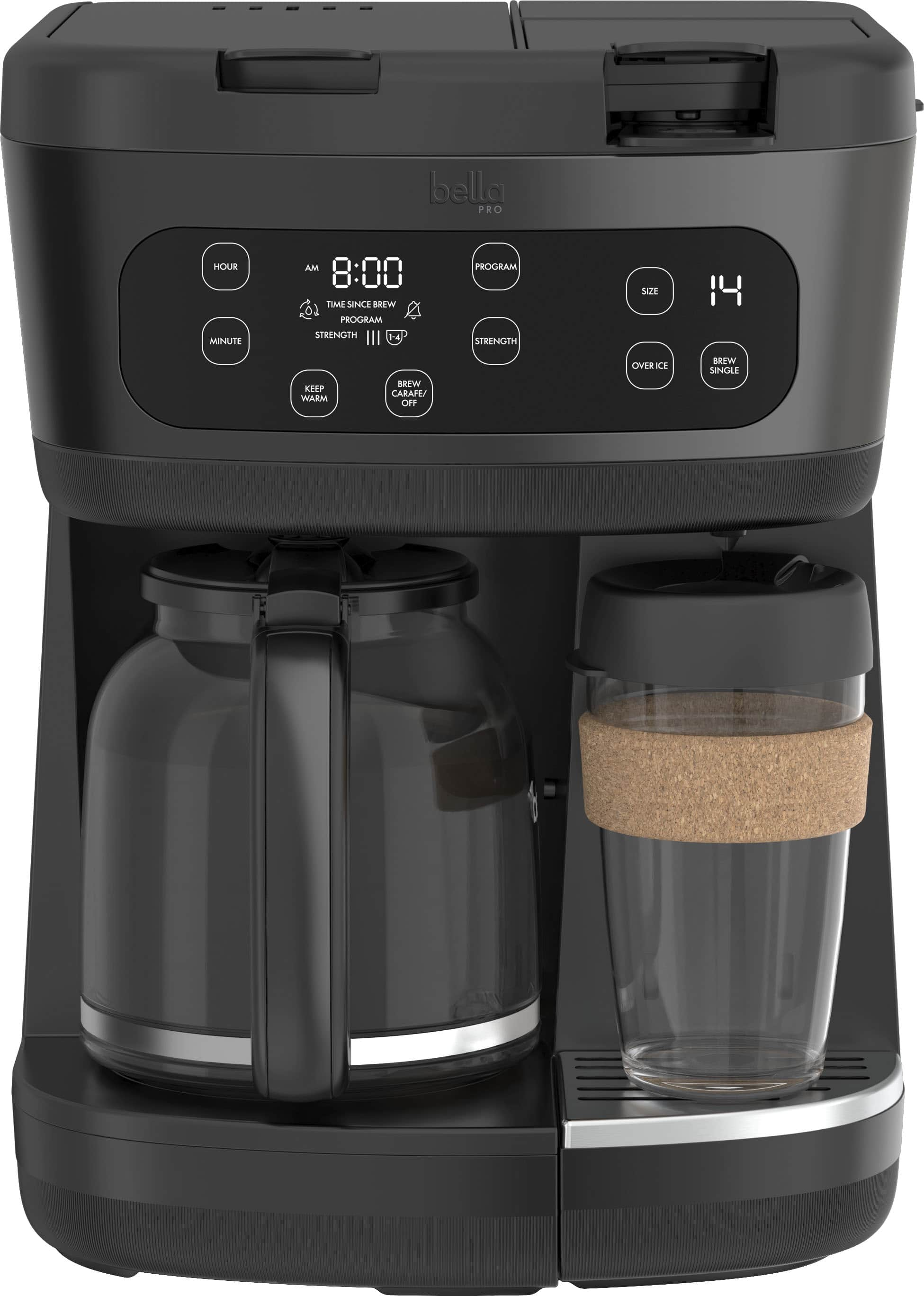
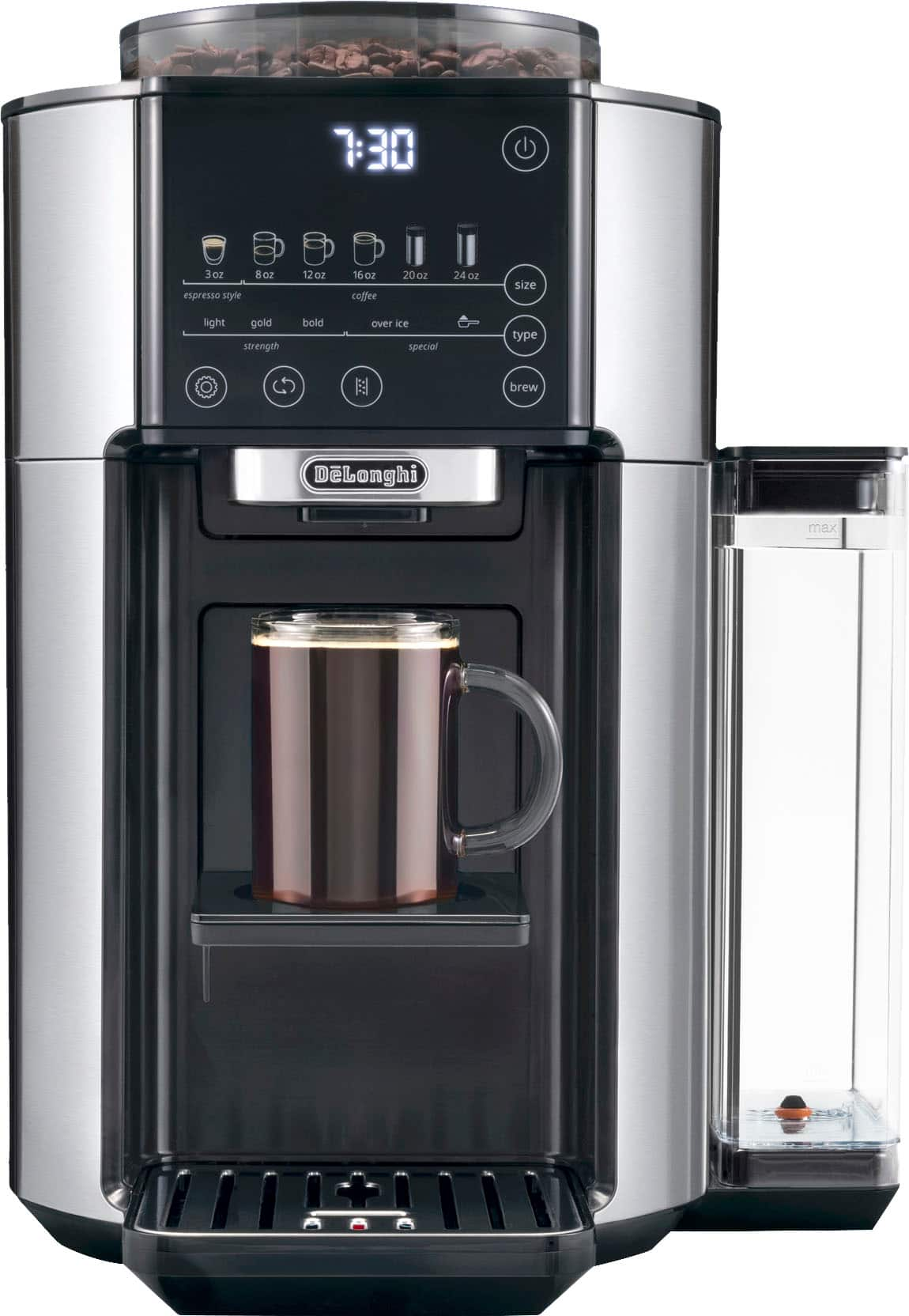
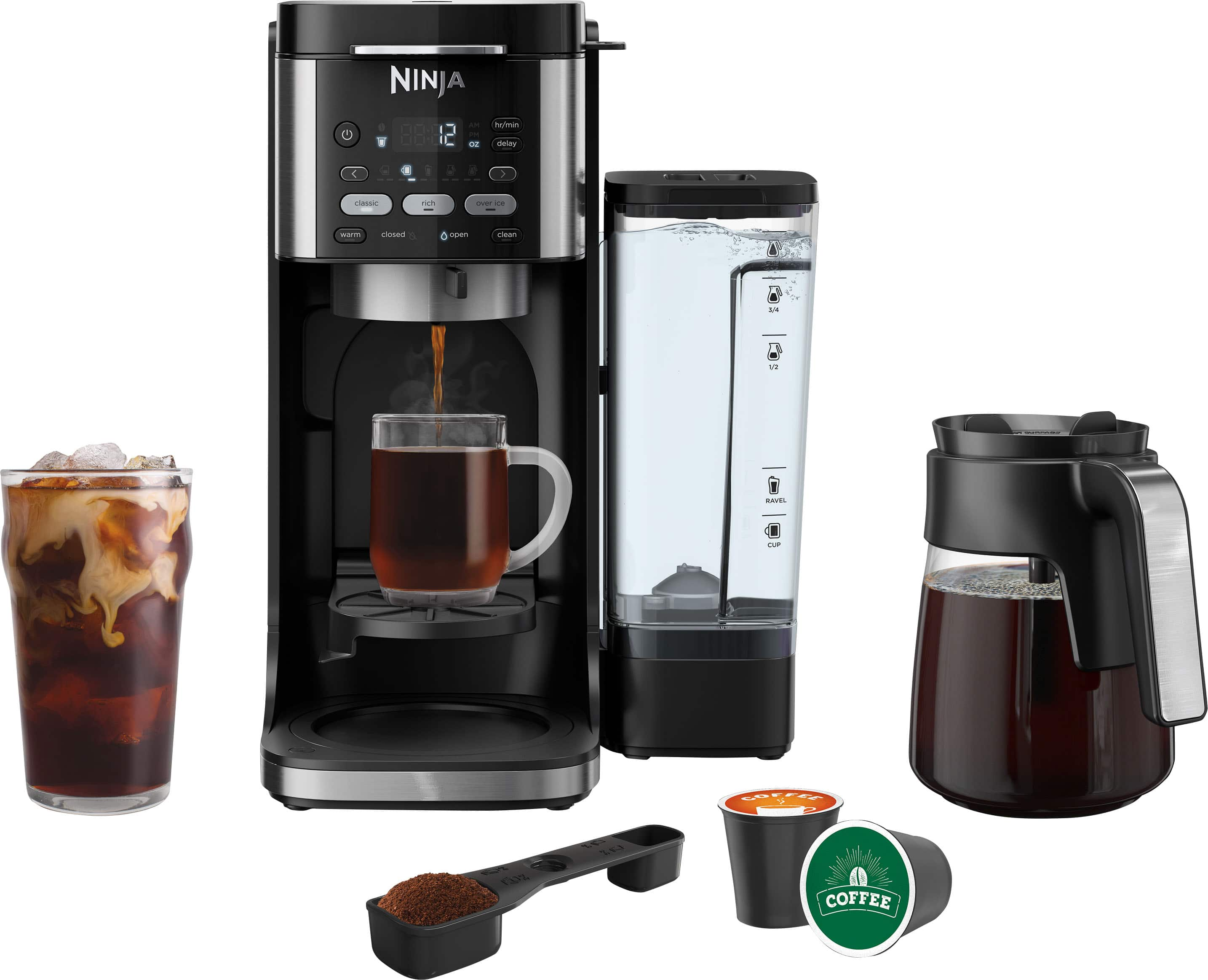
Coffee Makers


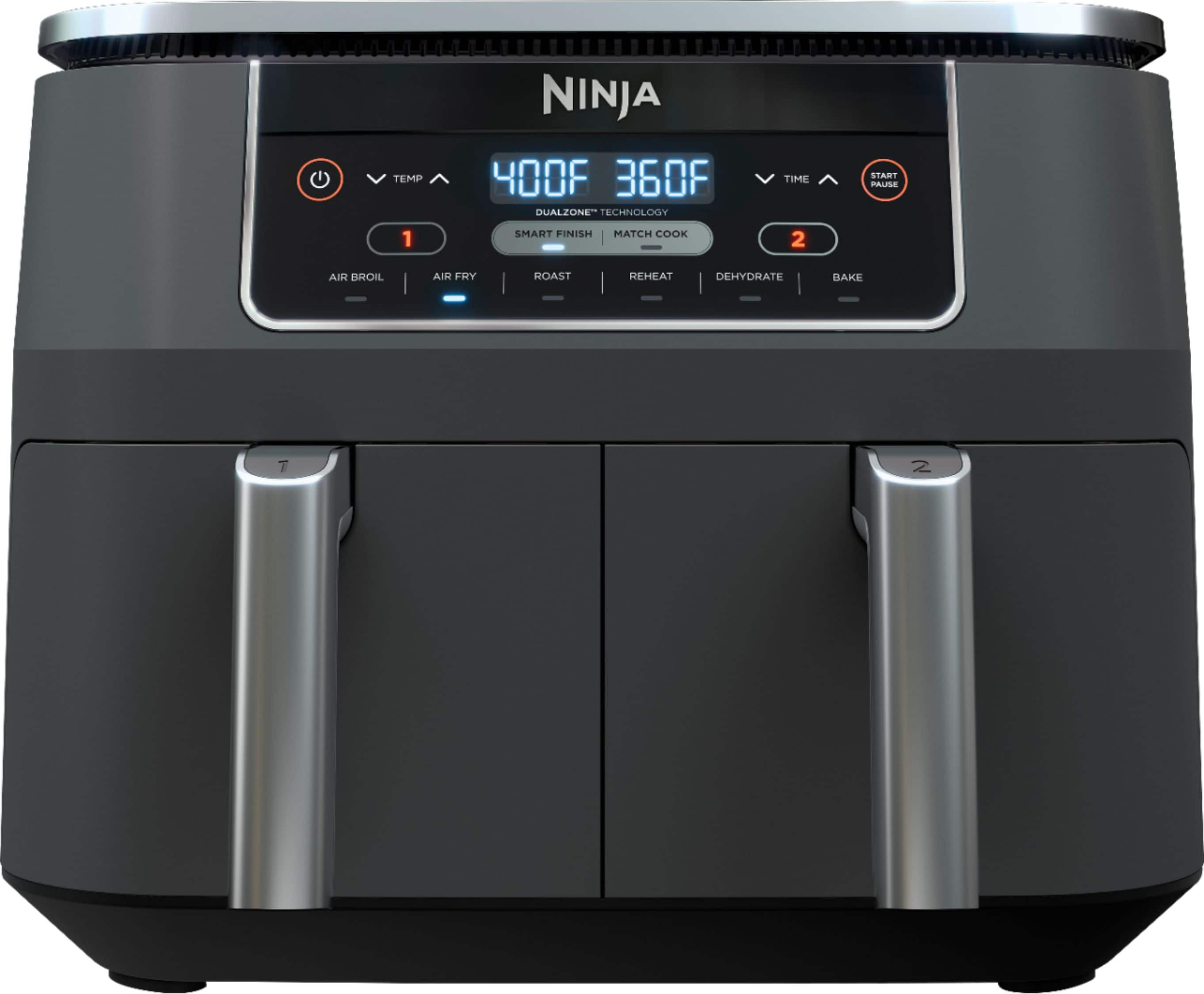
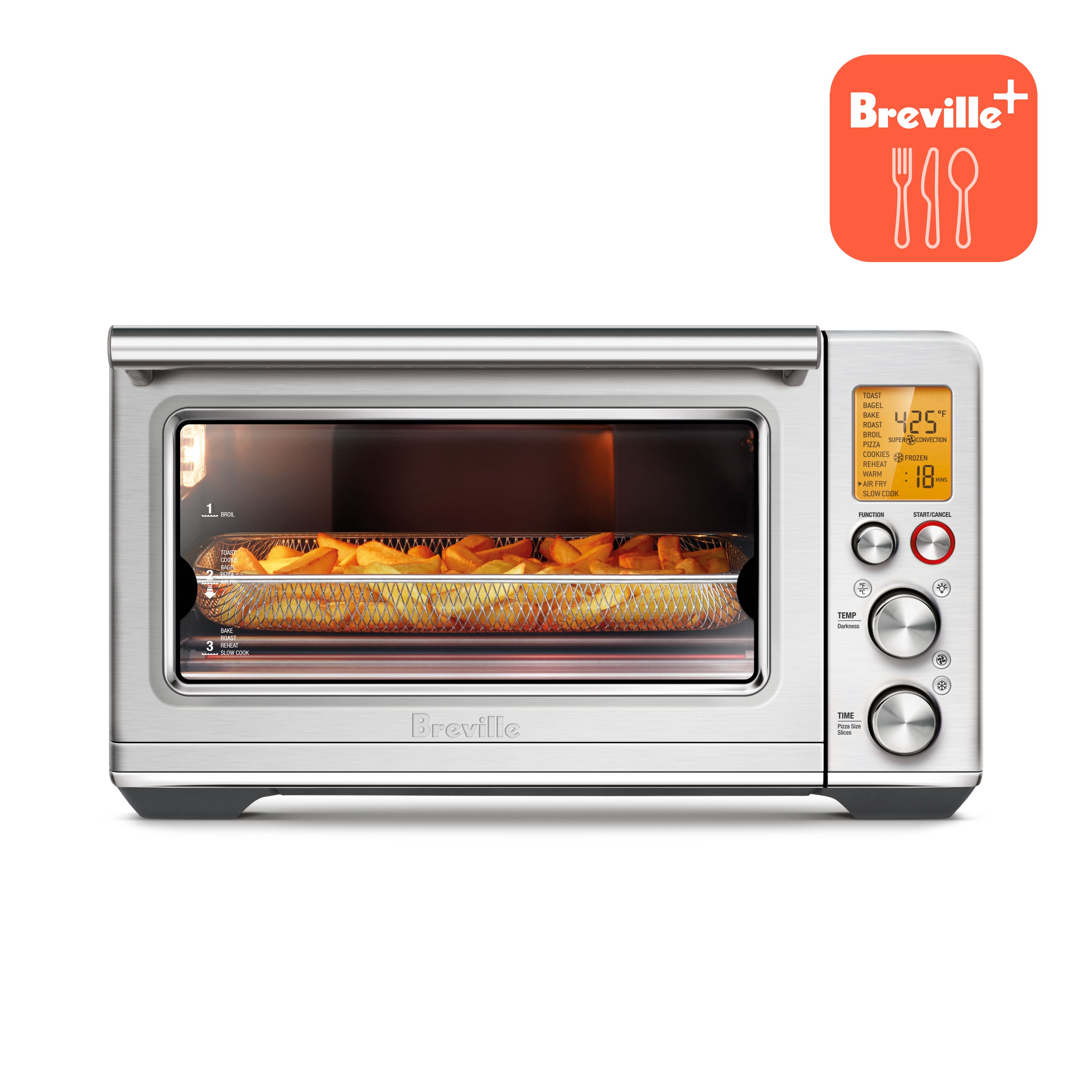
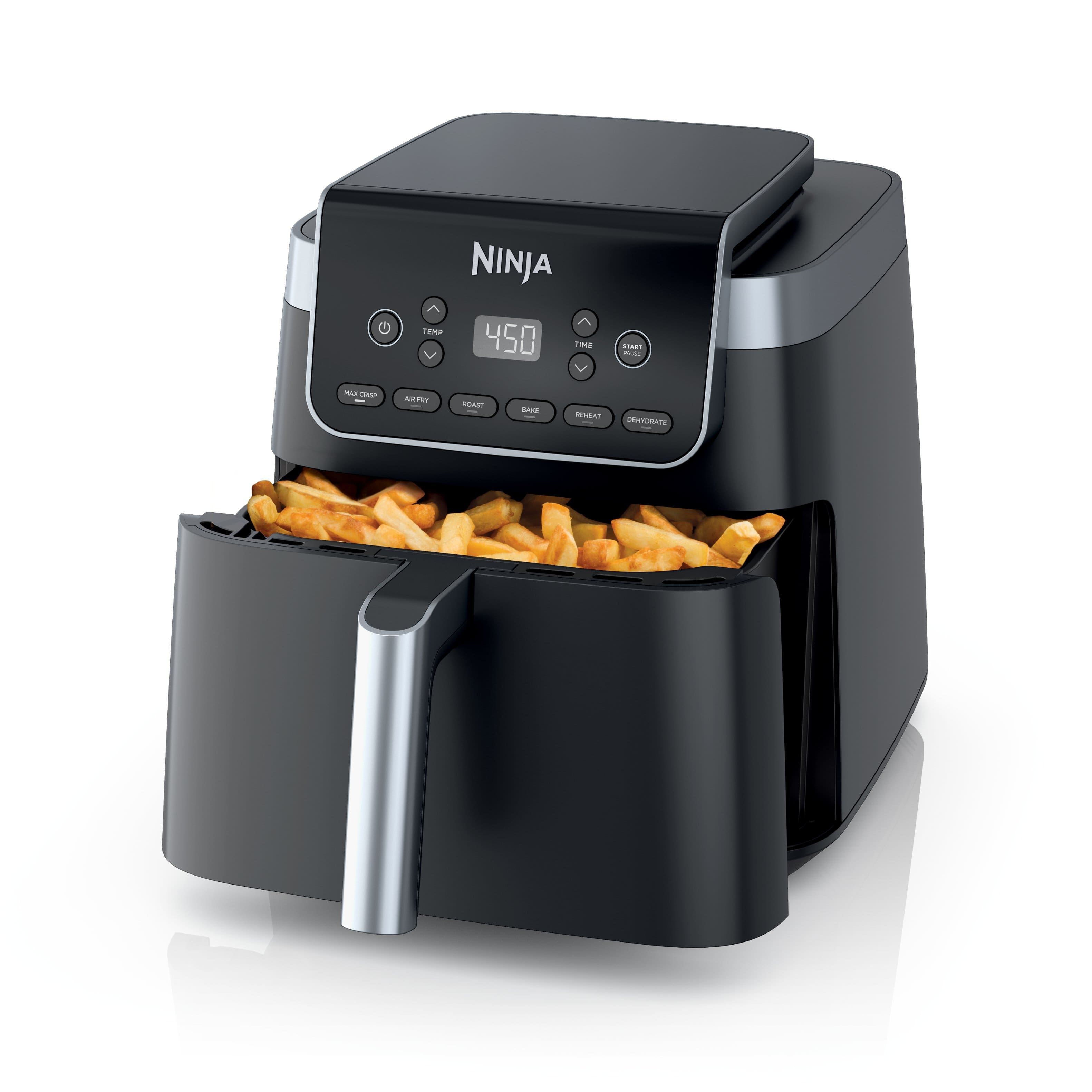
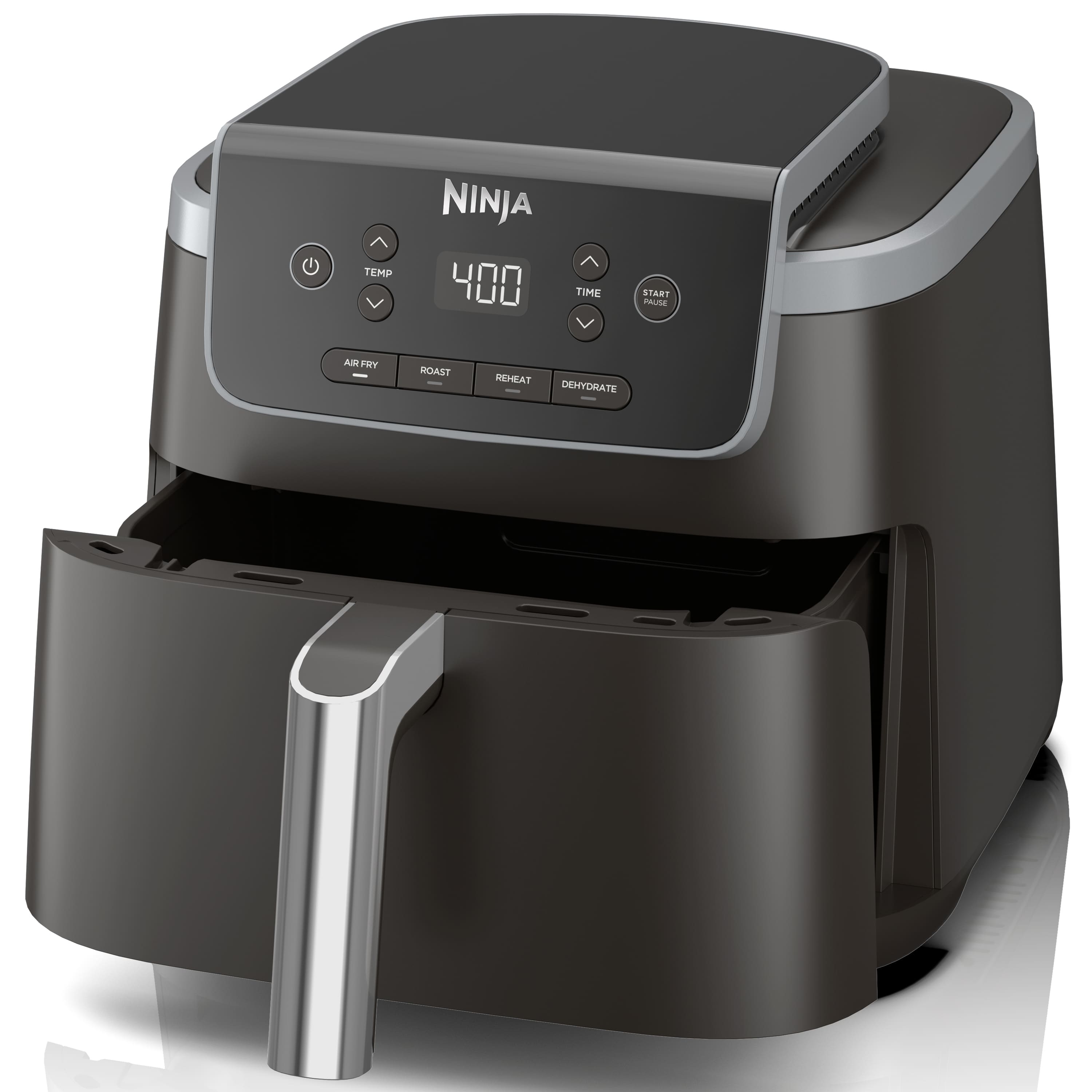
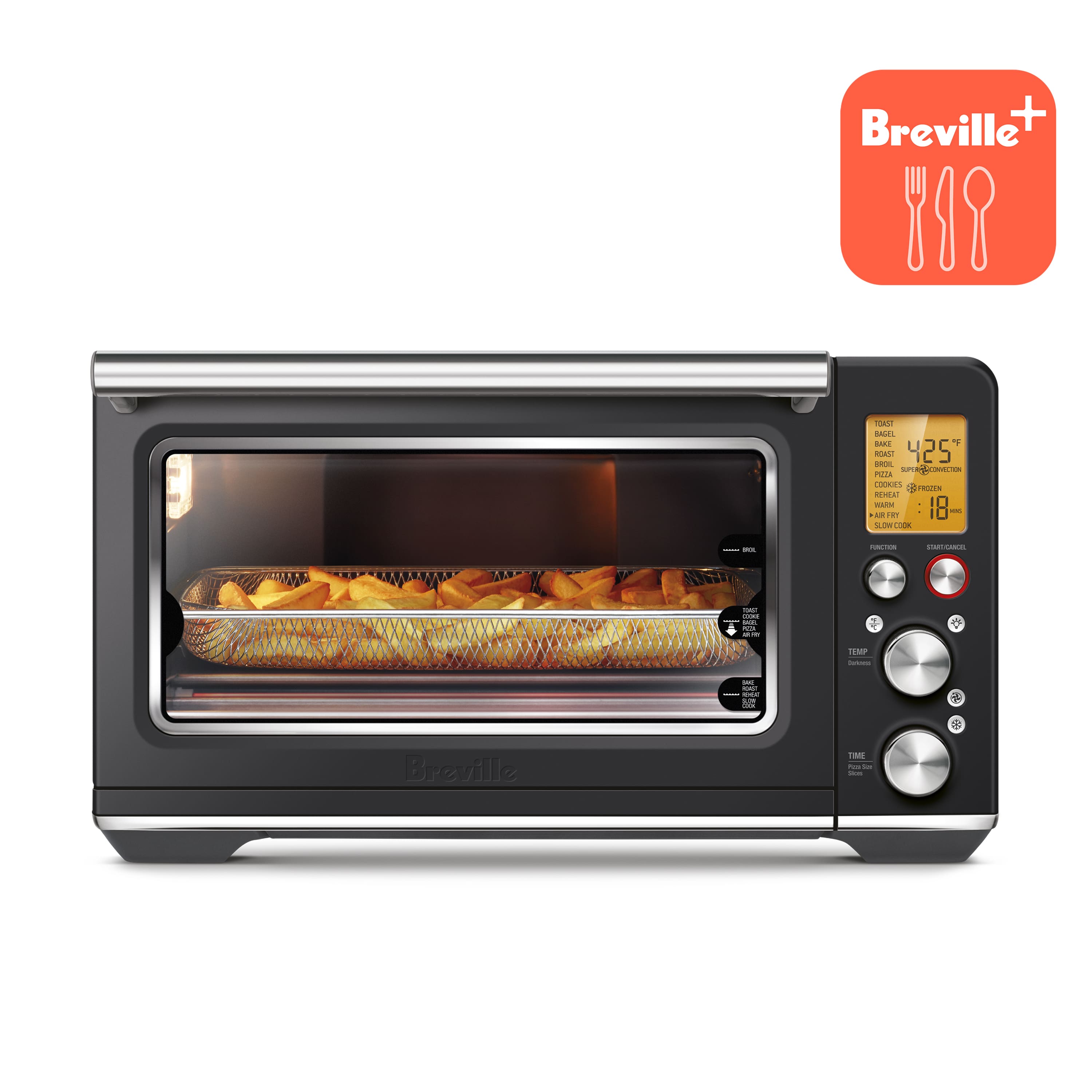
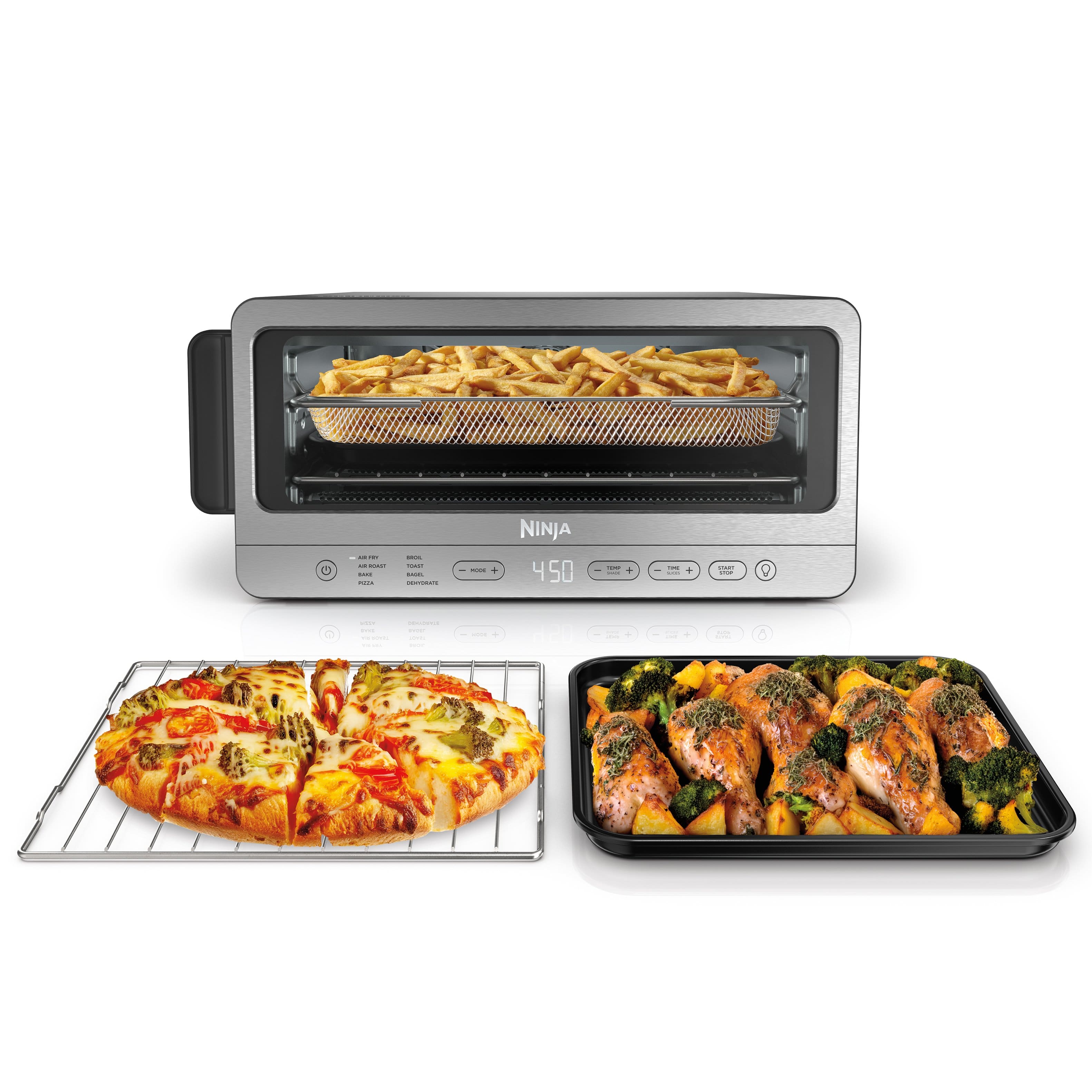
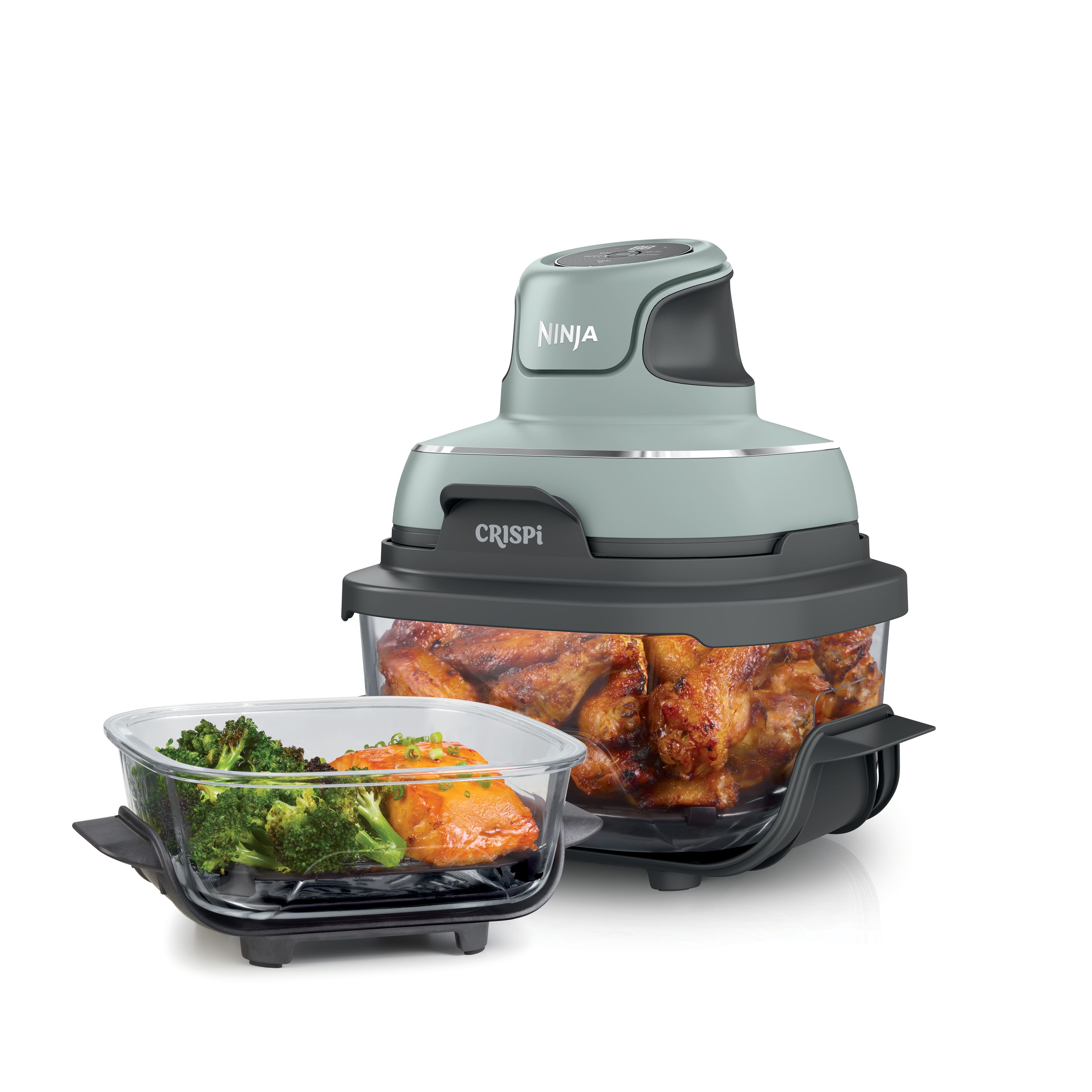
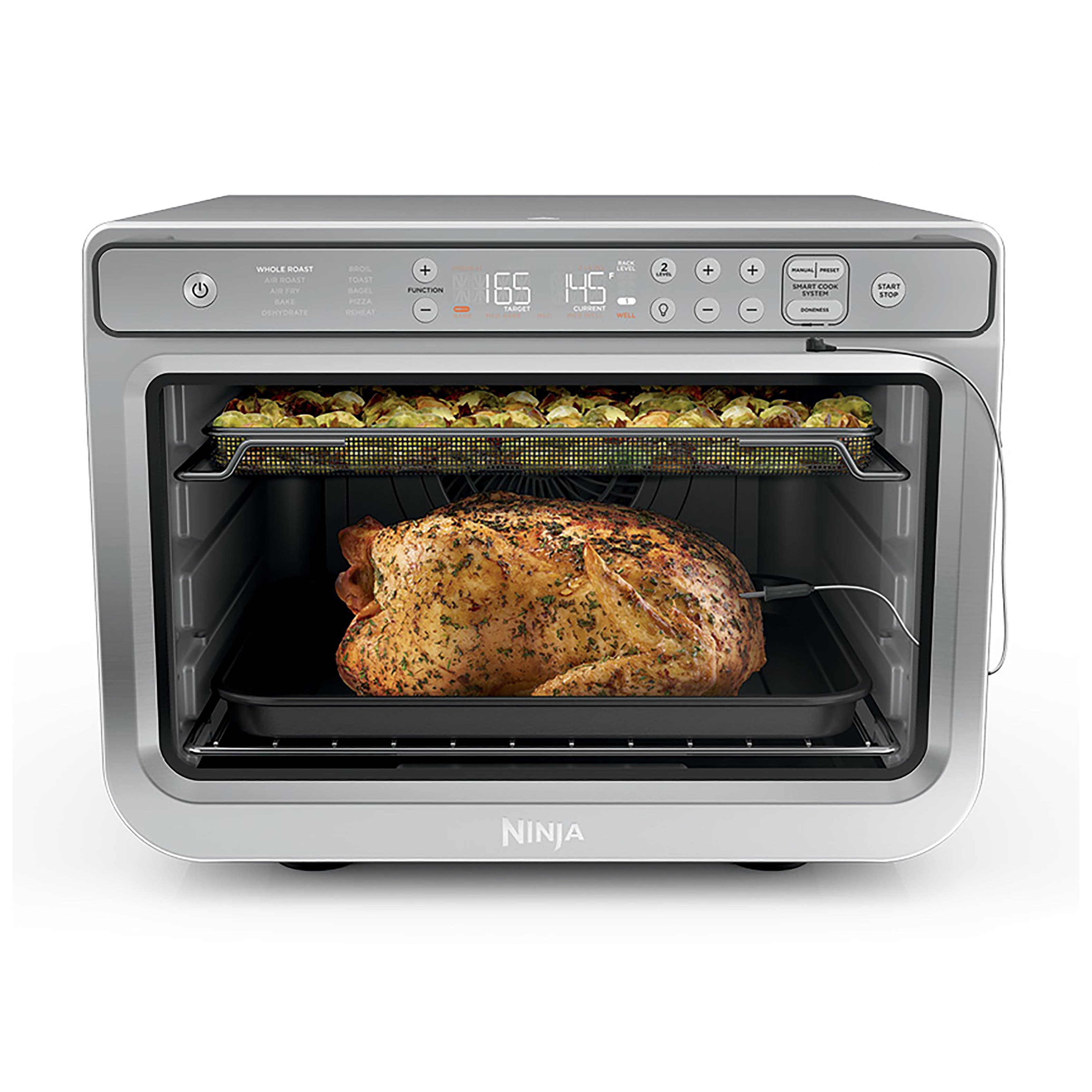
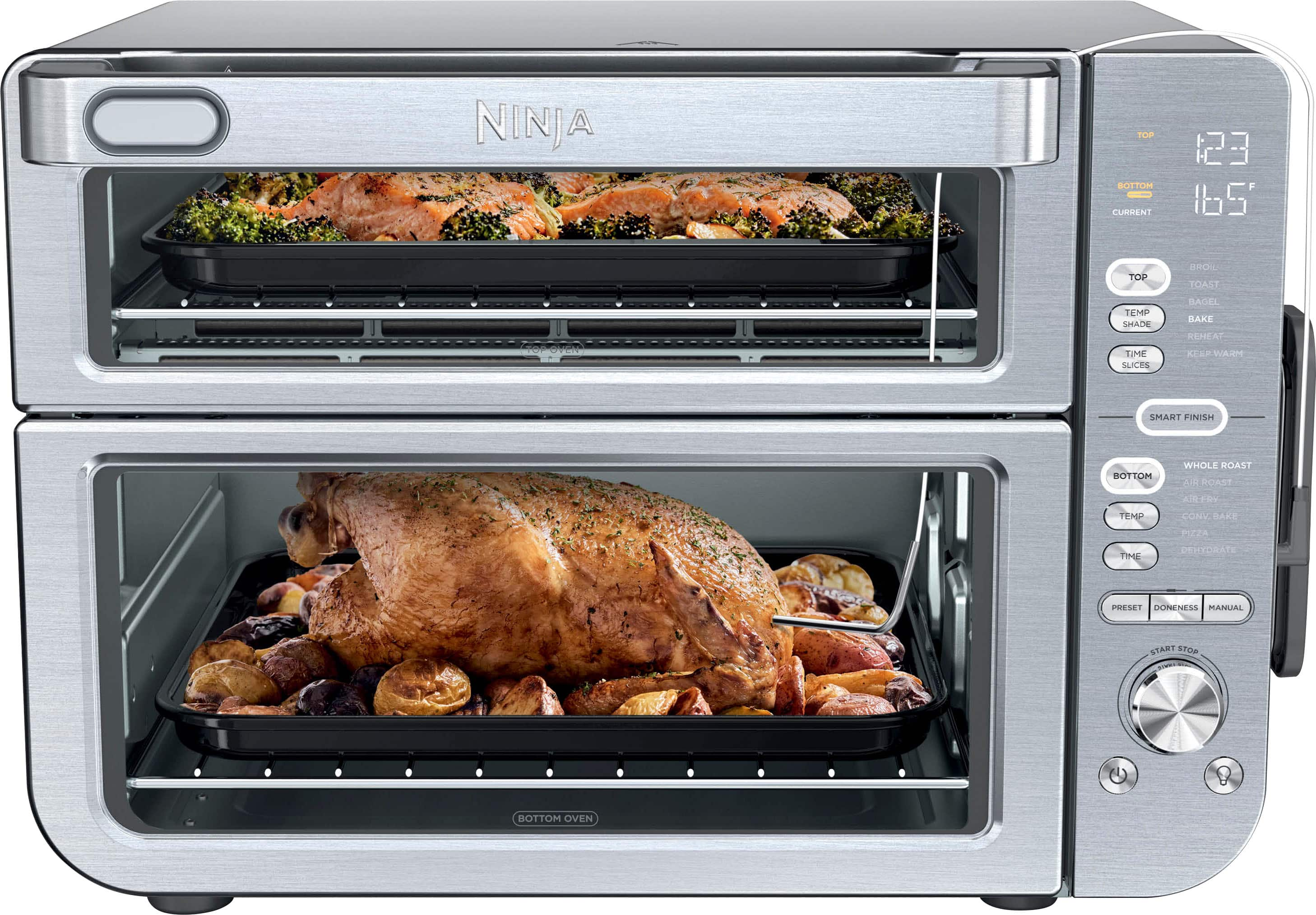
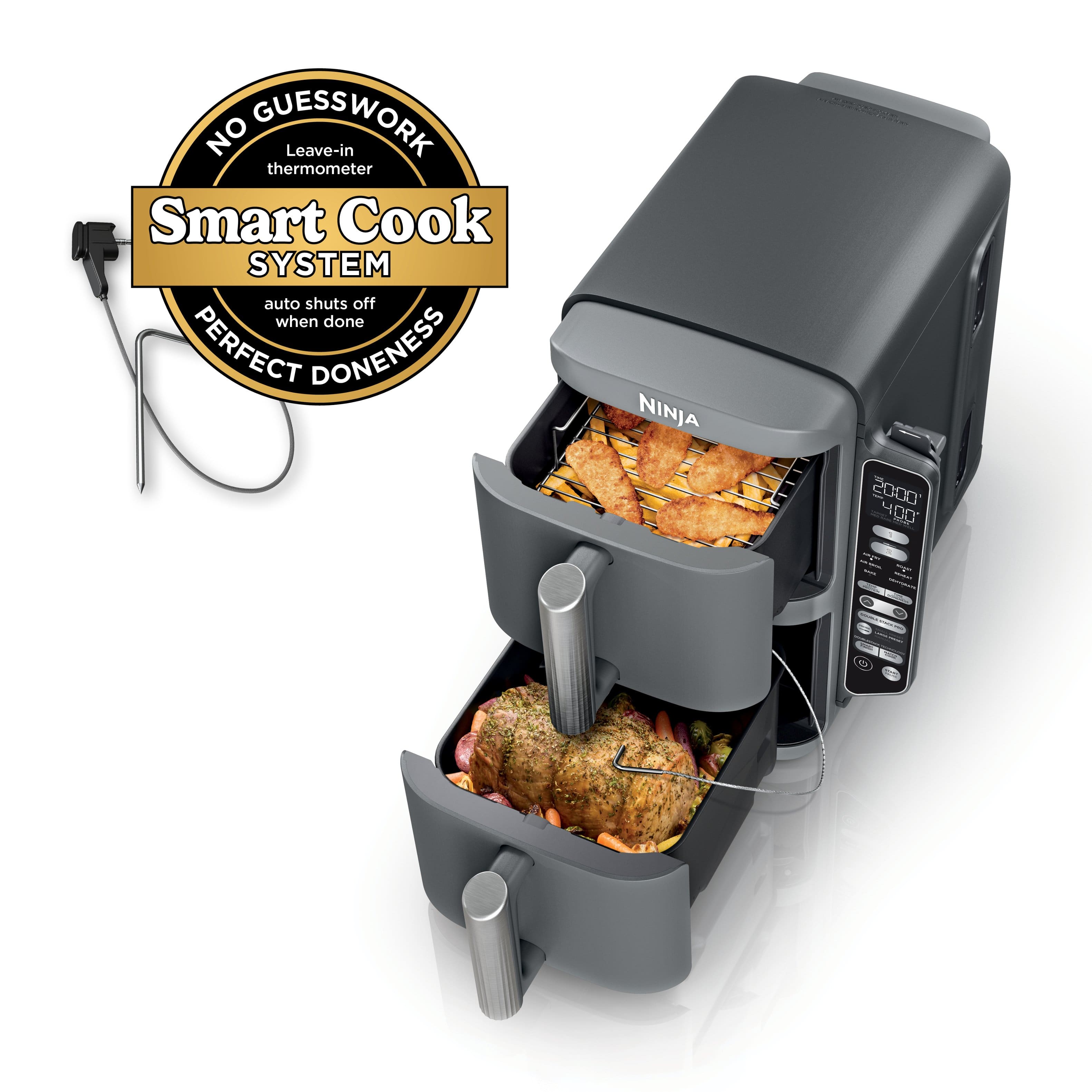
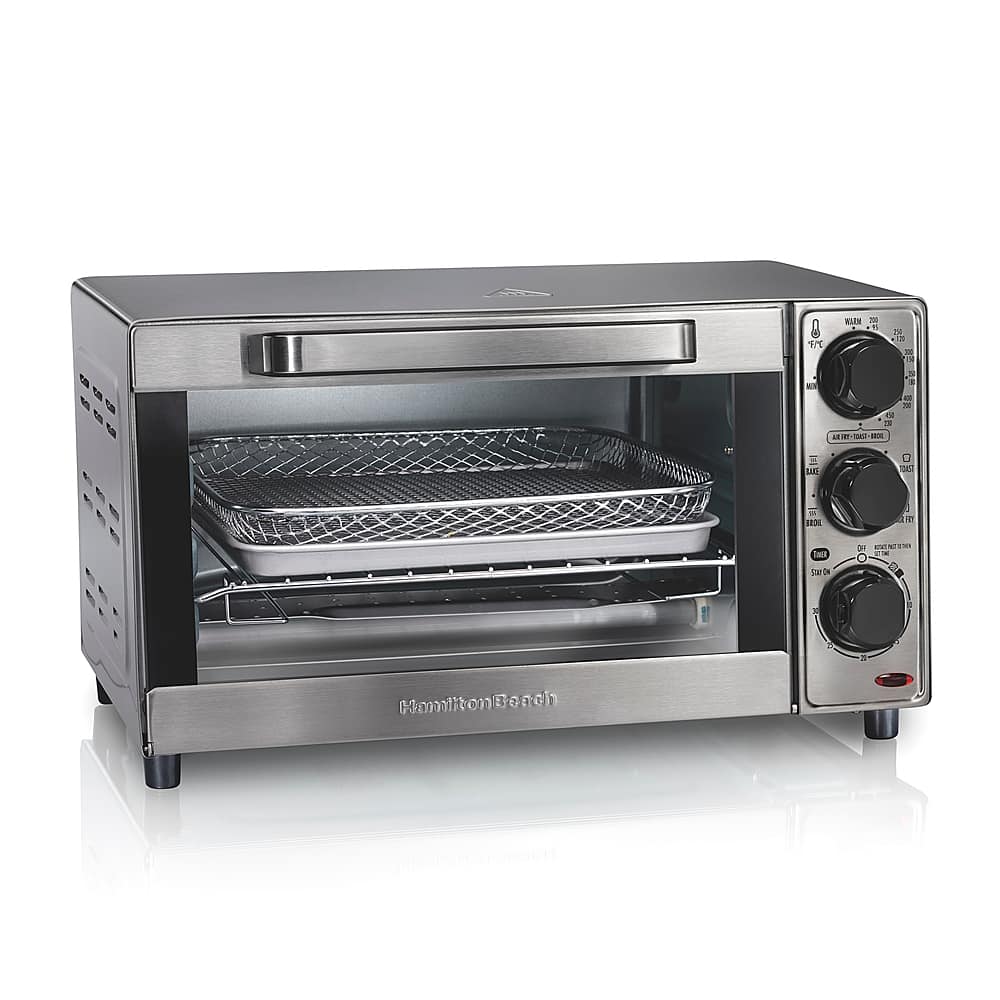
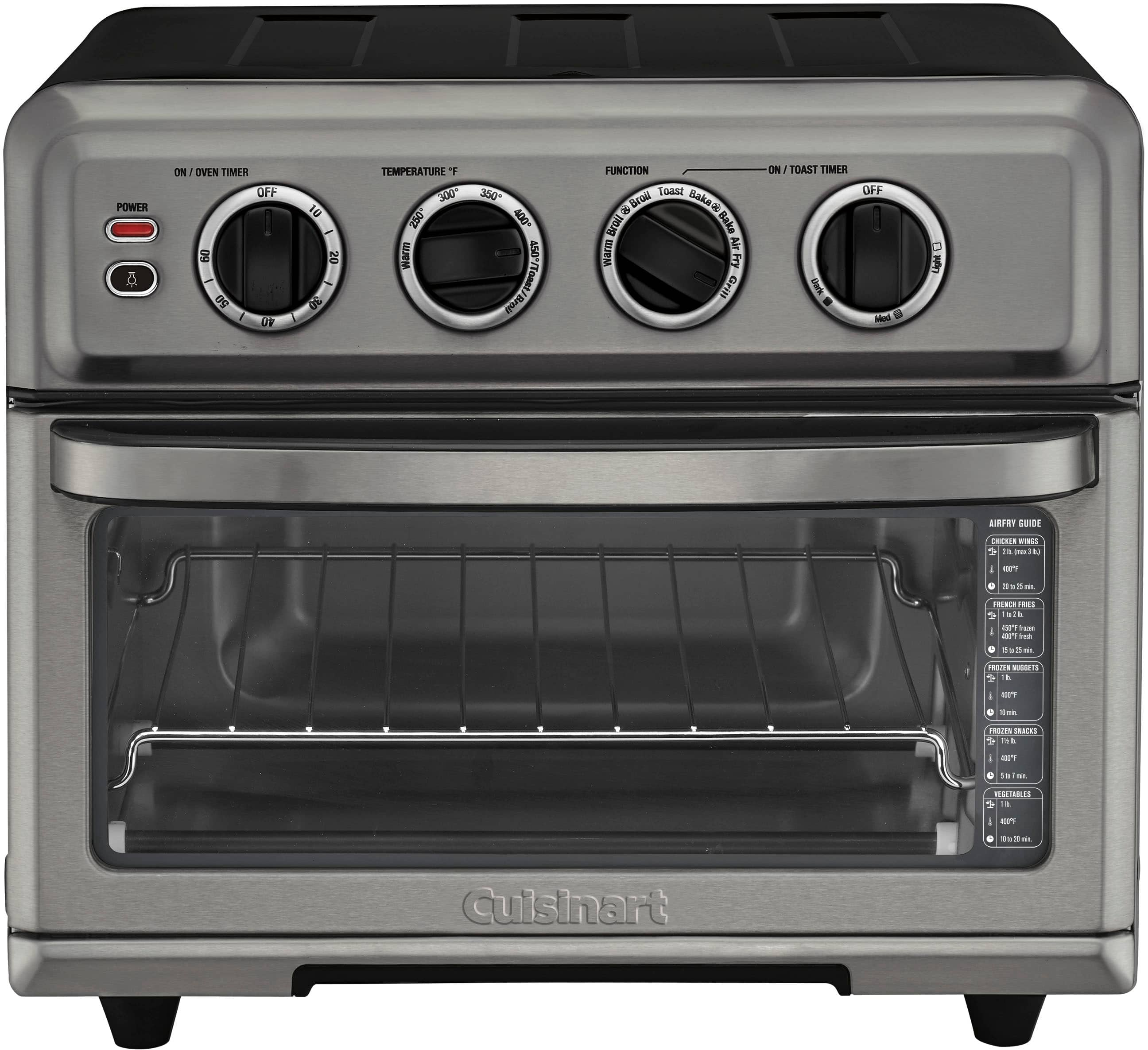
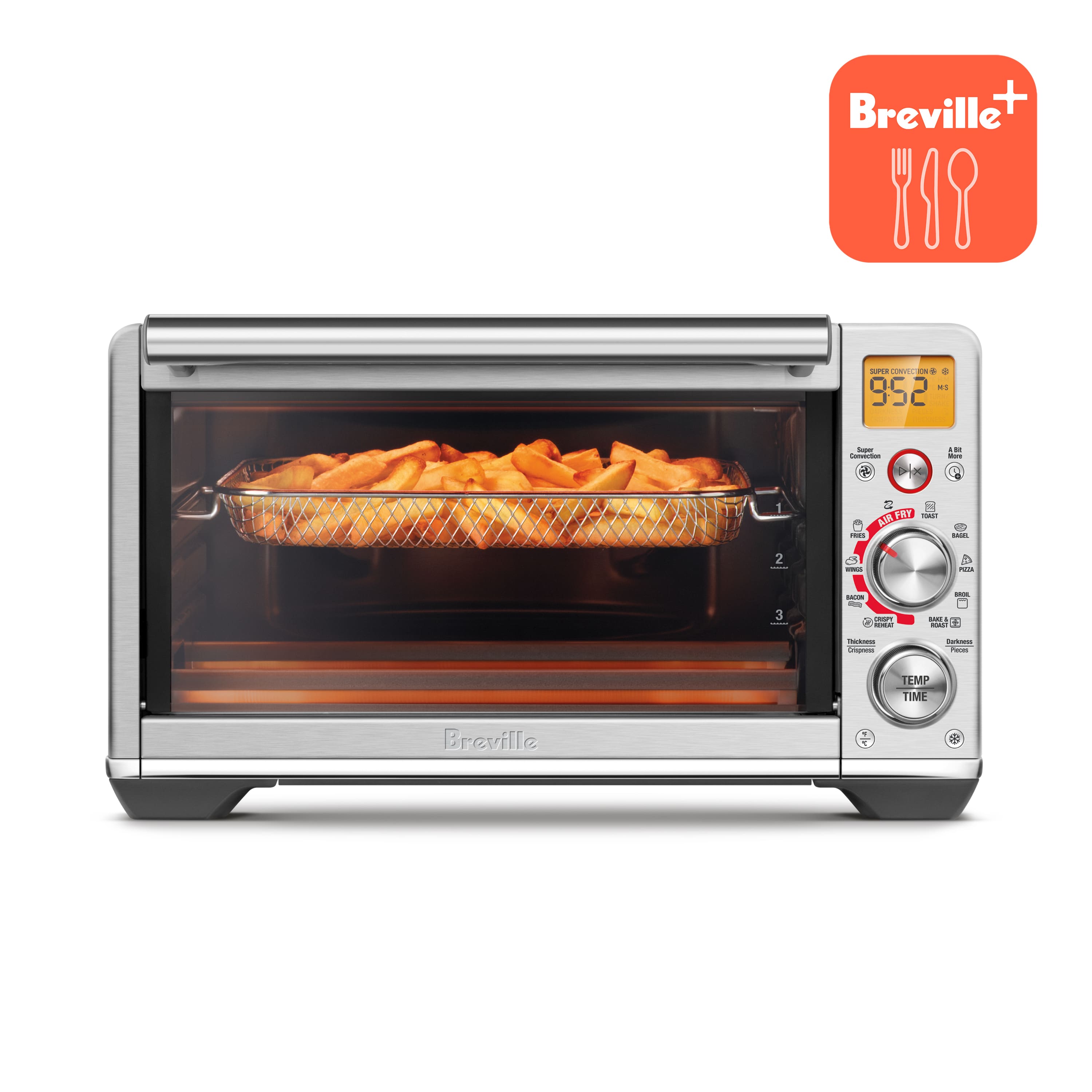
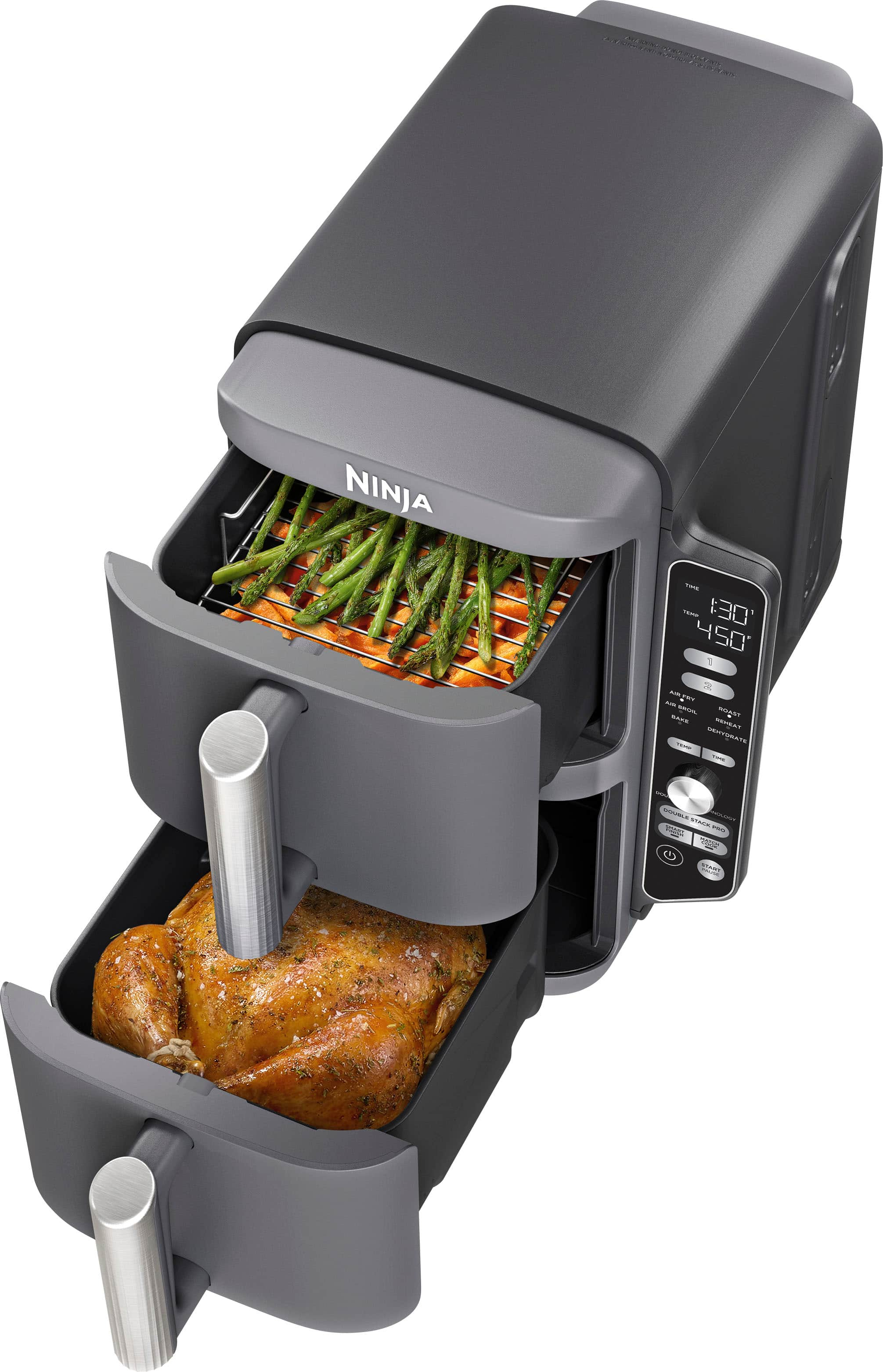
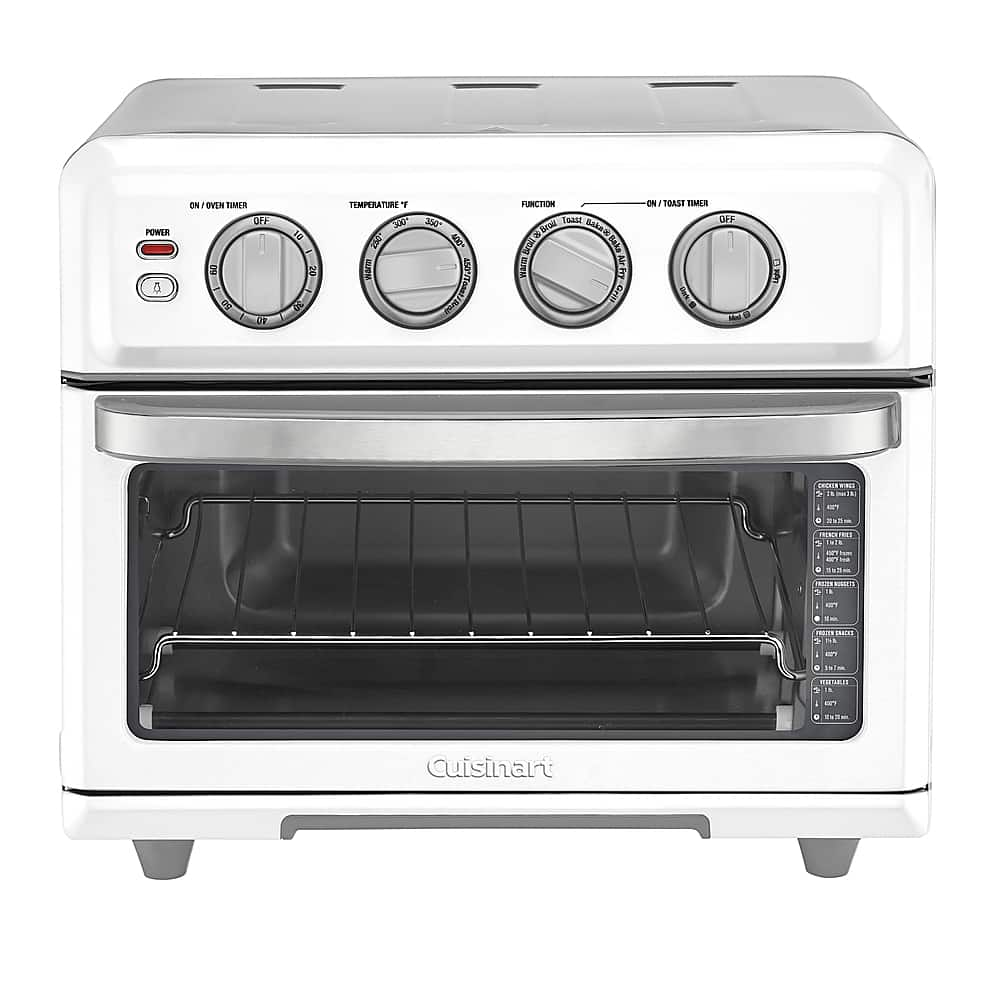
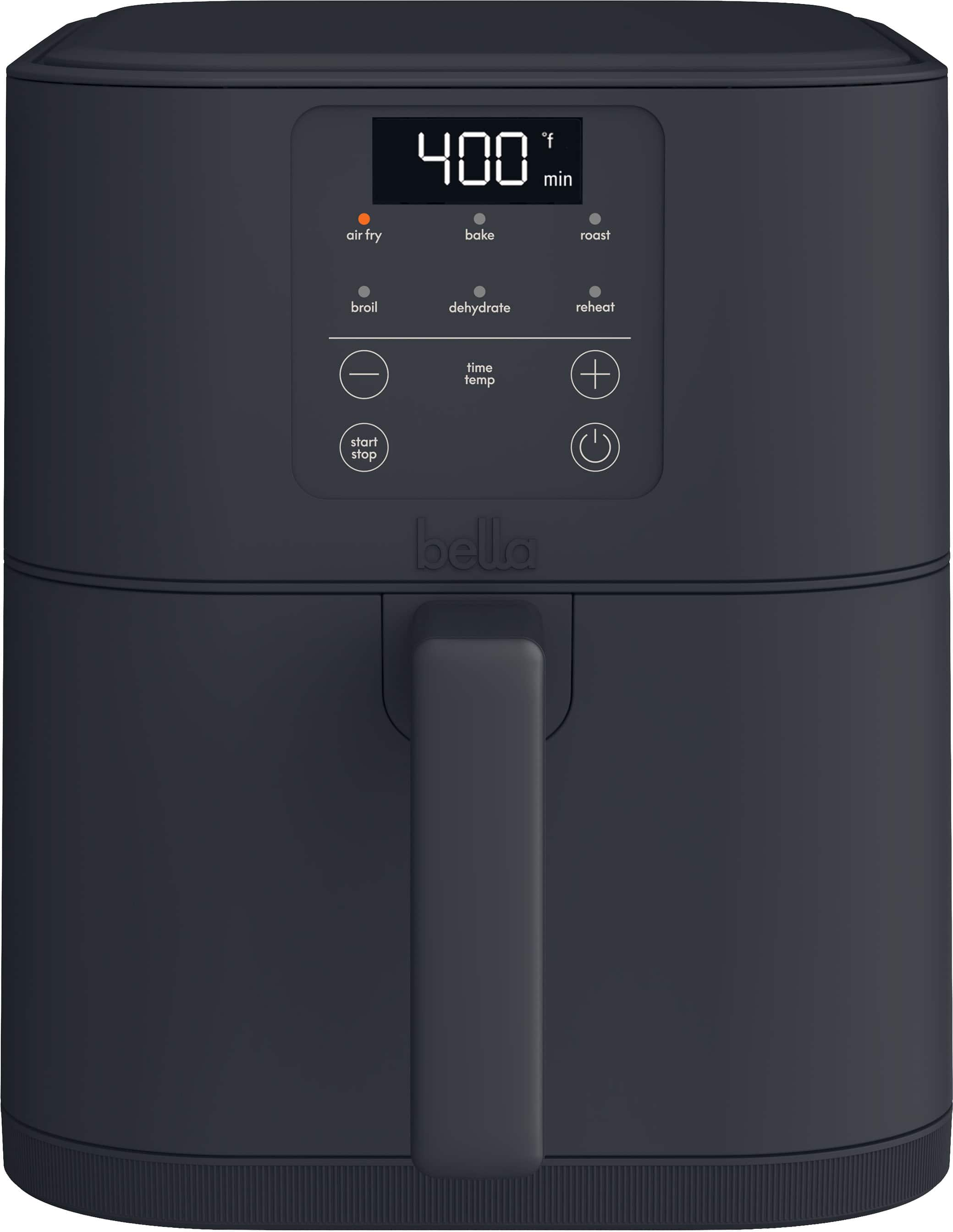
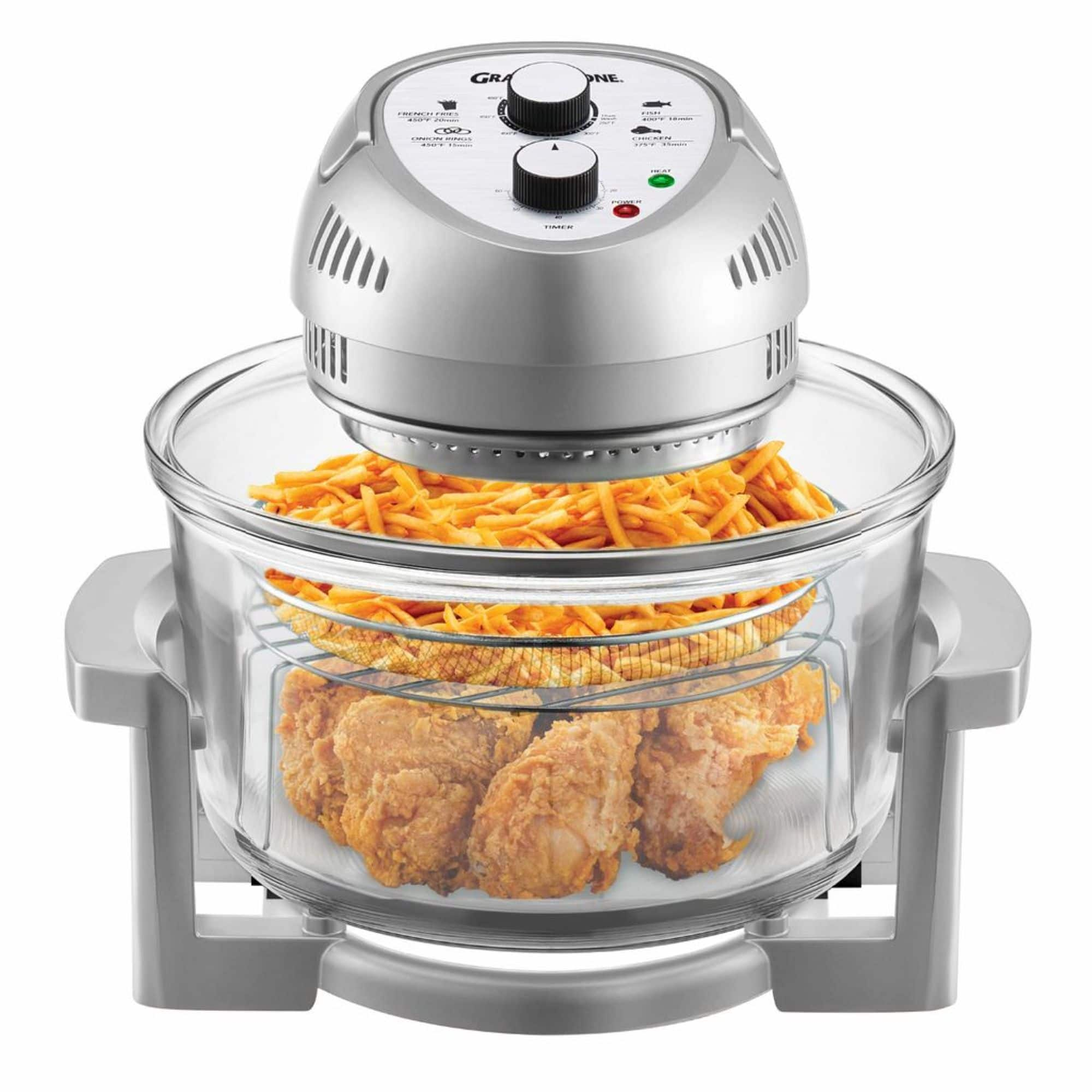
Air Fryers



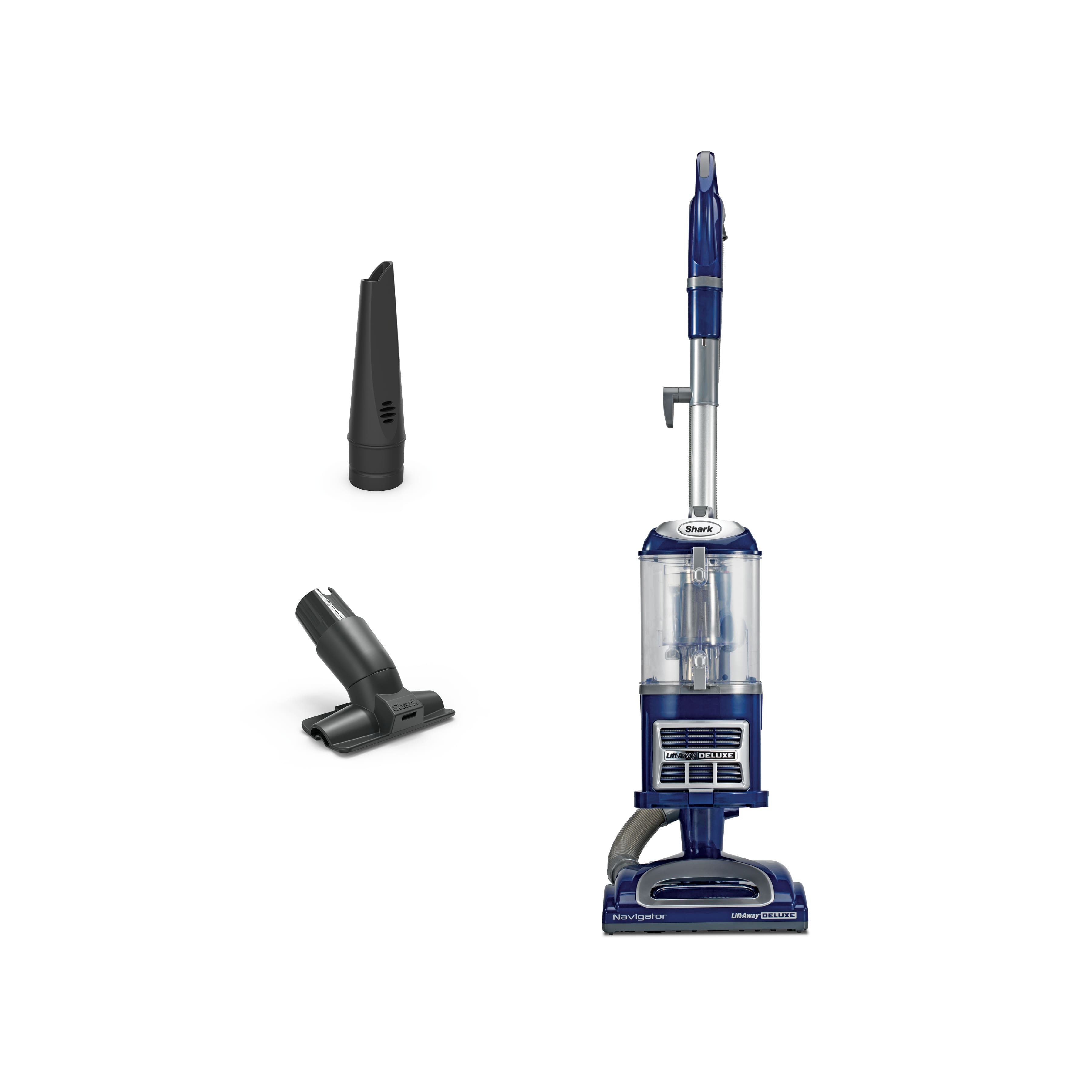
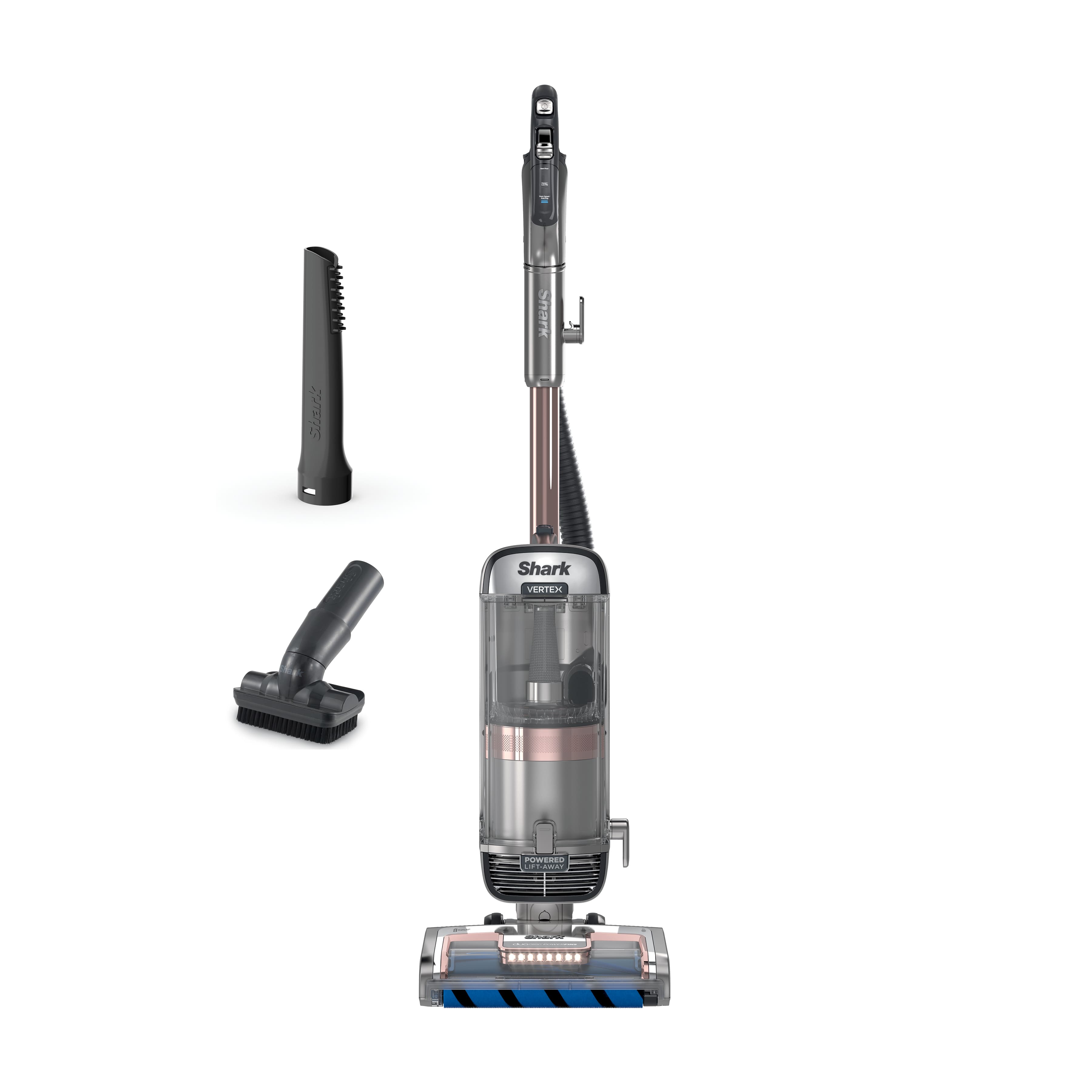
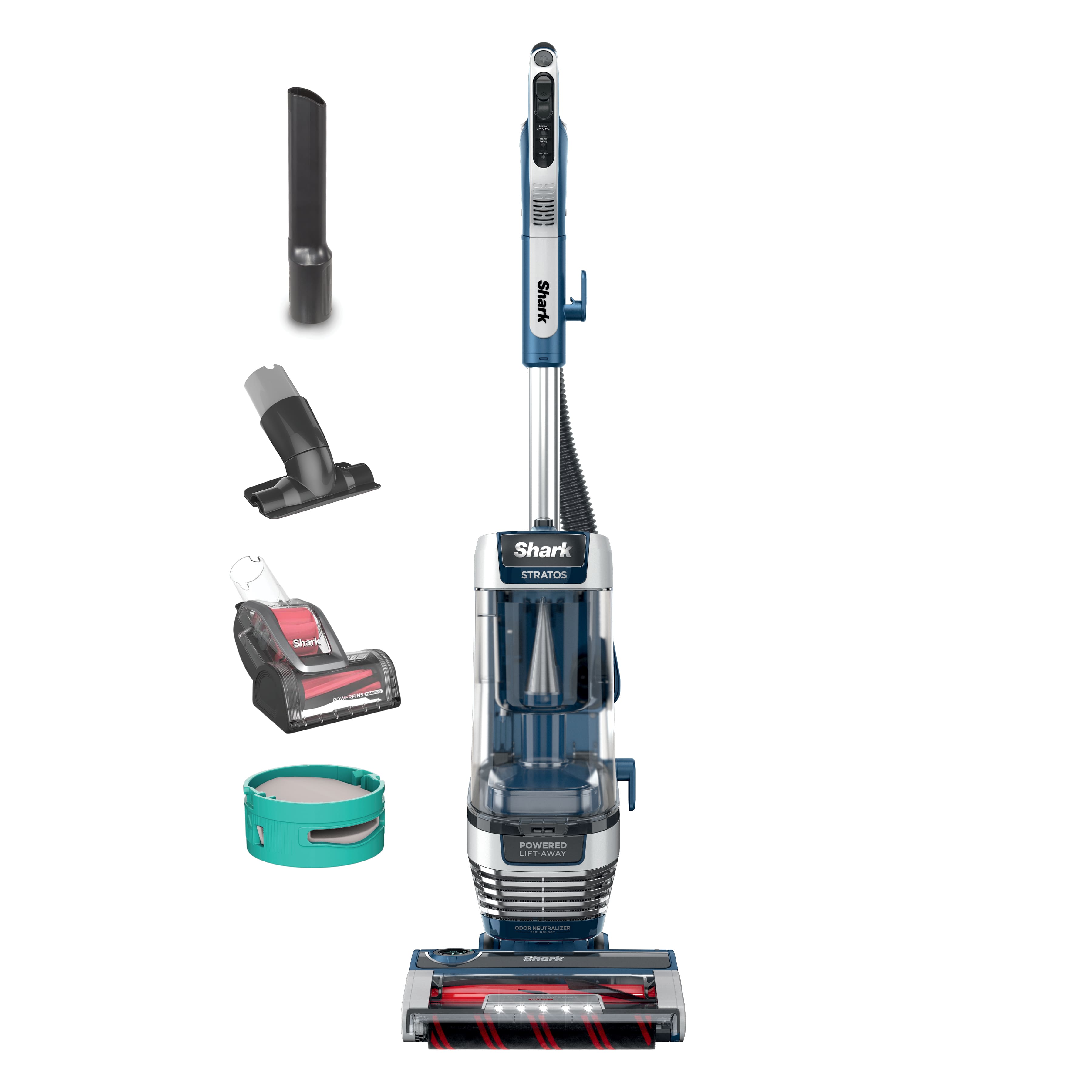
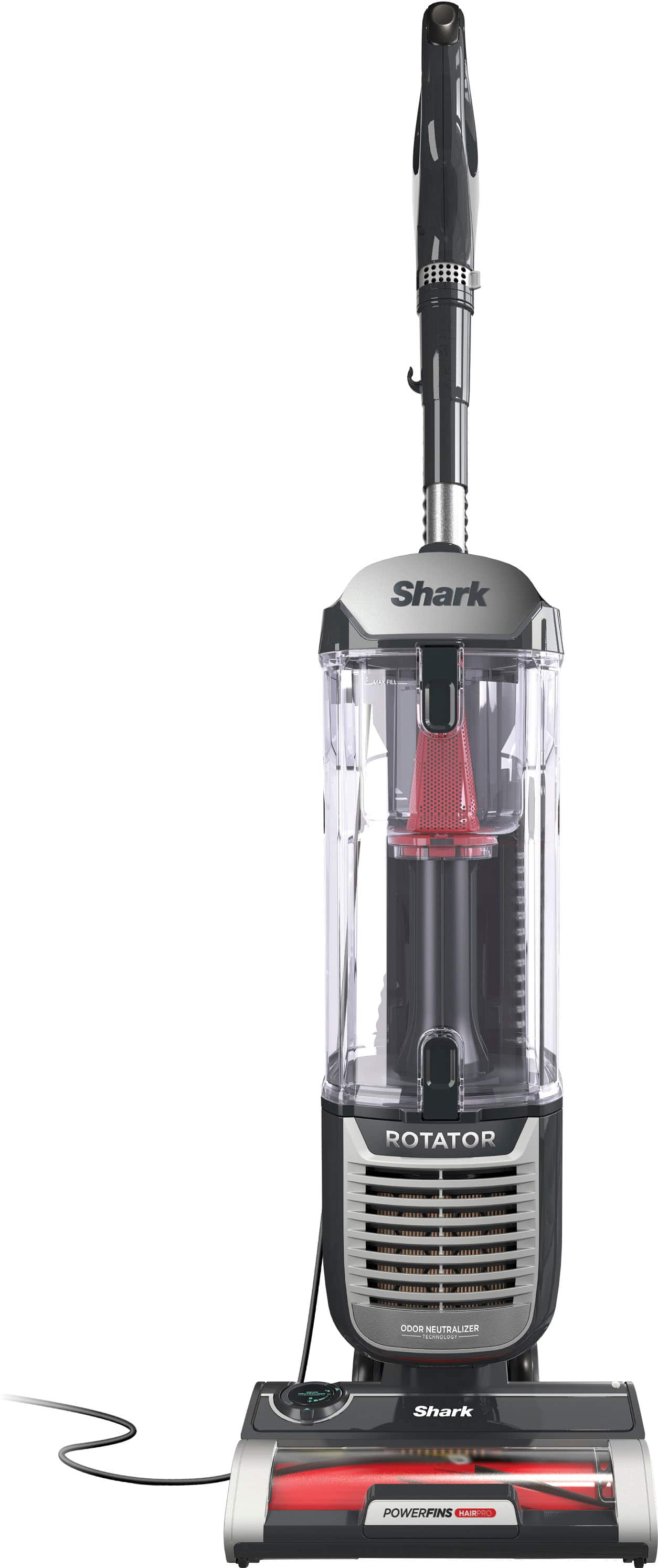
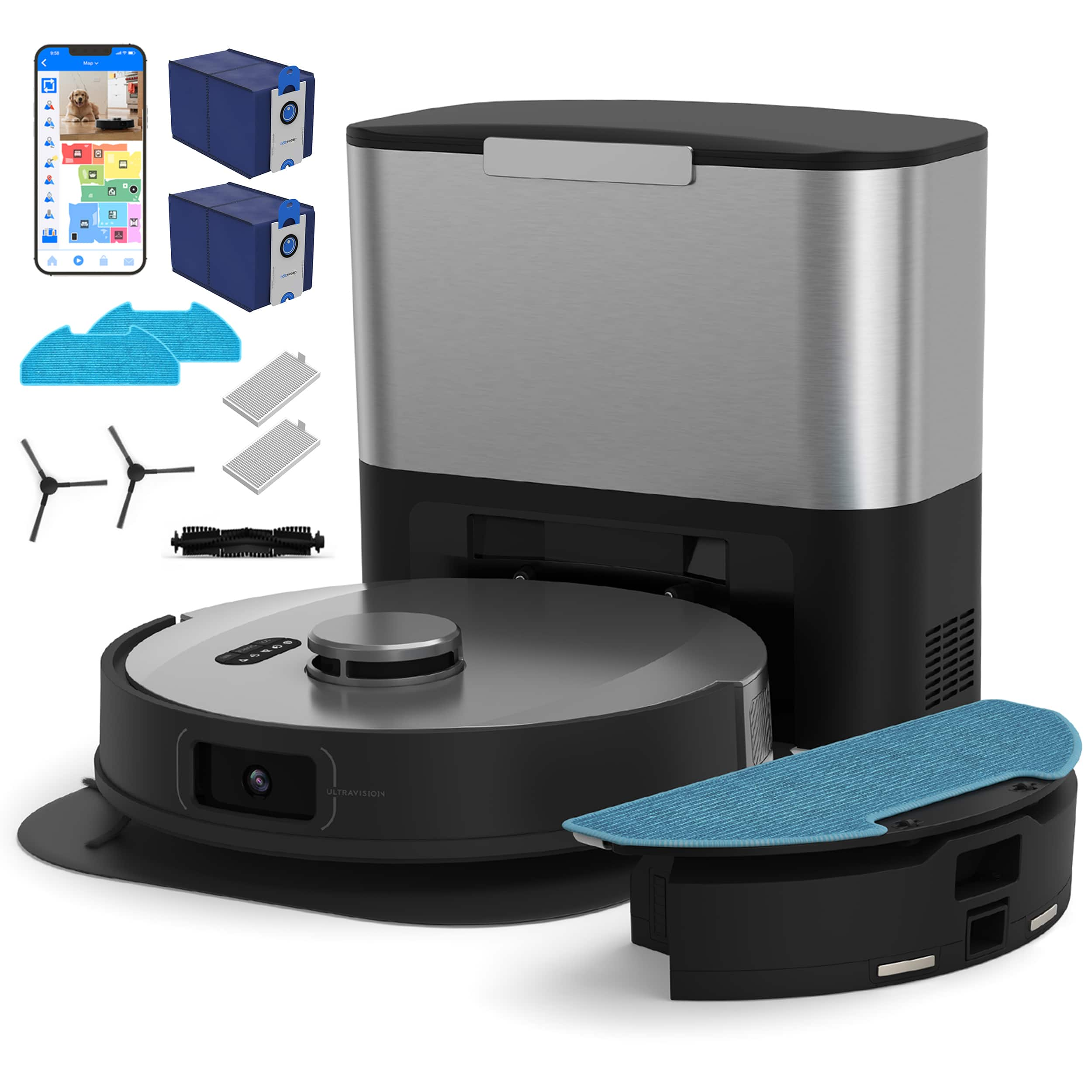
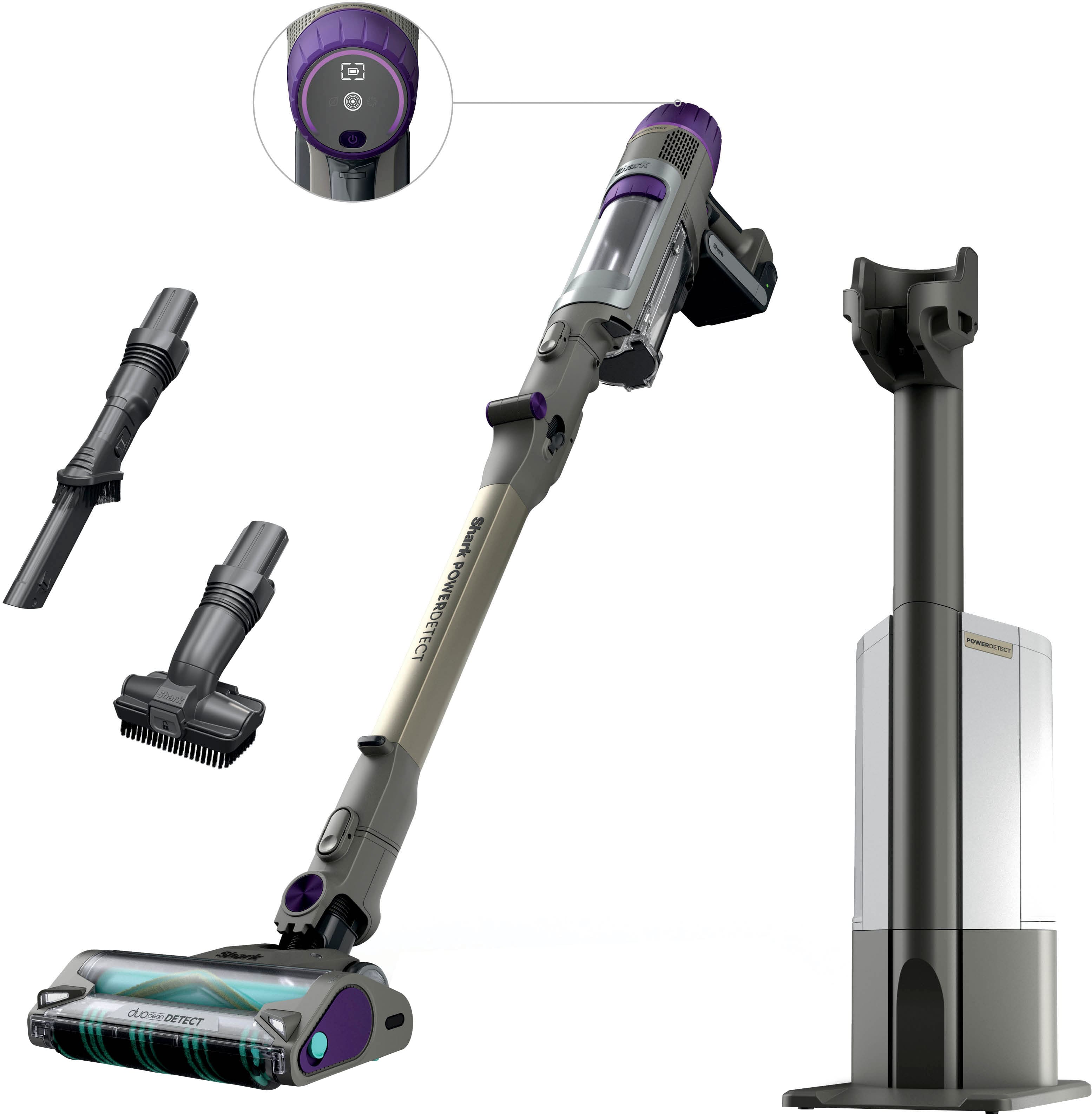
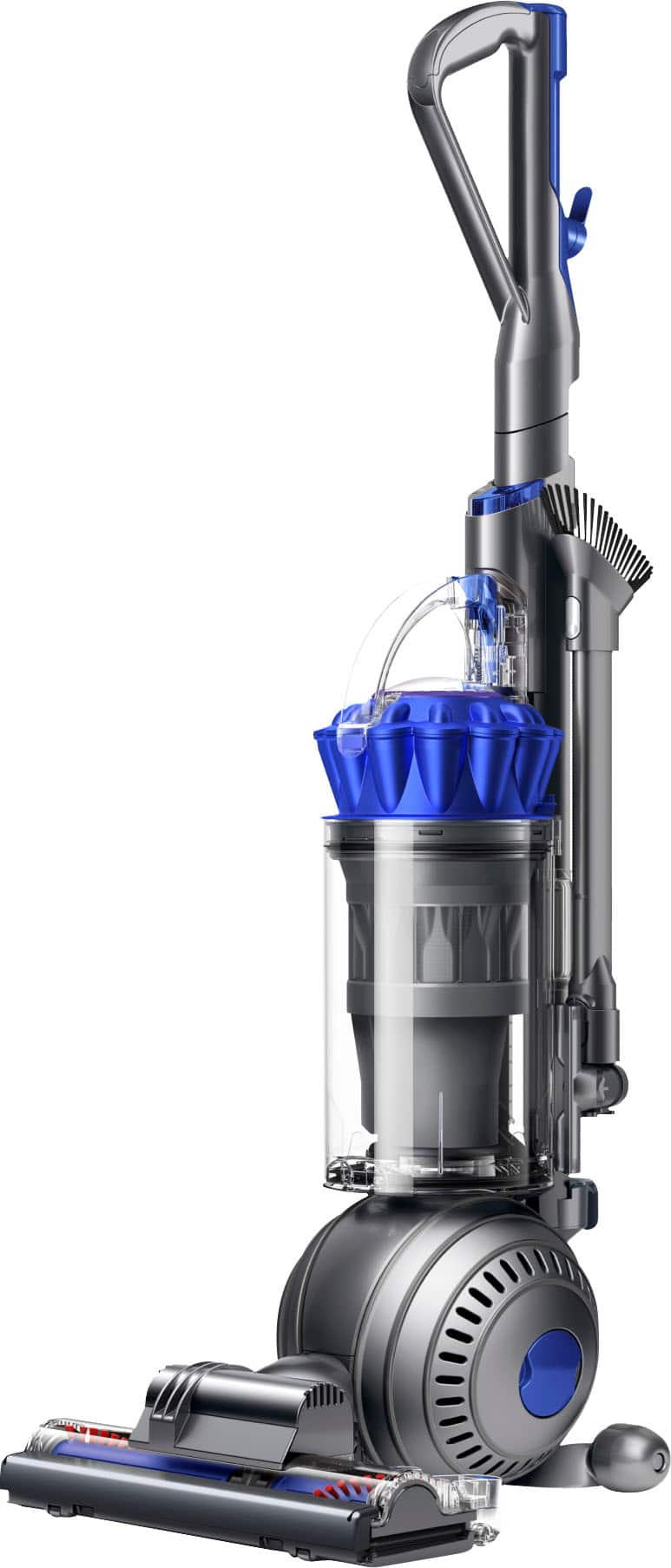
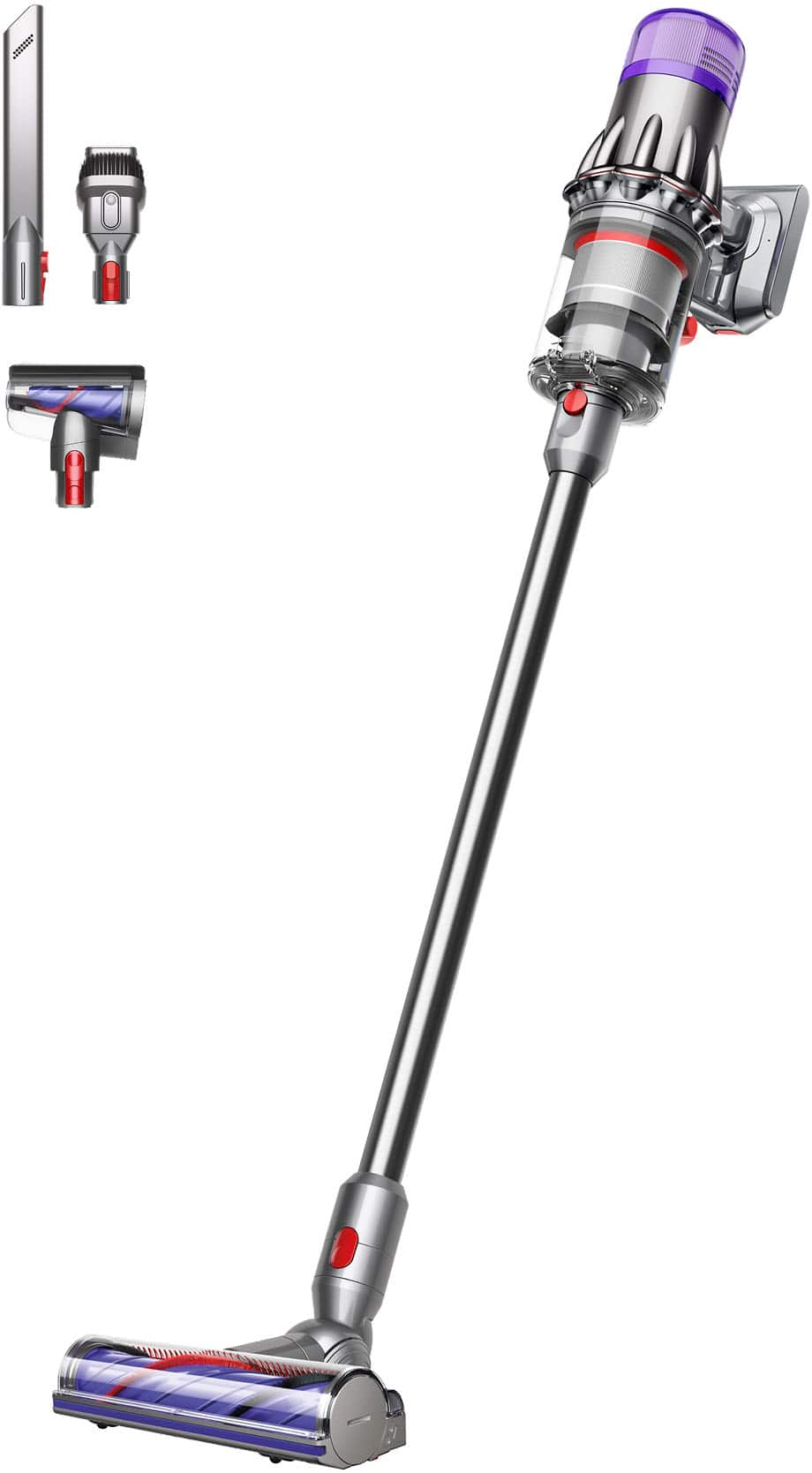
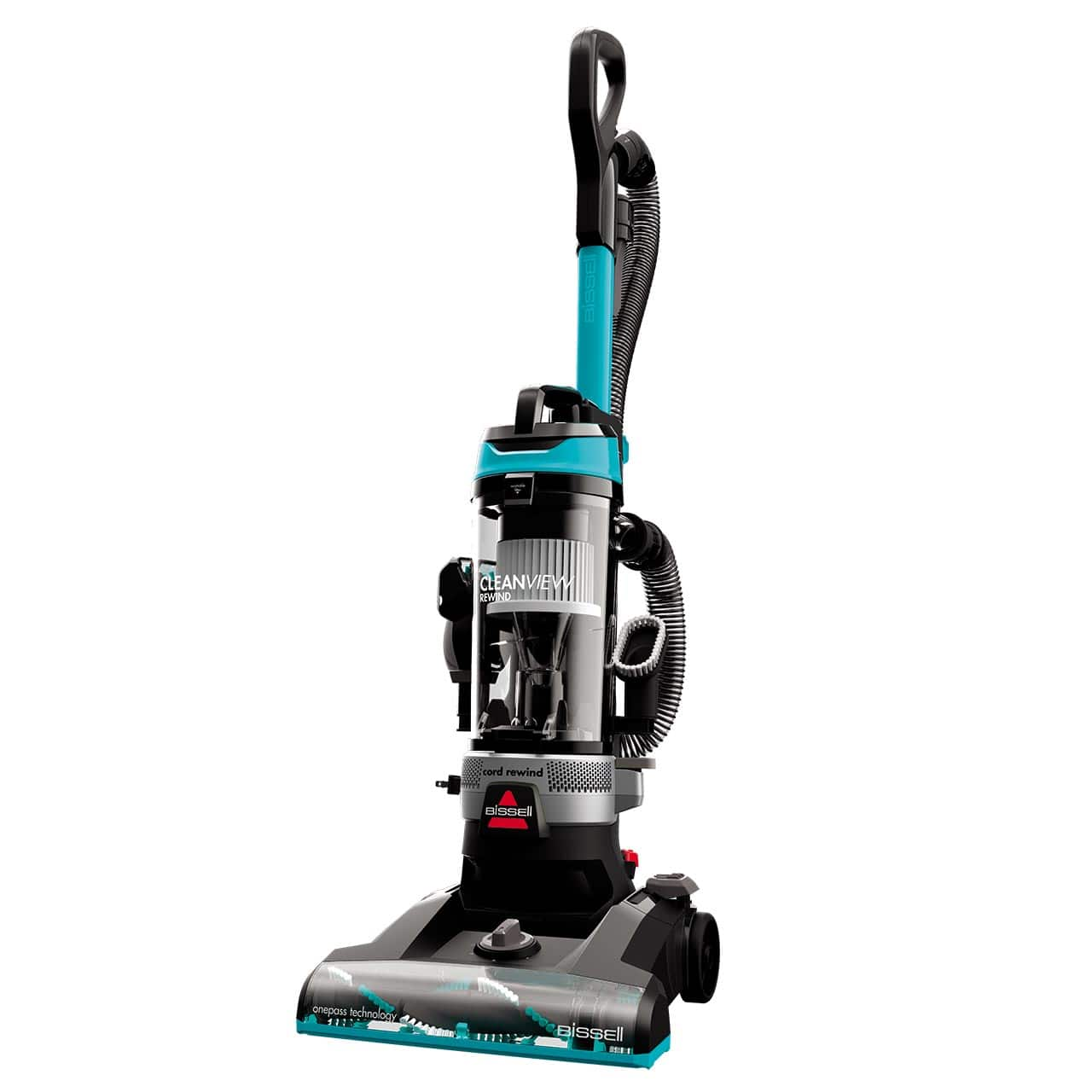
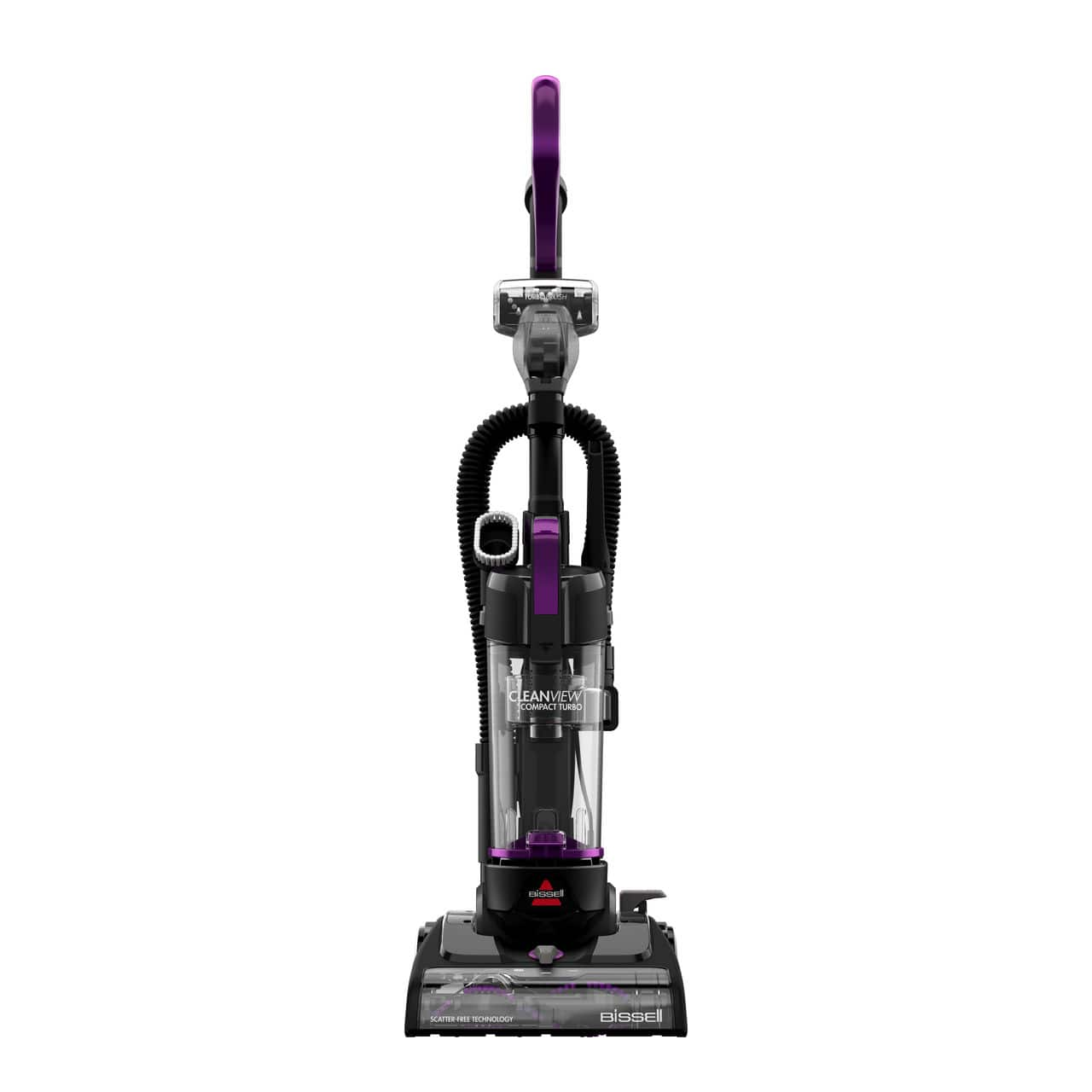
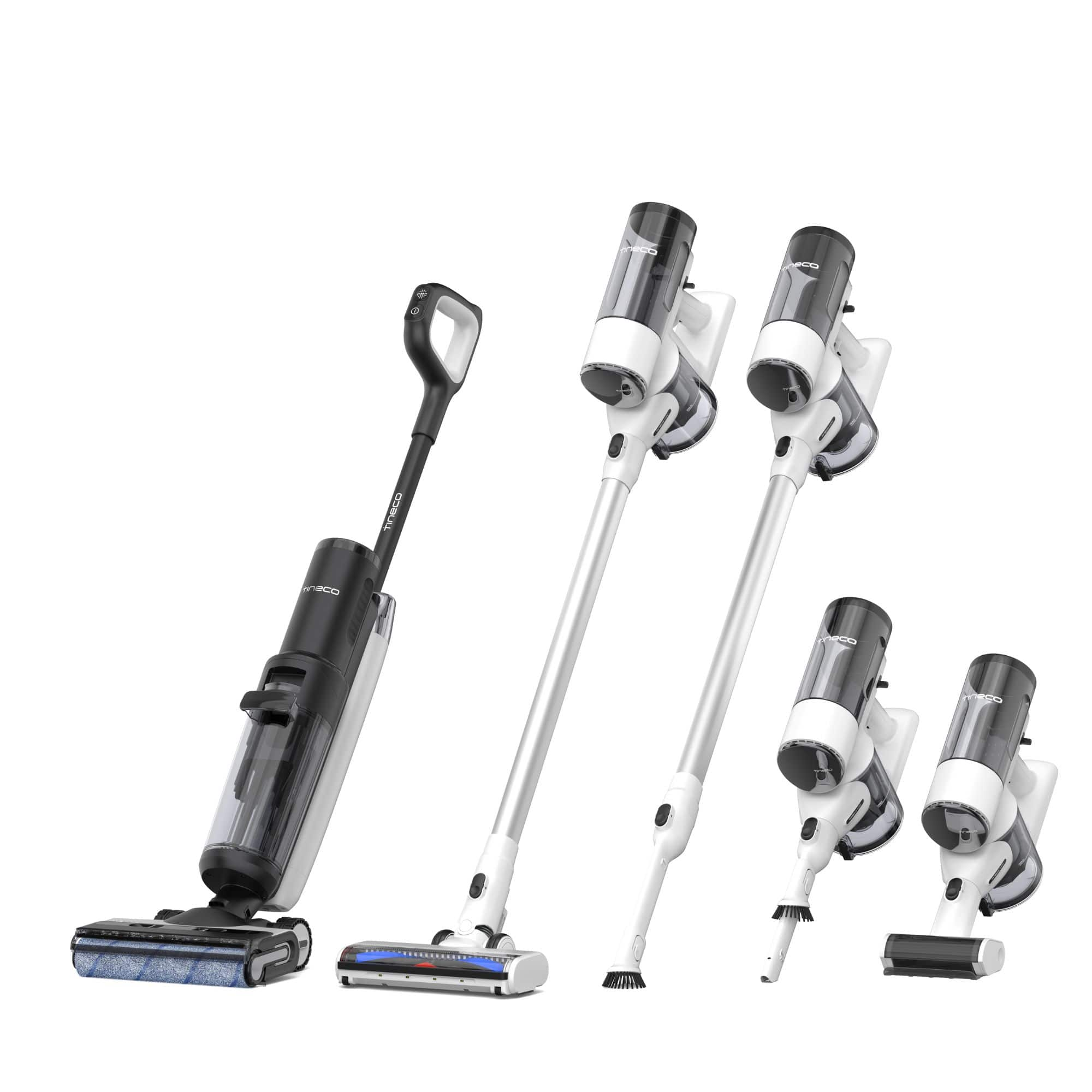
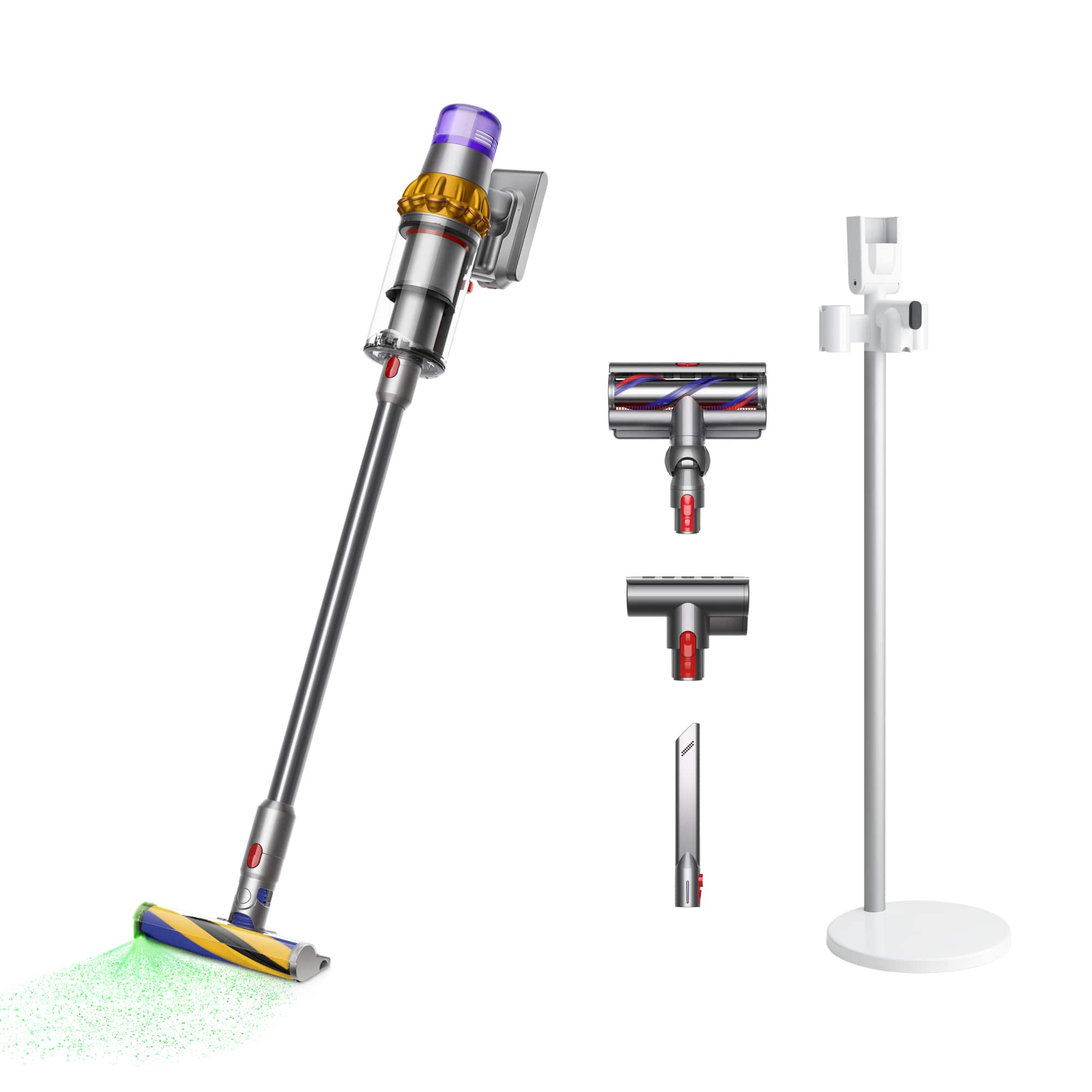
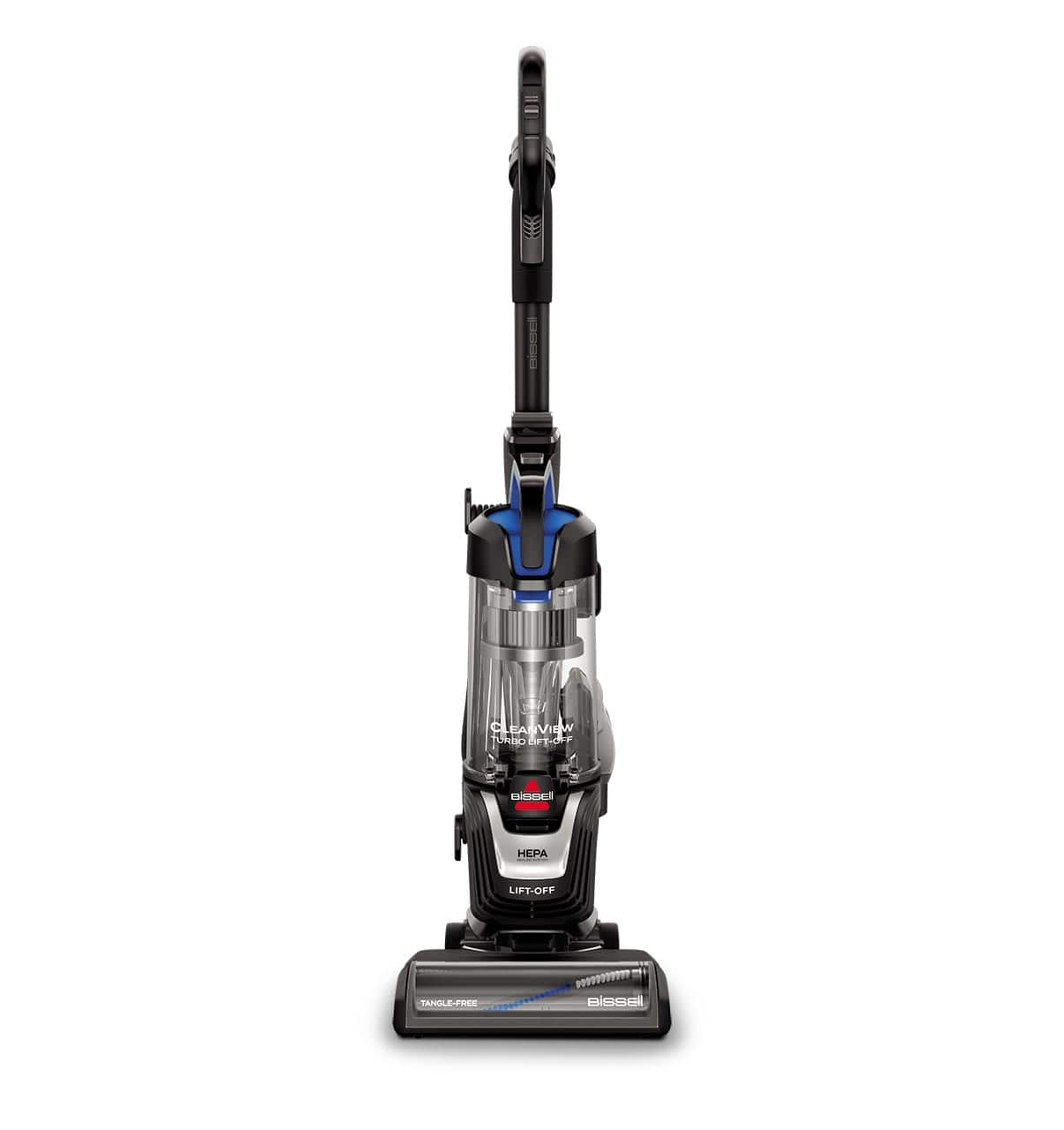
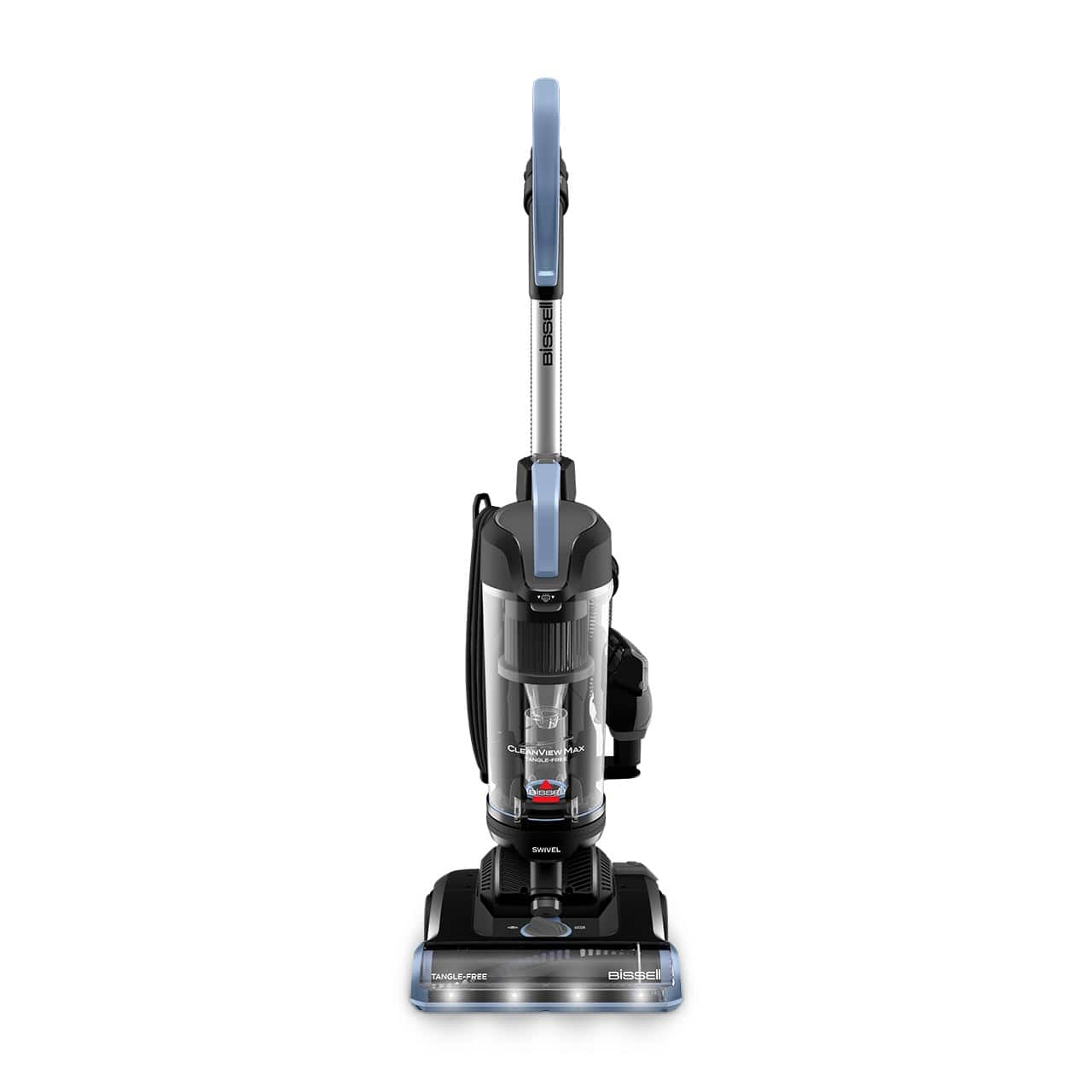
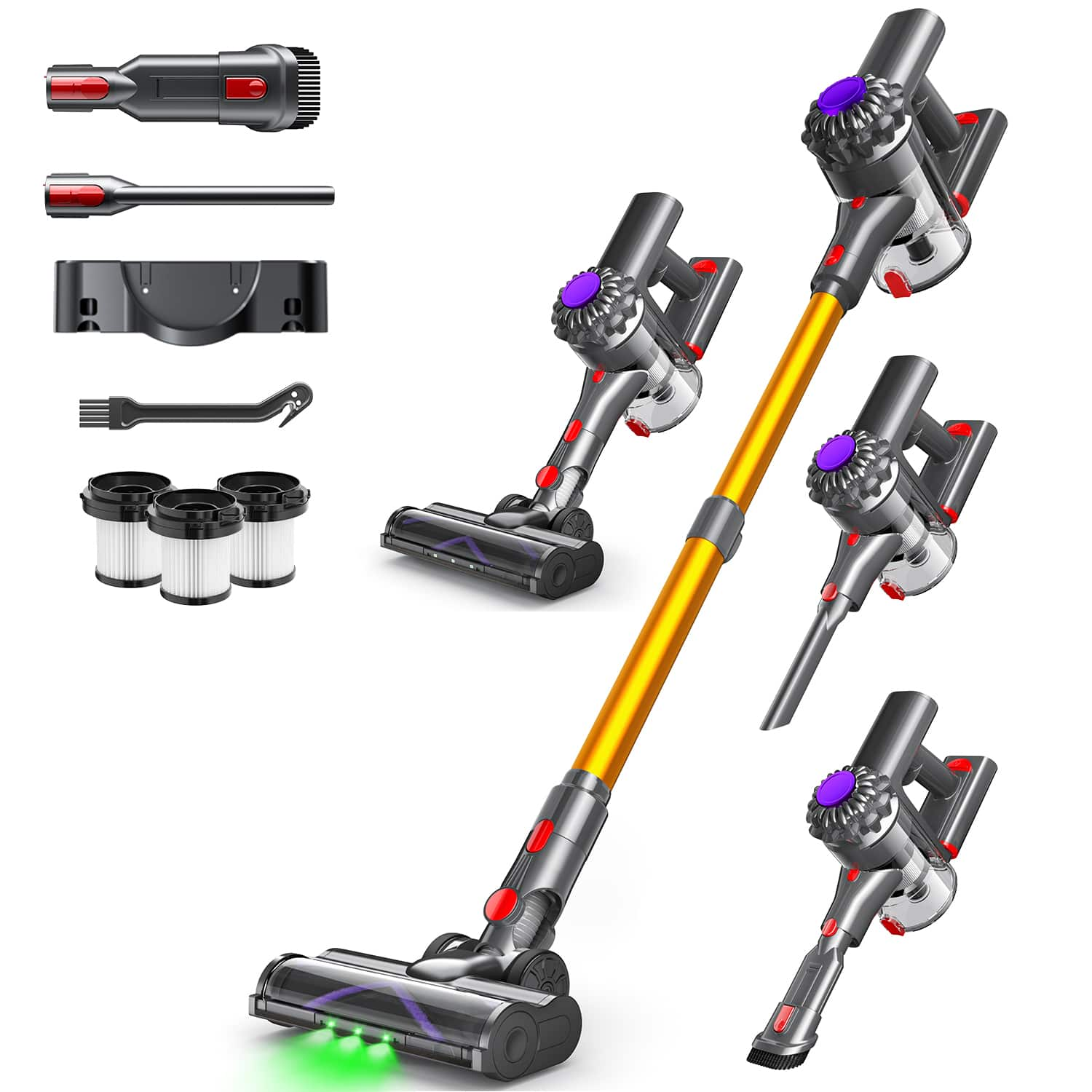
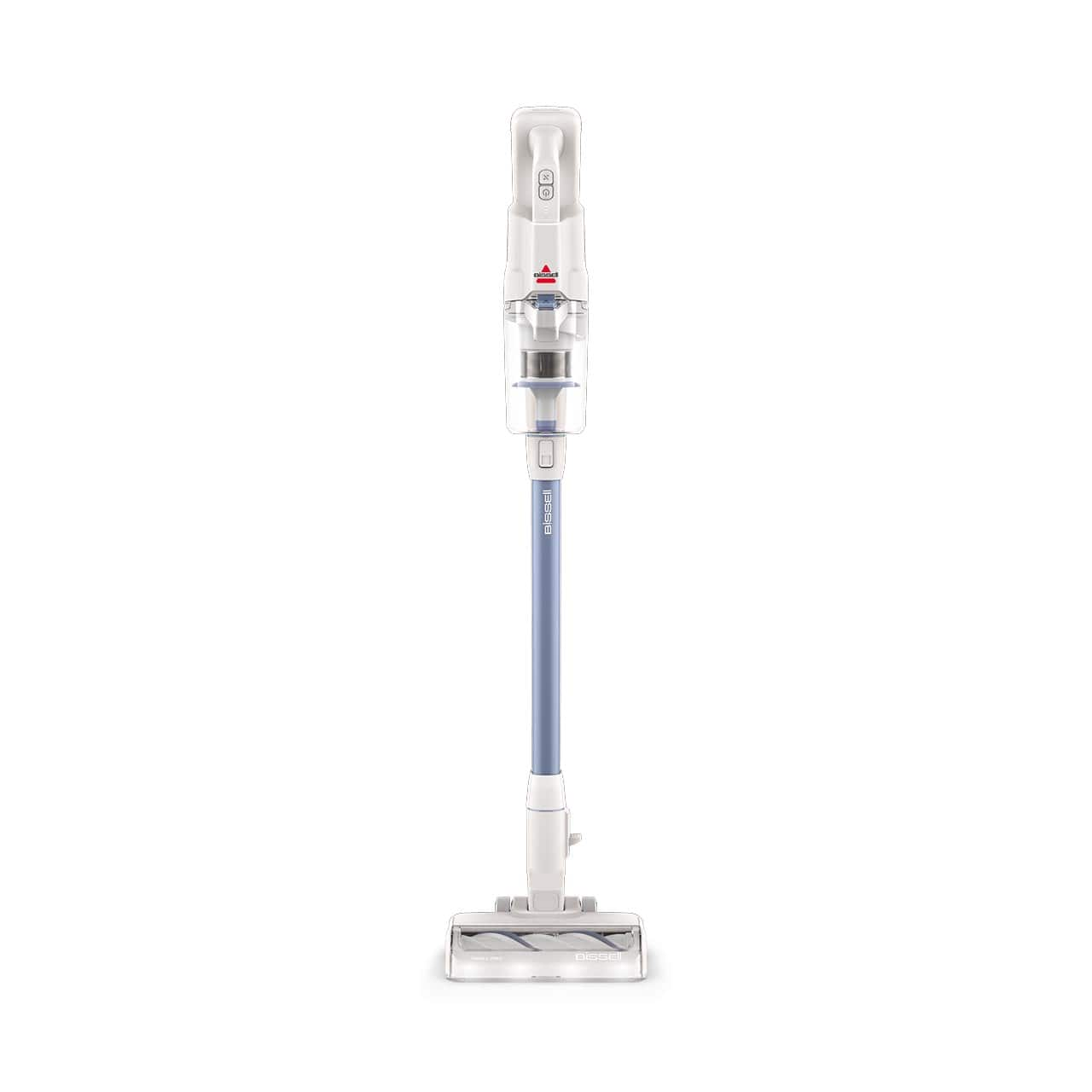
Vacuum Cleaners


Wi-Fi Routers
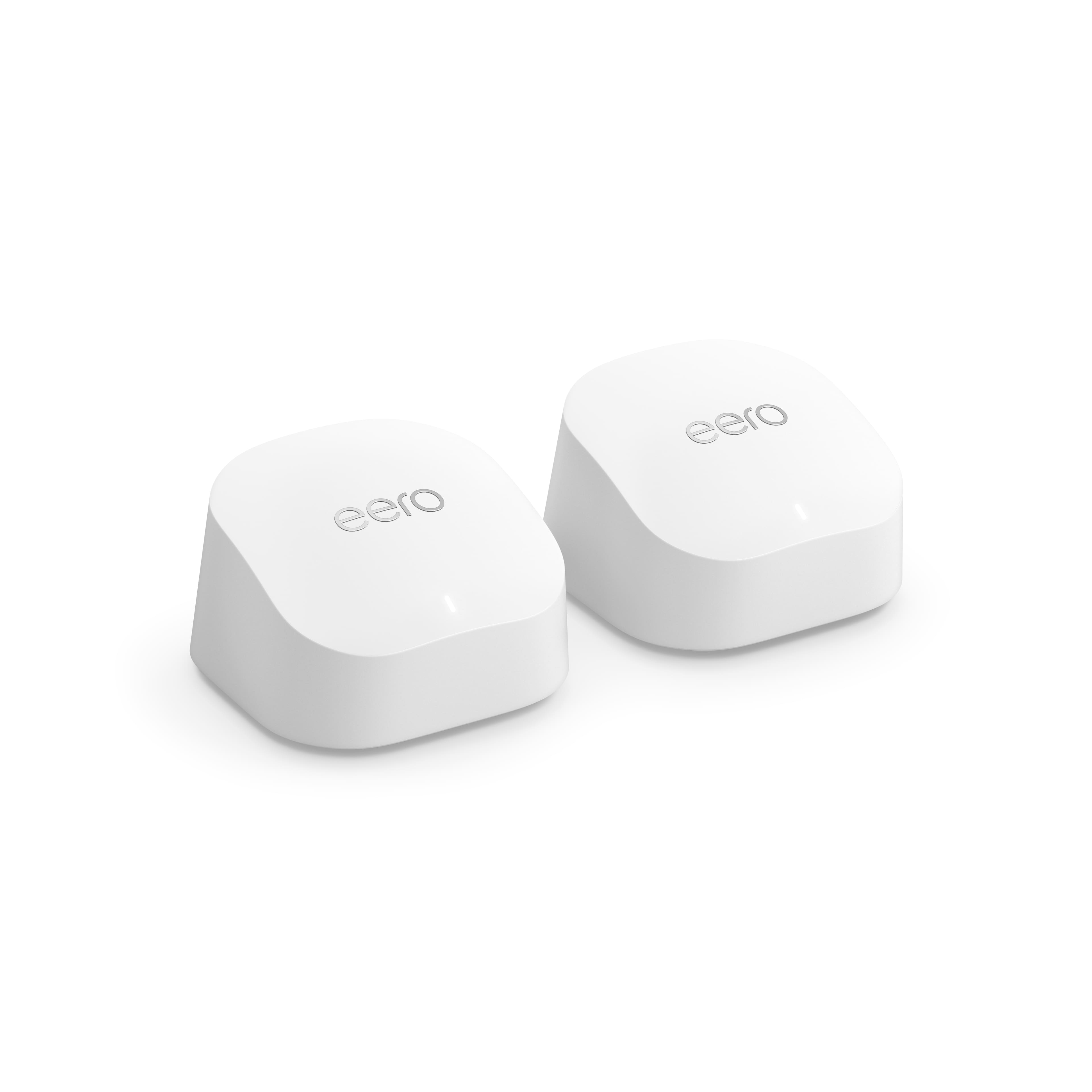
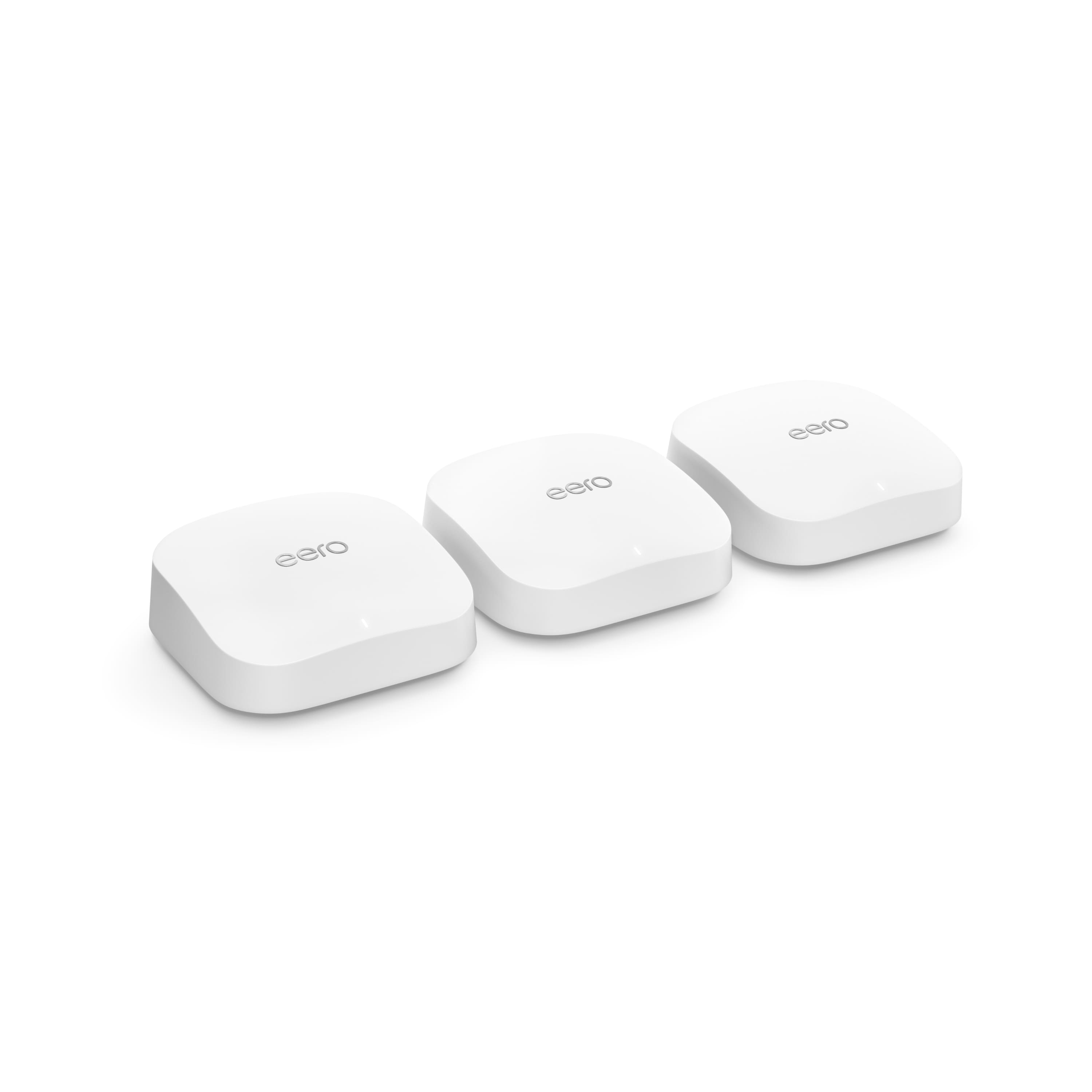

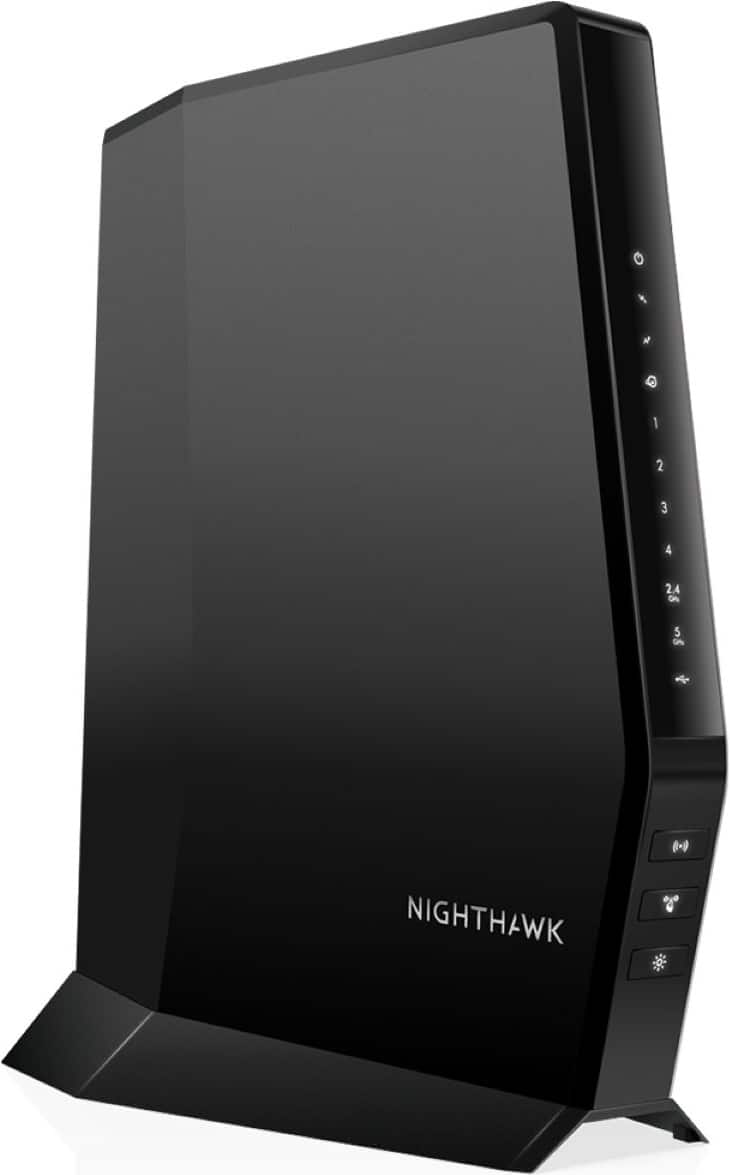
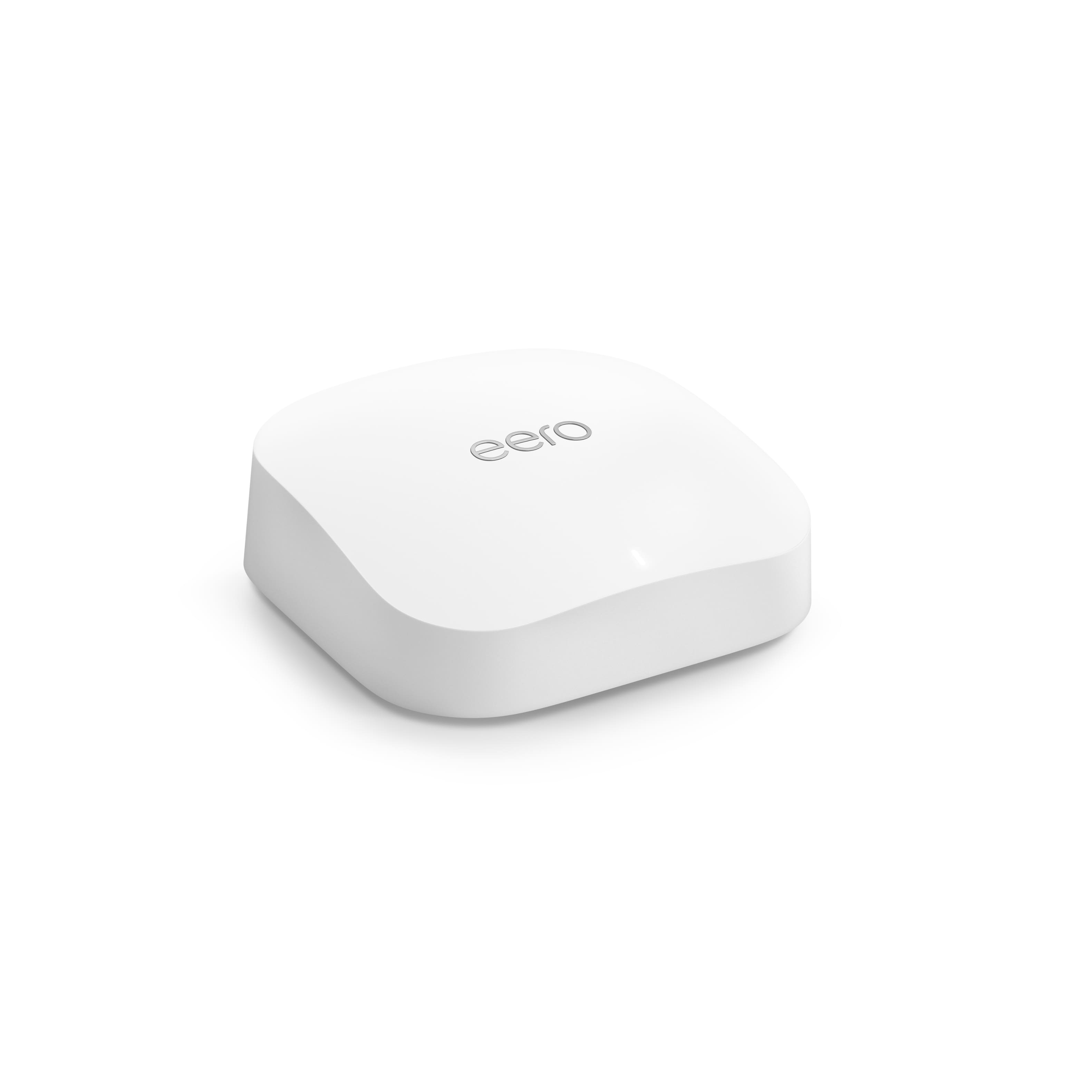

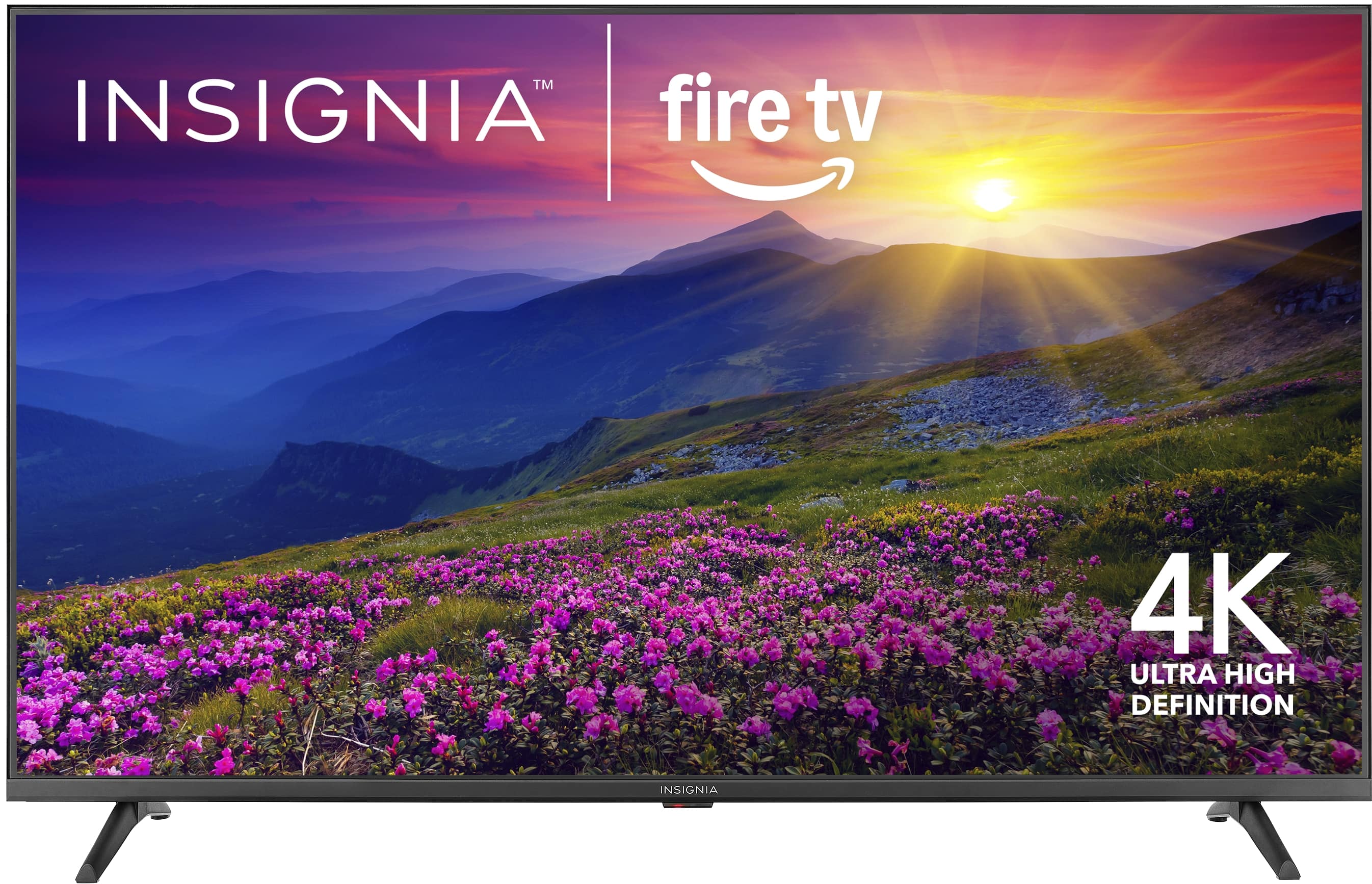
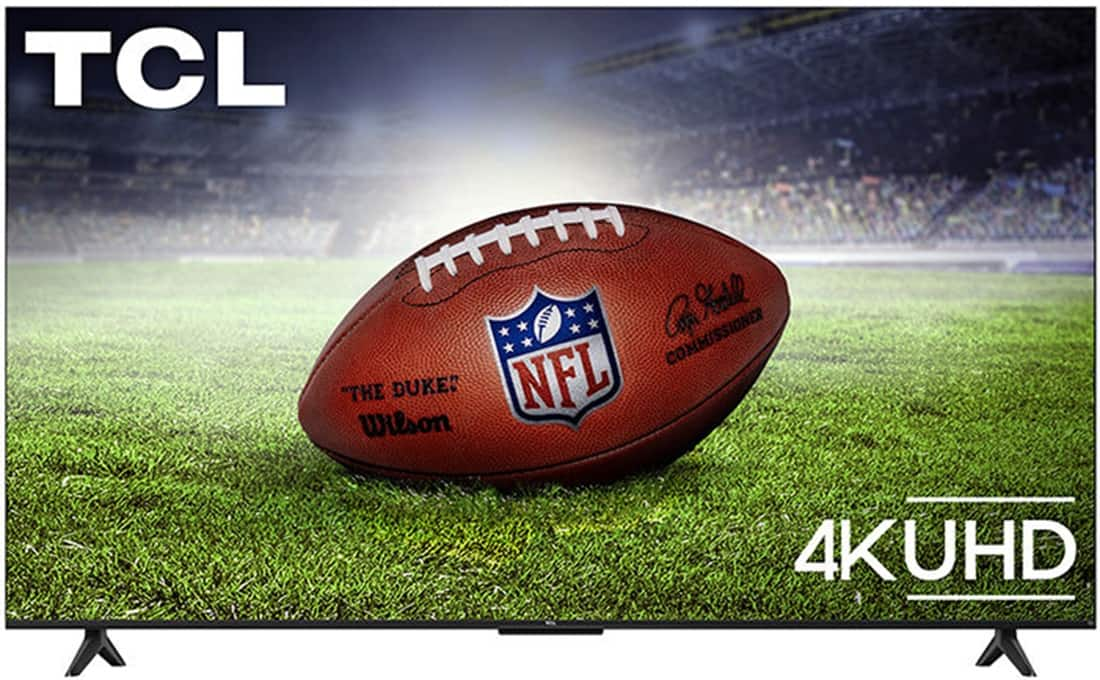
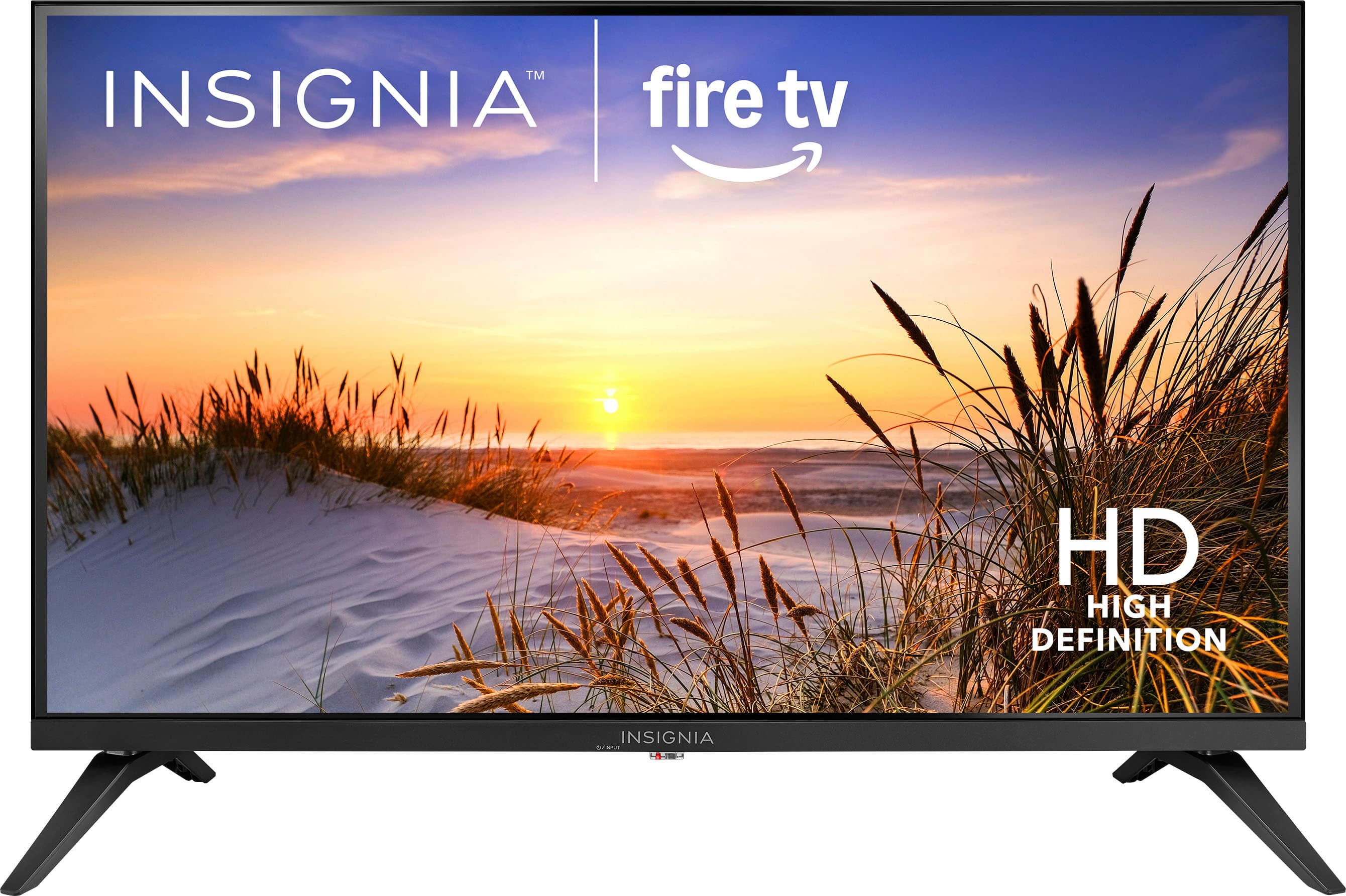
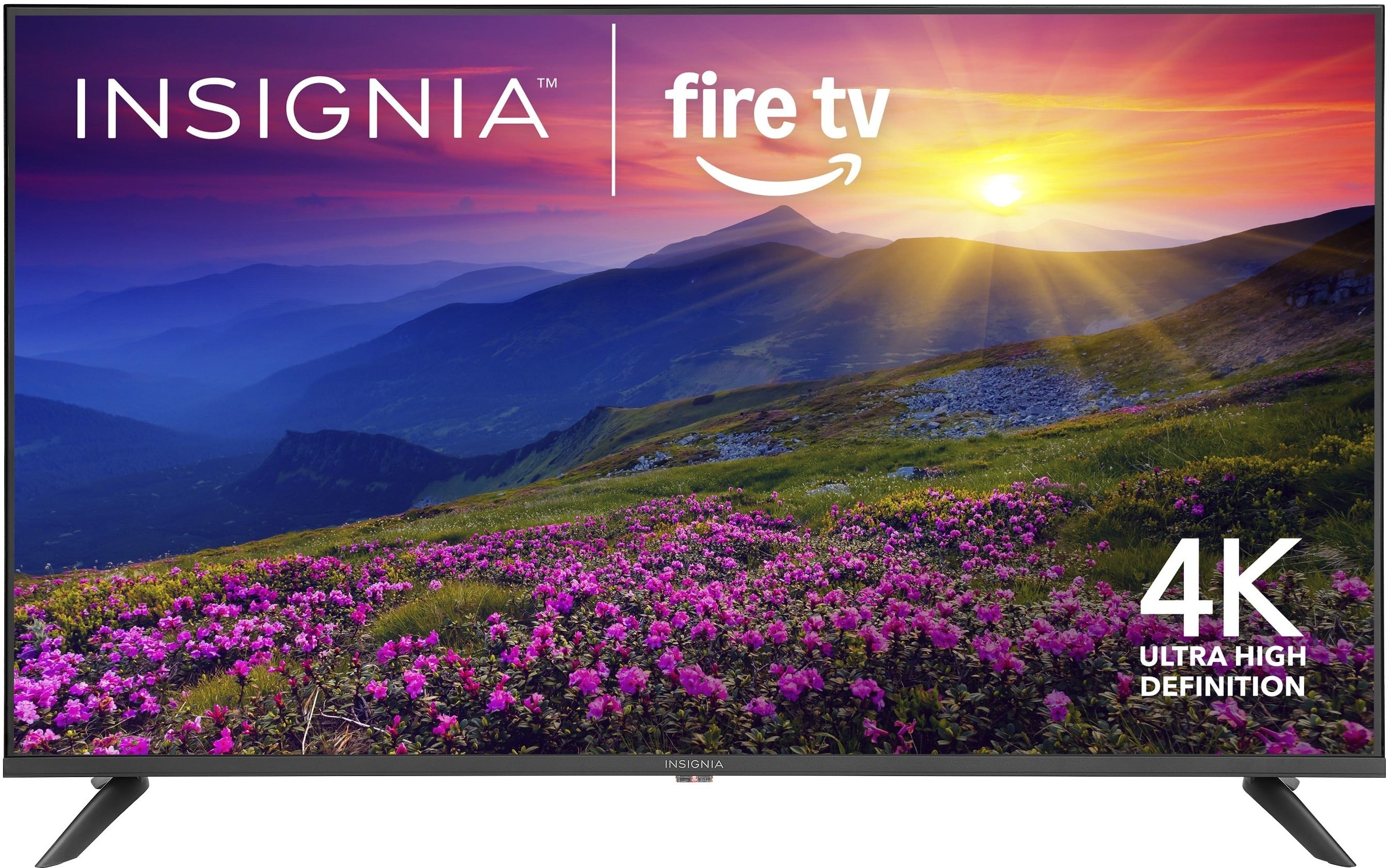
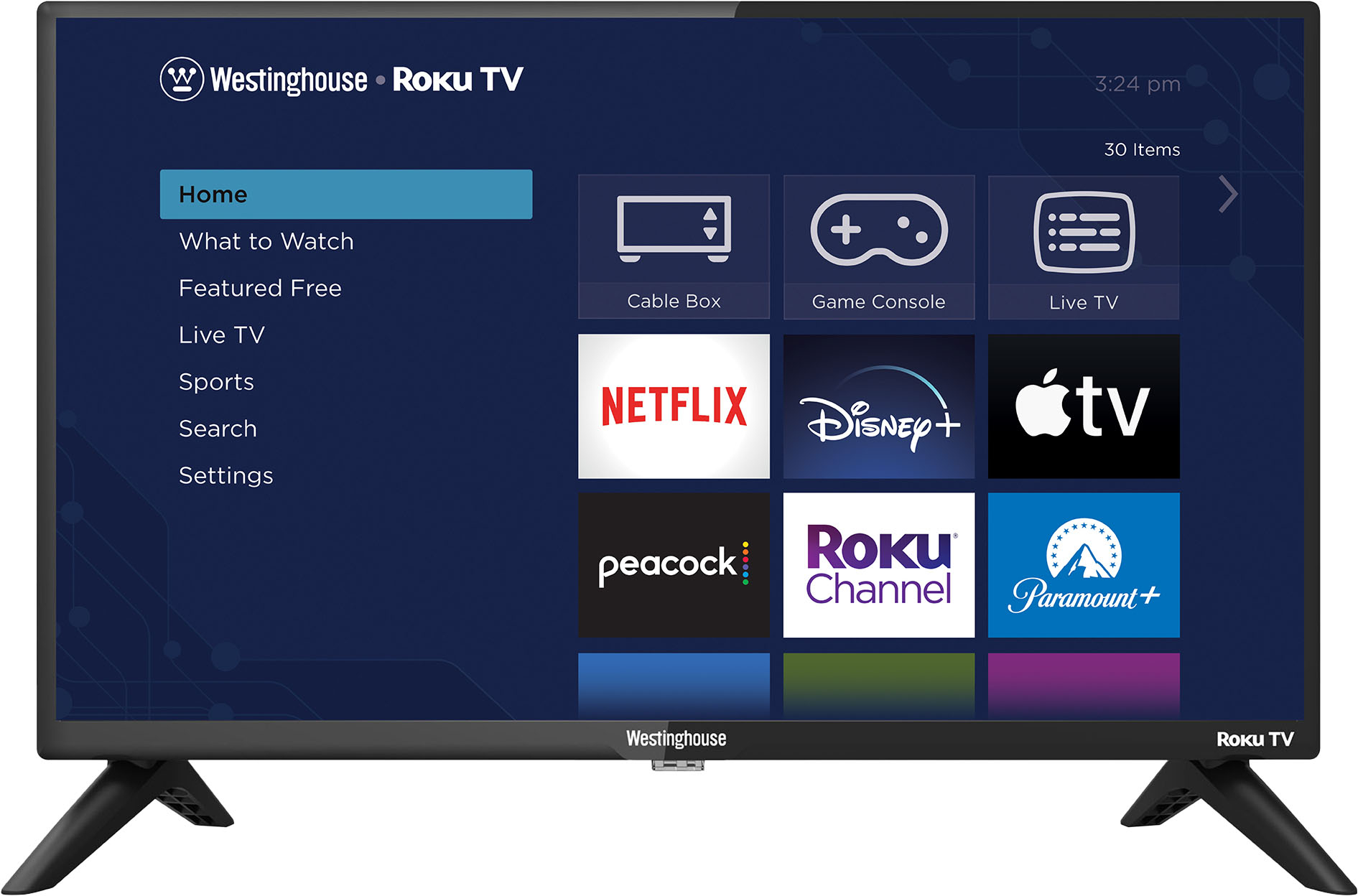
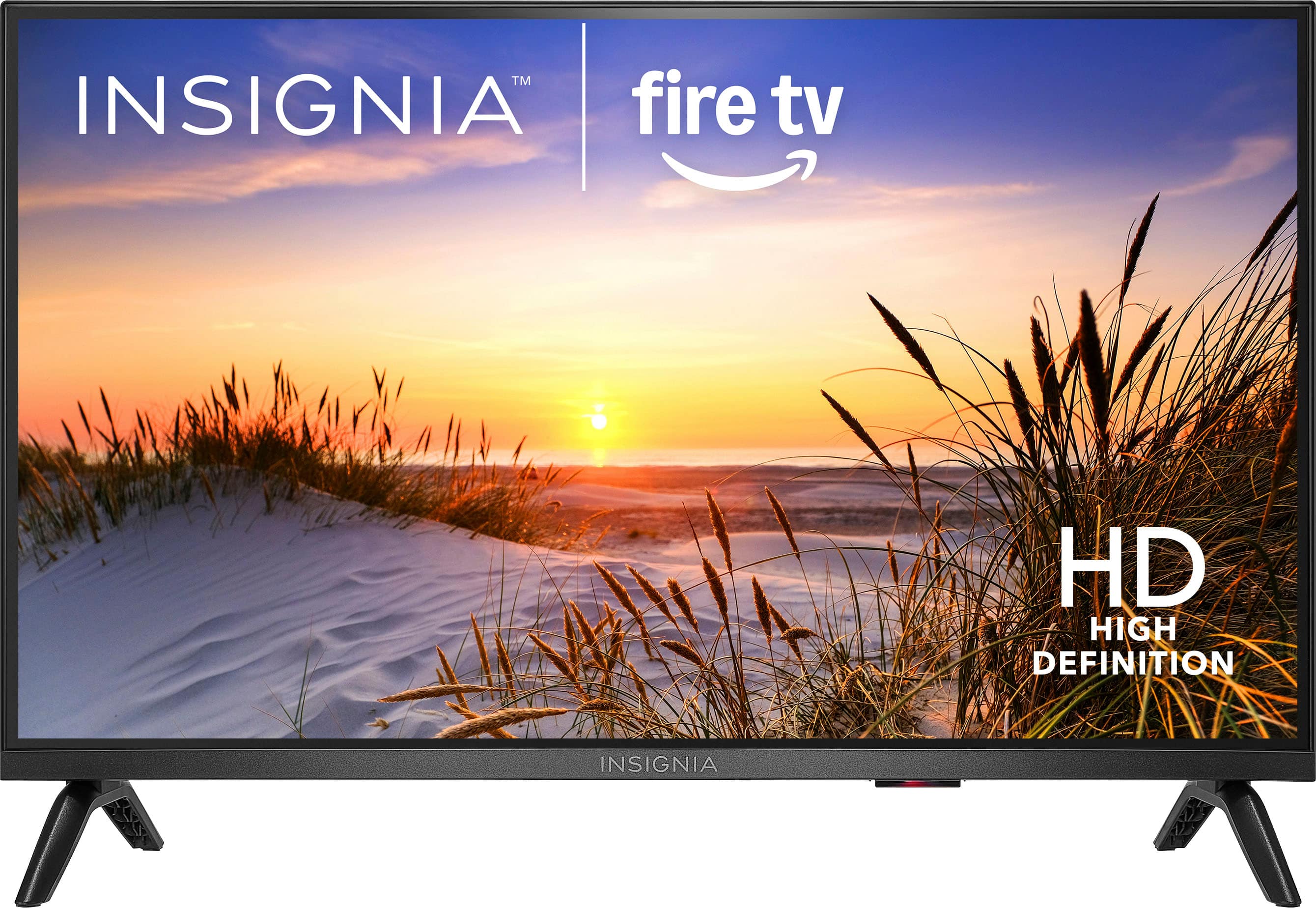
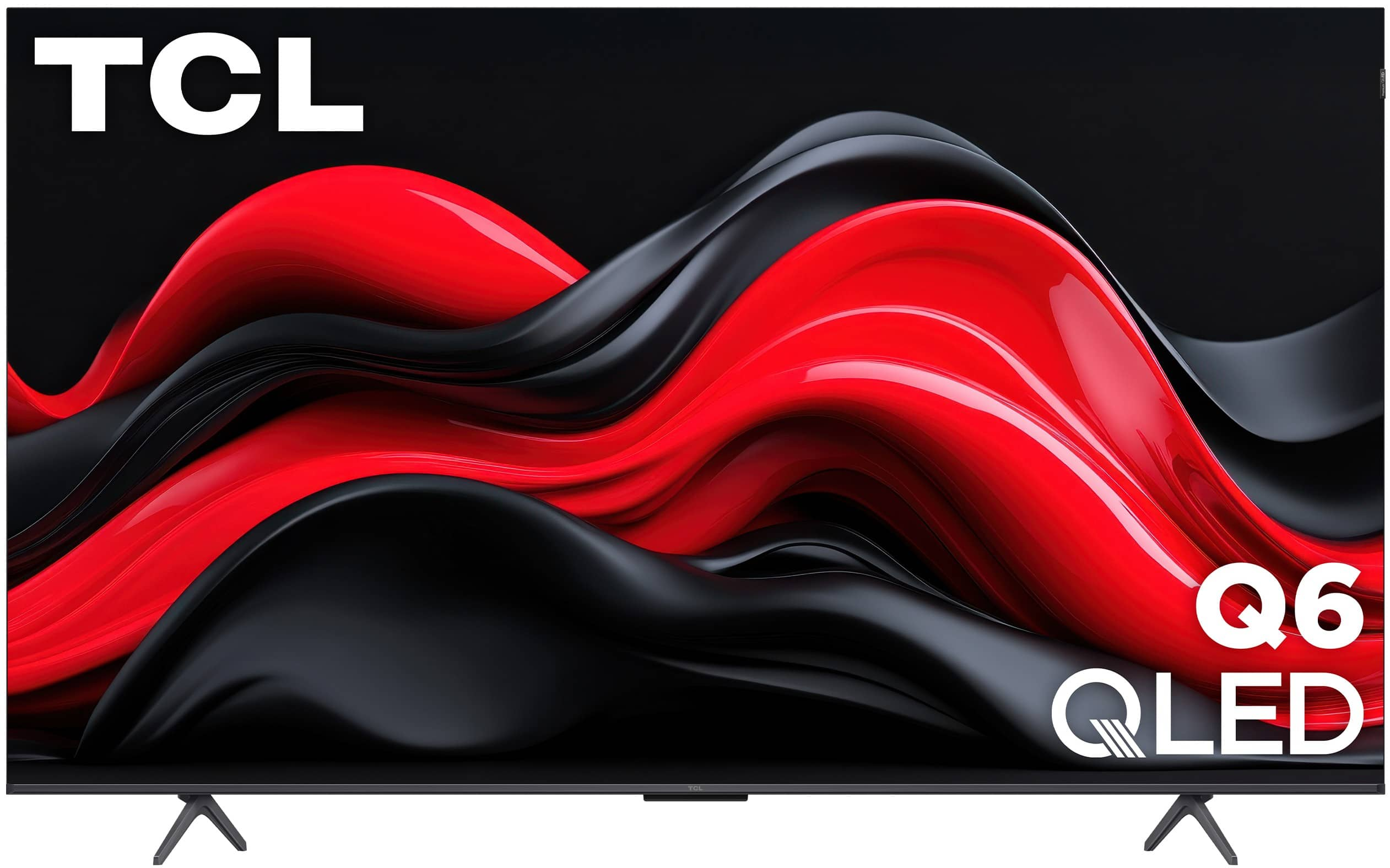
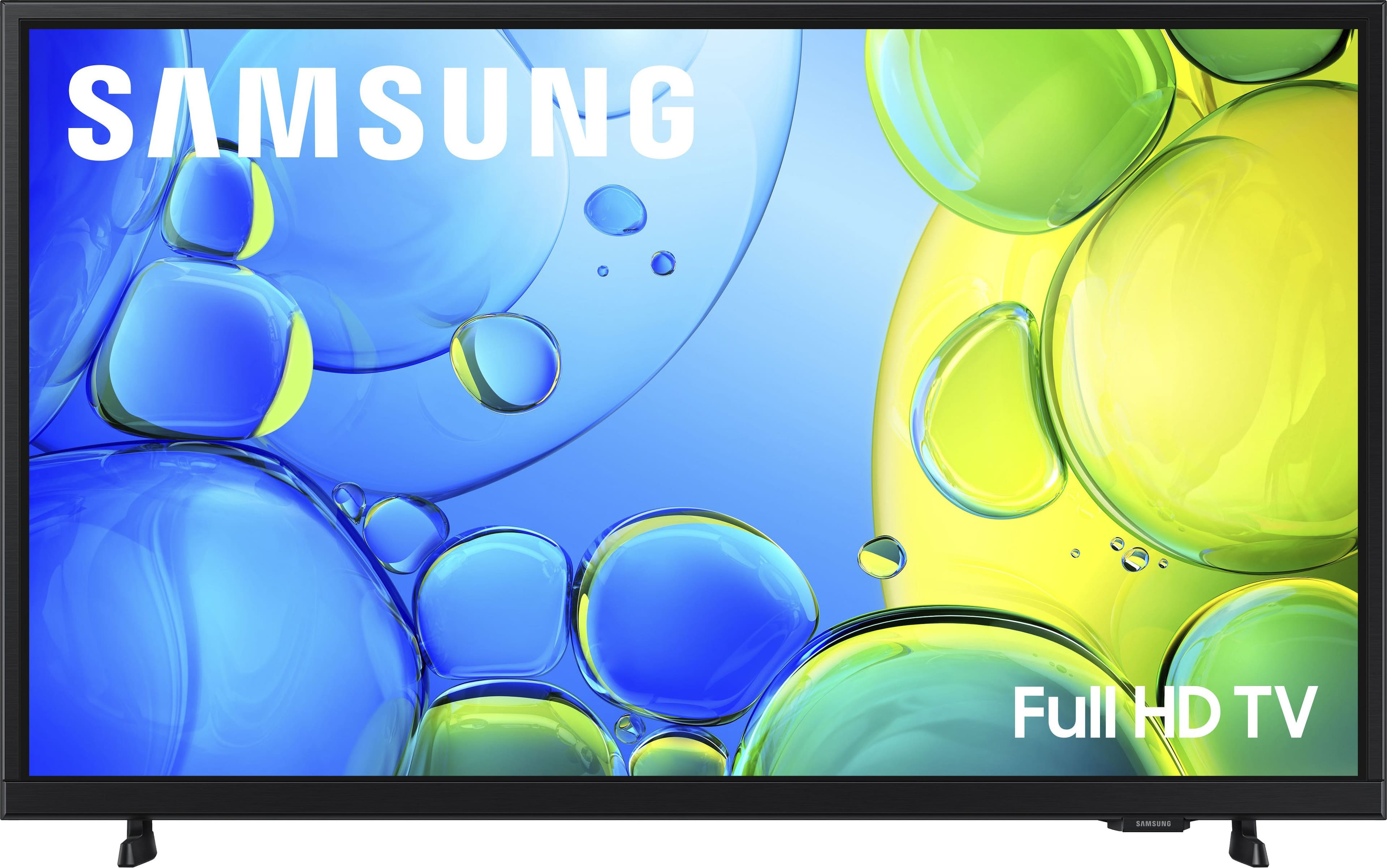
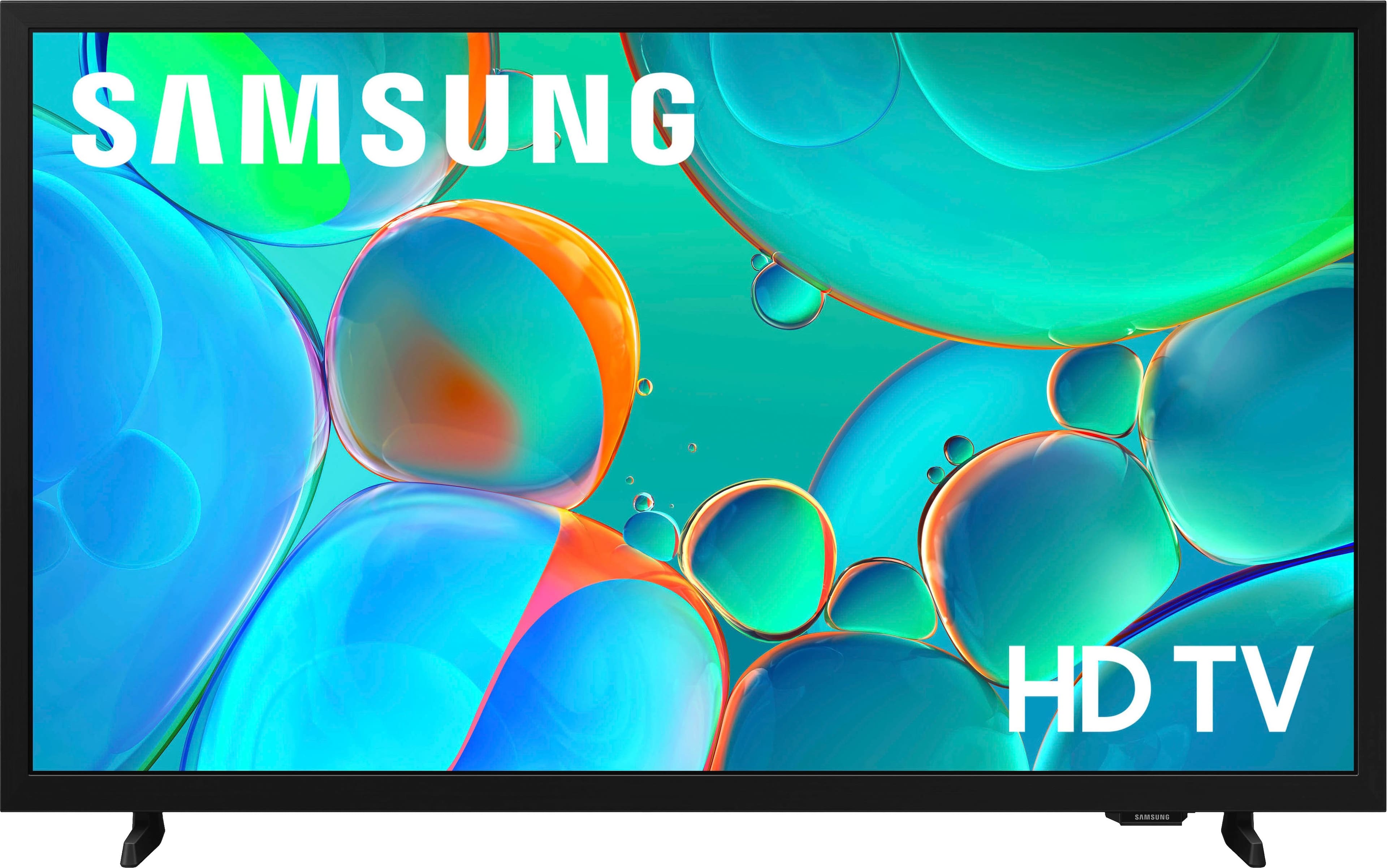
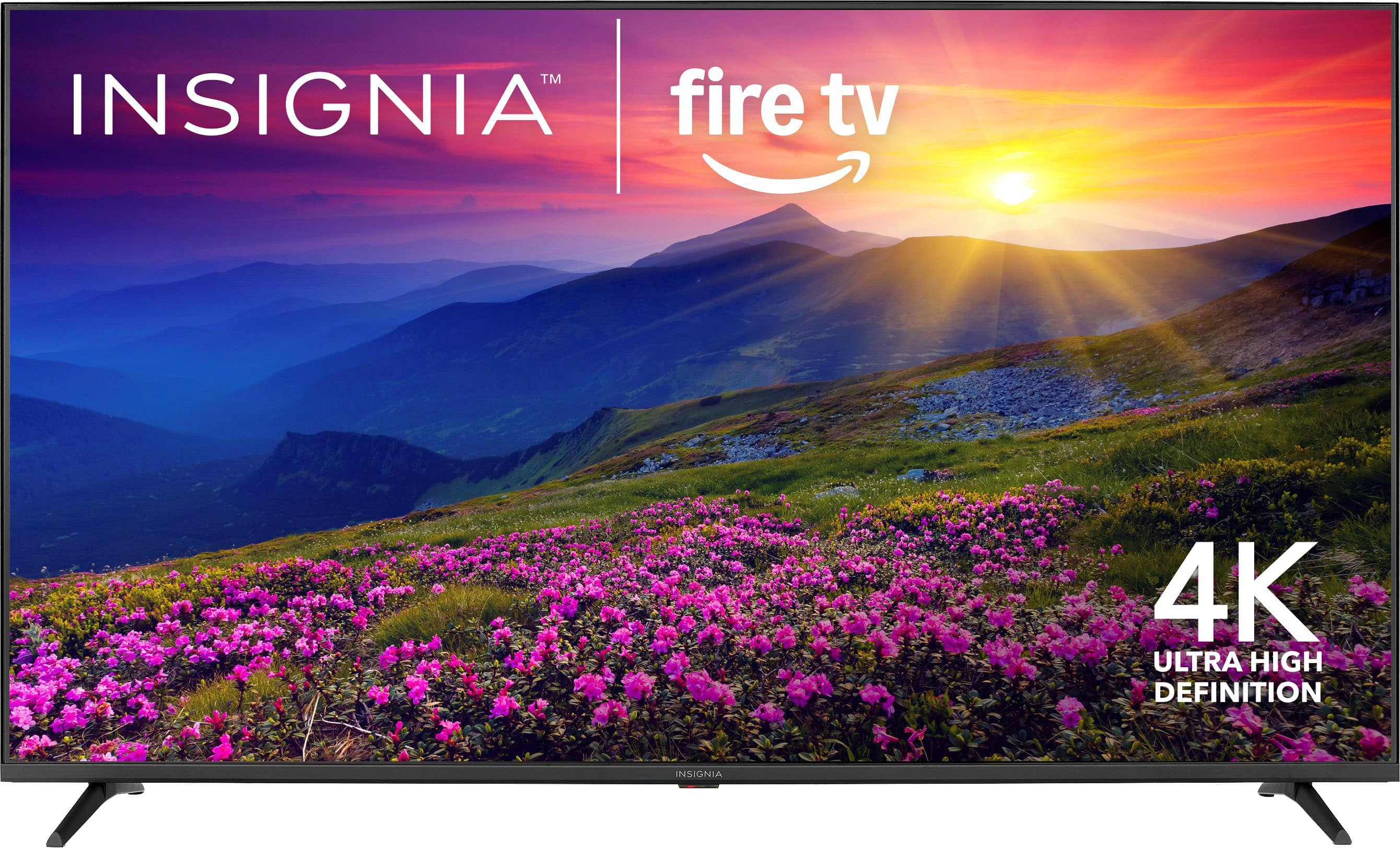
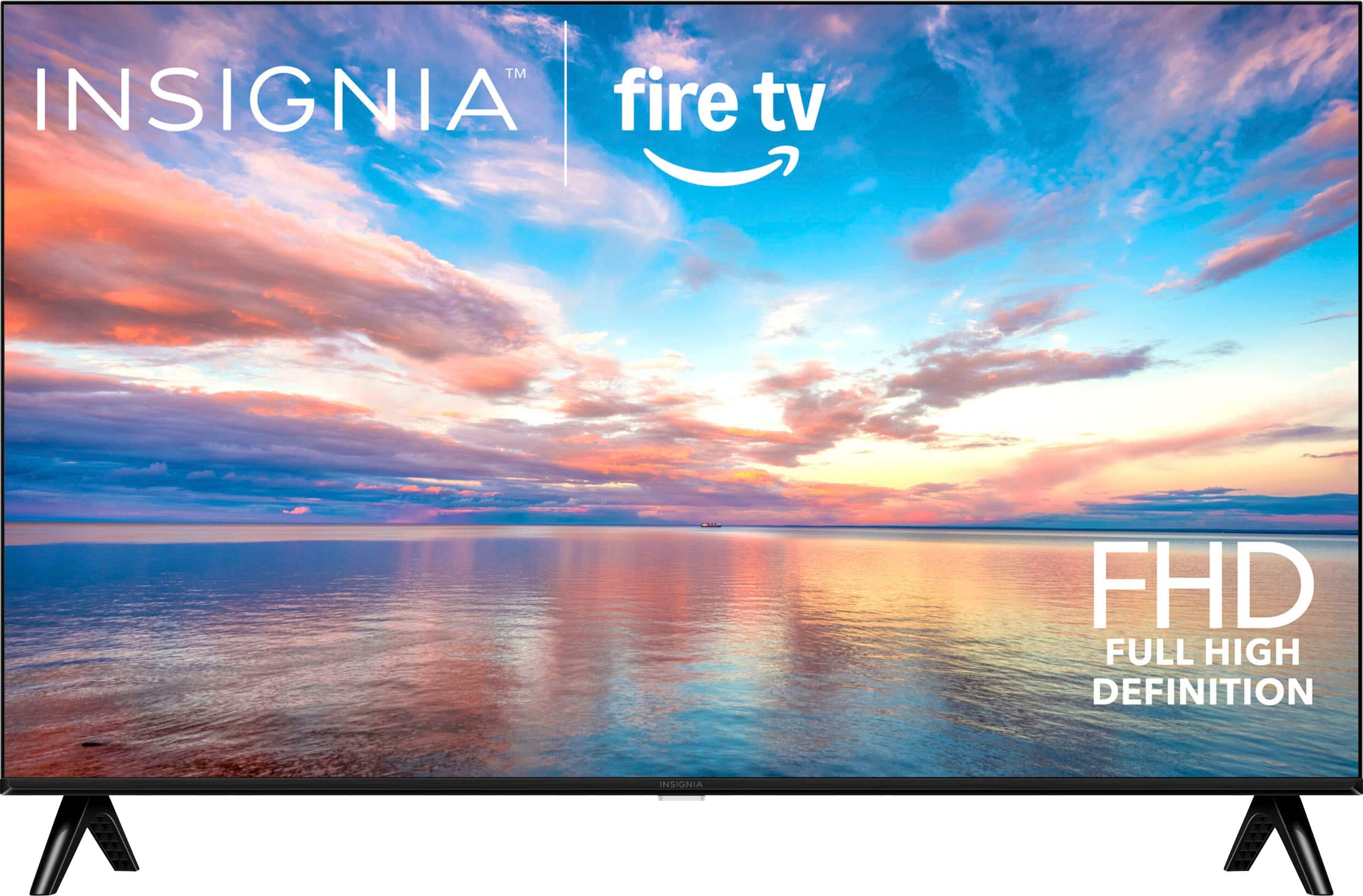
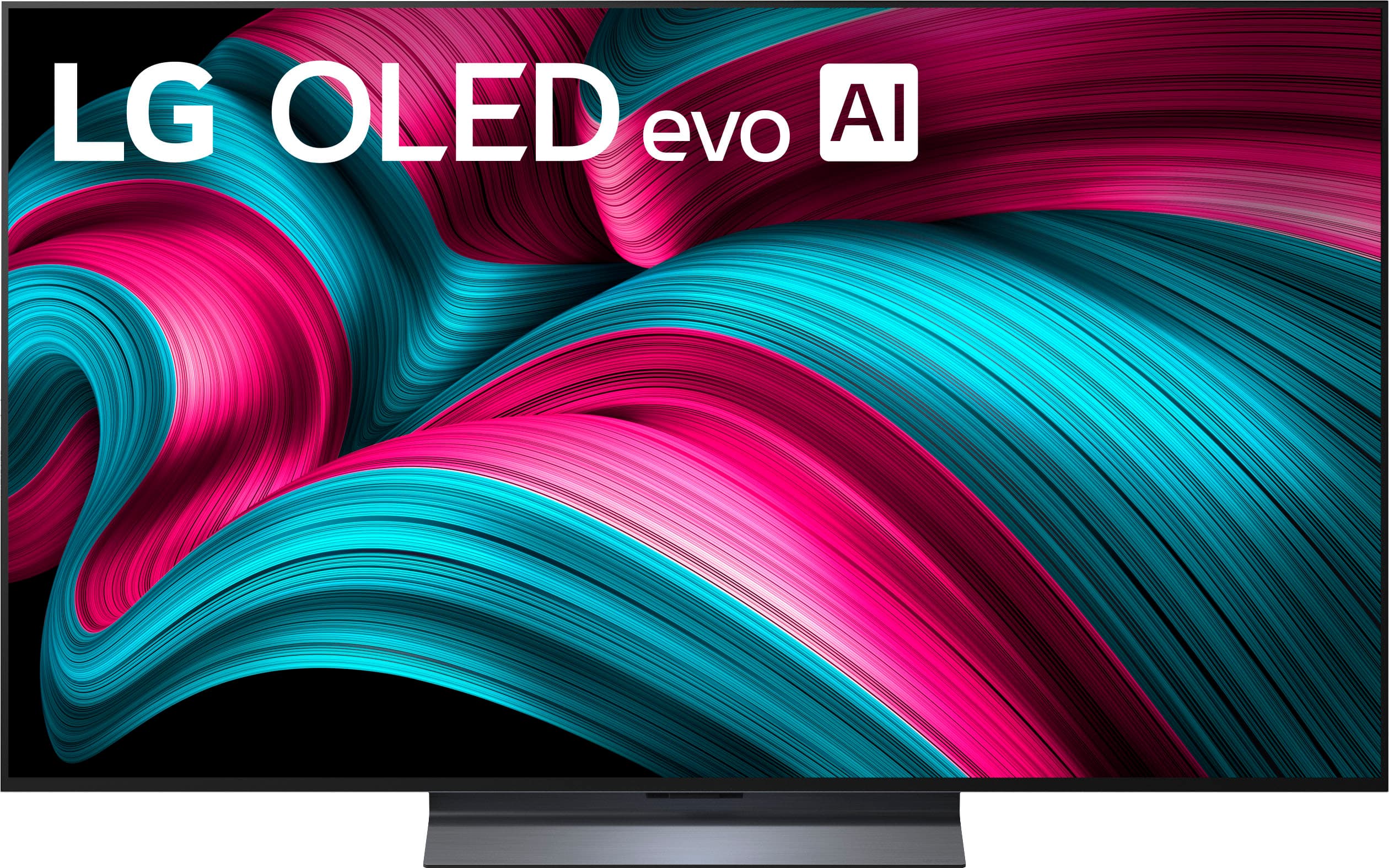
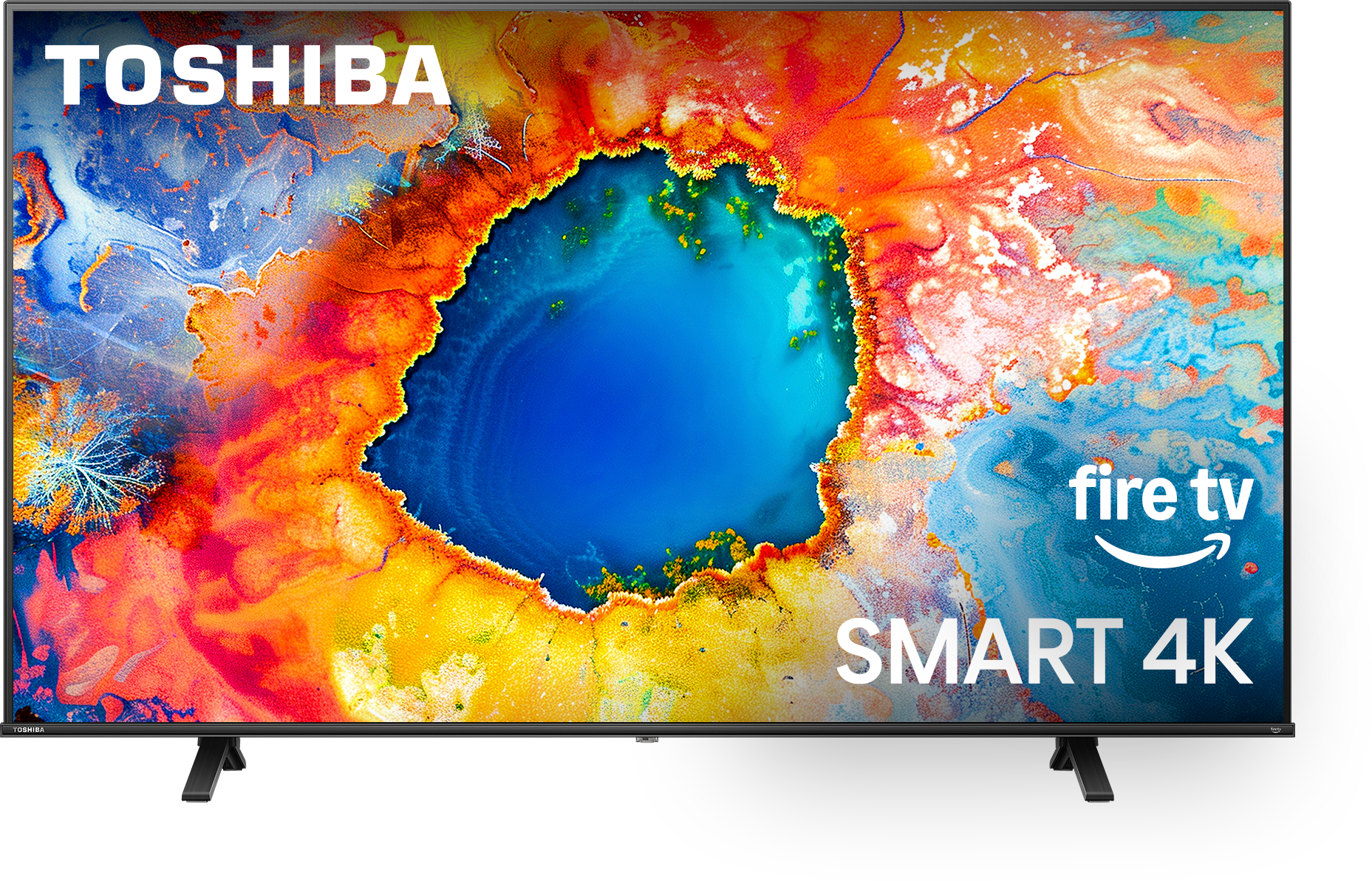
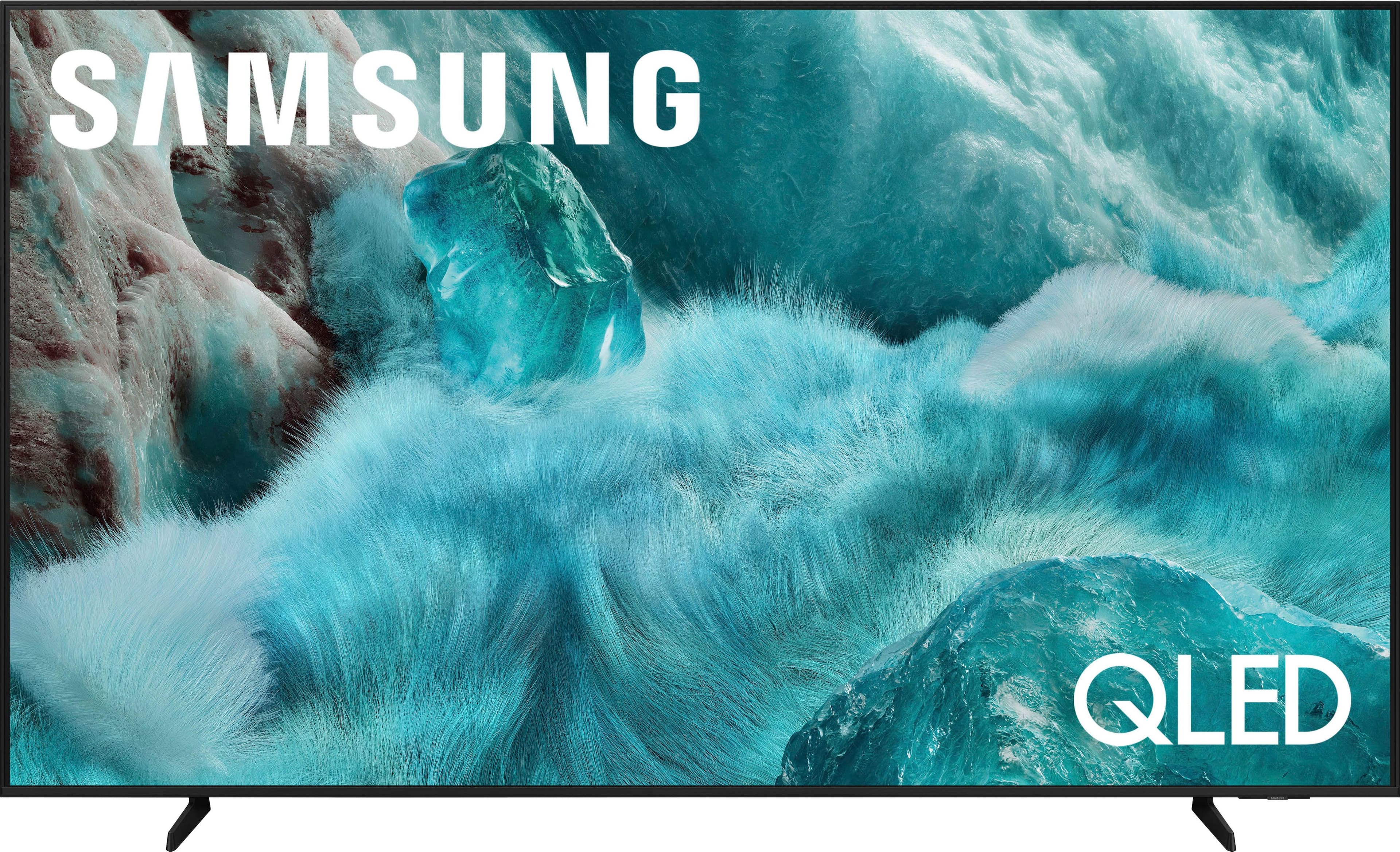
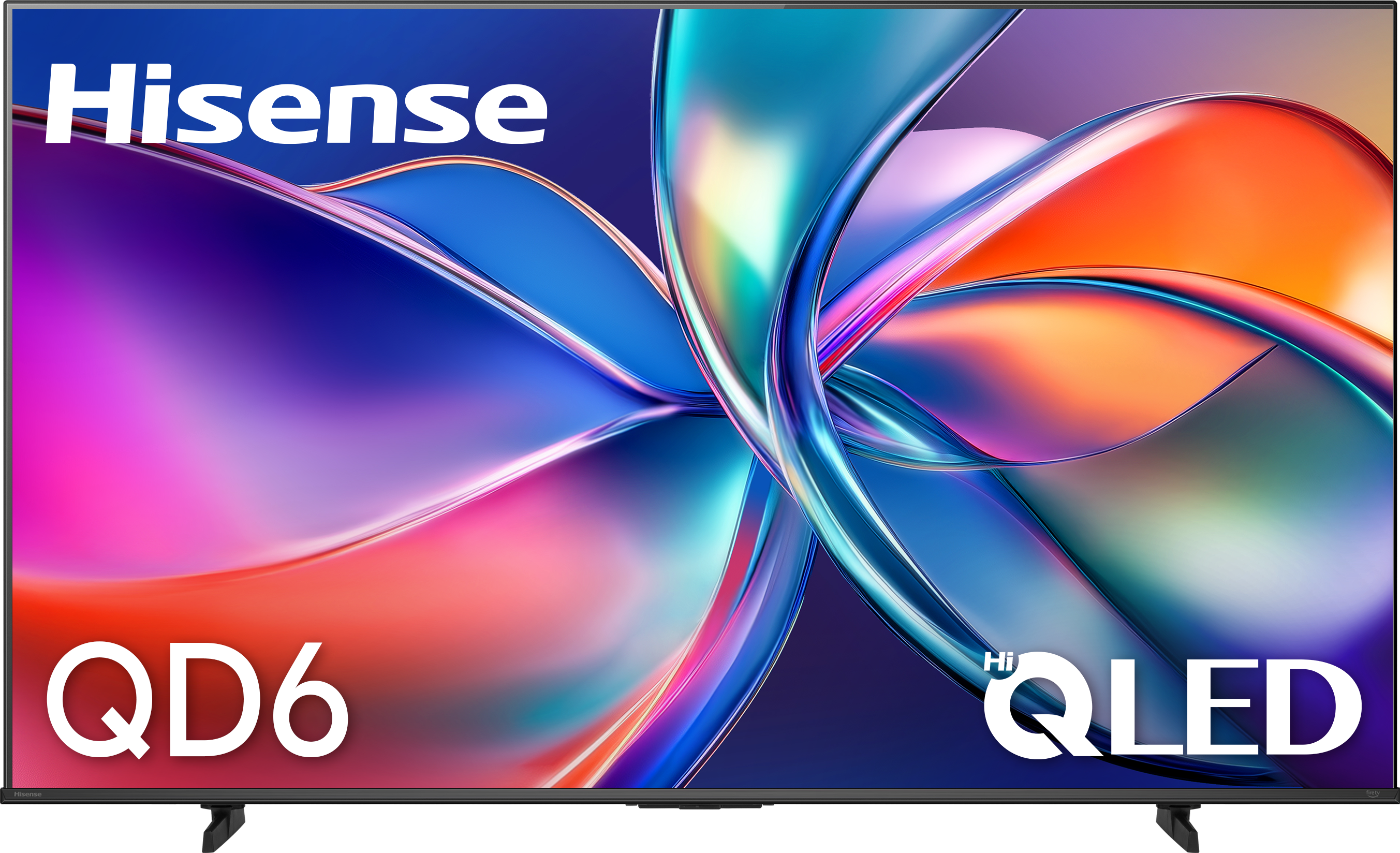
TVs for Your New Space



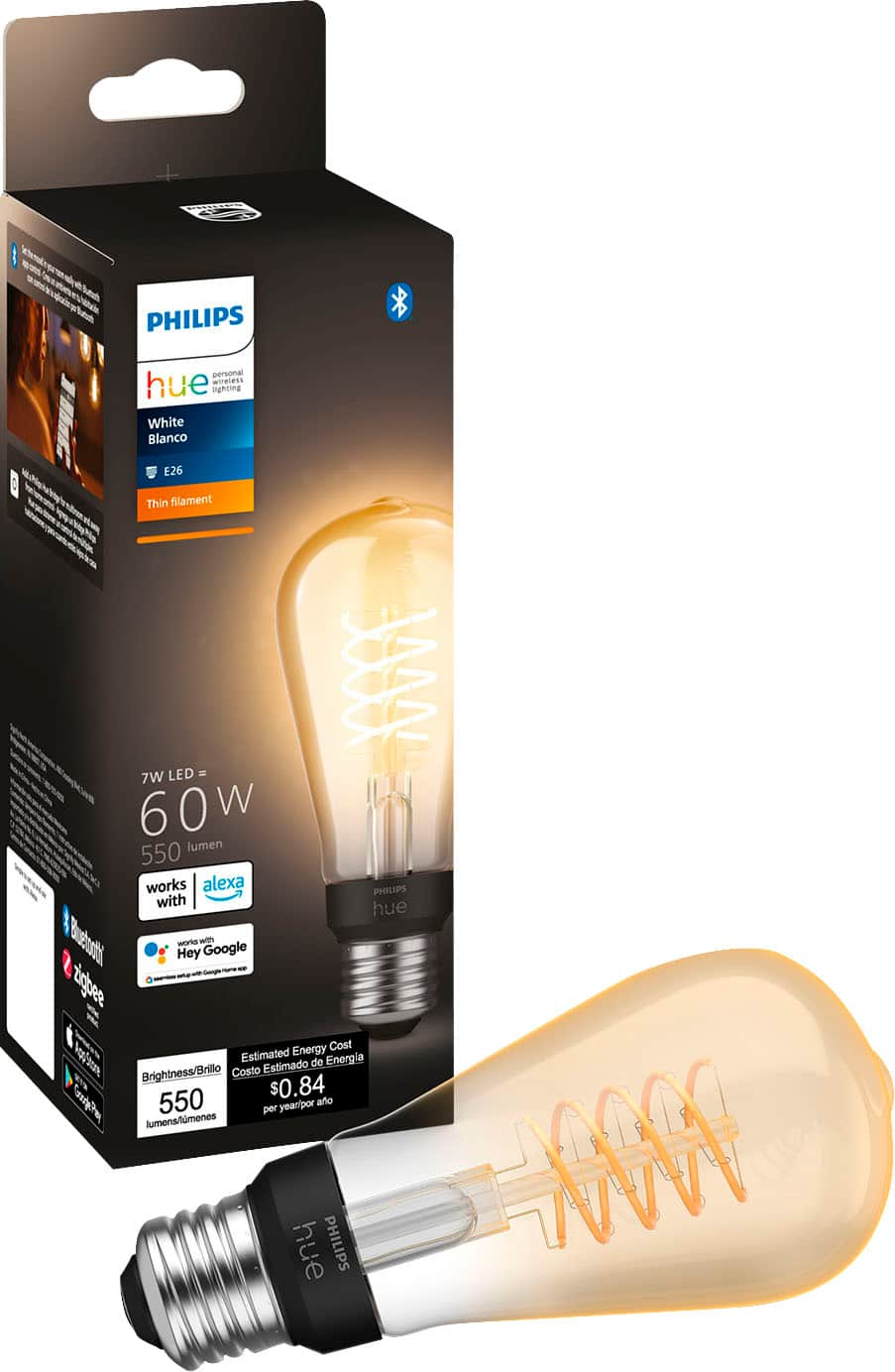
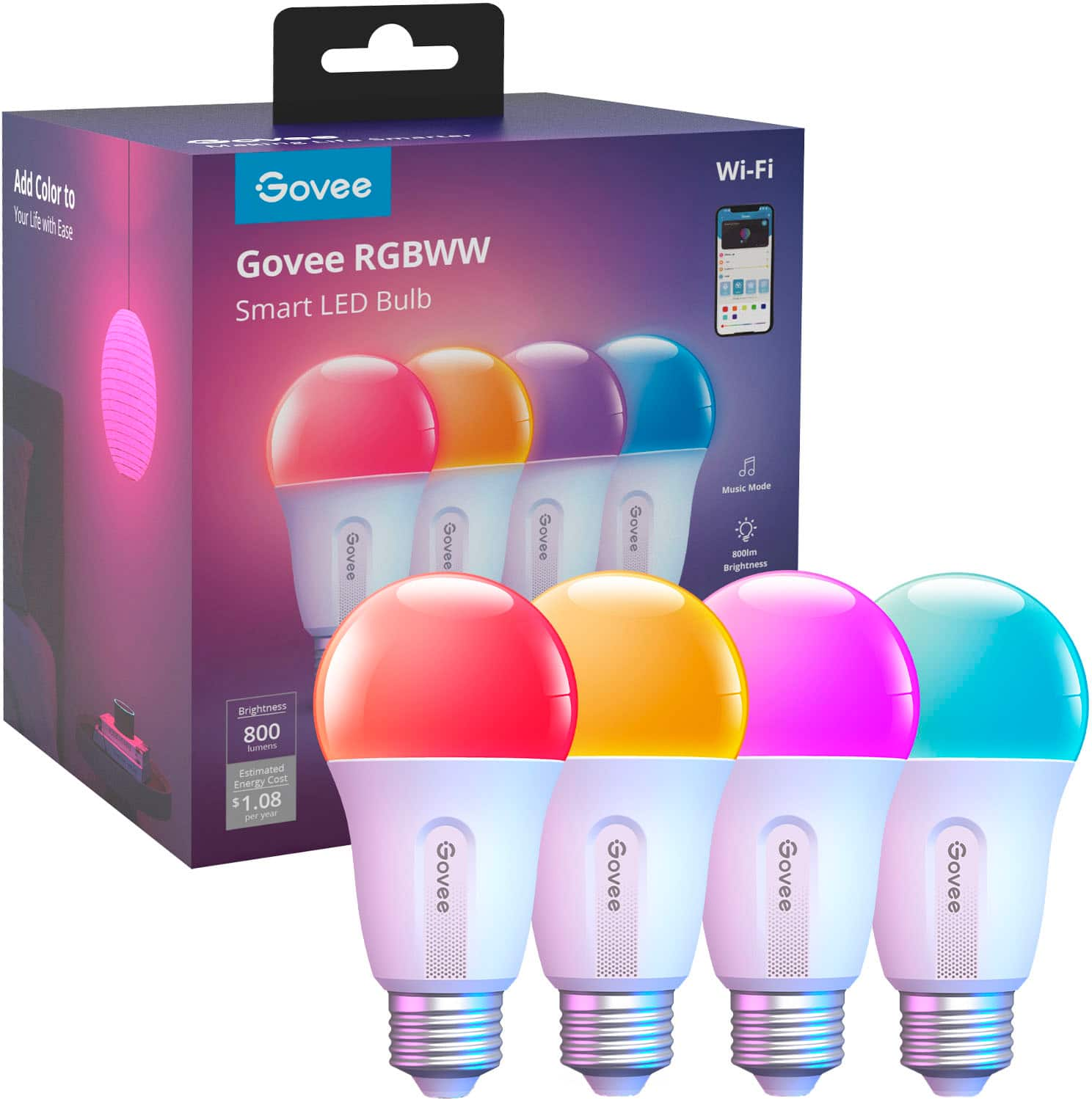
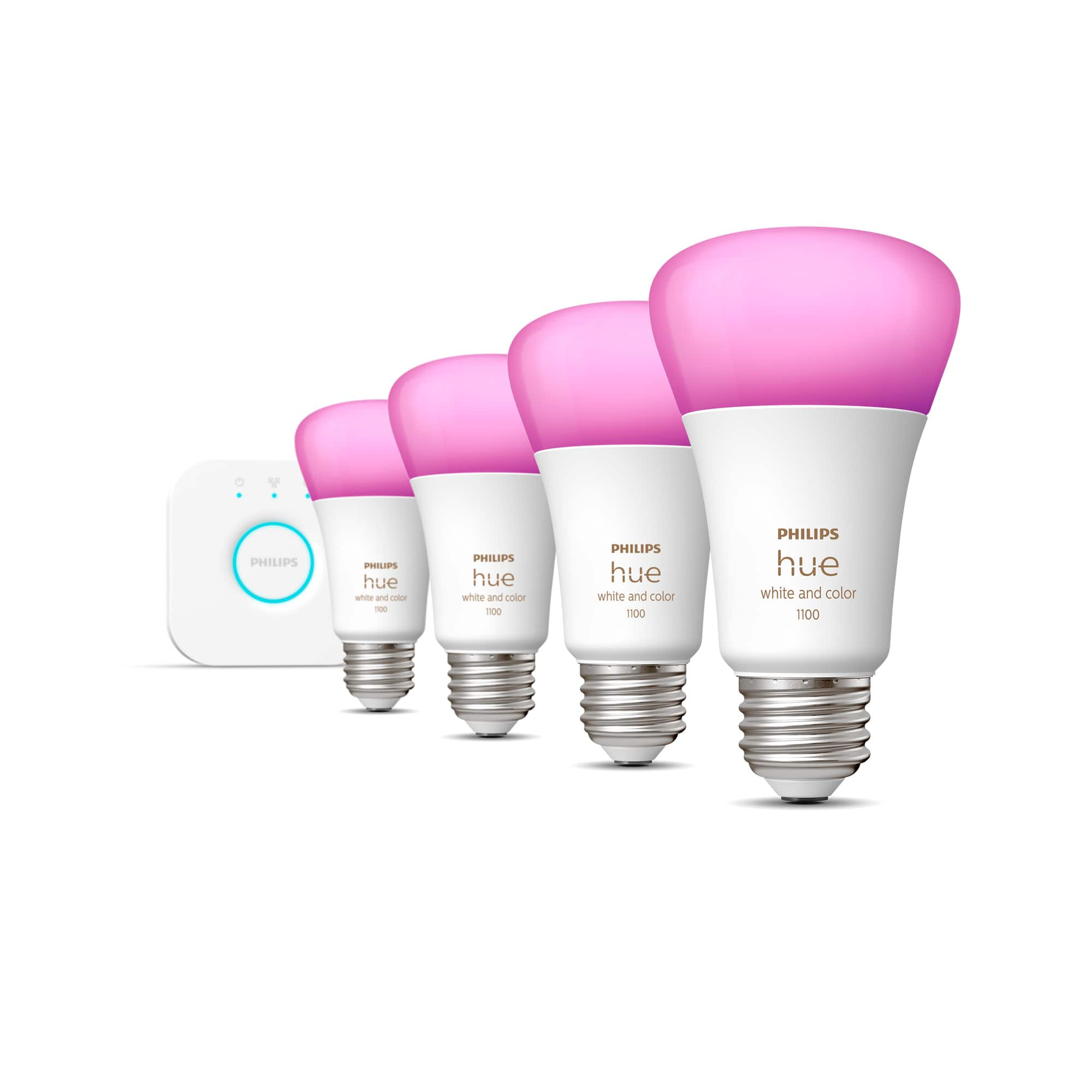
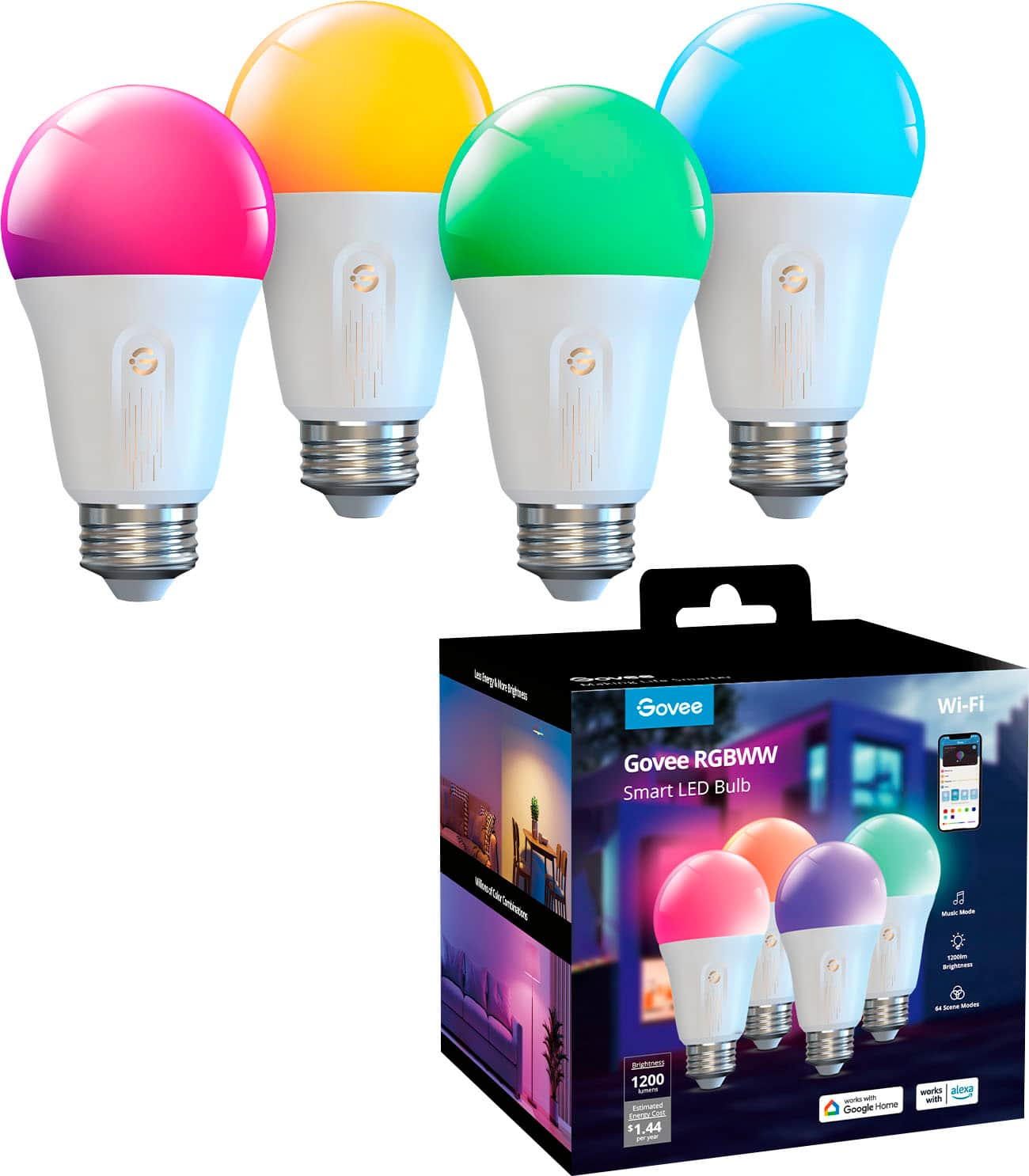
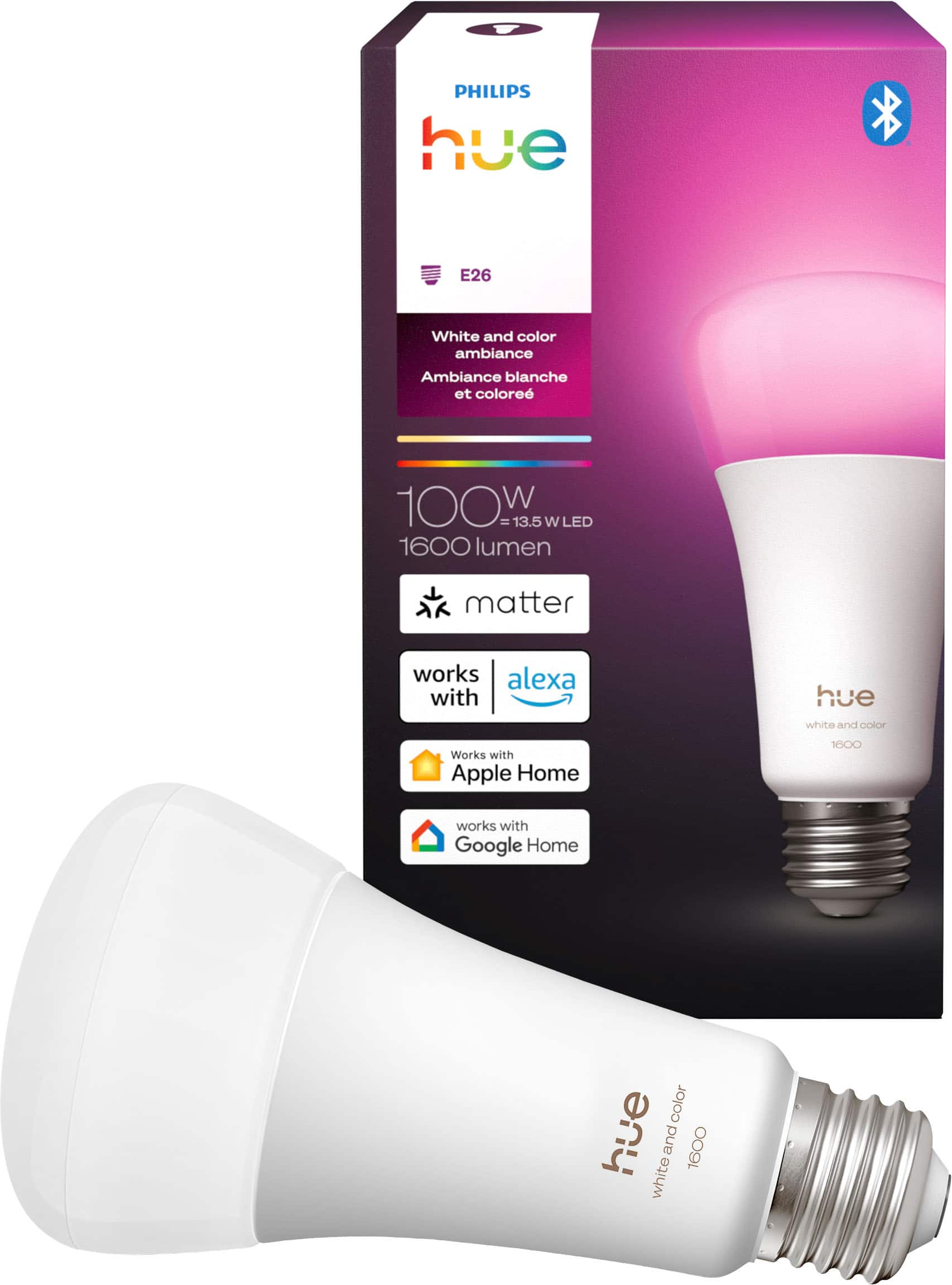
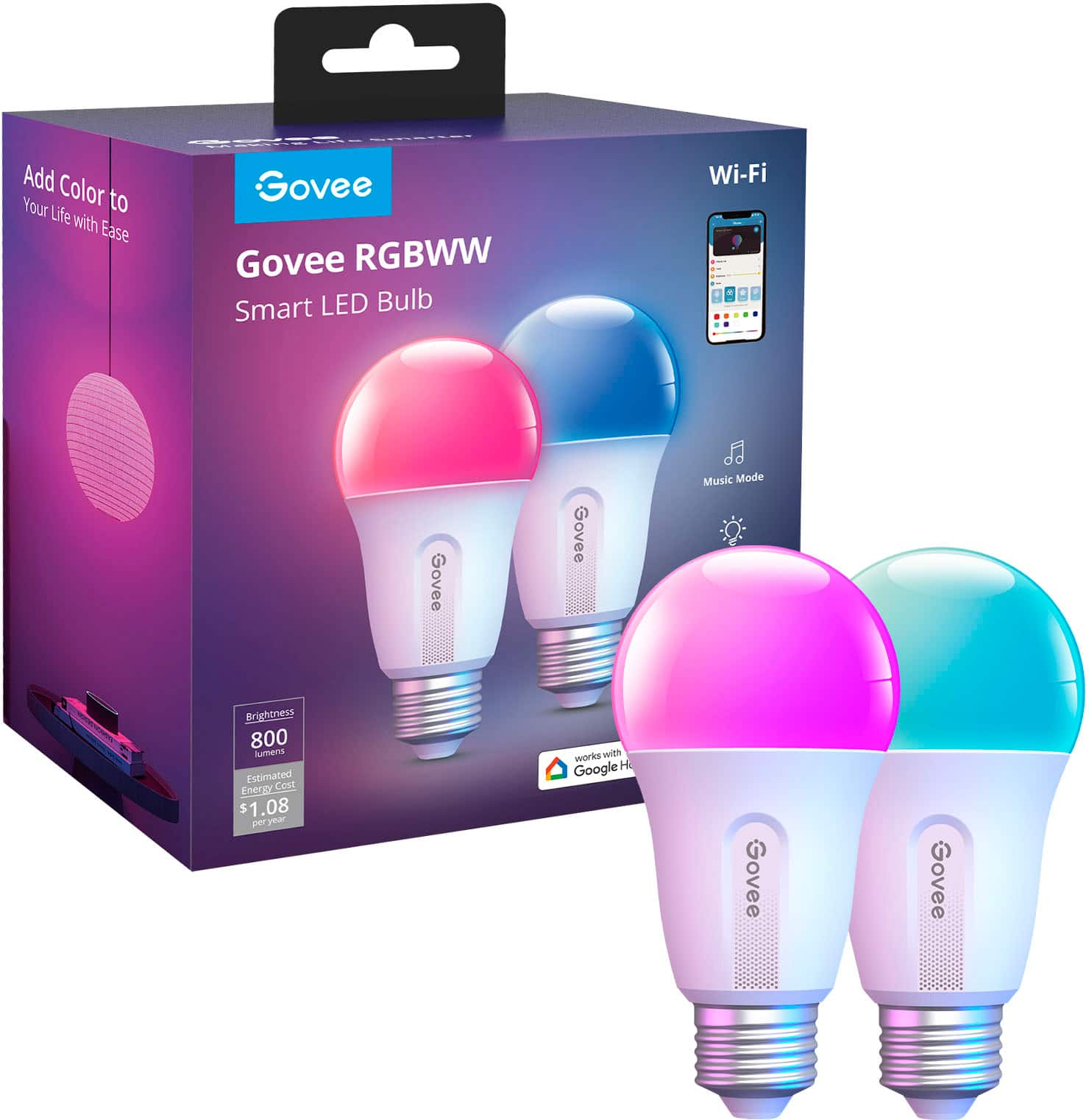
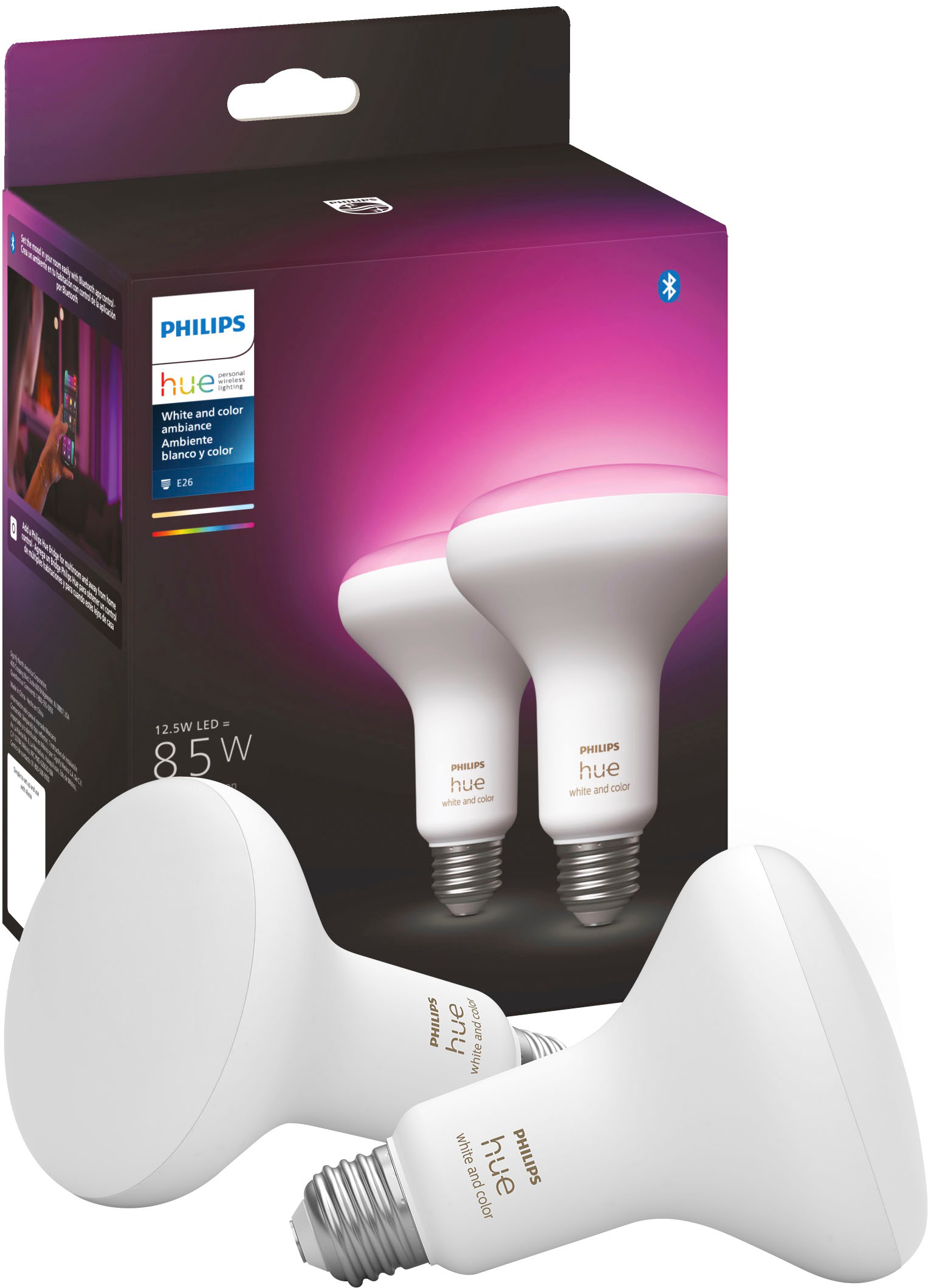
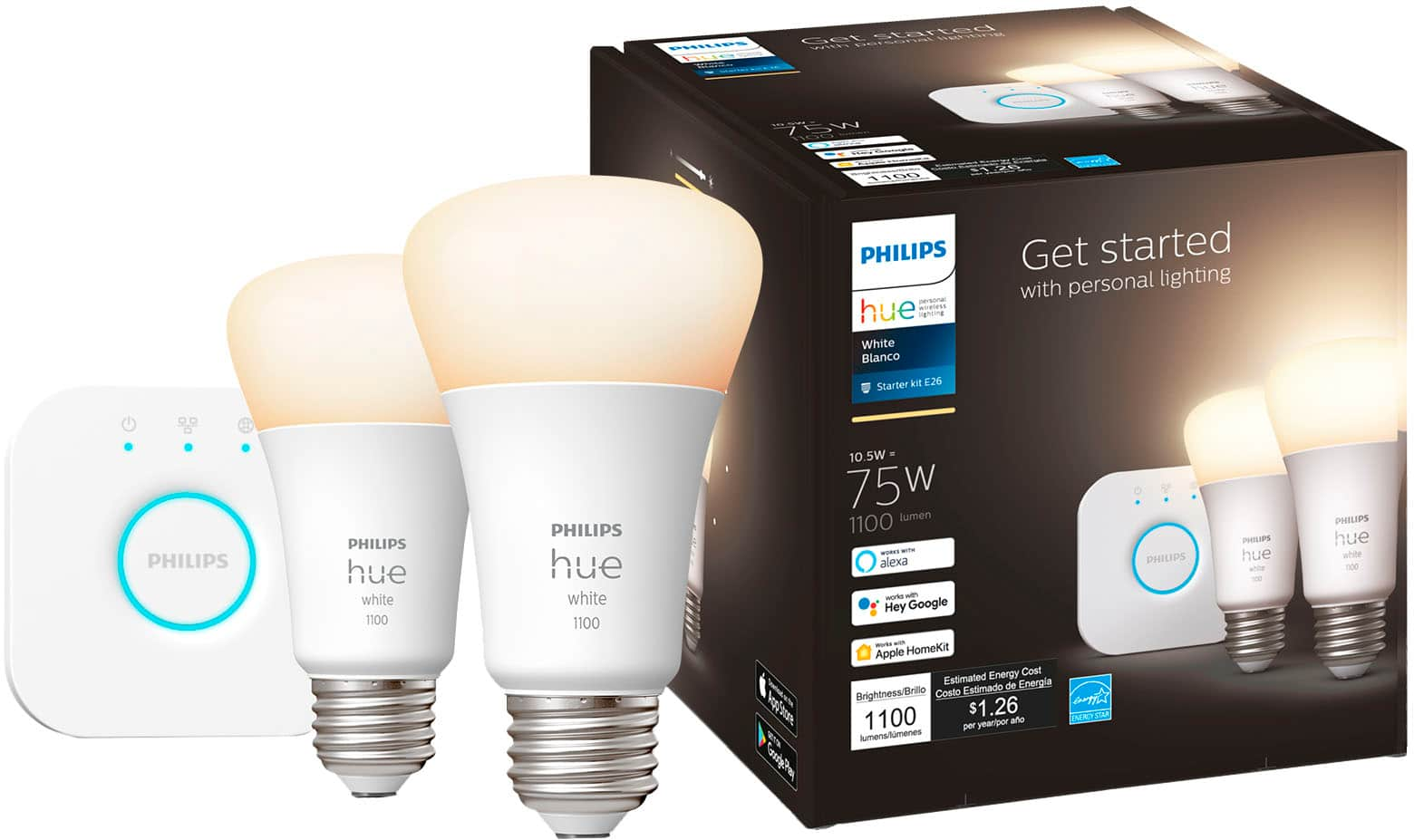
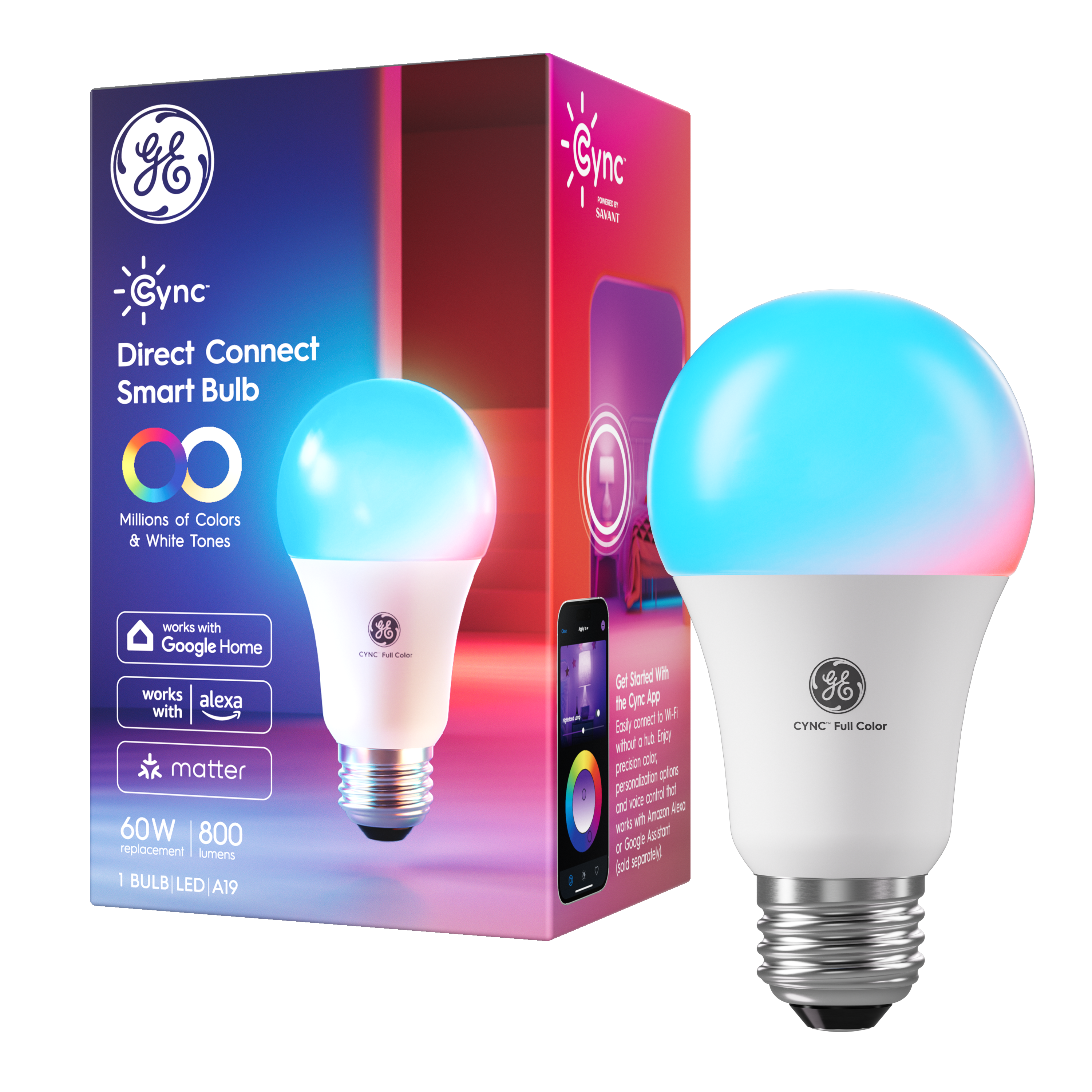
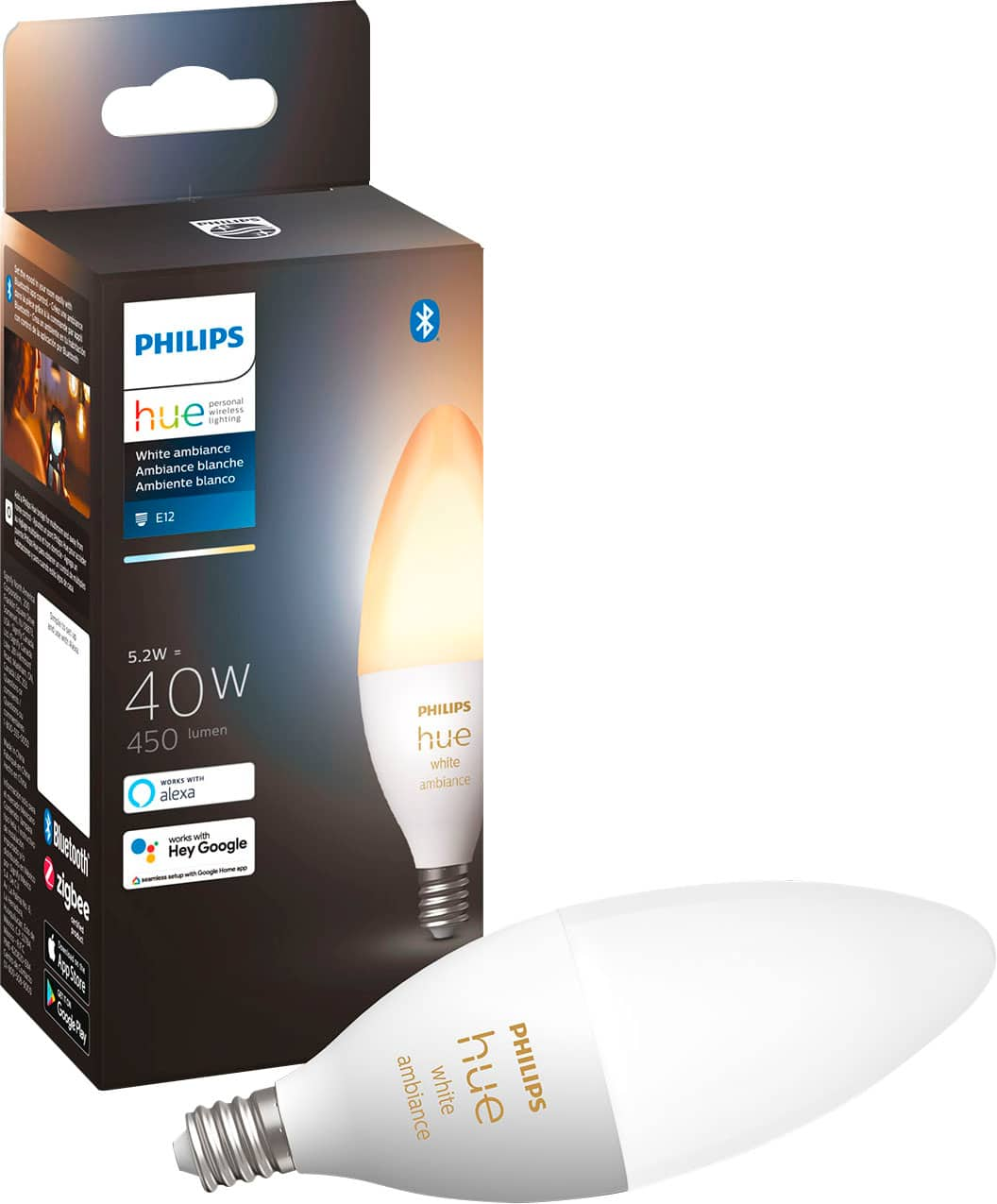
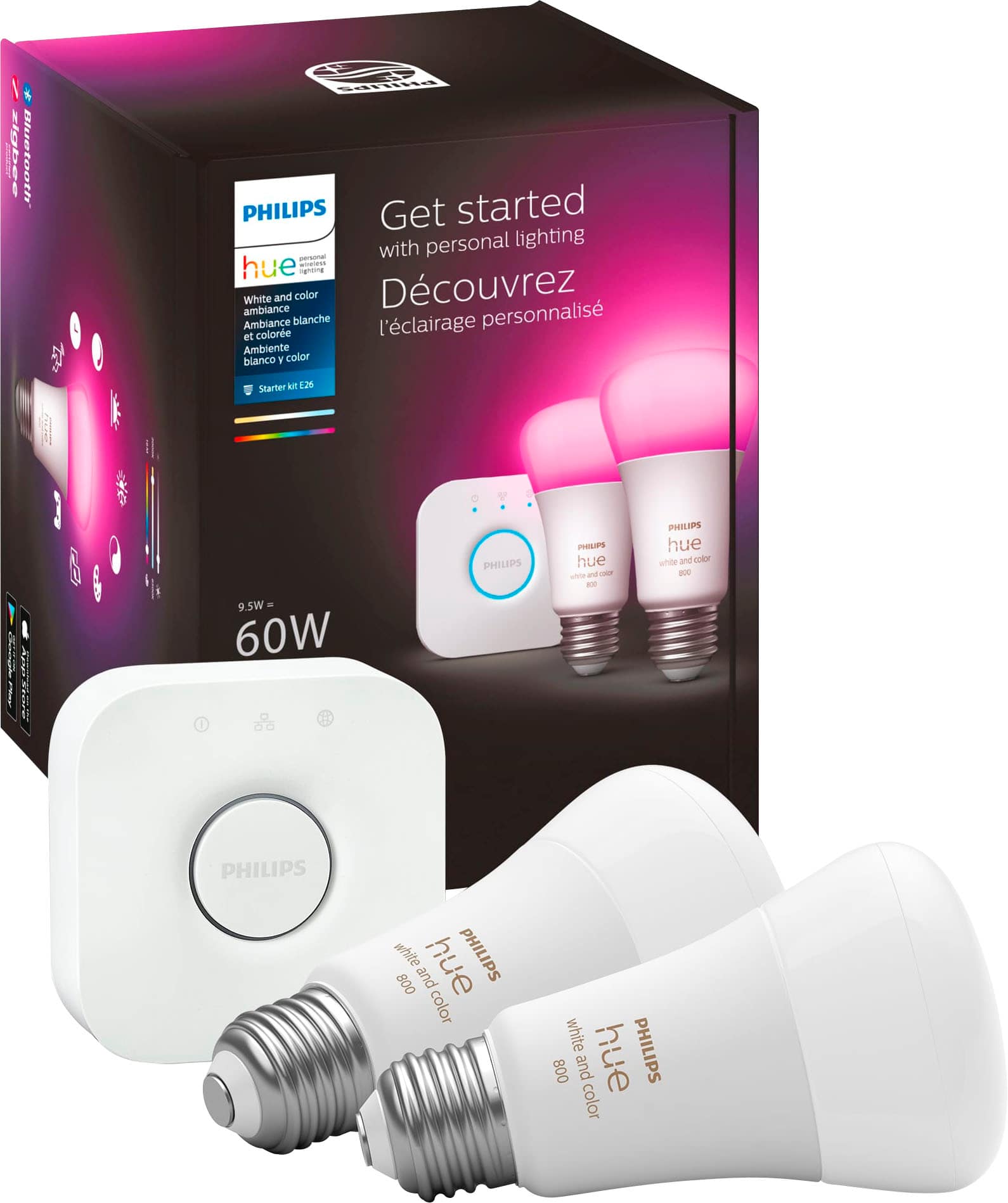
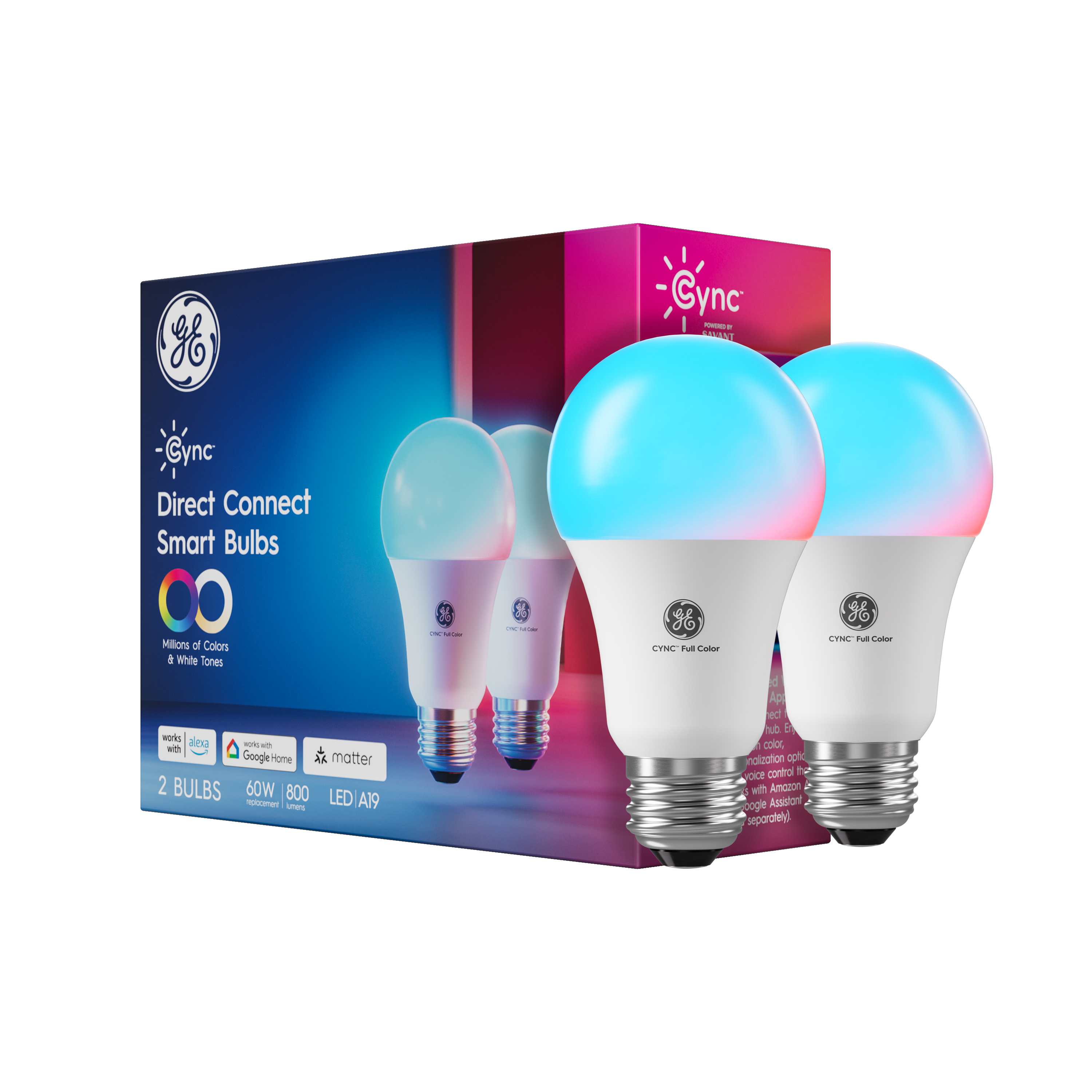
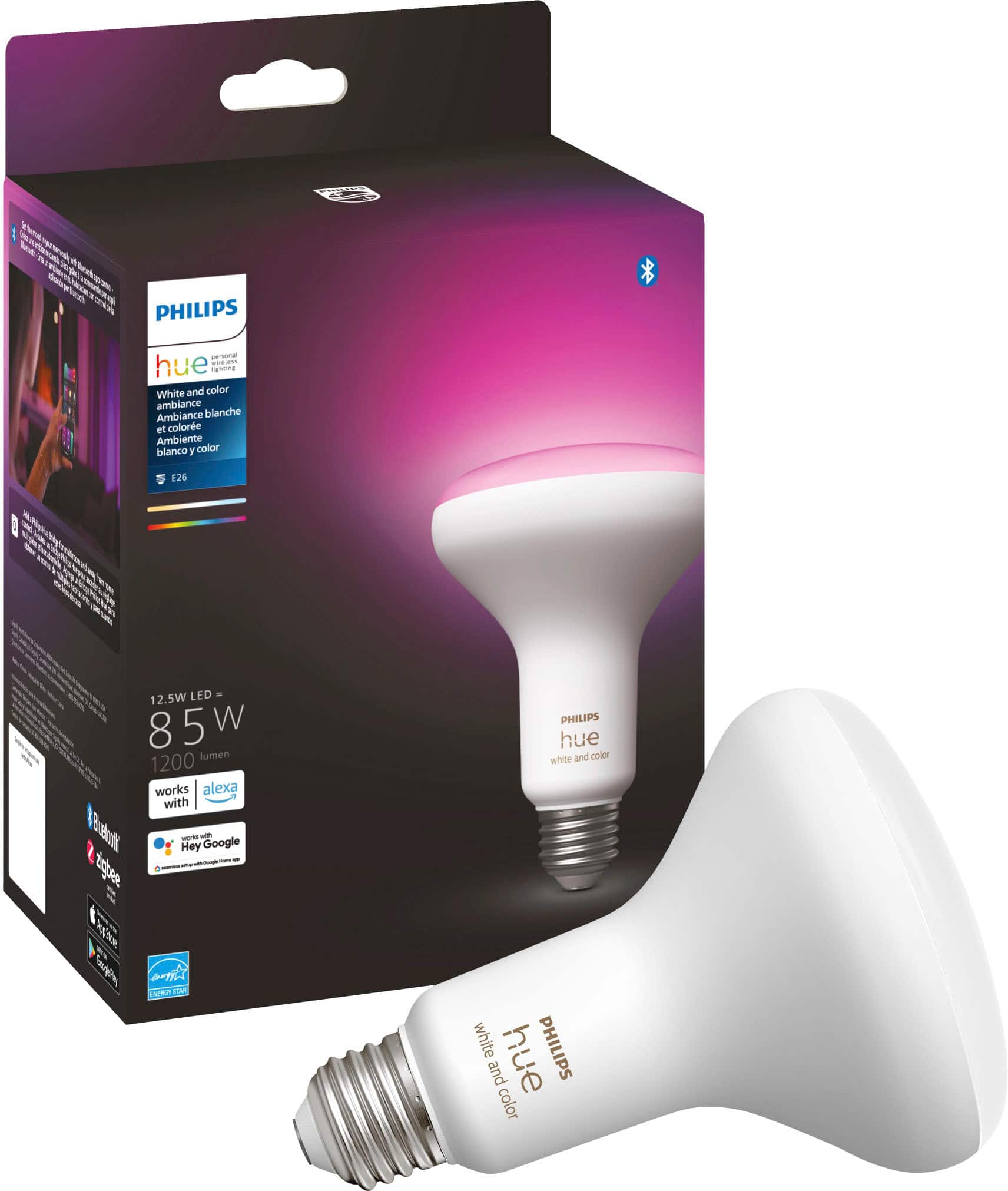
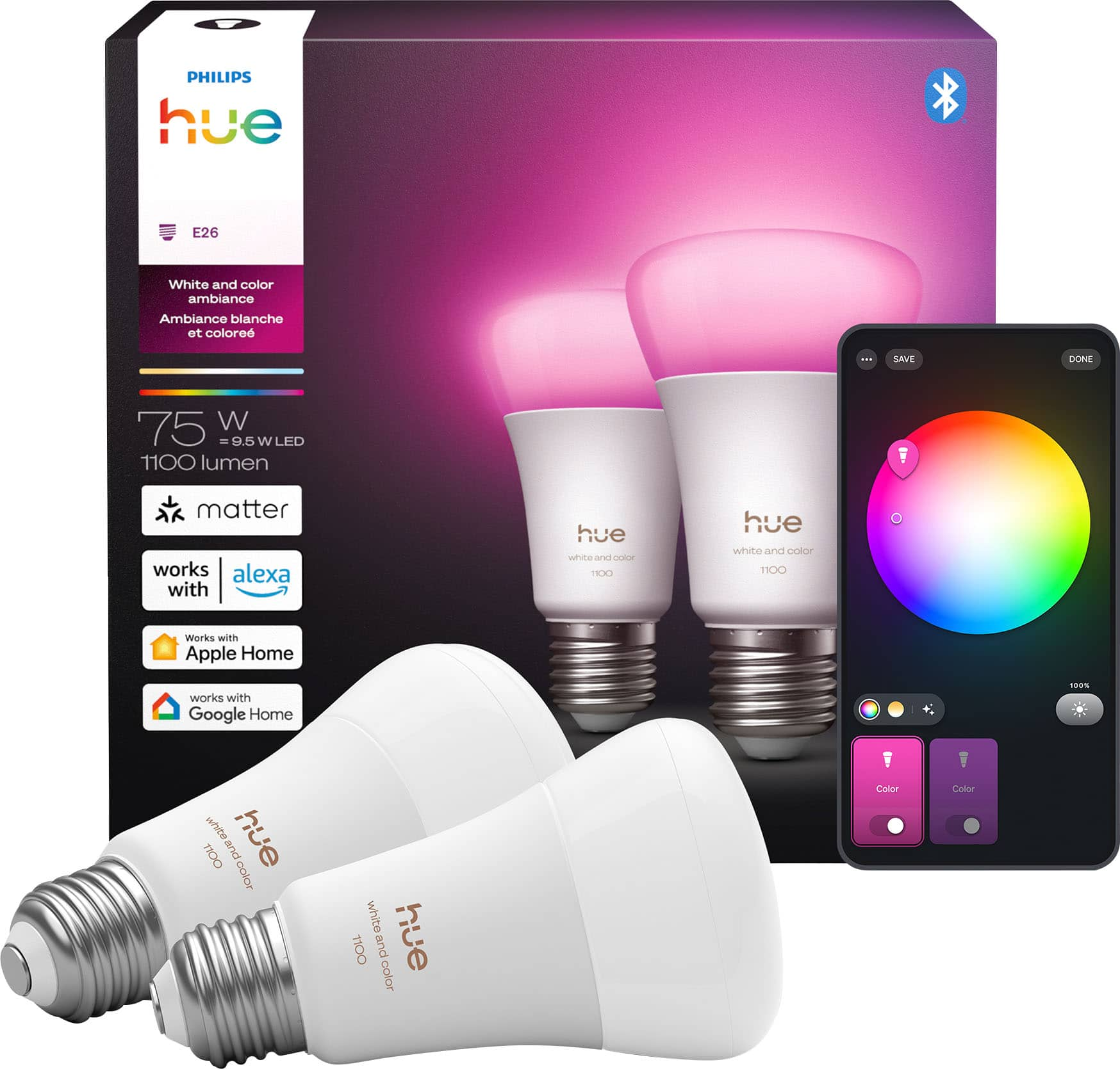
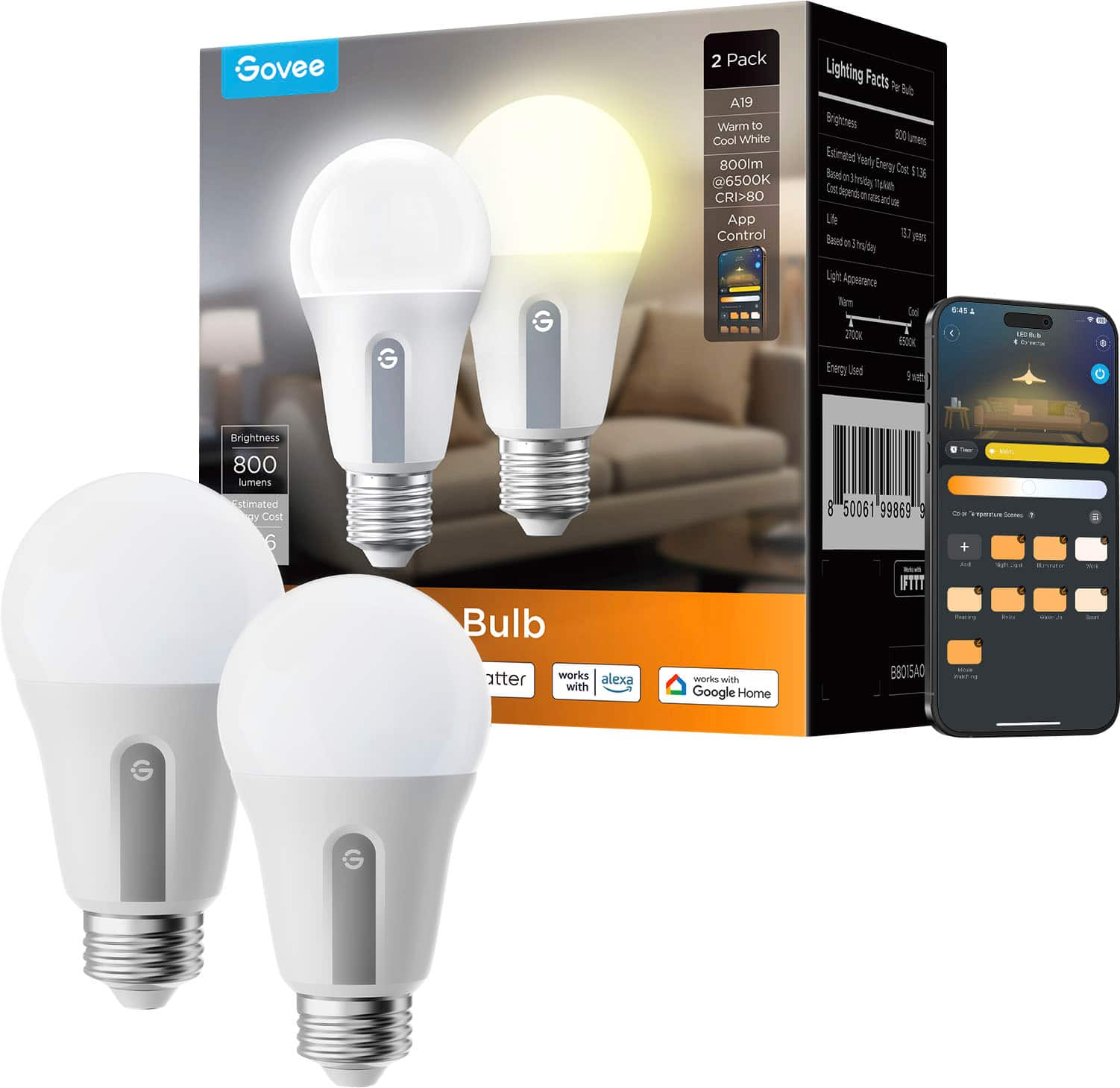
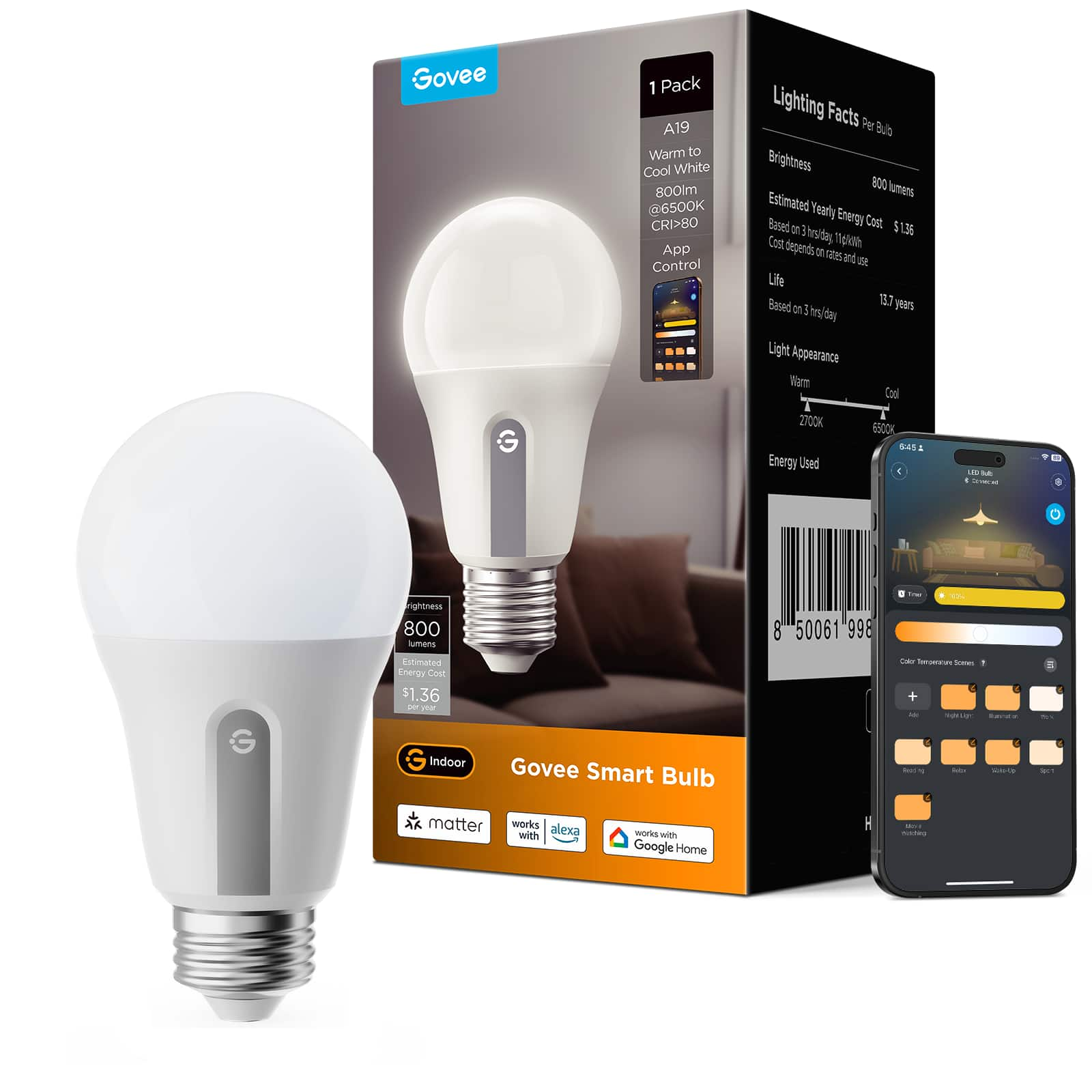
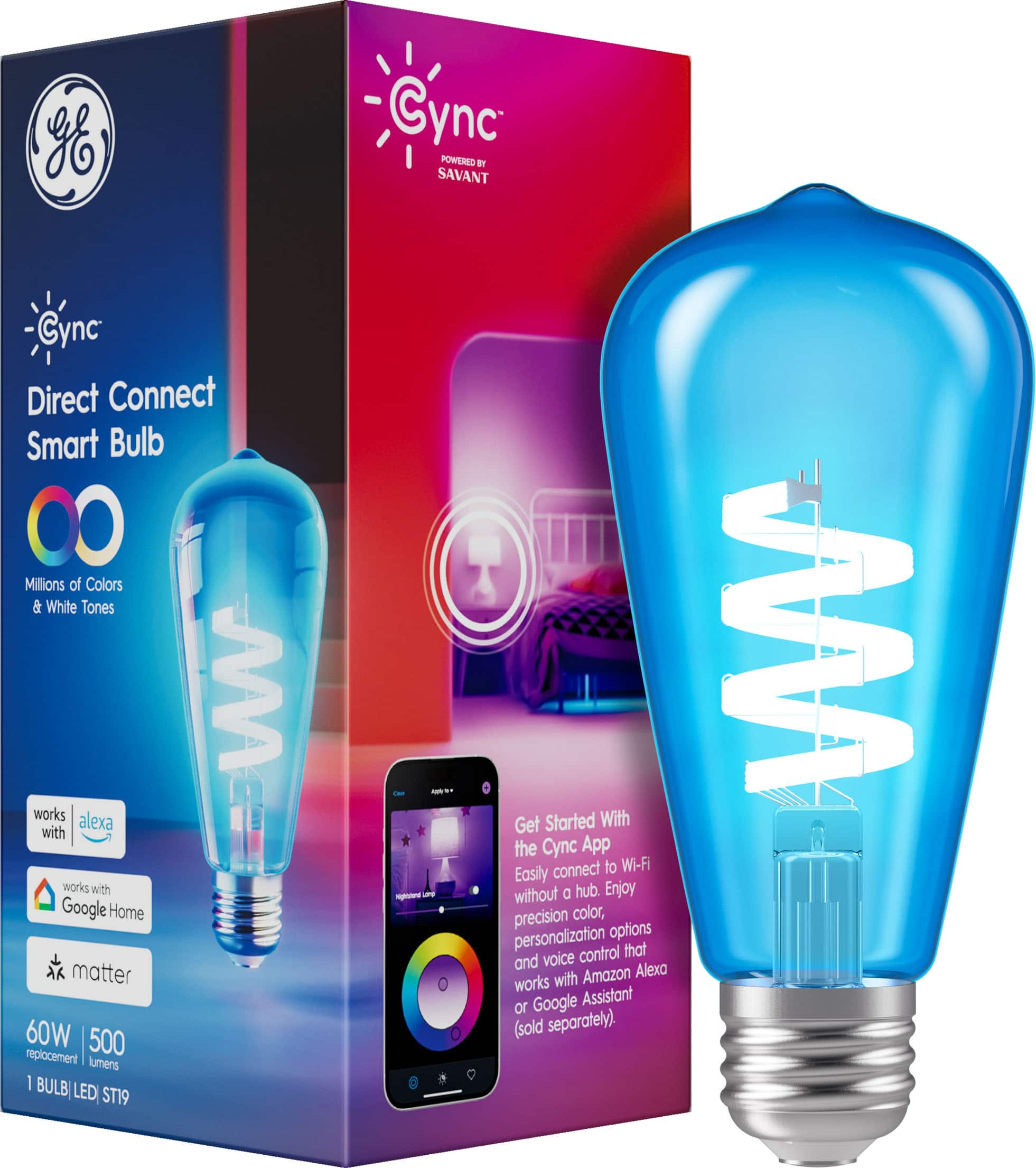
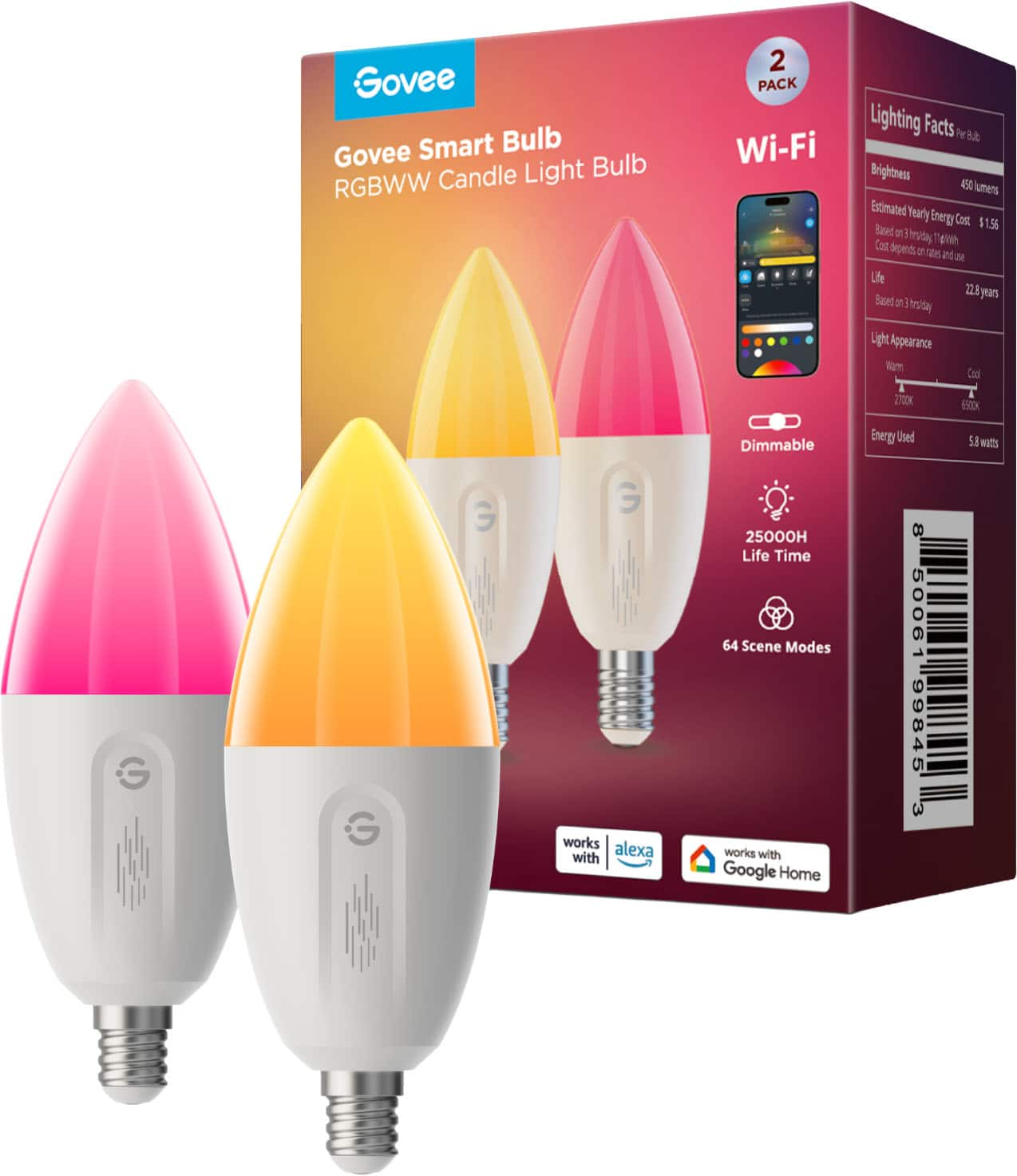
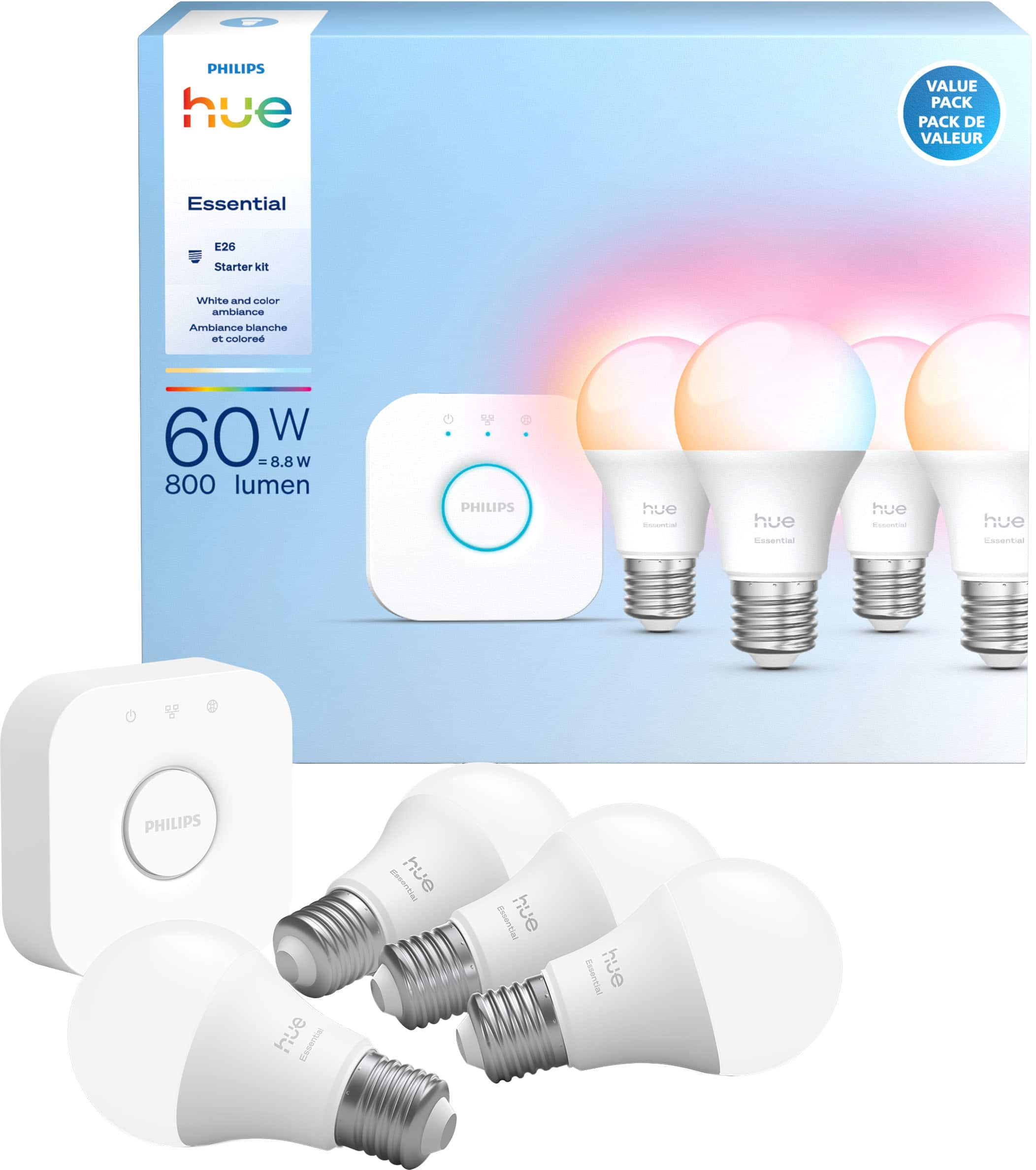
Smart Light Bulbs



First Home Essentials
FAQs
Start by checking what your home already includes and what you own. Prioritize the basics for preparing meals, cleaning and getting online, then add items that support your daily routine. A microwave, coffee maker, vacuum and compatible Wi-Fi router may be useful starting points. A TV and smart lighting can come later as your budget allows.
Measure the usable counter space, including the area beneath cabinets, and check each appliance’s dimensions and required ventilation clearances. Leave room for doors, lids and baskets to open. Choose capacity around the portions you usually prepare, and follow the manufacturer’s electrical and placement instructions.
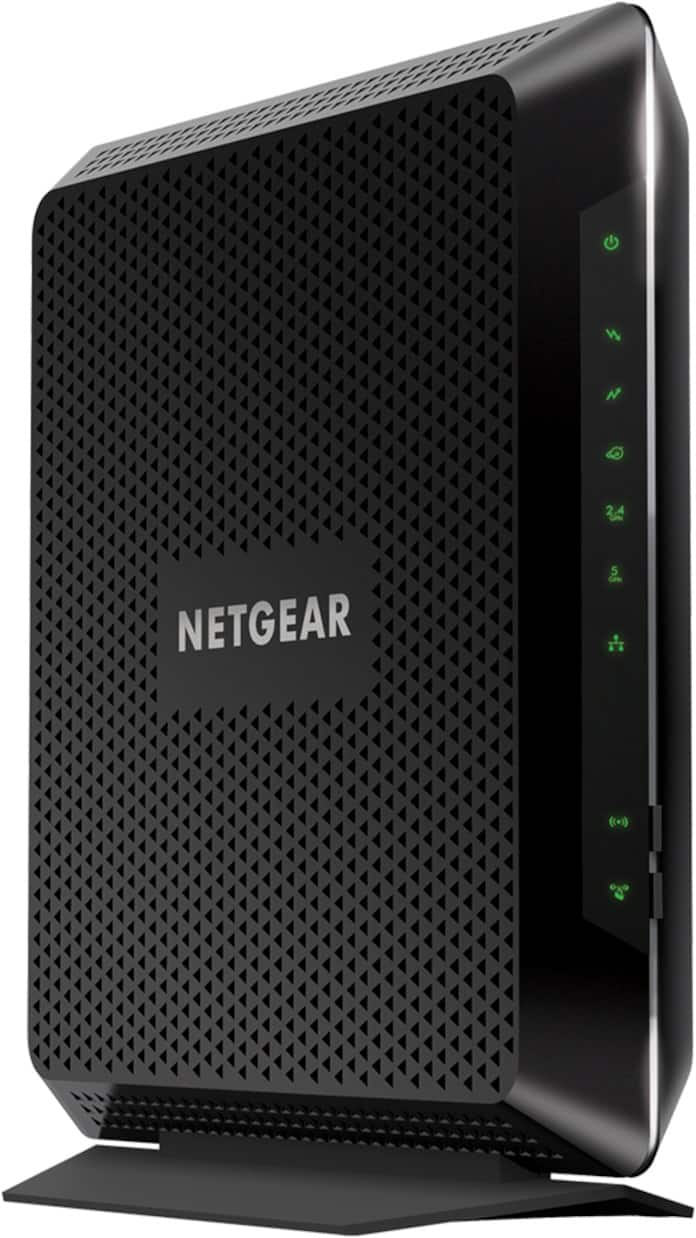
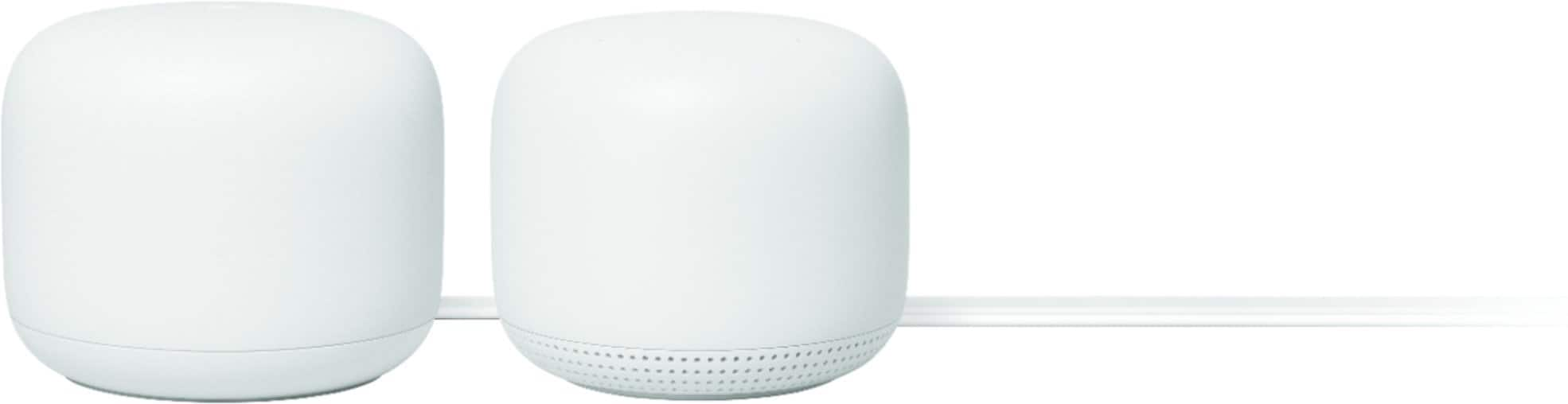
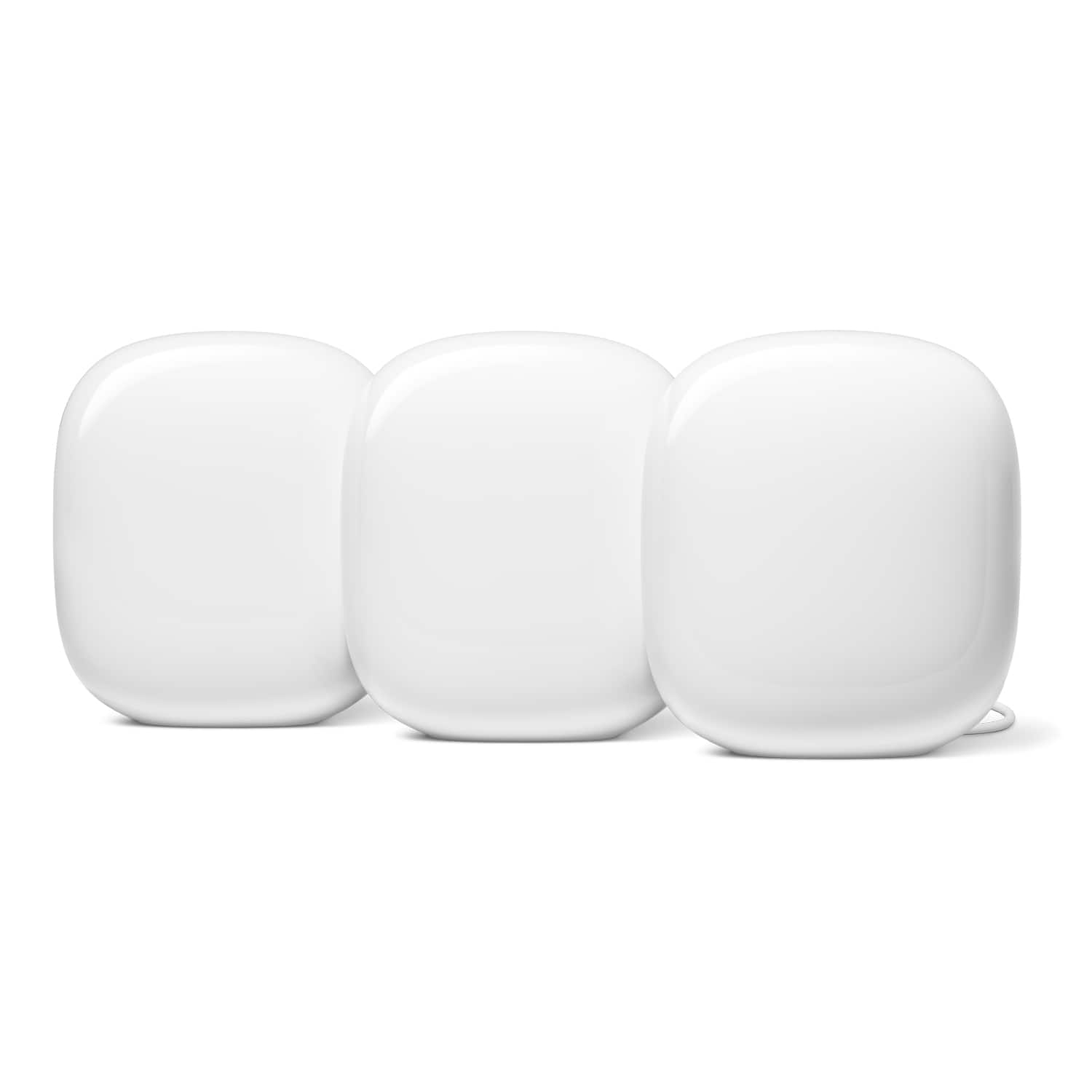
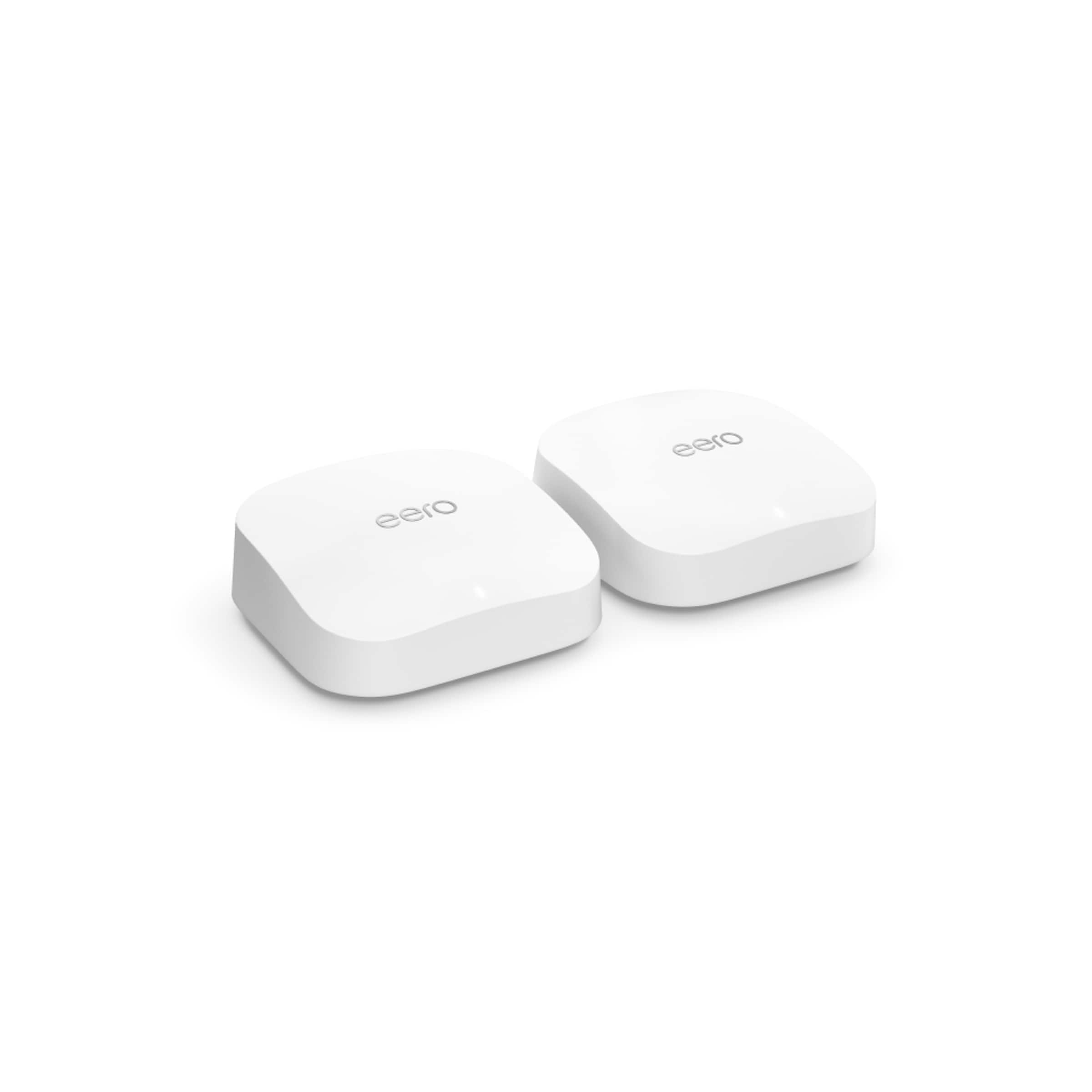
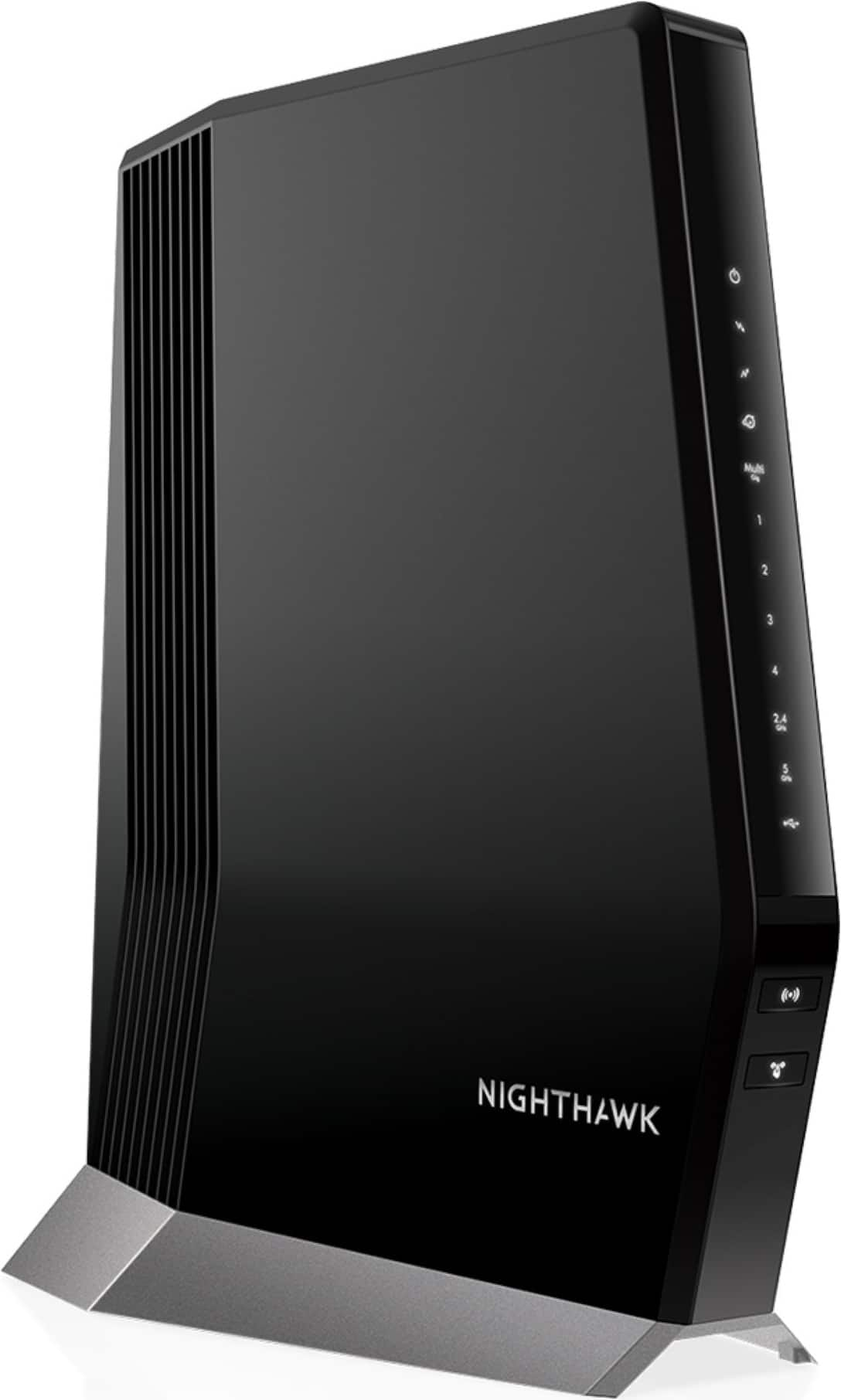
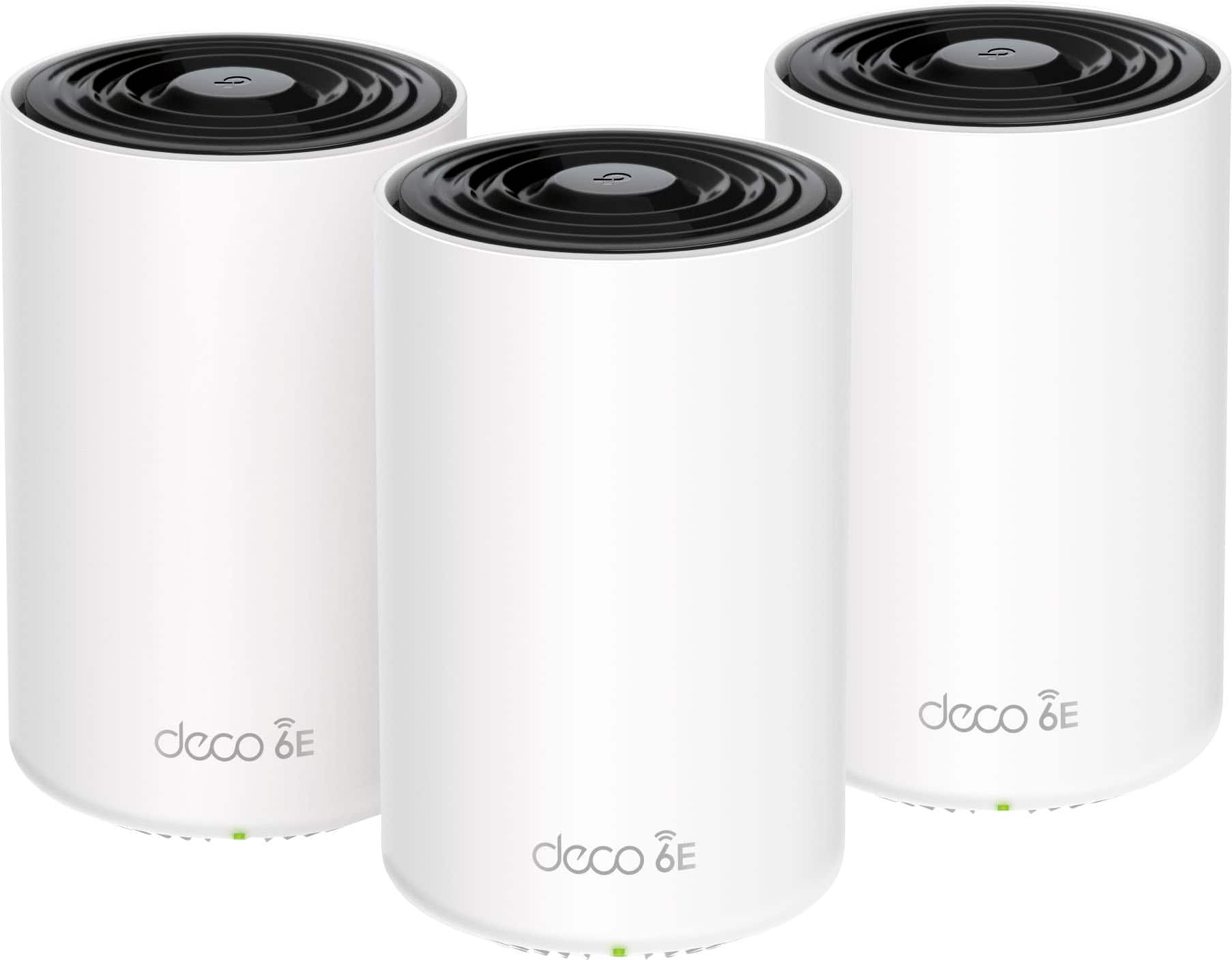
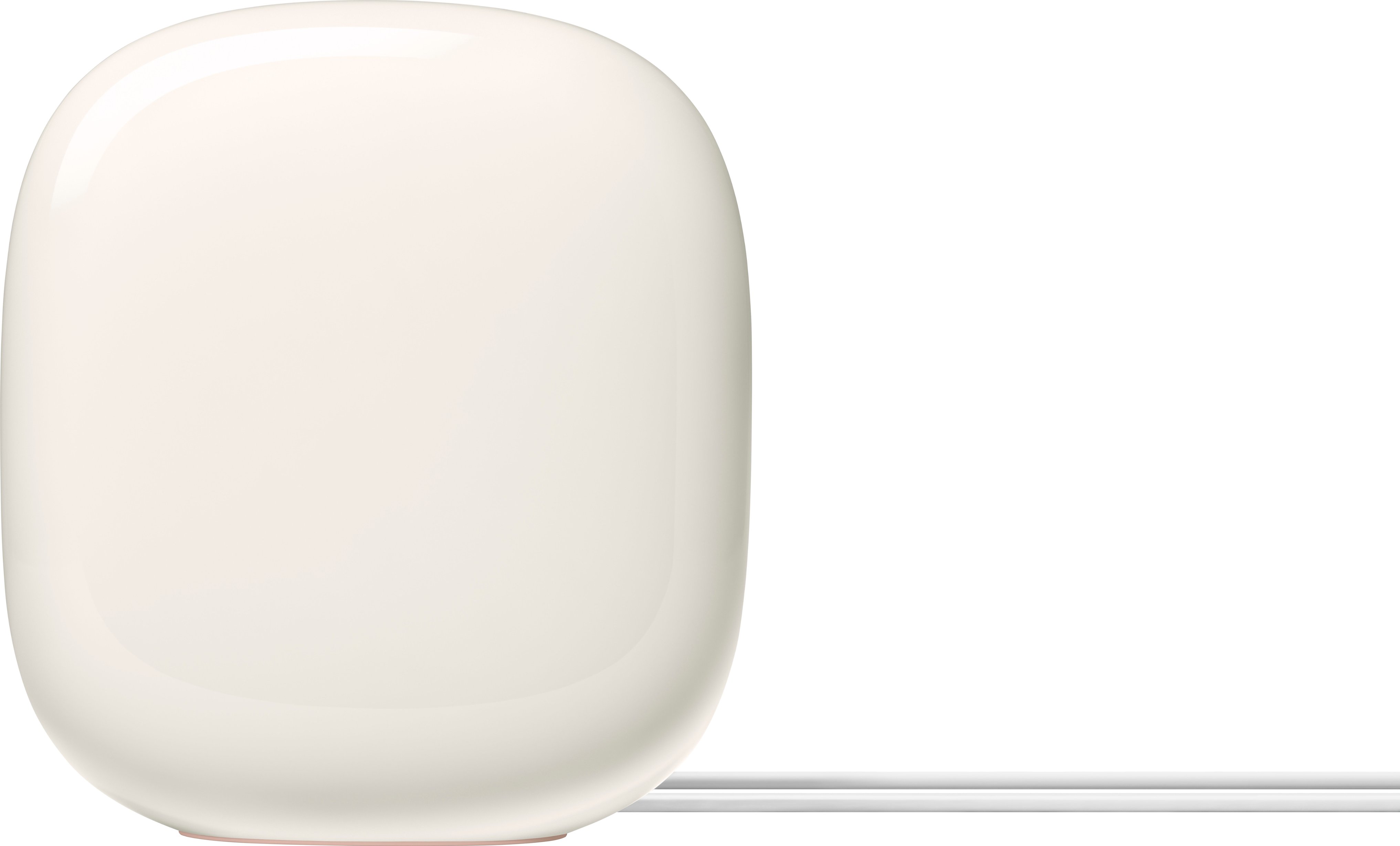
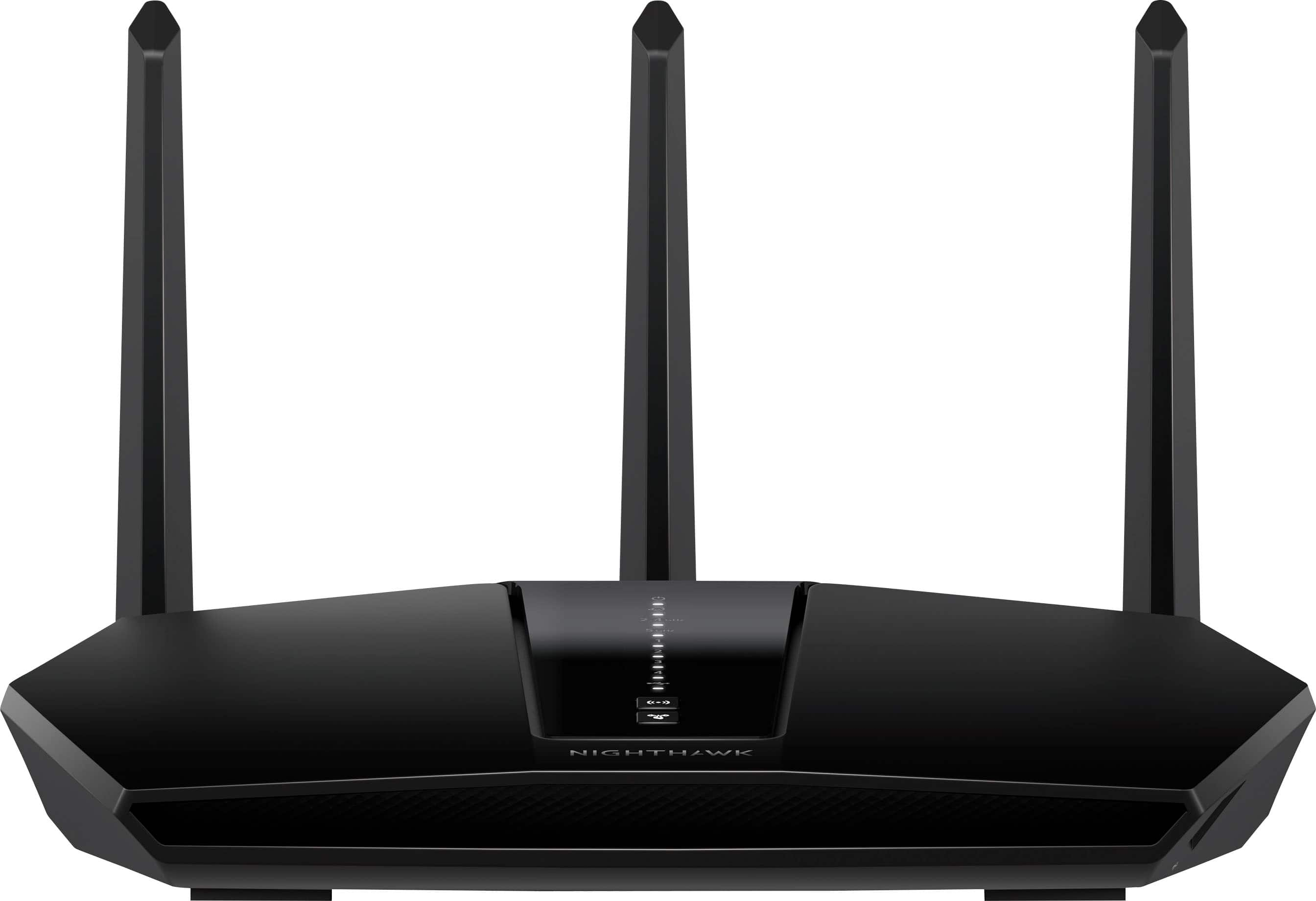
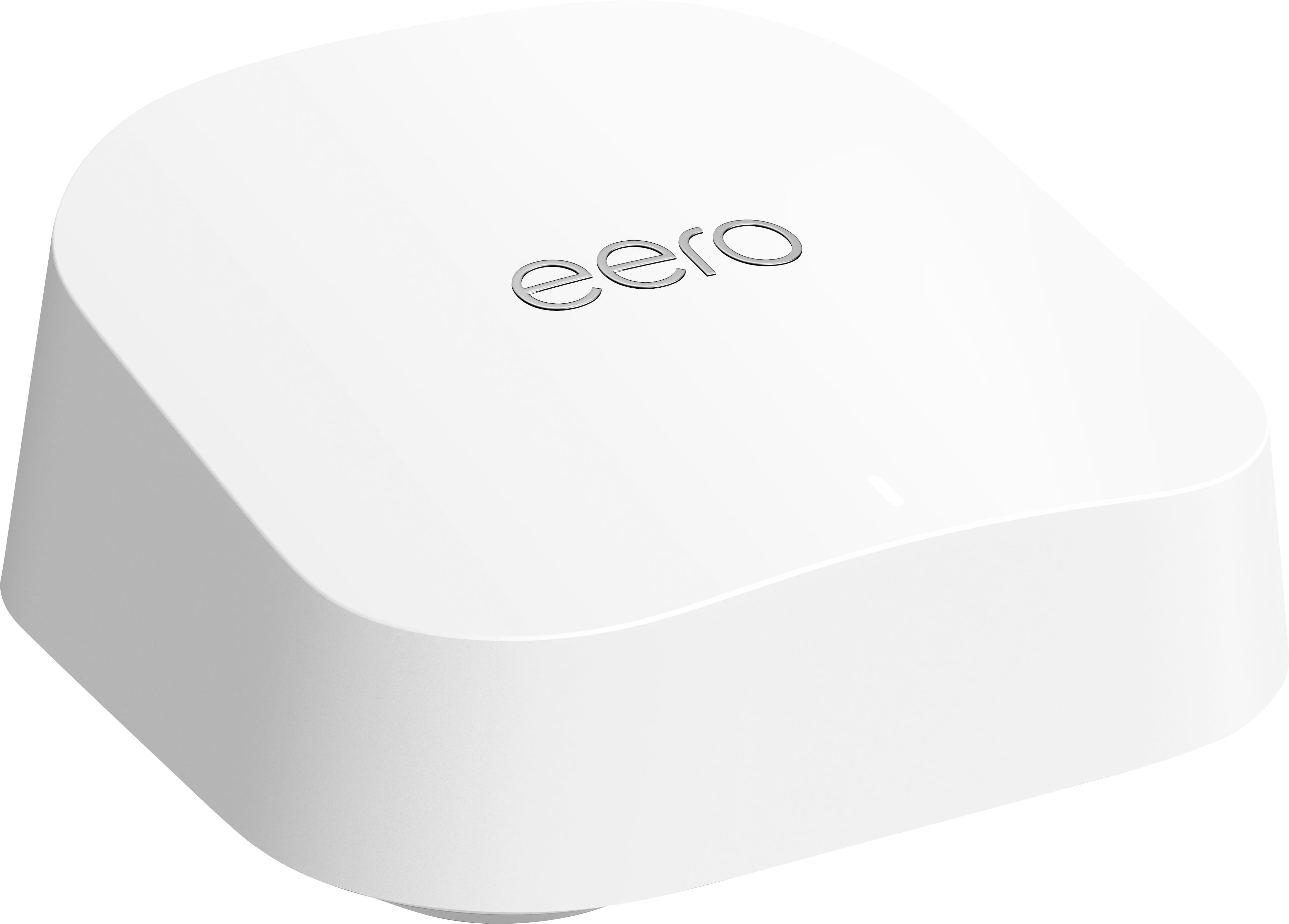
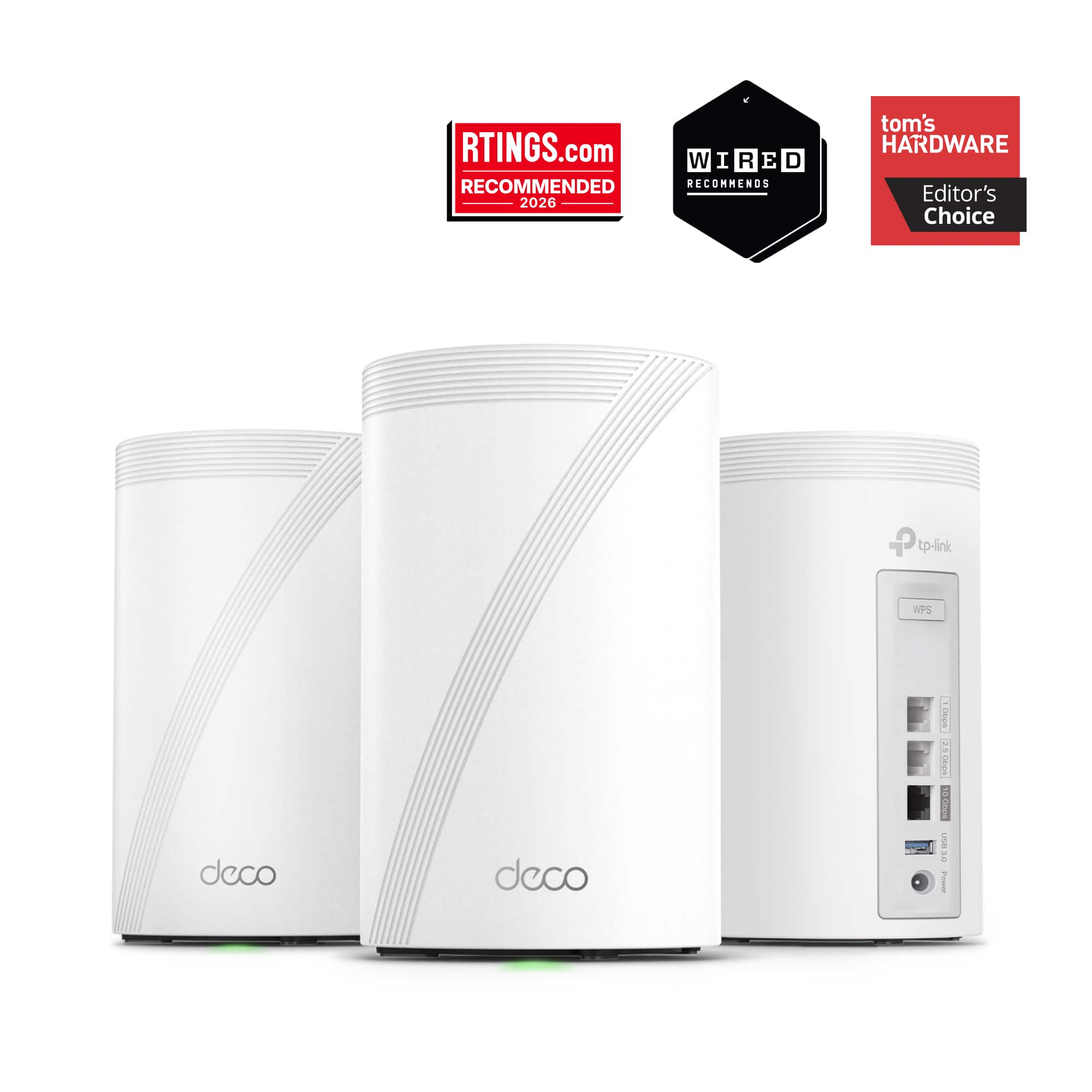
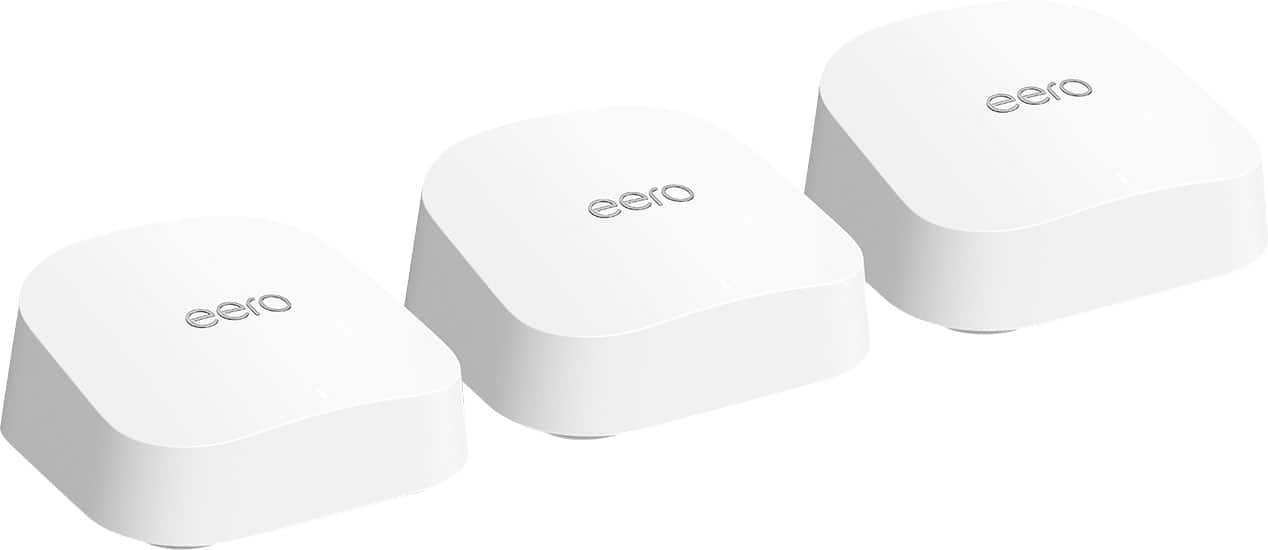
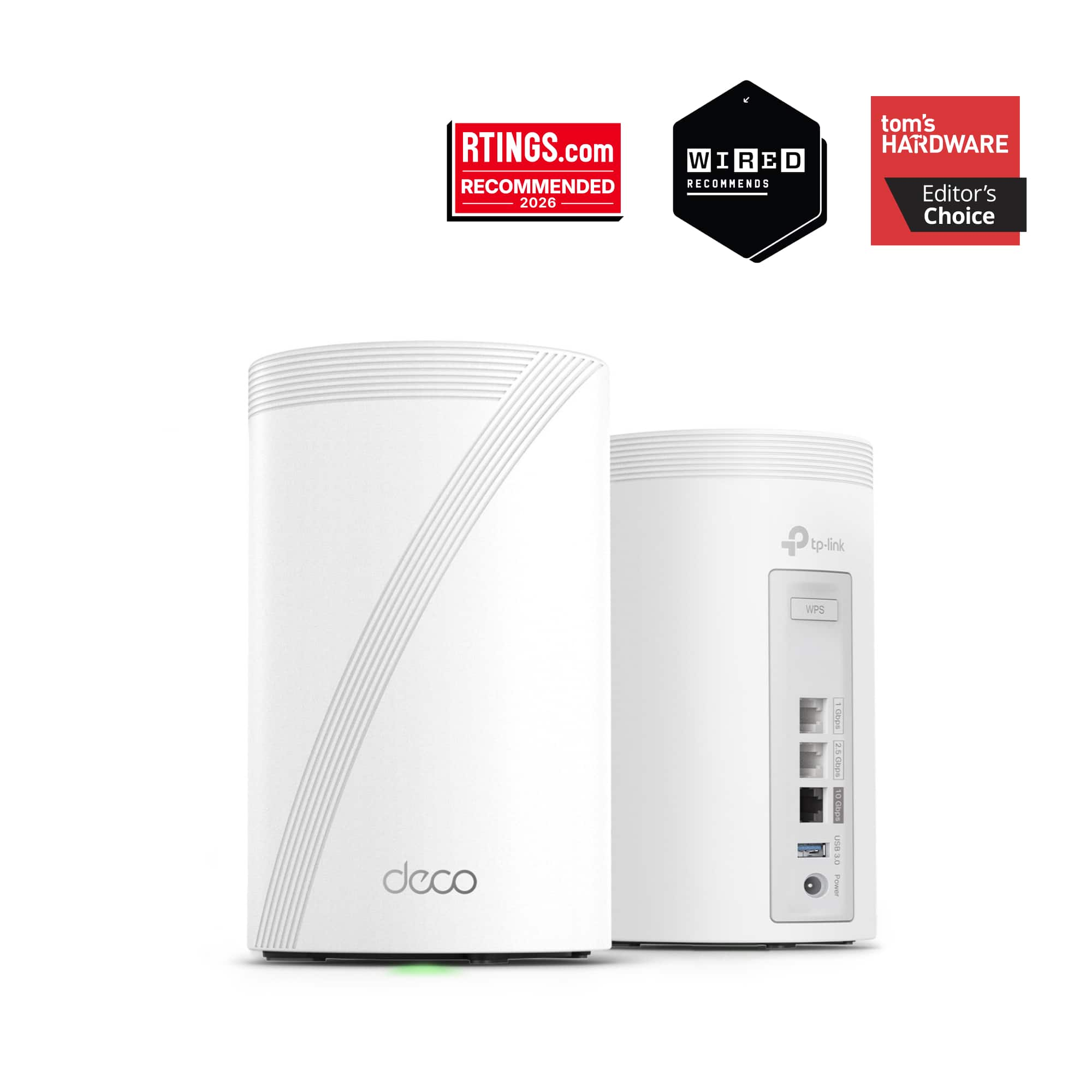
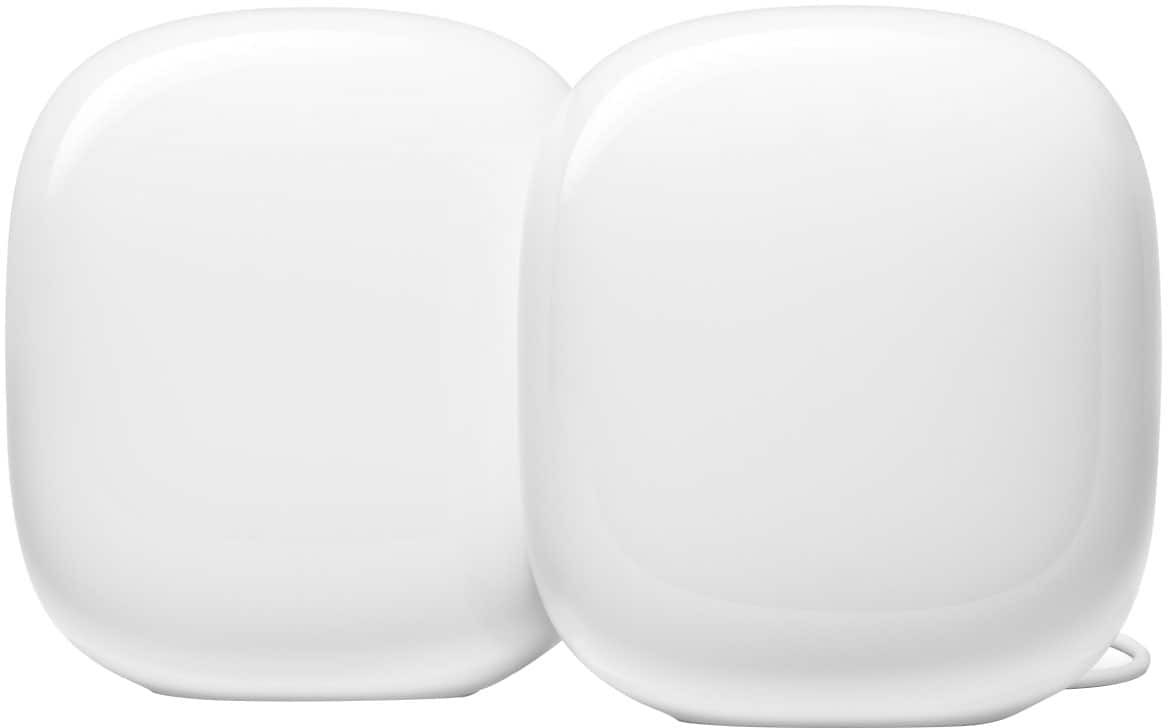
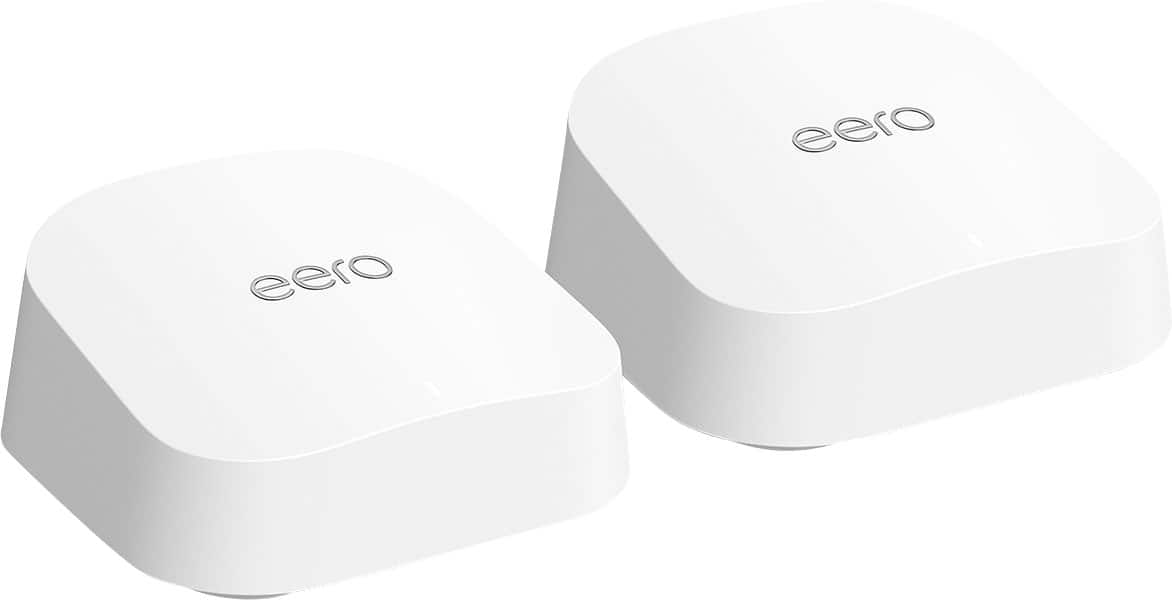
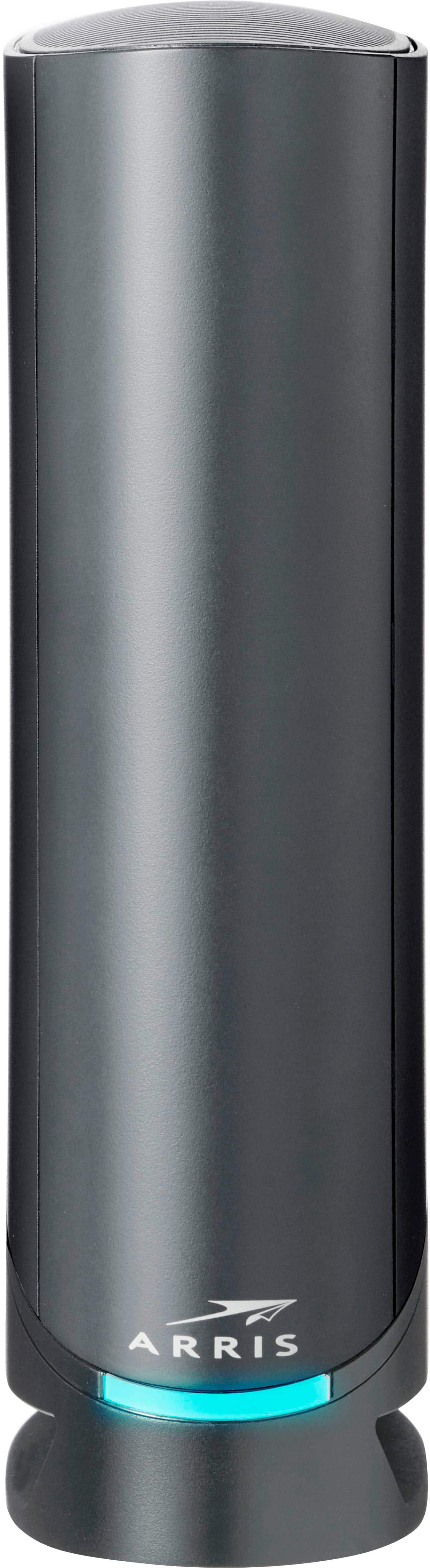
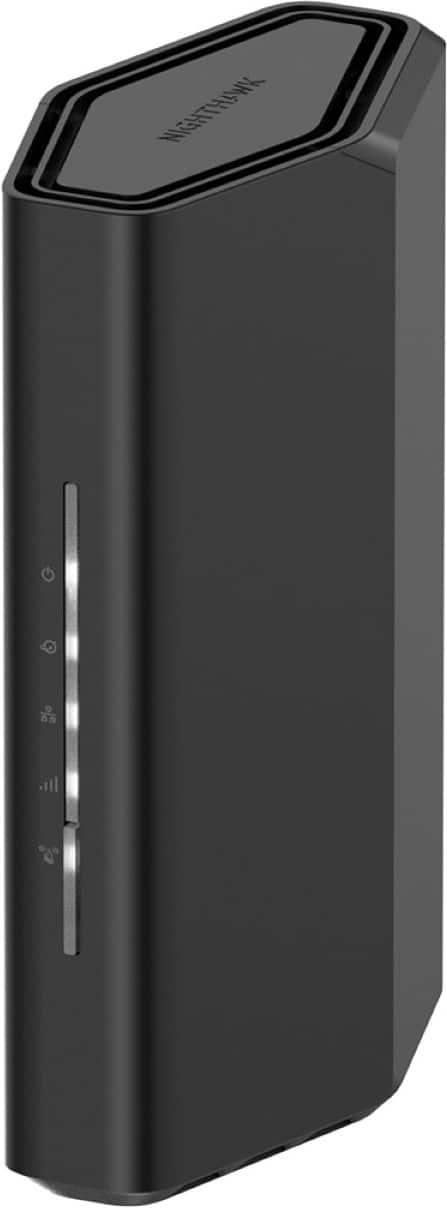
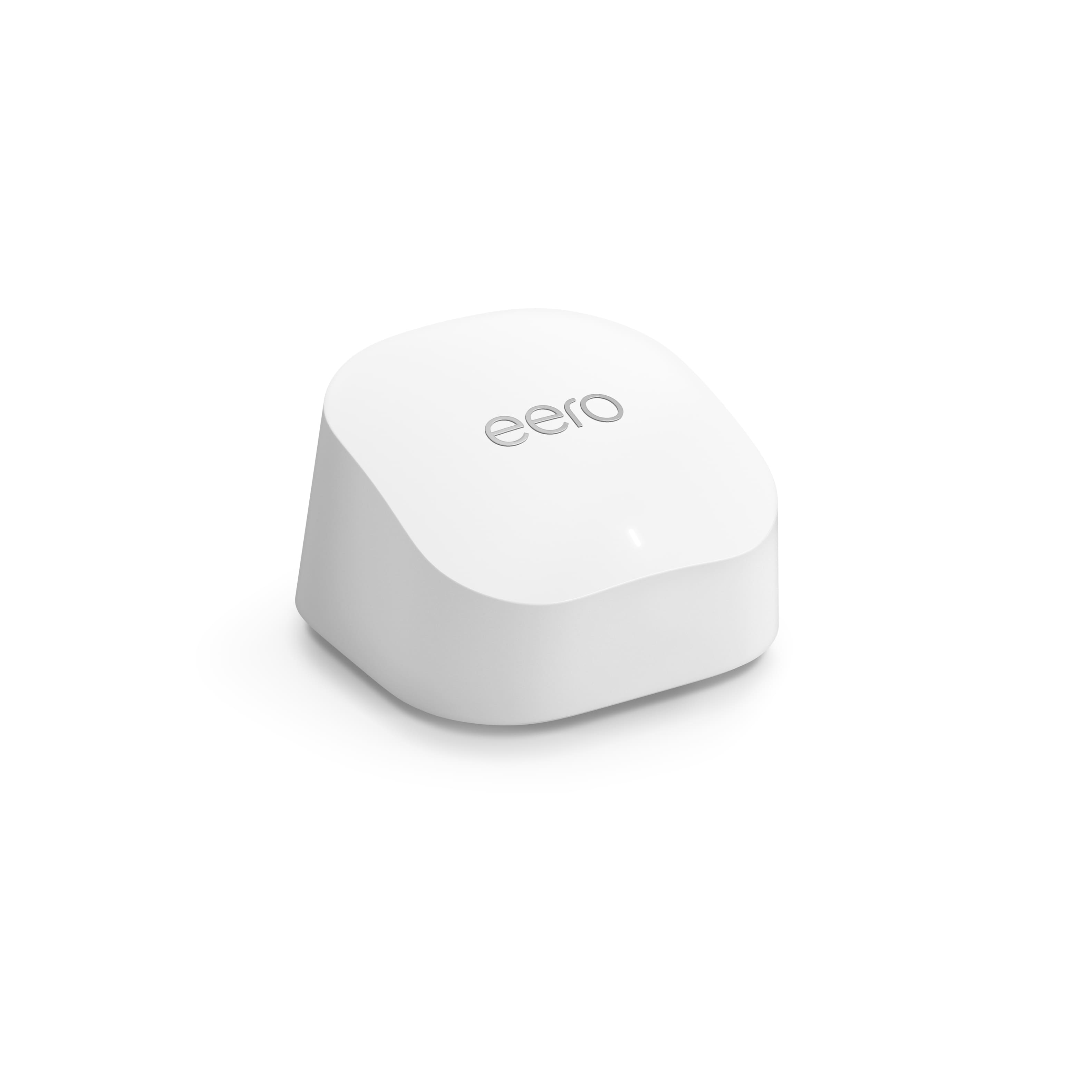
It depends on your internet service and the equipment your provider supplies. Cable internet commonly uses a modem plus a router, or a combined gateway. Fiber service typically uses an optical network terminal and may also require a router. Before buying, confirm provider compatibility and check whether your existing equipment already includes Wi-Fi.
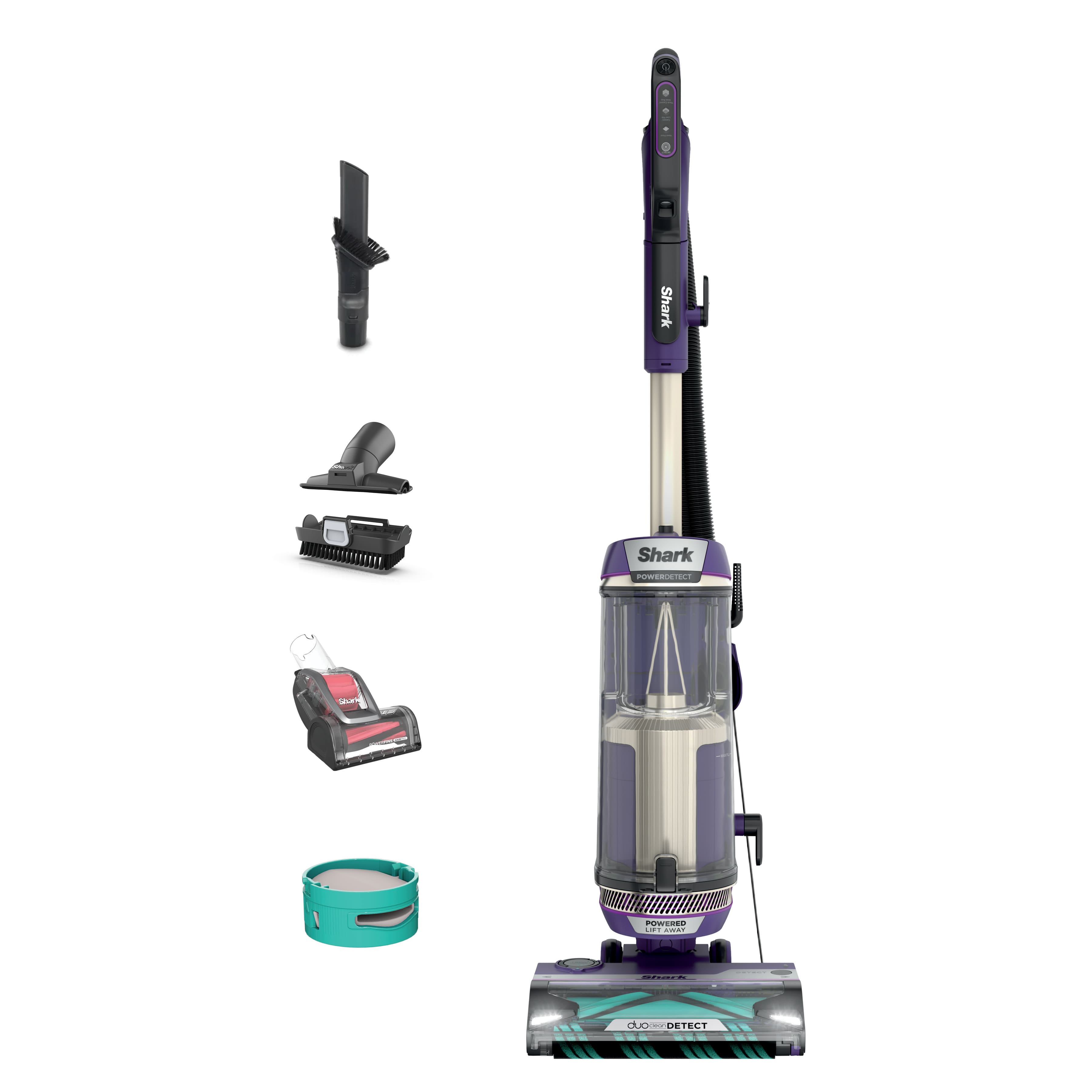
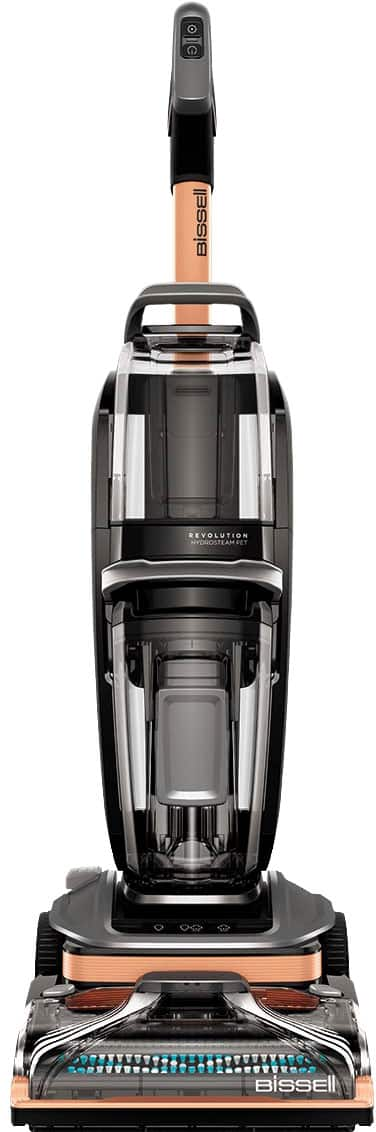
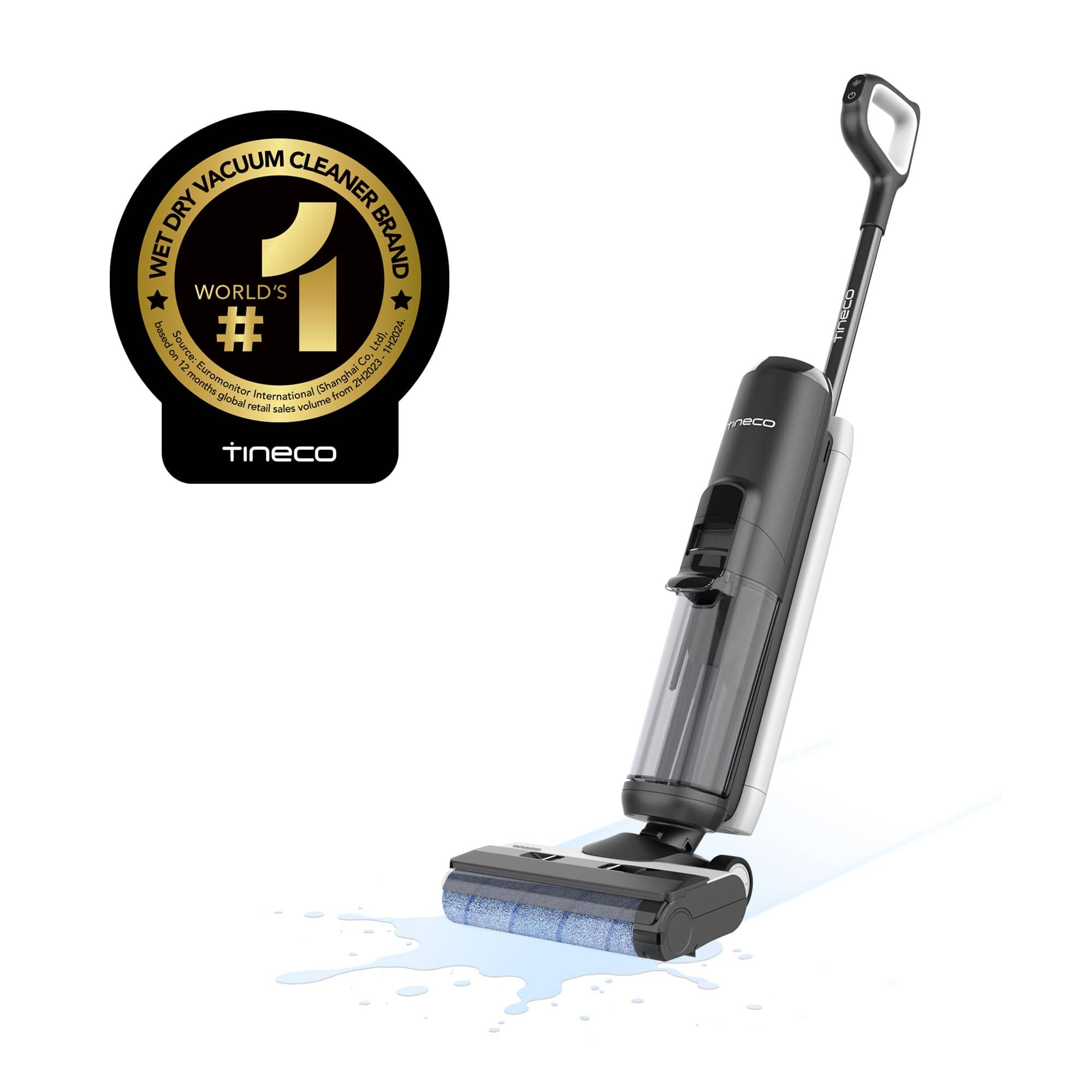
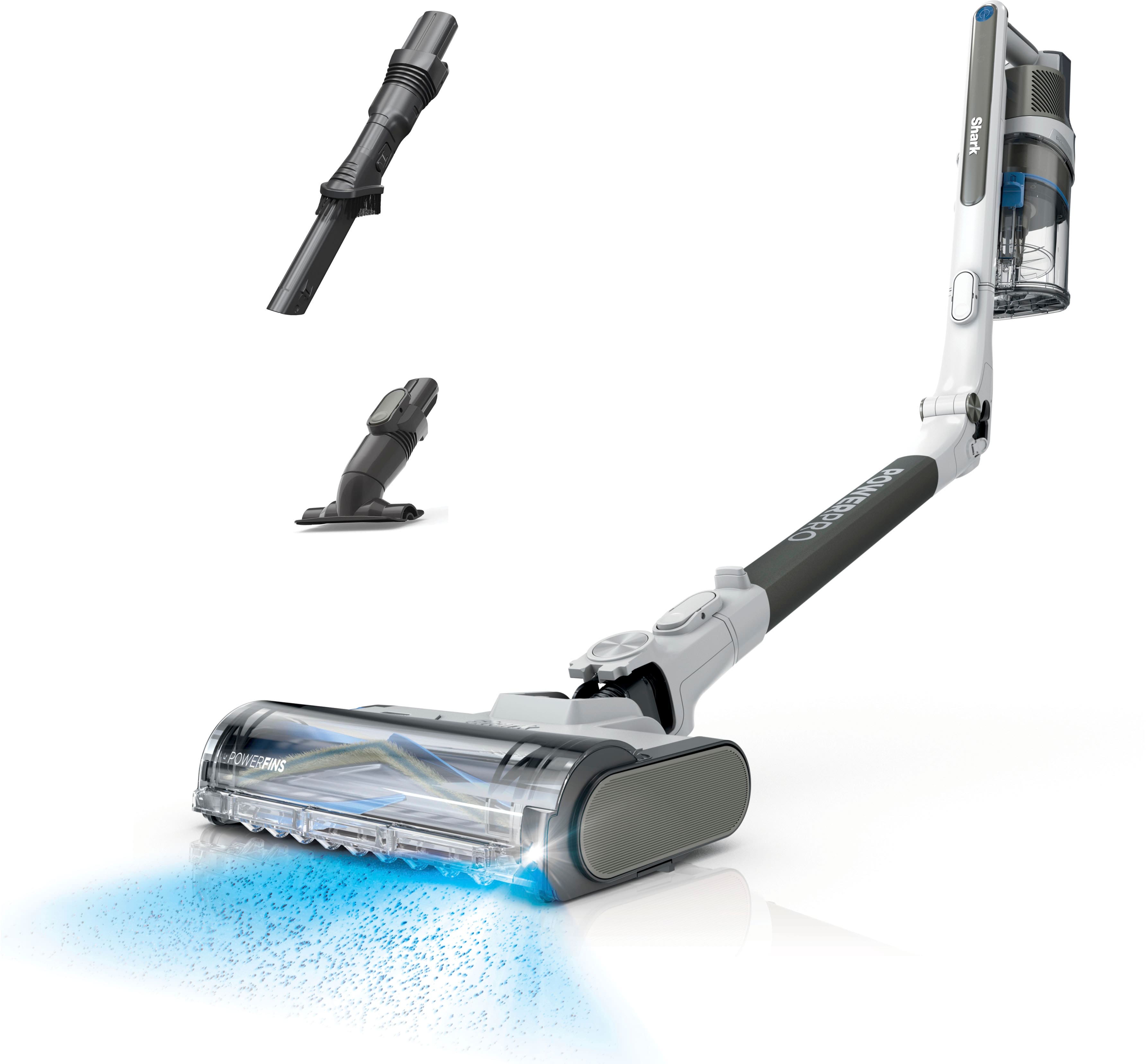
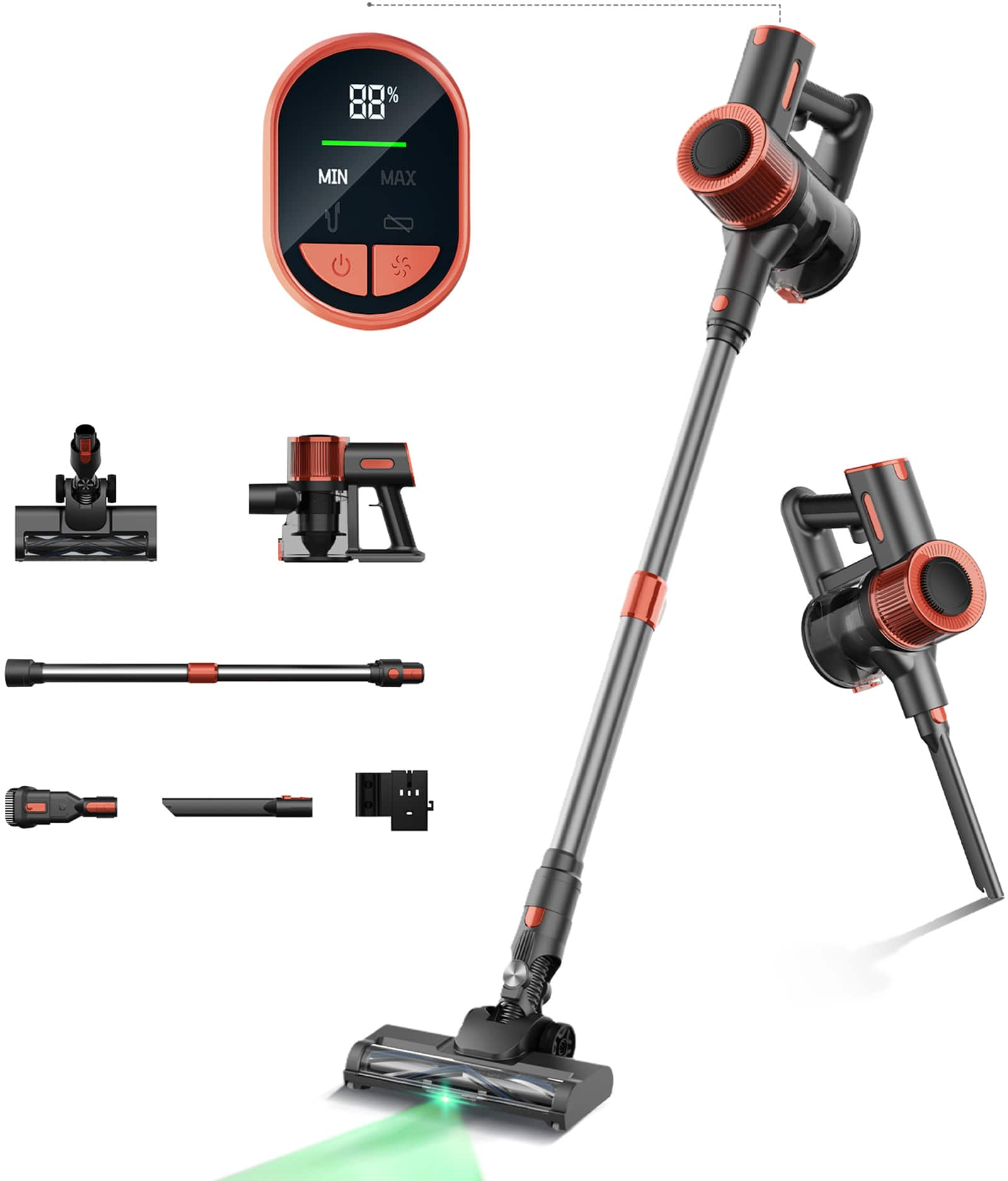
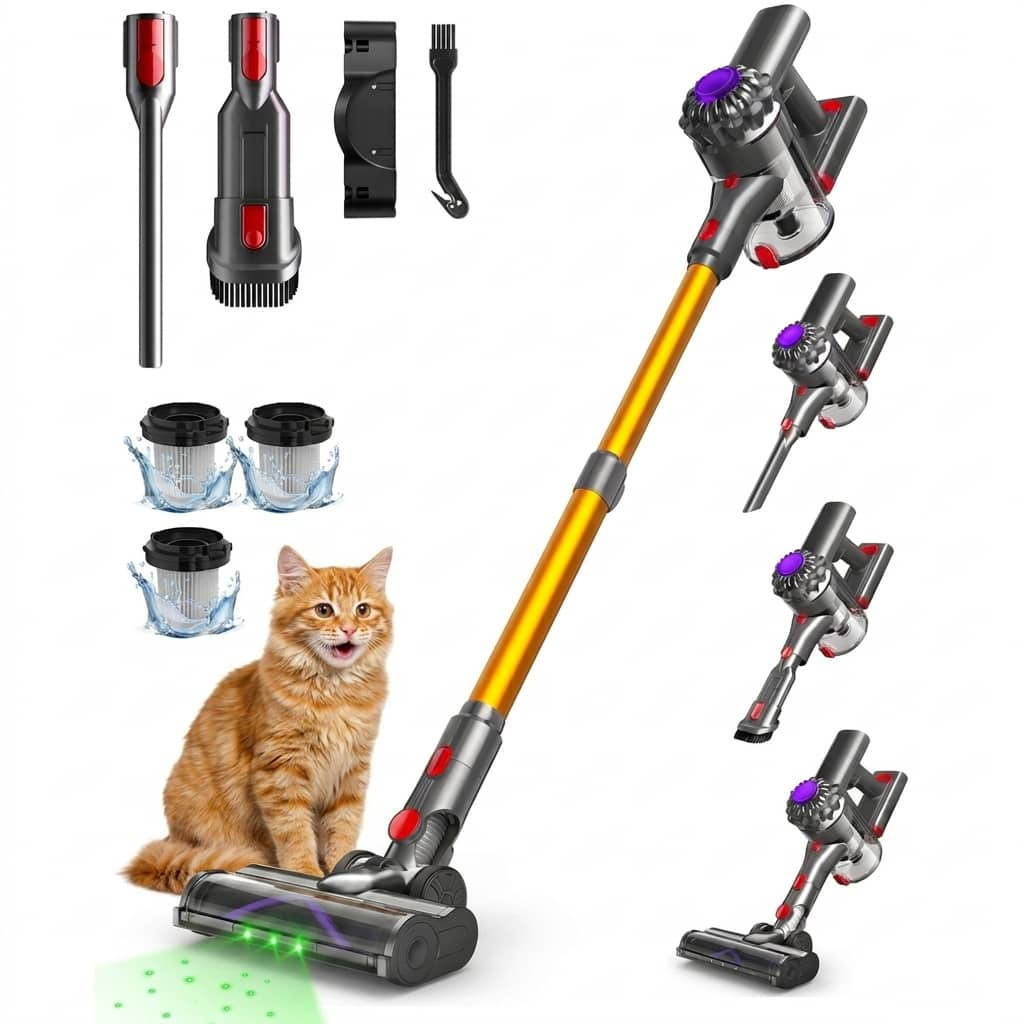
Match the vacuum to your flooring, cleaning needs and available storage. Check whether the model is designed for your mix of carpet and hard floors, and look at attachments for stairs or upholstery. For cordless models, consider battery runtime and charging space. If you have pets, compare features designed to pick up hair and reduce brush tangles.
Measure your TV stand or wall area and consider the distance from your seating. Check the stand’s weight capacity and whether it accommodates the TV’s feet. For wall mounting, confirm the mount’s size, weight and mounting-pattern compatibility, along with suitable wall support. Also check that the TV has the connections you need for your devices.
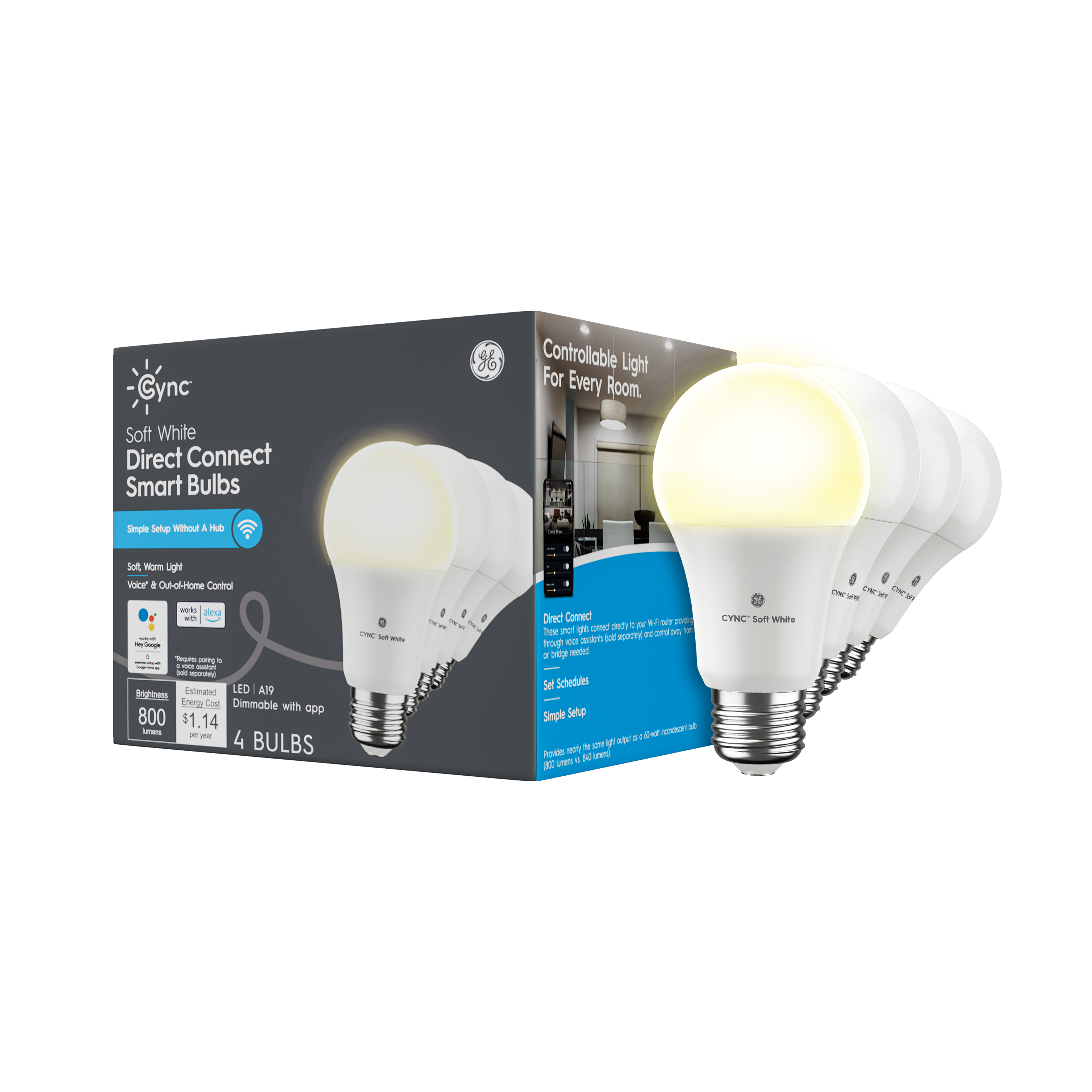
Smart bulbs can be a removable upgrade when they fit the existing fixture and meet its electrical requirements. Check bulb size, base type, dimmer compatibility and whether the bulb needs a hub or a particular Wi-Fi connection. Follow your lease requirements, and keep the original bulbs so you can reinstall them when you move.