Gadgets for Programmers
Build a coding setup that works the way you do. Explore gadgets for programmers, from keyboards that suit your typing style to portable monitors, docking stations and storage for your next project.
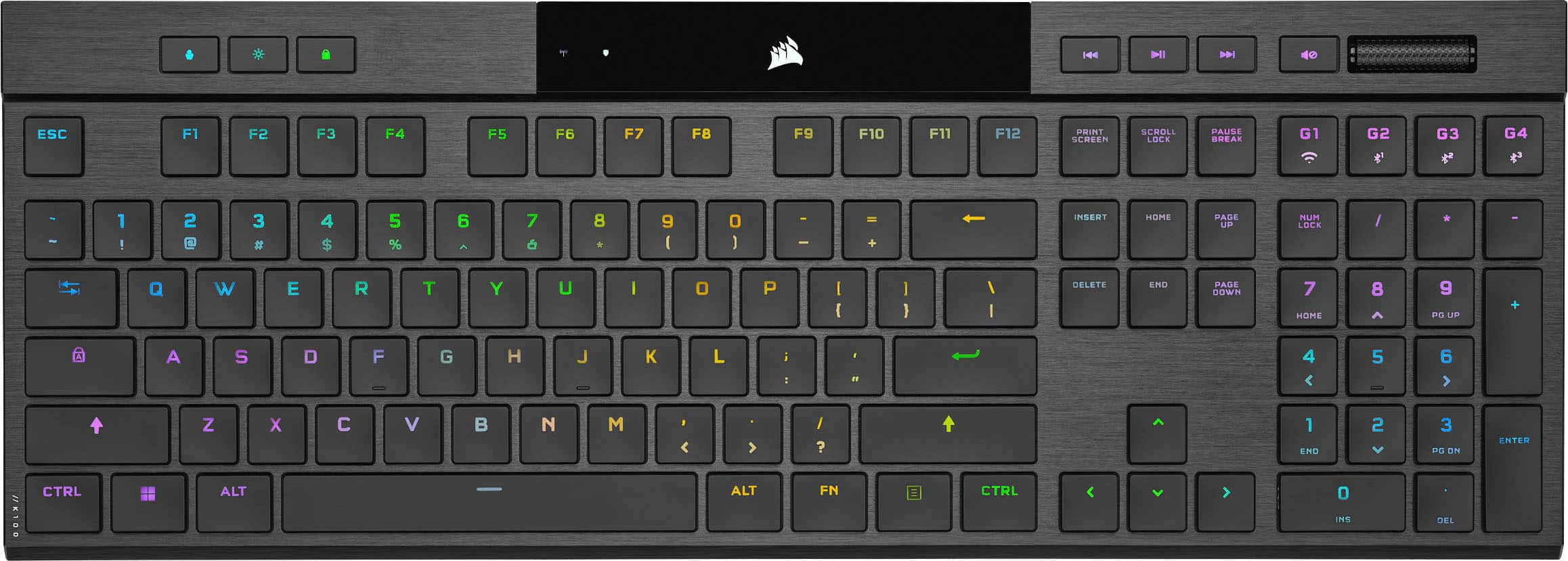
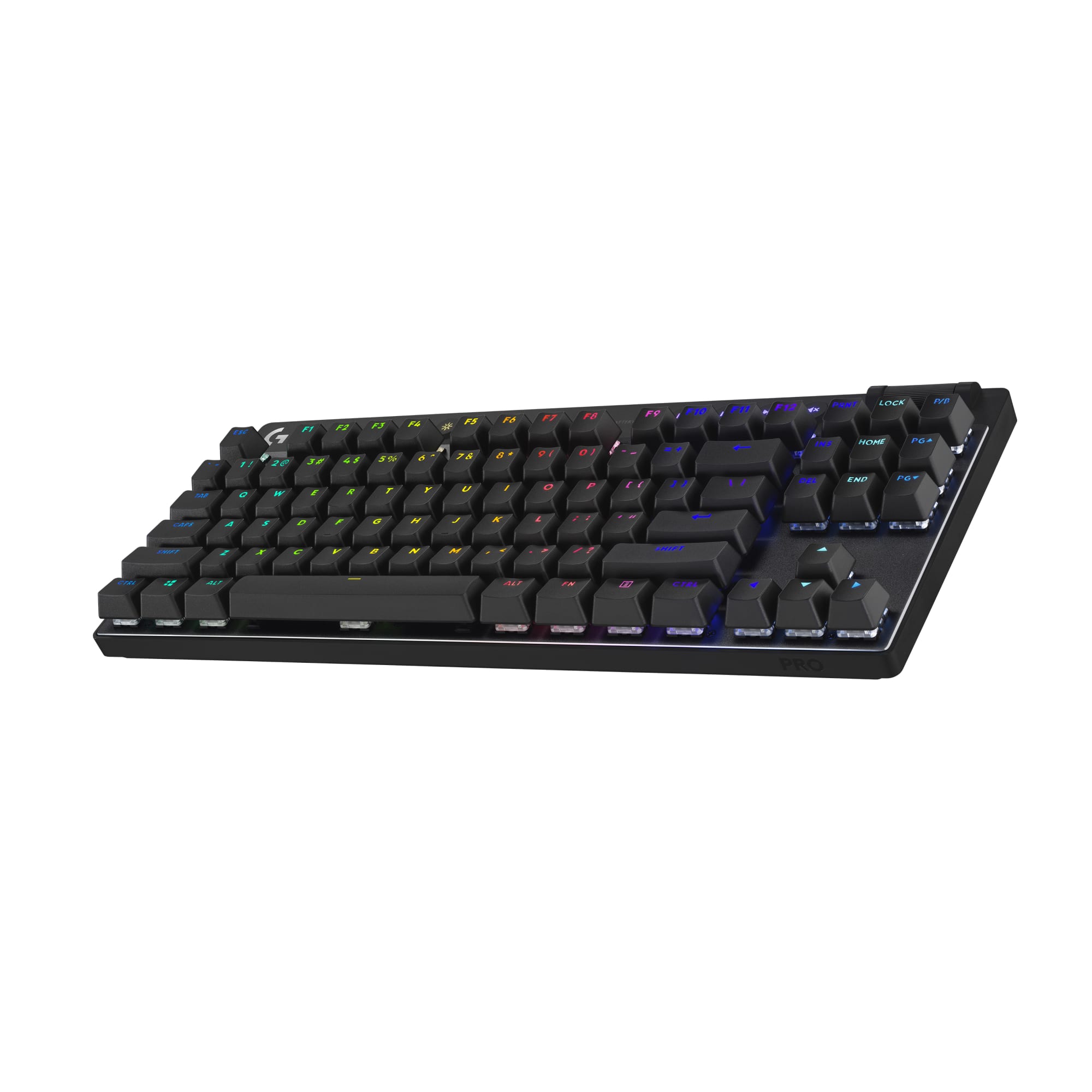
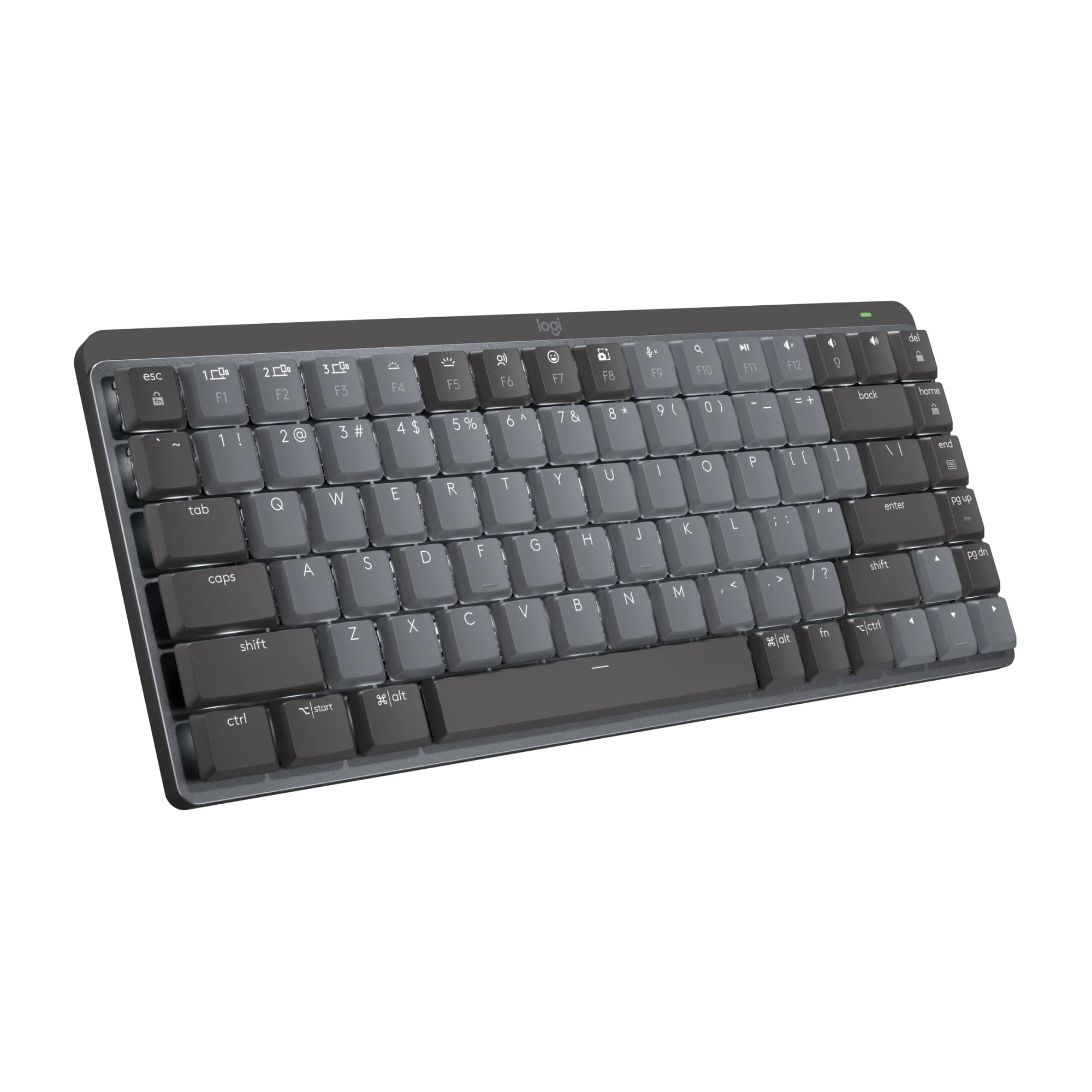
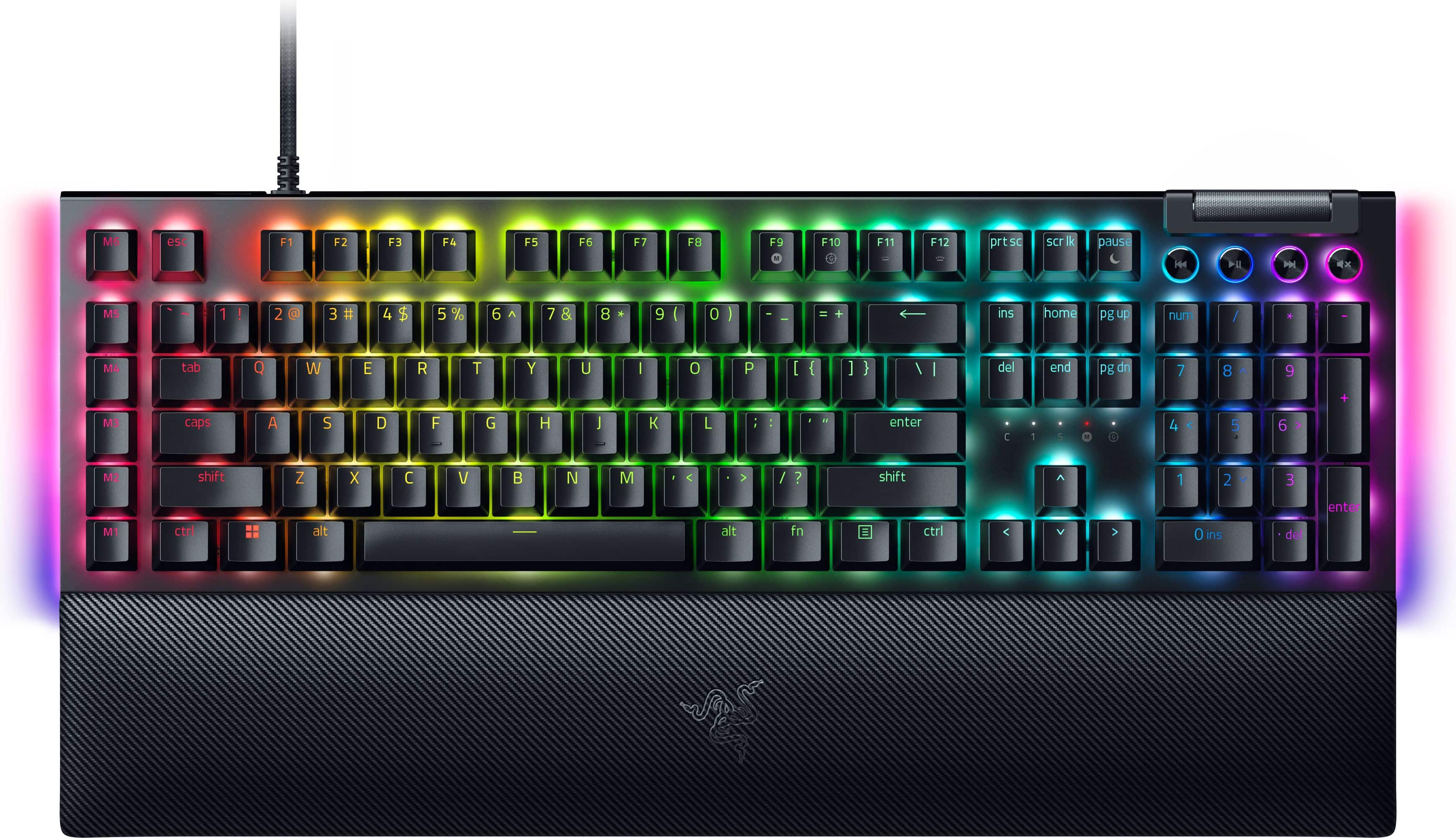
Mechanical Keyboards

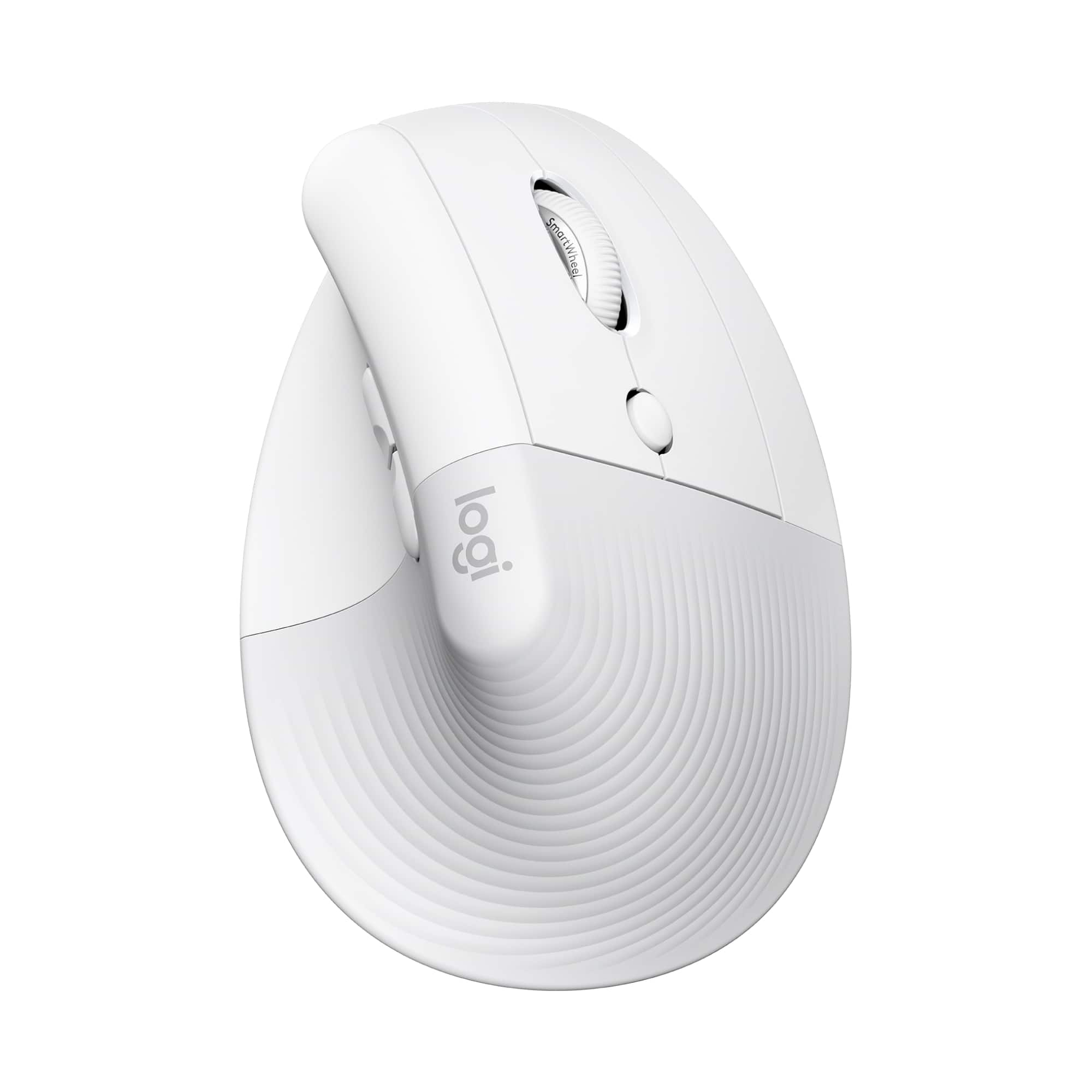
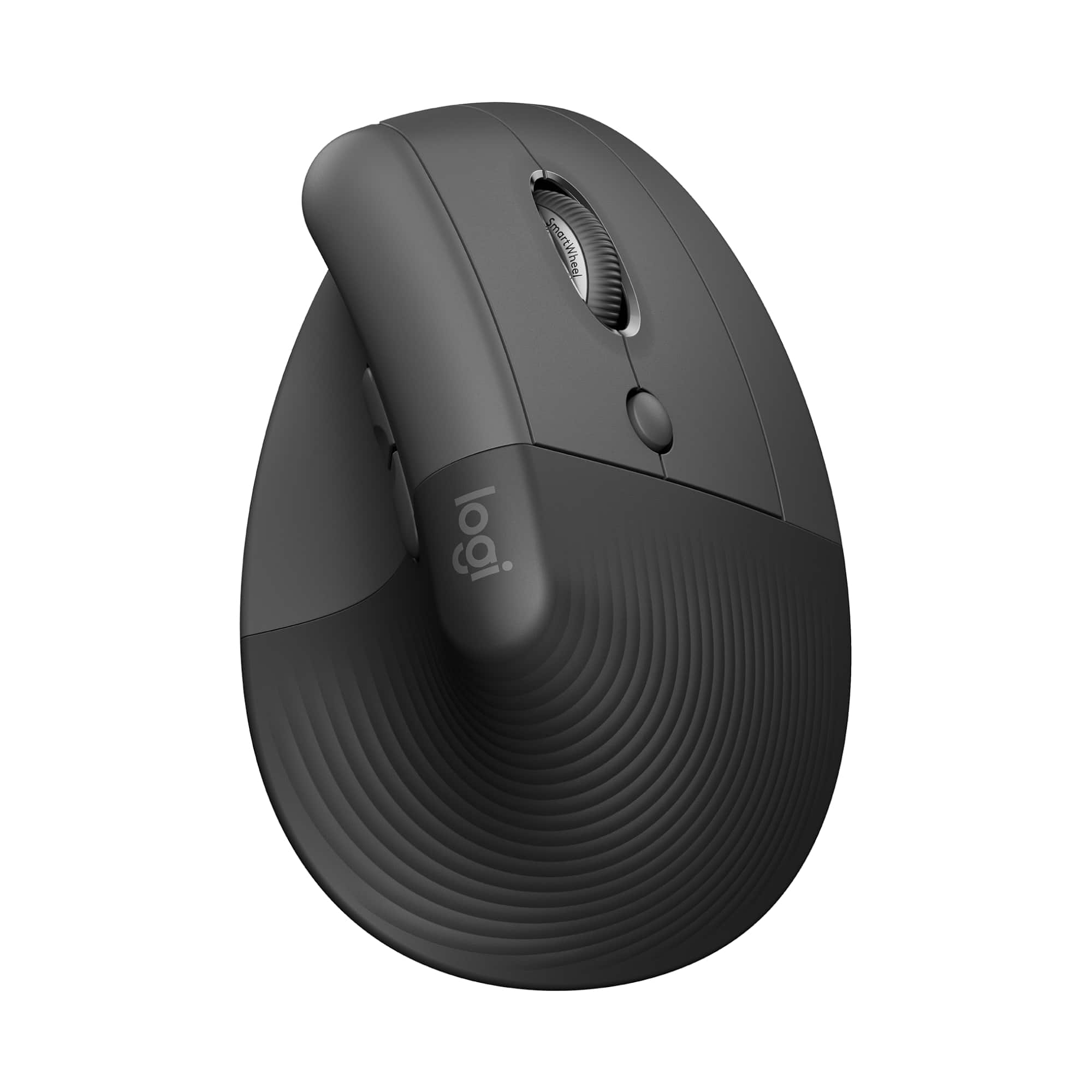
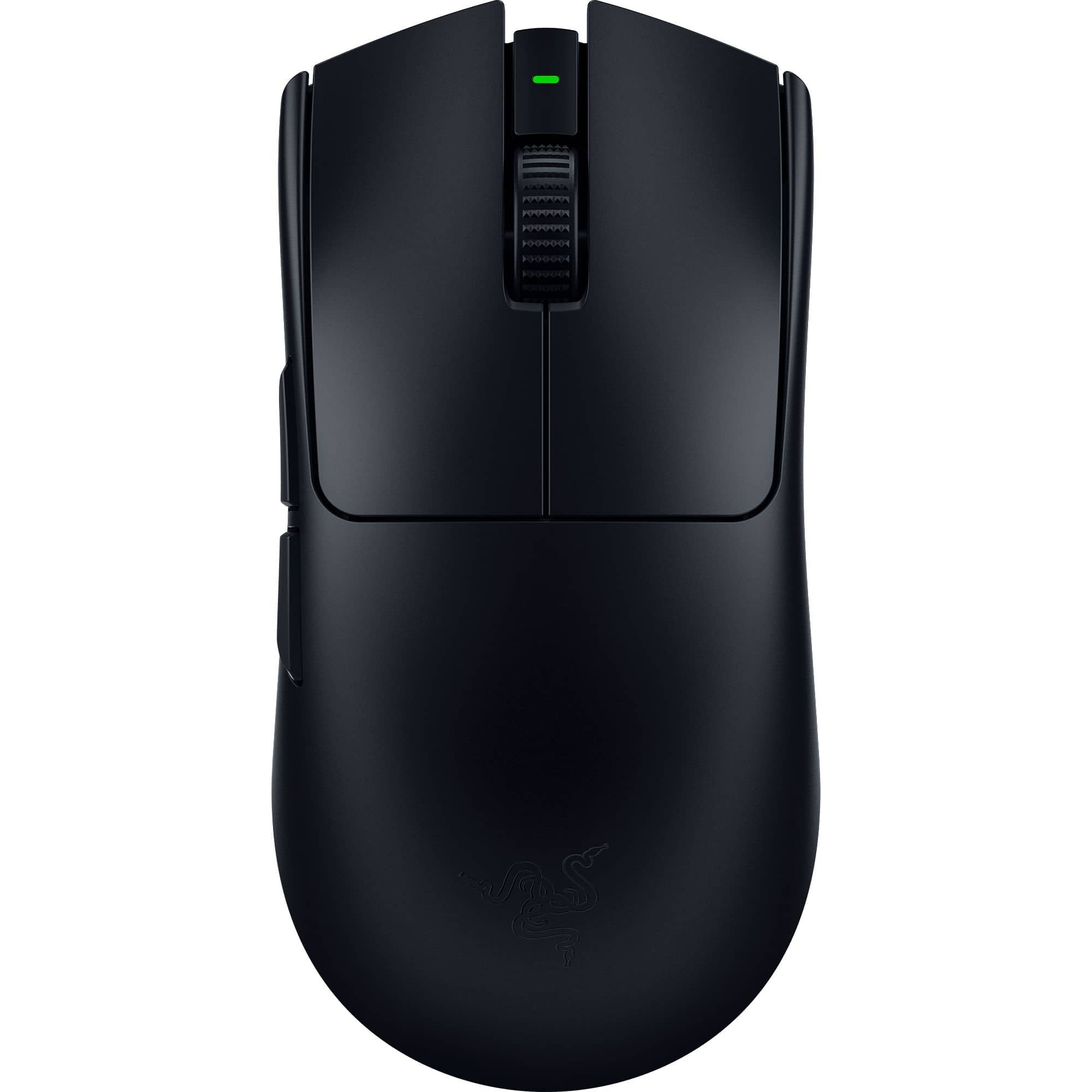
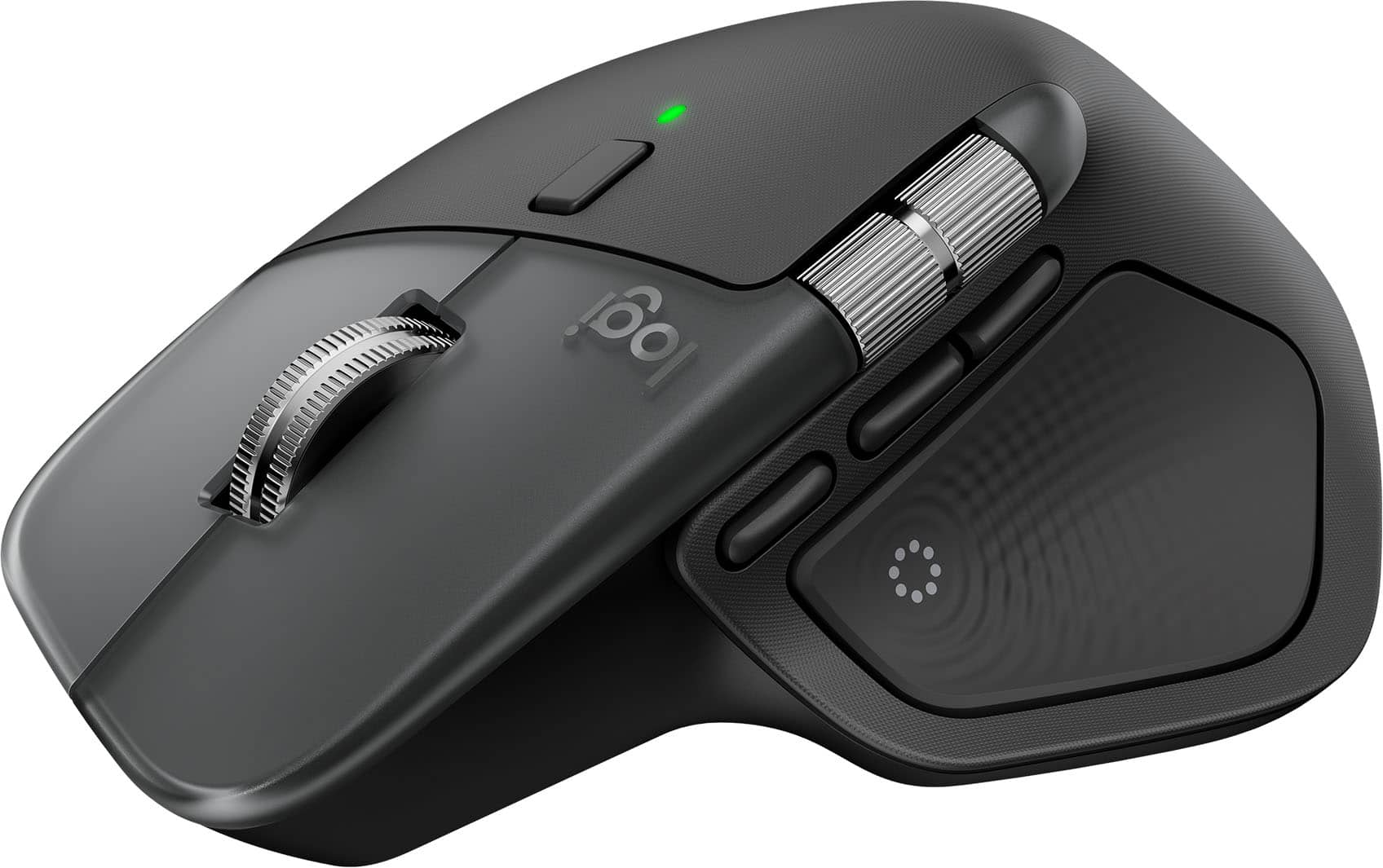
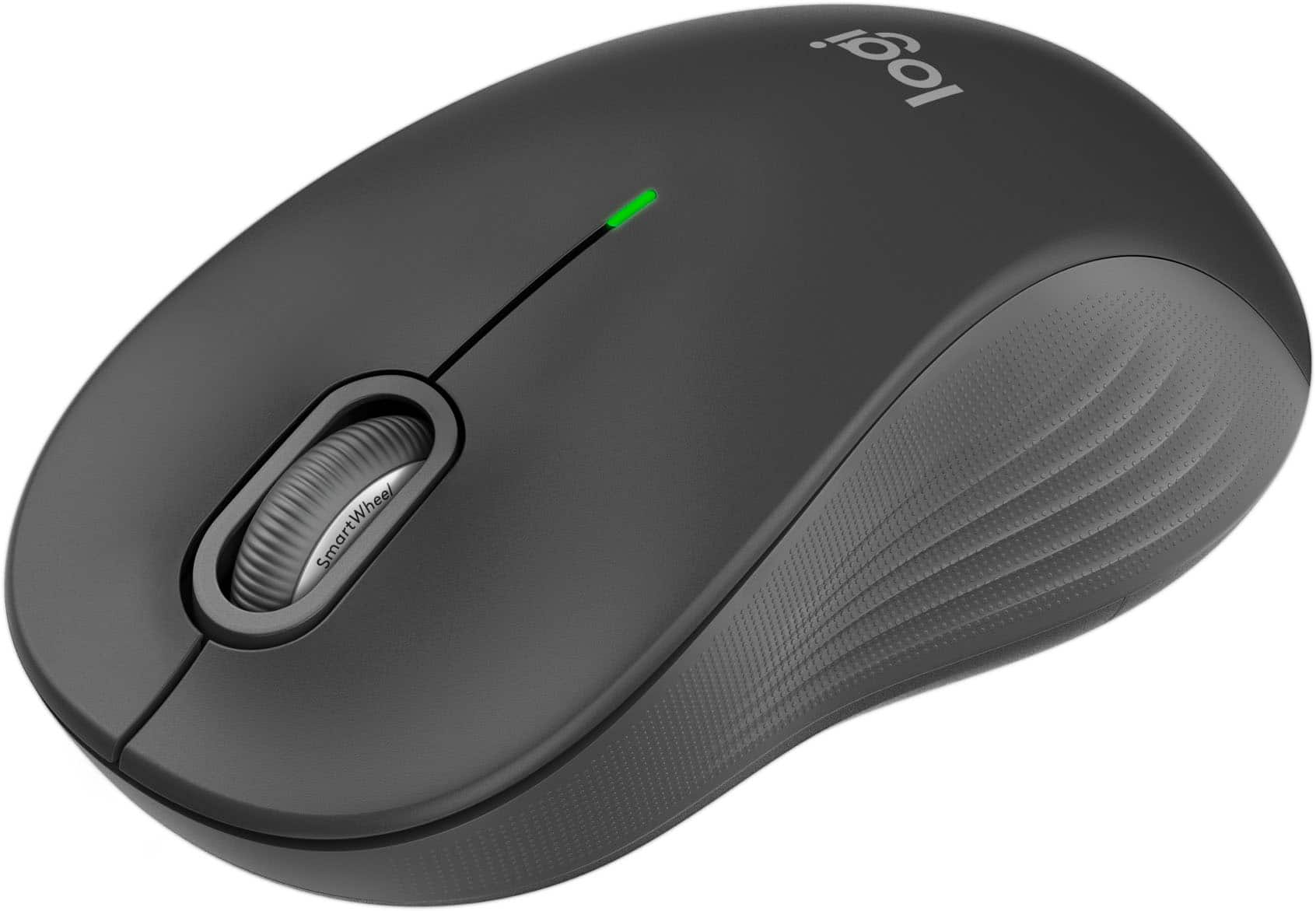
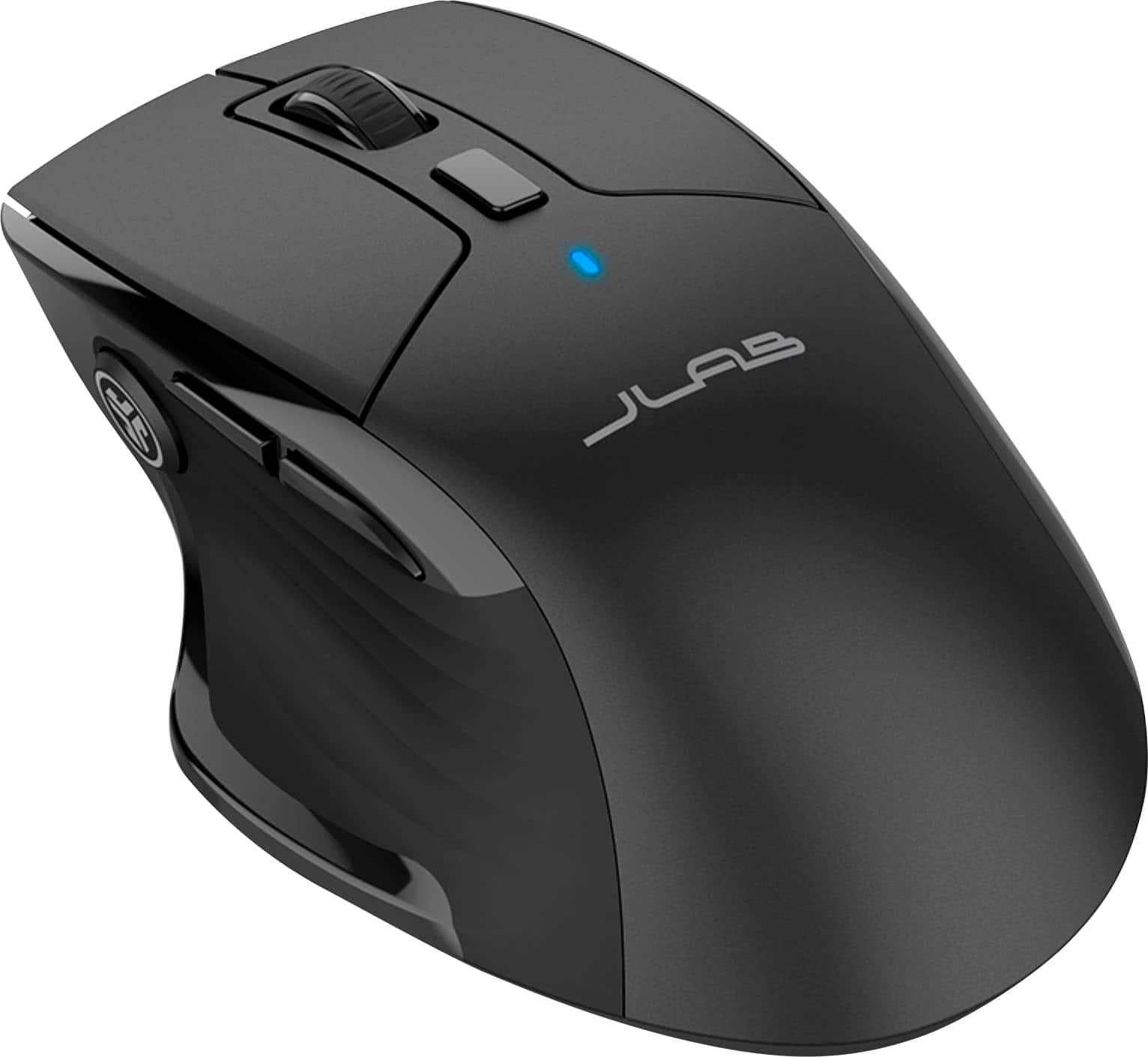
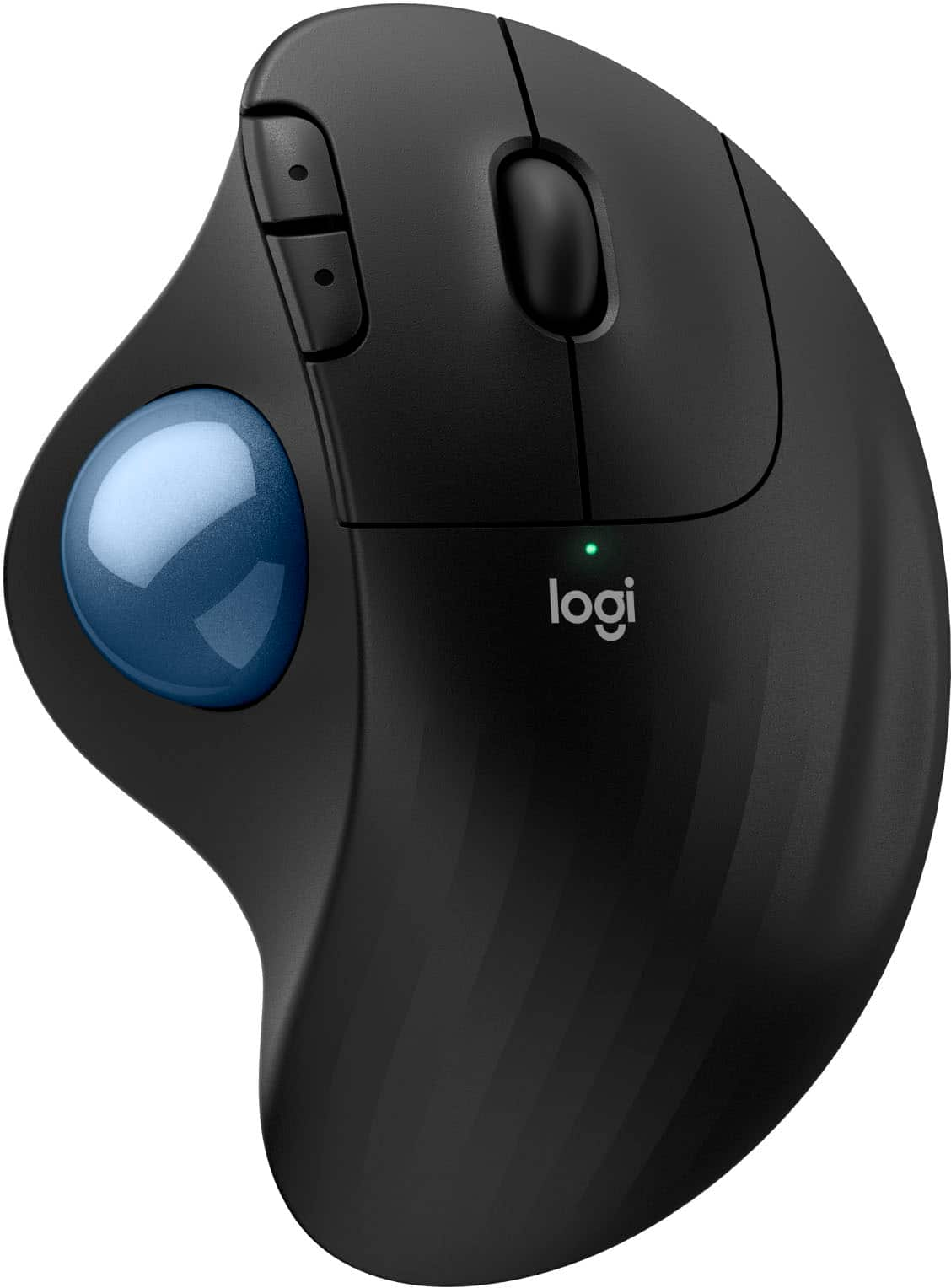
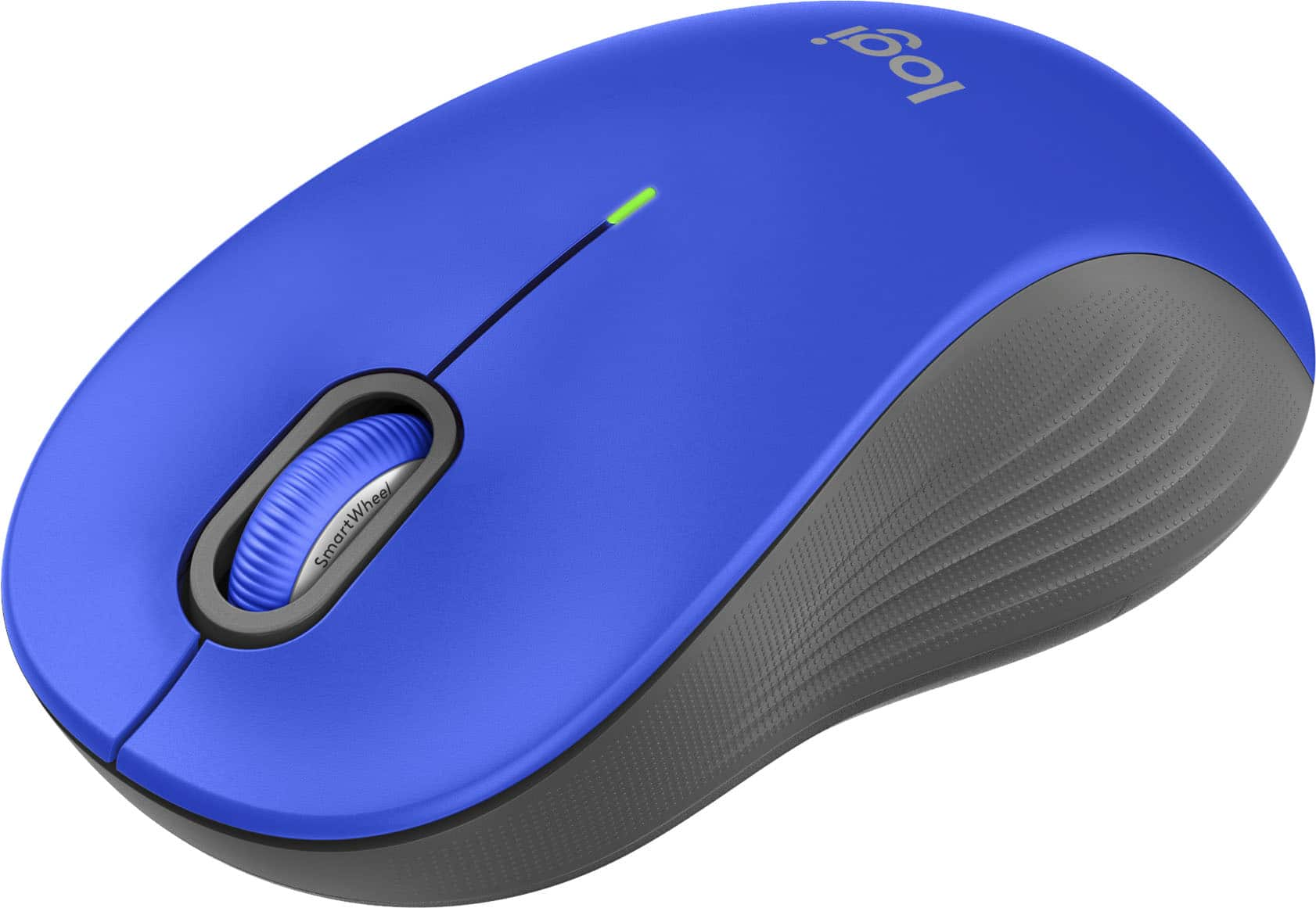
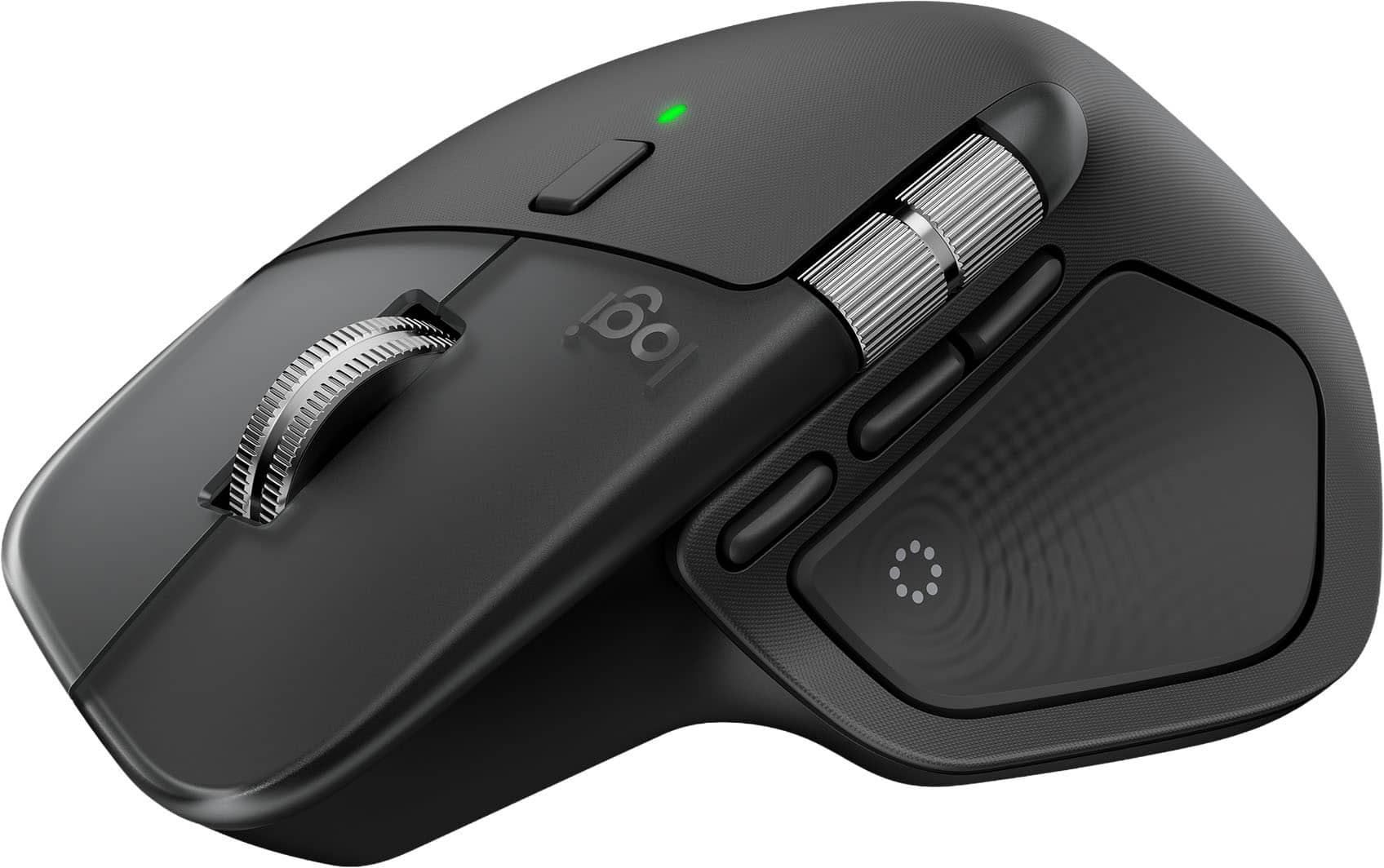
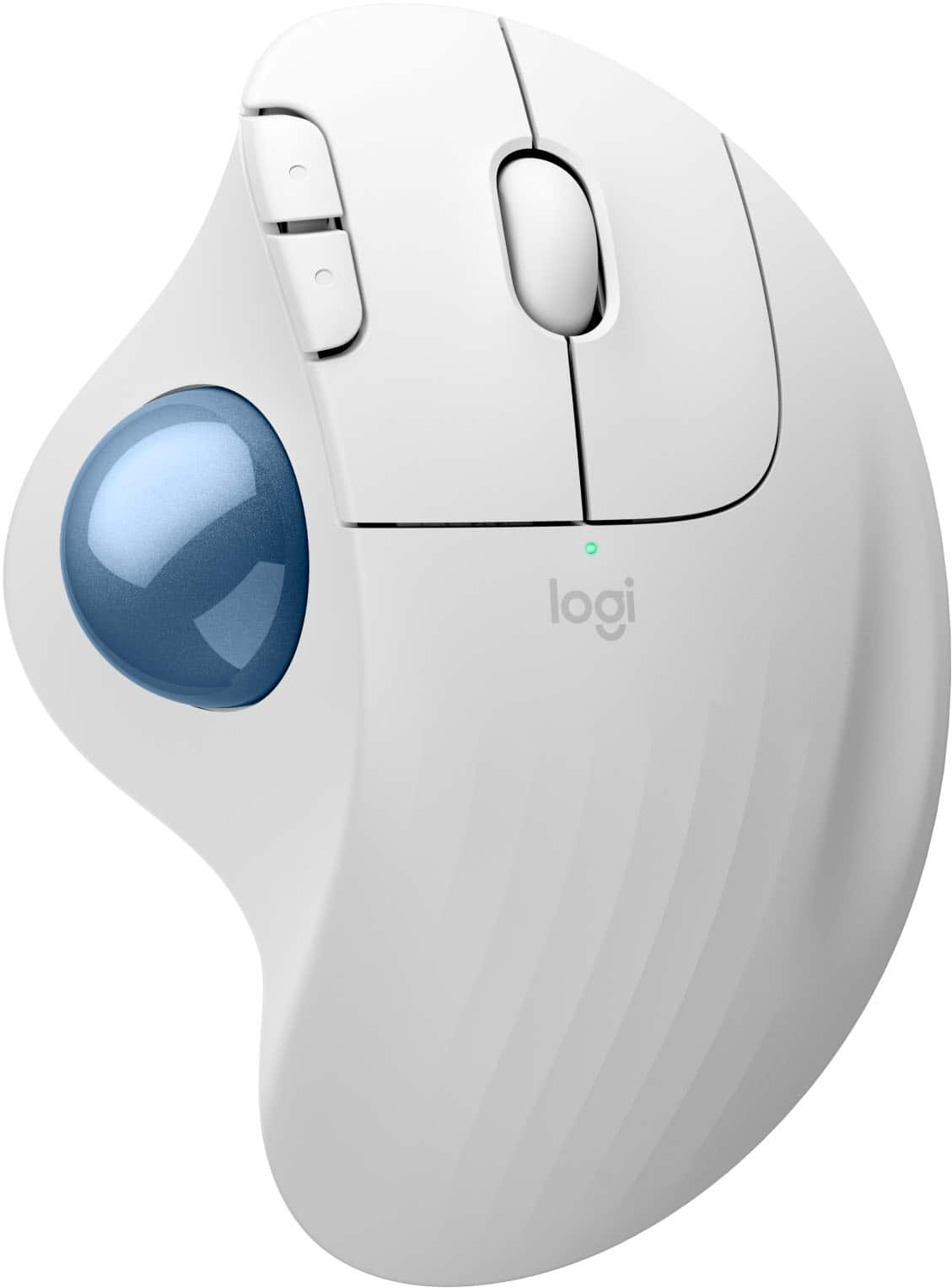
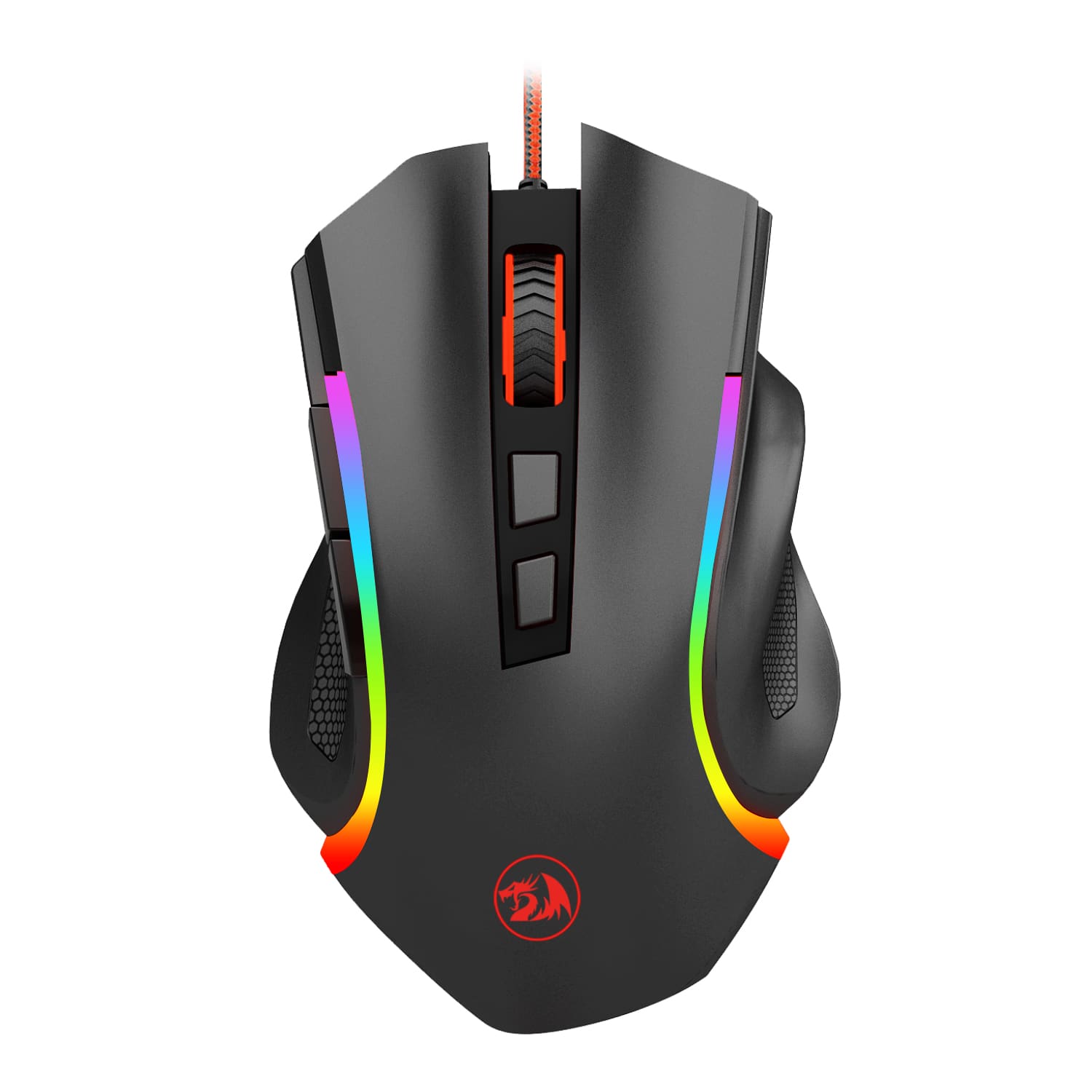
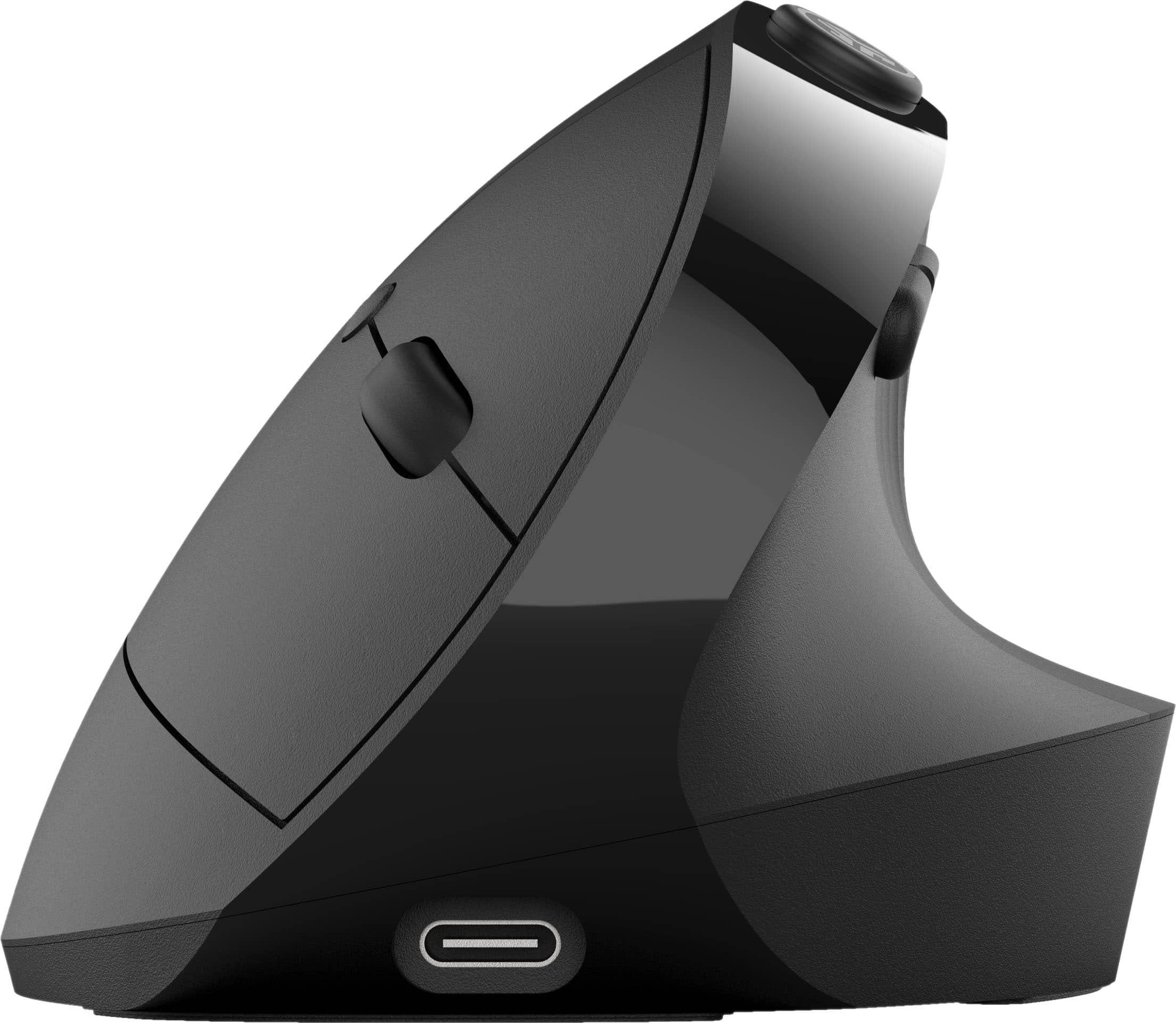
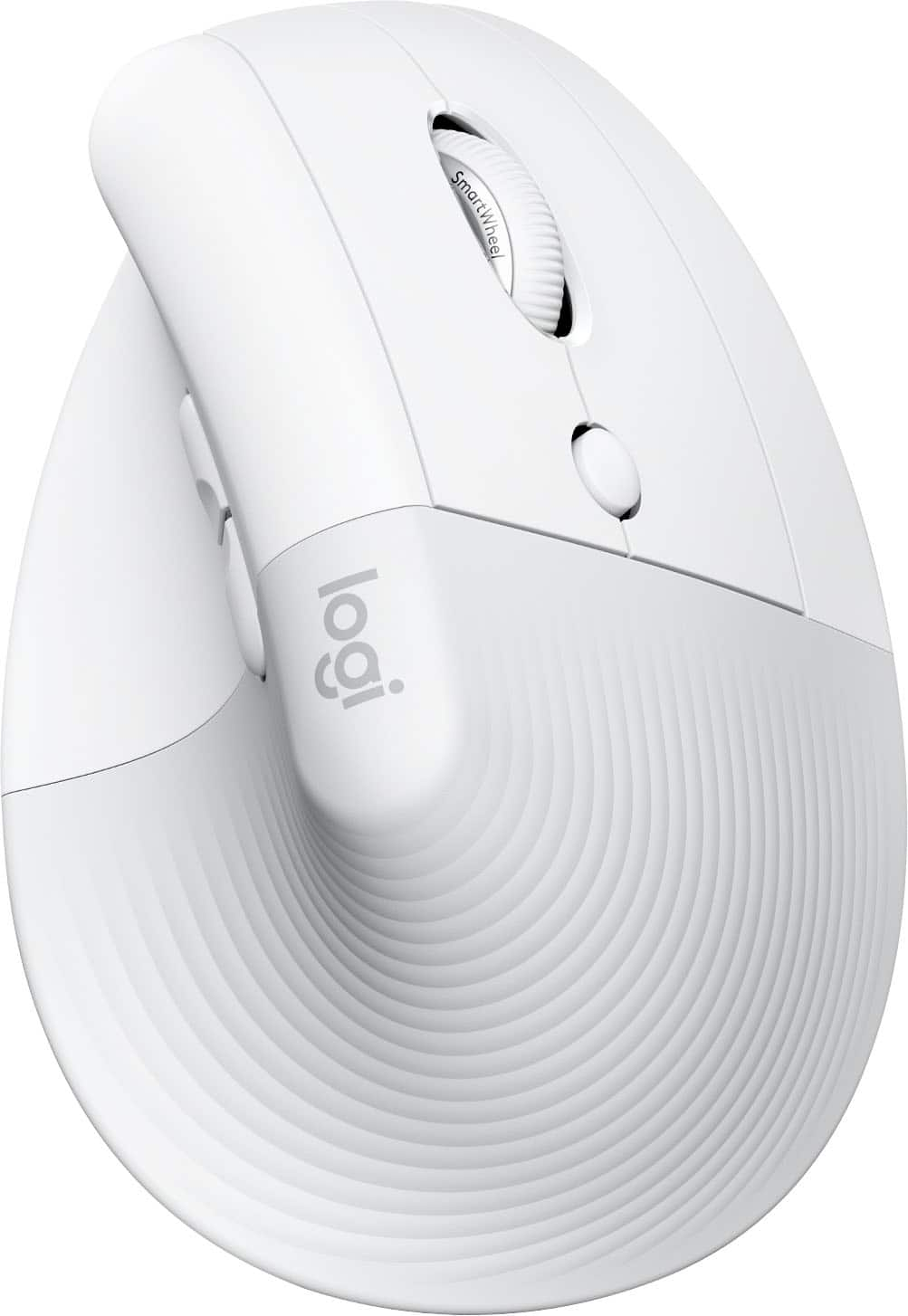
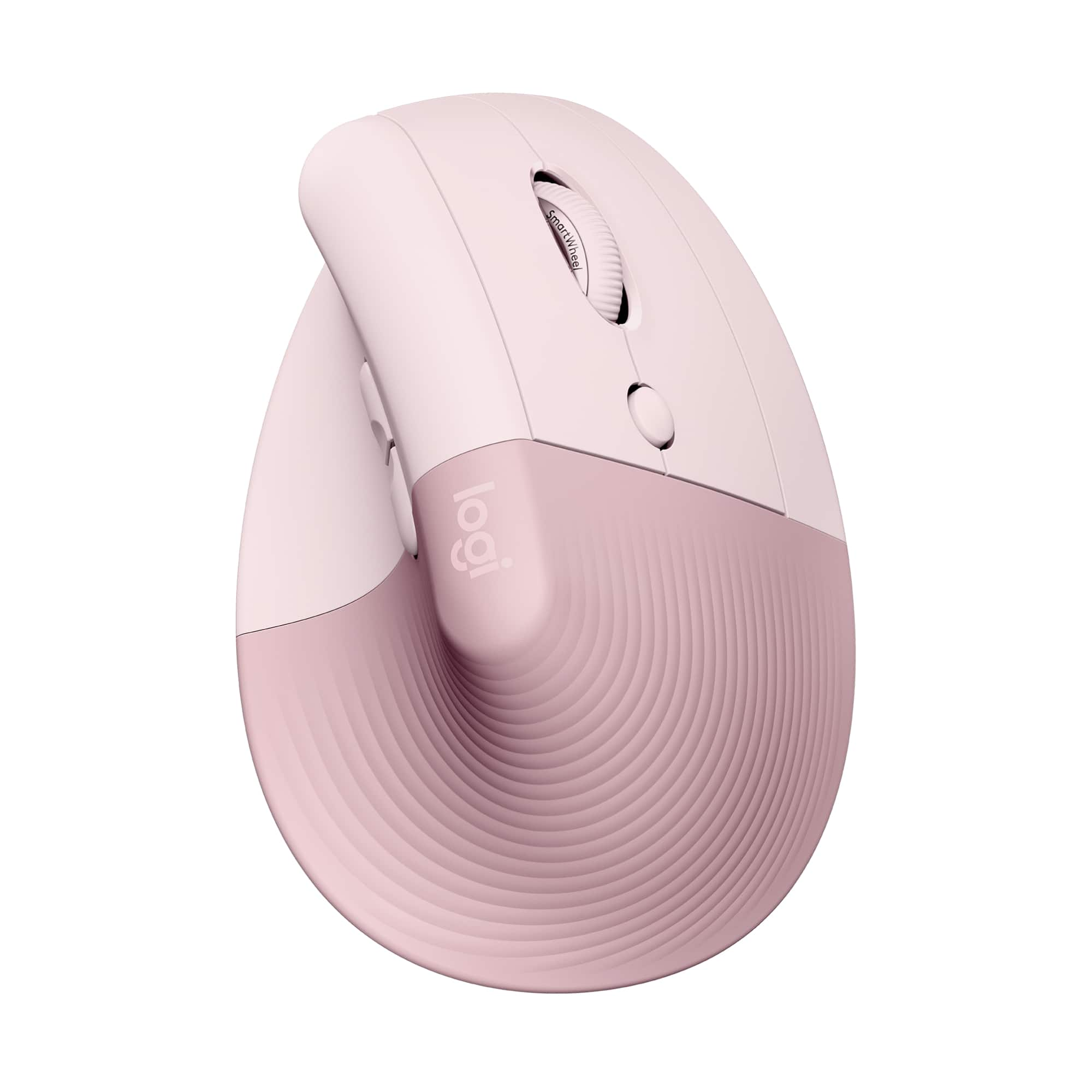
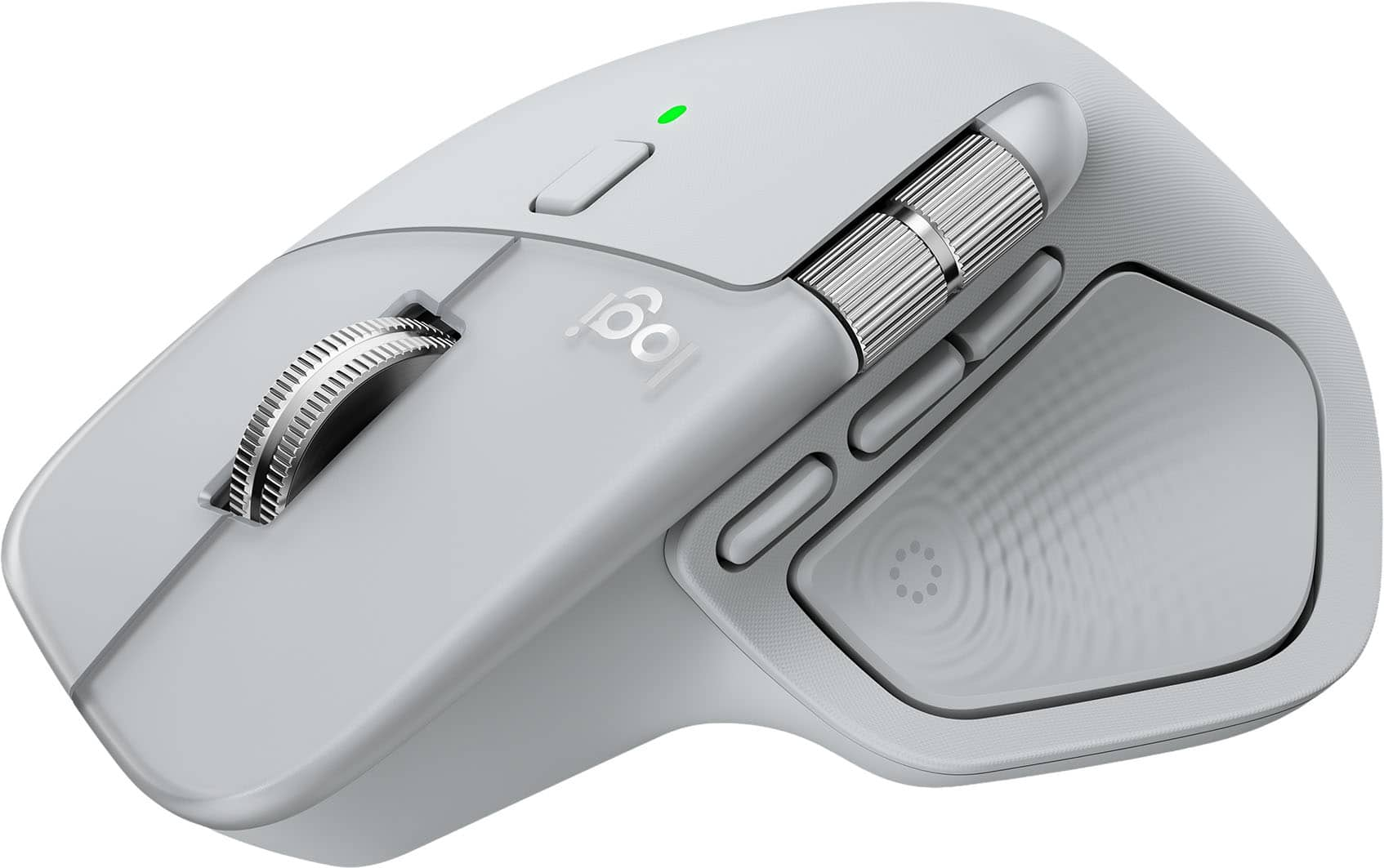
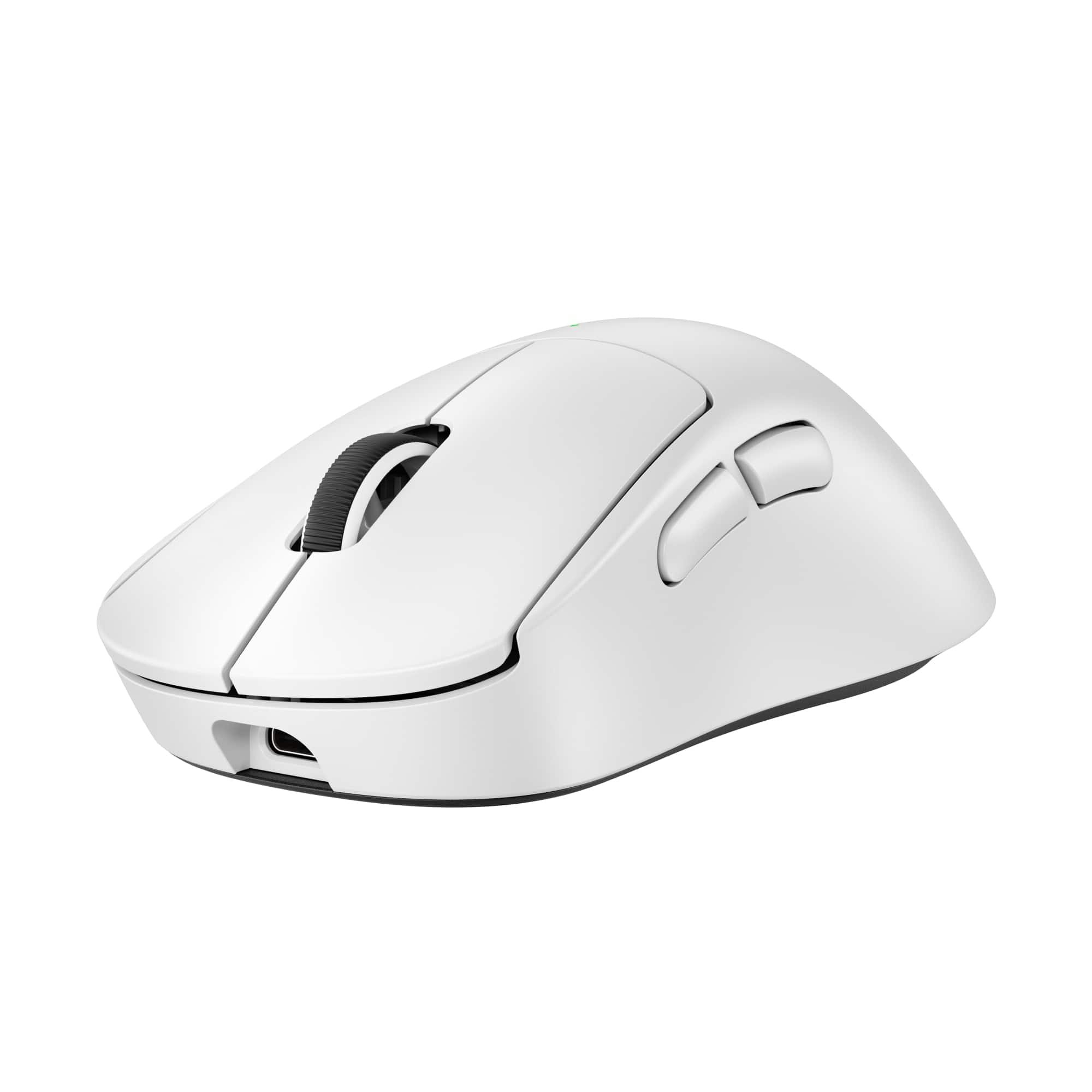
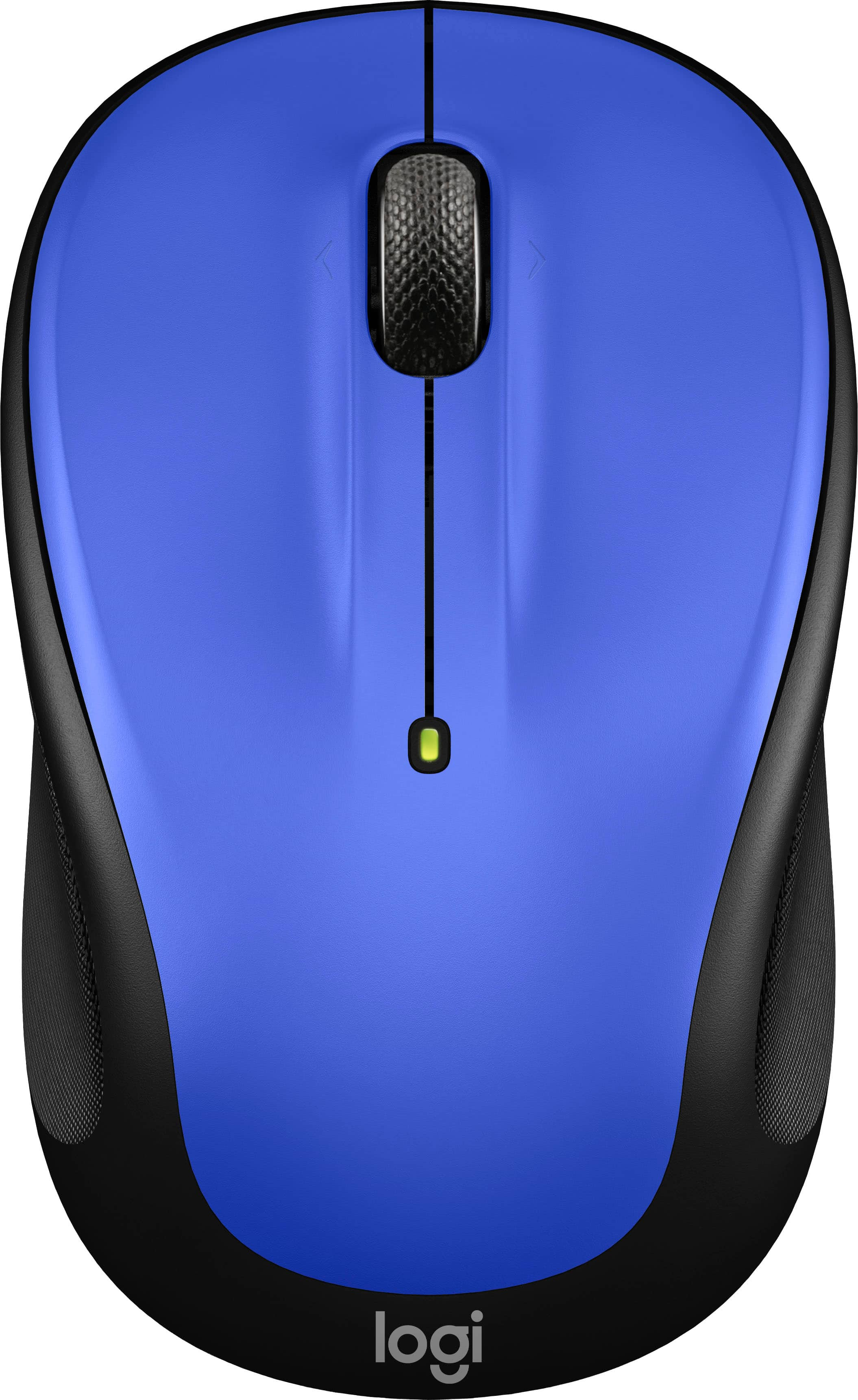
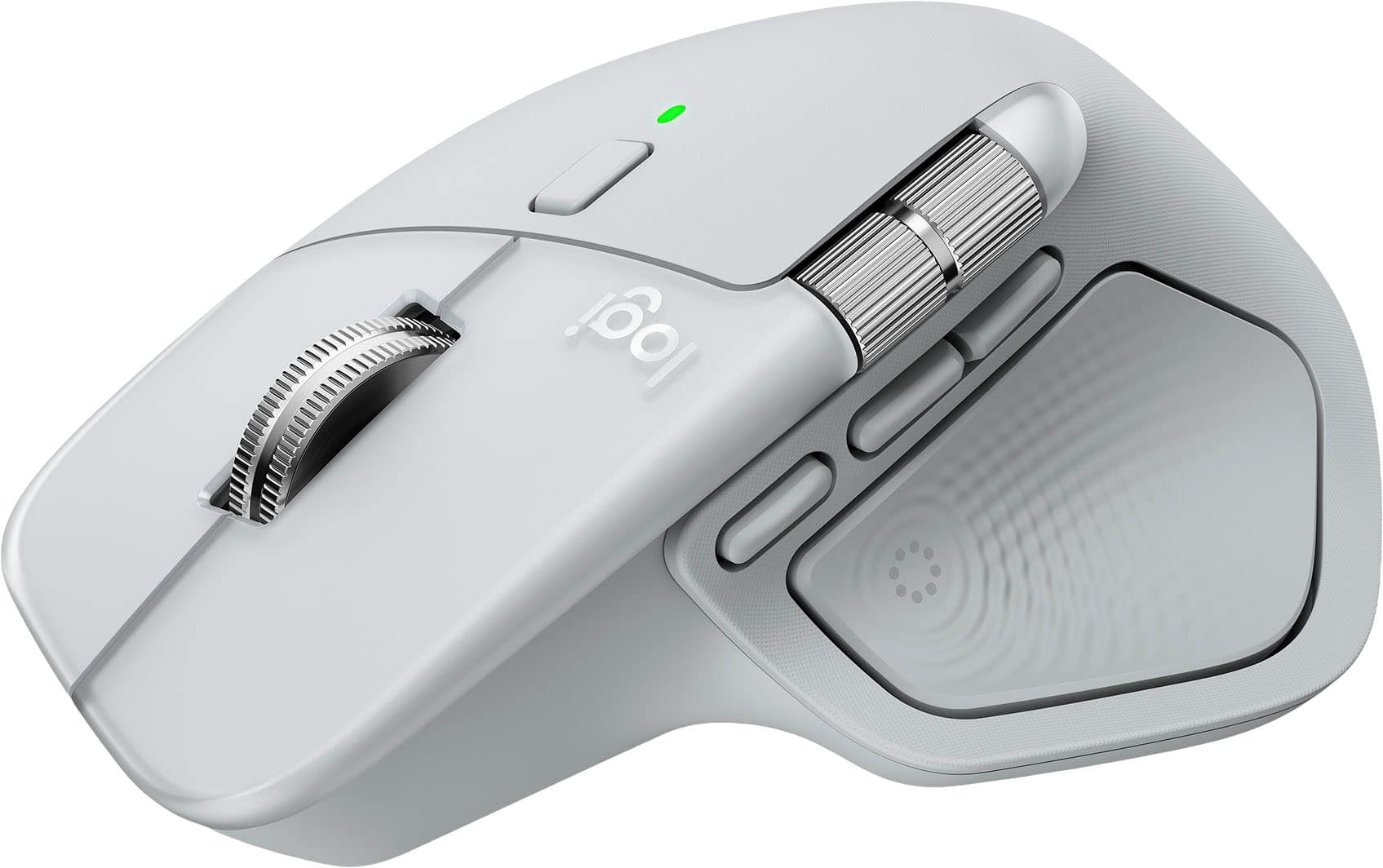
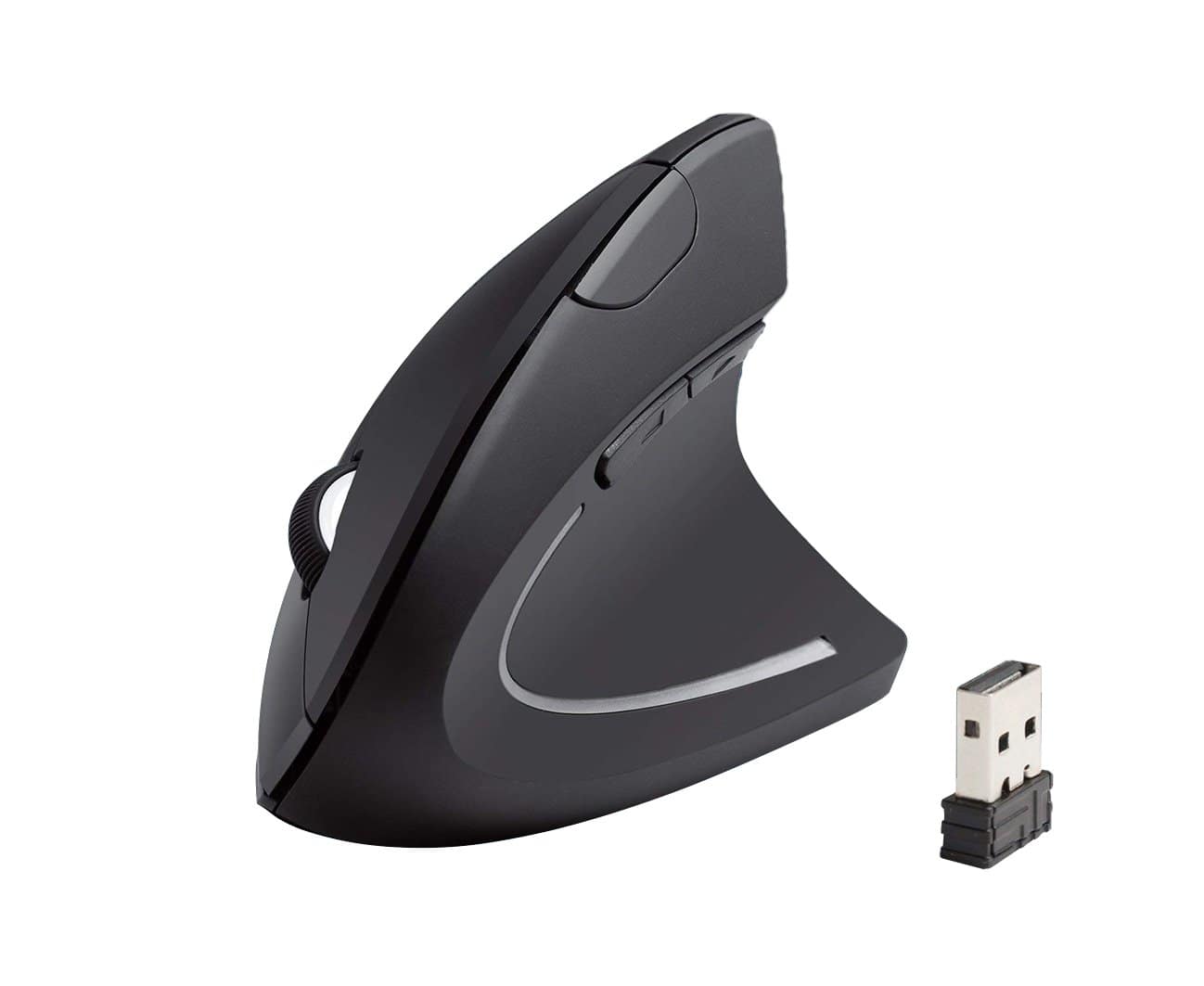
Ergonomic Mice


USB-C Docking Stations


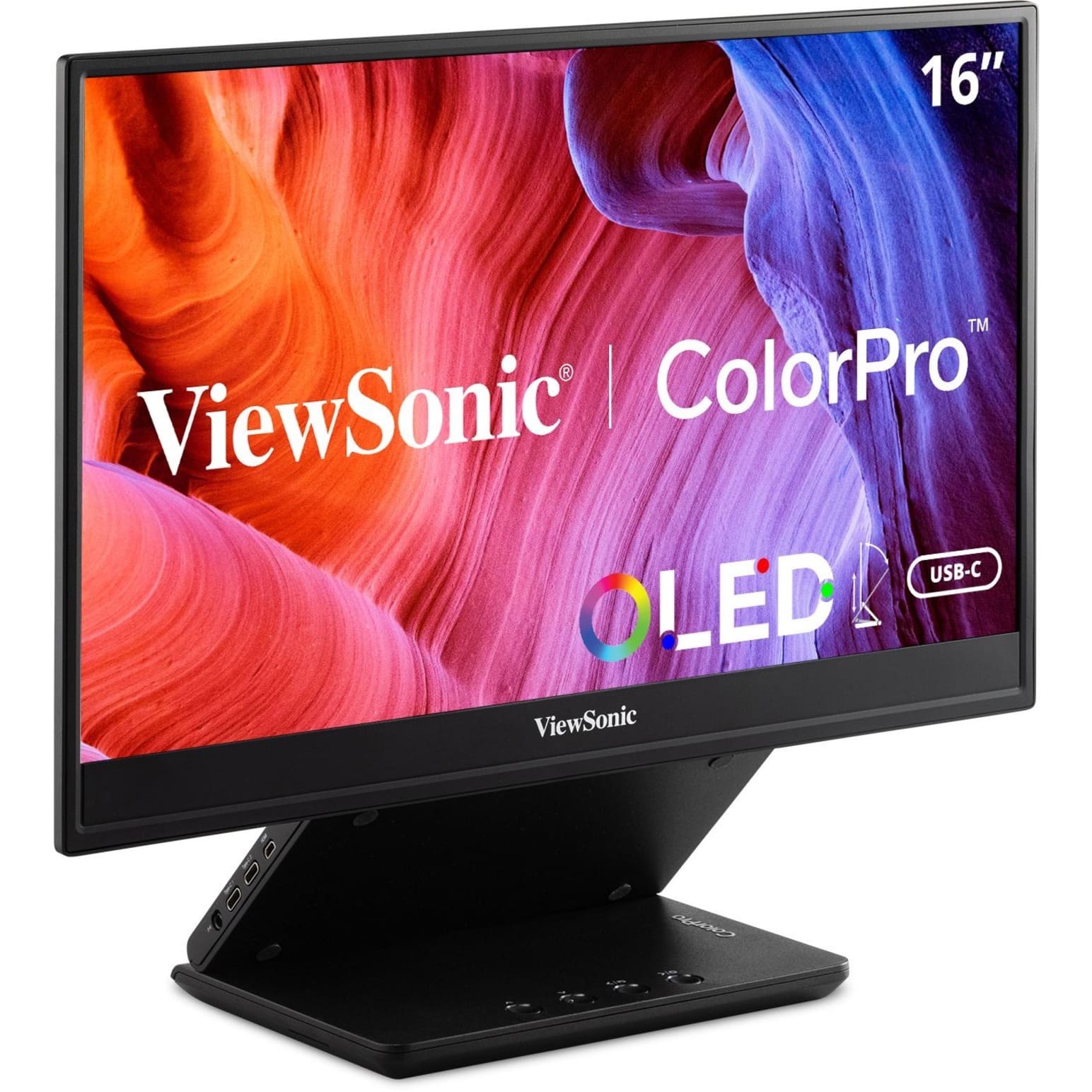
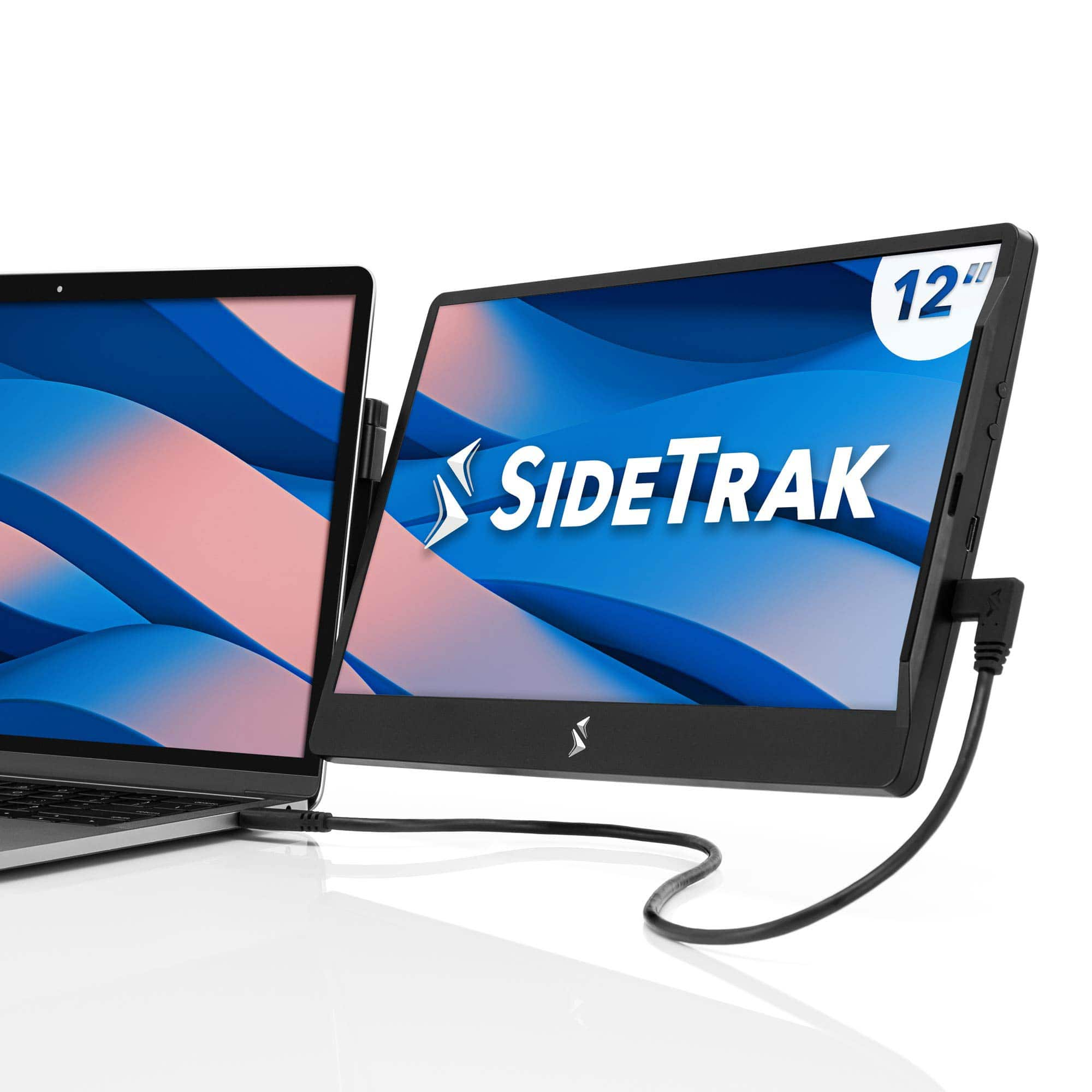
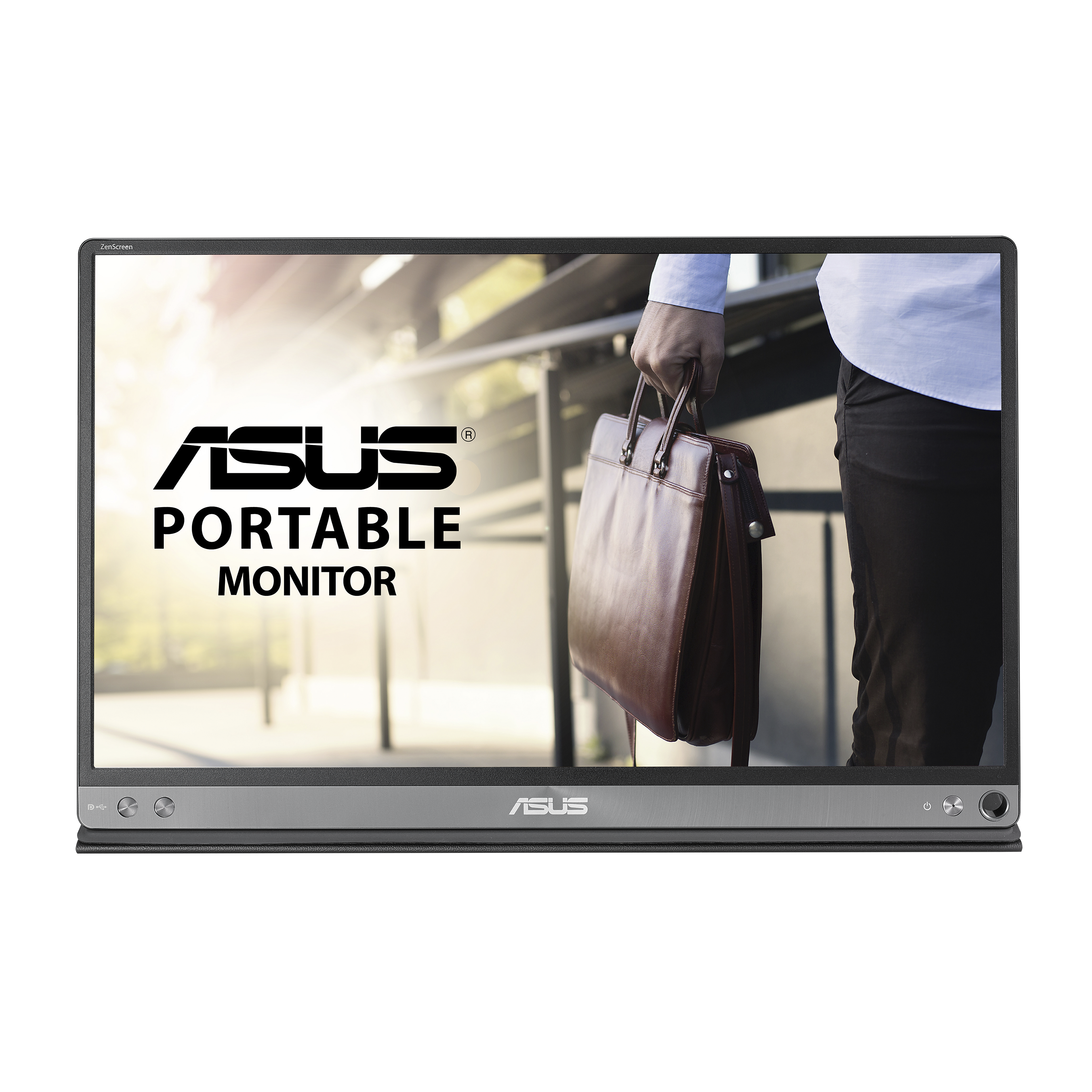
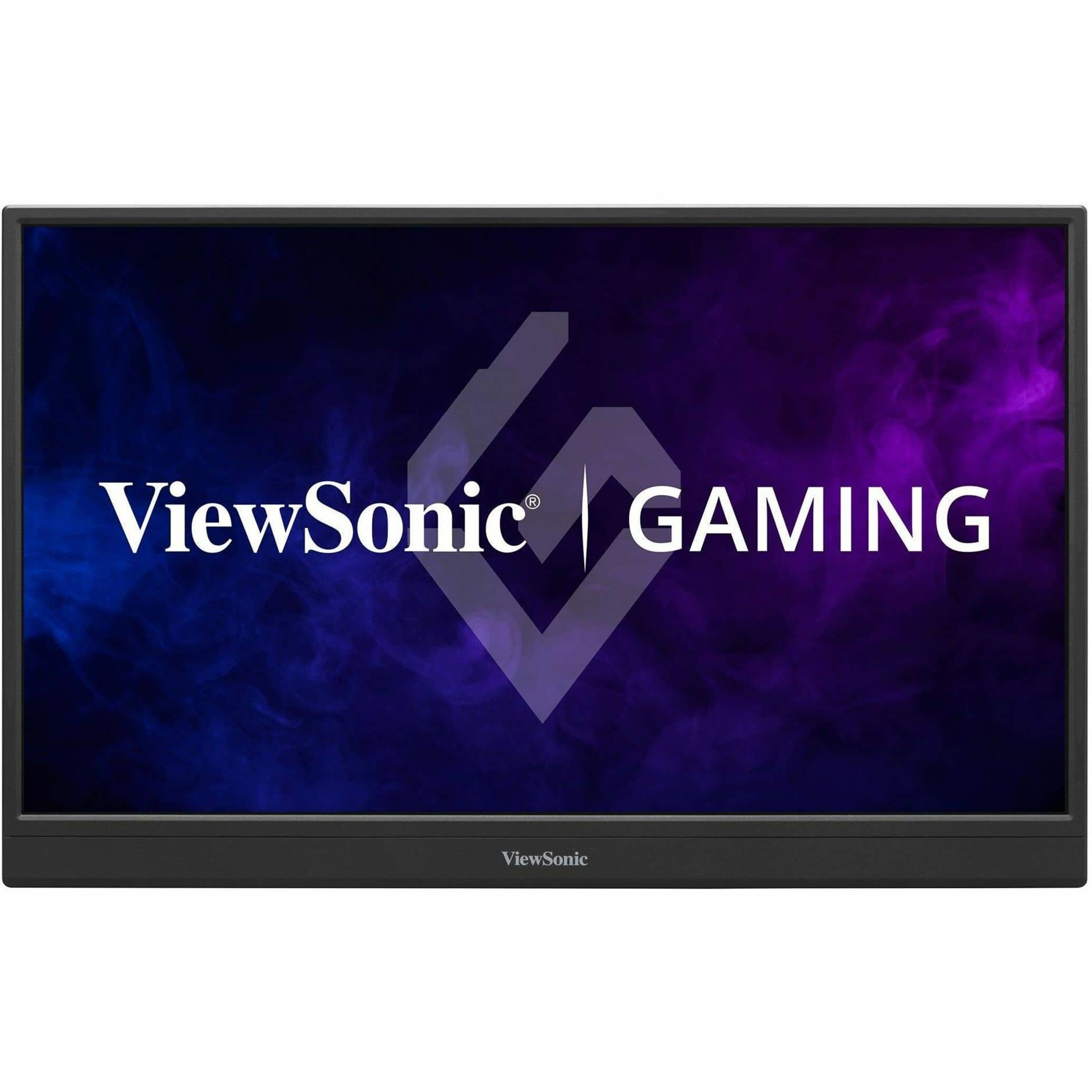
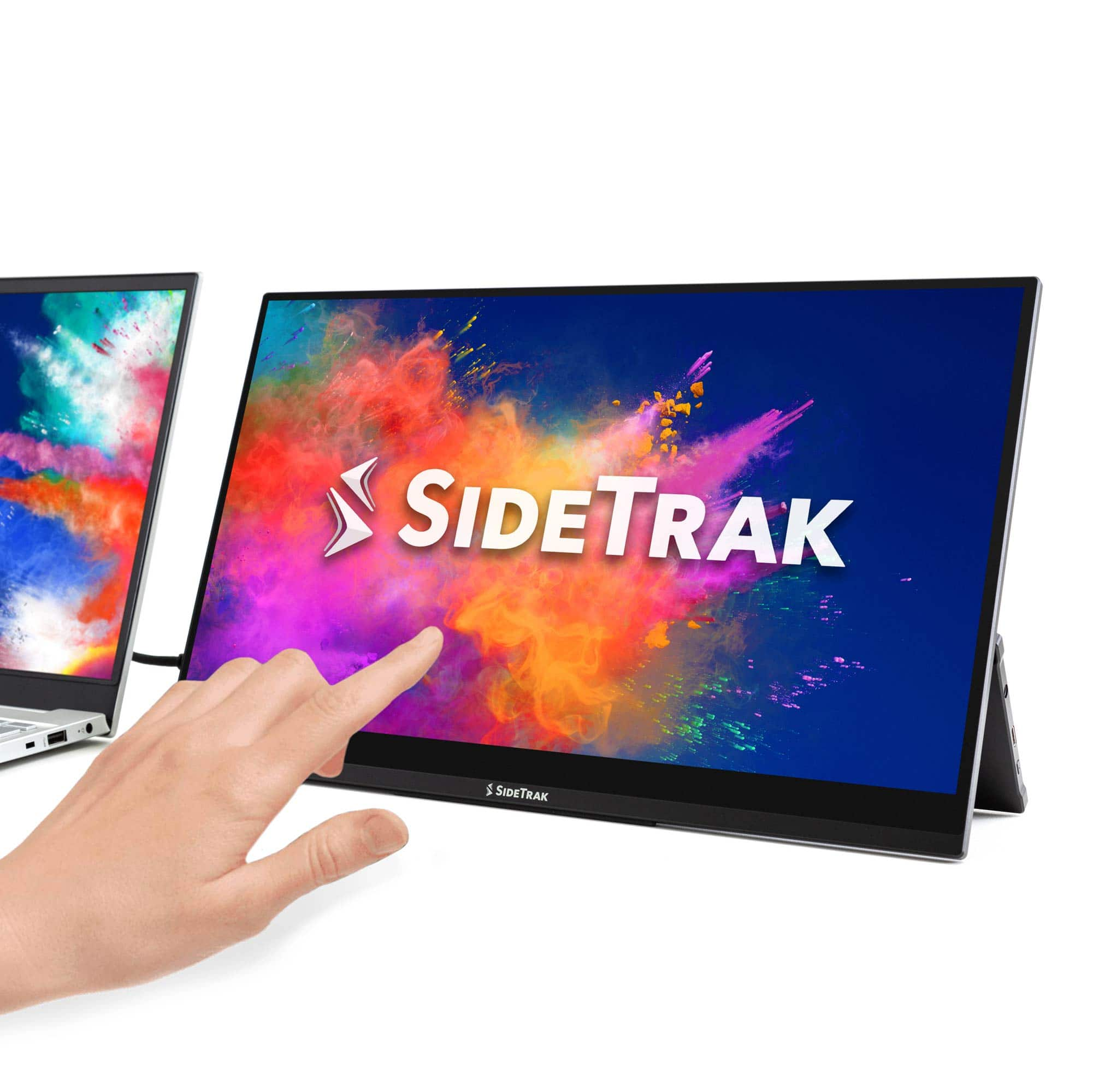
Portable Monitors




External SSDs


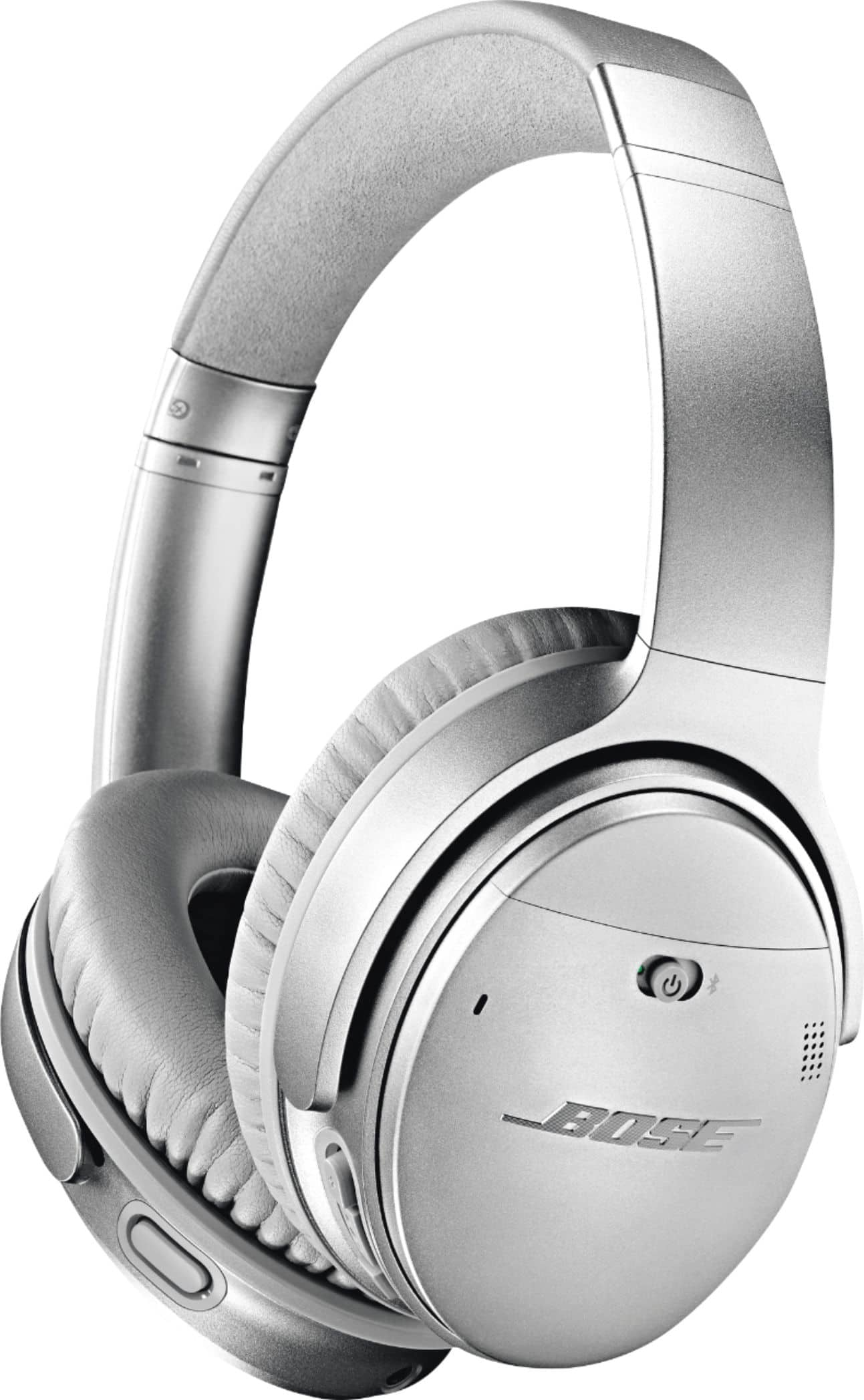
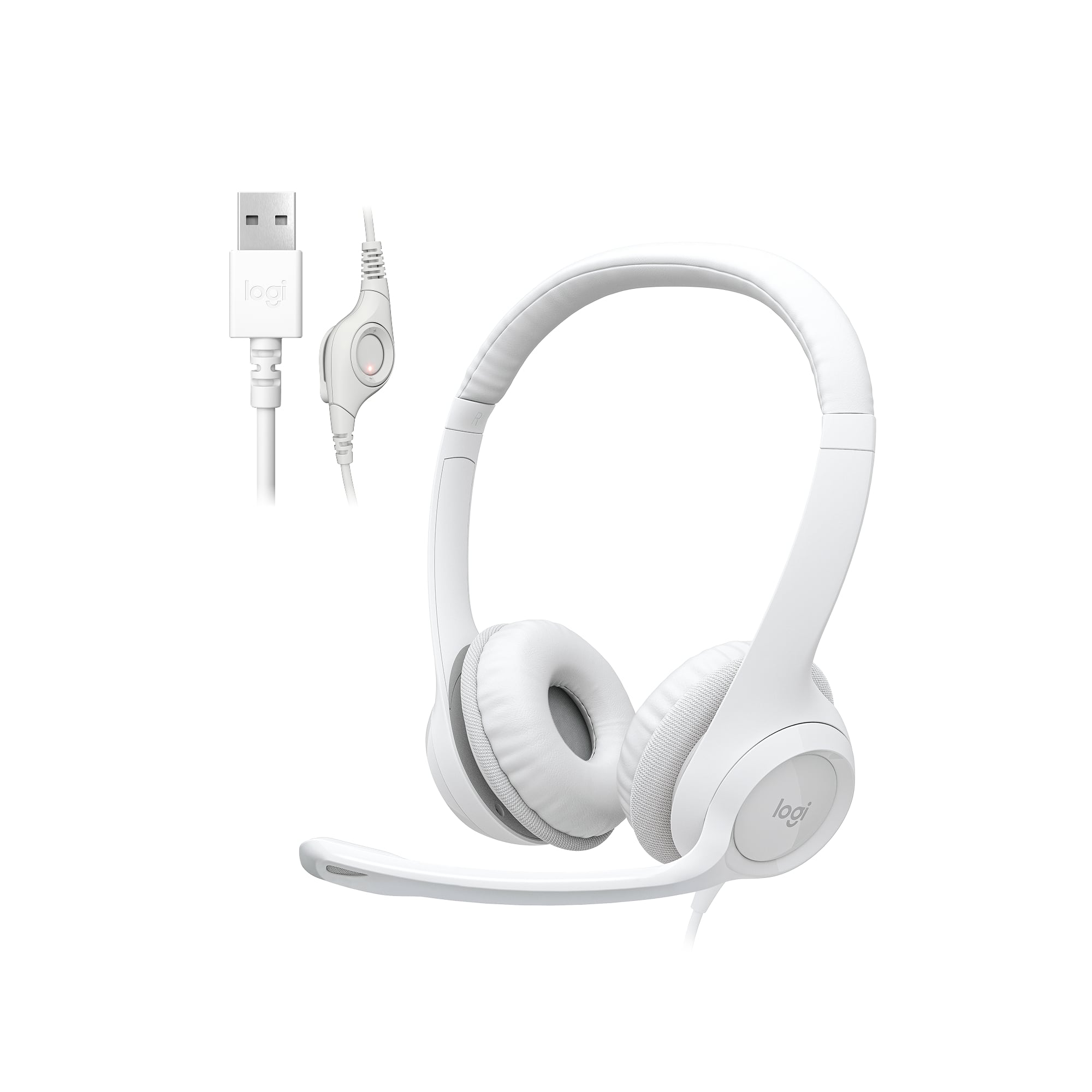
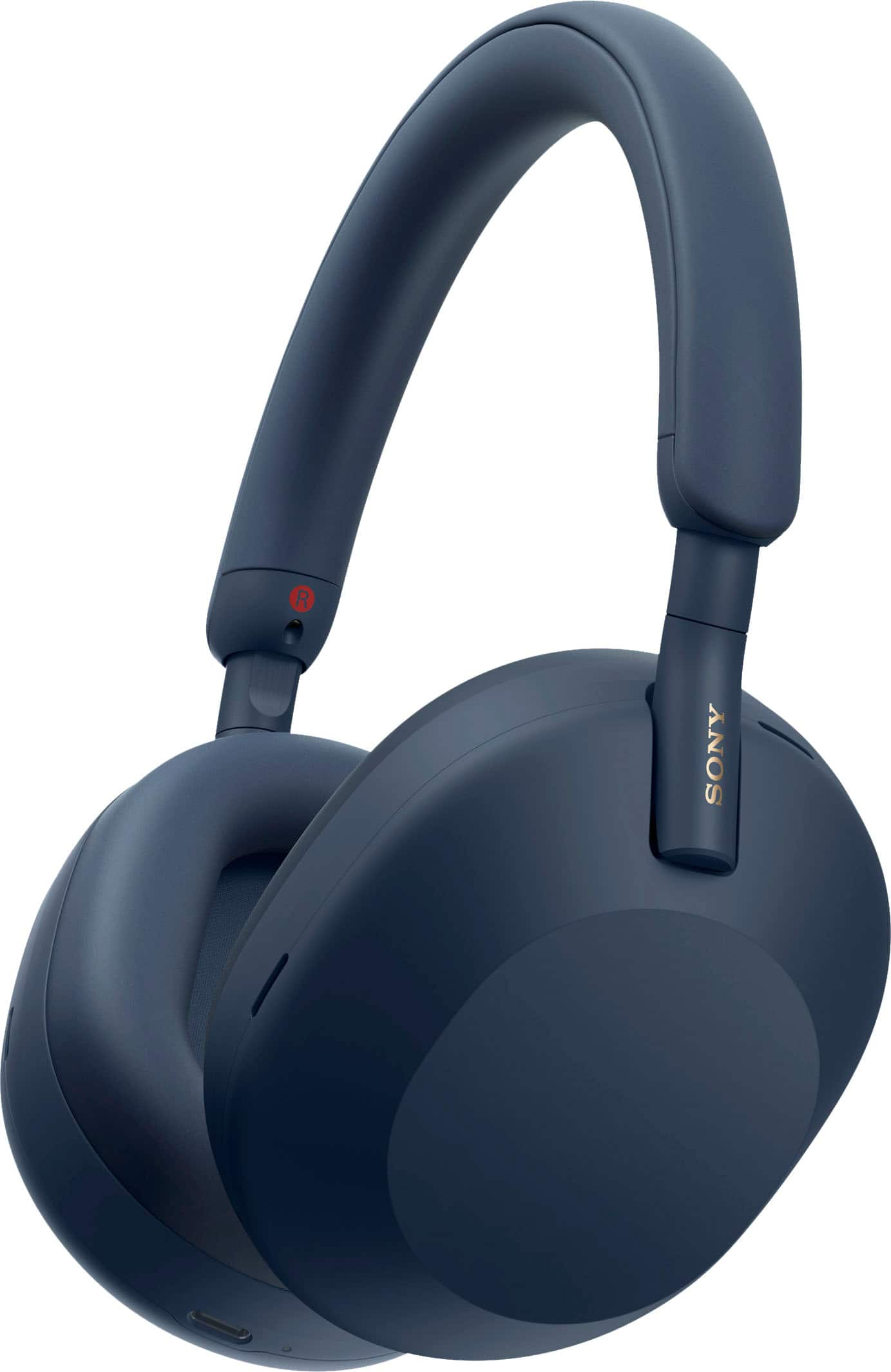
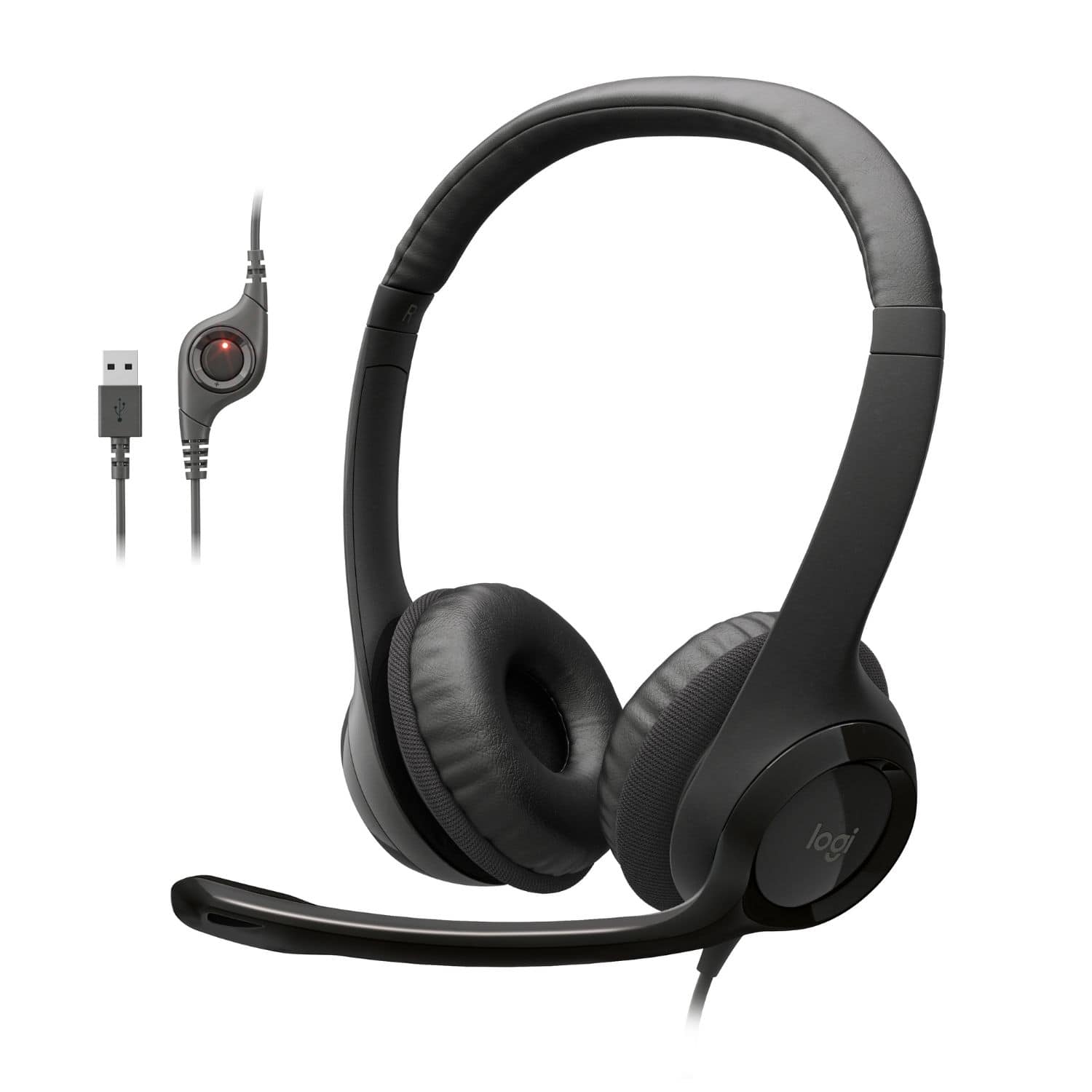
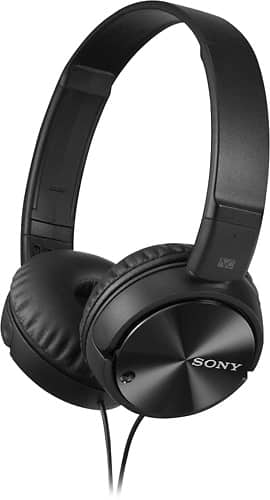
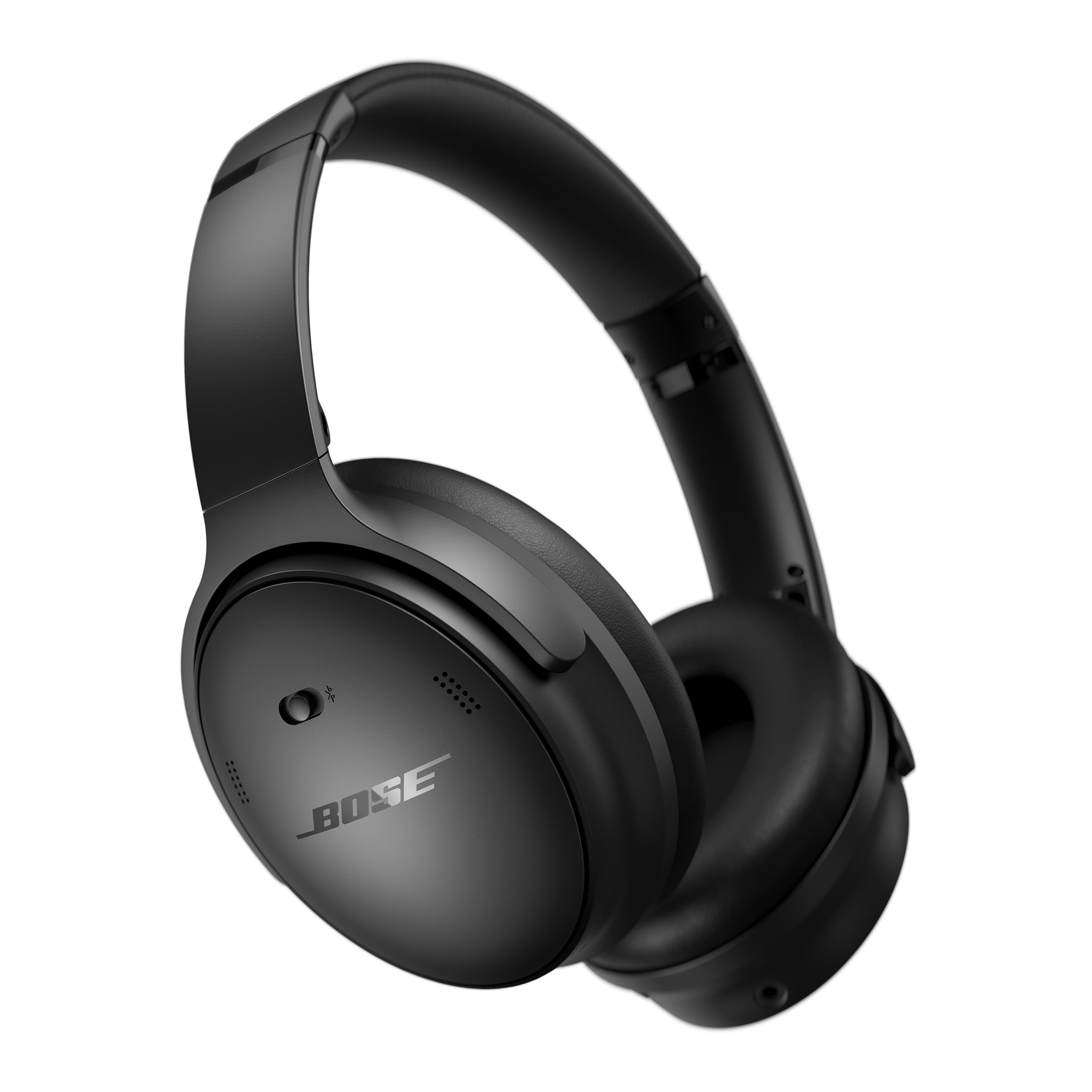
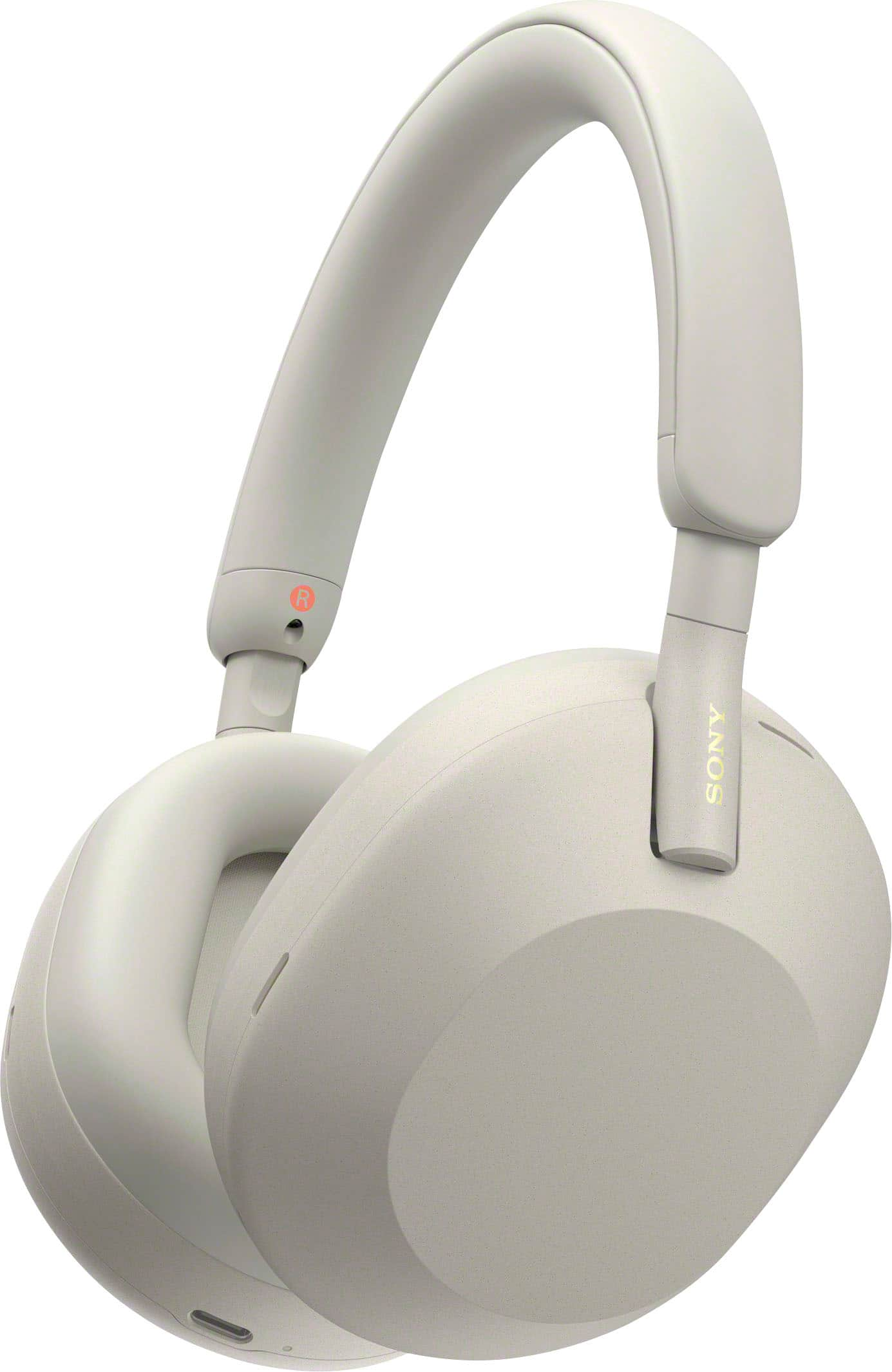
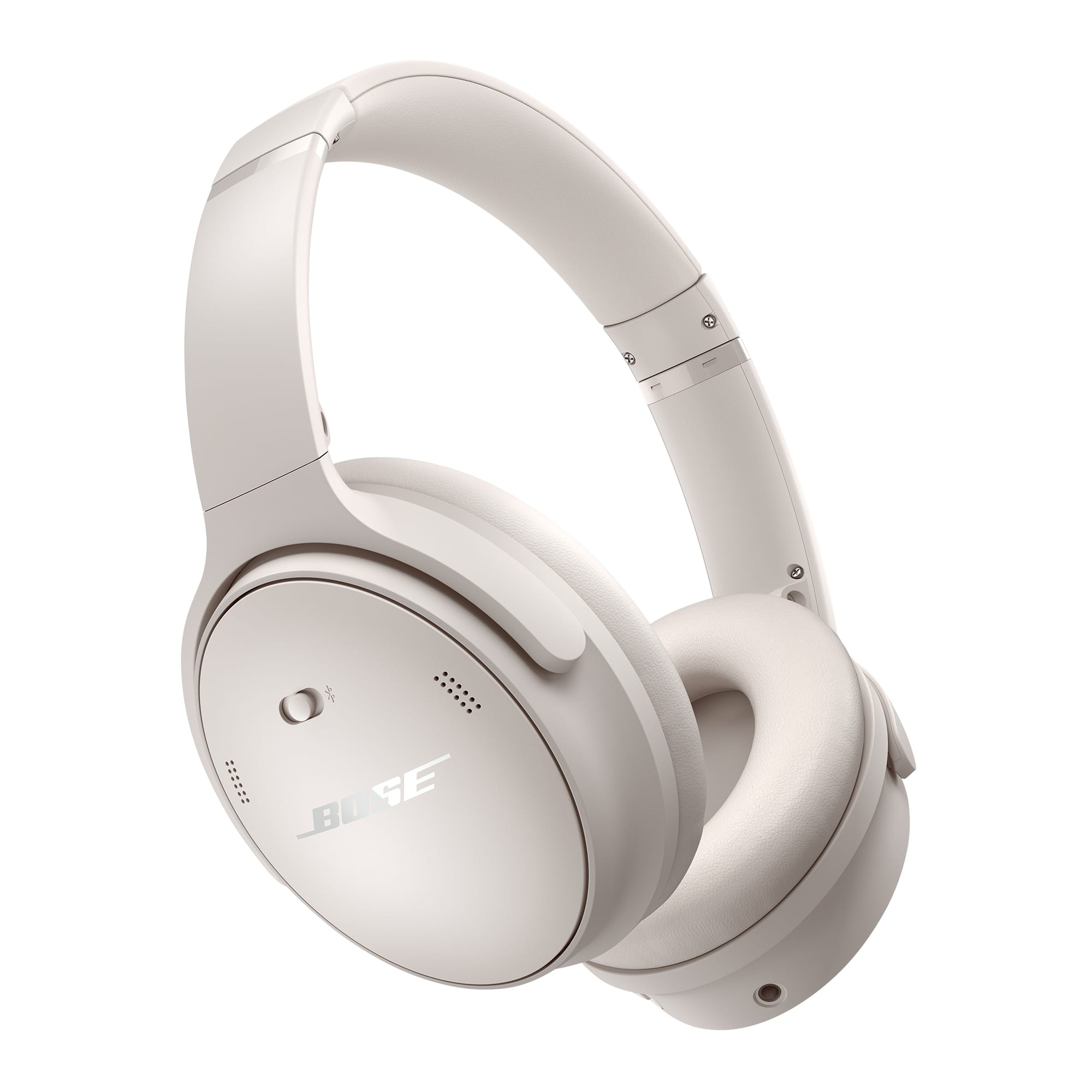
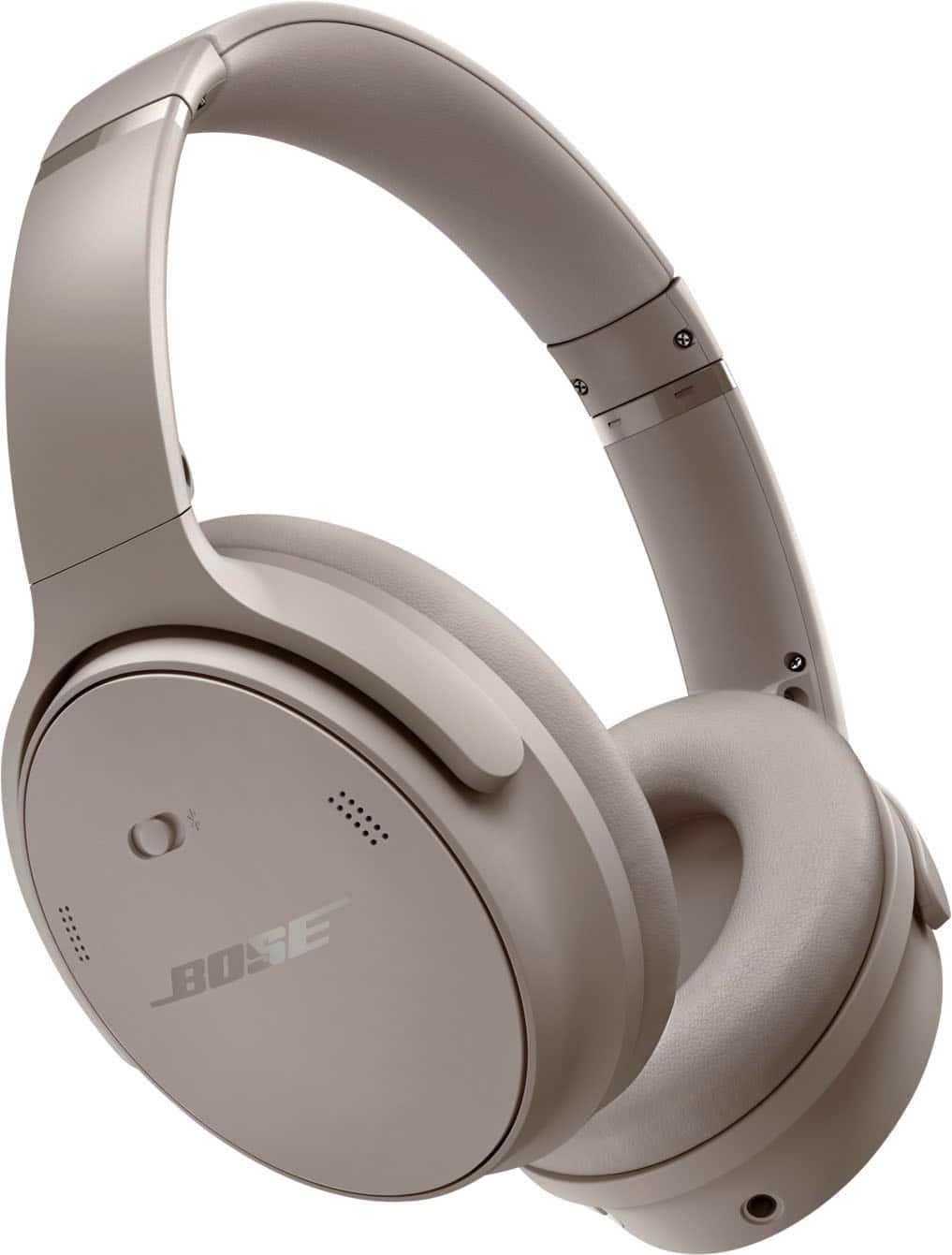
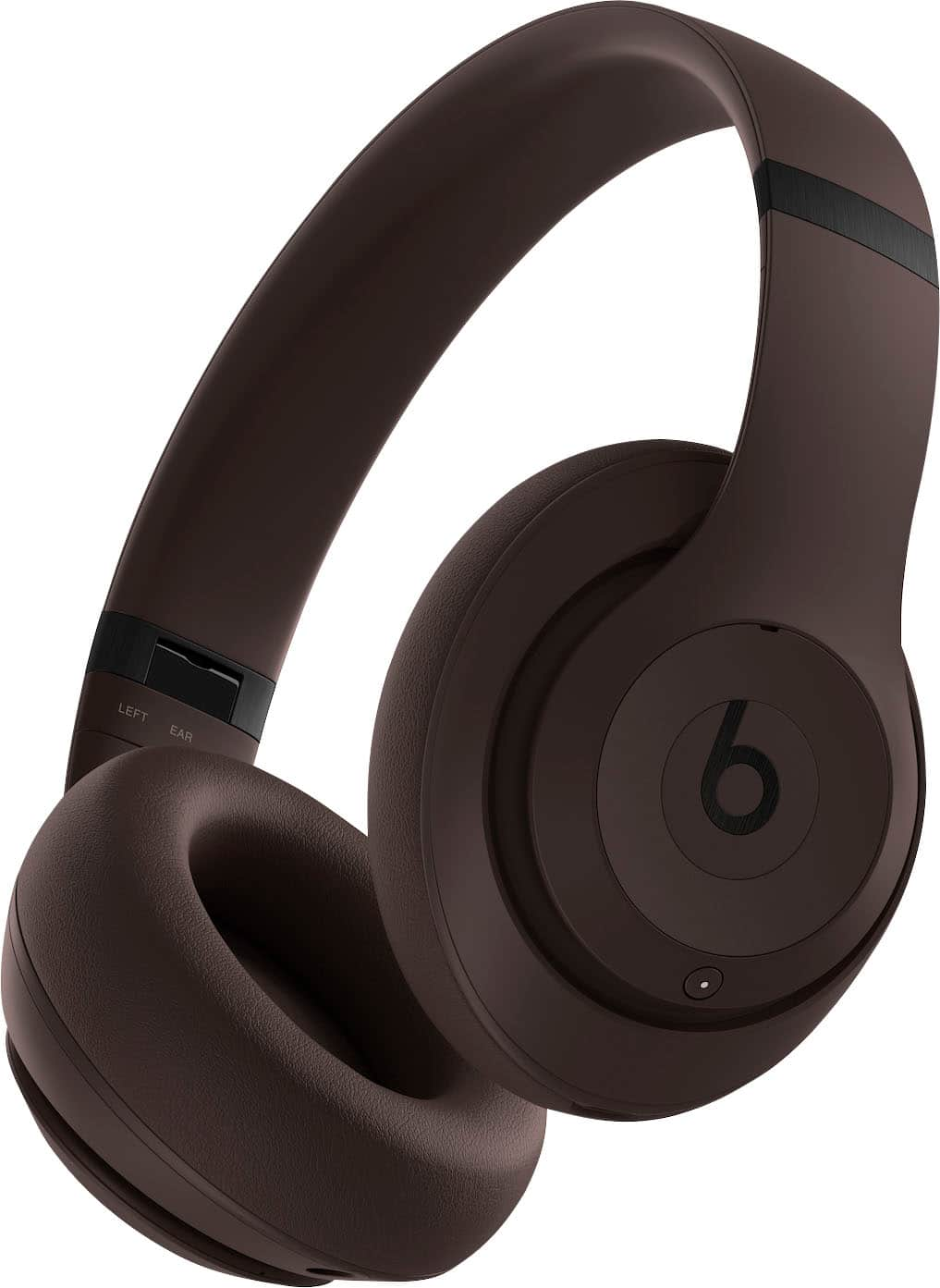
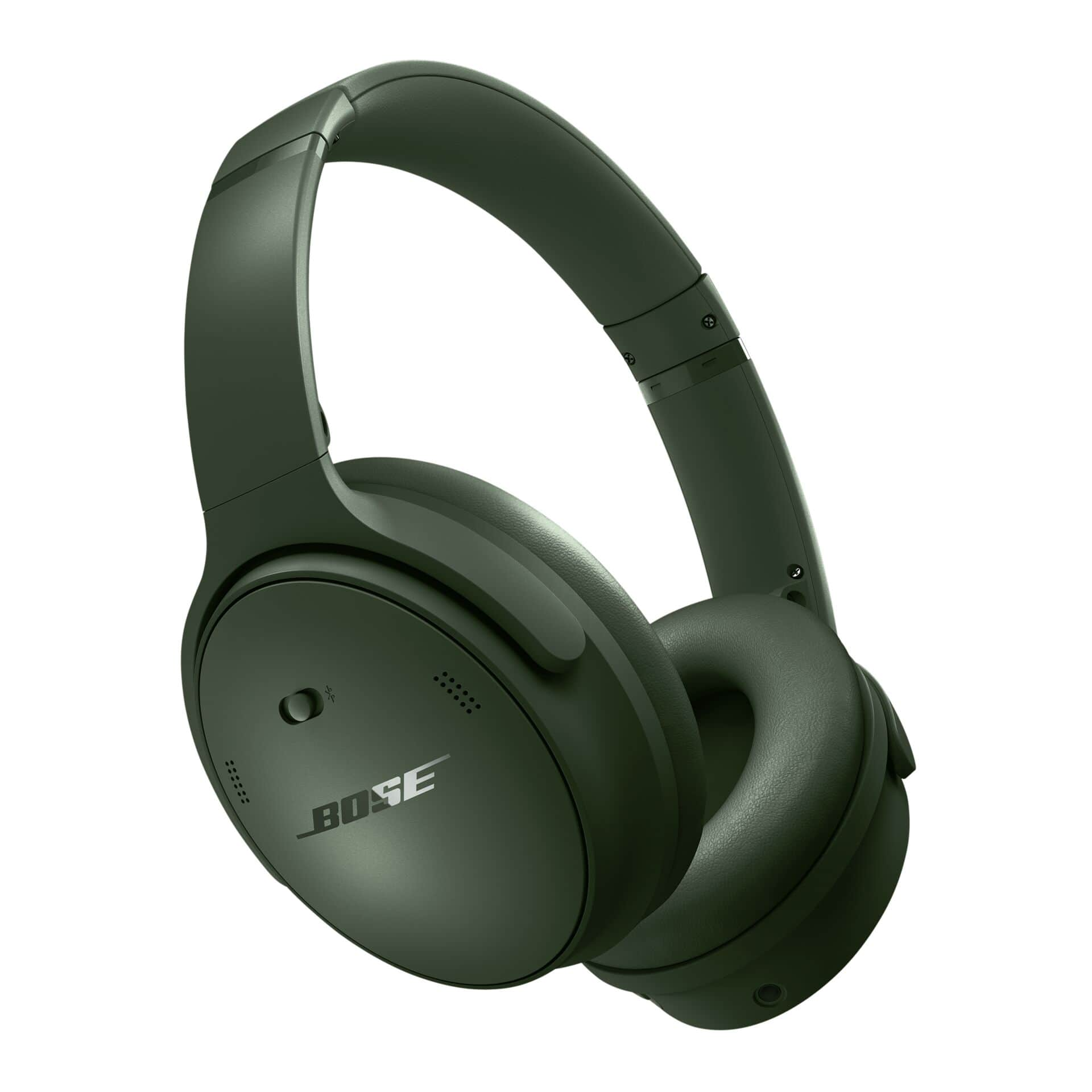
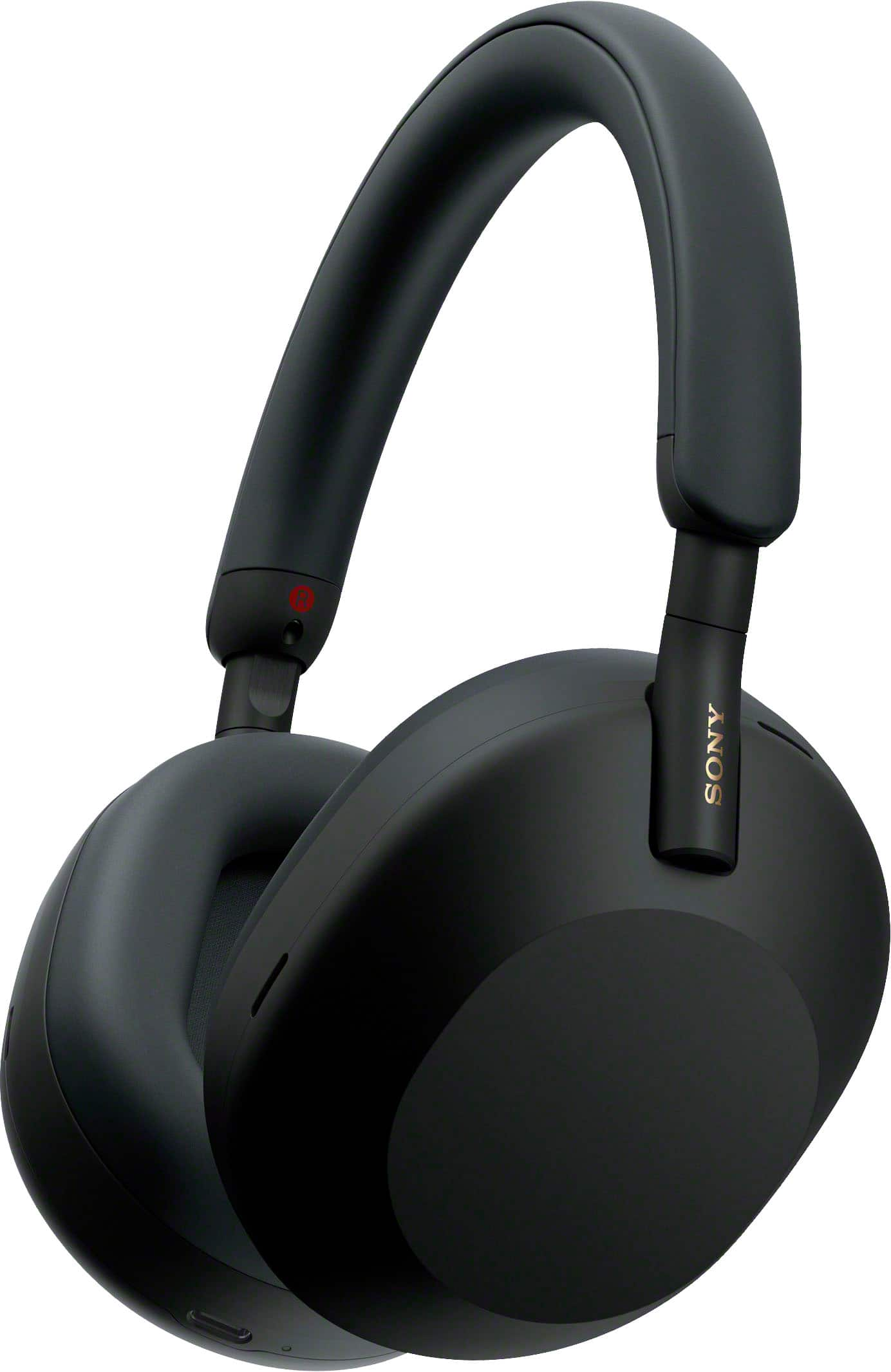
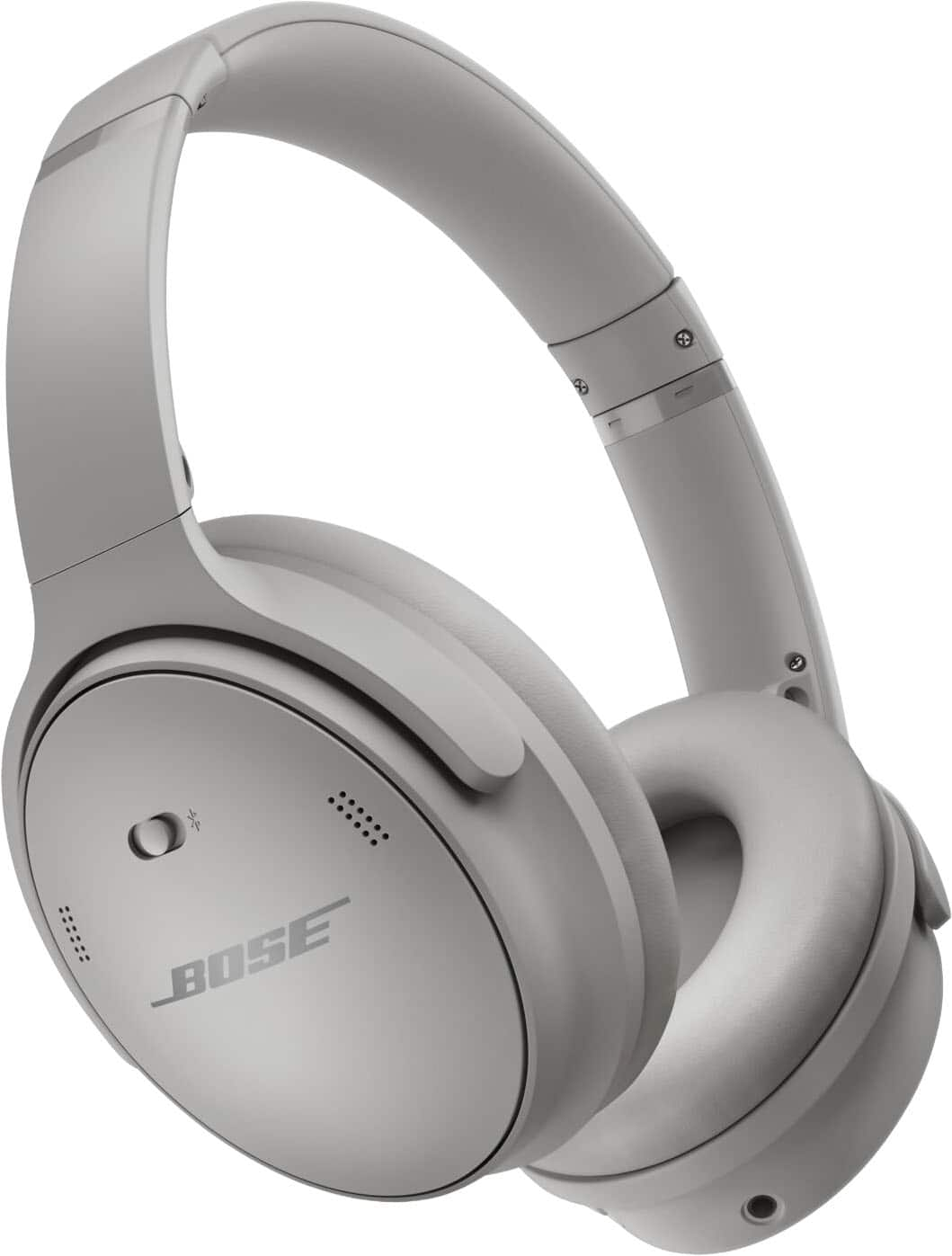
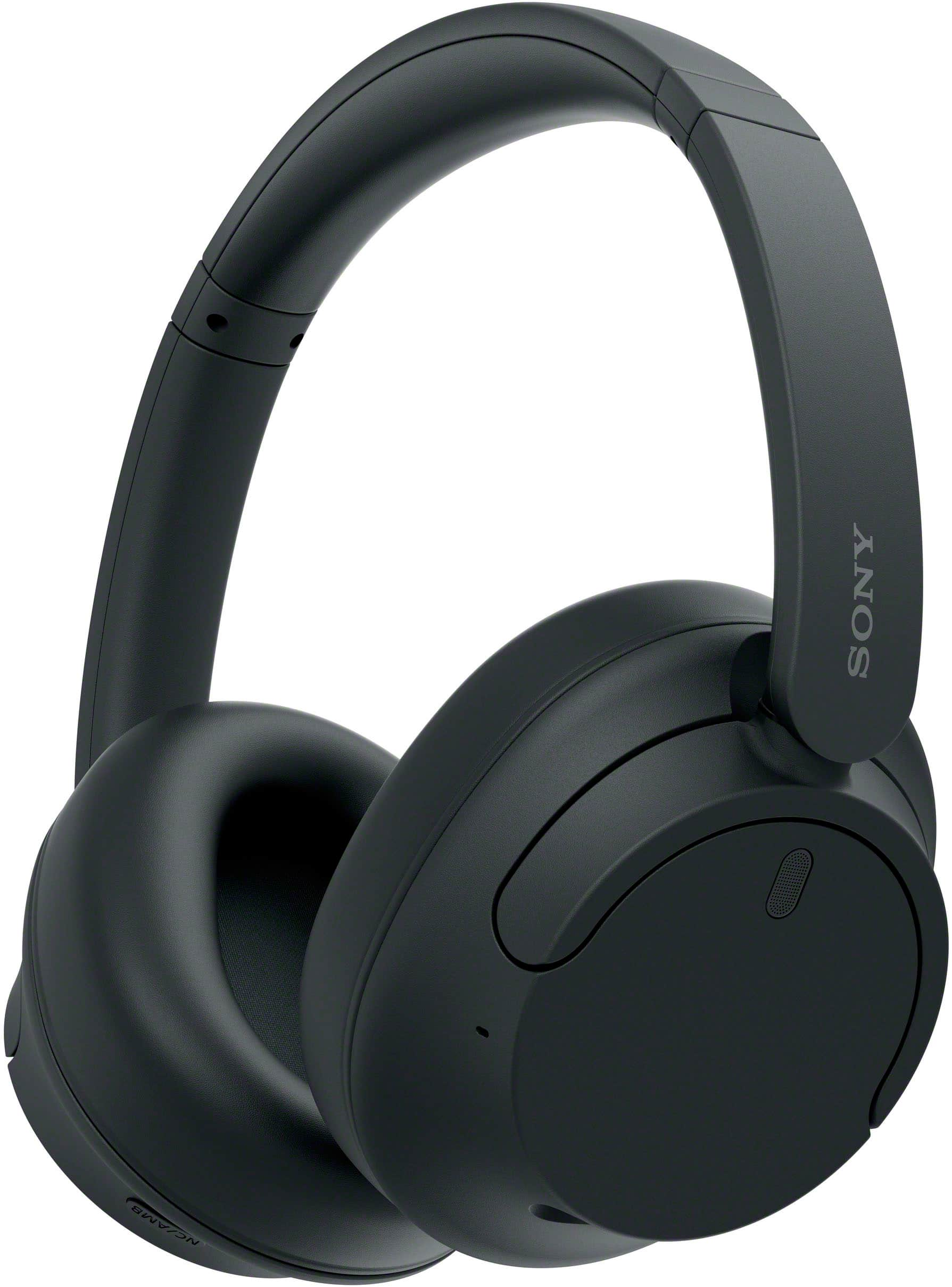
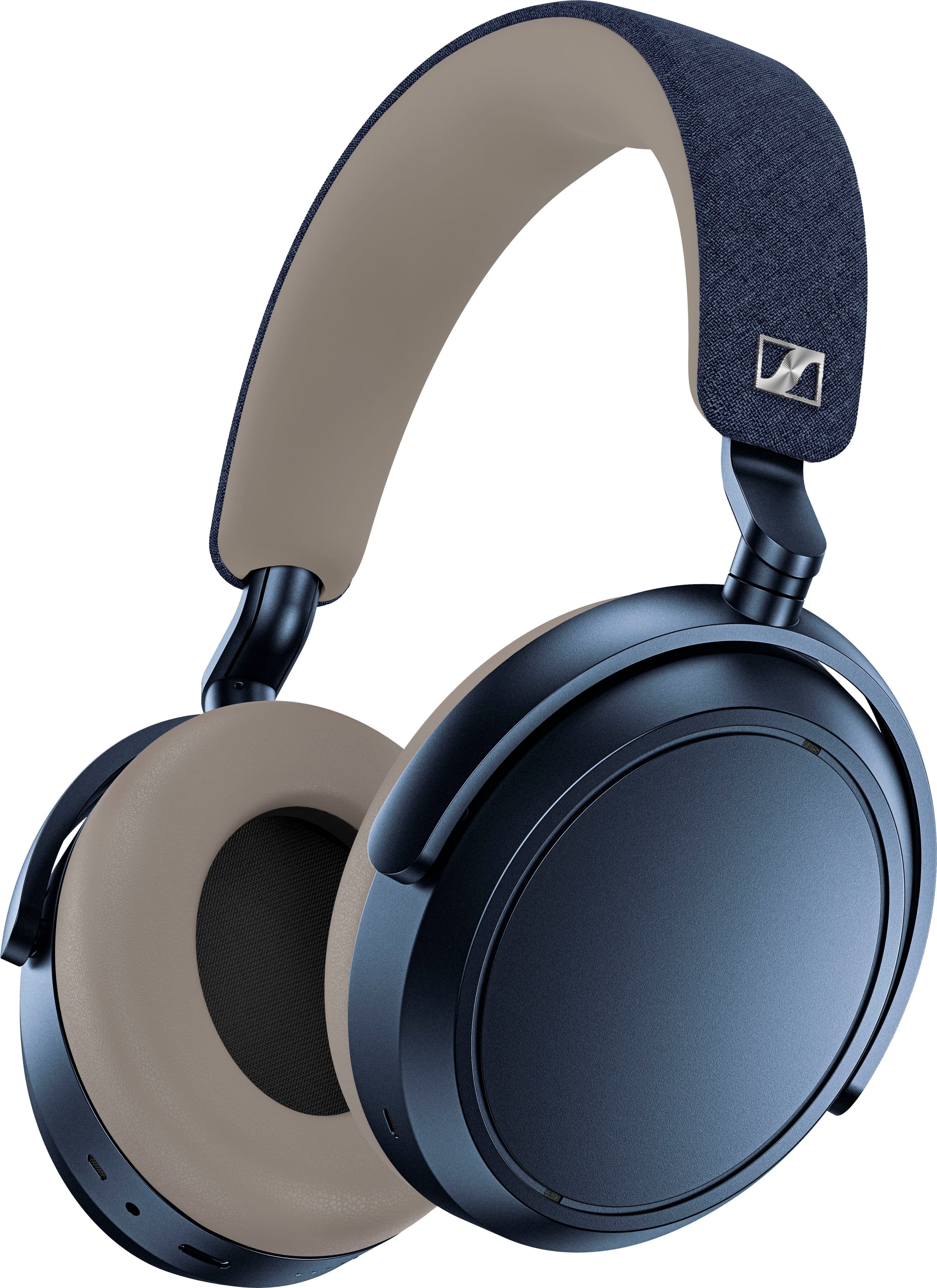
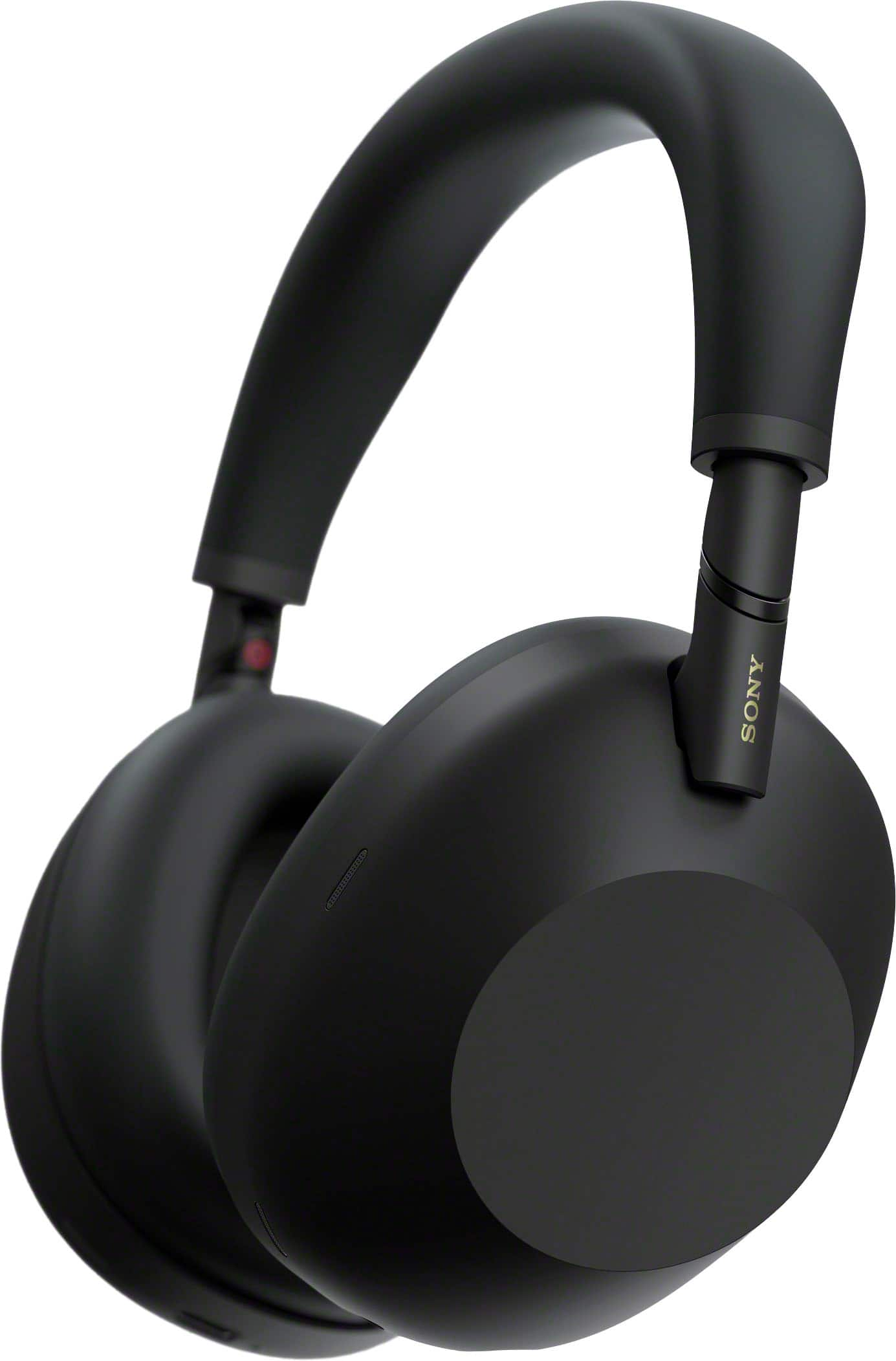
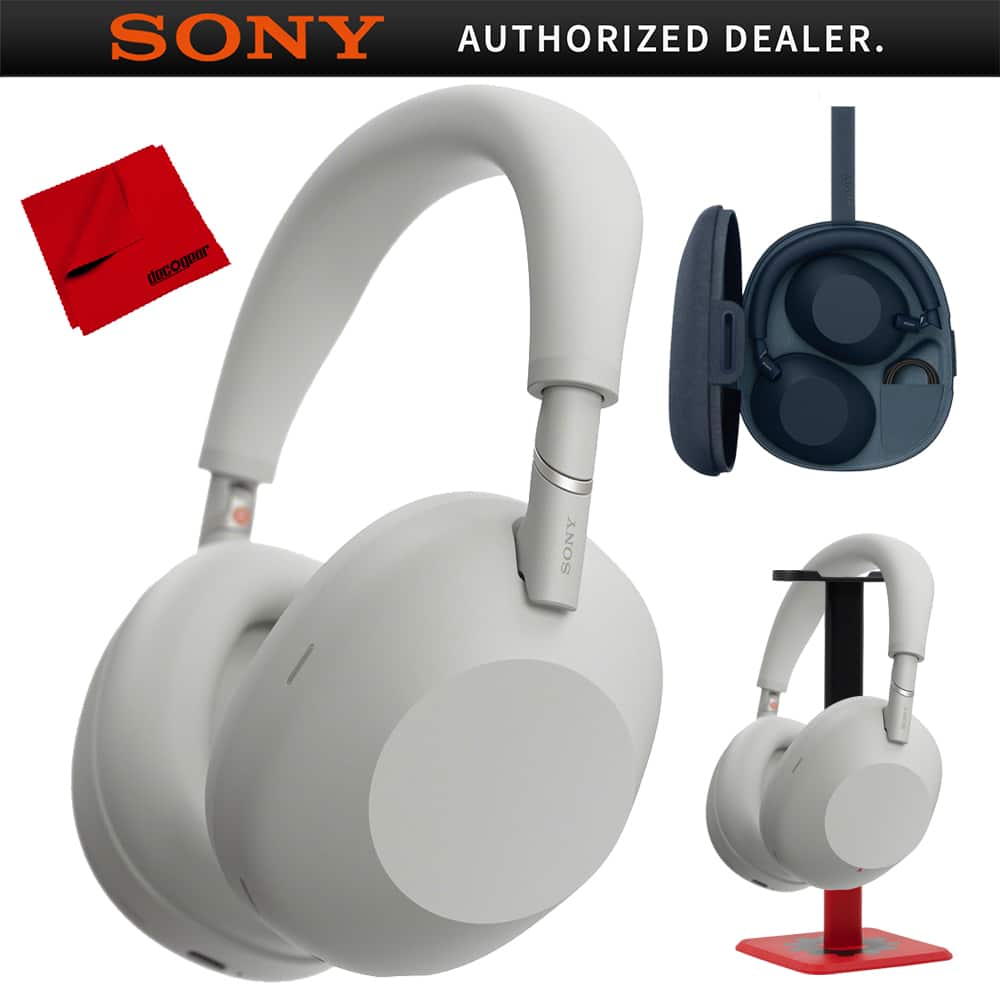
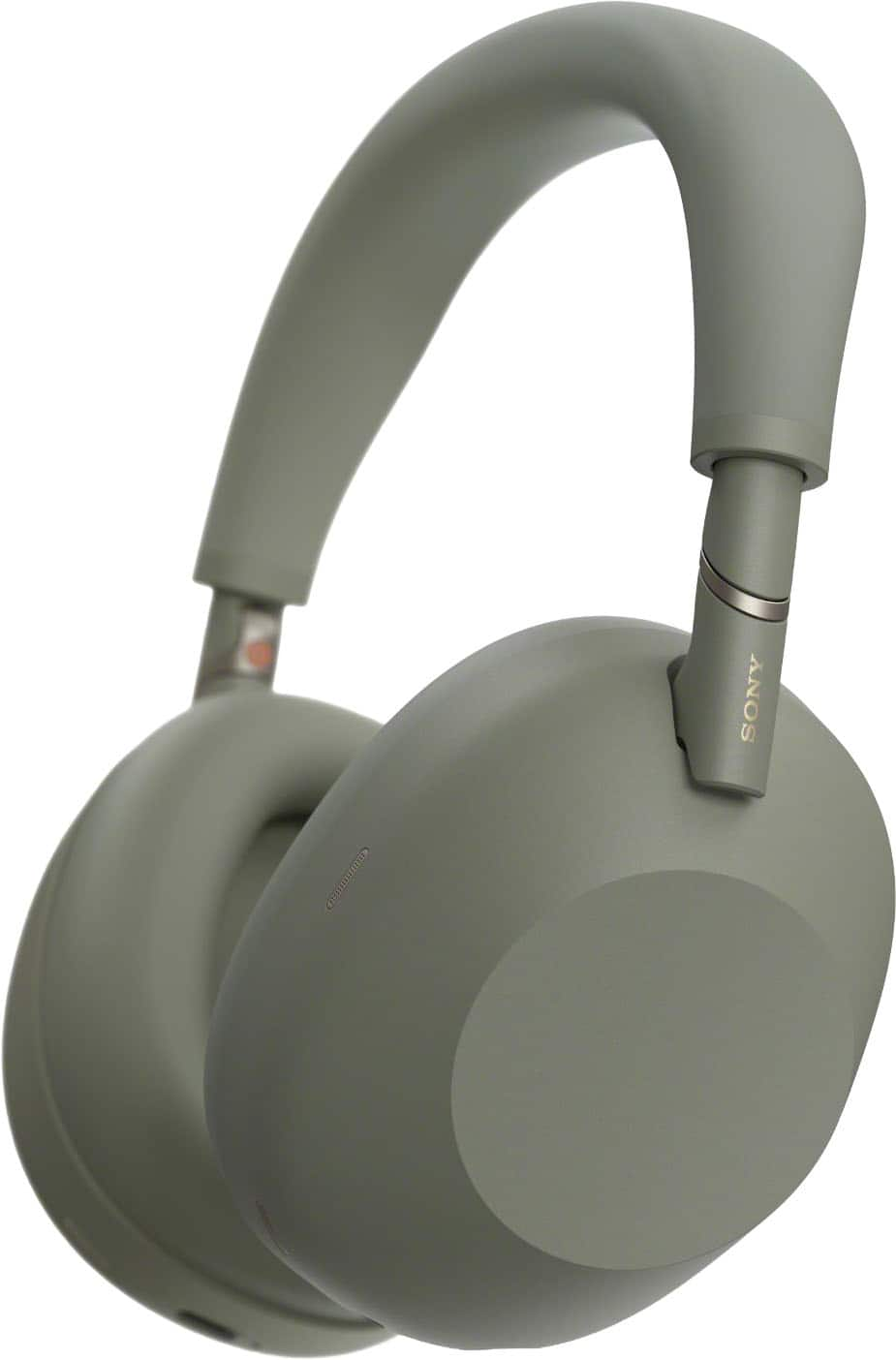
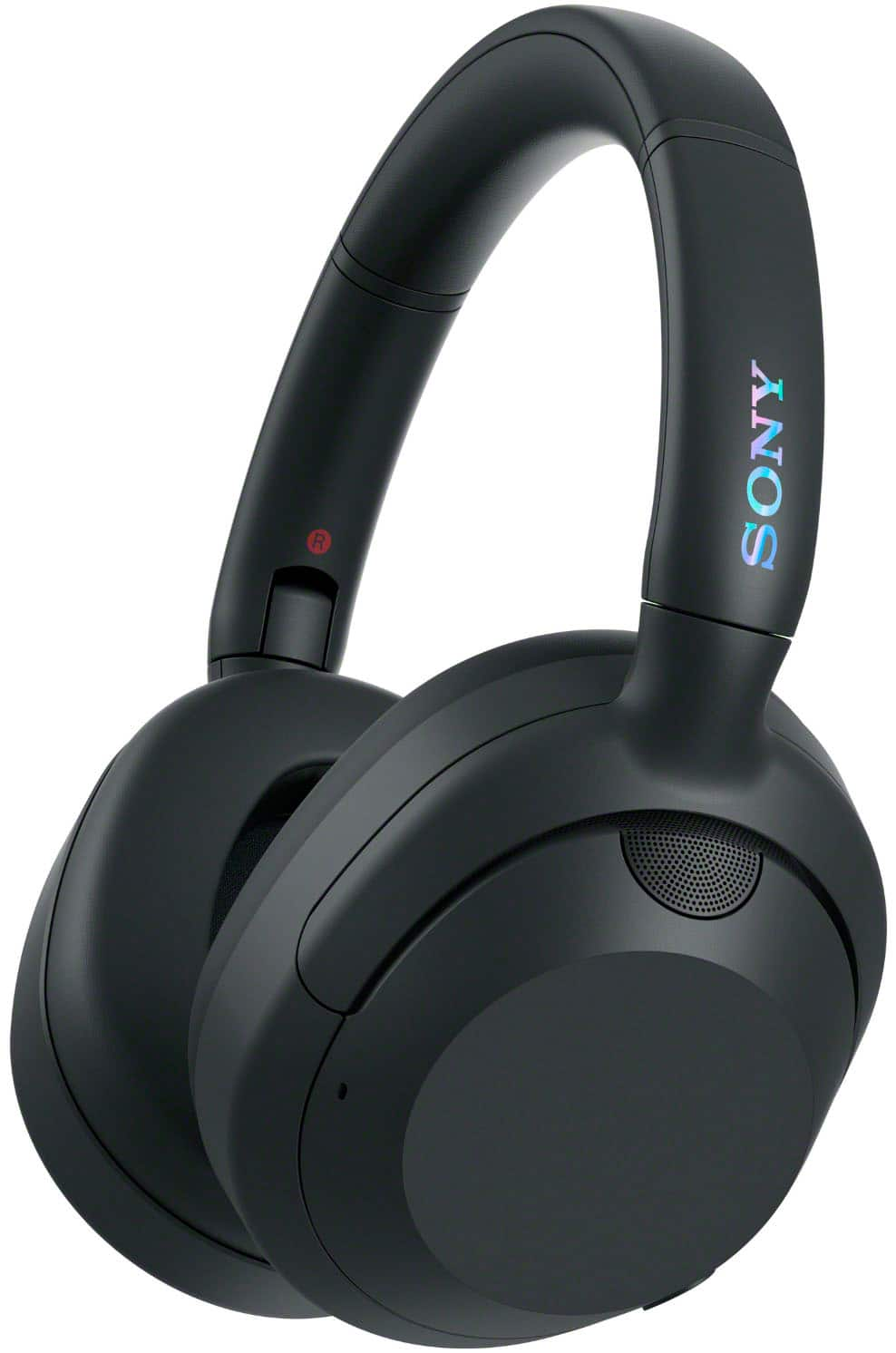
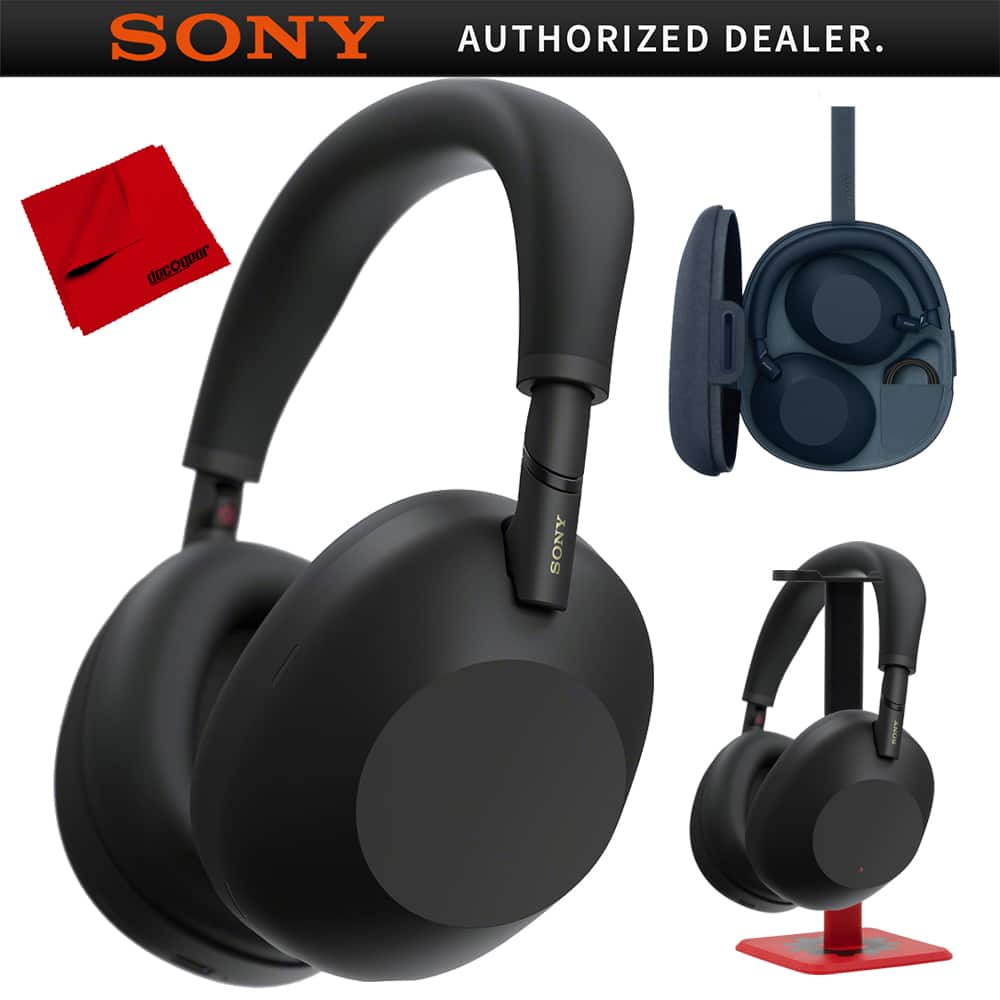
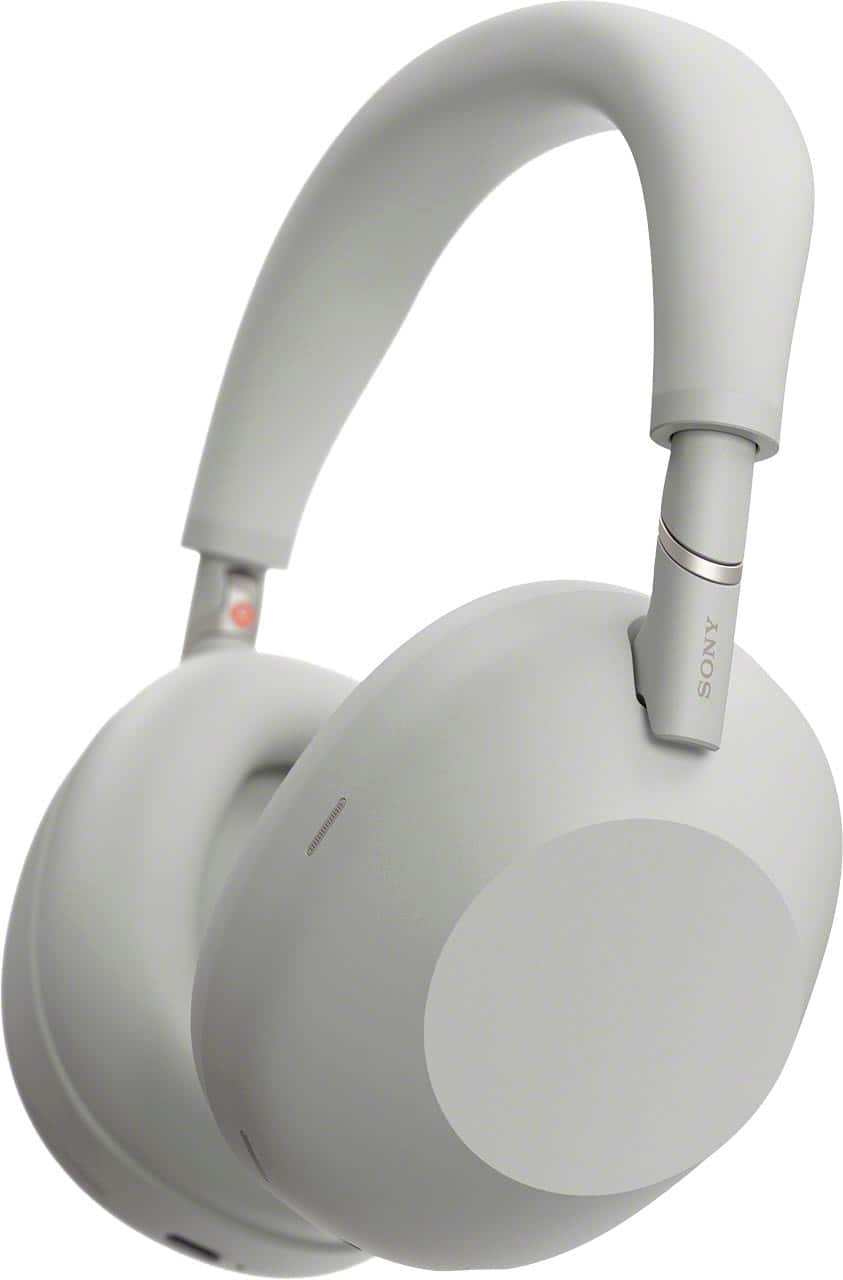
Noise-Canceling Headphones

Gadgets for Programmers
FAQs
Start with the part of your setup that slows you down. A keyboard and mouse that suit your preferences can make everyday input more comfortable, while another monitor gives code and reference material separate spaces. A compatible docking station can simplify connections, and an external SSD adds storage for projects and backups.
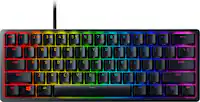
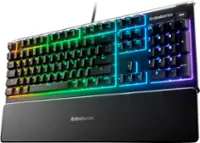
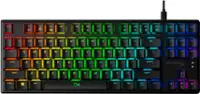
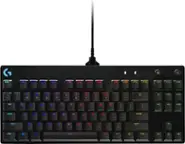
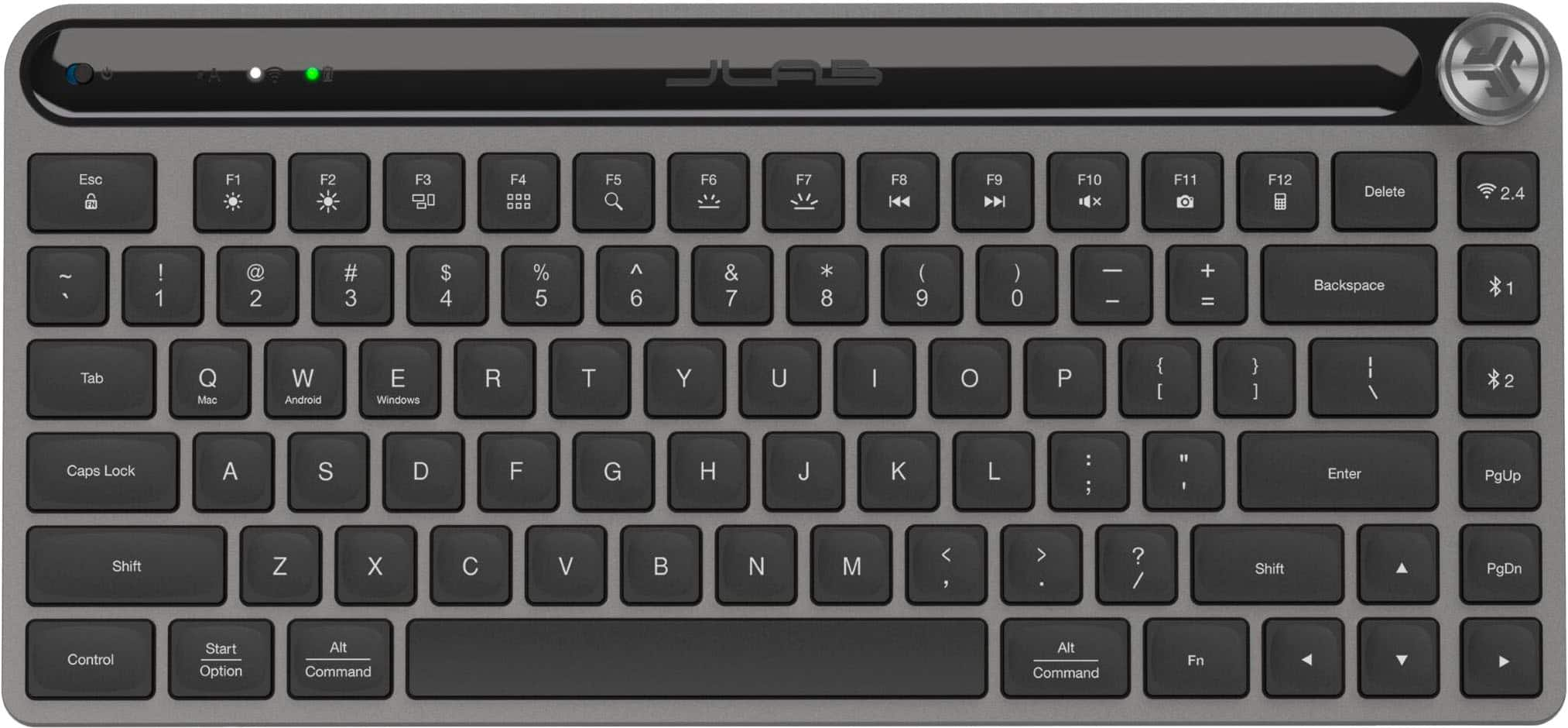
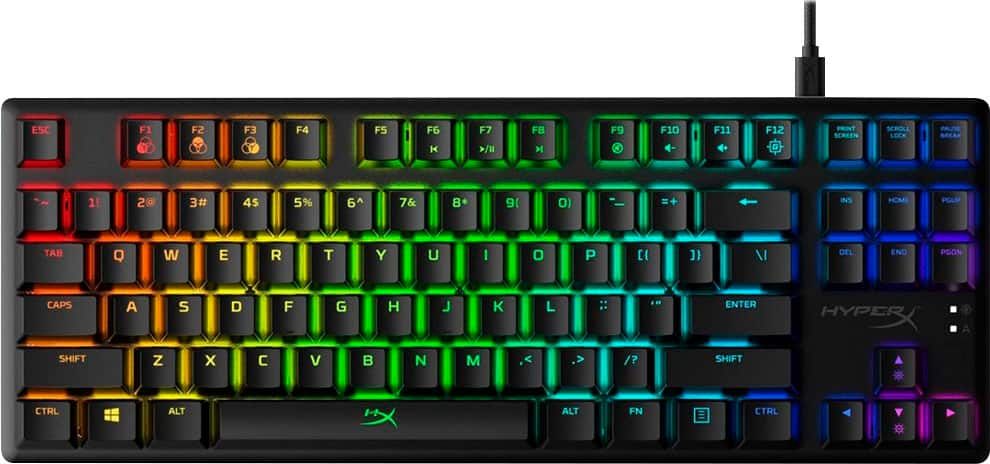
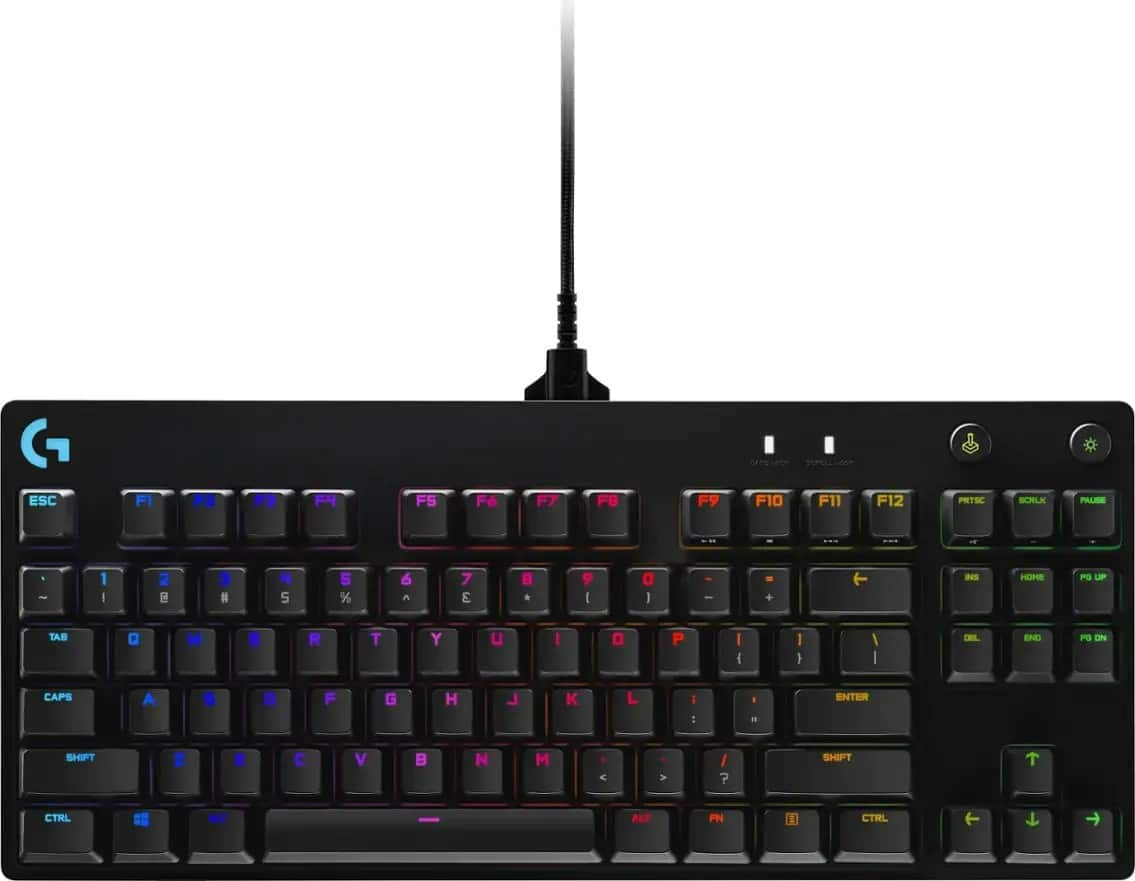
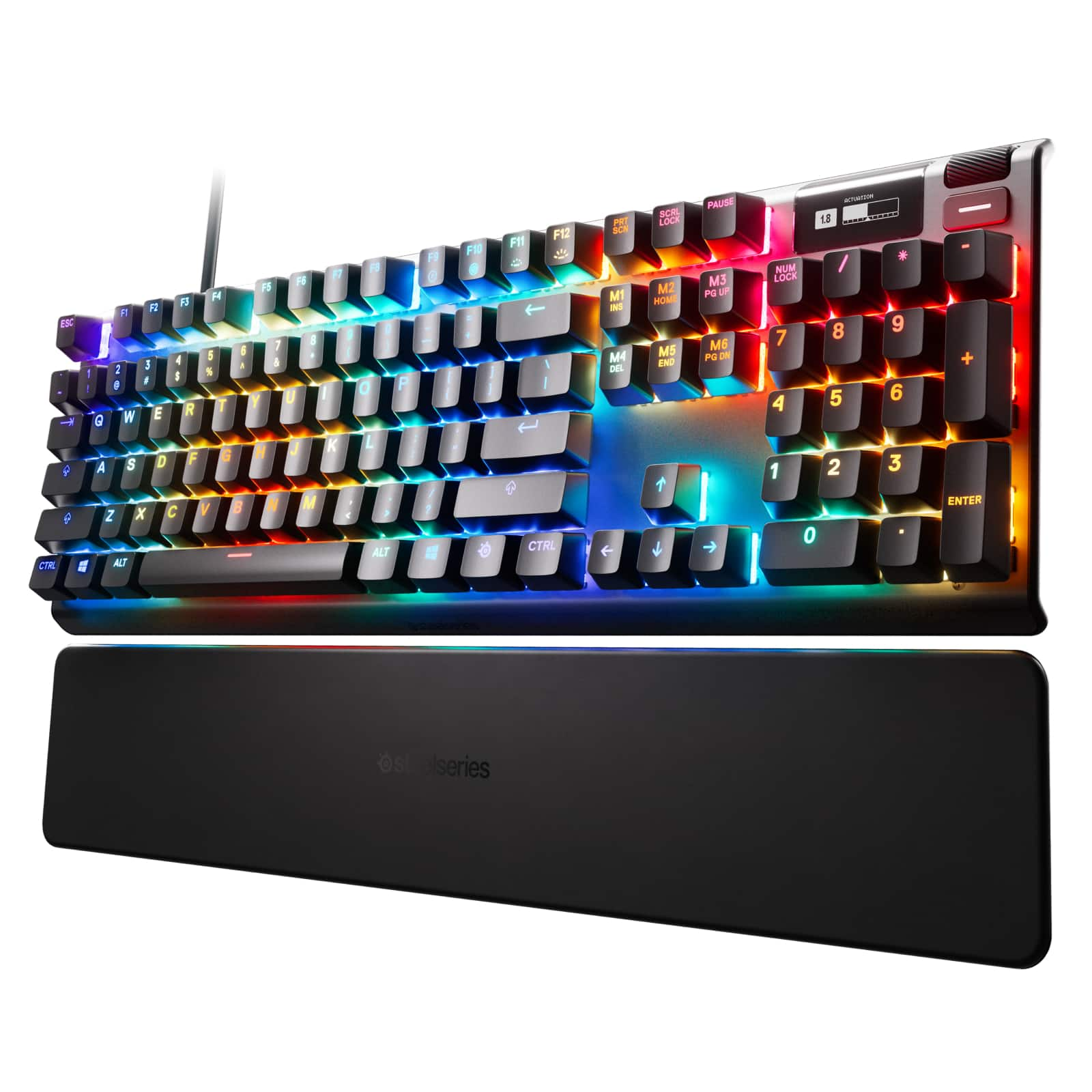
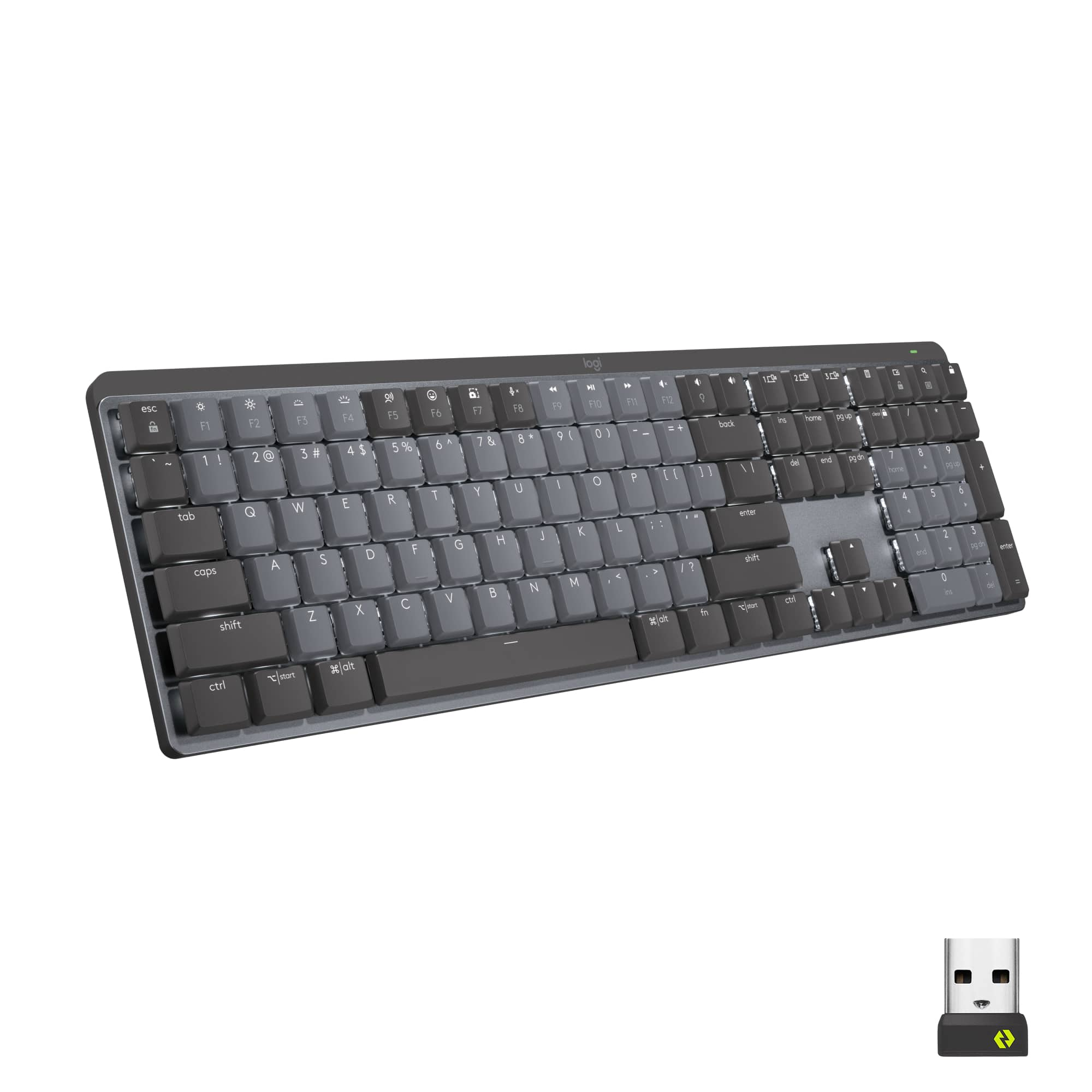
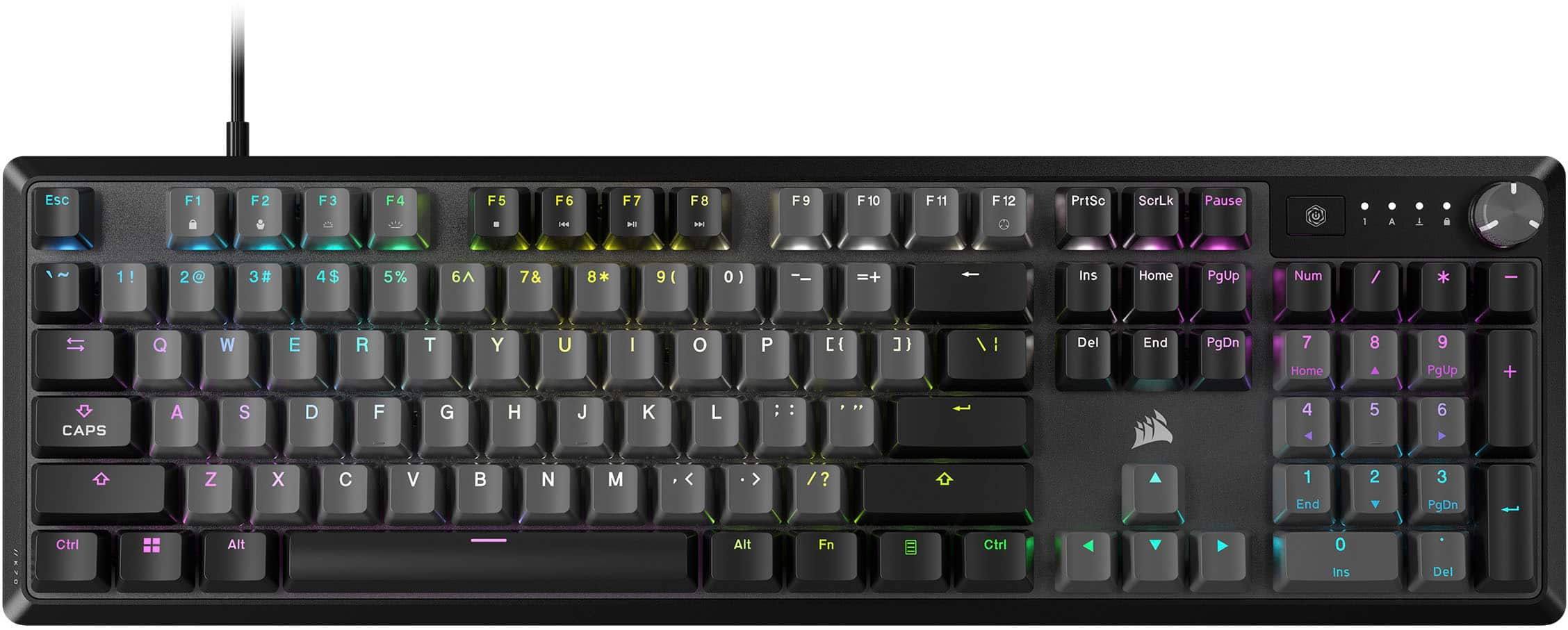
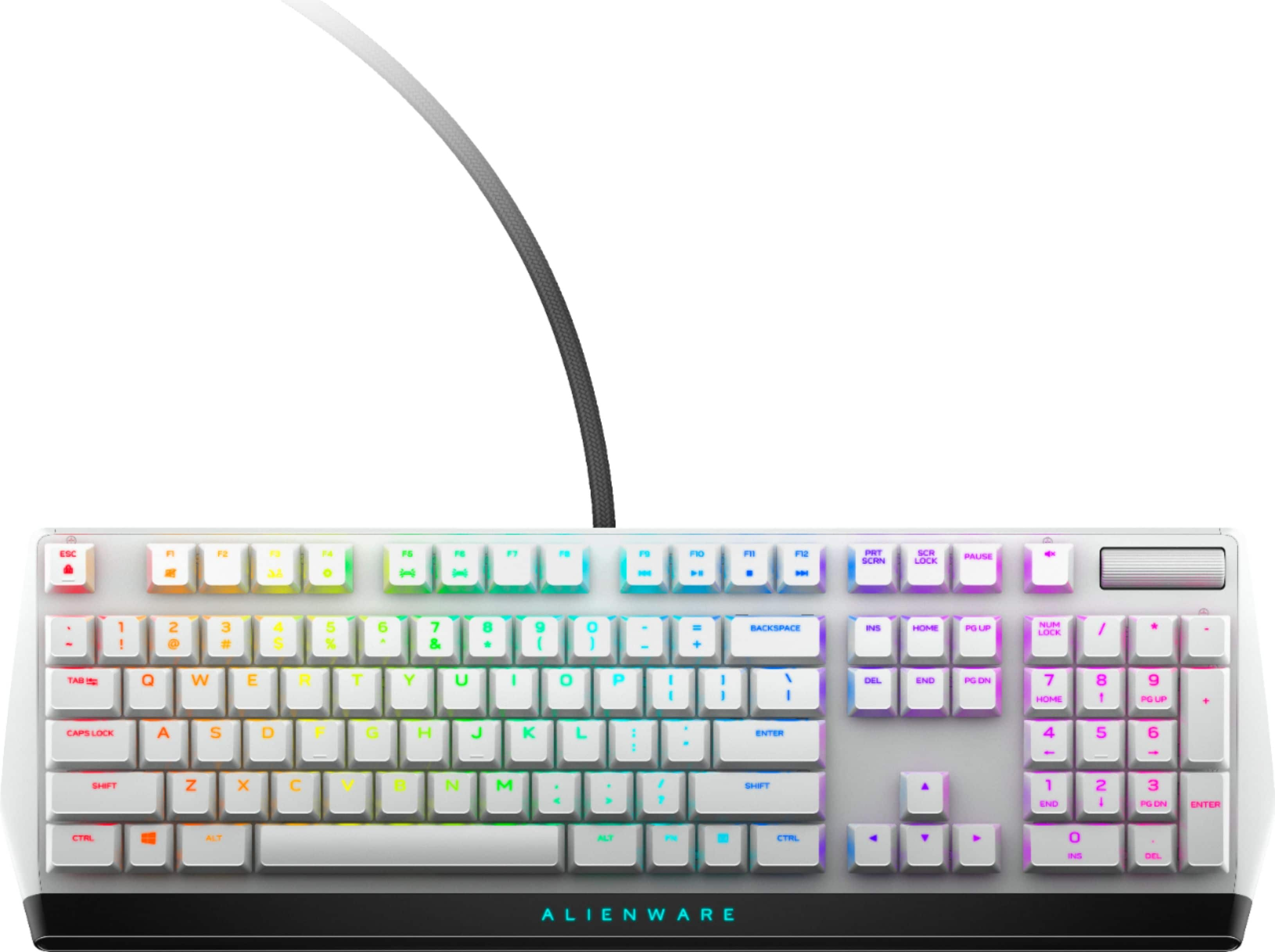
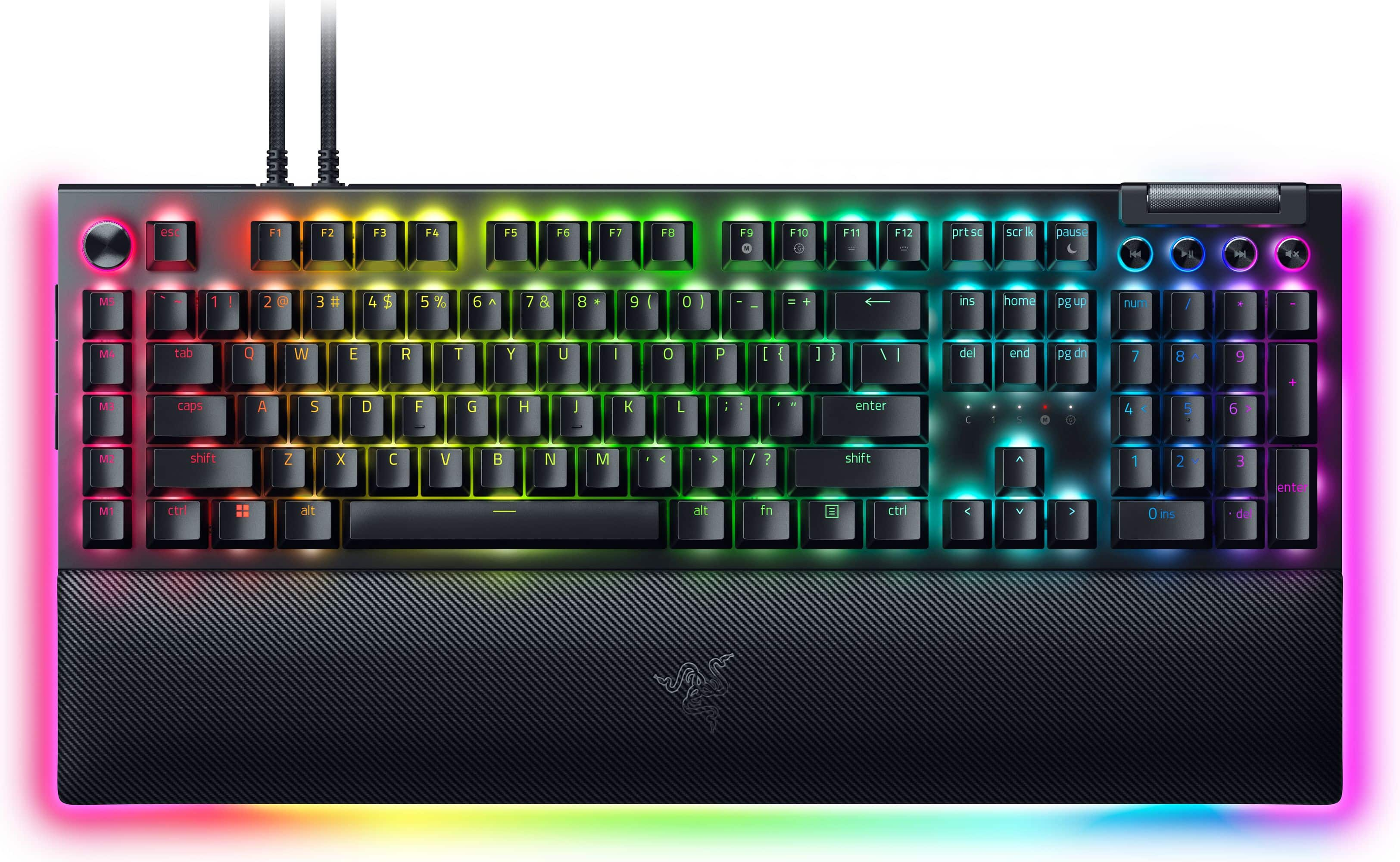
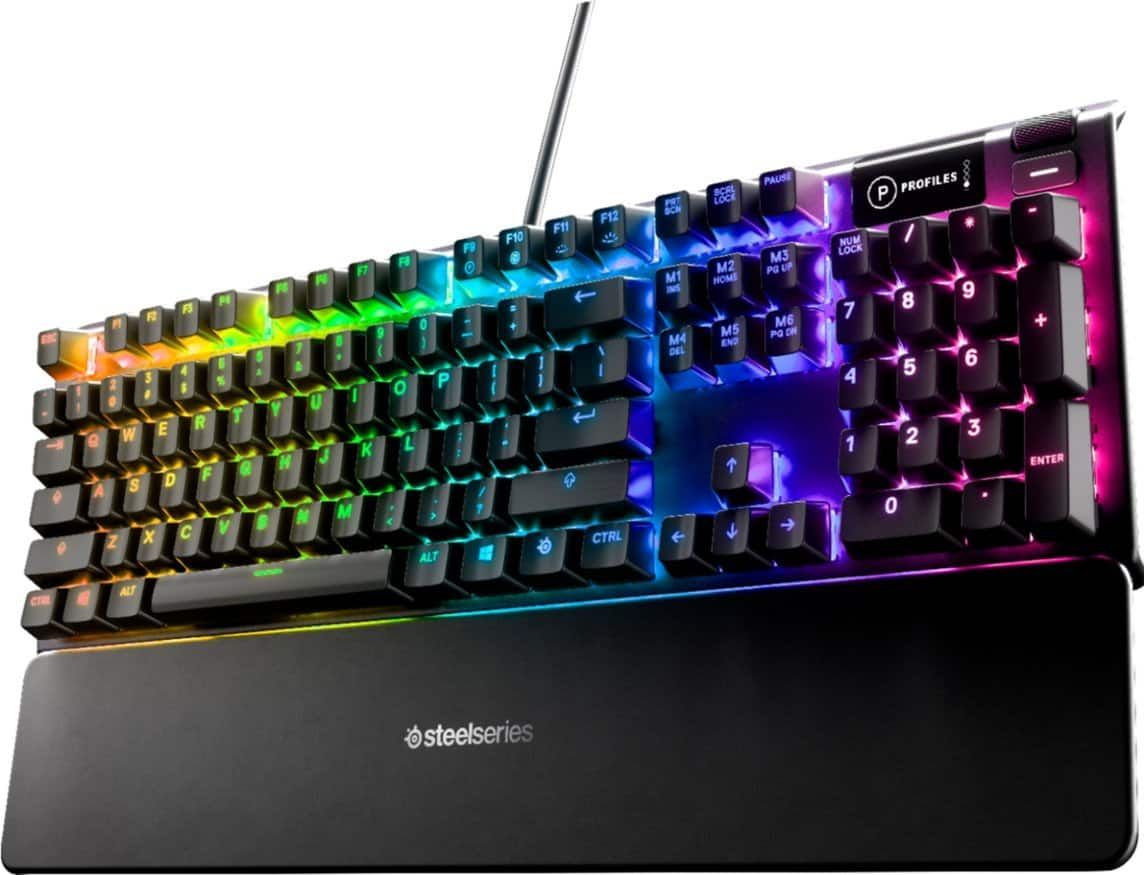
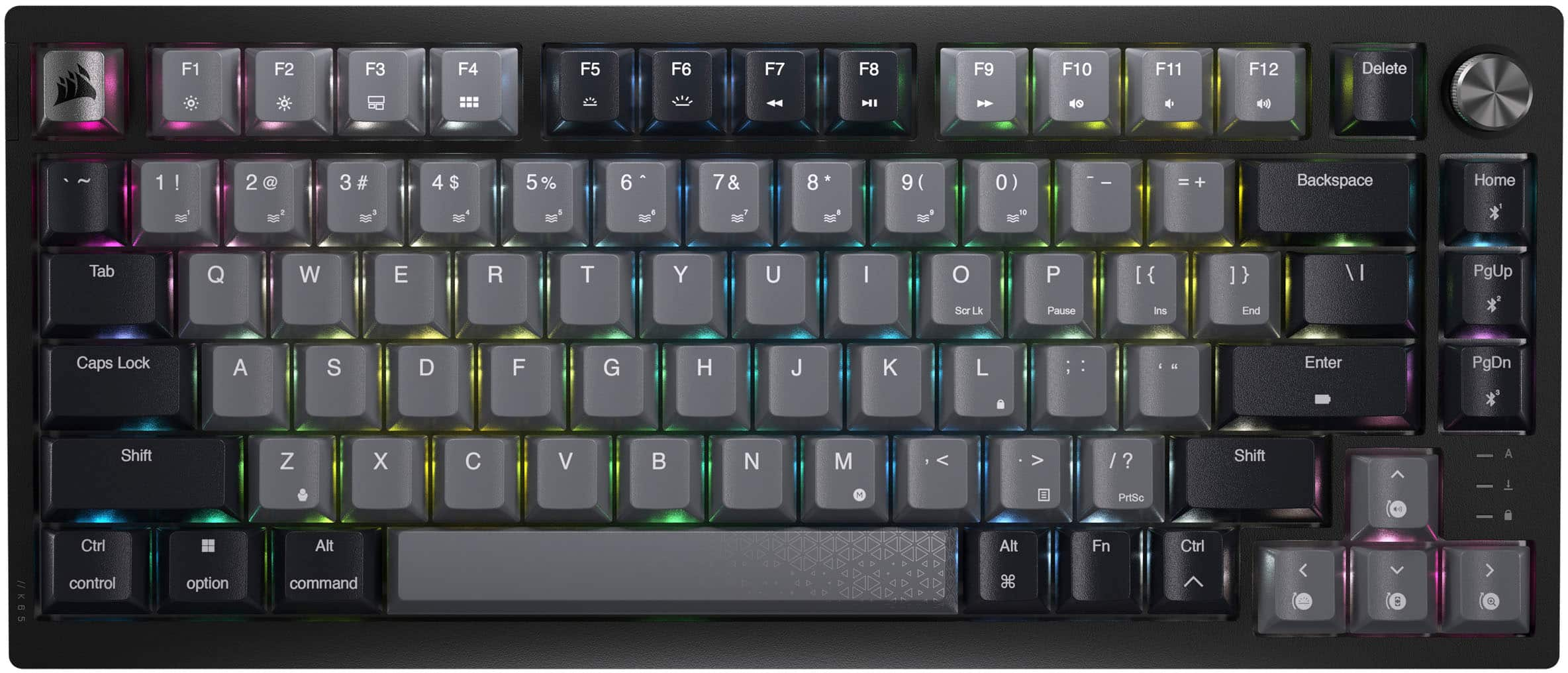
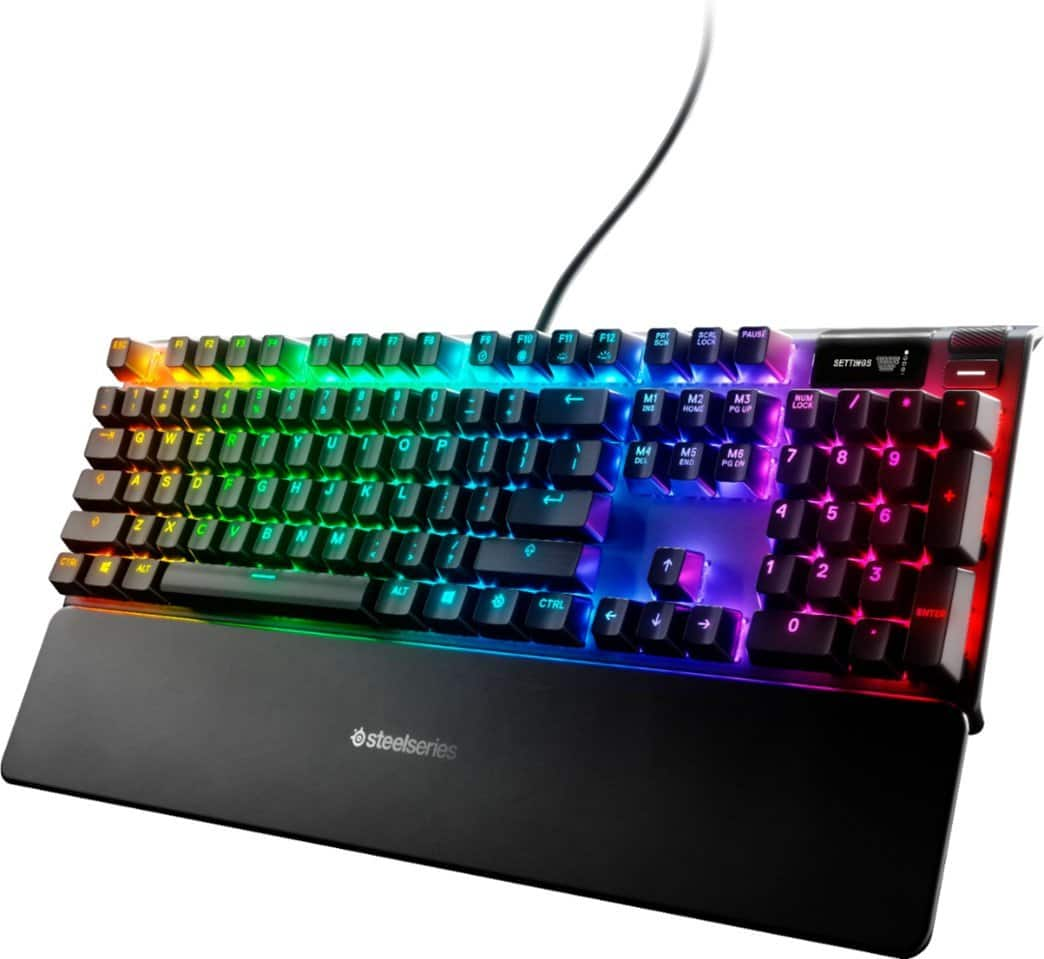
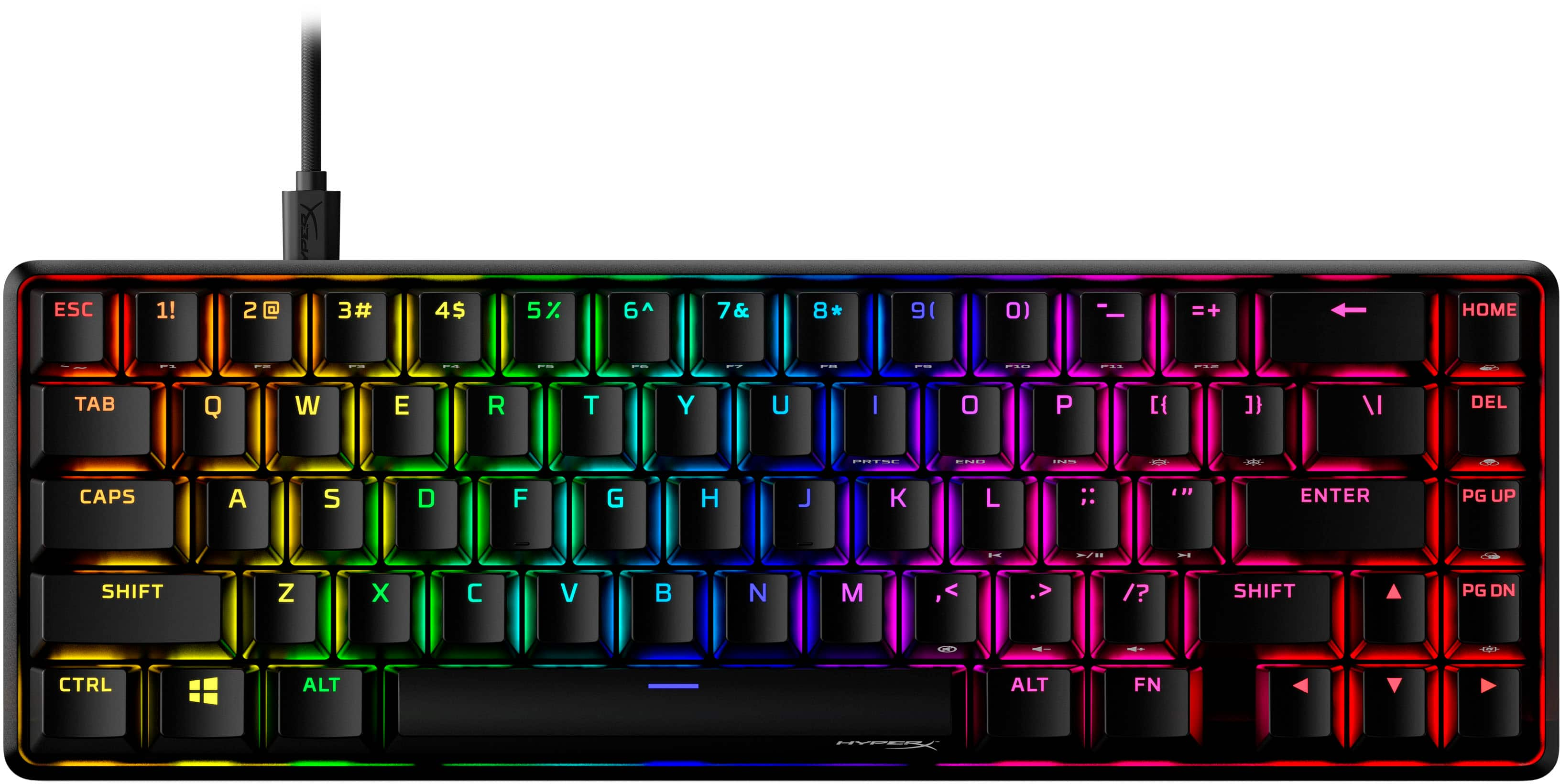
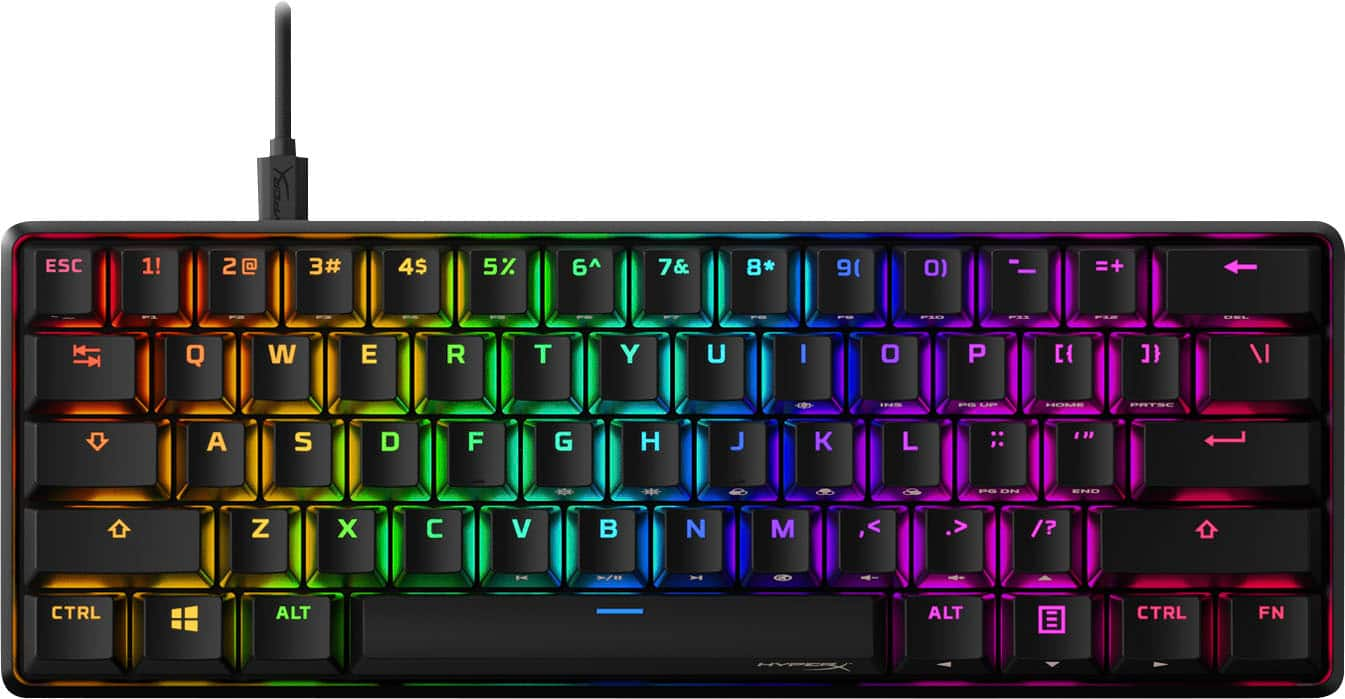
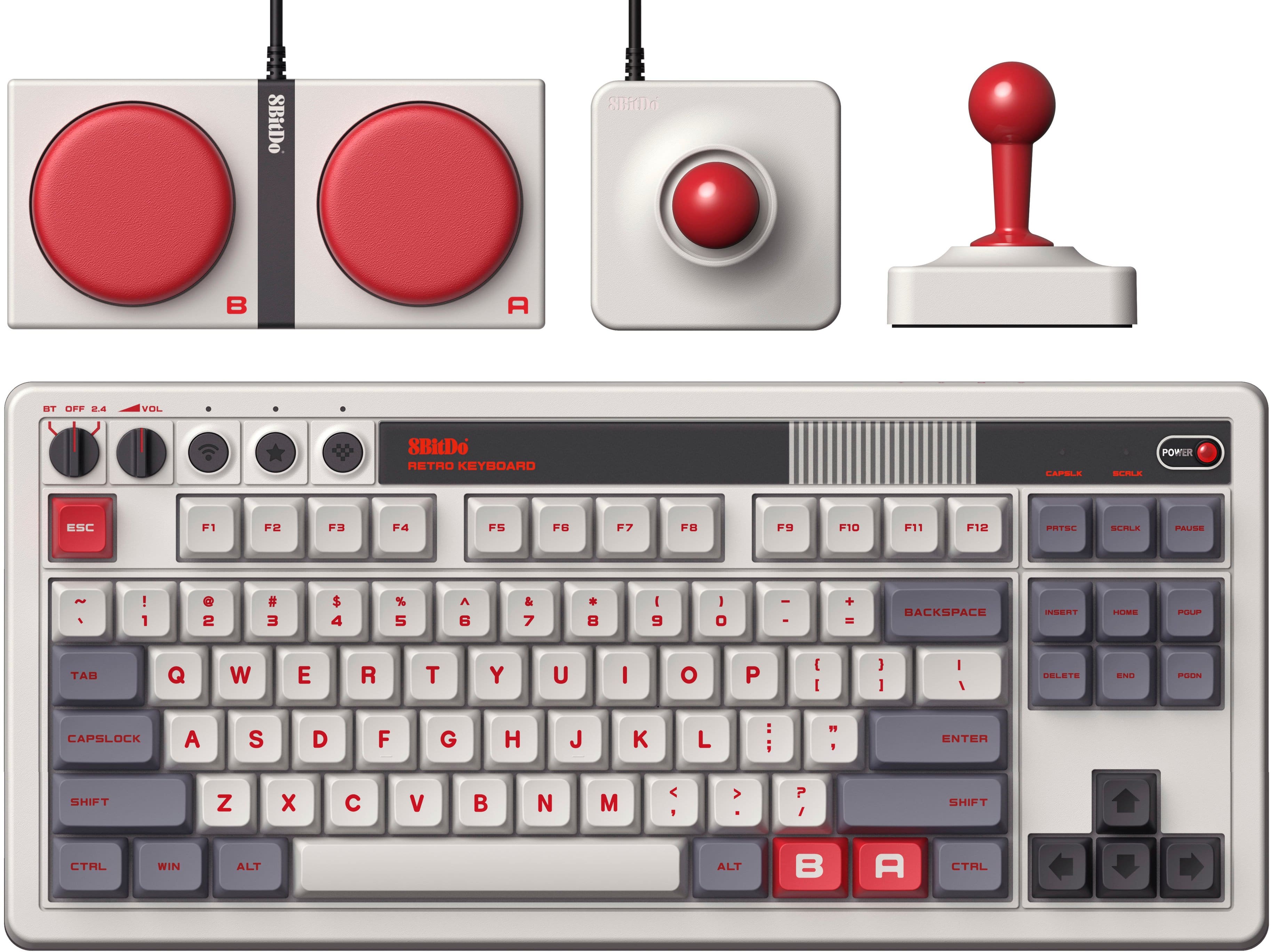
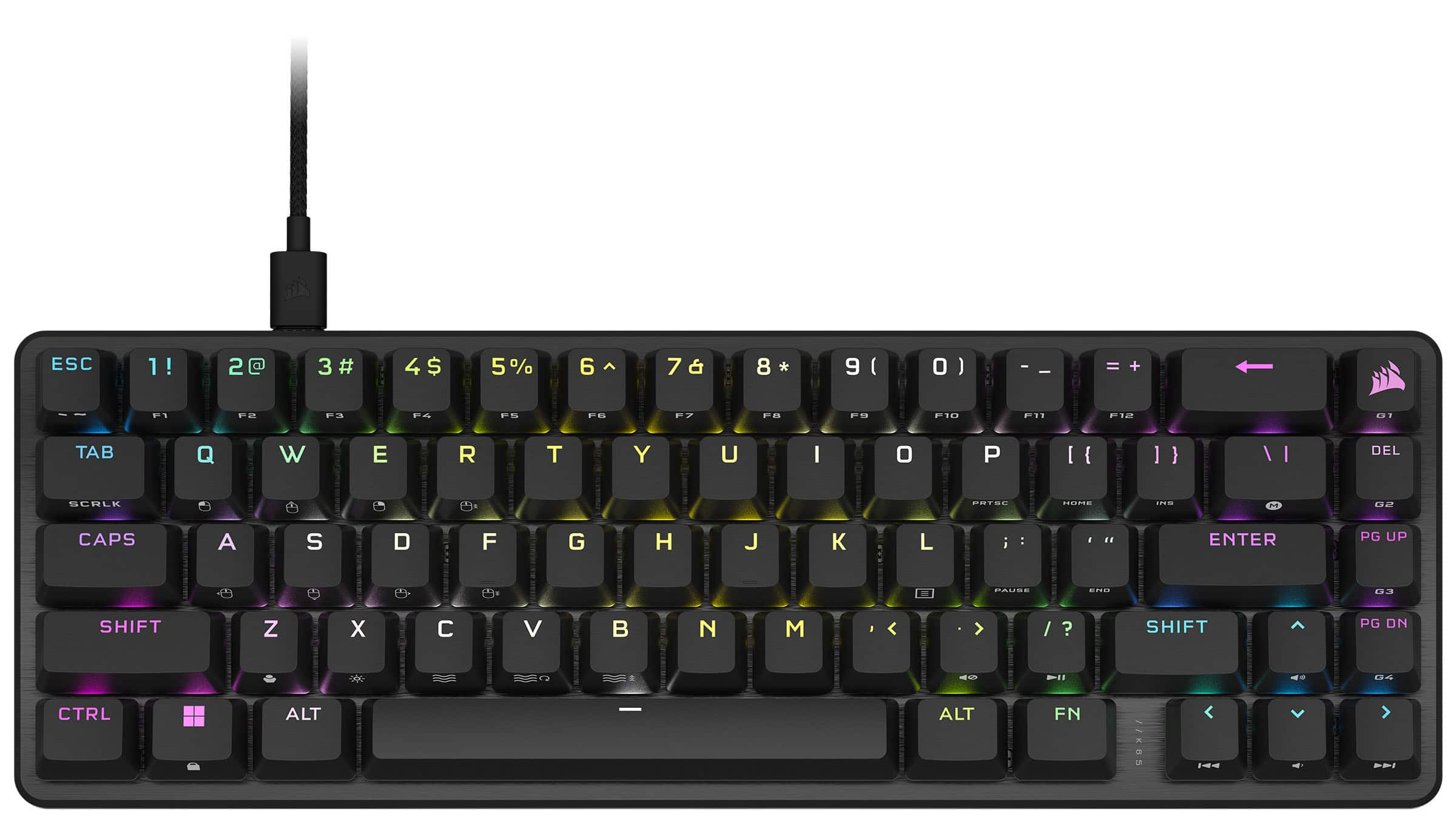
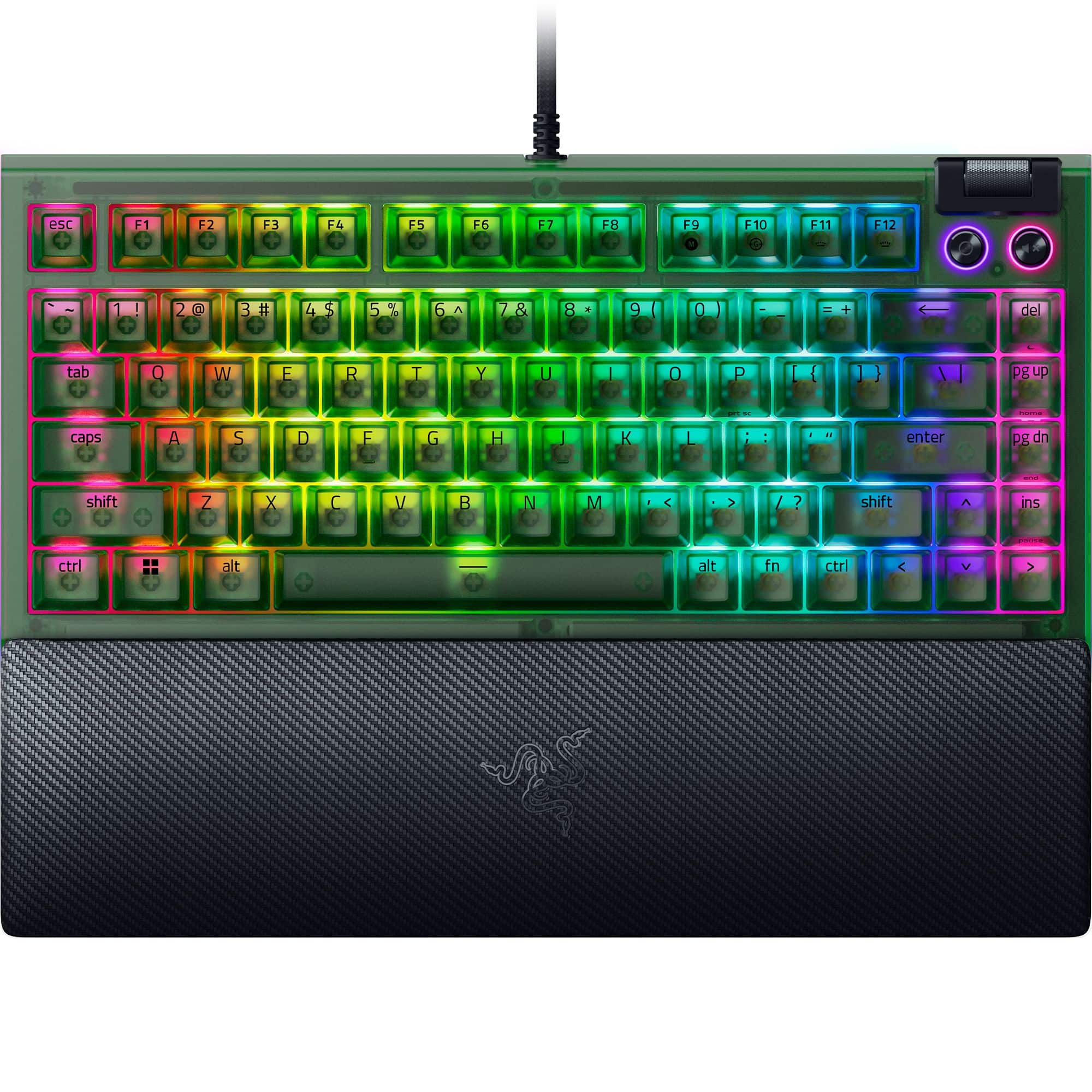
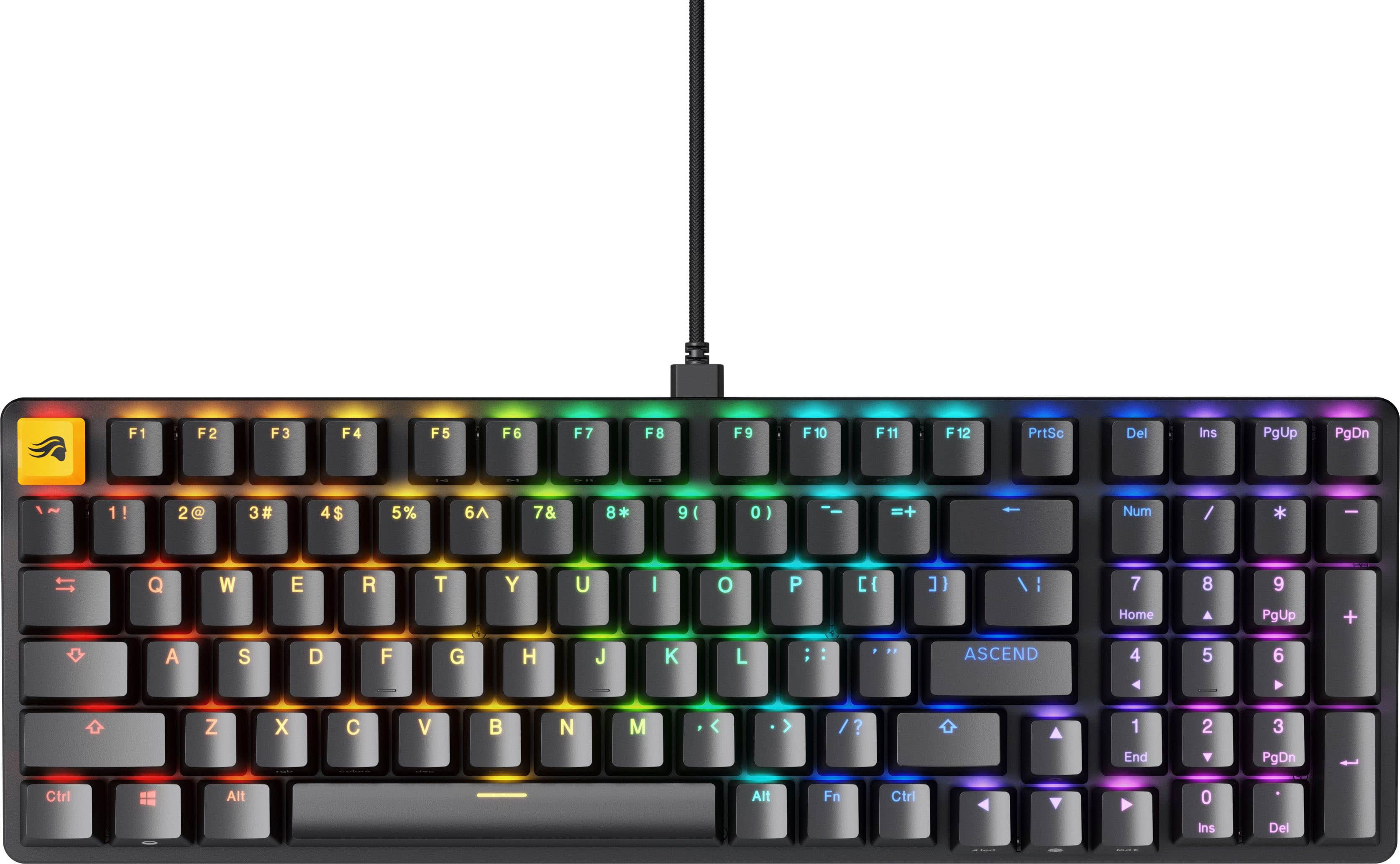
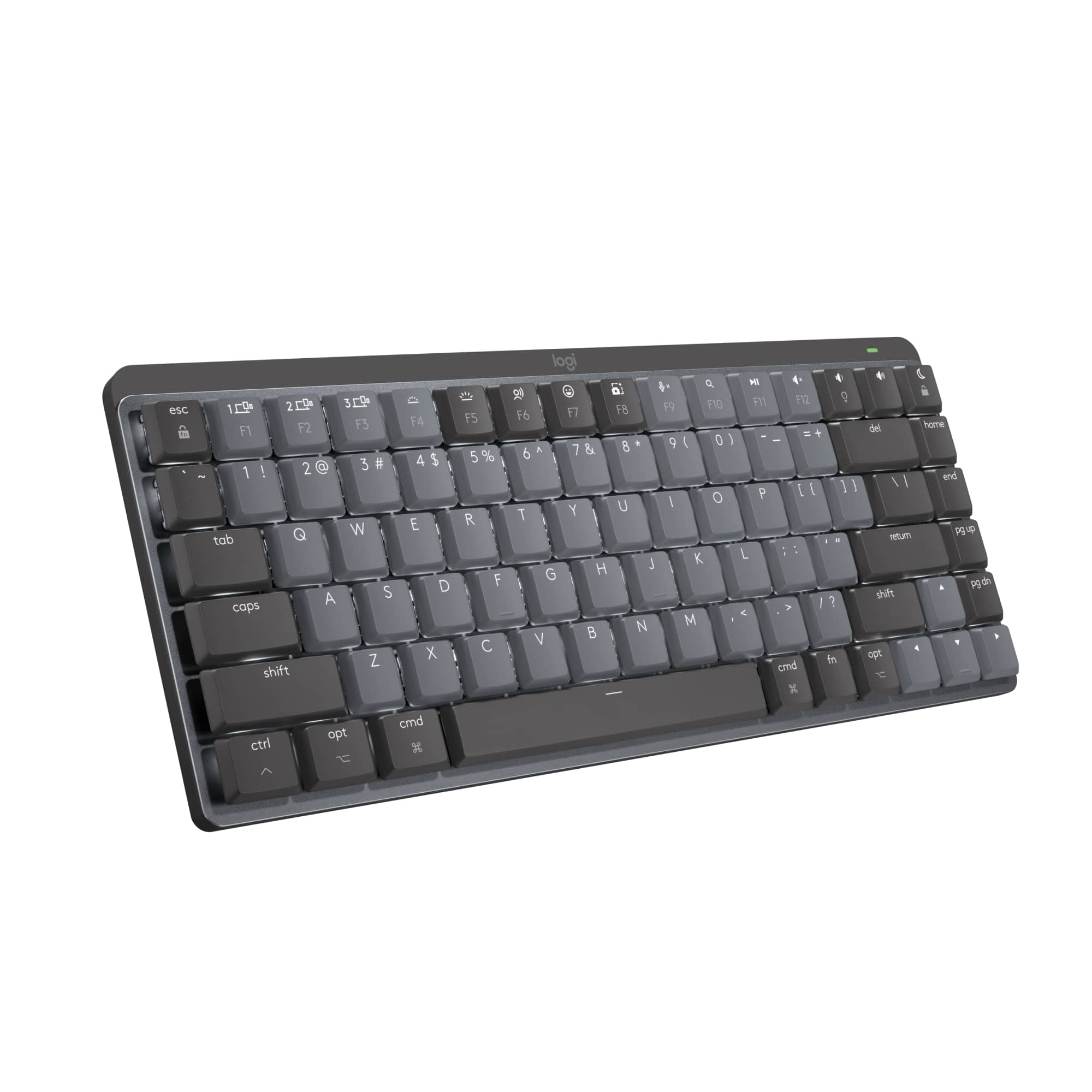
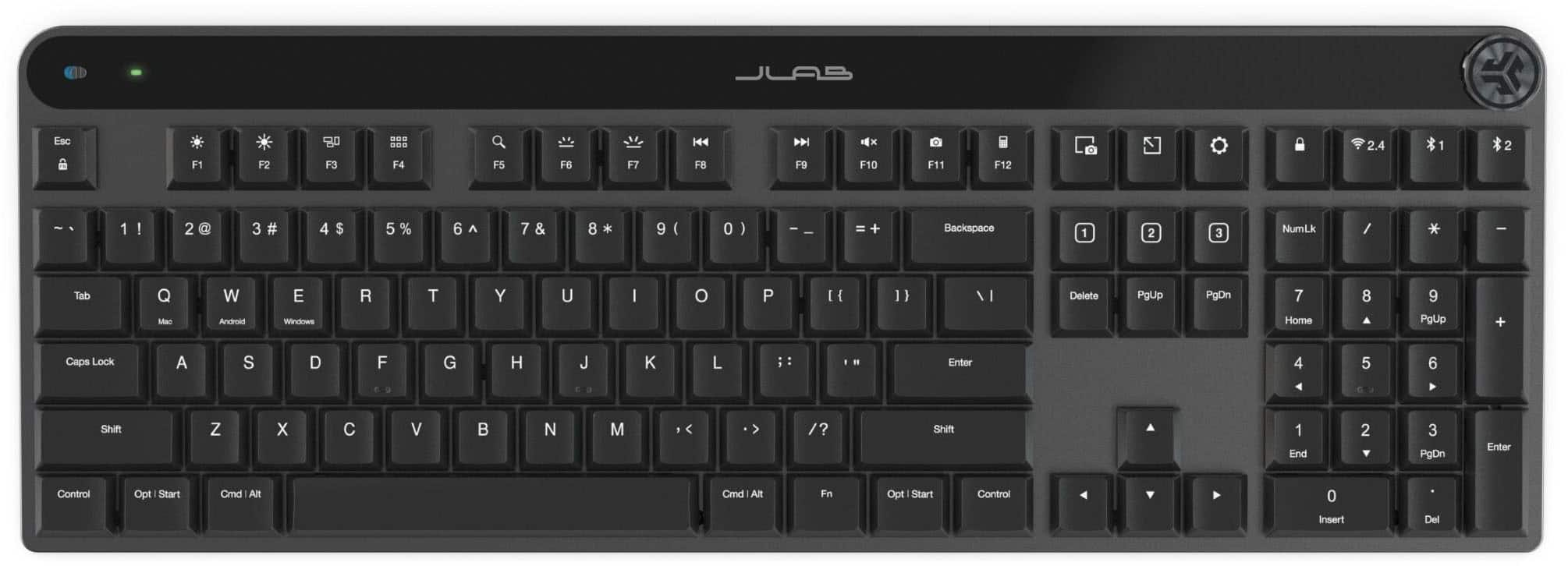
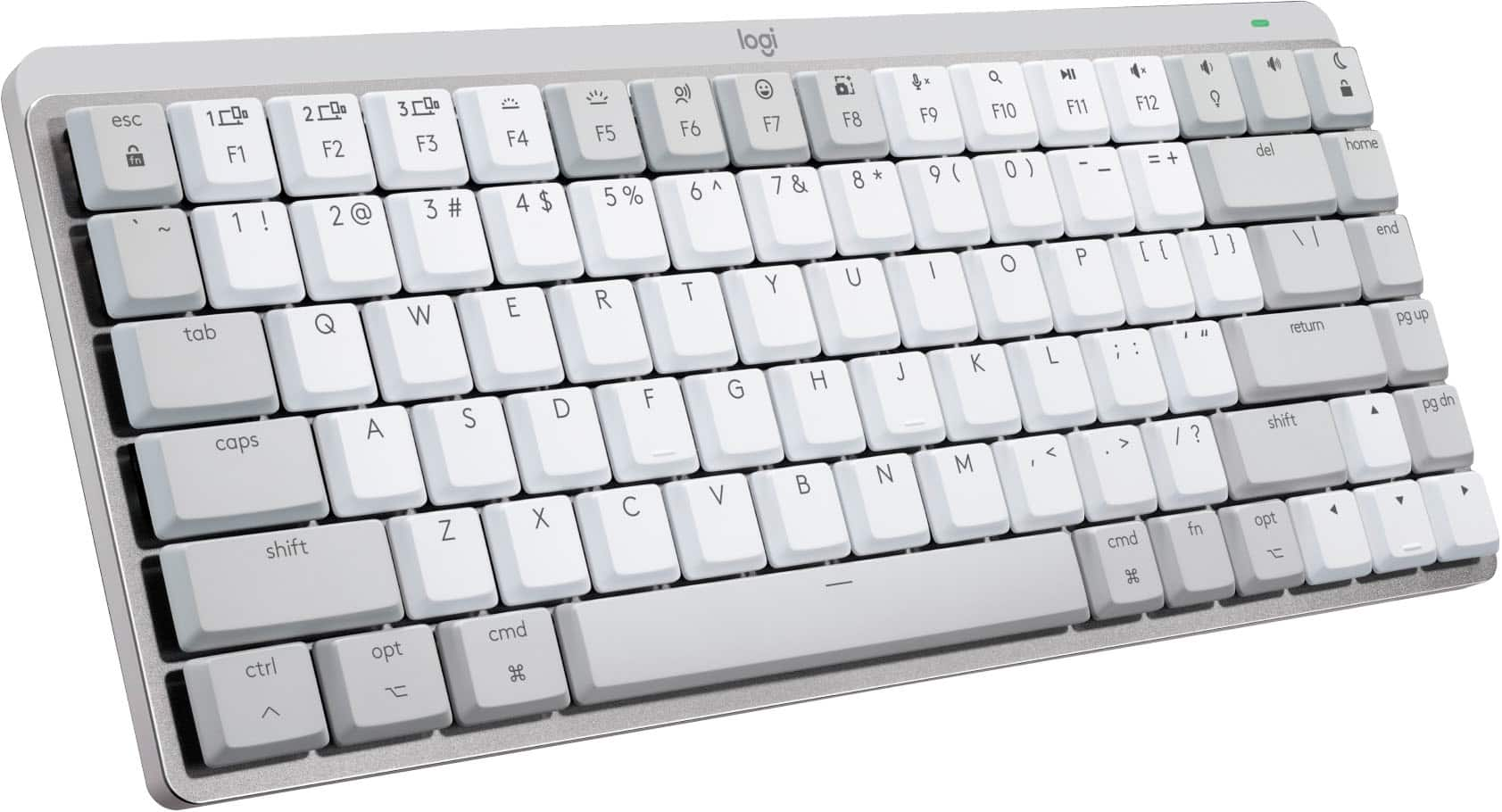
Compare layout, switch feel, noise level and operating system compatibility. A full-size keyboard includes a number pad, while a compact layout leaves more desk space for your mouse. Check that frequently used symbols and navigation keys are easy to access. Mechanical switches are a preference, not a requirement for coding.
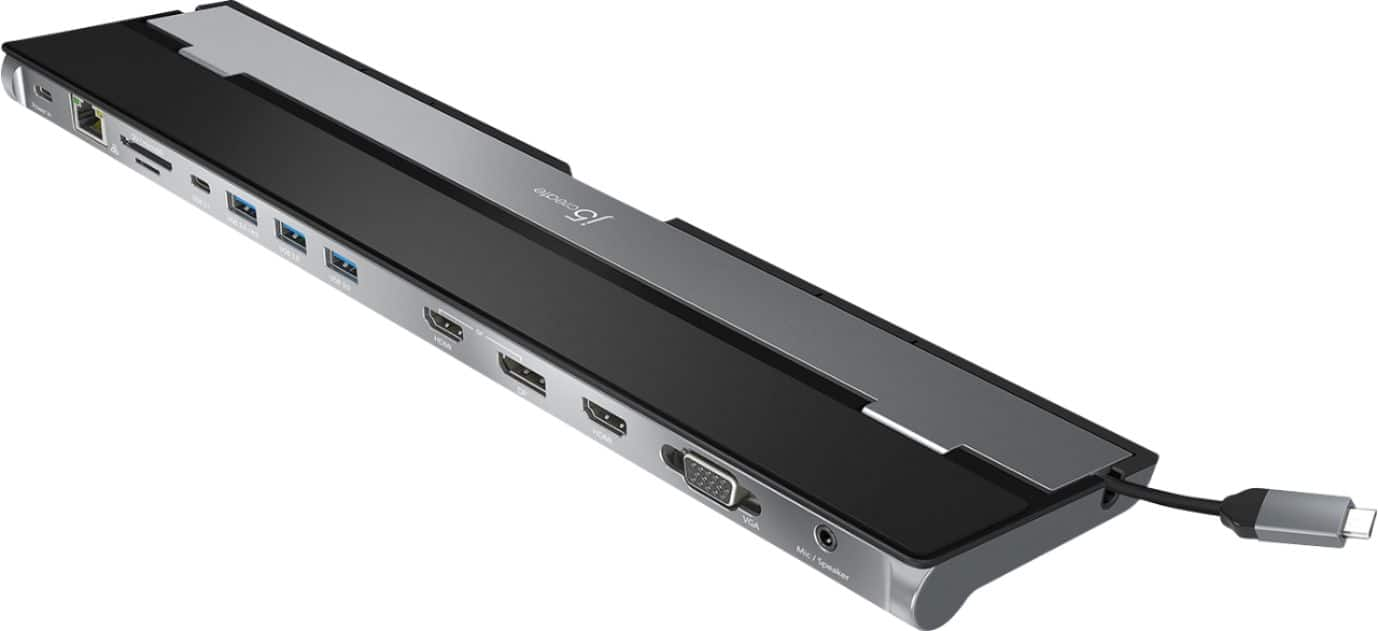
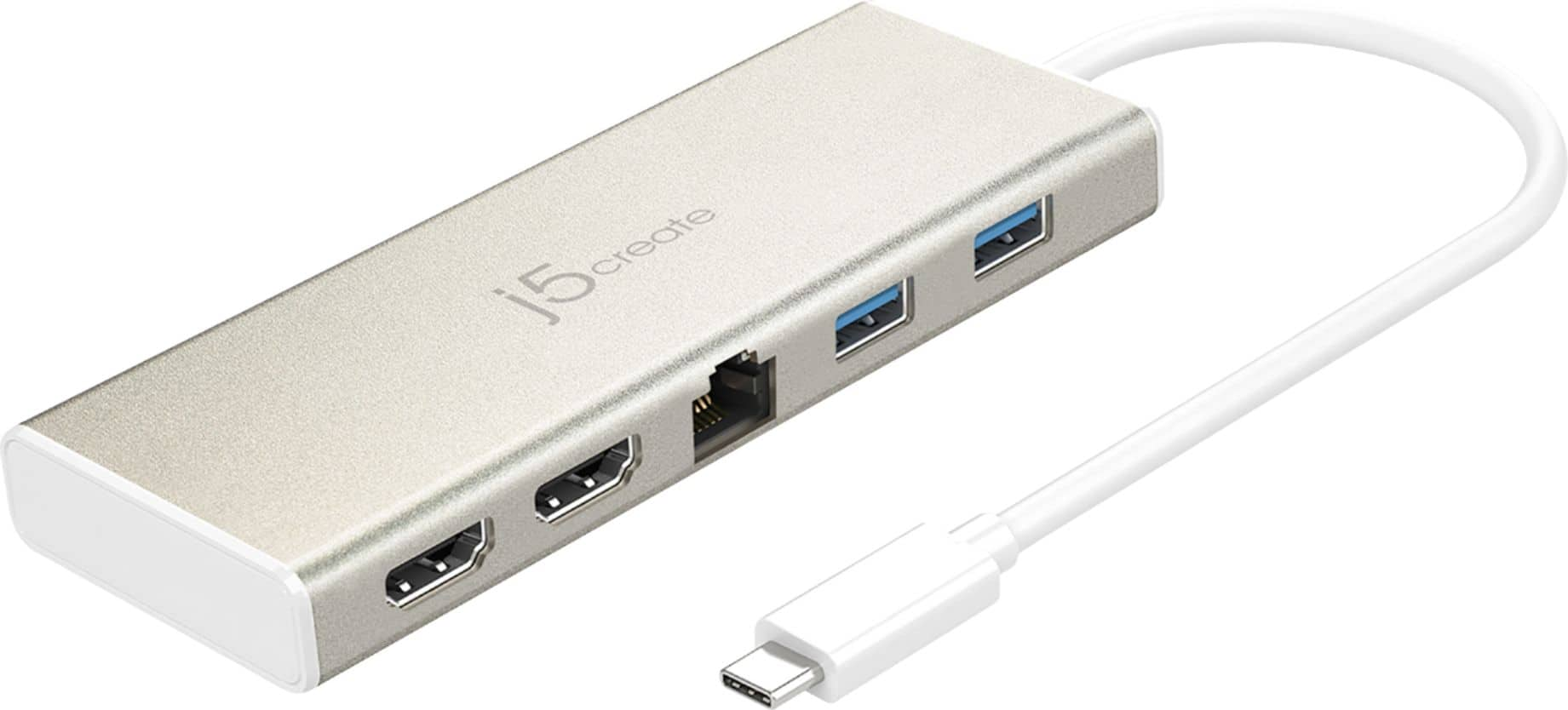
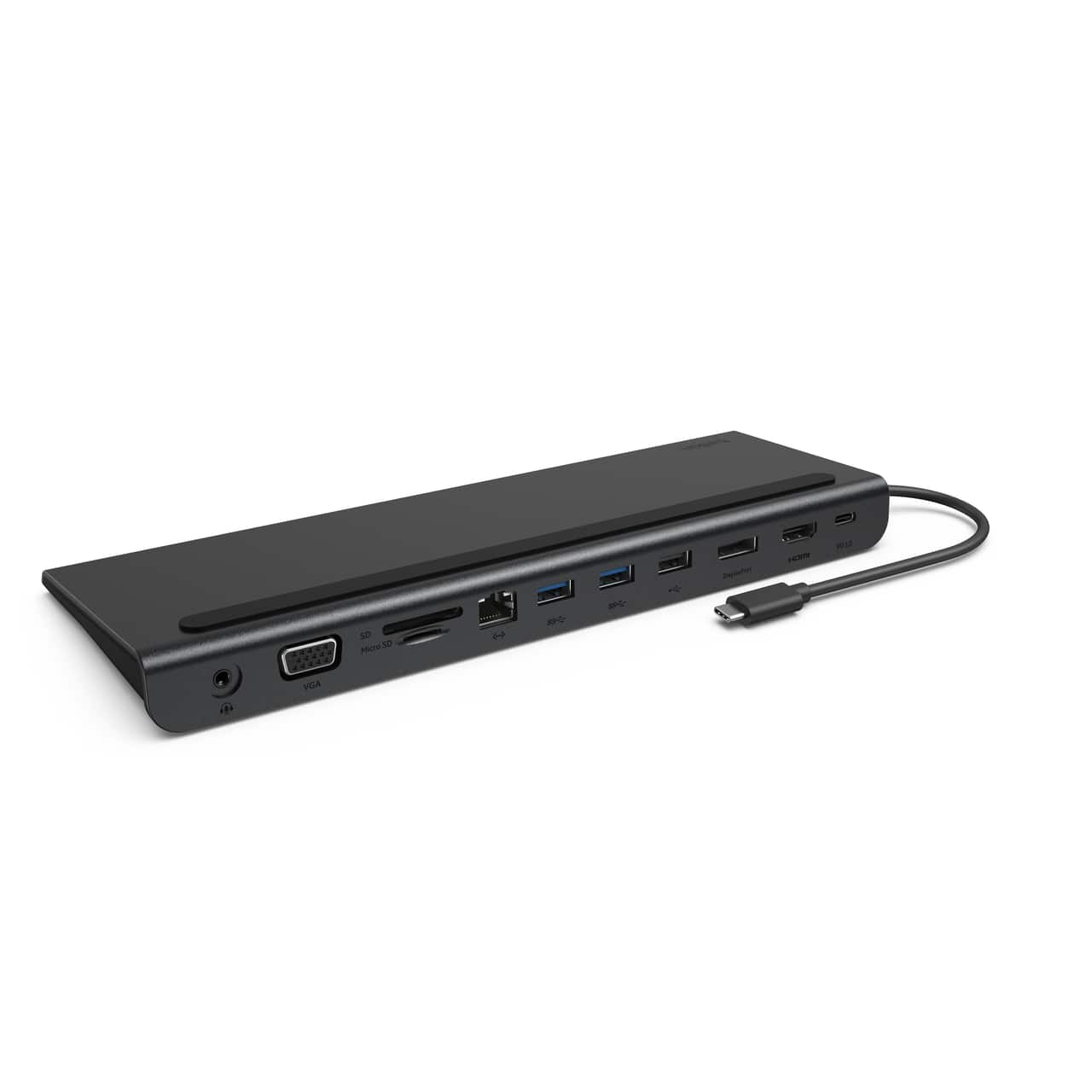
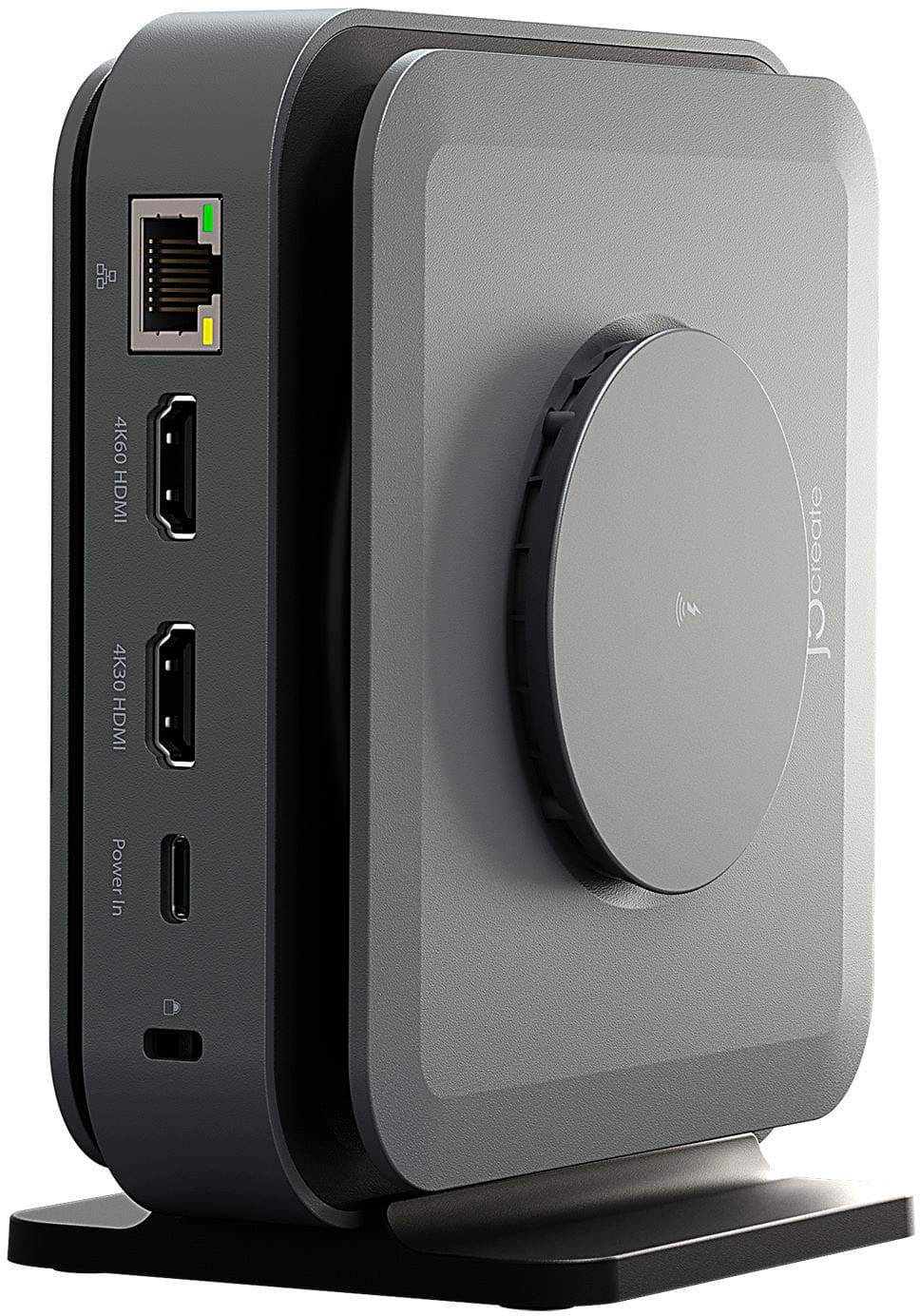
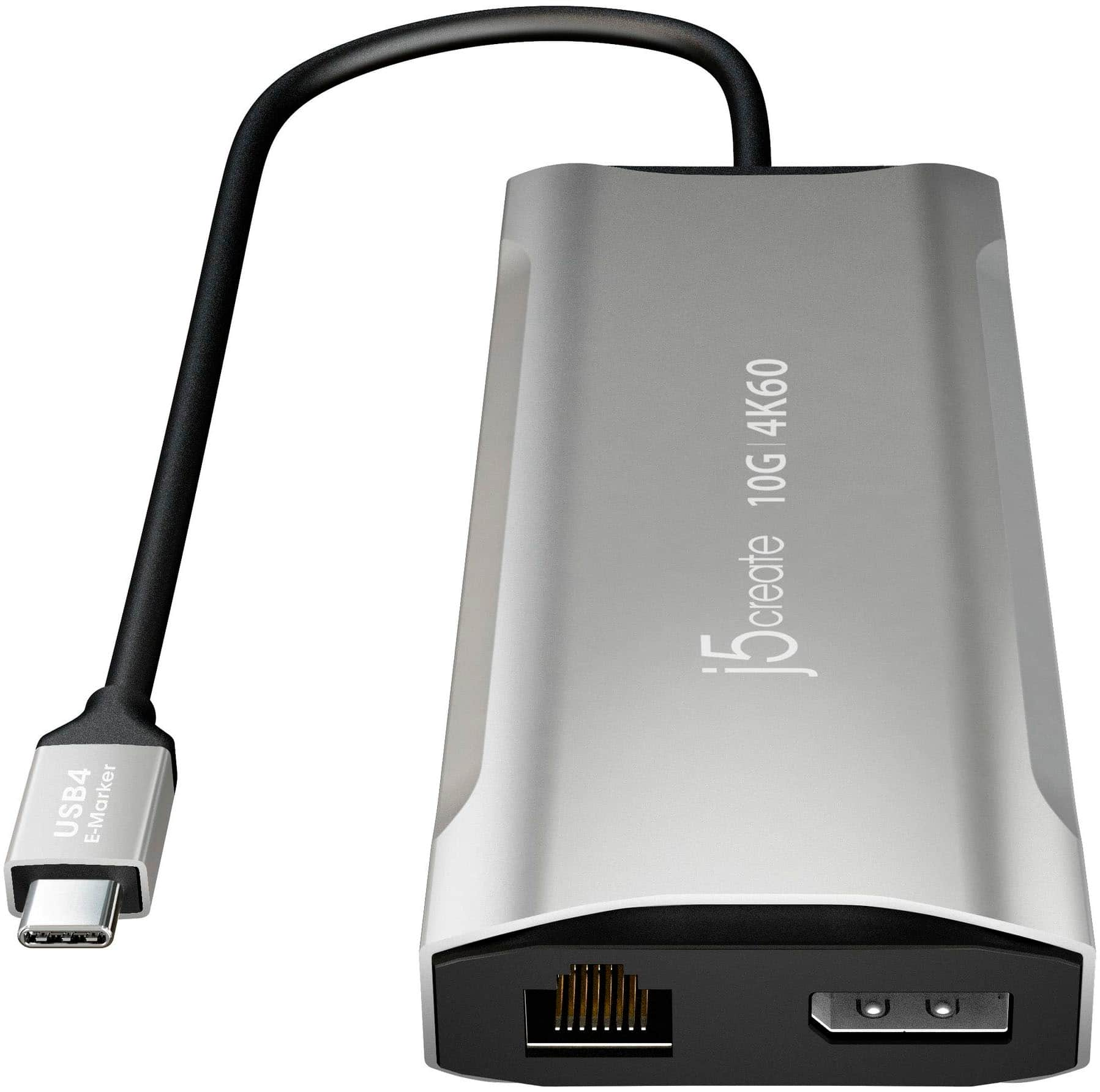
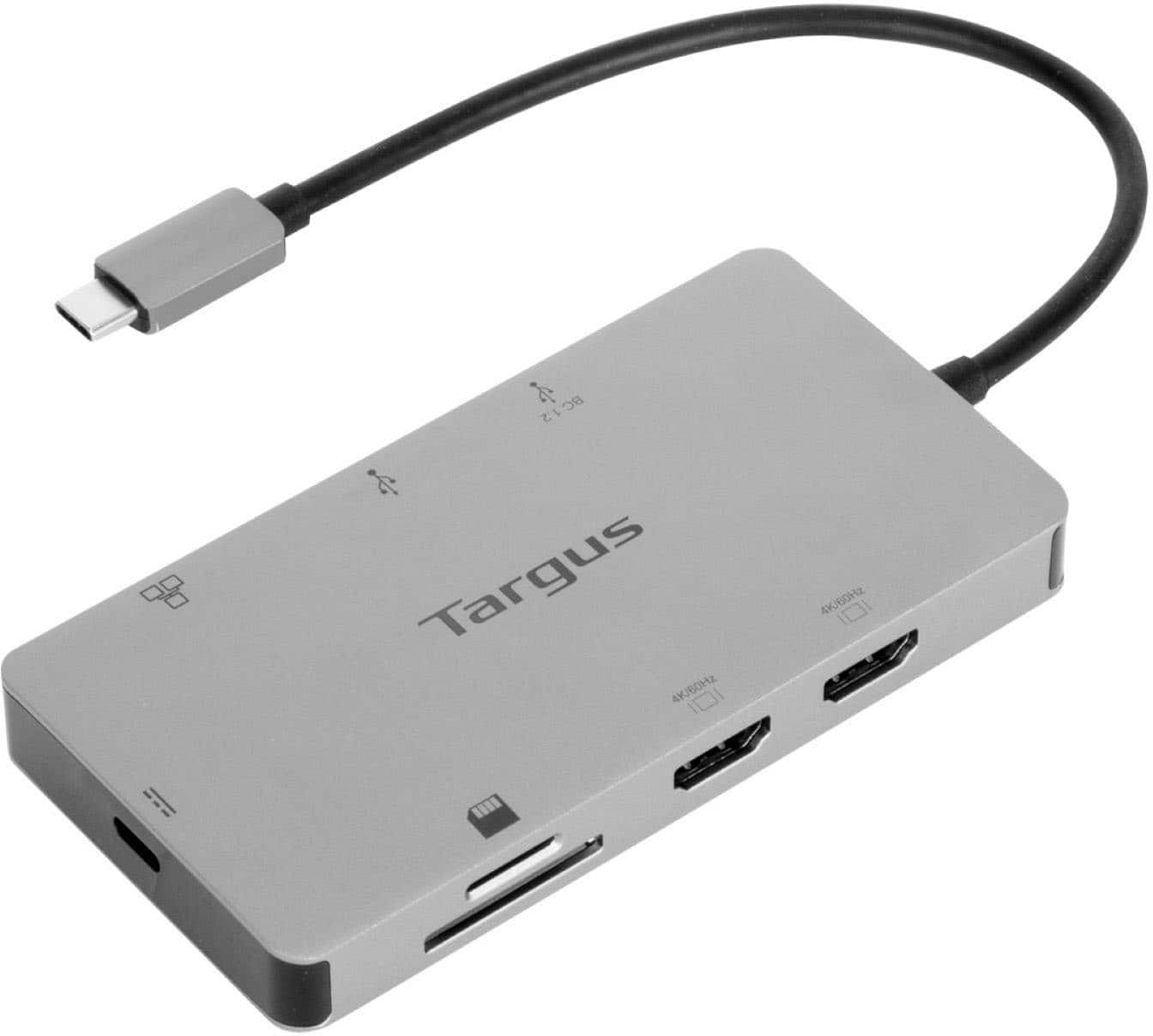
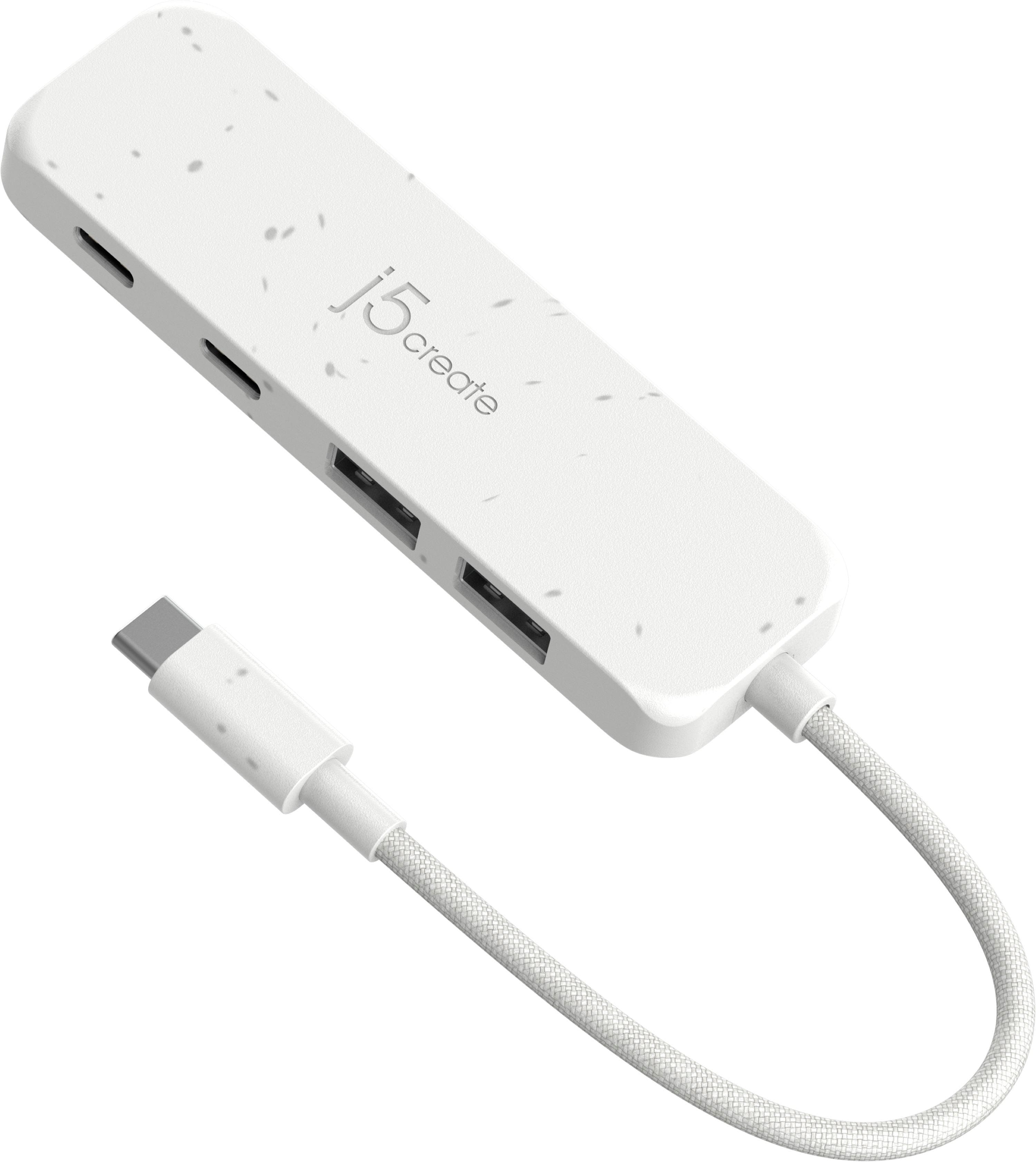
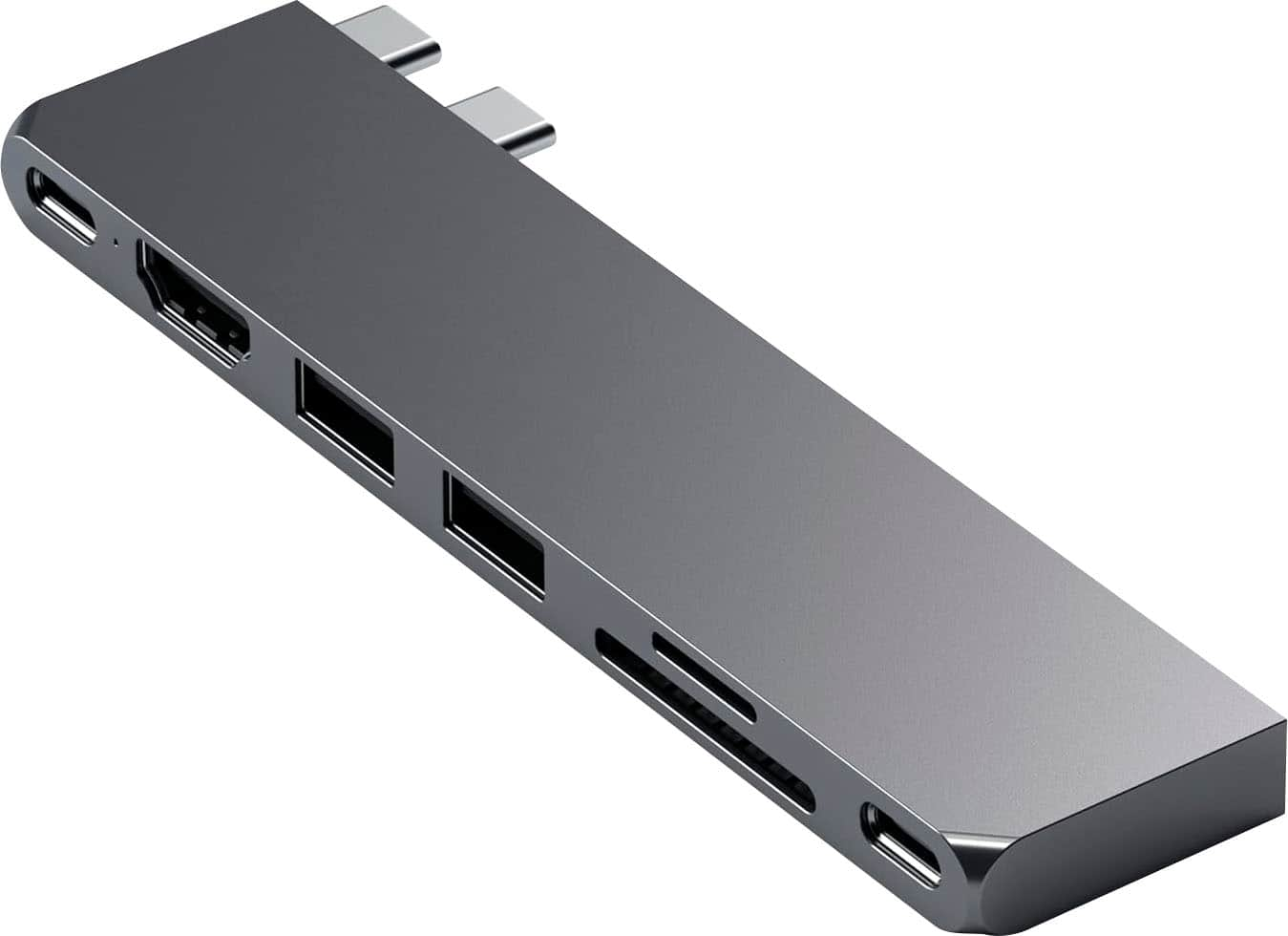
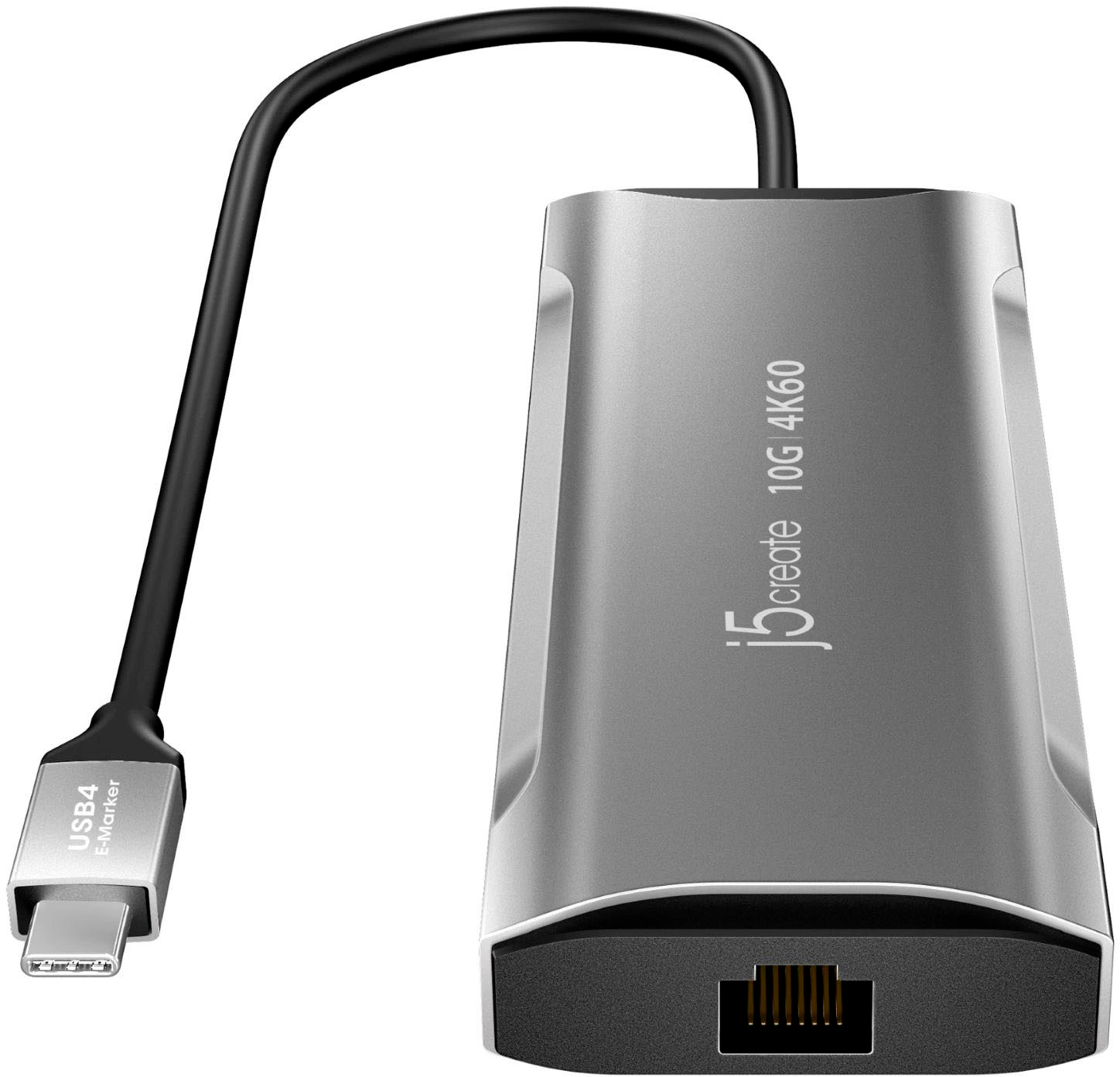
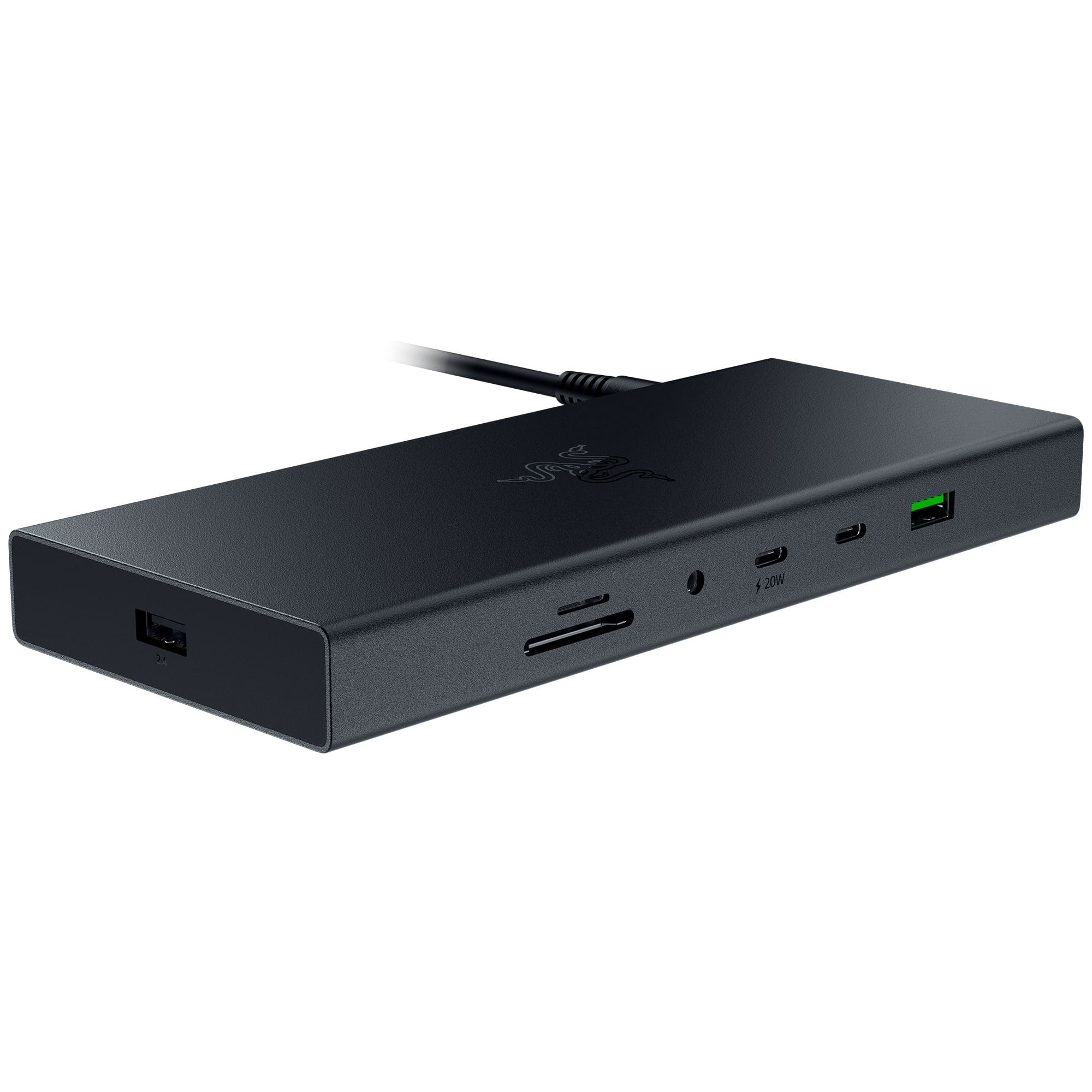
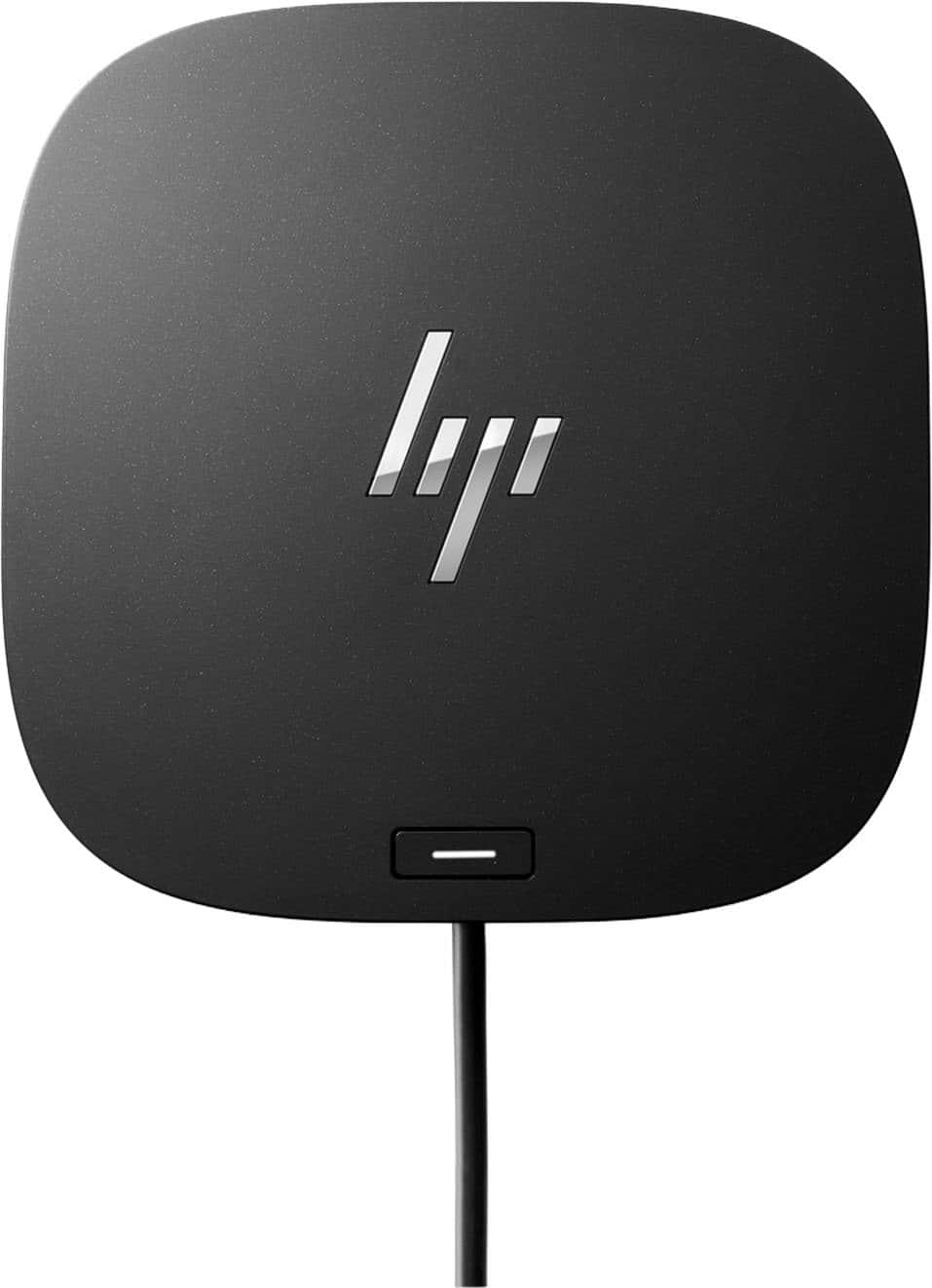
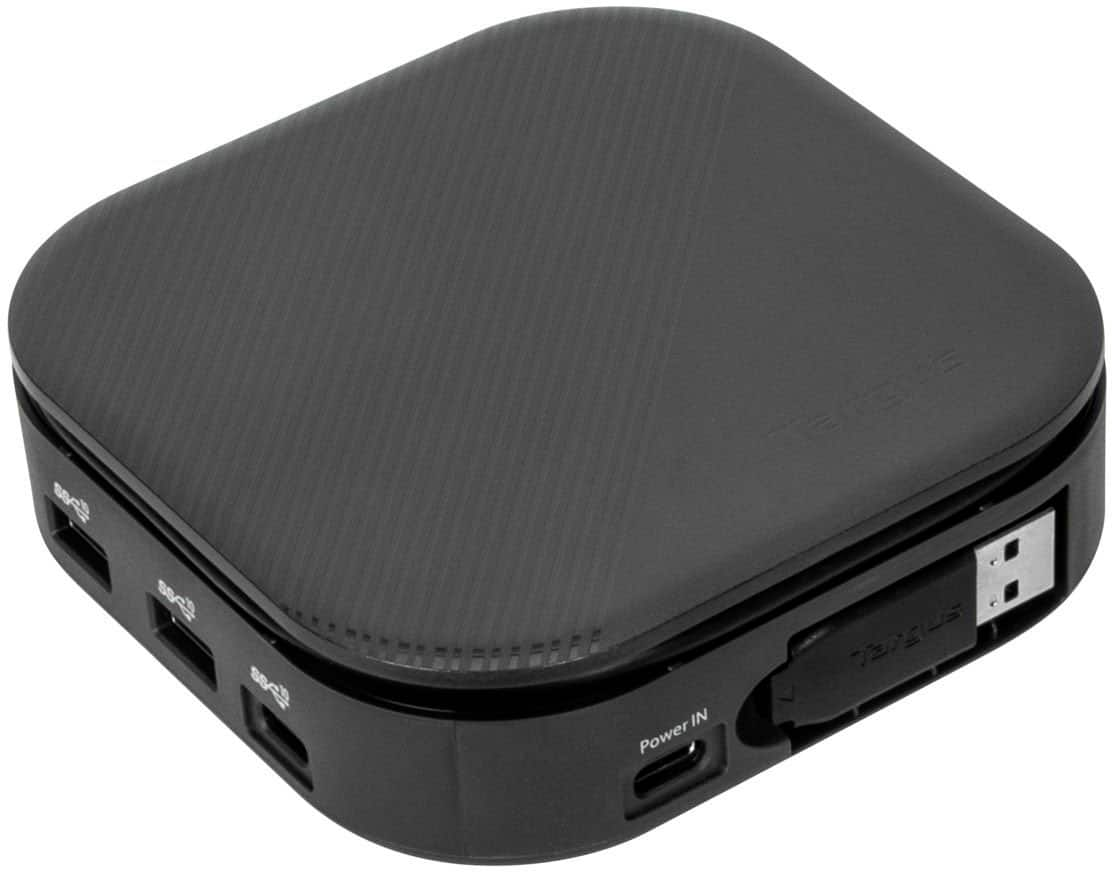
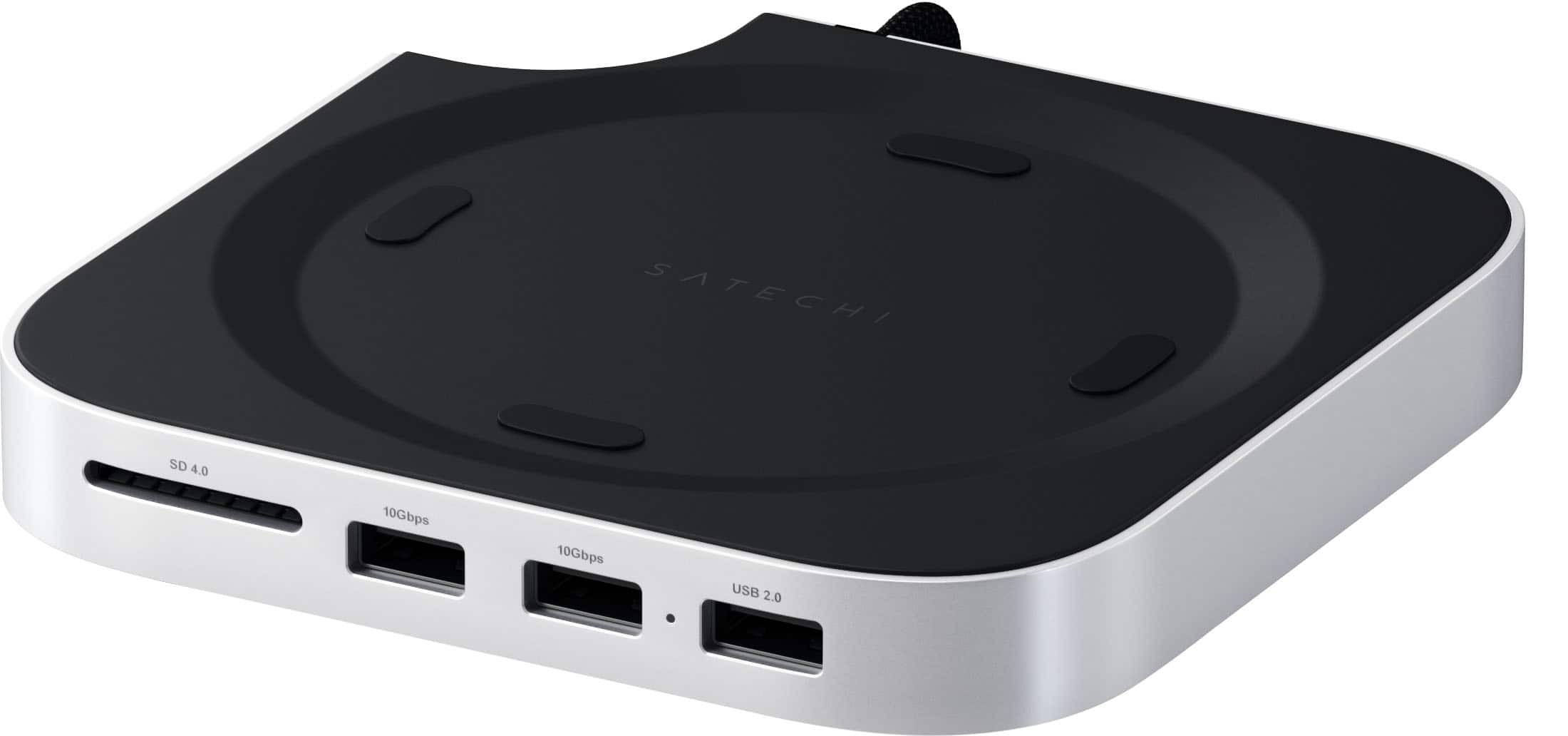
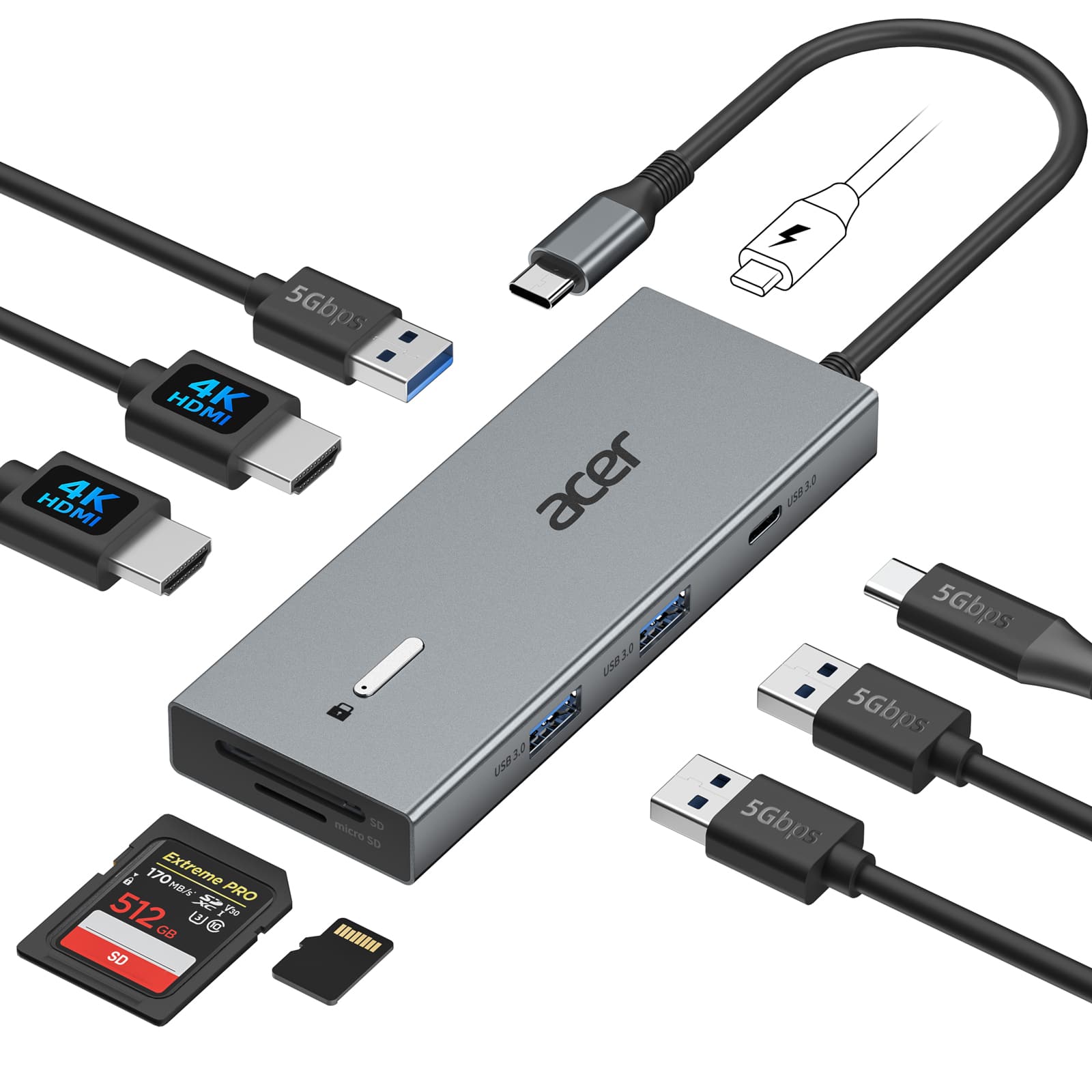
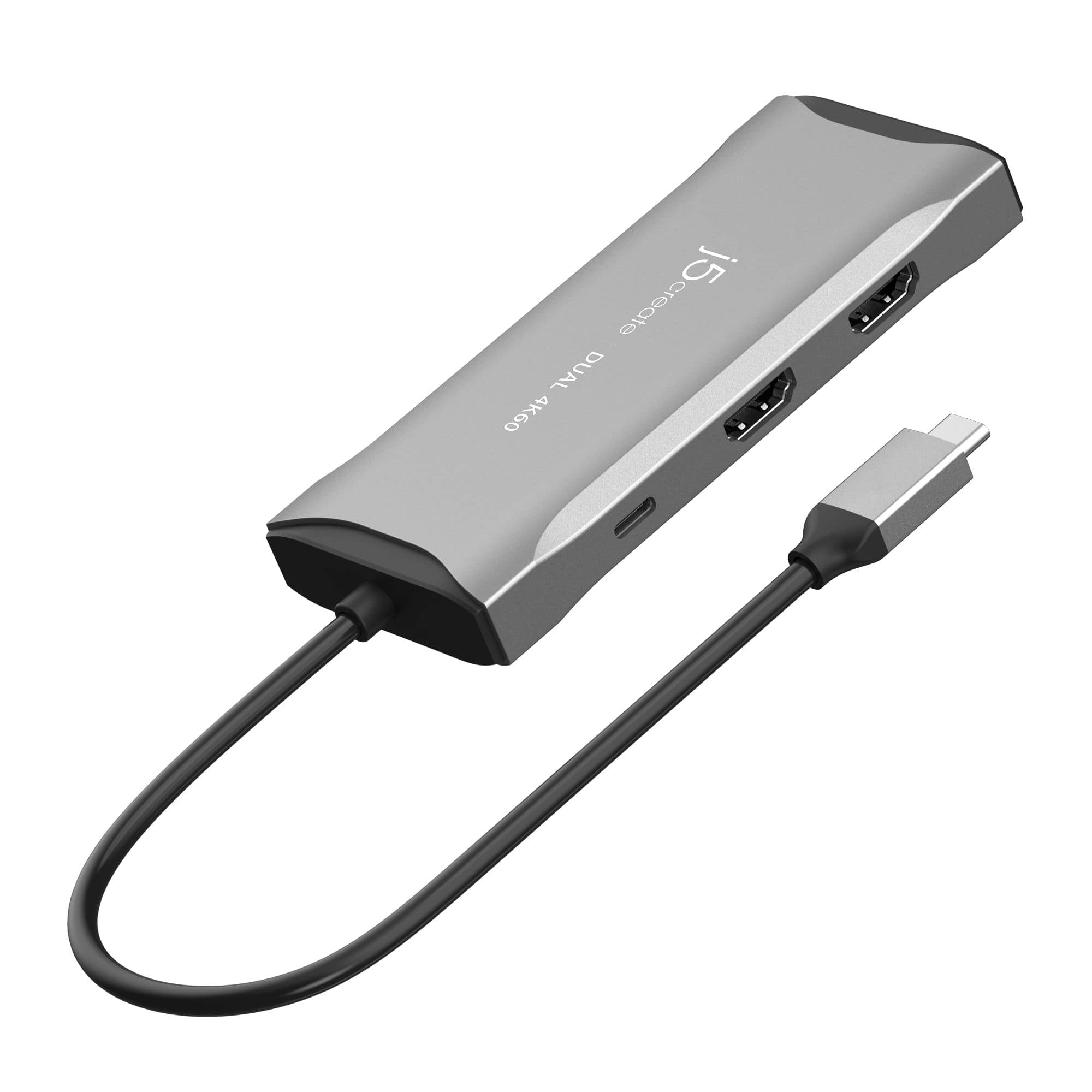
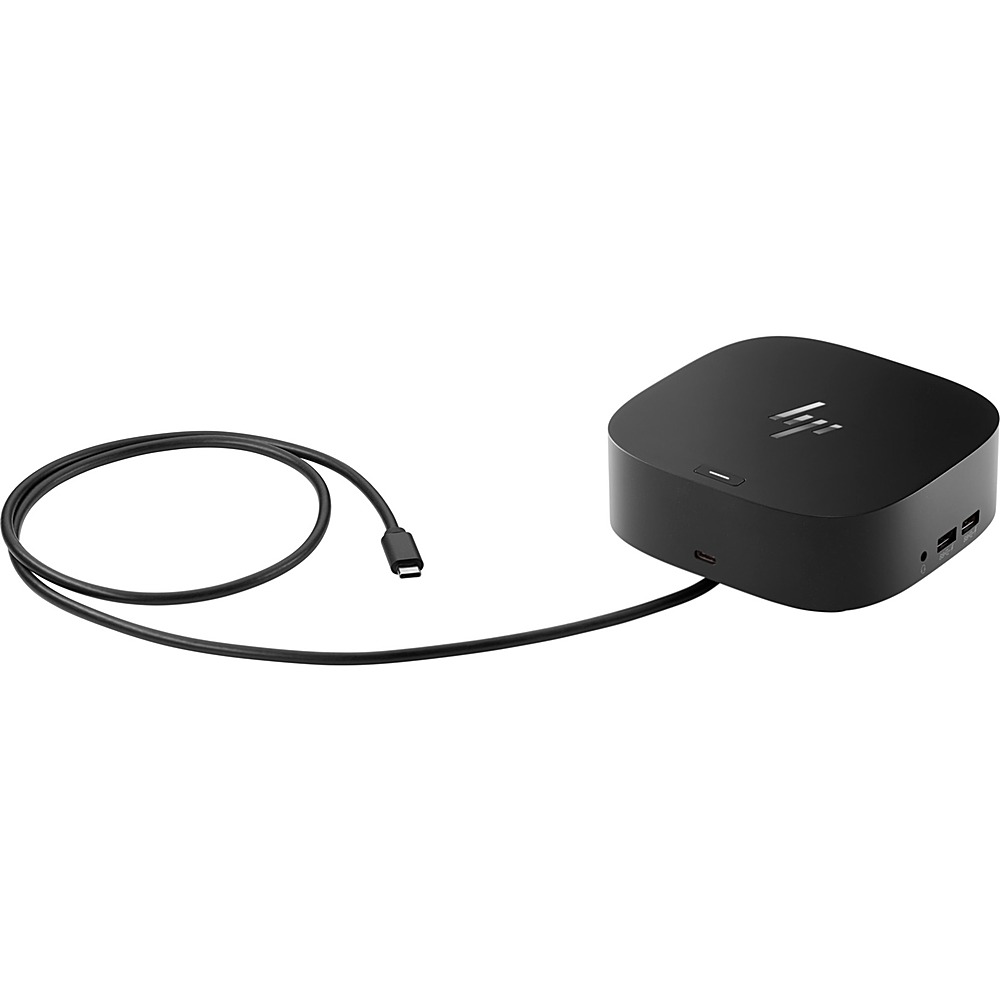
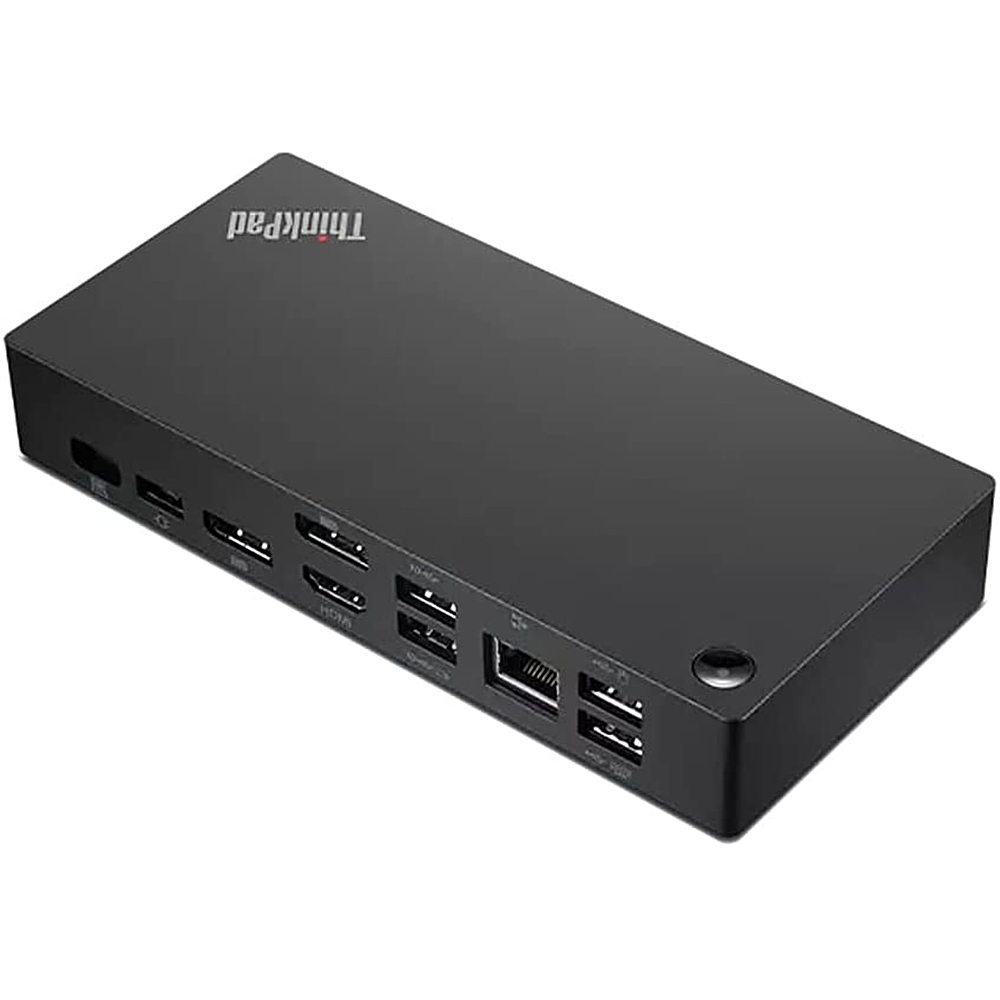
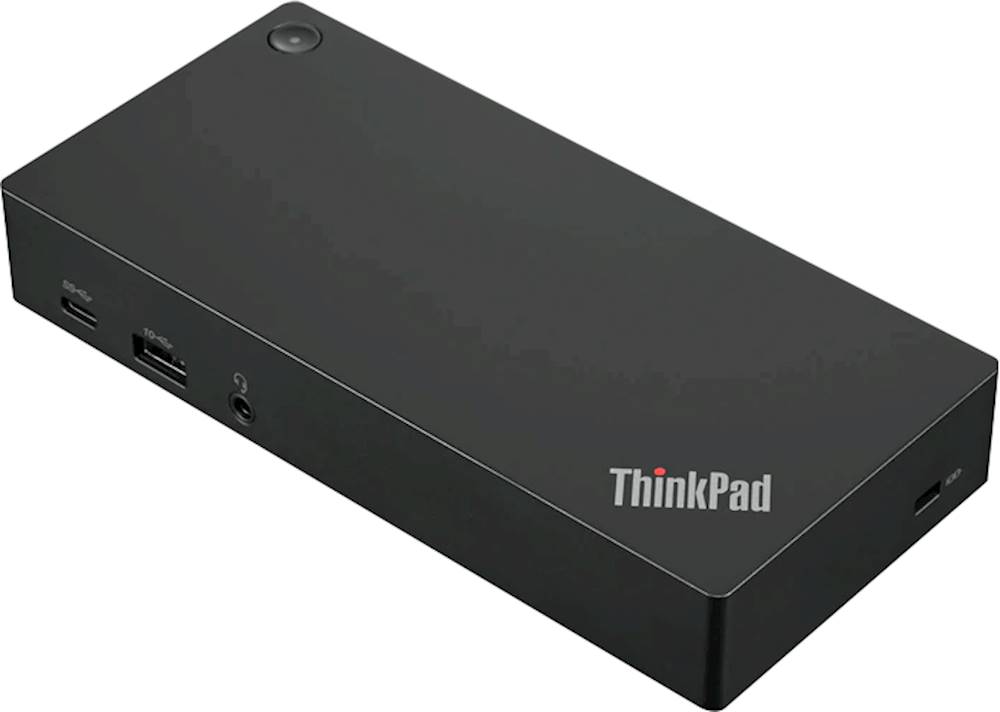
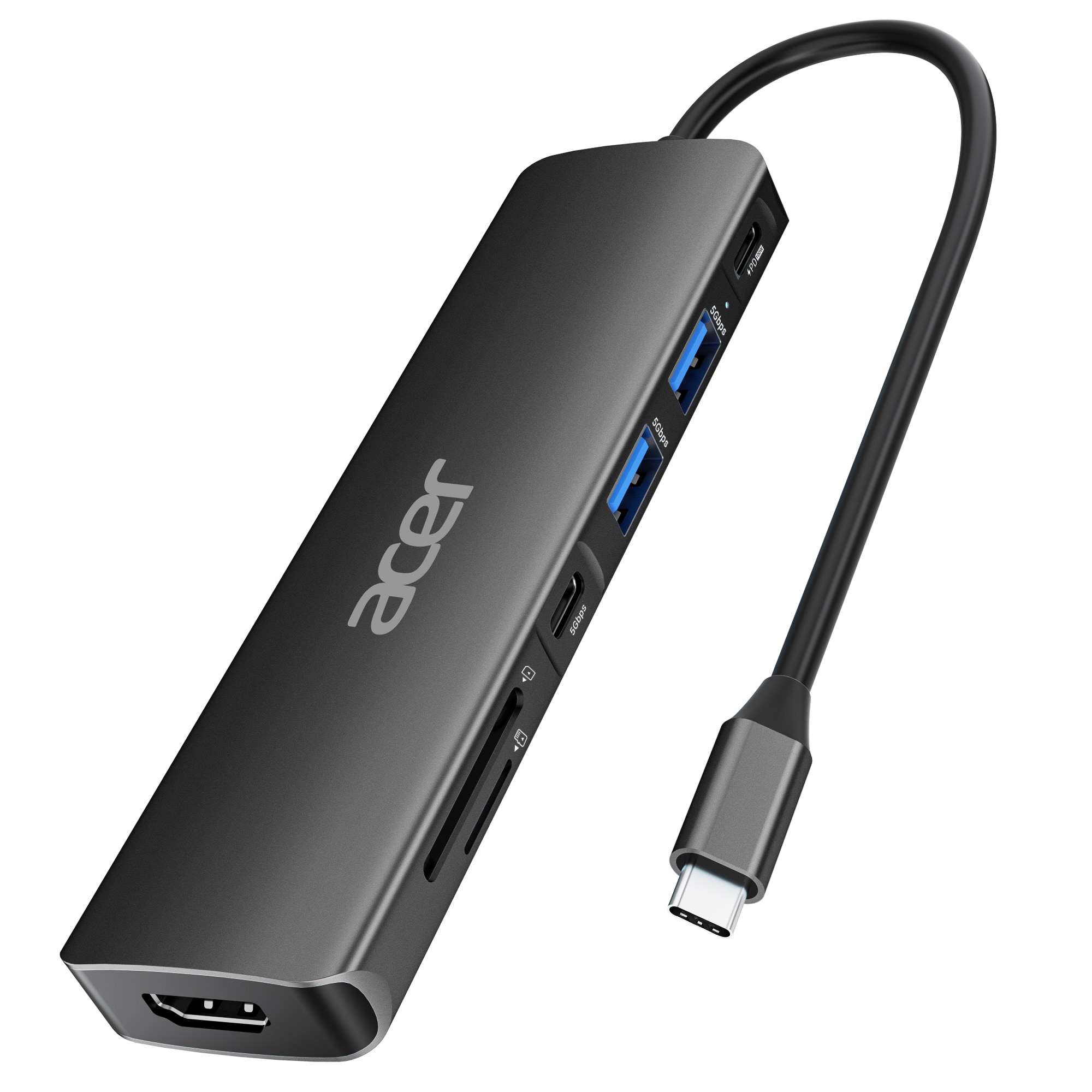
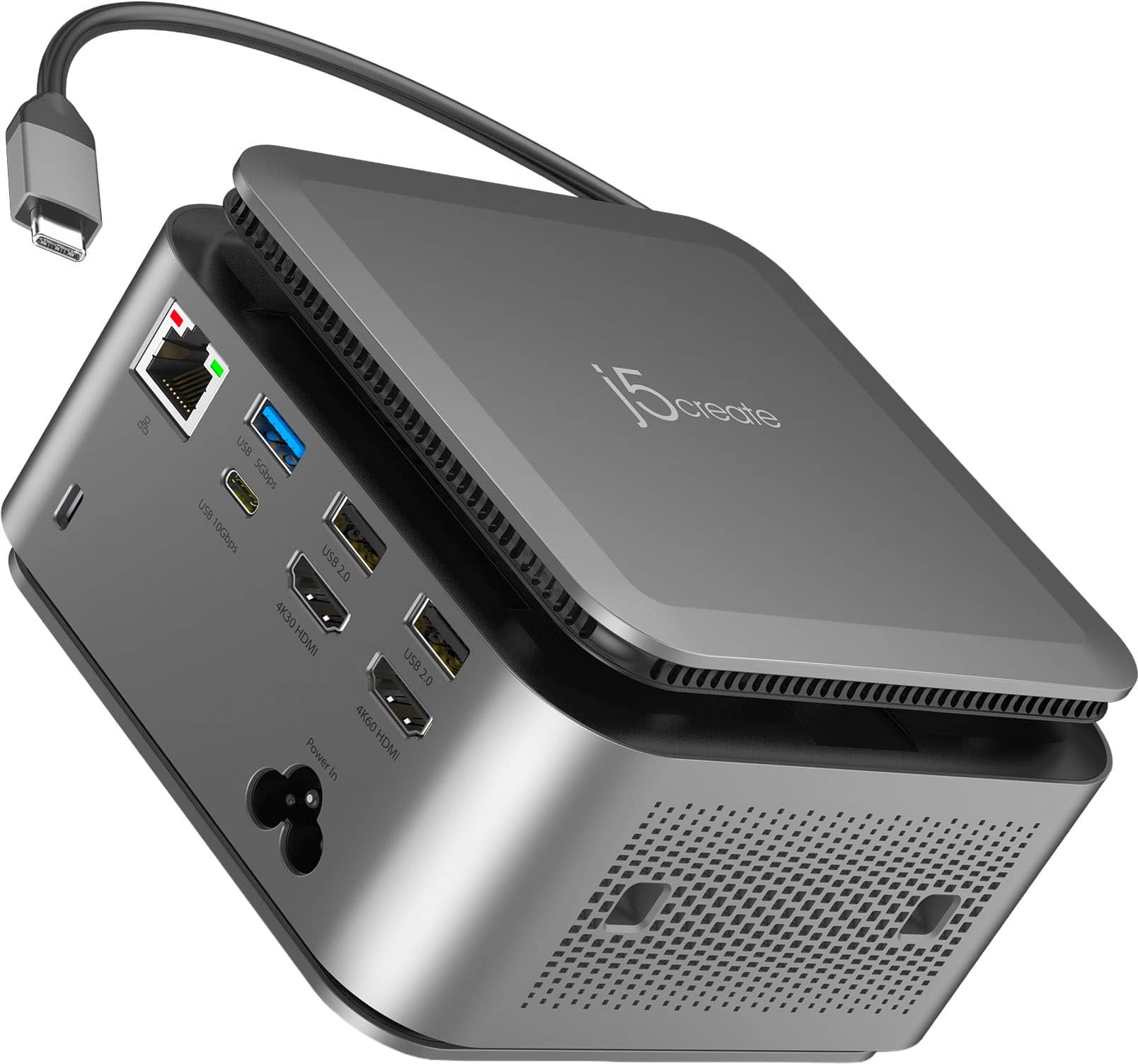
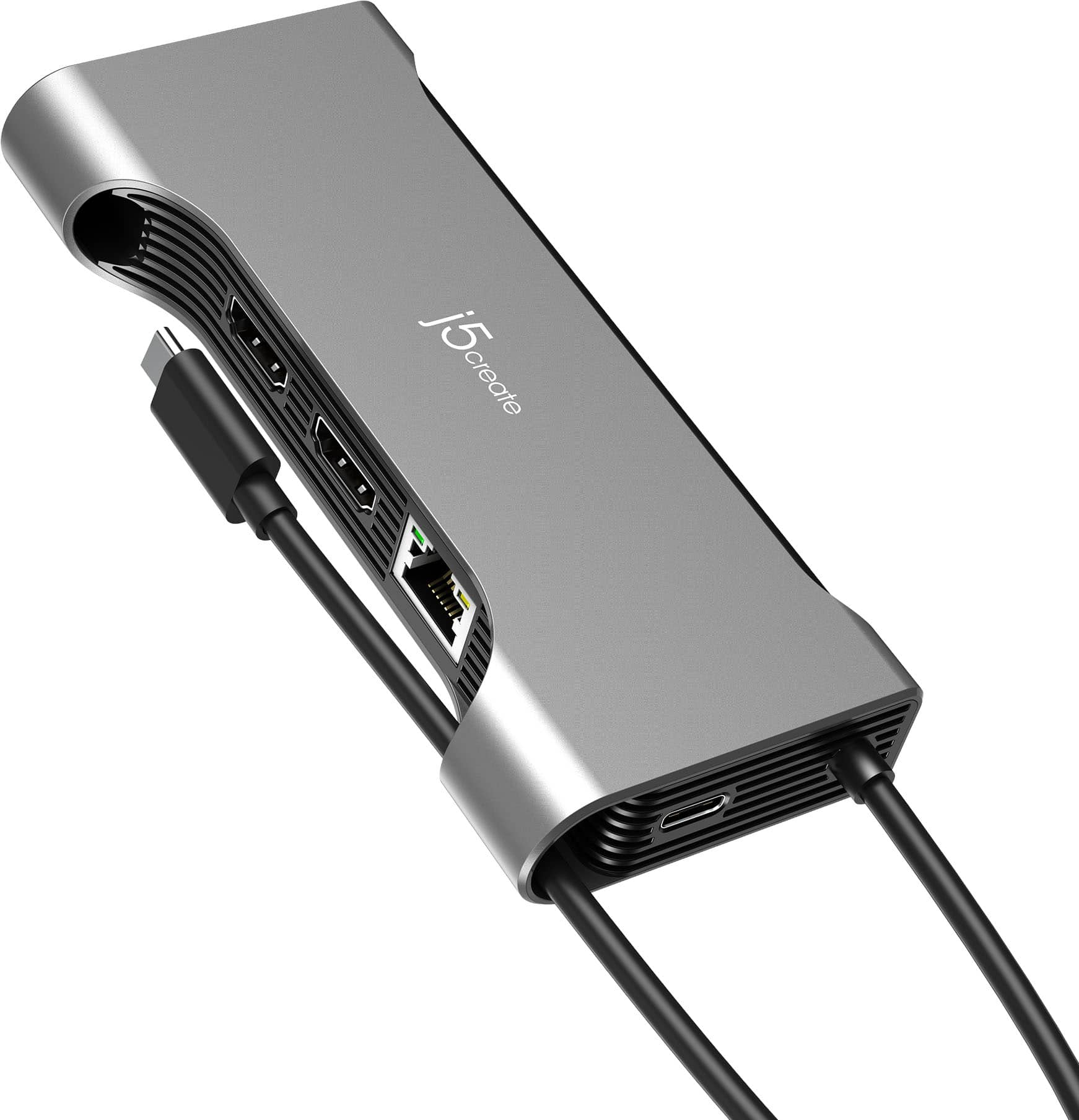
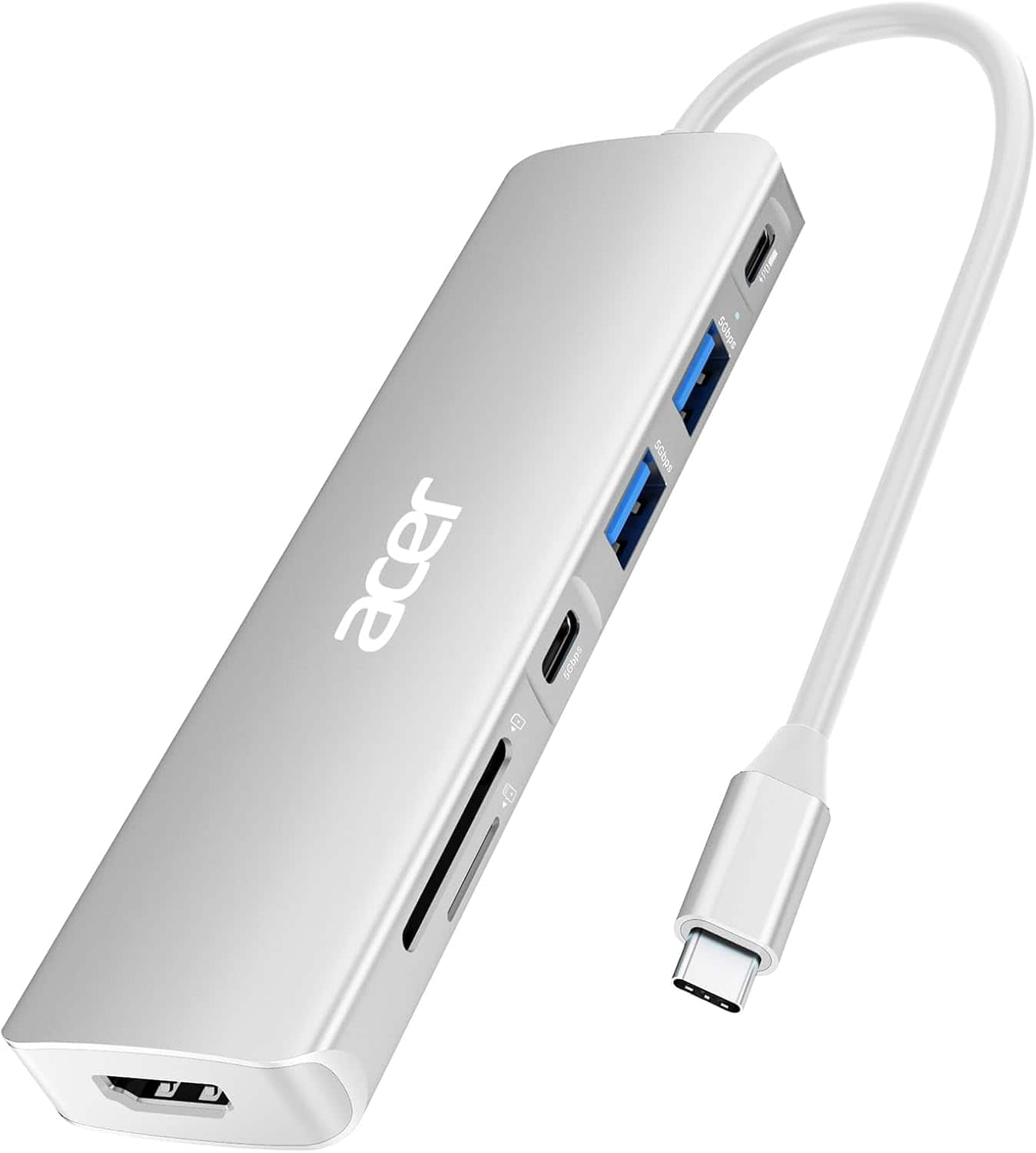
Check your laptop's exact port specifications before choosing a dock. A USB-C connector alone does not guarantee support for video output, charging or Thunderbolt features. Match the dock to your operating system, number of monitors, display resolutions and peripheral connections. If you want laptop charging, confirm the dock's power delivery meets your laptop's requirements.
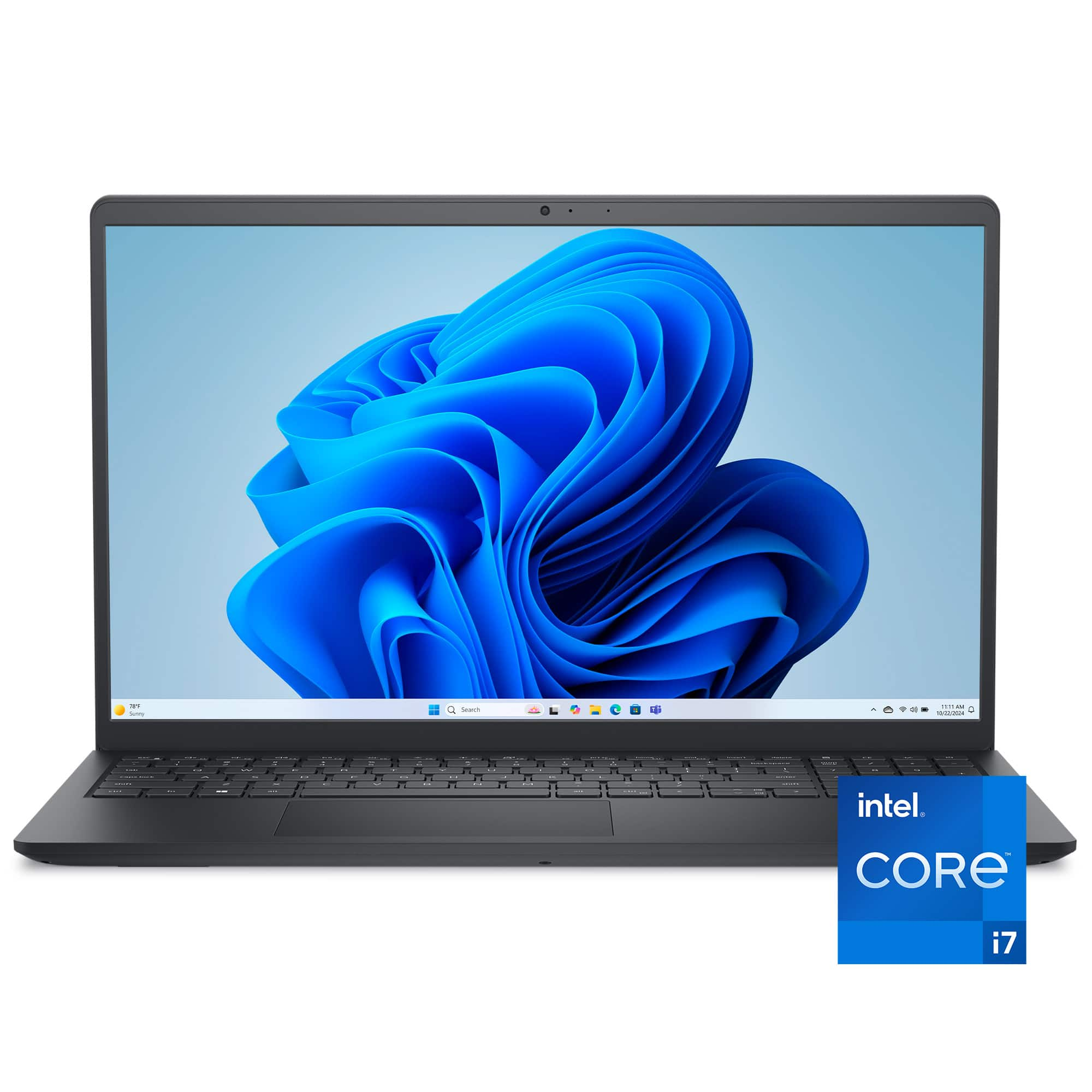
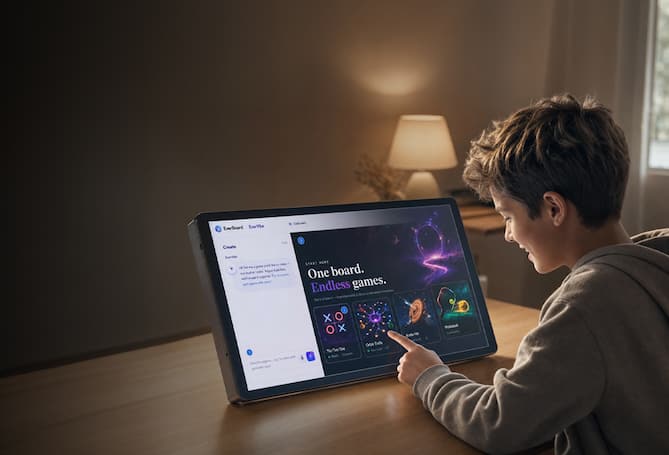
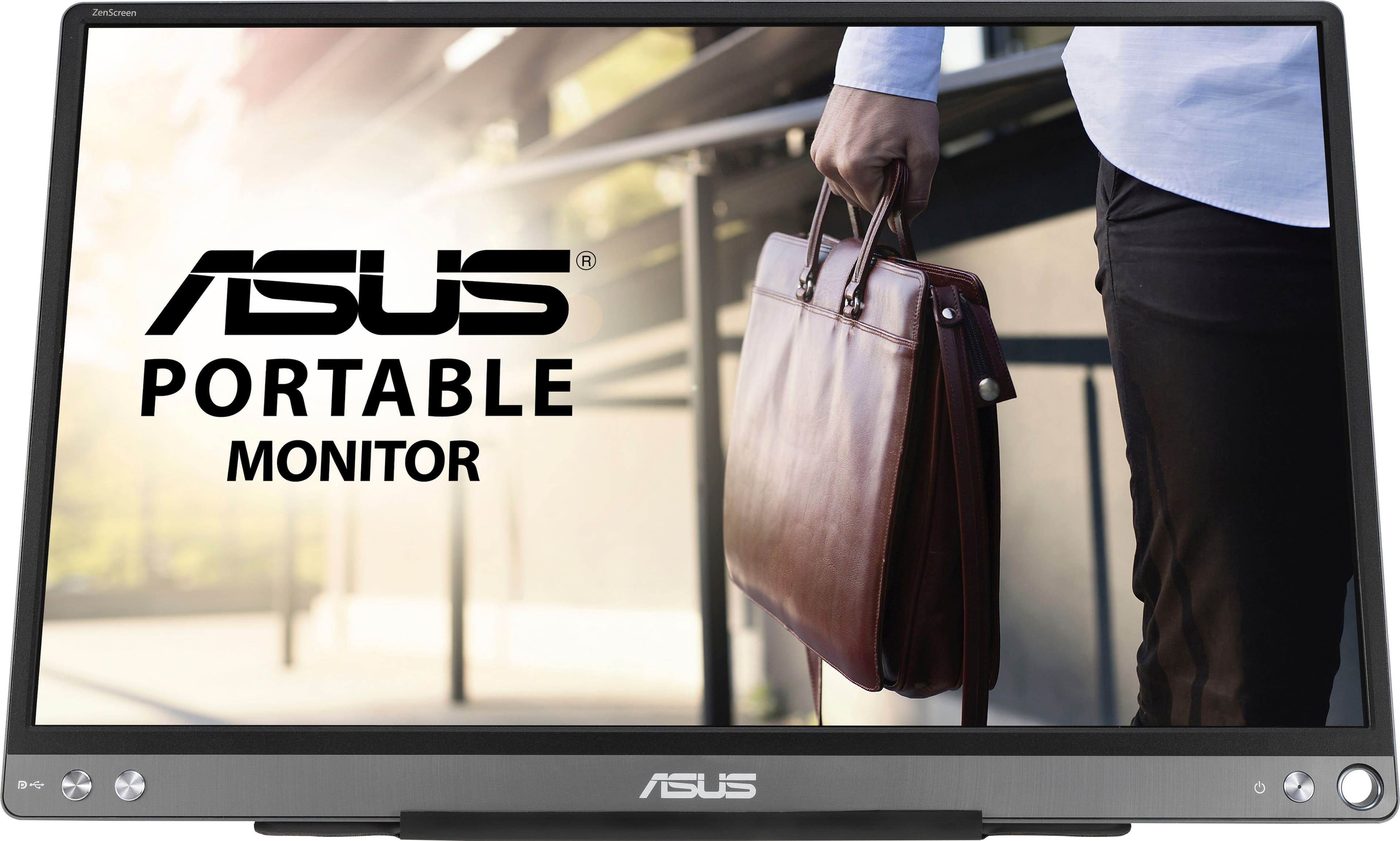
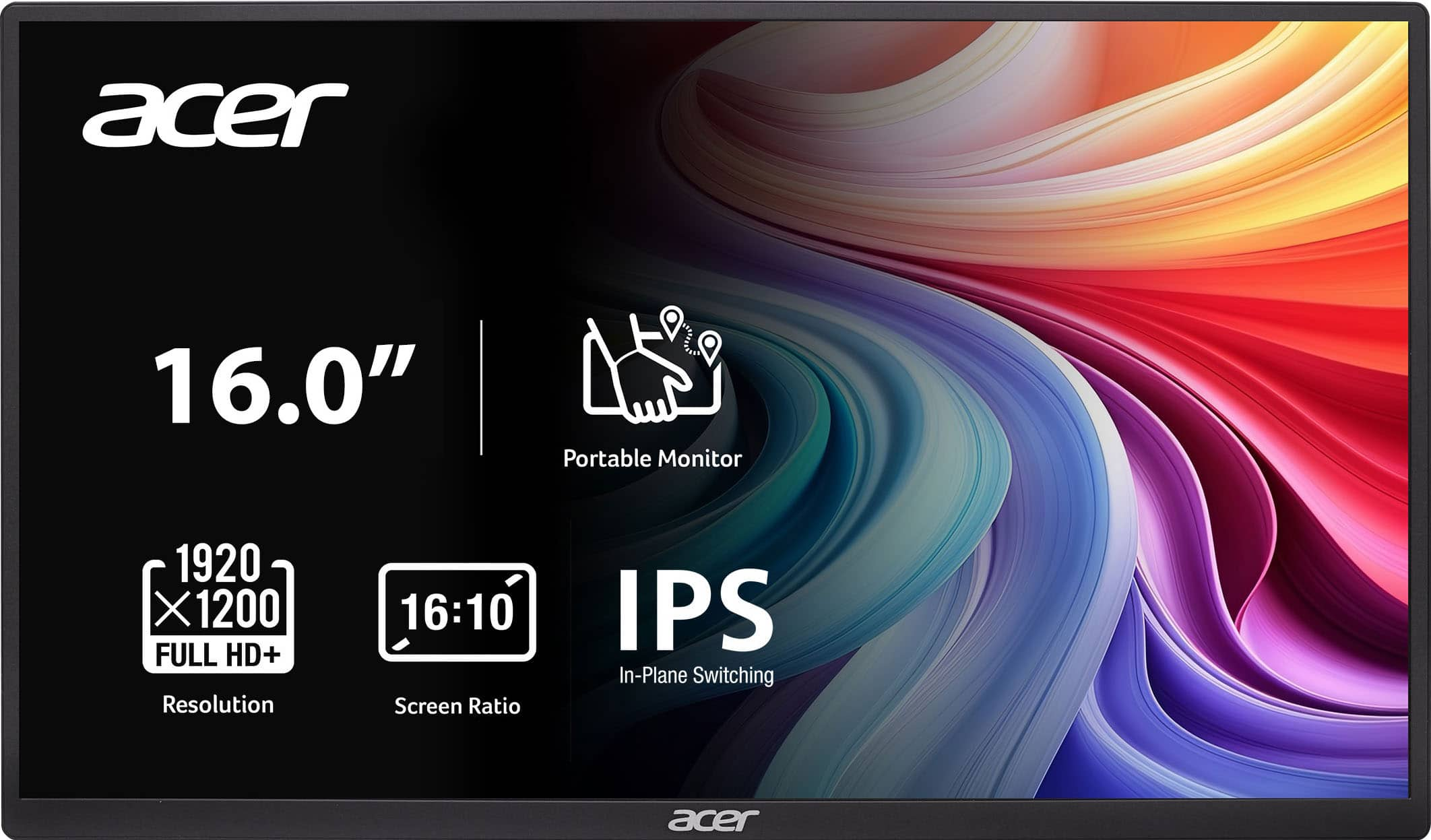
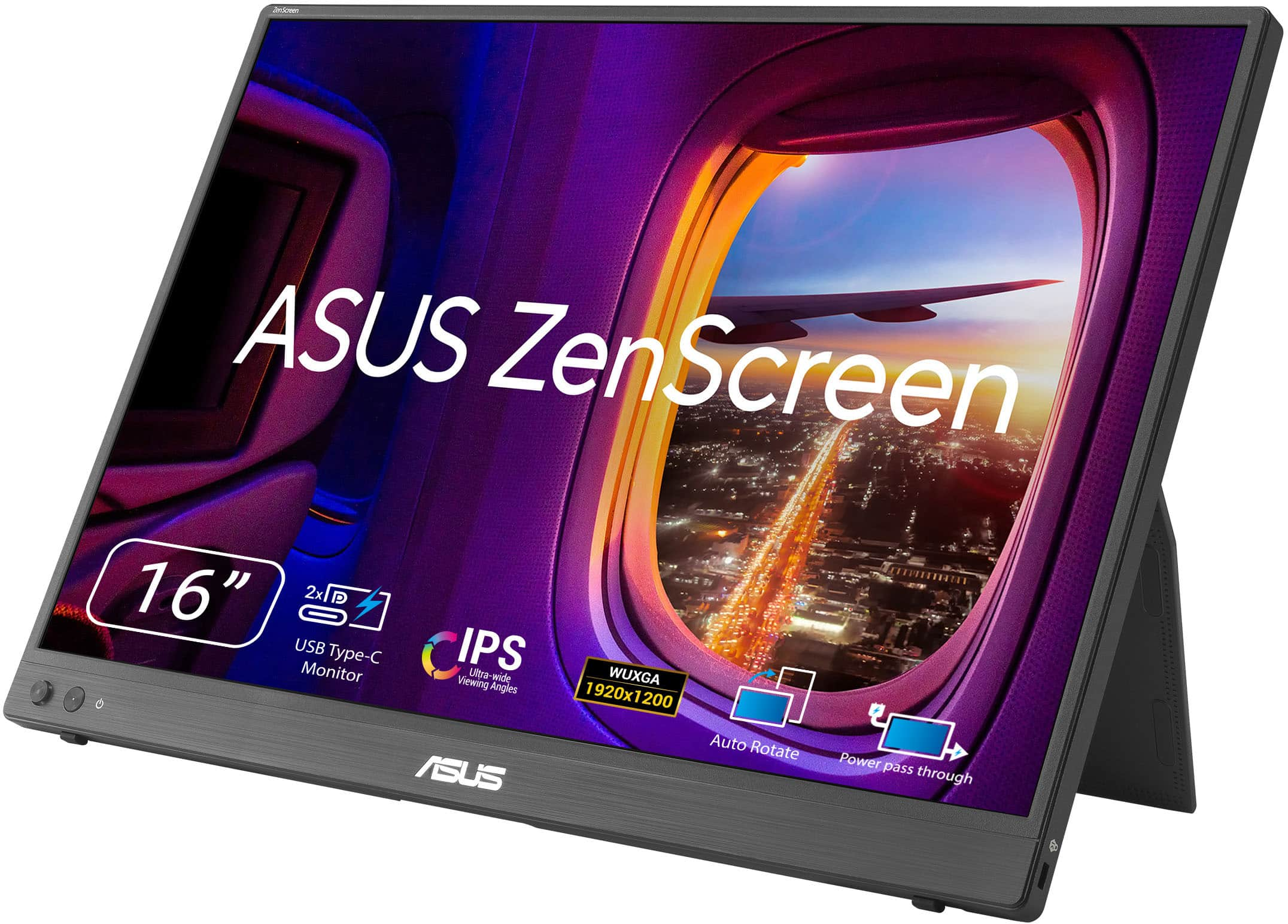
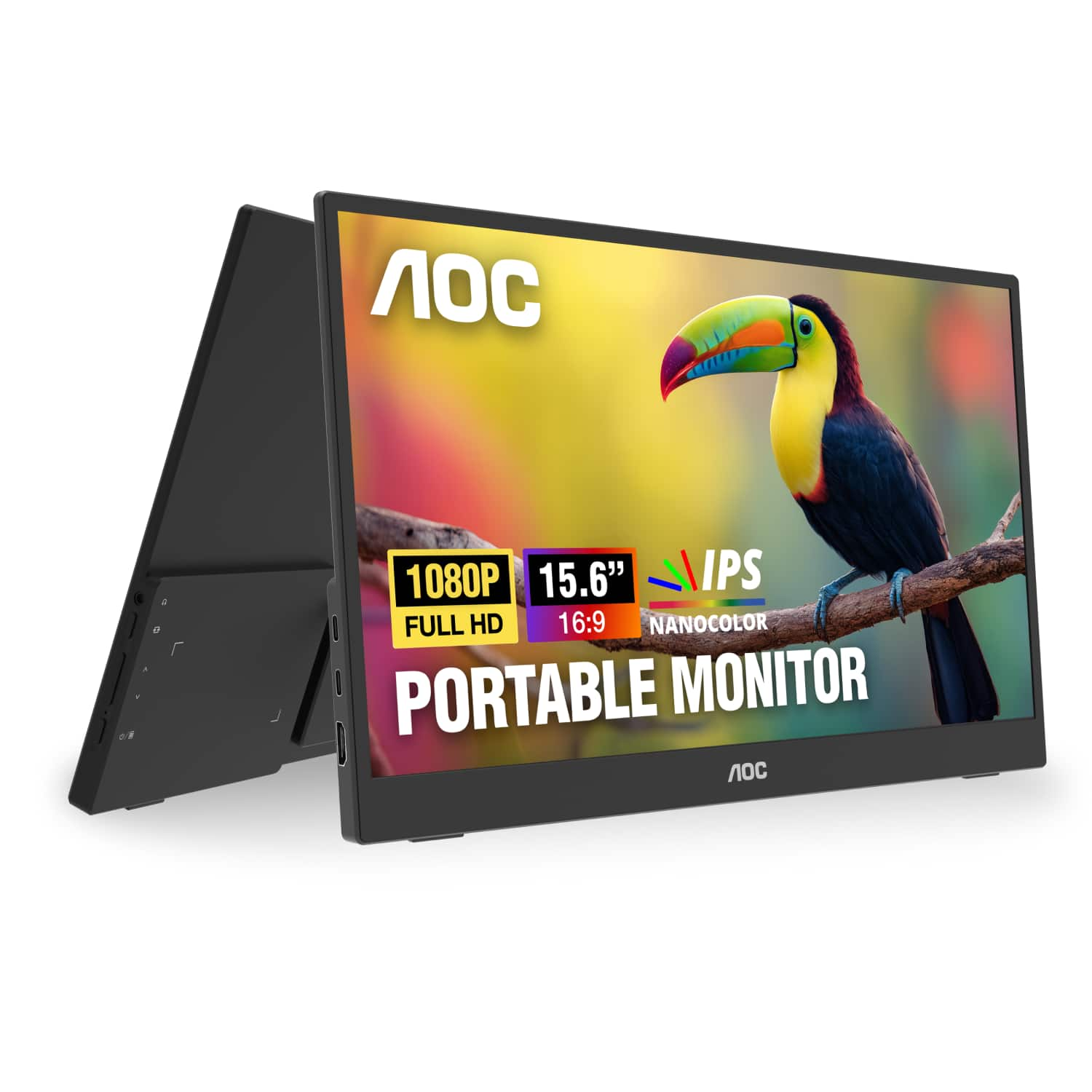
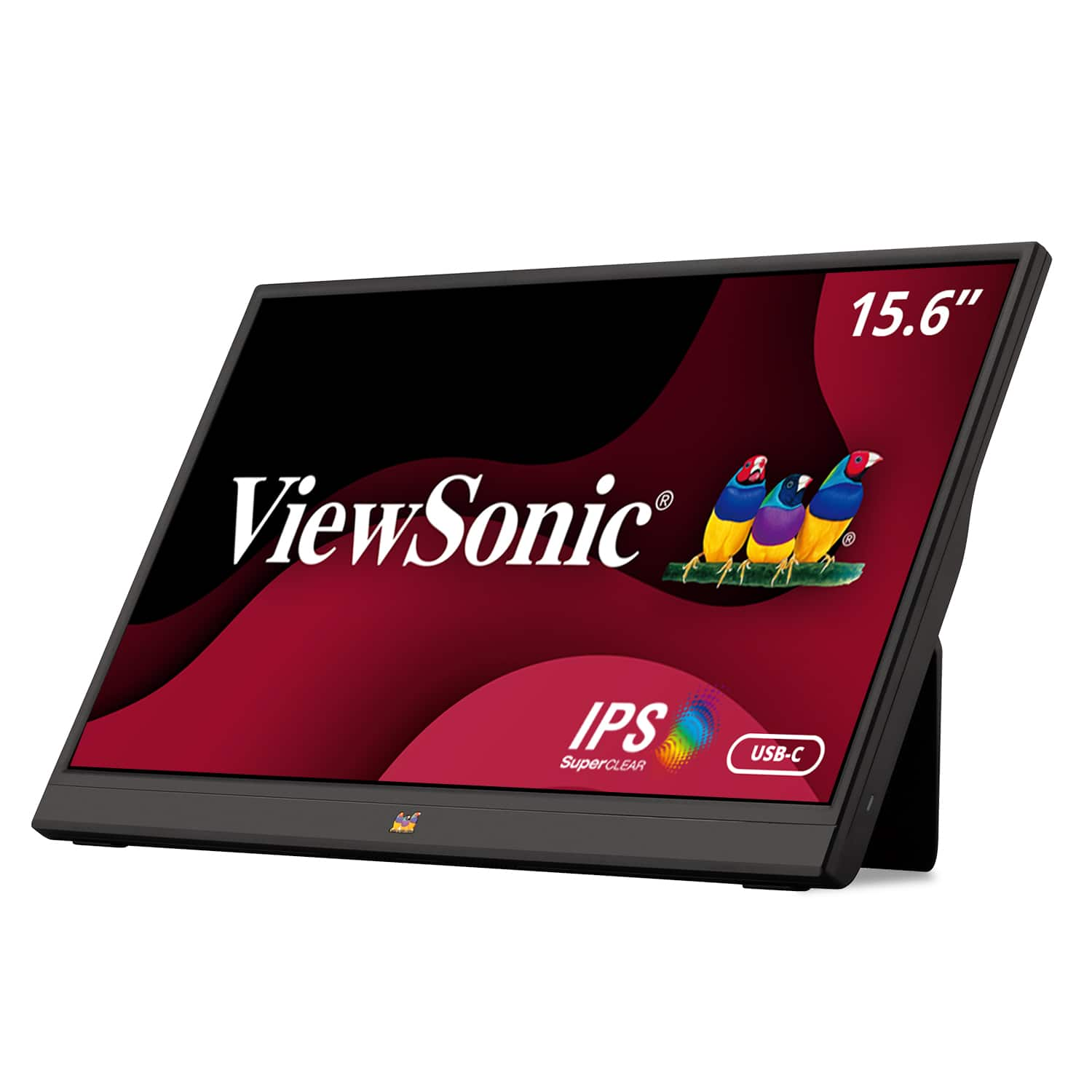
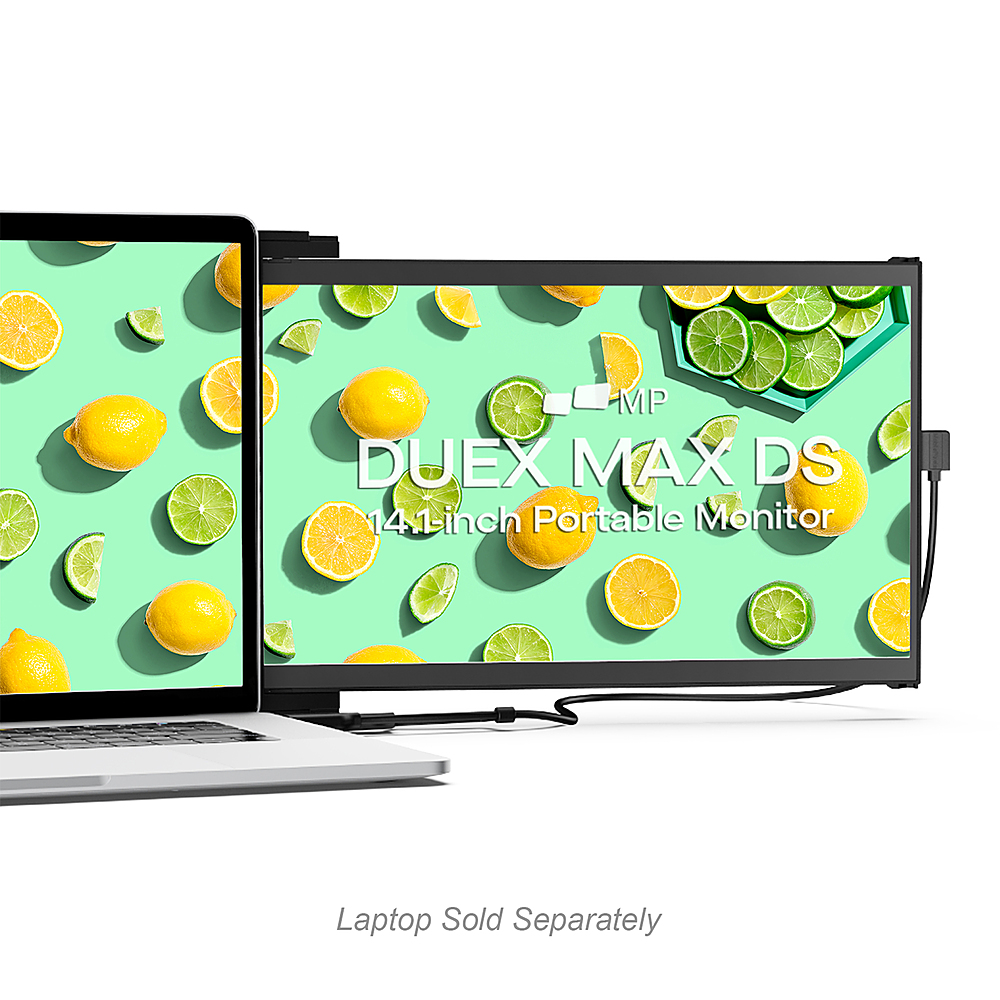
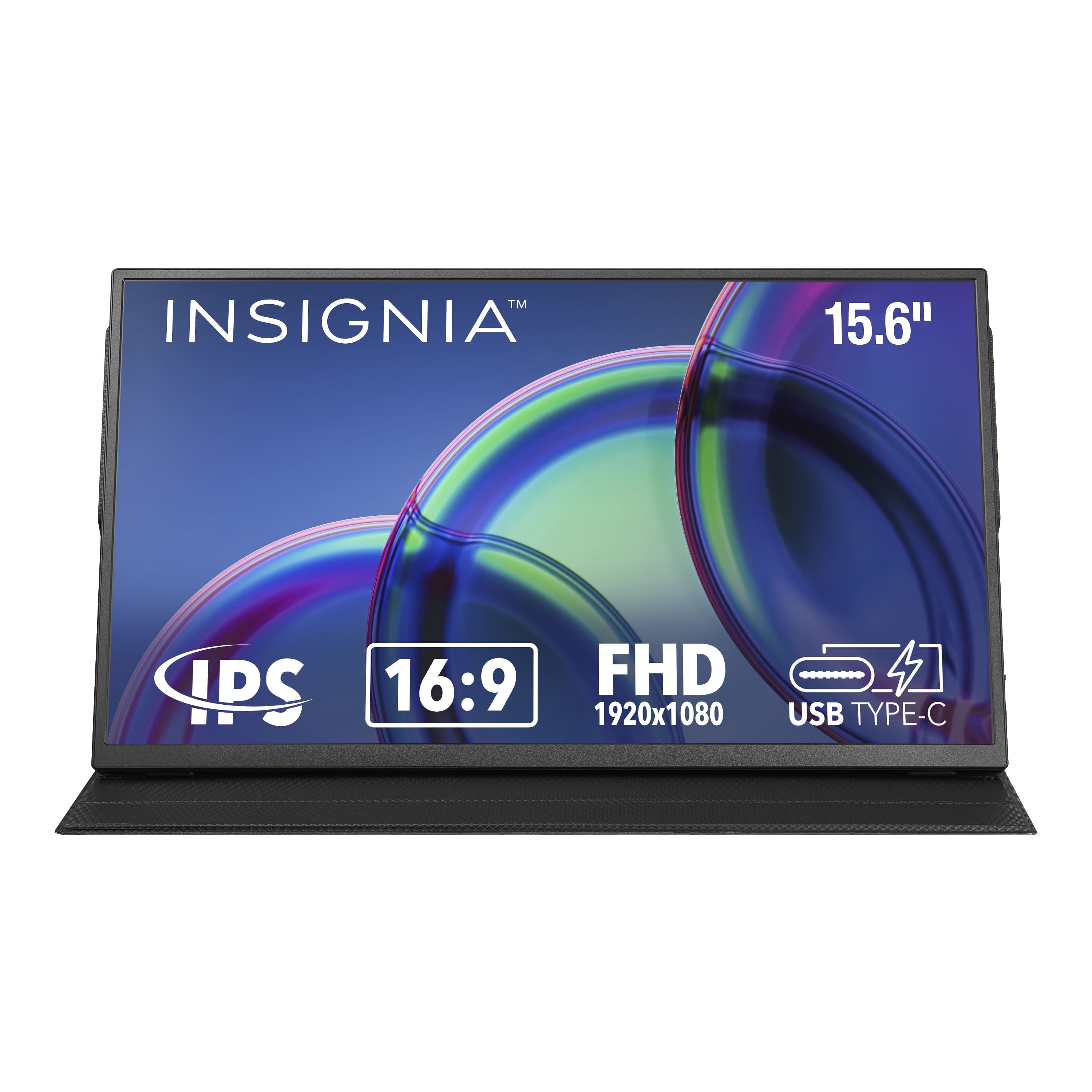
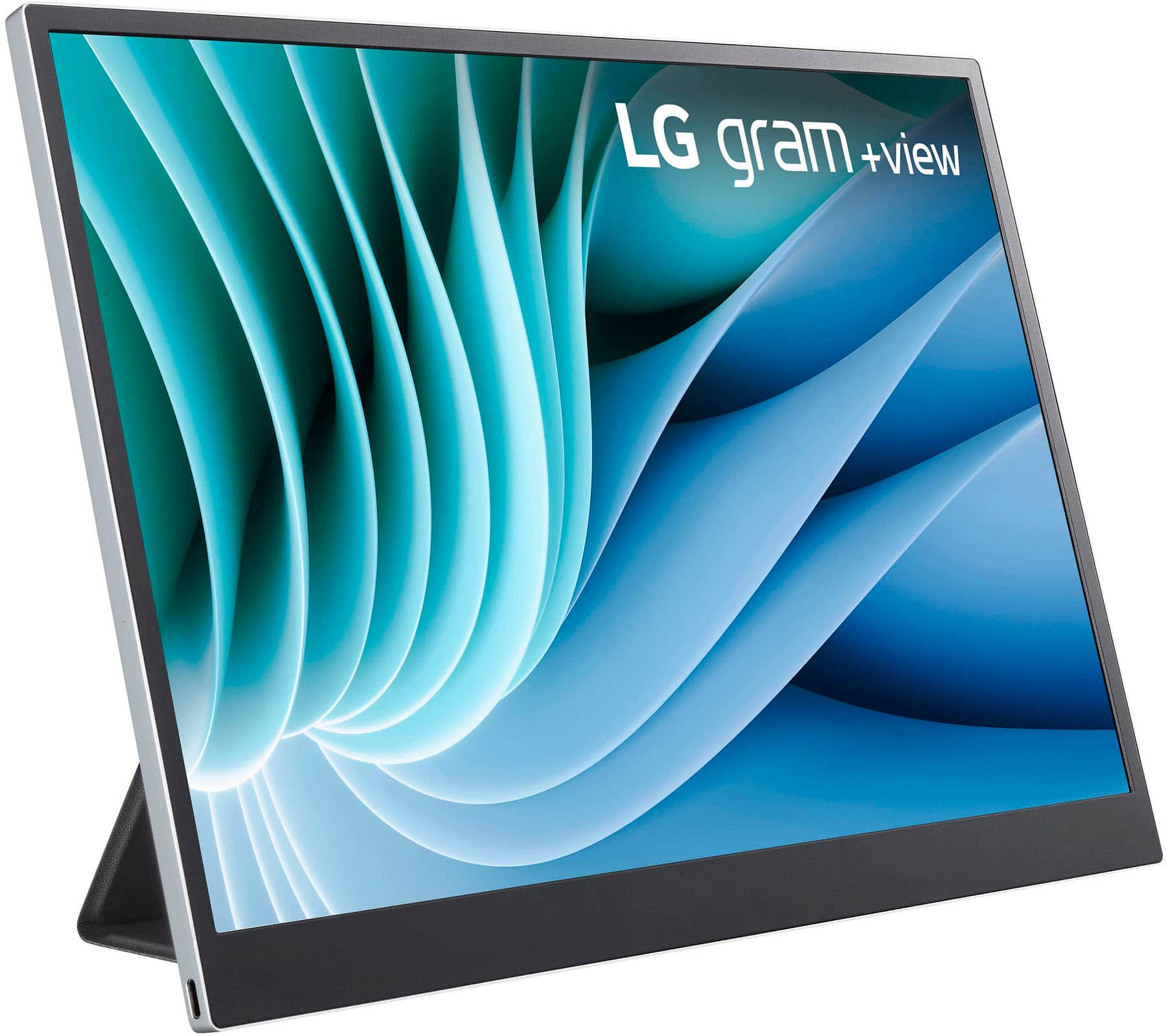
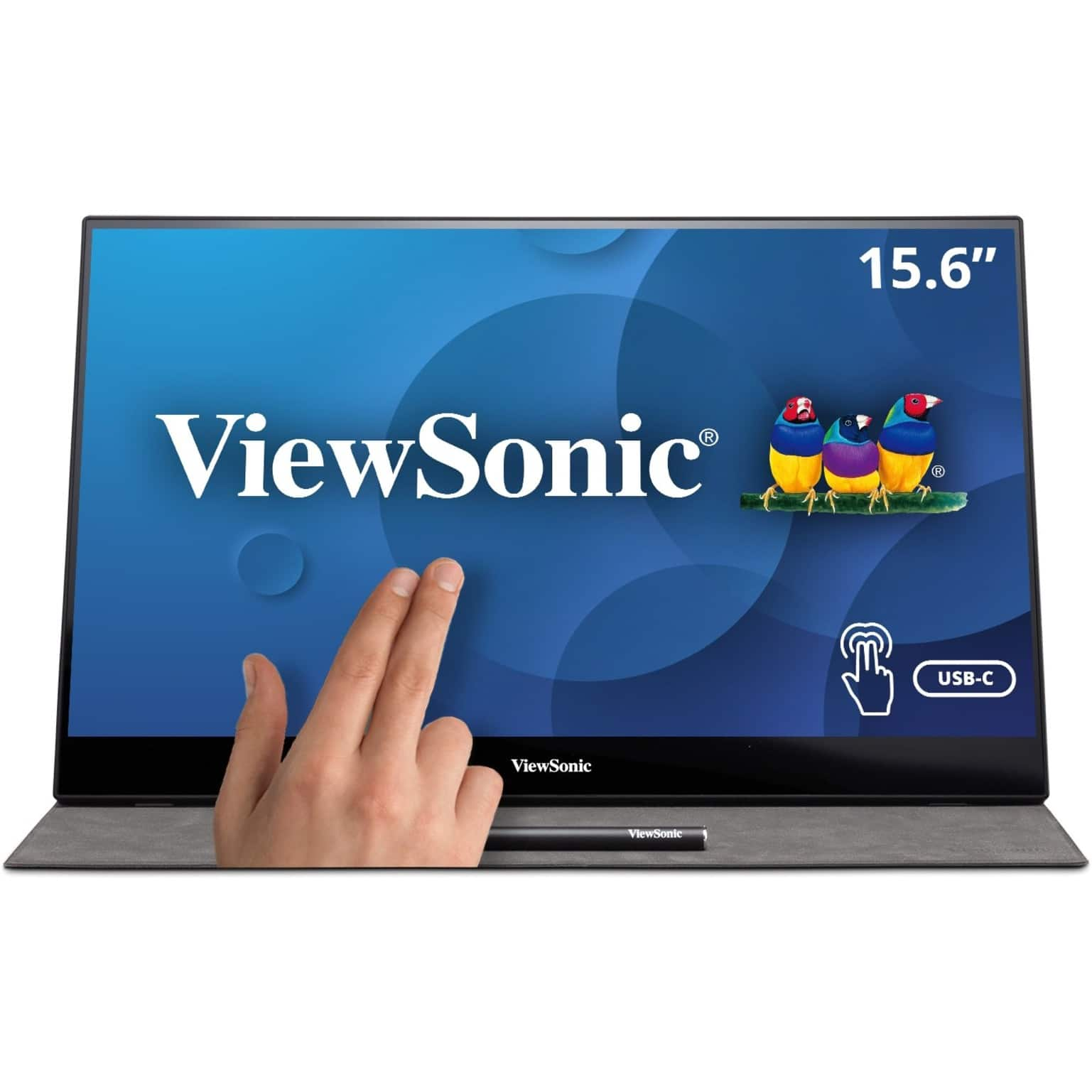
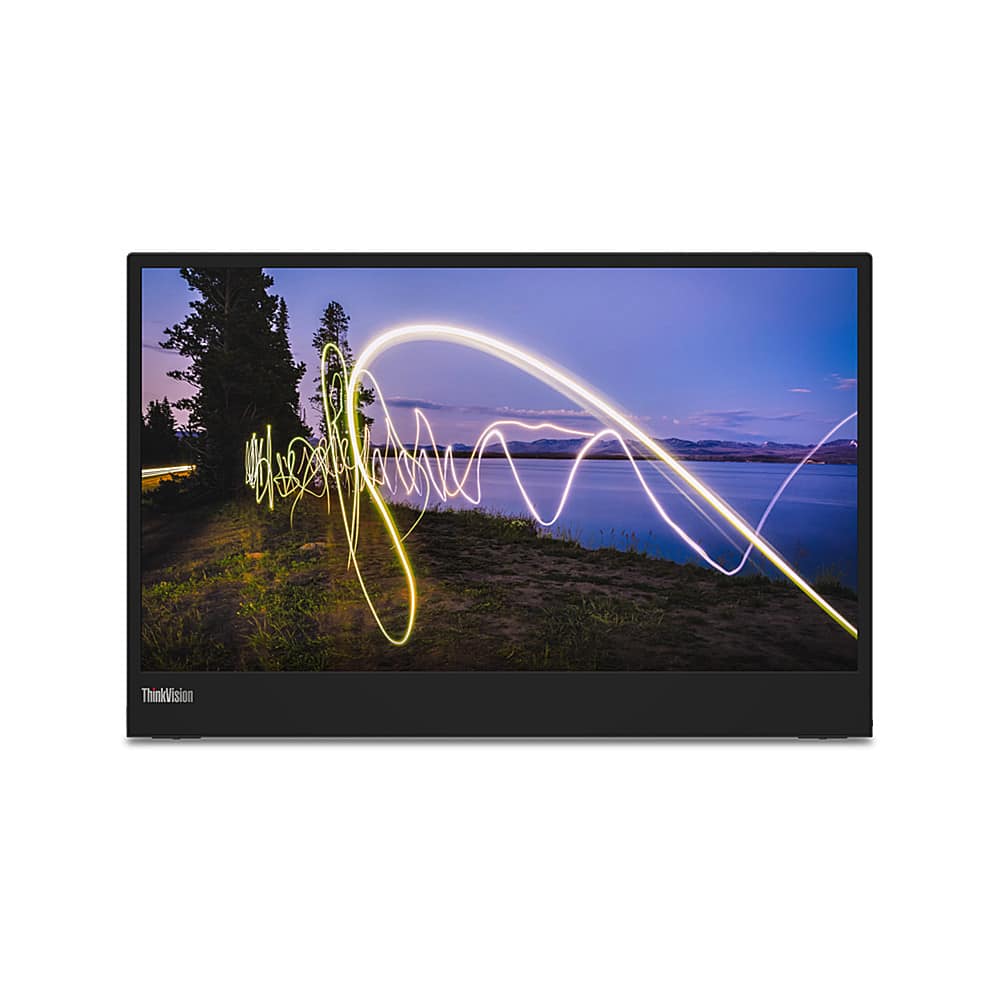
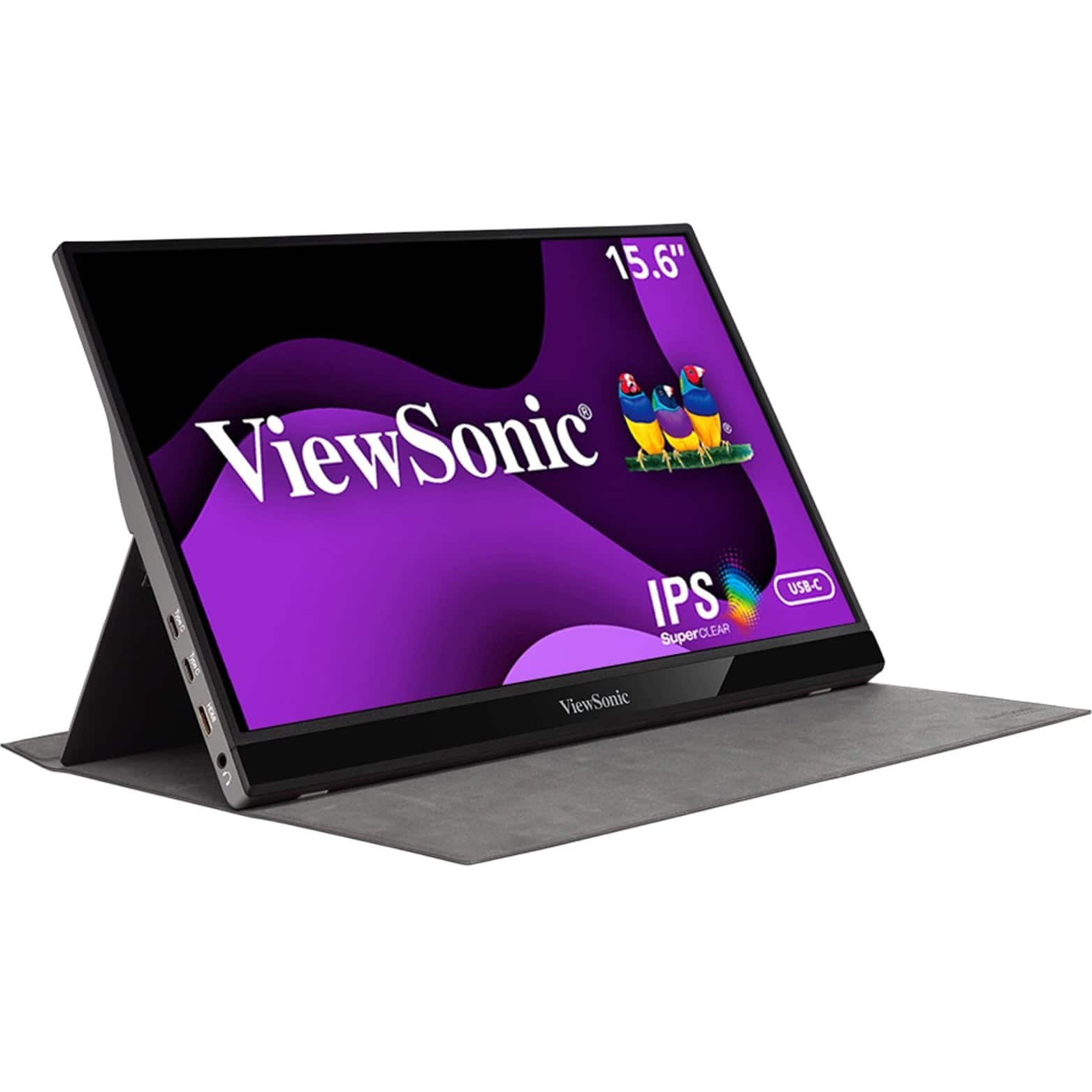
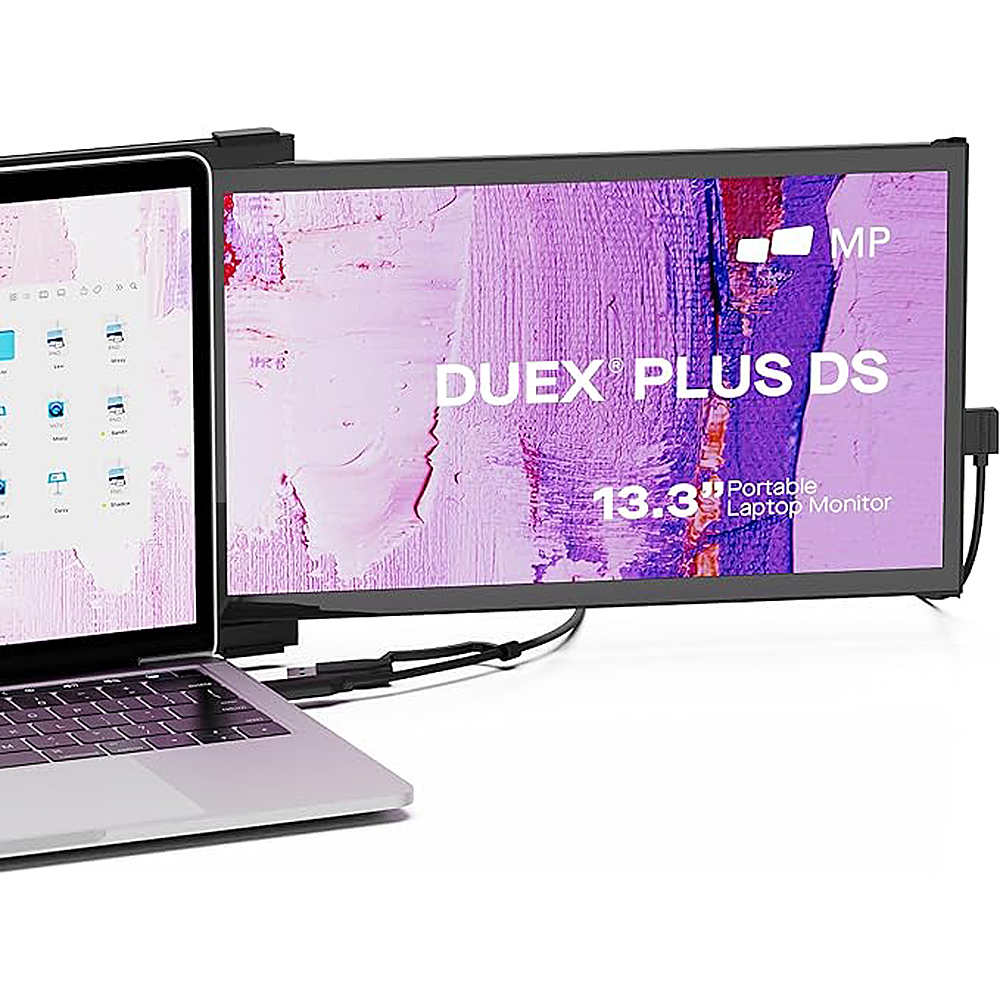
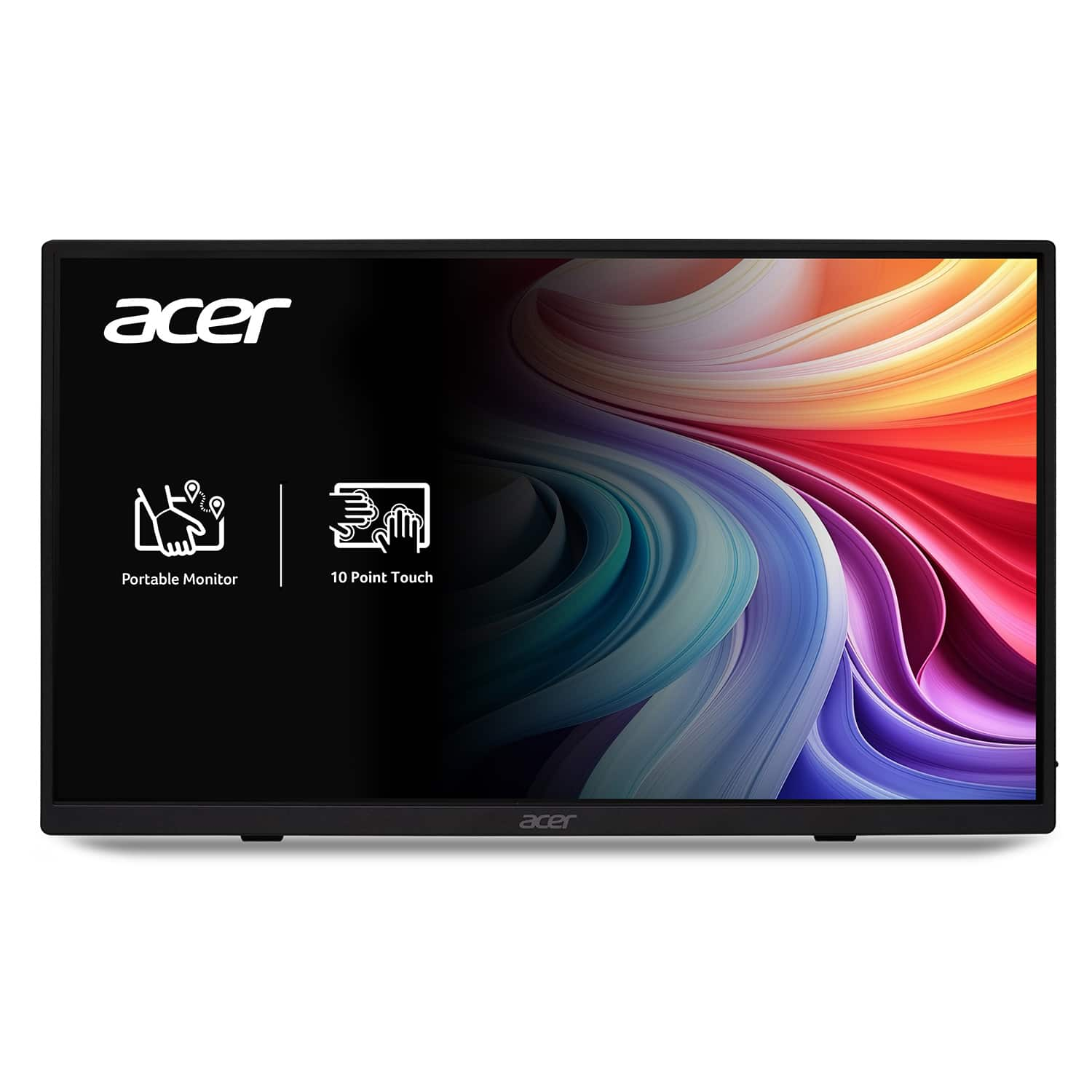
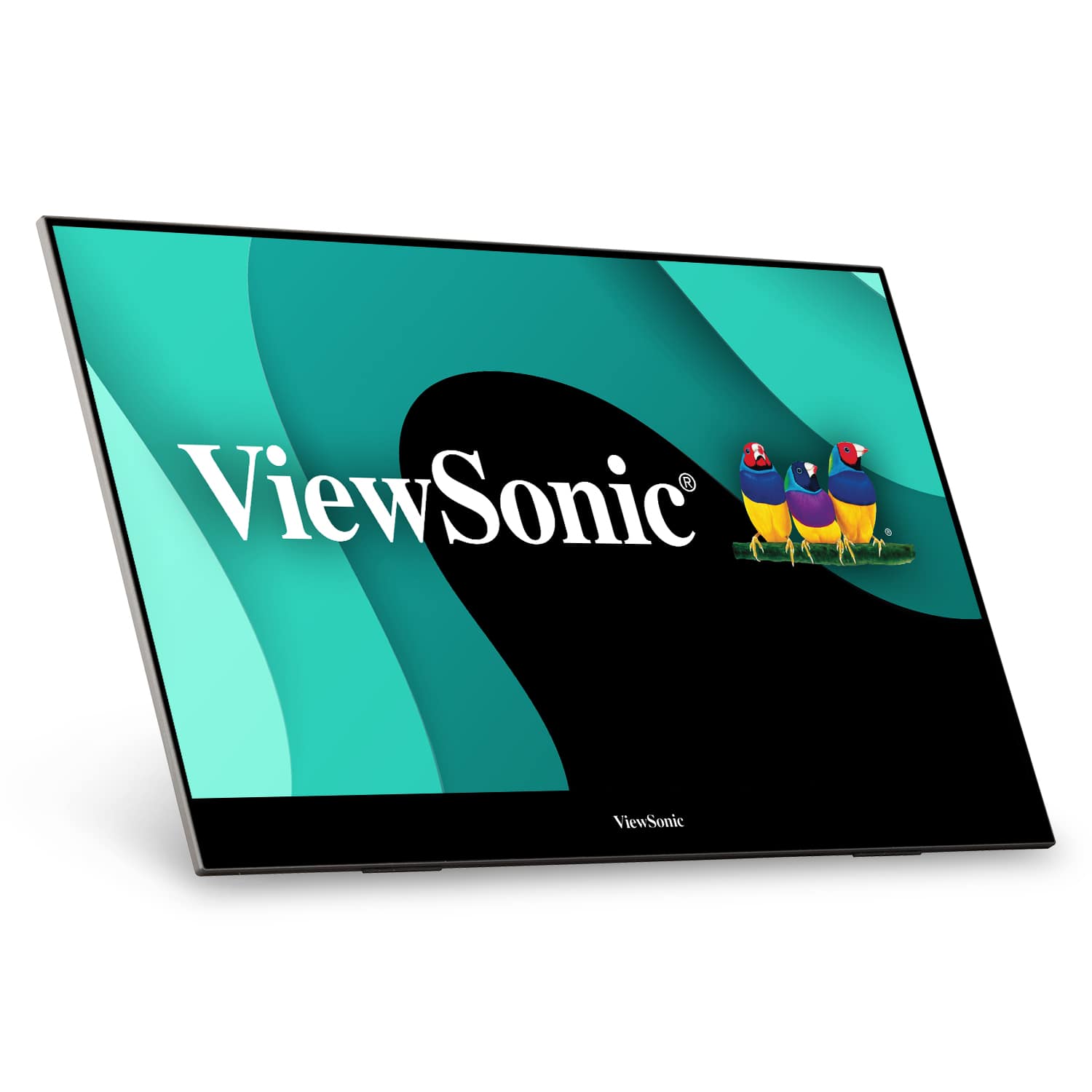
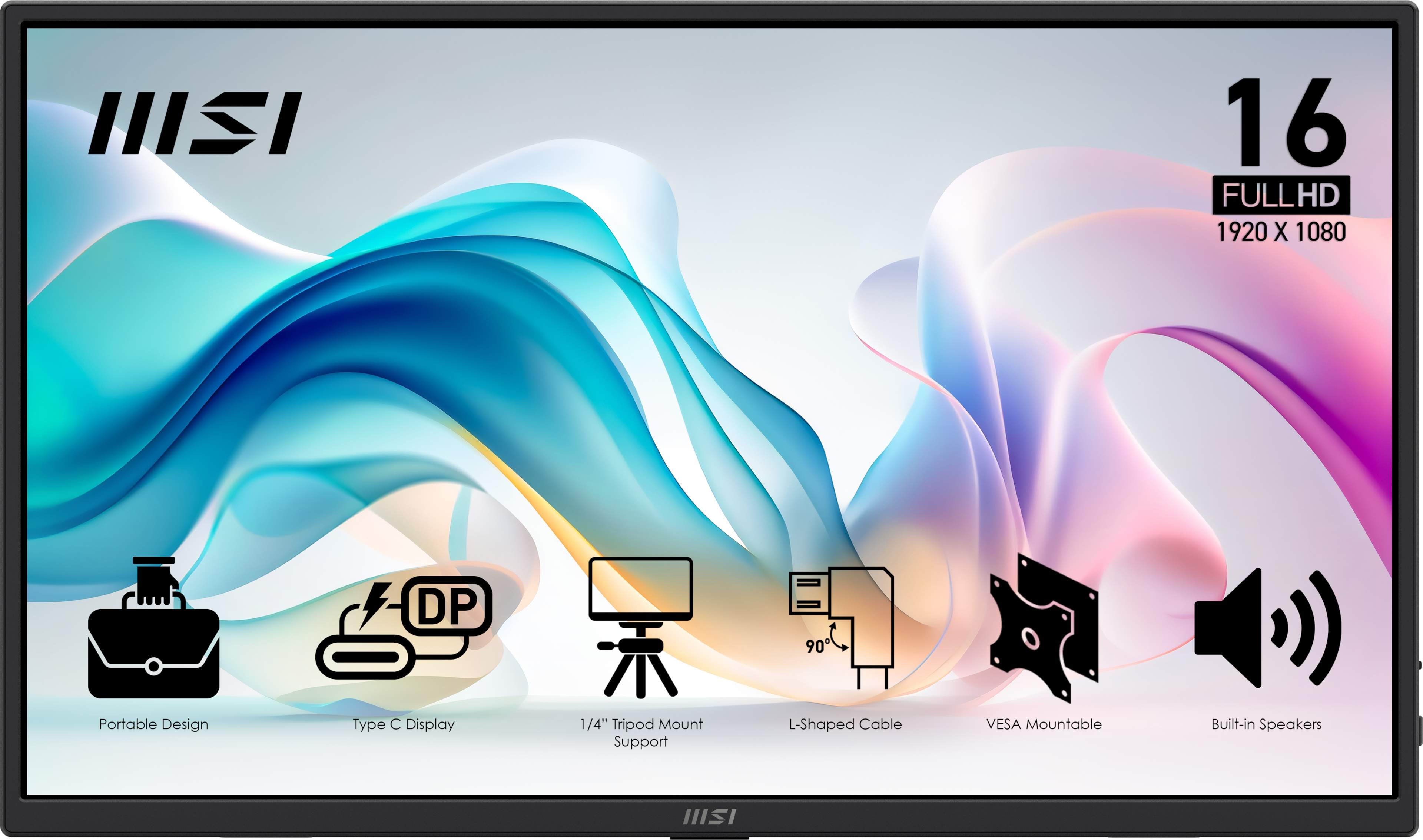
It depends on the connections supported by both devices. Some portable monitors receive video and power through a compatible USB-C connection, while others use HDMI for video and a separate power connection. Check your laptop's video-output capabilities, the monitor's requirements and which cables are included.
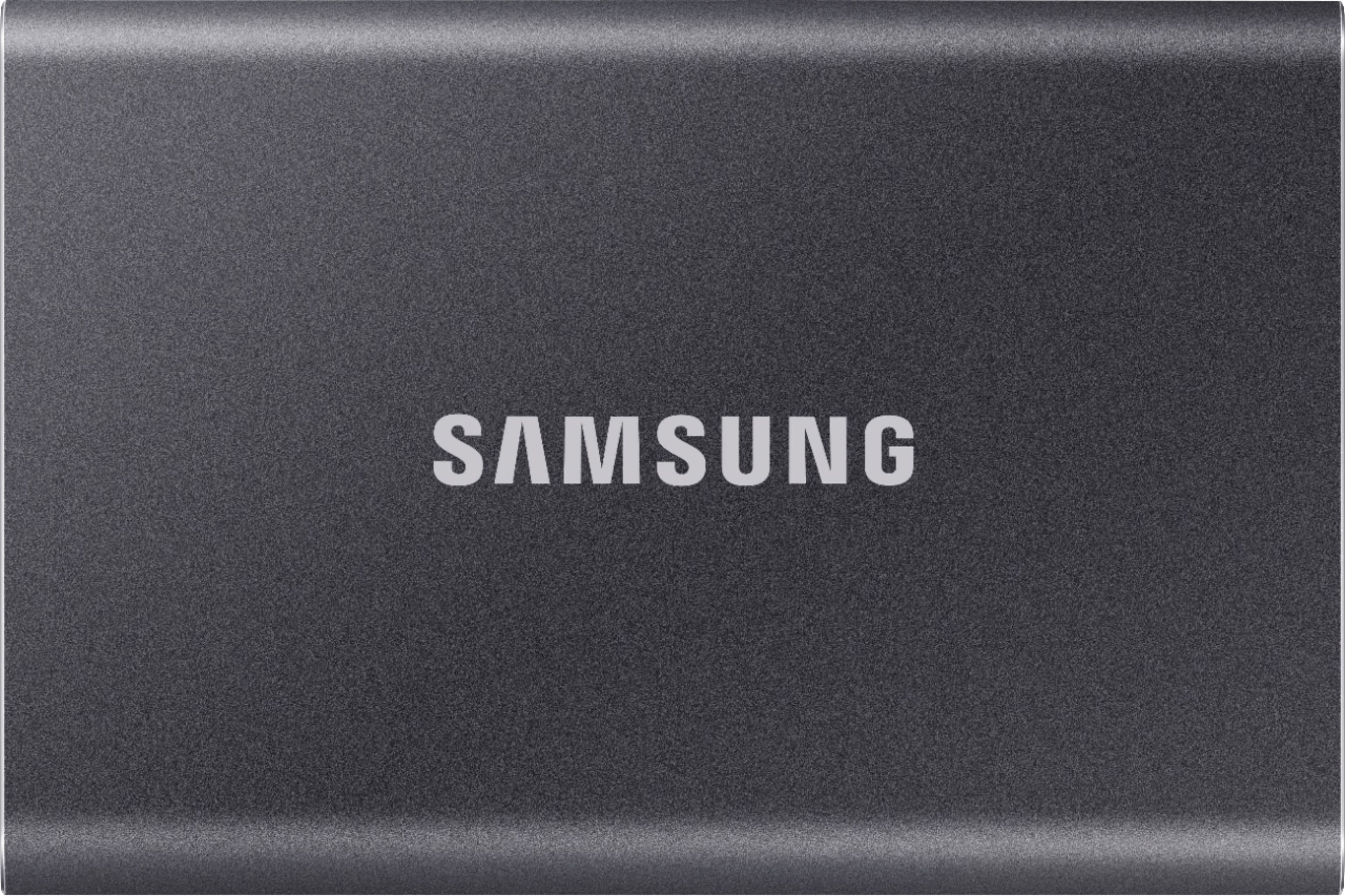
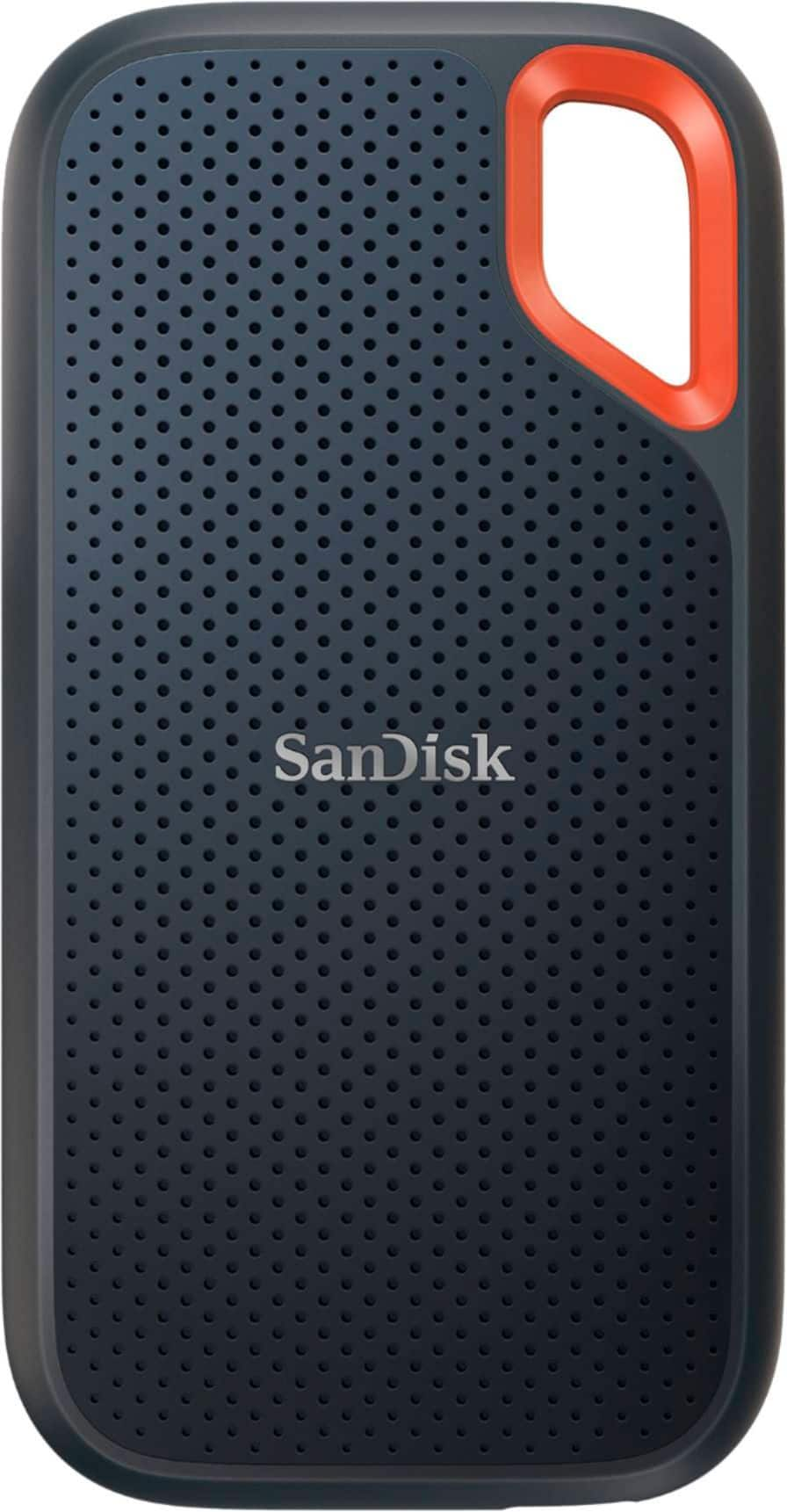
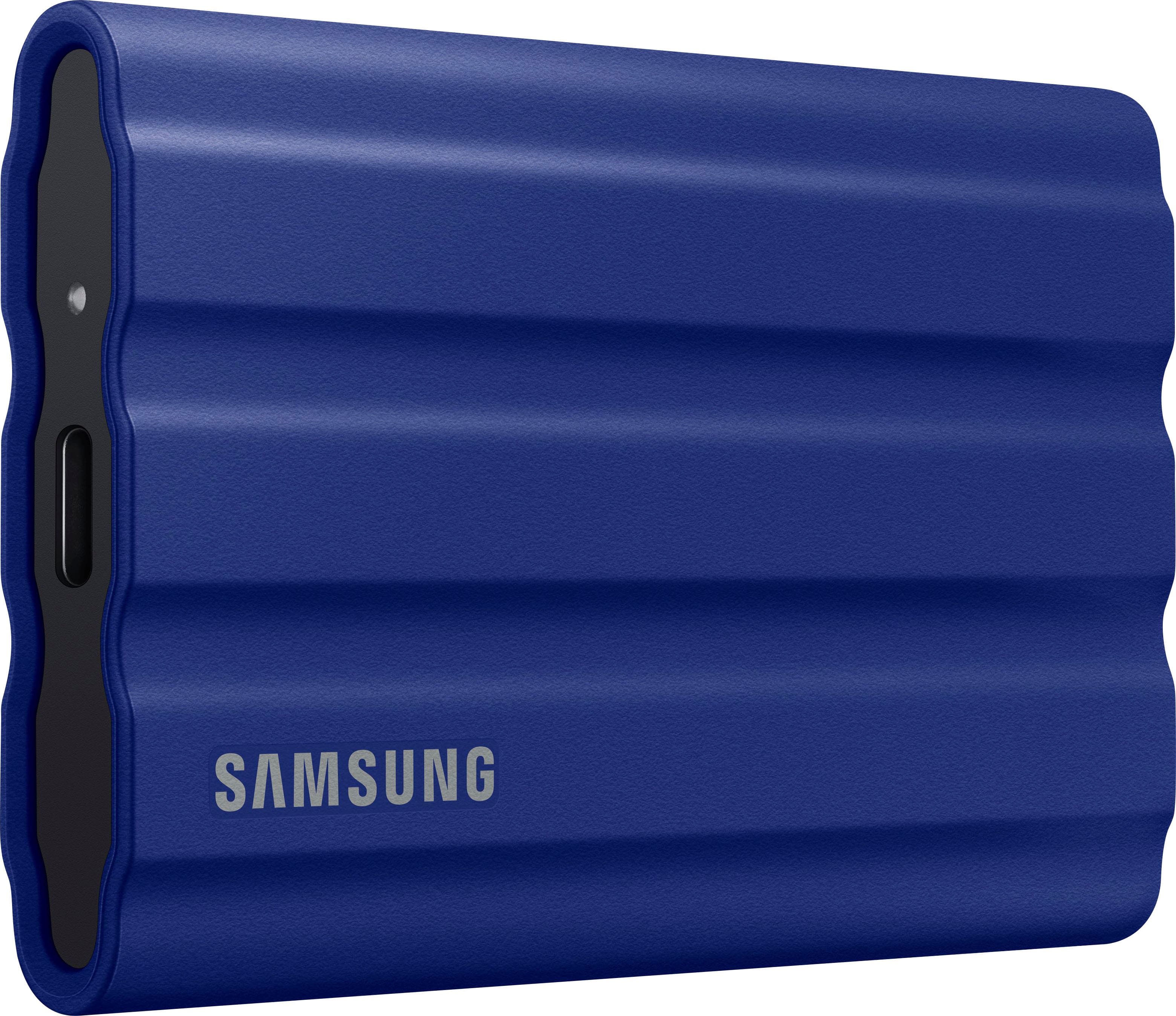
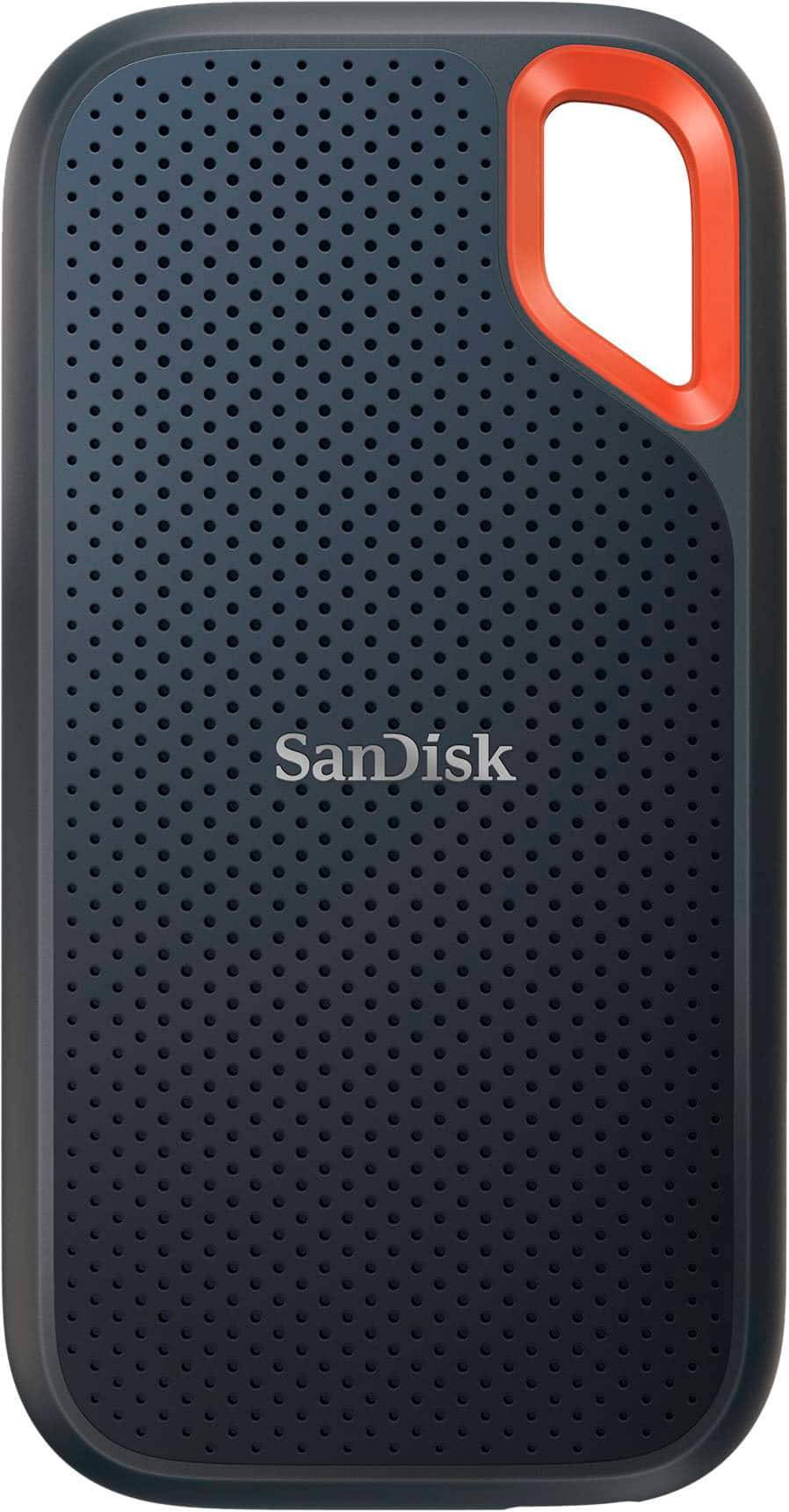
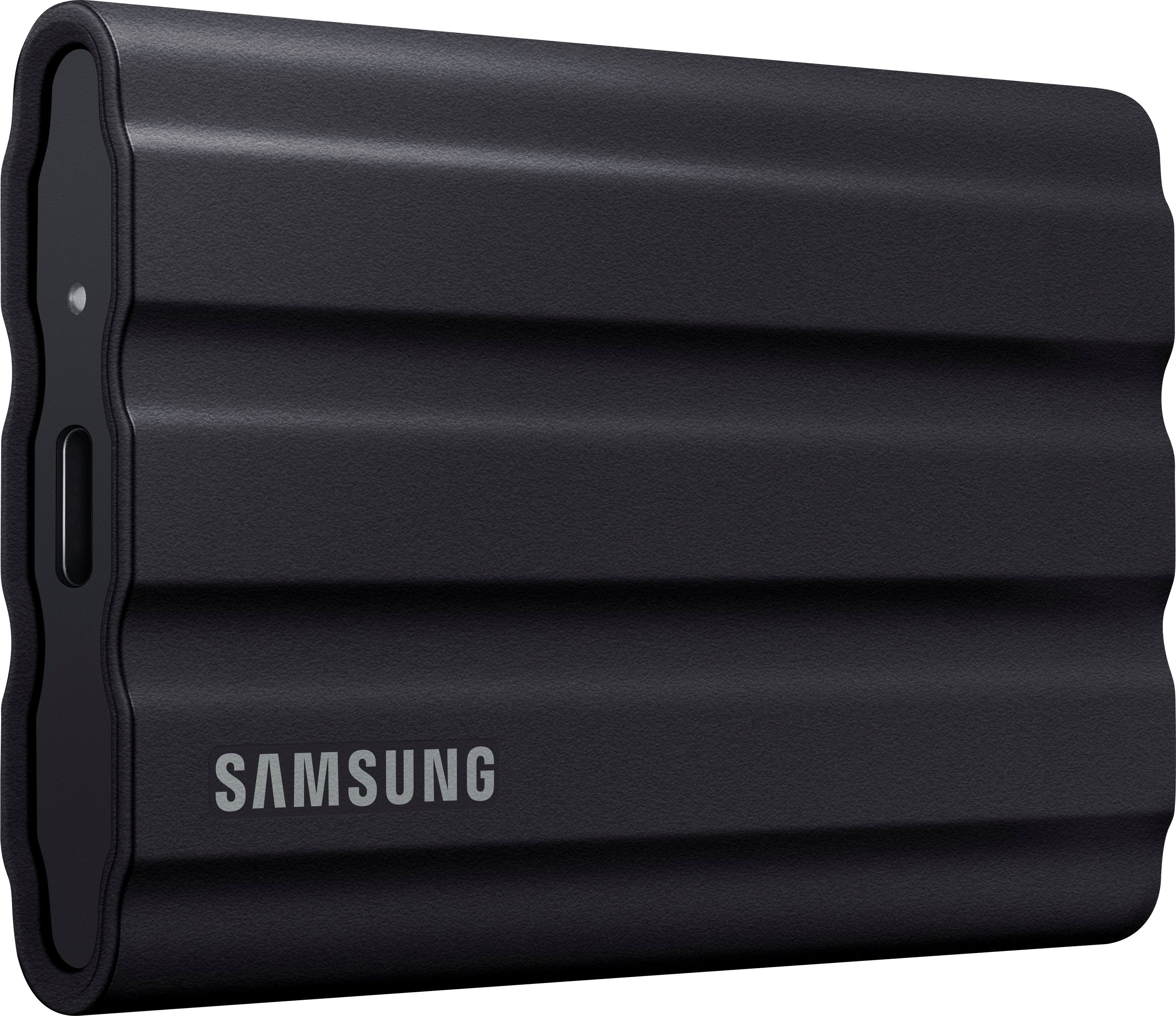
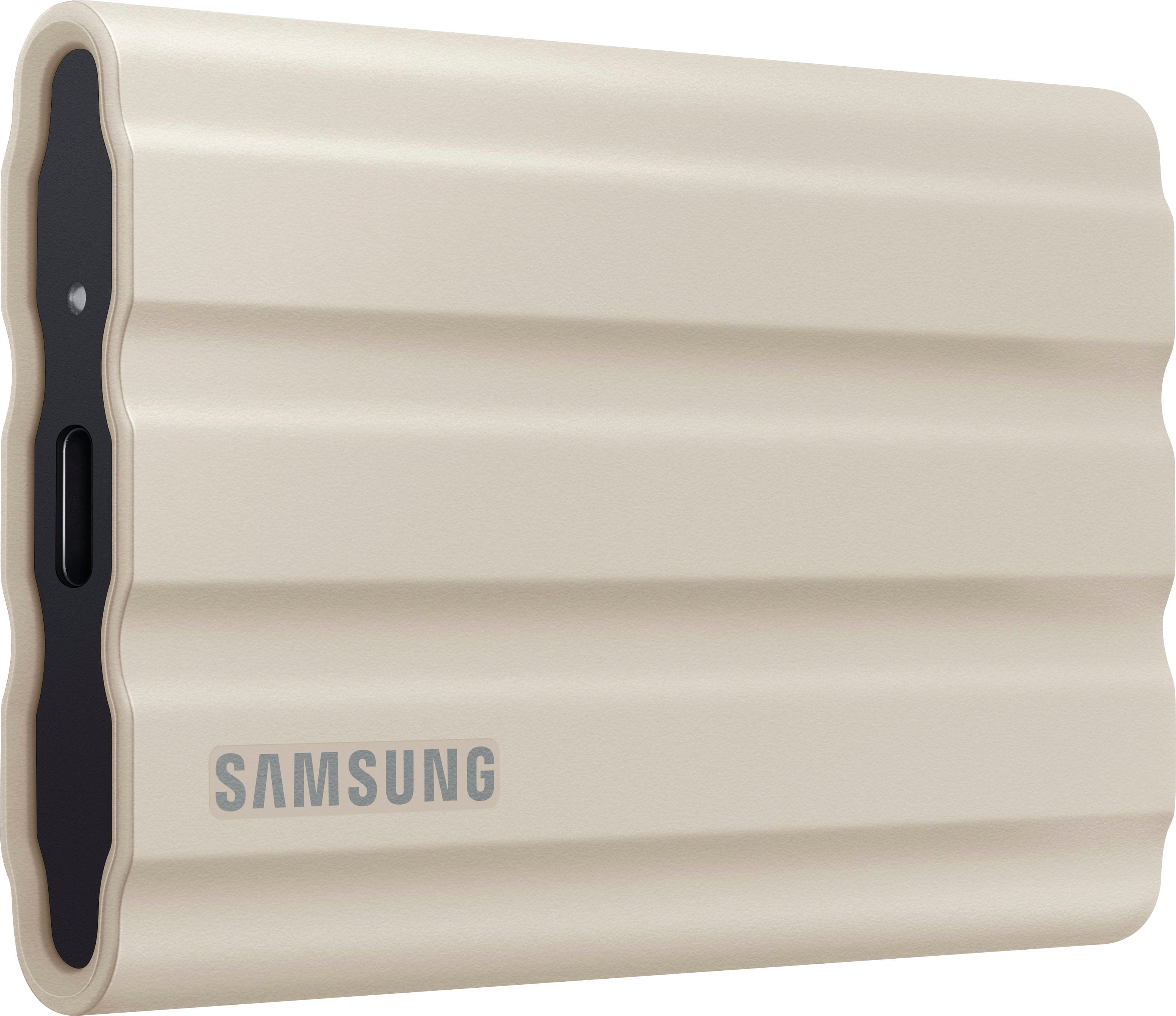
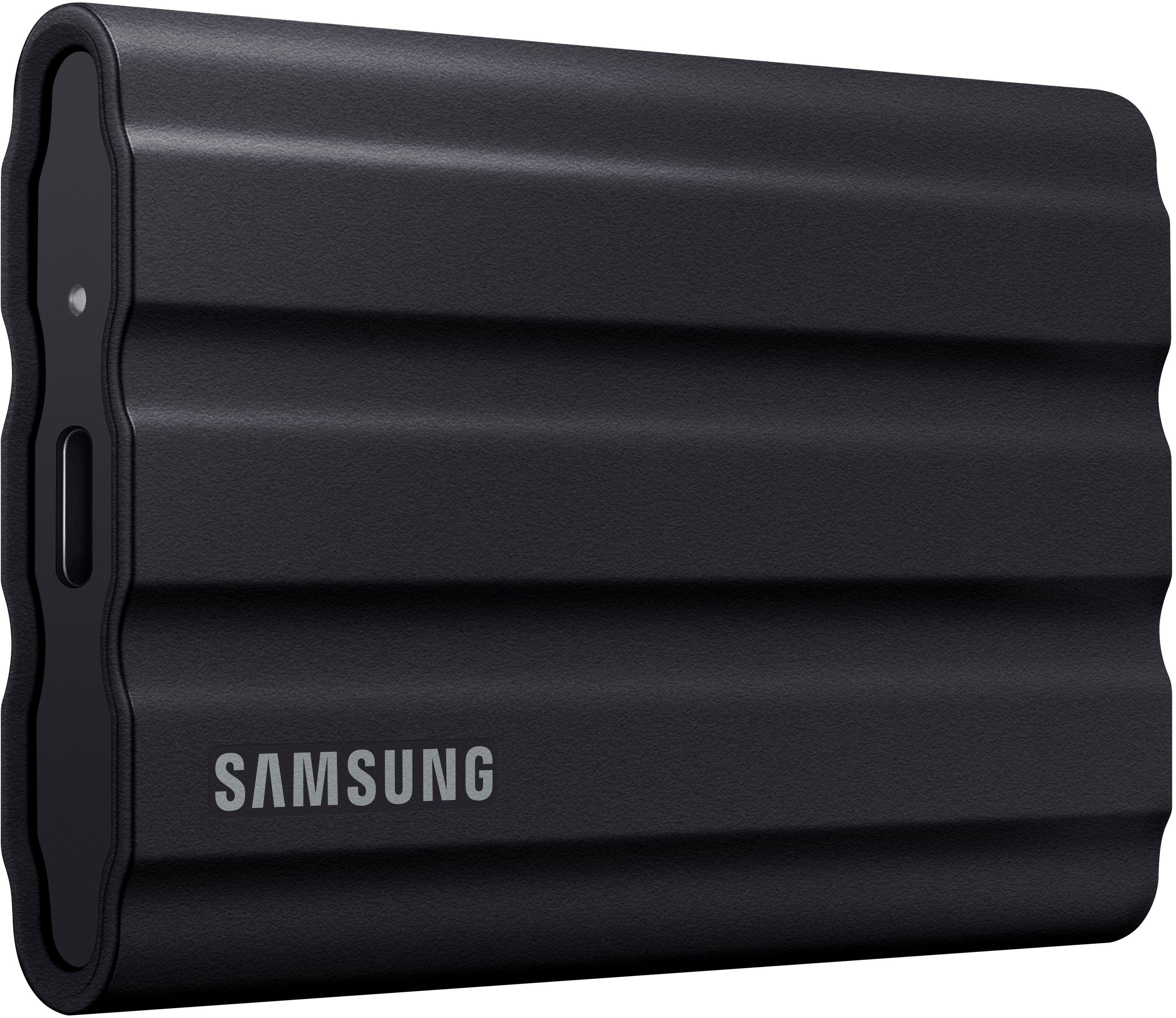
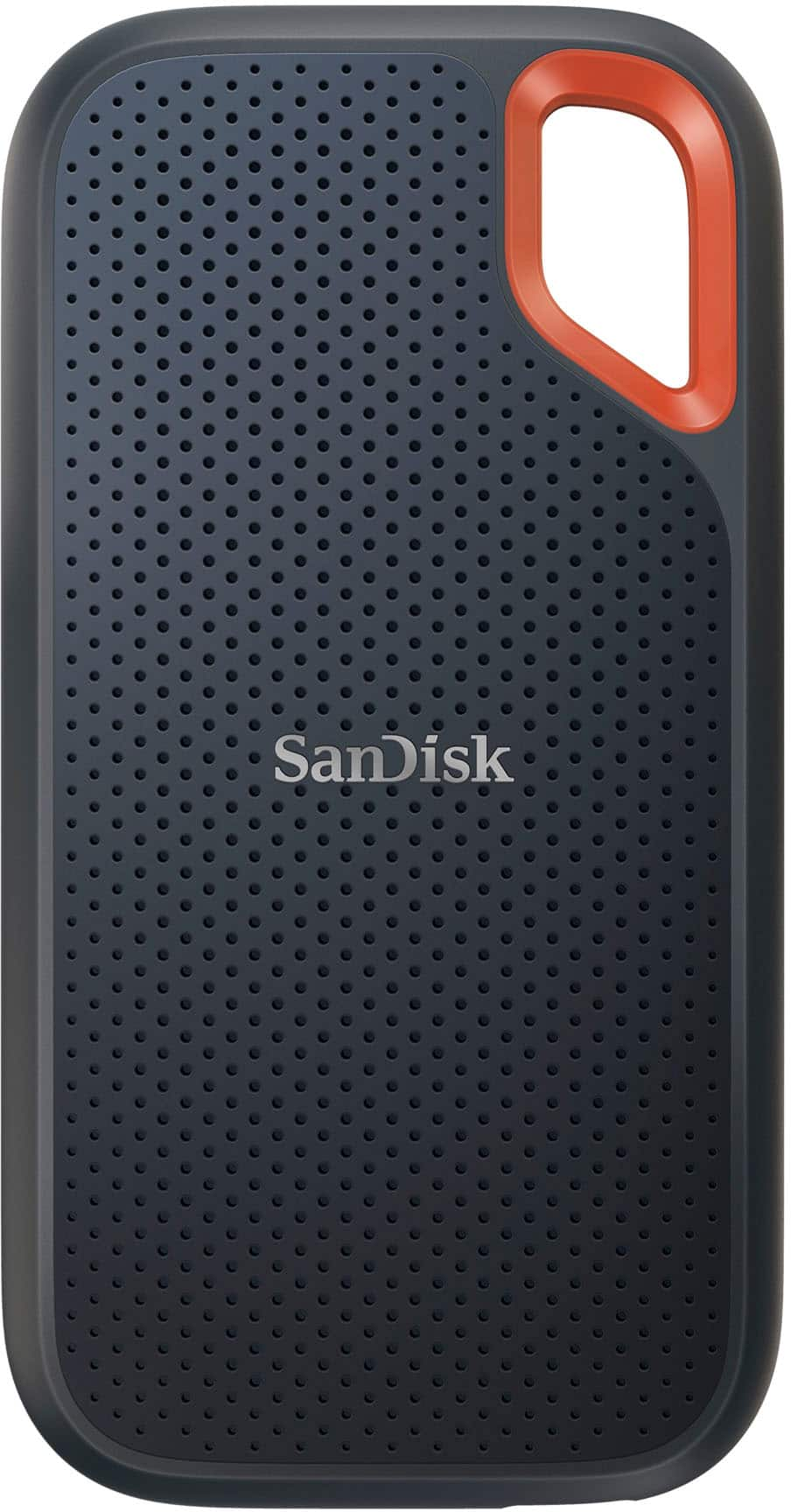
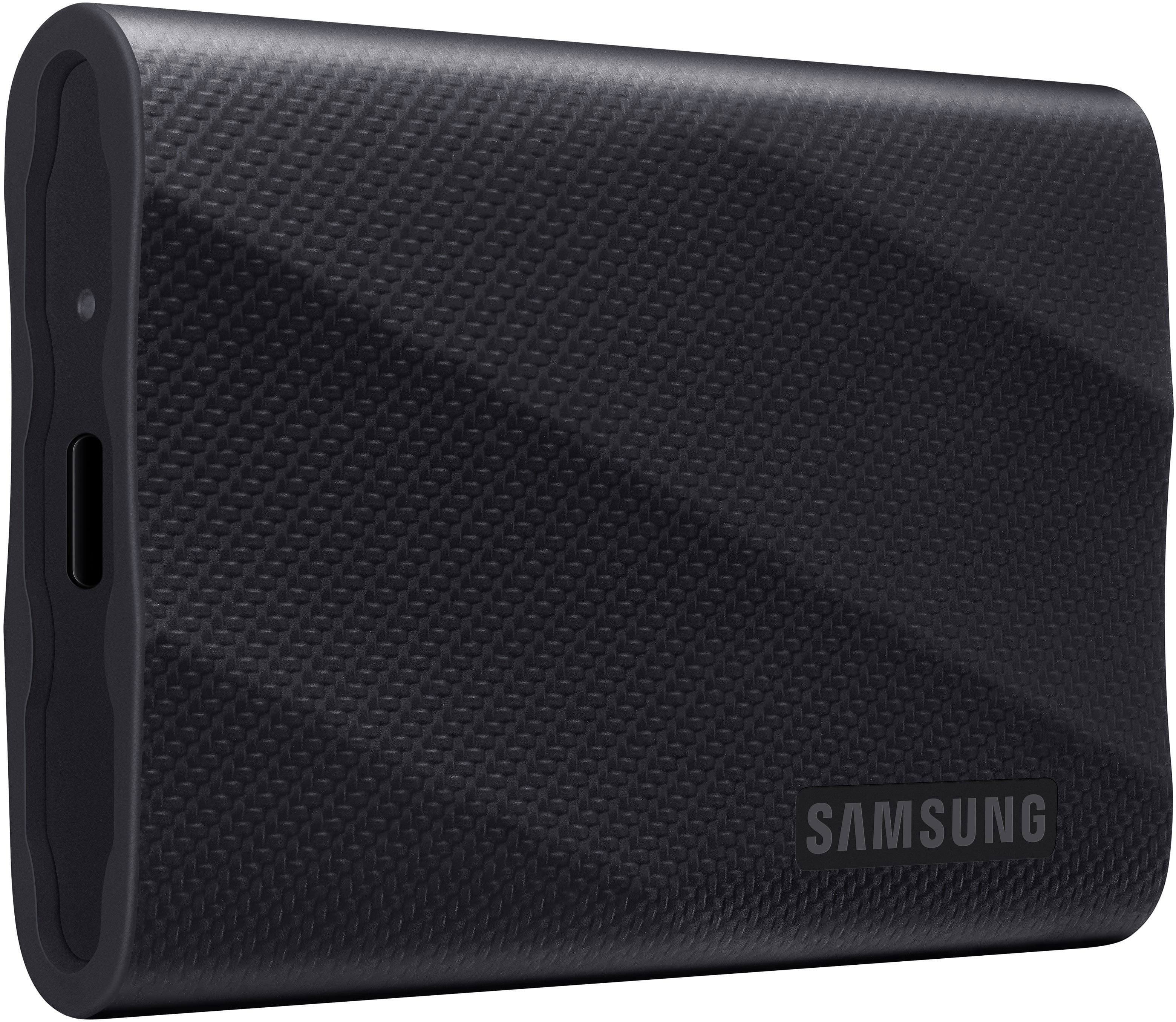
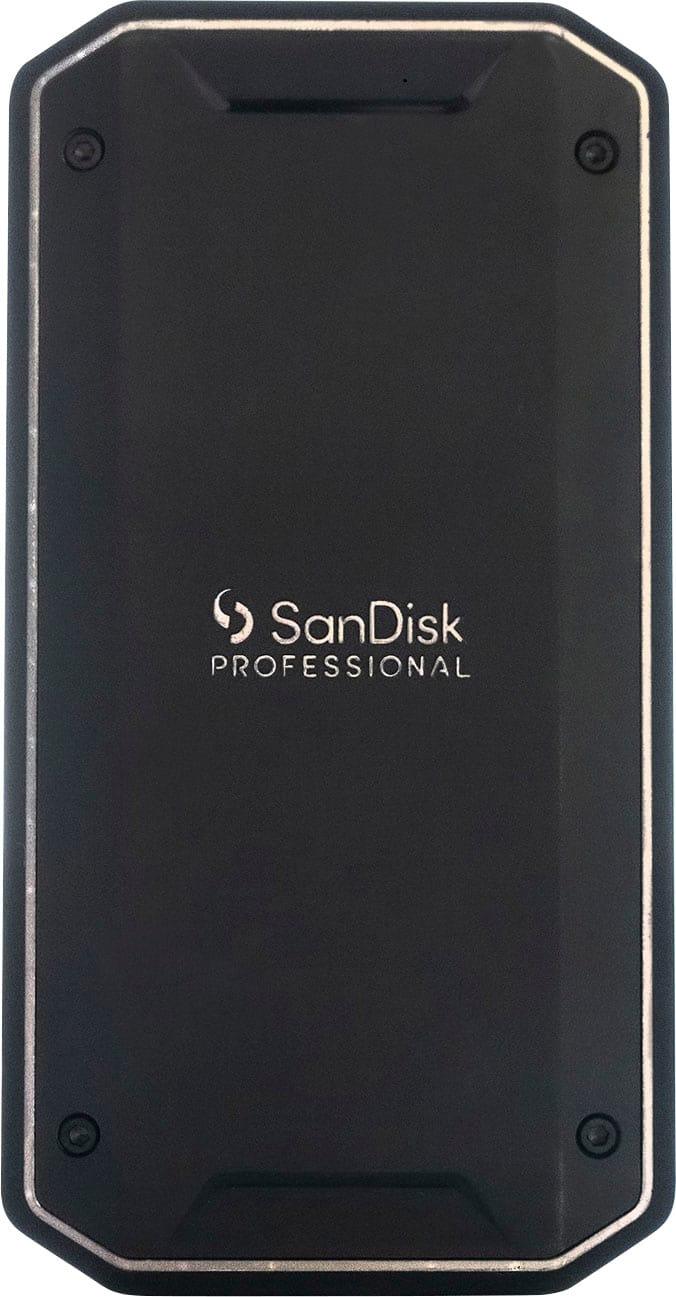
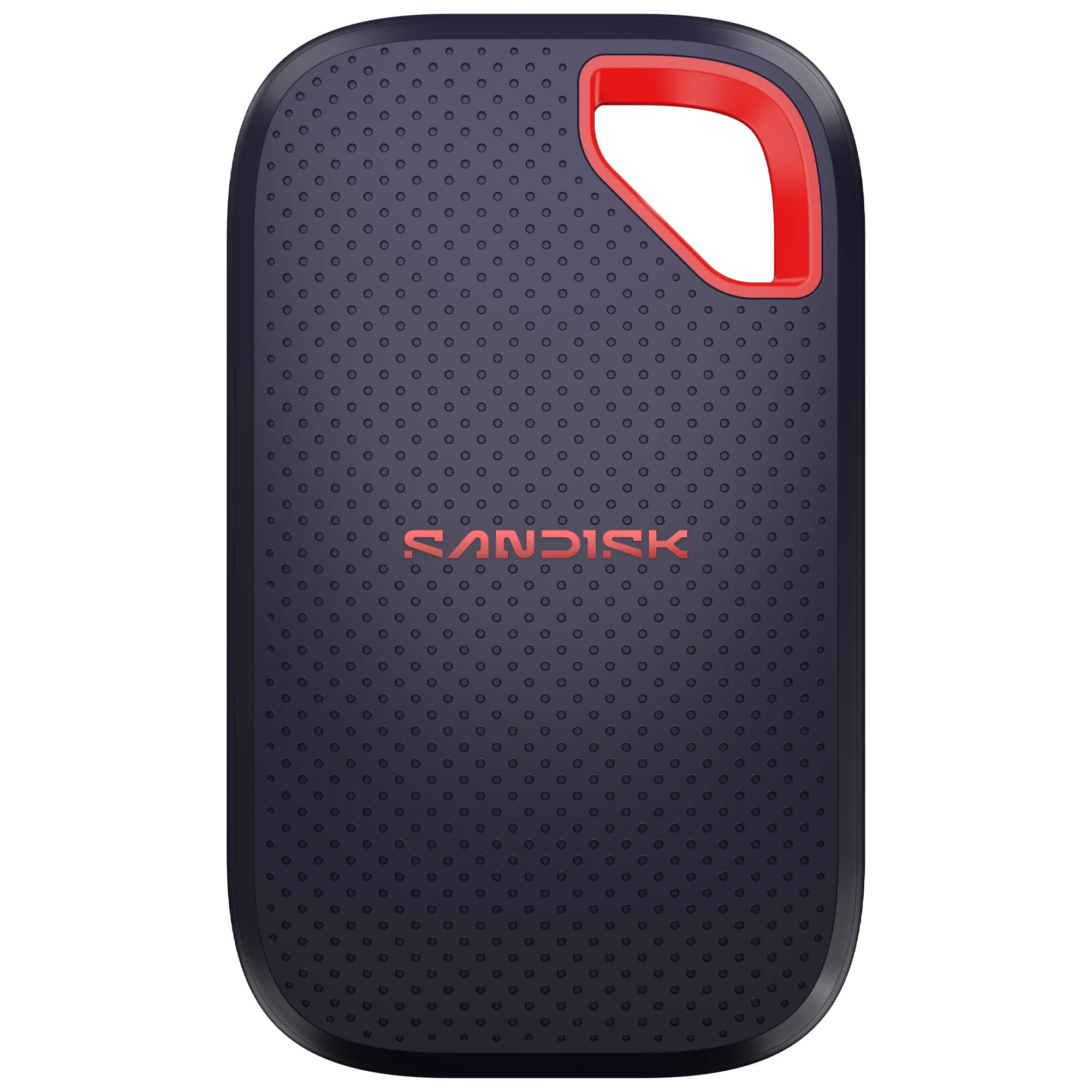
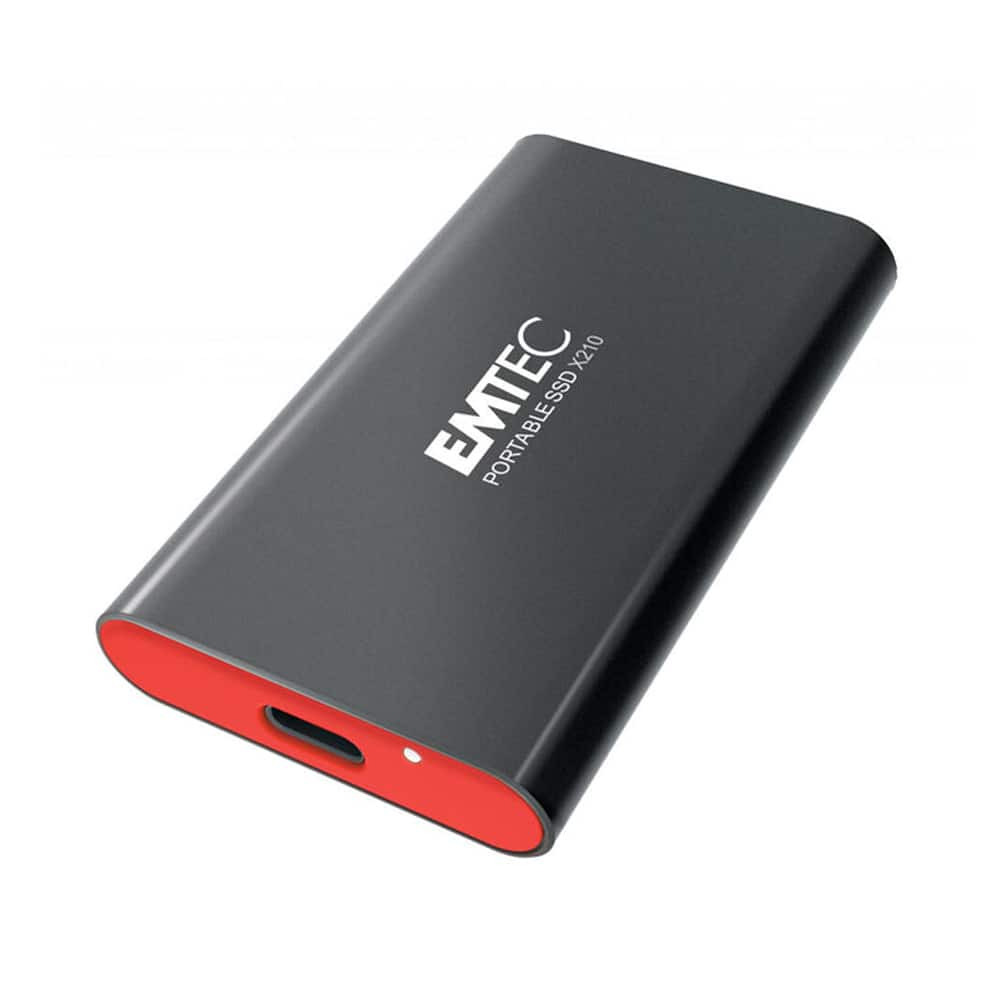
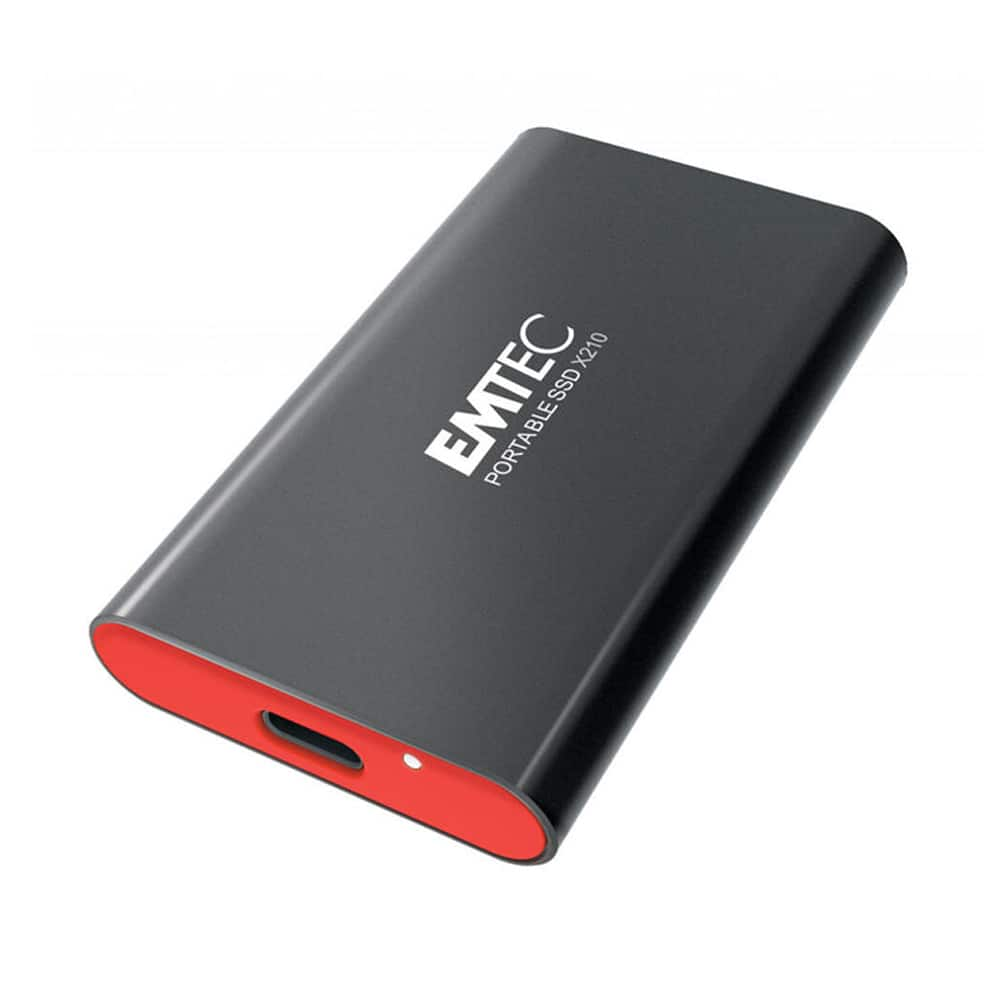
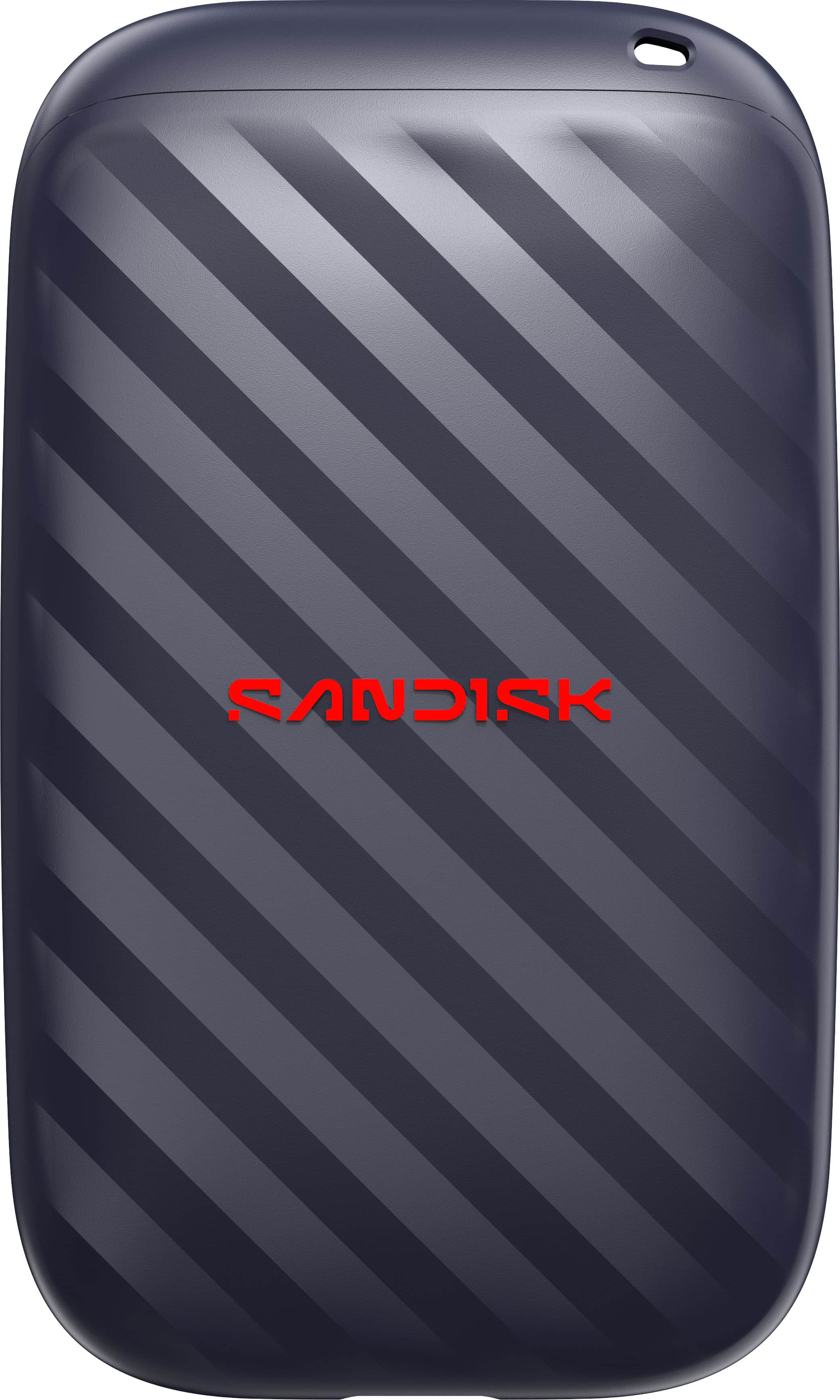
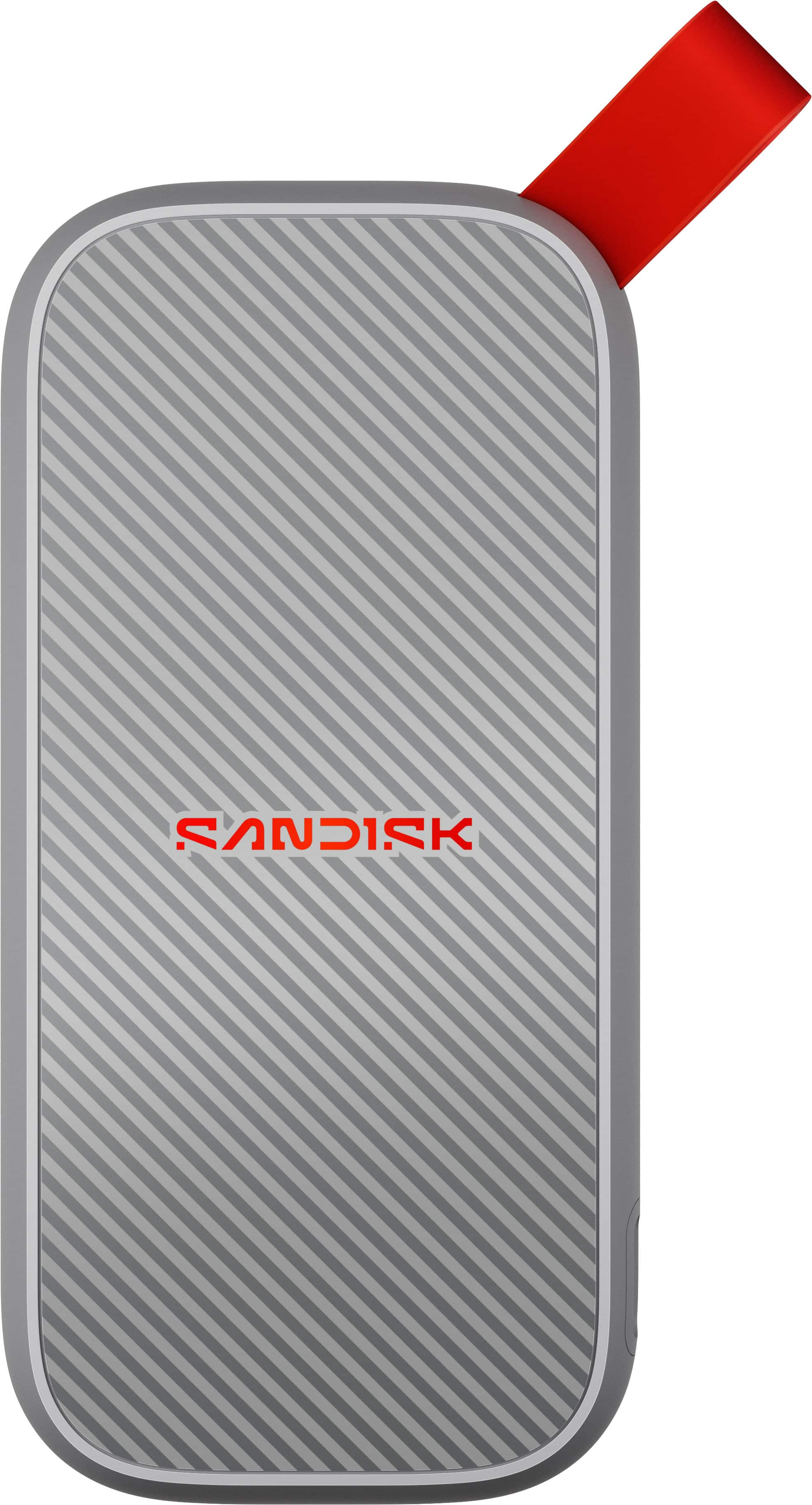
An external SSD can store project archives, datasets and backups, or move files between compatible computers. Performance depends on the drive, cable and computer port. If you plan to run development tools or virtual machines from the drive, check their storage and operating system requirements. Keep another copy of important files rather than relying on one drive.
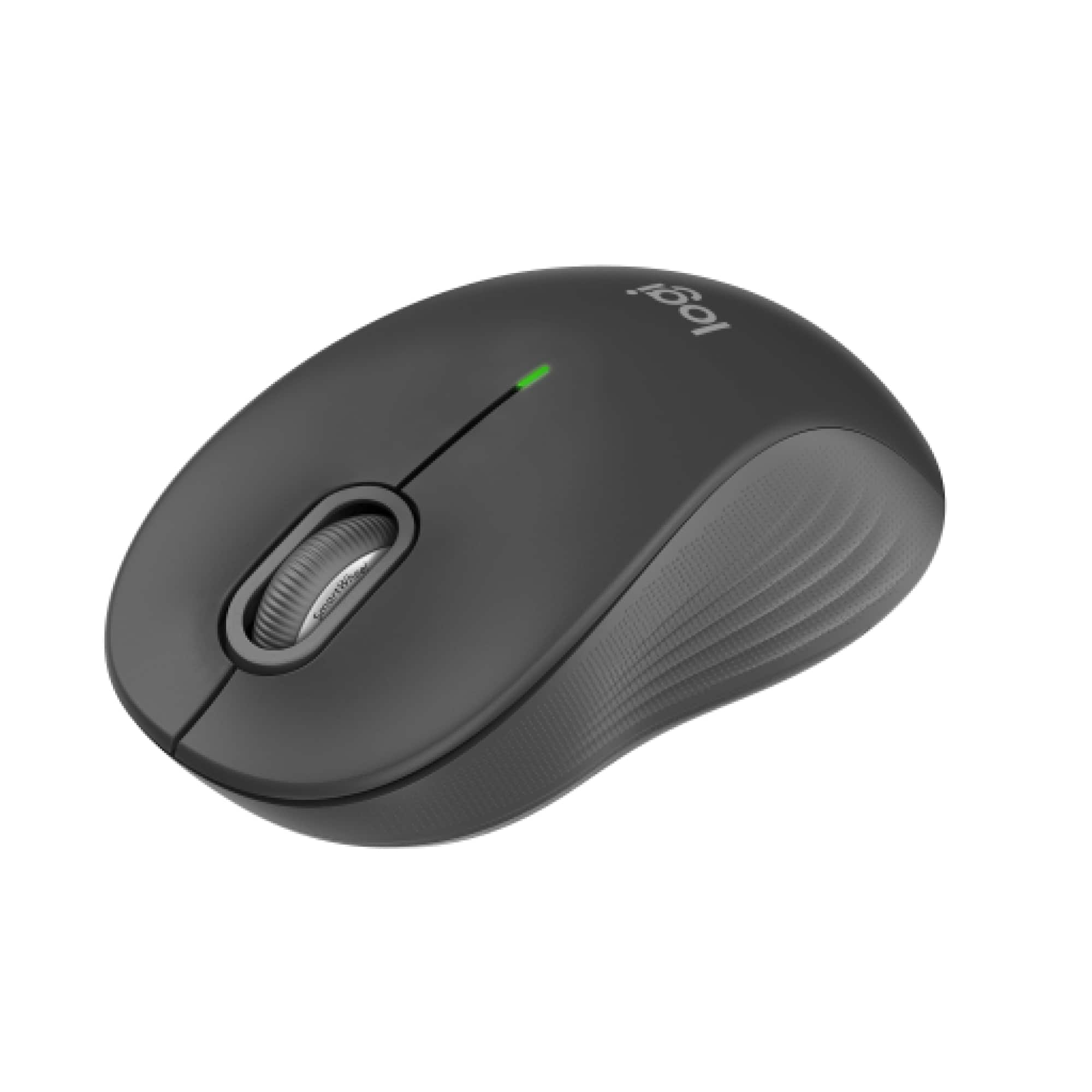
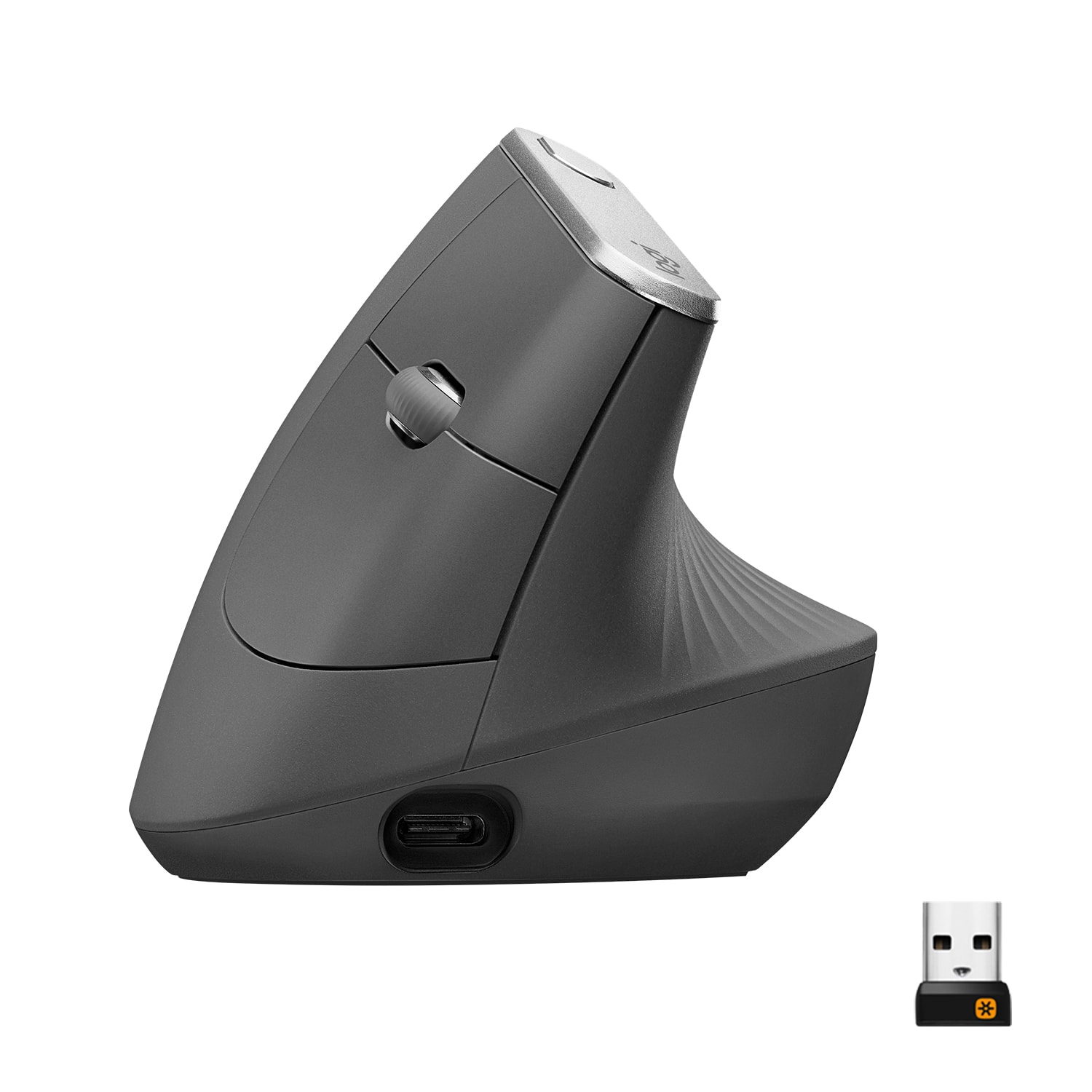
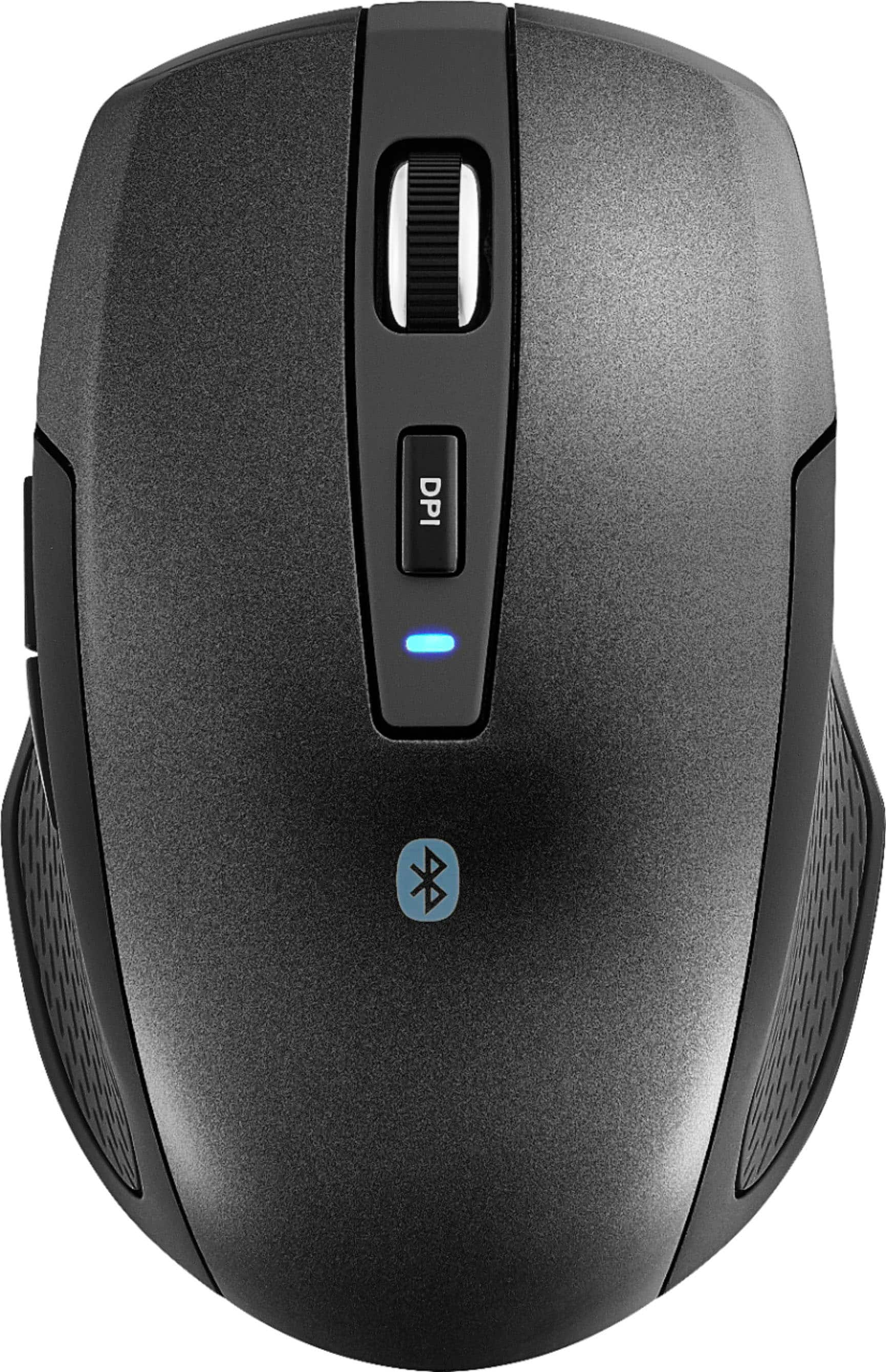
Choose something that fits their existing equipment and work habits. A portable monitor may suit someone who works in different locations, while an external SSD can be useful for extra storage. Keyboards and mice are more personal choices, so check their preferred layout, grip style and connection type before buying.